























30:00
BF 50% OFFClaim

AI Watermark Remover for Authorized Seller Assets

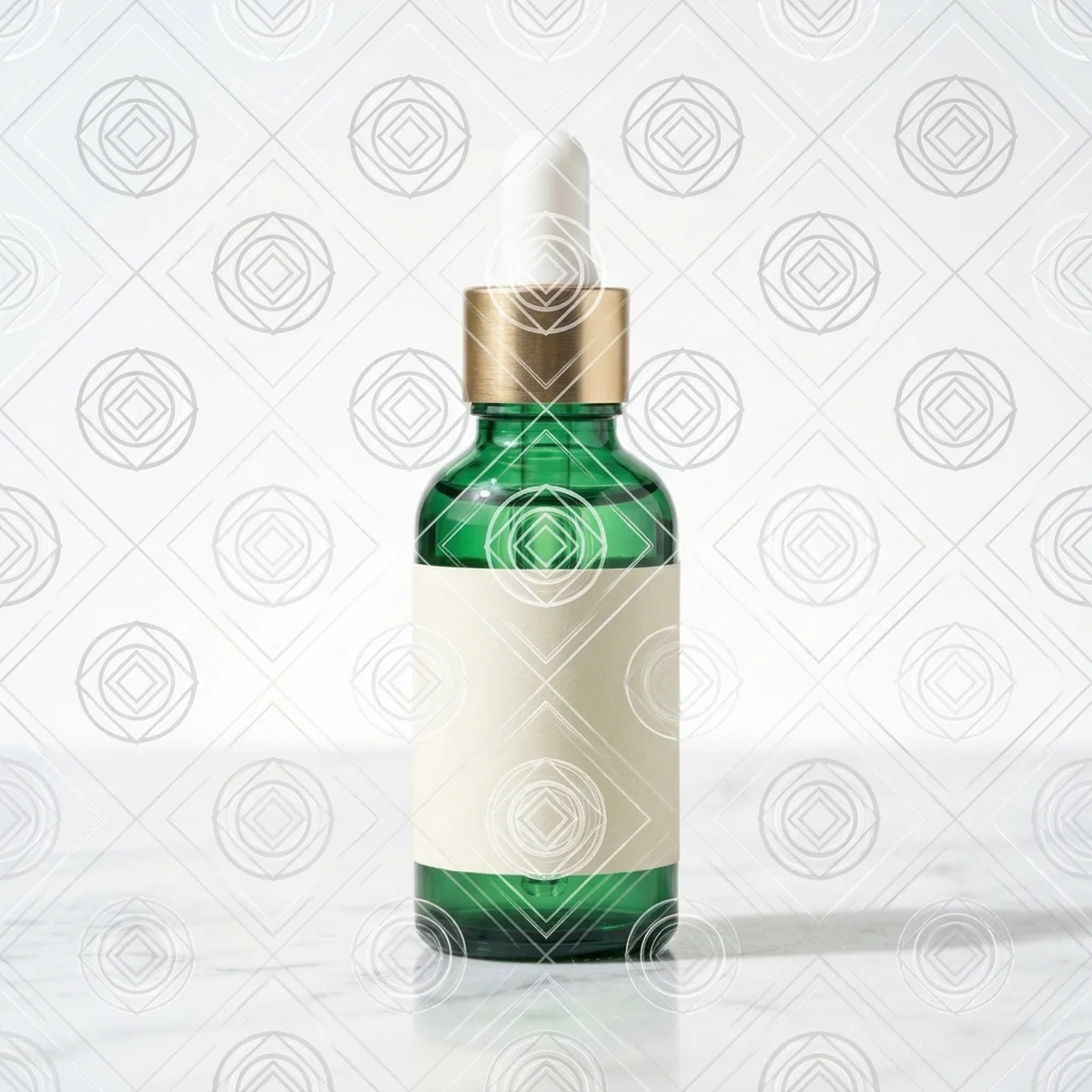
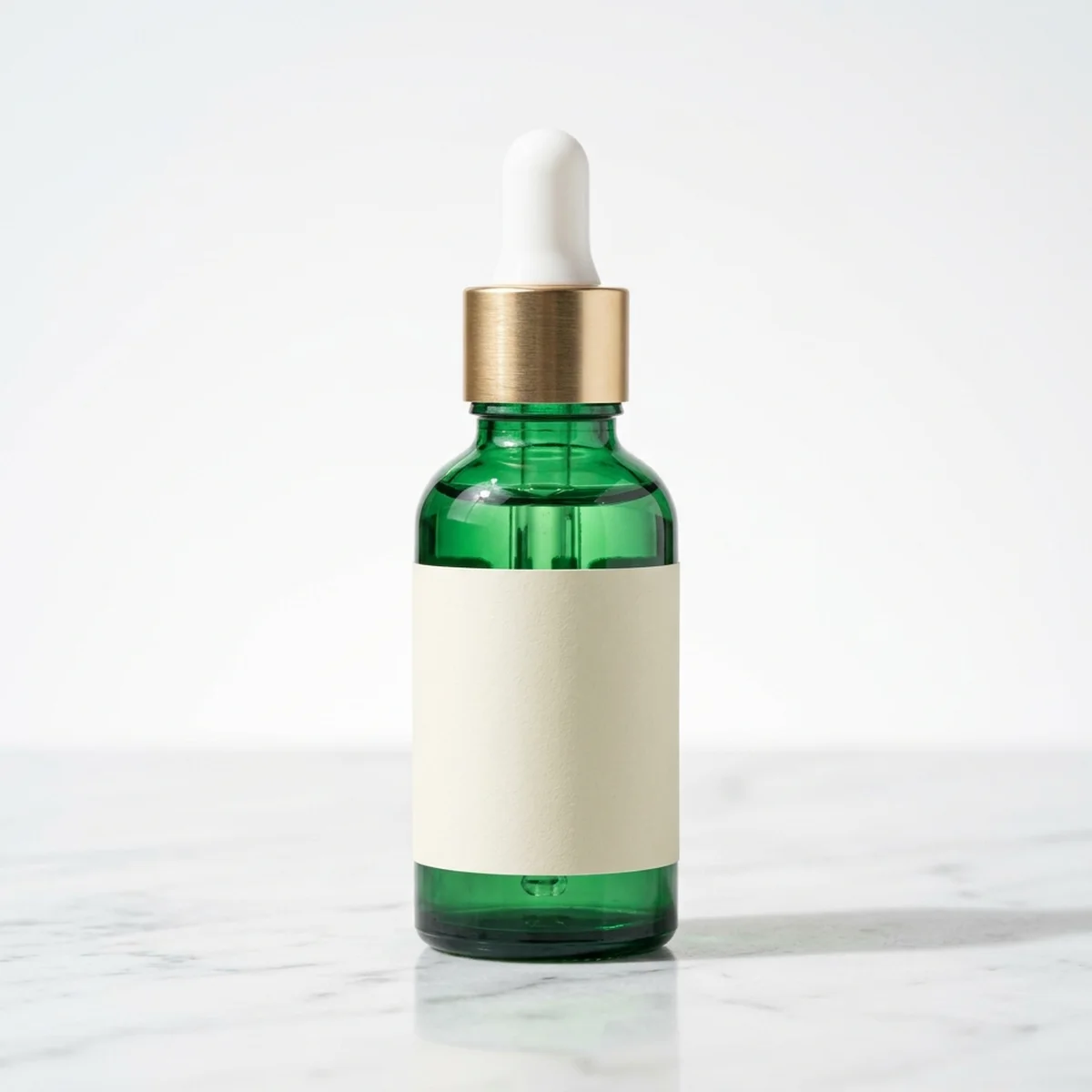
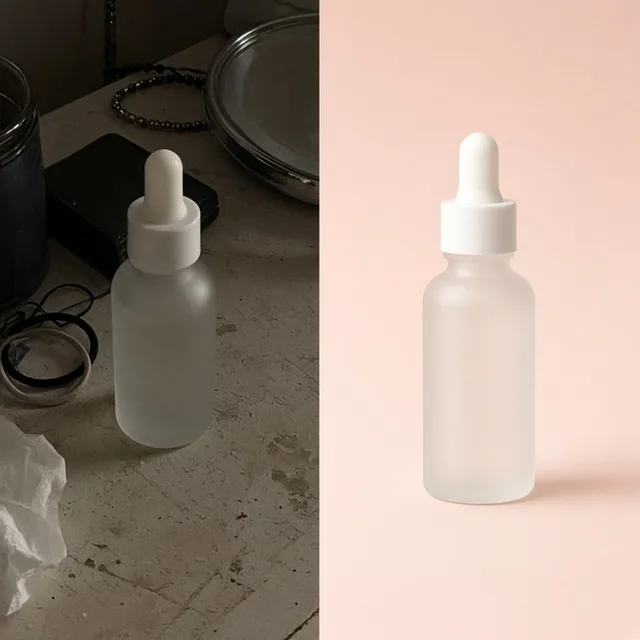
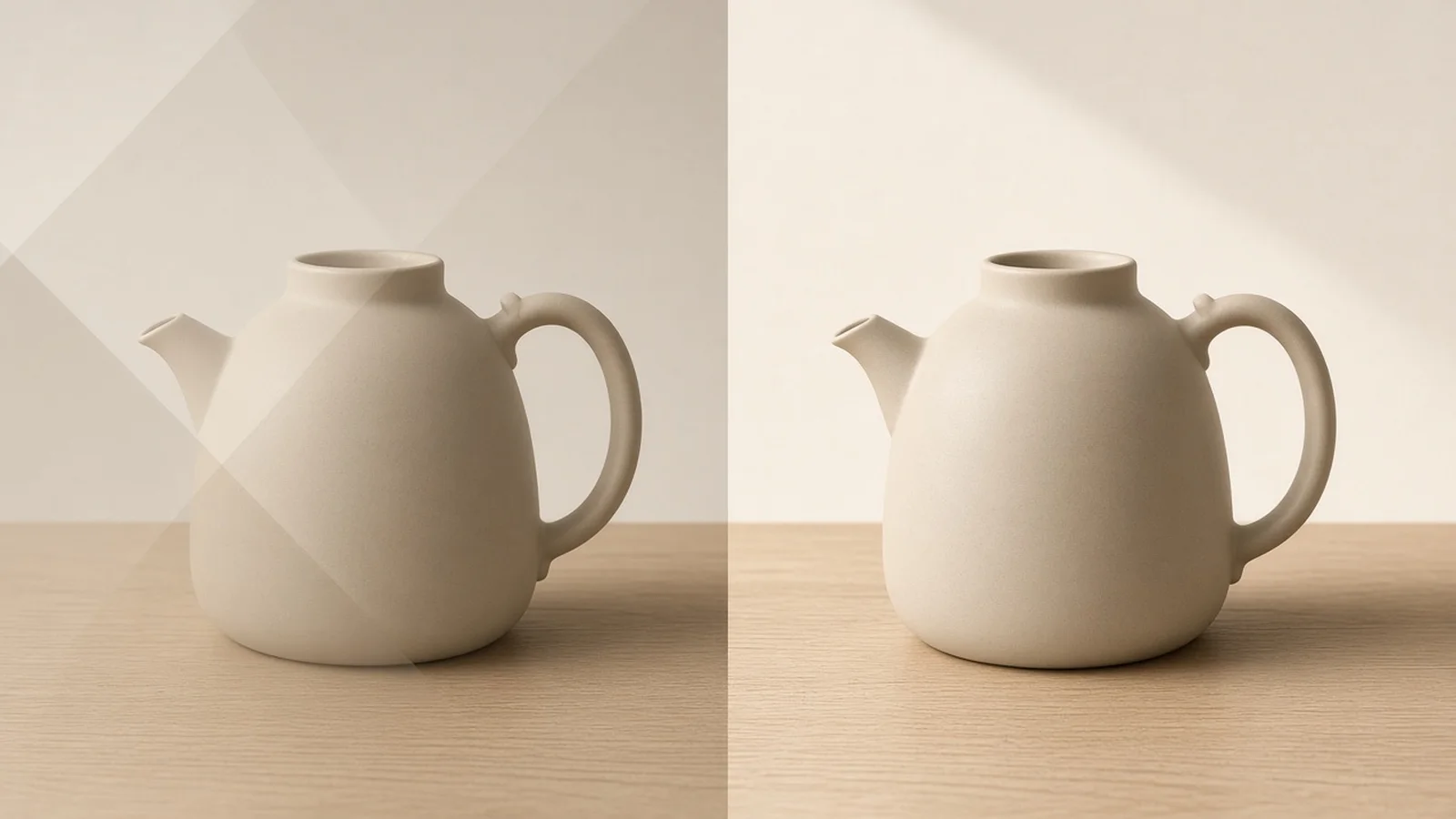
Compare the original marked upload with the cleaned output side by side—checking both surface grain recovery and printed packaging text before publishing.

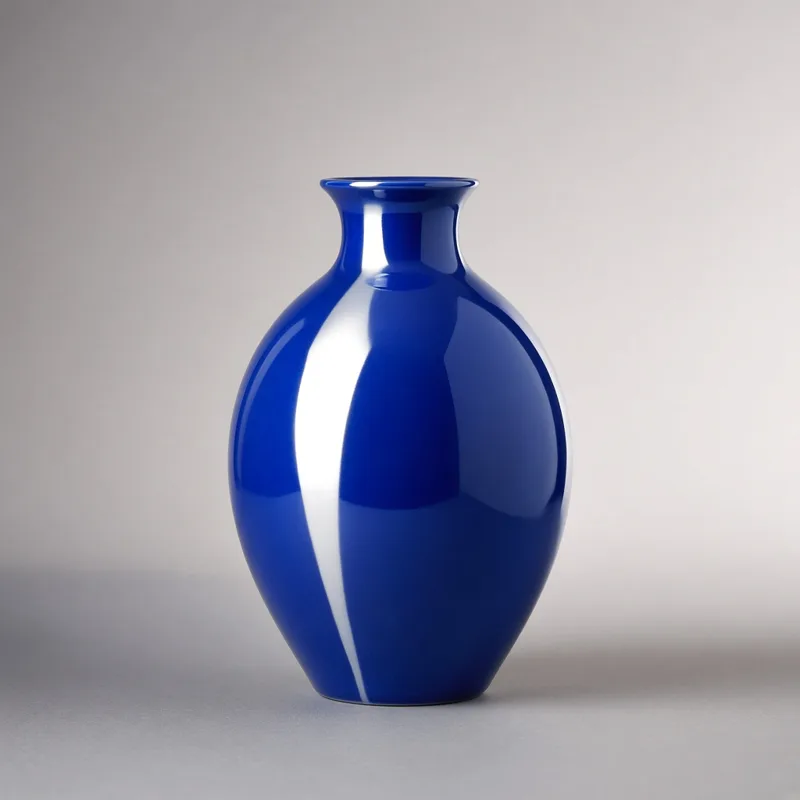
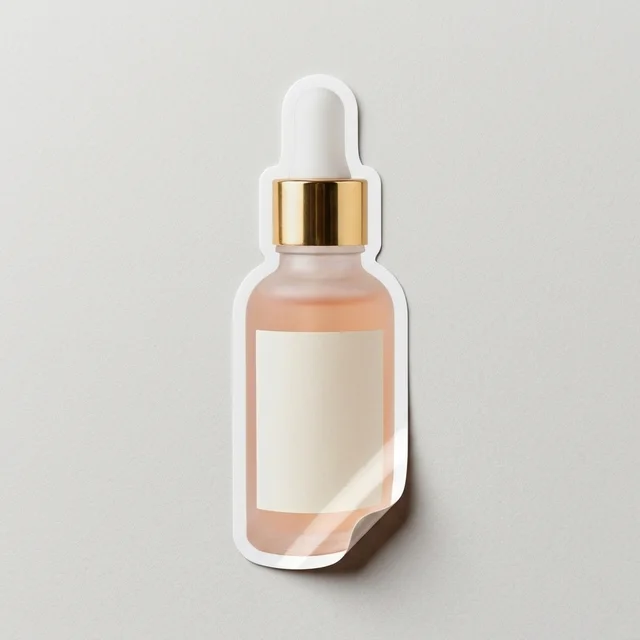
Product photo of a glass dropper bottle with a semi-transparent legacy store watermark across the side
Original Upload
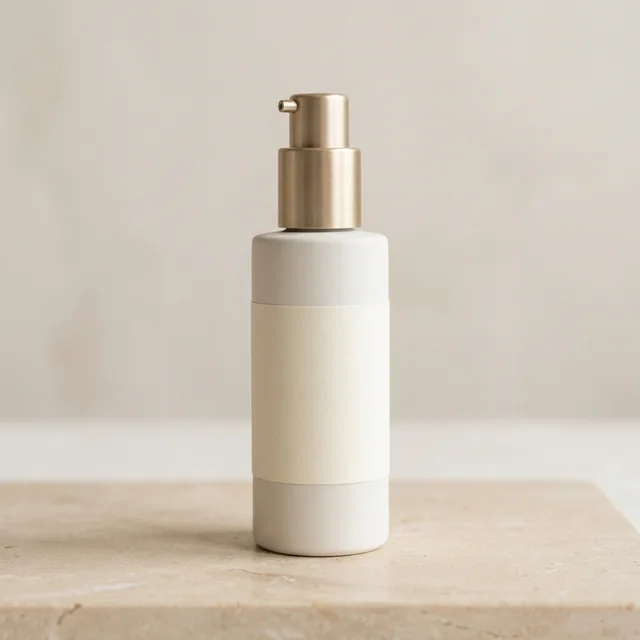
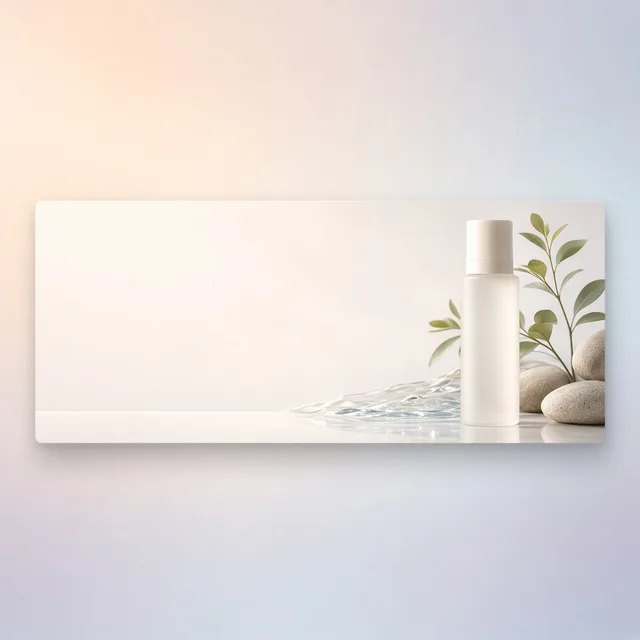
Cleaned product photo of the same glass dropper bottle with the legacy watermark removed and printed label preserved
Cleaned Output

Semi-transparent old shop watermark over glass serum bottle → Clean glass surface with printed brand label intact

Catalog Prep Workflow

Why Sellers Use an AI Watermark Remover on Owned Archives

Reclaim years of legacy product photography without awkward blur patches or costly studio reshoots.

AI Text Remover
AI Text RemoverStrip old sale badges, callout arrows, and date stamps while keeping product packaging labels sharp.Try it →
Add Logo to Product
Add Logo to ProductPrint, embroider or emboss your logoTry it →
Image Upscaler
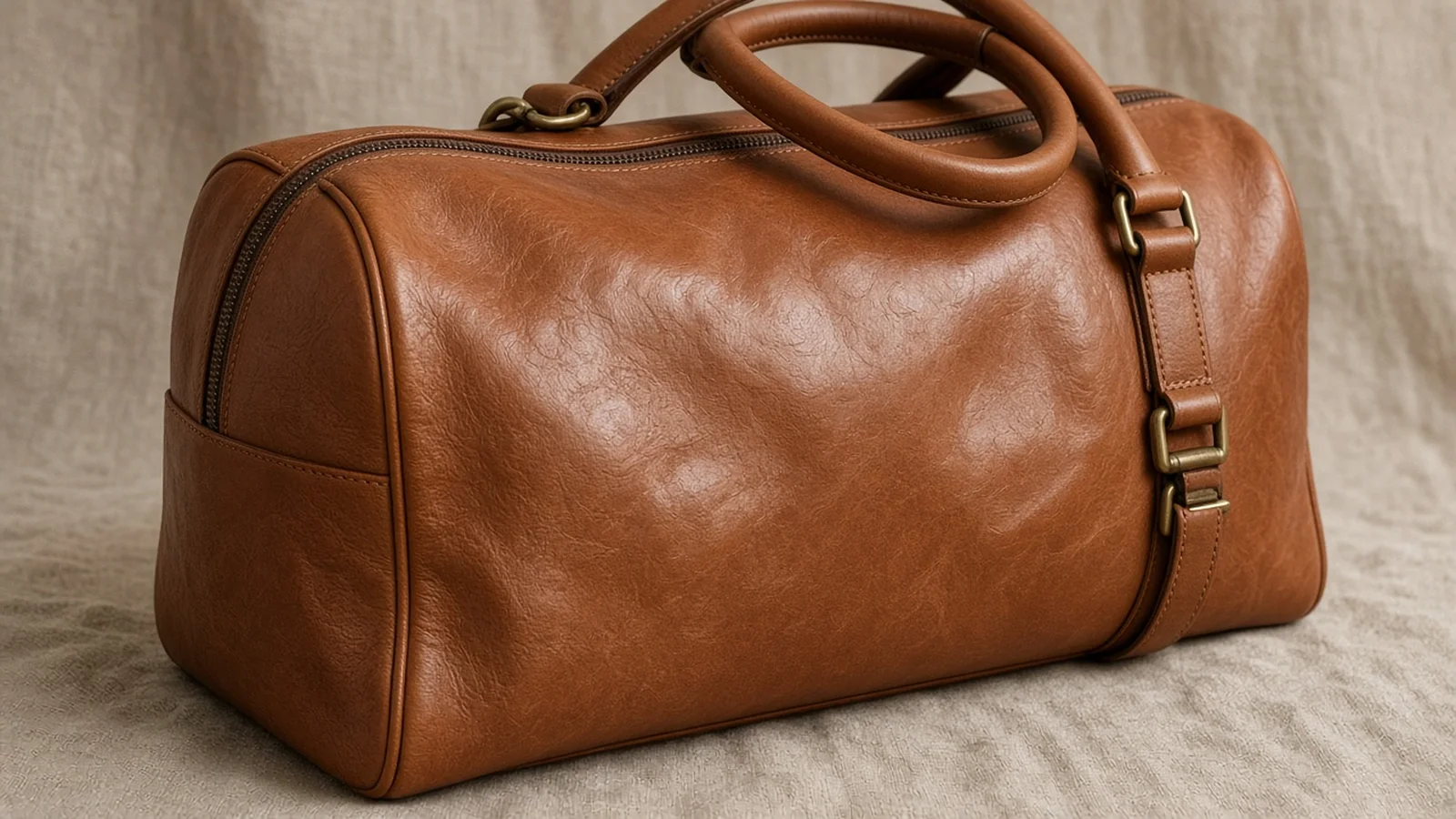
Image UpscalerTurn small product photos into sharp large imagesTry it →
White Background
White BackgroundClean white listing photos in secondsTry it →

What it is

What Is ProductShot AI Watermark Remover?

ProductShot AI's AI Watermark Remover is a specialized catalog-cleanup tool built for ecommerce merchants who need to AI remove watermark layers, retired store logos, camera timestamps, and draft stamps from their own product photography without losing surface realism.

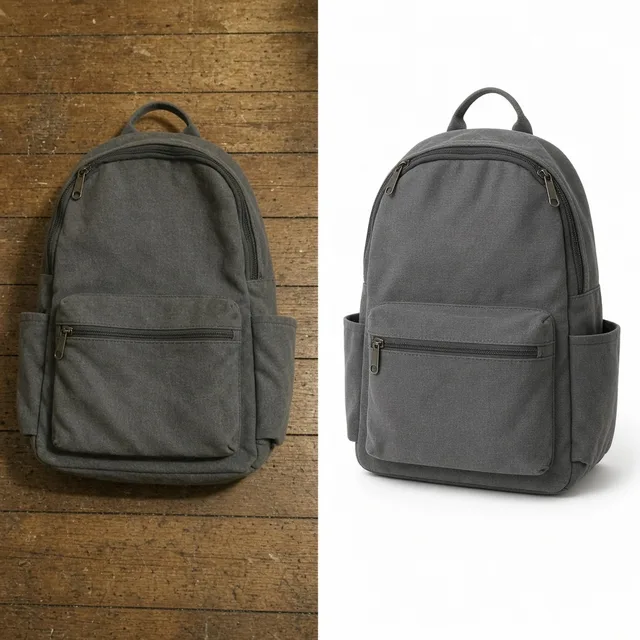
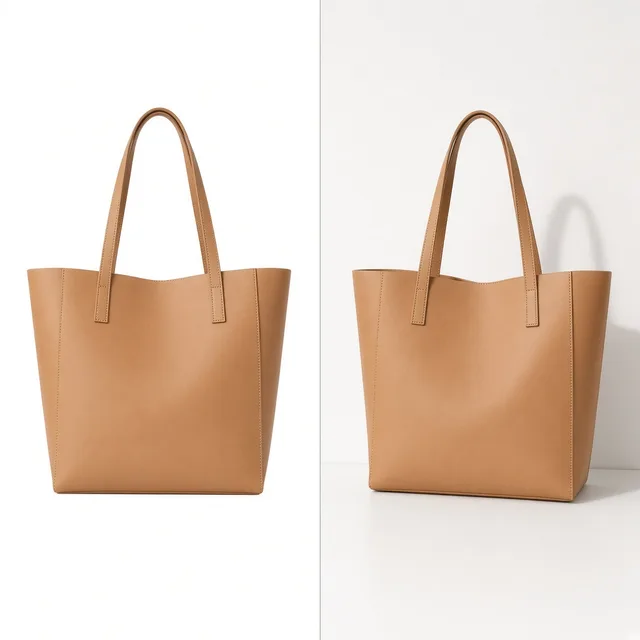
Comparison showing a legacy seller product photo before and after removing an authorized store watermark

Overlay-Aware Reconstruction

Unlike generic blur brushes or smeared clone stamps, our workflow separates the overlay type first—whether it is a semi-transparent logo mark, a corner store stamp & camera date, or a repeated tiled draft pattern—before reconstructing the material underneath.

Printed Packaging Safety

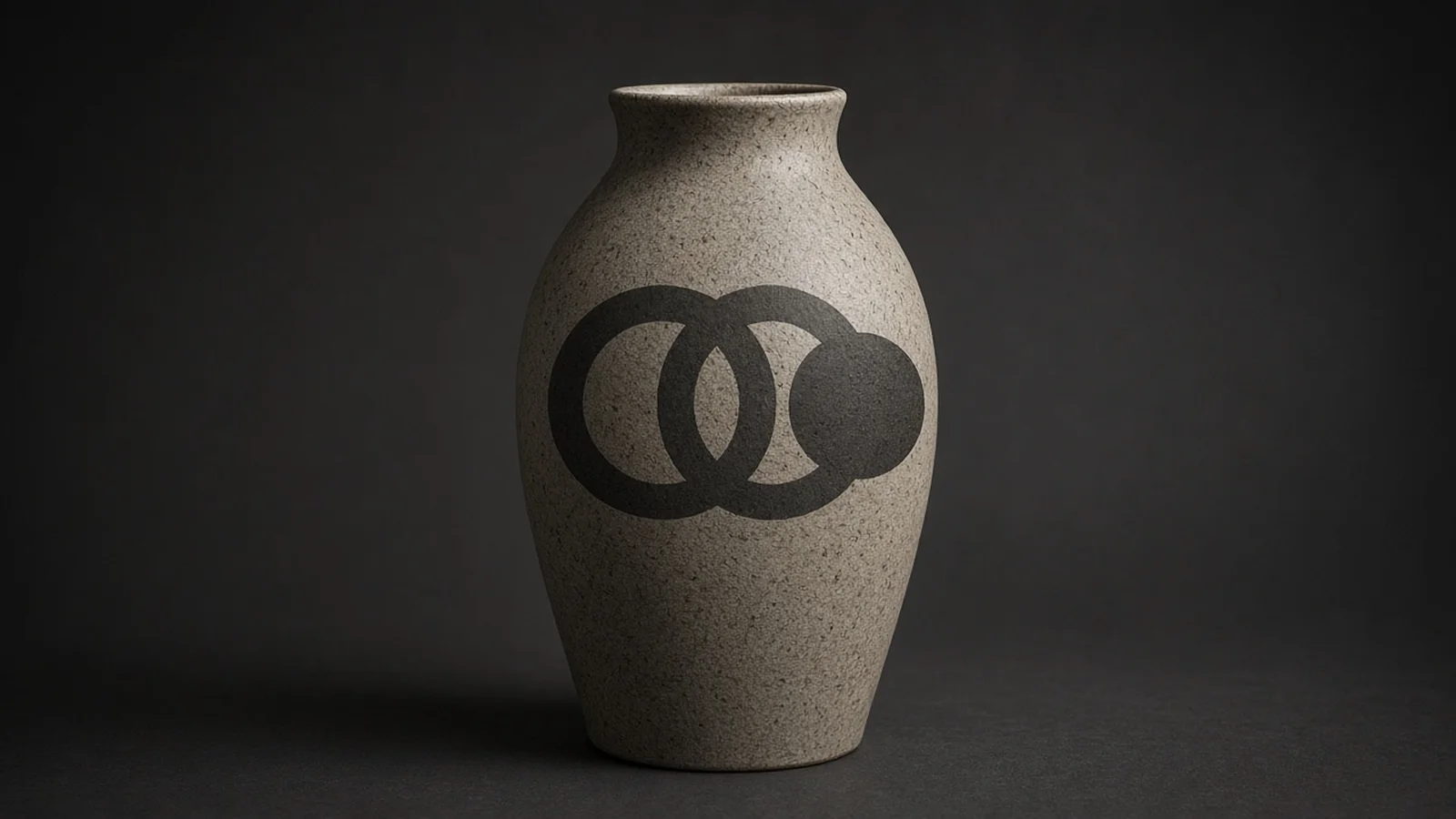
With Product Packaging Text Protection enabled, the model prioritizes keeping printed brand names, care labels, and ingredient panels intact while isolating only the unwanted overlay.

You can also write targeted instructions in Notes when a stamp sits near real typography.

Texture vs. Backdrop Modes

Choose Restore natural material texture to rebuild woven fabric, brushed metal, ceramic glaze, or matte cardboard, or select Smooth studio backdrop finish when clearing corner timestamps from seamless white or gray backgrounds.

Transparent Pricing & Honest Limits

Each run costs 10 credits per image and generates 1 to 4 versions (new signed-in accounts receive one free generation).

Because AI regenerates covered pixels, always inspect fine printed text and logos directly beneath where the mark sat before publishing.

Authorized Assets Only

Designed strictly for your own archived shoots, rebranded catalogs, and supplier-approved proofs—never third-party stock photos.

3 Overlay Modes

Handle semi-transparent center marks, corner timestamps, or tiled draft overlays with tailored detection.

Packaging Text Guard

Helps protect real brand marks and printed bottle labels while removing unwanted shop stamps.

Material Grain Recovery

Rebuilds fabric weave, wood grain, plastic sheen, and studio paper without smudged clone-stamp patches.

Clear Inspection Workflow

Compare original vs. cleaned output side by side and review 1–4 variations per run before exporting.

Predictable Credit Cost

10 credits per image with 1 free generation for new signed-in accounts—no subscriptions required to test.

Why ProductShot AI

Honest Restoration Built Around Ecommerce Workflows

No exaggerated claims—just targeted controls, clear compliance guardrails, and realistic surface recovery for sellers.

Overlay-Specific Modes

Separate semi-transparent marks, corner date stamps, and diagonal draft overlays instead of treating every mark like a solid object.

Realistic Surface Grain

Reconstruct matte cardboard, cotton knit, brushed aluminum, and seamless paper backgrounds without artificial plastic smoothing.

Consistent Studio Lighting

Matched shadow falloff and specular highlights ensure the cleaned region blends naturally into the rest of your product shot.

Printed Label Protection

Guard authentic product logos and packaging copy from accidental removal, and verify regenerated areas side by side.

Compliance-First Design

Clear authorization reminders across the workbench reinforce responsible use on owned and licensed seller imagery.

Simple 10-Credit Pricing

Every run is 10 credits for 1–4 variations, with one free generation after sign-in so you can verify output quality first.

Use Cases

Built for Real Store Cleanup—Not Stock Piracy

Handle rebrands, old camera timestamps, and approved manufacturer proofs with clear legal boundaries.

Product photo blocked from reuse by an outdated store logo watermark

Old Store Logos Block Rebrands

Years of good product shots become unusable after a domain change if your retired shop name sits across the frame.

Costly studio reshoot setup compared to restoring existing product photos

Reshooting Legacy SKUs Wastes Budget

Pulling dozens of older products back into a studio just to lose a corner timestamp costs far more than restoring existing originals.

Close-up showing smeared texture from a manual clone-stamp edit

Clone-Stamp Patches Ruin Texture

Quick manual smudge tools smear fabric weaves, brushed aluminum, and paper grain into obvious blotches.

Packaging label damaged by an indiscriminate eraser tool

Generic Erasers Wipe Real Labels

Basic object erasers can accidentally blur printed brand text or nutrition panels sitting close to the overlay.

Marketplace compliance rejection caused by a corner date stamp and text overlay

Marketplaces Reject Stamped Photos

Amazon, Google Shopping, and Walmart automatically flag main images containing dates, URLs, or promotional badges.

By Channel

Prepare Clean Assets for Every Sales Channel

Export artifact-free images tailored to strict marketplace rules and direct-to-consumer storefronts.

How it works

Four Steps from Marked Archive to Store-Ready Photo

A straightforward workbench for authorized cleanup with side-by-side inspection.

1. Confirm Rights & Upload
2. Match Mark & Texture Mode
3. Inspect Regenerated Pixels
4. Publish or Chain Next Steps
01

1. Confirm Rights & Upload

Upload your own store archive photo or a supplier-authorized proof in JPG, PNG, or WEBP up to 16MB.

02

2. Match Mark & Texture Mode

Pick semi-transparent mark, corner stamp, or tiled draft pattern, plus label protection and surface mode.

03

3. Inspect Regenerated Pixels

Review 1–4 output variations per 10-credit run, checking fine printed text where the mark previously sat.

04

4. Publish or Chain Next Steps

Download directly or move to white-background generation, upscaling, or adding your new store logo.

Method comparison

AI Remove Watermark vs. Manual Clone Stamp & Reshoots

Compare turnaround, texture realism, and per-SKU effort across common cleanup methods.

Multiple

output styles

Reference-led

direction

Built-in

before-and-after review

Traditional Workflow

Manual Retouching or Full Reshoots

Hand-painting every corner stamp in desktop software or booking studio time to reshoot archived SKUs.

Cost
$15–$80+ per SKU for retouching or reshoots×
Turnaround
15–45 minutes per photo or days for studio booking×
What You Need
Desktop software skills or physical samples×
Iteration
Slow manual masking and repeat clone-stamping×
Output Range
Single manual edit per pass×
Product Accuracy
High when manually painted, varies by editor×
ProductShot AI

Guided Authorized Restoration

Targeted mark-type controls, label preservation, and realistic surface grain reconstruction in seconds.

Cost
10 credits per image (1 free run on new accounts)✓
Turnaround
Seconds per run with 1–4 variations✓
What You Need
Only your authorized JPG, PNG, or WEBP file✓
Iteration
Switch mark mode or refine Notes in one click✓
Output Range
1 to 4 restored versions per 10-credit run✓
Product Accuracy
Preserves unmasked labels; inspect fine print under removed marks✓

How-to guide

How to Clean Legacy Marks Without Damaging Product Details

Follow these practical checks to get clean, natural results on your authorized catalog files.

Before You Upload

  • Verify you own the image or have written supplier/photographer permission to remove the mark.
  • Start from your highest-resolution original file (up to 16MB) rather than a compressed thumbnail.
  • Check whether the mark overlaps tiny serial numbers or fine ingredient text that will need manual proofreading.
  • Group images by mark style (corner dates vs. centered semi-transparent logos) so presets stay consistent.

Writing Effective Notes

[What overlay to remove] + [Exact position] + [What printed detail or texture to keep]

Options handle most cases automatically, while short Notes help when a store stamp sits close to real packaging text.

  • Remove the faded white shop name across the center while keeping the black embossed brand logo sharp.
  • Erase the orange digital camera date in the bottom-right corner and match the light gray seamless background.
  • Clear the diagonal DRAFT text on this authorized supplier photo without softening the ribbed fabric texture.

What to Avoid

  • Never upload stock-agency previews, competitor listings, or third-party copyrighted photos.
  • Do not skip zooming in—always inspect fine printed packaging text under where the mark used to sit.
  • Avoid uploading tiny, heavily pixelated screenshots under 600px if clean high-res source files exist.
  • Do not use vague Notes that ask to remove all text if your product packaging carries real brand lettering.

Further reading

Practical guidance on checking fine print, preserving packaging labels, and chaining follow-up edits.

Product Image Clarity for Listings: Fix Soft Supplier and Marketplace PhotosWorkflow
Jul 15, 202610 min read

Product Image Clarity for Listings: Fix Soft Supplier and Marketplace Photos

How ecommerce teams prep soft supplier packs and re-exported marketplace images with free browser clarity enhancement before Amazon and Shopify uploads.

Read Article
Product Background Removal for Ecommerce Listings: A Practical Cutout GuideWorkflow
Jul 15, 202610 min read

Product Background Removal for Ecommerce Listings: A Practical Cutout Guide

Learn when free product background removal helps listing prep, which source photos work best, and how cutouts fit Amazon and Shopify workflows.

Read Article
The Real Problem With White Background Product Photos (And How I Solved It)White Background
Jun 18, 20268 min read

The Real Problem With White Background Product Photos (And How I Solved It)

Learn why white background product photos are harder than they look, how platform rules differ, and how to preserve details.

Read Article
How to Take Professional Product Shots Without a Studio (or a Degree in Photography)Workflow
Jun 17, 20268 min read

How to Take Professional Product Shots Without a Studio (or a Degree in Photography)

A practical workflow for taking sellable ecommerce product photos with a phone, simple setup, and AI-powered variations.

Read Article
AI Product Photography Generator Guide: 7 Best Tools for 2026Guide
Jun 23, 20268 min read

AI Product Photography Generator Guide: 7 Best Tools for 2026

Compare AI product photography generators for white background images, studio shots, lifestyle scenes, and ecommerce campaign visuals.

Read Article
It Took Me Two Years to Understand Product Photography LightingLighting
Jun 20, 20268 min read

It Took Me Two Years to Understand Product Photography Lighting

A practical guide to product photography lighting, soft light, fill light, backlight, reflection control, and difficult materials.

Read Article
Seller feedback

How Merchandisers Use It on Real Catalog Updates

Feedback from store owners and catalog managers restoring owned archives and approved supplier files.

Portrait of Hannah Lindqvist, operations lead at Nordic Home Goods
Hannah Lindqvist

“When we dropped our old wholesale domain name, over 180 ceramic photos still had a faded corner stamp. Using the AI Watermark Remover saved us from pulling discontinued items back into a studio.”

Operations Lead, Nordic Home Goods
Portrait of Devon Patel, marketplace manager at GearCraft Supplies
Devon Patel

“A batch of our own warehouse shots from 2021 had orange camera dates burned into the bottom corner. Corner-stamp mode cleared them cleanly on the studio gray backdrop.”

Marketplace Manager, GearCraft Supplies
Portrait of Claire Takahashi, brand director at Kora Skincare
Claire Takahashi

“We kept Notes specific about protecting the small black serif typography on our dropper bottles, checked the 4 versions, and had clean Shopify assets ready the same afternoon.”

Brand Director, Kora Skincare
Portrait of Marcus Delgado, authorized distributor at TrailPack Co.
Marcus Delgado

“Once our factory sent written distribution rights, we still only had proof sheets with light DRAFT text across the canvas. The textured grain mode kept the ripstop nylon weave looking real.”

Authorized Distributor, TrailPack Co.
Portrait of Rachel Okafor, ecommerce freelancer at Studio Loom
Rachel Okafor

“I appreciate that the tool is upfront about inspecting fine print under heavy marks. On 90% of client rebrand files, one 10-credit run gave us a usable clean master immediately.”

Ecommerce Freelancer, Studio Loom
Portrait of Toby Chen, catalog specialist at Harbor Lighting
Toby Chen

“Clearing old marketplace corner badges before running white-background prep cut our catalog migration timeline from three weeks down to two days.”

Catalog Specialist, Harbor Lighting

FAQ

Frequently Asked Questions About AI Watermark Remover

Clear answers on legal permissions, output quality inspection, pricing, and supported file formats.

You may ONLY use this AI Watermark Remover on photos you own (such as your own past store listings or warehouse shoots) or images for which you hold explicit written authorization or license from the photographer, brand, or supplier to edit. Never use it to remove copyright watermarks, stock-agency marks, or attribution from third-party photos.

No. Removing watermarks from unpaid stock previews (such as Shutterstock, Getty, or Adobe Stock) or competitor listings without written permission violates copyright law and our terms of service. This tool exists strictly for authorized seller asset cleanup.

You specify the mark type (semi-transparent logo, corner stamp/date, or repeated draft overlay) alongside packaging-text protection and texture recovery mode. The model focuses restoration on the overlay pixels while preserving surrounding product contours and surface grain.

Because AI regenerates the pixels covered by a watermark, fine printed text, ingredient lists, or intricate logos directly beneath a dense mark may shift or lose crispness. Always zoom in and inspect the cleaned area side by side before publishing.

Each run costs 10 credits per image and generates 1 to 4 versions so you can pick the cleanest restoration. New signed-in accounts receive one free generation to test quality on an authorized photo.

Yes. Select 'Corner stamp & camera date' and pair it with 'Smooth studio backdrop finish' (for plain sweeps) or 'Restore natural material texture' (for lifestyle surfaces) to cleanly erase corner timestamps and retired store badges.

Keep 'Keep printed brand & label text' selected under Product packaging text, and optionally add a short note specifying which printed label stays untouched (for example, 'keep the gold logo on the bottle cap intact').

You can upload JPG, JPEG, PNG, or WEBP files up to 16MB per image. Starting with your highest-resolution original file gives the sharpest texture recovery.

No. ProductShot AI Watermark Remover strictly restores 2D product photographs by removing authorized overlays and reconstructing covered pixels. It does not create 360/3D/AR models or calculate sizing and fit.

Once you inspect and download your cleaned image, you can optionally chain it into our White Background Generator for Amazon/Google Shopping compliance, AI Image Upscaler for higher resolution, or Add Logo to Product to apply your new branding.

Ready to Clean Your Authorized Product Photos?

New signed-in accounts get one free generation; additional runs are 10 credits per image for 1–4 versions. Use only on photos you own or hold explicit permission to edit.

Start Free →

LLMs.txt