
 Amazon
Amazon listing images
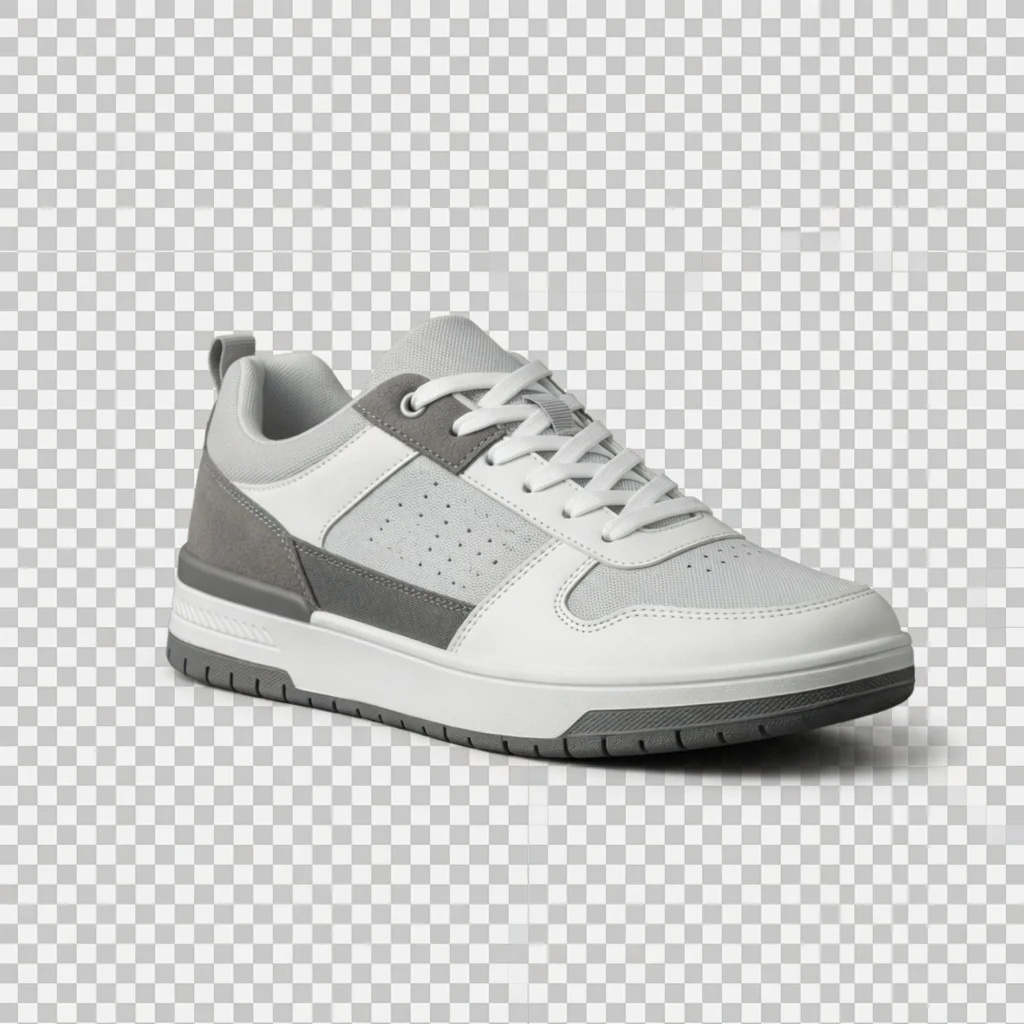
Prepare a transparent product PNG before composing an Amazon main-image style canvas or variation layout.
 Before
 After
AfterWhat this free tool is
ProductShot AI Free Transparent Product PNG is a browser-based tool that turns a product image into a reusable transparent PNG. Upload JPG, PNG, or WebP up to 20MB, export a transparent asset for listing layouts and design tools, with no login, credits, watermark, or saved history.
Max upload
20MB
Input formats
JPG, PNG, WebP
Output format
Transparent PNG
Login required
No
Credits used
0
Processing
Browser-local
Watermark
No
History saved
No
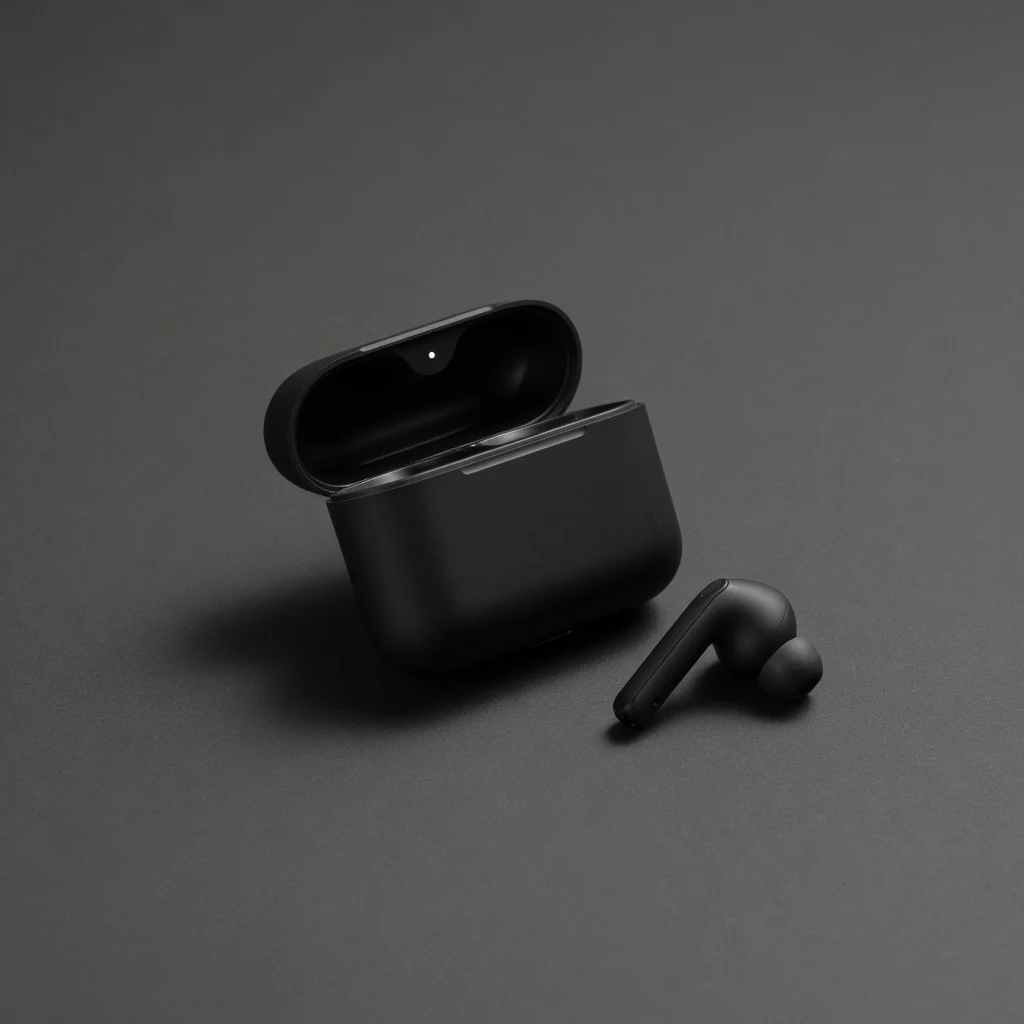
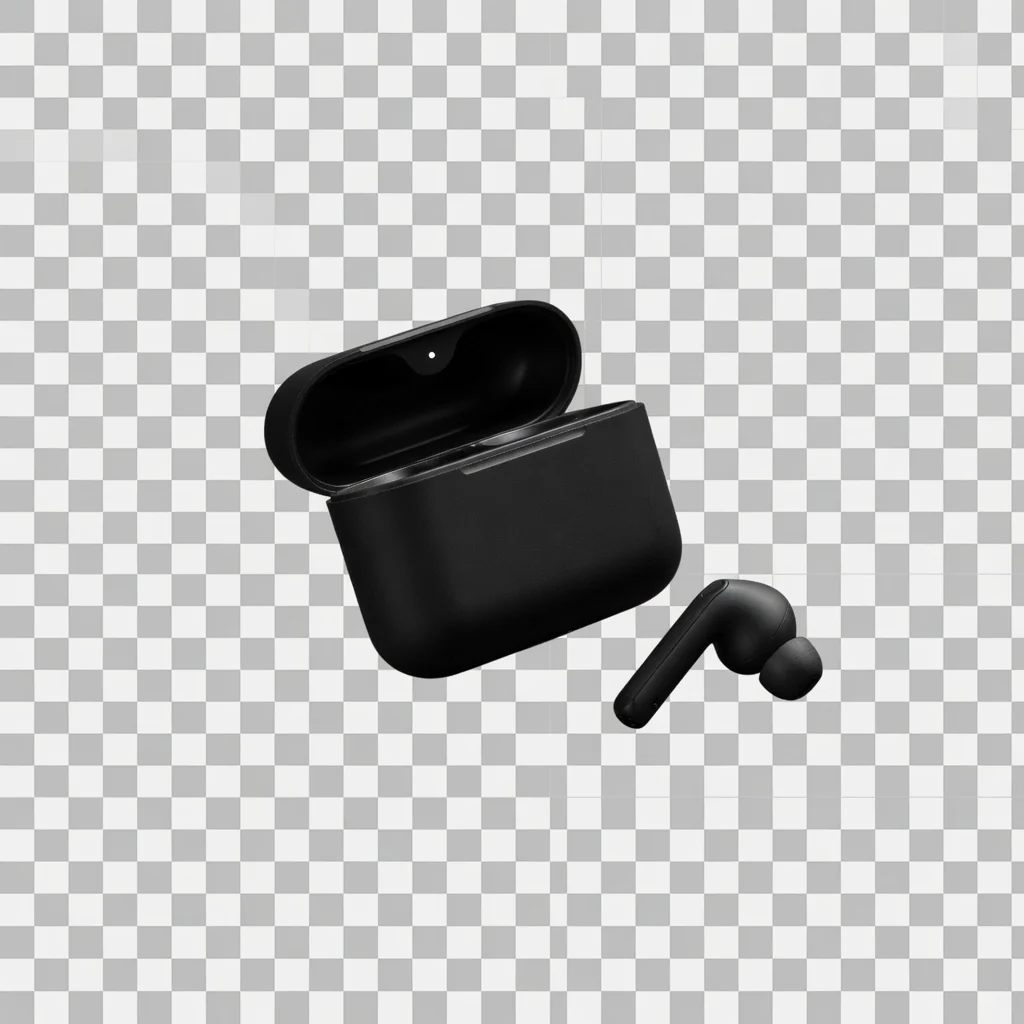
Before and after
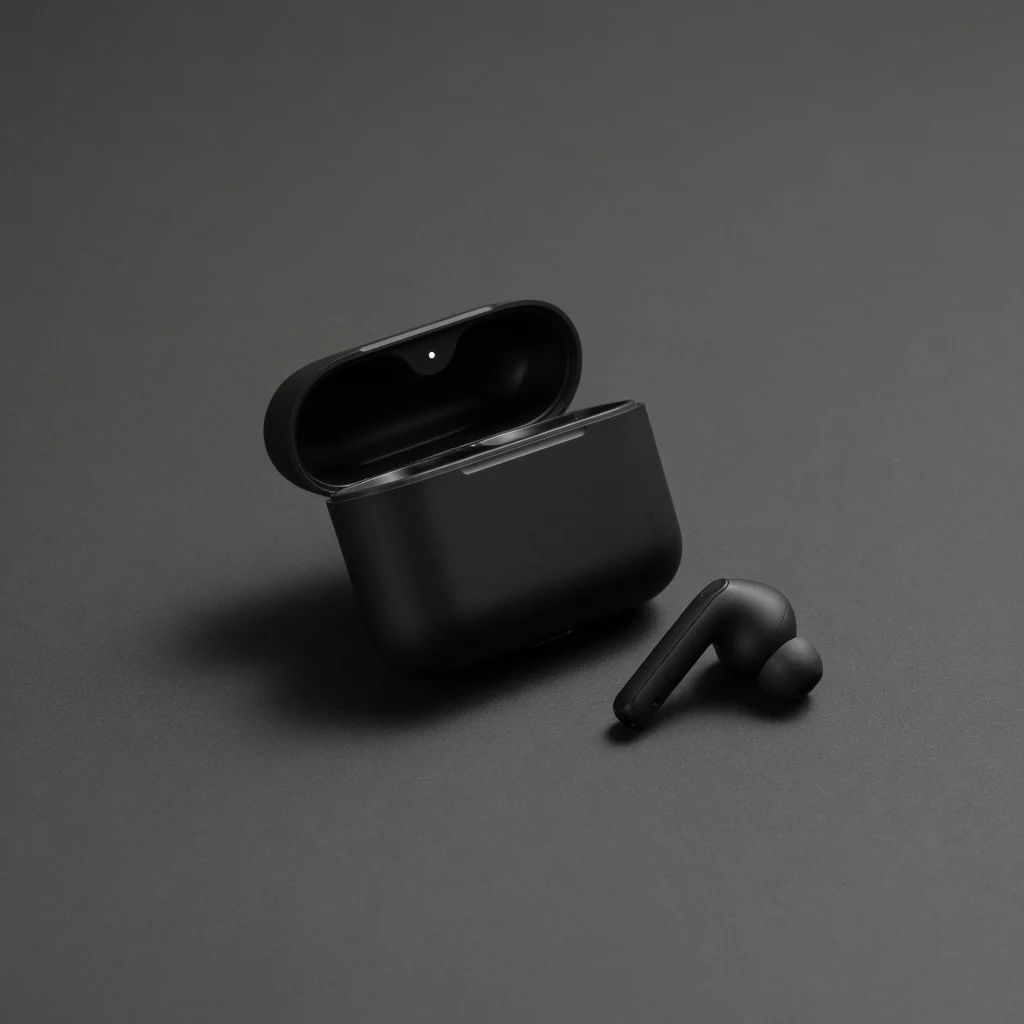
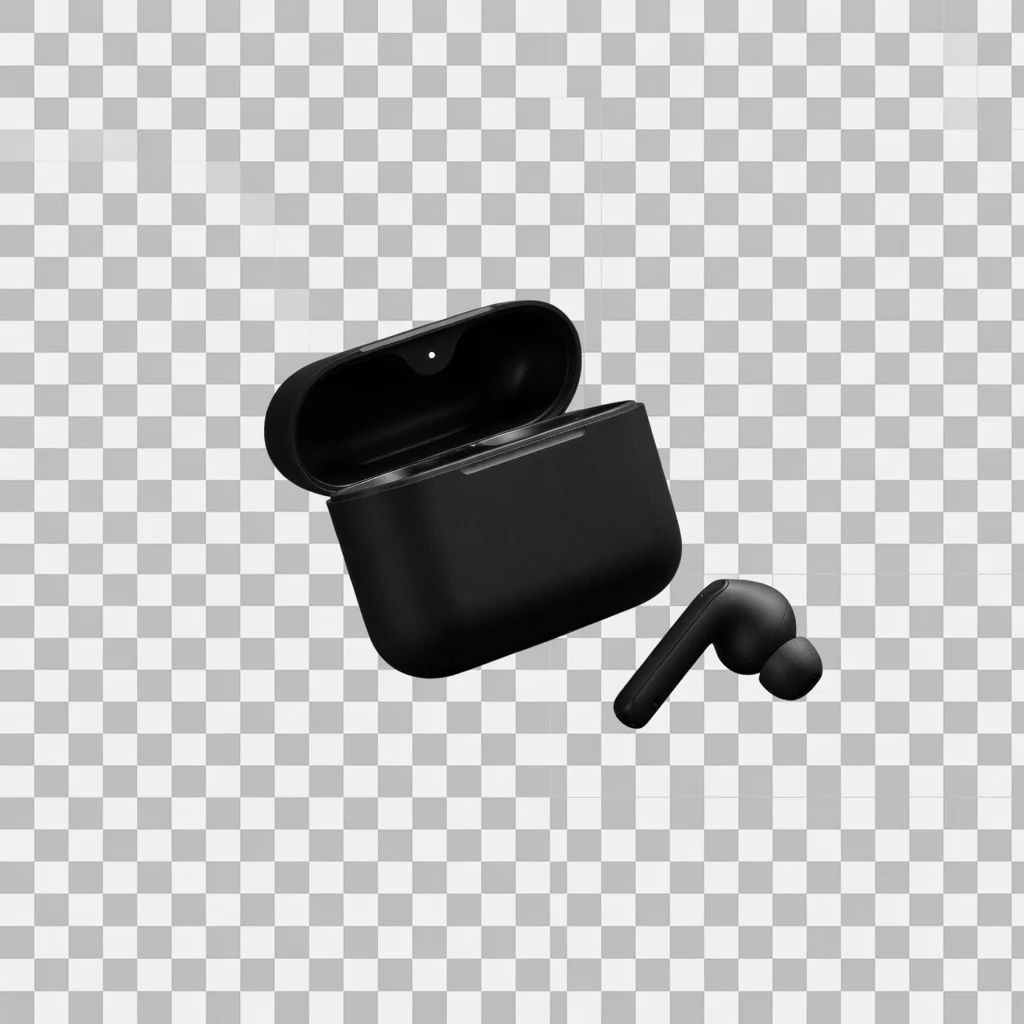
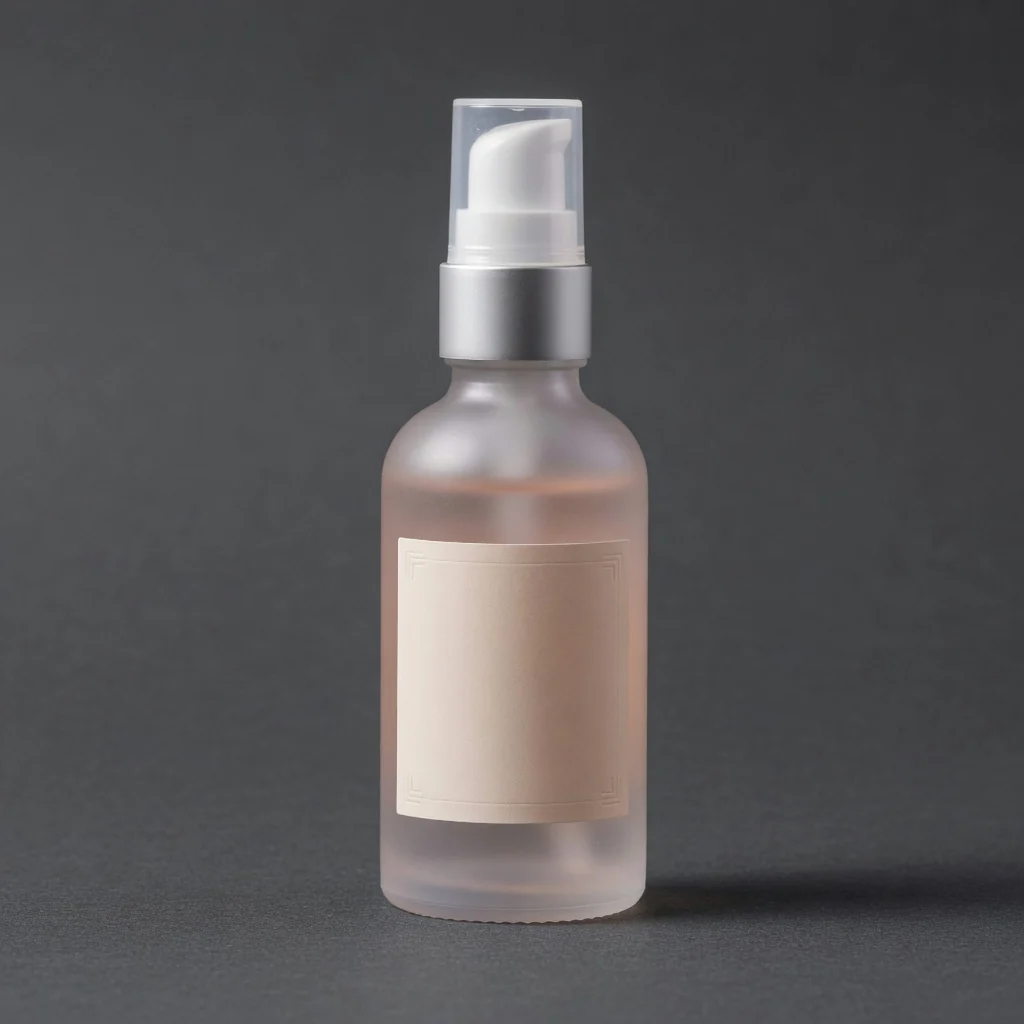
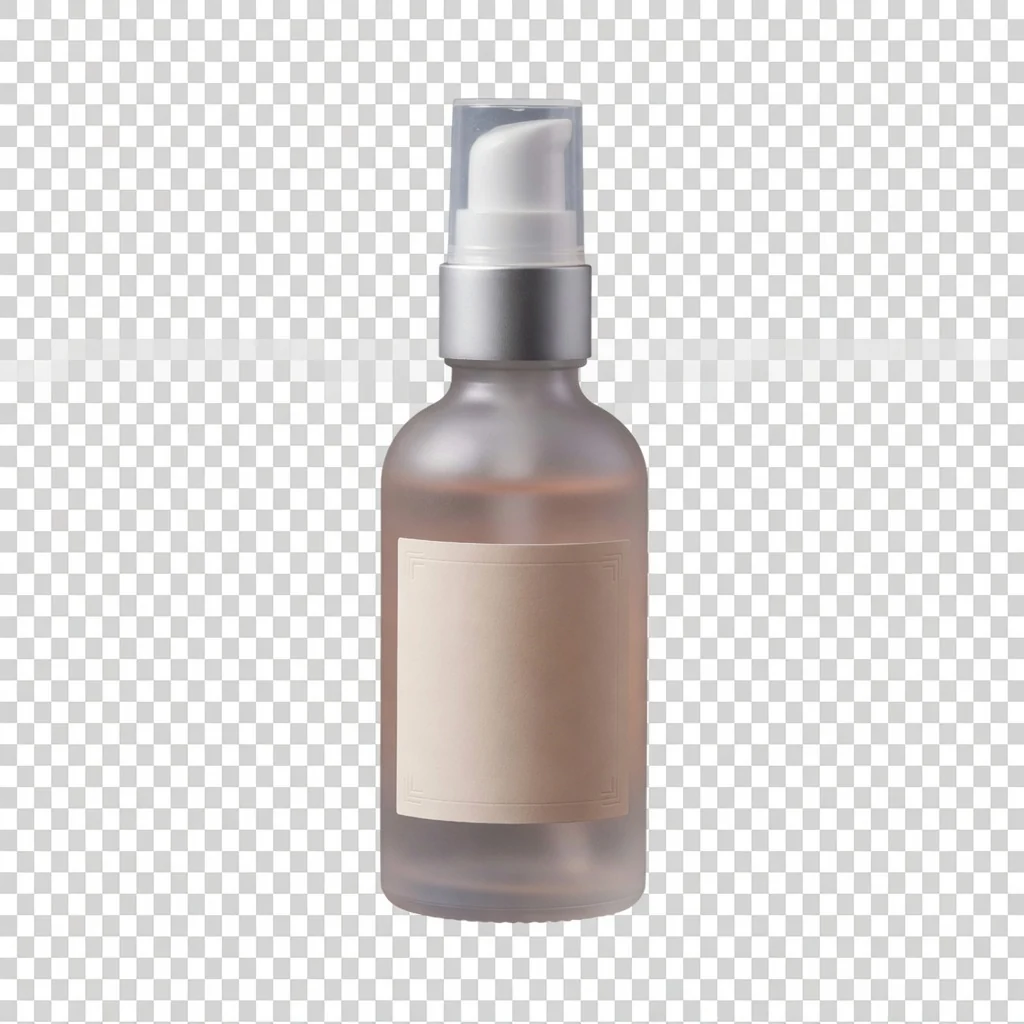
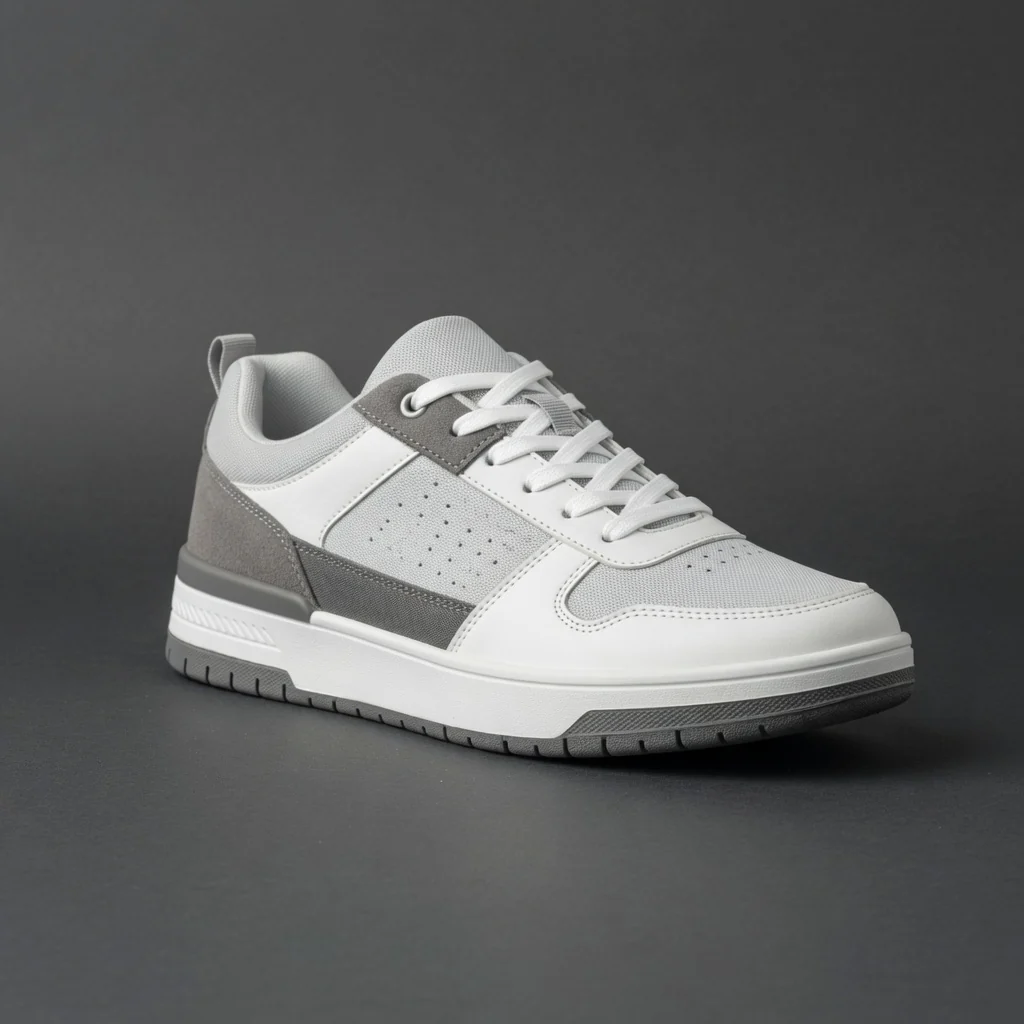
Three ecommerce cases for alpha PNG product assets. Each pair keeps the same product while showing how a transparent background helps you place the subject into marketplace frames, theme sections, and campaign layouts.
 Before
 After
AfterHeadphone transparent PNG
Alpha export · Design-ready
 Before
 After
AfterCampaign transparent PNG
Layout reuse · No watermark
 Before
 After
AfterStorefront transparent PNG
Flexible canvas · Free tool
Transparent product backgrounds
Use one existing product image to create a transparent PNG you can place into listing image layouts, storefront modules, comparison graphics, and campaign creatives without cutting the subject out again. Process in your browser with no login, credits, watermark, or saved history.
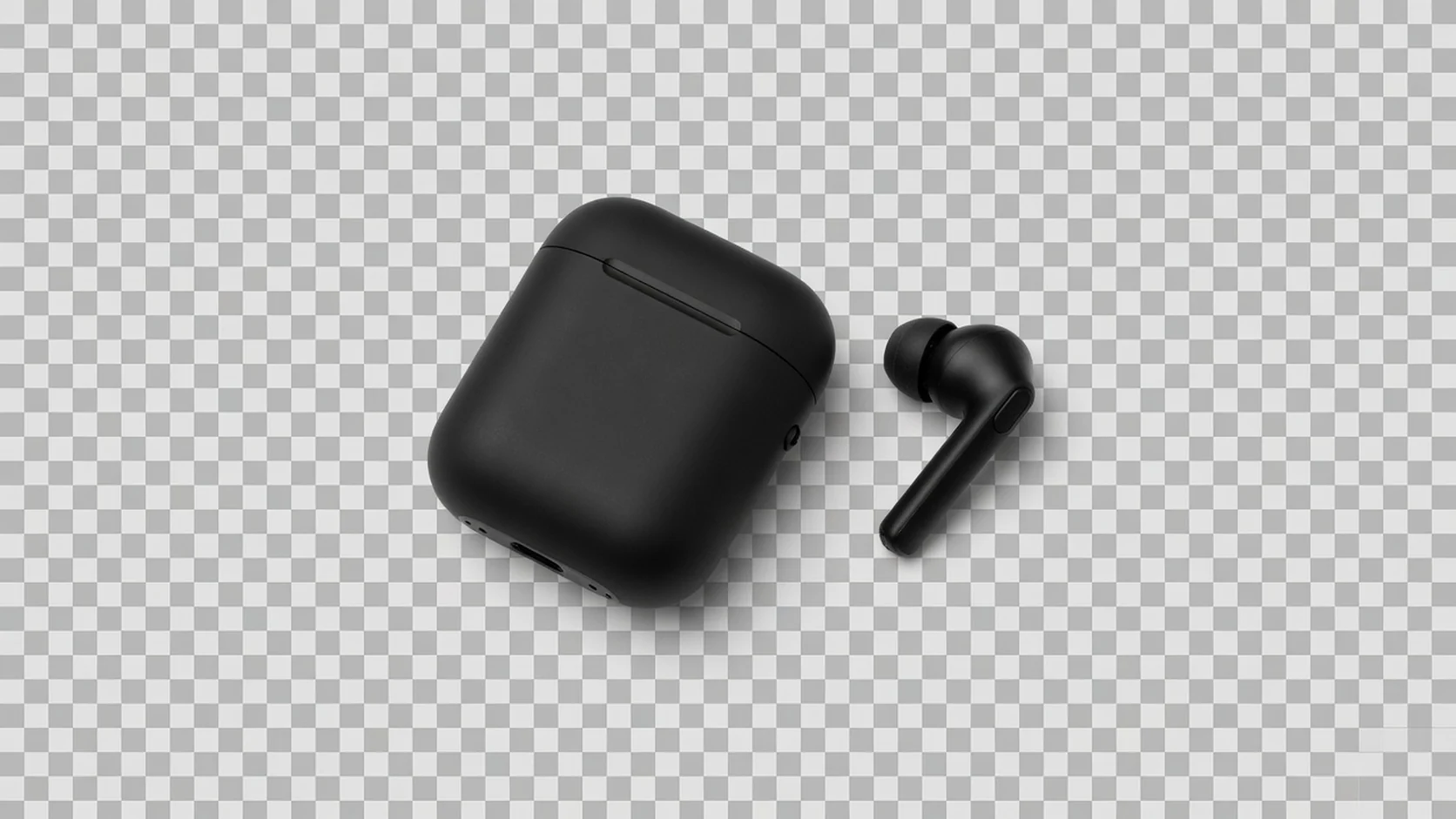
Download a transparent PNG you can drop into listing image frames, storefront modules, and design tools. One master subject covers multiple compositions without cutting the product out again for every channel.
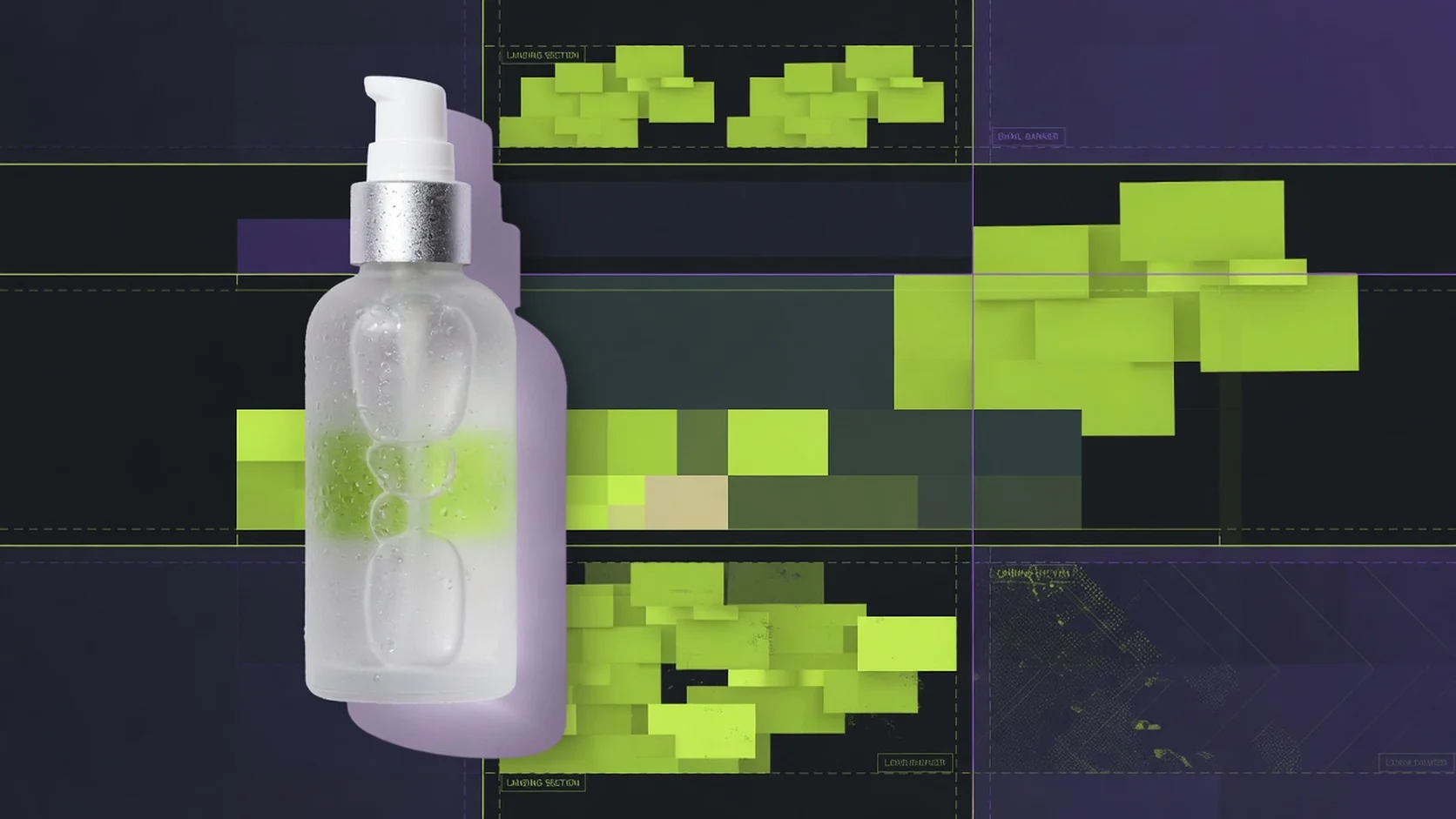
Place the same product into collection sections, promo banners, email headers, and multi-size campaign layouts. Transparent PNGs make background and canvas changes faster when the product itself is already approved.
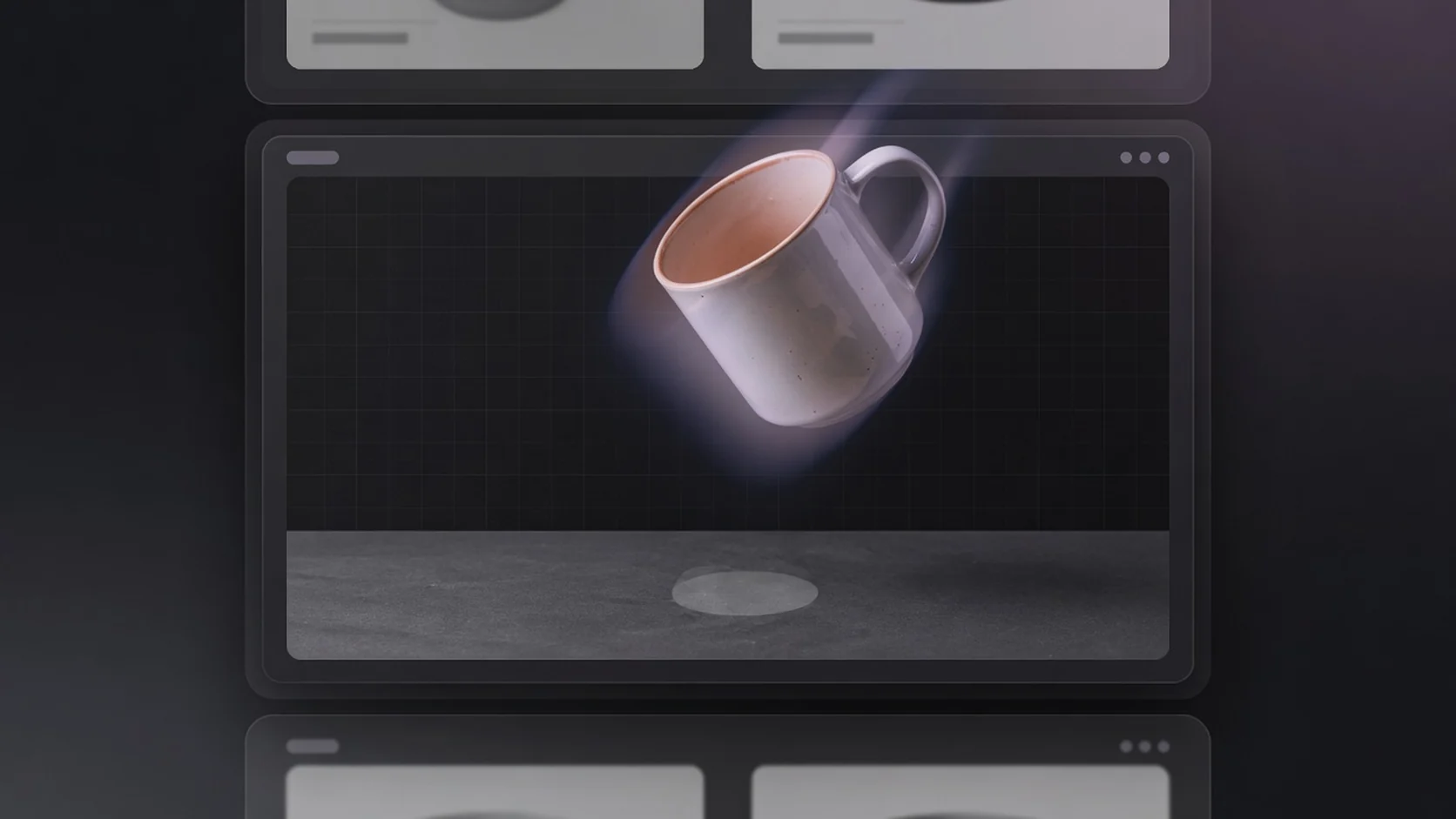
Launch banners, social covers, and landing sections often need the same product on different canvases. Export once as a transparent PNG, then scale and place without rebuilding the subject each time.
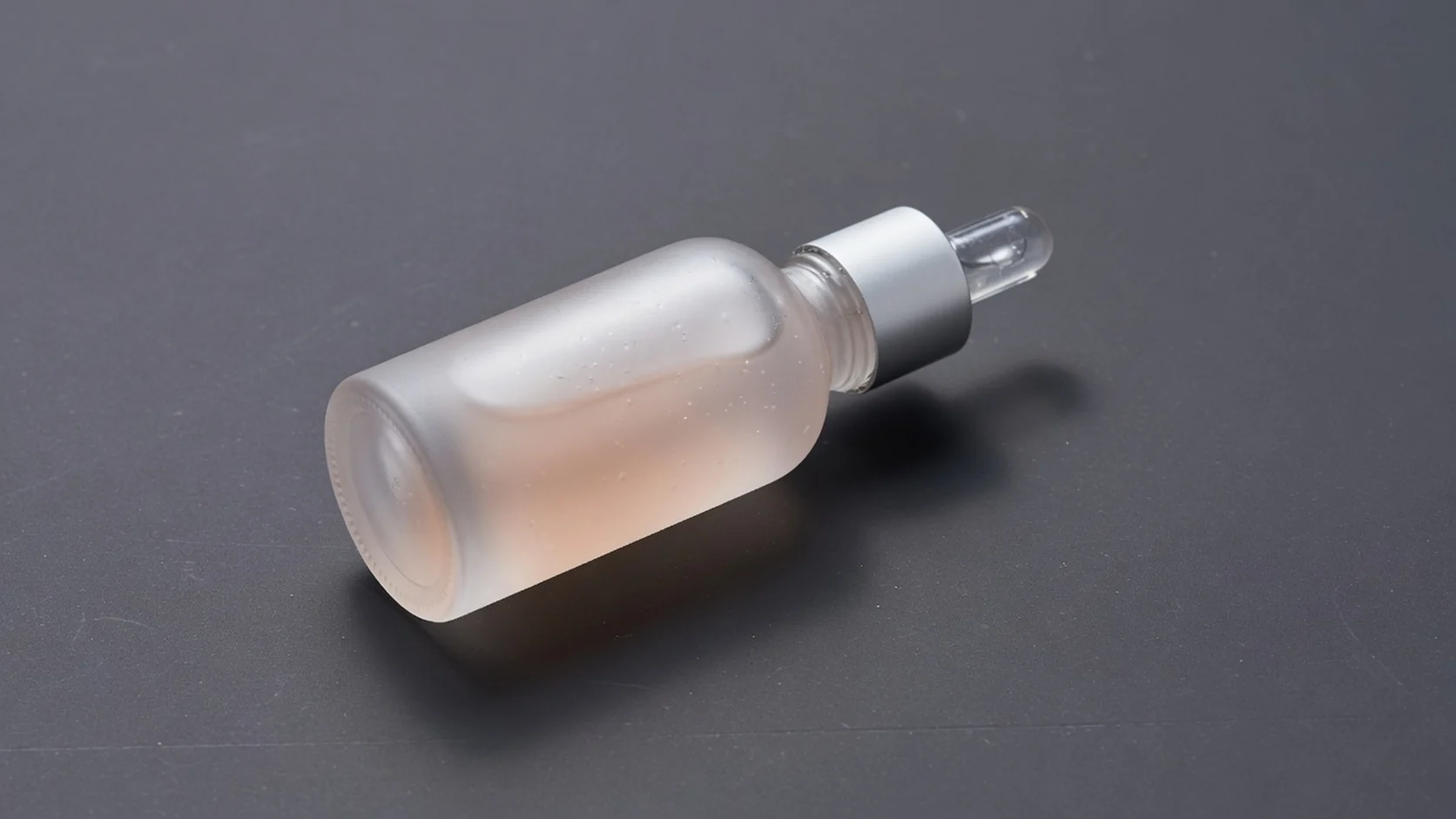
Preview the transparent result before production use. Glass, soft shadows, transparent packaging, and busy scenes may still need a manual edge check—this free export is for everyday ecommerce reuse, not guaranteed pixel-perfect matting.
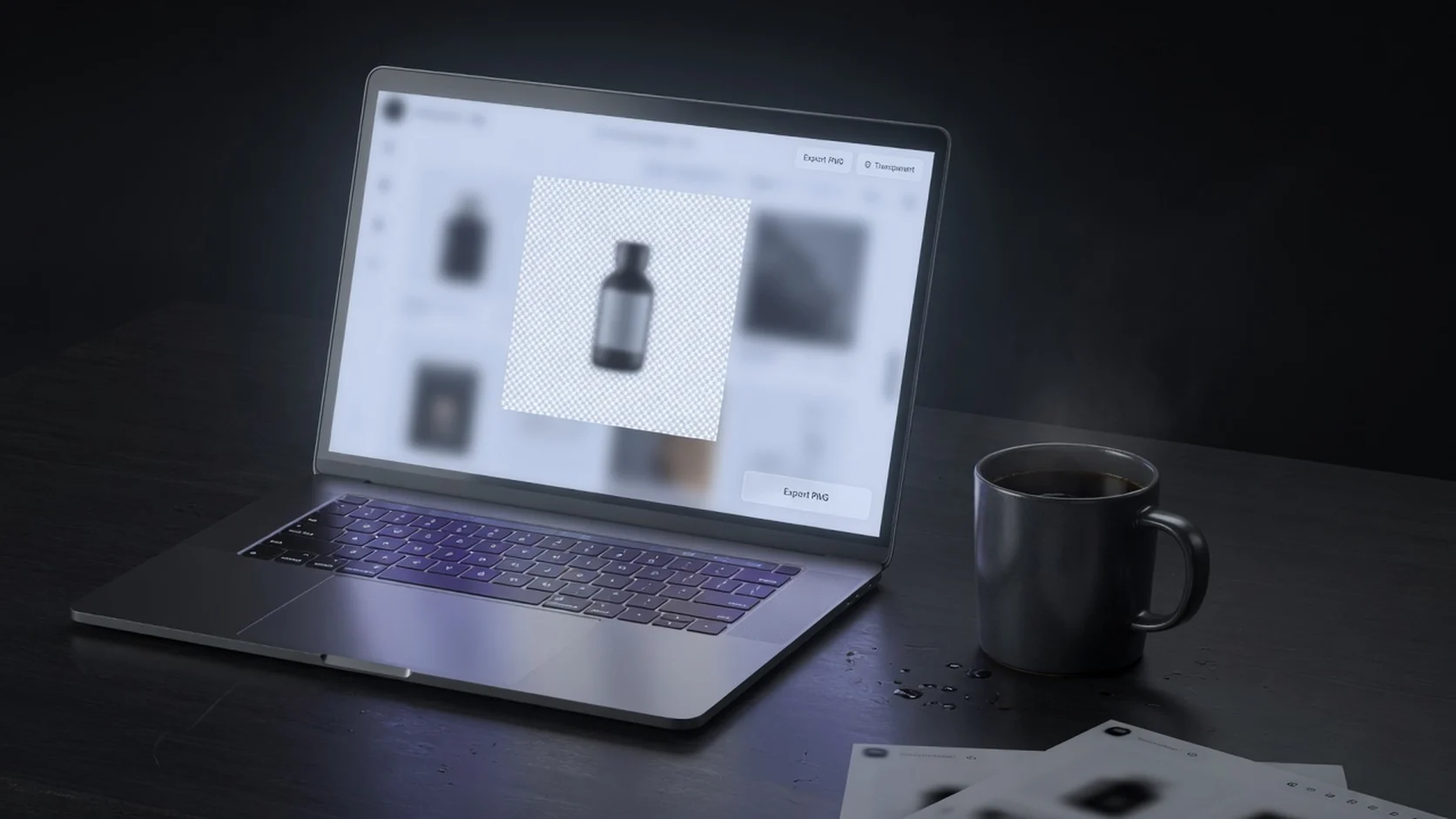
Upload one product image, export a transparent PNG, preview on a checkerboard, and download. No account sign-in, no generation credits, no watermark, and no saved history—built for quick listing layout and design reuse.
Choose the right free tool
Use Transparent Product PNG when you need a reusable master for modules, banners, and design tools. Use Background Remover when the main job is isolating a messy source photo first.
| Tool | Best for | Output | Not for |
|---|---|---|---|
| Transparent Product PNG | Reusable layout assets | Transparent PNG | Hair-perfect matting guarantees |
| Background Remover | Isolate subject from messy photos | Cutout PNG | File-size reduction only |
| Product Image Compressor | Oversized listing files | Smaller JPG/WebP | New scenes or cutouts |
| Image Enhancer | Clarity cleanup | PNG | Background replacement |
| AI Product Shot | New ecommerce photos | Generated images | Simple transparent export only |
Ecommerce use cases
One free workflow for listing layouts, storefront modules, social product graphics, and campaign creatives—focused on reusable transparent PNG assets rather than generating a brand-new scene.
AmazonPrepare a transparent product PNG before composing an Amazon main-image style canvas or variation layout.
 Shopify
Drop the same subject into theme modules, collection sections, and detail-page components without re-cutting.
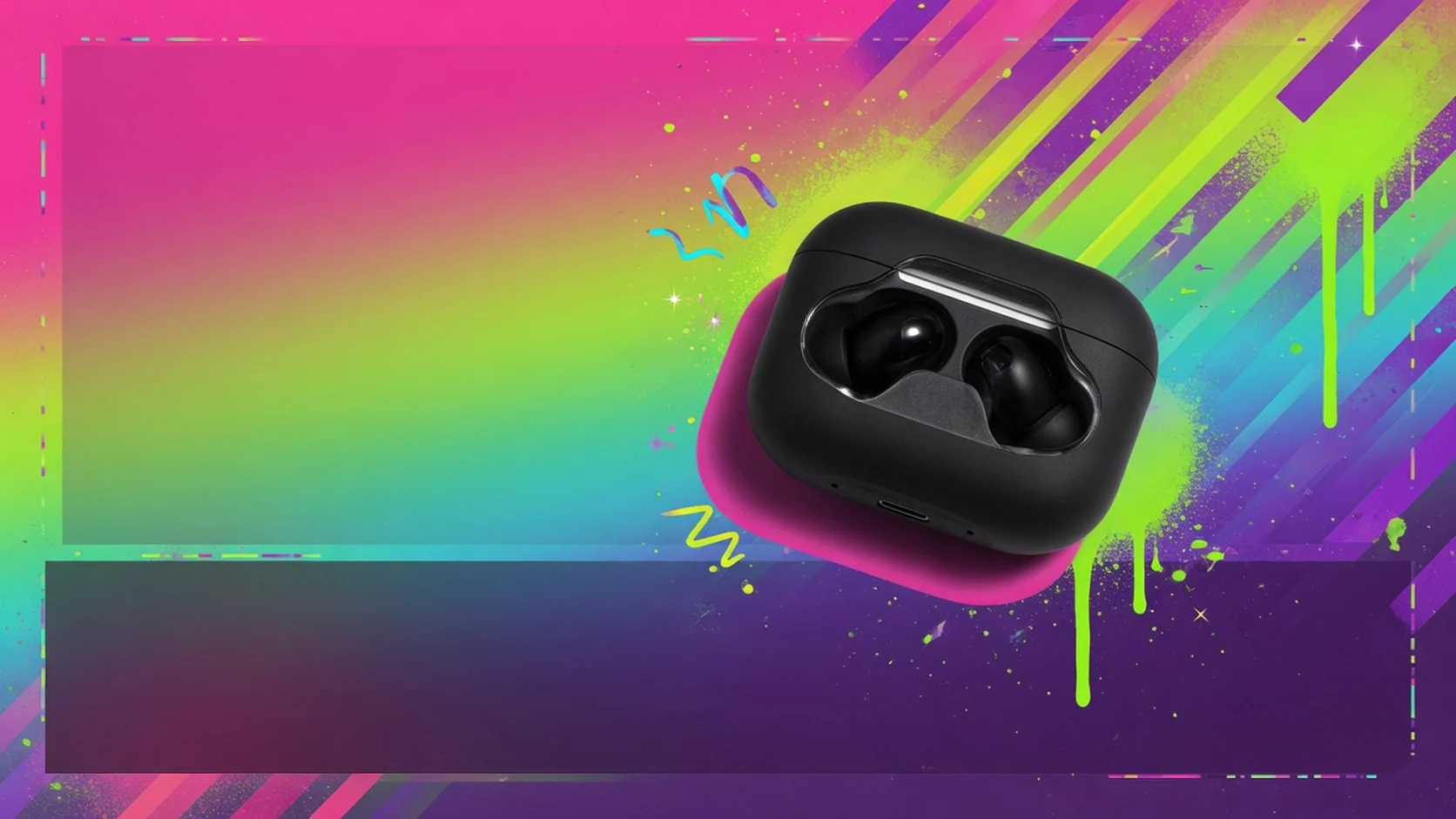 Social
Layer products over campaign backgrounds and text frames, then crop for feed, shop, and ad sizes.
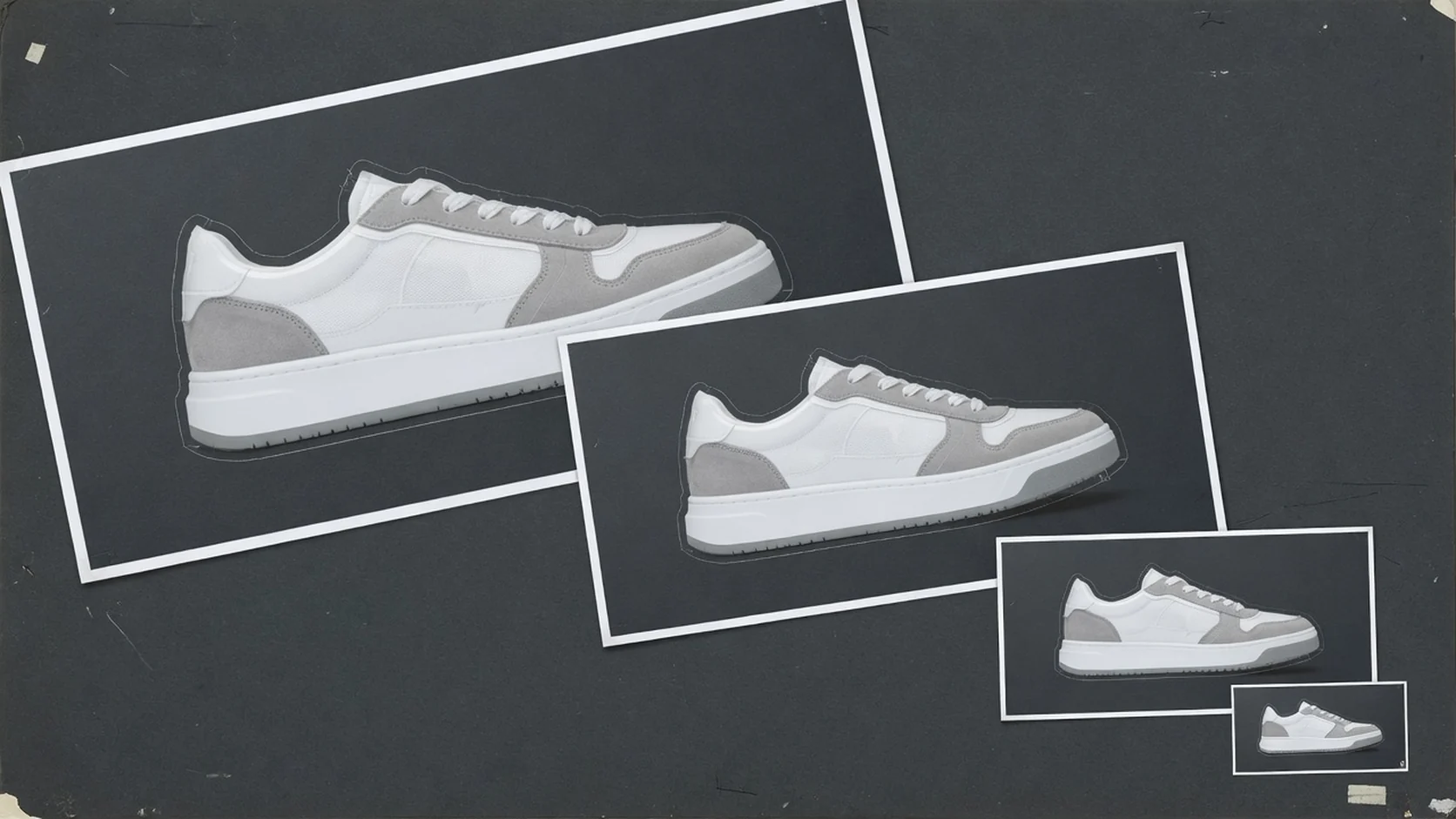 Campaign
Reuse one transparent master across launch sizes, email headers, and landing sections.
Workflow
A free transparent PNG export workflow for ecommerce operators. Upload once, process in the browser, preview edges, and download when the subject is ready for listing layouts or design reuse.
Choose one JPG, PNG, or WebP file up to 20MB. Clear product shots export more cleanly.
Generate a transparent-background PNG in the browser with one click—no credits and no account required.
Check edges on a checkerboard-style preview before downloading.
Download a watermark-free transparent PNG for listing layouts, design tools, and campaign creatives.
Tool comparison
Manual masking still wins for hair-level retouching and brand-critical composites. This free tool is for everyday transparent PNG export when you already have a usable product image and need layout flexibility.
Free
no credit use
Transparent PNG
alpha export
No watermark
download promise
Best for complex edges, glass, fur, and brand-critical composites. It usually needs design skill, software, and more time.
Best when you already have a usable product image and need a transparent PNG for listing layouts, design tools, or campaign assets—without software setup or credits.
Related free tools
Start from a cleaner cutout, compress the finished PNG workflow inputs, or enhance clarity before you publish.
Reduce file size before marketplace upload checks.
Open toolIsolate the product and download a cutout PNG.
Open toolCurrent tool
Export a reusable transparent PNG for layouts.
Improve clarity on existing product photos.
Open toolGuides & Blog
Read ProductShot AI guides about ecommerce AI visual tools, product photography generators, and image processing workflows.
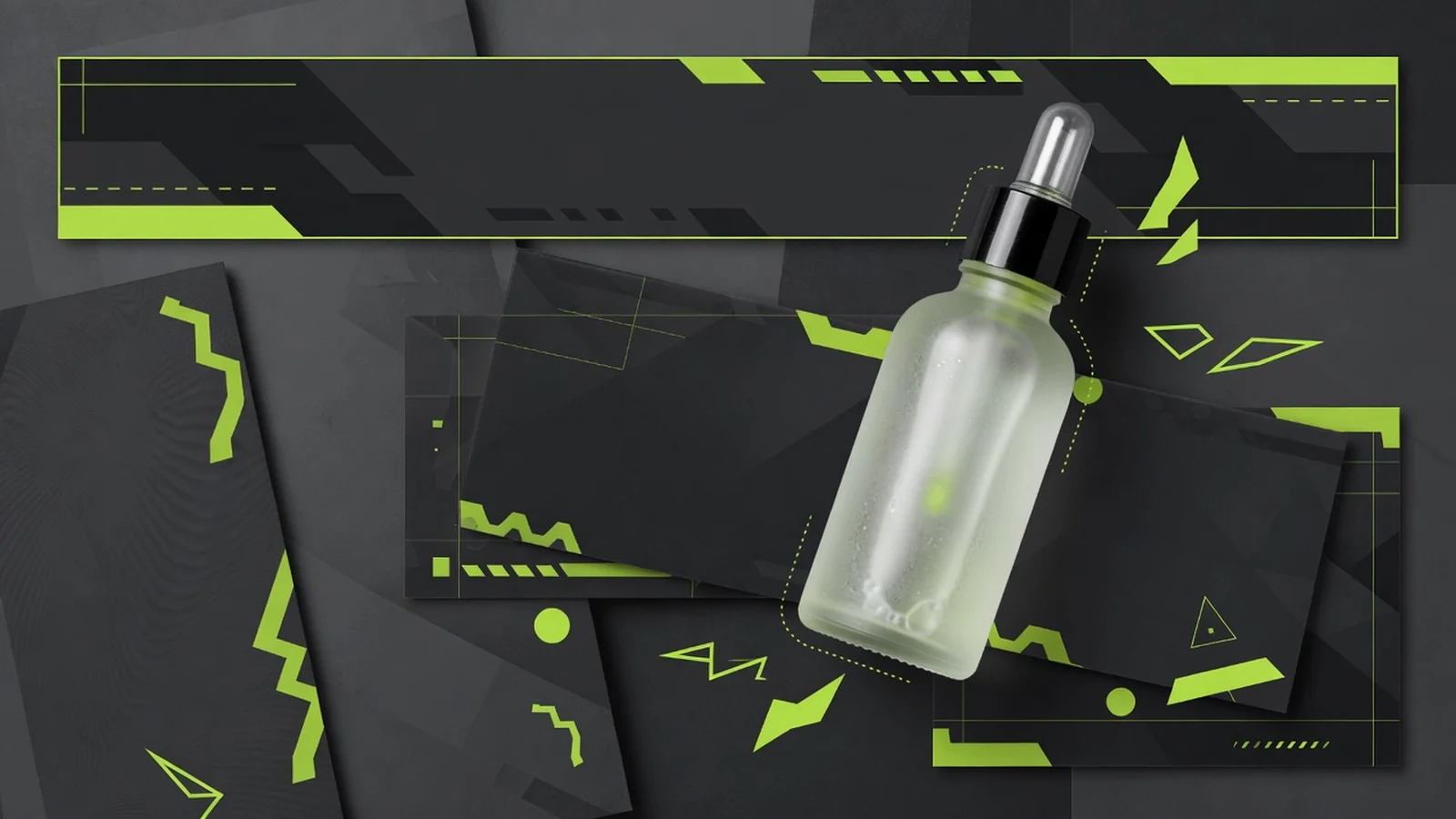 Guide
GuideModules, banners, and design handoffs that benefit from a portable product layer.
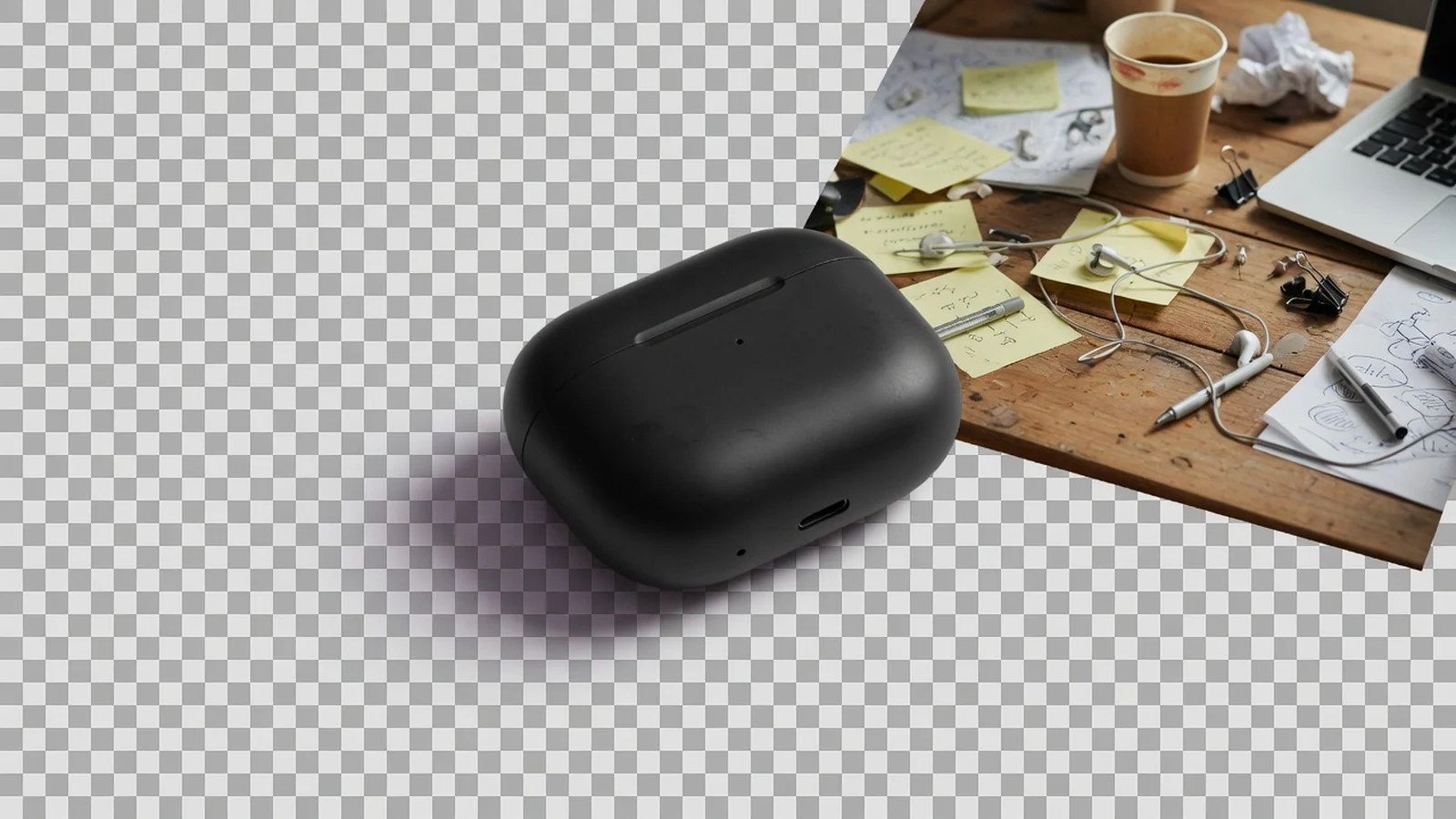 Guide
GuideIsolate the subject first, then build reusable transparent masters.
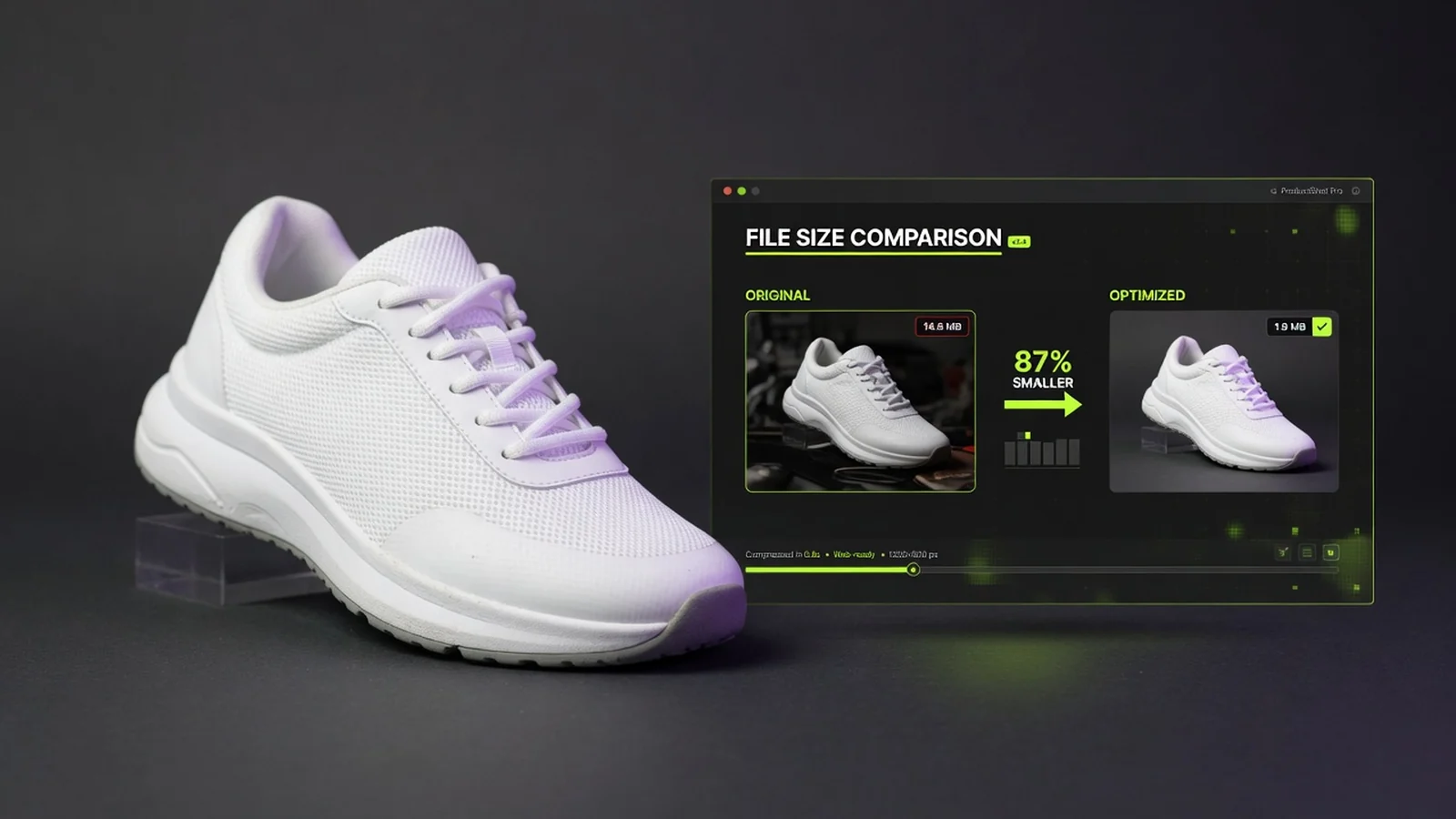 Guide
GuideHow compression fits after transparent export without destroying the only good master.
See how ecommerce teams reuse transparent PNGs across listing image layouts, storefront modules, and campaign creatives.
“Transparent PNGs help me drop products into different listing frames quickly.”
“One transparent asset covers multiple homepage modules without re-cutting.”
“Useful when I need a subject file for an Amazon main-image canvas without desktop tools.”
“Campaign designers reuse the transparent master across sizes and channels.”
“No watermark keeps the PNG ready for production layouts after a quick edge check.”
“Free and no history clutter—export, download, and place the product where it needs to go.”
Transparent background FAQ
Common questions about transparent PNG export for product images, listing layouts, design reuse, difficult edges, and how this page differs from product background removal and the AI Product Photography Generator.
Yes. This tool is free to use. You can create a transparent product image without logging in, and it does not use ProductShot AI generation credits.
No. Your transparent PNG download is watermark-free, and this workflow does not save account history.
You can upload JPG, PNG, or WebP files up to 20MB each. The result is a transparent PNG.
Use this page when you already know you need a reusable transparent PNG for layout, design, or repeated placement. Use the background removal page when your first goal is simply to isolate the product from a messy source photo.
A transparent PNG is useful for listing layouts, storefront modules, campaign graphics, email headers, and multi-size creative templates. It is especially practical when you need to place the same product on different backgrounds or in different canvases.
Yes—as a reusable asset step before final layout and publishing. Export the transparent PNG first, then place it into the canvas, theme module, or promo layout you plan to publish. Final checks should still happen in the actual channel you use.
Cleaner subjects usually lead to cleaner reusable PNGs. Glass, transparent packaging, soft shadows, hair, and busy scenes may still need a manual edge check before you reuse the file in production layouts.
This tool exports a transparent PNG from an existing product image. The AI Product Photography Generator creates new white-background, studio, lifestyle, and campaign visuals.
Free transparent product PNG
Upload a product image, preview the result, and download a transparent PNG. No login, no credits, no watermark, and no saved history.
Need a new white-background or lifestyle product photo?