

30:00
BF 50% OFFClaim

AI Shopify Product Photo Generator

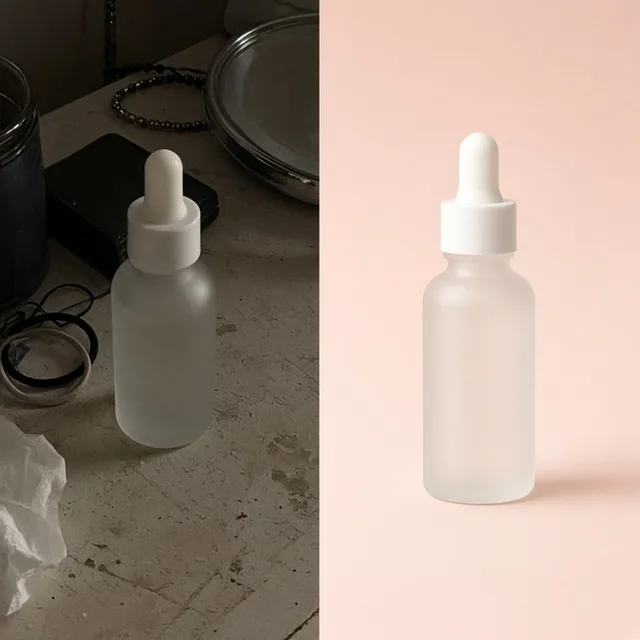
Compare raw phone or supplier samples against storefront-ready Shopify product photos staged with consistent lighting, margins, and aspect ratios.

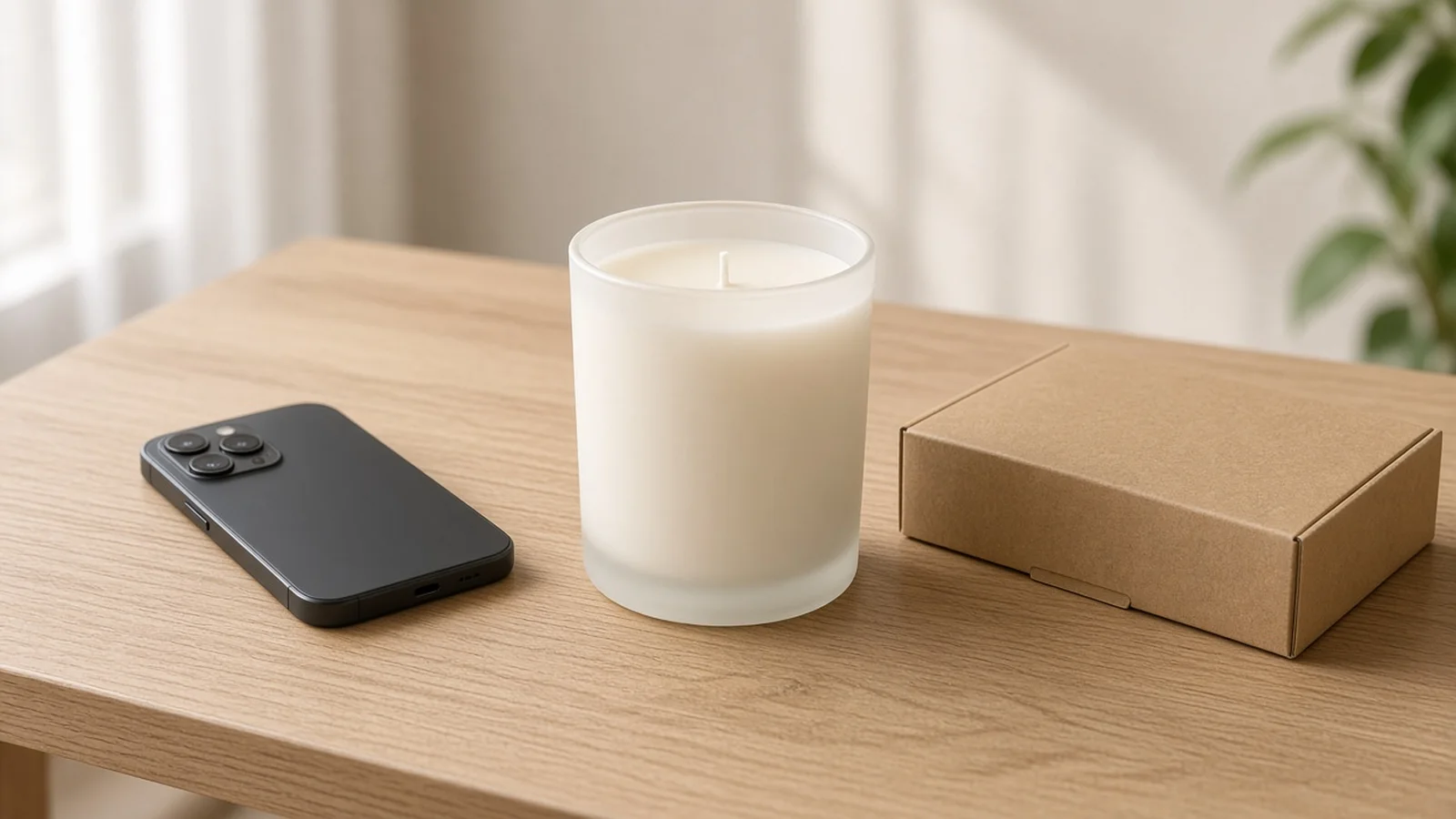
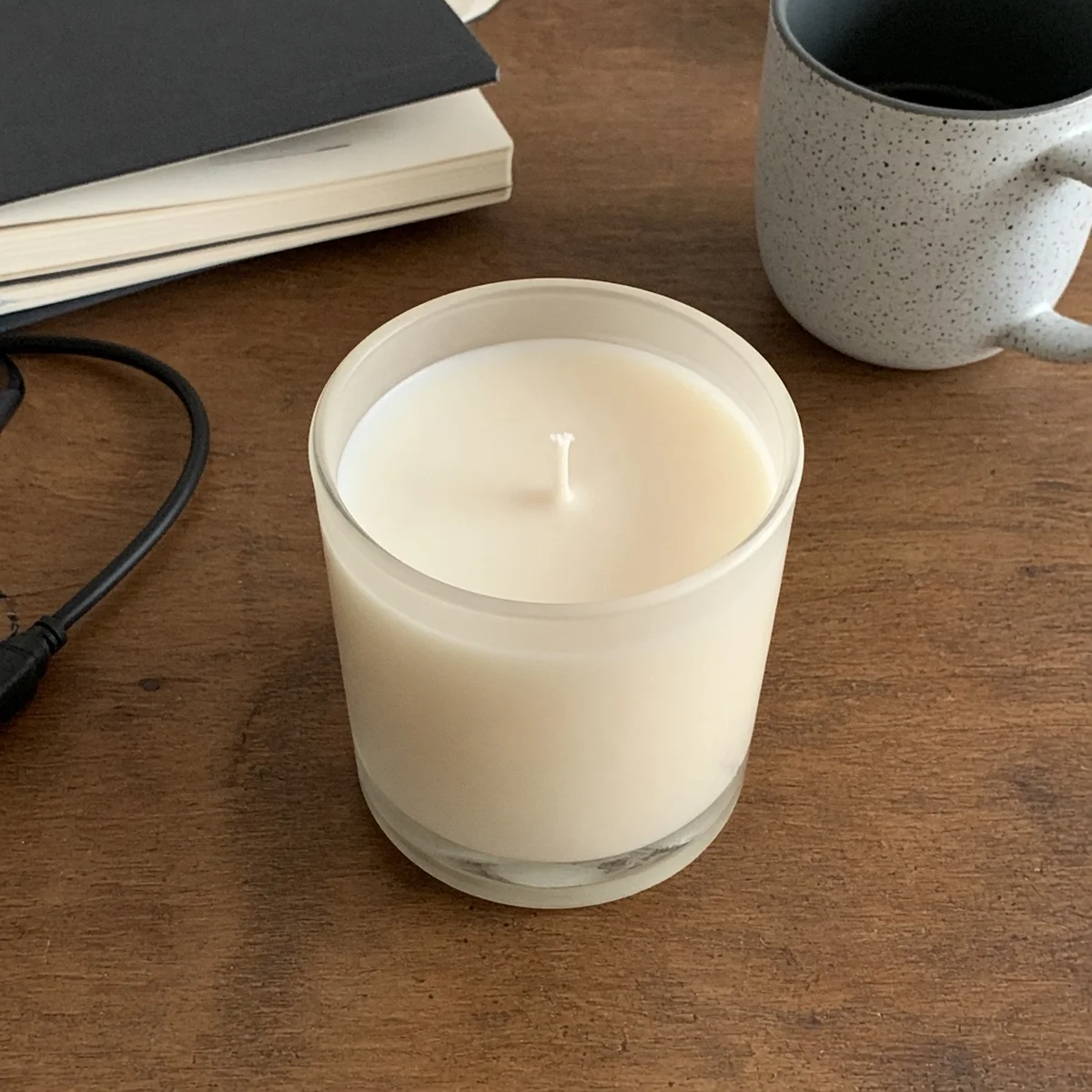
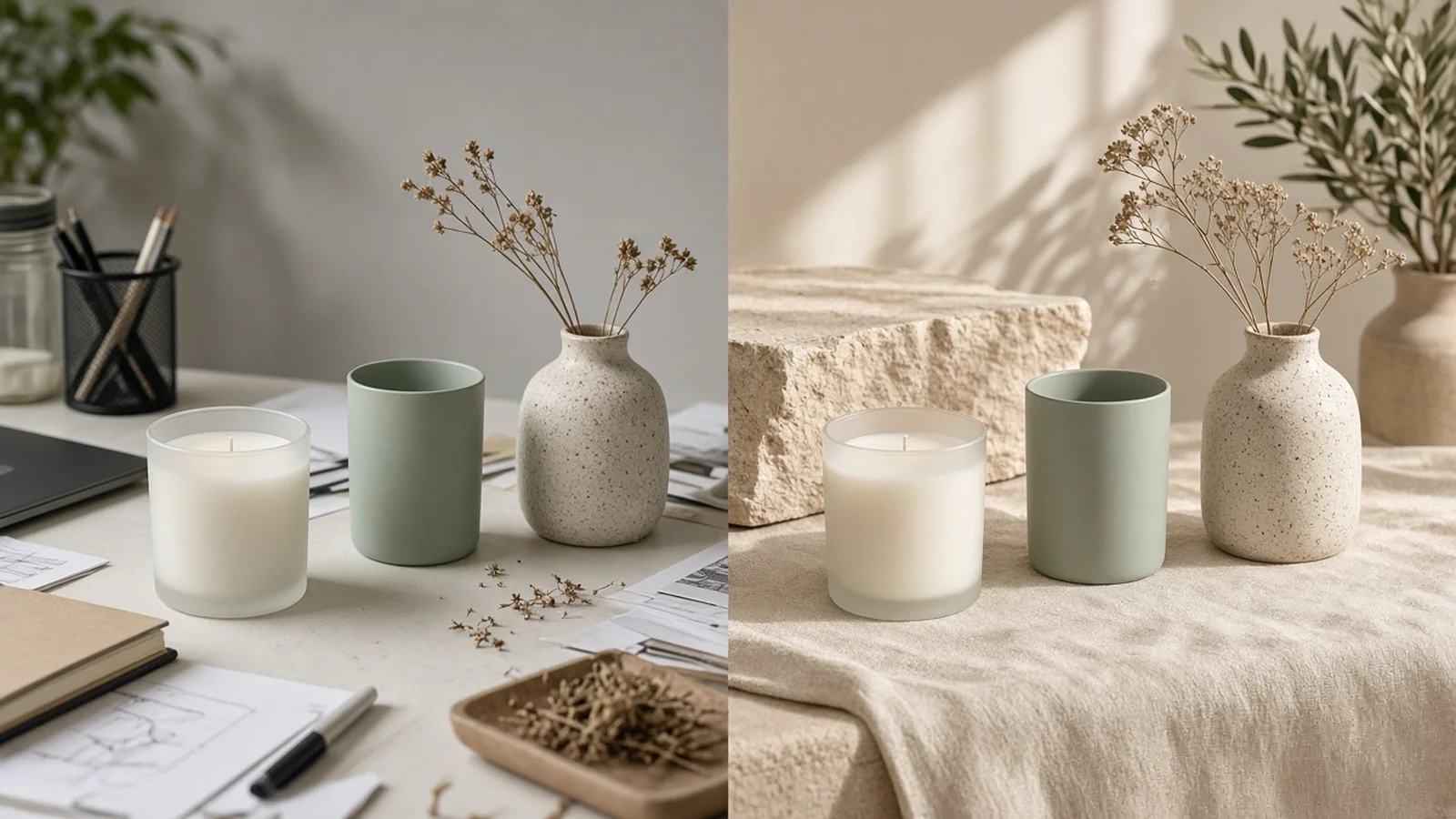
Raw smartphone photo of a scented candle jar sitting on a cluttered desk before processing
Original Sample
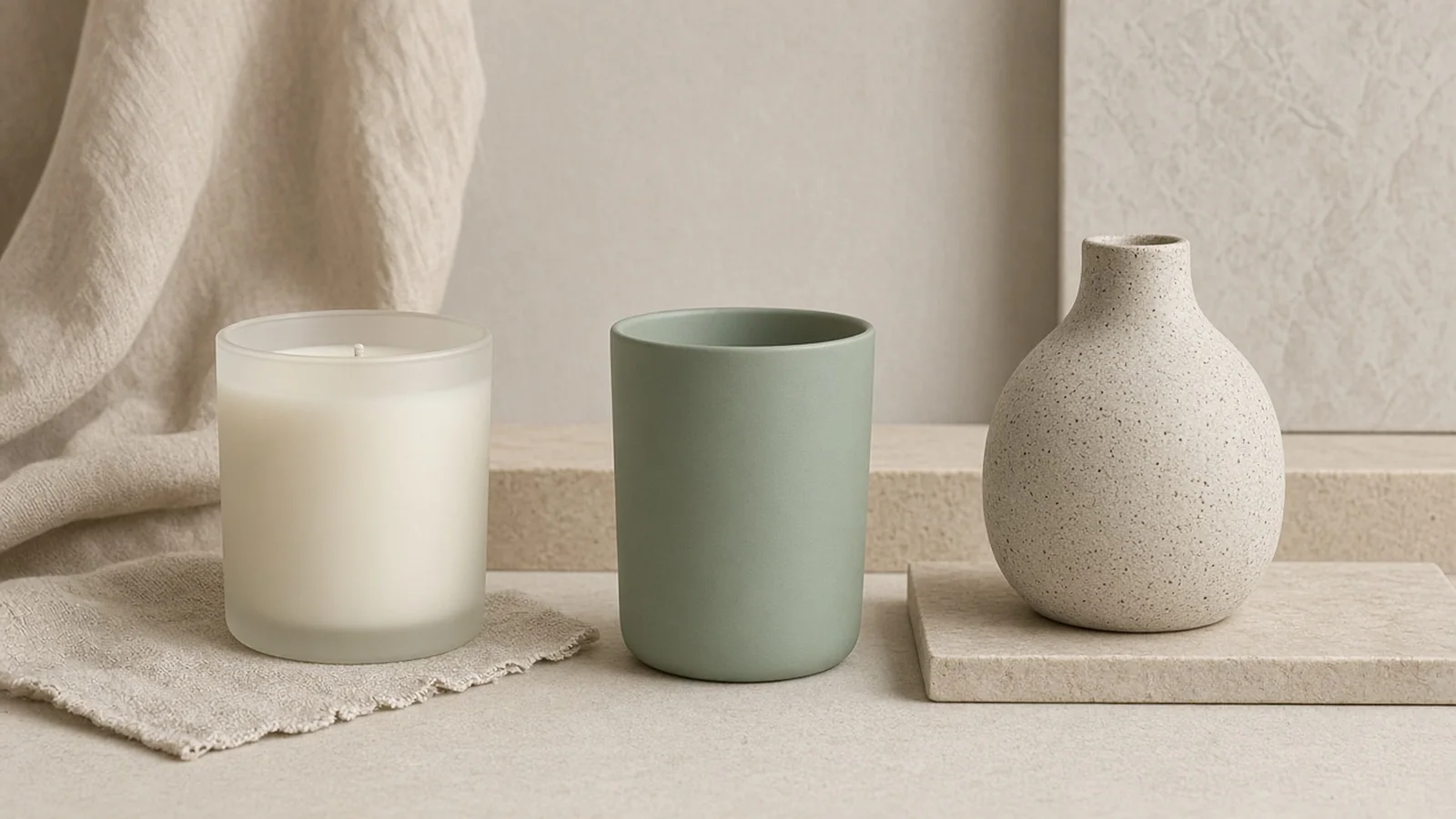
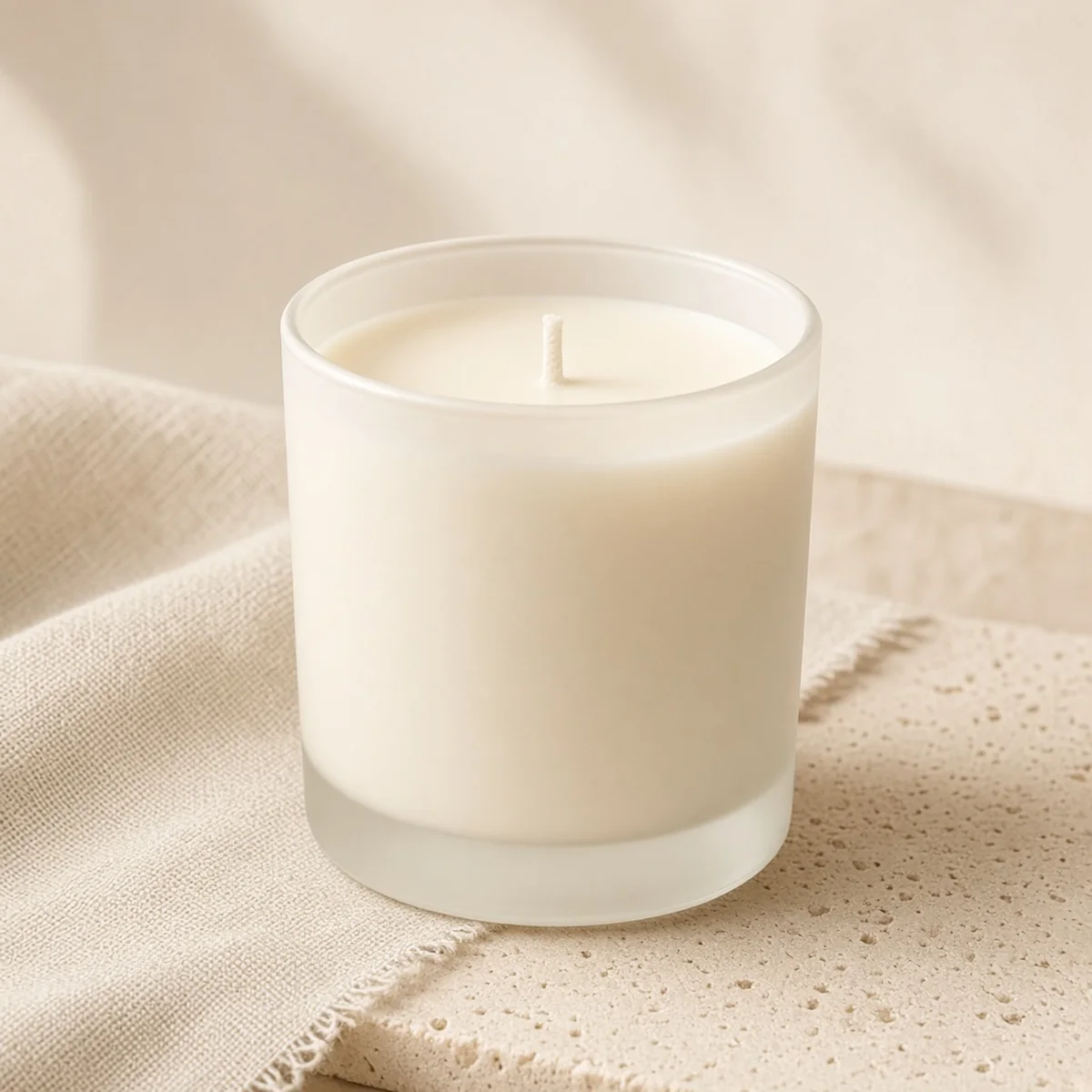
Generated 1:1 Shopify collection product photo of the same scented candle on beige linen and neutral stone
Shopify Ready

Cluttered desk phone snapshot → Clean beige linen & stone 1:1 Shopify collection hero

Pair With Your Storefront Workflow

Next tools for faster Shopify launches

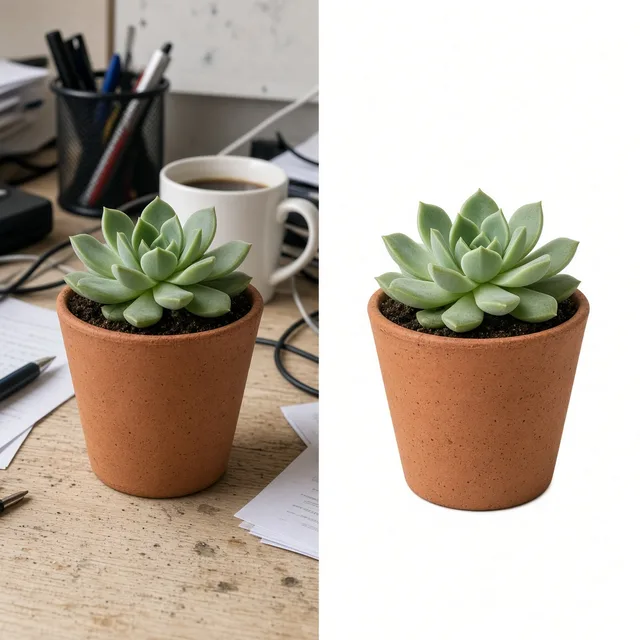
Combine cohesive collection imagery with pure white cutouts, lifestyle galleries, and lightweight web compression.

White Background
White BackgroundClean white listing photos in secondsTry it →
Lifestyle Scene
Lifestyle ScenePlace products in real-life scenesTry it →
Amazon Product Image Generator
Amazon Product Image GeneratorCreate compliant Slot 1 pure-white main images, lifestyle secondary plates, and A+ Brand Story visuals from one photo.Try it →
Listing Images
Listing ImagesA full listing image set at onceTry it →

How Shopify Visuals Convert

Why dedicated Shopify photography outperforms random stock edits

On a Shopify storefront, your collection page acts like a physical boutique shelf.

Consistent collection shelves build instant DTC trust

When one product sits on a warm wooden table, the next uses flash against a gray wall, and a third is a tight supplier cutout, shoppers notice the friction before reading a single word of copy.

Dedicated shopify photography aligns surface tone, lighting angle, and margin spacing so every item belongs to the same brand.

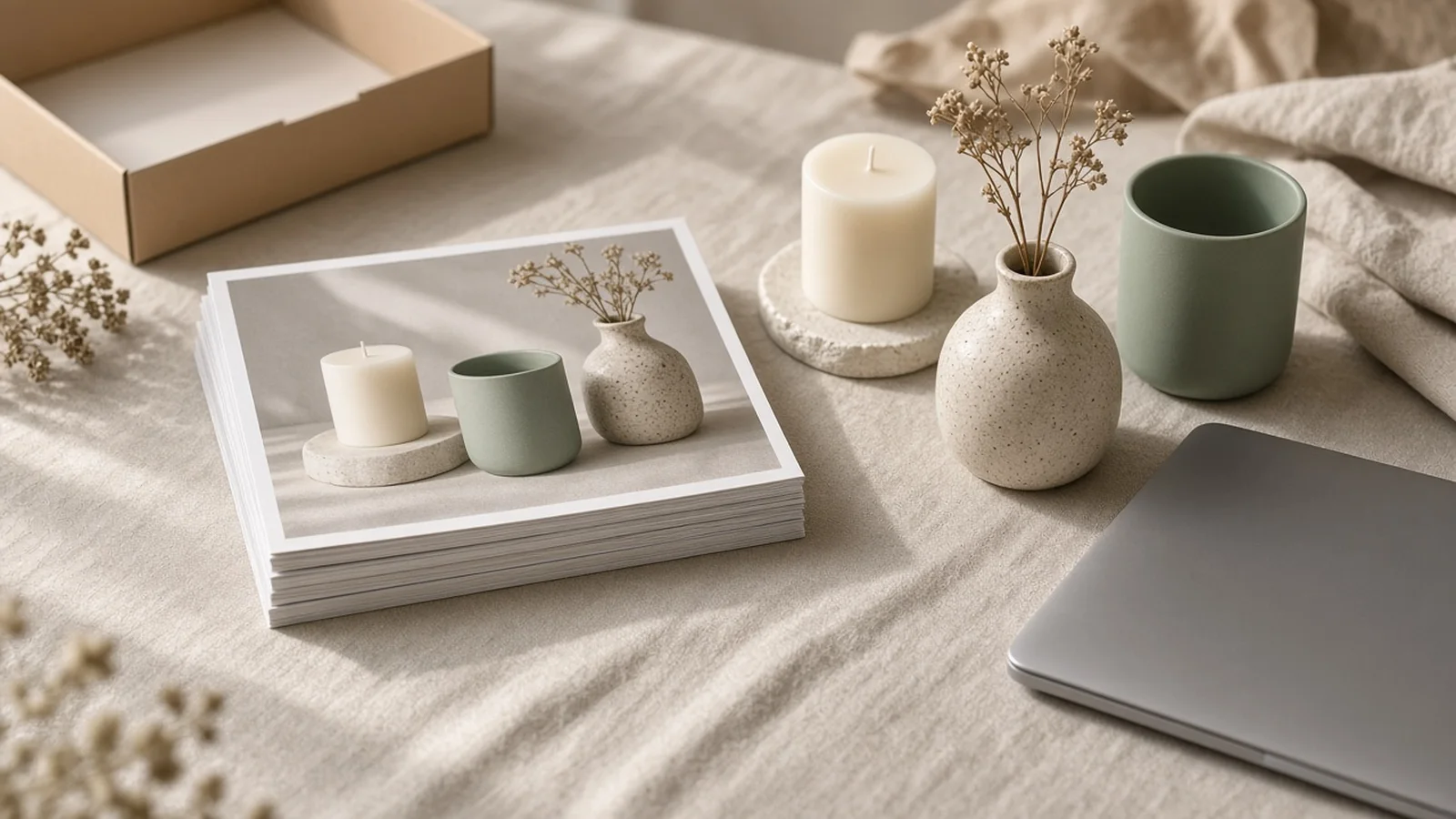
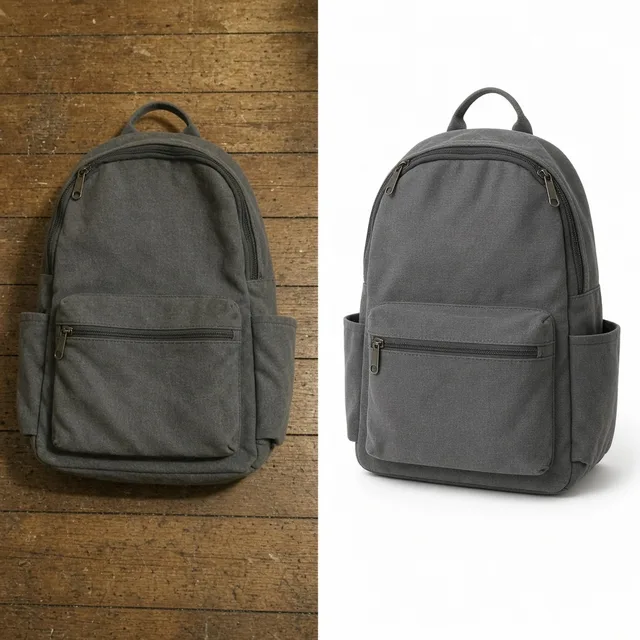
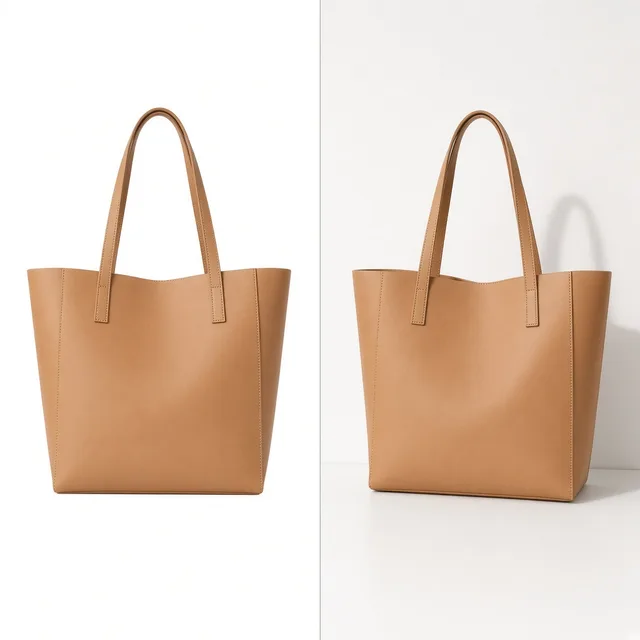
Before and after visual workflow showing a raw sample photo transformed into cohesive Shopify collection and PDP images

Built for Dawn, Prestige, and Impulse aspect ratios

Theme architecture also dictates how images behave.

Shopify's Dawn, Prestige, and Impulse themes rely heavily on predictable aspect ratios—most commonly 1:1 square catalog shots built to hold crisp detail at 2048×2048 zoom expectations, alongside 3:4 portrait cards for apparel and skincare collections where vertical height showcases silhouettes cleanly.
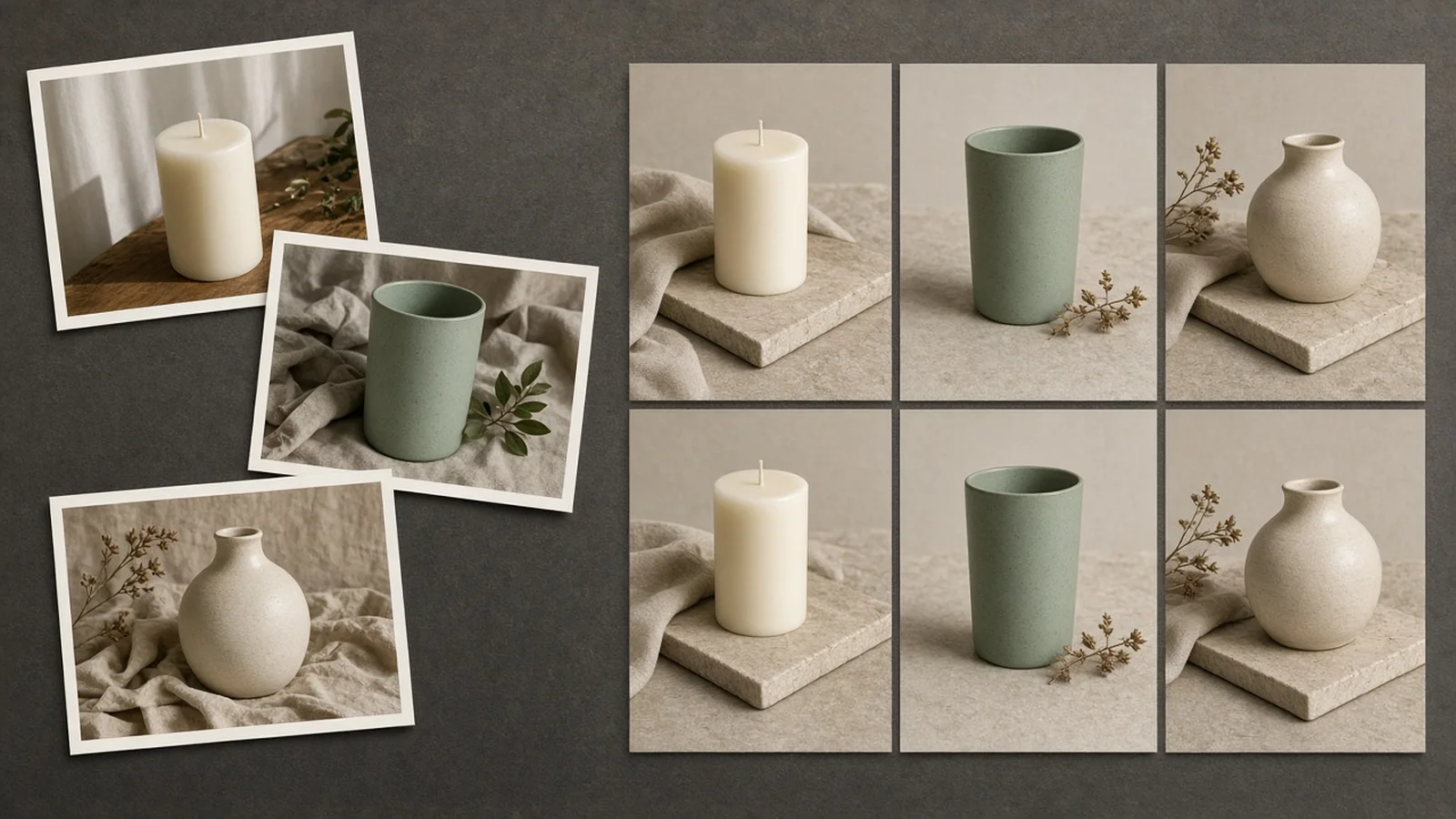
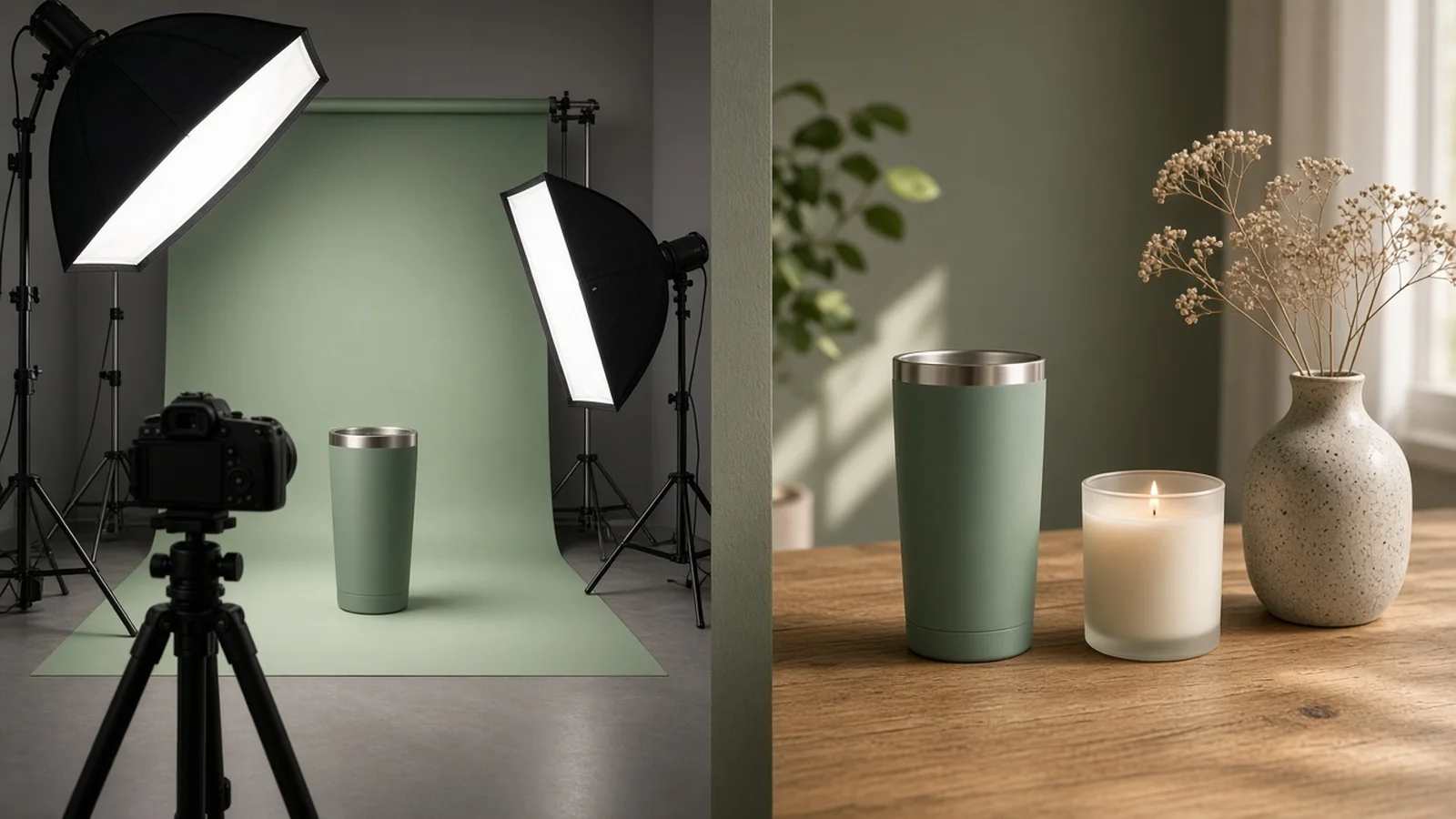
Bridging catalog clarity with PDP lifestyle depth

A high-converting product detail page (PDP) rarely stops at one angle.

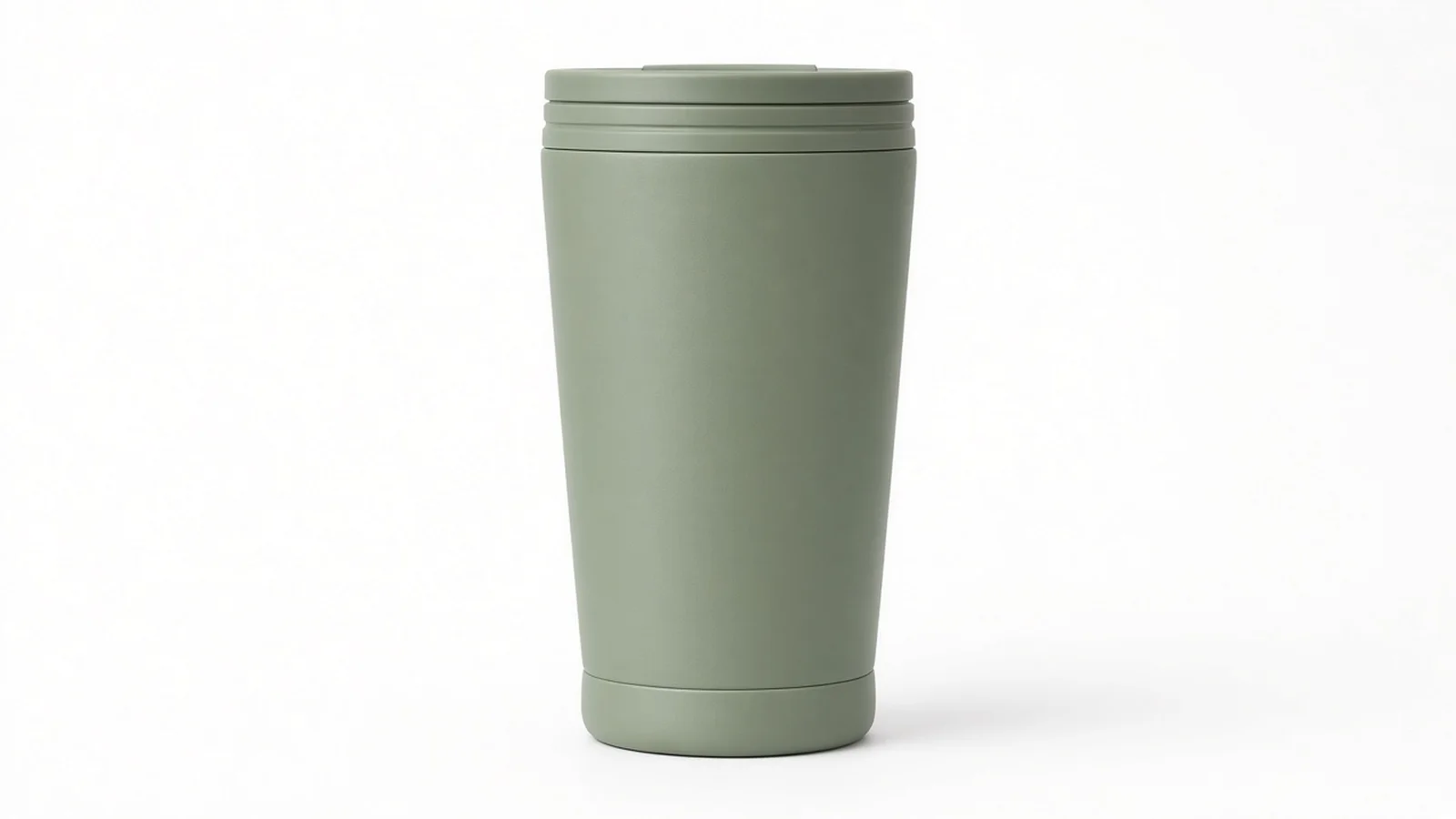
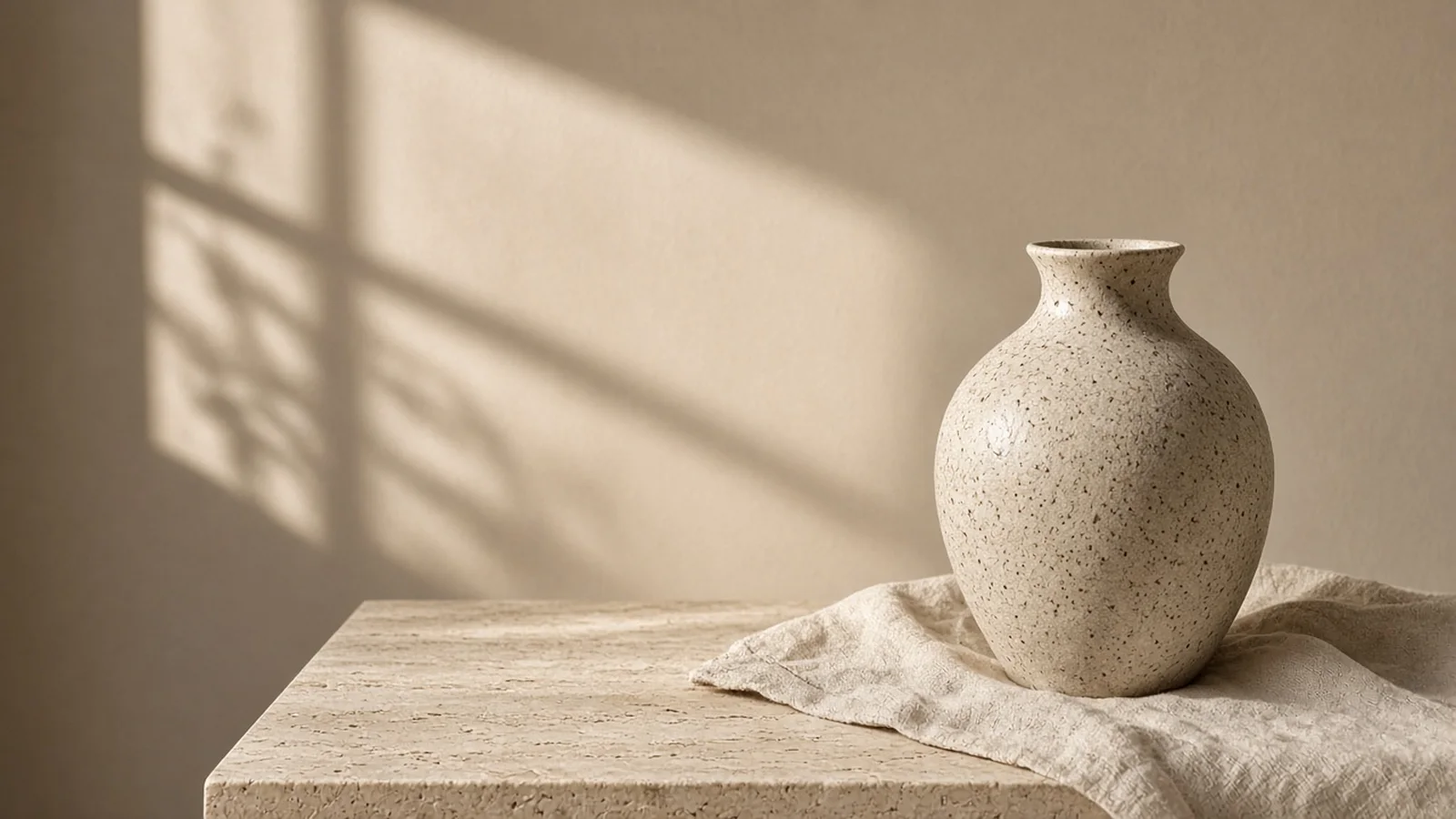
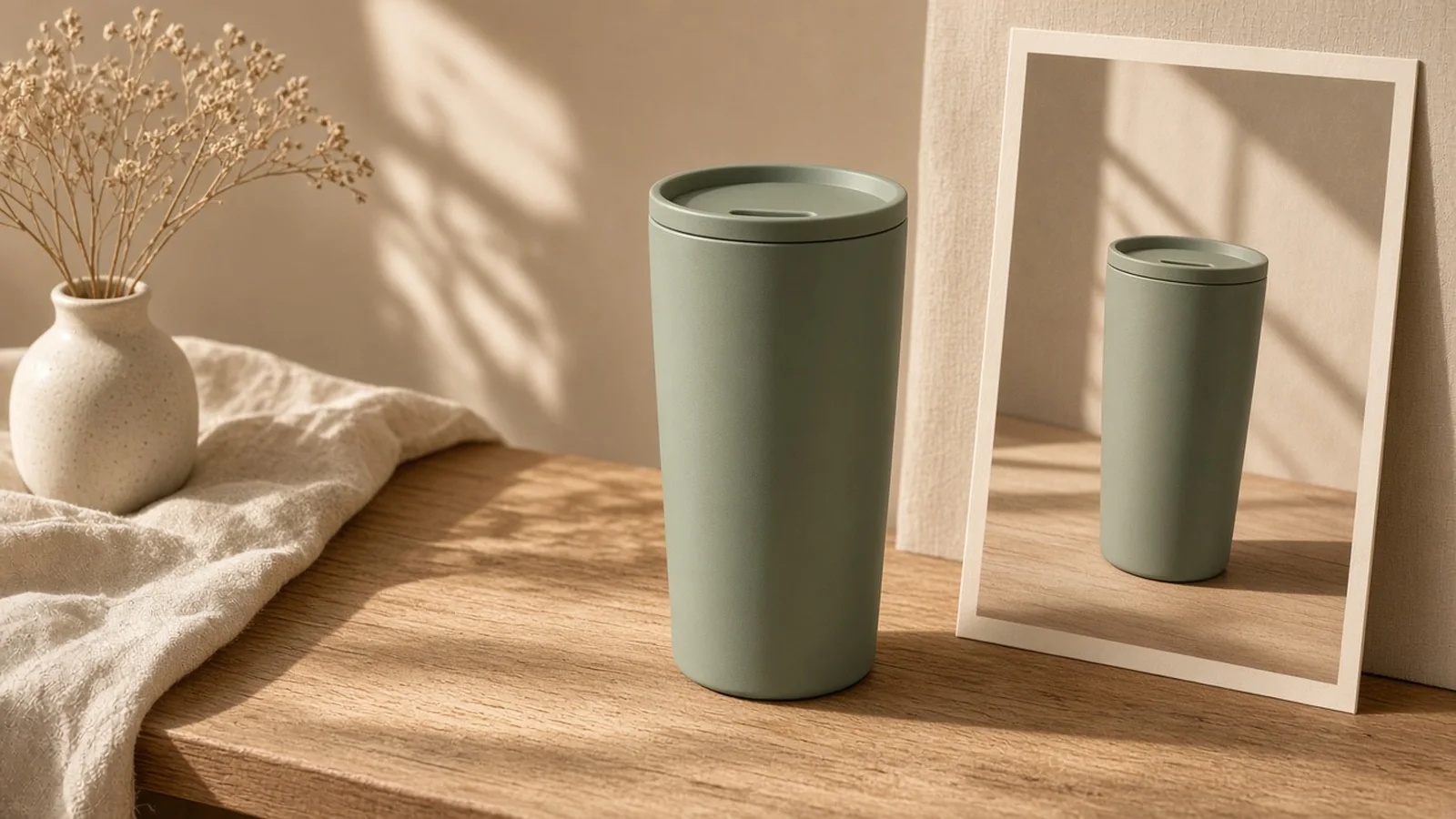
Pairing a clean collection grid lead image with a second PDP lifestyle scene gives buyers immediate scale cues—showing how tall a tumbler stands on an oak desk or how a ceramic vessel catches morning light—without forcing you to rent locations for every SKU.

Dedicated 16:9 collection banners with headline space

Storefront owners also need images for shopify store hero sections and collection headers.

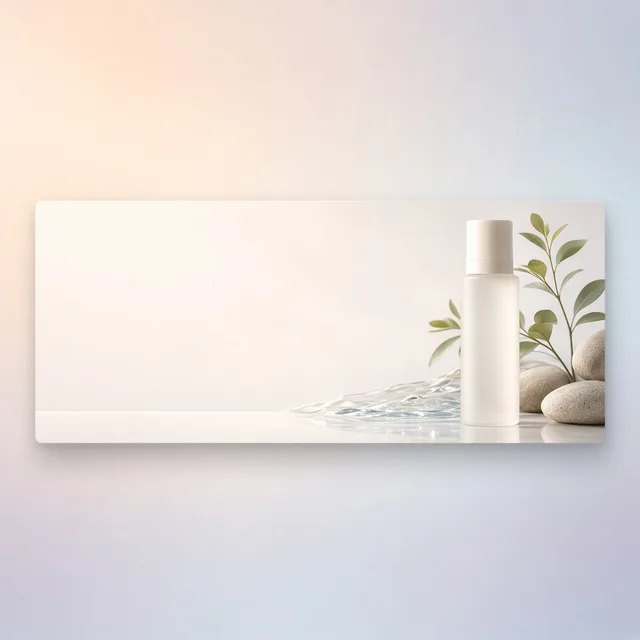
Standard square shots break awkwardly inside wide theme banners, whereas setting Storefront Placement to Collection Hero Banner with negative space on one side preserves clean room for Dawn or Prestige headlines and shop buttons.

Where to check Shopify file size & pixel limits

Rather than duplicating technical dimension tables on this generator page, pure specification benchmarks such as Shopify's 20MP or 25MP upload limits and 2048px zoom guidelines live in our dedicated [/blog/shopify-product-image-size/](/blog/shopify-product-image-size/) guide—keeping this workspace focused on generating clean, consistent visuals.

1:1 Square Grid Discipline

Keep uniform margins and centered alignment so multi-column Shopify collection rows never look jagged.

3:4 Vertical Editorial Cards

Support taller beauty, candle, and apparel cards without cropping off caps, labels, or hems.

Theme-Cohesive Color Temperature

Lock your store into soft neutral DTC, warm editorial, pure white, or dark stone across new drops.

PDP Context Without Location Shoots

Turn plain vendor samples into believable oak desk, linen vanity, or kitchen counter secondary photos.

Banner Negative-Space Control

Anchor your hero product to one third of a 16:9 frame so overlay headlines stay legible on desktop and mobile.

Fast Variant Expansion

Reuse your winning prompt notes and options as new scents, flavors, or finishes join your catalog.

Why ProductShot AI

Engineered for real Shopify merchandising teams

Move faster from factory sample to live product page without sacrificing visual discipline.

Multi-Slot Placement Presets

Switch between Collection Grid Lead, PDP Lifestyle Scene, Minimal DTC Plinth, and Collection Hero Banner in one click.

Four Curated Store Aesthetics

Standardize every SKU with Soft Neutral DTC, Warm Natural Editorial, Crisp Pure White, or Dark Stone Luxury palettes.

Natural Grounded Lighting

Generates realistic contact shadows and soft directional daylight instead of pasted sticker-like cutouts.

Product Lock Protection

Preserves packaging typography, surface textures, and color accuracy while replacing messy desks and walls.

Repeatable Prompt Library

Save and reuse framing formulas across seasonal launches so images added months apart still match.

Clear 10-Credit Pricing

Pay 10 credits per generated image across 1 to 4 outputs per run, starting with 1 free generation after sign-in.

Why Storefront Visuals Fail

Fix the visual gaps that hurt Shopify conversion

Shoppers spot mismatched supplier lighting and uneven crops immediately on collection grids.

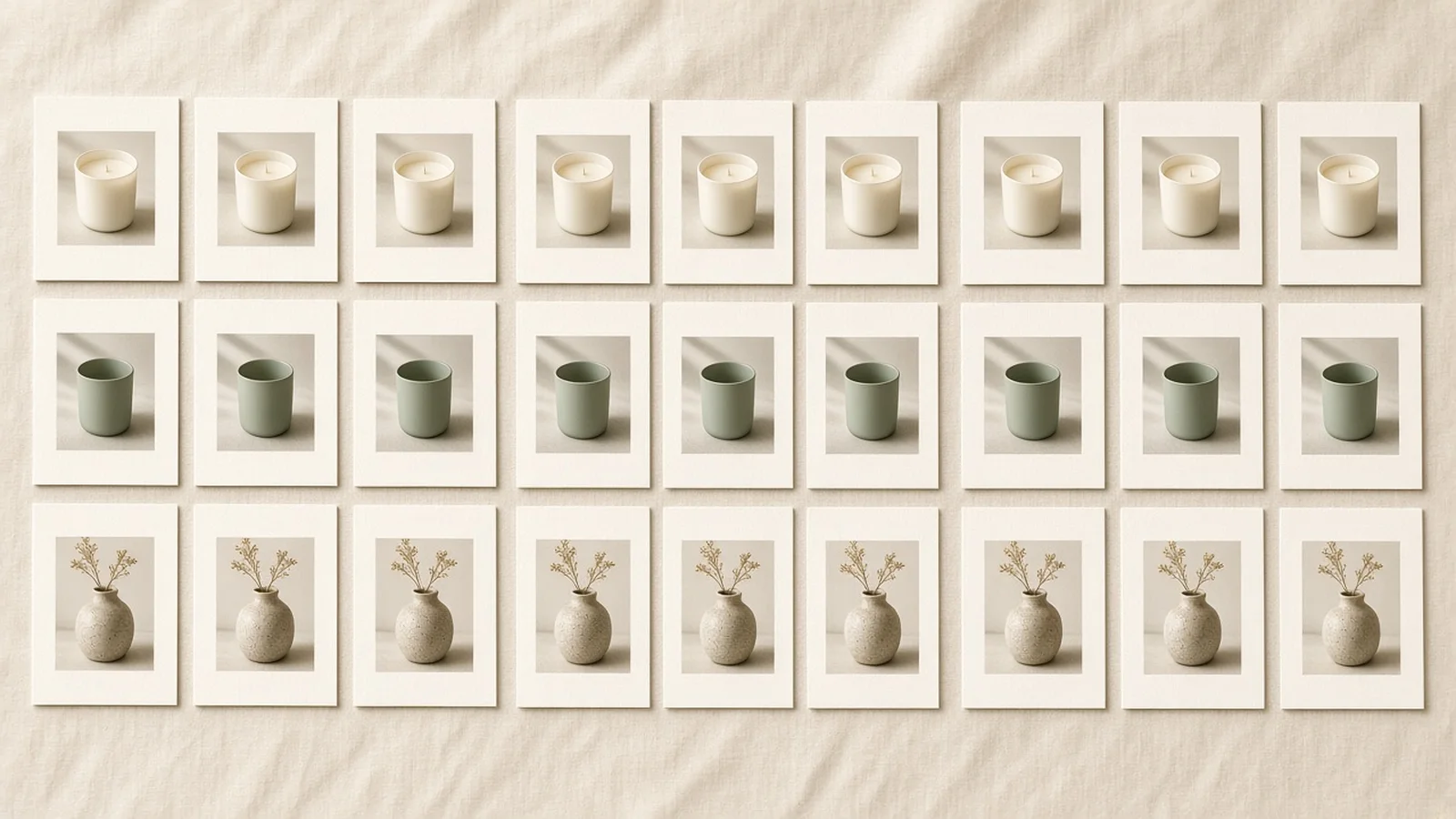
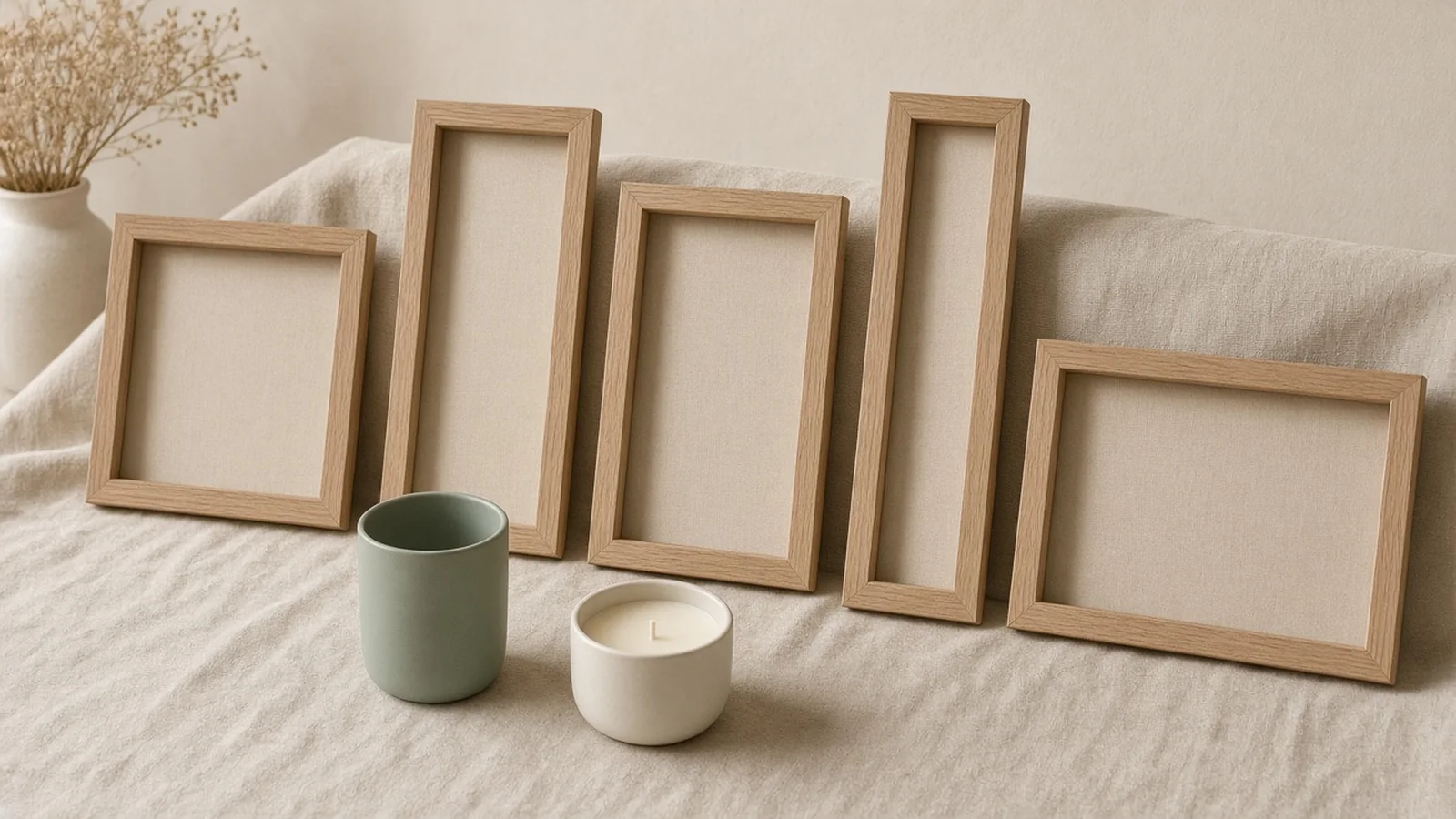
Comparison showing inconsistent supplier thumbnails replaced by a uniform neutral grid

Mismatched supplier photos break collection grids

Different vendors shoot under yellow bulbs, harsh flash, or tight crops, making your Shopify collection page look like a reseller dump.

Product photography studio cost breakdown compared with instant browser staging

Reshooting every new variant drains launch budgets

Shipping new scents, colors, or seasonal bundles back to a photographer delays launches by weeks.

Shopify theme grid showing aligned 1:1 and 3:4 product cards

Dawn, Prestige, and Impulse demand ratio discipline

Mixing portrait, square, and landscape uploads inside one theme causes uneven row heights and awkward auto-cropping.

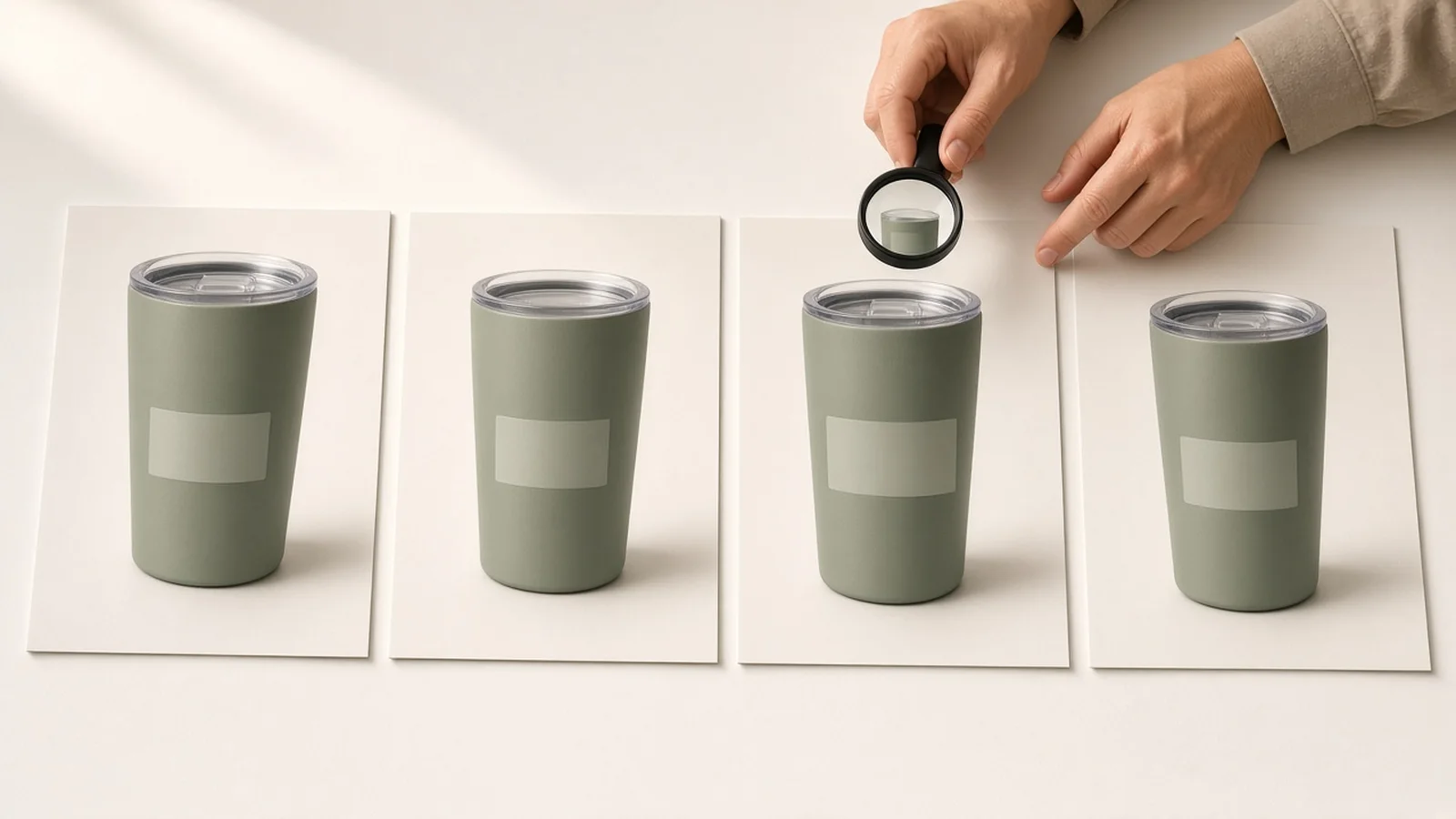
Close-up verification of intact product label typography after background staging

Generic AI editors warp labels and bottle shapes

Unconstrained image generators soften packaging typography or shift brand colors that trigger customer returns.

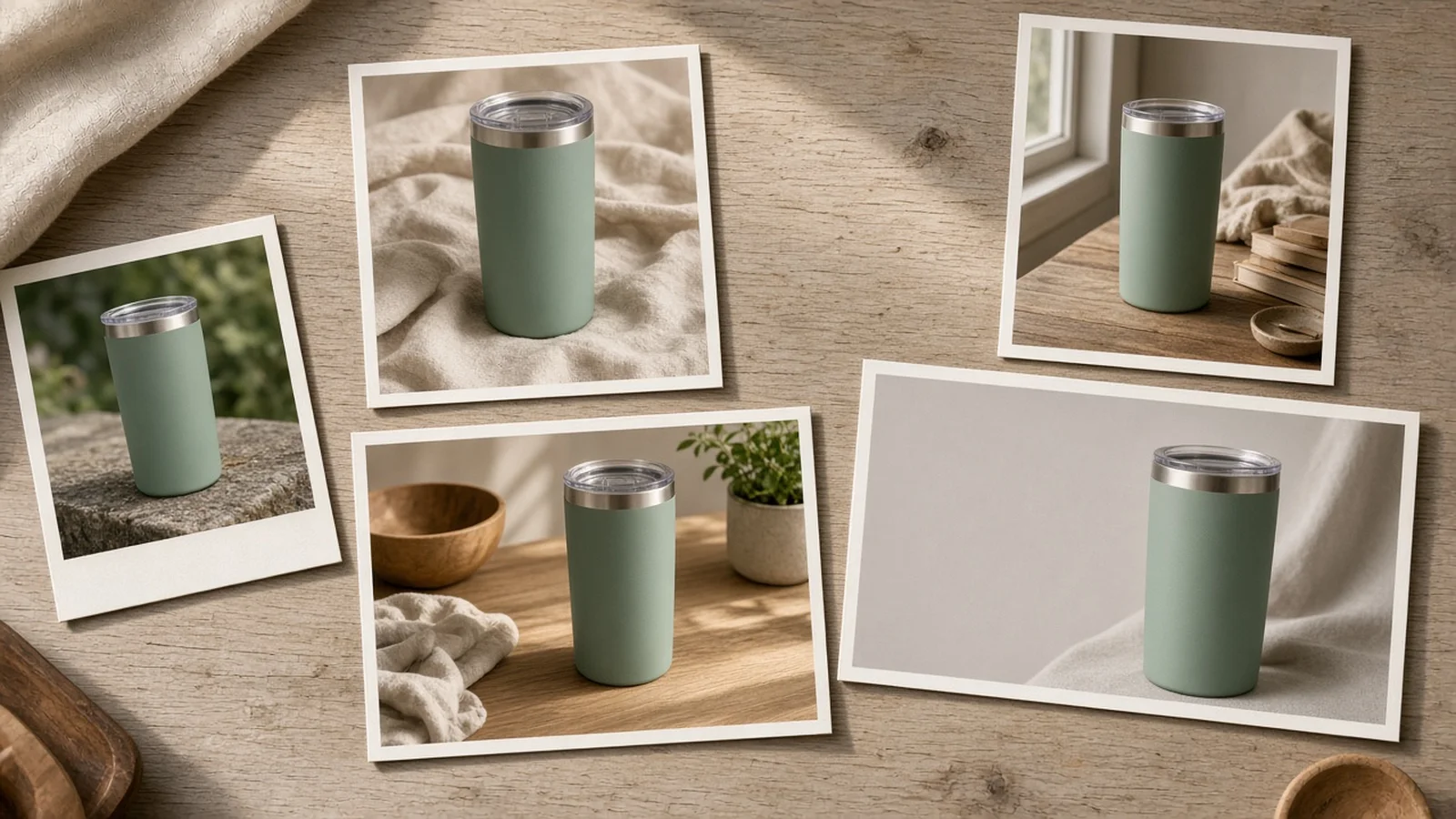
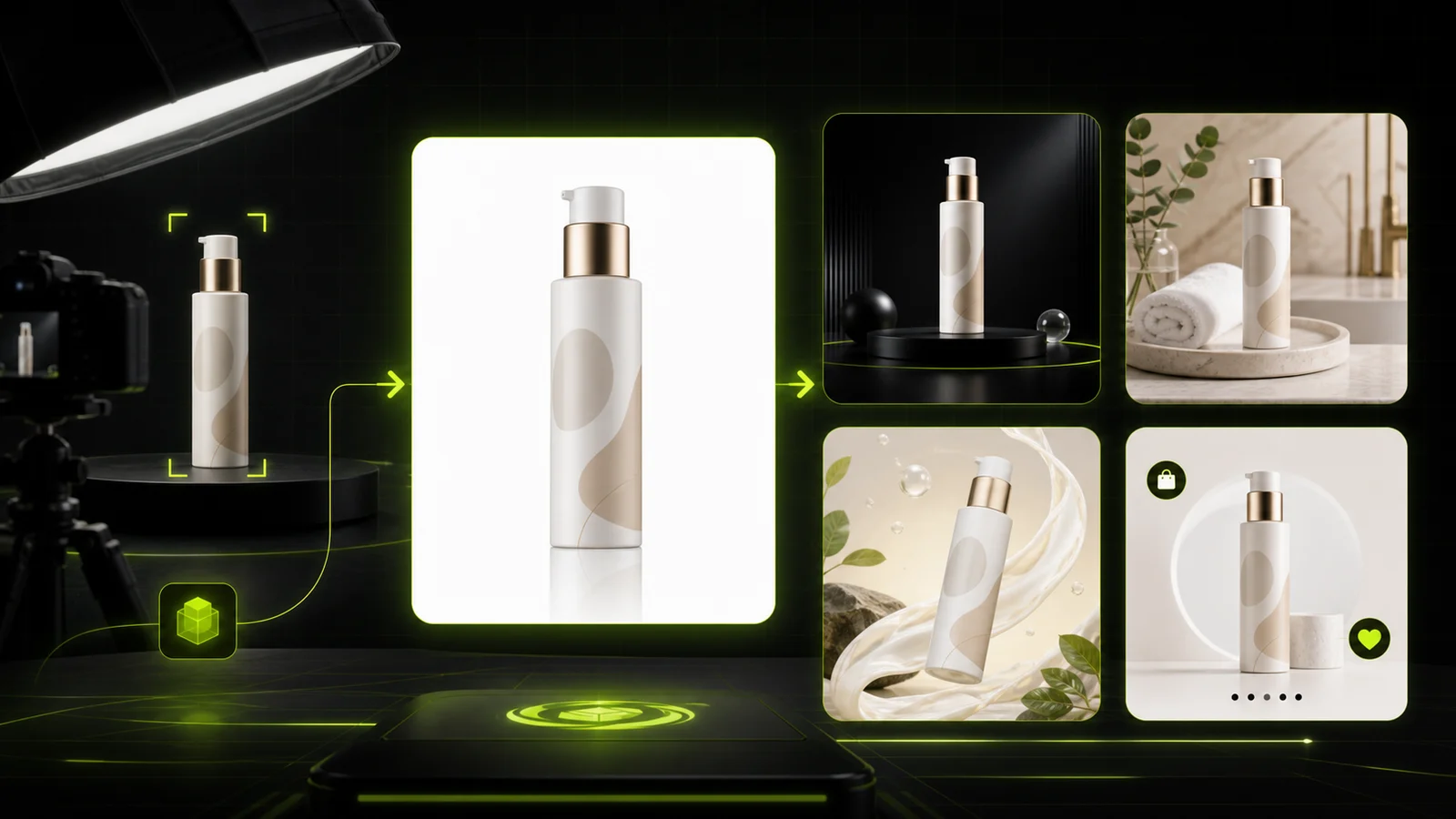
Multiple Shopify placements generated from a single uploaded product photo

One hero image is never enough for banners and PDPs

Your collection page needs a clean lead tile, your PDP needs context, and your homepage needs wide 16:9 copy space.

Multi-Slot Ready

One SKU sample, every ecommerce placement

Adapt a single product photo across Shopify collection pages, marketplace channels, product launches, and paid social.

Four-Step Pipeline

From phone snapshot to Shopify collection in minutes

Generate consistent images for Shopify store launches without shipping samples to a studio.

1. Upload your sample photo
2. Match theme slot and ratio
3. Compare and inspect at 100%
4. Publish to Shopify
01

1. Upload your sample photo

Drop in a clear phone snap or supplier shot showing your product's front label and finish.

02

2. Match theme slot and ratio

Pick Collection Grid, PDP Lifestyle, Minimal Plinth, or Hero Banner with 1:1, 3:4, 4:5, 9:16, or 16:9.

03

3. Compare and inspect at 100%

Review 1 to 4 outputs side by side and verify small text, logos, and color accuracy up close.

04

4. Publish to Shopify

Download your approved assets or compress them for fast Core Web Vitals before uploading.

Workflow Comparison

Traditional studio shoots vs. ProductShot AI

See how DTC teams keep Dawn, Prestige, and Impulse storefronts consistent without recurring shoot overhead.

Multiple

output styles

Reference-led

direction

Built-in

before-and-after review

Traditional Studio

Physical Shoots & Manual Retouching

Slow shipping cycles, per-SKU studio minimums, and rigid lighting setups whenever new shades or sizes arrive.

Cost per SKU
$50–$250+ per SKU with props & retouching×
Turnaround
1–3 weeks for shipping, shooting, and edits×
Grid Consistency
Hard to replicate lighting months later×
Scene & Copy Space Tests
Requires a full reshoot for new angles or banners×
Aspect Ratios
Fixed to shoot crop unless shot wide×
Label & Material Lock
Camera native, heavy post-cleanup×
ProductShot AI

On-Demand Shopify Photo Workbench

Standardize your entire catalog from one browser workspace at 10 credits per image.

Cost per SKU
10 credits per image (1 free run after sign-in)✓
Turnaround
Minutes per batch of 1–4 images✓
Grid Consistency
Repeatable presets & prompt notes per theme✓
Scene & Copy Space Tests
Keep editing without re-uploading✓
Aspect Ratios
1:1, 3:4, 4:5, 9:16, and 16:9 in one place✓
Label & Material Lock
Product Lock + quick 100% zoom QA✓

Merchant Playbook

How to get studio-grade Shopify product photos on the first try

Clean input shots and disciplined framing choices give you consistent results across your whole catalog.

1. Prep your source sample photo

  • Shoot near a window with indirect daylight so glass, foil, and matte labels show true color without harsh flash.
  • Keep the camera level with the front face of the product rather than tilting steeply from above.
  • Leave a little empty space around all edges so caps, handles, or tags are not clipped in the source file.
  • Wipe away dust, fingerprints, and wrinkles first—Product Lock keeps surface details faithful.

2. Use a repeatable Shopify prompt formula

[Placement Slot] + [Surface & Palette] + [Light Direction] + [Framing / Copy Space]

Keep notes descriptive about surface texture, light temperature, and empty copy zones so every SKU in a collection shares the same studio world.

  • Collection Grid Lead + matte warm travertine surface + soft diffused skylight + uniform 1:1 margins
  • PDP Lifestyle Scene + light oak desk beside morning window shadow + soft linen background blur + 4:5 frame
  • Collection Hero Banner + smooth pale limestone on left two-thirds for headline text + product anchored right in 16:9

3. Habits to avoid before hitting publish

  • Avoid mixing 1:1, 3:4, and 16:9 files inside the same Shopify collection grid row setting.
  • Do not skip 100% zoom QA on tiny nutrition tables, serif wordmarks, or metallic bottle tints.
  • Avoid crowding hero banners with props where your theme places white headline text and CTA buttons.
  • For exact Shopify 20MP / 25MP upload limits and 2048px zoom specs, check our /blog/shopify-product-image-size/ guide instead of guessing.

Shopify Photography Guides

Explore aspect ratio rules, Shopify image size limits, and conversion-focused product staging.

AI Product Photography Generator Guide: 7 Best Tools for 2026Guide
Jun 23, 20268 min read

AI Product Photography Generator Guide: 7 Best Tools for 2026

Compare AI product photography generators for white background images, studio shots, lifestyle scenes, and ecommerce campaign visuals.

Read Article
The Real Problem With White Background Product Photos (And How I Solved It)White Background
Jun 18, 20268 min read

The Real Problem With White Background Product Photos (And How I Solved It)

Learn why white background product photos are harder than they look, how platform rules differ, and how to preserve details.

Read Article
Product Image Clarity for Listings: Fix Soft Supplier and Marketplace PhotosWorkflow
Jul 15, 202610 min read

Product Image Clarity for Listings: Fix Soft Supplier and Marketplace Photos

How ecommerce teams prep soft supplier packs and re-exported marketplace images with free browser clarity enhancement before Amazon and Shopify uploads.

Read Article
How to Take Professional Product Shots Without a Studio (or a Degree in Photography)Workflow
Jun 17, 20268 min read

How to Take Professional Product Shots Without a Studio (or a Degree in Photography)

A practical workflow for taking sellable ecommerce product photos with a phone, simple setup, and AI-powered variations.

Read Article
It Took Me Two Years to Understand Product Photography LightingLighting
Jun 20, 20268 min read

It Took Me Two Years to Understand Product Photography Lighting

A practical guide to product photography lighting, soft light, fill light, backlight, reflection control, and difficult materials.

Read Article
I Spent $20,000 on Product Photography — Then AI Changed EverythingCase Study
Jun 16, 20268 min read

I Spent $20,000 on Product Photography — Then AI Changed Everything

A seller shares what traditional product photography costs, why product fidelity matters, and how AI changed the workflow.

Read Article
Merchant Feedback

How Shopify teams keep catalogs cohesive

Feedback from DTC founders, merchandisers, and studio leads using ProductShot AI across live themes.

Portrait avatar of Hannah Lindqvist, candle brand founder
Hannah Lindqvist

“Our old supplier photos had three different color casts. Staging every jar onto the same beige linen and stone preset fixed our collection grid in one afternoon.”

Founder, Nordic Wick Candles (Shopify Dawn)
Portrait avatar of Marcus Delgado, drinkware ecommerce manager
Marcus Delgado

“Being able to generate a clean 1:1 grid tile and then a morning oak desk shot for the second PDP image saved us two weeks of studio coordination.”

Ecommerce Manager, PeakFlow Drinkware (Prestige)
Portrait avatar of Claire Beaumont, ceramics brand designer
Claire Beaumont

“The 16:9 left-space banner option actually respects where Shopify themes place headline copy. No more fighting busy backgrounds behind white buttons.”

Brand Designer, Atelier Terra Ceramics
Portrait avatar of Daniel Park, skincare growth lead
Daniel Park

“We run 1 to 4 outputs when testing seasonal bundles, inspect bottle typography at 100% zoom, and go live the same day.”

Growth Lead, Kora Botanicals
Portrait avatar of Sofia Rossi, home goods creative ops lead
Sofia Rossi

“Keep editing lets us adjust shadow softness or switch from 1:1 to 4:5 for ad tests without re-uploading samples every single time.”

Creative Operations, Vela Home Goods
Portrait avatar of Owen Gallagher, merchandising director
Owen Gallagher

“Pairing this workbench with the free image compressor keeps our Impulse storefront looking like one cohesive shoot while staying fast on mobile.”

Merchandising Director, Harbor Supply Co.

FAQ

Frequently Asked Questions

Answers about generating Shopify product images, aspect ratios, credits, and storefront QA.

From a single smartphone photo or supplier sample, it produces storefront-ready 2D shopify product photos tailored to Dawn, Prestige, Impulse, and other themes—including 1:1 collection grid lead images, 3:4 vertical cards, PDP lifestyle scenes, and 16:9 collection hero banners.

The workbench supports 1:1, 3:4, 4:5, 9:16, and 16:9. Use 1:1 for classic square collection grids (matching 2048×2048 zoom expectations), 3:4 for tall apparel or beauty collection cards, 4:5 or 9:16 for social and mobile slots, and 16:9 for collection hero banners with headline copy space.

To keep this generator page focused on creating visuals rather than repeating spec tables, full file-limit and resolution benchmarks—including Shopify's 20MP/25MP limits and 2048px zoom guidance—are covered in our dedicated guide at /blog/shopify-product-image-size/.

New users get 1 free generation after signing in. Beyond that, each generated image costs 10 credits, and you can generate 1 to 4 variations in a single run to compare framing and surface options.

Product Lock is built to preserve your product silhouette, material texture, colorway, and printed label details while replacing the background and lighting. Still, you should always inspect fine print, brand marks, and exact color accuracy at 100% zoom before publishing to your Shopify store.

Pick one Storefront Aesthetic (such as Soft Neutral DTC) and one Grid Framing setting (such as Uniform Grid Margins), then reuse the same prompt notes across every SKU in that collection so lighting angle, surface tone, and spacing match.

No. ProductShot AI generates high-resolution 2D product photography stills only and does not create 360-degree spins, 3D meshes, or AR assets.

Yes—after picking your approved images and verifying details at 100% zoom, you can run them through our Free Product Image Compressor (/free-product-image-compressor/) to keep storefront load speeds fast without sacrificing visual clarity.

Ready to unify your Shopify product photography?

Sign in for 1 free generation and turn your next sample photo into collection grids, PDP scenes, and hero banners at 10 credits per image.

Start Free →

LLMs.txt