
 Amazon
Amazon listing images
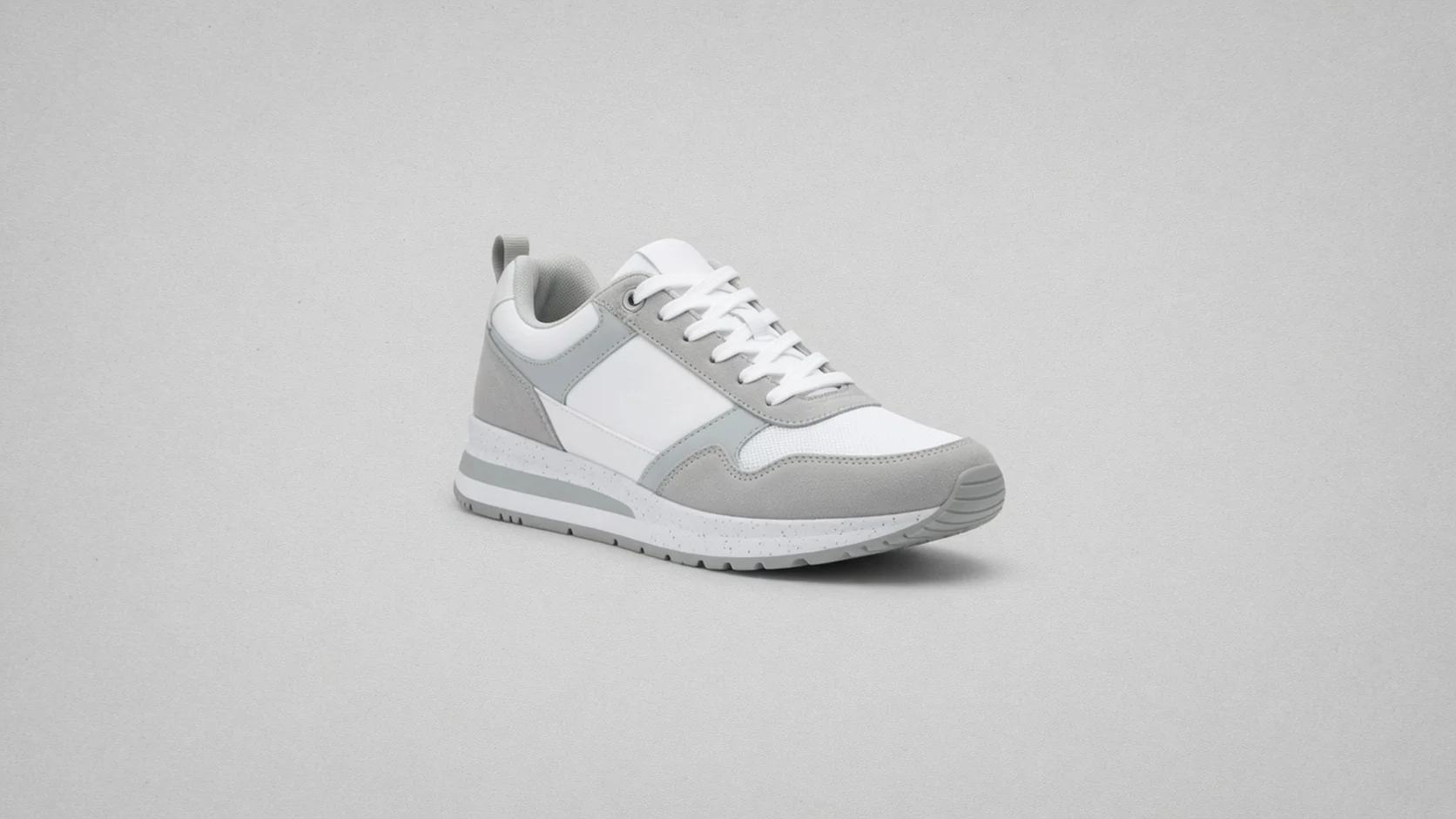
Isolate products before composing clean main-image style layouts and variation sets.
 Before
 After
AfterWhat this free tool is
ProductShot AI Free Product Background Remover is a browser-based tool that isolates a product from messy supplier or room backgrounds. Upload JPG, PNG, or WebP up to 20MB, remove the background, and download a transparent cutout PNG with no login, credits, watermark, or saved history.
Max upload
20MB
Input formats
JPG, PNG, WebP
Output format
PNG cutout
Login required
No
Credits used
0
Processing
Browser-local
Watermark
No
History saved
No
Before and after
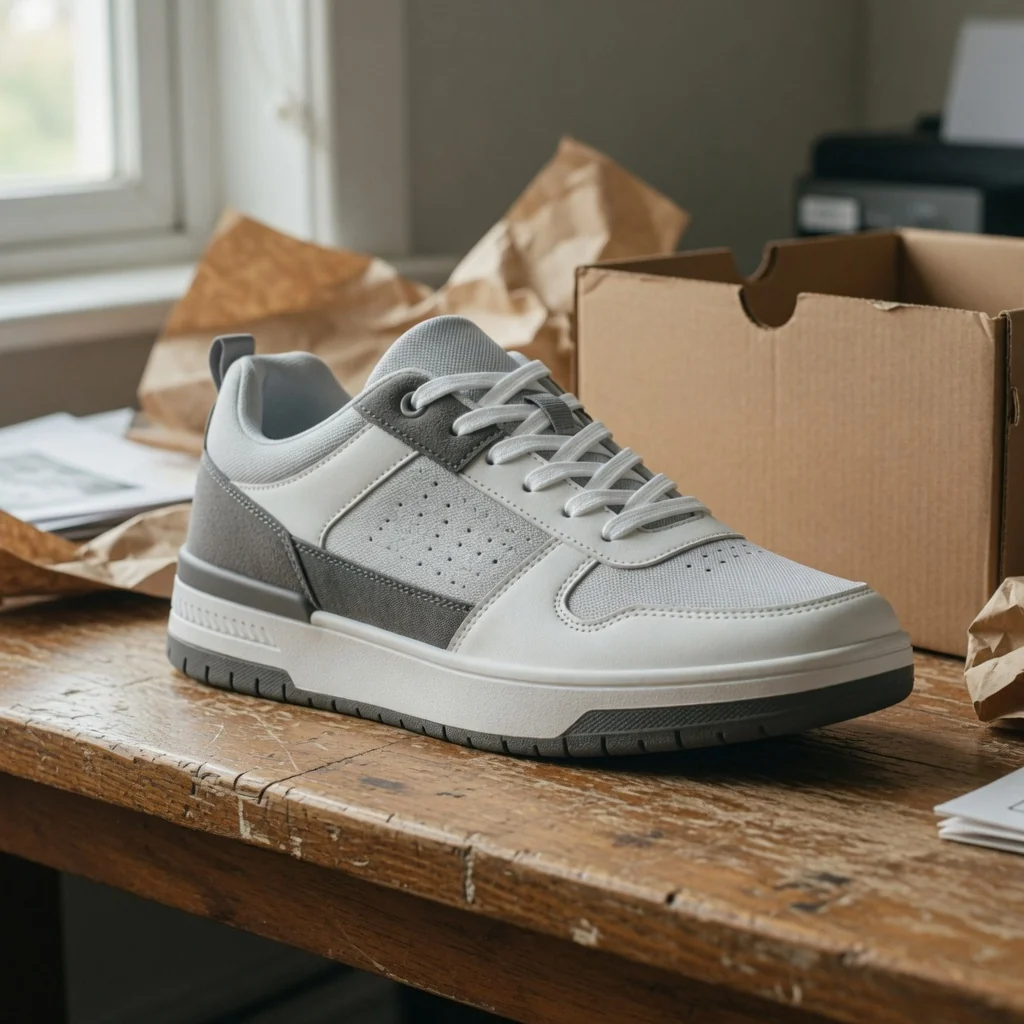
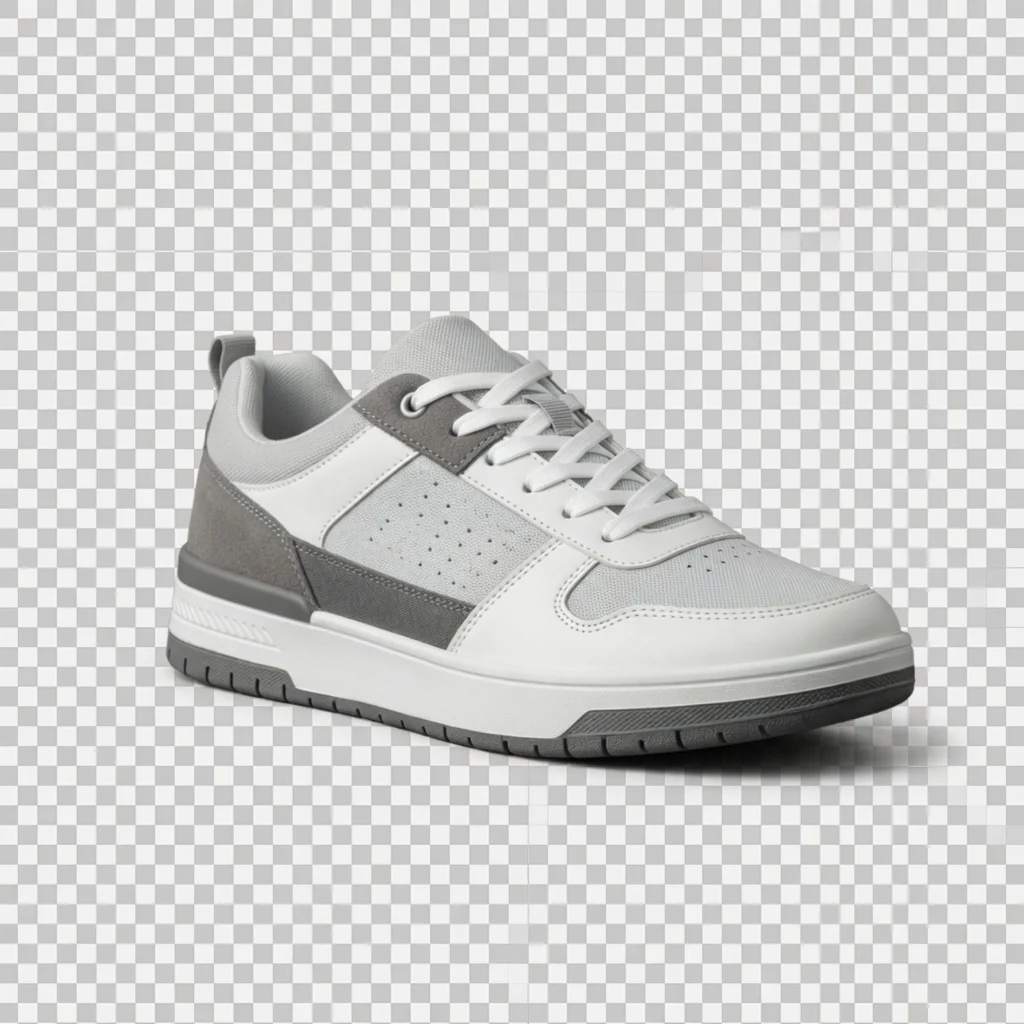
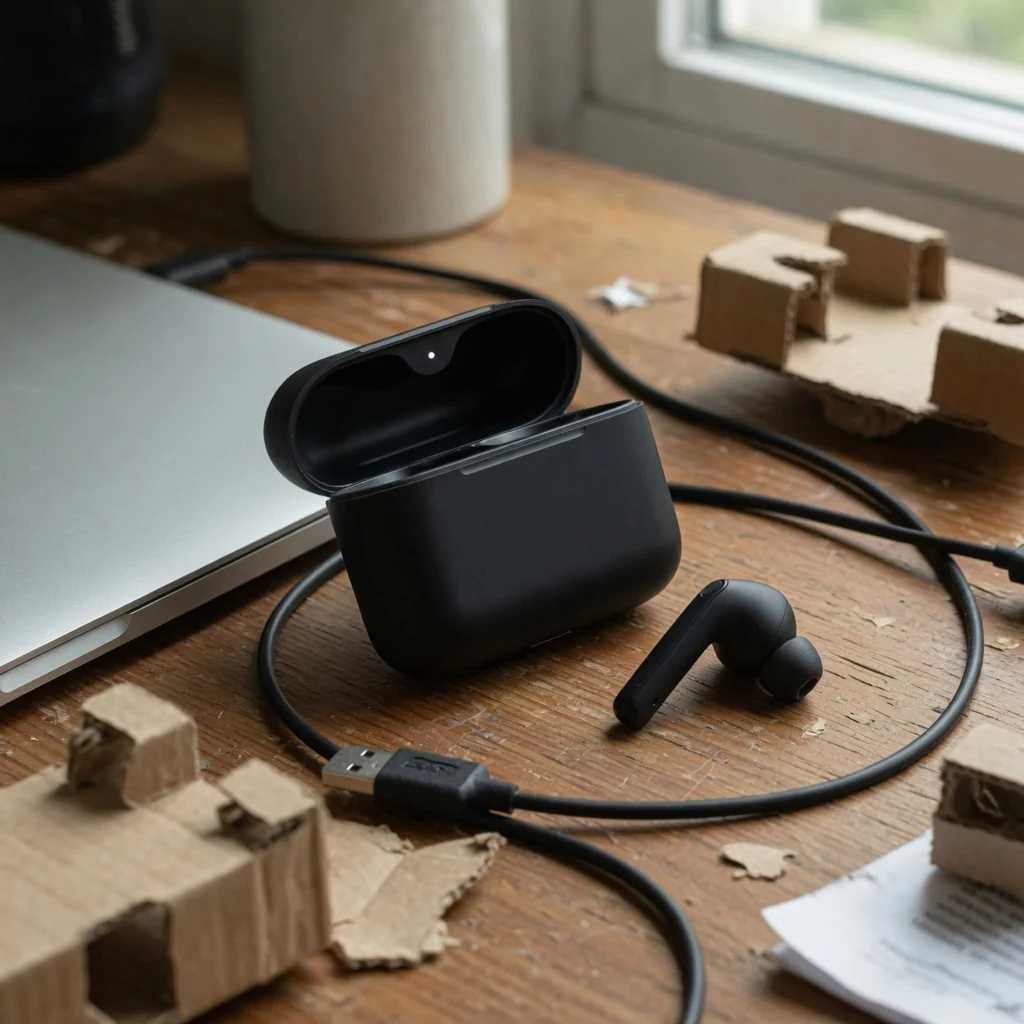
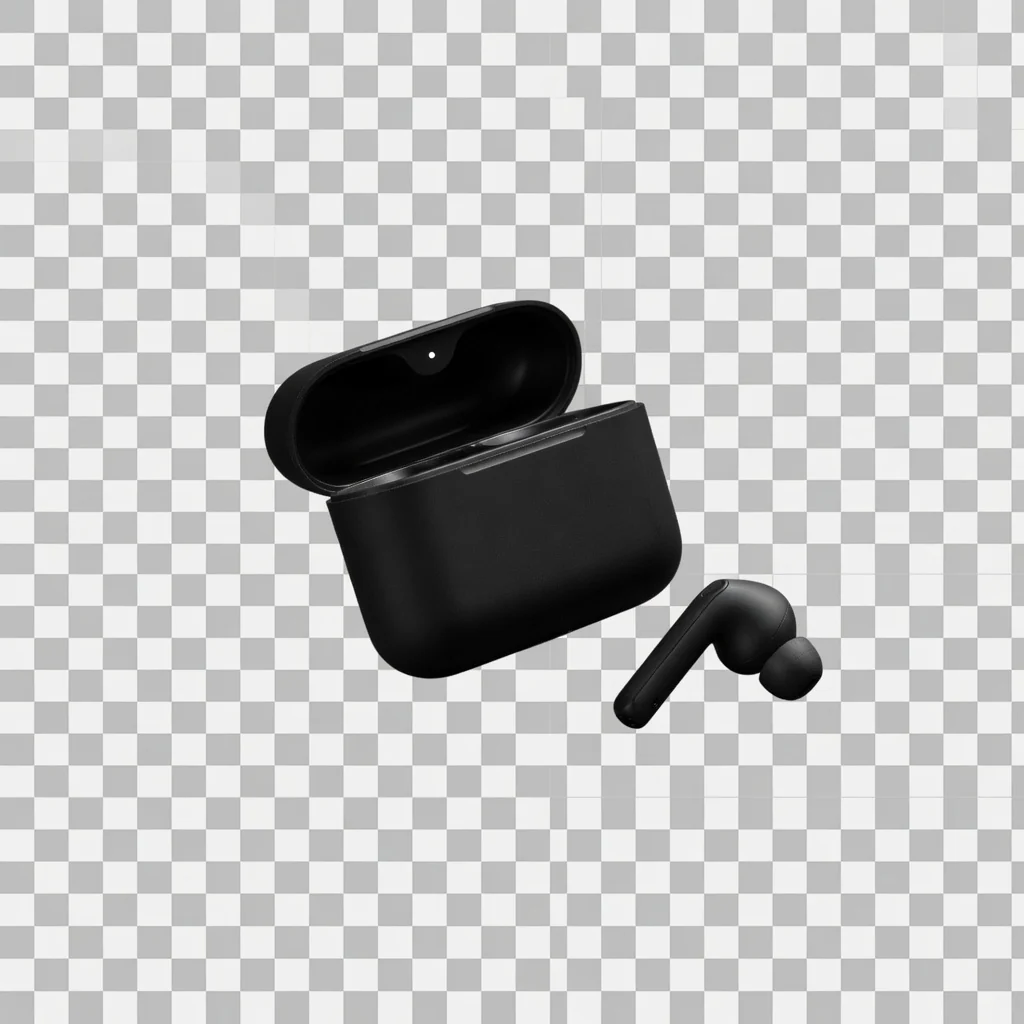
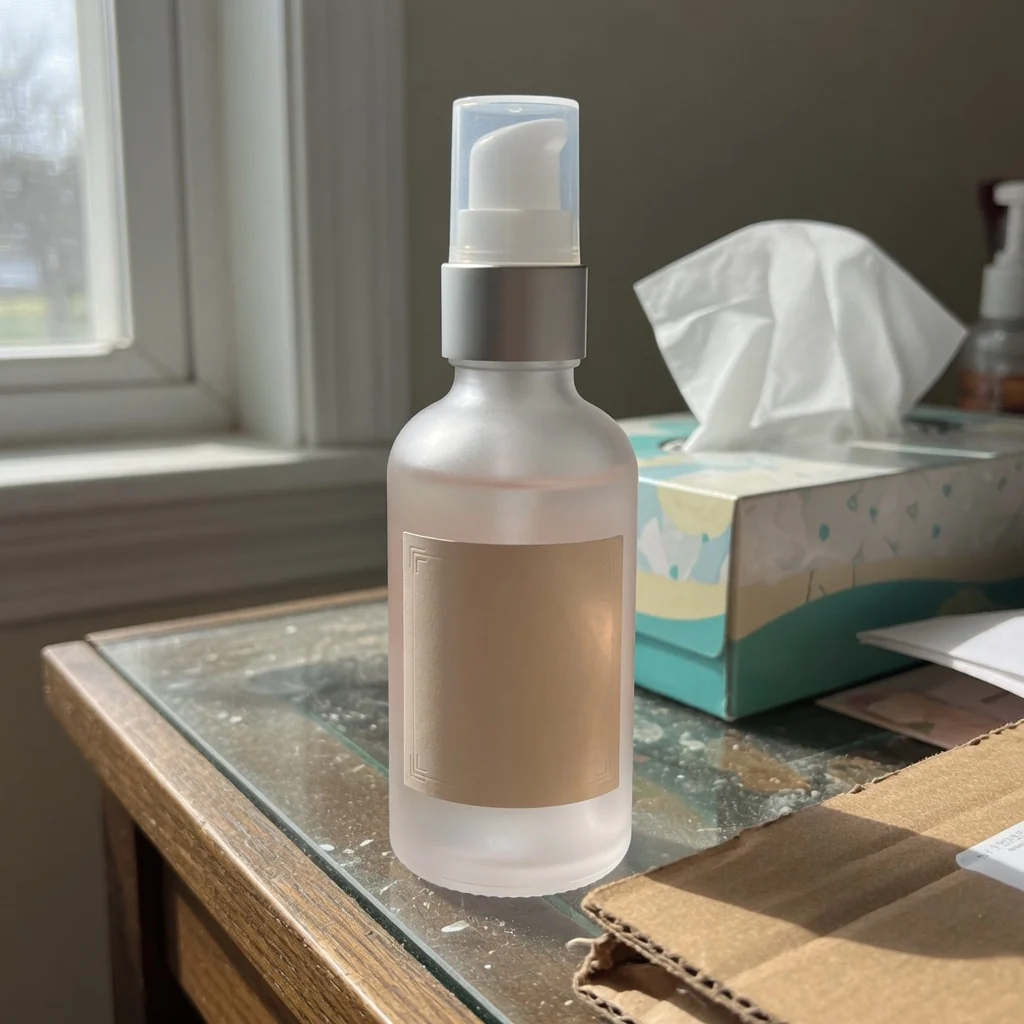
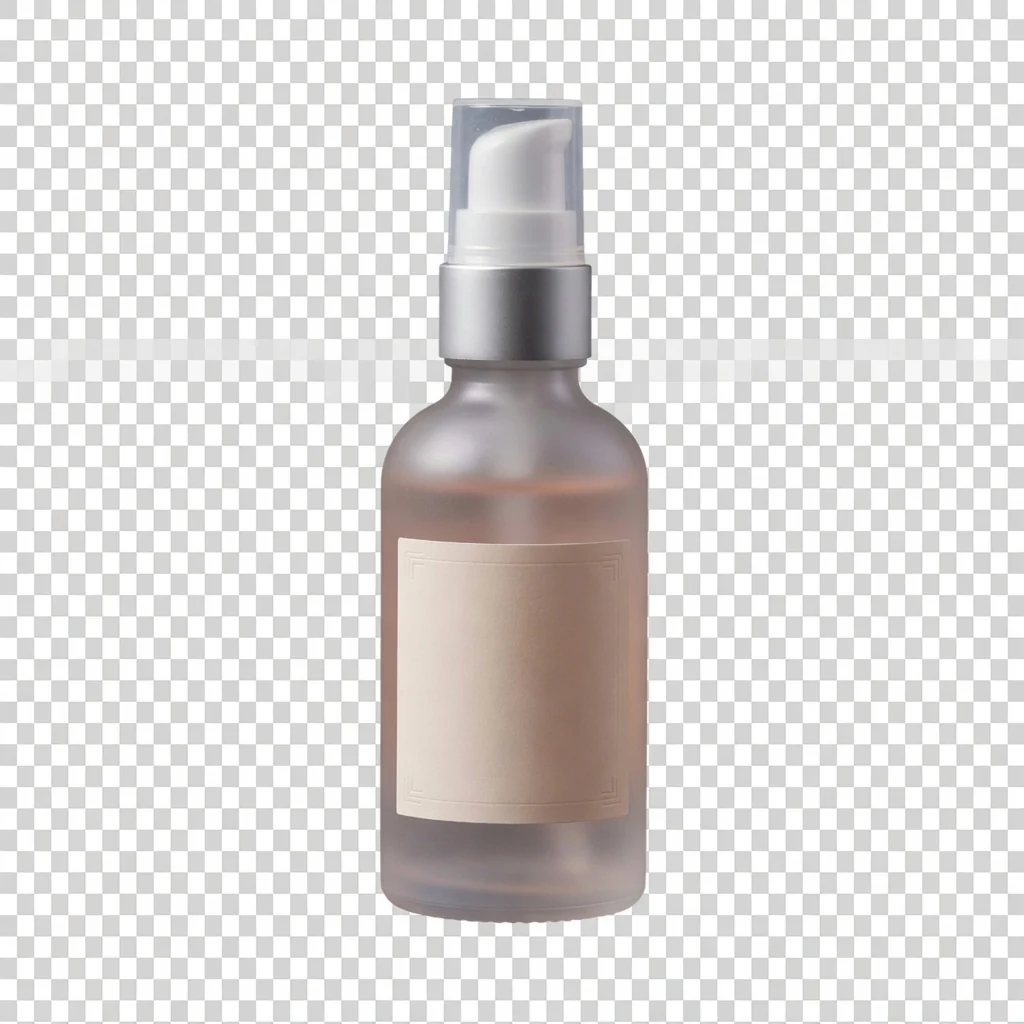
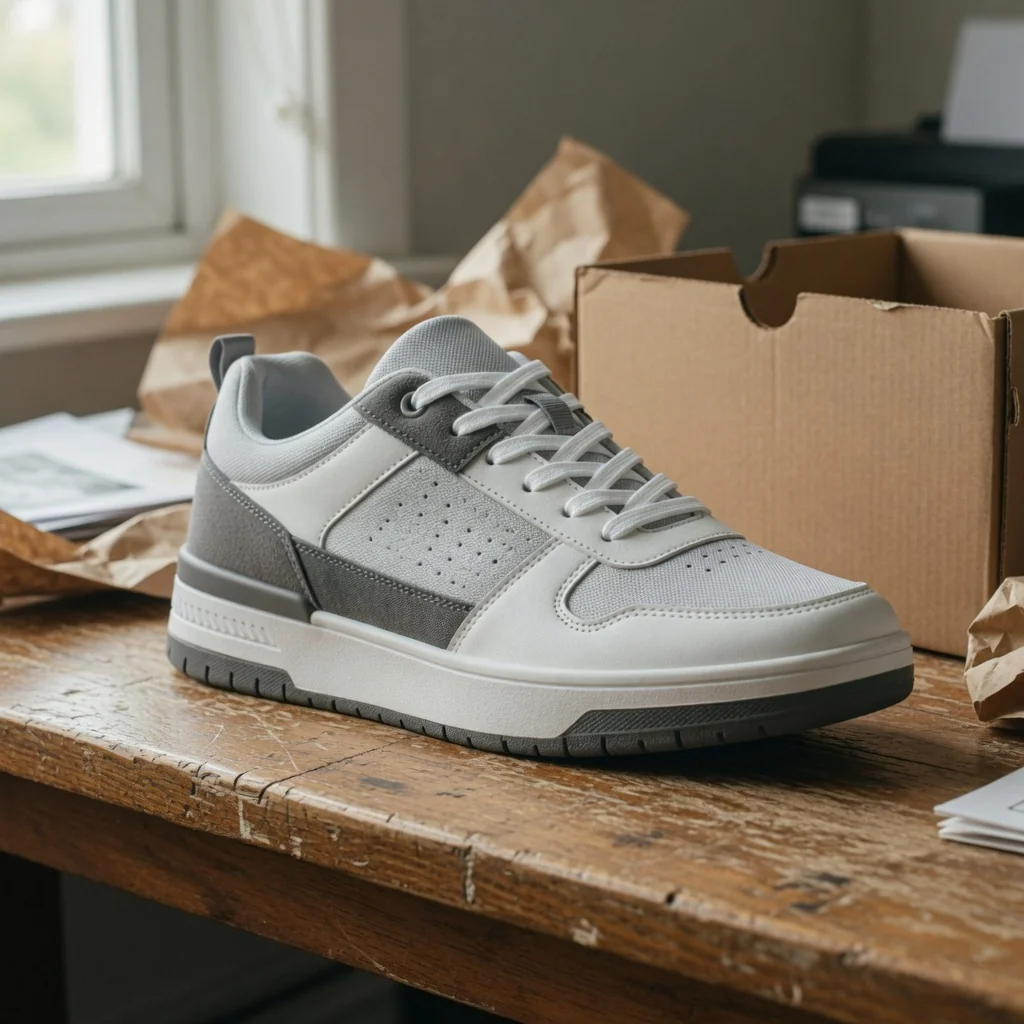
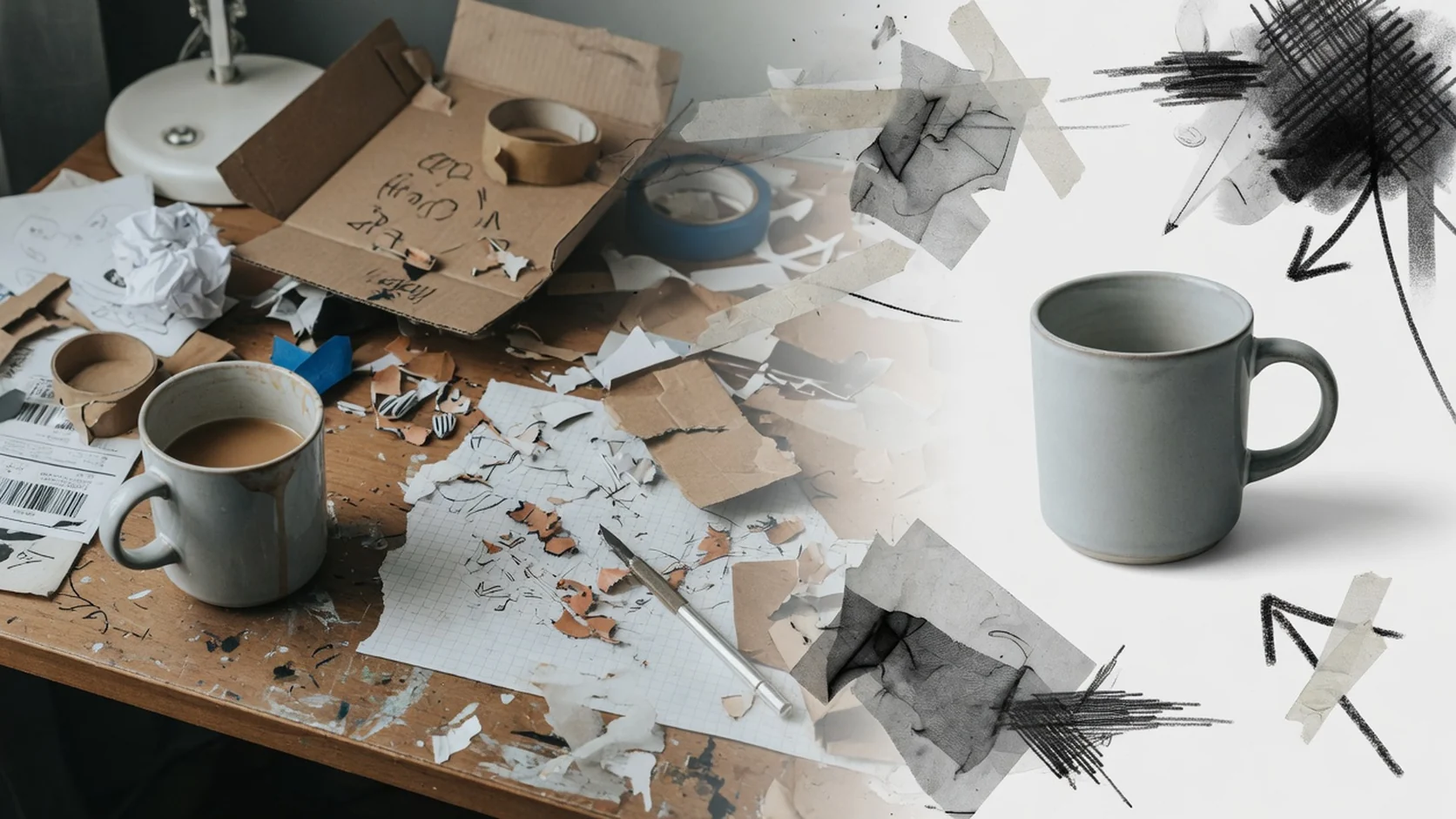
Three ecommerce cutout cases for listing images, campaign posters, and storefront assets. Each pair keeps the same product while showing how background removal helps isolate the subject for cleaner marketplace and catalog reuse.
 Before
 After
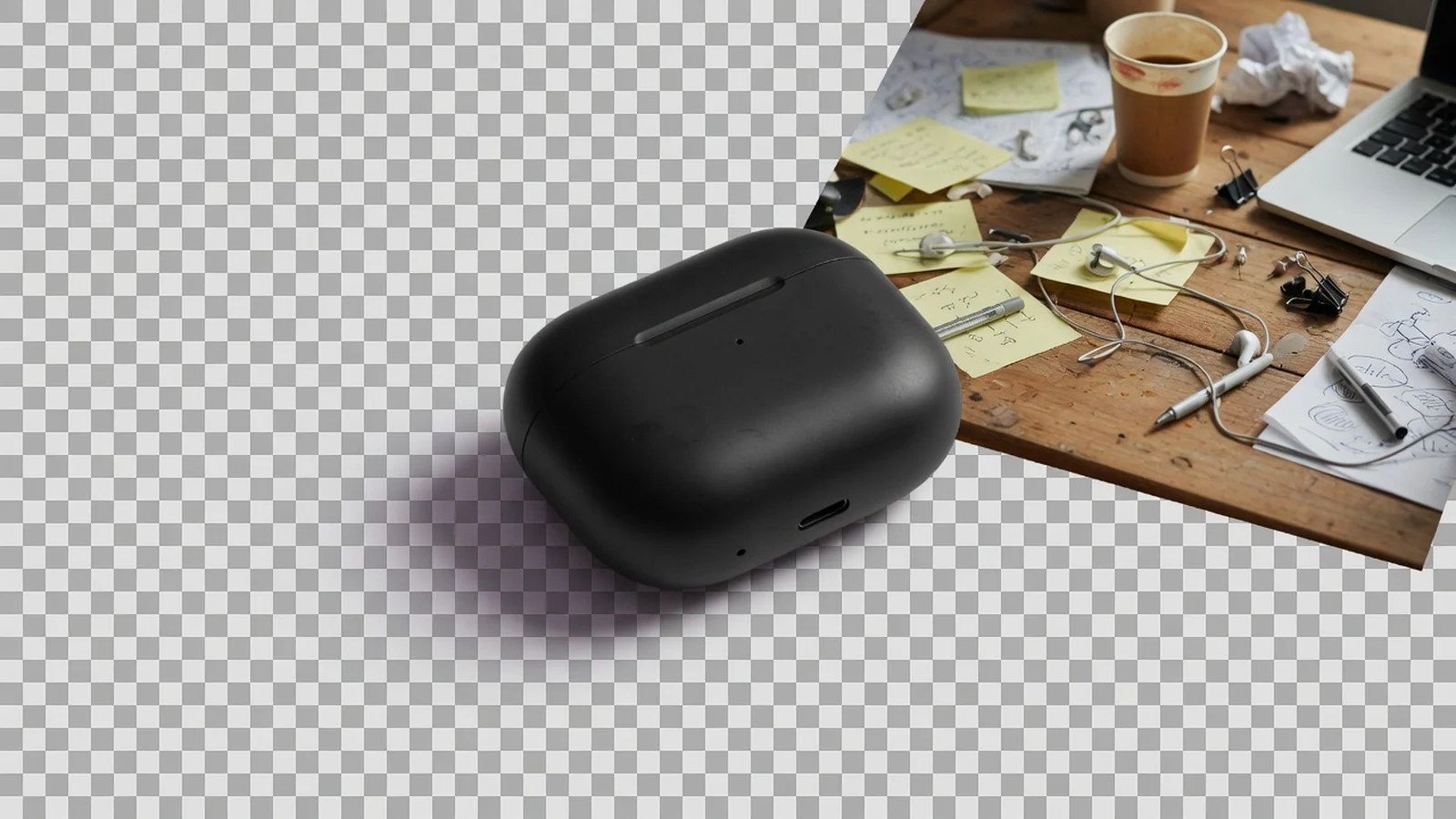
AfterHeadphone listing cutout
Clean subject · PNG download
 Before
 After
AfterCampaign product cutout
Layout-ready · No watermark
 Before
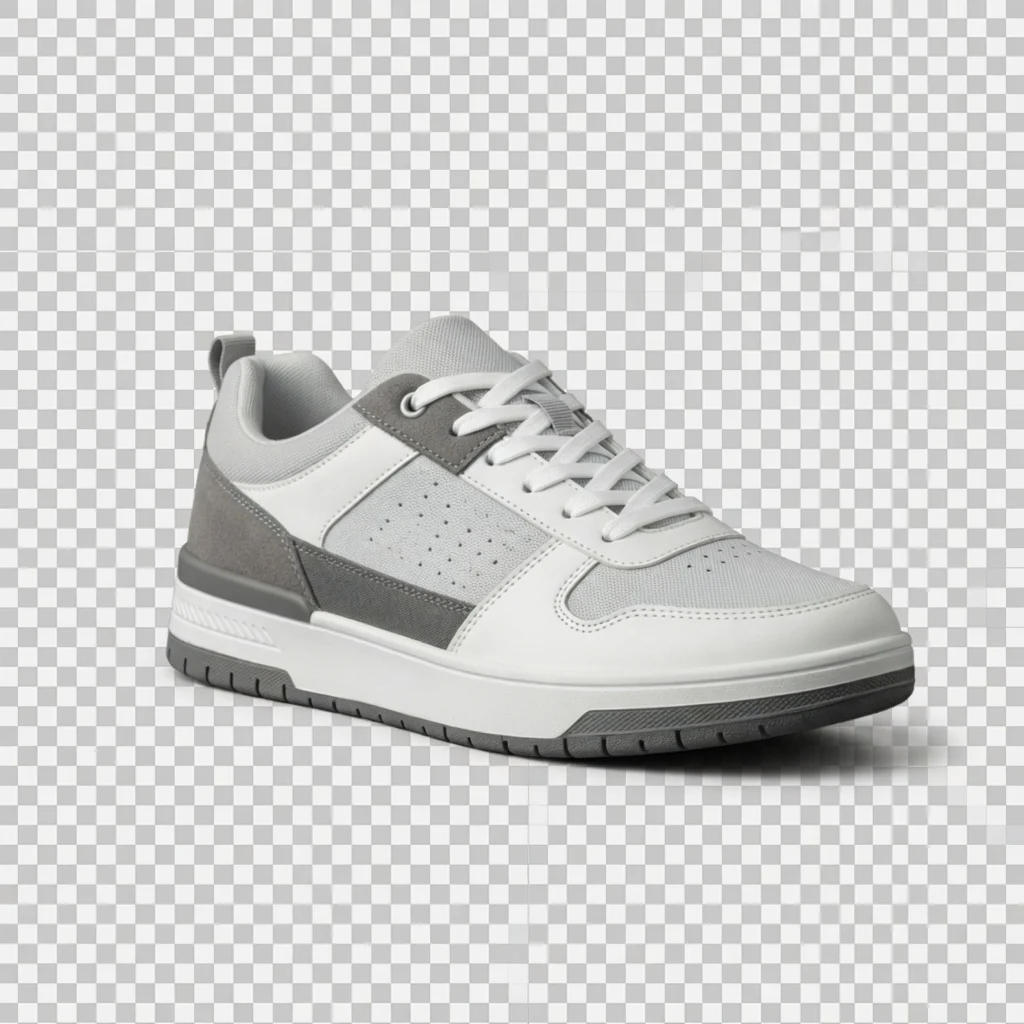 After
AfterStorefront product cutout
Catalog reuse · Free tool
Ecommerce background removal
Sellers often need clean cutouts for Amazon main-image prep, platform listing images, catalog grids, theme sections, and ad layouts. Supplier photos and room shots arrive with busy backgrounds that slow listing work. This free browser tool removes backgrounds locally so you can download a PNG cutout without login, credits, watermarks, or saved history.
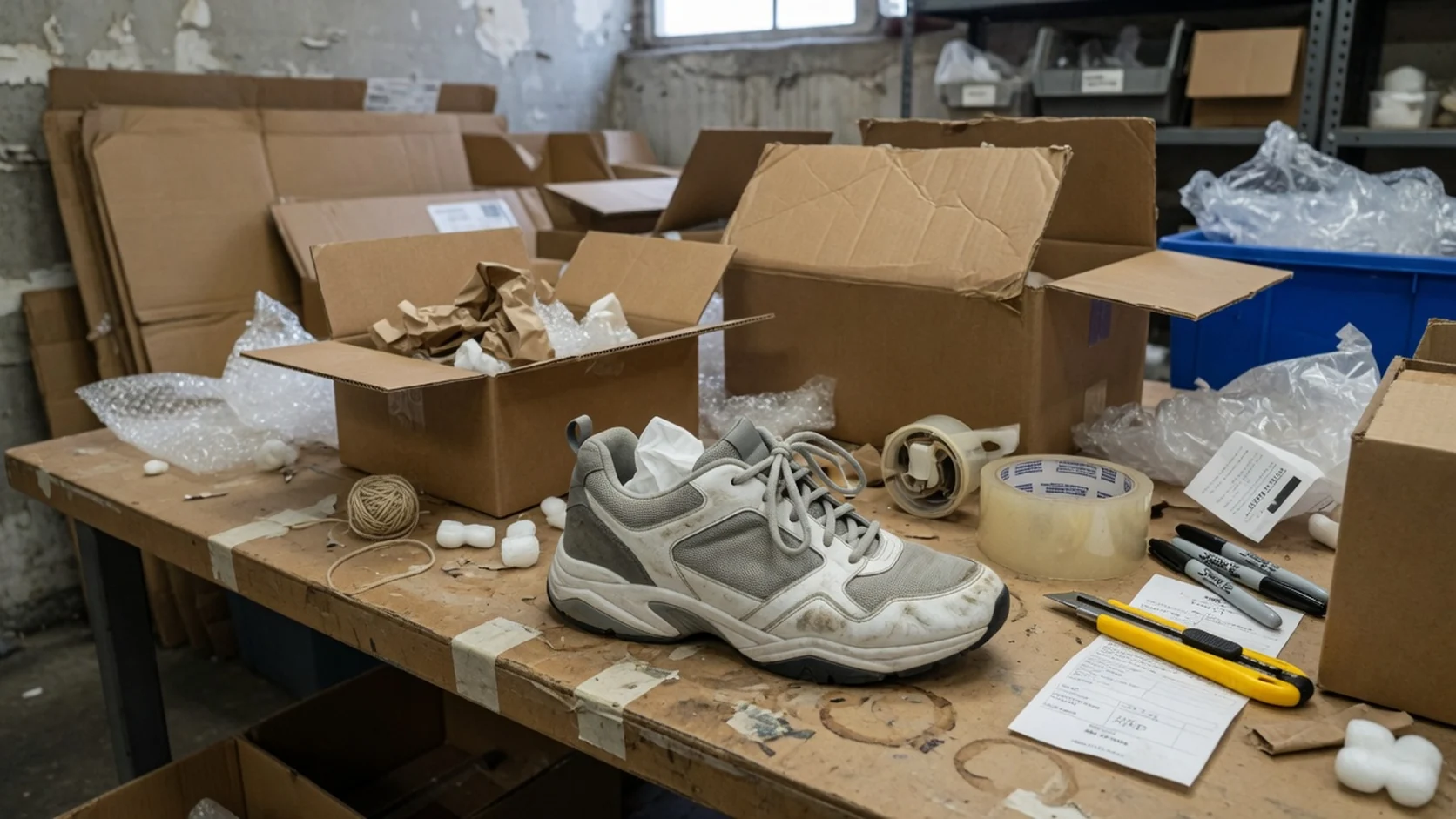
Remove messy desks, warehouse floors, and cluttered room backgrounds before listing assembly. The free cutout pass helps you start from a product-first PNG instead of rebuilding every asset from scratch in desktop software.
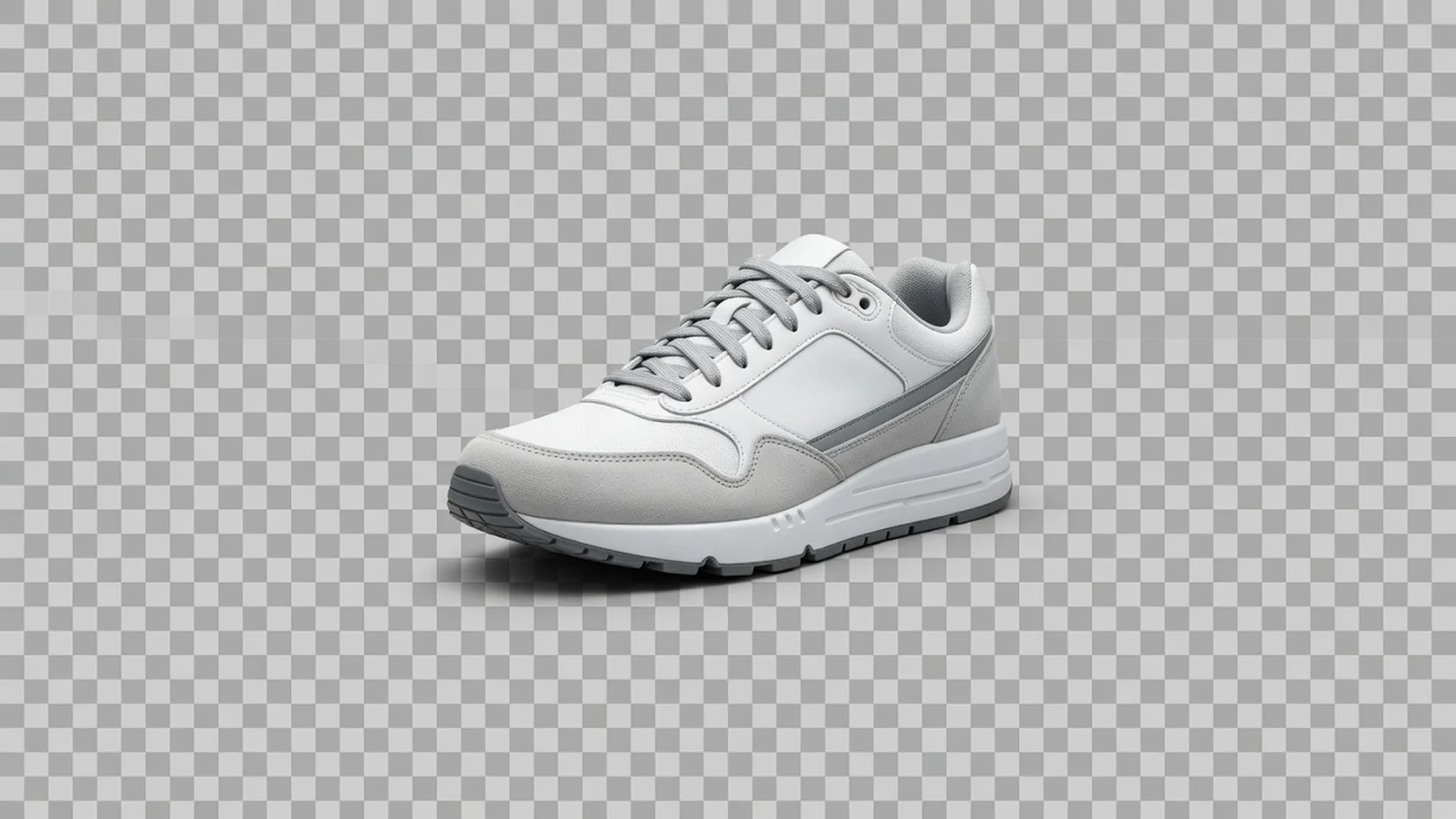
Isolate the product for Amazon main-image prep, Shopify collection modules, catalog grids, and other listing-image layouts. You still review edges before publish—especially for hair, glass, and transparent packaging—but everyday ecommerce cutouts become much faster.
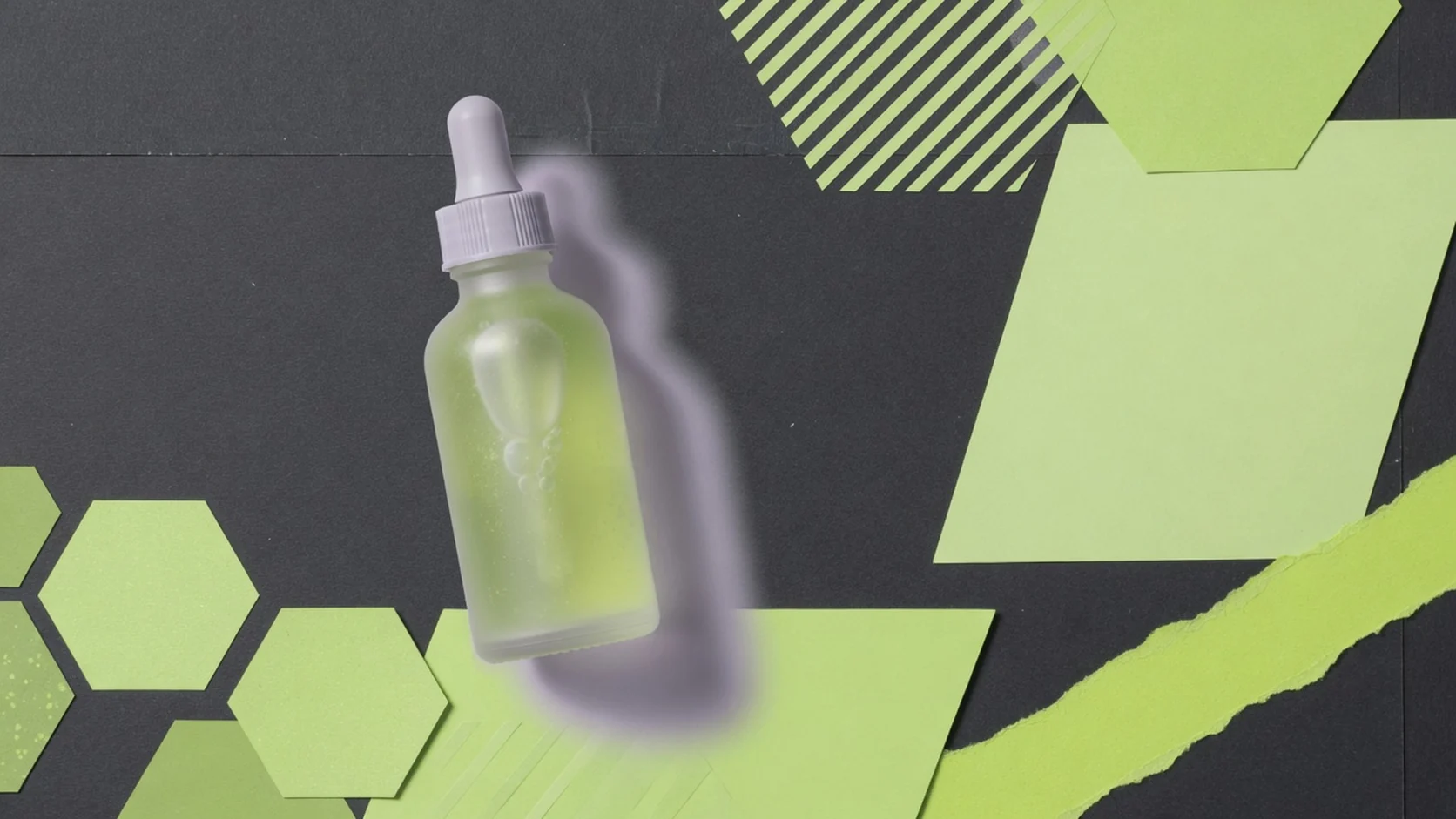
Extract products from busy campaign photos so design and growth teams can place them into banners, PDPs, and social frames without another full reshoot.
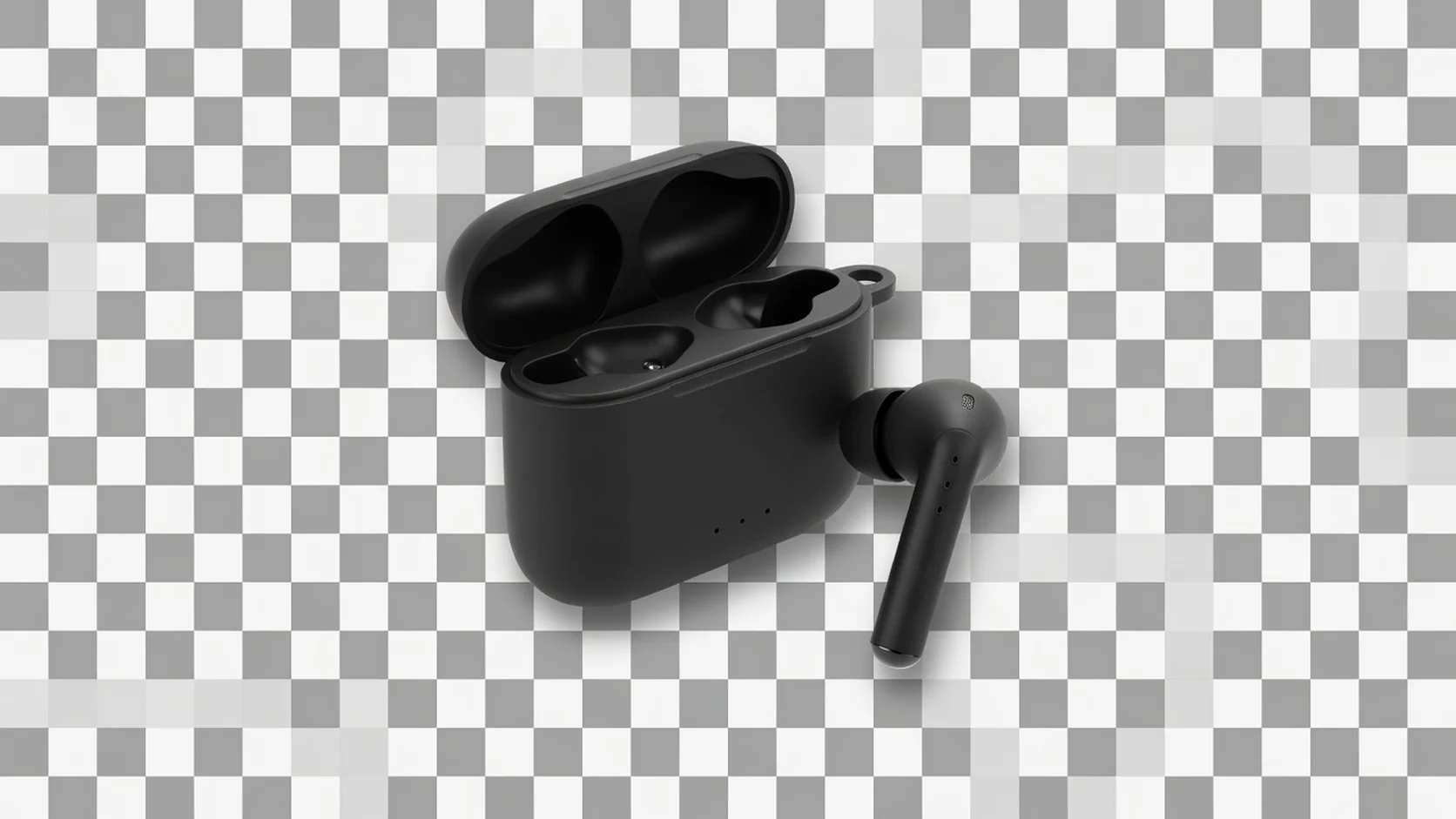
This tool focuses on isolating the existing product rather than inventing a new scene. For full studio, lifestyle, or marketplace scene generation with Product Lock, use the AI Product Photography Generator.
Upload one image, remove the background, preview on a checkerboard, and download PNG. Built for free traffic and everyday listing cleanup across common ecommerce channels.
Choose the right free tool
Use background removal when you need to isolate the product subject first. Choose Transparent Product PNG when the goal is reusable layout assets, or compressor when you only need a lighter file.
| Tool | Best for | Output | Not for |
|---|---|---|---|
| Background Remover | Isolate subject from messy photos | Cutout PNG | File-size reduction only |
| Transparent Product PNG | Reusable layout assets | Transparent PNG | Hair-perfect matting guarantees |
| Product Image Compressor | Oversized listing files | Smaller JPG/WebP | New scenes or cutouts |
| Image Enhancer | Clarity cleanup | PNG | Background replacement |
| AI Product Shot | New ecommerce photos | Generated images | Simple cutouts only |
Ecommerce use cases
Use free cutouts when listings and design tools need subject isolation before composition.
AmazonIsolate products before composing clean main-image style layouts and variation sets.
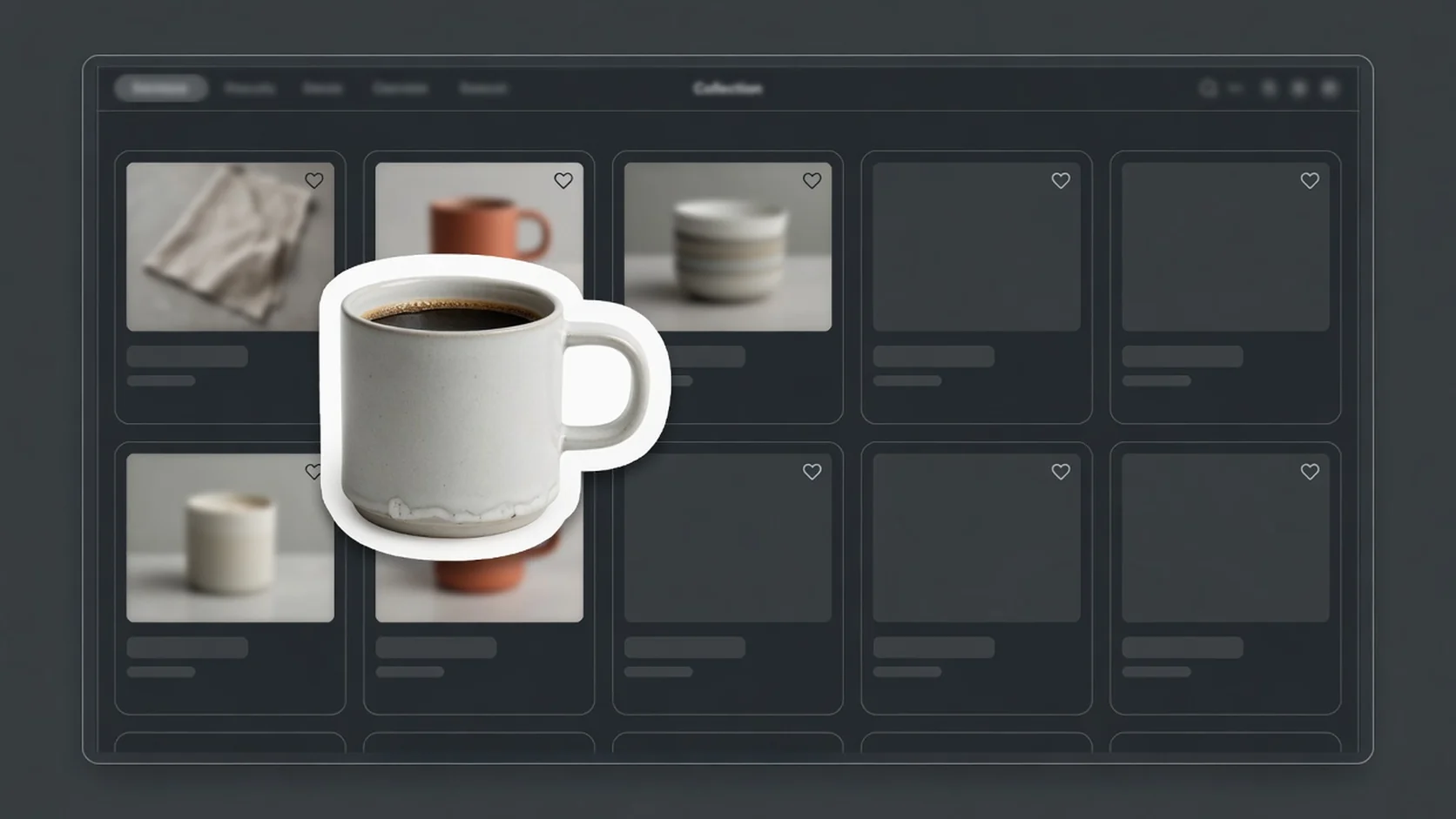 Shopify
Create reusable cutouts for collections, theme sections, and detail modules.
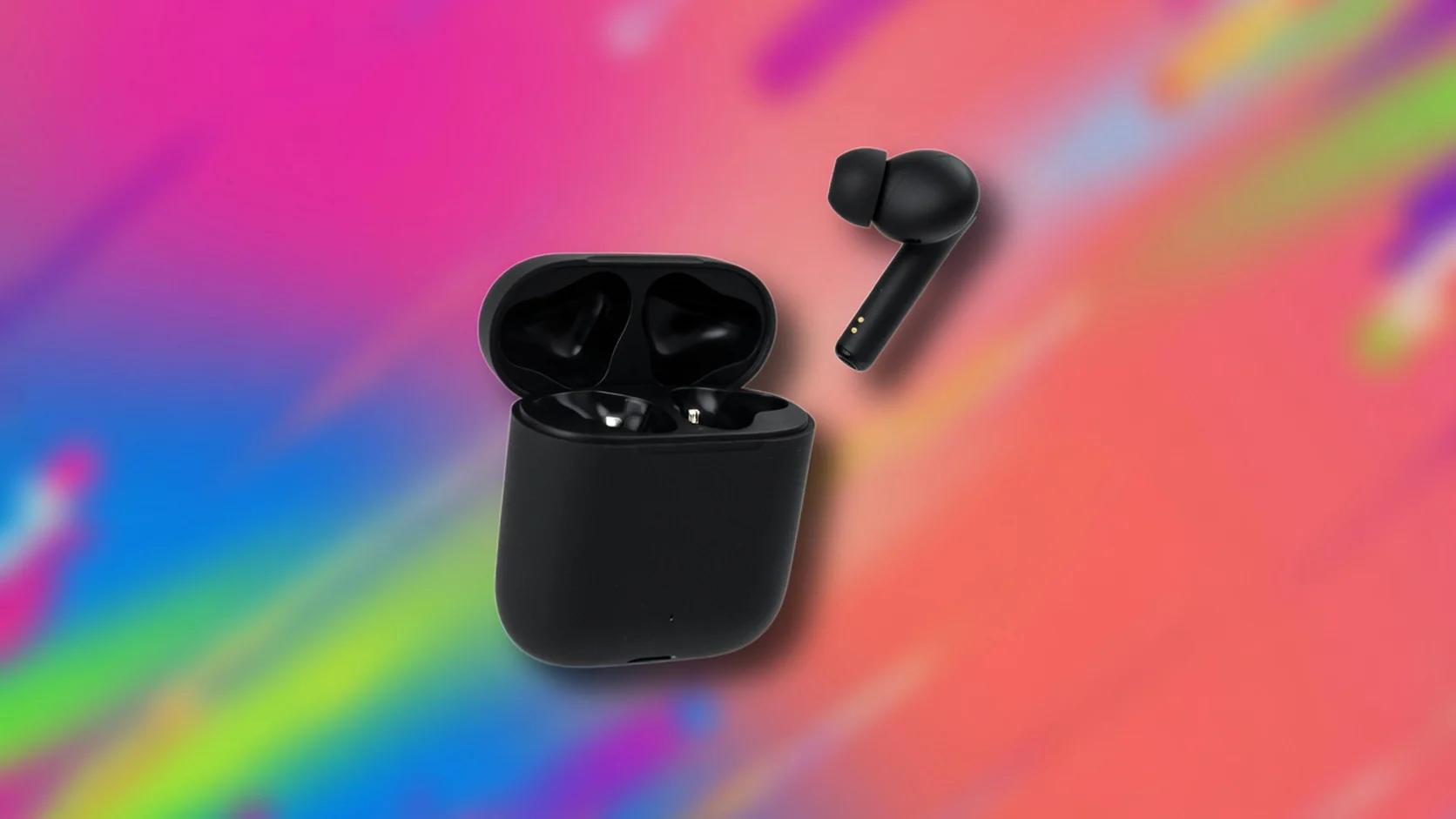 Social
Pull products off busy backgrounds before social framing and ad crops.
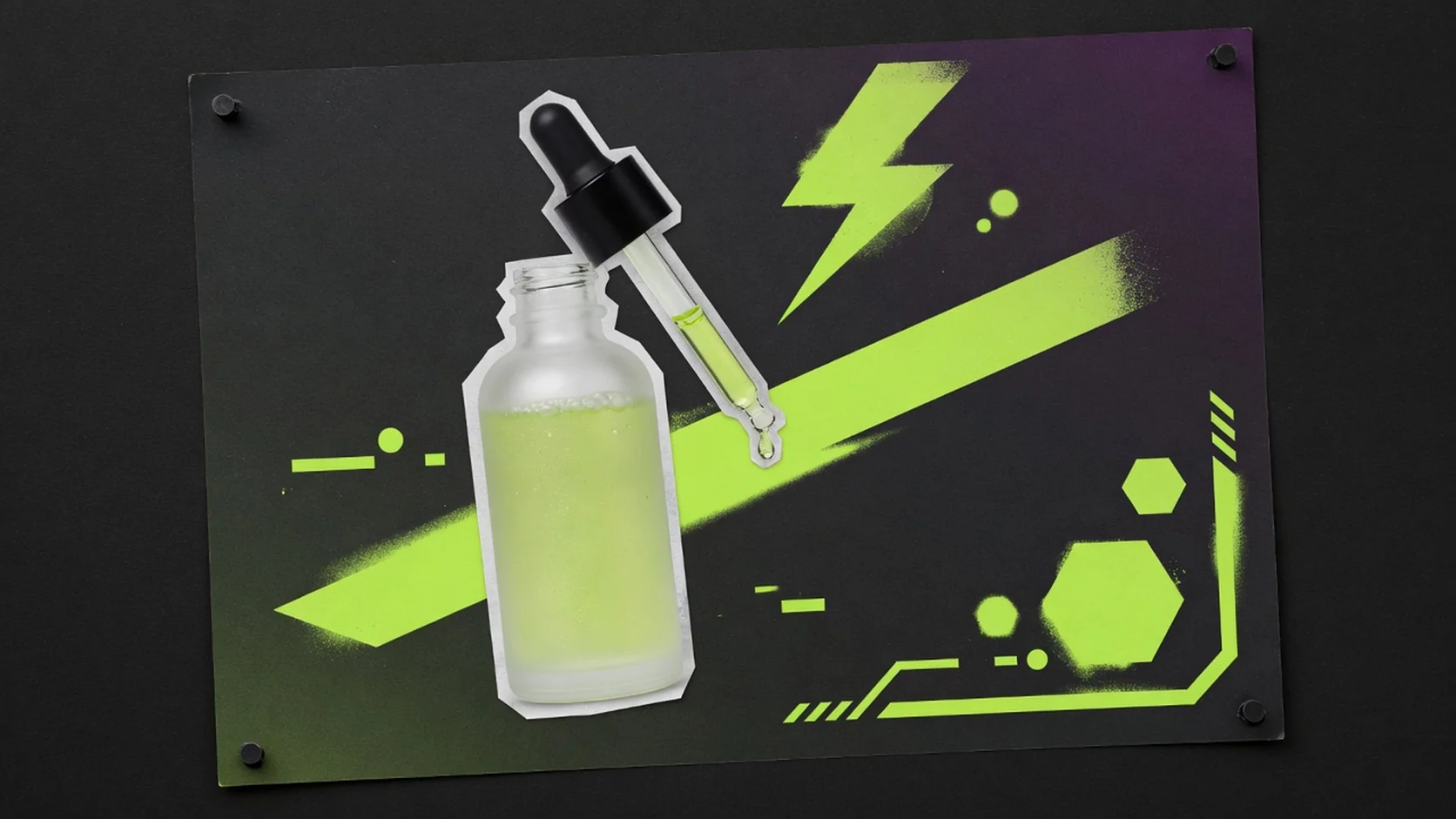 Campaign
Extract products for campaign boards, promo frames, and landing sections.
Workflow
A free cutout workflow for ecommerce operators. Upload once, process in the browser, preview edges, and download when the subject is ready for listing or design reuse.
Choose one JPG, PNG, or WebP file up to 20MB. Clear product shots work best.
Run browser-side background removal with one click—no credits and no account required.
Check edges on a checkerboard-style preview before downloading.
Download a watermark-free PNG cutout for listings, design tools, and ads.
Tool comparison
Manual masking still wins for hair-level retouching and brand-critical composites. This free tool is for everyday ecommerce cutouts before listings and campaign layouts.
Free
no credit use
PNG
cutout output
No watermark
download promise
Best for complex edges, glass, fur, and brand-critical composites. It usually needs design skill, software, and more time.
Best for fast listing cutouts without software setup or credits. Upload, process, and download PNG for everyday ecommerce isolation work.
Related free tools
After you isolate the subject, compress the file, export a transparent master, or enhance clarity before publish.
Reduce file size before marketplace upload checks.
Open toolCurrent tool
Isolate the product and download a cutout PNG.
Export a reusable transparent PNG for layouts.
Open toolImprove clarity on existing product photos.
Open toolGuides & Blog
Read ProductShot AI guides about ecommerce AI visual tools, product photography generators, and image processing workflows.
 Guide
GuideSource-photo rules, marketplace use cases, and an honest free-cutout workflow.
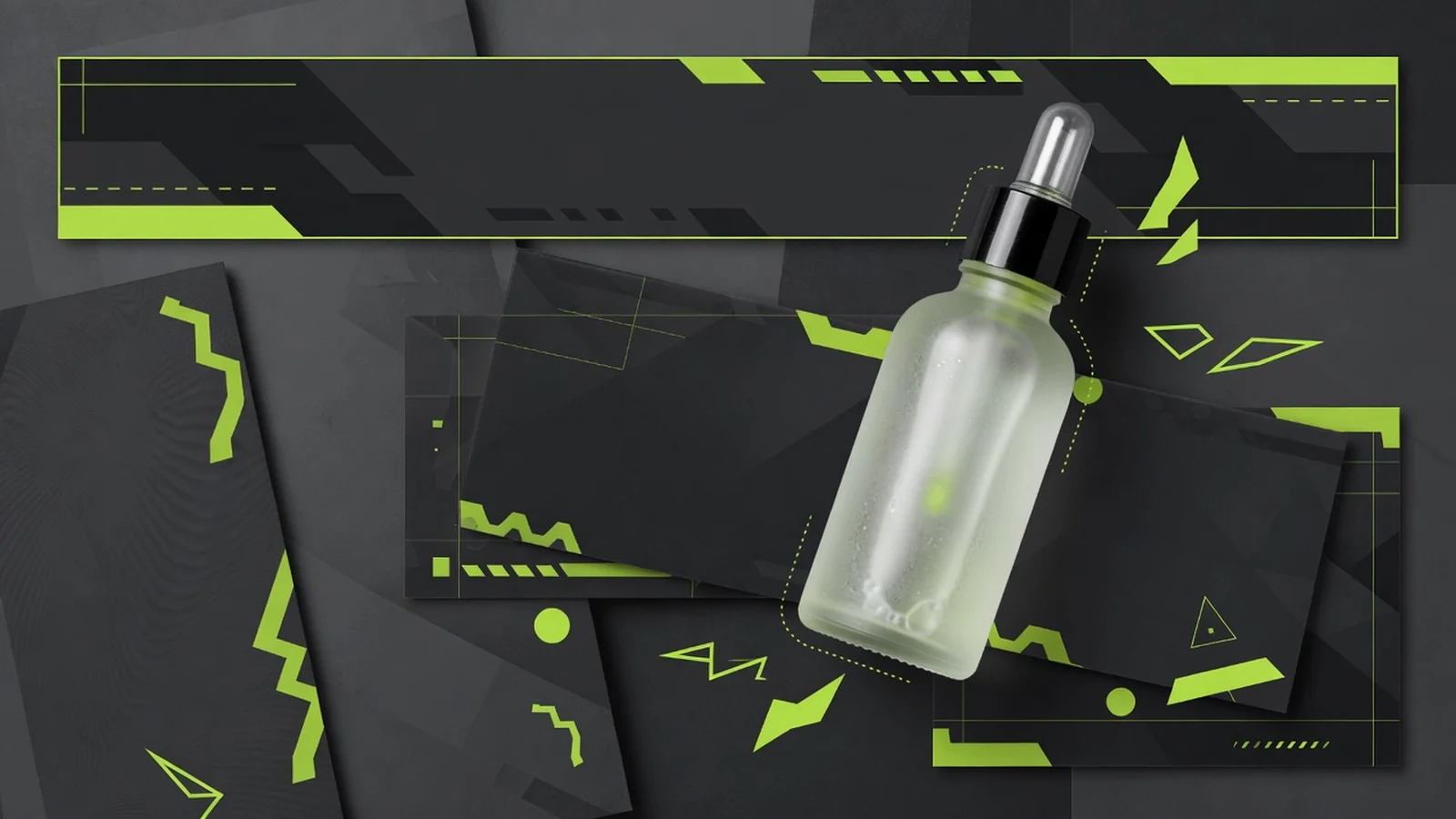 Guide
GuideWhen to export a reusable transparent master after the subject is isolated.
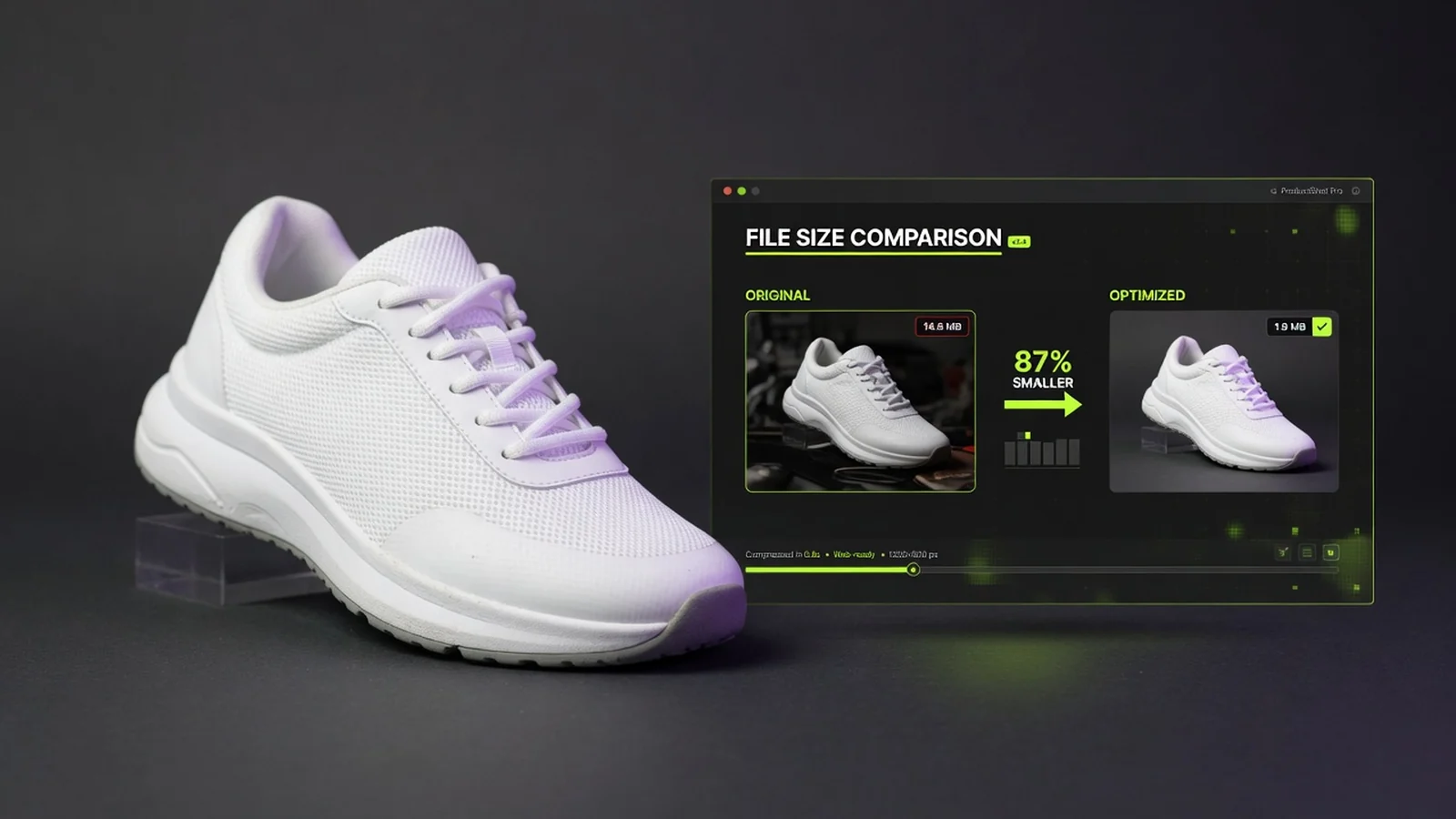 Guide
GuideReduce file size once the cutout or listing composition is approved.
See how sellers and operators use free cutouts to speed listing prep and creative assembly.
“Supplier photos arrive on messy desks—I cut them out before building listing images.”
“Good enough for many catalog cutouts without opening desktop software.”
“No credits means I can clean one product quickly during listing QA.”
“Useful first pass before campaign layout assembly.”
“Checkerboard preview helps me decide if edges are good enough to ship.”
“No watermark on the PNG keeps the cutout production-ready.”
Background removal FAQ
Common questions about free product background removal, cutout PNG export, difficult edges, listing-image prep, and how this page differs from transparent PNG export and the AI Product Photography Generator.
Yes. This tool is free to use. You can remove a product background without logging in, and it does not use ProductShot AI generation credits.
No. Your PNG download is watermark-free, and this workflow does not save account history. It is built for quick cleanup before listing or design work.
You can upload JPG, PNG, or WebP files up to 20MB each. The result is a PNG cutout for follow-up layout work.
Clear product shots work best—especially when the subject stands out from the background. Supplier photos, desktop shots, and quick warehouse photos can all work, but a cleaner subject usually leads to a cleaner first-pass cutout.
It can process them, but those cases still need review. Hair, glass reflections, transparent packaging, hollow shapes, and busy scenes are more likely to need a manual check. This tool is not a promise of pixel-perfect retouching.
Yes—as a subject-isolation step before you build listing images, variation sets, catalog assets, or campaign layouts. Final background and canvas decisions should still be checked in your actual publishing workflow.
This page is focused on cutout and subject isolation from the original image. The transparent background page is focused on exporting a reusable transparent PNG for layout, design, and multi-channel reuse.
This tool isolates the existing product from its background. The AI Product Photography Generator creates new white-background, studio, lifestyle, and campaign visuals.
Free product background remover
Upload a product image, remove the background, preview the cutout, and download PNG. No login, no credits, no watermark, and no saved history.
Need a new white-background or lifestyle product photo?