



30:00:00
50% OFFLimited Time Deal: Today only 50% OFF — miss it once, wait six monthsGet 50% Off

AI Seamless Pattern Generator

Upload a motif and choose layout and density. Tiles are usually seamless but not guaranteed; tile them 2×2 to check.

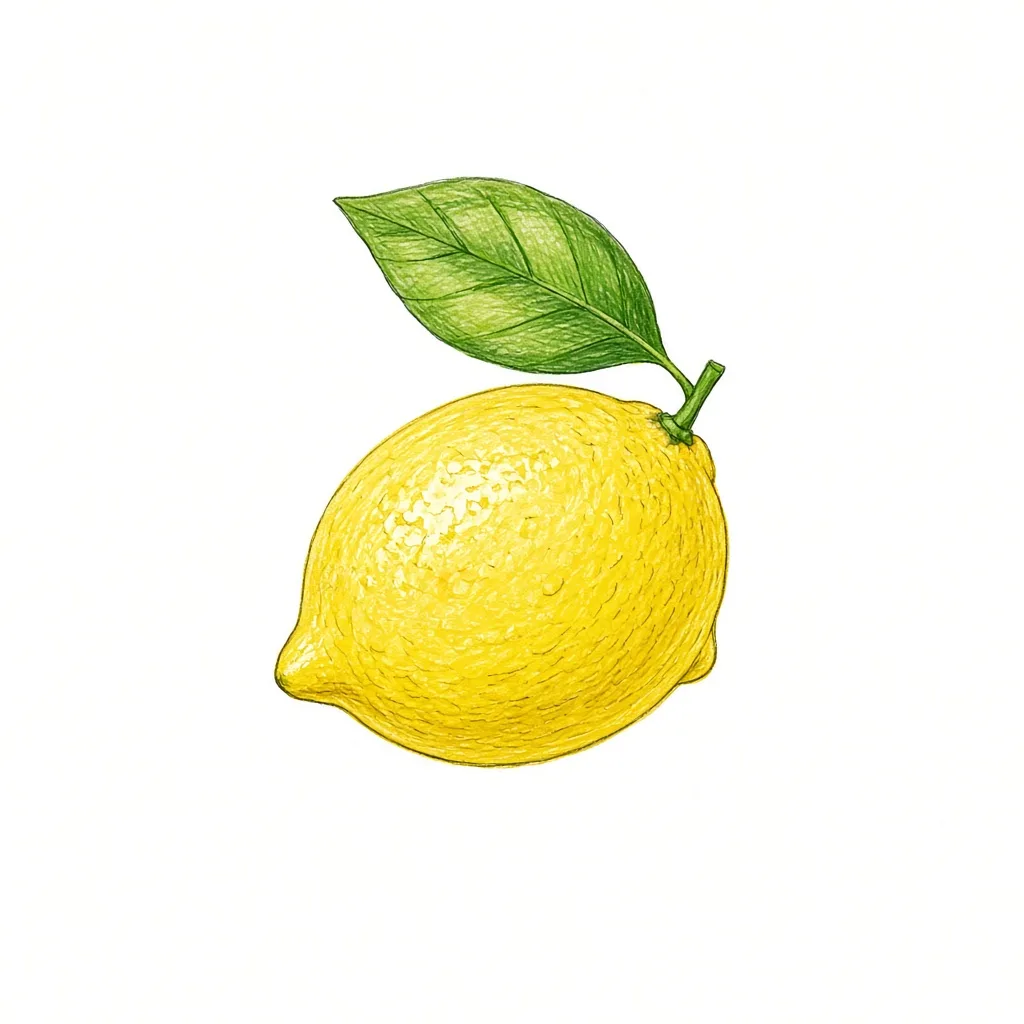
A single hand-drawn lemon illustration on white
Motif
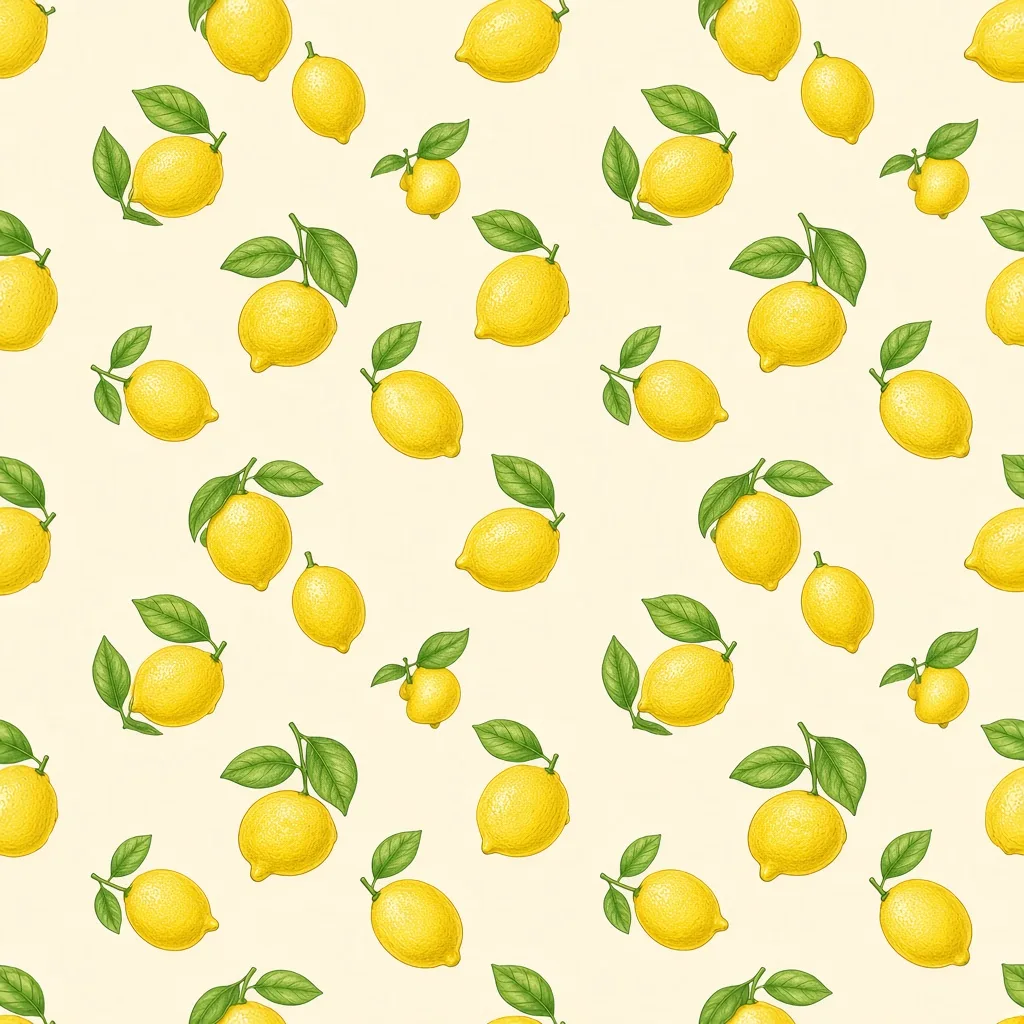
A tossed seamless lemon pattern on a cream background
Pattern tile

One motif → tossed seamless tile

Pattern Tools

Make the Pattern, Then Put It to Work

After the seamless pattern generator builds your tile, put it on a product, a tee or a mockup with the tools below.

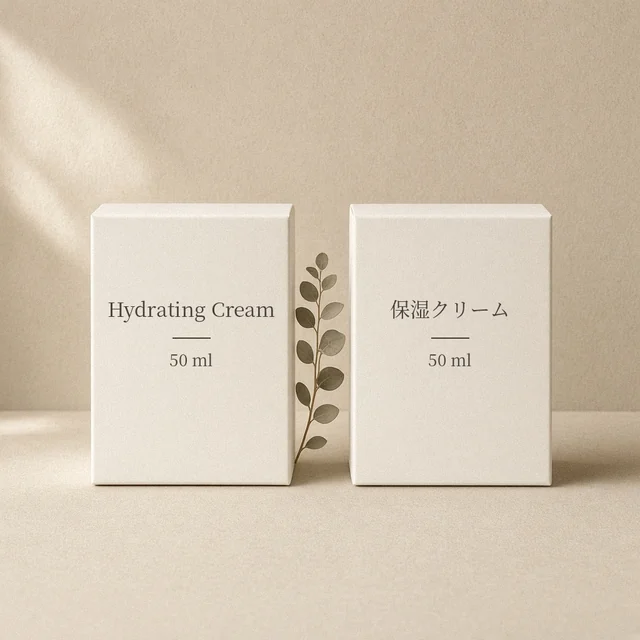
Image Translator
Image TranslatorTranslate text inside product imagesTry it →
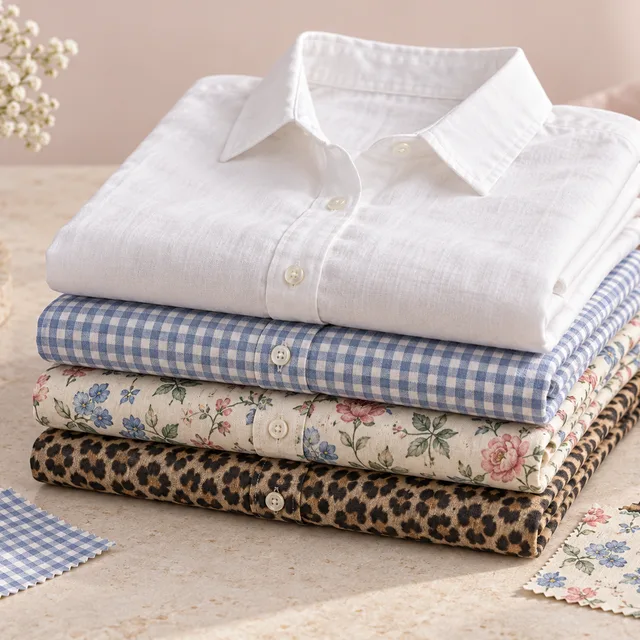
Fabric Pattern Changer
Fabric Pattern ChangerPut a new print on a product’s fabricTry it →
Add Logo to Product
Add Logo to ProductPrint, embroider or emboss your logoTry it →
Image Text Editor
Image Text EditorChange prices, promos and specs on imagesTry it →

What it is

What Is a Seamless Pattern Generator?

A seamless pattern generator turns one motif into a repeating tile.

How it works

You upload a clear motif, such as a hand drawing, an icon without logos or even a product photo, and choose a repeat layout: tossed motifs in varied rotations, a neat grid, a half-drop with each column offset, or stripes.

Then set the density from sparse to dense and the rendering: flat print, watercolor or photographic. Colors go in the notes, such as “cream background, sage and terracotta only”.

The model draws a square, flat, front-on tile designed so that whatever crosses one edge continues on the opposite edge.

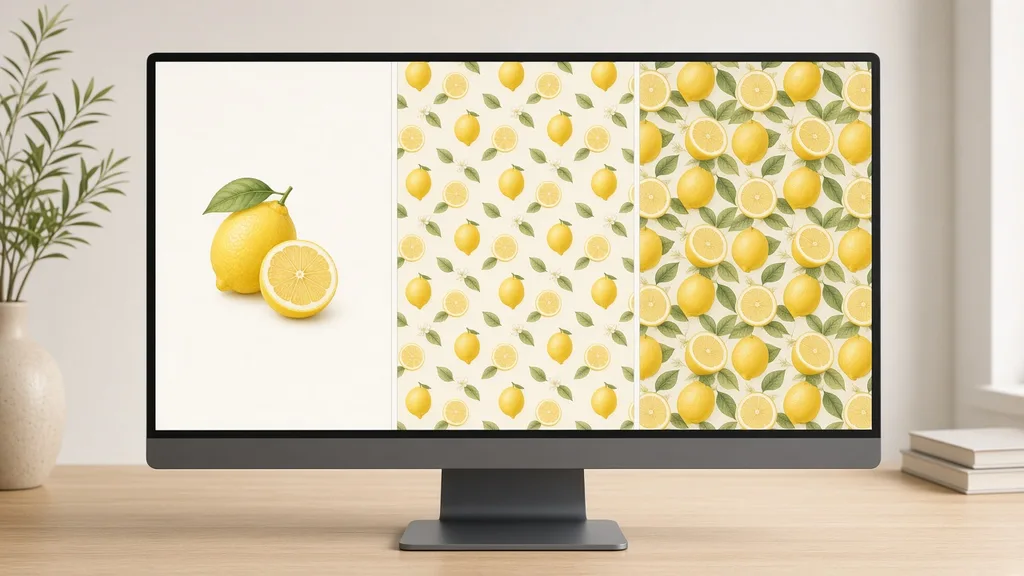
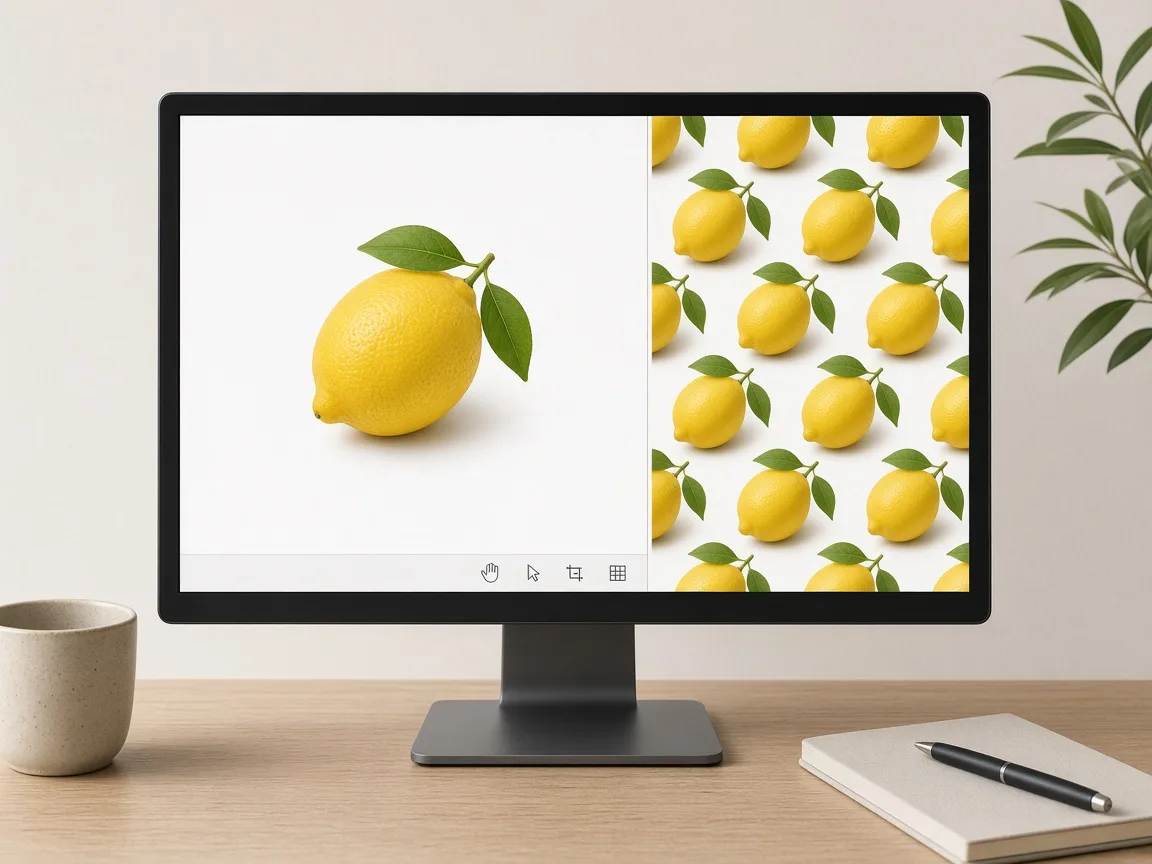
Monitor showing a single lemon motif next to the seamless pattern tile made from it

Credits and how it runs

On ProductShot AI, each image uses 10 credits, and you can generate 1 to 4 images at a time. New accounts get one free generation. Each run takes one motif, and you sign in to generate.

Results are saved to your history, so you can come back later or change the settings and generate again without re-uploading. The credits for each run are shown under the Generate button; start with one image, then generate more to choose from.
When it helps most, and how it differs from other tools

The seamless pattern generator works best when you have a motif and want to see it as a pattern fast: a doodle that could be a scarf print, a brand icon for tissue paper, a seasonal motif for wrapping paper or a subtle background for your store banners.

It differs from the AI Fabric Pattern Changer, which puts a pattern onto a product photo, and from the AI T-Shirt Design Generator, which places one graphic on a tee. Make the tile here, then use those tools to preview it on products.

Start with the three examples.

How to check a tile

To check a tile, look at four things in order. First the seams: tiled 2×2, the joins are invisible. Then the motif: recognizable and consistent across the tile. Then the rhythm: density and spacing even, no accidental clusters or gaps.

Finally the colors: suited to your fabric, paper or screen. One rule matters beyond any setting: never generate other brands’ logos, cartoon characters or copyrighted designs, and only upload motifs you created or have the rights to use.

One motif in

A drawing, a logo-free icon or a product photo.

Four layouts

Tossed, grid, half-drop or stripes.

Density and rendering

Sparse to dense; flat, watercolor or photo.

Built to repeat

Edges are designed to join in every direction.

Compare tiles

Generate 1 to 4 tiles next to the motif.

Clear pricing

10 credits per image, shown under the Generate button.

Why ProductShot AI

Built for Repeats, Not One-Off Images

Every setting is designed around one question: does this tile repeat cleanly?

Wrap-around edges

The prompt asks every edge to continue on the opposite side.

Your colors

Set the palette in the notes.

Flat and front-on

No perspective or vignette to break the repeat.

Images used for your run

Uploaded images are used to generate your result.

Common notes in one click

Background color, three colors, scale for clothing, and more.

Honest about limits

The result area reminds you to tile and check.

Use Cases

Five Ways Sellers Use Seamless Patterns

Each starts from one motif and ends with a square tile that repeats in every direction.

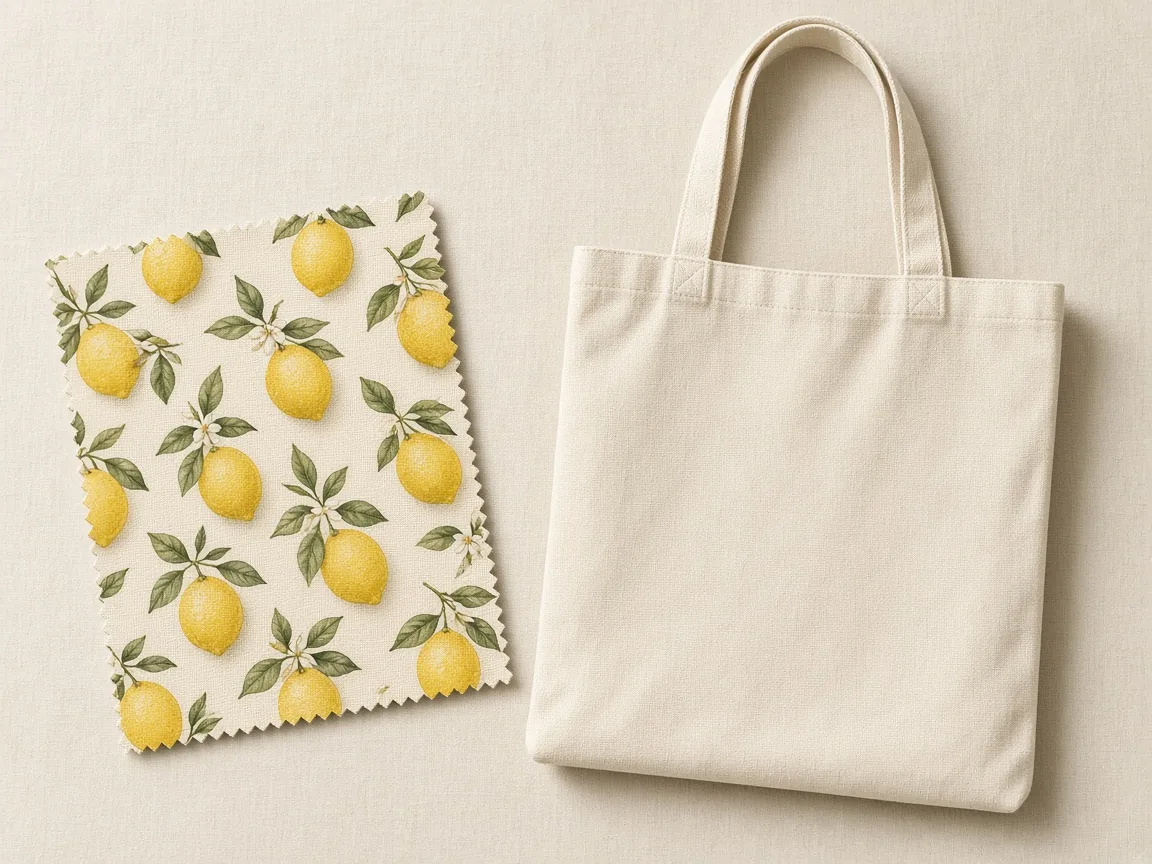
Fabric swatch with a tossed lemon pattern beside an unbranded tote

Fabric and Apparel Prints

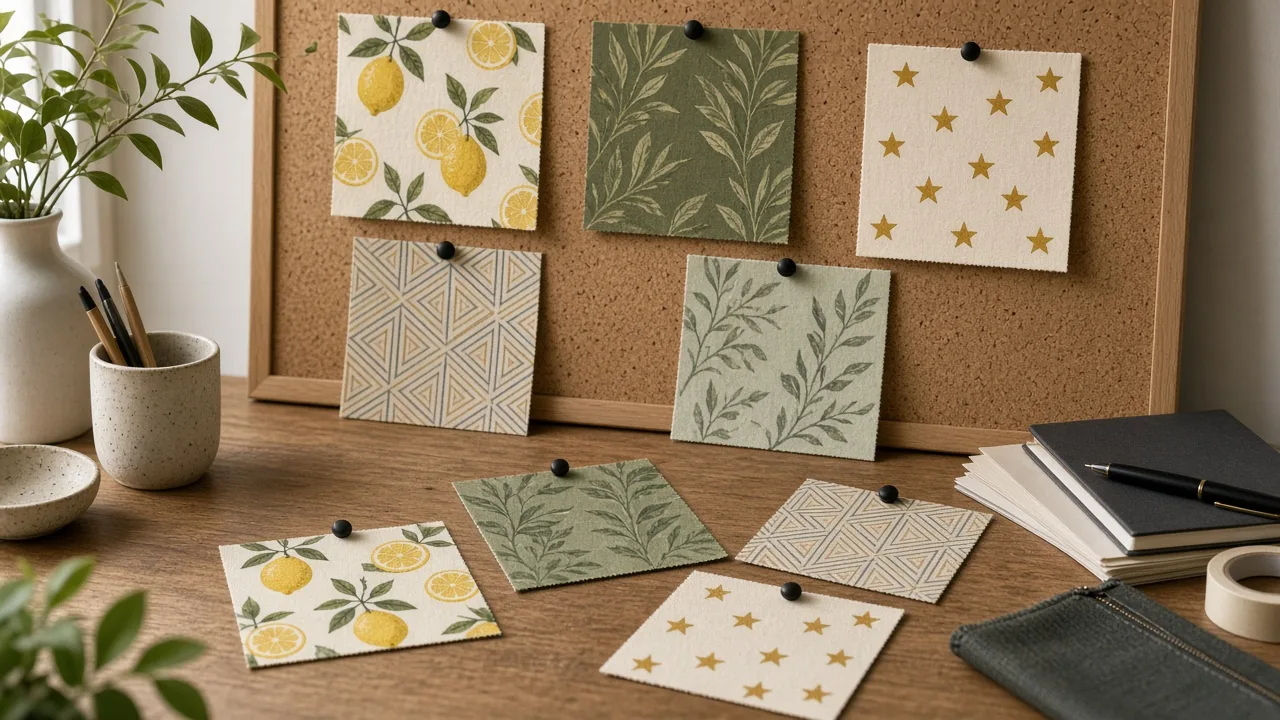
Turn a doodle or icon into an all-over print for shirts, scarves or bags, then preview it on your product.

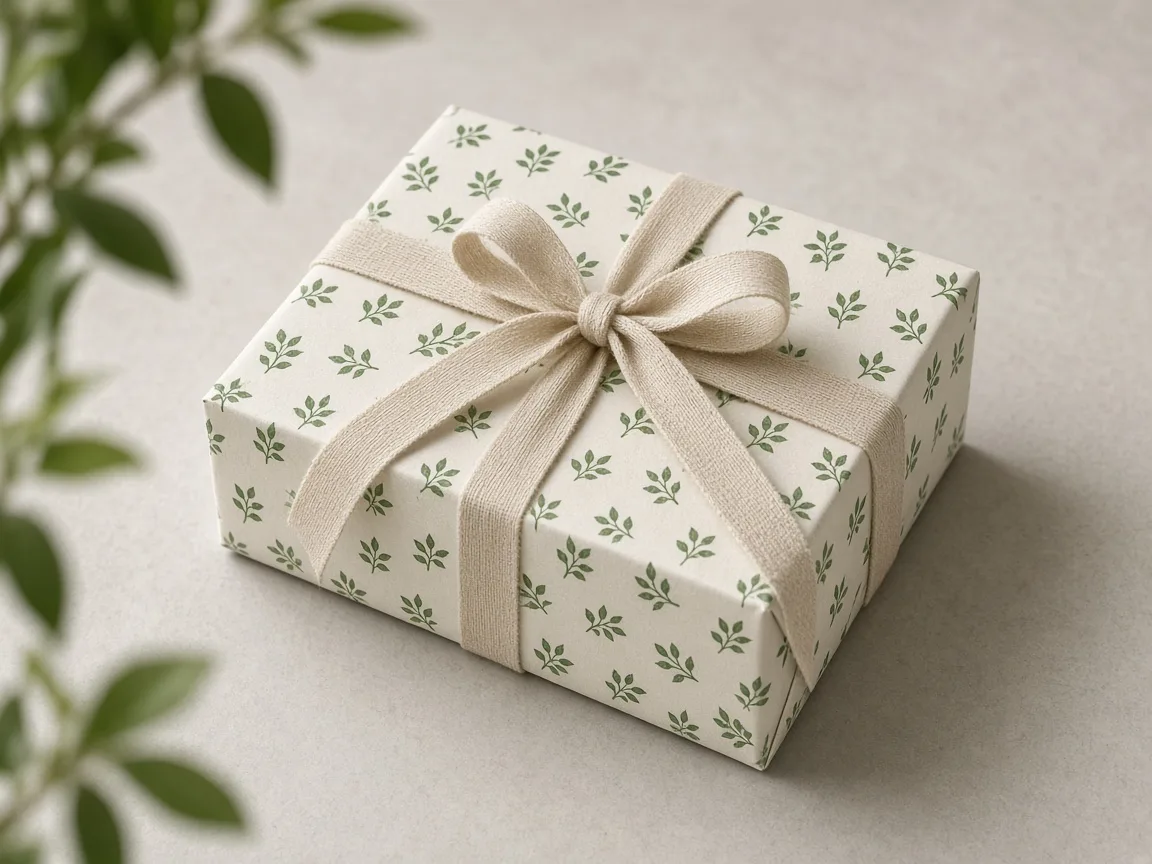
Unbranded gift box wrapped in a small repeating leaf pattern

Packaging and Labels

Repeat a brand motif across boxes, tissue and labels for a consistent unboxing.

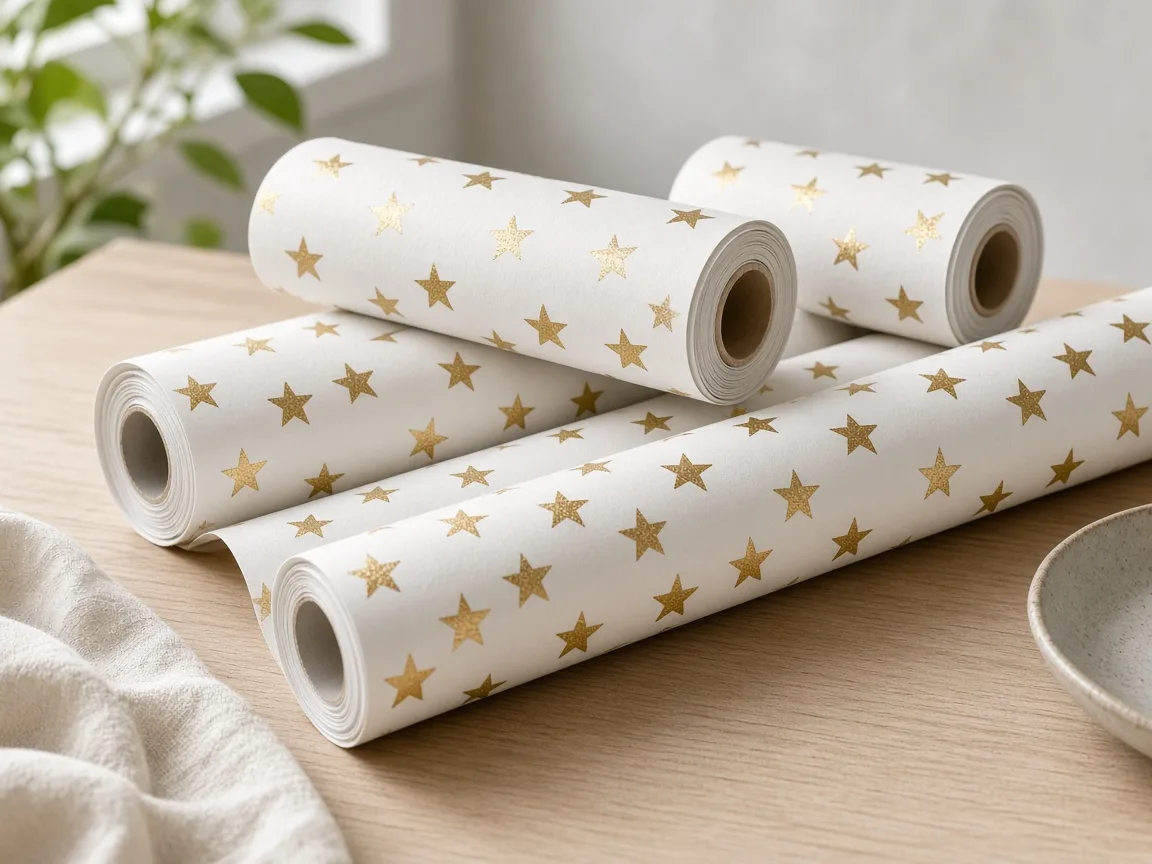
Rolls of wrapping paper with a star pattern

Wrapping Paper and Stationery

Seasonal patterns for gift wrap, notebooks and cards.

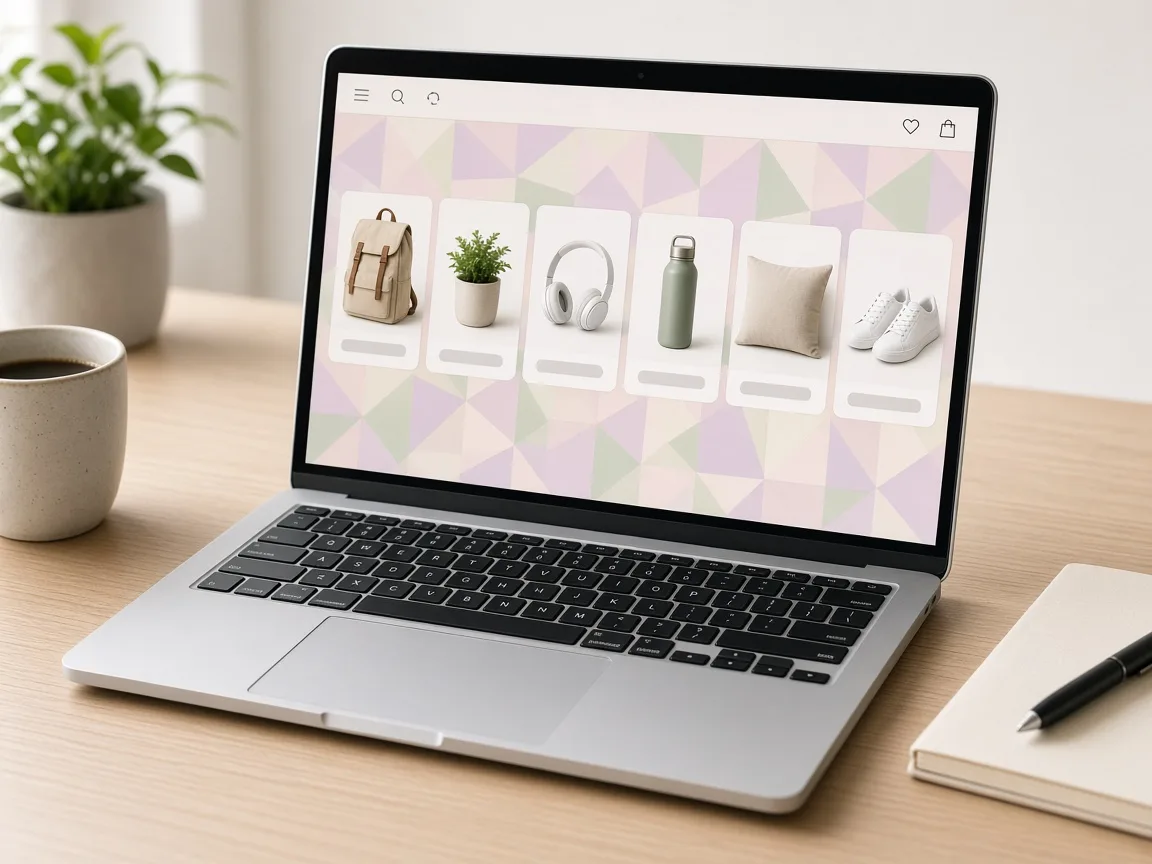
Laptop showing a store section with a soft repeating background

Website and Social Backdrops

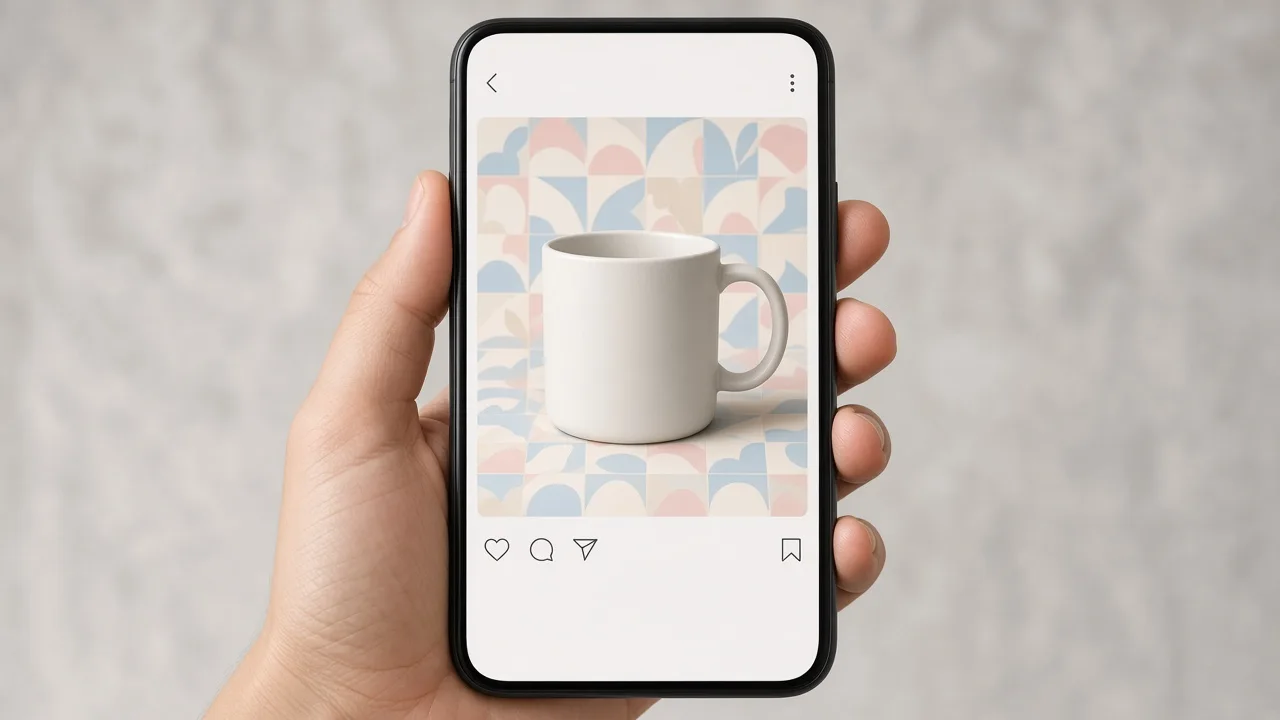
Subtle repeating backgrounds for banners, store sections and social posts.

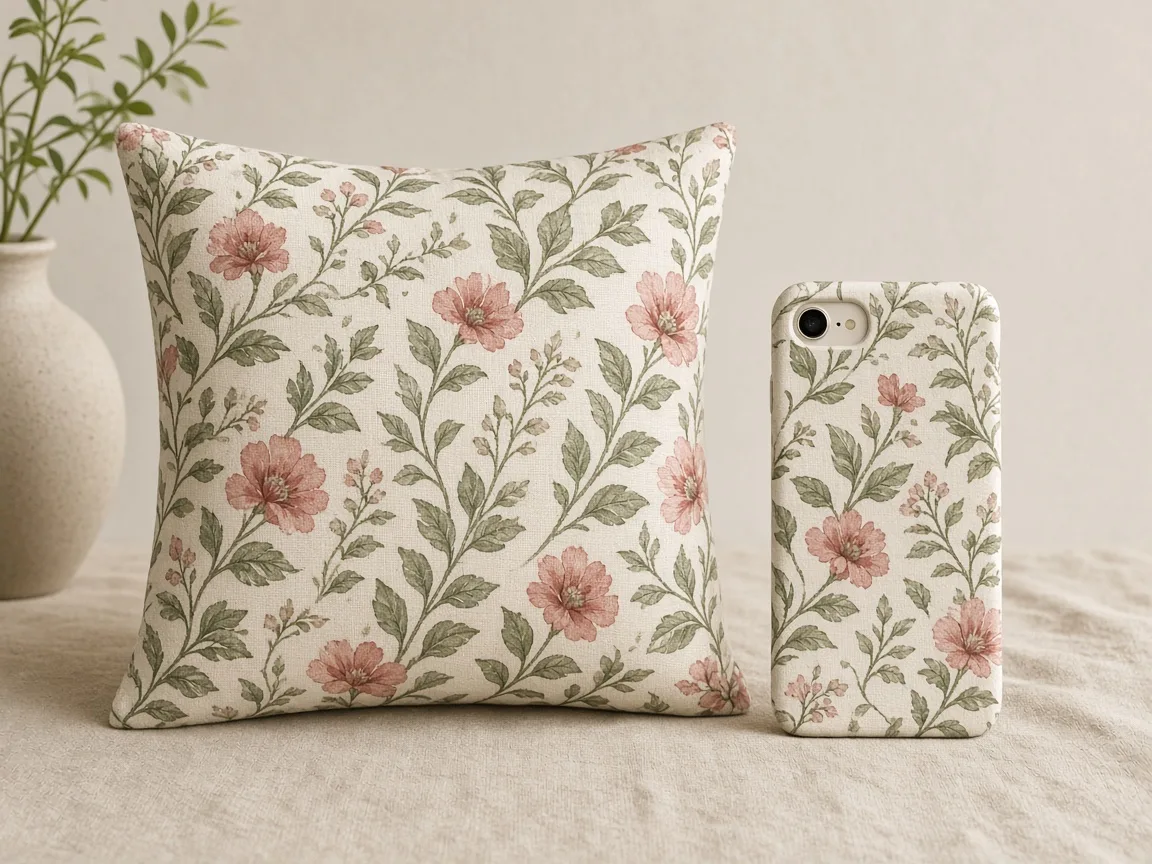
Unbranded cushion and phone case with the same repeating print

Print-on-Demand Products

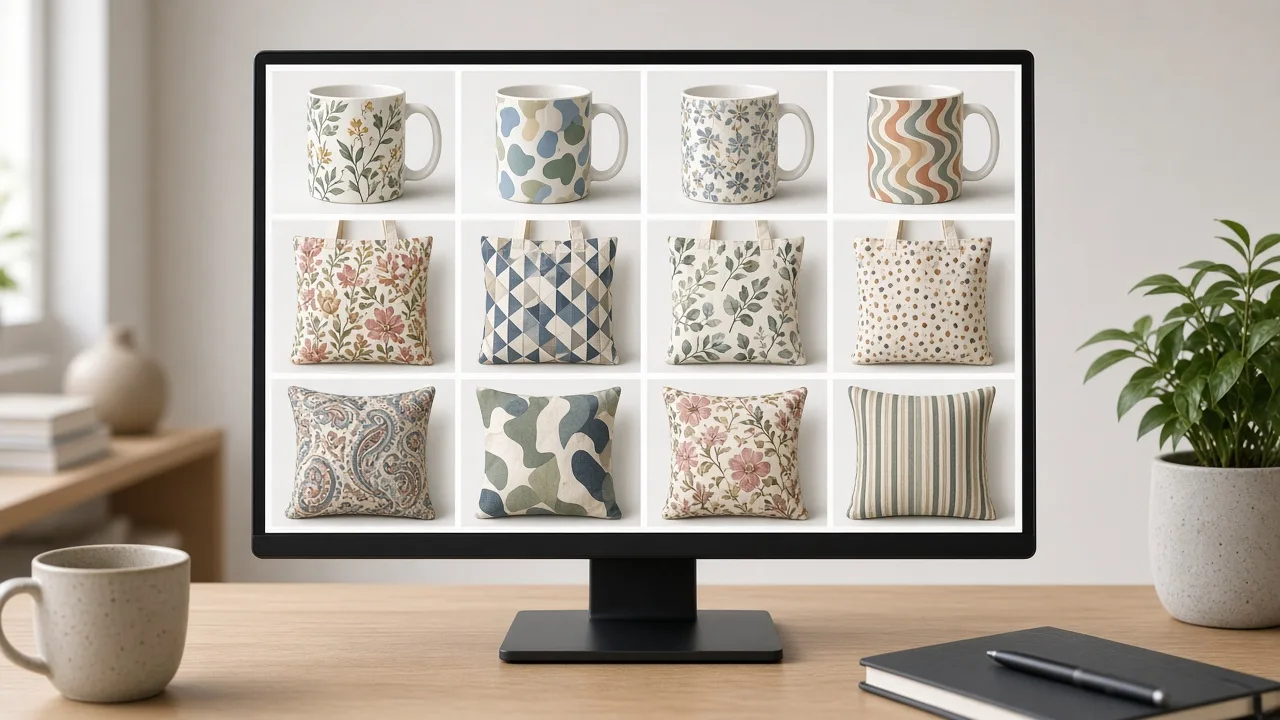
Make pattern ideas for phone cases, mugs and cushions before you send files to a printer.

By Channel

Where Seamless Patterns Get Used

Repeating patterns show up on products, packaging and brand graphics.

How it works

Make a Seamless Pattern With AI in 4 Steps

Upload a motif, choose layout and density, generate and tile to check.

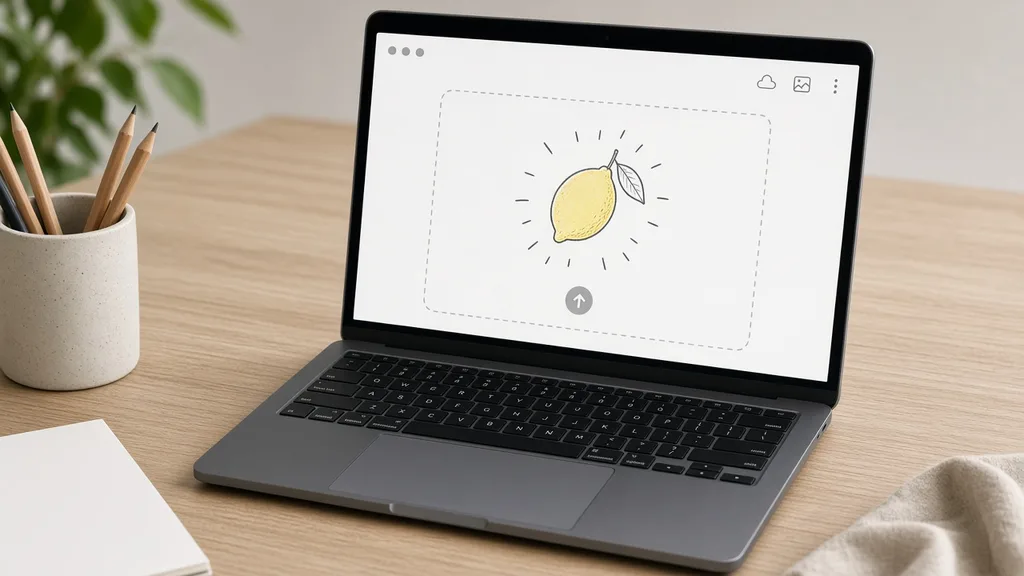
Laptop with a hand-drawn motif open in an upload window
Tablet showing repeat layout and density options
Monitor showing the motif and two pattern tiles side by side
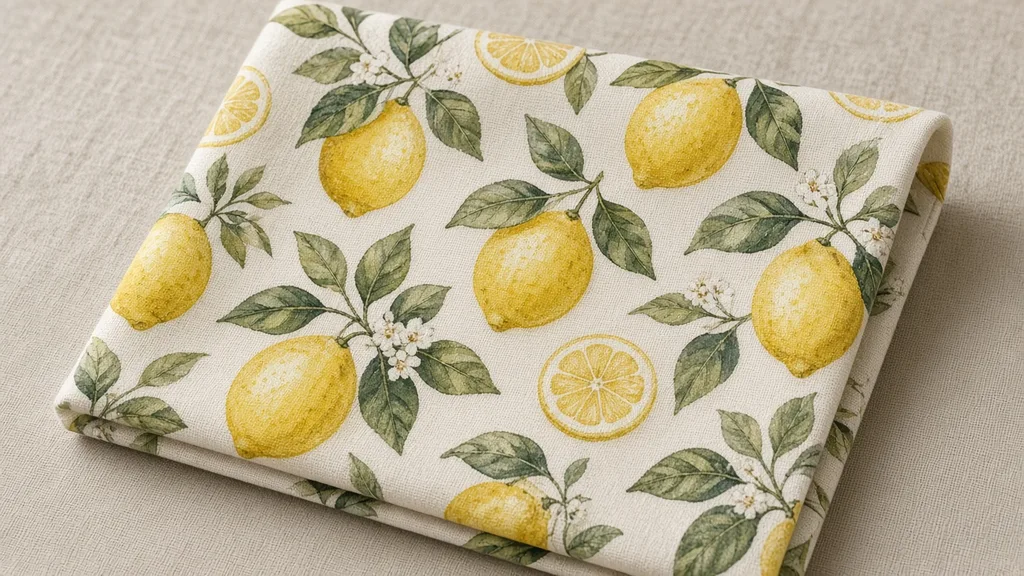
Fabric swatch printed with the finished repeating pattern
01

Upload a Motif

Upload one clear motif, such as a drawing, an icon without logos or a product photo, JPG, PNG or WEBP up to 16MB. Or start from one of the three examples.

02

Choose Layout and Density

Choose tossed, grid, half-drop or stripes, a density from sparse to dense, and flat print, watercolor or photographic rendering. Add colors in the notes.

03

Generate and Compare

Generate 1 to 4 tiles at 10 credits each. The result area shows the motif next to every tile.

04

Tile It to Check

Place the tile 2×2 in any image editor and check that the edges join with no seams before you use it.

Method comparison

AI Seamless Patterns vs Designing a Repeat by Hand

Three ways to get a repeating pattern.

Multiple

output styles

Reference-led

direction

Built-in

before-and-after review

Traditional Workflow

Design the Repeat by Hand

Draw the motif, build the repeat in design software, test the tile.

Cost
Designer time per pattern×
Turnaround
Hours per pattern×
What You Need
Design software and repeat skills×
Another Variant
Rebuild the repeat×
Layouts
Anything, by hand×
Accuracy
Exact, production-ready repeat×
ProductShot AI

AI Seamless Pattern

Upload a motif, choose layout and density, and get tiles to check.

Cost
10 credits per image; new accounts get one free generation✓
Turnaround
Results appear on the page when generation finishes✓
What You Need
One motif image✓
Another Variant
Change the layout or colors and generate again✓
Layouts
Tossed, grid, half-drop or stripes✓
Accuracy
Usually seamless, not guaranteed: tile to check✓

Tips

Three Ways to Get Cleaner Seamless Patterns

The motif and the layout choice decide most of the result.

Prepare the motif

  • Upload one clear motif on a plain background.
  • Simple shapes repeat more cleanly than detailed scenes.
  • Drawings and icons work better than busy photos.
  • Only upload motifs you created or have rights to.

Write the notes

Background + palette + scale

Notes can cover these three things:

  • Cream background, sage green and terracotta only.
  • Small scale for children’s clothing.
  • Navy background with gold motifs.

Avoid these mistakes

  • Do not generate other brands’ logos, characters or copyrighted designs.
  • Do not skip tiling 2×2 to check the seams.
  • Do not send the AI tile straight to production printing.
  • To put the pattern on a product photo, use the Fabric Pattern Changer.

Further reading

Articles on prints, mockups and product photos.

How to Photograph Clothing for Ecommerce: What I Learnt the Hard WayApparel
Jun 19, 20268 min read

How to Photograph Clothing for Ecommerce: What I Learnt the Hard Way

A practical apparel photography guide covering flat lays, ghost mannequins, fabric texture, drape, and color accuracy.

Read Article
It Took Me Two Years to Understand Product Photography LightingLighting
Jun 20, 20268 min read

It Took Me Two Years to Understand Product Photography Lighting

A practical guide to product photography lighting, soft light, fill light, backlight, reflection control, and difficult materials.

Read Article
Best AI Lifestyle Photo Generators for Product and Model Shots (2026)Workflow
Jun 23, 20268 min read

Best AI Lifestyle Photo Generators for Product and Model Shots (2026)

Compare AI lifestyle photo generators for realistic ecommerce scenes, product preservation, catalog consistency, and campaign workflows.

Read Article
How to Take Professional Product Shots Without a Studio (or a Degree in Photography)Workflow
Jun 17, 20268 min read

How to Take Professional Product Shots Without a Studio (or a Degree in Photography)

A practical workflow for taking sellable ecommerce product photos with a phone, simple setup, and AI-powered variations.

Read Article
Product Image Clarity for Listings: Fix Soft Supplier and Marketplace PhotosWorkflow
Jul 15, 202610 min read

Product Image Clarity for Listings: Fix Soft Supplier and Marketplace Photos

How ecommerce teams prep soft supplier packs and re-exported marketplace images with free browser clarity enhancement before Amazon and Shopify uploads.

Read Article
AI Product Photography Generator Guide: 7 Best Tools for 2026Guide
Jun 23, 20268 min read

AI Product Photography Generator Guide: 7 Best Tools for 2026

Compare AI product photography generators for white background images, studio shots, lifestyle scenes, and ecommerce campaign visuals.

Read Article
Reviews

How Sellers Use the Seamless Pattern Generator

Feedback from some of our users. Thumbnails show products from their categories.

Silk scarf with a lemon print
Ms. Wang

“My lemon doodle became a scarf print in minutes. I rebuild the final file for the printer.”

Scarf designer
Roll of star-patterned wrapping paper
Mr. Li

“Star patterns for holiday wrapping paper, in our brand colors.”

Gift shop
Unbranded kids tee with a tossed print
Ms. Zhang

“Tossed layouts look natural on small clothes. I always tile 2×2 before using one.”

Kidswear brand
Gift box with patterned tissue
Mr. Chen

“A small leaf repeat on tissue paper made our unboxing feel consistent.”

Packaging buyer
Notebook with a half-drop leaf cover
Ms. Liu

“Half-drop patterns for notebook covers. Sometimes a leaf stops at the edge, so I regenerate.”

Stationery seller
Unbranded cushion with a grid print
Ms. Zhou

“Patterns here, then the fabric pattern changer to preview them on cushions.”

Print-on-demand seller

FAQ

Seamless Pattern Generator FAQ

Credits, seams, layouts and rights.

Each image uses 10 credits, and you can generate 1 to 4 tiles at a time. New accounts get one free generation.

A clear drawing, an icon without logos or a product photo, ideally on a plain background.

Usually, but not guaranteed. Place the tile 2×2 in any image editor and check the joins before you use it.

Tossed, grid, half-drop and stripes, with sparse, medium or dense spacing.

Yes. Write the background and palette in the notes, for example “cream background, sage and terracotta only”.

Use it as the design reference. For production, rebuild the final tile at the printer’s resolution and color settings.

A square tile. Scale it up or down in your design or print software to set the pattern size.

No. Only use motifs you created or have the rights to, and never generate copyrighted designs.

This tool makes the pattern tile; the Fabric Pattern Changer puts a pattern onto a product photo.

In your history. Change the layout or colors and generate again without re-uploading.

Ready to Make Your Pattern?

Upload one motif and choose a layout. 10 credits per image, and new accounts get one free generation. Tiles are usually seamless but not guaranteed, so tile them 2×2 to check.

Start Free →