
30:00:00
50% OFFLimited Time Deal: Today only 50% OFF — miss it once, wait six monthsGet 50% Off

AI Packaging Design Generator

Upload a product, choose packaging type and style, and generate concepts. Check all text before using.

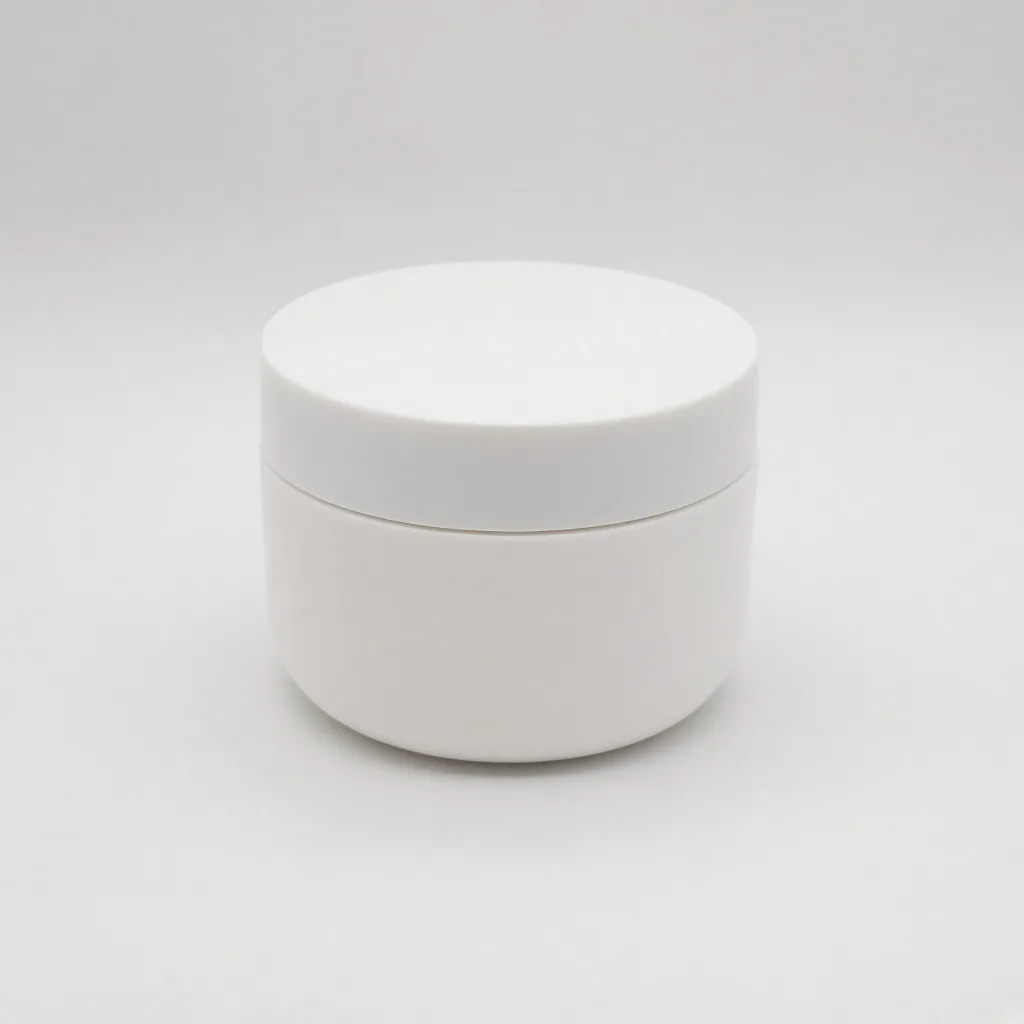
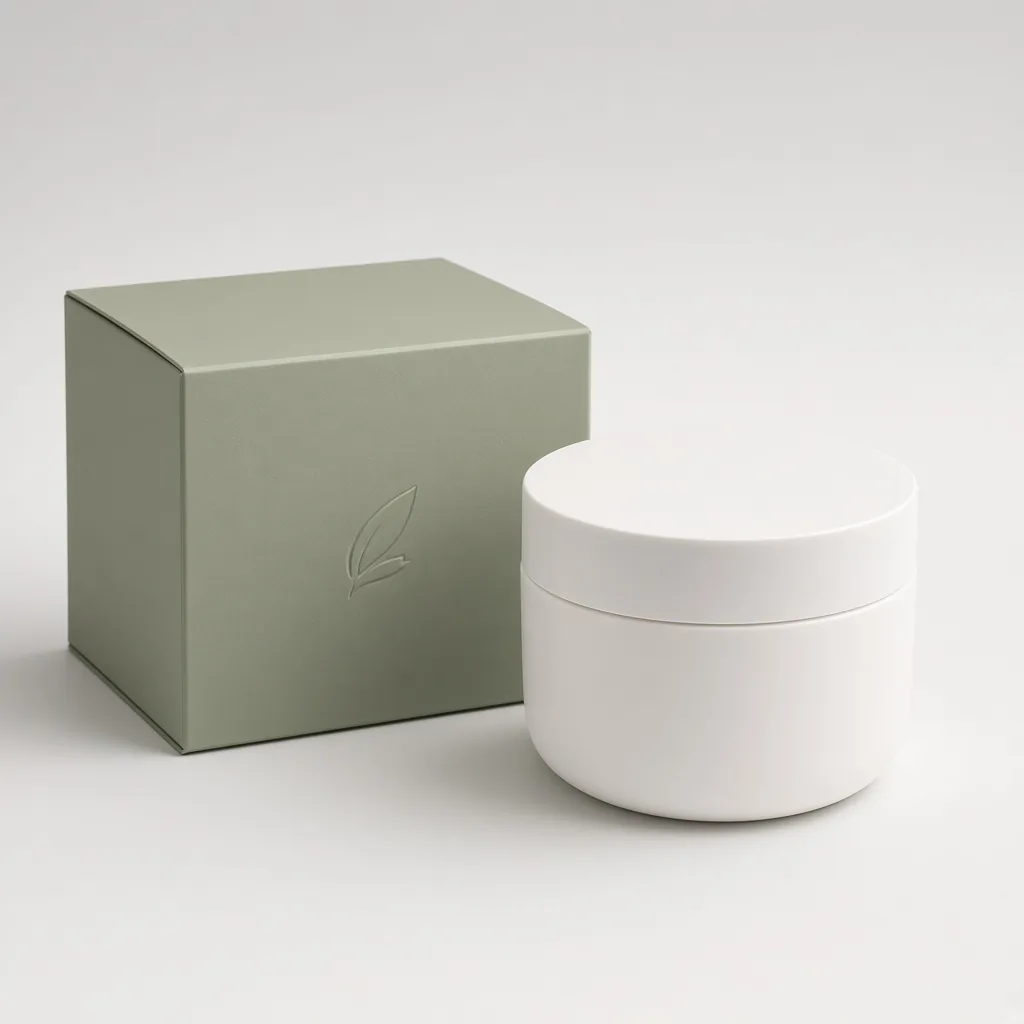
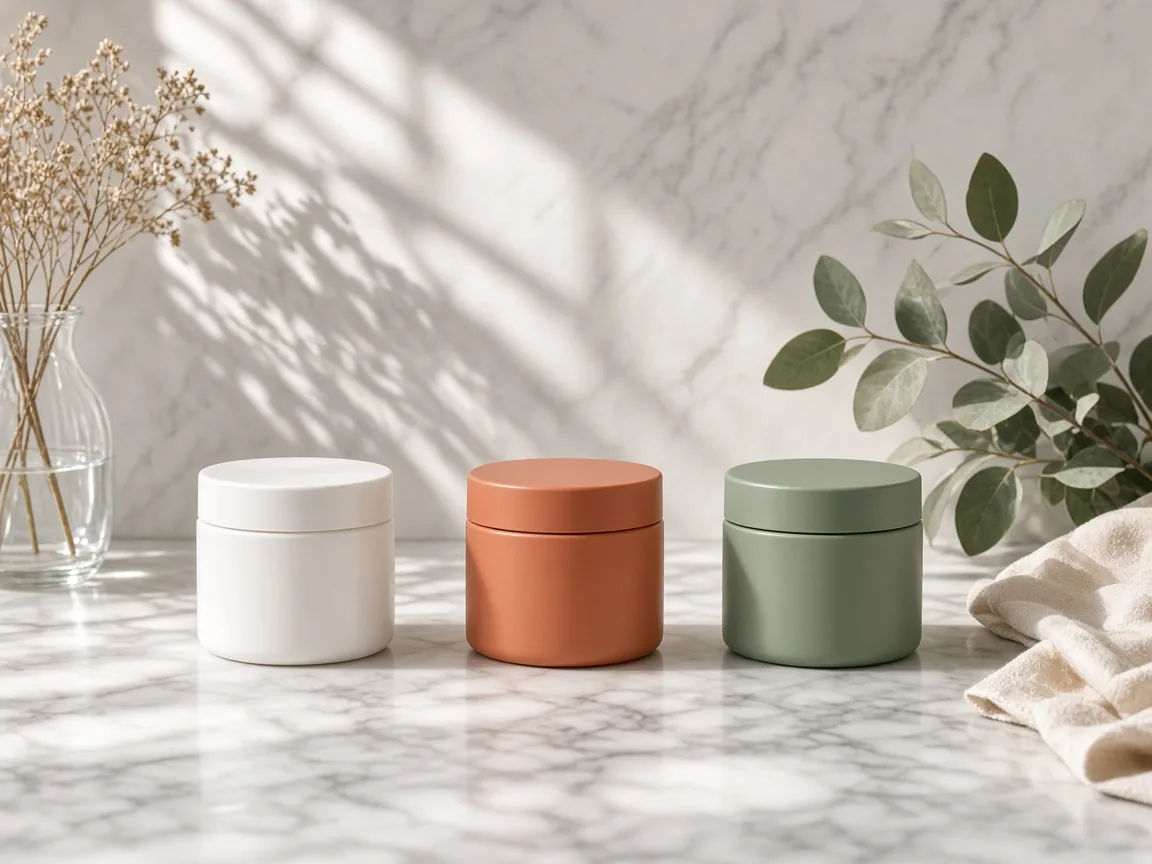
Plain white unbranded cream jar on white
Product
The jar beside a minimal sage green box mockup
Packaging

Bare jar → minimal box mockup

Brand Tools

From Packaging Concept to Launch

After the AI packaging design generator gives you a direction, make a logo, add it to products or create launch visuals.

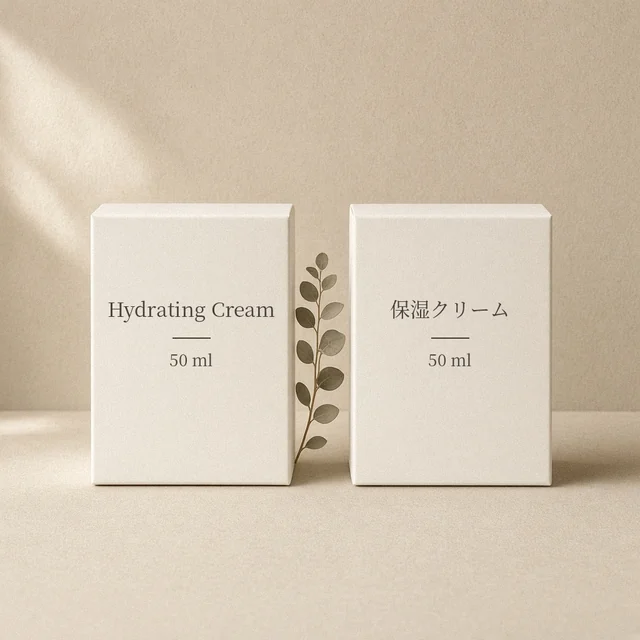
Image Translator
Image TranslatorTranslate text inside product imagesTry it →
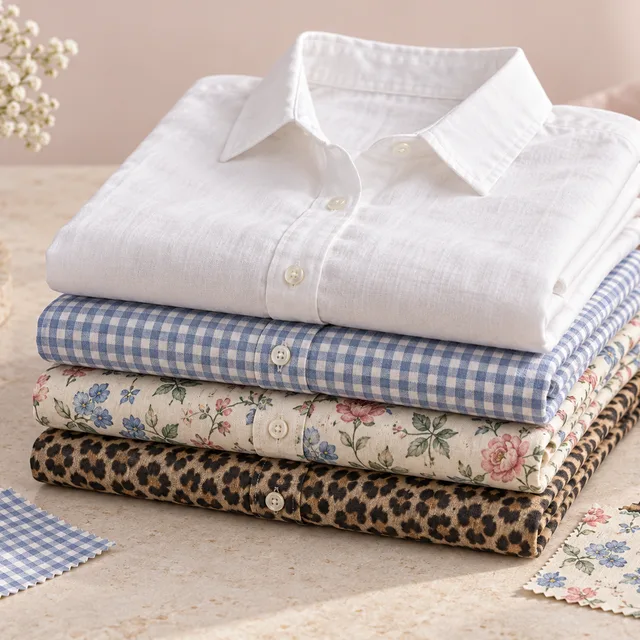
Fabric Pattern Changer
Fabric Pattern ChangerPut a new print on a product’s fabricTry it →
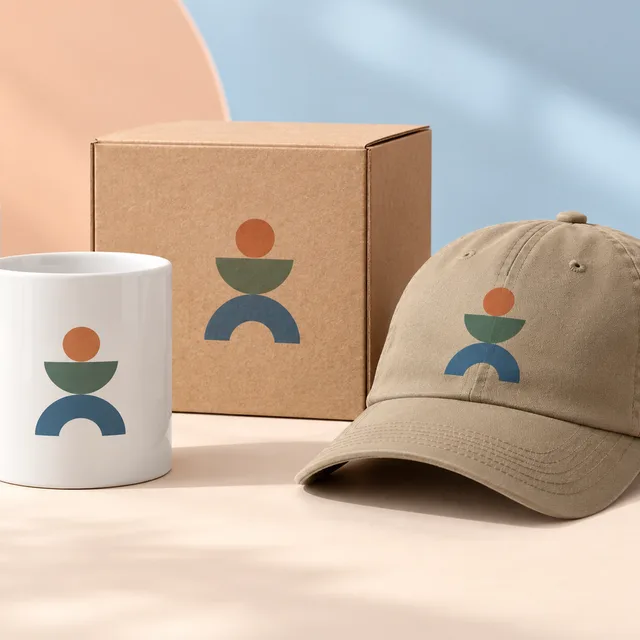
Add Logo to Product
Add Logo to ProductPrint, embroider or emboss your logoTry it →
Image Text Editor
Image Text EditorChange prices, promos and specs on imagesTry it →

What it is

What Is an AI Packaging Design Generator?

An AI packaging design generator turns one product photo into packaging concept images.

How it works

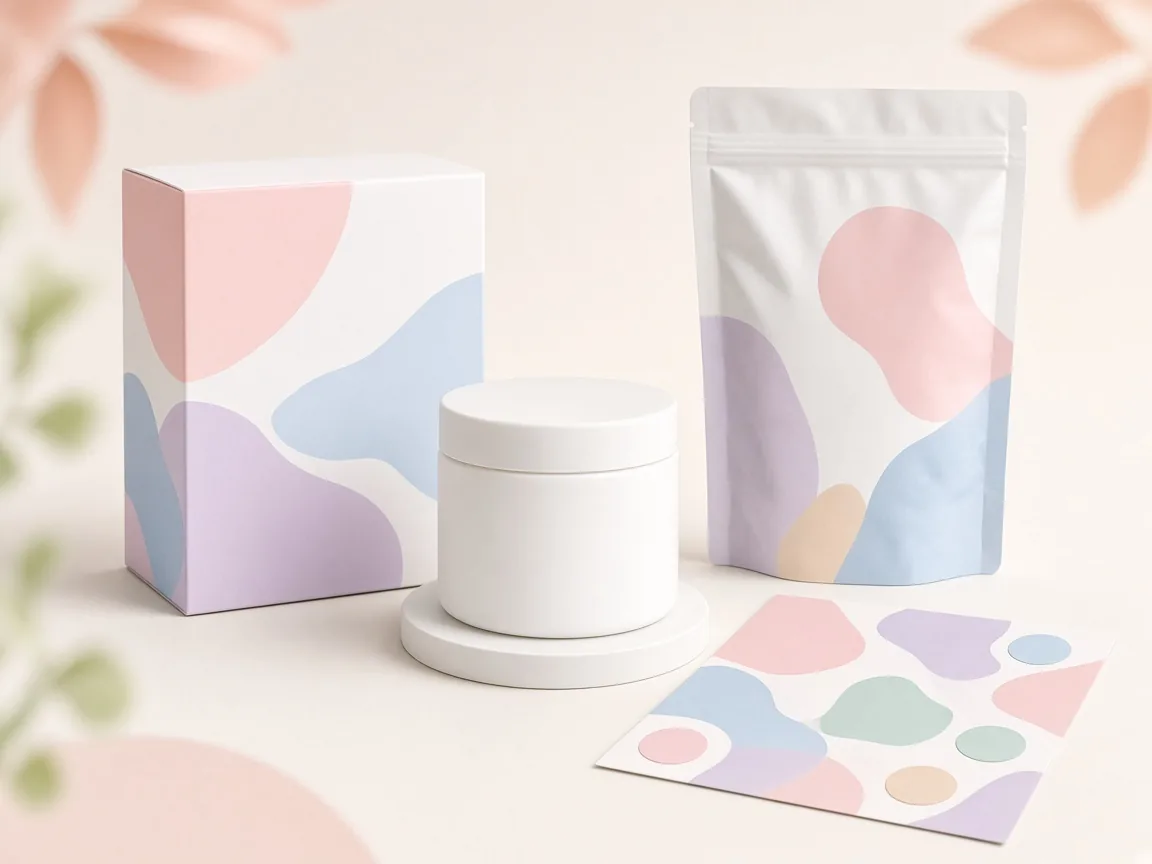
You upload the product or its bare container, choose a packaging type (box, pouch, bottle or jar label, or shopping bag), a design style (minimal, natural kraft, bold color or premium) and a presentation (studio mockup, flat front or on a shelf), and the AI renders an original packaging idea that fits the product.

An unbranded cream jar next to box, pouch and label concepts

Credits and how it runs

On ProductShot AI, each image uses 10 credits, and you can generate 1 to 4 images at a time. New accounts get one free generation.

You sign in to generate, and results are saved to your history, so you can try a pouch after a box without re-uploading. The credits for each run are shown under the Generate button.
How to write the notes

Put your brand name and product name in the notes if you want them on the pack, and keep text short: a name and one line works much better than an ingredient list. If you leave the notes empty, the design uses no readable brand name.

Add a color or mood, such as “sage green” or “for kids”, to steer the style.

Which style to choose

Each choice changes the feel. Minimal suits skincare and tech. Natural kraft suits coffee, tea and eco products. Bold color suits snacks and kids’ products. Premium suits gifts and luxury.

Use studio mockup for presentations, flat front to judge the artwork, and on a shelf to see how it stands out in a store.

How it differs from other brand tools

It differs from the AI Logo Generator, which designs a brand mark, and from AI Add Logo to Product, which places an existing logo on a product. This page designs the whole package.

A common path: make a logo concept, then a packaging concept, then use AI Product Photography for launch images once the real packaging exists.

How to review a concept

To review a concept, check four things. First fit: does the style suit the product and buyer? Then text: is every word spelled right? Then originality: does it look too close to a known brand?

Finally feasibility: can it be printed on the material you plan to use, at a sensible cost?

Limits to keep in mind

Some limits matter.

Packaging often needs legal information: ingredients, net weight, warnings, recycling marks and barcodes, which the AI does not add correctly. Do not copy other brands’ packaging, and if you show a concept before production, say it is a concept.

Food, cosmetics and medicine have extra rules, so check them with your designer or printer.

Four packaging types

Box, pouch, label, bag.

Four styles

Minimal to premium.

Three presentations

Mockup, flat, shelf.

Your brand name

Spelled from your notes.

Compare concepts

Generate 1 to 4 at a time.

Clear pricing

10 credits per image, shown under the Generate button.
Why ProductShot AI

Built for Early Packaging Ideas

Fast, original directions you can take to a designer.

Fits your product

Colors and mood from your photo.

Original designs

No copying of real brands.

Realistic mockups

Studio and shelf views.

Images used for your run

Uploaded images are used to generate your result.

Common notes in one click

Eco look, short text, barcode space.

Honest about limits

Concepts only; check all text.

Use Cases

Five Times You Need a Packaging Concept

Explore directions before paying for full design.

Three unbranded packaging concepts for a skincare jar

New Brand Launch

See directions before you hire a designer.

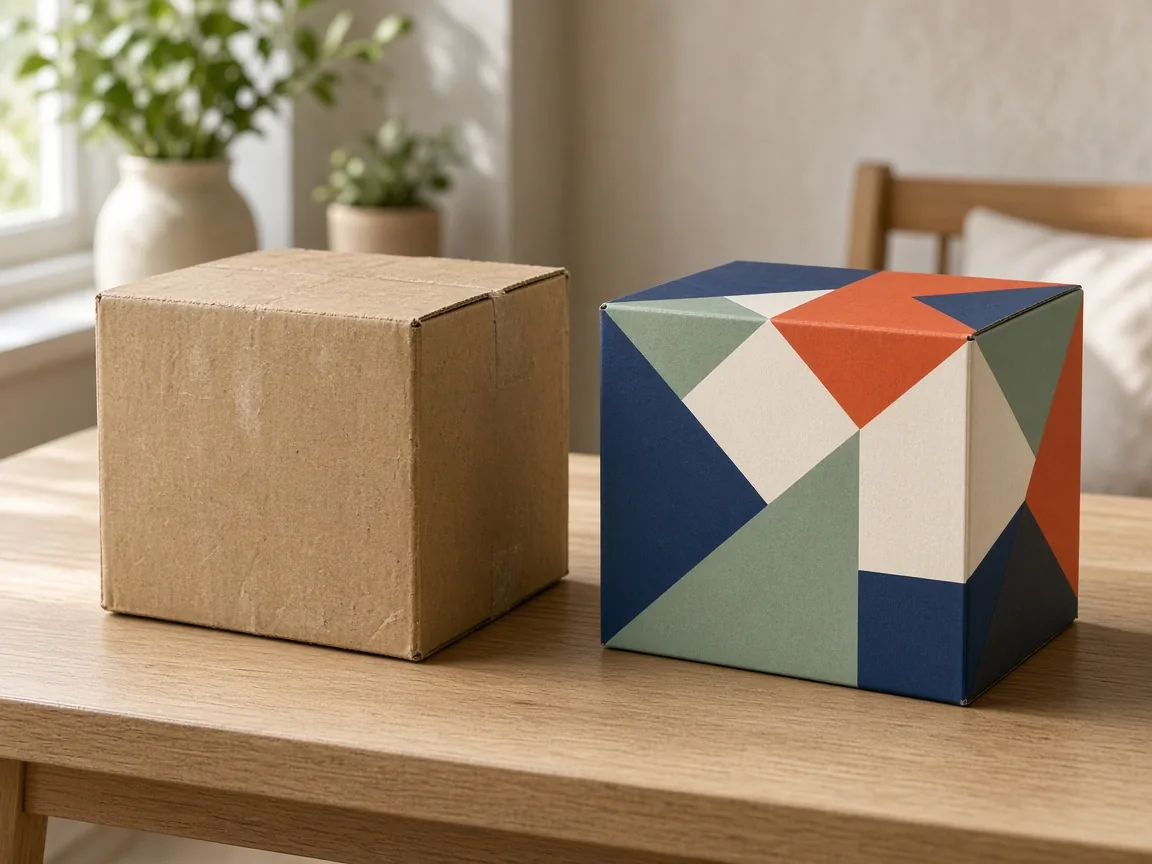
Old plain box next to a refreshed box concept

Packaging Refresh

Compare a new look with the current one.

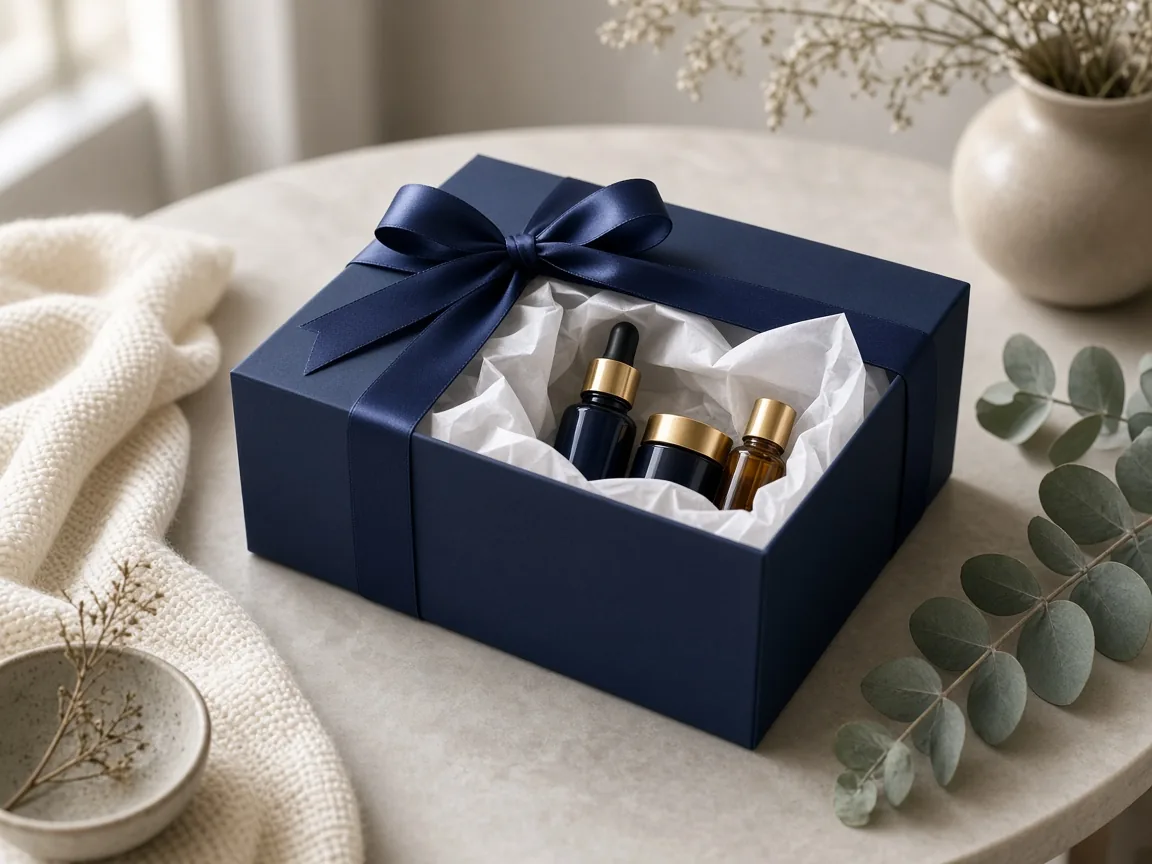
Premium unbranded gift box with ribbon

Gift Sets

Seasonal and gift box ideas.

Crowdfunding page with a packaging concept image

Preorders and Crowdfunding

Show packaging before it is produced.

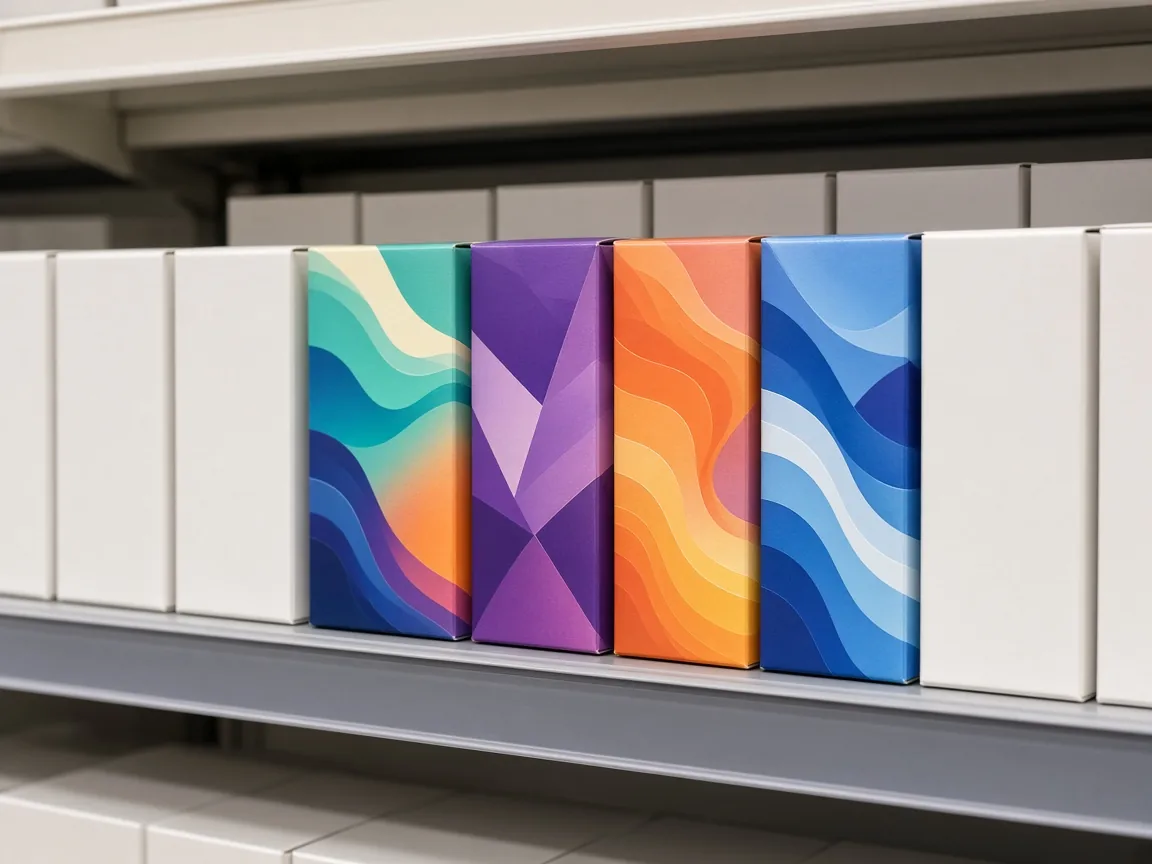
Packaging concepts on a store shelf with blank neighbors

Retail Pitches

Shelf mockups for buyer meetings.

By Stage

Where Packaging Concepts Help

Planning, pitching, crowdfunding and listings.

How it works

Make a Packaging Design With AI in 4 Steps

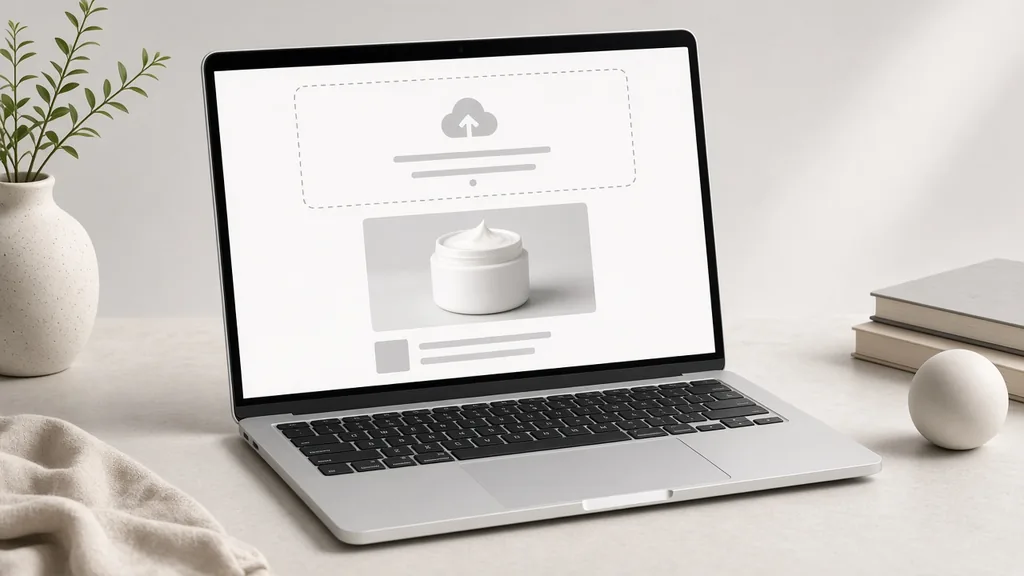
Upload the product, then choose packaging type and style.

Laptop with a cream jar photo open in an upload window
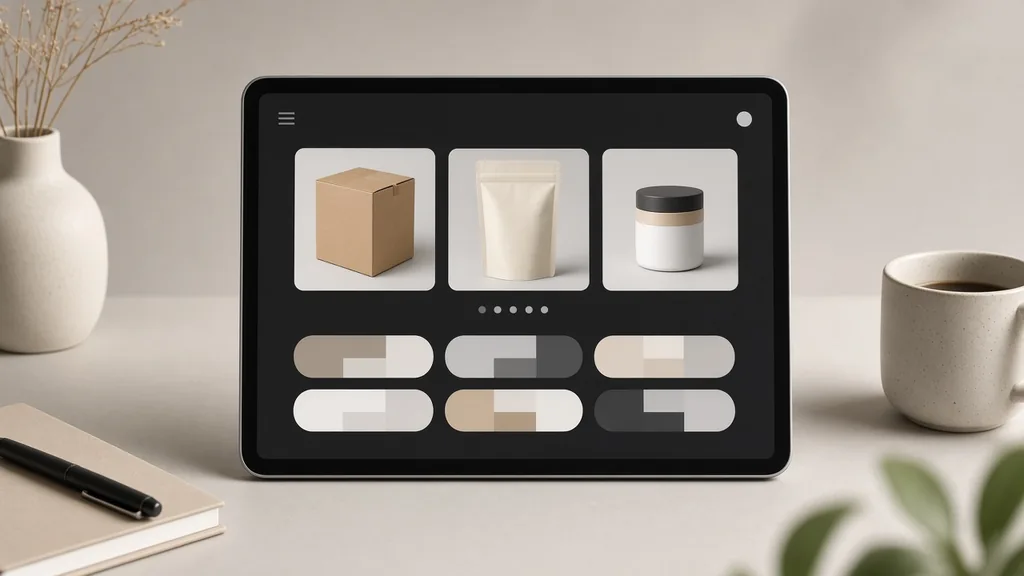
Tablet showing packaging type, style and presentation options
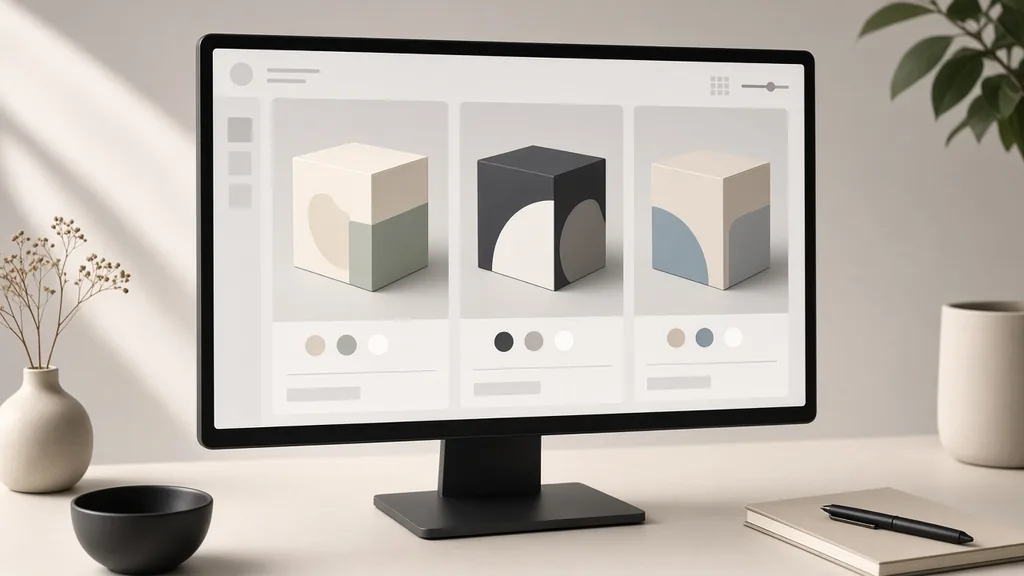
Monitor showing three packaging concepts side by side
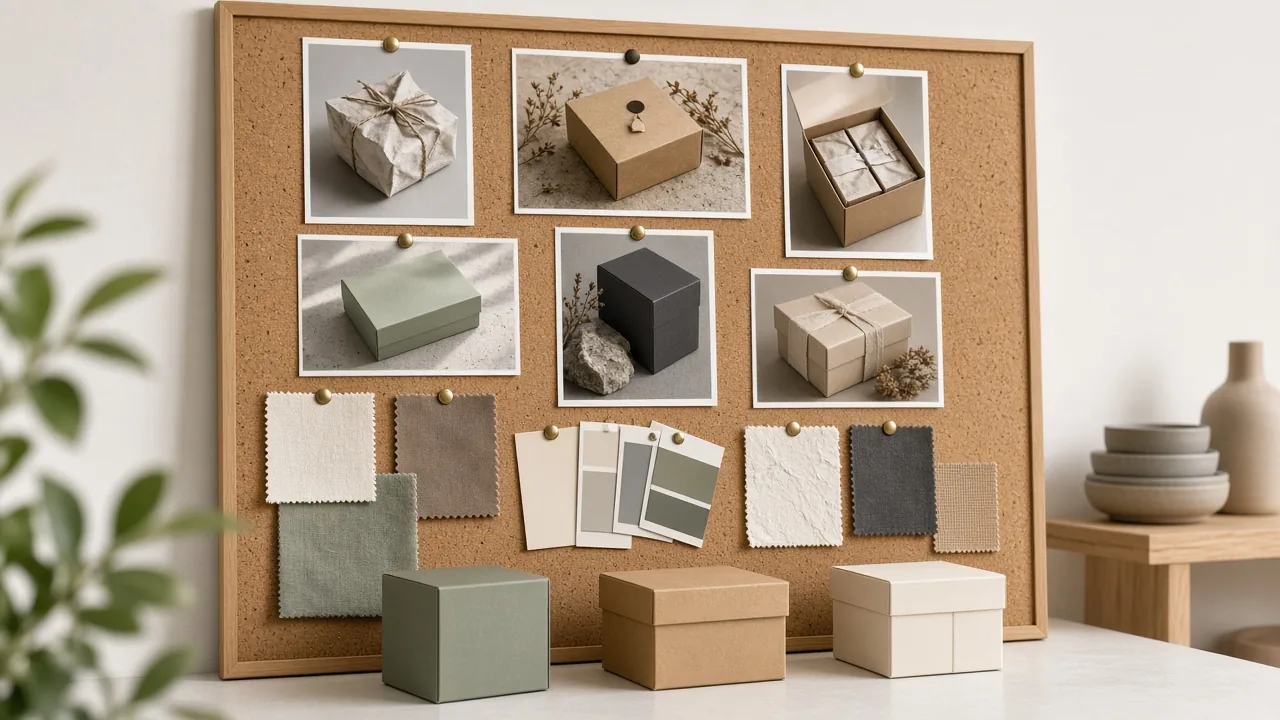
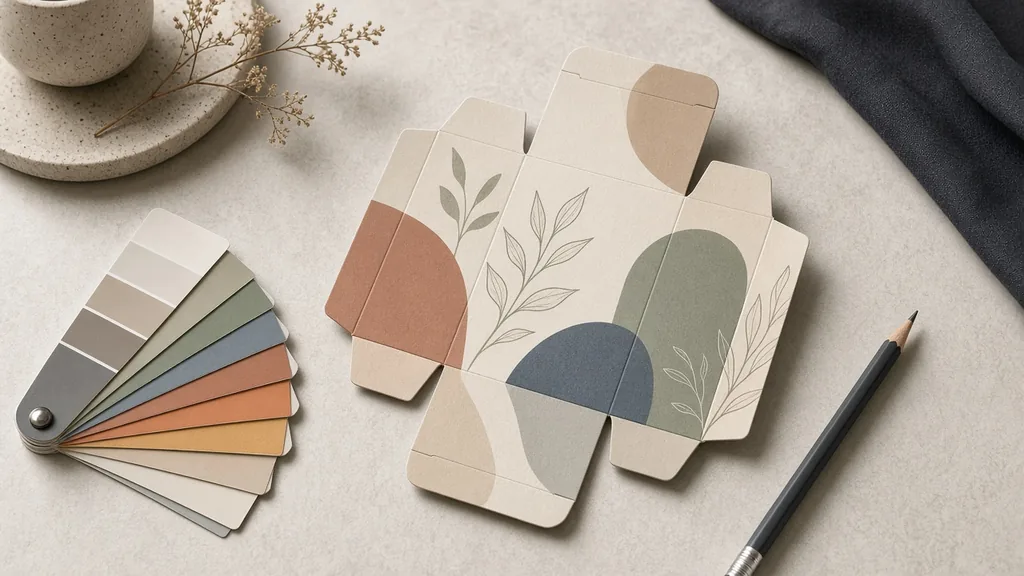
Designer desk with a printed box concept and color swatches
01

Upload the Product

Upload one clear photo of the product or its bare container, JPG, PNG or WEBP up to 16MB.

02

Choose Type and Style

Pick box, pouch, label or shopping bag, a design style and a presentation. Add your brand name in the notes.

03

Generate and Compare

Generate 1 to 4 concepts at 10 credits each and compare directions.

04

Hand Off to Print

Check the text, pick a direction and give it to a designer for a print-ready dieline.

Method comparison

AI Packaging Concepts vs a Packaging Designer

Three ways to get packaging ideas.

Multiple

output styles

Reference-led

direction

Built-in

before-and-after review

Traditional Workflow

Hire a Packaging Designer for Every Idea

Briefs, rounds of sketches and mockups before you even pick a direction.

Cost
Design fees for early rounds×
Turnaround
Days per round×
What You Need
A written brief×
Iteration
New sketches for each idea×
Output Range
Print-ready files×
Product Accuracy
Checked text and compliance×
ProductShot AI

AI Packaging Concepts

Upload a product photo, choose type and style, and compare directions.

Cost
10 credits per image; new accounts get one free generation✓
Turnaround
Results appear on the page when generation finishes✓
What You Need
A product photo and a few choices✓
Iteration
Change style or notes and generate again✓
Output Range
Concepts only; a designer makes the final files✓
Product Accuracy
Check every word; add legal labels later✓

Tips

Three Ways to Get Better Packaging Concepts

A clear product photo and short text do most of the work.

Prepare the input

  • Upload a clear photo of the product or bare container.
  • Write the brand name exactly as it should appear.
  • Keep text to a name and one line.
  • Name a color or audience.

Write the notes

Name + color + audience

Notes can cover these three things:

  • Brand “Lumo”, sage green, calm.
  • Playful snacks for kids.
  • Deep green premium tea gift.

Avoid these mistakes

  • Do not paste a full ingredient list.
  • Do not send concepts straight to print.
  • Do not imitate a known brand.
  • Do not skip the spelling check.

Further reading

Articles on listing images, branding and product photos.

AI Product Photography Generator Guide: 7 Best Tools for 2026Guide
Jun 23, 20268 min read

AI Product Photography Generator Guide: 7 Best Tools for 2026

Compare AI product photography generators for white background images, studio shots, lifestyle scenes, and ecommerce campaign visuals.

Read Article
The Real Problem With White Background Product Photos (And How I Solved It)White Background
Jun 18, 20268 min read

The Real Problem With White Background Product Photos (And How I Solved It)

Learn why white background product photos are harder than they look, how platform rules differ, and how to preserve details.

Read Article
Product Image Clarity for Listings: Fix Soft Supplier and Marketplace PhotosWorkflow
Jul 15, 202610 min read

Product Image Clarity for Listings: Fix Soft Supplier and Marketplace Photos

How ecommerce teams prep soft supplier packs and re-exported marketplace images with free browser clarity enhancement before Amazon and Shopify uploads.

Read Article
How to Take Professional Product Shots Without a Studio (or a Degree in Photography)Workflow
Jun 17, 20268 min read

How to Take Professional Product Shots Without a Studio (or a Degree in Photography)

A practical workflow for taking sellable ecommerce product photos with a phone, simple setup, and AI-powered variations.

Read Article
It Took Me Two Years to Understand Product Photography LightingLighting
Jun 20, 20268 min read

It Took Me Two Years to Understand Product Photography Lighting

A practical guide to product photography lighting, soft light, fill light, backlight, reflection control, and difficult materials.

Read Article
I Spent $20,000 on Product Photography — Then AI Changed EverythingCase Study
Jun 16, 20268 min read

I Spent $20,000 on Product Photography — Then AI Changed Everything

A seller shares what traditional product photography costs, why product fidelity matters, and how AI changed the workflow.

Read Article
Reviews

How Sellers Use the AI Packaging Design Generator

Feedback from some of our users. Thumbnails show products from their categories.

Skincare box concept
Ms. Wang

“We picked a direction in an afternoon, then our designer made the real files.”

Skincare startup
Coffee pouch concept
Mr. Li

“Kraft pouch ideas matched our beans. One word was misspelled, easy to catch.”

Coffee roaster
Candle shelf concept
Ms. Zhang

“Shelf mockups helped us pitch to a boutique.”

Candle shop
Snack pouch concept
Mr. Chen

“Bold pouches for kids, tested before we printed anything.”

Snack brand
Tea gift box concept
Ms. Liu

“The premium box idea set the tone for our holiday set.”

Tea gifts
Sauce label concept
Ms. Zhou

“Label ideas gave our designer a clear brief.”

Sauce maker

FAQ

AI Packaging Design Generator FAQ

Credits, print files, text and originality.

Each image uses 10 credits, and you can generate 1 to 4 images at a time. New accounts get one free generation.

No. Results are concept images, not dielines. A designer should rebuild the chosen design at the correct size for print.

Folding boxes, stand-up pouches, bottle or jar labels and paper shopping bags.

Yes. Write it in the notes exactly as it should appear, keep text short, and check the spelling.

Text inside generated images can contain mistakes. Shorter text helps; always check every word.

It cannot place an exact logo file. Use the concept for direction, then add your real logo in design, or try AI Add Logo to Product.

It is told to create original designs. Still check that your concept is not too close to an existing brand.

No. Legal labels, barcodes and regulatory marks should be added by your designer.

You can, but say it is a concept and update with real photos when packaging is produced.

In your history. Change the type or style and generate again without re-uploading.

Ready to Explore Your Packaging?

Upload a product photo to start. 10 credits per image, and new accounts get one free generation. Choose type and style, check the text, and take your favorite to a designer.

Start Free →