

















30:00
BF 50% OFFClaim

AI Shoe Try On & Virtual Shoe Try On

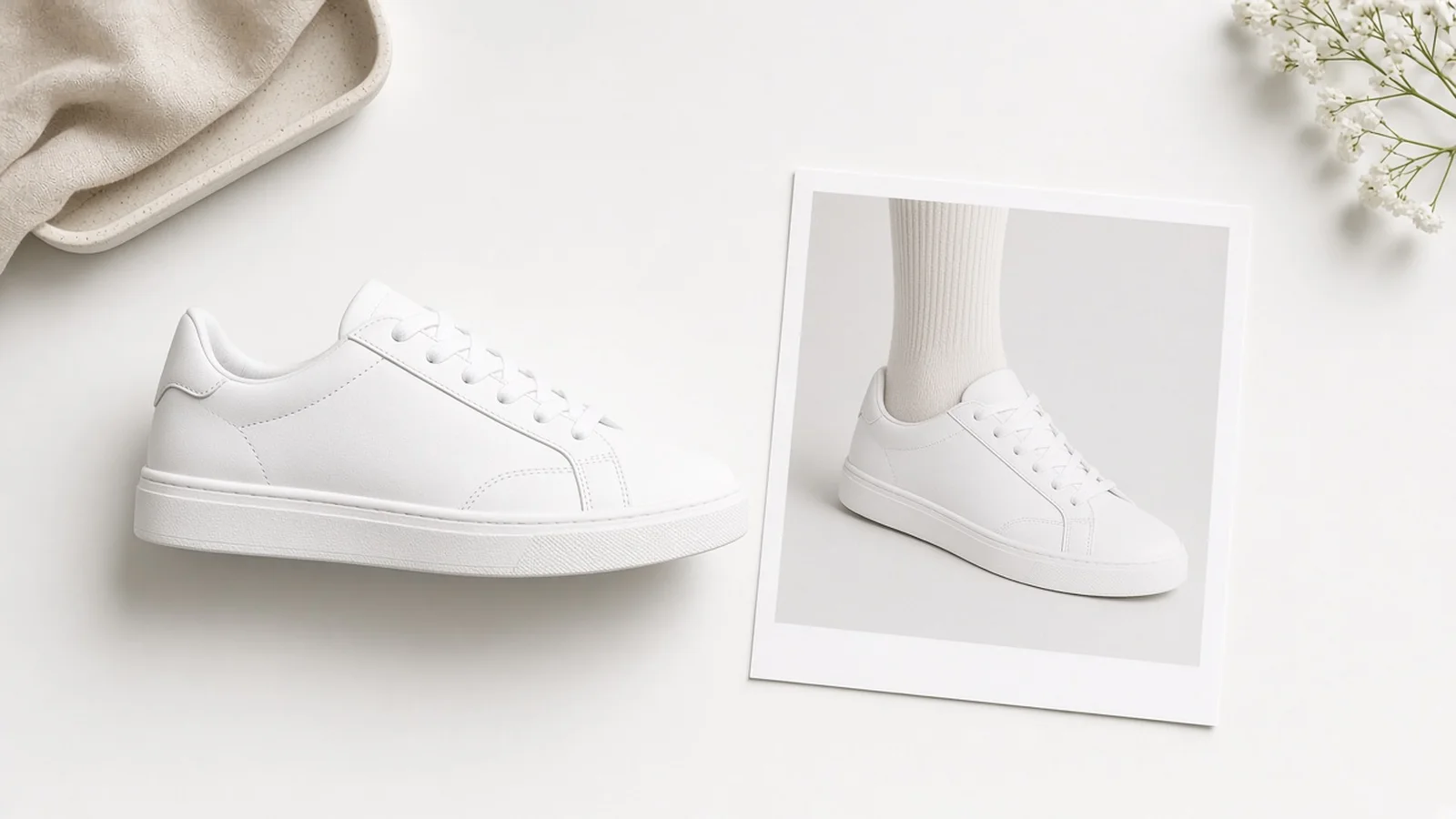
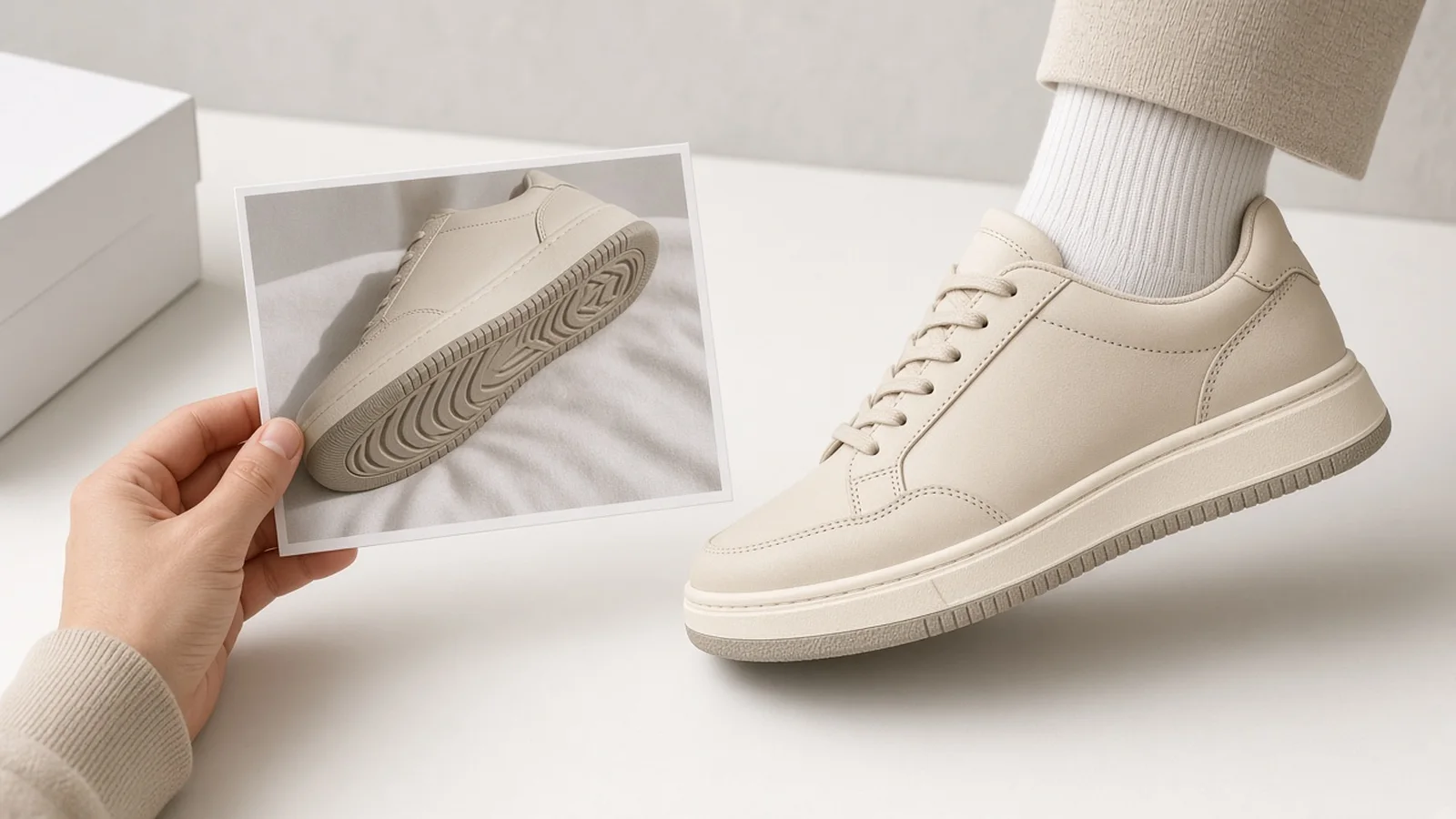
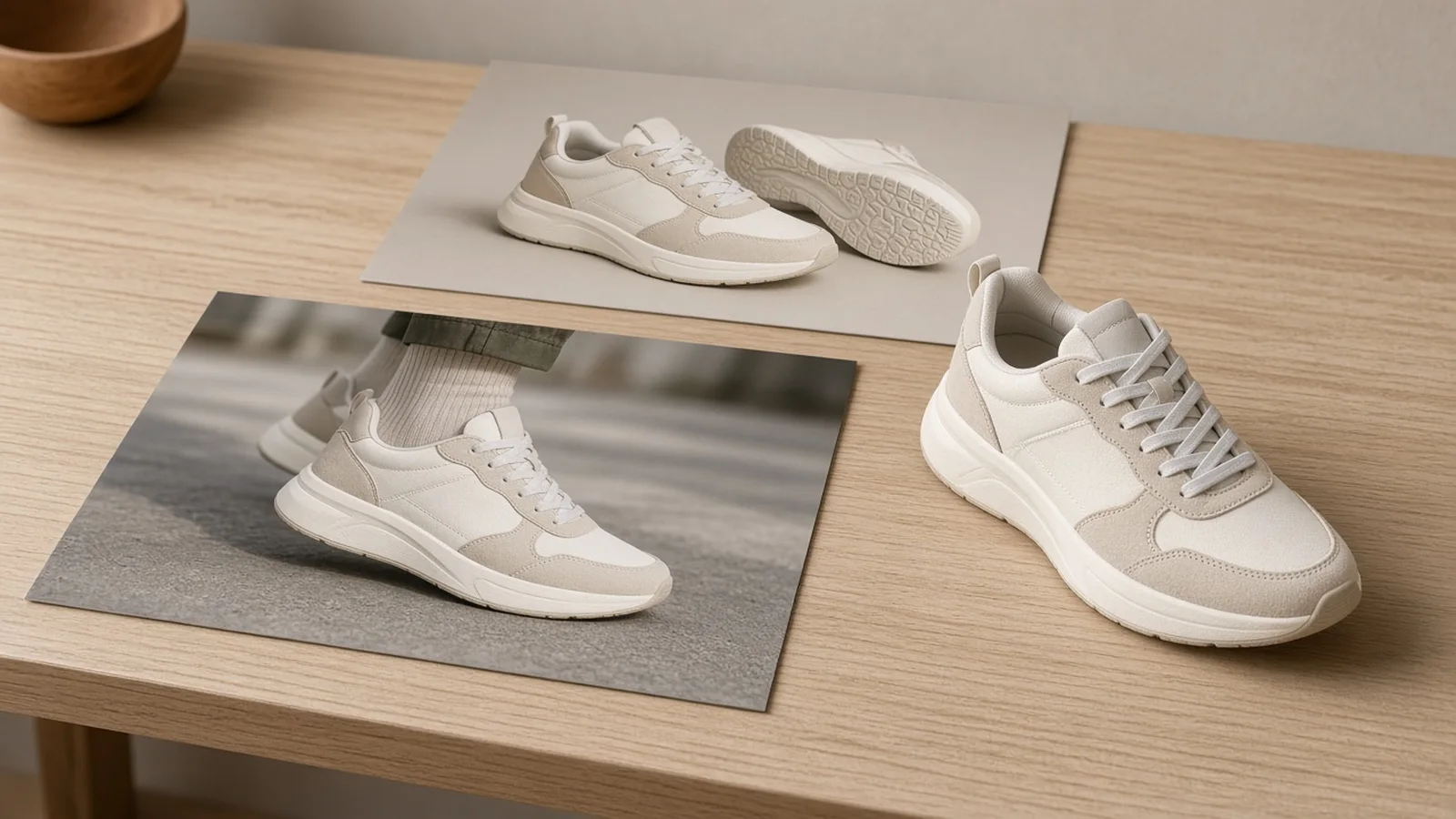
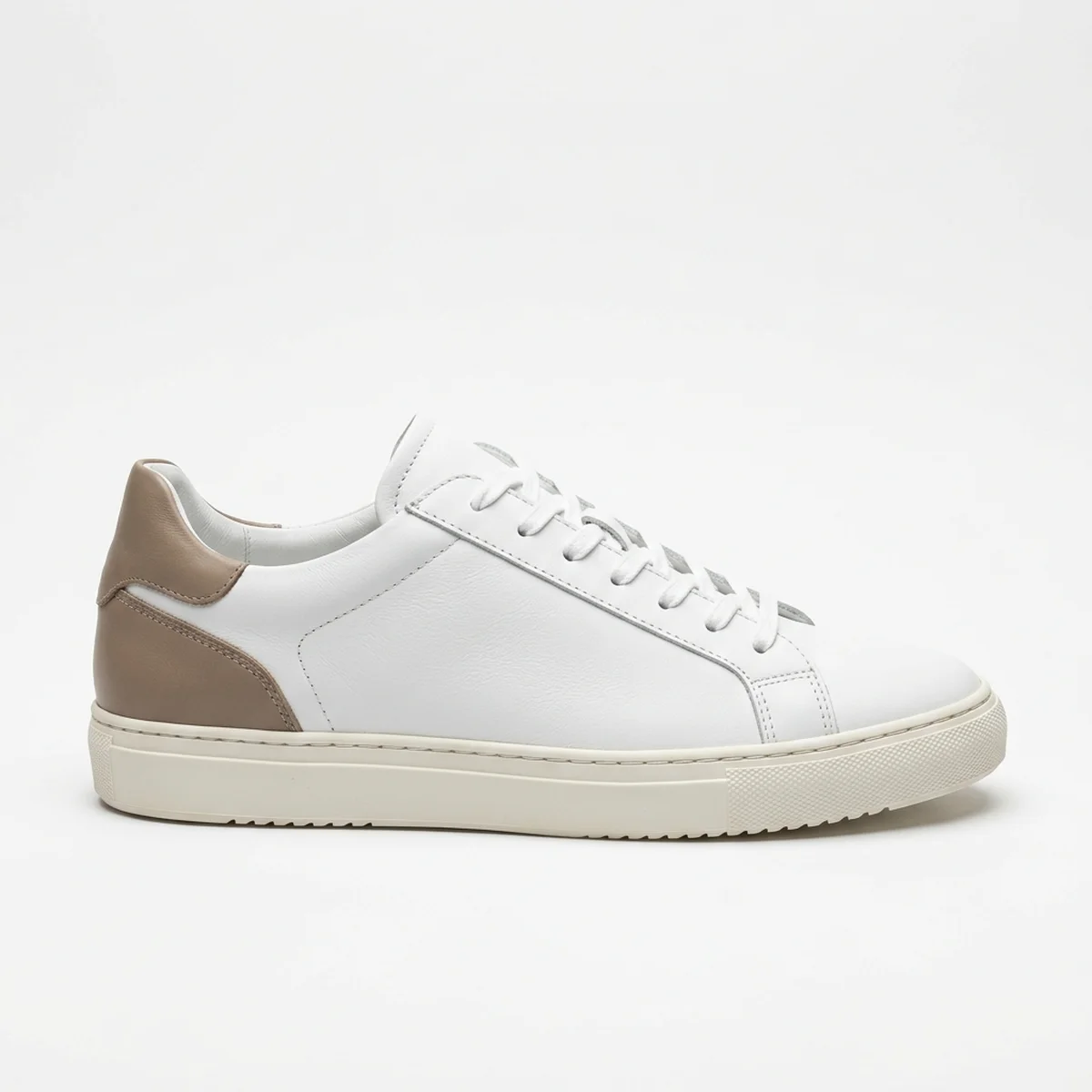
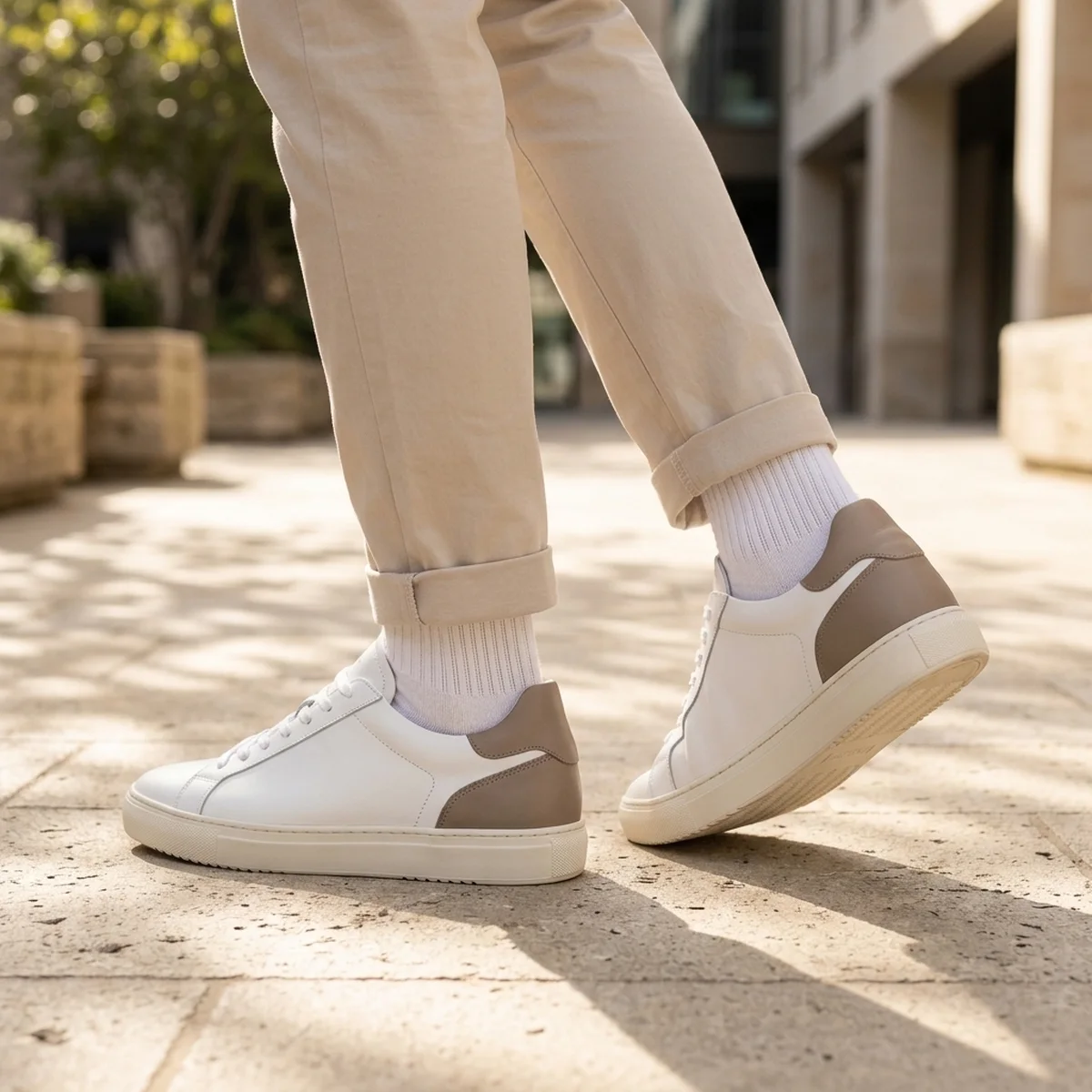
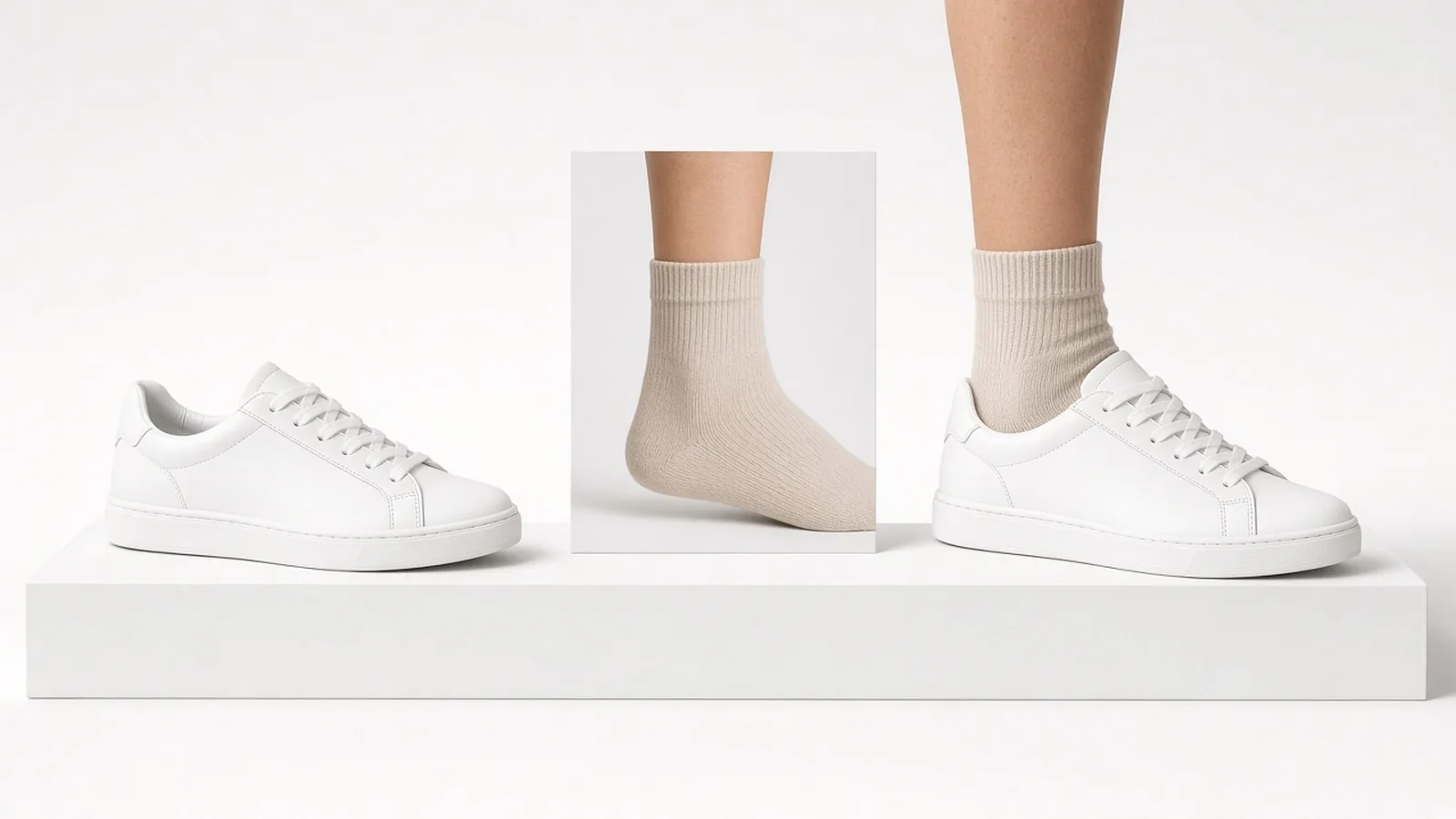
Compare the uploaded footwear product photo against the generated on-foot visual styling preview across studio, sidewalk, and natural walking poses.

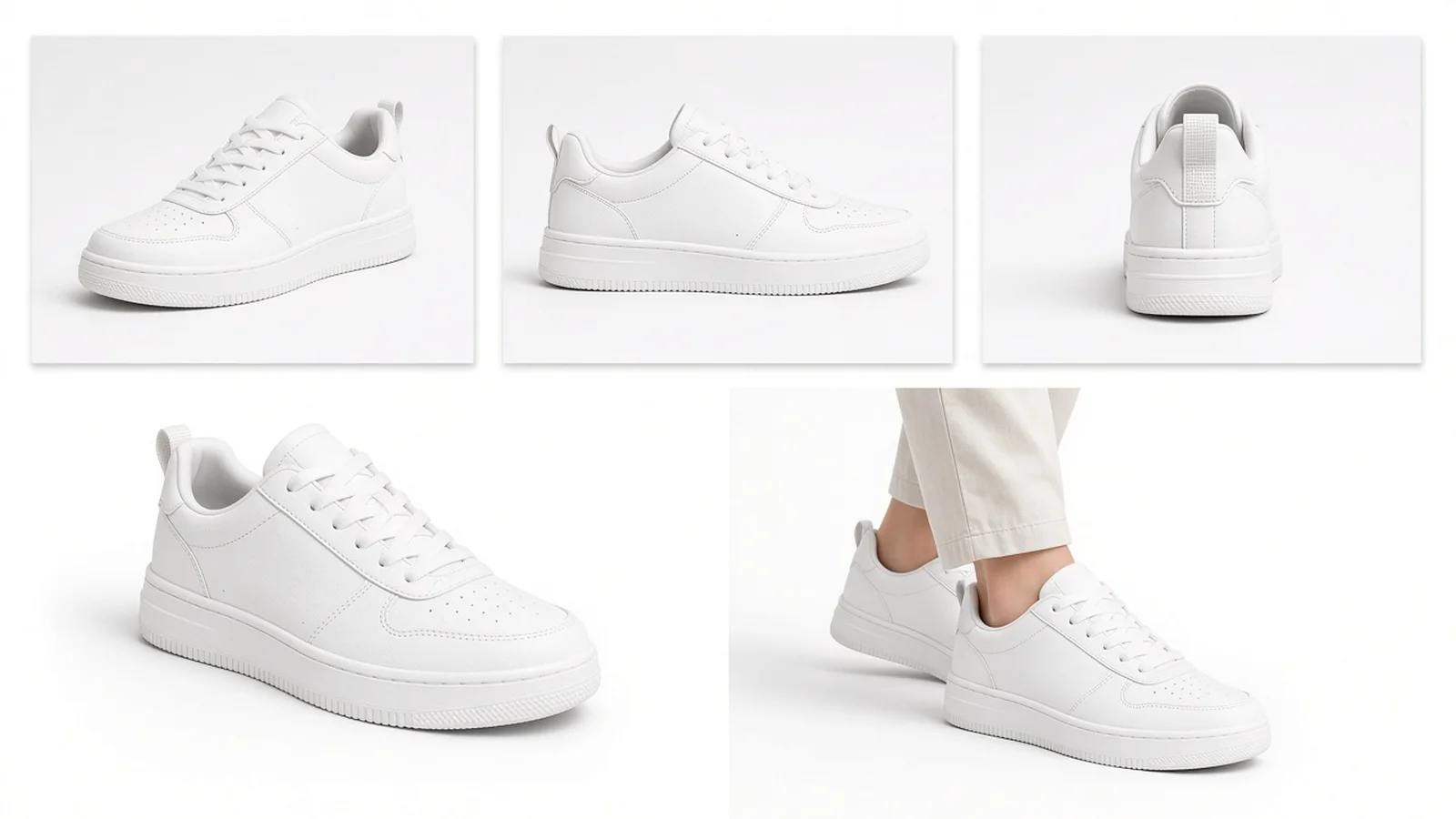
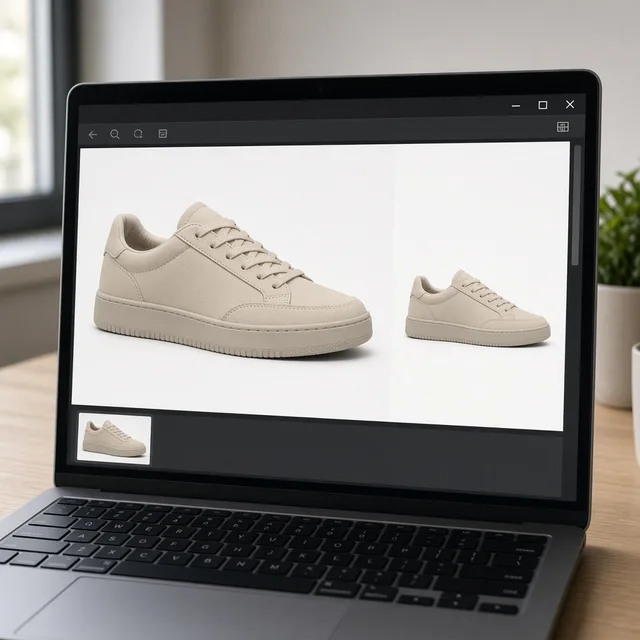
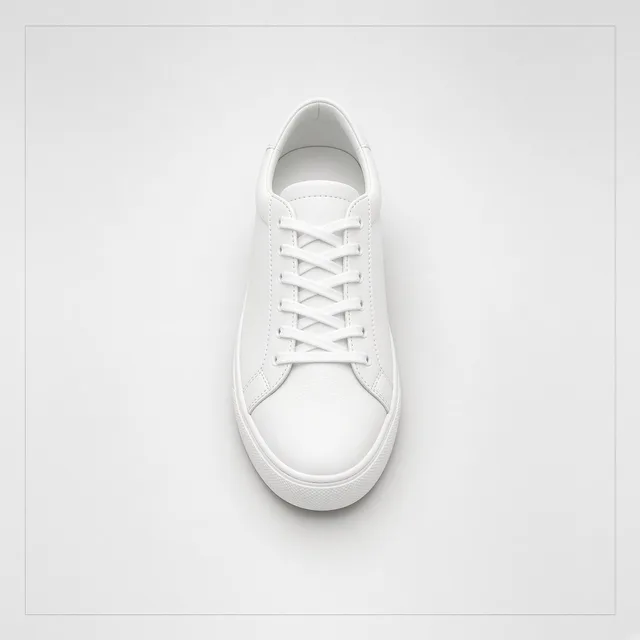
Clean product photo of a leather low-top sneaker before virtual shoe try-on
Shoe Photo
AI shoe try on result showing the low-top sneaker on foot in a natural walking step on daylight sidewalk
On-Foot Preview

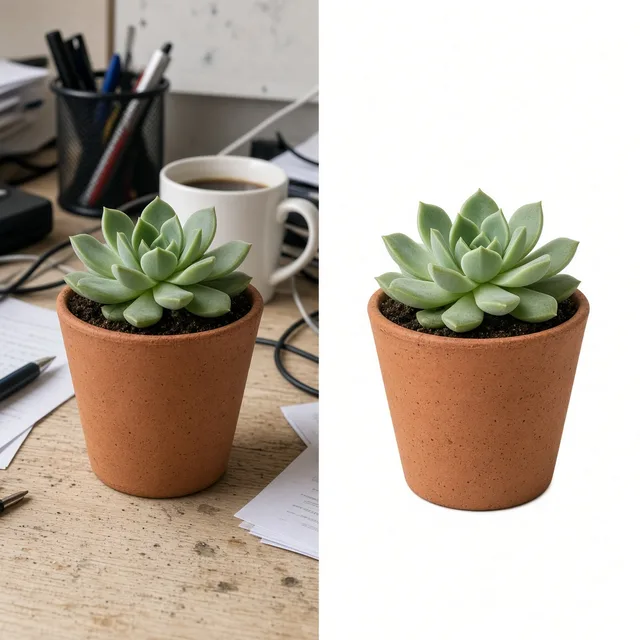
Isolated sneaker cutout → Daylight sidewalk walking step preview

Core Capabilities

Controlled on-foot footwear previews without full studio reshoots

Combine one product photo and one authorized leg/foot photo to preview pose, floor setting, and cuff drape cleanly.

Shoe Photography
Shoe PhotographyStudio and on-feet shots for sneakers and bootsTry it →
AI Fashion Model
AI Fashion ModelPut garments on AI modelsTry it →
White Background
White BackgroundClean white listing photos in secondsTry it →
Product Shadow
Product ShadowRealistic contact shadows, no floatTry it →

What it is

What is AI Shoe Try On and how does it work?

AI Shoe Try On lets ecommerce brands and shoppers combine a single footwear product photo with an authorized leg or foot photo to see how sneakers, boots, heels, loafers, or sandals look on foot.

On-foot visual styling from two photos

Instead of guessing proportions from an isolated packshot, you get an immediate Virtual Shoe Try On visual reference tailored to real ankle and trouser styling.

Split comparison showing a footwear product photo paired with an authorized leg reference to produce a clean on-foot visual styling preview

Authorized leg and foot photos only

Privacy and photo authorization sit at the center of the workflow.

Users must only upload their own leg or foot photo or a model photo with explicit commercial or personal authorization—never public figures, celebrities, or unconsented third-party images.
Fidelity via Product Lock

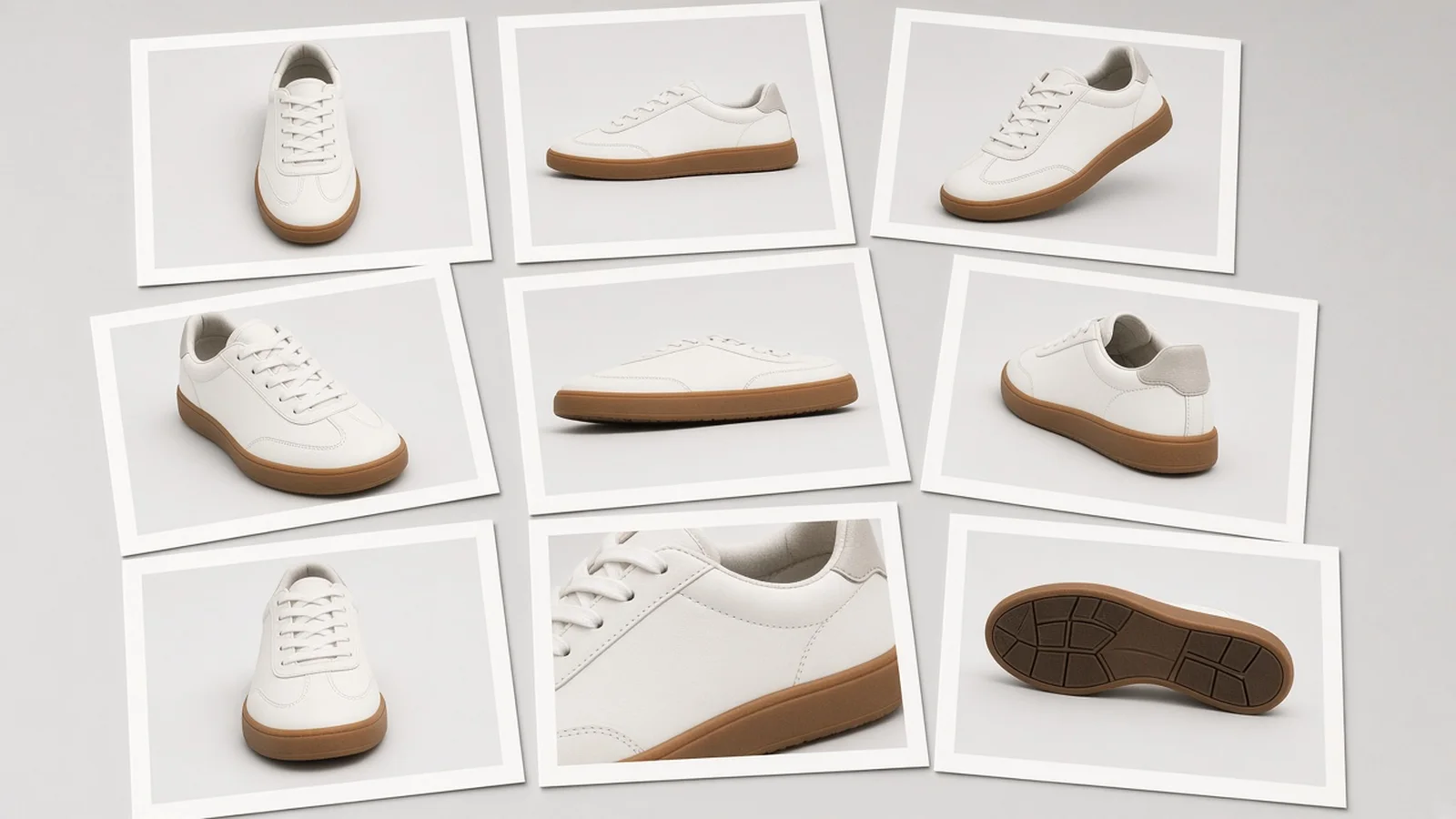
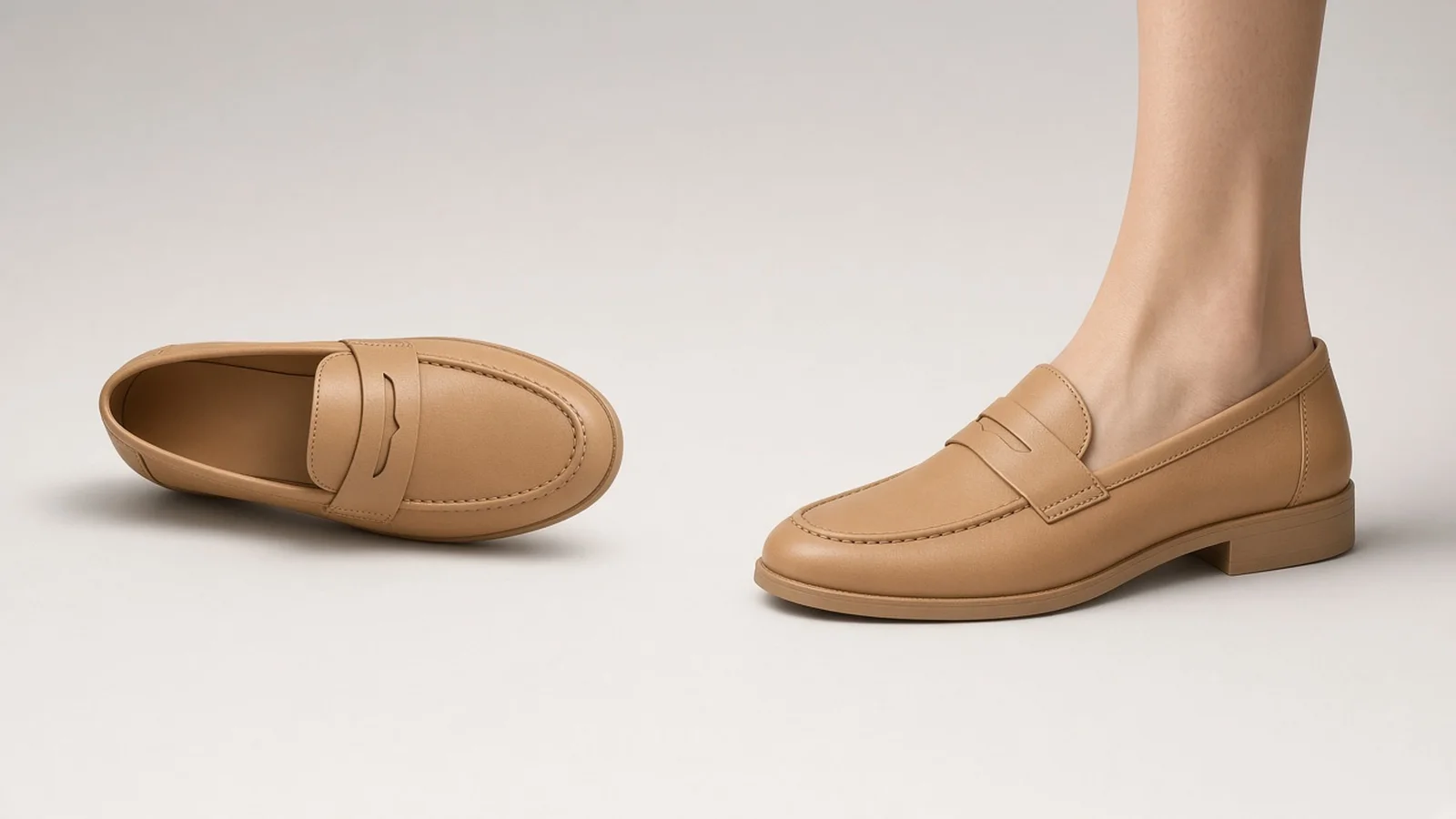
With Product Lock, the generator preserves your shoe silhouette, upper paneling, leather grain, knit pattern, lace eyelets, buckles, and outsole stack height while adapting natural ankle angle and ground contact shadow to match the reference legs.

Three ecommerce-ready framing angles

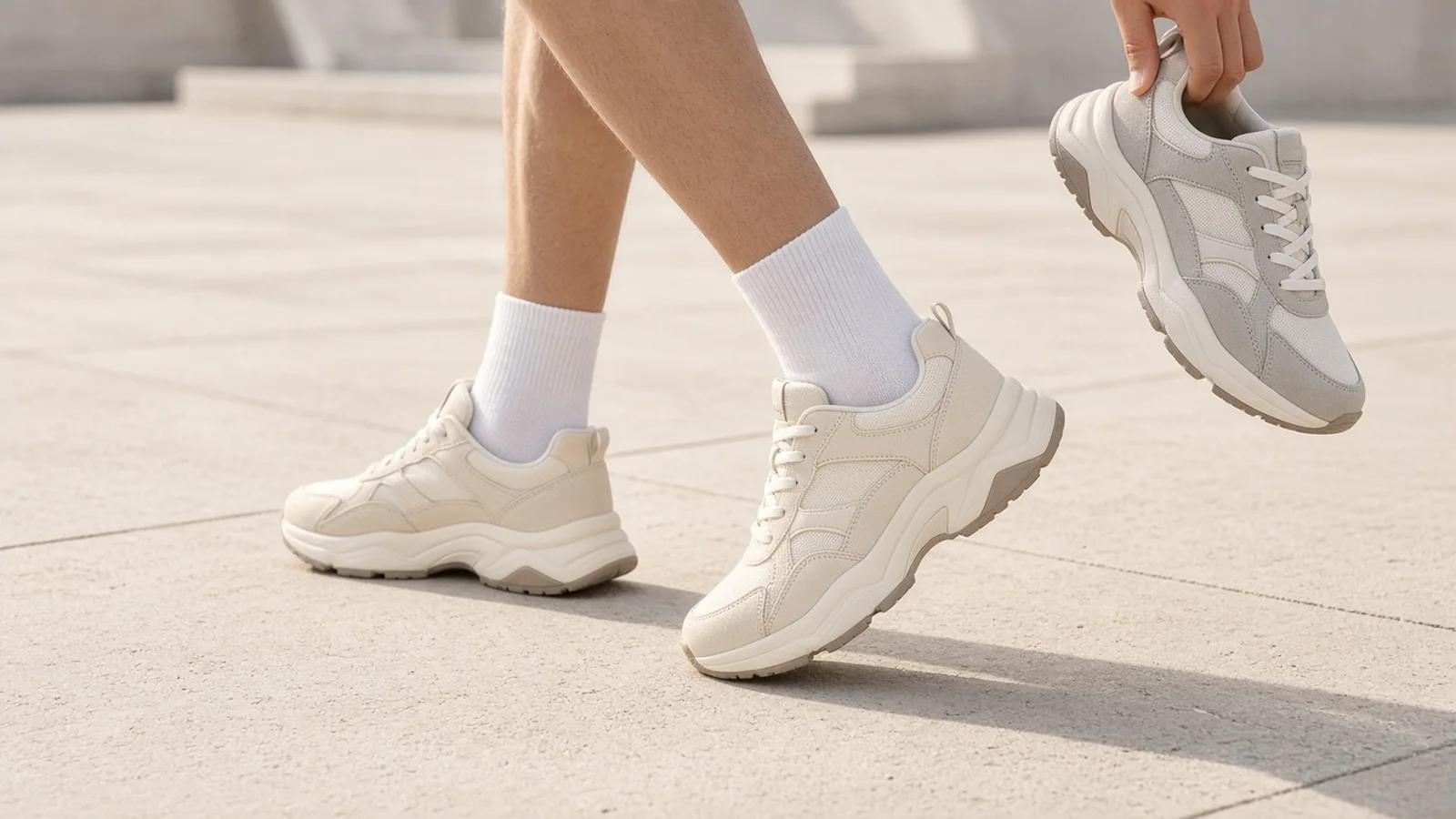
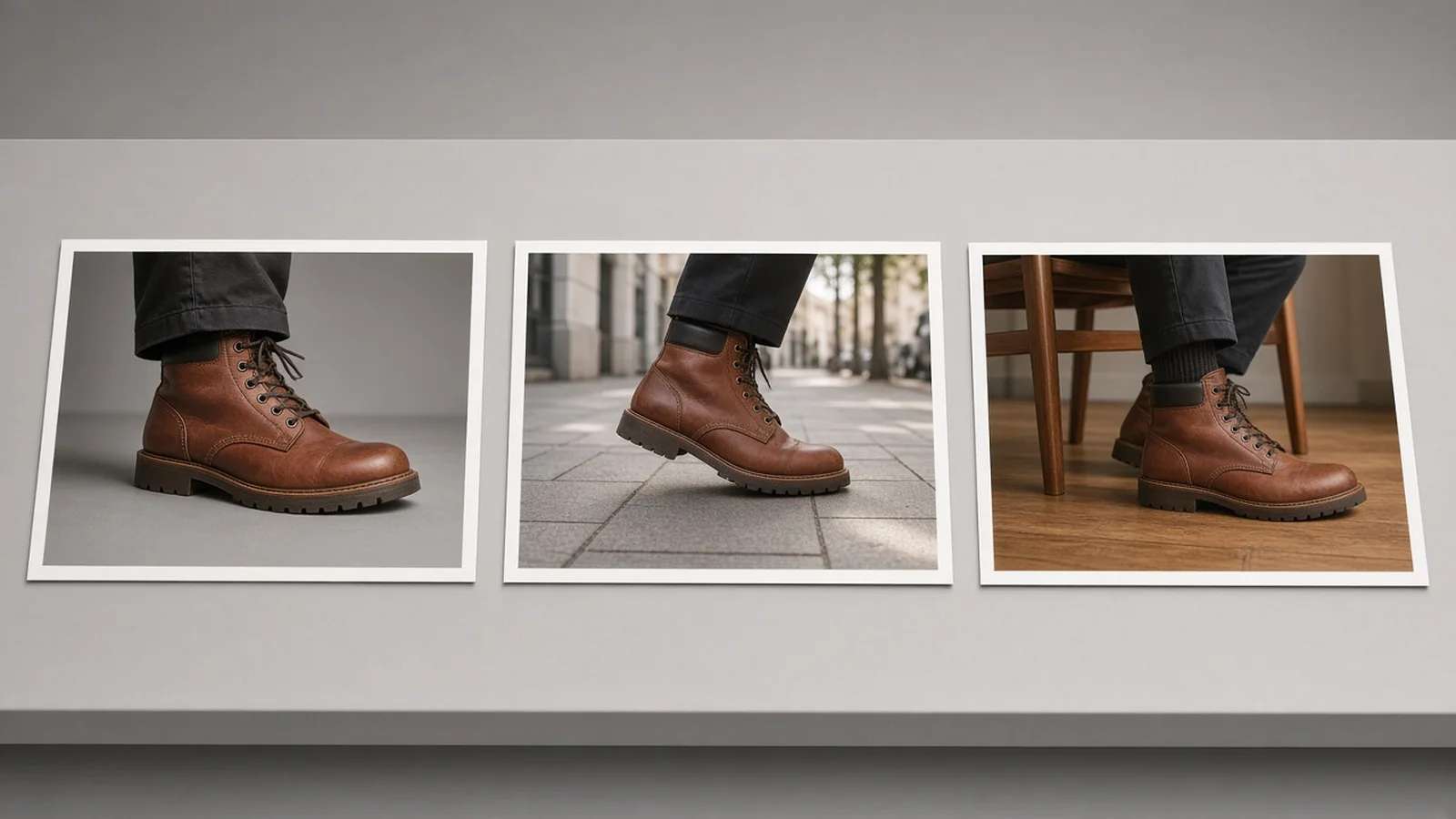
Three practical framing modes cover most footwear merchandising needs: Low 3/4 standing view for everyday sneaker and boot proportion, Natural walking step for dynamic lifestyle motion, and Clean side profile (including seated side views) for highlighting heel curves, arch lines, and sole profiles.

Floor control, cuff drape & transparent pricing

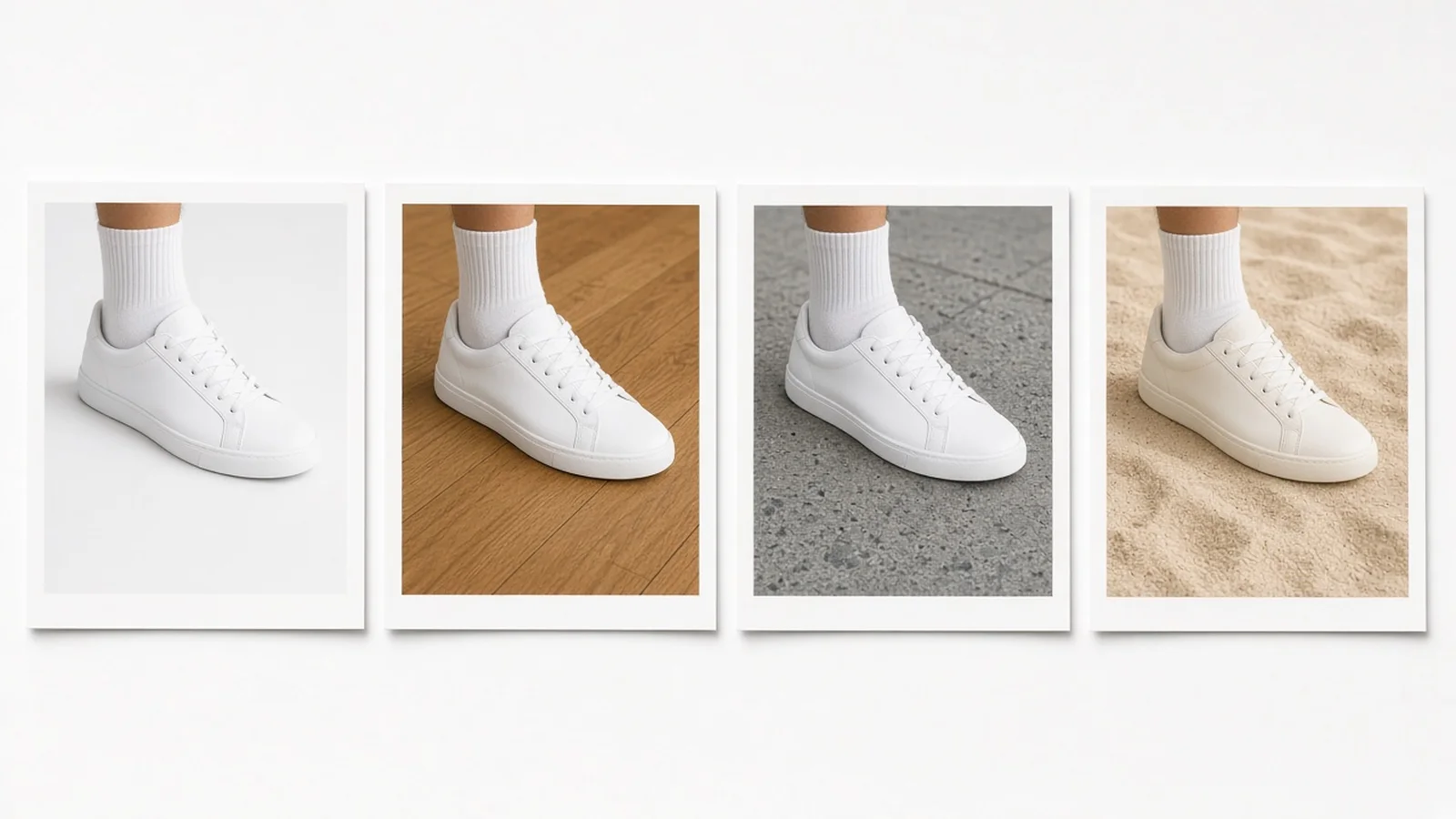
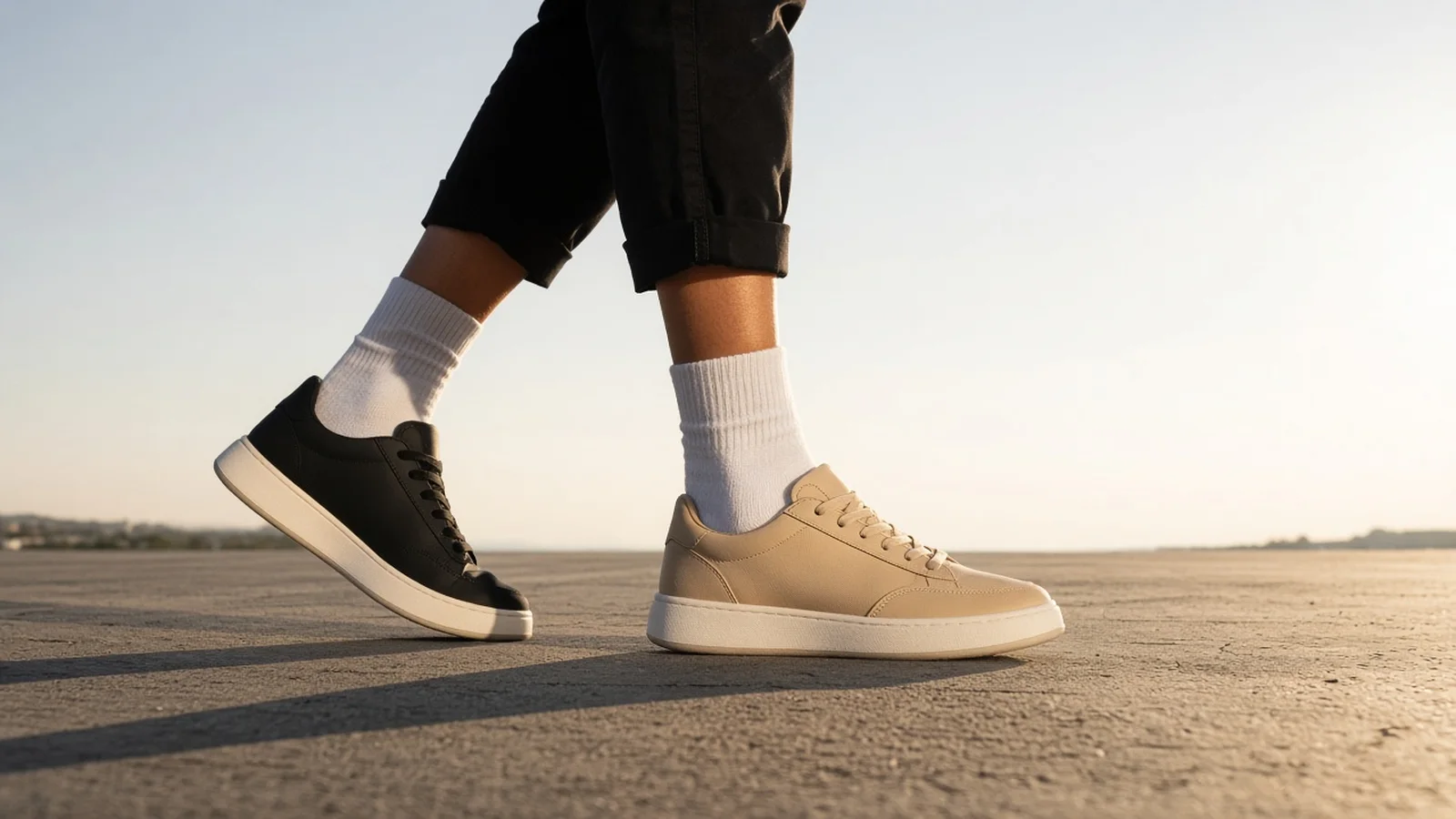
You can keep the original model background—such as a warm indoor wooden floor—or switch to a clean studio seamless floor or daylight urban sidewalk, then control whether the shoe collar stays fully uncovered or sits under a natural trouser cuff drape.

New signed-in accounts receive one free generation, and additional runs cost 10 credits per image with 1 to 4 variations per batch.

1 Shoe + 1 Model Photo

Works with sneakers, boots, heels, loafers, and sandals paired with your own or an authorized leg/foot image.

Not a Size or Fit Tool

Strictly previews visual style, color, and silhouette; shoppers must still follow official size charts.

Authorized Images Only

Upload only personal or properly licensed model photos—public figures are strictly prohibited.

Three Core Framing Modes

Generate standing low-angle, walking street step, or clean side profile views on demand.

Floor & Hem Flexibility

Choose clean studio floors, daylight sidewalks, or original indoor flooring with uncovered or cuffed hems.

10 Credits Per Image

Get 1 free generation on new signed-in accounts, then 1 to 4 versions per 10-credit image run.

Why ProductShot AI

Why footwear brands choose ProductShot AI for Virtual Shoe Try On

Designed around product accuracy, natural ground shadows, and honest ecommerce guardrails rather than generic image filters.

Multi-Category Footwear Support

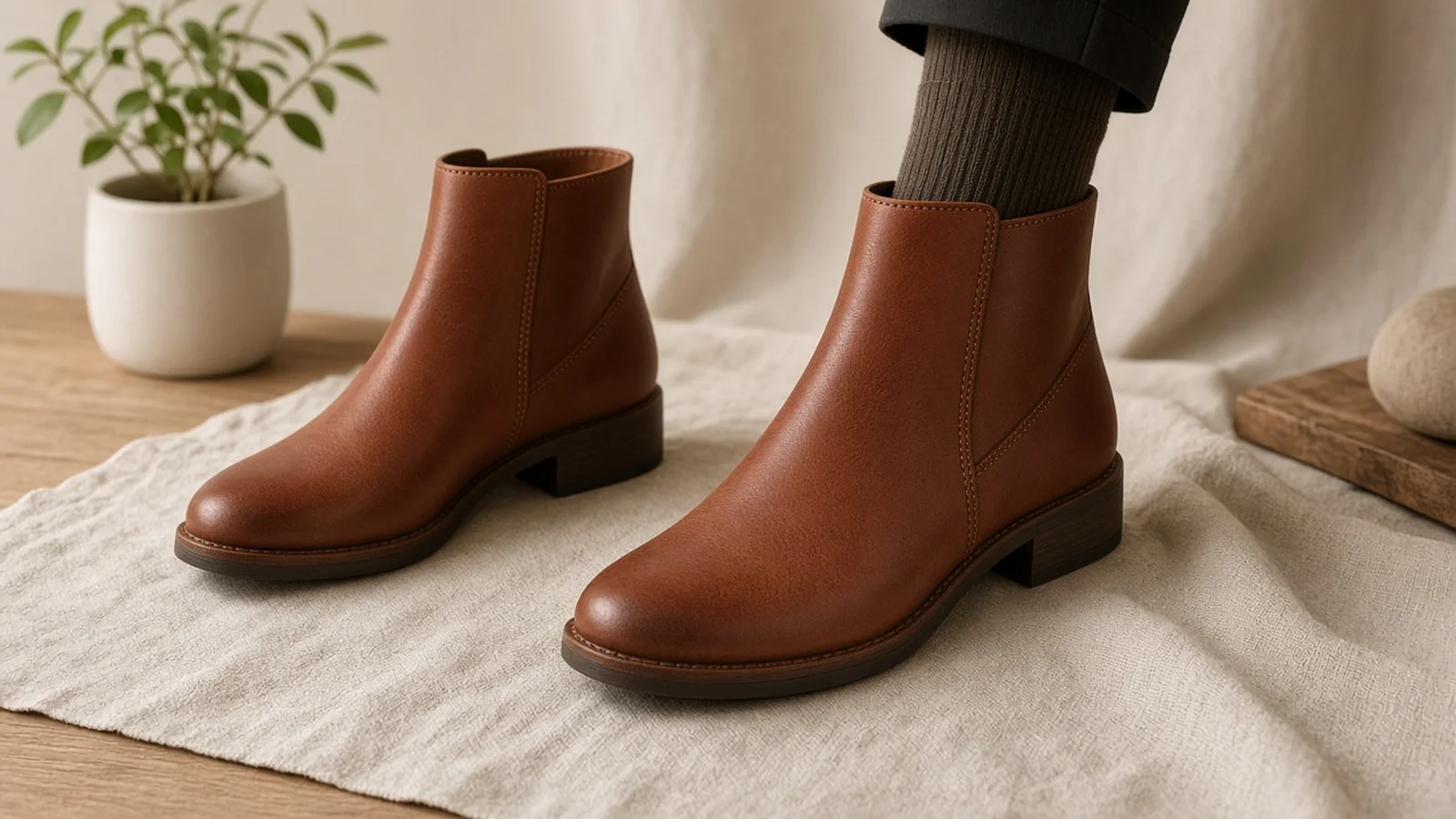
Handles chunky sneakers, tall and ankle boots, strappy heels, penny loafers, and open sandals with clean strap and cuff transitions.

Material & Colorway Consistency

Keeps suede nap, patent shine, matte leather, and colorway blocking faithful to your uploaded shoe product photo.

Realistic Ground Contact Shadows

Anchors heels, soles, and toes onto studio seamless floors, daylight sidewalks, or indoor floors without floating cutouts.

Built-In Compliance Guardrails

Clearly labels outputs as visual styling previews only, reminds buyers to check size charts, and restricts uploads to authorized photos.

Consistent Catalog Framing

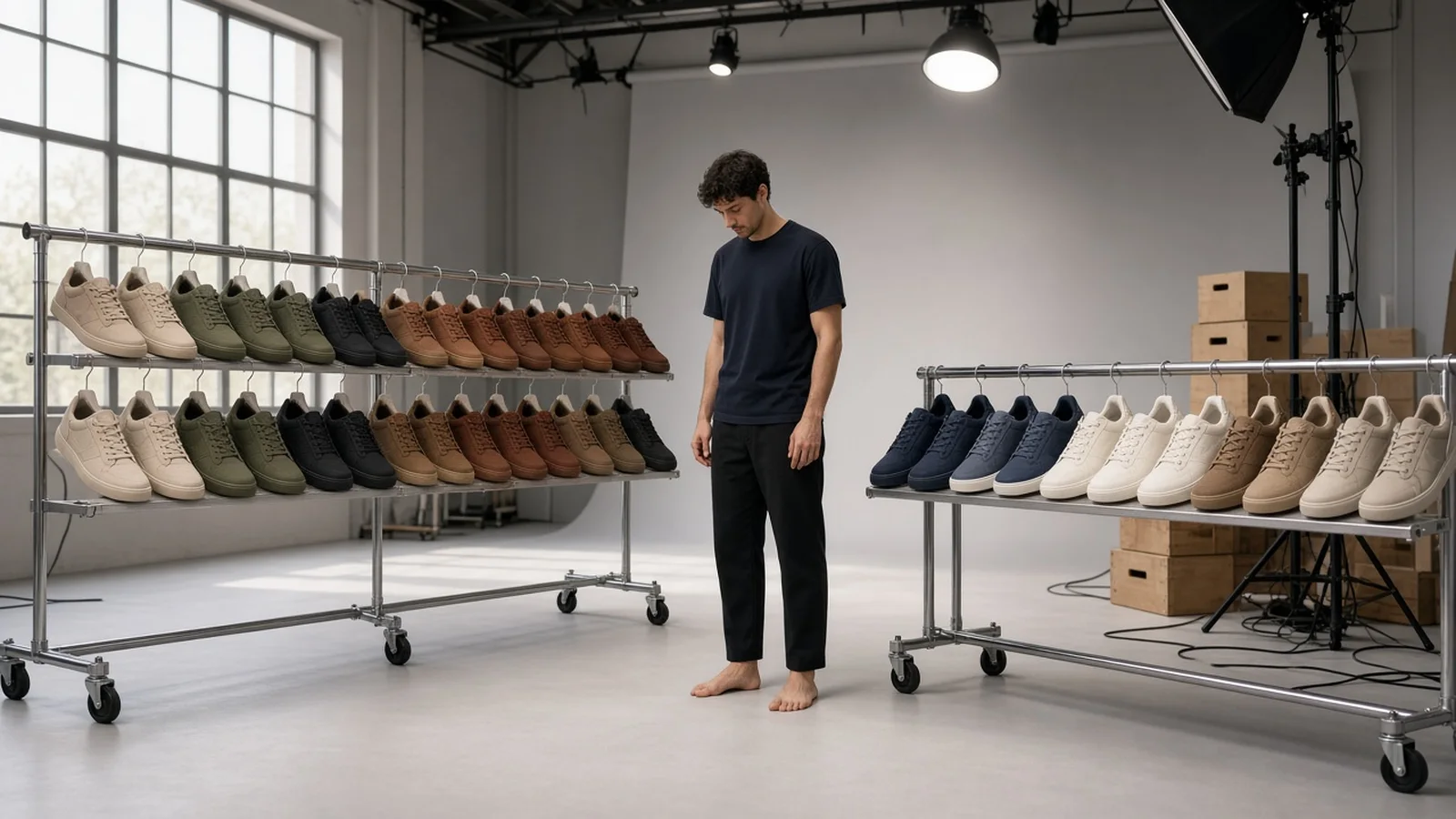
Reuse the exact same framing, floor, and trouser-drape presets across every seasonal colorway so collection grids stay uniform.

Clear 10-Credit Pricing

No surprise studio retainers—new signed-in accounts start with one free generation, and every paid image is 10 credits for 1 to 4 versions.

Use Cases

Built for footwear sellers and shoppers who try on shoes online

See where Virtual Shoe Try On saves production days for ecommerce teams and clarifies visual styling before checkout.

Comparison between an isolated sneaker packshot and an on-foot visual preview

Flat packshots hide real on-foot proportions

Shoppers hesitate when they cannot tell how chunky a sole looks or where a boot shaft hits the ankle. On-foot styling previews bridge that visual gap.

Grid of footwear colorways needing consistent on-foot product visuals

Booking foot models for 12 colorways drains budgets

Shooting every seasonal SKU with live models multiplies studio day rates and retouching fees before a colorway even proves demand.

Consistent low-angle footwear grid across sneakers, loafers, and boots

Mismatched angles break catalog grid rhythm

Different photographers, floors, and camera heights make collection pages look cobbled together. Shared framing presets keep every pair aligned.

Close-up footwear detail showing preserved leather stitching and outsole tread

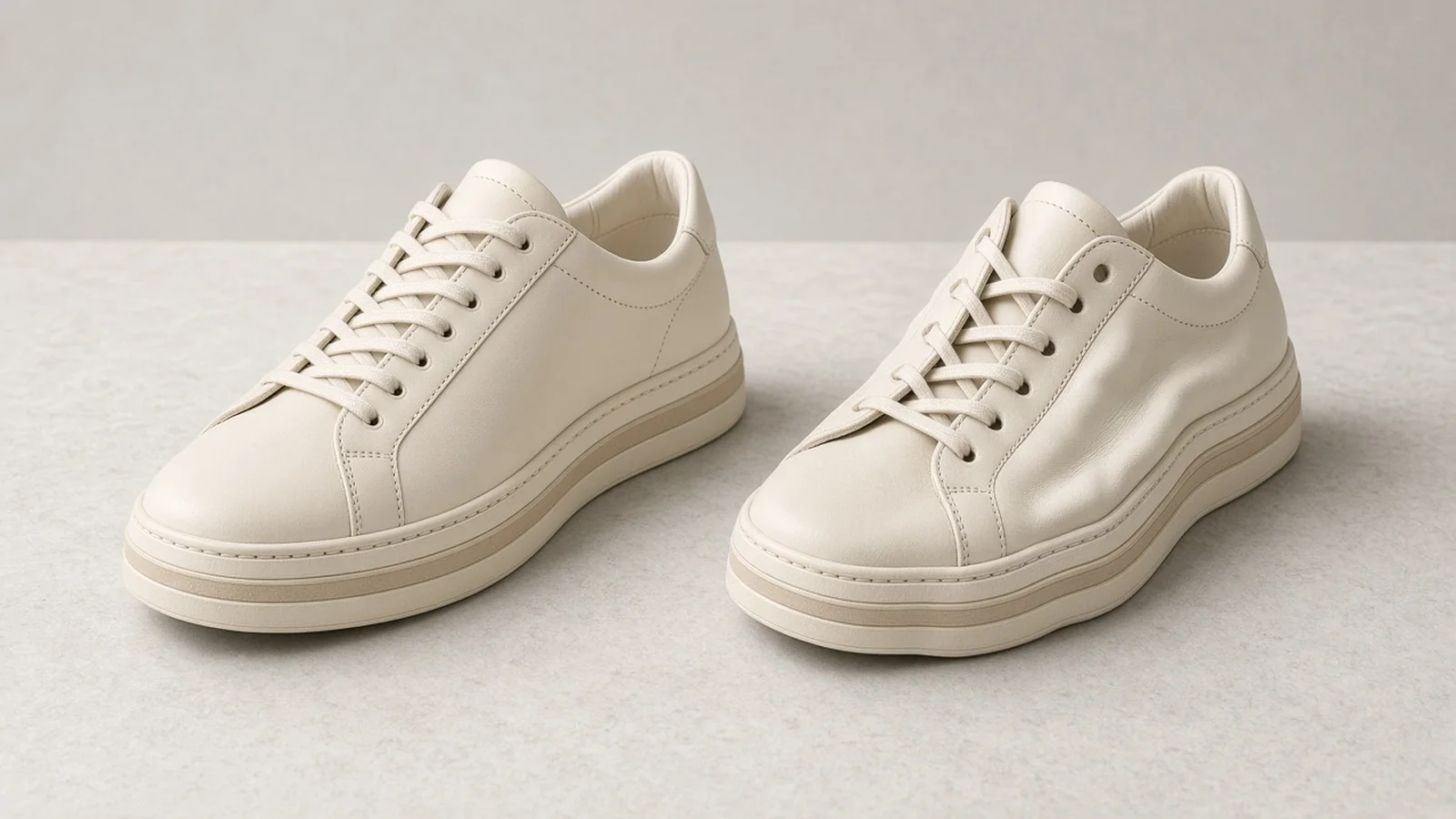
Generic AI edits distort logos, eyelets, and sole stacks

Product Lock anchors your uploaded shoe geometry, stitching, hardware, and material finish instead of inventing a generic lookalike shoe.

Same shoe shown on studio floor and daylight street pavement

Every channel wants a different ground mood

Marketplace secondary images need clean studio floors, while social ads perform better on daylight pavement or warm indoor flooring.

By Channel

From PDP galleries to social drops across every footwear channel

Standardize on-foot framing for Shopify, marketplace secondary slots, seasonal lookbooks, and paid social creatives.

How it works

Four steps from a single shoe photo to an on-foot preview

One free generation for new signed-in accounts, then 10 credits per image with 1 to 4 versions per run.

Upload shoe & authorized model photo
Choose pose, floor & cuff drape
Inspect before & after fidelity
Download PDP-ready visuals
01

Upload shoe & authorized model photo

Drop one clear sneaker, boot, heel, loafer, or sandal image alongside your own or an authorized leg/foot reference.

02

Choose pose, floor & cuff drape

Pick Standing Low Angle, Walking Street Step, or Side Profile, then set studio, sidewalk, or original background.

03

Inspect before & after fidelity

Check outsole thickness, stitching, strap placement, and natural contact shadow against your original shoe photo.

04

Download PDP-ready visuals

Save high-resolution PNG or WEBP previews for store galleries, lookbooks, or personal outfit planning alongside size charts.

Method comparison

AI Shoe Try On vs. traditional foot-model studio shoots

Compare per-SKU cost, turnaround speed, and consistency across multi-colorway footwear launches.

Multiple

output styles

Reference-led

direction

Built-in

before-and-after review

Traditional Workflow

Live Foot-Model & Studio Shoot

Renting studio space, casting models, shipping sample sizes, and retouching every SKU manually.

Cost
$150–$600+ per SKU with studio, model & retouching×
Turnaround
Days to weeks for scheduling, shooting, and edits×
What You Need
Physical sample pair in exact model size, lighting rig, studio crew×
Iteration
Requires rebooking a shoot to change floor or pose×
Output Range
Fixed to the poses captured during the shoot day×
Product Accuracy
True physical product, depends on lighting consistency×
ProductShot AI

AI Shoe Try On Workbench

Pair one shoe photo with an authorized leg/foot photo for visual styling previews in minutes.

Cost
10 credits per image; 1 free generation for new signed-in accounts✓
Turnaround
Minutes per run with 1 to 4 selectable variations✓
What You Need
1 shoe photo + your own or authorized leg/foot photo✓
Iteration
Switch standing, walking, side profile, and floor presets anytime✓
Output Range
Low 3/4, walking step, side profile across studio or street floors✓
Product Accuracy
Product Lock preserves silhouette, textures, and sole; visual preview only (not sizing)✓

How-to guide

How to get realistic Virtual Shoe Try On results

Follow these practical input tips to keep proportions natural and outsole details crisp.

Prepare crisp shoe & model inputs

  • Use a well-lit shoe photo at a clean side or 3/4 angle so toe shape, heel height, and sole stack are clearly readable.
  • Match approximate angle direction: a side-profile shoe photo pairs best with a side-profile leg pose.
  • Upload your own leg/foot photo or an authorized model photo with unobstructed ankles and clear floor lighting.
  • Avoid harsh flash glare or cropped toes in the model reference so the AI can anchor natural heel-to-floor contact.

Simple notes formula for finer styling

[Pose & camera height] + [Floor & lighting mood] + [Sock or trouser cuff detail]

Your framing, ground, and hem dropdowns already set the core structure. Use optional notes only when you want specific sock styling, a seated indoor wood floor, or subtle trouser texture cues.

  • Seated side profile pose on a warm indoor oak floor, bare ankles with clean strap alignment.
  • Low 3/4 standing pose on light gray studio floor, cream crew socks neatly above the sneaker collar.
  • Natural walking step on sunlit sidewalk, cuffed raw denim resting lightly above the boot shaft.

What to avoid

  • Never market or present Virtual Shoe Try On previews as foot size, width, arch, or fit recommendations—always link to your size chart.
  • Never upload photos of celebrities, athletes, or any third party without explicit permission.
  • Avoid blurry top-down shoe snapshots that hide outsole height or heel geometry.
  • Do not claim 360-degree, 3D mesh, or live AR foot-tracking capabilities on static try-on images.

Further reading

Pair your on-foot previews with white-background main images, shoe studio scenes, and natural contact shadows.

Product Image Clarity for Listings: Fix Soft Supplier and Marketplace PhotosWorkflow
Jul 15, 202610 min read

Product Image Clarity for Listings: Fix Soft Supplier and Marketplace Photos

How ecommerce teams prep soft supplier packs and re-exported marketplace images with free browser clarity enhancement before Amazon and Shopify uploads.

Read Article
It Took Me Two Years to Understand Product Photography LightingLighting
Jun 20, 20268 min read

It Took Me Two Years to Understand Product Photography Lighting

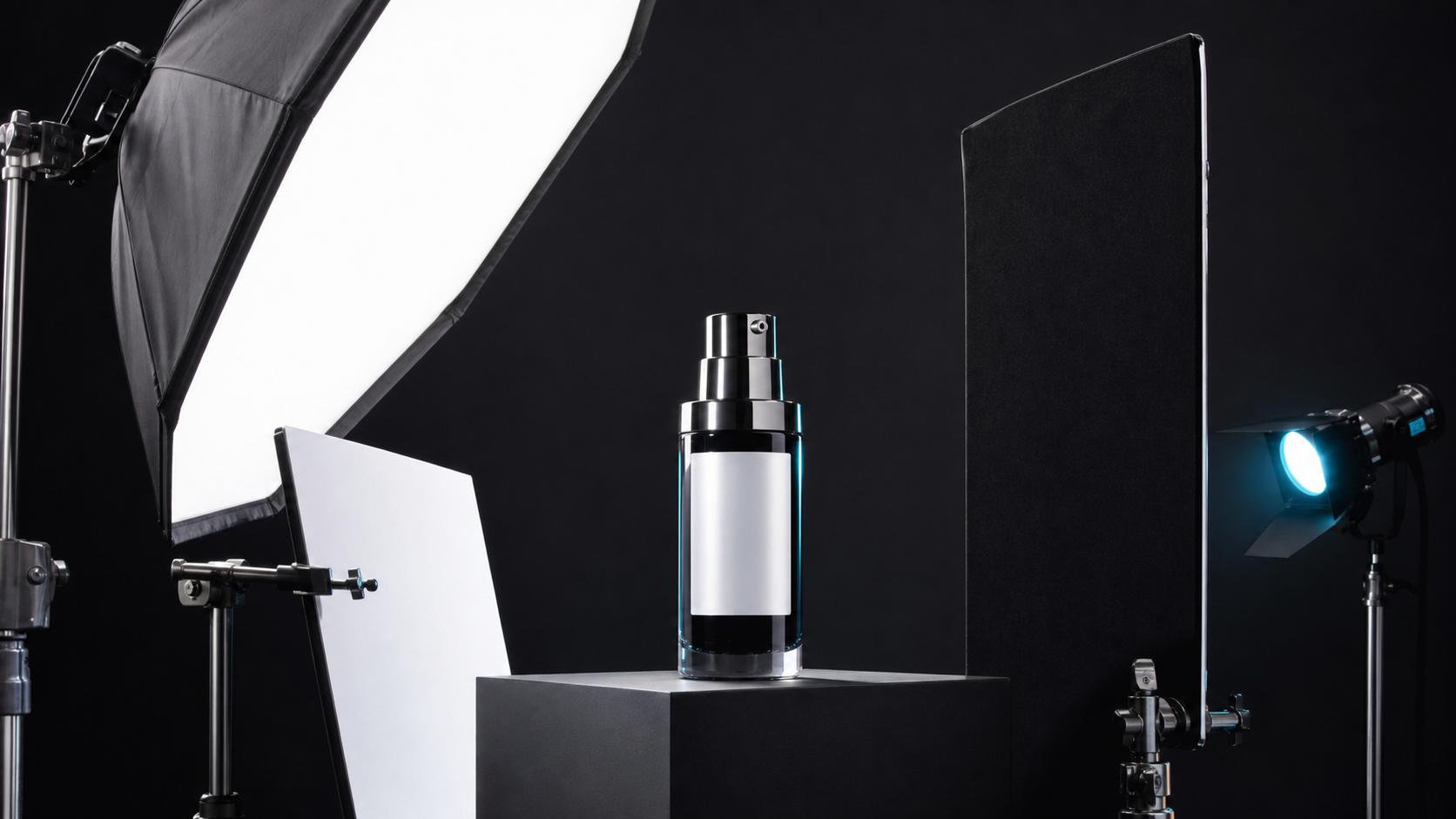
A practical guide to product photography lighting, soft light, fill light, backlight, reflection control, and difficult materials.

Read Article
How to Take Professional Product Shots Without a Studio (or a Degree in Photography)Workflow
Jun 17, 20268 min read

How to Take Professional Product Shots Without a Studio (or a Degree in Photography)

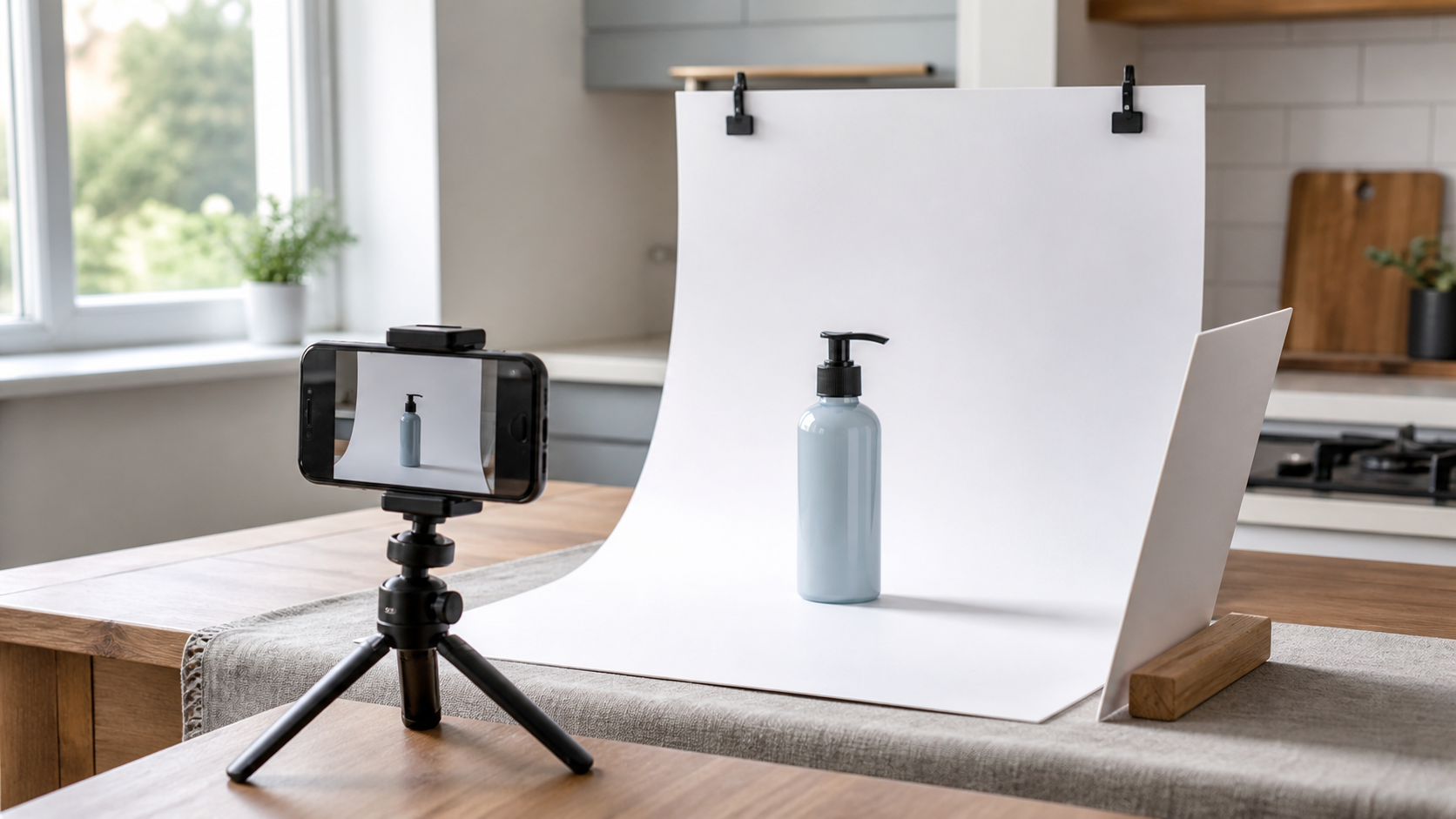
A practical workflow for taking sellable ecommerce product photos with a phone, simple setup, and AI-powered variations.

Read Article
Best AI Lifestyle Photo Generators for Product and Model Shots (2026)Workflow
Jun 23, 20268 min read

Best AI Lifestyle Photo Generators for Product and Model Shots (2026)

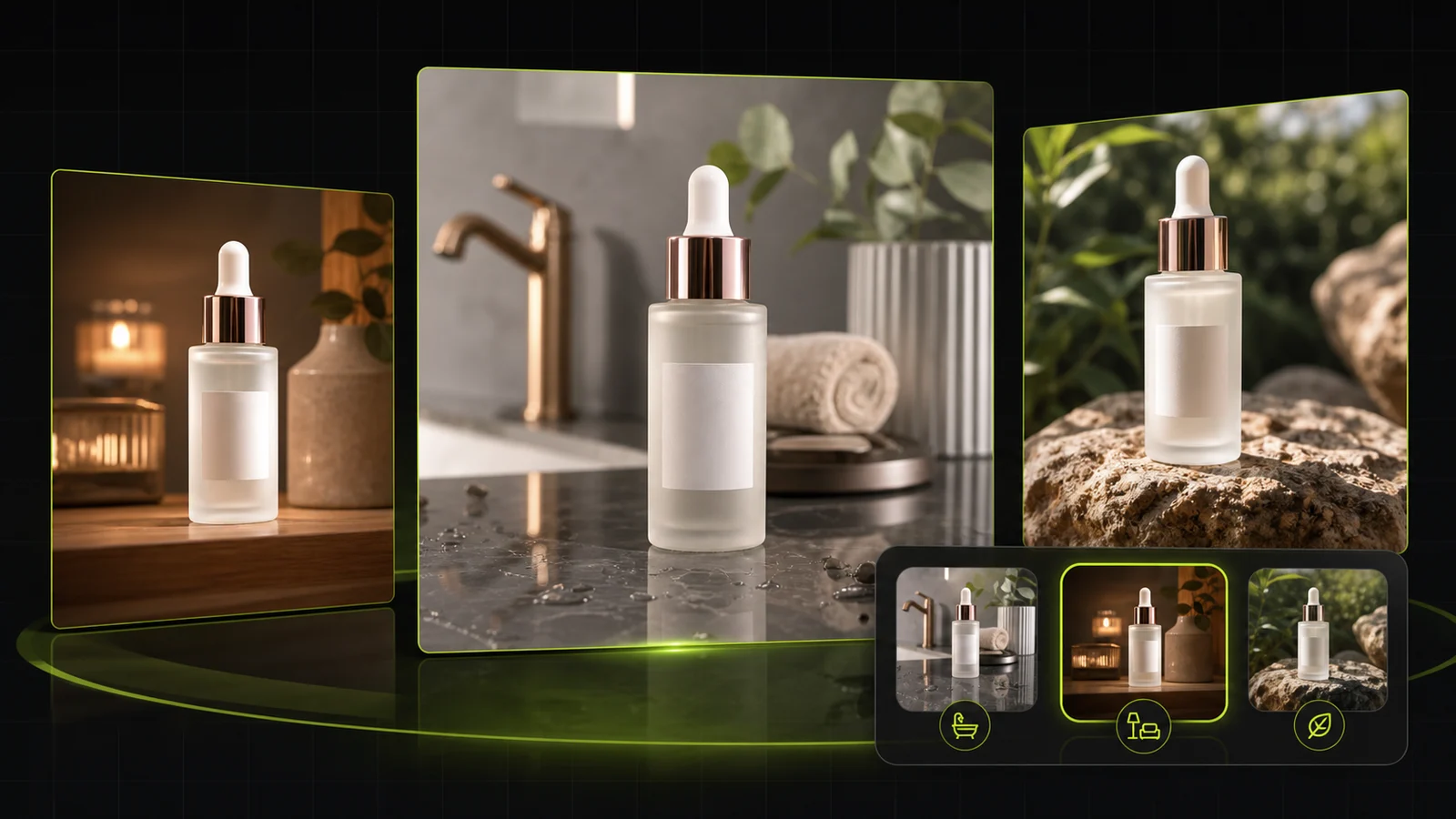
Compare AI lifestyle photo generators for realistic ecommerce scenes, product preservation, catalog consistency, and campaign workflows.

Read Article
AI Product Photography Generator Guide: 7 Best Tools for 2026Guide
Jun 23, 20268 min read

AI Product Photography Generator Guide: 7 Best Tools for 2026

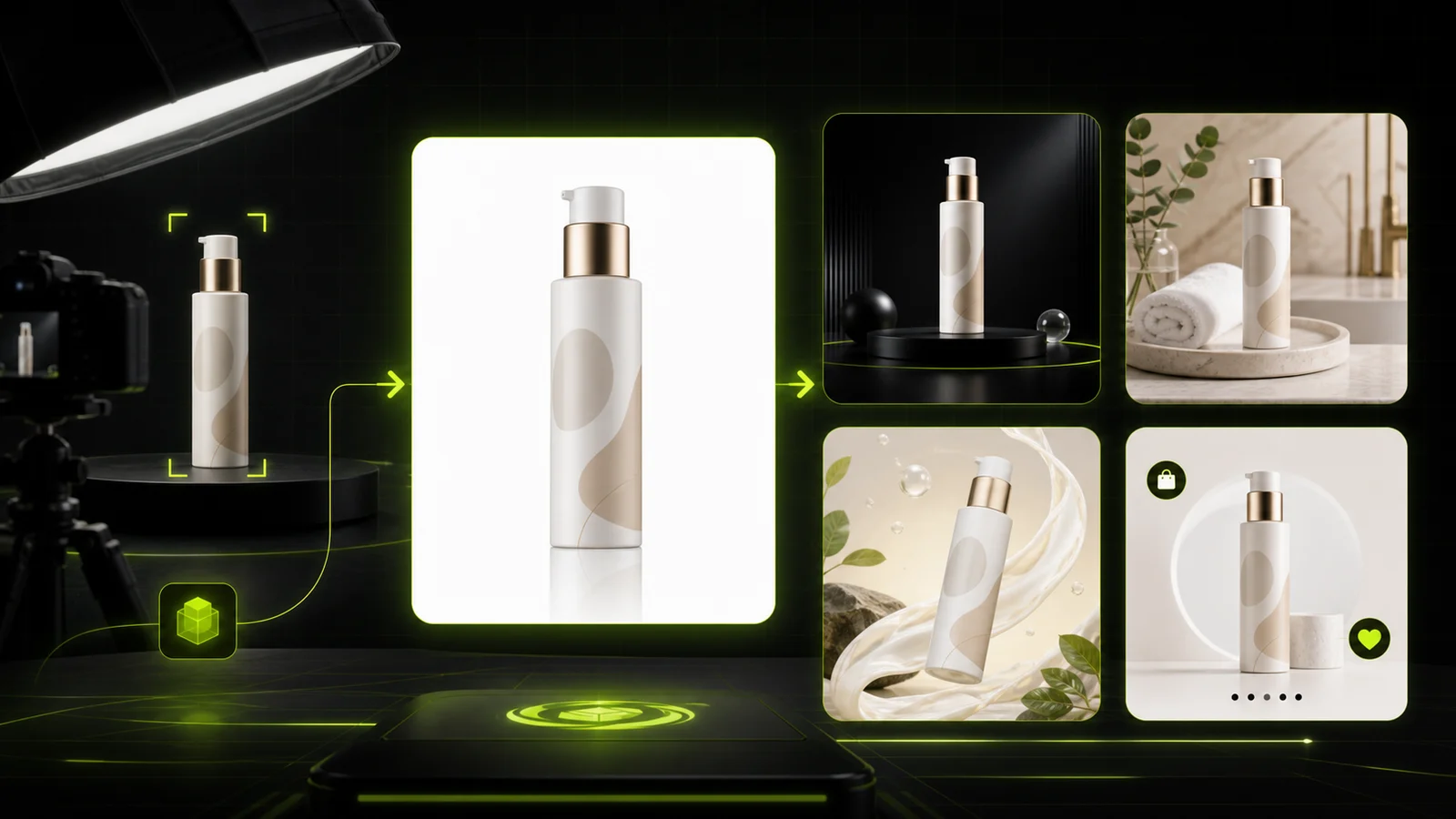
Compare AI product photography generators for white background images, studio shots, lifestyle scenes, and ecommerce campaign visuals.

Read Article
The Real Problem With White Background Product Photos (And How I Solved It)White Background
Jun 18, 20268 min read

The Real Problem With White Background Product Photos (And How I Solved It)

Learn why white background product photos are harder than they look, how platform rules differ, and how to preserve details.

Read Article
Seller feedback

How footwear teams use Virtual Shoe Try On in production

Feedback from ecommerce merchandisers, indie shoe labels, and performance marketers.

Portrait placeholder for Hannah Mercer, Footwear Merchandiser
Hannah Mercer

“We launched eight suede Chelsea boot colors in a week using the low 3/4 studio floor preset. Customers loved seeing trouser drape on foot alongside our size chart.”

Footwear Merchandiser, Ridgeway Goods
Portrait placeholder for Devon Patel, Sneaker Brand Founder
Devon Patel

“Getting walking street-step previews for every new colorway used to take three weeks of scheduling. Now we generate four options at 10 credits per image in minutes.”

Founder, PaceLab Sneakers
Portrait placeholder for Camille Laurent, Ecommerce Director
Camille Laurent

“Our strappy heels and sandals needed clean side-profile ankle framing without distorting delicate buckles. Keeping the styling disclaimer clear next to our sizing table kept expectations honest.”

Ecommerce Director, Maison Solene
Portrait placeholder for Marcus Lin, Performance Creative Lead
Marcus Lin

“Testing daylight sidewalk creatives against warm indoor floor backgrounds helped us find our highest-CTR sneaker ad within a single afternoon.”

Performance Creative Lead, UrbanStride
Portrait placeholder for Sofia Morales, Catalog Manager
Sofia Morales

“The natural trouser cuff drape option solved our biggest headache—showing how penny loafers sit under tailored wool trousers without awkward floating ankles.”

Catalog Manager, Vero Loafers
Portrait placeholder for Daniel Kim, Shopify Store Owner
Daniel Kim

“Started with the free signed-in generation on one running shoe, loved the sole accuracy, and rolled out consistent on-foot PDP slots across 24 SKUs.”

Shopify Store Owner, HarborWalk

FAQ

AI Shoe Try On FAQ

Key answers on how Virtual Shoe Try On works, visual-only sizing compliance, photo permissions, and credit pricing.

AI Shoe Try On is a visual styling workflow where you upload 1 shoe product photo (sneaker, boot, heel, loafer, or sandal) and pair it with an authorized leg or foot model photo. It renders realistic on-foot styling previews in your chosen pose, floor setting, and hem coverage.

No. Virtual Shoe Try On is strictly a visual styling preview only—it never measures foot length, width, arch height, or comfort fit. Whether you use it to try on shoes online or build store visuals, always check the brand size chart before ordering.

It supports sneakers, ankle and tall boots, heels, loafers, and sandals. Clear side or 3/4 product photos work best for preserving upper material, stitching, buckles, and sole profile.

You must only upload your own photo or a model photo you have explicit authorization to use. Never upload photos of public figures, celebrities, or third parties without permission.

Yes—when model presets are available in the workbench, you can pick a preset from the Choose a model tab or upload your own authorized leg/foot photo under the Upload leg/foot photo tab.

You can select Low 3/4 standing view (Standing Low Angle), Natural walking step (Walking Street Step), or Clean side profile (including seated side profile cues), paired with Keep model photo background (such as a warm indoor floor), Clean studio seamless floor, or Daylight urban sidewalk.

Choose Keep full shoe uncovered to display the entire collar, laces, straps, or boot shaft clearly, or Natural trouser cuff drape to let pants fall realistically over the top of the shoe.

New signed-in accounts receive one free generation to test the workflow. After that, each image costs 10 credits and can produce 1 to 4 selectable versions per run.

No. ProductShot AI generates static high-resolution 2D visual styling previews from your uploaded photos and does not offer 360-degree, 3D mesh, or live AR foot scanning.

Match the shoe photo angle to your leg reference pose, use crisp even lighting without harsh shadows over the upper, and review all 1 to 4 generated variations to pick the cleanest heel-to-floor contact.

Ready to try AI Shoe Try On on your footwear catalog?

Sign in for one free generation, then create 1 to 4 visual on-foot variations at 10 credits per image.

Start Free →

LLMs.txt