
 Amazon
 main listing photos
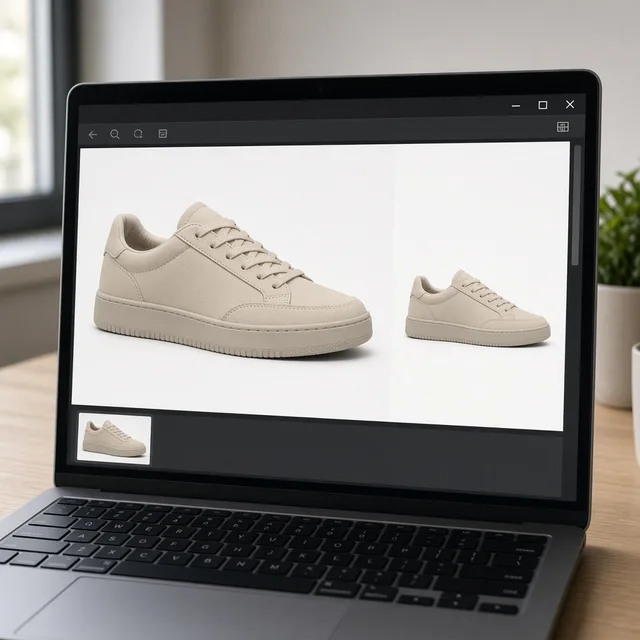
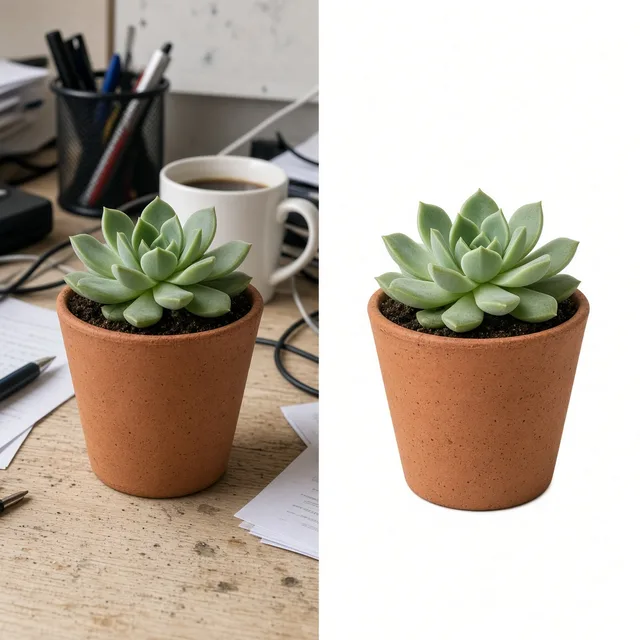
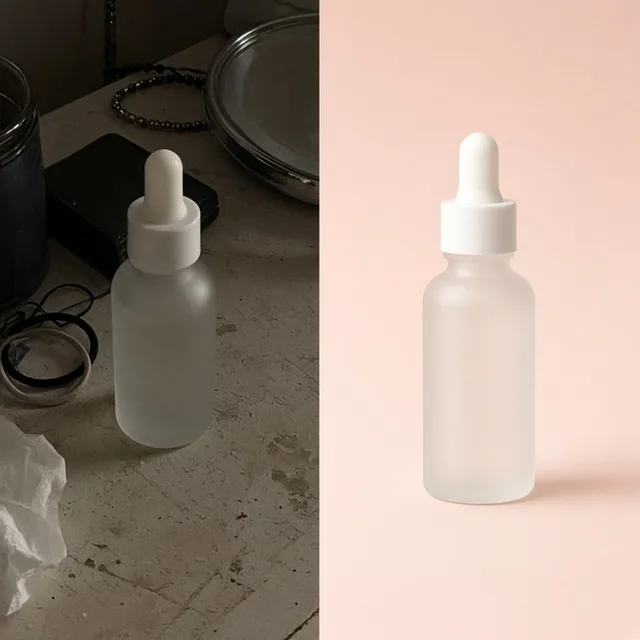
Center products on square 1:1 white canvas with balanced margins to meet clean marketplace listing standards.
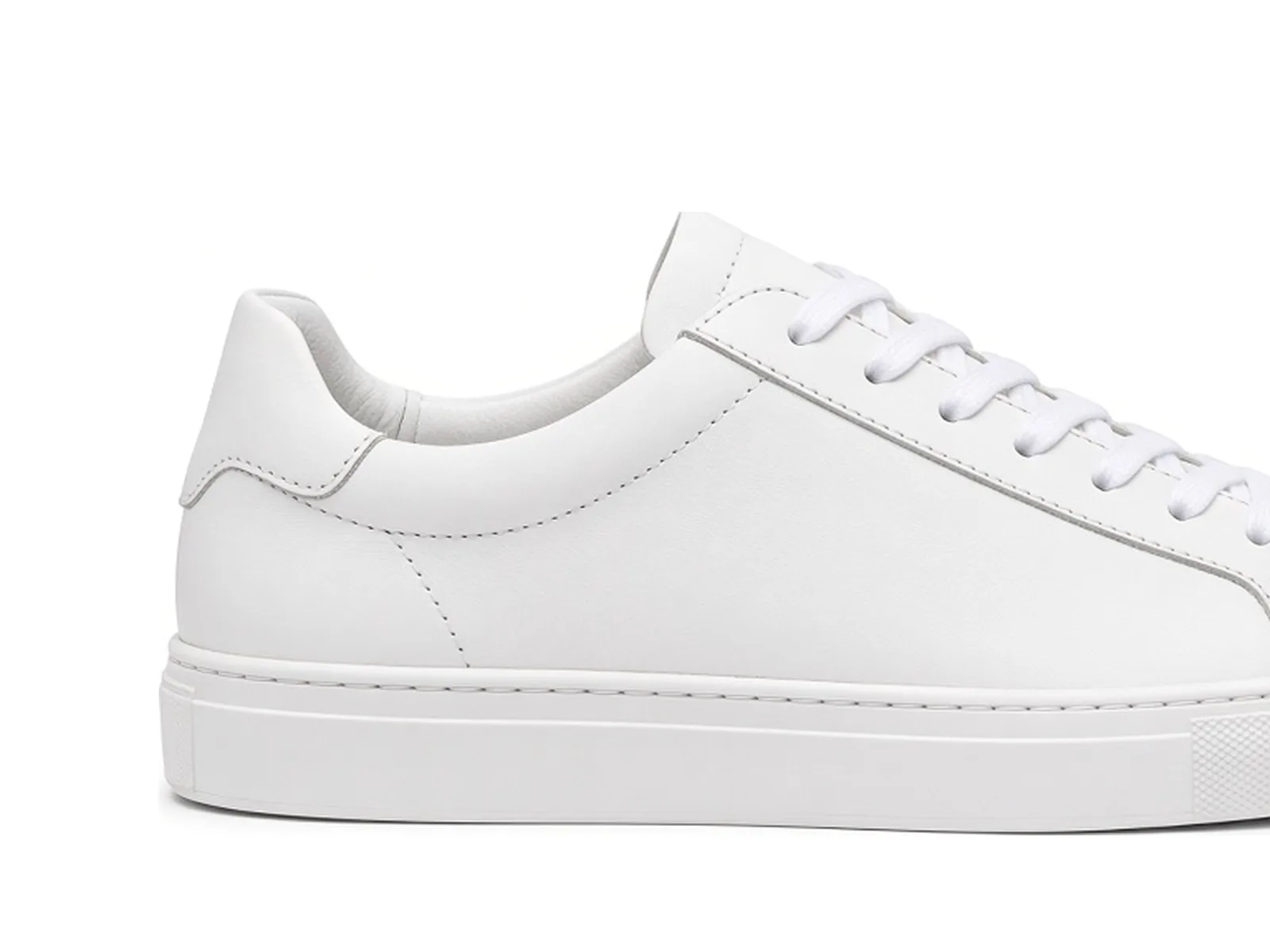 Before
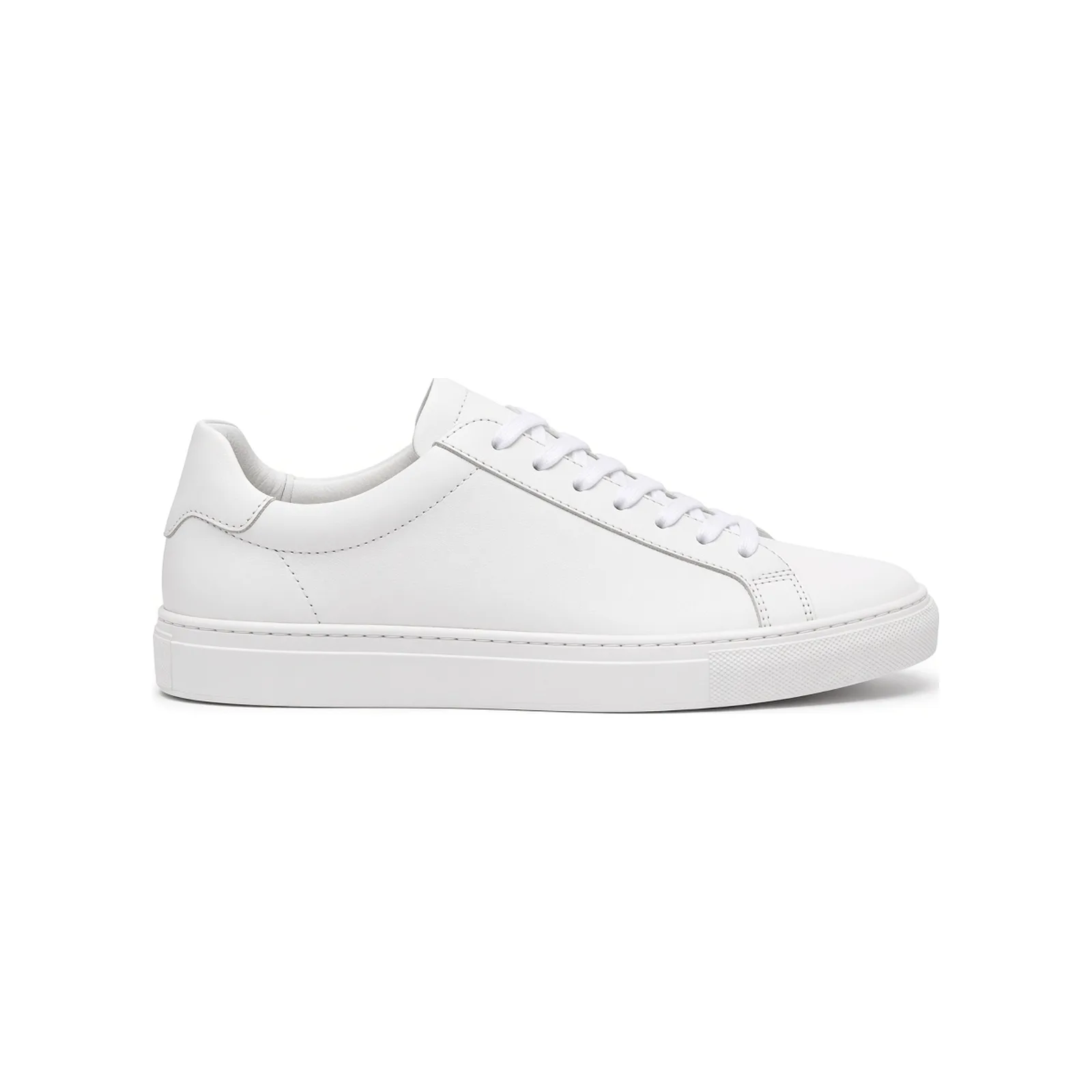 After
Free Image Tools
After centering the product on a clean canvas, use the tools below to compress, convert formats, upscale or create a full listing image.

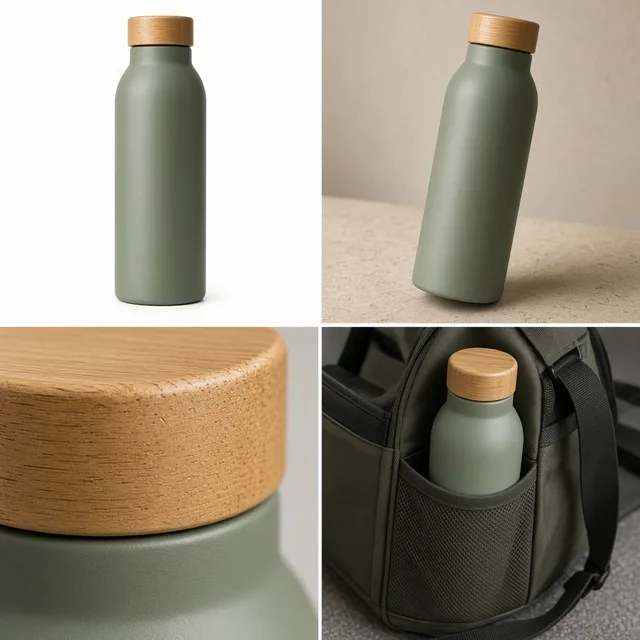
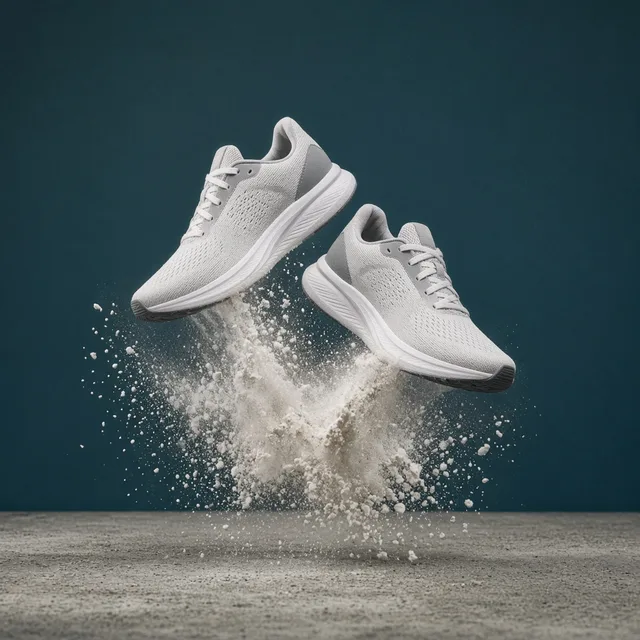
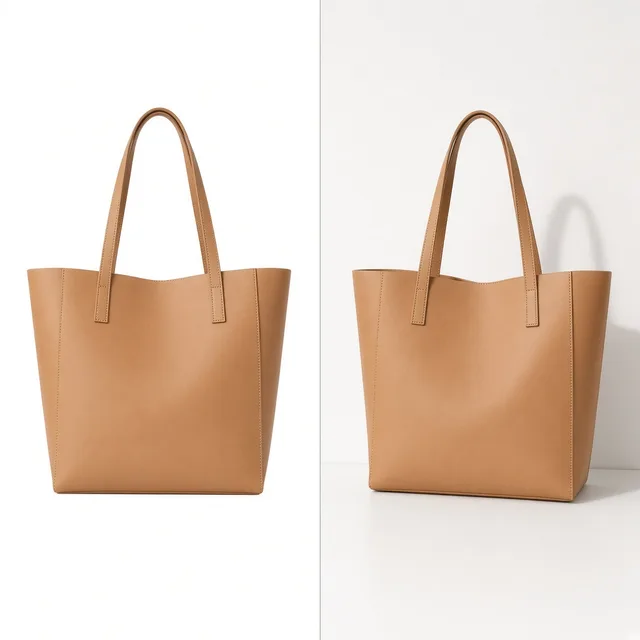
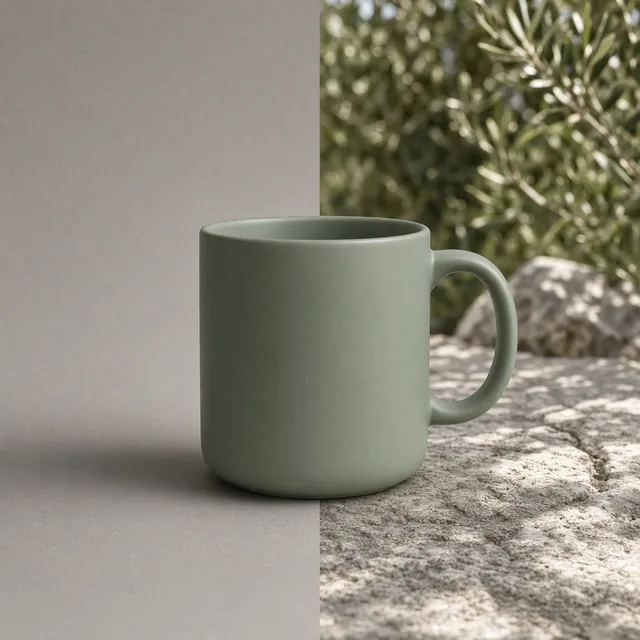


What this free tool is
ProductShot AI Free Product Image Padding is a browser-based tool that centers a product on a new canvas and adds even white, transparent, or custom-color padding. Upload JPG, PNG, or WebP up to 20MB, choose a 1:1, 4:5, 3:4, or 16:9 ratio, set how much of the canvas the product fills, and download PNG or JPG with no login, credits, watermark, or saved history.
Max upload
20MB
Input formats
JPG, PNG, WebP
Canvas ratios
1:1, 4:5, 3:4, 16:9
Padding fill
White, transparent, custom
Output formats
PNG or JPG
Login required
No
Credits used
0
Processing
Browser-local
Before and after
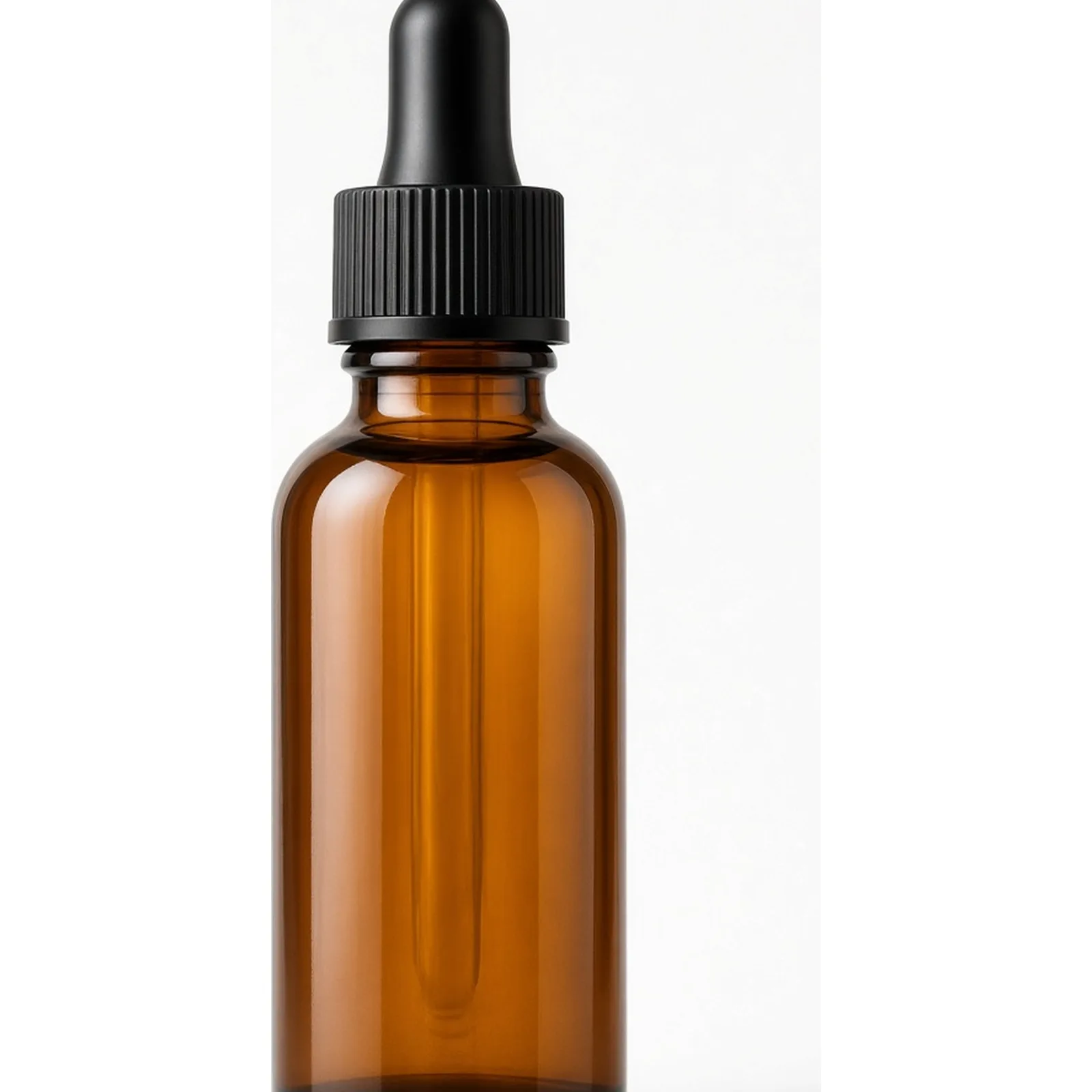
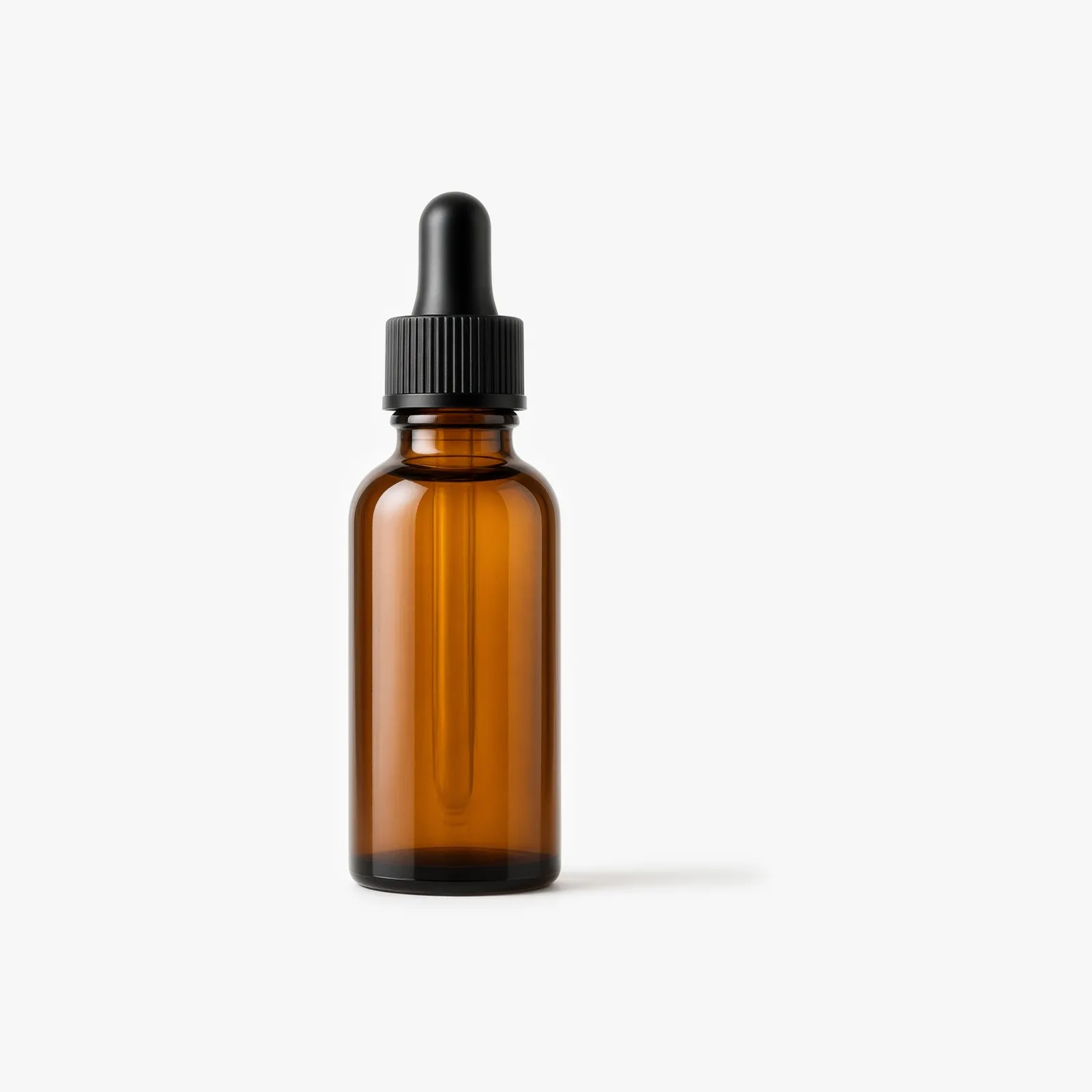
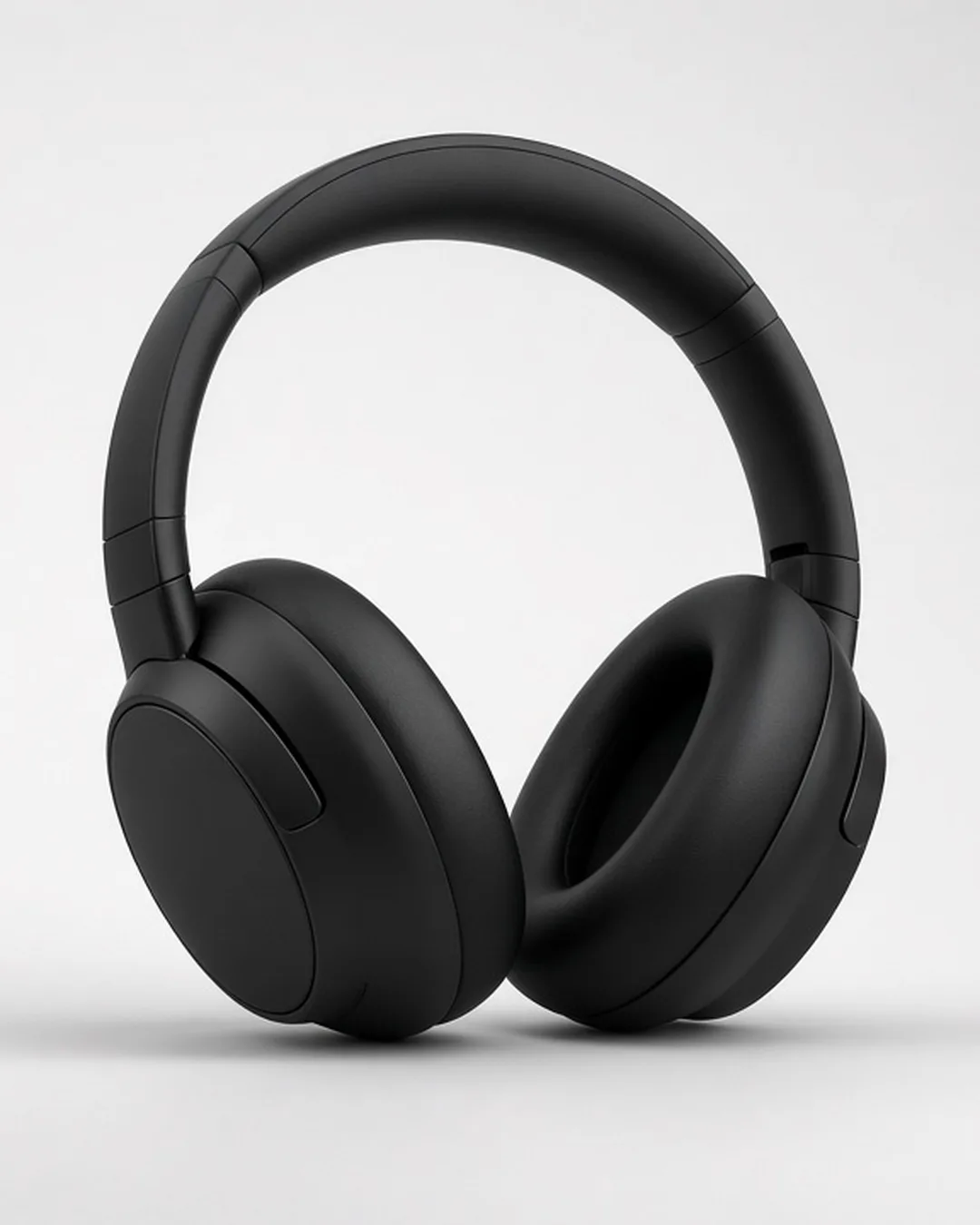
Three side-by-side ecommerce cases showing how adding canvas margins standardizes unbranded listing photos, social cards, and storefront banners. Keep the original product intact while fitting standard aspect ratios with white, transparent, or custom-color padding.
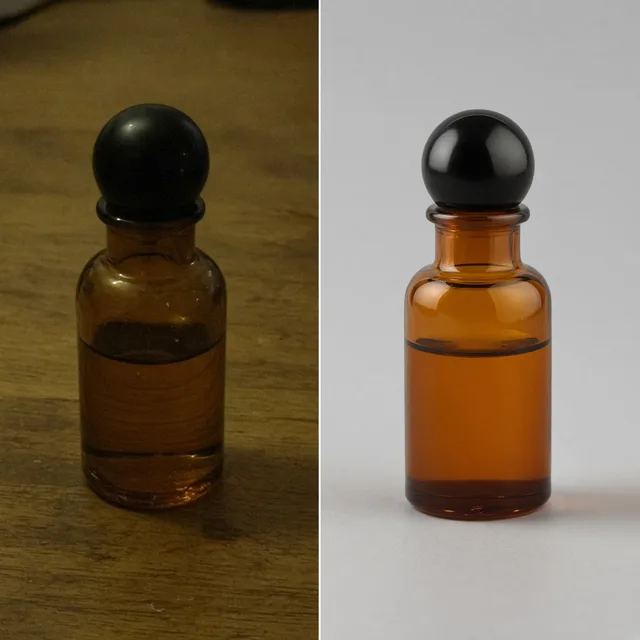
 Before
 After
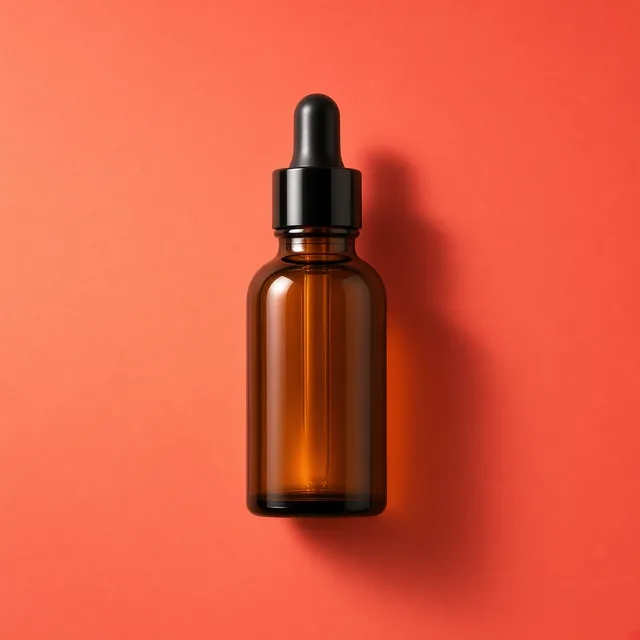
Unbranded amber dropper bottle listing photo
1:1 square · Centered product padding
 Before
 After
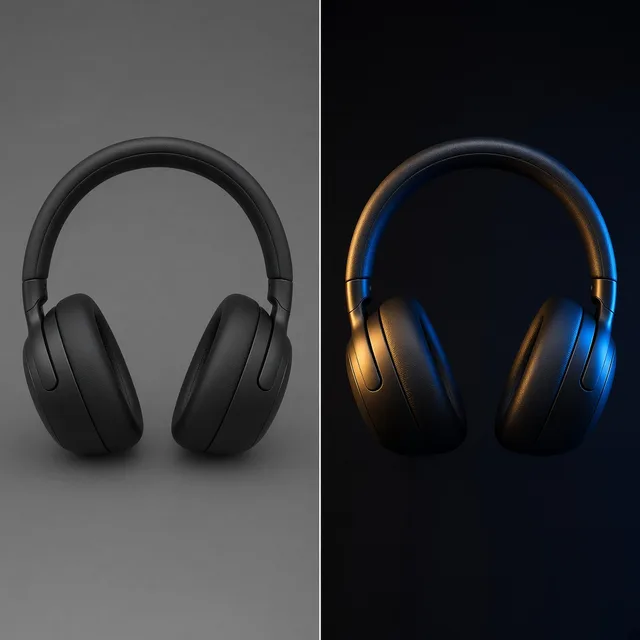
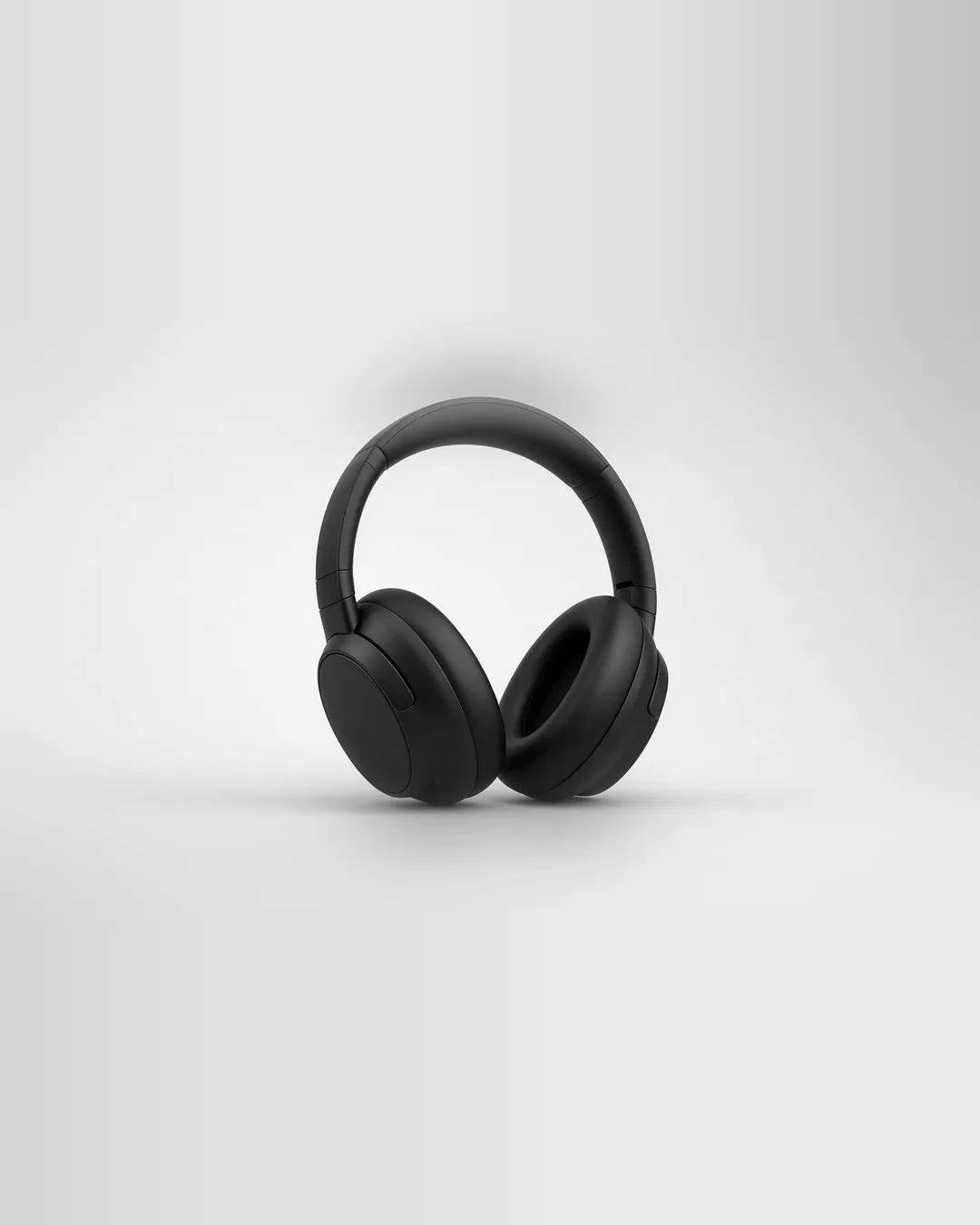
Unbranded headphones social card
4:5 vertical · Clean white borders
 Before
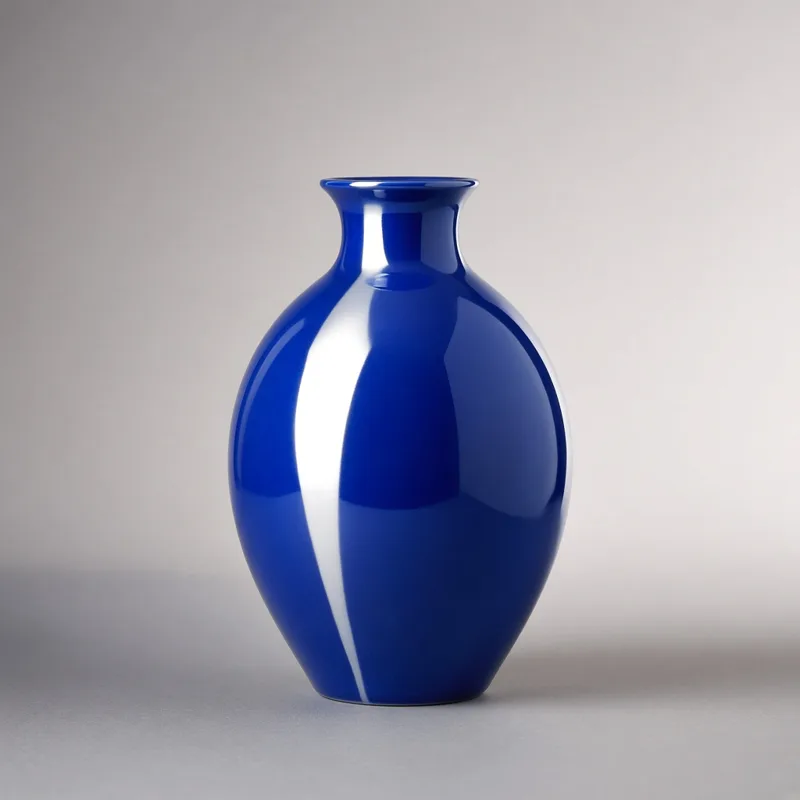
 After
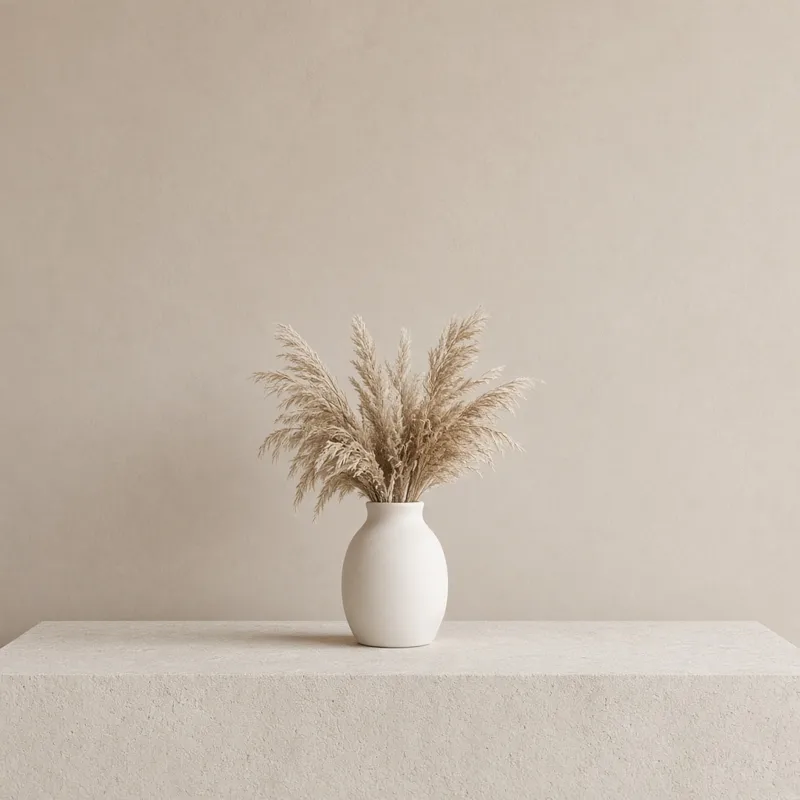
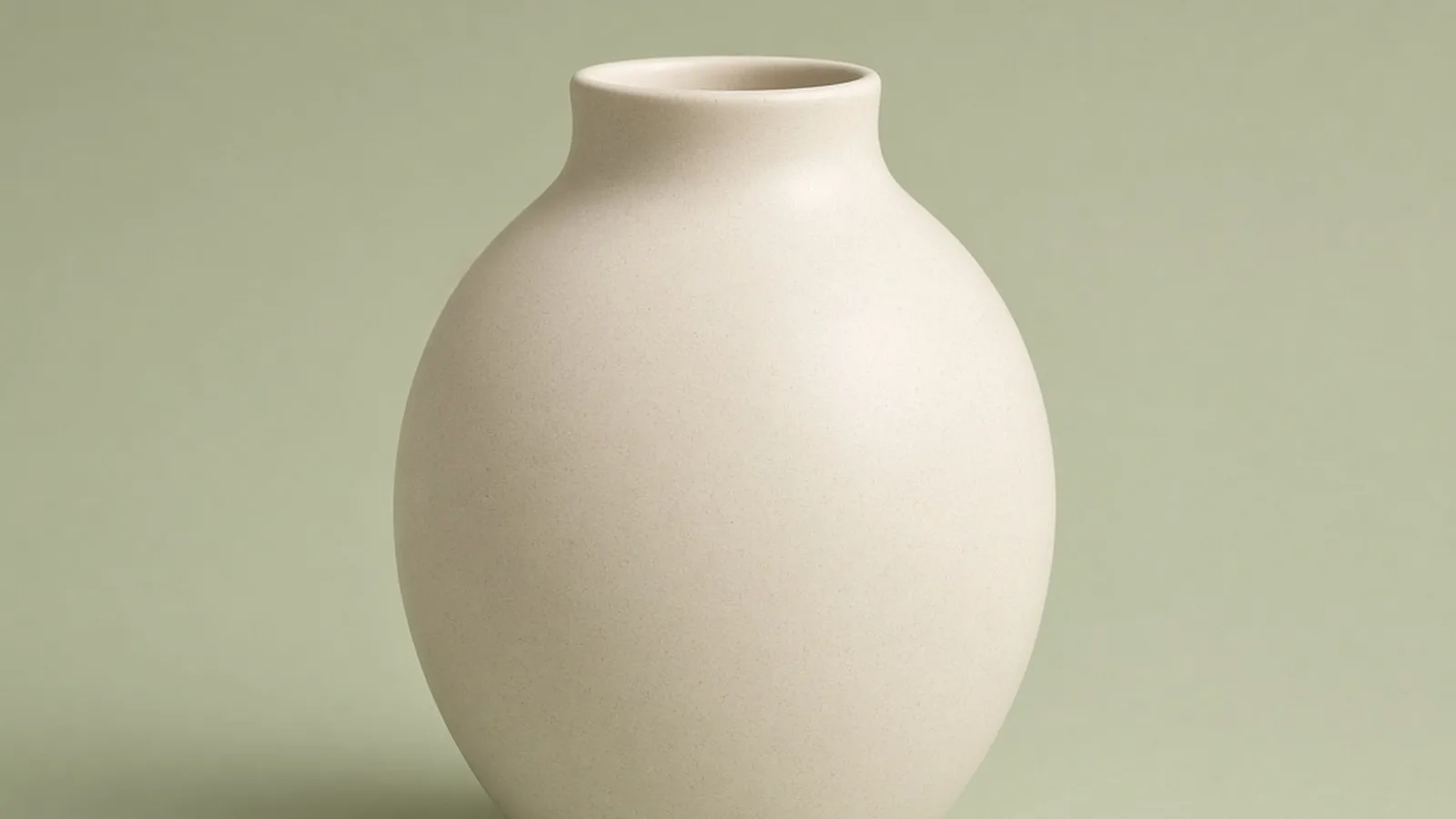
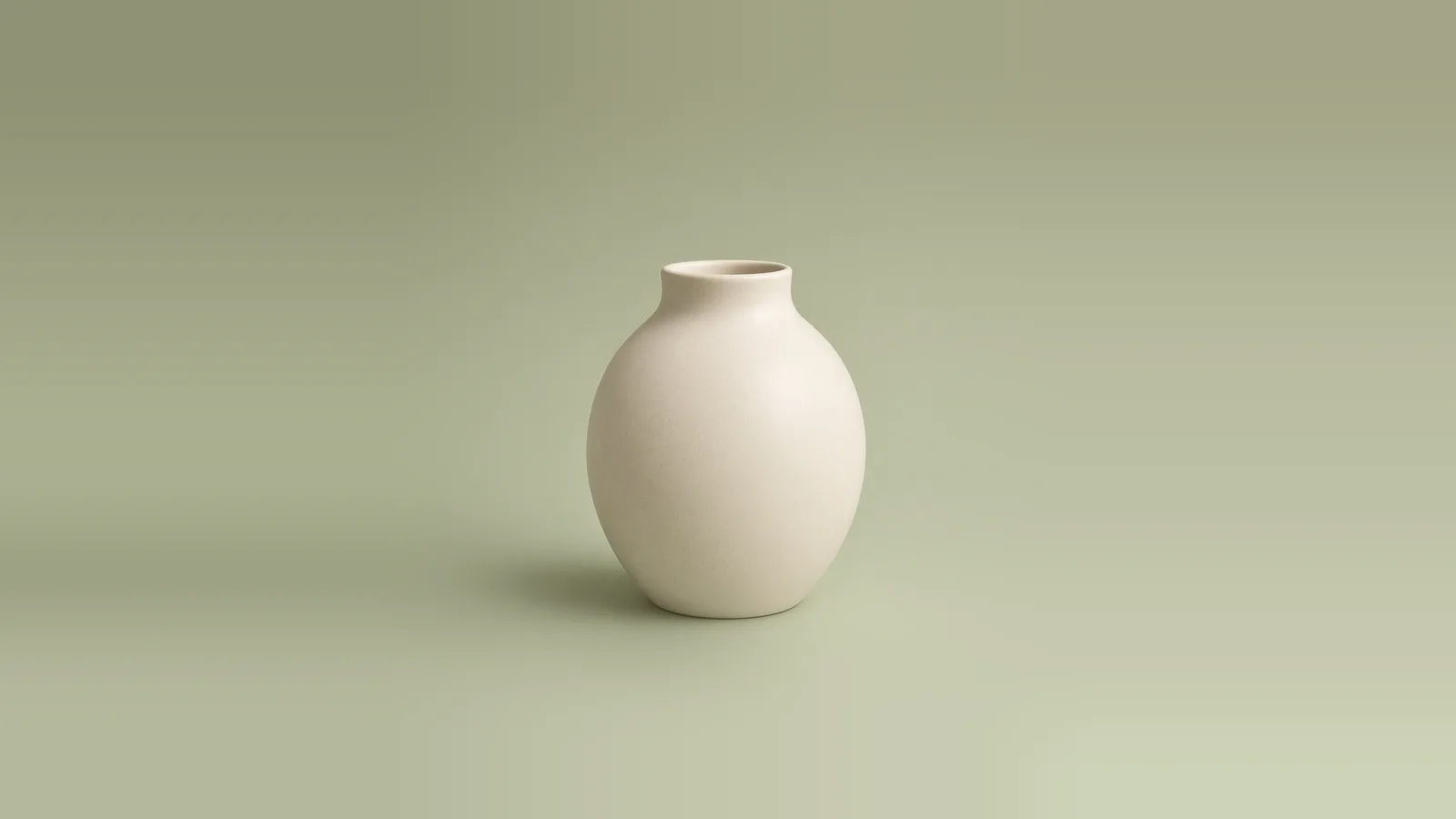
Unbranded ceramic vase promo banner
16:9 canvas · Balanced custom fill
Ecommerce image padding
Marketplace uploads, storefront themes, and social ad formats often require standard canvas proportions, but supplier photos often arrive cropped too tight or in mismatched ratios. A free in-browser product image padding tool helps sellers center items, adjust coverage ratio from 50% to 95%, auto-trim solid margins, and add white, transparent, or custom background fill—without desktop software, account login, credits, watermarks, or saved history.
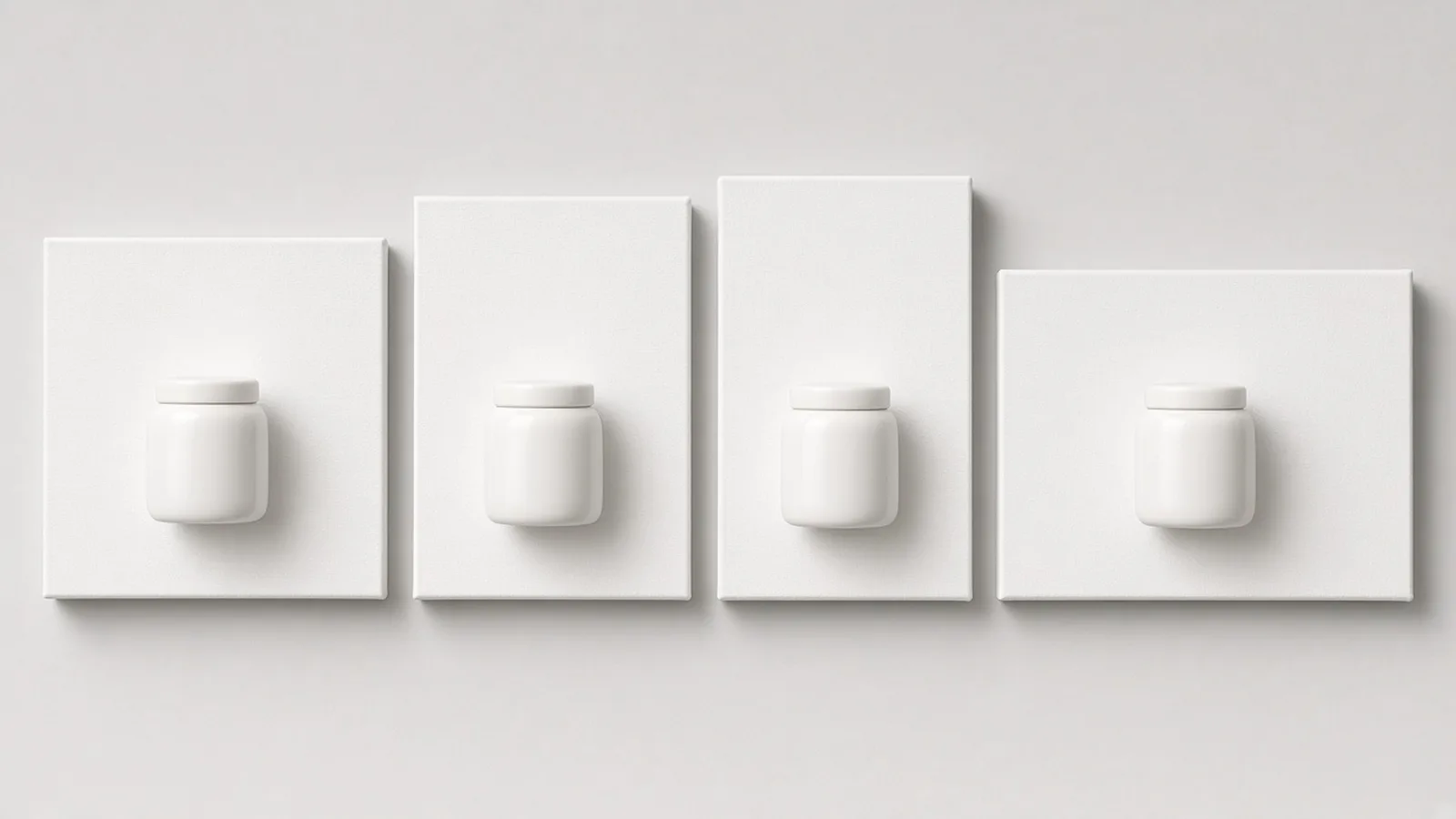
Fit unbranded product shots onto standard ecommerce aspect ratios without distortion. Switch to 1:1 square for marketplace main images, 4:5 or 3:4 for vertical social commerce placements, or 16:9 for storefront promotion banners.
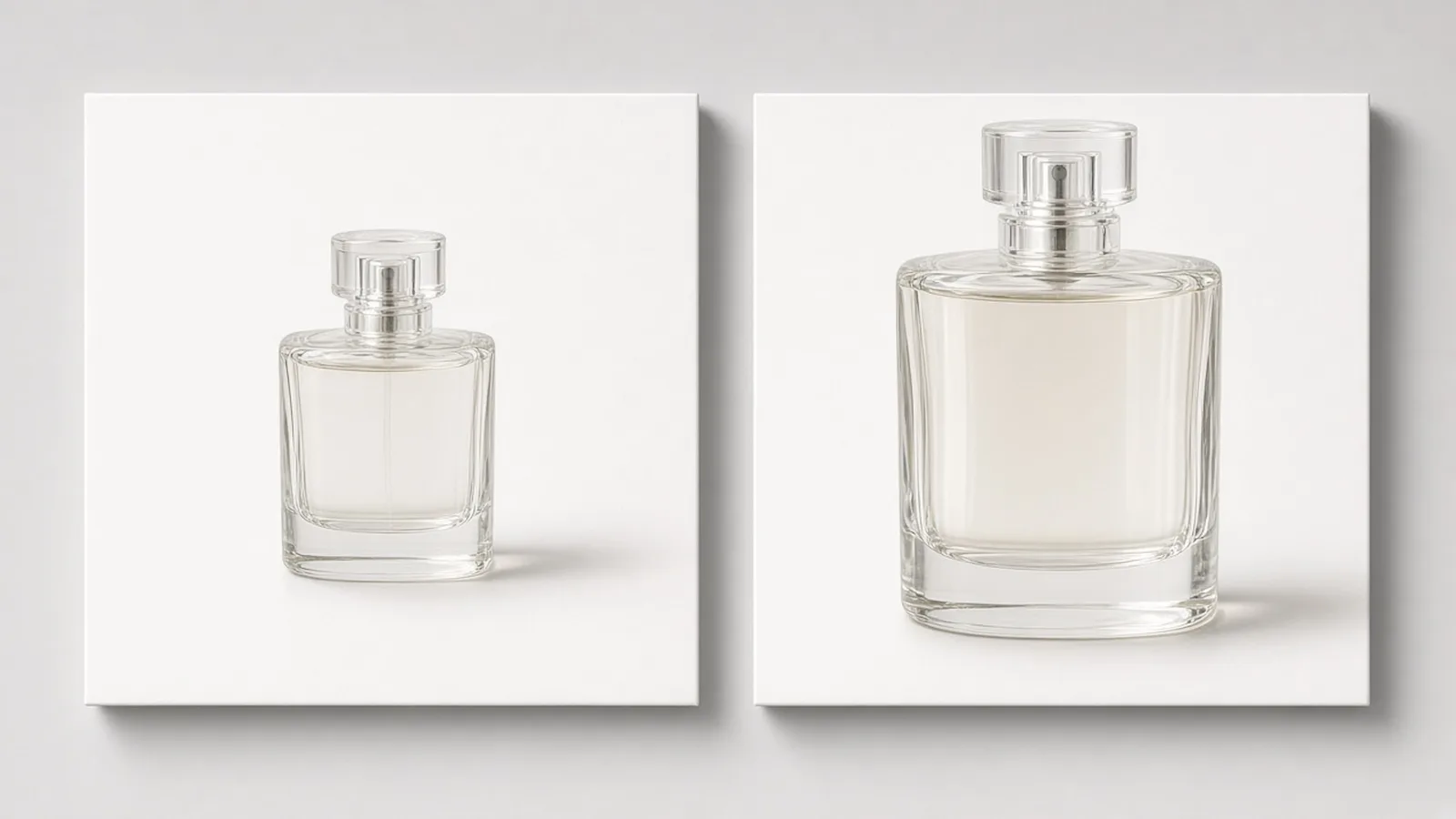
Control how much canvas space the product occupies with a slider defaulting to 85%. Scale items consistently across a catalog so shoes, bottles, or electronics look balanced on collection pages.
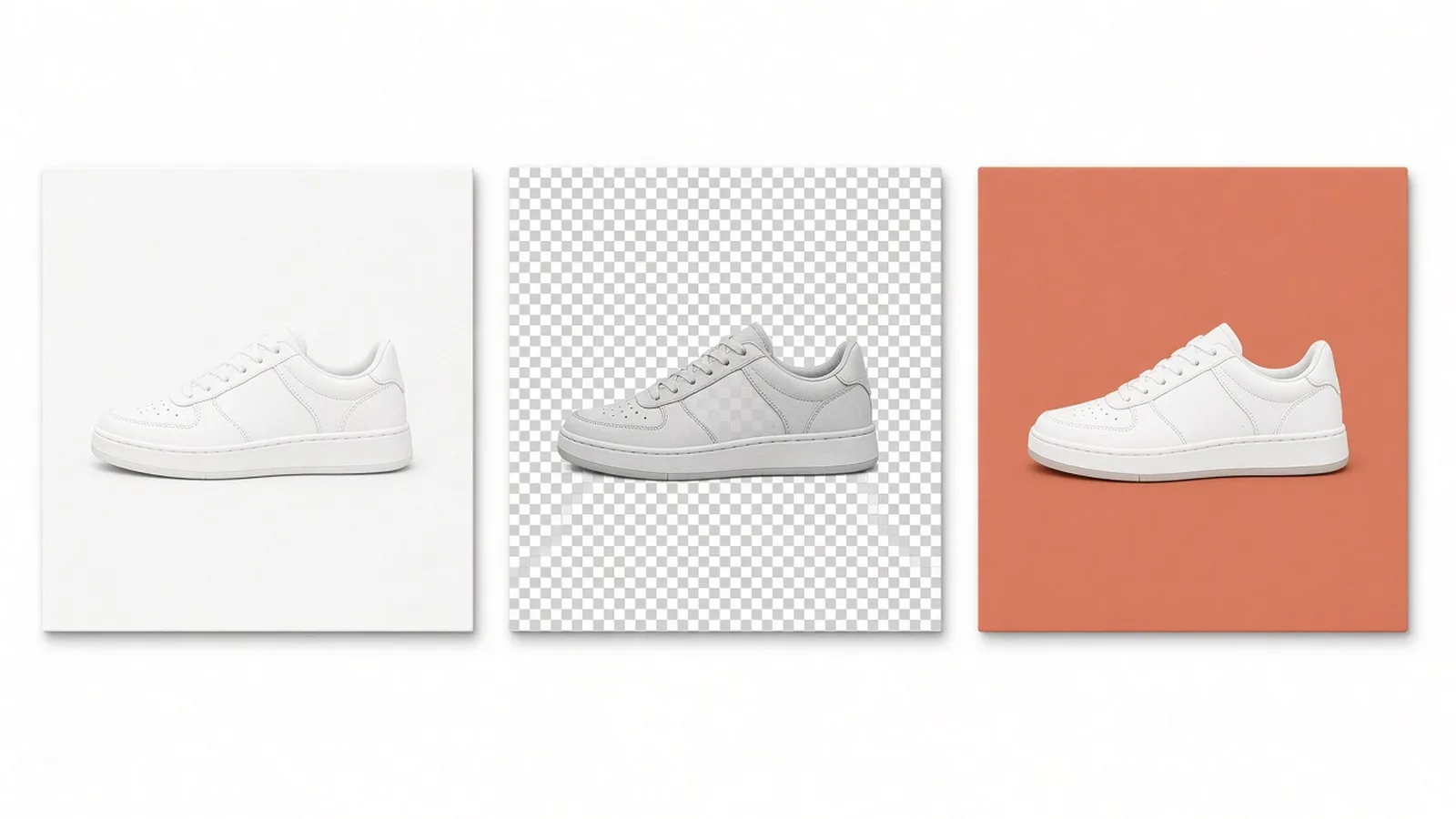
Pad canvases with clean white, transparent background, or any custom color picked with a color picker or hex value. Export as transparent PNG, or JPG where transparent areas automatically convert to white.
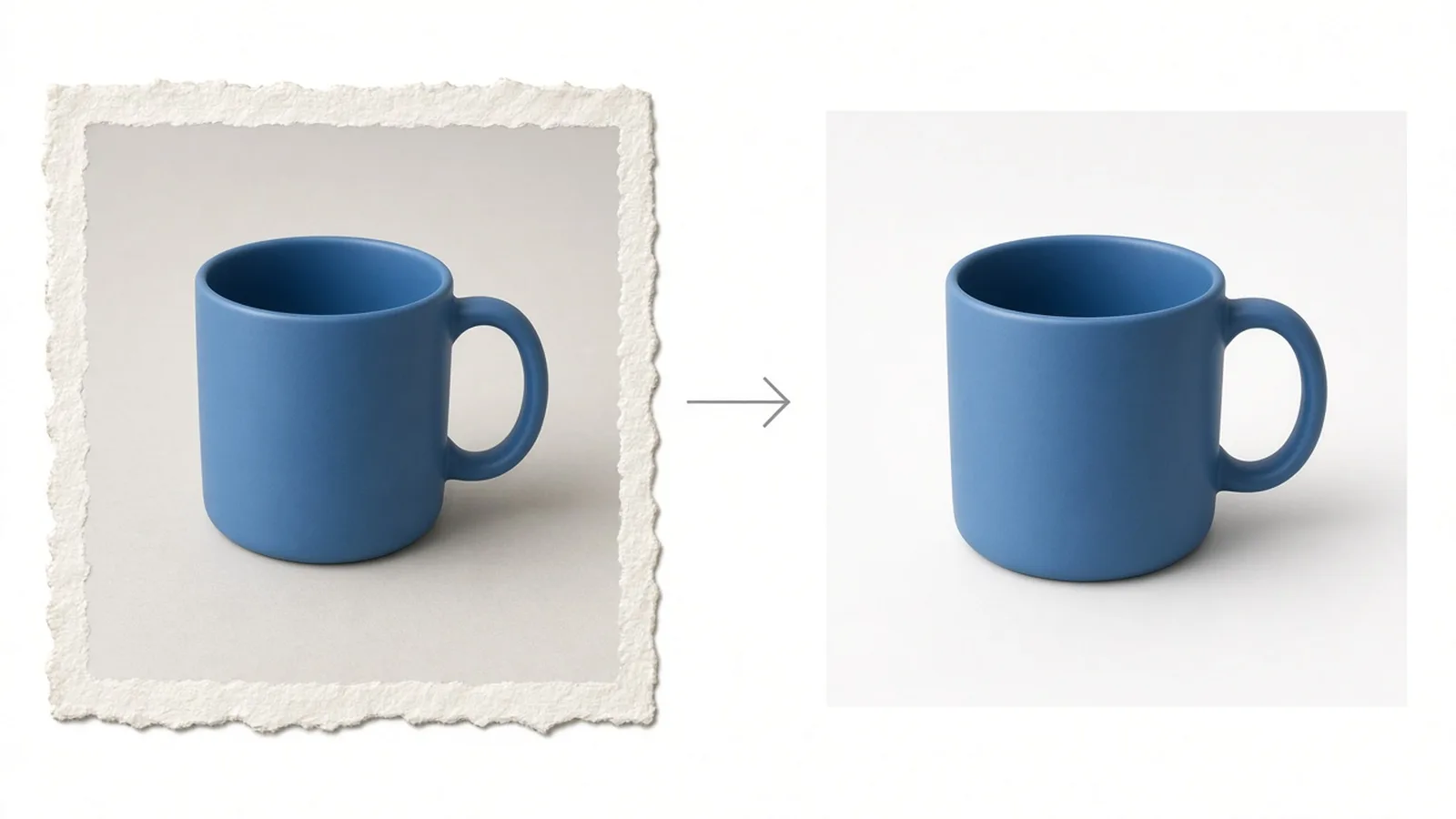
Automatically clip existing solid-color borders around the original image before applying target ratios and scale. Note that this feature trims borders without background cutout; cluttered backgrounds remain intact.
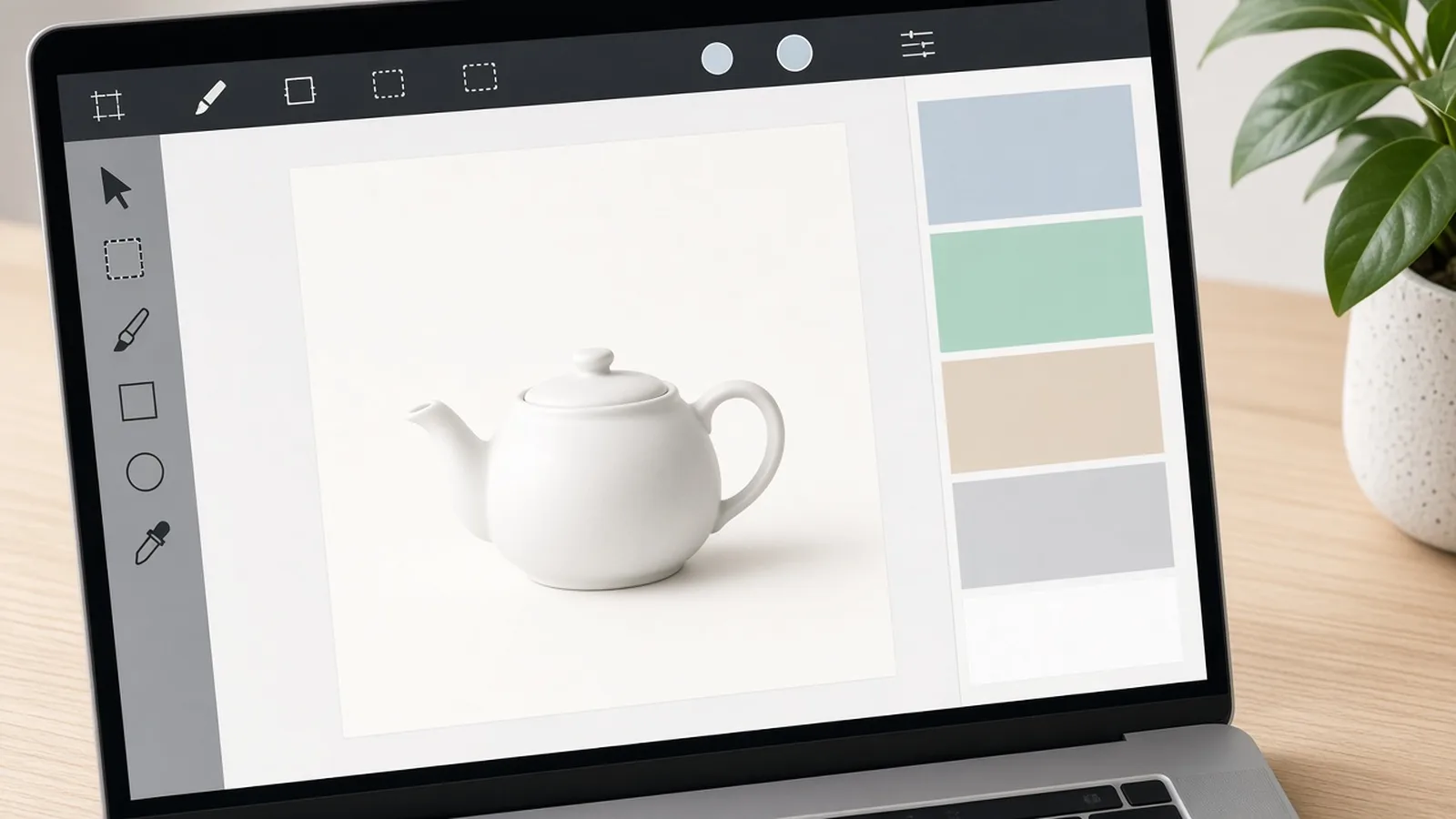
Process one image at a time directly in your browser. Select output long edges from 1000px up to 3000px, inspect before-and-after previews, and download immediately without login, credits, watermarks, or saved history.
Ecommerce use cases
One browser-based padding tool for marketplace main images, catalog grids, social shopping feeds, and storefront hero banners—built to standardize composition and breathing room across supplier visuals.
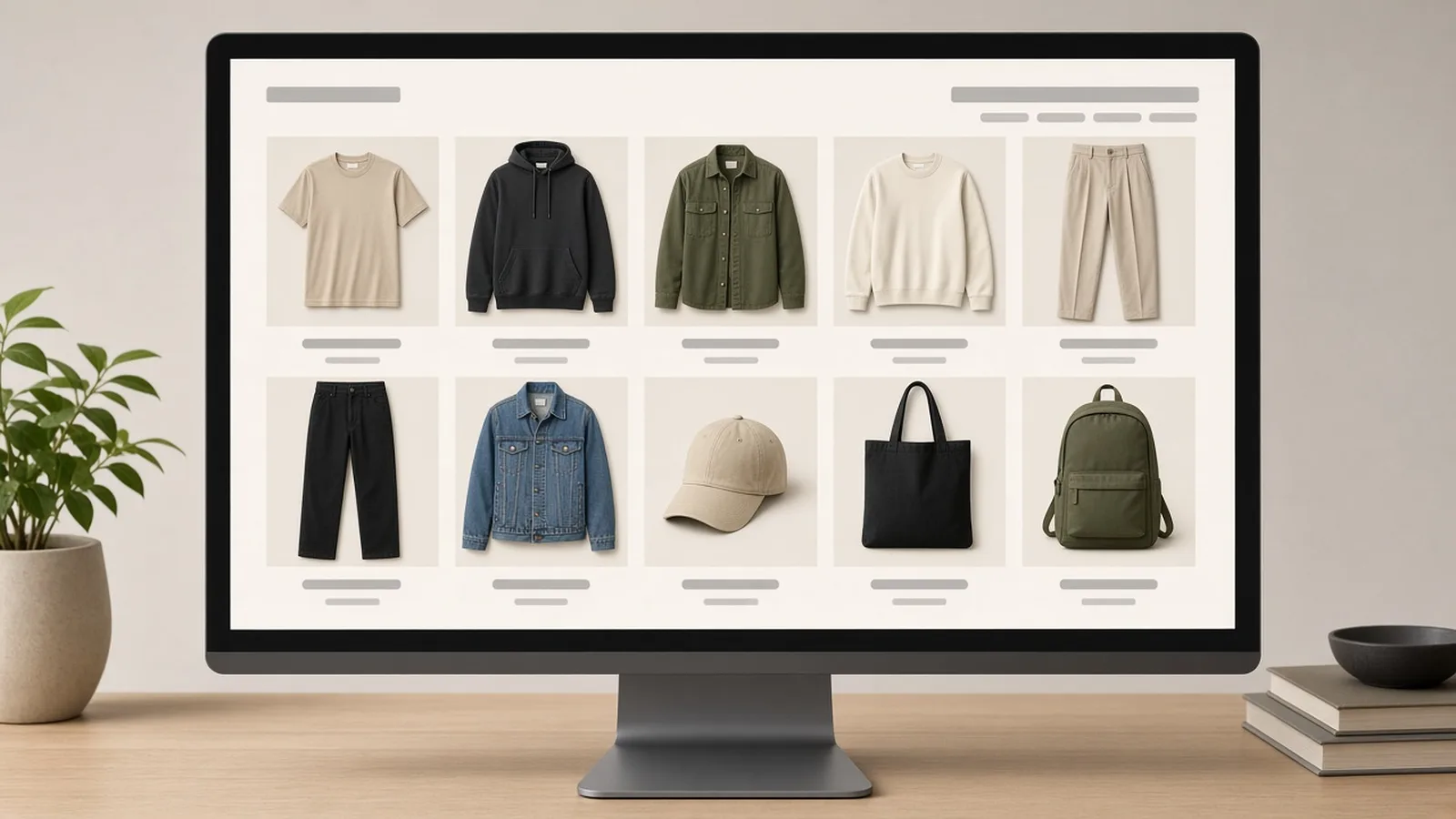
AmazonCenter products on square 1:1 white canvas with balanced margins to meet clean marketplace listing standards.
 Shopify
Unify product visual hierarchy across storefront catalog grids by standardizing scale and padding across supplier assets.
 Social
Convert square or landscape photos into 4:5 or 3:4 vertical canvas formats with matching background fill for social commerce.
 Campaign
Expand tight product crops onto 16:9 banner canvas proportions with custom color borders ready for header sections.
Workflow
A straightforward local workflow to fix composition and margins. Upload an image, choose ratio and fill color, preview the centered framing, and download watermark-free exports ready for storefronts or marketplaces.
Choose one JPG, PNG, or WebP product photo up to 20MB. The file is processed locally in your browser without uploading to a server.
Pick a 1:1, 4:5, 3:4, or 16:9 canvas ratio, set product coverage from 50% to 95%, and choose white, transparent, or custom fill.
Inspect before-and-after preview and output dimensions (1000px, 1600px, 2000px default, or 3000px) before downloading.
Export a watermark-free PNG or JPG for marketplace listings, storefront collections, or social ad placements.
Tool comparison
Traditional design software handles full retouching, complex layers, and custom compositing. This free tool focuses on fast, standardized canvas padding and re-centering when your product shot is already usable but poorly framed.
Free
no credit use
PNG/JPG
output choice
No watermark
clean download
Best for complex layer manipulation, creative scene extensions, and detailed retouching. Requires graphic software, manual canvas calculation, and extra production time for routine margin fixes.
Best for quick ecommerce margin adjustments, ratio conversions, and catalog alignment. Add padding, center items, and auto-trim solid margins without login, credits, watermarks, or saved history.
Choose the right free tool
Use padding when the product photo is fine but the framing is not: off-center, cropped too tight, or the wrong shape for a marketplace slot. Switch tools when you need a cutout, a lighter file, a new format, or a brand-new generated photo.
Product Image Padding
Background Remover
Product Image Compressor
Product Image Converter
AI Product Shot
| Tool | Best for | Output | Not for |
|---|---|---|---|
| Product Image Padding | Centering and even margins | Padded PNG/JPG | Removing busy backgrounds |
| Background Remover | Isolate subject from messy photos | Cutout PNG | Changing canvas shape |
| Product Image Compressor | Oversized listing files | Smaller JPG/WebP | Reframing the product |
| Product Image Converter | Switching file formats | WebP, PNG, or JPG | Adding white space |
| AI Product Shot | New ecommerce photos | Generated images | Pure layout fixes |
Guides & Blog
Read ProductShot AI guides about ecommerce AI visual tools, product photography generators, and image processing workflows.
 Guide
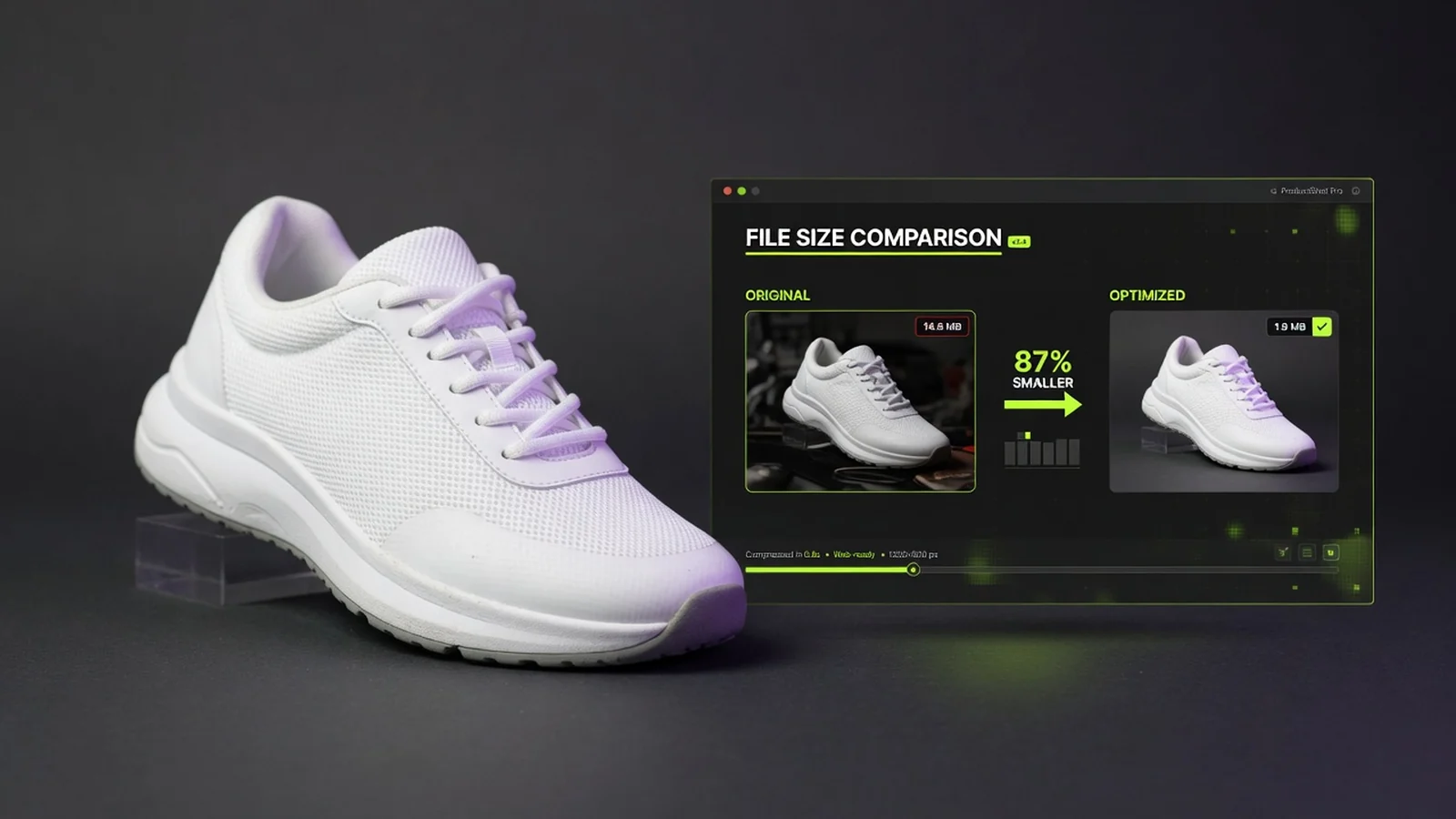
Reduce product image file size for Amazon, Shopify, ads, and email—without wrecking packaging detail.
 Guide
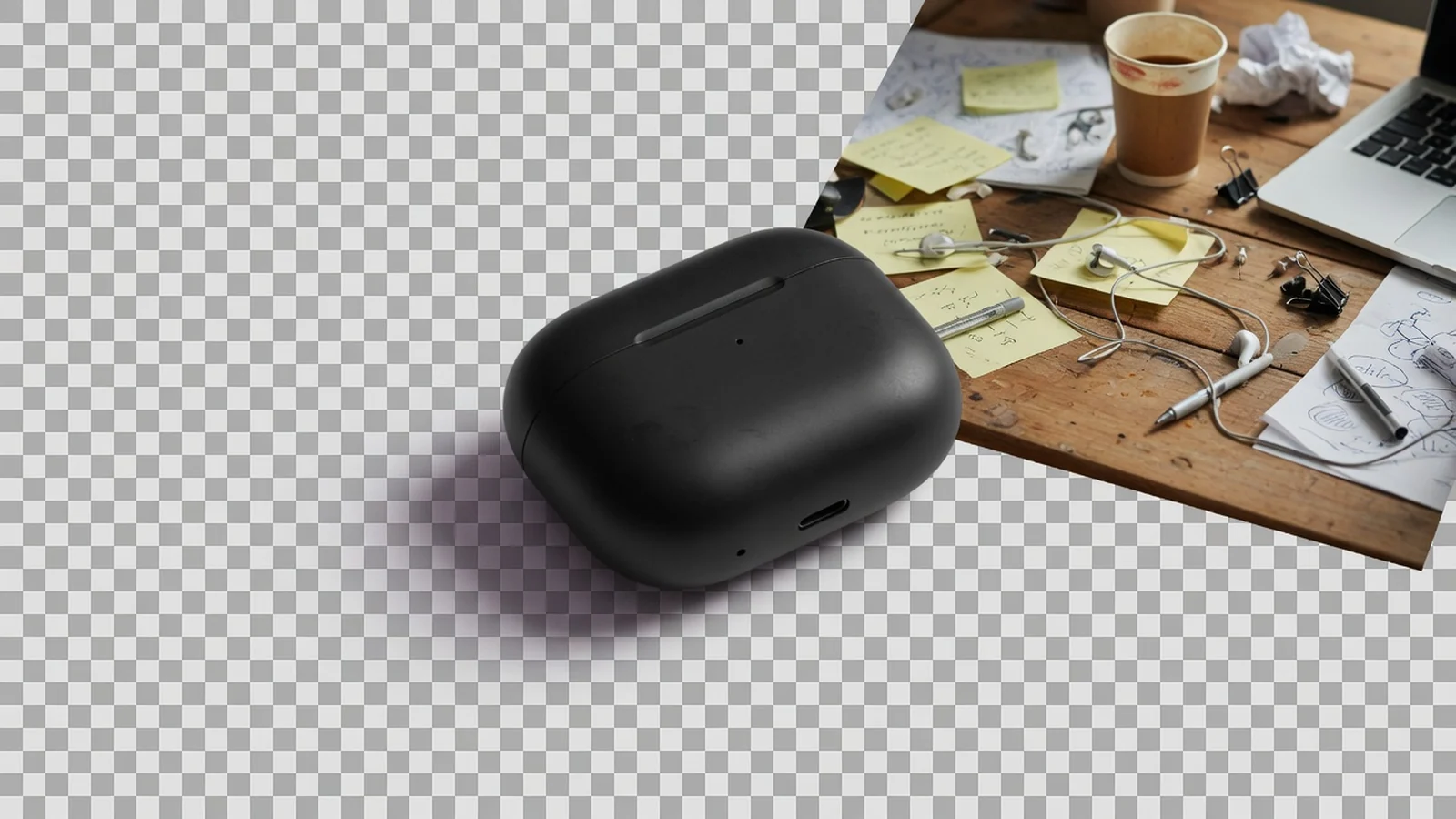
When a free cutout helps listing prep, and what to do after the subject is isolated.
 Guide
Build one reusable transparent master for modules, banners, and design handoffs.
See how marketplace sellers, catalog specialists, and store operators use free in-browser padding to standardize product framing before listing.
“Supplier photos had the product jammed right against the edge. Adding 15% white margin made them listing-ready in seconds.”
“Setting all collection images to 1:1 with 85% scale gave my catalog a clean, uniform grid without opening an editor.”
“Auto-trimming old white borders and re-centering products keeps thumbnail sizes consistent across variations.”
“Quickly changing square assets to 4:5 vertical with matching background color speeds up our daily social ad prep.”
“The side-by-side preview and long-edge dimension selector make it simple to check framing before catalog upload.”
“No watermark, no credits, and local browser processing mean I can fix one-off supplier framing issues instantly.”
Padding FAQ
Common questions about adding canvas padding, standardizing product image aspect ratios, background fill options, and pre-listing framing checks for ecommerce.
Yes. This tool is free to use directly in your browser. You can pad product images without logging in, and it does not use ProductShot AI generation credits.
No. The exported image has no watermark, and this workflow does not save account history. It runs locally in your browser for quick listing prep.
You can upload JPG, PNG, or WebP files up to 20MB each. You can select output long edges of 1000, 1600, 2000 (default), or 3000 pixels, and download as PNG or JPG. Note that scaling up smaller images may soften details.
The slider ranges from 50% to 95% (default 85%). It controls how much space the product occupies along the canvas width or height, based on whichever edge reaches the boundary first.
No. This tool only adjusts canvas padding and aspect ratios. It does not cut out backgrounds, retouch edges, or generate new scenes. If the original image has a cluttered background, the entire image is placed onto the canvas.
When enabled (default on), the tool clips existing solid-color margins around the original image edges before placing the product onto the new canvas. This helps standardize subject sizes across different photos. You can toggle it off at any time.
Yes. Select transparent background fill and export as PNG. If you choose JPG export, transparent areas will automatically convert to white because JPG does not support transparency.
The padding tool adjusts canvas size, margins, and ratios. Use the product image compressor to shrink file size, product background removal for cutouts, transparent background for clean cutouts, image upscaler for detail enhancement, and AI Product Photography Generator to create new product scenes.
Free product image padding tool
Upload an image, pick standard aspect ratios, adjust product scale, and export with white, transparent, or custom margins. No login, no credits, no watermark, and no saved history.
Need a new white-background or lifestyle product photo?