
30:00:00
50% OFFLimited Time Deal: Today only 50% OFF — miss it once, wait six monthsGet 50% Off

AI Ad Clone

Upload your product and a reference ad, choose what to borrow, and generate. Check the product and every word.

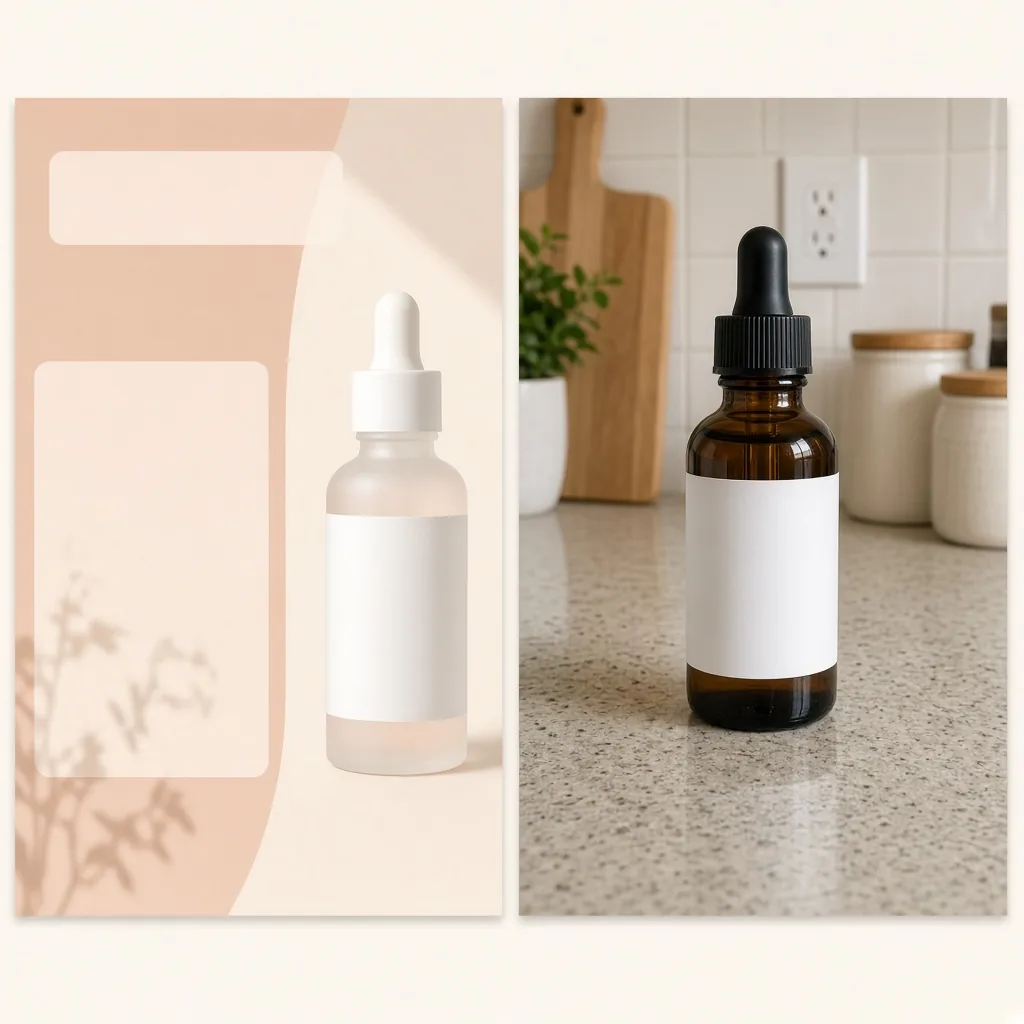
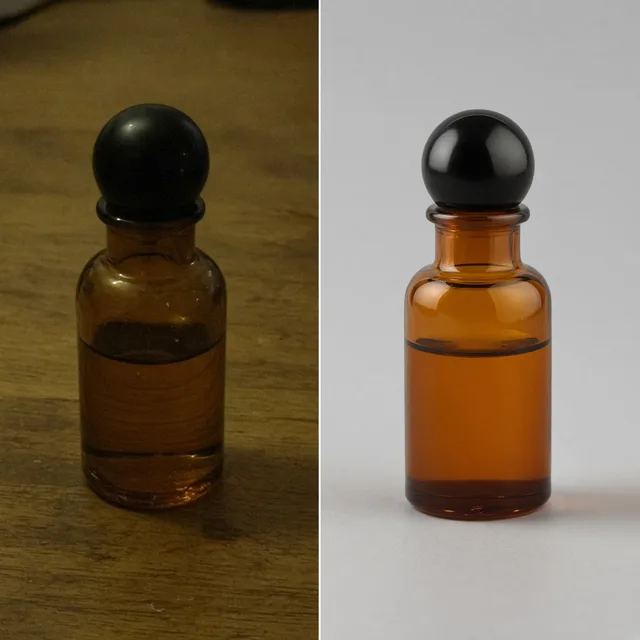
A reference ad with a split layout next to an unbranded serum bottle
Reference
A new ad with the serum bottle in the same split layout and fresh colors
Your ad

Reference ad + your product → new ad

Ad Tools

Clone the Ad, Then Keep Going

After the AI ad clone tool recreates a layout, resize it, change the words or make more variations with the tools below.

Listing Images
Listing ImagesA full listing image set at onceTry it →
Ad Creative
Ad CreativeScroll-stopping social ad visualsTry it →
AI Banner Generator
AI Banner GeneratorTurn a product photo into a store bannerTry it →
Detail Page Generator
Detail Page GeneratorBuild A+ detail modules from one photoTry it →

What it is

What Is an AI Ad Clone Tool?

An AI ad clone tool turns a reference ad you like into a new ad for your product.

How it works

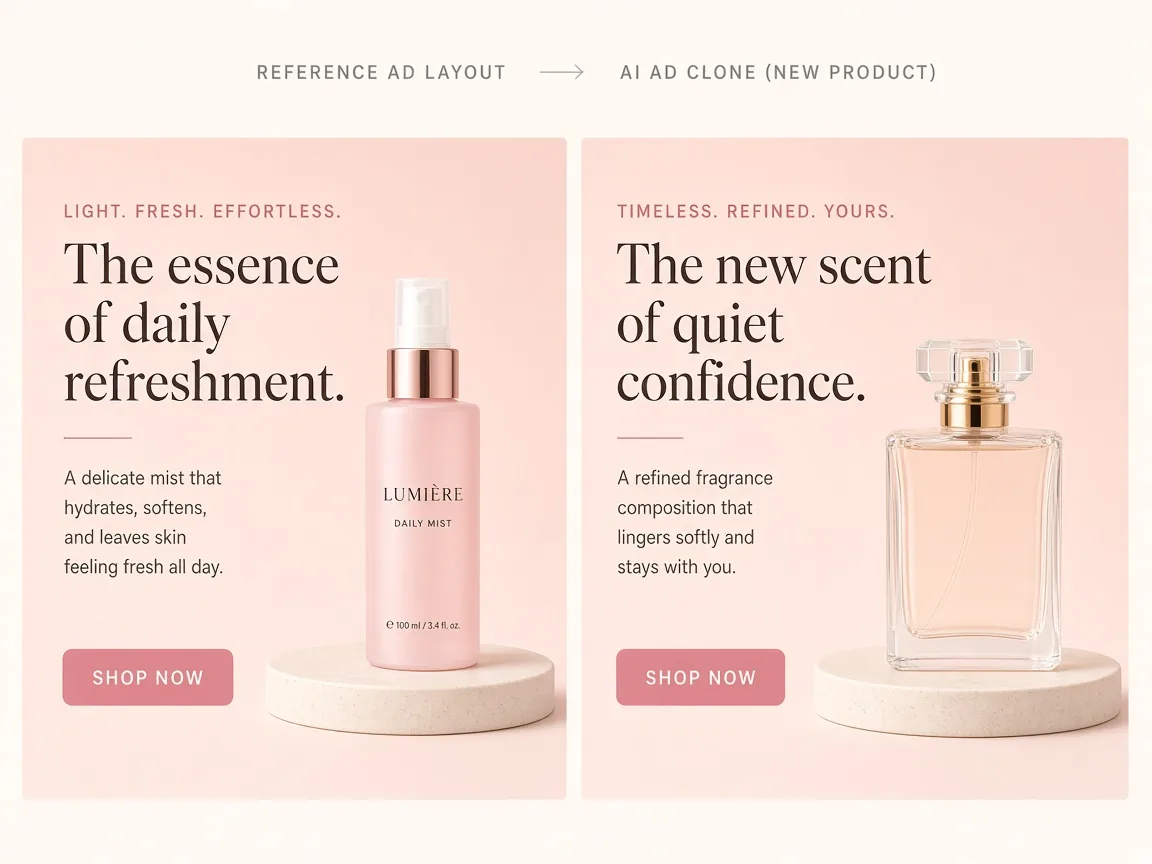
You upload two images: your product photo and a reference ad. Then you choose what to borrow: the whole layout and style, the layout only, or only the mood and lighting.

The AI ad clone recreates the idea with your product as the hero, so you can test a proven layout without briefing a designer for every version.

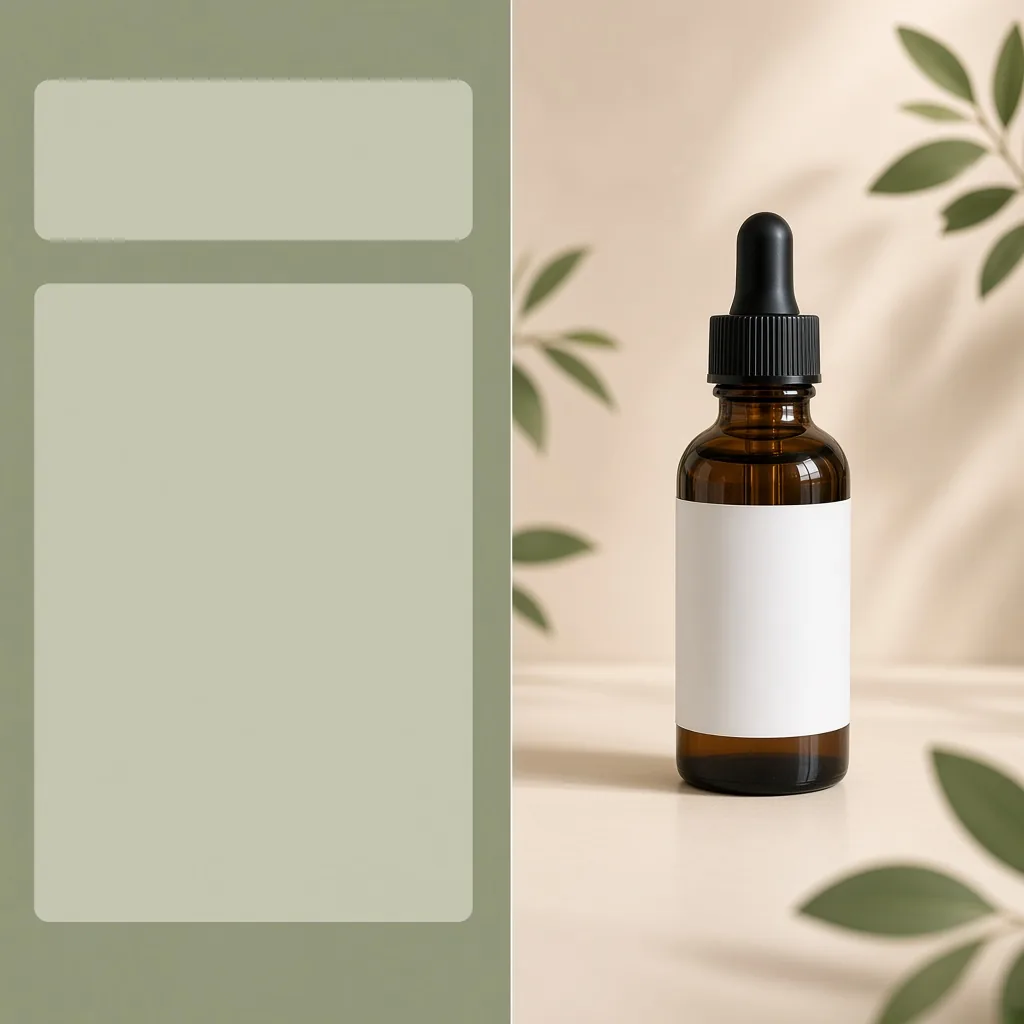
A reference ad layout next to a new ad with an unbranded product in the same layout

Credits and how it runs

On ProductShot AI, each image uses 10 credits, and you can generate 1 to 4 images at a time. New accounts get one free generation.

You sign in to generate, and results are saved to your history, so you can change the options or notes and run the AI ad clone again without re-uploading either image. The credits for each run are shown under the Generate button.
How text works

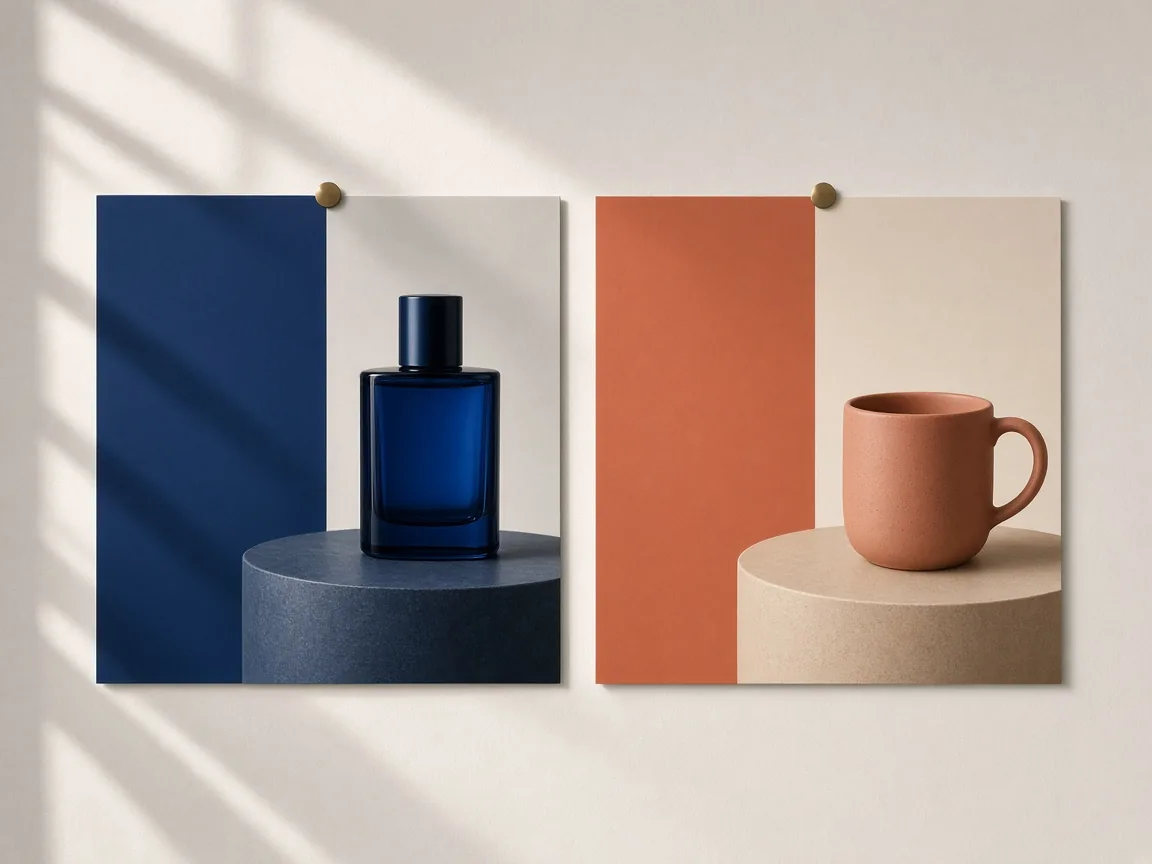
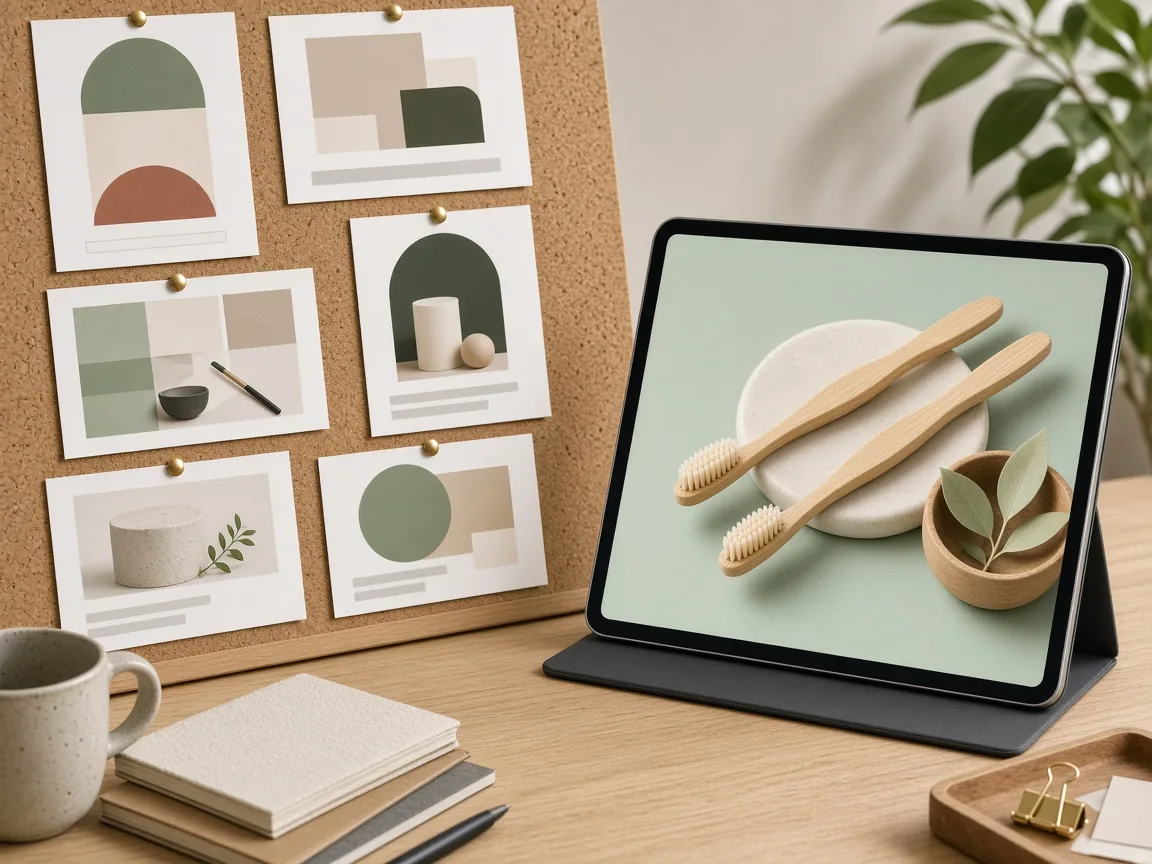
Text works in two modes. Leave text space keeps clean empty areas where the reference had words, so you add exact copy later in your ad manager or design tool. Use my copy renders only the short words you type in the notes, never the reference ad’s words.

AI text can contain mistakes, so check every letter, price and date before an ad goes live.

When it helps most

The AI ad clone tool fits a few common jobs: scaling a winning ad to new products, giving every color or flavor the same layout, turning a feed ad into a story or banner, and refreshing an ad for a season.

Choose the ad format before generating: feed post, vertical story or wide display banner, and pick a matching ratio such as 4:5, 9:16 or 16:9.

How it differs from other ad tools

It differs from the AI Product Ad Creative Generator, which invents new ad ideas from a product photo alone, and from the AI Banner Generator, which makes store banners. The ad clone tool starts from a reference you already like.

A common workflow: generate a few ad creatives, find the one that performs, then use the AI ad clone to roll that layout out across your catalog.

How to check a cloned ad

To check a cloned ad, look at four things in order. First the product: same shape, color, label and logo as your real item. Then the reference: no logo, name, slogan, face or artwork from it. Then the words: spelled exactly, and every offer true.

Finally the format: the ratio and safe margins fit the placement.

When not to use it

Some cases are not a good fit. Do not use ads that feature celebrities, real people or licensed characters as references for their likeness. Do not ask it to reproduce a trademarked layout or packaging.

For a large campaign with strict brand guidelines, use the AI ad clone to explore directions, then have the final version finished in your design tool.

Two-image input

Your product plus a reference ad.

Choose what to borrow

Layout, mood or both.

Three ad formats

Feed, story or display banner.

Your words only

Never the reference ad’s copy.

Compare versions

Generate 1 to 4 next to the reference.

Clear pricing

10 credits per image, shown under the Generate button.
Why ProductShot AI

Built to Reuse Ideas, Not Copy Brands

Every setting keeps your product as the hero and the reference as inspiration.

Product stays the hero

Shape, color, label and logo are kept.

Your colors

Borrow the layout and use your own palette.

Matched lighting

Light and shadows fit the new layout.

No brand copying

The brief forbids reference logos, slogans and people.

Common notes in one click

Brand colors, bigger product, button space and more.

Honest about limits

Check the product, the words and the reference.

Use Cases

Five Times Sellers Clone an Ad Layout

Each starts with an ad that already works and a product that needs one.

Two ads with the same layout showing different unbranded products

Scale a Winning Ad

Put a new product into the layout of your best-performing ad.

Mood board of ad layouts next to a new ad for an unbranded product

Learn From a Category

Borrow a layout idea from your category without copying any brand.

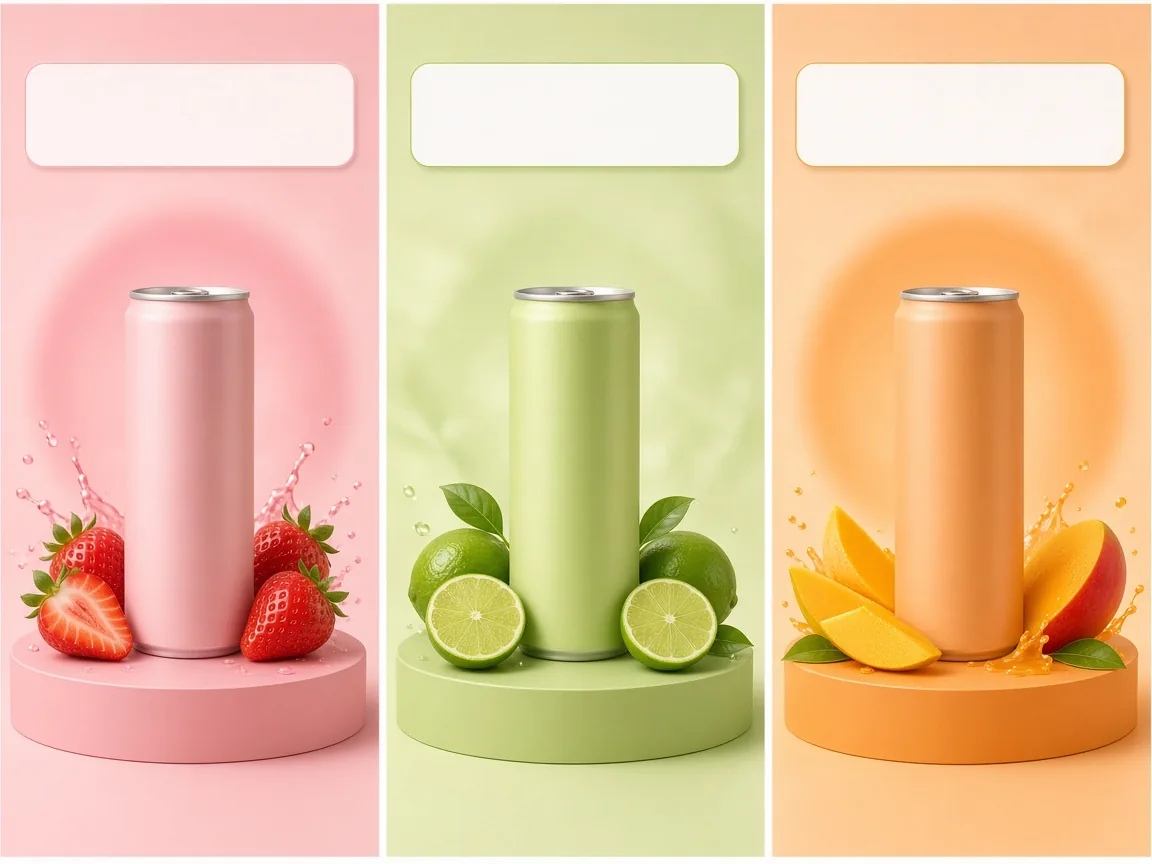
Three ads in one layout for an unbranded drink in three flavors

Product Variants

One layout for every color or flavor in a line.

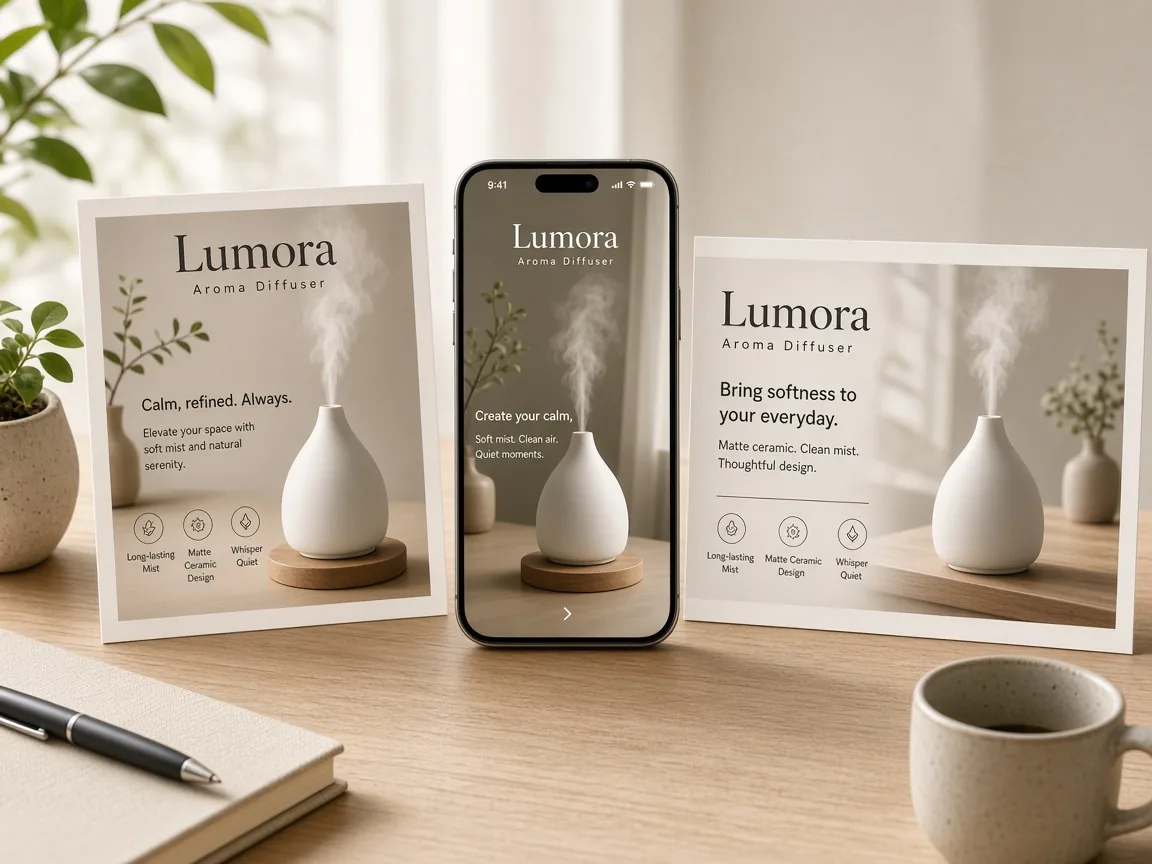
The same ad idea as a square post, a vertical story and a wide banner

New Ad Formats

Turn a feed ad idea into a story or a display banner.

An unbranded candle ad recreated with a cozy winter mood

Seasonal Refresh

Keep a layout that works and change the mood for a season.

By Channel

Where Cloned Ads Get Used

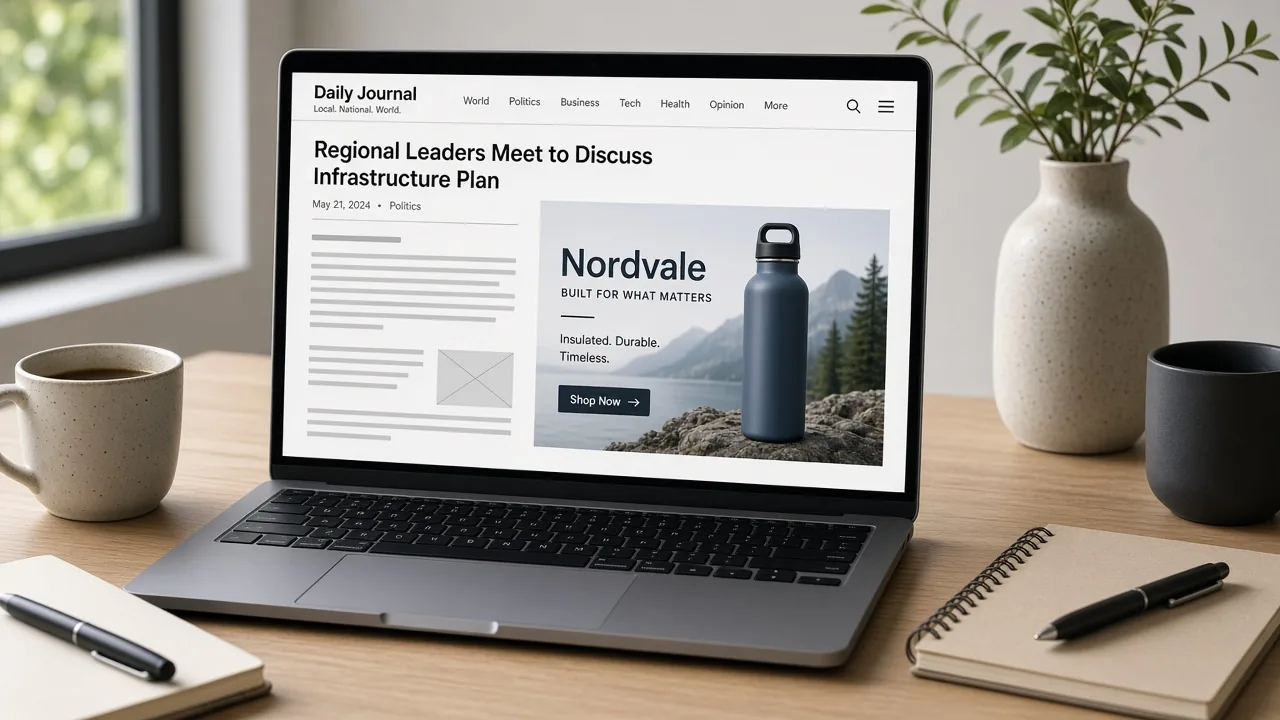
Social feeds, stories, display banners and marketplace ads all start from a proven layout.

How it works

Clone an Ad With AI in 4 Steps

Upload your product and a reference ad, then choose what to borrow.

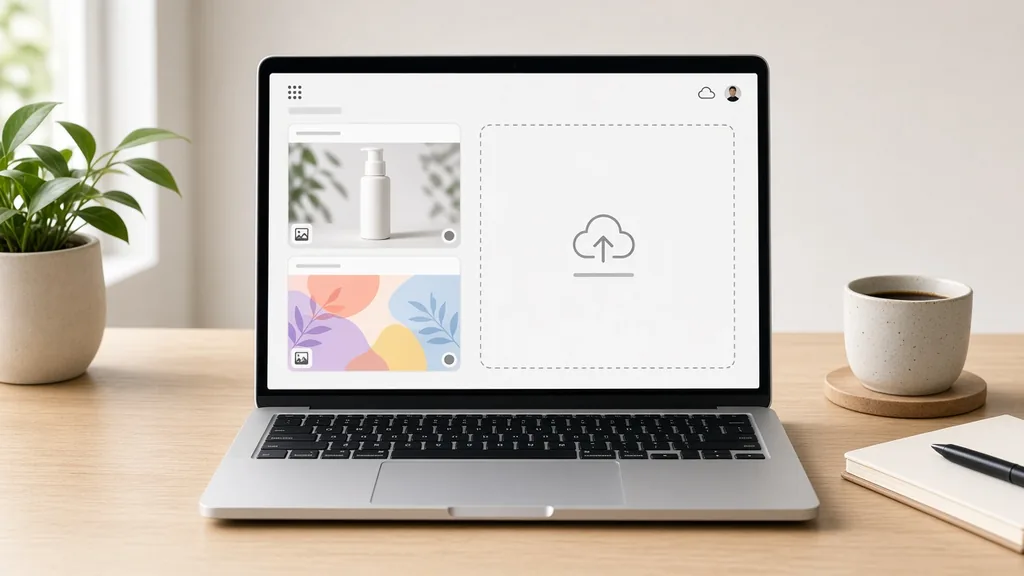
Laptop with a product photo and a reference ad open in an upload window
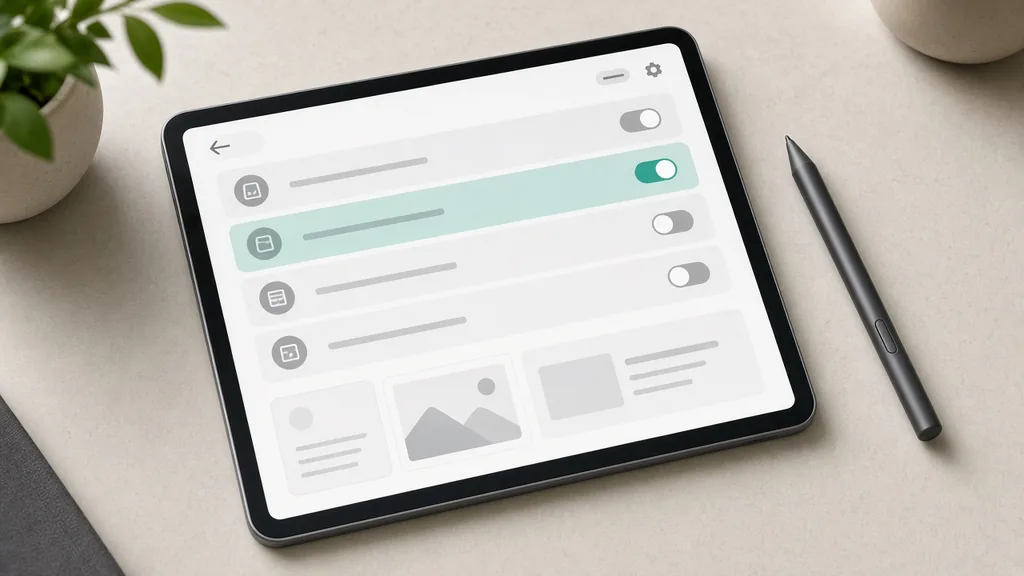
Tablet showing what-to-borrow, text and ad format options
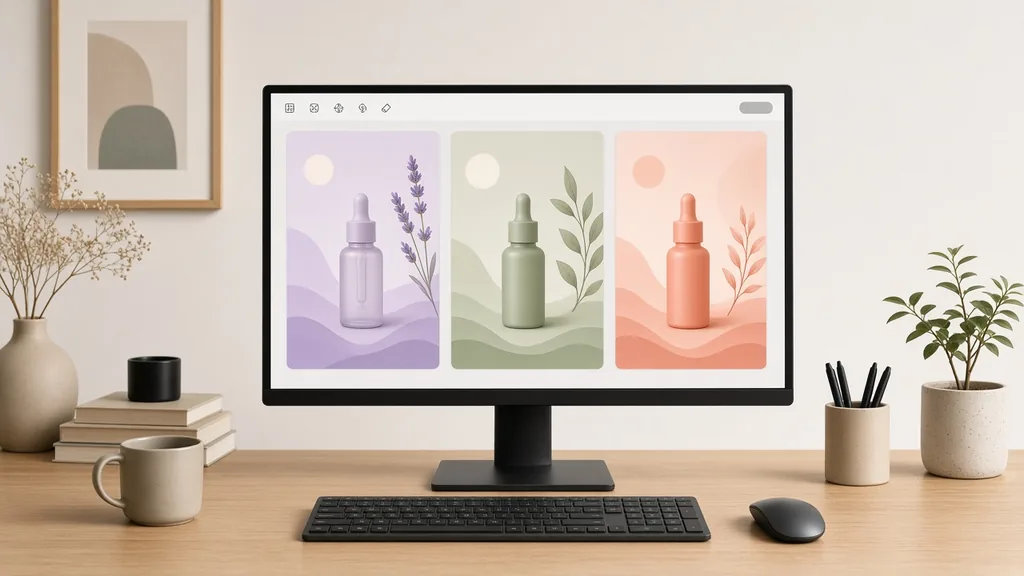
Monitor showing the reference ad next to two new ad versions
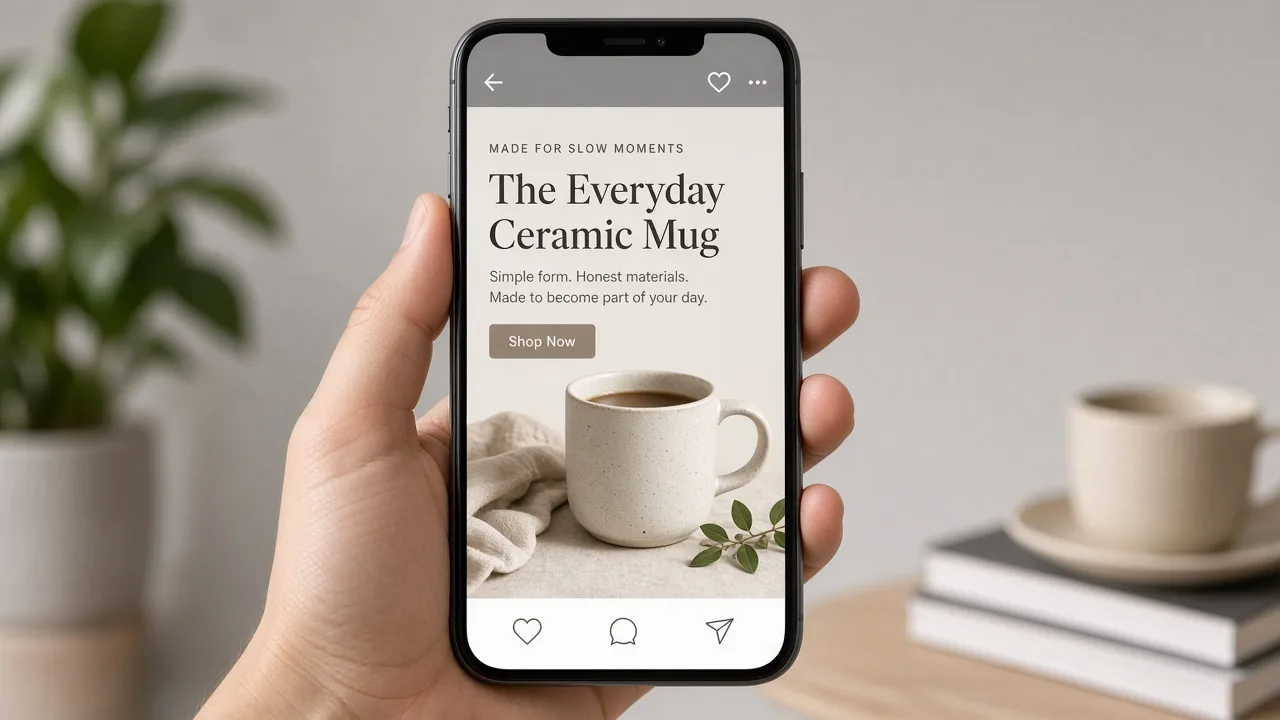
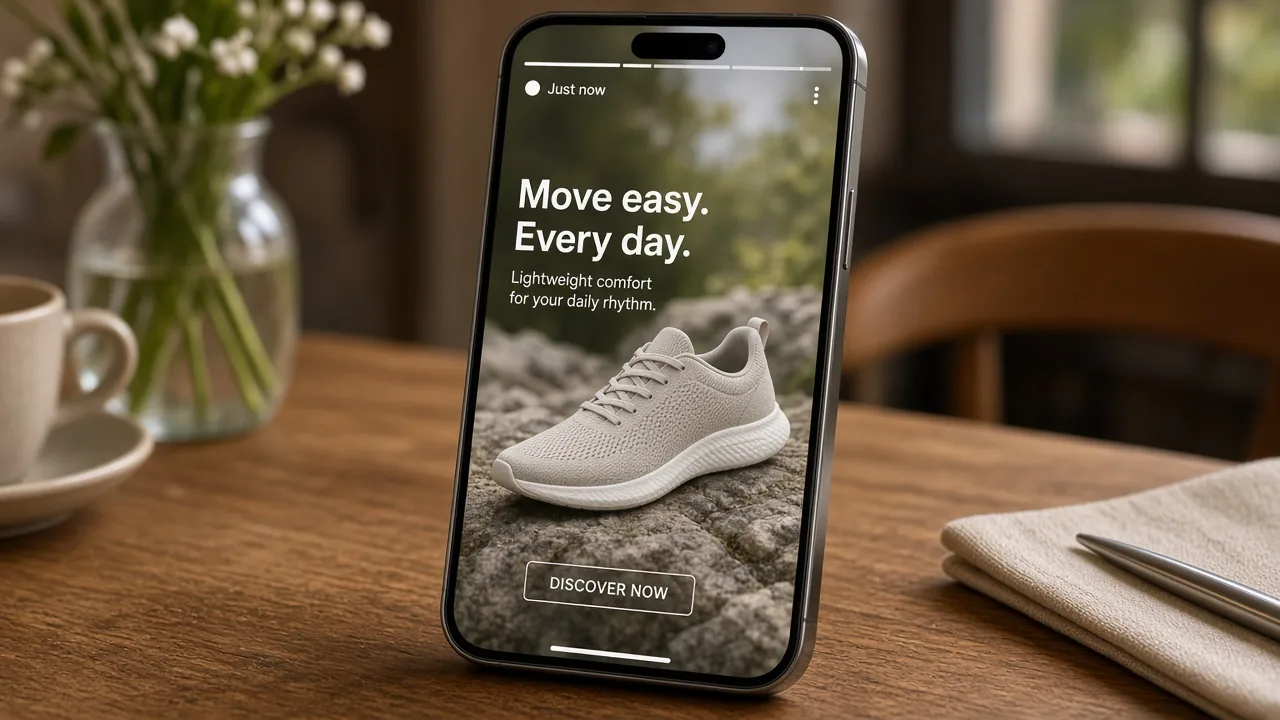
Phone showing the finished ad in a social feed
01

Upload Product and Reference

Upload your product photo, then the ad you want to follow. JPG, PNG or WEBP up to 16MB each, or start from one of the three examples.

02

Choose What to Borrow

Pick layout and style, layout only or mood only, then the text mode and the ad format.

03

Generate and Compare

Generate 1 to 4 versions at 10 credits each and compare them with the reference ad.

04

Check and Publish

Check the product, every word and that nothing from the reference brand was copied, then download.

Method comparison

AI Ad Clone vs Redesigning an Ad From Scratch

Three ways to turn a winning ad idea into your own ad.

Multiple

output styles

Reference-led

direction

Built-in

before-and-after review

Traditional Workflow

Redesign the Ad by Hand

Brief a designer or open design software, rebuild the layout and swap in your product.

Cost
Designer time per version×
Turnaround
Hours to days×
What You Need
Design skills and software×
Iteration
Every change is another round×
Output Range
One version at a time×
Product Accuracy
Exact to your files×
ProductShot AI

AI Ad Clone

Upload your product and a reference ad, choose what to borrow and generate.

Cost
10 credits per image; new accounts get one free generation✓
Turnaround
Results appear on the page when generation finishes✓
What You Need
A product photo and a reference ad✓
Iteration
Change the options or notes and generate again✓
Output Range
1 to 4 versions per run in feed, story or banner formats✓
Product Accuracy
Generated; check the product and every word✓

Tips

Three Ways to Get a Better Cloned Ad

Your two images and the notes decide most of the result.

Prepare the two images

  • Use a sharp product photo with the whole product in frame.
  • Pick a reference ad with a clear, simple layout.
  • Prefer your own past ads as references.
  • Crop the reference to the ad itself, without app screens.

Write the notes

Copy + colors + emphasis

Notes can cover these three things:

  • Headline “Fresh Start”.
  • Use teal and cream instead of the reference colors.
  • Make the product larger than in the reference.

Avoid these mistakes

  • Do not use ads with celebrities or licensed characters.
  • Do not copy another brand’s logo, slogan or packaging.
  • Do not publish without checking every word and offer.
  • Do not ignore each ad platform’s policies.

Further reading

Articles on ad creatives, listings and product photos.

AI Product Photography Generator Guide: 7 Best Tools for 2026Guide
Jun 23, 20268 min read

AI Product Photography Generator Guide: 7 Best Tools for 2026

Compare AI product photography generators for white background images, studio shots, lifestyle scenes, and ecommerce campaign visuals.

Read Article
How to Take Professional Product Shots Without a Studio (or a Degree in Photography)Workflow
Jun 17, 20268 min read

How to Take Professional Product Shots Without a Studio (or a Degree in Photography)

A practical workflow for taking sellable ecommerce product photos with a phone, simple setup, and AI-powered variations.

Read Article
It Took Me Two Years to Understand Product Photography LightingLighting
Jun 20, 20268 min read

It Took Me Two Years to Understand Product Photography Lighting

A practical guide to product photography lighting, soft light, fill light, backlight, reflection control, and difficult materials.

Read Article
Best AI Lifestyle Photo Generators for Product and Model Shots (2026)Workflow
Jun 23, 20268 min read

Best AI Lifestyle Photo Generators for Product and Model Shots (2026)

Compare AI lifestyle photo generators for realistic ecommerce scenes, product preservation, catalog consistency, and campaign workflows.

Read Article
I Spent $20,000 on Product Photography — Then AI Changed EverythingCase Study
Jun 16, 20268 min read

I Spent $20,000 on Product Photography — Then AI Changed Everything

A seller shares what traditional product photography costs, why product fidelity matters, and how AI changed the workflow.

Read Article
The Real Problem With White Background Product Photos (And How I Solved It)White Background
Jun 18, 20268 min read

The Real Problem With White Background Product Photos (And How I Solved It)

Learn why white background product photos are harder than they look, how platform rules differ, and how to preserve details.

Read Article
Reviews

How Sellers Use the AI Ad Clone Tool

Feedback from some of our users. Thumbnails show products from their categories.

Serum ad in a split layout
Ms. Wang

“Our best serum ad now has versions for three new products. Same layout, our own colors.”

Skincare brand
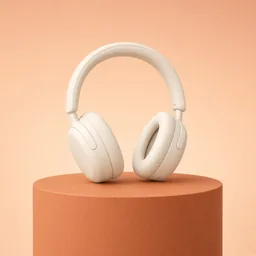
Headphones on a podium
Mr. Li

“I keep the podium layout and just swap the product. I check the logo on every version.”

Audio store
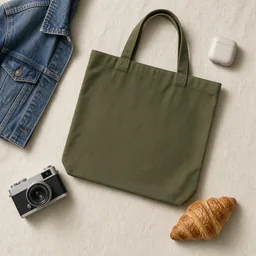
Tote bag flat lay
Ms. Zhang

“Flat-lay ads for our totes in ten minutes. I write the headline myself in the ad manager.”

Bag shop
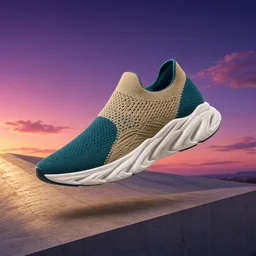
Sneaker story ad
Mr. Chen

“Feed ads turned into stories without redesigning. One headline came out misspelled, so I regenerated.”

Sneaker reseller
Candle in a winter ad
Ms. Liu

“I reuse my autumn ad layout for winter with a new mood.”

Candle maker
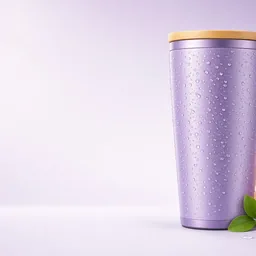
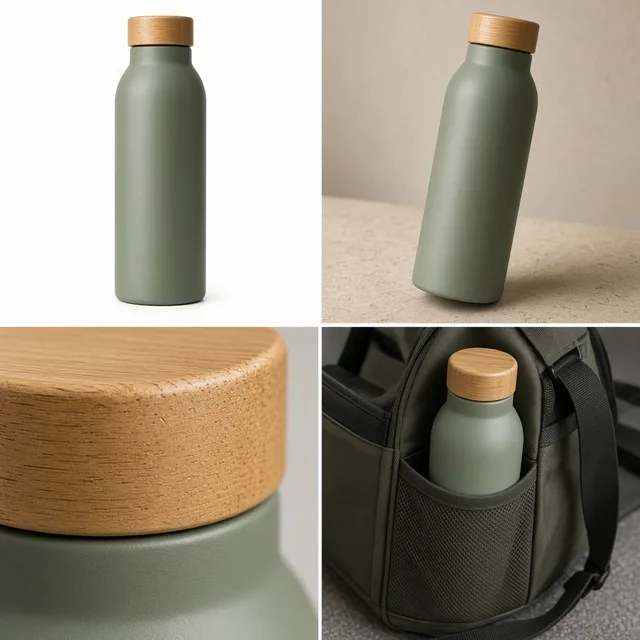
Bottle display banner
Ms. Zhou

“Every bottle color gets the same banner layout now.”

Drinkware seller

FAQ

AI Ad Clone FAQ

Credits, references, text and brand safety.

Each image uses 10 credits, and you can generate 1 to 4 images at a time. New accounts get one free generation.

Two images: your product photo and the reference ad whose layout or mood you want to follow.

Only for general layout and mood. Never copy another brand’s logo, slogan, people, artwork or packaging, and follow ad platform policies. Your own past ads are the safest references.

No. It either leaves the text areas empty or writes only the exact copy you type in the notes.

It is asked to stay identical, but the whole image is regenerated, so small labels and logos can shift. Compare with your photo.

Feed posts, vertical stories and wide display banners. Pick a matching ratio such as 4:5, 9:16 or 16:9.

Layout is where things sit; mood is the light, colors and background feel. You can borrow either one or both.

The ad creative generator invents ideas from your product alone; the AI ad clone follows a reference ad you choose.

Yes. Use the AI Image Text Editor, or add the copy in your ad manager.

In your history. Change the options or notes and generate again without re-uploading.

Ready to Clone Your Best Ad?

Upload your product and a reference ad to start. 10 credits per image, and new accounts get one free generation. Borrow the idea, keep your brand, and check every result.

Start Free →