30:00:00
50% OFFLimited Time Deal: Today only 50% OFF — miss it once, wait six monthsGet 50% Off

AI Glasses Try-On

Upload one front-facing glasses photo, pick a face and get on-face images. Check the frame shape, lens tint and temples before you publish; this is a visual preview, not a fit check.

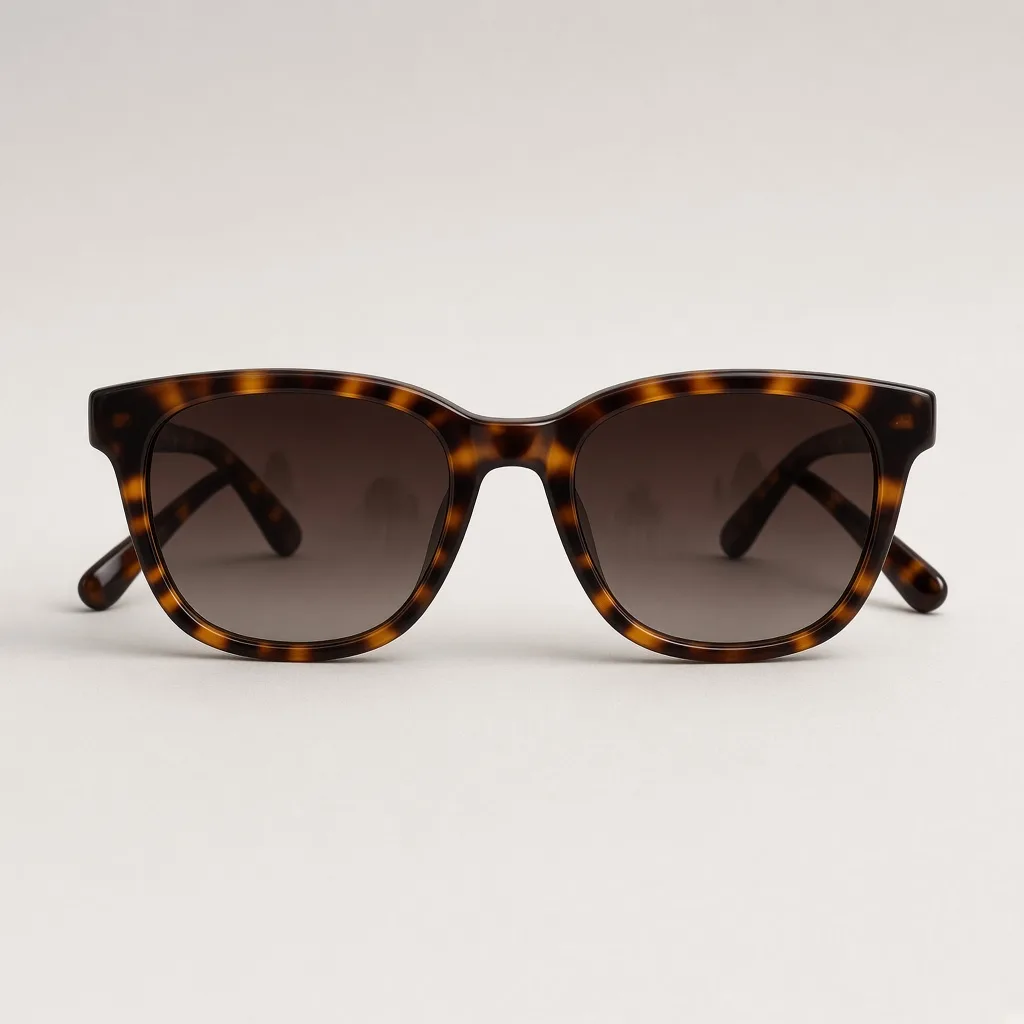
Unbranded tortoiseshell acetate sunglasses with brown gradient lenses on a light background
Glasses
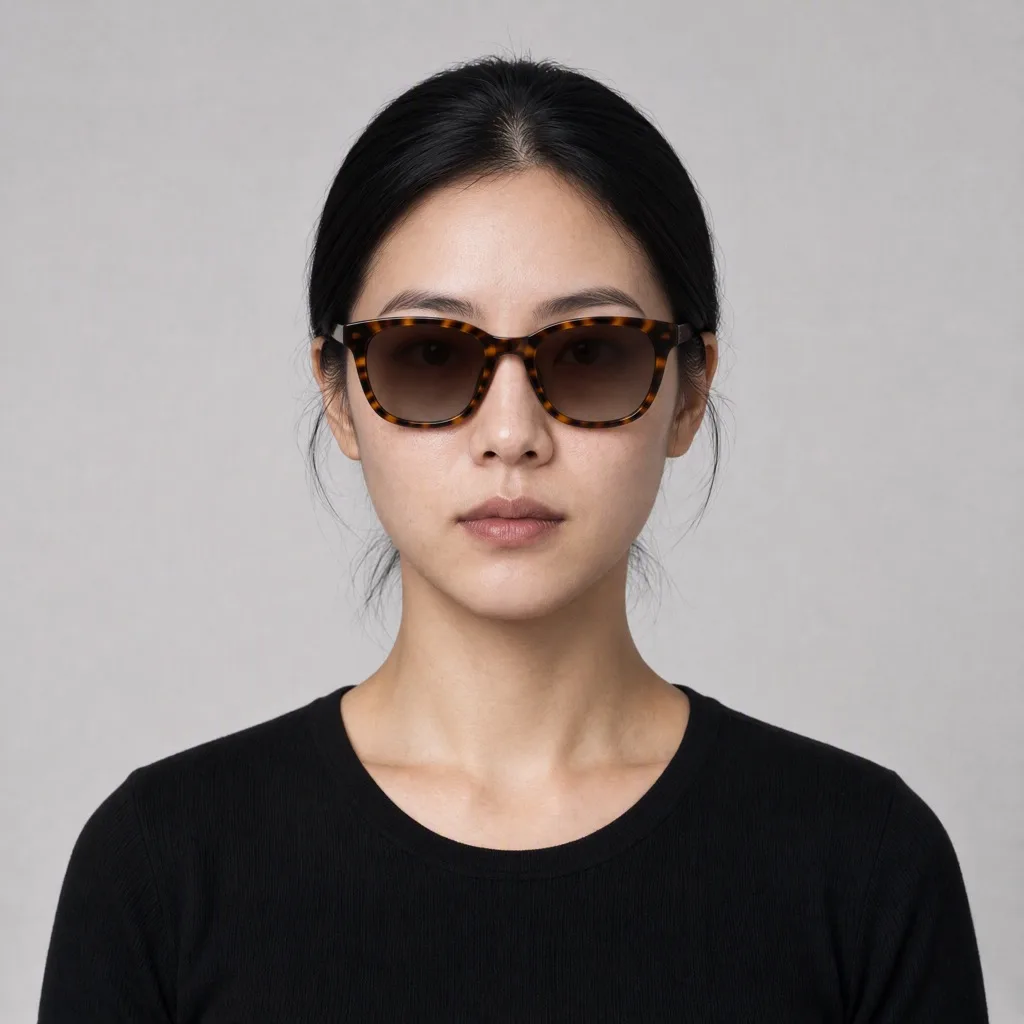
Front-facing model wearing the same tortoiseshell sunglasses
Try-on

Tortoiseshell sunglasses on a model, brown gradient lenses kept

Eyewear Images

Make the Try-On Image, Then Keep Building

After the try-on image, use the tools below to change the scene, add frame colorways or prepare the files for your store.

Watch Try-On
Watch Try-OnPut a watch on a model wristTry it →
Ring Try-On
Ring Try-OnPut a ring on a model handTry it →
Product In Hand
Product In HandNatural hand-held product shotsTry it →
Virtual Try-On
Virtual Try-OnPreview garments on a personTry it →

What it is

What Is an AI Glasses Try-On?

An AI glasses try-on uses an image model to put the frame from a product photo onto a face, creating an on-face image that looks like a real photo.

How it works

You upload one front-facing photo of the glasses and pick a preset face or upload a front-facing portrait.

The model rests the bridge on the nose, centers the lenses on the eyes and runs the temples back to the ears, adds natural contact shadows and lens reflections, and keeps the frame shape, thickness, color, pattern and lens tint as close to your photo as it can.

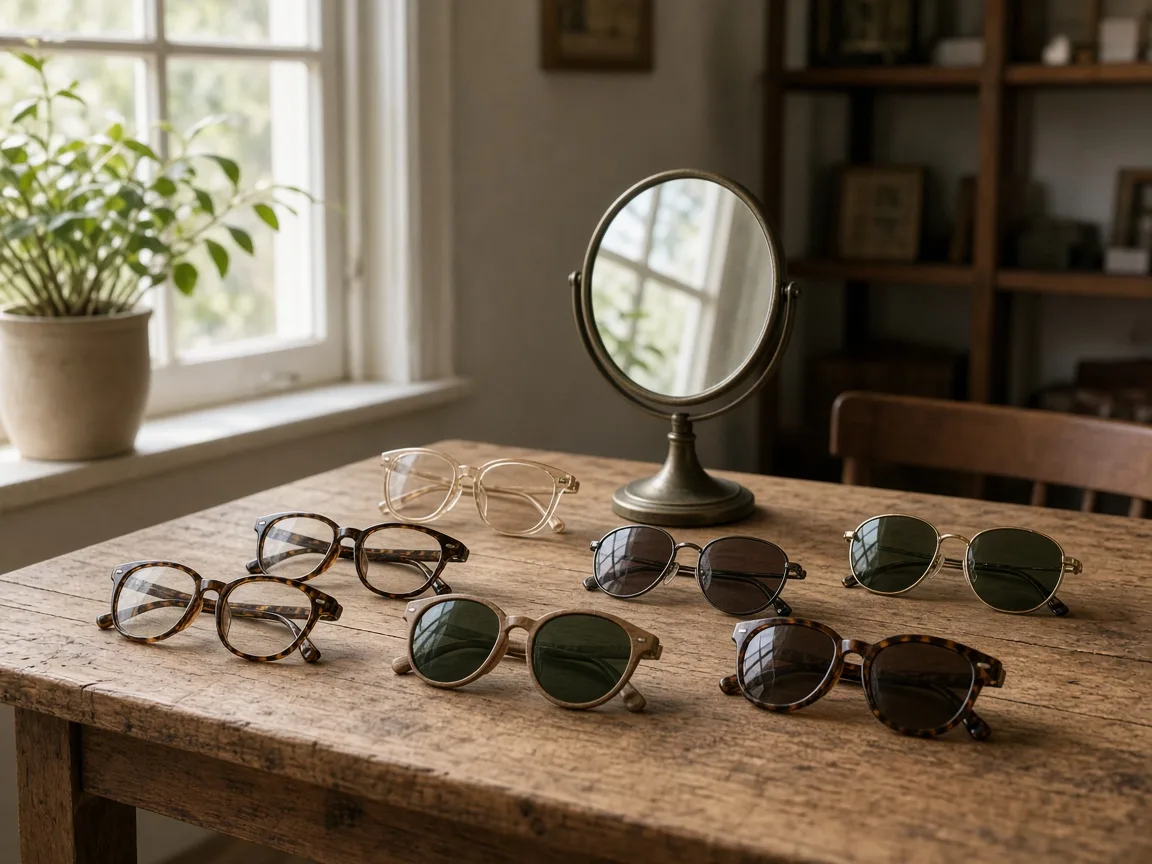
Wooden eyewear display table with several unbranded frames and a small mirror

Credits and how it runs

On ProductShot AI, each image uses 10 credits, and you can generate 1 to 4 images at a time. New accounts get one free generation. Each run takes one glasses photo, and you sign in to generate.

Results are saved to your history, so you can come back later to download them or try the same frame on another face.

When it helps most, and portrait rules

It works best when you have many frames and few on-face photos.

Eyewear stores often carry dozens or hundreds of frames, and booking a model for each one is expensive, so usually only the bestsellers get on-face images while the rest show a packshot that makes size and style hard to judge.

With the AI glasses try-on you can give every frame an on-face image for the product page and listings, and show the same frame on different ages, genders and skin tones.

Once you know which frames lead the collection, spend the shoot budget on those. When you upload a portrait, use only your own photo or one you have permission to use, never a public figure.

The preset faces are fictional people made for product images. Front-facing, evenly lit portraits with eyes and ears visible give the steadiest results.

Before a result goes live, check four things in order: the frame outline and rim thickness, the lens tint or clarity, the bridge and both temples, and the face itself.

If any of them is off, keep the glasses photo loaded, pick another face or add a short note, and generate again. Testing two or three frames first keeps a whole collection consistent.

Nine preset faces

Fictional models of different ages, genders and skin tones.

Or upload a portrait

Use a front-facing portrait you have permission to use.

Frame kept as shot

Shape, thickness, color, pattern and lens tint are asked to stay.

Natural on-face details

Bridge, temples, contact shadows and reflections are handled together.

Compare versions

Generate 1 to 4 versions next to the frame photo and keep the best.

Clear pricing

10 credits per image, shown under the Generate button.

Why ProductShot AI

Built for Eyewear Listings, Not Face Swaps

Every setting is designed around one question: can this on-face image go straight into your store?

Frame lock

The prompt keeps frame shape, thickness, material and hinges, with no redesign and no added marks.

Lens tint kept

Tinted lenses keep their color and gradient; clear lenses stay clear so the eyes are visible.

Follows the portrait light

Contact shadows and lens reflections follow the light of the face, so nothing looks pasted on.

Portraits used for your run

Uploaded portraits are used to generate your result; upload only photos you may use.

Common notes in one click

Pick notes for lens tint, framing or background, or optimize your own text.

Honest about limits

A visual preview, not a fit, size or prescription check; the result area reminds you to check.

Use Cases

Five Kinds of Eyewear Sellers Put on Faces

Each starts from one front-facing frame photo and ends with the same frame worn by a model, ready to check.

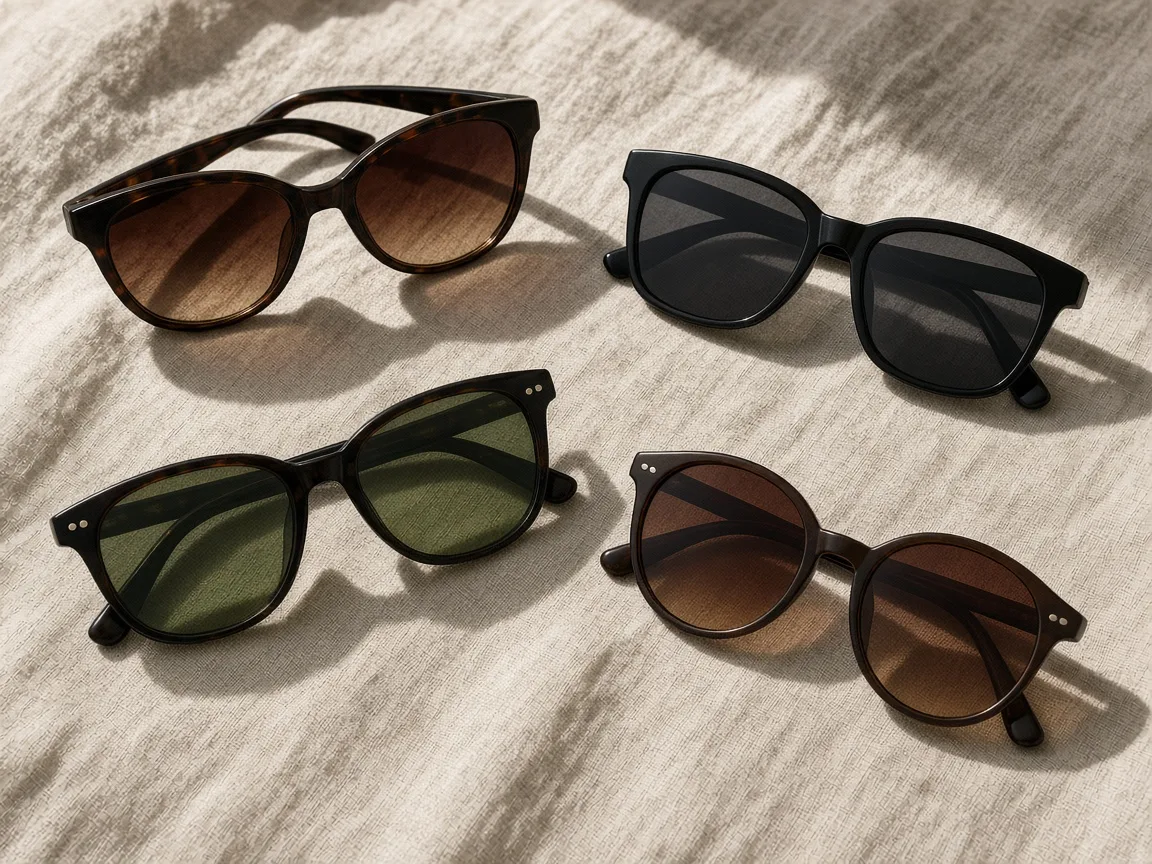
Several pairs of unbranded sunglasses with tinted lenses laid on a linen cloth in sunlight

Sunglasses With Tinted Lenses

Show gradient, mirrored or polarized-style sunglasses on a face so shoppers can see the lens color against skin. The tint is asked to stay as photographed; compare it with the packshot before you publish.

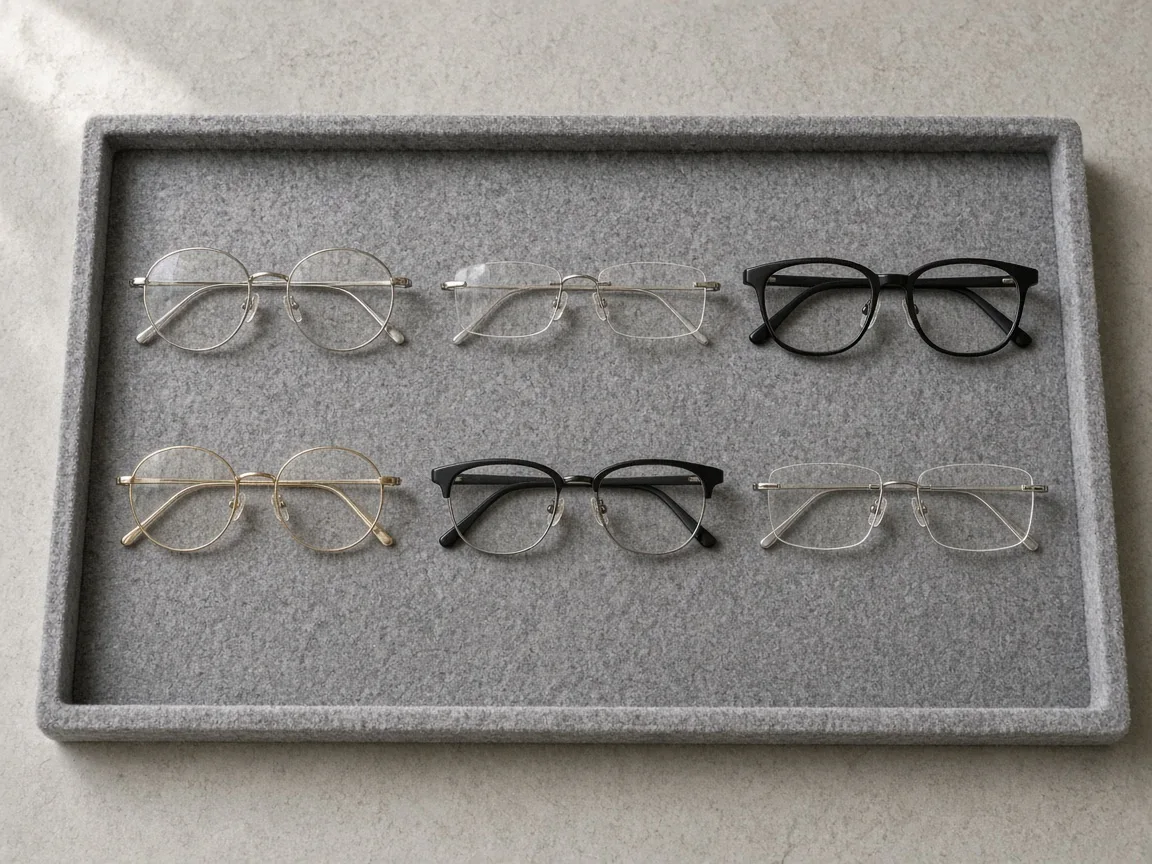
Unbranded optical frames arranged on an optician style display tray

Optical Frames

Thin metal, rimless and acetate optical frames are hard to read on a white background. Put them on a face to show size and style, and check that thin rims were not thickened.

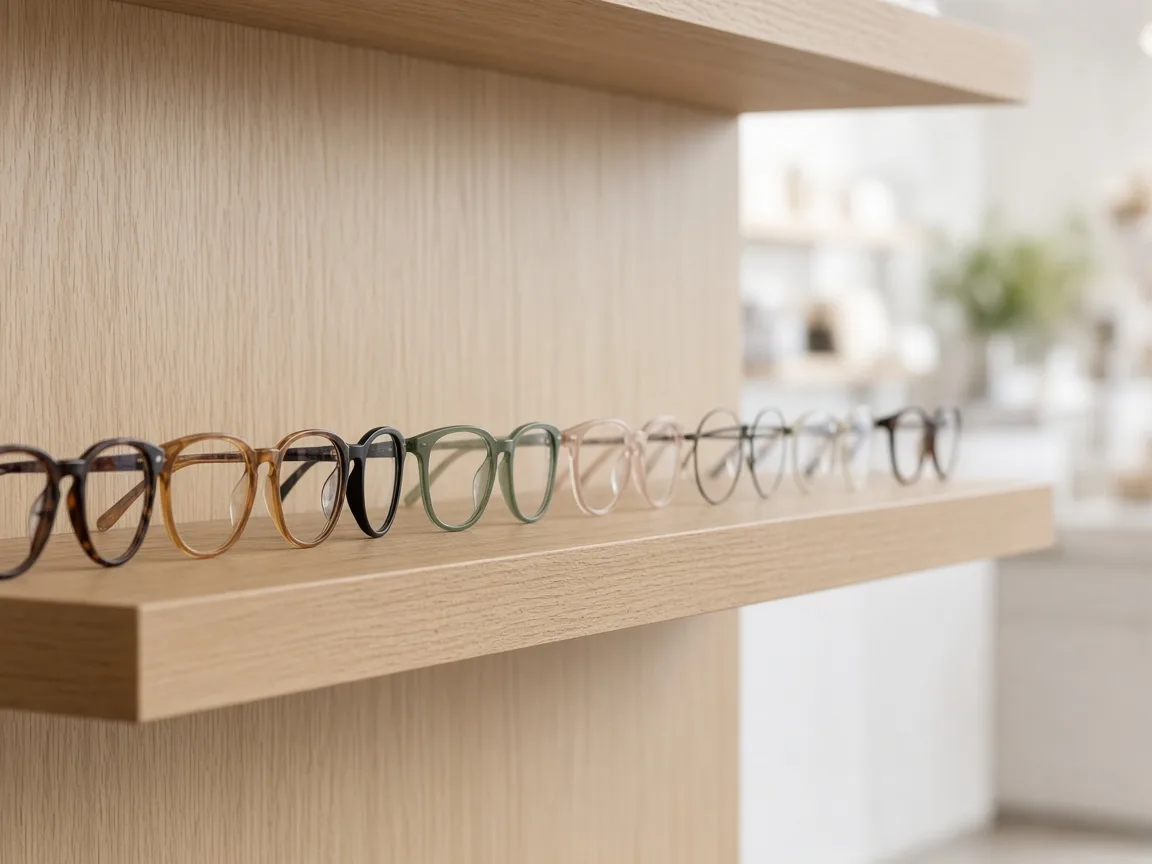
Row of unbranded eyeglasses on a wooden shelf in a bright shop

One Frame, Many Faces

Show the same frame on different ages, genders and skin tones with the nine preset faces, so more shoppers can picture themselves wearing it.

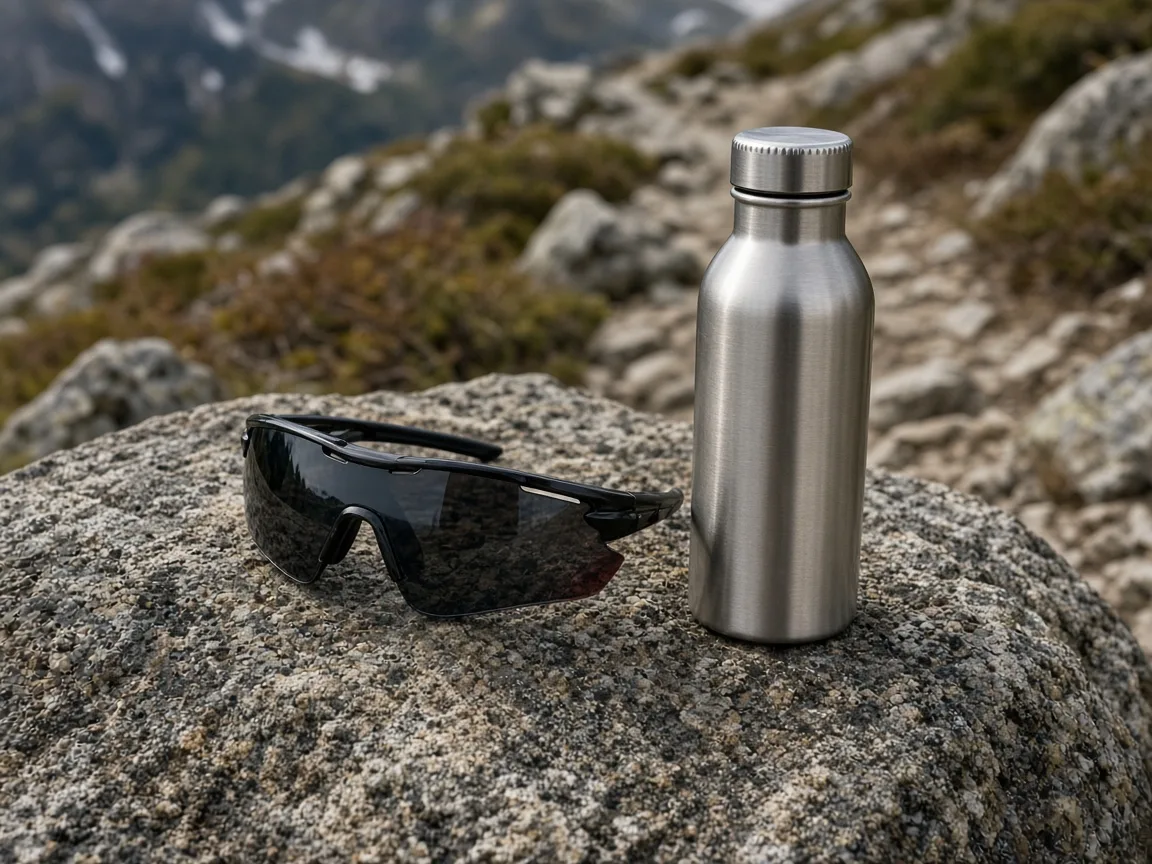
Unbranded wraparound sports sunglasses on a rock next to a water bottle

Sports and Outdoor Eyewear

Wraparound and sports frames sit differently on the face. Generate a few versions and keep the one where the temples and lens curve look natural.

Unbranded clear reading glasses resting on an open book beside a laptop

Blue-Light and Reading Glasses

Everyday glasses sell better when shoppers see them worn. Clear lenses should stay clear so the eyes remain visible; check that no tint or glare was added.

By Channel

Where Glasses Try-On Images Get Used

On-face images help shoppers judge size and style at a glance. These are the most common places sellers use them.

How it works

Create a Glasses Try-On Image in 4 Steps

Upload the frame, pick a face, generate and check. Everything happens on this page.

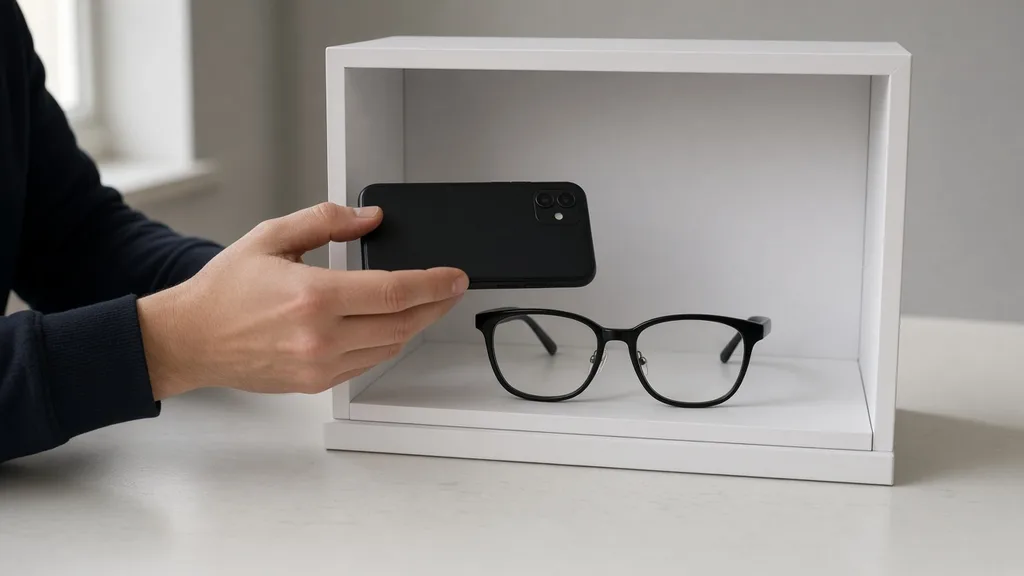
Photographing a pair of black glasses front-on in a small light box
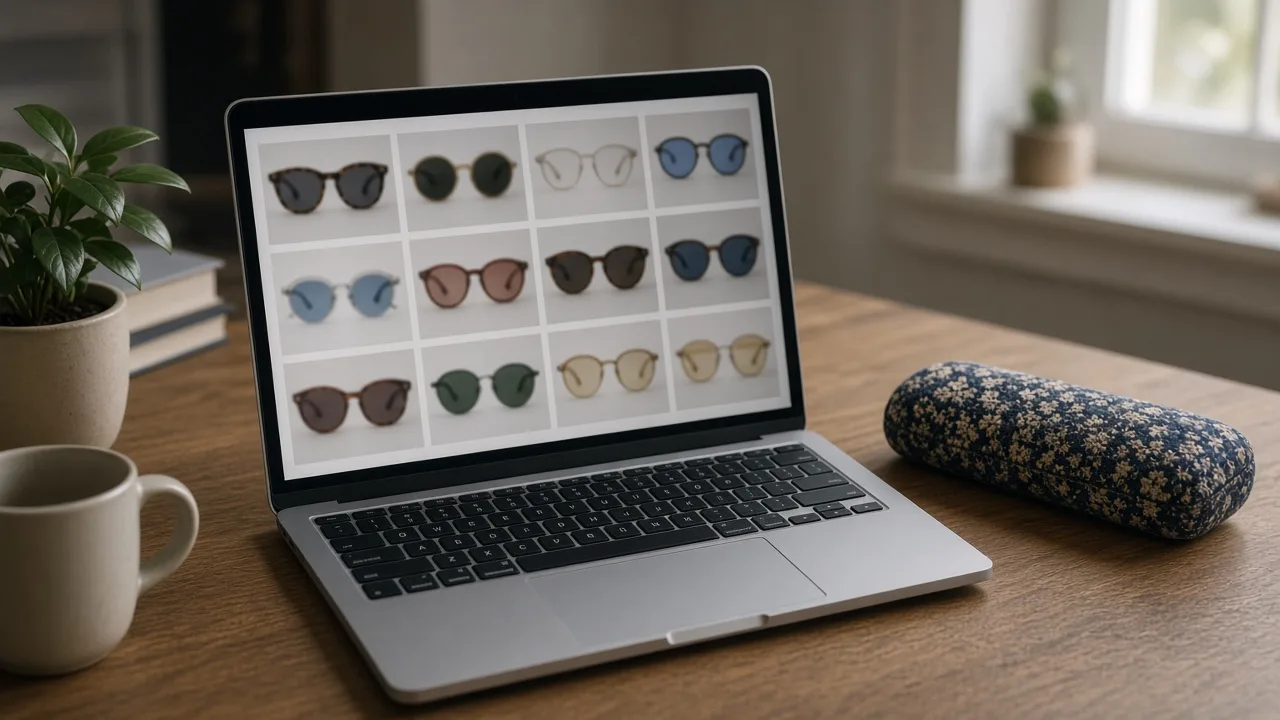
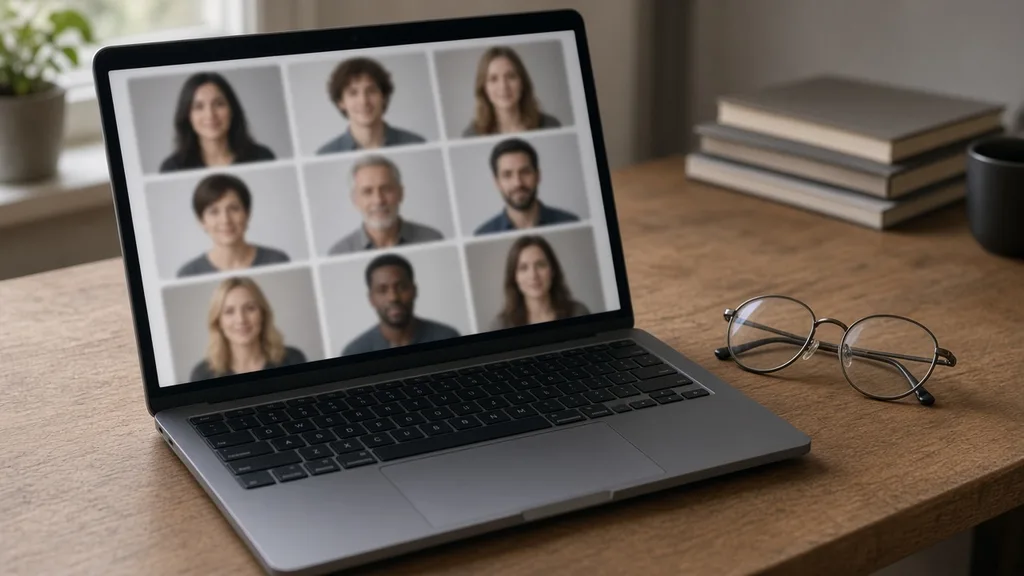
Laptop showing a grid of nine preset model faces next to a pair of glasses
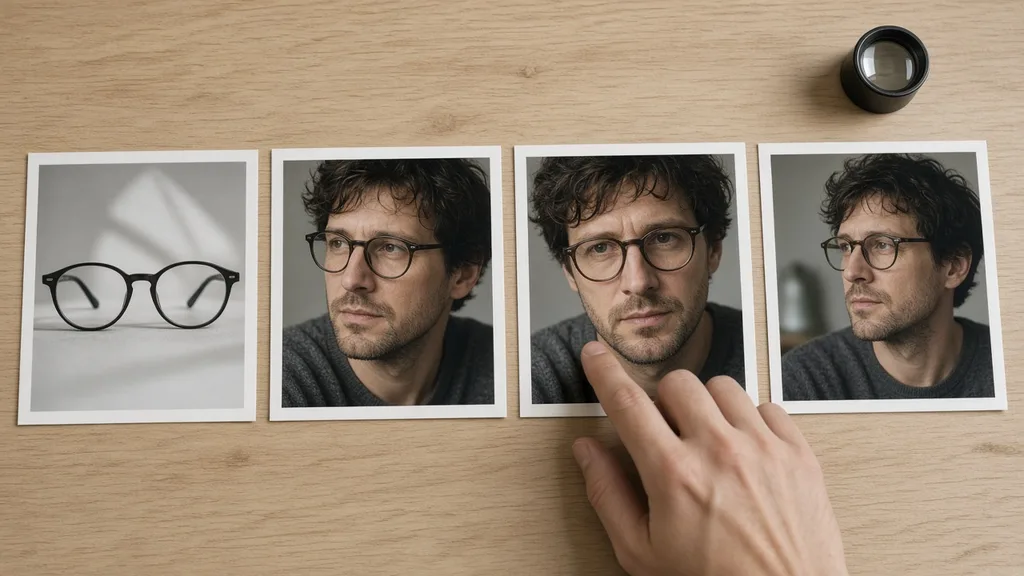
Prints of a glasses packshot and three on-face versions laid side by side for checking
Tablet showing an eyewear product page with the on-face image next to a glasses case
01

Upload the Glasses

Upload one front-facing photo of the frame, JPG, PNG or WEBP up to 16MB. Show the whole frame with both temples, or start from one of the three examples.

02

Pick a Face

Choose one of nine preset faces, or upload a front-facing portrait you have permission to use. Add optional notes about lens tint or framing.

03

Generate and Compare

Generate 1 to 4 versions at 10 credits each. The result area shows the frame photo next to every version.

04

Check, Then Download

Check the frame shape, lens tint, bridge and temples. Swap the face or regenerate without re-uploading the glasses, then download.

Method comparison

AI Glasses Try-On vs Model Shoots and AR Apps

Three ways to show eyewear on a face, side by side. Use AI images for listings and tests, and real fittings for fit and prescription.

Multiple

output styles

Reference-led

direction

Built-in

before-and-after review

Traditional Workflow

Model Shoot

Book a model and studio, ship samples and shoot every frame.

Cost
Model, studio and retouching per frame×
Turnaround
Depends on samples and booking×
What You Need
Samples, a model and a studio×
Another Face
Another model booking×
Faces
The models you booked×
Accuracy
The real frame on a real face×
ProductShot AI

AI Glasses Try-On

Upload one frame photo, pick a face and get on-face images to check.

Cost
10 credits per image; new accounts get one free generation✓
Turnaround
Results appear on the page when generation finishes✓
What You Need
One front-facing frame photo✓
Another Face
Pick another face and generate again without re-uploading✓
Faces
Nine preset faces or a portrait you upload✓
Accuracy
AI redraw: check frame shape, tint and temples; not a fit check✓

Tips

Three Ways to Get More Accurate Try-On Images

The frame photo and the portrait decide most of the result.

Prepare the photos

  • Shoot the glasses front-on, with the whole frame and both temples visible.
  • Use a clean background and even light so glare does not wash out the lens color.
  • Pick a front-facing, level portrait with eyes and ears not hidden by hair.
  • Upload the original export, not a screenshot or re-compressed copy.

Write notes

Details to keep + the shot you want

Notes are optional. For unusual frames, cover these two points:

  • Keep the thin metal rims; do not thicken them.
  • Keep the brown gradient lens tint.
  • Head and shoulders, light grey background.

Avoid these mistakes

  • Do not present the image as a fit or size promise; list the frame measurements.
  • Do not skip checking frame shape, lens tint, bridge and temples.
  • Do not upload photos of other people or public figures, or frames with other brands’ marks.
  • One pair of glasses per run; generate each frame separately.

Further reading

Articles on listing images, lighting and model photos.

Product Image Clarity for Listings: Fix Soft Supplier and Marketplace PhotosWorkflow
Jul 15, 202610 min read

Product Image Clarity for Listings: Fix Soft Supplier and Marketplace Photos

How ecommerce teams prep soft supplier packs and re-exported marketplace images with free browser clarity enhancement before Amazon and Shopify uploads.

Read Article
It Took Me Two Years to Understand Product Photography LightingLighting
Jun 20, 20268 min read

It Took Me Two Years to Understand Product Photography Lighting

A practical guide to product photography lighting, soft light, fill light, backlight, reflection control, and difficult materials.

Read Article
How to Take Professional Product Shots Without a Studio (or a Degree in Photography)Workflow
Jun 17, 20268 min read

How to Take Professional Product Shots Without a Studio (or a Degree in Photography)

A practical workflow for taking sellable ecommerce product photos with a phone, simple setup, and AI-powered variations.

Read Article
Best AI Lifestyle Photo Generators for Product and Model Shots (2026)Workflow
Jun 23, 20268 min read

Best AI Lifestyle Photo Generators for Product and Model Shots (2026)

Compare AI lifestyle photo generators for realistic ecommerce scenes, product preservation, catalog consistency, and campaign workflows.

Read Article
AI Product Photography Generator Guide: 7 Best Tools for 2026Guide
Jun 23, 20268 min read

AI Product Photography Generator Guide: 7 Best Tools for 2026

Compare AI product photography generators for white background images, studio shots, lifestyle scenes, and ecommerce campaign visuals.

Read Article
The Real Problem With White Background Product Photos (And How I Solved It)White Background
Jun 18, 20268 min read

The Real Problem With White Background Product Photos (And How I Solved It)

Learn why white background product photos are harder than they look, how platform rules differ, and how to preserve details.

Read Article
Reviews

How Sellers Use the AI Glasses Try-On

Feedback from some of our users. Thumbnails show products from their categories.

Unbranded black acetate glasses on a light desk
Ms. Liu

“We carry sixty frames and only a dozen had on-face photos. Now every frame has one, and fewer shoppers ask about size.”

Online eyewear store owner
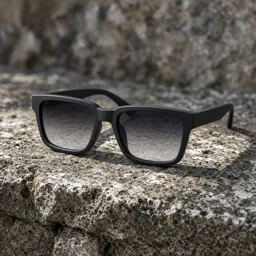
Unbranded gradient sunglasses on a stone ledge
Mr. Zheng

“Gradient tints usually hold up. Sometimes they come out darker, so I generate two and pick one.”

Sunglasses brand operator
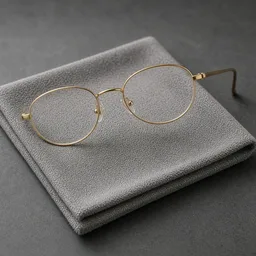
Unbranded thin gold glasses on a lens cloth
Ms. Sun

“For thin metal frames I add "do not thicken the rims" to the notes, and results are much steadier.”

Optical frames seller
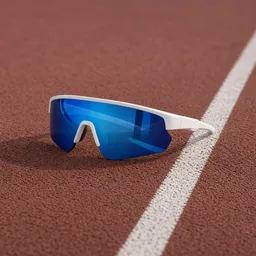
Unbranded sports glasses beside a running track
Mr. Ma

“Wraparound frames are harder. One or two of four versions usually look natural, which is enough.”

Sports eyewear seller
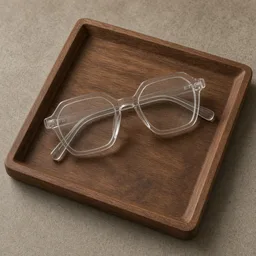
Unbranded clear acetate glasses on a wooden tray
Ms. He

“The same frame on models of different ages looks great as a set, and we note that the images are for reference.”

Independent designer brand
Unbranded reading glasses resting on a book
Mr. Gao

“Clear lenses stay clear and the eyes are easy to see. Shoppers say it is easier to choose than from packshots alone.”

Reading glasses seller

FAQ

AI Glasses Try-On FAQ

Common questions about credits, frame accuracy, faces and what a try-on image can and cannot show.

Each image uses 10 credits, and you can generate 1 to 4 images at a time. New accounts get one free generation. You need to sign in to generate.

No. It is a visual preview made by an image model. It cannot tell you whether the frame width suits a real face, and it says nothing about prescription, lens thickness or comfort. List the real frame measurements on your product page.
The prompt asks the model to keep the frame shape, thickness, color, pattern, hinges and lens tint as photographed, but the whole image is regenerated, so details can change. Compare every version with your frame photo before you publish.

A front-facing photo with the whole frame and both temples visible, on a clean background with even light. JPG, JPEG, PNG and WEBP up to 16MB are supported.

Yes. Switch to Upload a model and add a front-facing portrait. Use only your own photo or one you have permission to use, never a public figure. The portrait is only used for this generation.

The nine preset faces are fictional people of different ages, genders and skin tones, generated for product images. You can use them for your eyewear listings.

Tinted and gradient lenses are asked to keep the same tint, and clear lenses are asked to stay clear so the eyes are visible. A tint can still come out darker or lighter, so check it against the packshot.

Yes. After a result appears, choose another model, edit the notes or change the ratio and generate again. The glasses photo stays loaded.

Auto, 1:1, 3:4, 4:5, 9:16 and 16:9. Auto lets the model choose a natural framing; a fixed ratio extends the background without cropping the face.

Yes, you can use the images you generate for your listings and ads. Review each image first, and mention that the on-face image is for reference only.

Ready to Put Your Glasses on a Face?

Upload one glasses photo and pick a face. 10 credits per image, and new accounts get one free generation. The image is a visual preview, not a fit, size or prescription check, so review it before you publish.

Start Glasses Try-On →