







30:00
BF 50% OFFClaim

AI Shadow Remover to Clean Up Harsh Shadows in Seconds

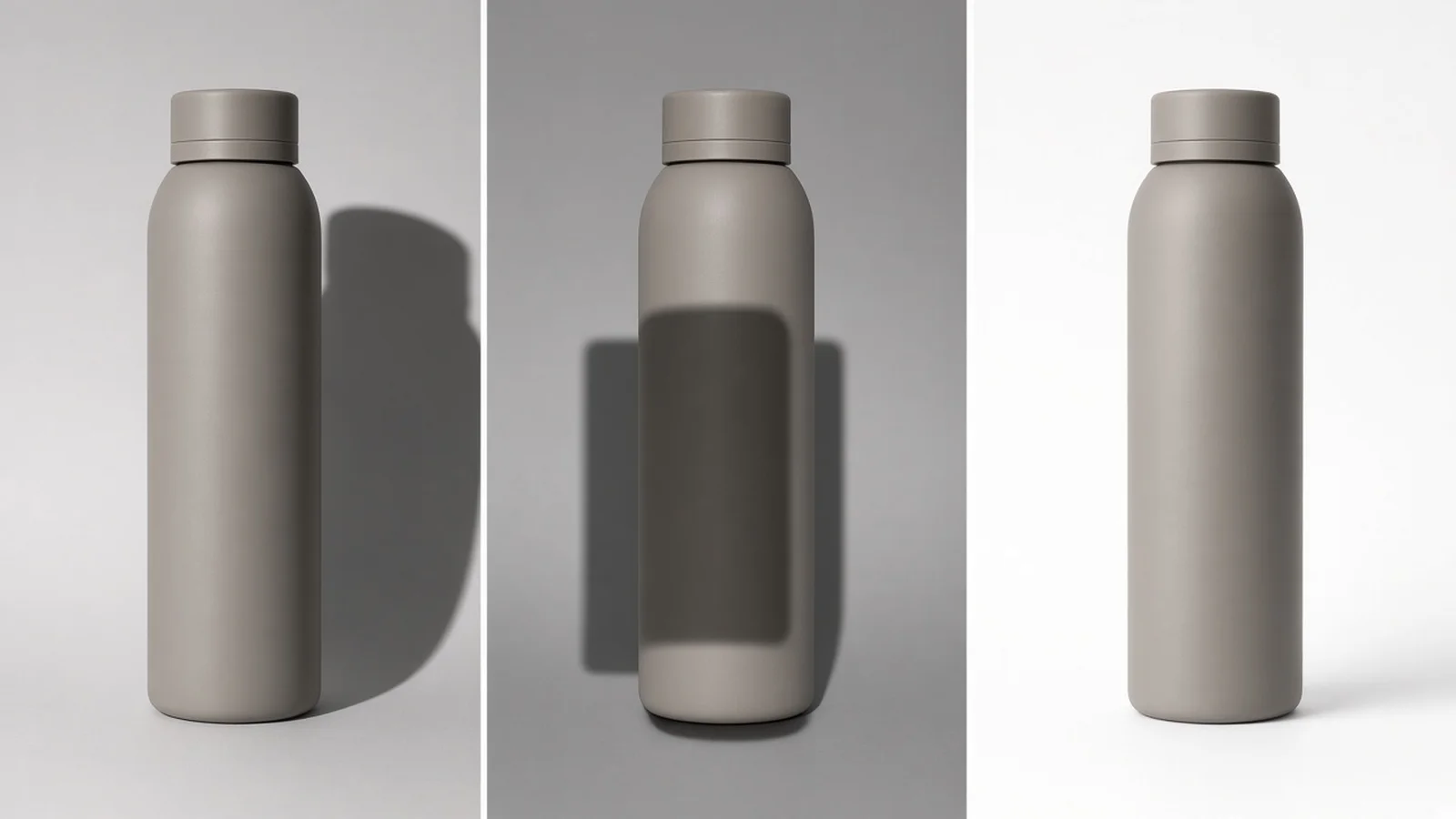
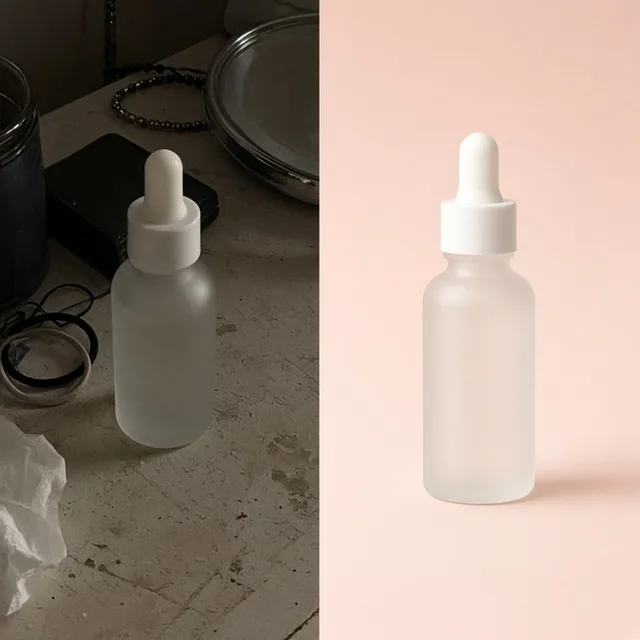
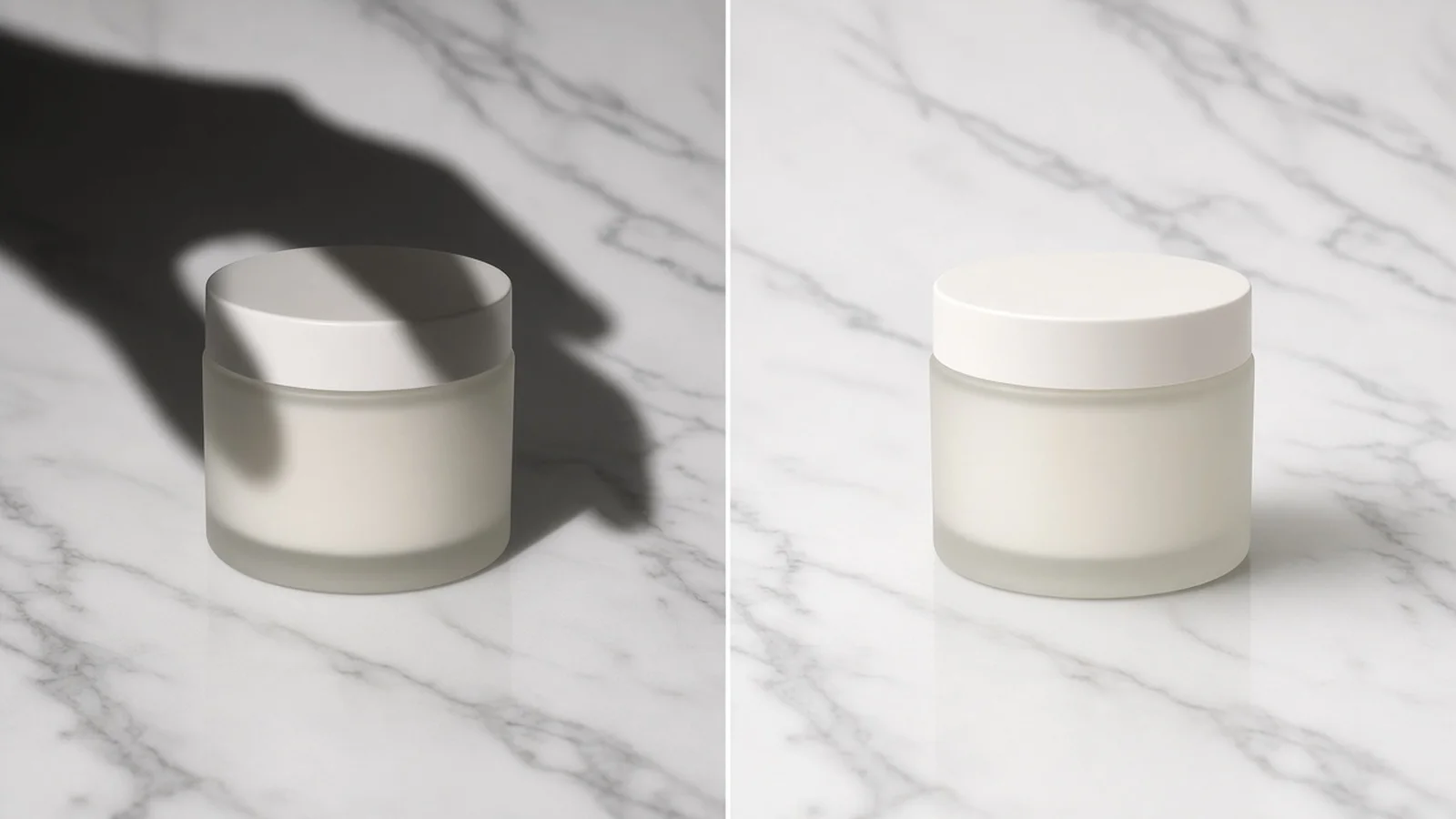
Compare raw smartphone shots with phone, lamp, and blind shadows against clean, evenly lit product photos.

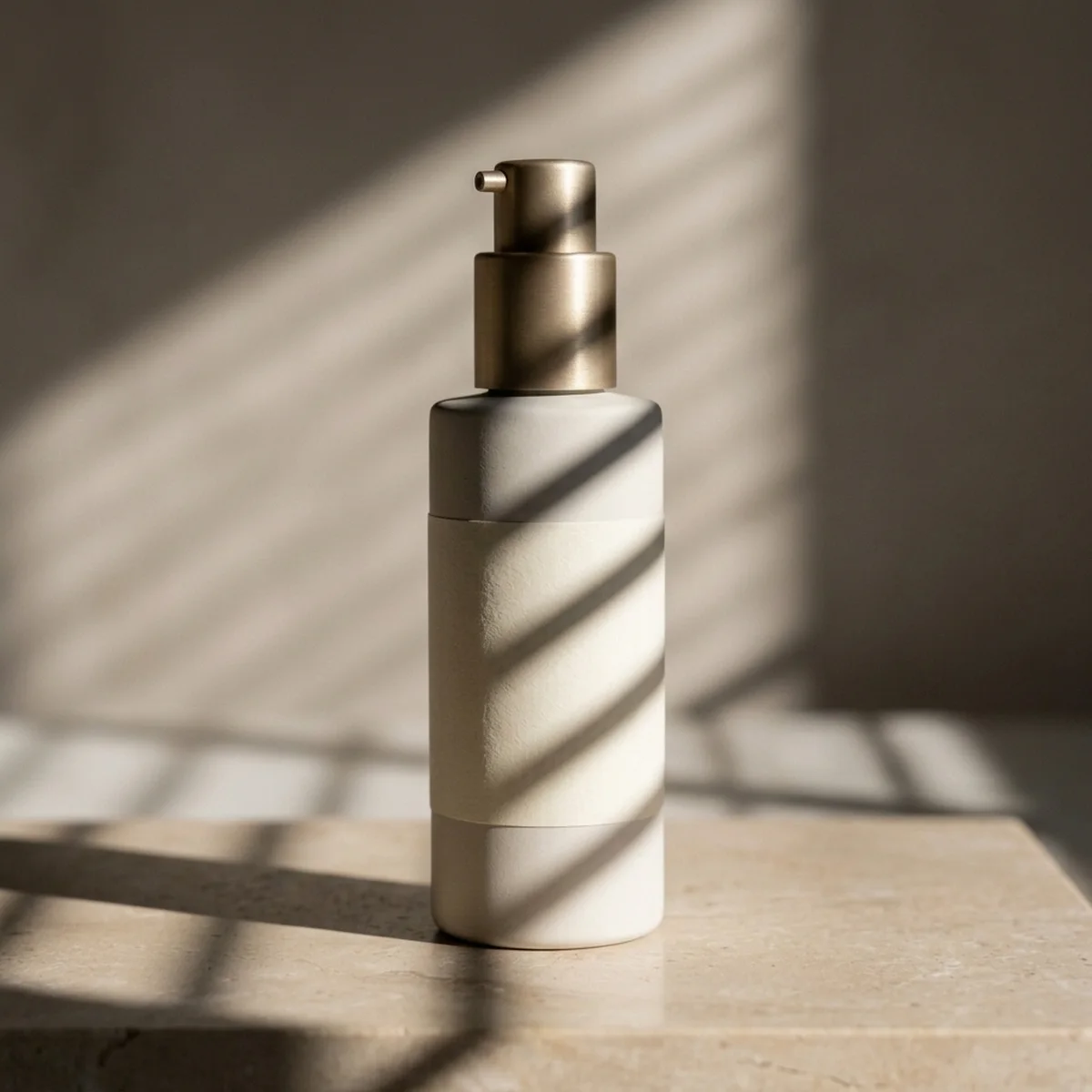
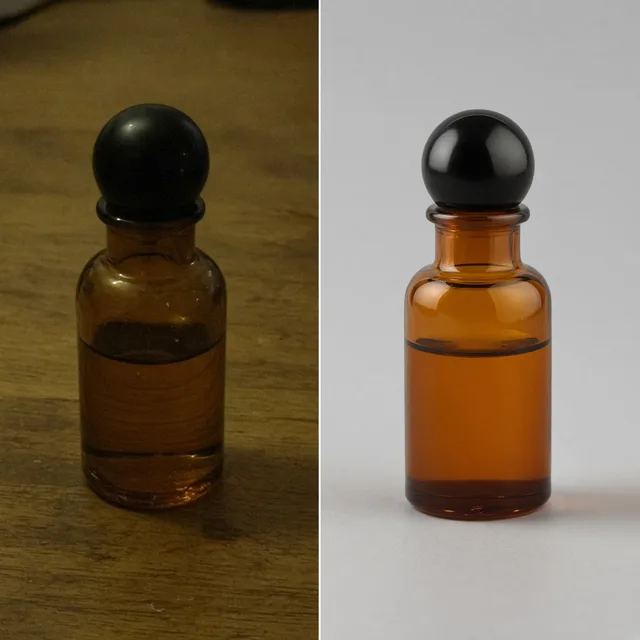
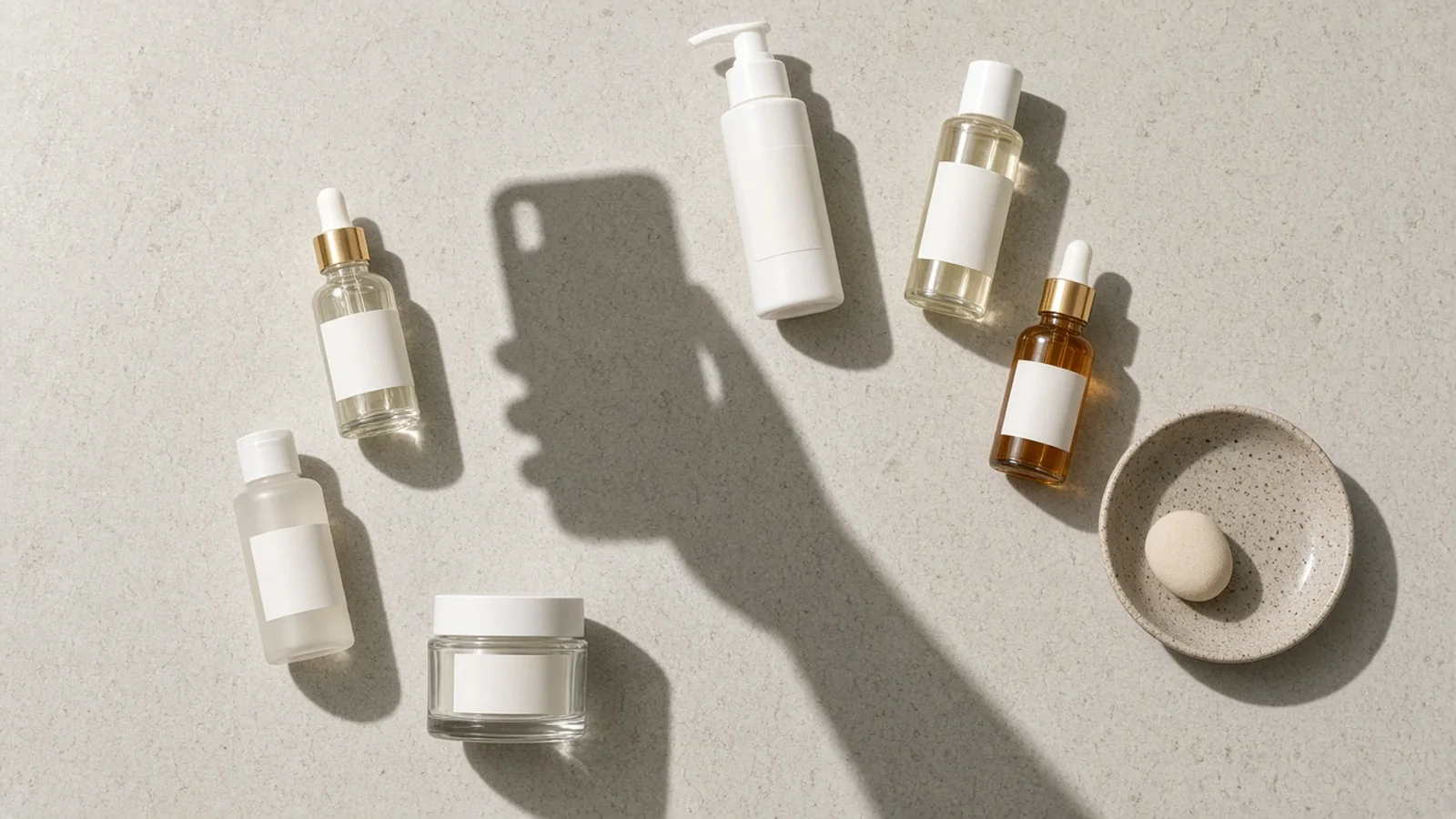
Skincare serum bottle photographed flat-lay with a dark phone and hand shadow across the label
Before (Raw Shadow)
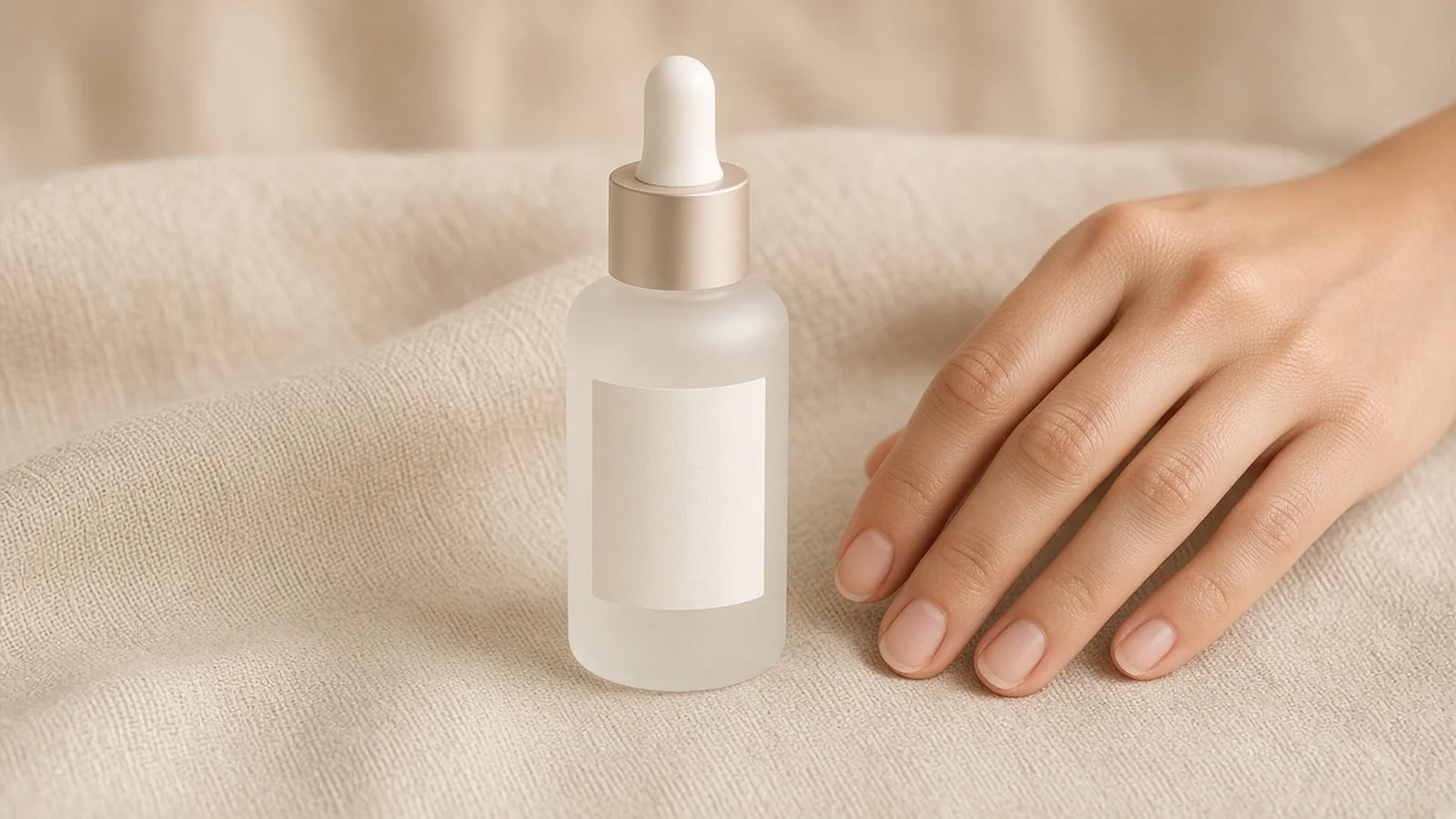
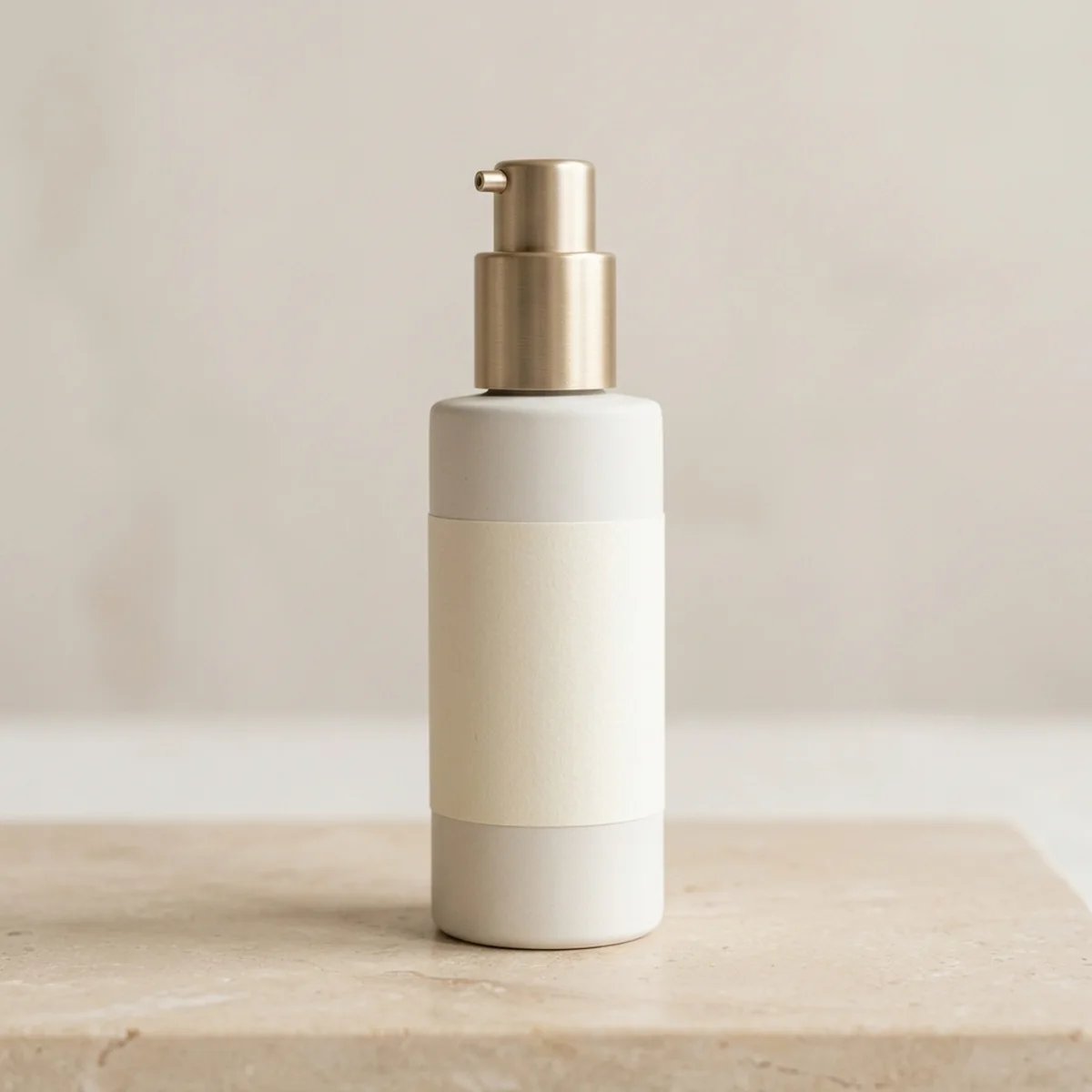
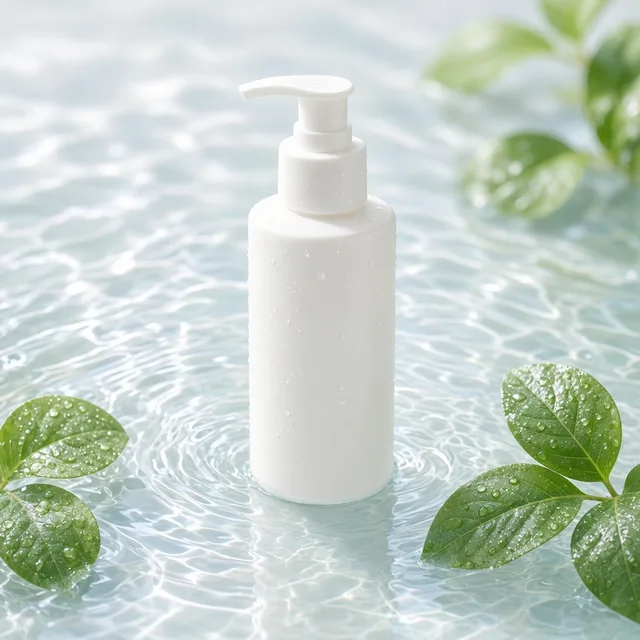
Cleaned skincare serum bottle with the phone shadow removed and a subtle contact shadow underneath
After (Shadow Removed)

Raw flat-lay with phone shadow → Evenly lit bottle with natural base contact

Core Capabilities

Built for Real Seller Lighting Mistakes

Every setting maps to common tabletop, daylight, and smartphone shadow problems—never generic exposure sliders.

Product Shadow
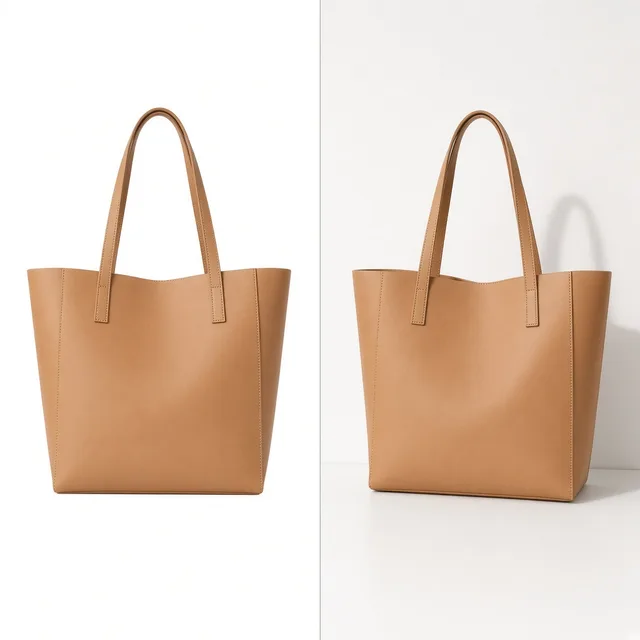
Product ShadowRealistic contact shadows, no floatTry it →
Product Relight
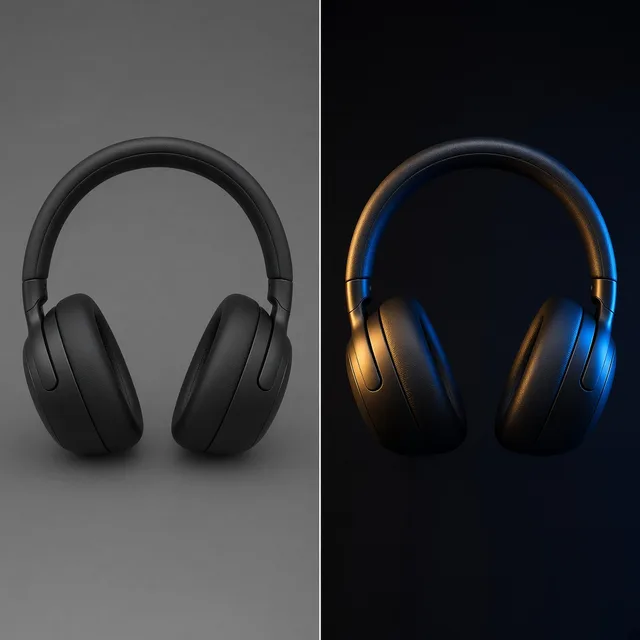
Product RelightRelight flat photos like a studioTry it →
White Background
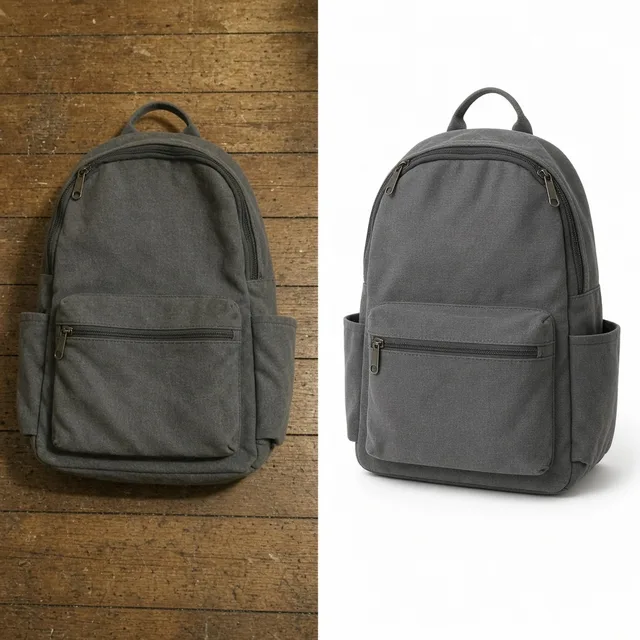
White BackgroundClean white listing photos in secondsTry it →
Photo Cleaner
Photo CleanerRemove clutter, dust and tags from product photosTry it →

What it is

What Does ProductShot AI Shadow Remover Actually Do?

Our AI Shadow Remover separates unwanted cast and occlusion shadows from the true surface color of your product and tabletop.

Targeted Shadow vs. Surface Separation

Instead of applying a global brightness boost that blows out highlights, it targets harsh backdrop shadows, overhead phone and hand outlines, window blind stripes, and uneven flash falloff while keeping packaging contrast sharp.

Comparison showing ProductShot AI removing an overhead phone shadow while keeping crisp label typography

Contact Shadow vs. Shadow-Free Grounding

Unlike simple background erasers that slice your item onto a stark void, this tool offers two intentional base shadow finishes: keep a subtle studio contact shadow so the item still feels physically grounded on the surface, or choose a completely shadow-free surface for clean catalog templates.
Studio Exposure vs. Original Color Mood

You also control lighting and color balance after the shadow lifts.

Select balanced even studio lighting when dingy indoor gray casts need to become bright and neutral, or preserve original ambient warmth when fixing window blind stripes on wood, linen, or stone scenes.

Removing Shadows vs. Adding Studio Shadows

It pairs directly with our shadow creation workflow: use this page (`/ai-shadow-remover/`) to remove shadow from photo captures taken in imperfect light, and use our AI Product Shadow Generator (`/ai-product-shadow-generator/`) when you start from a clean cutout and want to add directional studio shadows.

Transparent Credits & Multi-Version Output

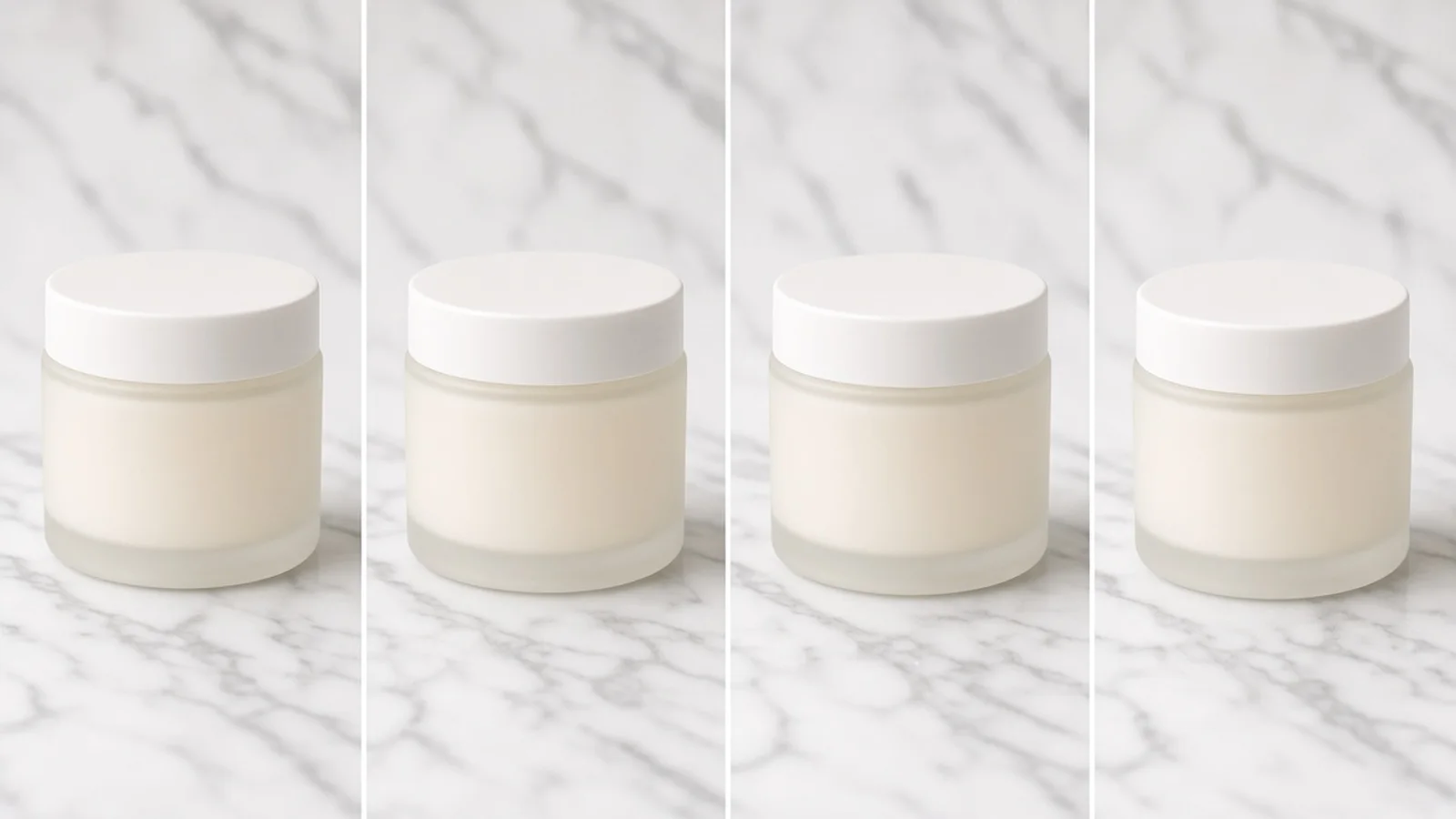
Every run processes at 10 credits per image, returning 1 to 4 selectable versions so you can pick the cleanest texture recovery. New accounts receive one free generation after signing in to test on your own toughest shadowed photo first.

Phone & Hand Shadow Removal

Clears dark smartphone and arm outlines from flat-lay shots without bleaching the surrounding packaging.

Backdrop & Table Cast Cleanup

Erases hard double edges behind boxes, bottles, and shoes shot with a single lamp or camera flash.

Window Blind Stripe Fix

Smooths diagonal sunlight bars across glossy tubes, matte cartons, and wooden desks.

Natural Base Grounding

Retains a gentle contact shadow right under the product edge so your item never looks cut and pasted.

True Material Color Retention

Prevents dark suede, pastel labels, and brushed metal from washing out when lifting muddy shadows.

1–4 Versions Per 10-Credit Run

Compare up to four lighting reconstructions per upload and start with one free generation after sign-in.

Why ProductShot AI

Why Sellers Fix Shadowed Photos Here

Designed around real ecommerce product QA—not generic photo filters that wash out labels.

Purpose-Built Shadow Options

Explicitly pick between backdrop casts, phone/hand occlusions, and flash falloff instead of guessing prompts.

Protects Brand Packaging Contrast

Avoids the muddy gray halo and faded typography caused by pushing phone shadow sliders to the max.

Studio Bright or Warm Ambient

Switch between neutral studio light recovery and preserving the cozy warmth of your original tabletop.

Honest Quality Expectations

We clearly flag that dark rebuilt areas should be checked for label accuracy—never claiming magical 100% perfection.

Ready-to-Use Note Presets

One-click example presets and a notes library help you target tricky blind stripes or bottle base shadows fast.

Predictable 10-Credit Pricing

Flat 10 credits per image for 1–4 outputs, plus one free generation right after signing in.

Use Cases

Where Harsh Shadows Ruin Conversion

See how removing cast shadows, blind stripes, and flash falloff rescues usable product photography.

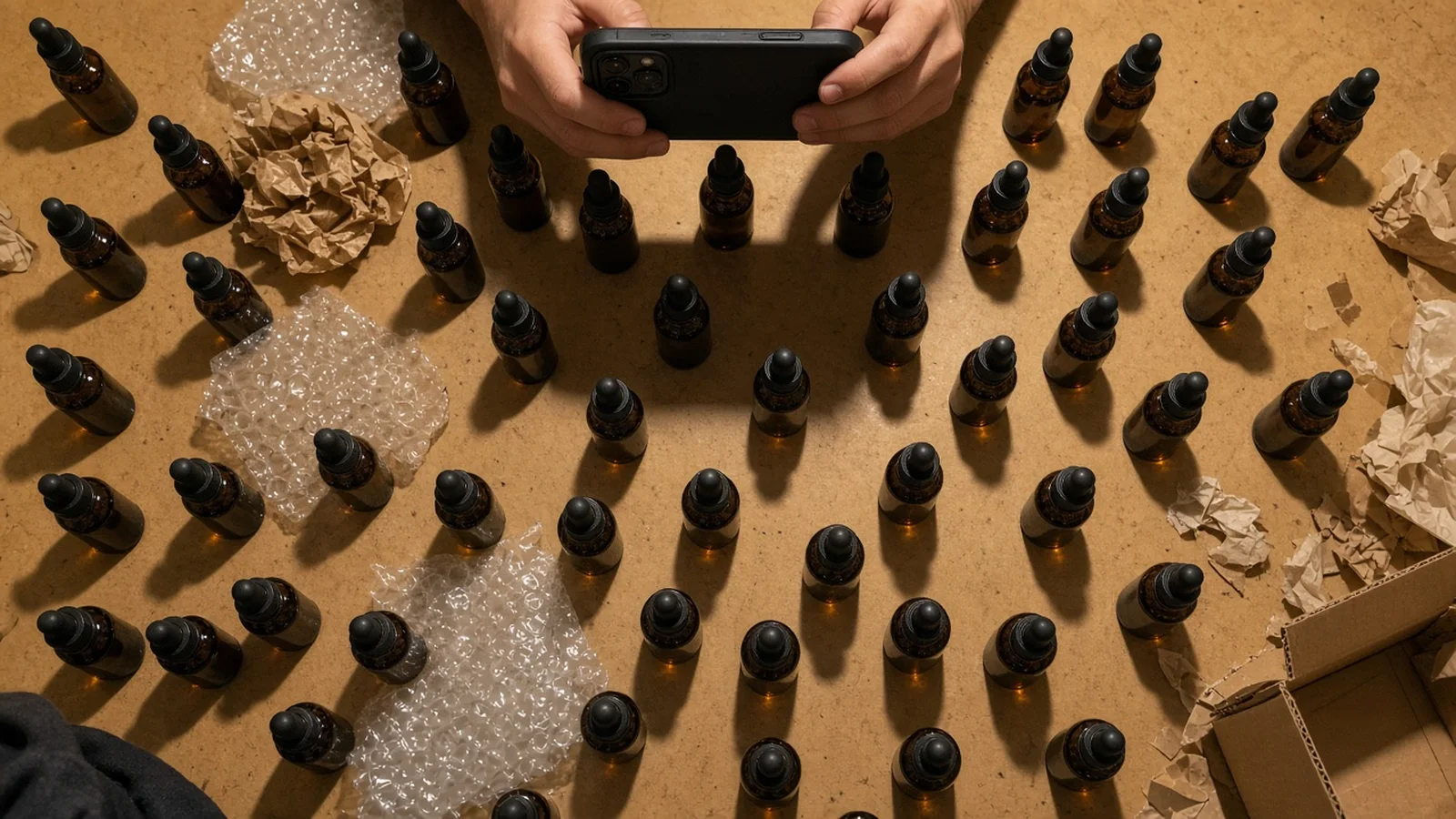
Flat-lay product photo ruined by an overhead phone and hand shadow

Overhead Phone & Arm Shadows Across Flat-Lays

Shooting straight down under a ceiling bulb almost always drops a dark smartphone outline right across your bottle, jewelry, or stationery.

Home tabletop setup with harsh desk lamp shadows behind product samples

Reshooting Every SKU Just for Better Softboxes

Setting up diffusion tents and dual strobes takes hours when you only need to clean up three dozen supplier or sample shots before launch.

Collection of product thumbnails with inconsistent dark side shadows

Harsh Shadows Breaking Catalog Consistency

One listing shot at noon by a window and another shot at night under a lamp create mismatched gray edges across your collection grid.

Over-brightened product label showing washed-out colors from basic sliders

Exposure Sliders Bleaching Light Labels

Cranking Shadows +100 in a basic phone editor turns dark shadows into noisy gray sludge and washes out pastel logos.

Product photo looking unnaturally floating without a base contact shadow

Floating Cutouts After Removing Shadows

Erasing every pixel around a product leaves it hovering awkwardly in mid-air unless a gentle contact shadow remains underneath.

By Channel

Match Shadow Cleanup to Every Storefront

Tune grounding and exposure balance for strict marketplace grids or warm editorial storefronts.

How it works

Four Steps from Dark Casts to Clean Lighting

Fix shadowed photos in minutes at 10 credits per image with 1 to 4 variations per run.

1. Upload the Raw Shot
2. Pick Shadow & Grounding
3. Inspect 1–4 Versions
4. Publish or Chain Tools
01

1. Upload the Raw Shot

Add a shadowed photo up to 16MB in JPG, PNG, or WEBP straight from your phone or desk.

02

2. Pick Shadow & Grounding

Target backdrop casts, phone overlays, or flash falloff, then pick contact shadow or shadow-free.

03

3. Inspect 1–4 Versions

Review label clarity and color accuracy in the formerly shadowed zones across generated outputs.

04

4. Publish or Chain Tools

Download the cleanest file or send it to our white background or shadow generator next.

Method comparison

AI Shadow Removal vs. Manual Retouching

Compare turnaround, learning curve, and surface realism against dodging, burning, and reshoots.

Multiple

output styles

Reference-led

direction

Built-in

before-and-after review

Traditional Workflow

Manual Dodge/Burn or Full Reshoot

Dragging shadow sliders washes out contrast; masking hard shadows by hand takes 15–30 minutes per photo.

Cost
$25–$80 per retouched SKU or softbox setup cost×
Turnaround
Hours of manual brushing or rescheduling a shoot×
What You Need
Photoshop masks, lighting tents, or bounce cards×
Iteration
Re-masking layers for every brightness tweak×
Output Range
Single flattened edit or rigid pure-white cutout×
Product Accuracy
Basic shadow sliders add color noise and grain×
ProductShot AI

Targeted AI Shadow Remover

Separates unwanted shadow geometry from product texture so colors stay rich and surfaces look naturally lit.

Cost
10 credits per image; 1 free generation after sign-in✓
Turnaround
Under a minute for 1–4 selectable versions✓
What You Need
Just your existing smartphone or desk photo✓
Iteration
Switch contact shadow or warmth preset in one click✓
Output Range
Choose soft contact shadow or shadow-free surface✓
Product Accuracy
Rebuilds lit surface; inspect fine print before listing✓

How-to guide

How to Get Clean, Realistic Shadow Removal

Pair small shooting habits with focused shadow notes for crisp, listing-ready results.

Before You Upload: Quick Photo Habits

  • Ensure the main brand logo and tiny barcode are still faintly readable inside the shadow whenever possible.
  • Keep the entire product inside the frame with a little breathing room around cast shadows on the table.
  • Shoot straight-on or at a clean 45-degree angle rather than extreme wide-angle distortion.
  • Wipe glossy glass or acrylic surfaces so reflections are not confused with cast shadows.

How to Write Optional Cleanup Notes

[Shadow location & source] + [Surface/label to protect] + [Base grounding preference]

Presets already handle most shots, but a short one-line note helps when a shadow crosses tricky spots like foil logos or textured linen.

  • Remove the phone shadow across the front skincare label; keep matte cream tube color true and leave a soft contact shadow.
  • Clear the dark flash shadow behind the black leather boot on the white table while keeping the outsole edge crisp.
  • Erase diagonal window blind stripes on the oak desk and ceramic cup without cooling down the warm morning light.

Common Mistakes to Avoid

  • Do not use a shadow-free preset on lifestyle wood or stone desks unless you want an unnaturally floating item.
  • Do not skip zooming in on small ingredient tables that sat underneath an opaque black hand shadow.
  • Do not confuse this tool with adding studio shadows to transparent cutouts—use AI Product Shadow Generator for that.
  • Do not pre-crank phone exposure sliders before uploading; raw unedited contrast gives cleaner color recovery.

Further reading

How to shoot clean reference frames, write precise cleanup notes, and avoid washed-out highlights.

The Real Problem With White Background Product Photos (And How I Solved It)White Background
Jun 18, 20268 min read

The Real Problem With White Background Product Photos (And How I Solved It)

Learn why white background product photos are harder than they look, how platform rules differ, and how to preserve details.

Read Article
AI Product Photography Generator Guide: 7 Best Tools for 2026Guide
Jun 23, 20268 min read

AI Product Photography Generator Guide: 7 Best Tools for 2026

Compare AI product photography generators for white background images, studio shots, lifestyle scenes, and ecommerce campaign visuals.

Read Article
How to Take Professional Product Shots Without a Studio (or a Degree in Photography)Workflow
Jun 17, 20268 min read

How to Take Professional Product Shots Without a Studio (or a Degree in Photography)

A practical workflow for taking sellable ecommerce product photos with a phone, simple setup, and AI-powered variations.

Read Article
I Spent $20,000 on Product Photography — Then AI Changed EverythingCase Study
Jun 16, 20268 min read

I Spent $20,000 on Product Photography — Then AI Changed Everything

A seller shares what traditional product photography costs, why product fidelity matters, and how AI changed the workflow.

Read Article
It Took Me Two Years to Understand Product Photography LightingLighting
Jun 20, 20268 min read

It Took Me Two Years to Understand Product Photography Lighting

A practical guide to product photography lighting, soft light, fill light, backlight, reflection control, and difficult materials.

Read Article
Best AI Image Processing Platforms for 2026Guide
Jun 23, 20268 min read

Best AI Image Processing Platforms for 2026

Compare AI image processing platforms for cleaning, enhancing, standardizing, and checking ecommerce product visuals.

Read Article
Seller feedback

Trusted by Everyday Store Owners & Creators

Real workflows from small brands fixing phone and tabletop lighting without booking a studio.

Portrait of Hannah K., handmade candle shop owner
Hannah K.

“Every overhead shot I took on my kitchen counter had a dark phone shadow right over the kraft label. Two clicks cleared the shadow and kept the paper texture.”

Etsy Candle & Home Fragrance Seller
Portrait of David Morales, ecommerce operations manager
David Morales

“Factory sample photos always arrive with harsh single-lamp shadows behind the box. Clearing the cast first saved us from waiting three weeks for new samples.”

Amazon Private Label Operator
Portrait of Claire Lin, indie skincare brand founder
Claire Lin

“What sold me was the soft contact shadow option. Other removers made our dropper bottles look pasted onto white, whereas these still sit naturally on the table.”

Shopify Skincare Founder
Portrait of Marcus Bell, footwear reseller
Marcus Bell

“Direct flash on white poster board leaves thick black outlines behind suede shoes. Removing the cast without turning gray suede pale saved dozens of listings.”

Sneaker & Vintage Reseller
Portrait of Priya Nair, ceramic studio owner
Priya Nair

“Morning sun through our studio blinds ruined a whole batch of mug photos. Keeping the original ambient warmth while erasing the stripes worked better than expected.”

Ceramic & Tableware Studio
Portrait of Tomoko Sato, stationery brand designer
Tomoko Sato

“Being able to compare 4 versions per run makes QA easy—I just zoom into the fine Japanese print on the packaging and pick the sharpest one.”

Stationery & Craft Brand

FAQ

Frequently Asked Questions About AI Shadow Remover

Honest answers about shadow types, packaging accuracy, pricing, and how this differs from adding shadows.

It is built to remove harsh shadows from product photos caused by handheld smartphones, overhead hands or tripods, single desk lamps, direct camera flash, window blind stripes, and dark backdrop casts.

They do opposite jobs. This AI Shadow Remover page erases unwanted cast and surface shadows from raw photos. Our AI Product Shadow Generator (/ai-product-shadow-generator/) takes clean cutouts and ADDS studio drop shadows or directional light.

Not if you keep the default Soft Contact Shadow option. It clears the harsh distracting shadow while leaving a subtle, realistic contact shadow directly beneath your product—or you can switch to Completely Shadow-Free for pure catalog cutouts.

Unlike global exposure or shadow sliders that flatten contrast into gray noise, our AI Shadow Remover targets the shadow overlay separately and lets you choose between balanced studio lighting or keeping your original ambient color warmth.

Let us be honest: when a pitch-black shadow completely obscures fine ingredient text or micro-logos, the AI regenerates the lit surface based on visible cues. Always zoom in to verify fine label print and color accuracy in formerly shadowed areas before listing.

Each run costs 10 credits per image and generates 1 to 4 selectable versions. New accounts receive one free generation right after signing in so you can test with your own photo first.

Yes. Choose the Keep Original Scene Color Mood setting alongside Soft Contact Shadow, and the tool lifts the unwanted blind stripes or phone shadow while preserving the wood grain or fabric texture underneath.

You can upload JPG, JPEG, PNG, or WEBP images up to 16MB per file. Unedited raw phone exports usually give cleaner color recovery than heavily compressed screenshots.

Yes, especially if the shadow sits directly across the product label or creates a dark gray edge along white packaging. Cleaning the shadow first makes subsequent white-background cutouts much cleaner.

No. ProductShot AI focuses strictly on 2D product photography cleanup and lighting enhancement. We do not generate 360/3D models, AR previews, or physical size and fit measurements.

Rescue Your Shadowed Product Photos in Minutes

Try your first generation free after signing in, then pay only 10 credits per image for 1 to 4 clean variations.

Start Free →

LLMs.txt