














30:00
BF 50% OFFClaim

AI Unblur Image & Photo Sharpener

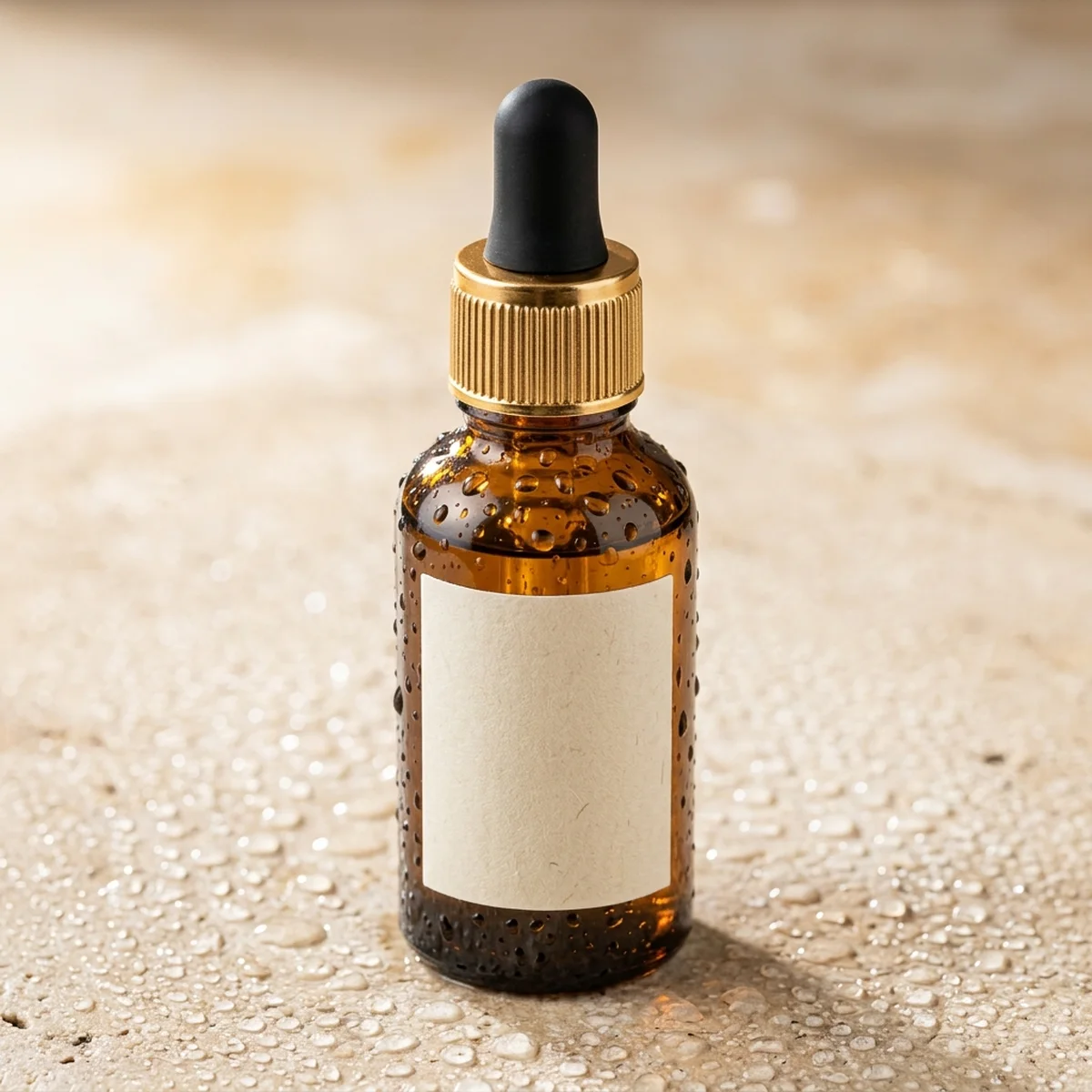
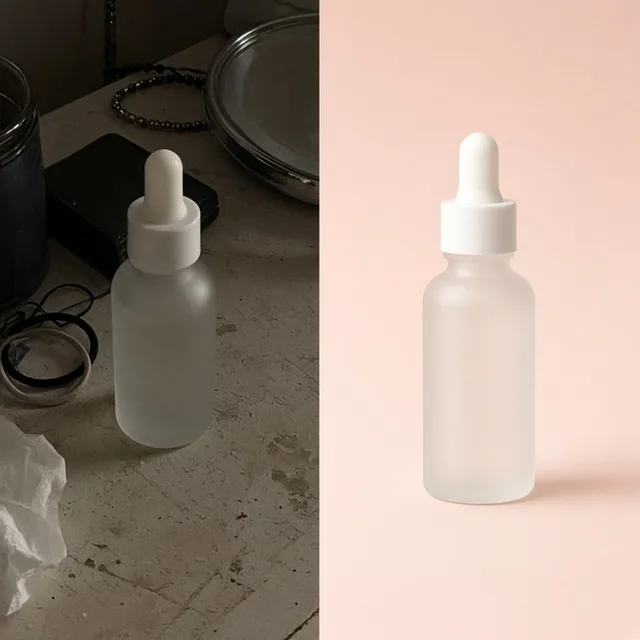
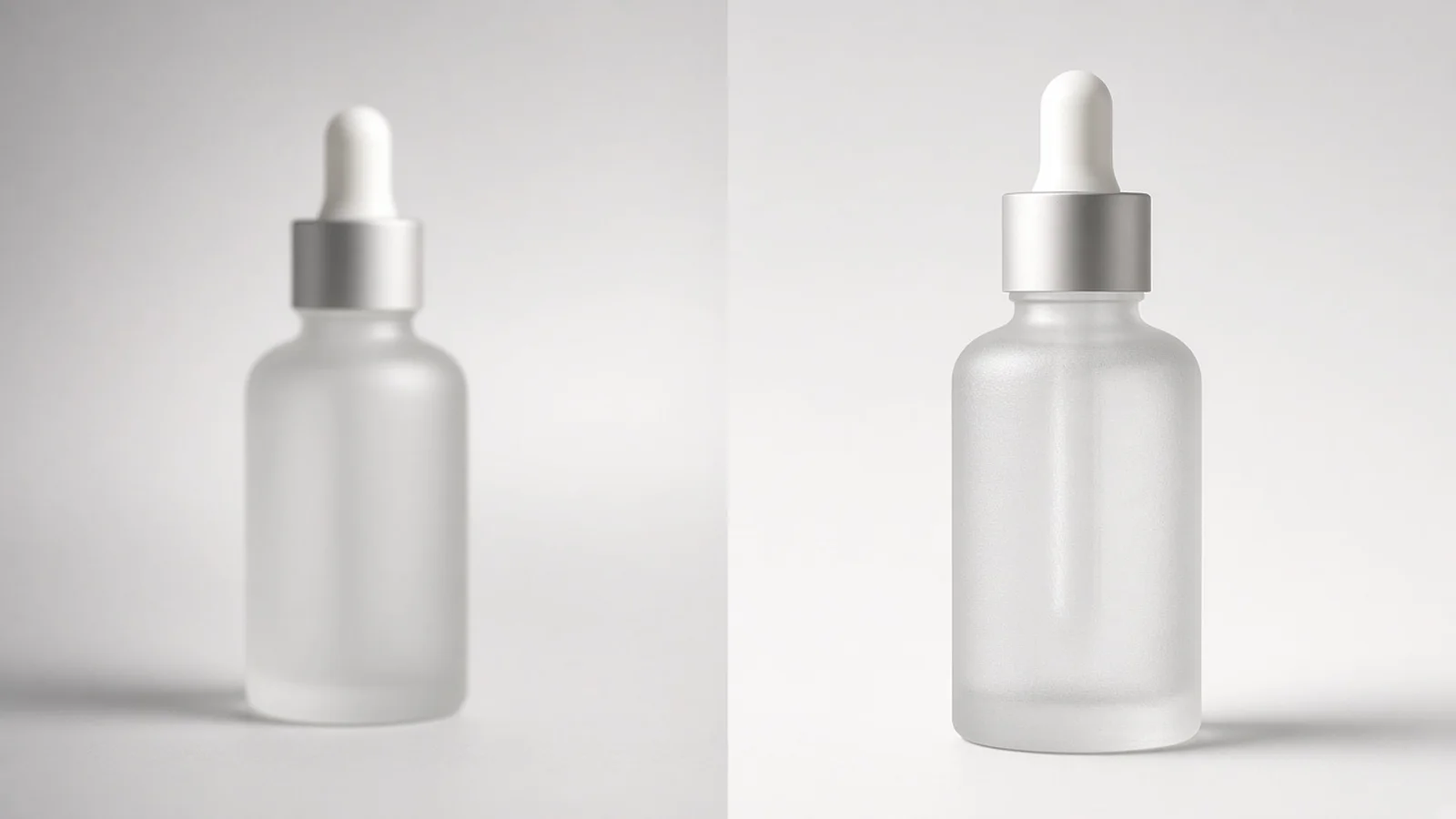
Slide to inspect how ProductShot AI turns soft-focus or compressed product photos into crisp, listing-ready shots without harsh sharpening halos.

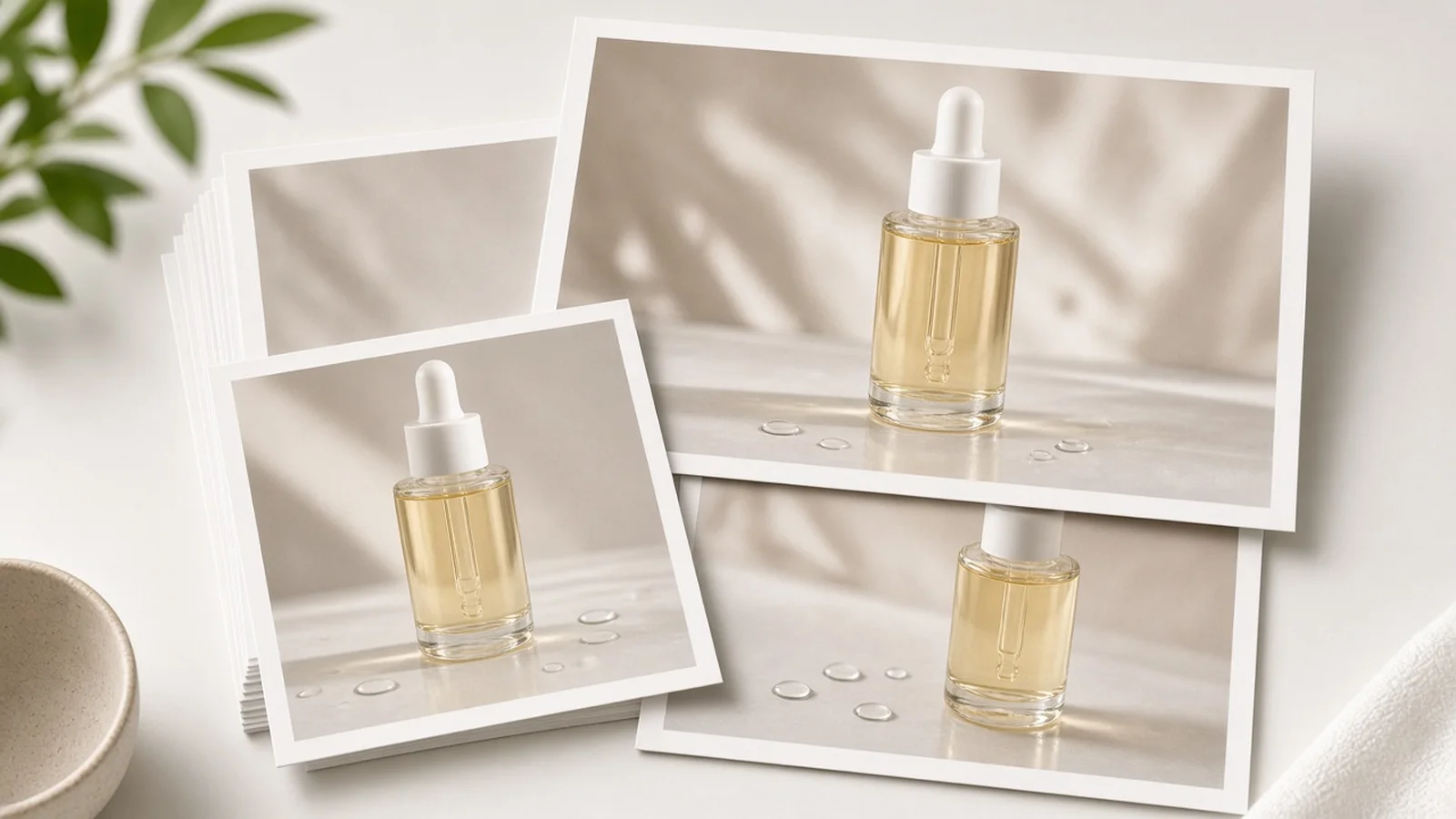
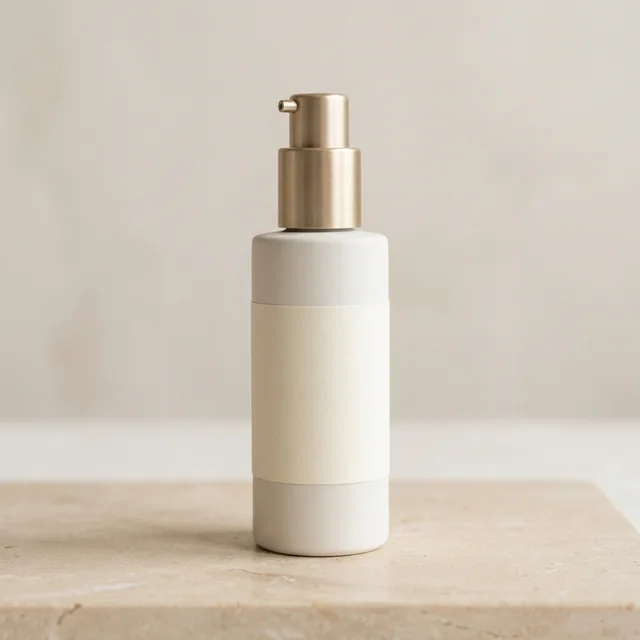
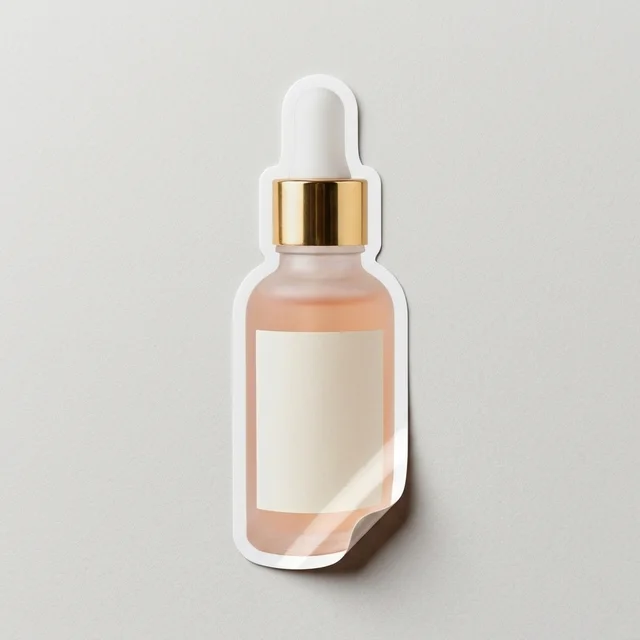
Blurry compressed skincare serum bottle photo with soft edges
Before (Blurry)
Unblurred skincare serum bottle with crisp dropper and frosted glass texture
After (Focused)

Hazy compressed supplier shot → Crisp frosted glass & dropper edge

AI Image Sharpener

Built to unblur real ecommerce photos without fake sharpening halos

Traditional unsharp-mask filters amplify compression blocks and bright edge rings. ProductShot AI separates optical blur from surface texture so your listings look genuinely in focus.

Image Upscaler
Image UpscalerTurn small product photos into sharp large imagesTry it →
Image Enhancer
Image EnhancerSharpen blurry product photos freeTry it →
Product Relight
Product RelightRelight flat photos like a studioTry it →
White Background
White BackgroundClean white listing photos in secondsTry it →

What it is

What is an AI Image Sharpener for Ecommerce Listings?

An AI Image Sharpener for ecommerce does more than push pixel contrast along existing edges.

True Optical Reconstruction

When you run Unblur Image AI on a slightly missed-focus phone shot, handheld frame, or hazy supplier photo, the model analyzes the blur pattern and reconstructs clean optical contours, woven fabric grain, brushed metal, and matte packaging texture.

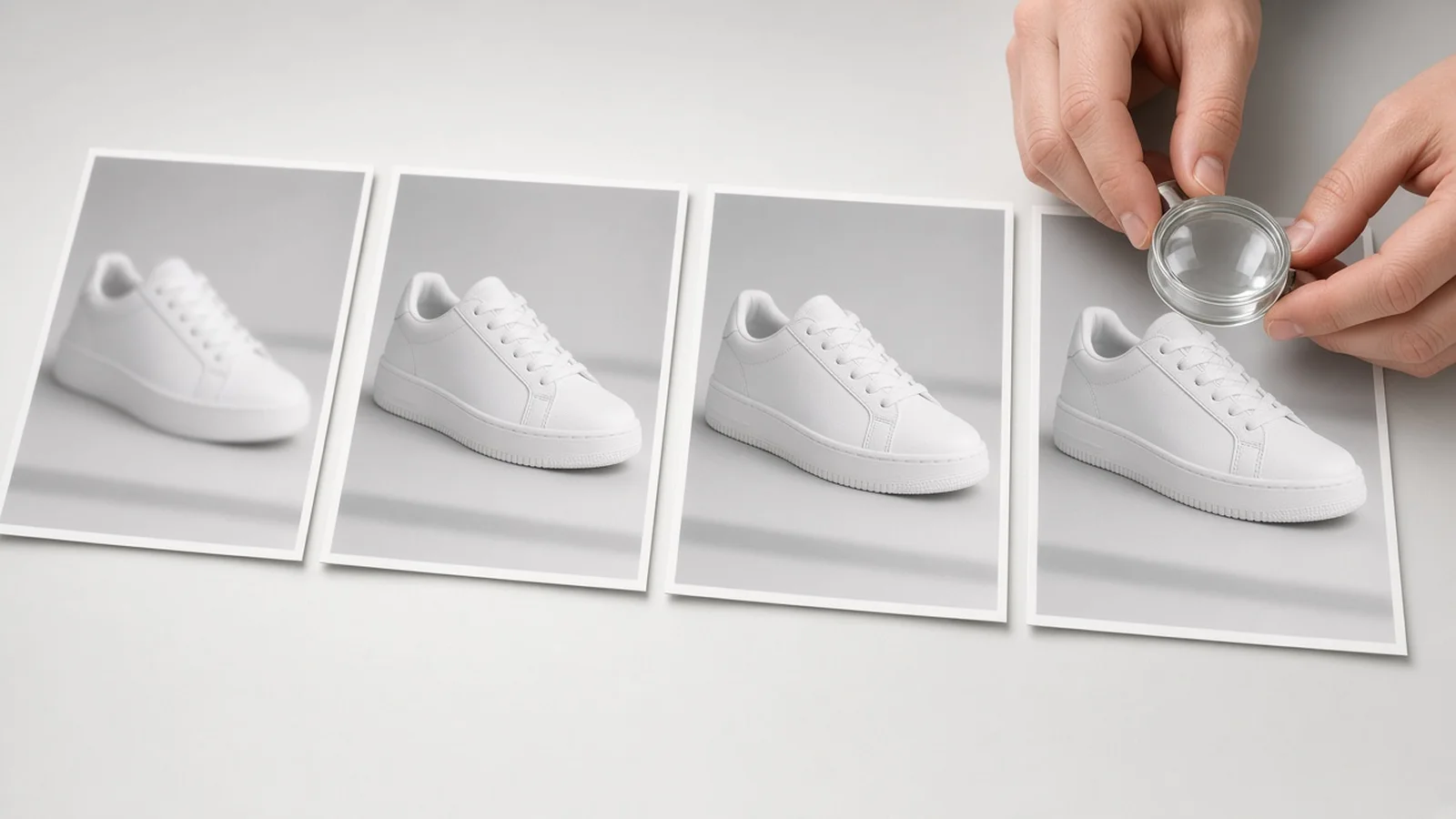
Split view showing a soft-focus product image reconstructed into a crisp ecommerce photo

Matched to Real Blur Causes

With three targeted blur-issue presets—soft focus, slight hand-shake motion blur, and hazy chat compression—you avoid the brittle white halos and crunchy noise that classic Unsharp Mask filters leave behind on dark or glossy products.

Three Material-Safe Focus Styles

You also control the sharpness character: choose Natural Optical Focus for apparel, cosmetics, and organic textures; Crisp Hard-Goods Detail for watches, footwear stitching, tools, and electronics; or Clean & Low-Noise for frosted glass and minimalist packaging.

Subject-First or Full-Frame Scope

Depth-aware focus scope lets you sharpen only the hero product while preserving a natural, softly blurred background—or sharpen the entire frame evenly when shooting flat lays, boxed sets, and multi-item bundles.

Product Lock & Transparent Pricing

Every run uses Product Lock to keep your item's colorway, silhouette, and framing consistent, costs 10 credits per image for 1 to 4 versions, and includes one free generation when you sign in with a new account.

Fixes Soft-Focus Shots

Brings slightly front- or back-focused smartphone photos back to crisp listing standards.

Tames Mild Hand-Shake

Tightens directional shutter smear from indoor handheld shooting without plastic smoothing.

Clears Chat Compression

Lifts murky haze and blockiness from supplier images forwarded through messaging apps.

No Harsh Filter Halos

Reconstructs edge detail naturally instead of drawing bright contrast rings around dark items.

1–4 Versions at 10 Credits

Compare multiple focused variations per 10-credit run, with 1 free generation on new accounts.

Honest Label Verification

Built-in side-by-side zoom check reminds you to verify brand text and logos before exporting.

Why ProductShot AI

Why ecommerce sellers unblur product images here

Generic photo sharpeners treat faces and landscapes—not packaging edges, stitching, hardware, and marketplace zoom standards.

Blur-Specific Reconstruction

Separate presets for missed focus, hand-shake motion blur, and hazy compression prevent over-processing.

Material-True Color & Grain

Preserves natural leather pores, matte paper tooth, and anodized metal without weird color shifts.

Bokeh-Safe Focus Scope

Sharpen just the foreground product while leaving ambient background blur smooth and distraction-free.

Clear Honesty About Limits

We clearly flag that tiny unreadable text cannot be invented accurately, helping you avoid compliance mistakes.

Notes for Critical Details

Add optional instructions to keep embroidery, brushed steel, or matte bottle texture looking natural.

Predictable Credit Cost

10 credits per image yields 1 to 4 downloadable versions, with one free generation for every new signed-in account.

Use Cases

Where unblurring saves a product launch

Most listing delays come from soft supplier photos or missed-focus handheld shots—not bad products.

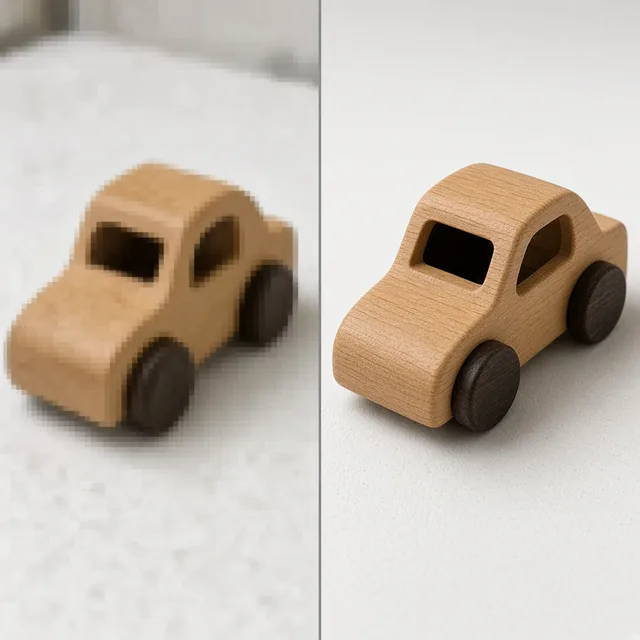
Blurry smartphone product photo next to a refocused sharp version

Missed-focus smartphone shots look amateur

Quick phone photos often lock focus on the table or hand instead of the product edge, making listings fail zoom inspection.

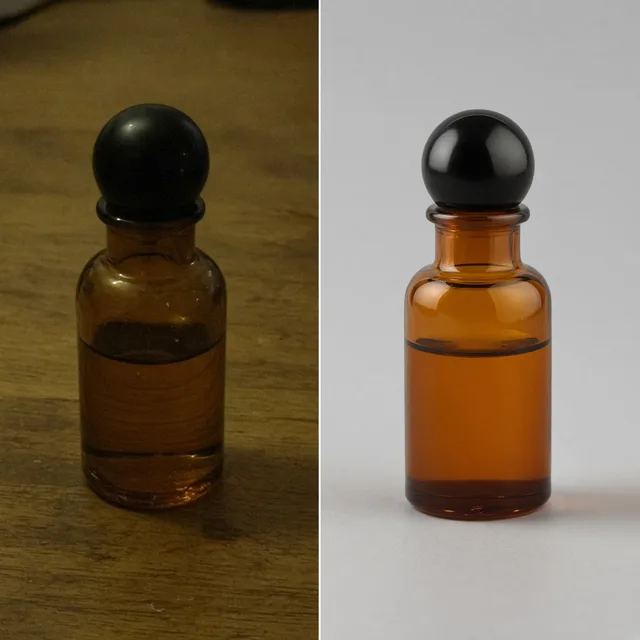
Supplier product photo rescued from compression haze without a studio reshoot

Reshooting supplier samples burns time and margin

Paying a studio or waiting weeks for sample reshoots just because a factory photo arrived compressed slows down launches.

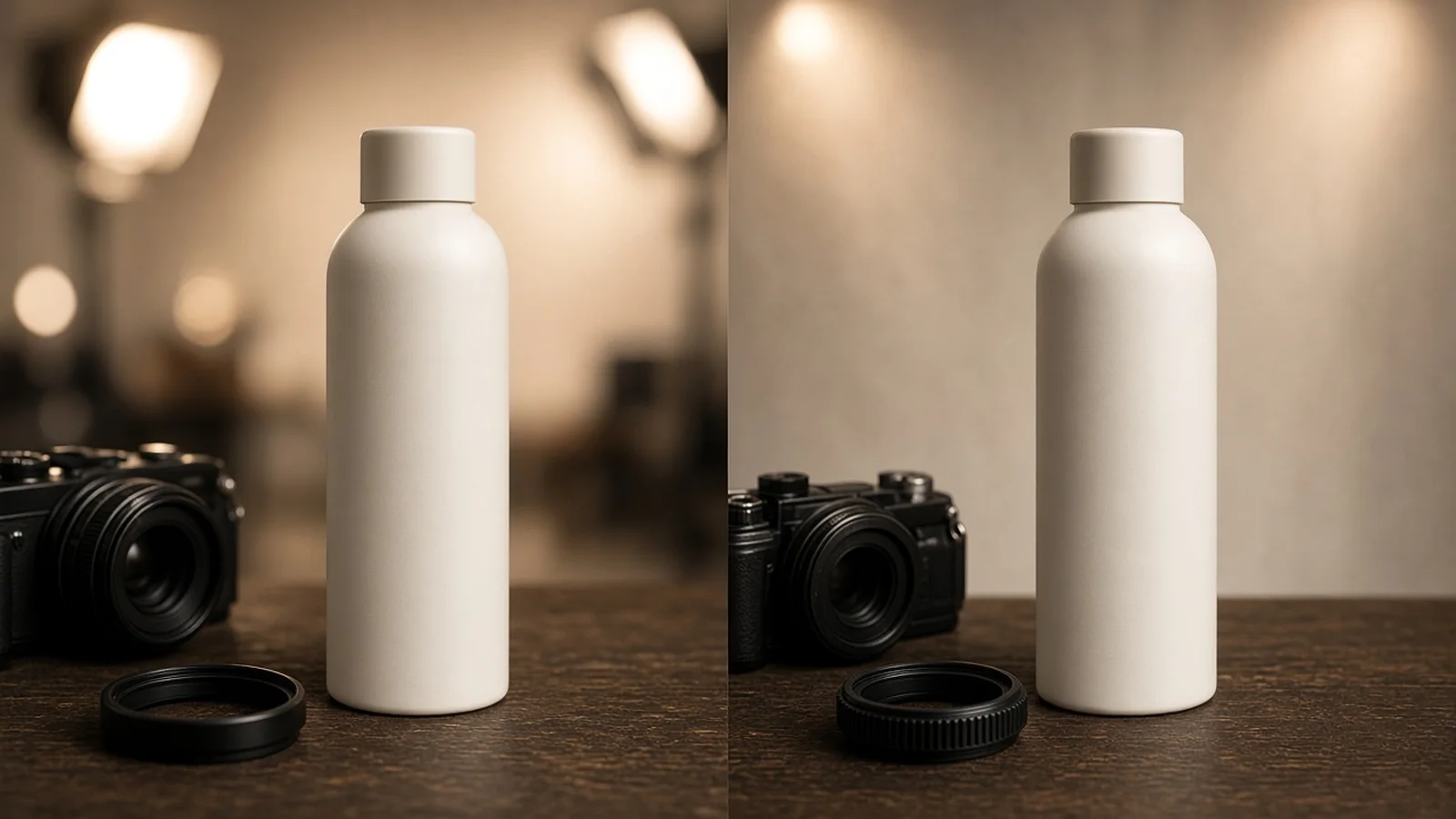
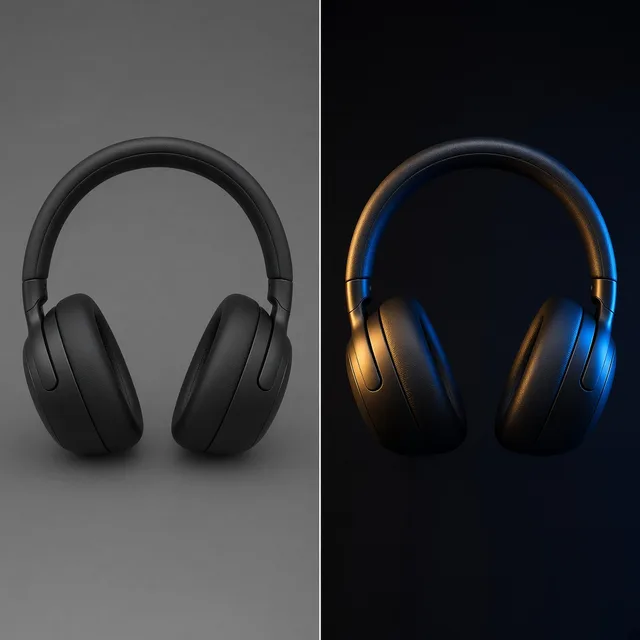
Comparison showing harsh filter halos versus smooth AI optical focus

Traditional sharpening adds ugly halos and noise

Cranking contrast sliders in photo editors creates bright white outlines around dark products and grainy artifacts across smooth surfaces.

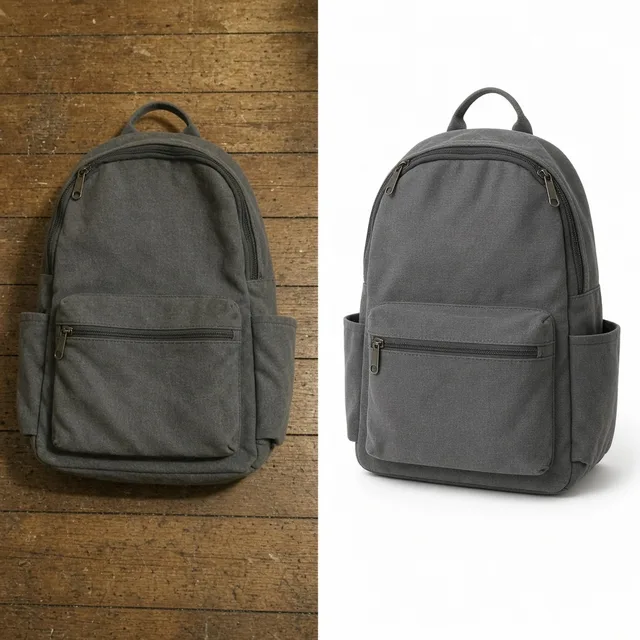
Close-up of crisp leather stitching and brushed hardware after unblurring

Soft edges kill high-ticket material trust

Shoppers zoom in on stitching, brushed steel, ceramic glazes, and knitwear—soft focus makes authentic materials look cheap.

Hazy compressed product photo restored for high-DPI marketplace viewing

Chat-compressed images fail marketplace zoom checks

Photos forwarded through WhatsApp, WeChat, or email lose edge definition and look muddy on modern high-DPI screens.

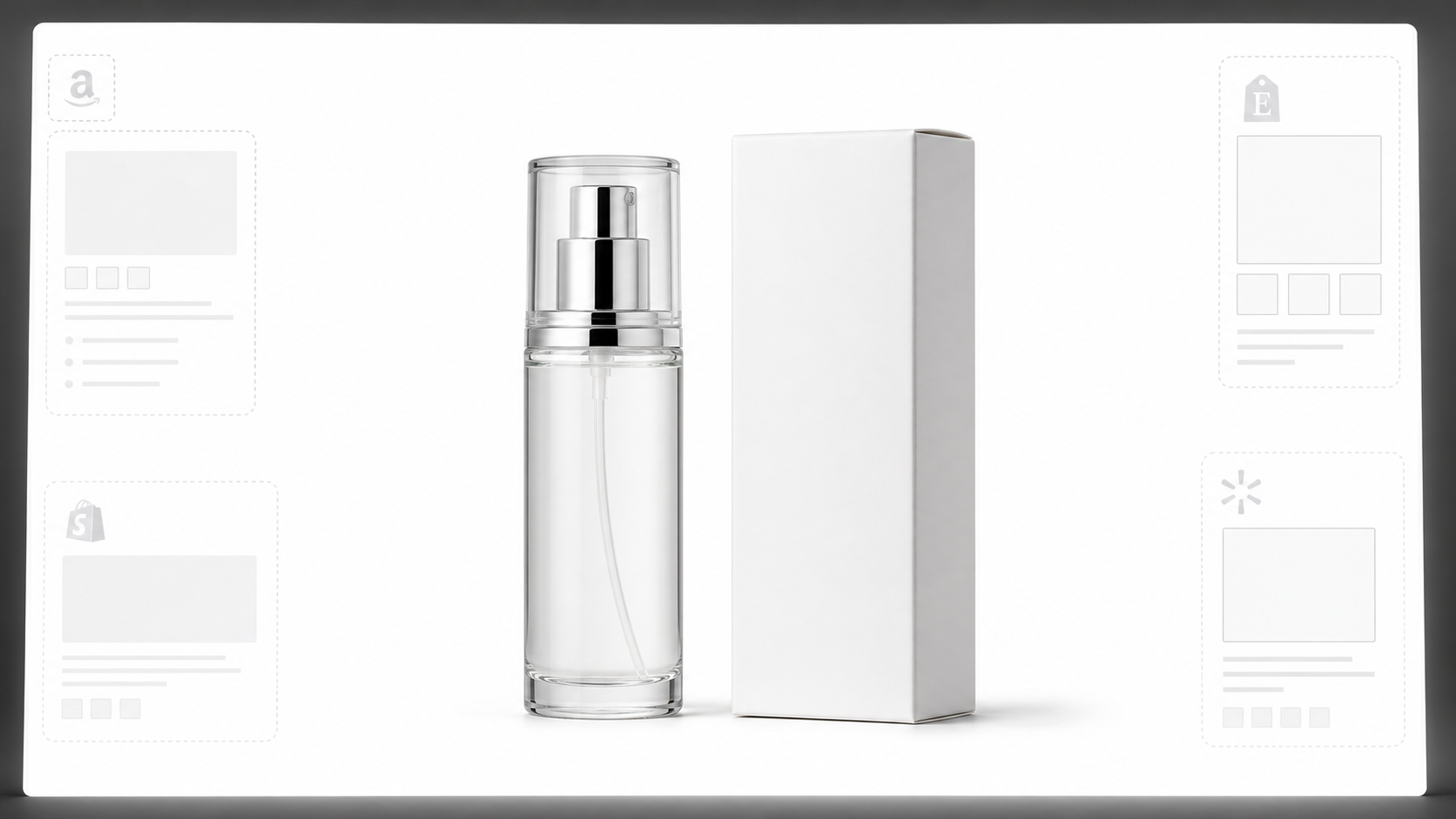
By Channel

Crisp focus tuned for every sales channel

Match the sharpness character and depth scope to your marketplace, storefront, or ad placement.

How it works

From soft draft to crisp listing photo in four steps

No Photoshop frequency separation or manual deconvolution sliders required.

Upload Soft Image
Dial In Blur & Focus
Inspect 1–4 Versions
Publish Everywhere
01

Upload Soft Image

Add a blurry phone shot, shaken handheld frame, or hazy supplier file (JPG, PNG, or WEBP up to 16MB).

02

Dial In Blur & Focus

Choose the blur cause, sharpness character, and whether background bokeh stays soft or sharpens evenly.

03

Inspect 1–4 Versions

Each run costs 10 credits per image and lets you zoom-compare stitching, hardware, and labels before downloading.

04

Publish Everywhere

Save the sharpest version for marketplace galleries, PDPs, zoom viewers, and social creatives.

Method comparison

AI optical reconstruction vs. basic sharpen sliders

Why classic editing filters fall short on real-world soft focus and chat-compressed product photos.

Multiple

output styles

Reference-led

direction

Built-in

before-and-after review

Traditional Workflow

Classic Sharpen Filters or Reshoots

Manual edge-contrast sliders exaggerate noise and halos, while booking a studio reshoot delays your launch by days.

Cost
Studio reshoot fees or manual retoucher hourly billing×
Turnaround
Hours of masking or days waiting on new shoots×
What You Need
Physical samples, tripod, lighting, or Photoshop skills×
Iteration
Trial-and-error radius/threshold sliders that create halos×
Output Range
Either crunchy over-sharpened edges or still-blurry frames×
Product Accuracy
Original geometry stays, but blur remains unresolved×
ProductShot AI

AI Unblur Image & Photo Sharpener

Reconstructs optical edge clarity and material grain in seconds from one existing blurry photo—10 credits per image.

Cost
1 free generation after sign-in; 10 credits per image✓
Turnaround
Under a minute for 1 to 4 sharpened versions✓
What You Need
Just the existing blurry product image in your browser✓
Iteration
Switch blur type and sharpness style in one click✓
Output Range
Natural optical, crisp hard-goods, or smooth low-noise focus✓
Product Accuracy
Product Lock anchors silhouette and design; zoom-check tiny labels✓

How-to guide

How to get the cleanest unblurred product results

Start with the best available frame and match the workbench controls to what actually went wrong in the shot.

Before you upload

  • Pick the original file before messaging-app resizing whenever you still have access to it.
  • Make sure brand names and warning labels are at least partially legible if they must stay exact.
  • Use photos with mild or moderate blur—extreme smear across the whole item requires a reshoot.
  • Avoid pre-sharpening the image in another app first, as baked-in halos carry into reconstruction.

Optional notes formula

[Target material or edge] + [Focus priority] + [What to leave natural]

Most shots work cleanly with presets alone, but adding a one-line note helps steer texture on tricky materials.

  • Keep canvas weave and sole stitching crisp; leave the soft studio backdrop unsharpened.
  • Tighten brushed aluminum edges cleanly without exaggerating specular glare.
  • Smooth compression noise on matte cream jar while keeping crisp rim definition.

Common mistakes to avoid

  • Do not list AI-unblurred images without zooming in 100% to verify logos, ingredients, and SKUs.
  • Do not choose Crisp hard-goods detail on soft skincare or fabric if you want gentle natural texture.
  • Do not expect AI to invent unreadable barcode numbers or micro-print from a 200px thumbnail.
  • Do not run full-frame sharpening if you intentionally shot with shallow background bokeh.

Further reading

Pair unblurring with upscaling, relighting, or clean white backgrounds to finish your catalog.

The Real Problem With White Background Product Photos (And How I Solved It)White Background
Jun 18, 20268 min read

The Real Problem With White Background Product Photos (And How I Solved It)

Learn why white background product photos are harder than they look, how platform rules differ, and how to preserve details.

Read Article
AI Product Photography Generator Guide: 7 Best Tools for 2026Guide
Jun 23, 20268 min read

AI Product Photography Generator Guide: 7 Best Tools for 2026

Compare AI product photography generators for white background images, studio shots, lifestyle scenes, and ecommerce campaign visuals.

Read Article
How to Take Professional Product Shots Without a Studio (or a Degree in Photography)Workflow
Jun 17, 20268 min read

How to Take Professional Product Shots Without a Studio (or a Degree in Photography)

A practical workflow for taking sellable ecommerce product photos with a phone, simple setup, and AI-powered variations.

Read Article
I Spent $20,000 on Product Photography — Then AI Changed EverythingCase Study
Jun 16, 20268 min read

I Spent $20,000 on Product Photography — Then AI Changed Everything

A seller shares what traditional product photography costs, why product fidelity matters, and how AI changed the workflow.

Read Article
It Took Me Two Years to Understand Product Photography LightingLighting
Jun 20, 20268 min read

It Took Me Two Years to Understand Product Photography Lighting

A practical guide to product photography lighting, soft light, fill light, backlight, reflection control, and difficult materials.

Read Article
Best AI Image Processing Platforms for 2026Guide
Jun 23, 20268 min read

Best AI Image Processing Platforms for 2026

Compare AI image processing platforms for cleaning, enhancing, standardizing, and checking ecommerce product visuals.

Read Article
Seller feedback

How ecommerce teams use Unblur Image AI in daily production

Honest feedback from store owners and catalog operators rescuing soft shots before launch.

Portrait placeholder for Hannah Mercer, Footwear Operations Lead
Hannah Mercer

“A batch of sample-room sneaker shots came back slightly back-focused. Running Soft Focus with Natural optical focus saved six SKU launches without waiting another week for the photographer.”

Footwear Operations Lead, Bristol
Portrait placeholder for Derek Tan, Amazon Private Label Seller
Derek Tan

“Our factory always sends sample photos over chat that look hazy on Amazon zoom. The compressed-haze preset cleaned up the matte black kettle texture while keeping the brushed steel handle believable.”

Amazon Private Label Seller
Portrait placeholder for Claire Kowalski, Handmade Leather Goods Maker
Claire Kowalski

“Traditional sharpening ruined my dark brown tote seams with white outlines. ProductShot AI actually brought back the saddle-stitch thread cleanly, and generating 4 versions let me pick the truest logo.”

Handmade Leather Goods Maker
Portrait placeholder for Ravi Patel, Consumer Electronics Merchandiser
Ravi Patel

“Crisp hard-goods detail works well on aluminum enclosures and knurled dials. We still double-check tiny rear-port text against the original, which is fair and keeps our specs accurate.”

Consumer Electronics Merchandiser
Portrait placeholder for Maya Lindqvist, Skincare Brand Founder
Maya Lindqvist

“I loved being able to sharpen just the frosted serum bottle while leaving the linen backdrop softly out of focus. It kept the editorial feel intact.”

Skincare Brand Founder
Portrait placeholder for Carlos Mendoza, Shopify Catalog Manager
Carlos Mendoza

“At 10 credits per image for multiple variations, it is an easy pre-listing check whenever a creator sends slightly shaken handheld footage frames.”

Shopify Catalog Manager

FAQ

Frequently asked questions about AI Unblur Image

Everything you need to know about how our AI Image Sharpener handles blur types, tiny labels, credits, and marketplace readiness.

It works best on slightly out-of-focus smartphone photos, mild hand-shake motion blur from indoor shooting, and hazy or blocky supplier photos compressed by messaging apps. Severe full-frame motion smear or completely out-of-focus silhouettes cannot be reliably recovered.

Classic sharpening filters only increase pixel contrast around edges that already exist, which creates bright white halos and amplifies JPEG noise. Our AI Image Sharpener reconstructs optical edge clarity and material grain while keeping smooth areas clean.

No—and we want to be upfront about that. AI unblurring works by regenerating the image to look sharp, so completely unreadable serial numbers, ingredients, or micro-text cannot be guaranteed accurately. Always zoom in and compare logos and labels against your original photo before listing.

Every new signed-in account receives one free generation so you can test it on your own product photo. After that, each run costs 10 credits per image and lets you generate 1 to 4 versions to choose from.

Choose Natural optical focus for apparel, footwear, beauty bottles, and everyday goods; Crisp hard-goods detail for metal hardware, tools, watches, and textured plastics; and Clean & low-noise for matte packaging, ceramics, or heavily compressed supplier images.

No if you keep Focus scope set to Crisp product, natural background. That mode focuses reconstruction on the foreground item while leaving background bokeh smooth. Switch to Sharpen entire frame only for flat lays or multi-item scenes.

Product Lock anchors your product's geometry, colorway, framing, and design details while restoring edge focus. Generating 2 to 4 versions in a run makes it easy to pick the frame that matches your physical sample best.

Unblur Image fixes optical softness, mild hand-shake, and compression haze inside the frame first. AI Image Upscaler increases total pixel resolution (such as 2K or 4K). For soft low-res supplier photos, unblur first and upscale afterward if you need larger dimensions.

No. ProductShot AI Unblur Image only sharpens and clarifies 2D product photography—it does not create 360 spins, 3D/AR assets, or sizing and fit measurements.

You can upload JPG, JPEG, PNG, or WEBP files up to 16MB directly in your browser and download the sharpest result immediately.

Ready to rescue soft product photos?

Sign in for one free generation on a new account, or run 1 to 4 crisp variations at 10 credits per image.

Start Free →

LLMs.txt