
 Amazon
 listing images
Convert supplier WebP or PNG files into standard JPG format with pure white background fill where transparency exists, ready for upload checks.
 Before
 After
Free Image Tools
After converting to WebP, PNG or JPG, use the tools below to compress, add padding, remove the background or build marketplace-ready images.



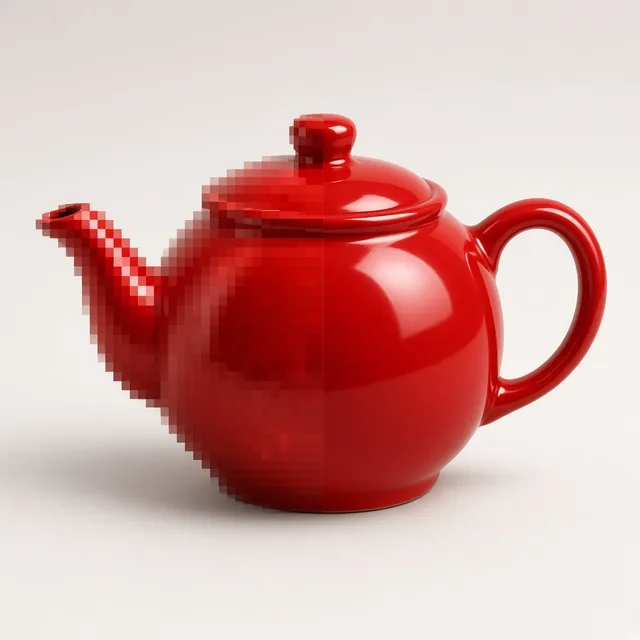









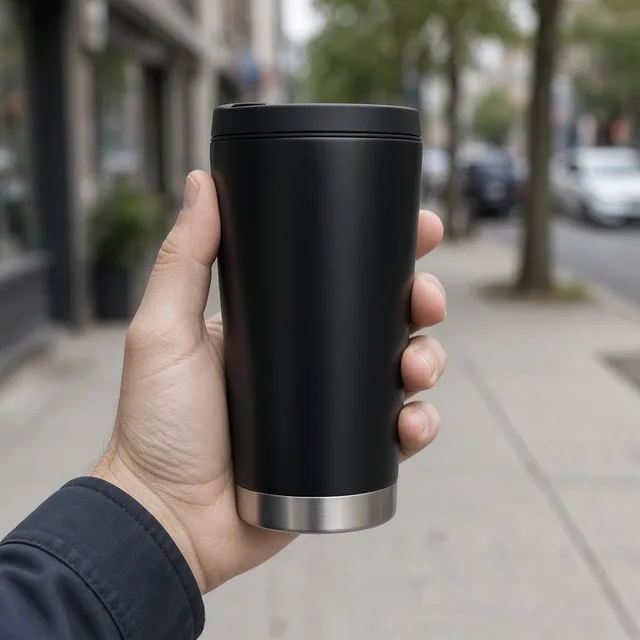
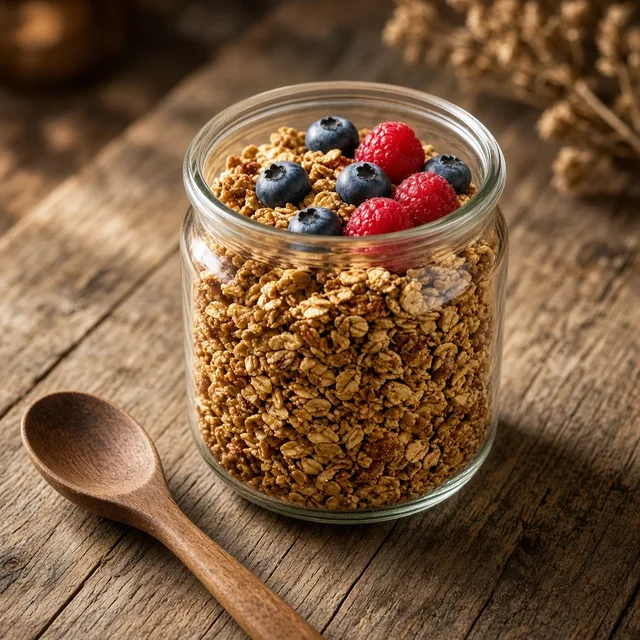

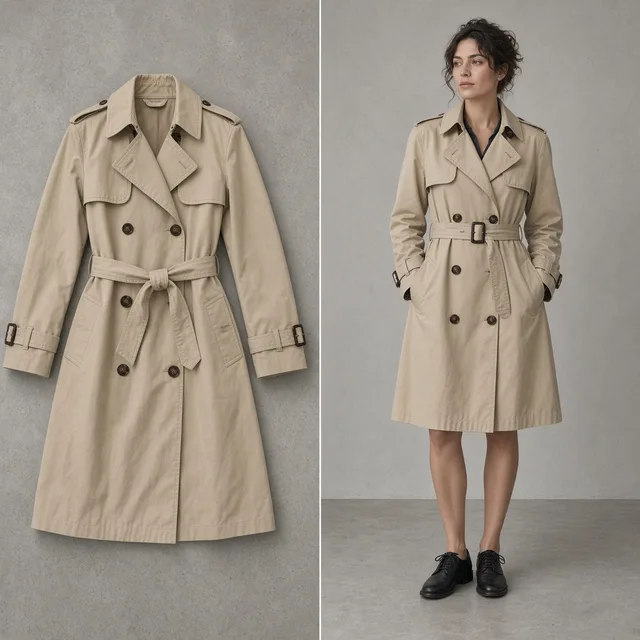
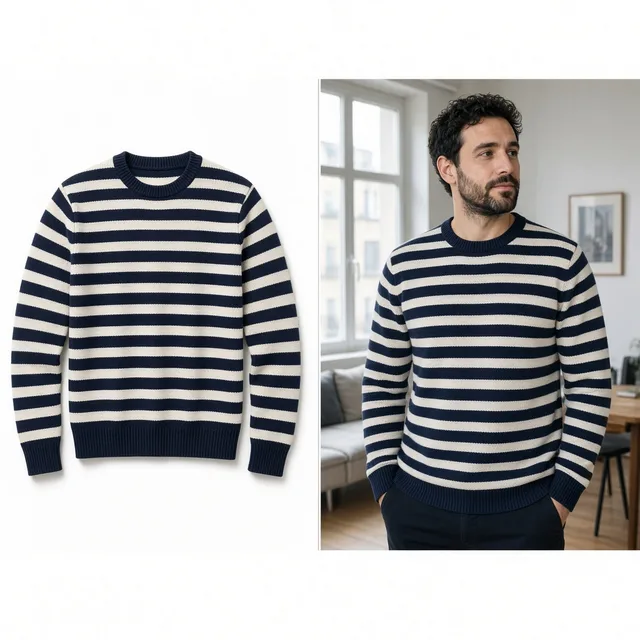





What this free tool is
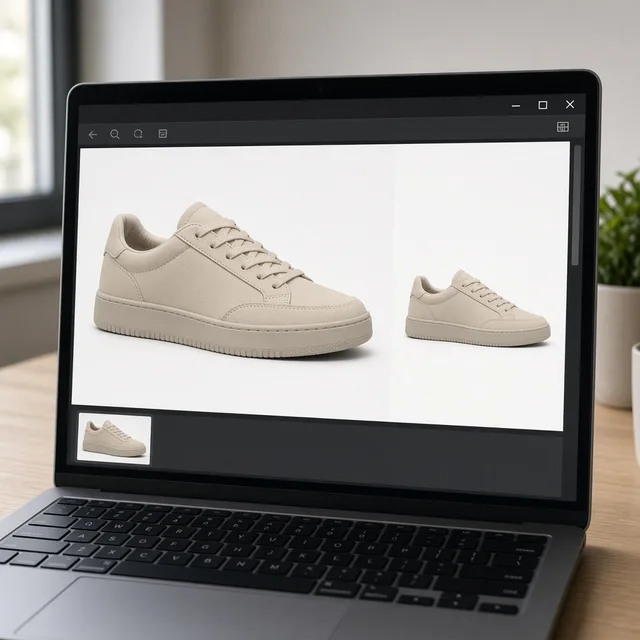
ProductShot AI Free Product Image Converter is a browser-based tool that batch converts ecommerce product images between WebP, PNG, and JPG. Upload up to 20 JPG, PNG, or WebP files (20MB each), pick the target format and quality, then download each file or one ZIP with no login, credits, watermark, or saved history.
Max upload
20MB per image
Batch size
Up to 20 images
Input formats
JPG, PNG, WebP
Output formats
WebP, PNG, or JPG
Batch download
ZIP
Login required
No
Credits used
0
Processing
Browser-local
Before and after
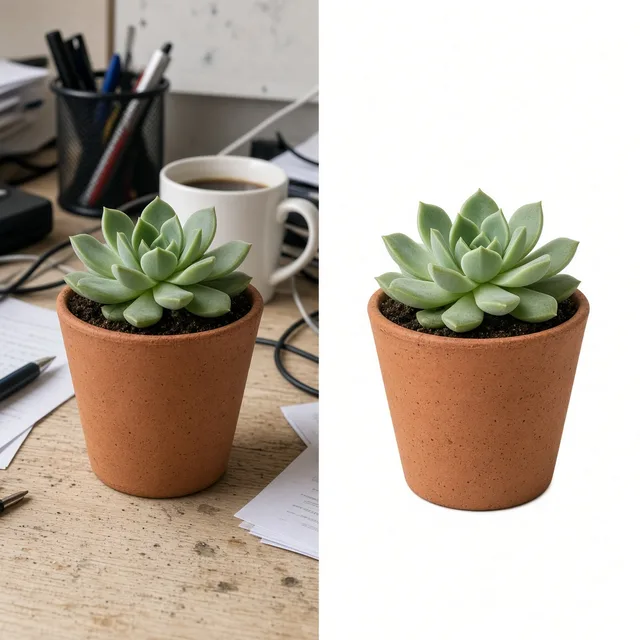
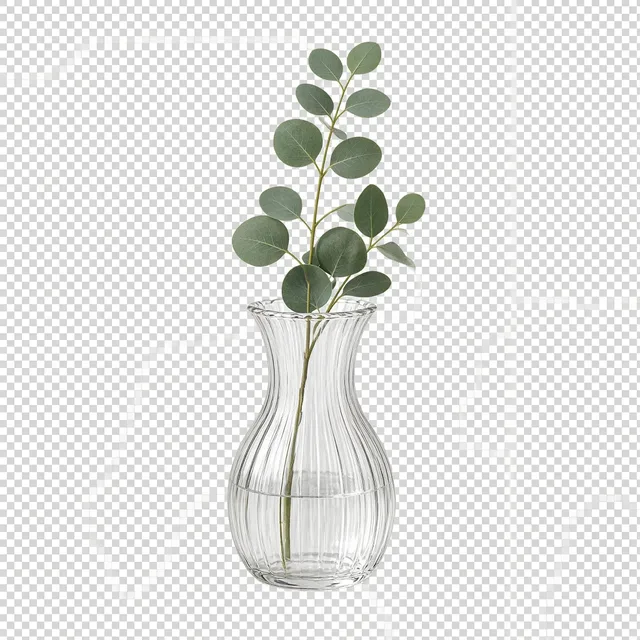
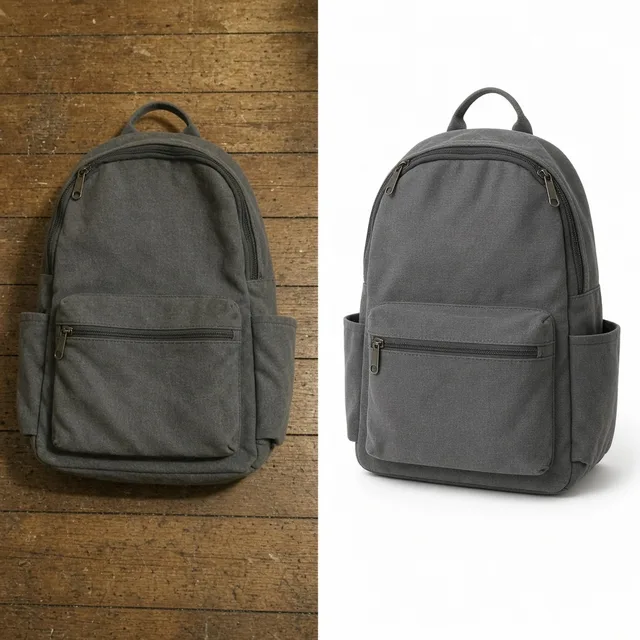
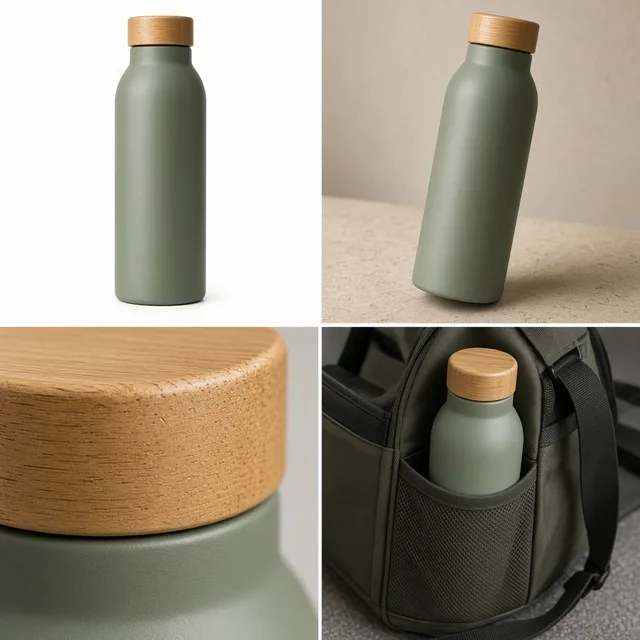
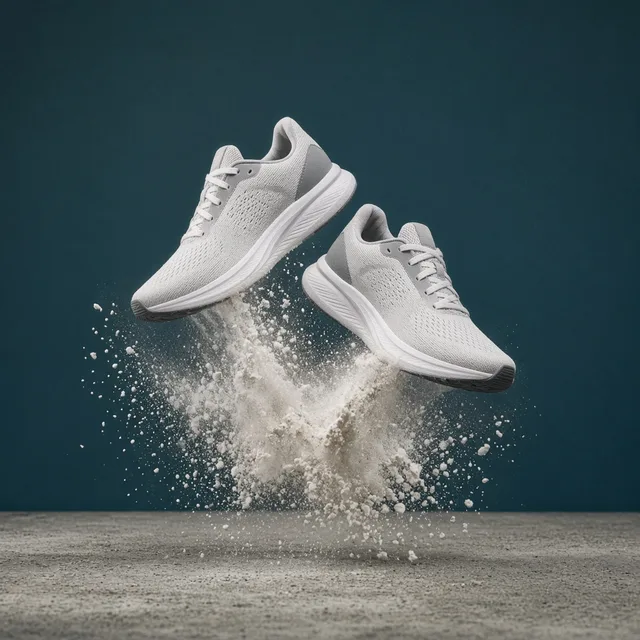
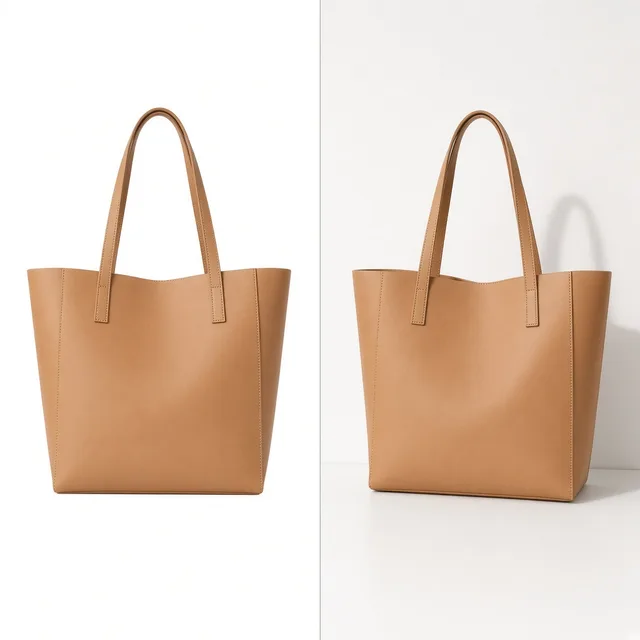
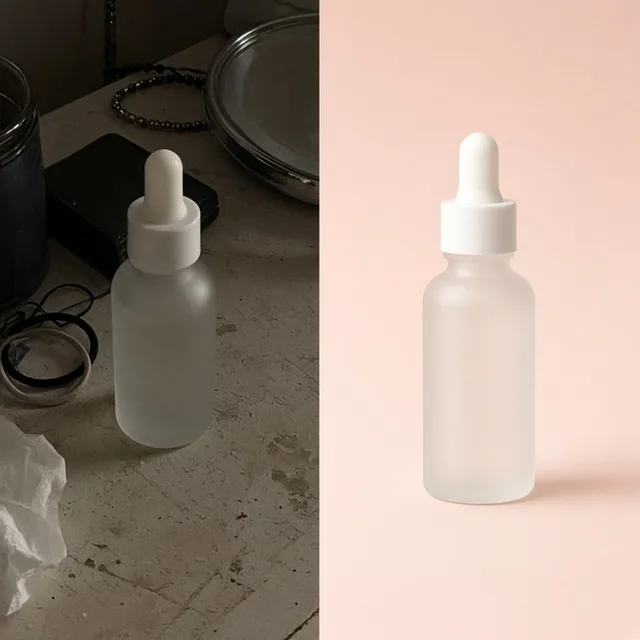
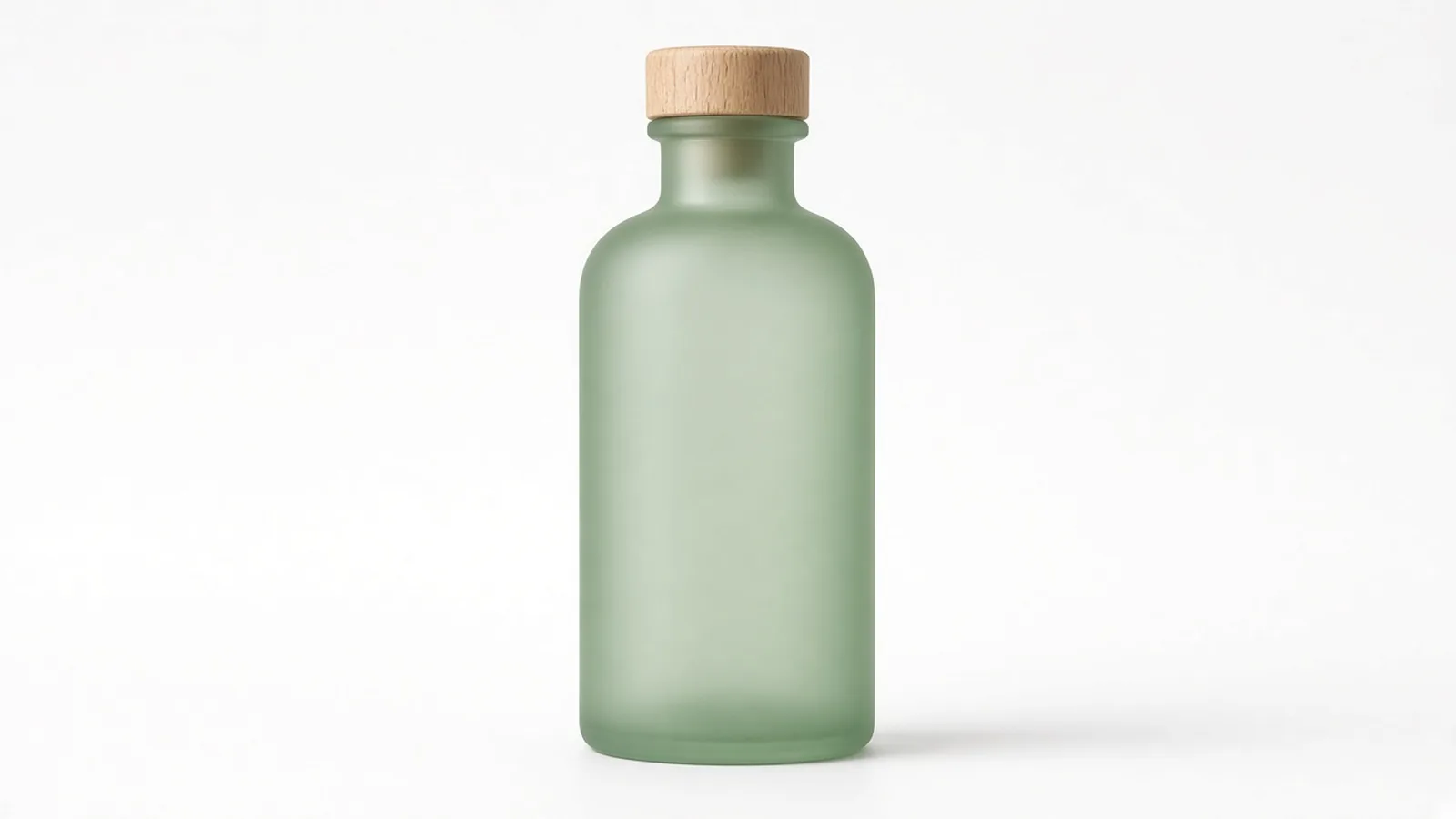
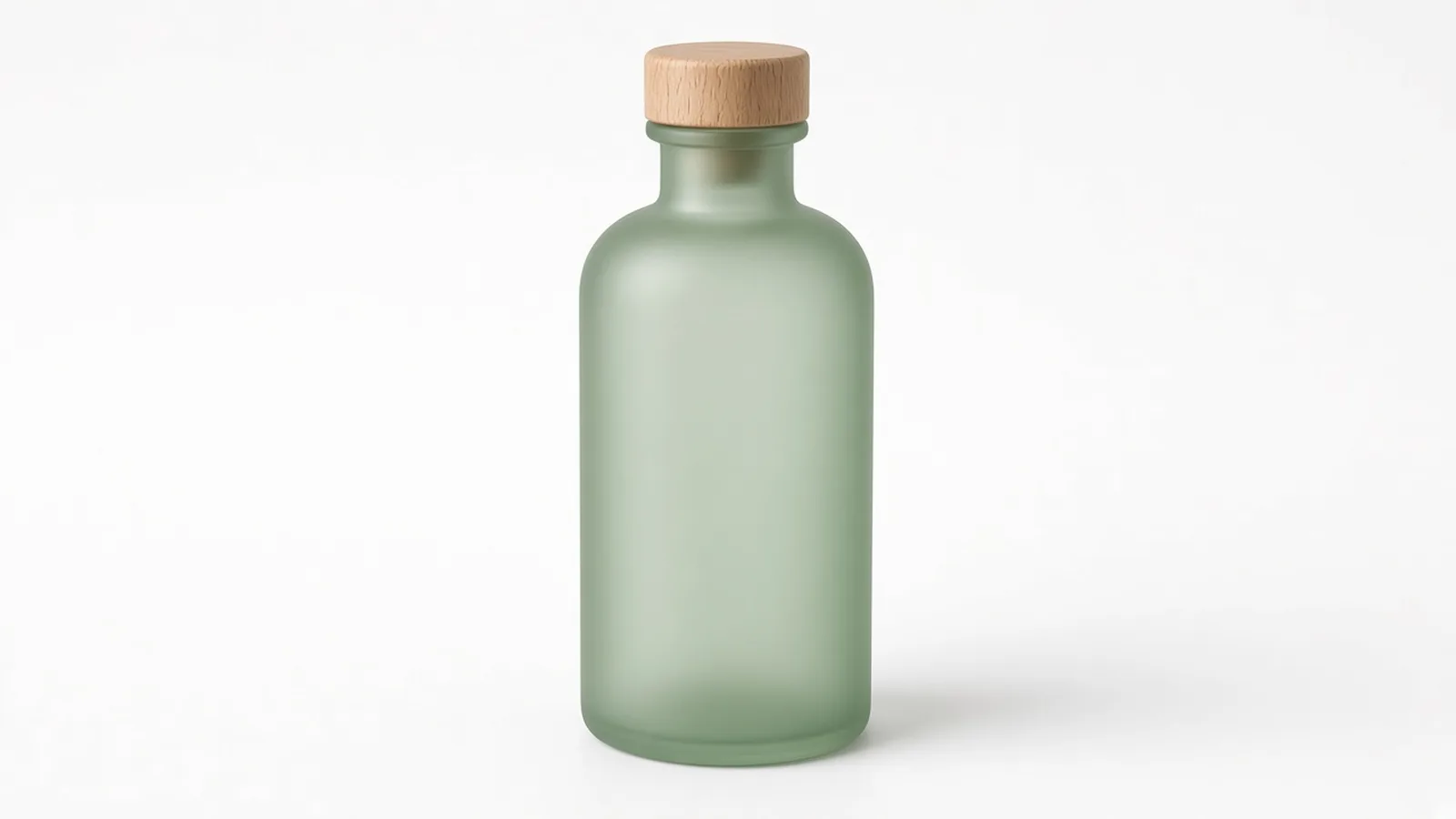
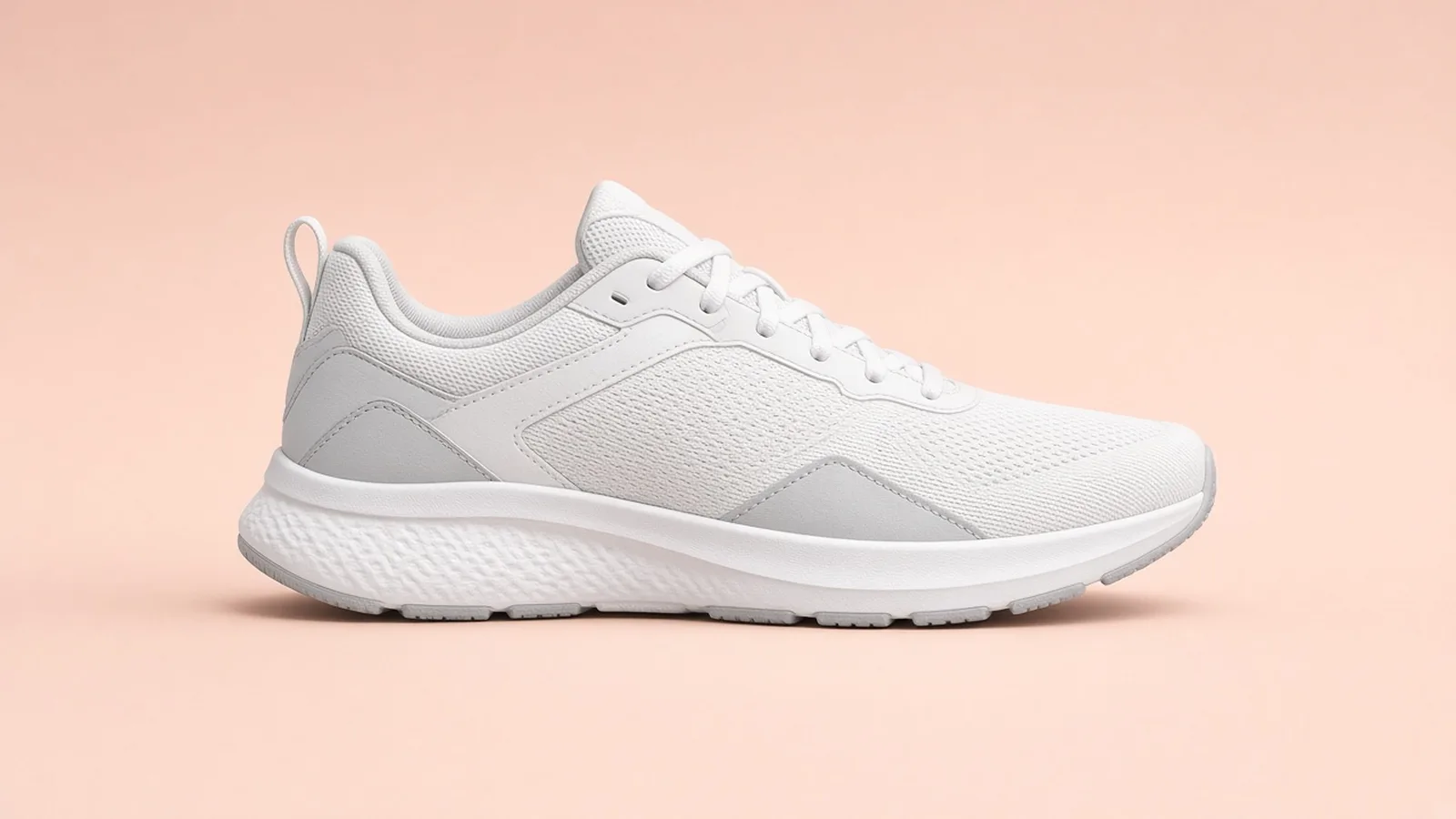
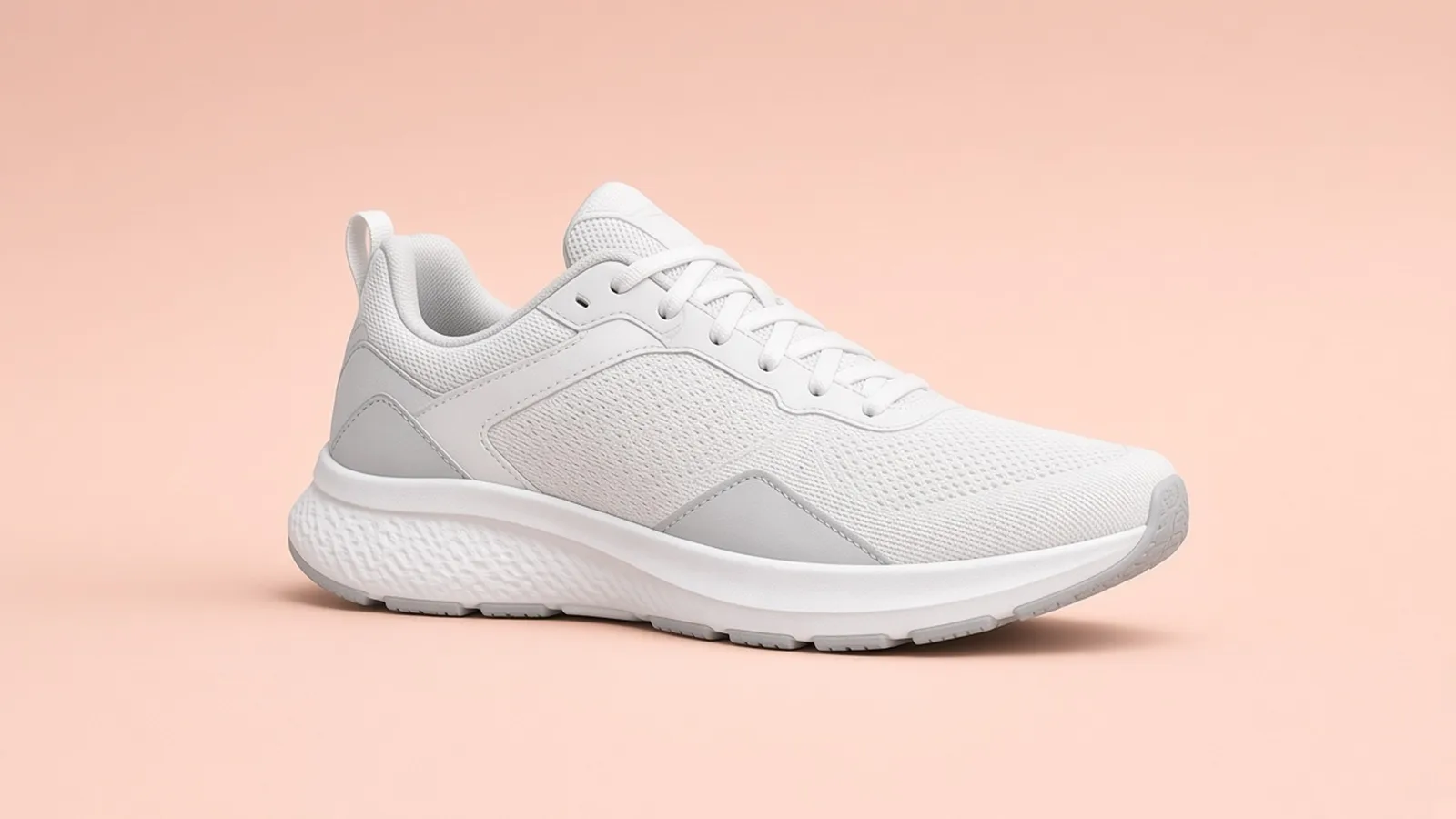
Three side-by-side ecommerce conversion cases for listing photos, studio product shots, and supplier assets. Each pair keeps original pixel dimensions while switching between WebP, PNG, and JPG to satisfy platform upload rules, theme performance, and marketplace compatibility.
 Before
 After
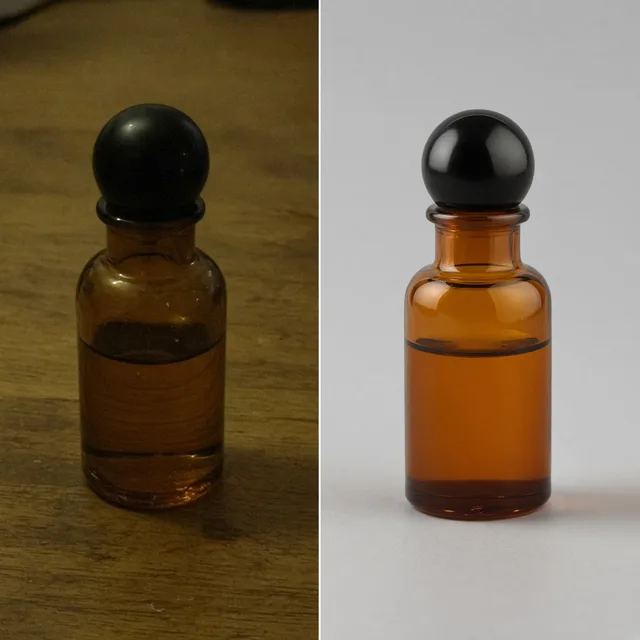
Unbranded glass bottle listing photo
PNG to WebP · Faster load
 Before
 After
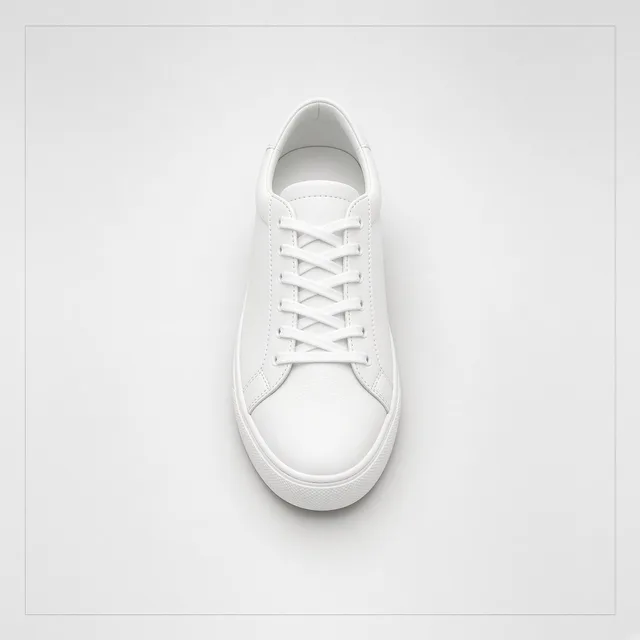
Unbranded white sneaker photo
PNG to JPG · Smaller file
 Before
 After
Unbranded table lamp supplier photo
WebP to JPG · Platform ready
Ecommerce image format conversion
Marketplaces, storefront themes, email tools, and ad platforms frequently require specific image formats like JPG, PNG, or WebP. Large PNG files from suppliers can slow down pages, while certain channels do not accept WebP exports. This free browser tool converts batches of up to 20 product images between WebP, PNG, and JPG right on your device. Original pixel dimensions remain intact, transparent areas fill with white when converting to JPG, and files process locally without server uploads, logins, credits, watermarks, or saved history.
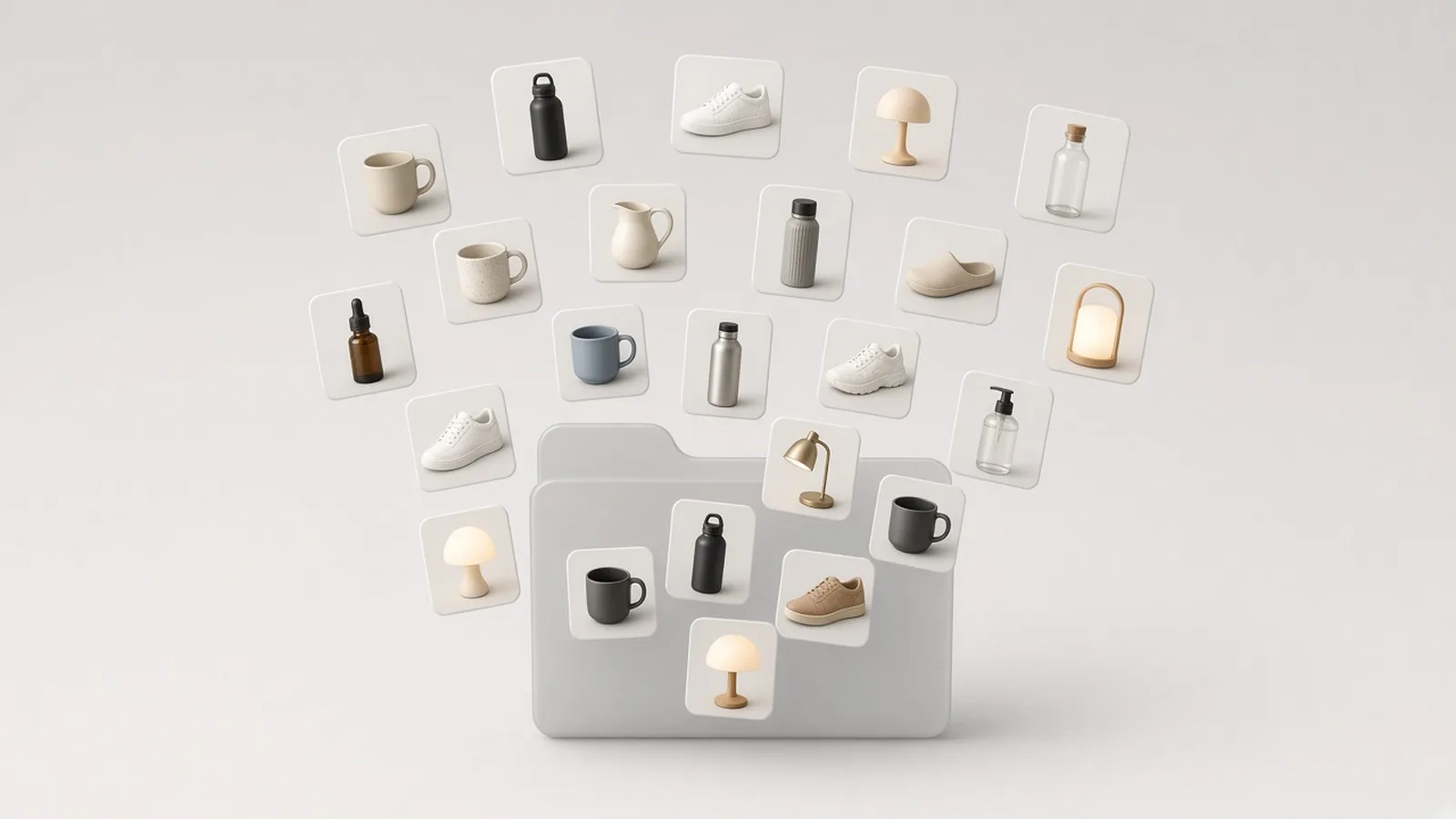
Drop in up to 20 JPG, PNG, or WebP files up to 20MB each and convert them to your target format in one pass. Download converted files individually or bundle the entire batch into a single ZIP file to speed up daily catalog preparation.
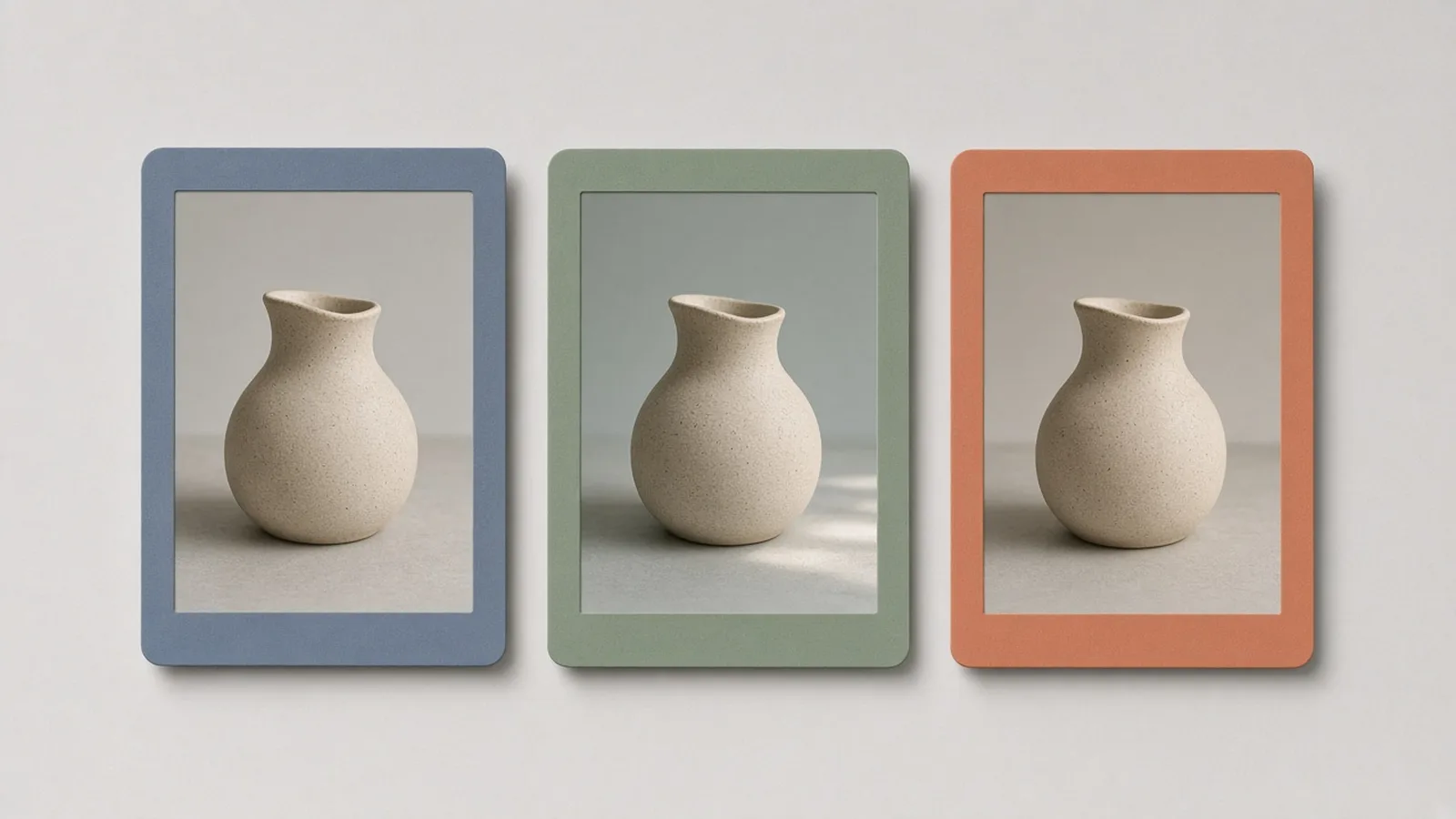
Choose WebP for modern storefront speed, PNG for lossless detail preservation, or JPG for broad marketplace compatibility. Pick one uniform output format for your batch to meet specific platform upload rules.
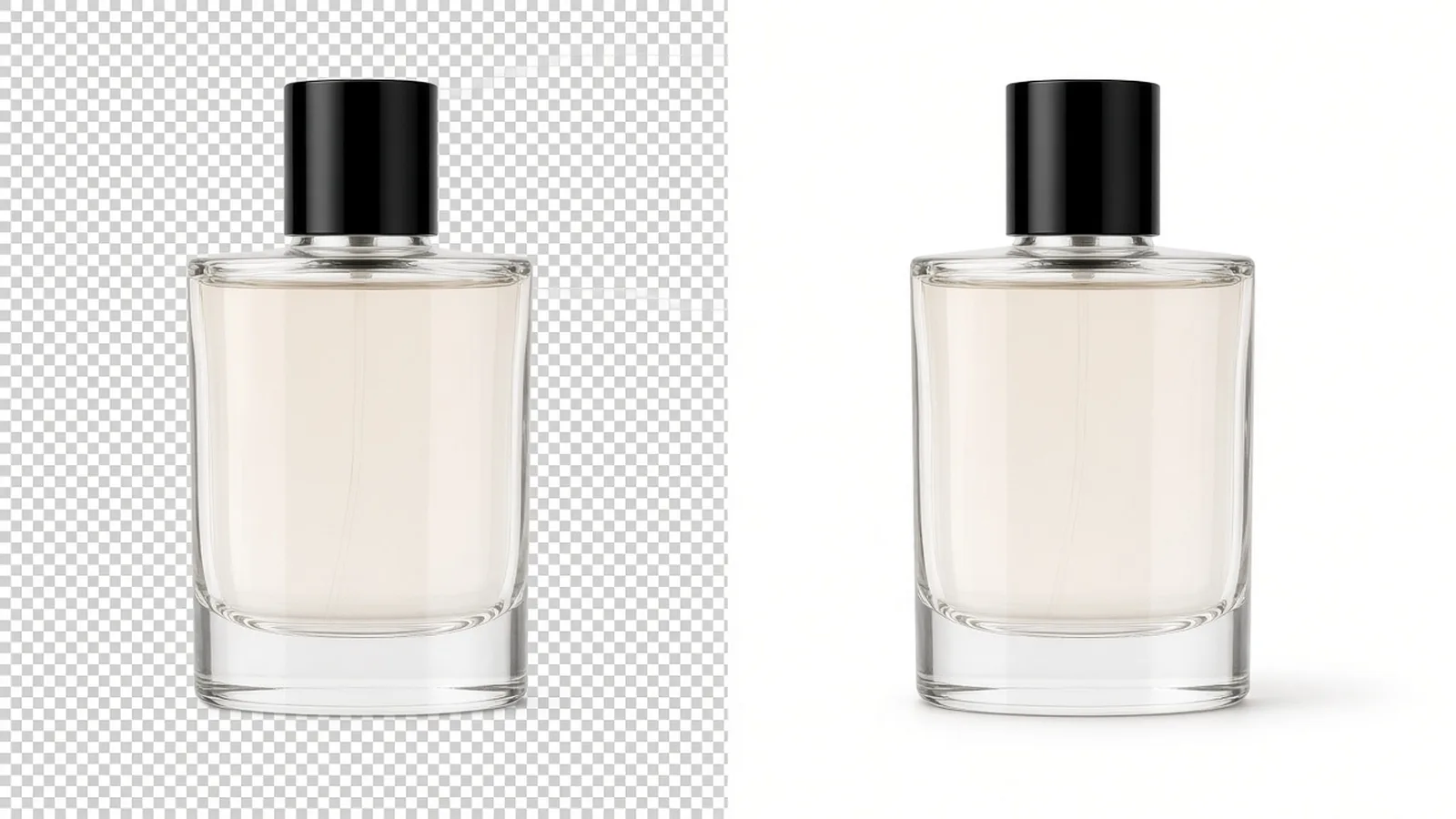
When converting transparent cutout graphics to JPG, transparent pixels automatically fill with pure white. This prepares product cutouts for marketplace listings that require solid white backgrounds without manual editing.
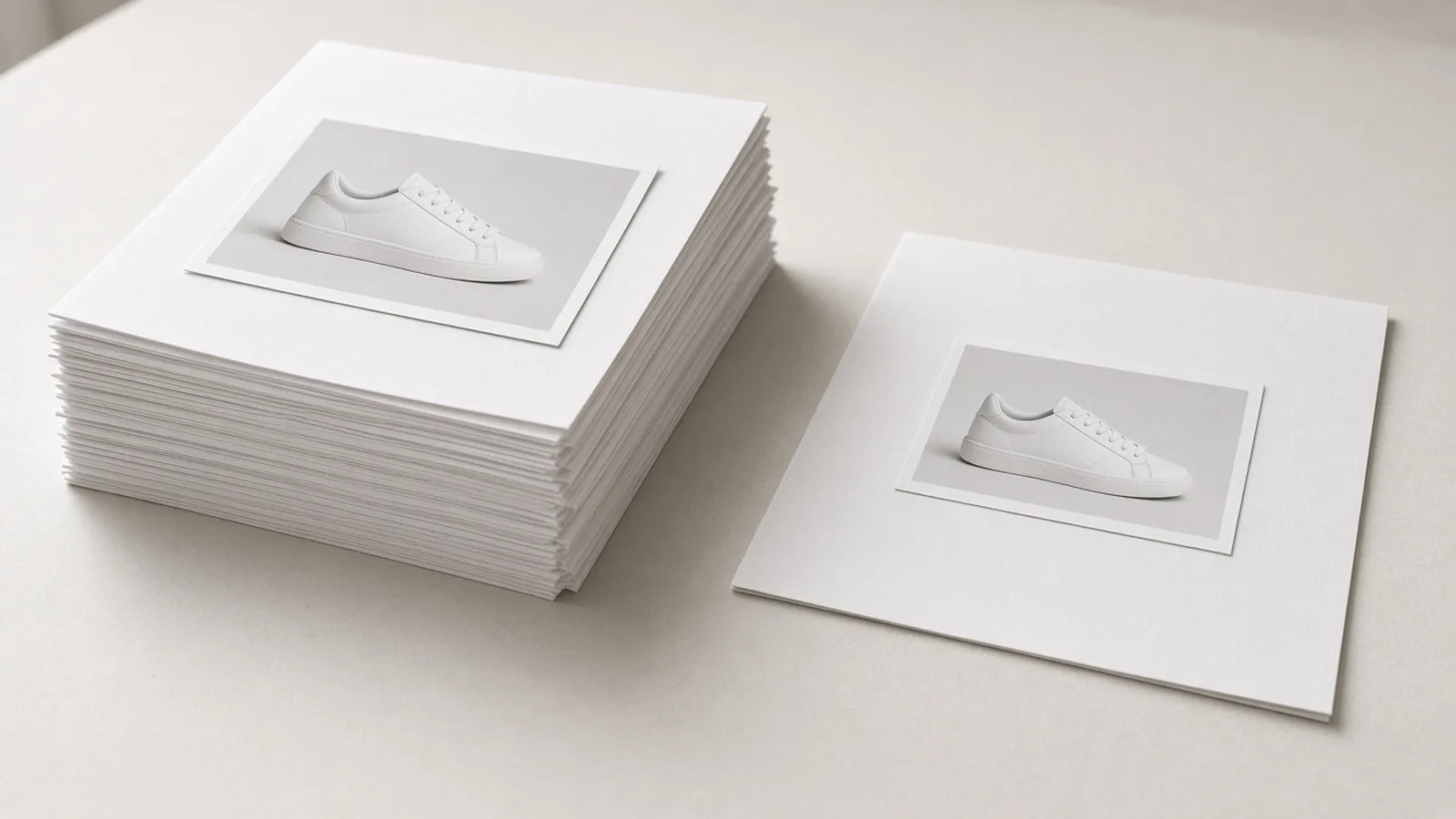
Tune output quality between 50% and 100% (default 90%) for JPG and WebP outputs, while PNG exports remain lossless. Track original versus converted file sizes for each item and inspect total batch size changes before saving.
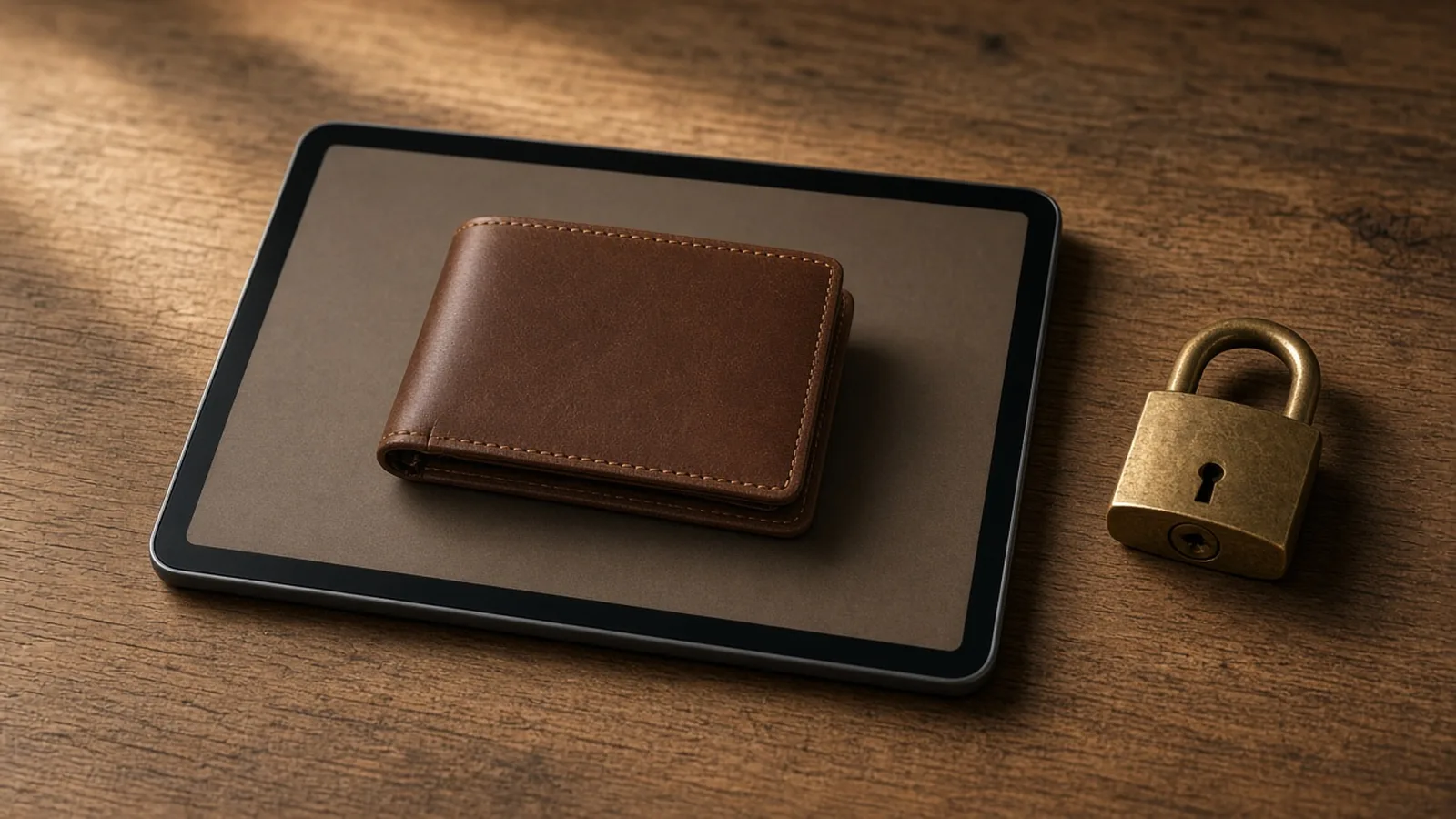
Images process directly in your browser without uploading to any remote server. Enjoy free conversion with no sign-in, no credits deducted, no watermarks added, and no saved history, while re-encoding strips EXIF metadata.
Ecommerce use cases
One browser workflow to adapt product photos, supplier packages, and listing assets across channels—helping you comply with platform format rules or speed up online store browsing.
AmazonConvert supplier WebP or PNG files into standard JPG format with pure white background fill where transparency exists, ready for upload checks.
 Shopify
Convert oversized PNG product photos into lightweight WebP format to help theme banners and collection pages load more smoothly.
 Etsy
Transform modern WebP exports into widely accepted JPG or PNG files to meet listing platform requirements without resizing original pixels.
 Social
Switch product catalog exports into the required image format in batches of up to 20, then download everything in one ZIP archive.
Workflow
A browser-based workflow for rapid ecommerce format changes. Upload up to 20 images, choose your target format, adjust quality settings, and download watermark-free files individually or as a ZIP.
Select up to 20 JPG, PNG, or WebP files up to 20MB each. Supplier packs and storefront exports process locally in your browser.
Pick WebP, PNG, or JPG for the entire batch. If selecting JPG or WebP, adjust the quality slider between 50% and 100% (default 90%).
Check original and converted file sizes for each image, verify total batch size differences, and inspect automatic white fills on transparent JPGs.
Save individual converted images or click download all to get a packaged ZIP archive with no watermarks and no history saved.
Tool comparison
Traditional desktop editors are suitable for complex retouching, color grading, and custom layering. This free browser converter is designed for fast format changes when images are already approved but need to match specific platform rules.
Free
no credit use
WebP/PNG/JPG
format choices
No watermark
clean download
Best for layered compositing, advanced masking, and complex retouching pipelines. Requires installed software, local licenses, and repetitive manual exports that slow down everyday listing asset conversions.
Best for quick batch format conversion between WebP, PNG, and JPG directly in your browser. Convert up to 20 files at once without software installation, login, credits, watermarks, or server uploads.
Choose the right free tool
Use the converter when a platform, theme, or CMS wants a specific format. It keeps pixel dimensions and only changes the file type. Switch tools when you need a cutout, centered padding, or a much smaller file.
Product Image Converter
Product Image Compressor
Product Image Padding
Background Remover
AI Product Shot
| Tool | Best for | Output | Not for |
|---|---|---|---|
| Product Image Converter | Format requirements, batch exports | WebP, PNG, or JPG | Resizing or reframing |
| Product Image Compressor | Oversized listing files | Smaller JPG/WebP | Batch format switches |
| Product Image Padding | Centering and even margins | Padded PNG/JPG | Changing many files at once |
| Background Remover | Isolate subject from messy photos | Cutout PNG | Format-only changes |
| AI Product Shot | New ecommerce photos | Generated images | Pure file conversion |
Guides & Blog
Read ProductShot AI guides about ecommerce AI visual tools, product photography generators, and image processing workflows.
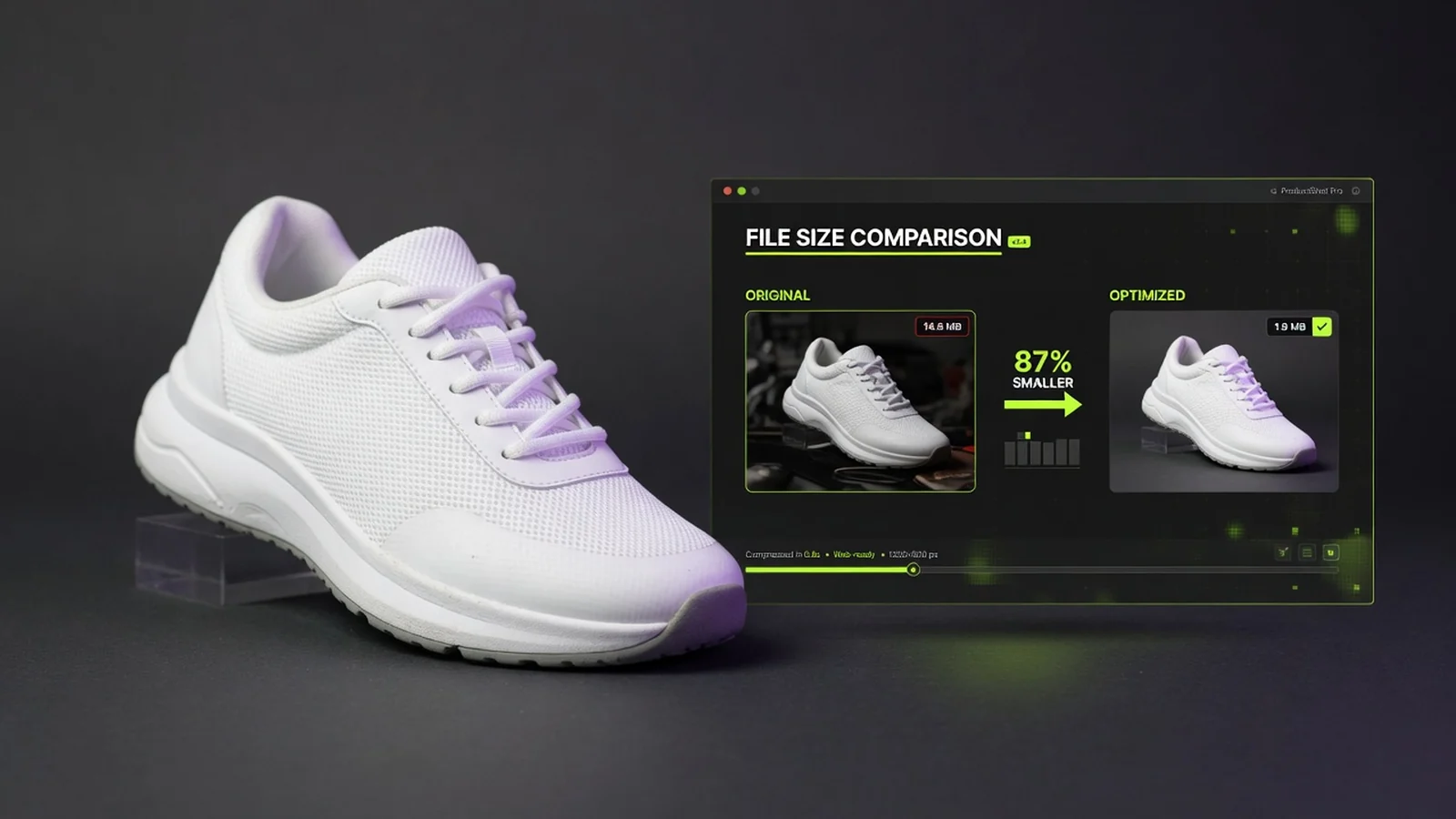 Guide
Reduce product image file size for Amazon, Shopify, ads, and email—without wrecking packaging detail.
 Guide
When a free cutout helps listing prep, and what to do after the subject is isolated.
 Guide
Build one reusable transparent master for modules, banners, and design handoffs.
See how sellers, store owners, and catalog managers convert product image formats before marketplace submissions, theme uploads, and multi-channel asset distribution.
“Some listing channels reject WebP files. Converting an entire batch of 20 images to JPG in seconds saves a lot of manual export work.”
“Supplier packs often arrive as massive PNG files. Converting them to WebP cuts load times across collection pages without needing desktop software.”
“Converting transparent cutouts to JPG with an automatic white background fill makes listing preparation quick and straightforward.”
“I like that files stay in the browser. We convert product photos without uploading to third-party servers or burning credits.”
“The ZIP download and size tracker help me see whether files grew or shrank before moving assets into our store manager.”
“No watermarks and no login requirements mean I can convert supplier assets on the fly and drop them straight into listing drafts.”
Converter FAQ
Common questions about free product image format conversion, WebP, PNG, and JPG switching, quality settings, transparent background handling, and batch ZIP downloads.
Yes. This converter is completely free to use directly in your browser. You do not need to log in or create an account, and it does not consume ProductShot AI generation credits.
No. All downloads are watermark-free. Processing happens entirely within your local browser, meaning your images are never uploaded to a remote server and no account history is saved.
You can upload up to 20 images at once in JPG, PNG, or WebP format, with a maximum file size of 20MB per image. You can convert the entire batch into WebP, PNG, or JPG.
The quality slider ranges from 50% to 100% (default 90%) and applies to JPG and WebP conversions. Because PNG is a lossless format, the quality slider does not affect PNG output.
JPG does not support transparency. When you convert a transparent PNG to JPG, transparent areas automatically fill with clean white, making the asset suitable for platforms requiring solid backgrounds.
File size changes depend on the formats chosen. Converting a heavy PNG to WebP or JPG often reduces size, but converting JPG or WebP into lossless PNG typically increases file size. The tool displays size changes for each item so you can review before downloading.
No. This tool only converts file formats and strips EXIF metadata during re-encoding. It keeps original pixel dimensions intact and does not resize, crop, remove backgrounds, or retouch images.
This tool switches file formats between WebP, PNG, and JPG. If you need to shrink file size while keeping the current format, use our product image compressor. For background cutouts, use the remove background tool, and use the AI Product Photography Generator to create new studio scenes.
Free product image converter
Convert product images between WebP, PNG, and JPG in your browser. Download single files or a ZIP bundle with no login, no credits, no watermarks, and no saved history.
Need a new white-background or lifestyle product photo?