
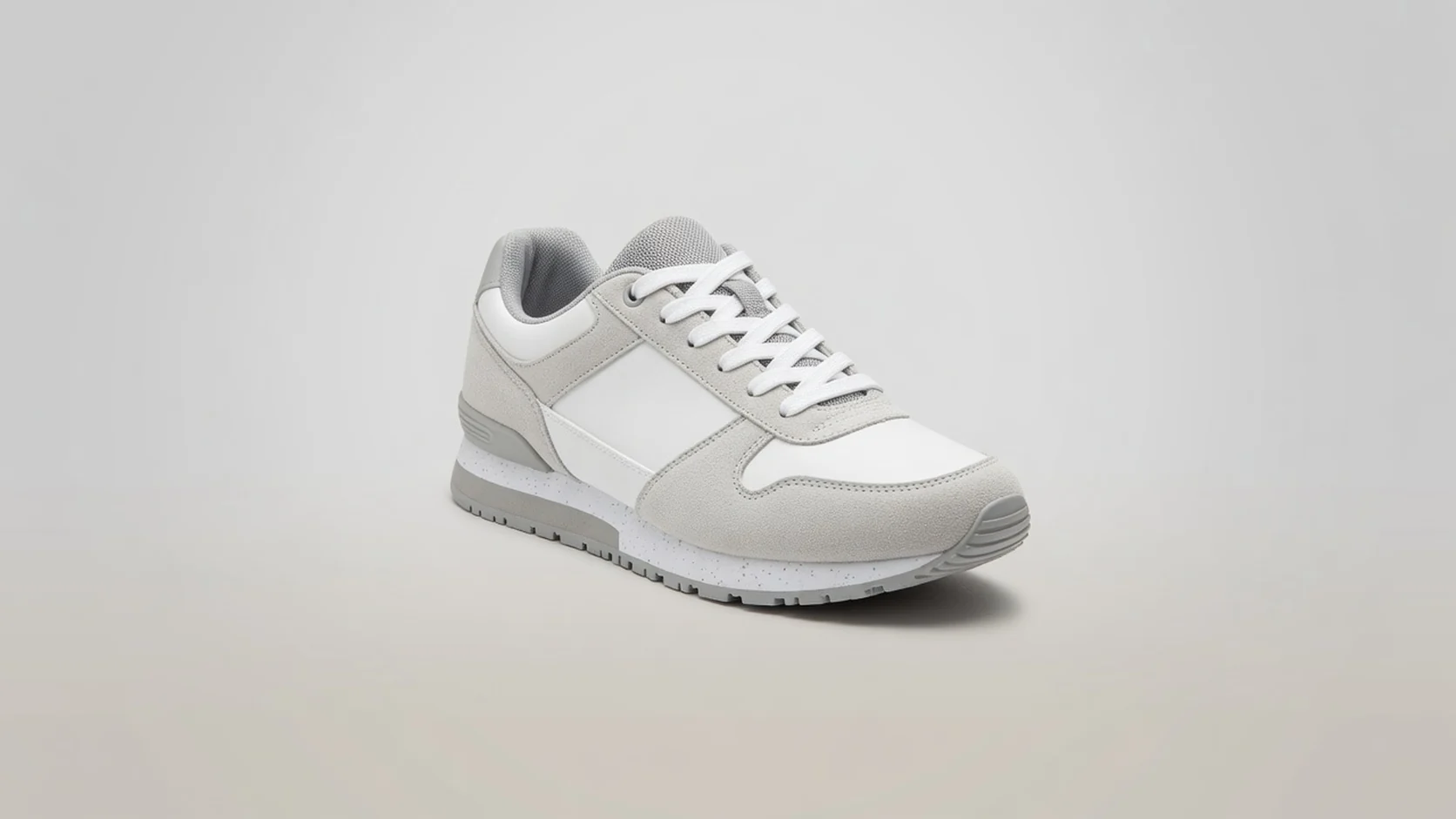
 Amazon
Amazon listing images
Reduce heavy listing files before upload validation and mobile browse checks, especially when packaging edges still need to stay readable.
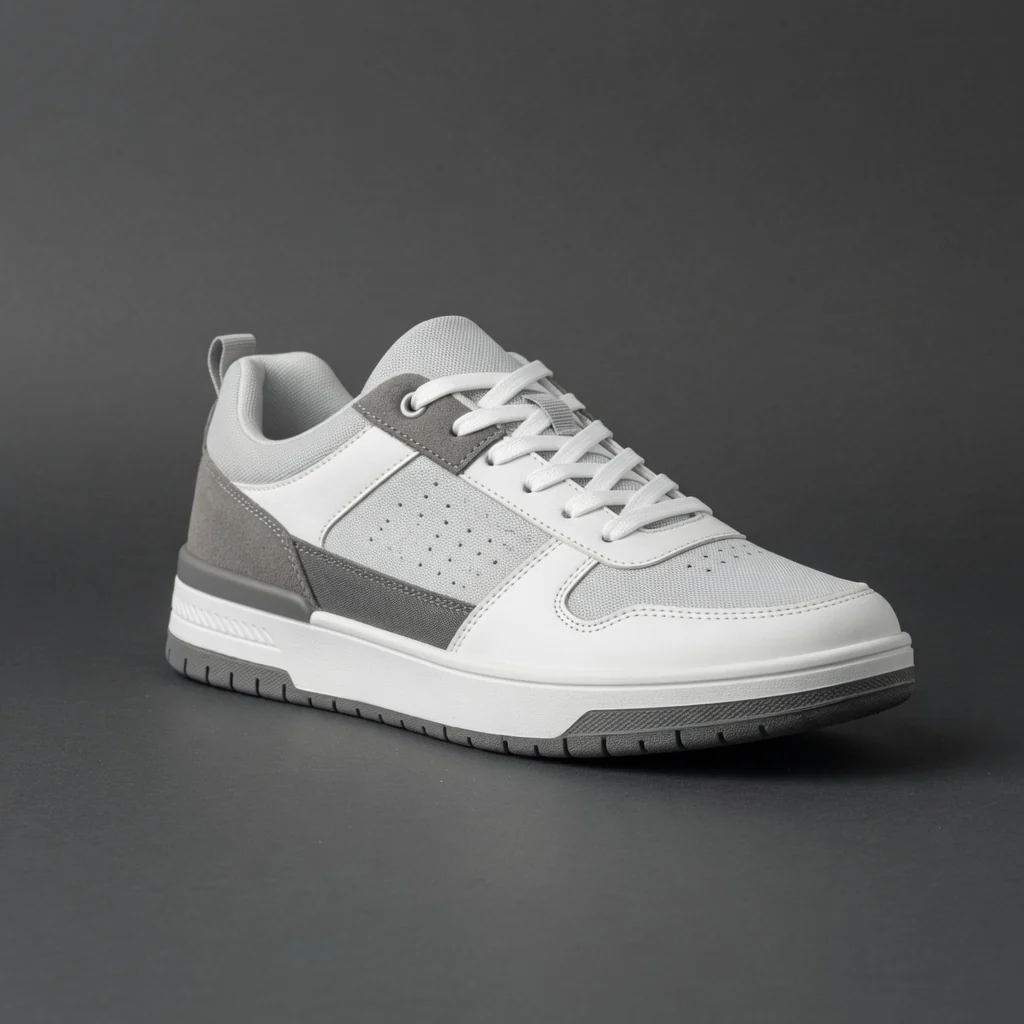 Before
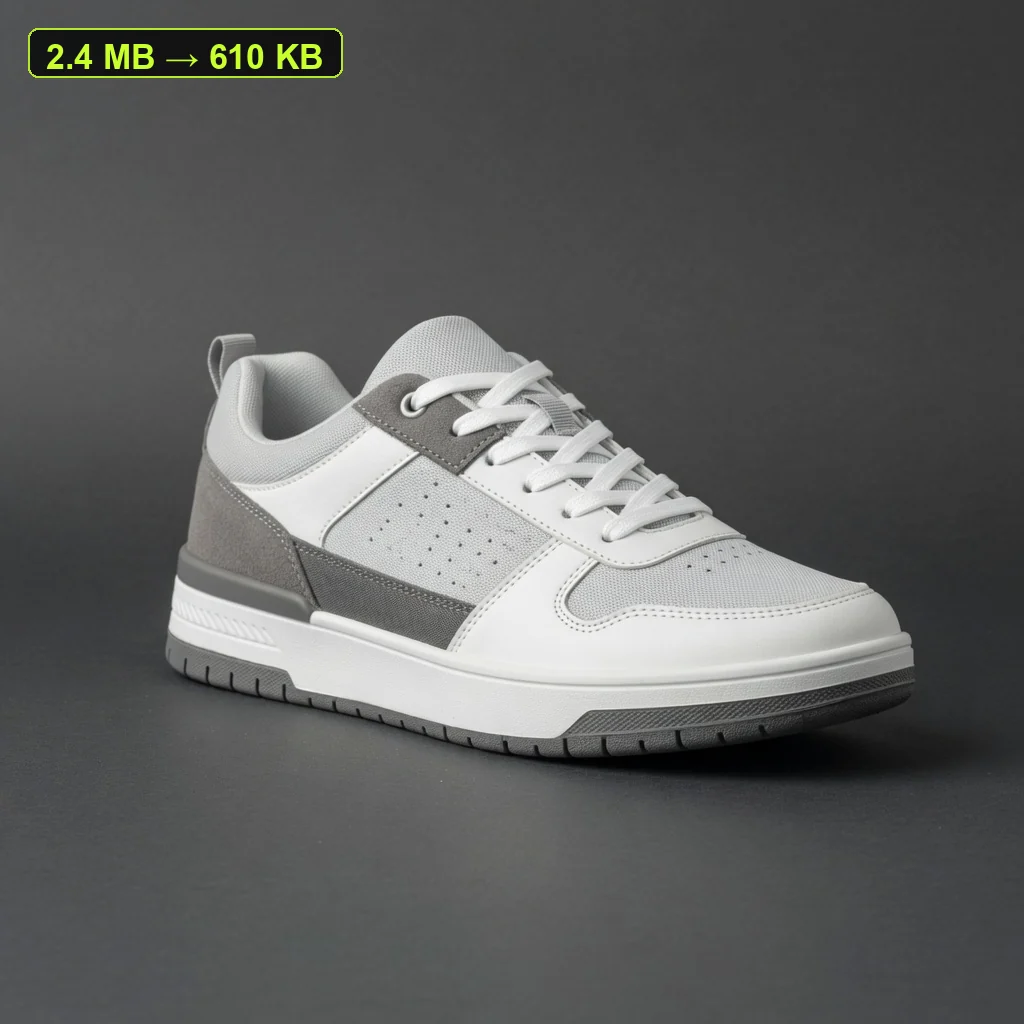 After
AfterWhat this free tool is
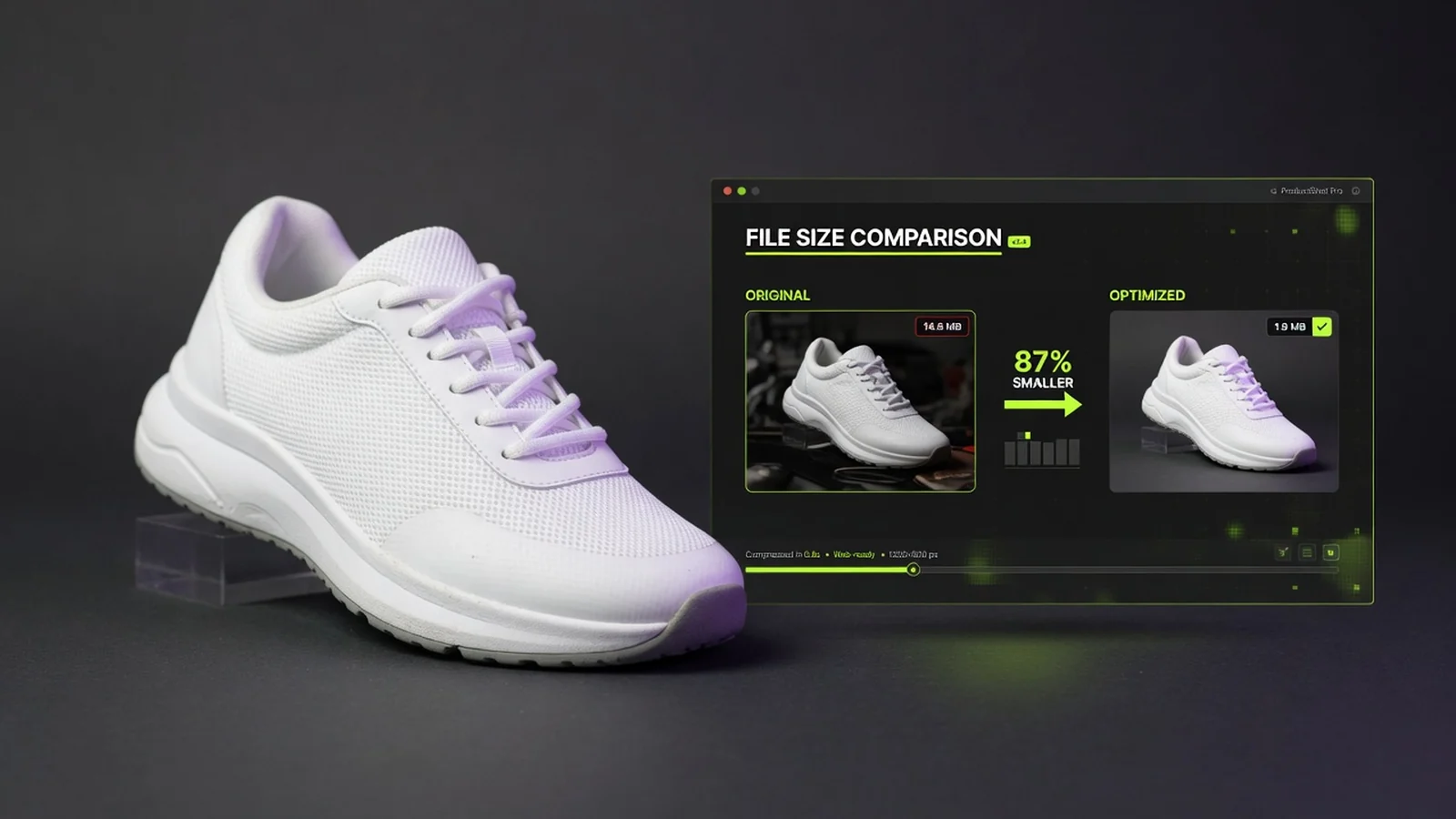
ProductShot AI Free Product Image Compressor is a browser-based tool that reduces ecommerce product image file size. Upload JPG, PNG, or WebP up to 20MB, adjust quality and long edge, then download a lighter JPG or WebP with no login, credits, watermark, or saved history.
Max upload
20MB
Input formats
JPG, PNG, WebP
Output formats
JPG or WebP
Login required
No
Credits used
0
Processing
Browser-local
Watermark
No
History saved
No
Before and after
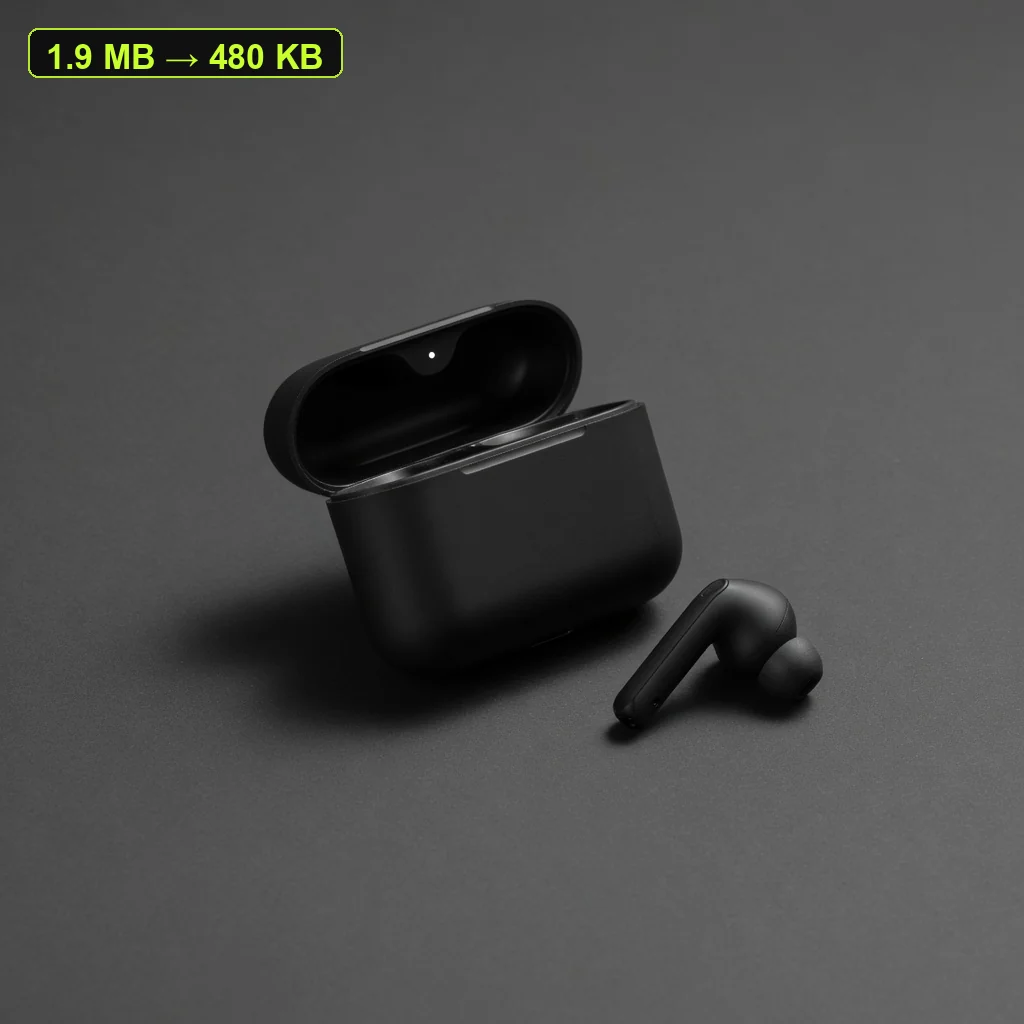
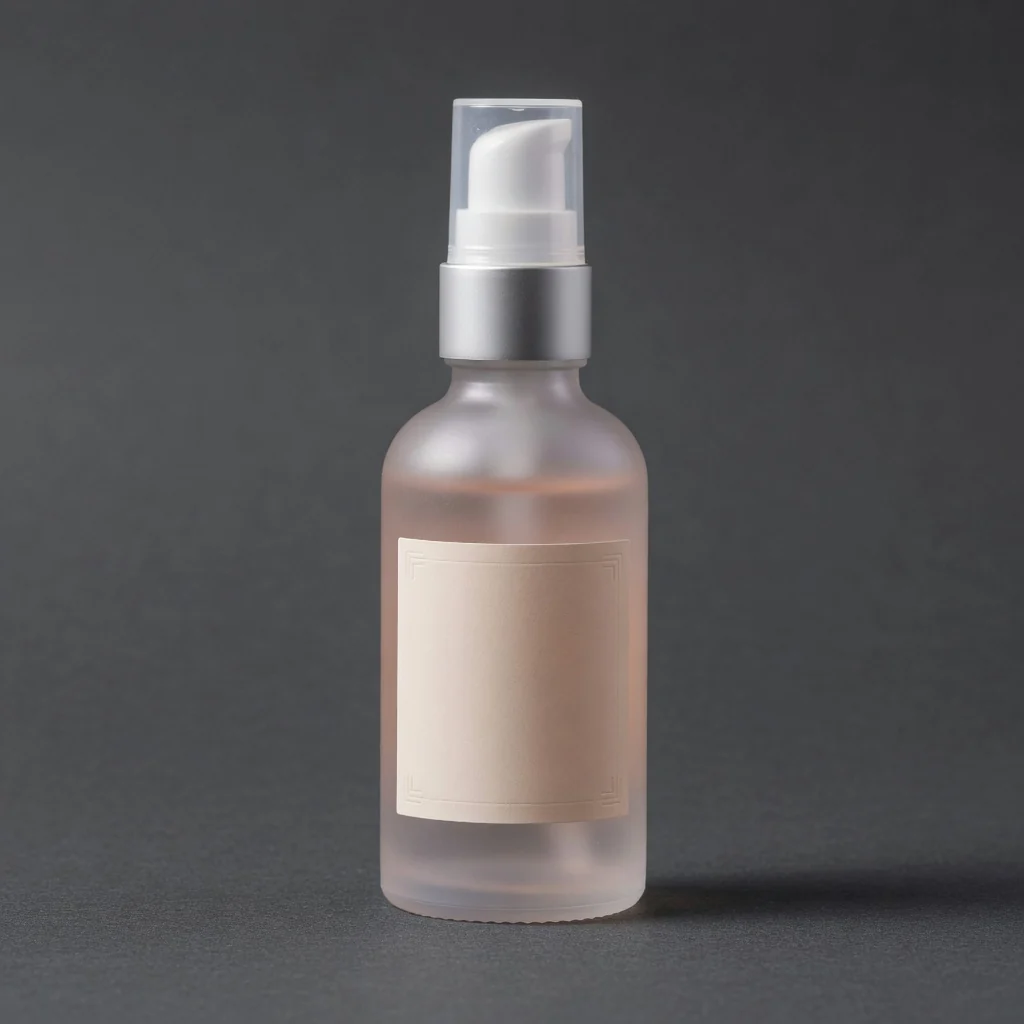
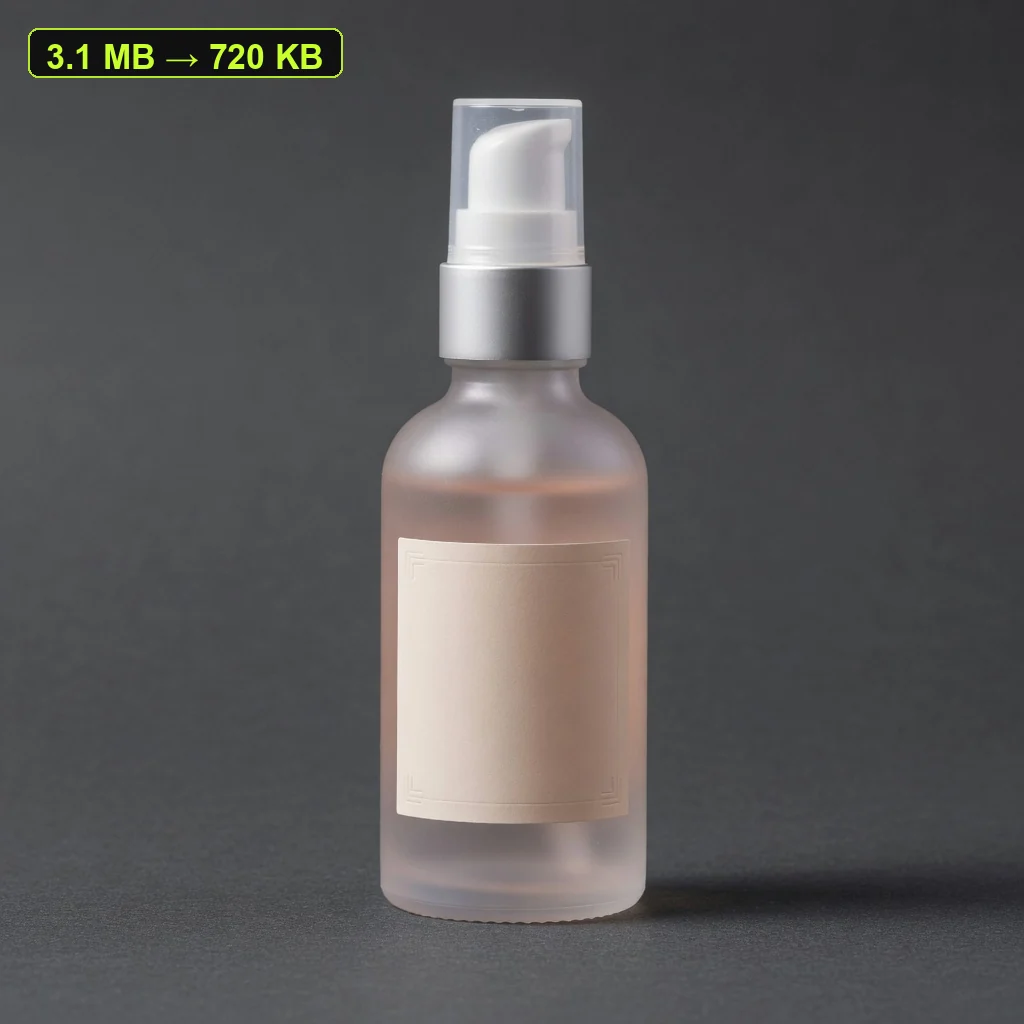
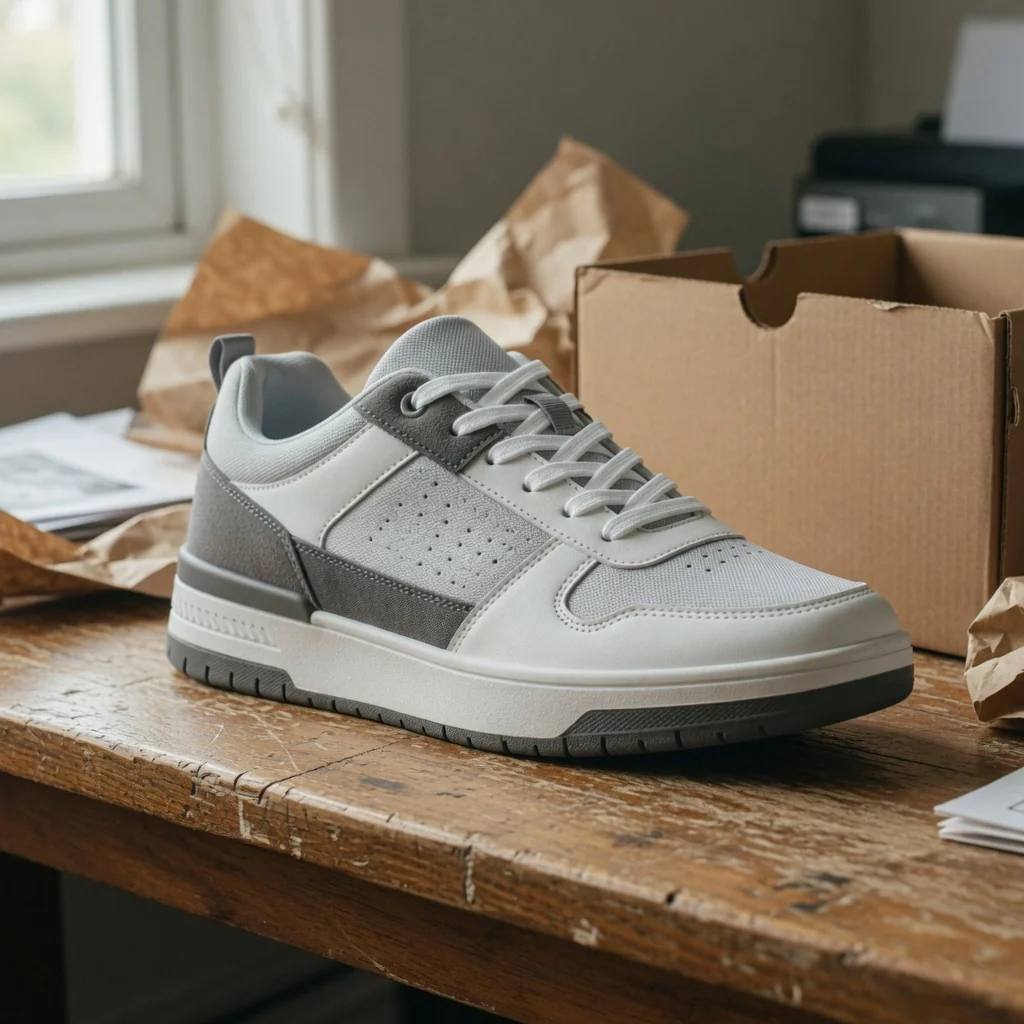
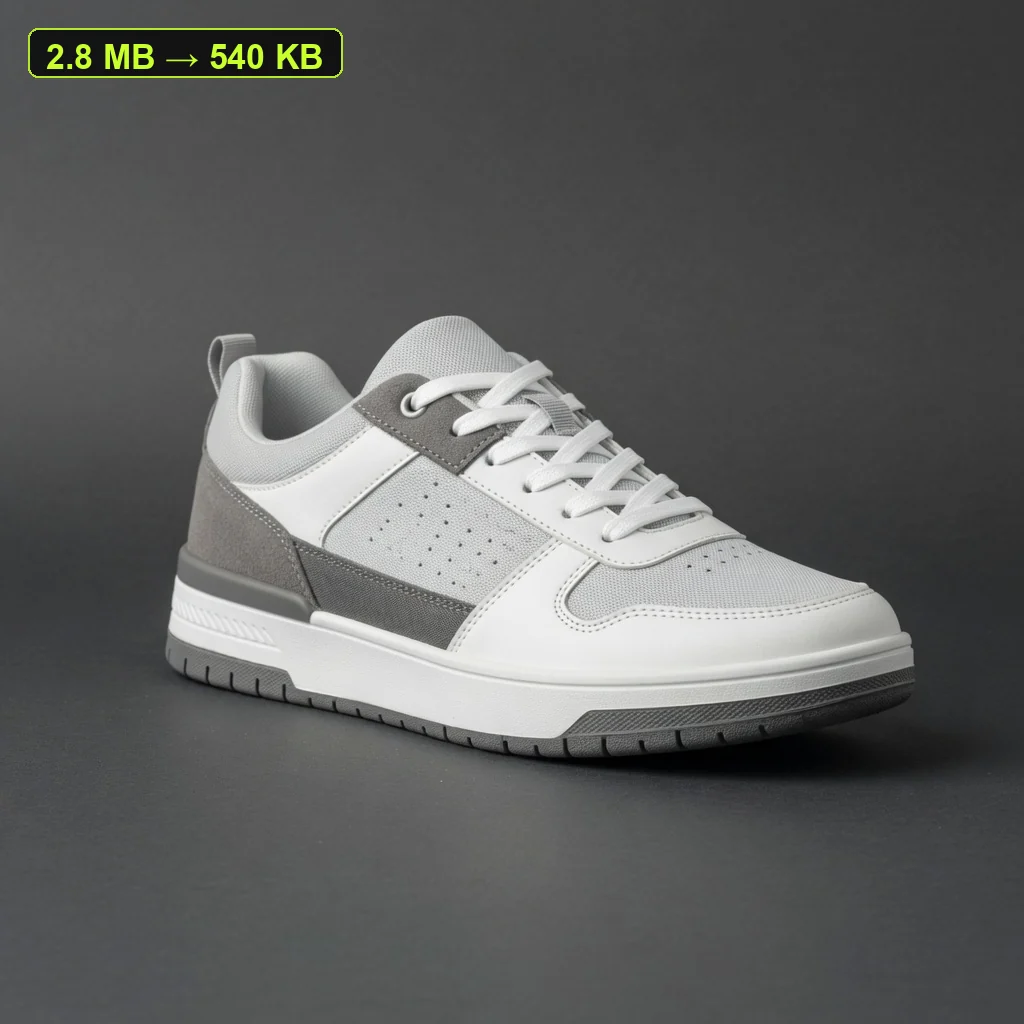
Three side-by-side ecommerce cases for listing photos, campaign posters, and storefront banners. Each pair keeps the same product while showing how a lighter file can still keep edges, labels, and packaging details readable before upload or ad reuse.
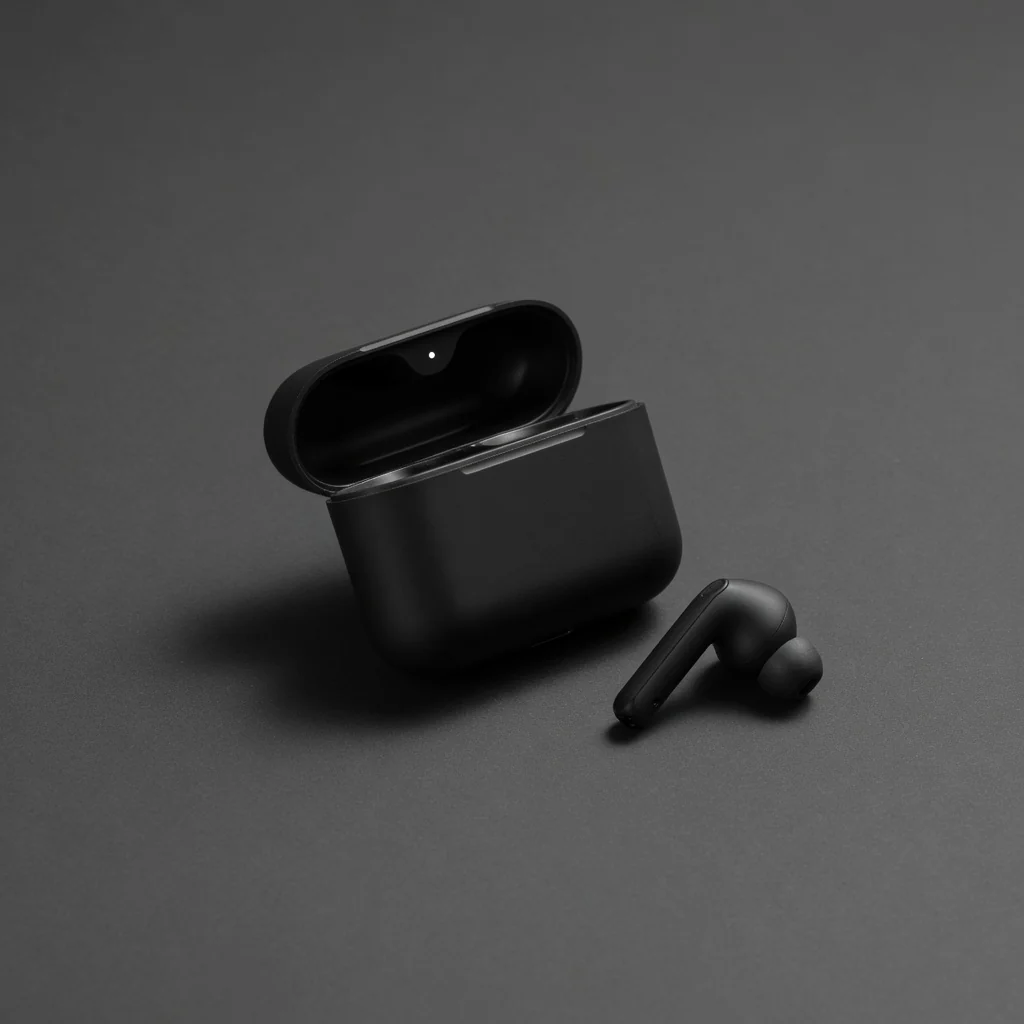 Before
 After
AfterHeadphone listing photo
Smaller file · Readable details
 Before
 After
AfterCampaign poster image
Lighter export · Reuse-ready
 Before
 After
AfterStorefront banner image
Faster load · No watermark
Ecommerce image compression
Marketplace uploads, storefront themes, email tools, and ad platforms often slow down or reject oversized product files. Supplier photos, marketplace exports, launch posters, and storefront banners also grow heavy after repeated exports. A free browser compressor helps sellers reduce file size while keeping product edges and labels readable—without desktop software, login, credits, watermarks, or saved history.
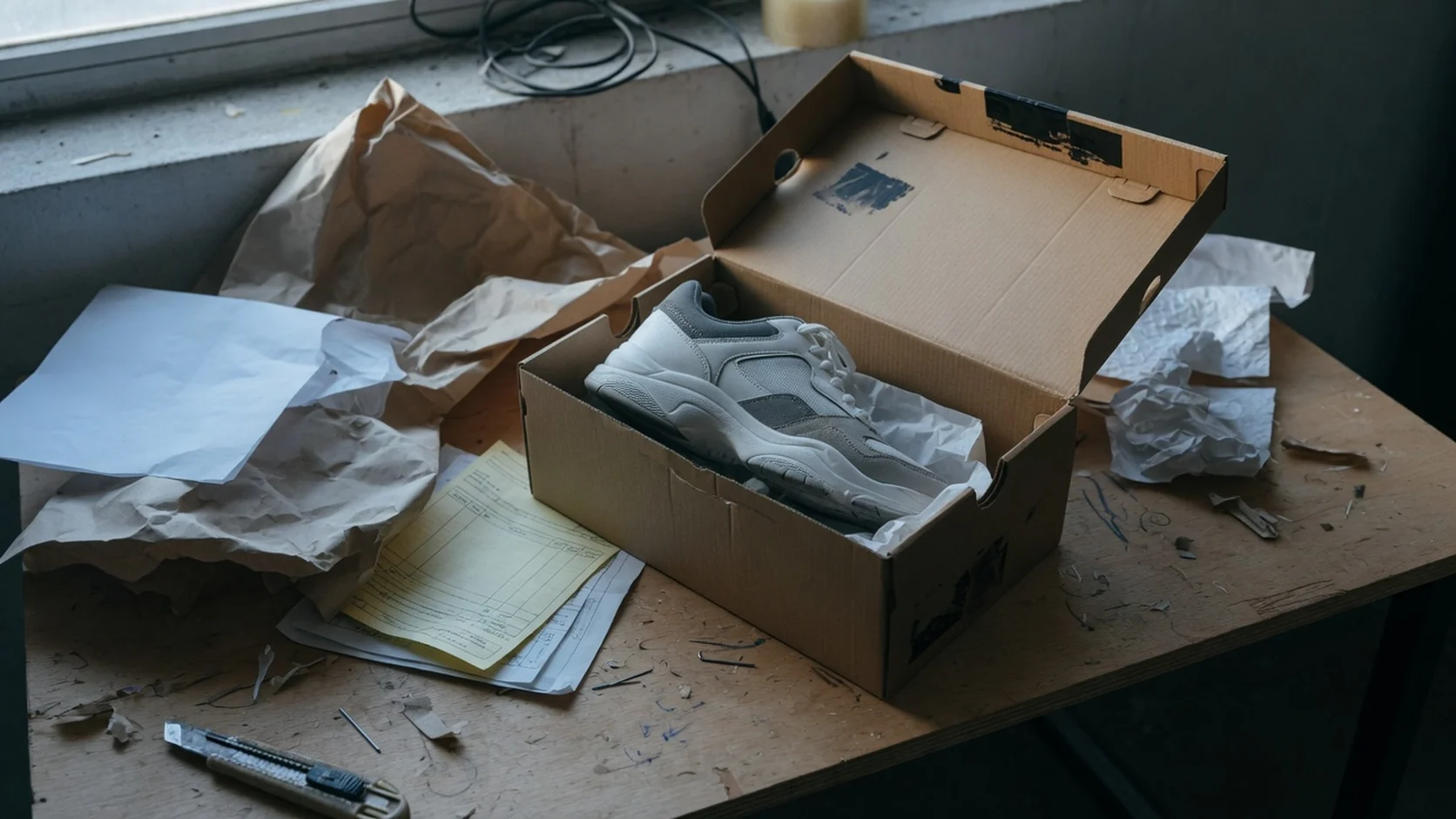
Supplier packs and platform downloads often arrive larger than listing tools allow. Compress them before Amazon, Shopify, Etsy, or TikTok Shop upload checks so you spend less time reopening desktop export dialogs. The goal is a lighter ecommerce-ready file, not a redesign of the product photo.
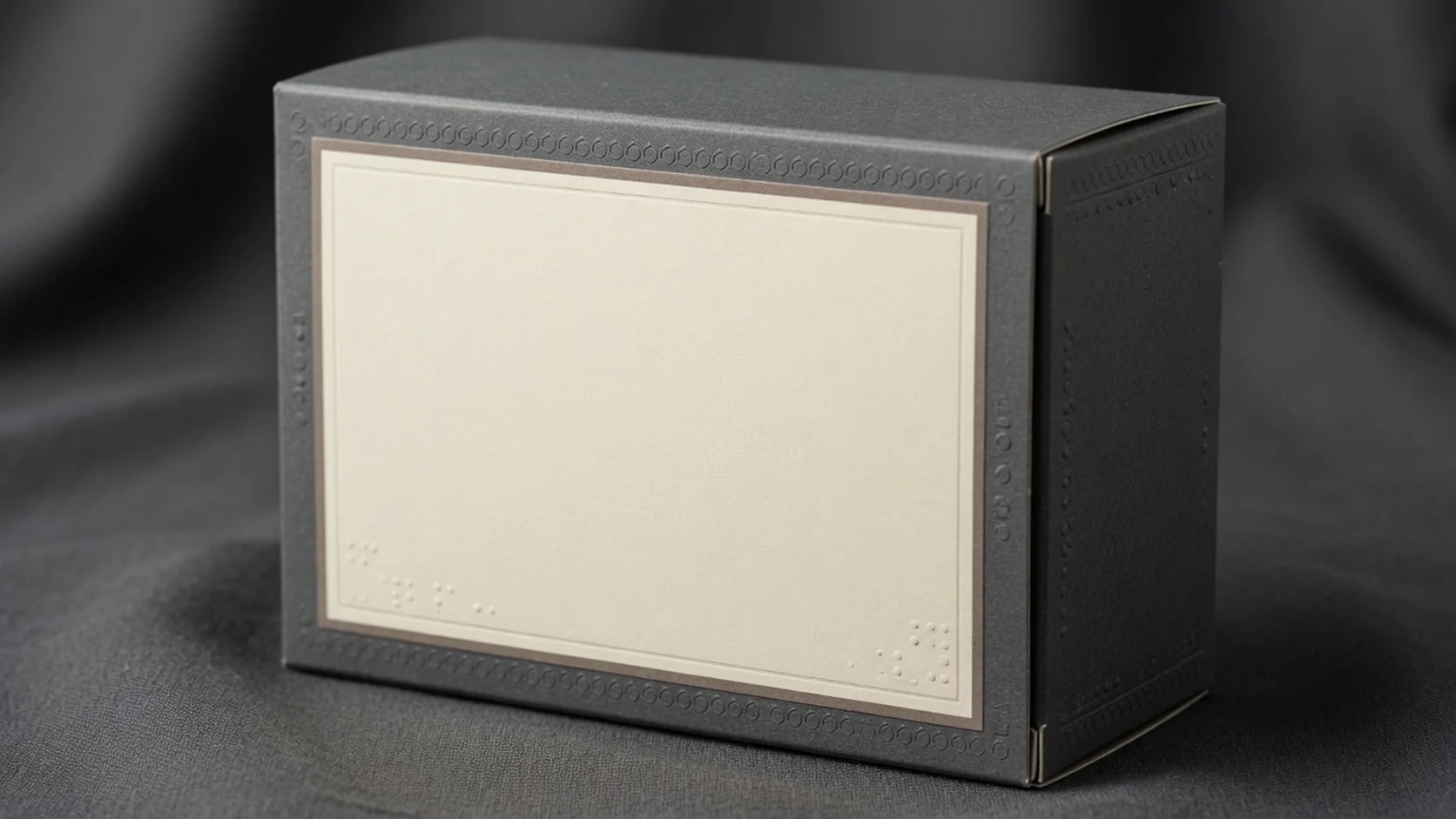
Lower quality settings shrink files faster, but packaging text still needs to stay usable on mobile listing cards and detail pages. Use quality and max-edge controls to balance size savings with label readability for skincare, supplements, electronics, and any product where shoppers compare specs before checkout.
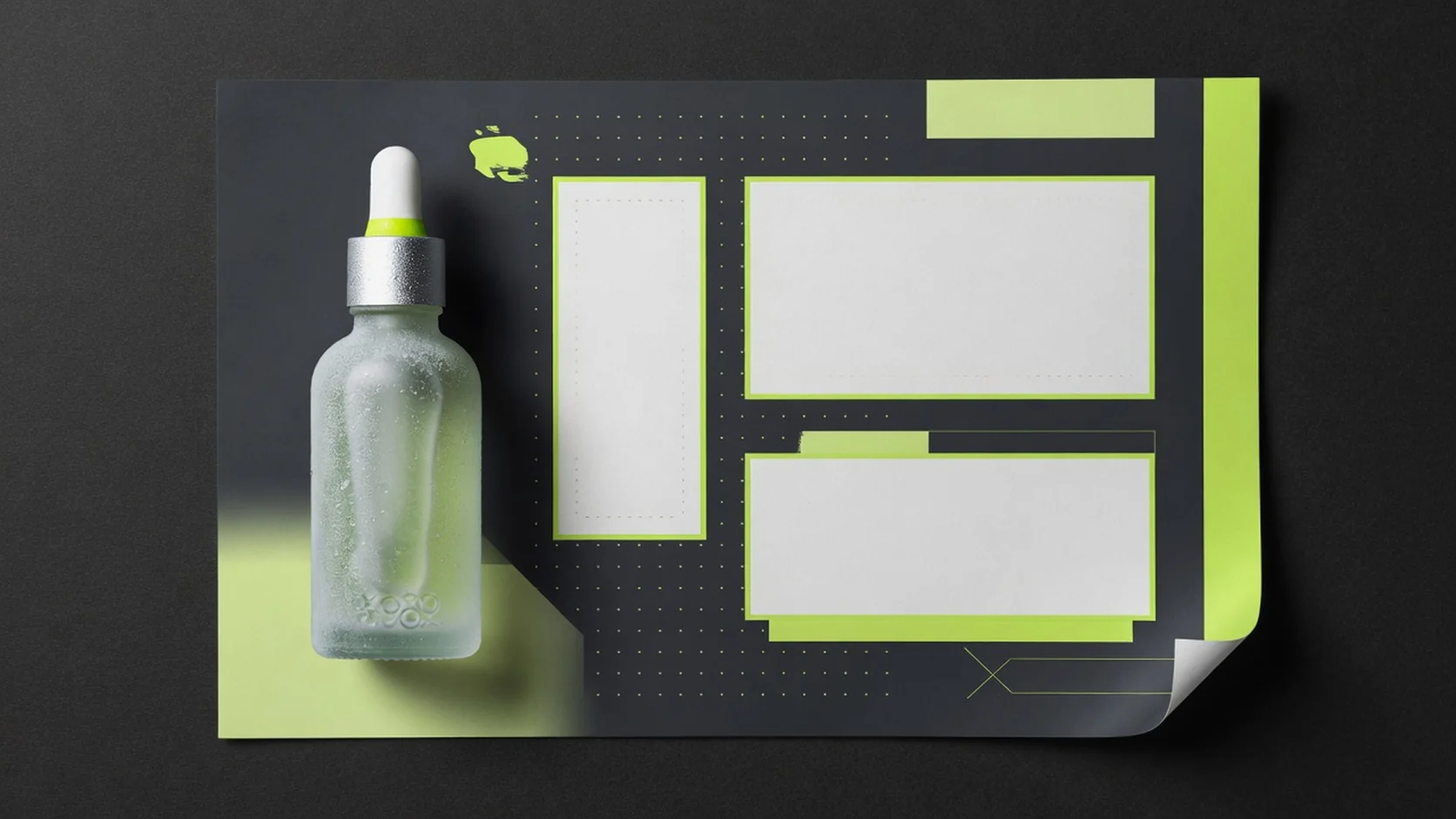
Campaign posters, email headers, and storefront banners get re-exported across channels. A lighter JPG or WebP is easier to upload into ad managers, theme sections, and landing pages without forcing another design pass when the composition is already approved.
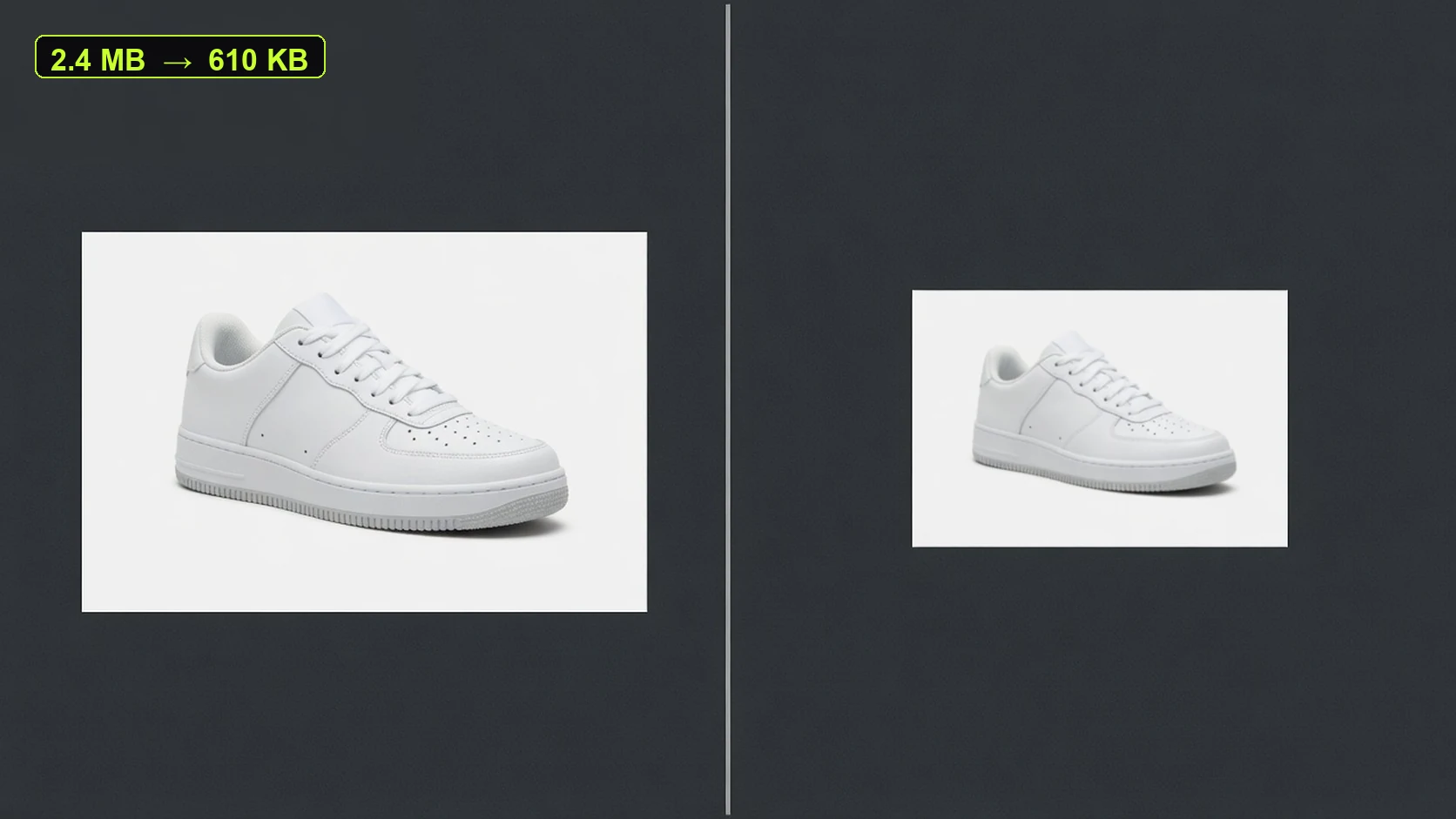
Compare original size, compressed size, and output dimensions in the browser before you commit. That preview helps you decide whether a listing image is ready for upload validation, CDN limits, or paid social placements.
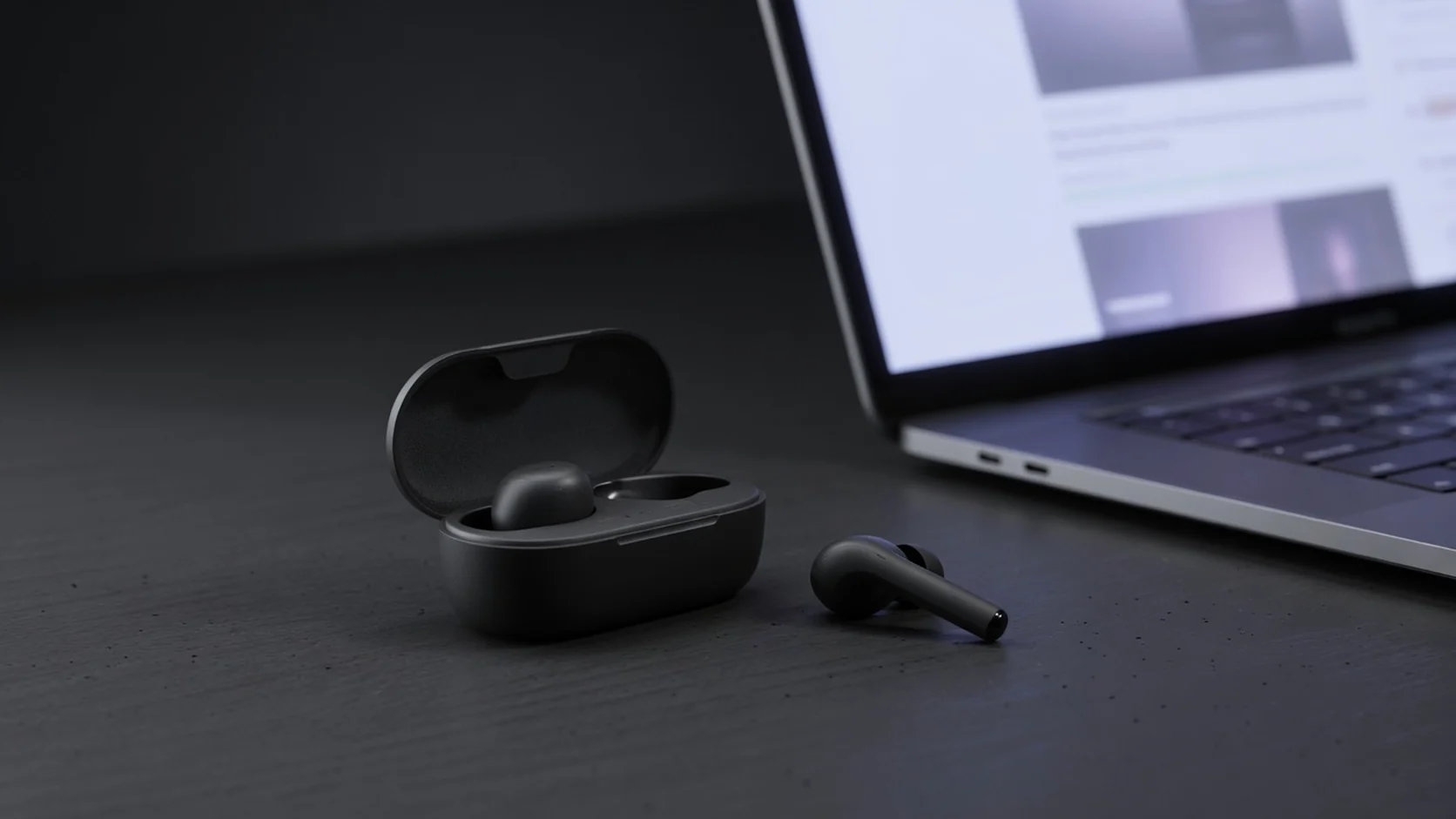
Upload one image, set quality and max edge, compress, and download. No account sign-in, no generation credits, no watermark, and no saved history. Built for everyday ecommerce cleanup across Shopify, Amazon, Etsy, TikTok Shop, and DTC storefronts.
Choose the right free tool
Use this compressor when the product photo is already usable but too heavy for upload limits. Switch tools when you need a cutout, transparent asset, clarity pass, or a brand-new generated product photo.
| Tool | Best for | Output | Not for |
|---|---|---|---|
| Product Image Compressor | Oversized listing files | Smaller JPG/WebP | New scenes or cutouts |
| Background Remover | Isolate subject from messy photos | Cutout PNG | File-size reduction only |
| Transparent Product PNG | Reusable layout assets | Transparent PNG | Hair-perfect matting guarantees |
| Image Enhancer | Clarity cleanup | PNG | Background replacement |
| AI Product Shot | New ecommerce photos | Generated images | Pure file compression |
Ecommerce use cases
One free workflow for marketplace listings, storefront product cards, detail-page assets, campaign posters, and social ad creatives—focused on oversized files that still need a quick size pass before publish.
AmazonReduce heavy listing files before upload validation and mobile browse checks, especially when packaging edges still need to stay readable.
 Shopify
Prepare product cards, collection images, and detail-page photos that load faster across storefront modules.
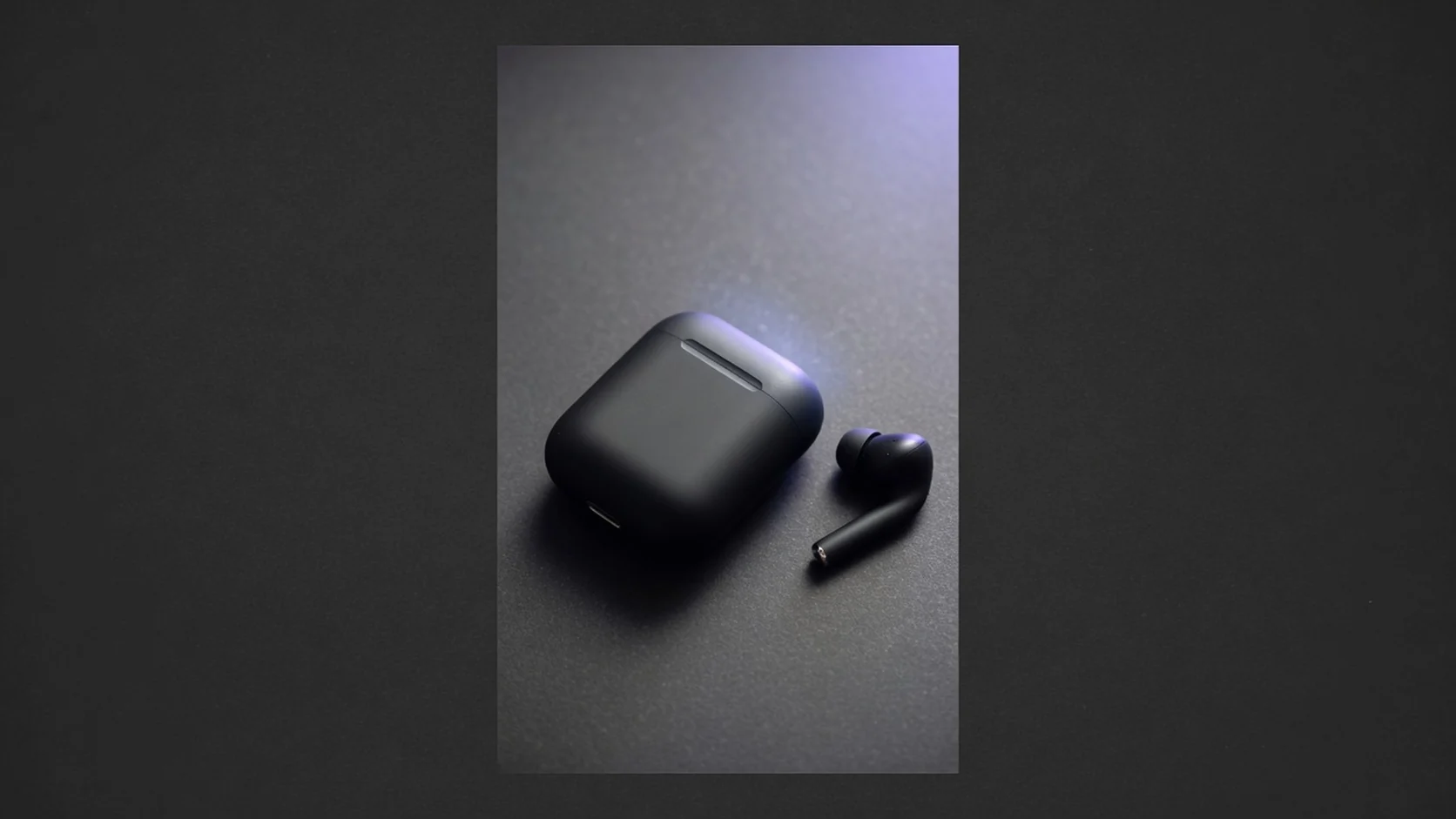 Social
Lighten product-led social images before paid or organic reuse, then crop them into feed, shop, and ad placements.
 Campaign
Compress campaign posters and banners before resizing for launch pages, email headers, and paid social placements.
Workflow
A no-login workflow for quick ecommerce file-size reduction. Upload once, choose quality and max edge, preview savings in the browser, and download when the asset is ready for listing checks, storefront updates, or ad reuse.
Choose one JPG, PNG, or WebP file up to 20MB. Supplier photos, marketplace exports, and older store assets all work.
Pick compression quality, long-edge limit, and JPG or WebP output based on how much size you need to save.
Compare original size, compressed size, and dimensions before downloading so you can decide whether the asset is ready.
Download a watermark-free file for listings, ads, storefront banners, collection pages, and social placements.
Tool comparison
Traditional editing still wins for color grading, compositing, and advanced export pipelines. This free tool is for fast size reduction before listings, campaigns, and store updates go live—especially when the image is already usable but too heavy for upload limits.
Free
no credit use
JPG/WebP
output choice
No watermark
download promise
Best for detailed retouching, batch export presets, color work, and complex production pipelines. It usually needs software, design skill, and more time, which makes it heavier for one-off listing size checks.
Best for quick size reduction of product images, listing images, banners, and posters. Upload, compress, and download without login, credits, watermark, or saved history—ideal when you only need a lighter version of an existing asset.
Related free tools
These free tools stay in the browser and stay separate from AI generation credits. Pick the next step after compression.
Current tool
Reduce file size before marketplace upload checks.
Isolate the product and download a cutout PNG.
Open toolExport a reusable transparent PNG for layouts.
Open toolImprove clarity on existing product photos.
Open toolGuides & Blog
Read ProductShot AI guides about ecommerce AI visual tools, product photography generators, and image processing workflows.
 Guide
GuideReduce product image file size for Amazon, Shopify, ads, and email—without wrecking packaging detail.
 Guide
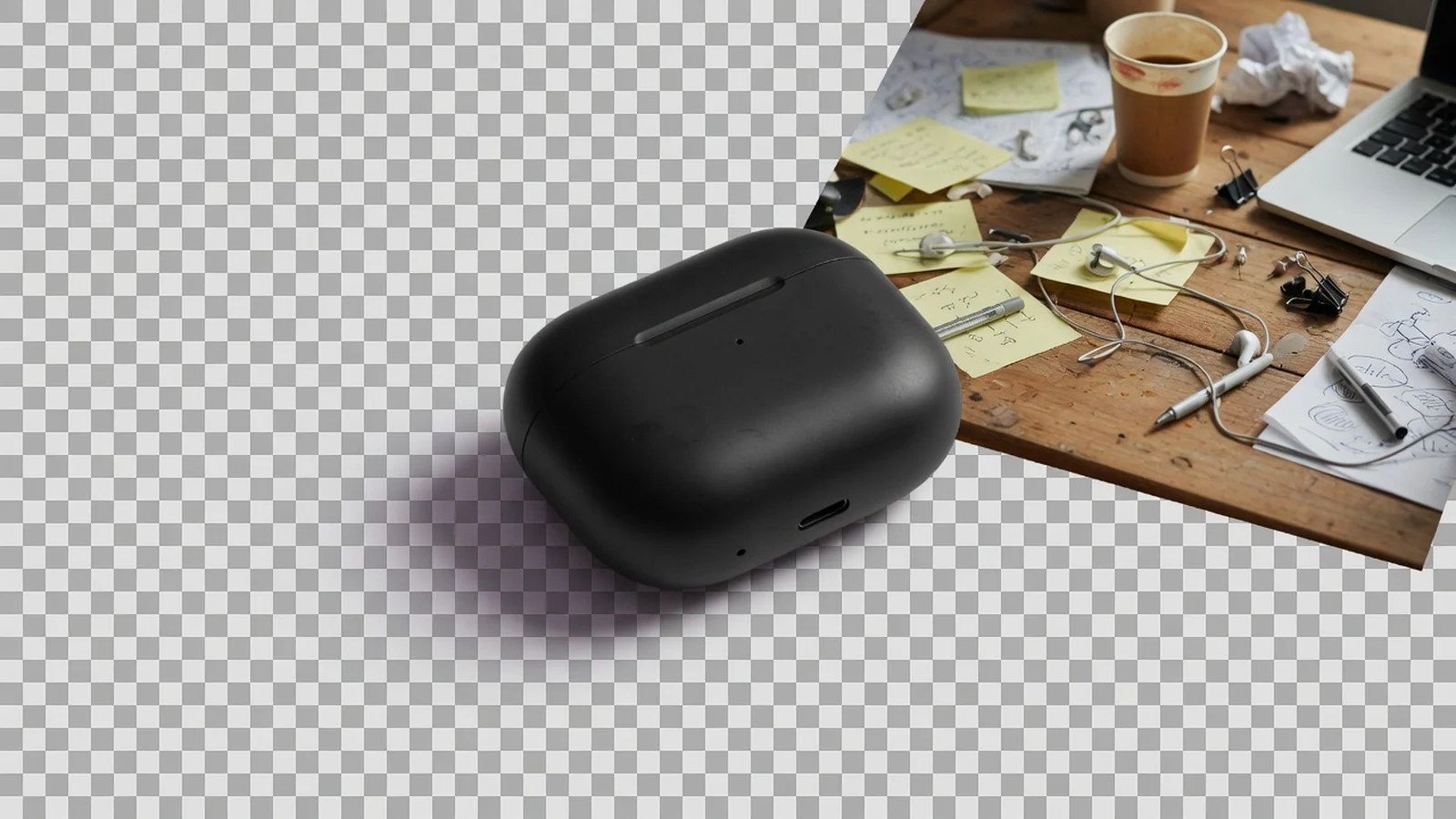
GuideWhen a free cutout helps listing prep, and what to do after the subject is isolated.
 Guide
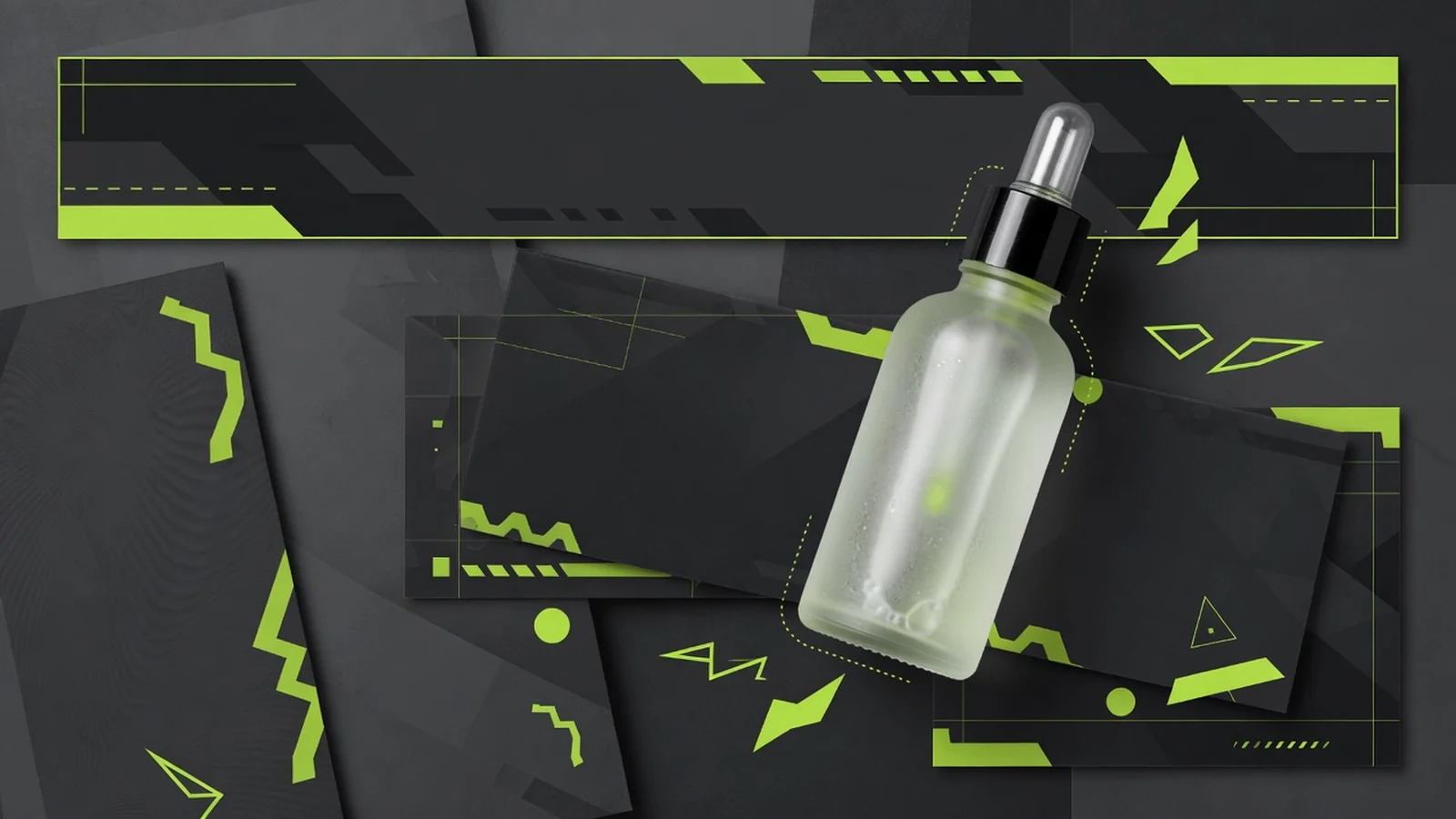
GuideBuild one reusable transparent master for modules, banners, and design handoffs.
See how sellers, listing specialists, and store operators use free browser compression before listing checks, storefront updates, and campaign uploads.
“Supplier photos often fail upload size checks. I compress them here before building listing images for the day.”
“Faster than opening Photoshop just to export a lighter collection-page JPG.”
“No login and no credits make it easy to shrink one product image right before an upload QA pass.”
“Campaign banners get heavy after design export. This helps before we push them into ads and email.”
“Quality slider plus size preview is practical—I can tell in seconds if the file is light enough.”
“No watermark means the compressed file can drop straight into the catalog workflow.”
Compressor FAQ
Common questions about free product image compression, file-size reduction, JPG or WebP output, quality tradeoffs, and pre-upload cleanup for Amazon, Shopify, Etsy, TikTok Shop, and DTC storefronts.
Yes. This tool is free to use. You can compress a product image without logging in, and it does not use ProductShot AI generation credits.
No. The compressed file is watermark-free, and this workflow does not save account history. It works well for quick cleanup before listings, banners, or campaign uploads.
You can upload JPG, PNG, or WebP files up to 20MB each. The compressed result can be downloaded as JPG or WebP.
Choose JPG if your store workflow or collaboration process depends on a widely used format. Try WebP if your goal is a lighter file size first. Before publishing, check how the final file looks in your actual platform, theme, or editor.
It can if you push the settings too far. Lower quality and smaller long-edge settings usually reduce file size more, but they can also soften small text, packaging details, and fine edges. Preview first, especially for products with labels or spec-heavy packaging.
Yes—as a pre-upload compression step. It is useful for oversized listing images, PDP assets, banners, and campaign graphics. Final checks still matter because display and upload requirements vary by channel.
No. This page only compresses an existing image file. It does not remove backgrounds, retouch edges, or generate a new product scene.
The compressor makes an existing image lighter. Use the remove-background tool when you need a cutout, the transparent-background tool when you need a reusable transparent PNG, and the AI Product Photography Generator when you need a brand-new product image.
Free product image compressor
Upload a product photo, poster, or banner, preview size savings, and download a lighter file. No login, no credits, no watermark, and no saved history.
Need a new white-background or lifestyle product photo?