



30:00
BF 50% OFFClaim

AI Sticker Generator

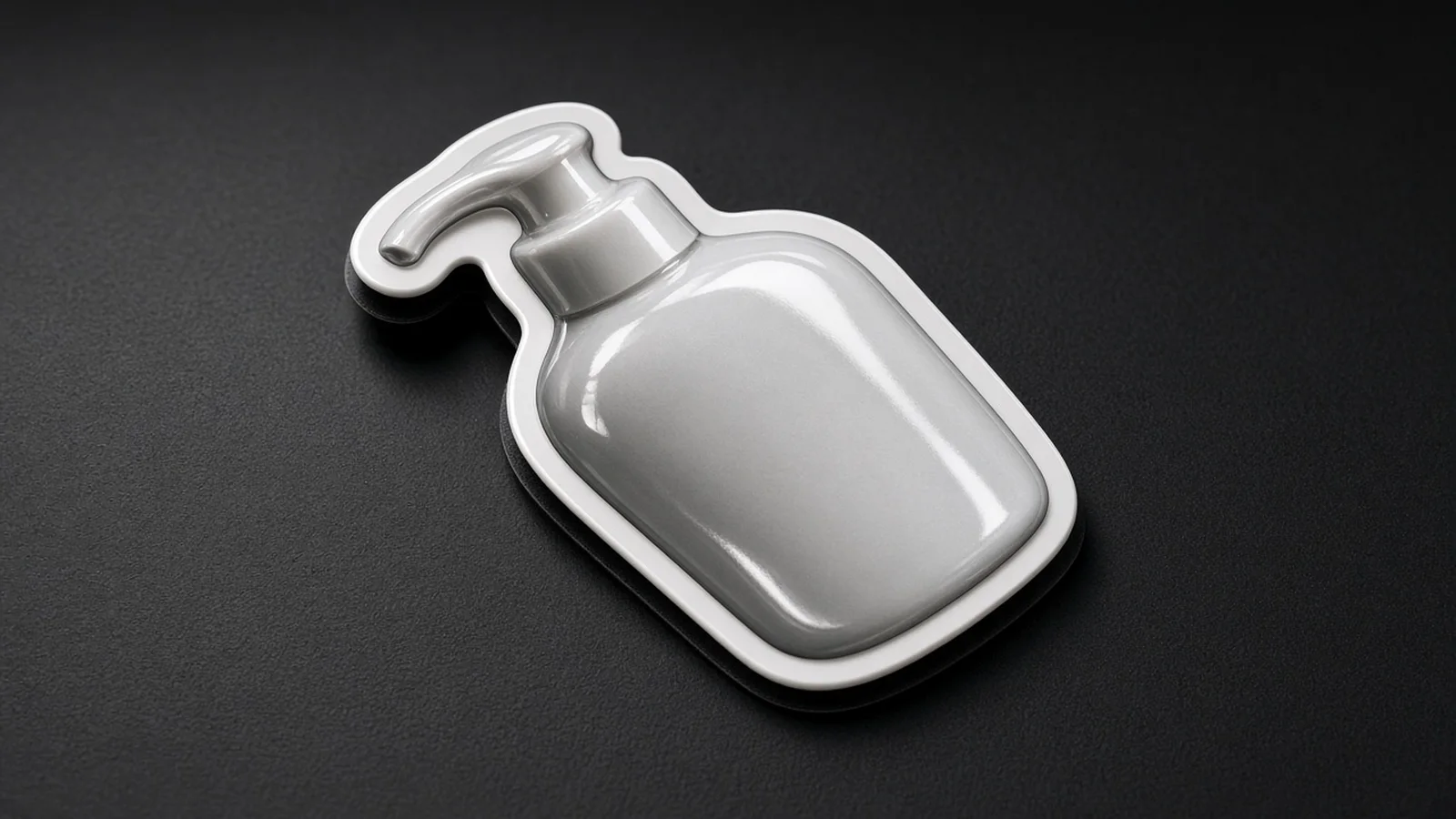
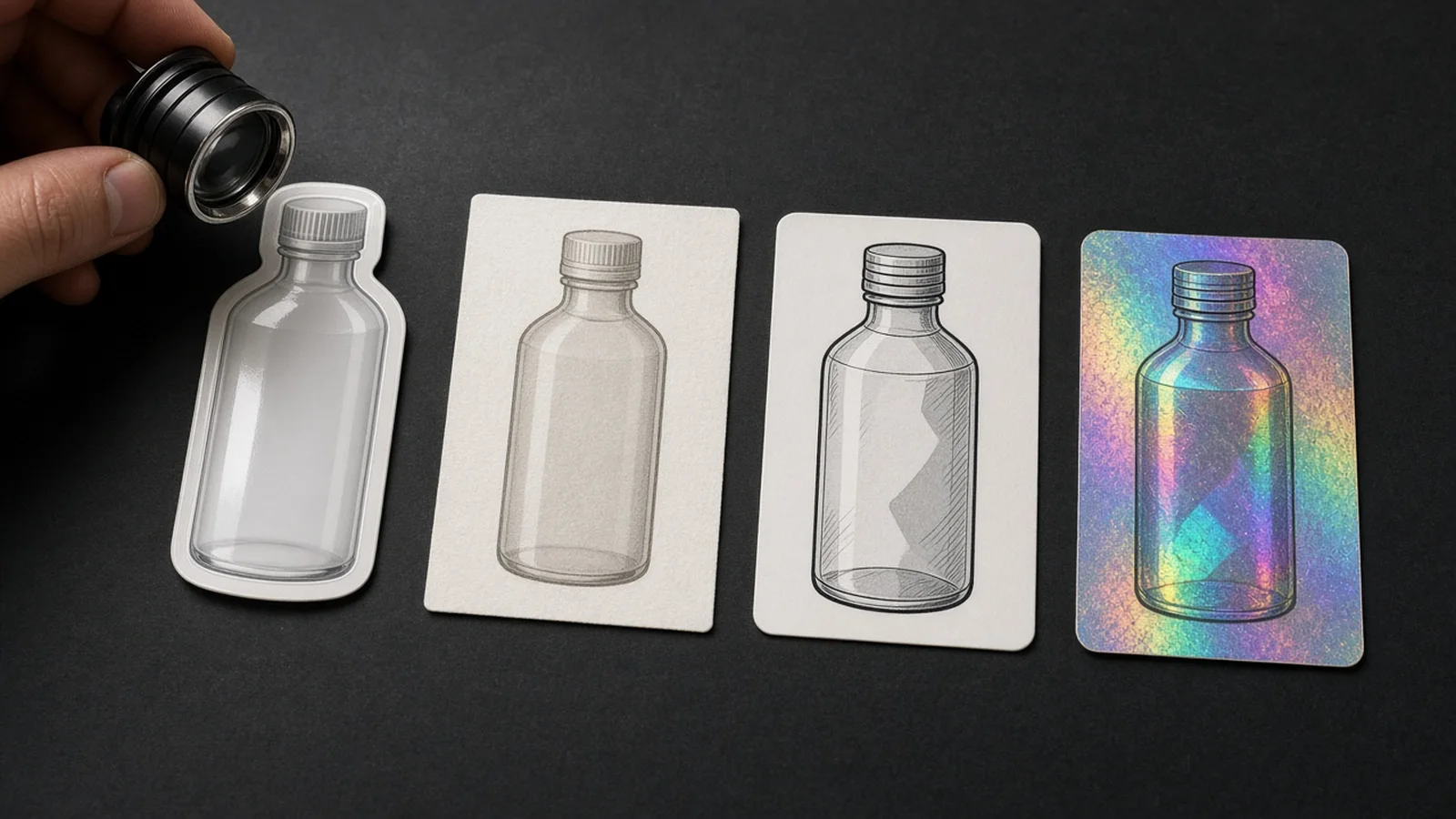
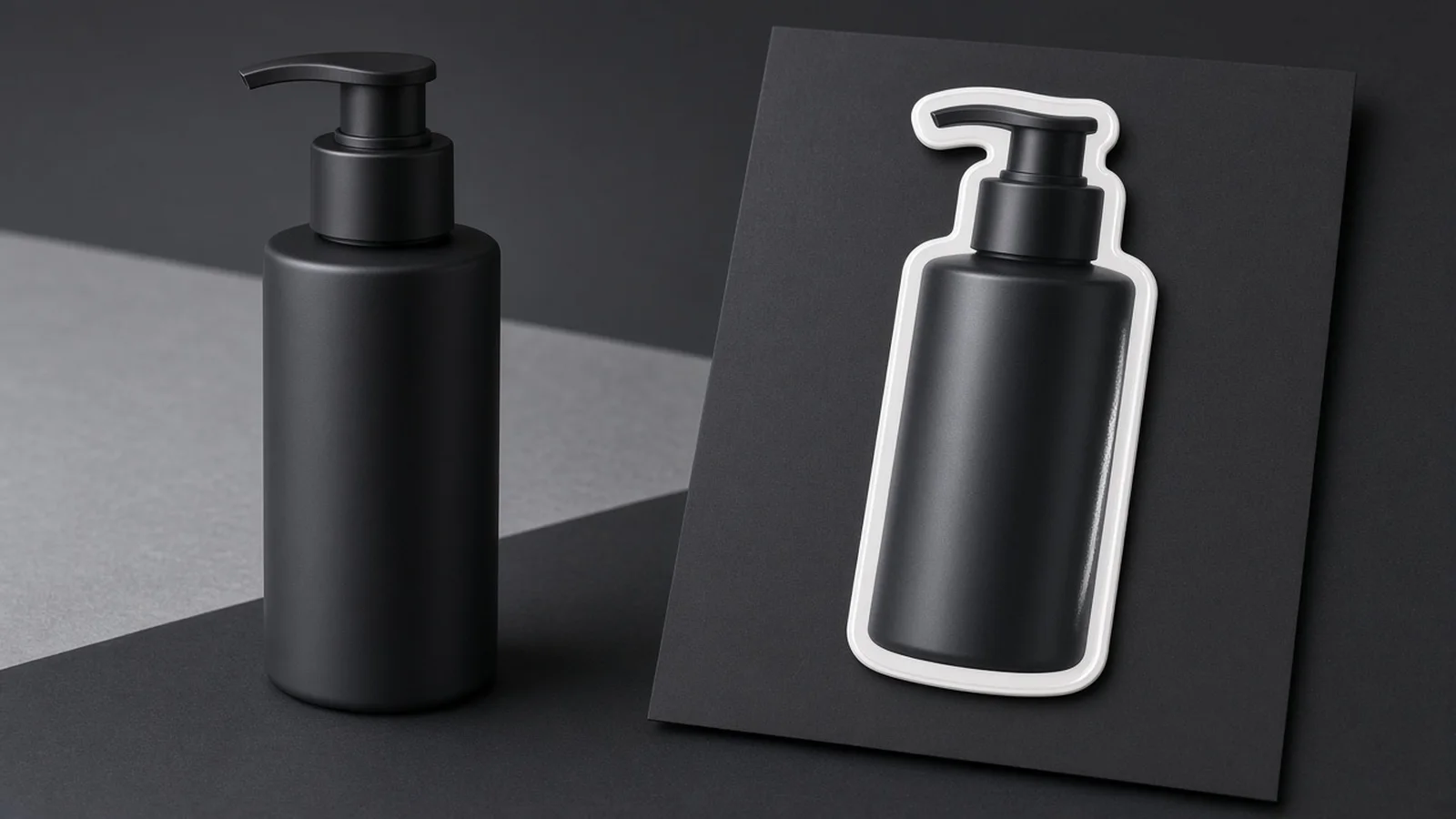
Compare original product photos and rough sketches against finished die-cut sticker previews across vinyl, matte paper, and kraft packaging inserts.

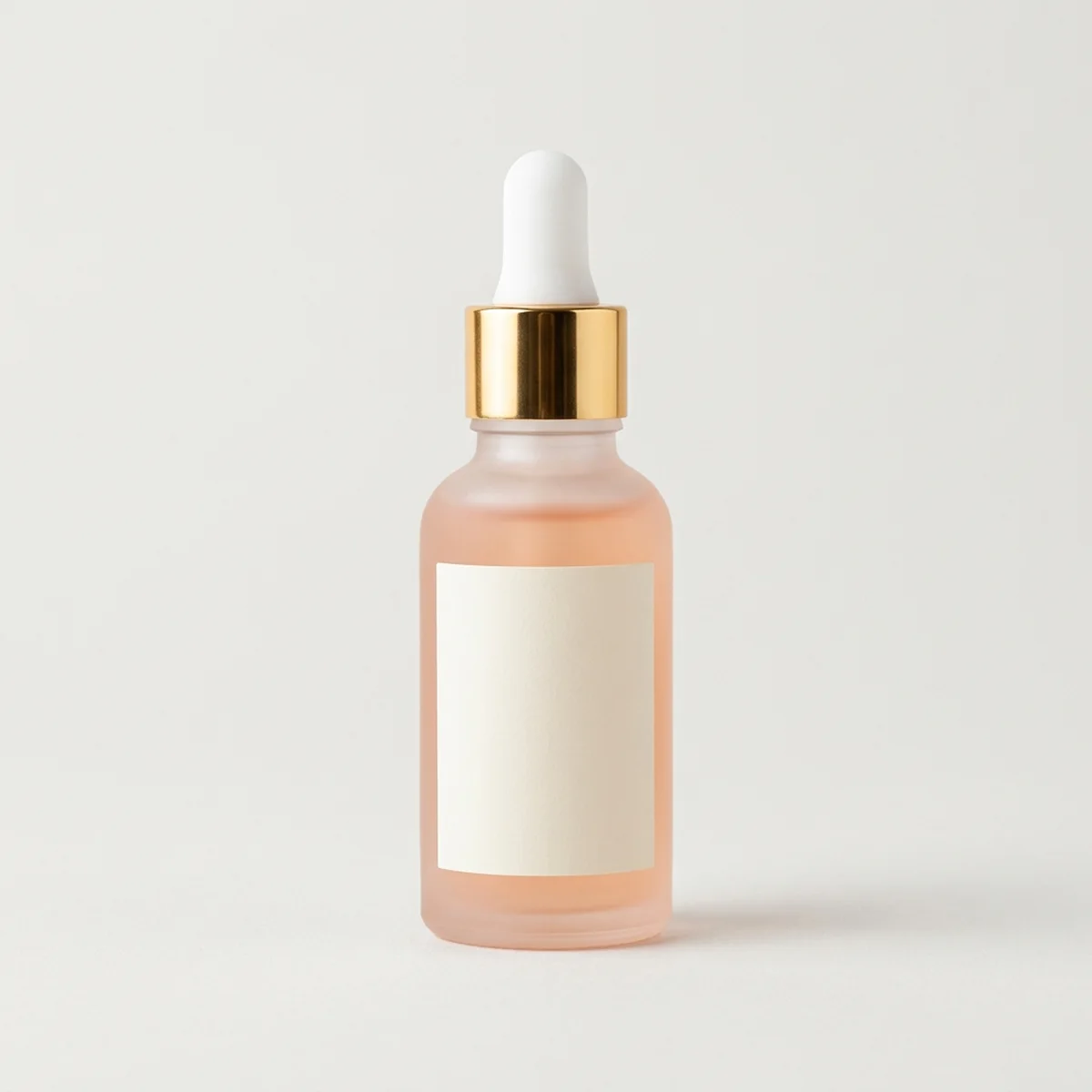
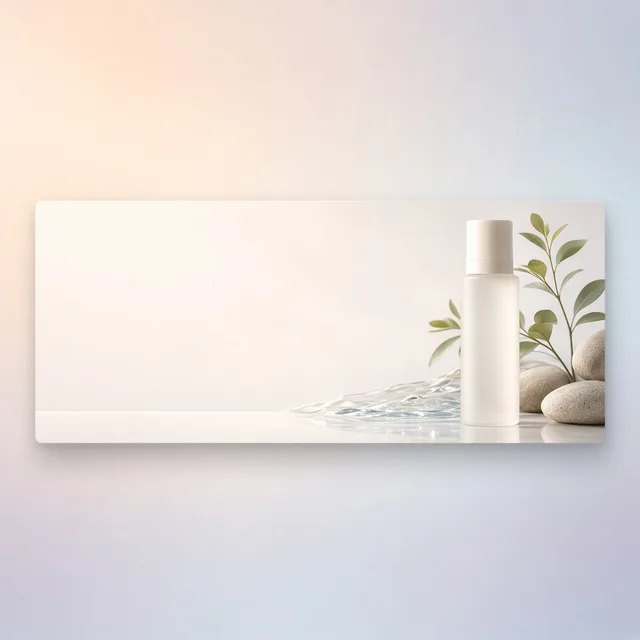
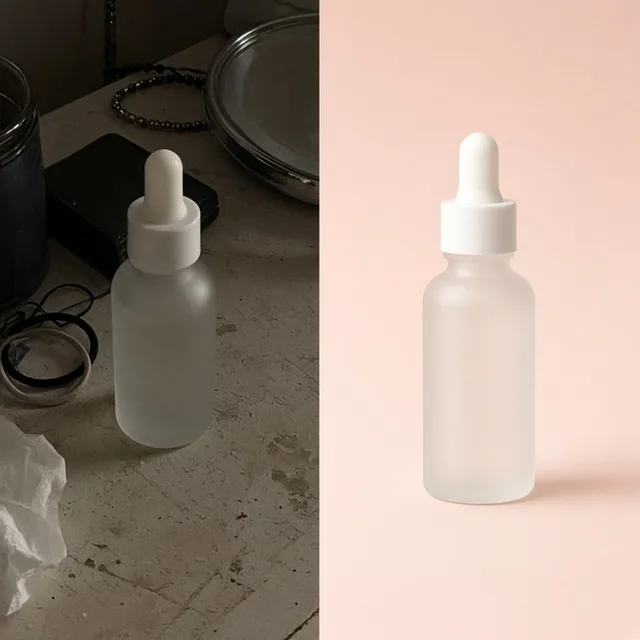
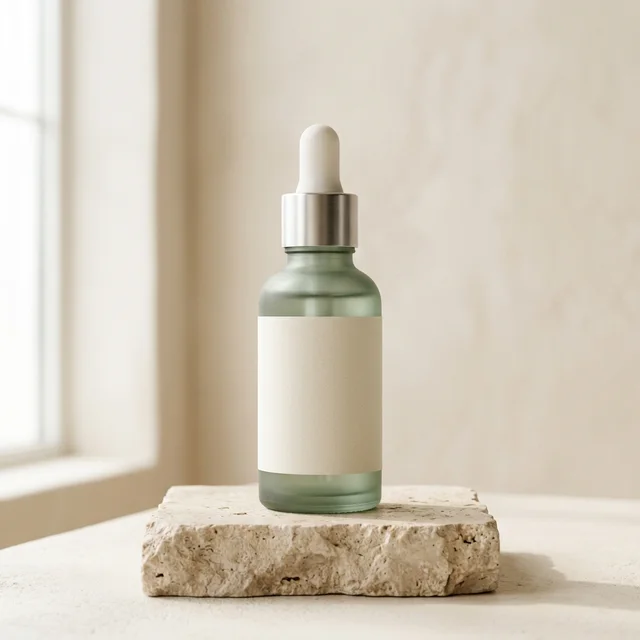
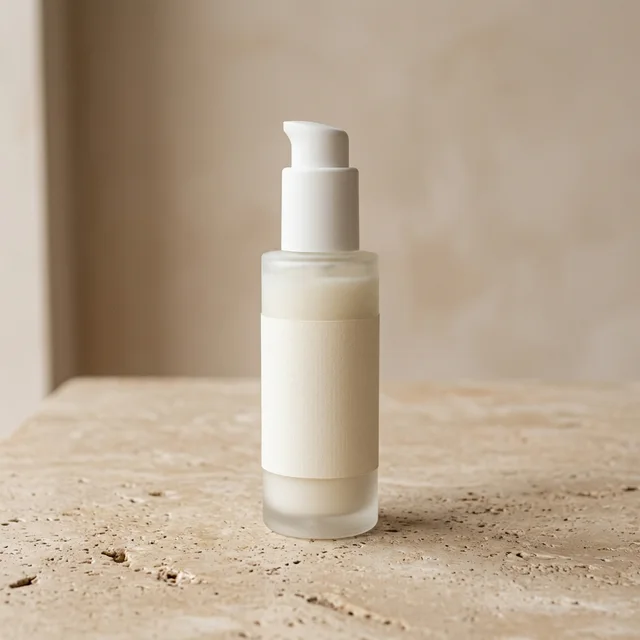
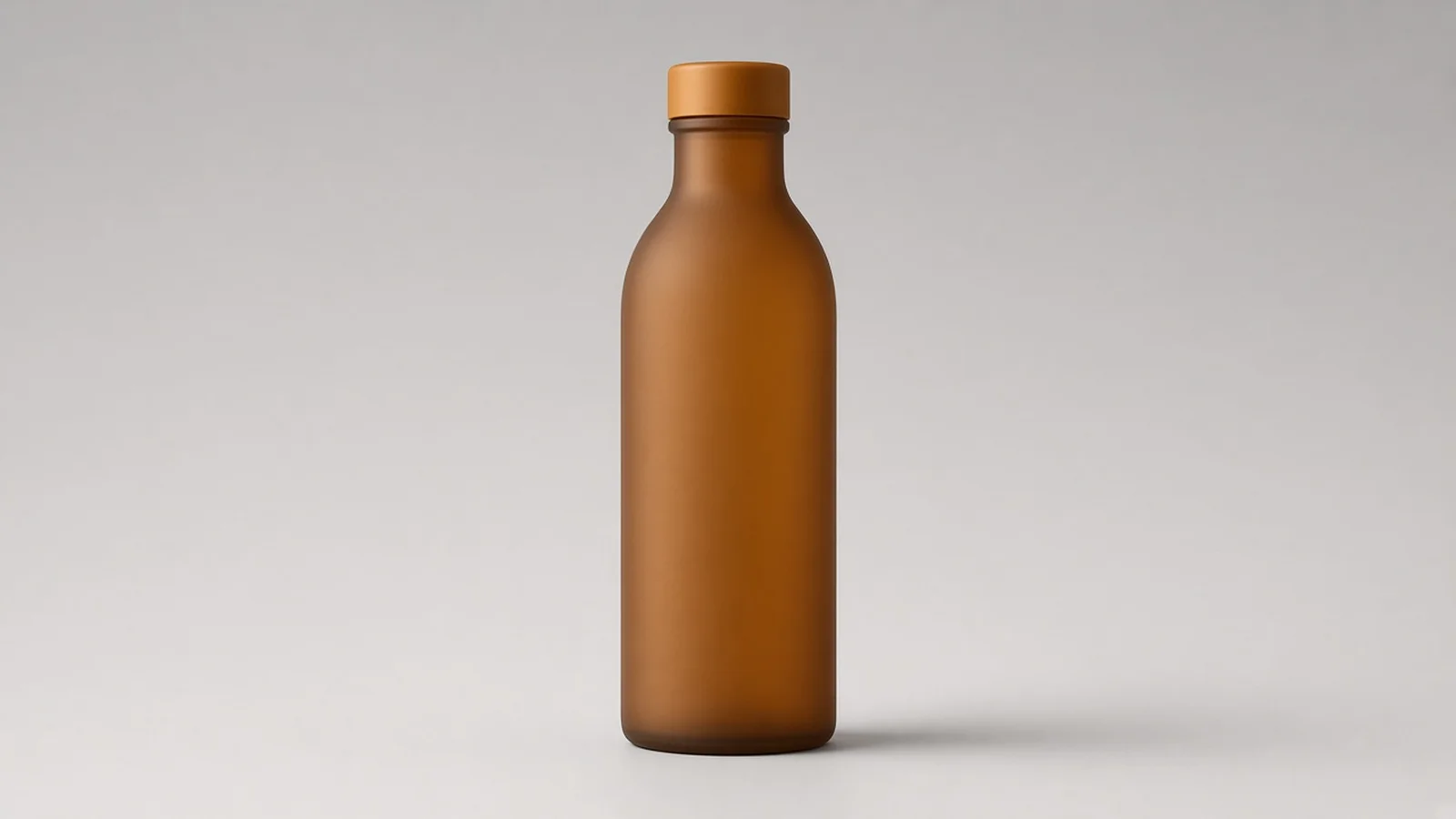
Original studio photo of a pastel skincare serum bottle before sticker conversion
Original Input
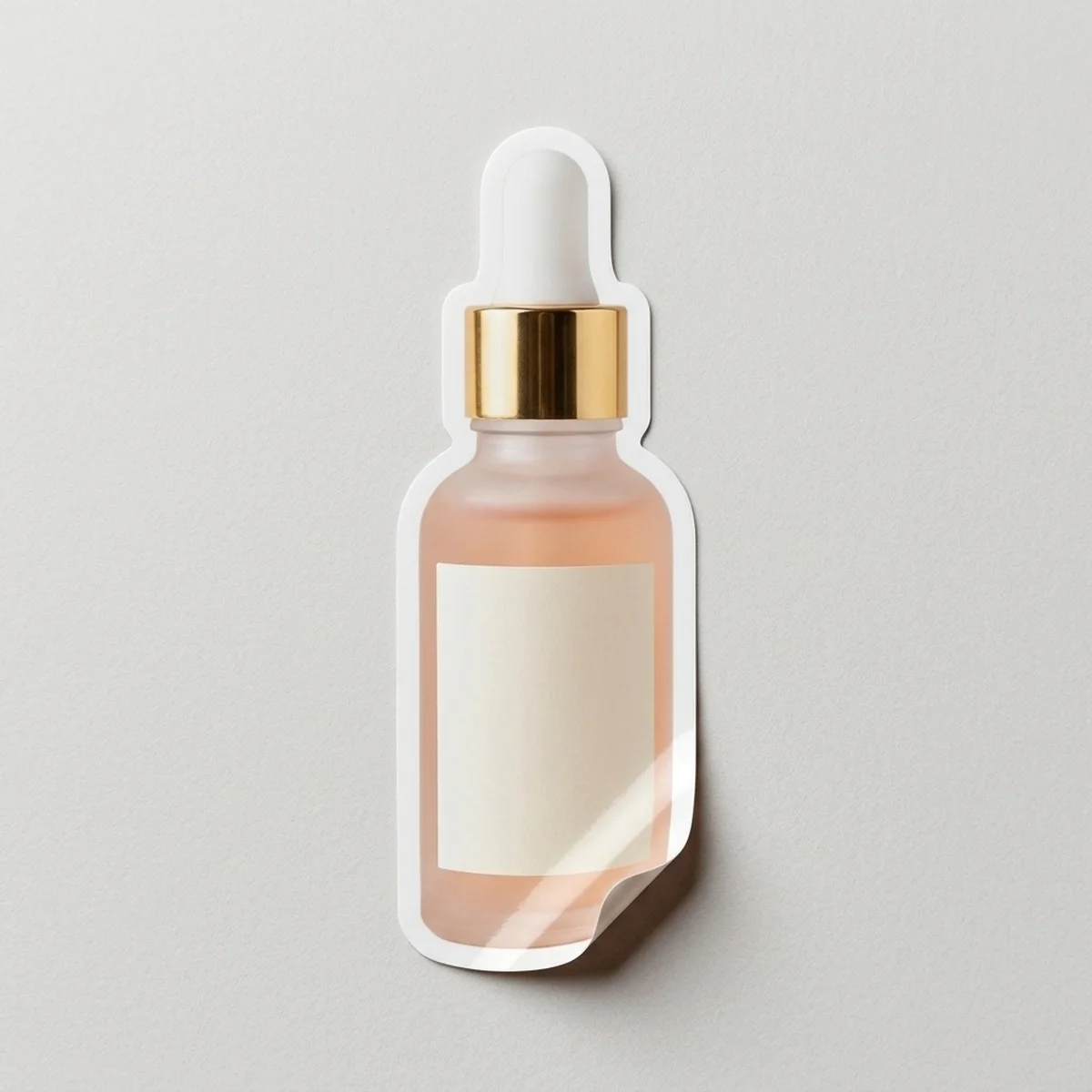
Generated glossy die-cut vinyl sticker of the skincare bottle with thick white border on light gray backing
Sticker Output

Studio bottle photo → Glossy die-cut vinyl sticker on contrast backing

Sticker Capabilities

Why sellers use our AI Sticker Generator

From SKU-accurate vinyl decals to playful mascot merch, generate print-preview sticker concepts without opening vector illustration suites.

Transparent PNG
Transparent PNGExport transparent product PNGsTry it →
AI Logo Generator
AI Logo GeneratorLogo concepts for your shop from a product or sketchTry it →
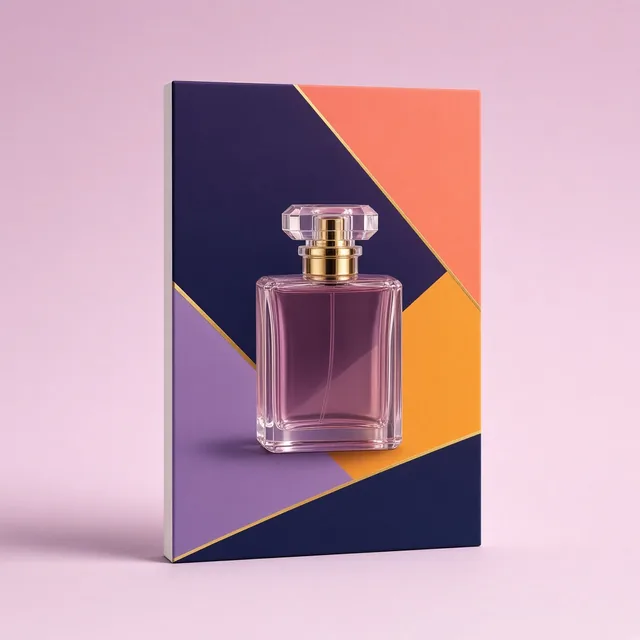
Packaging Design
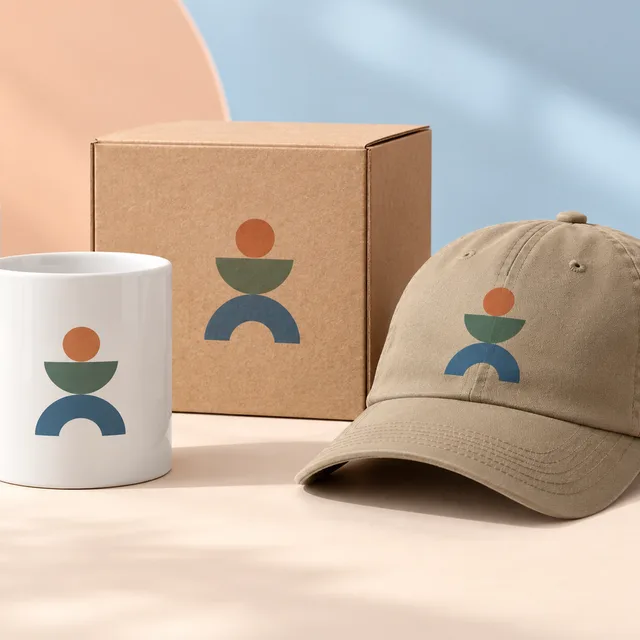
Packaging DesignBox, bag and label concepts for your productTry it →
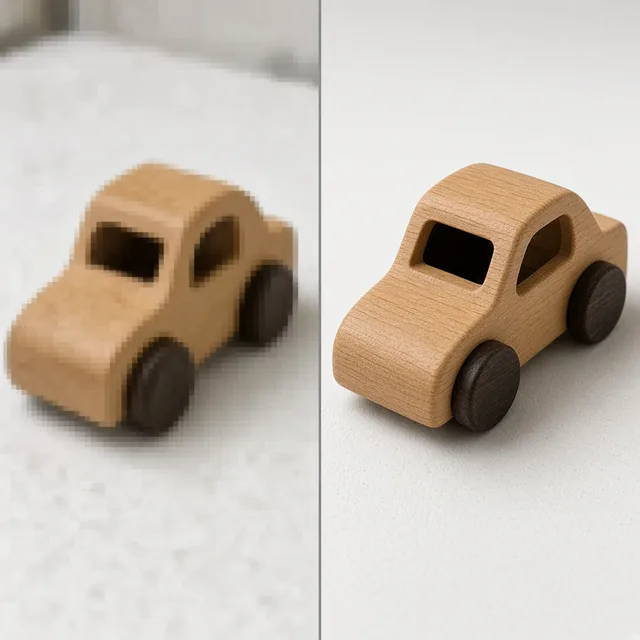
Image Upscaler
Image UpscalerTurn small product photos into sharp large imagesTry it →

What it is

What is an AI Sticker Generator for ecommerce brands?

An AI Sticker Generator turns real product photos, rough mascot doodles, or brand emblems into custom die-cut sticker design concepts ready for packaging inserts, merch packs, and social campaigns.

Built for SKU-accurate ecommerce stickers

Instead of drawing cutlines and highlights by hand, ecommerce teams use a dedicated product sticker maker to test how their SKUs look as physical vinyl decals or illustrated badges in minutes.

ProductShot AI Sticker Generator showcase turning a product photo into a glossy die-cut sticker on contrast backing

Four tactile sticker finish presets

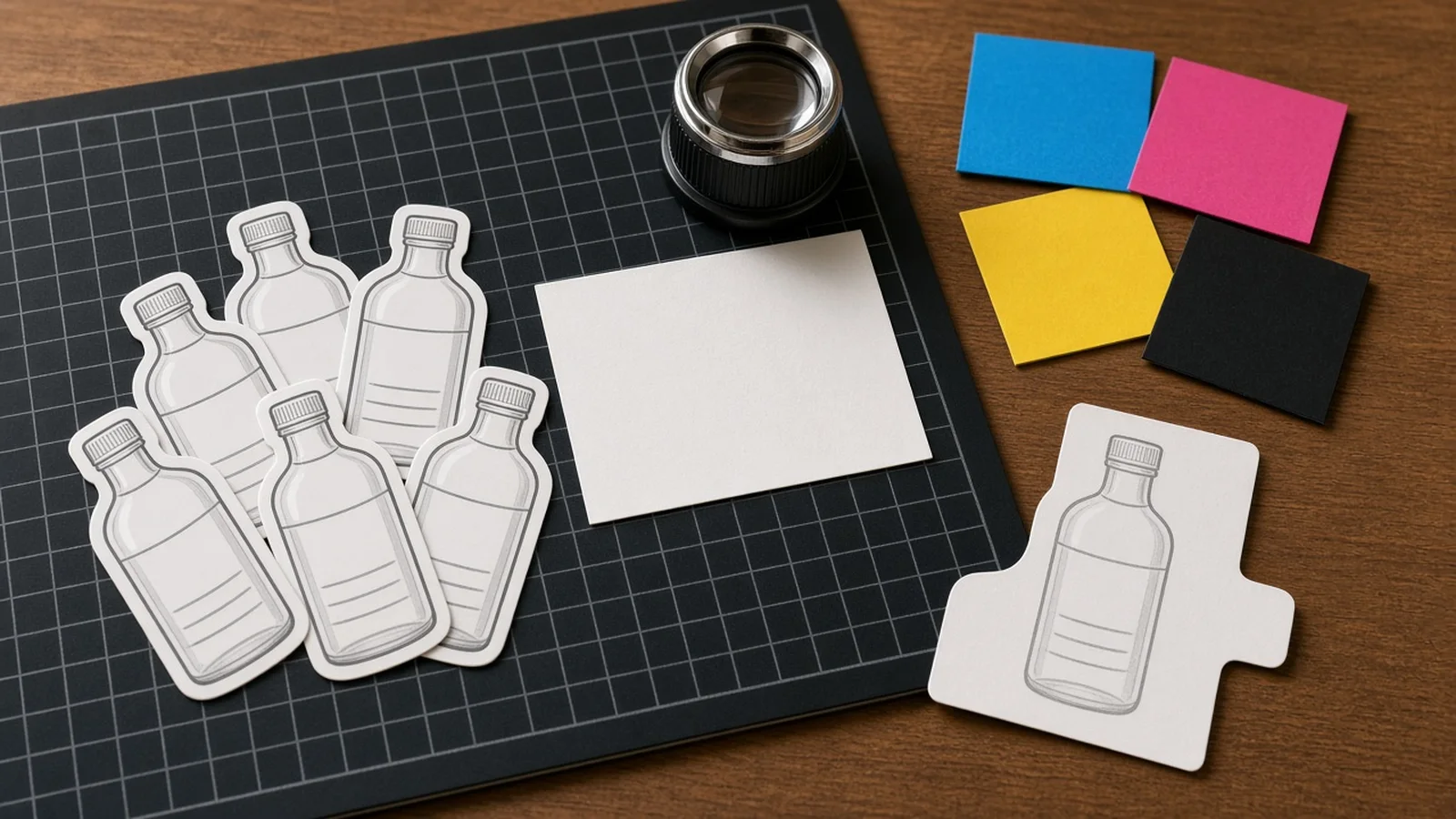
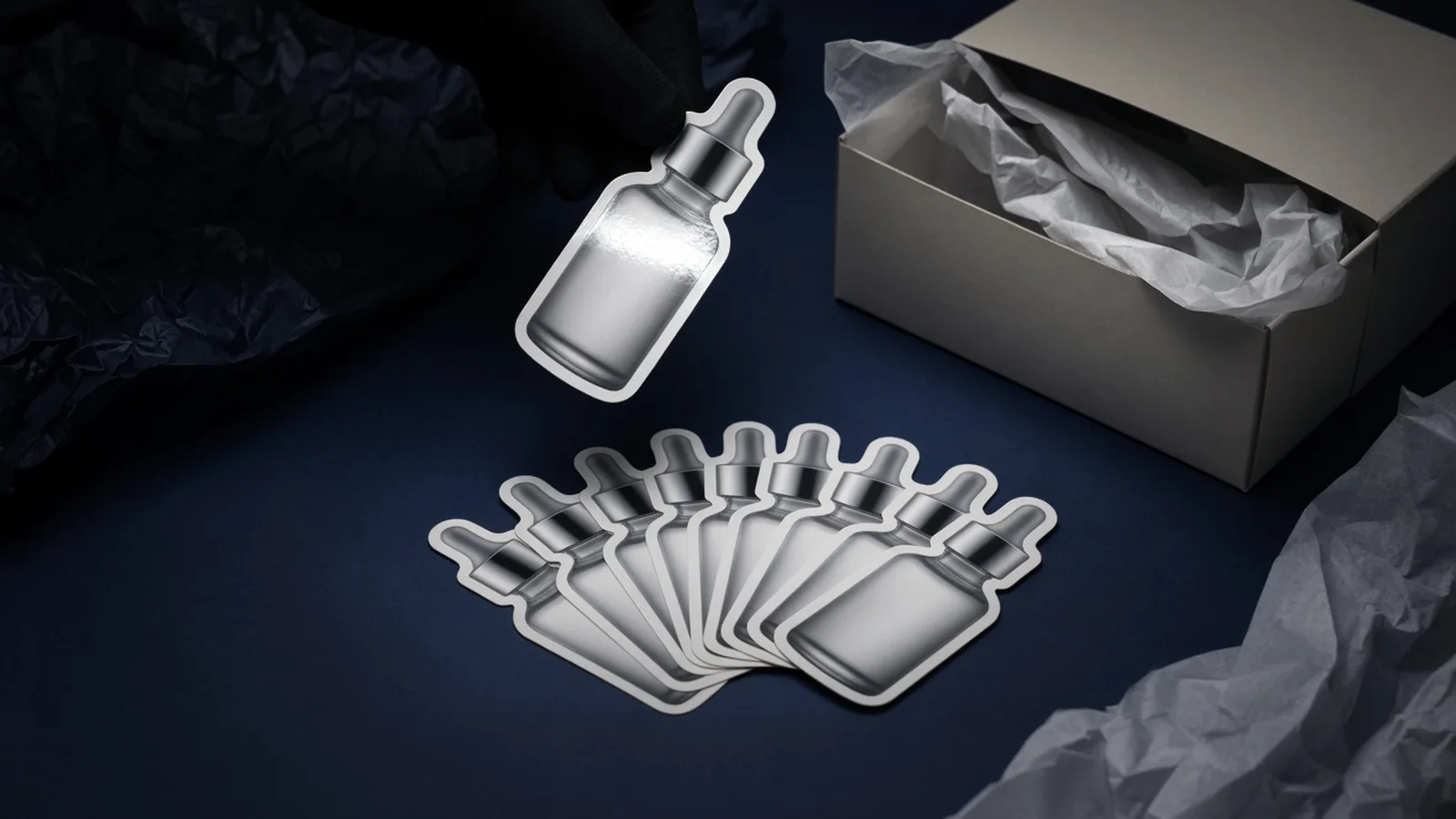
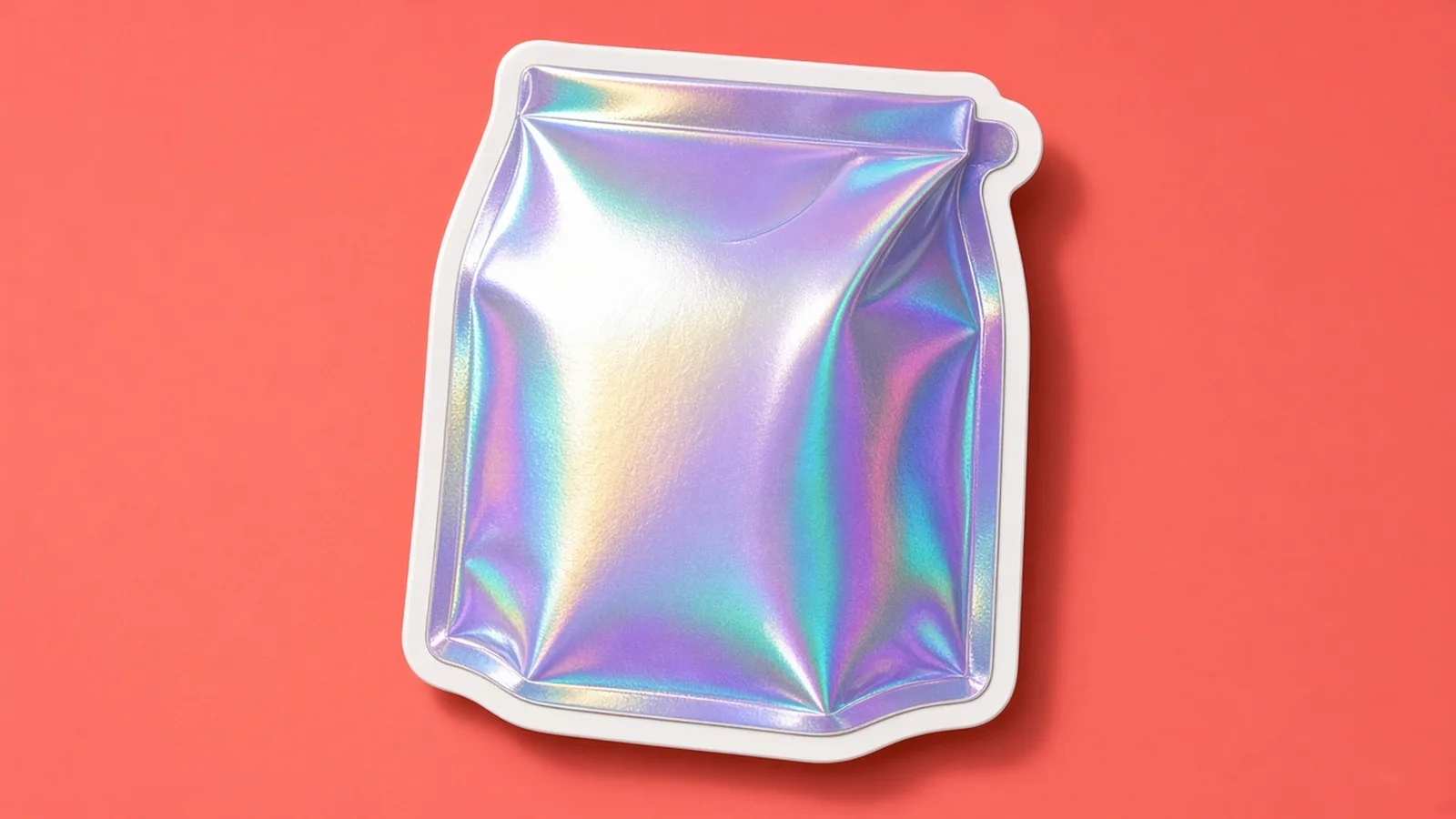
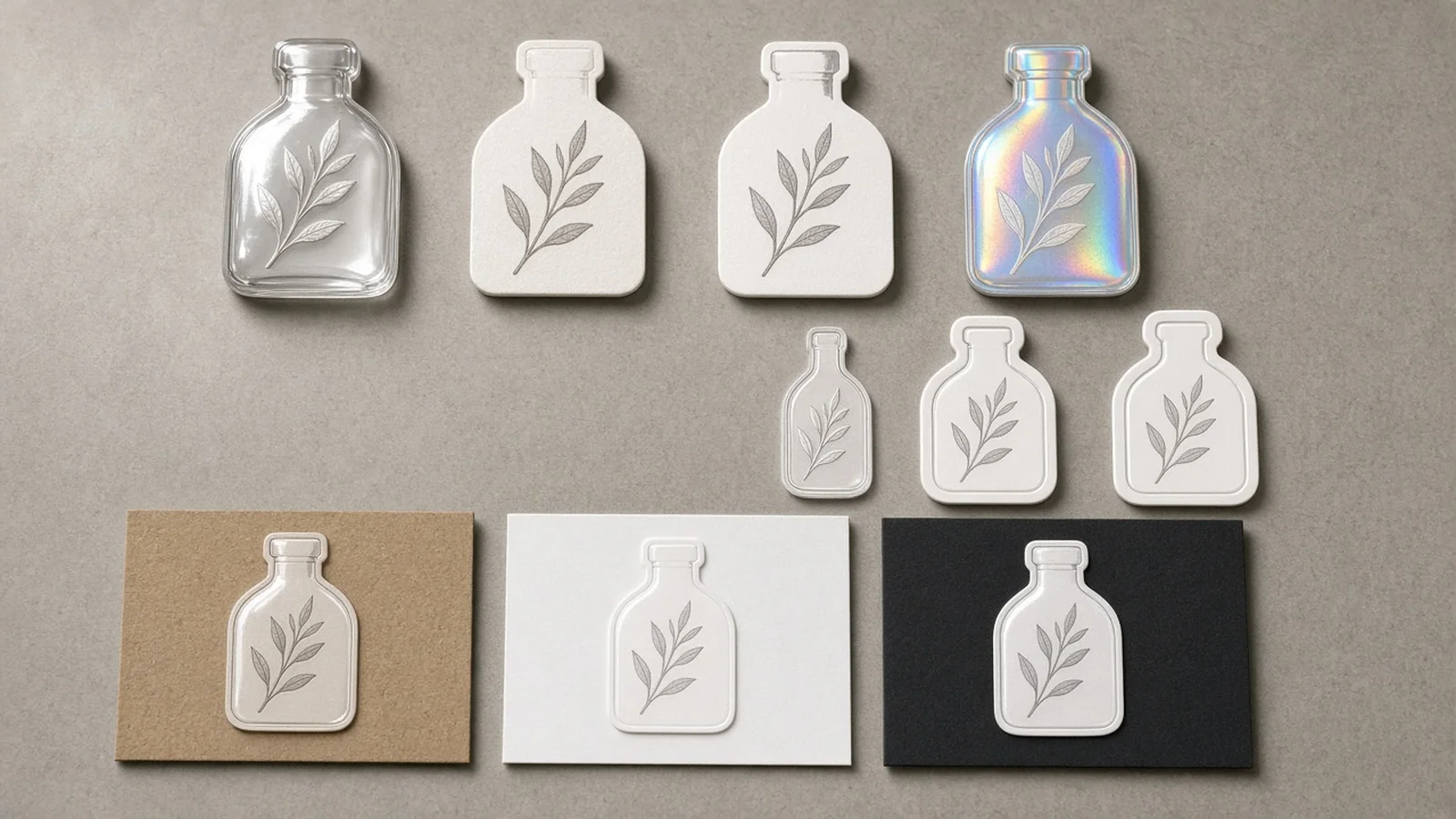
With sticker finish presets, you can compare four distinct material feels from the same source upload: die-cut glossy vinyl for bold unboxing decals, matte paper sticker stock for warm artisan labels, illustrated flat sticker styling for playful mascot merch, and iridescent holographic accents for limited-edition drops.
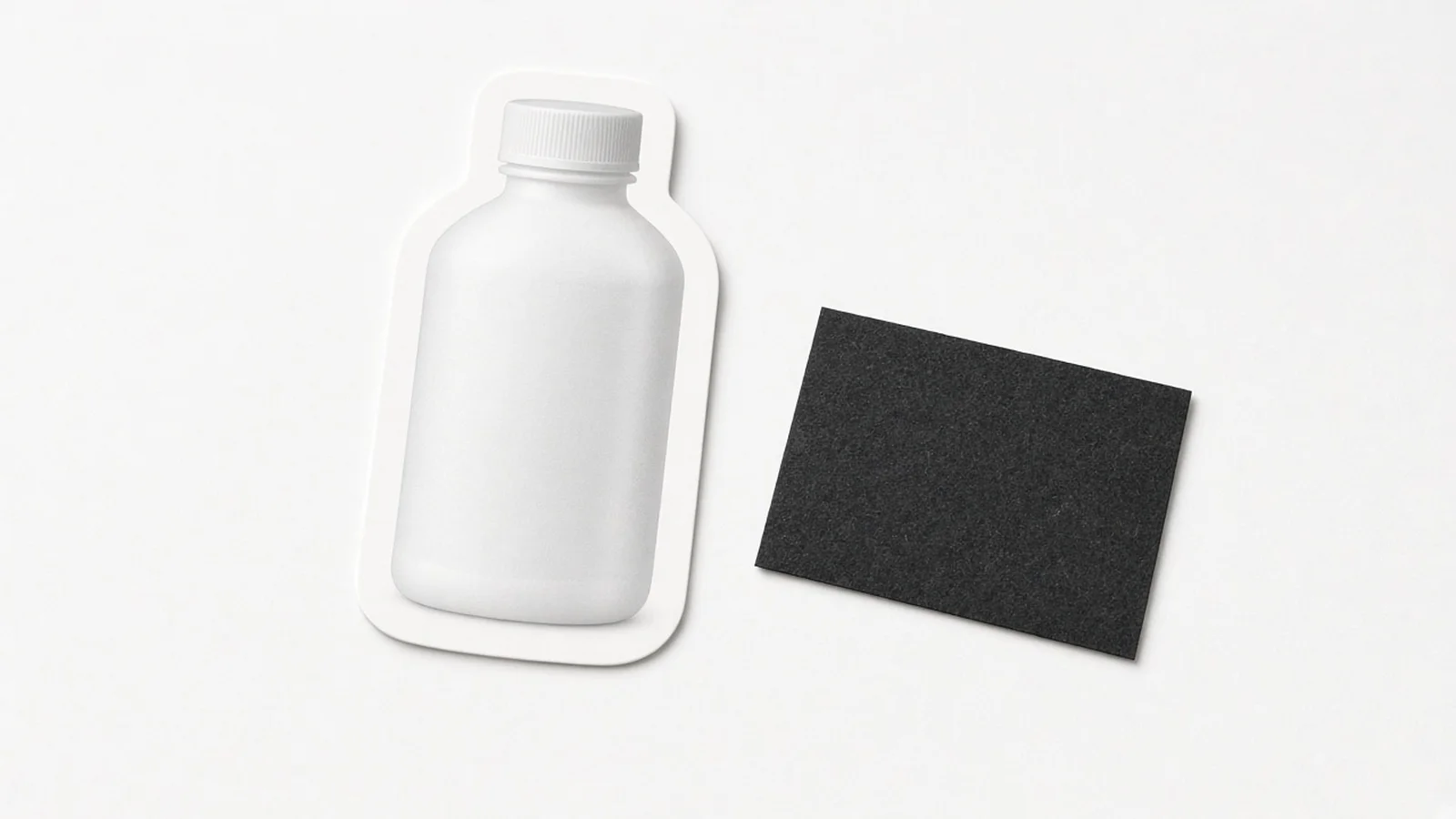
Clear borders over contrast backings

Border and backing controls solve the hardest part of digital sticker proofing.

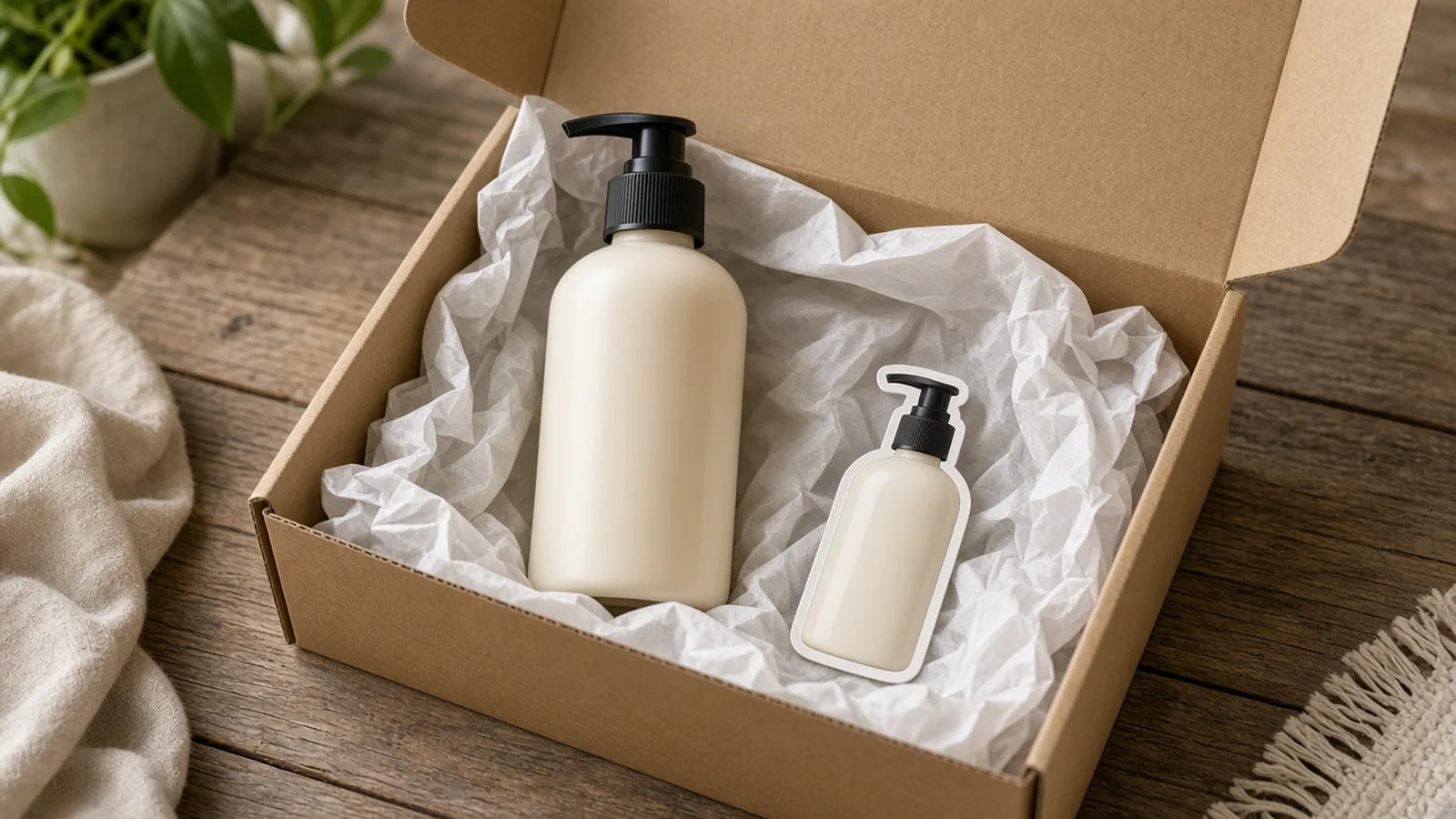
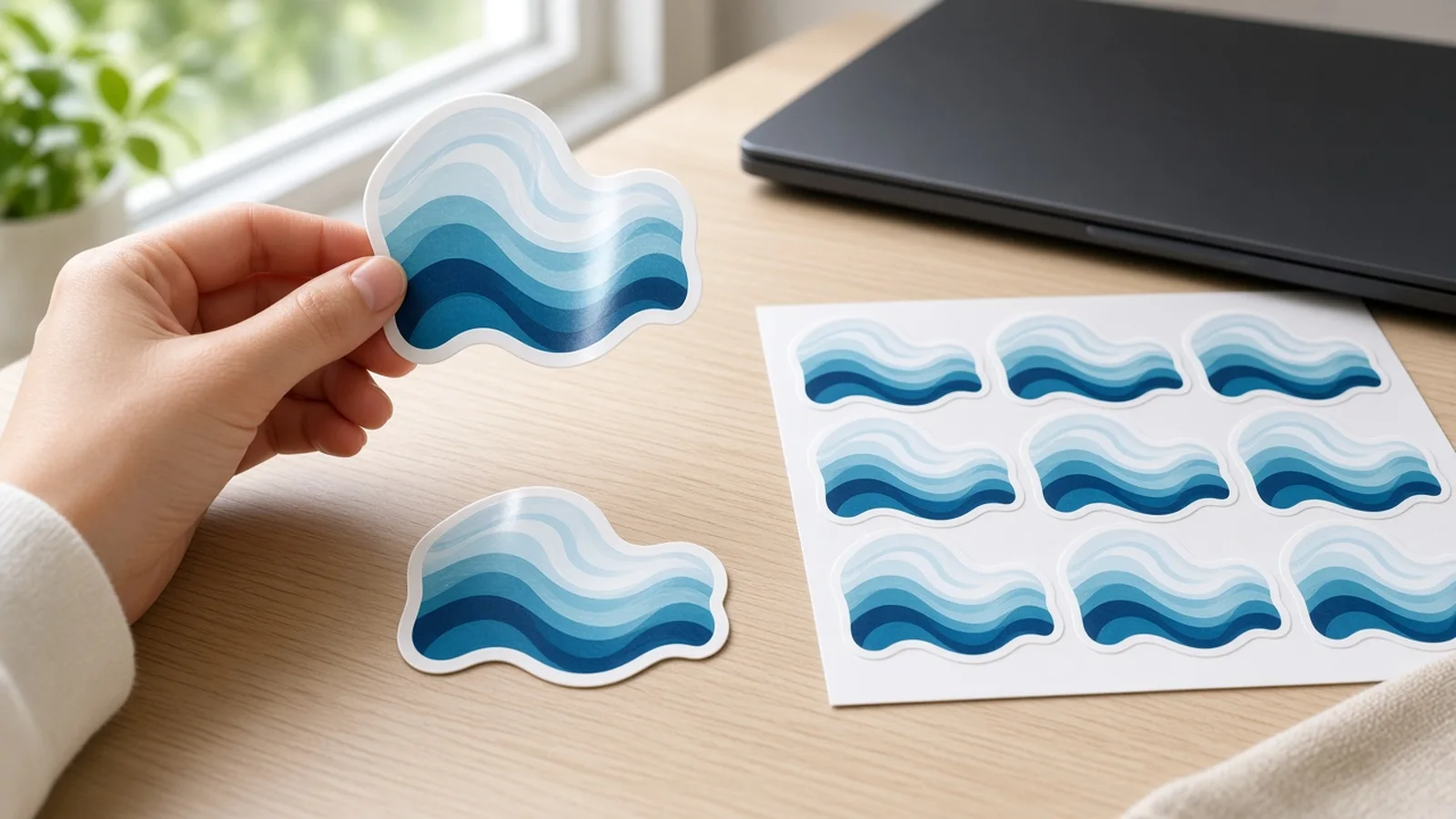
Choose between a classic white die-cut border, a thin kiss-cut rim, or a badge emblem frame, then preview it over light gray contrast backing (so white edges are unmistakable), pure white, or kraft box packaging.

Consistent brand & product recognition

Because the workbench grounds the output in your uploaded image, product lock fidelity keeps bottle silhouettes, sneaker colorways, coffee pouch art, or mascot expressions recognizable while adding crisp outlines and realistic sticker surface light.

Simple credit pricing & free trial

Pricing stays transparent and low-risk: every run costs 10 credits per image and can produce 1 to 4 variations to compare side by side, while every new signed-in account receives one free generation to evaluate results before topping up credits.

Photo, sketch, or motif input

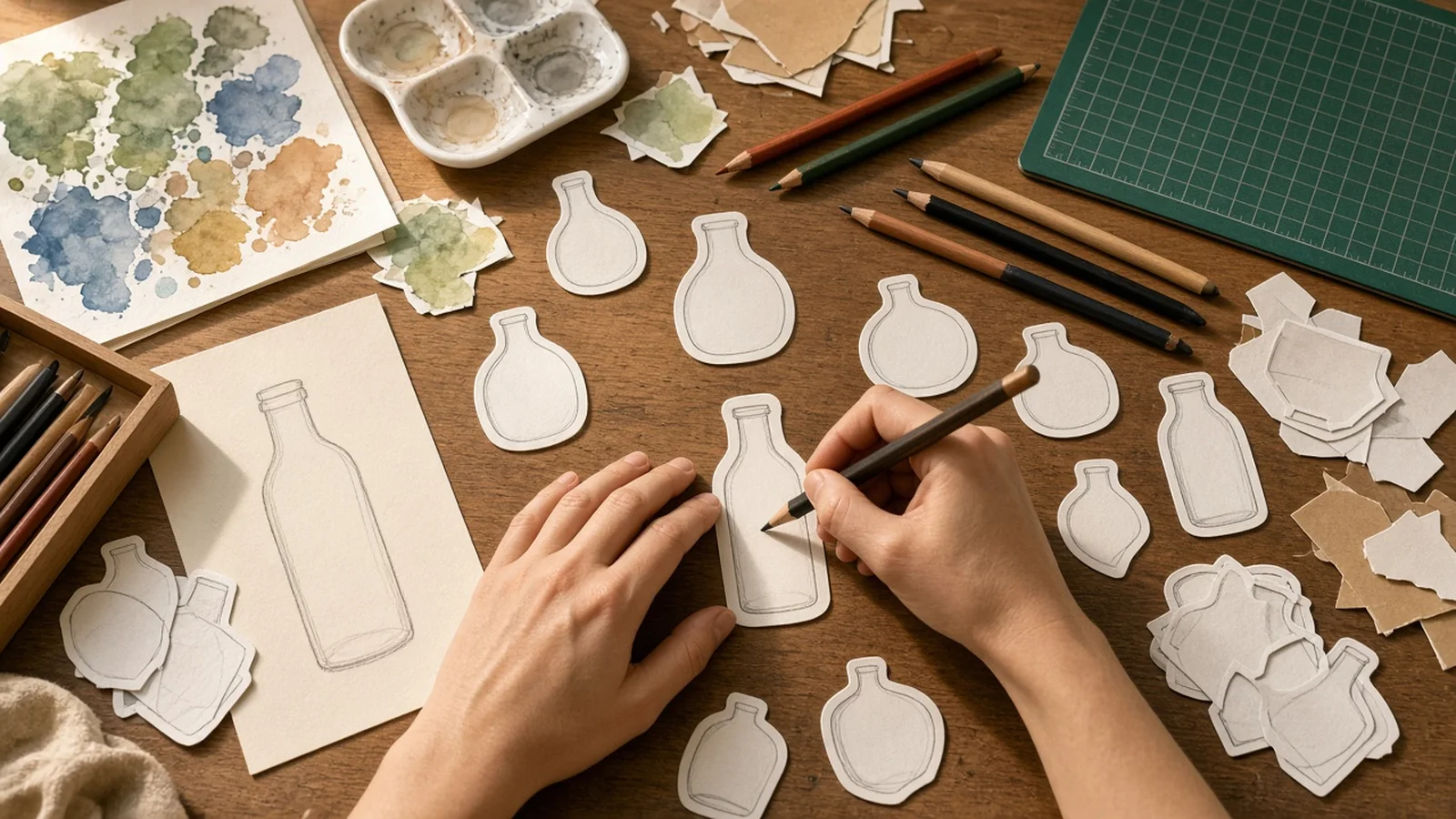
Start from a catalog photo, hand-drawn mascot doodle, or logo—or guide a reference image with optional notes.

Four material finishes

Switch between glossy die-cut vinyl, matte paper, flat illustrated style, and iridescent holographic accents.

Controlled border styles

Pick classic thick white die-cut edges, thin kiss-cut rims, or structured badge frames.

Contrast & kraft previews

Inspect white edges clearly on light gray backing or preview them directly over kraft mailer textures.

One-click transparent cutout

Strip the preview sheet cleanly using our Free Transparent Background tool after picking your favorite variant.

10 credits/image, 1–4 variants

Generate up to 4 variations per run at 10 credits per image, with one free generation for new signed-in accounts.

Why ProductShot AI

Designed specifically for ecommerce packaging and brand merch

General image tools treat stickers like random clipart. ProductShot AI builds around SKU identity, legible borders, and real print-prep honesty.

Clean die-cut edge separation

Every border preset forms a cohesive outer contour around your product or mascot rather than messy jagged cutouts.

True-to-brand material styling

Test vinyl gloss, matte paper grain, flat vector-style illustration, and holographic sheen while preserving your brand palette.

Backing sheets that reveal flaws early

Light gray and kraft backing previews immediately show whether your white die-cut rim is balanced before you order prints.

Honest raster & print reminders

Clear notice that files are raster PNG/WEBP (not SVG cut paths) and prompt reminders to inspect spelling before printing.

Seamless transparent cutout handoff

Move straight to our Free Transparent Background or AI Image Upscaler pages when prepping final print or sticker-pack assets.

Predictable 10-credit pricing

Generate 1 to 4 variations at 10 credits per image, with one free generation waiting on every newly signed-in account.

Use Cases

Where ecommerce brands put custom stickers to work

Turn everyday catalog photos and brand marks into tangible packaging touches and shareable sticker packs.

Comparison showing a plain product cutout next to a styled die-cut sticker with white border

Plain product photos don't look like collectible stickers

Dropping a rectangular product shot onto a mailer card feels flat. Without a uniform die-cut border, stylized ink or vinyl highlight, and subtle peel depth, it reads like a cropped photo rather than merch.

Multiple sticker style variations generated for seasonal ecommerce packaging inserts

Hiring illustrators for every SKU sticker test is slow

Commissioning custom vector art for five seasonal scents or ten merch ideas eats budget before you know which design customers actually love in their unboxing boxes.

Brand-consistent product sticker preserving original packaging silhouette and colors

Generic AI tools distort your product or logo

Unconstrained prompts warp bottle proportions, swap brand colors, or invent random backgrounds. Product Lock keeps your core SKU silhouette and brand motif recognizable inside the sticker frame.

Die-cut sticker white border clearly visible against a light gray contrast backing sheet

Hard to judge white borders on a white canvas

When designing die-cut stickers on pure white, you cannot see whether the white rim is too thin or uneven. Switching to Light Gray or Kraft backing lets you inspect every border curve immediately.

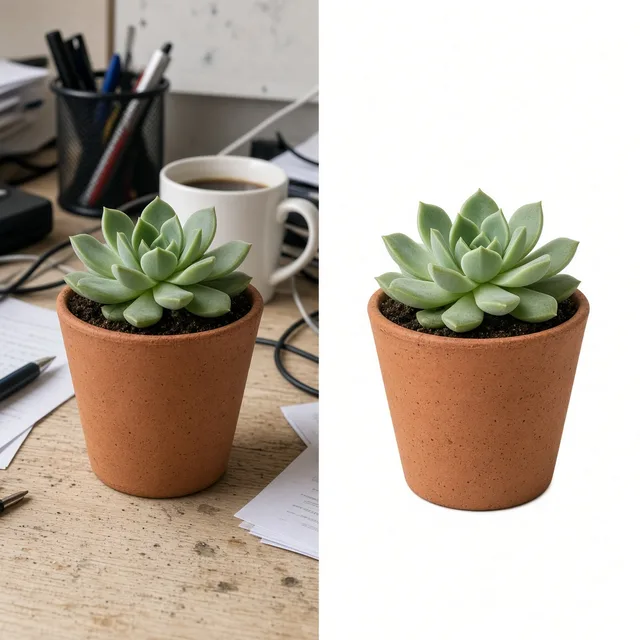
Sticker artwork moving from preview sheet to transparent PNG cutout for print shop upload

Prepping cutouts and print checks takes extra steps

Even great AI concepts need clean transparent edges and careful copy verification. Export raster PNG/WEBP cleanly, verify spelling, and strip the preview sheet in one click with our Free Transparent Background tool.

By Channel

Custom die-cut sticker design across every channel

Align sticker style, border width, and backing preview with how your brand ships and promotes online.

How it works

From product photo to sticker preview in four steps

Each generation uses 10 credits per image for 1 to 4 variations; new signed-in accounts start with one free generation.

1. Upload source art or photo
2. Choose style, border & sheet
3. Compare 1–4 generated runs
4. Check text & export PNG/WEBP
01

1. Upload source art or photo

Upload a clear product shot, mascot doodle, or brand emblem—or include a reference image with brief styling notes.

02

2. Choose style, border & sheet

Select glossy vinyl, matte paper, illustrated, or holo finish, pick your die-cut border width, and choose a backing preview.

03

3. Compare 1–4 generated runs

Review up to four sticker variations per run, checking border smoothness, material sheen, and subject fidelity.

04

4. Check text & export PNG/WEBP

Verify any printed copy spelling, download your raster PNG/WEBP file, and use our Free Transparent Background tool for clean cutouts.

Method comparison

AI Sticker Generator vs. manual illustration workflows

See where a dedicated product sticker maker saves turnaround time and where final vector prep still matters.

Multiple

output styles

Reference-led

direction

Built-in

before-and-after review

Traditional Workflow

Manual Vector Tracing & Freelance Illustration

Requires illustration briefs, pen-tool pathing, and back-and-forth revisions before seeing how a SKU looks as a sticker.

Cost
$40–$200+ per custom sticker illustration×
Turnaround
2–5 business days for drafts and revisions×
What You Need
Vector software skills or external designer brief×
Iteration
Slow to test glossy vs. matte vs. illustrated styles×
Output Range
Native SVG/AI vector cut paths from the start×
Product Accuracy
Depends on illustrator interpretation of your SKU×
ProductShot AI

AI Sticker Generator Workbench

Built for ecommerce speed—upload your product or sketch, preview borders and finishes in seconds, and iterate affordably.

Cost
10 credits per image (1 free generation on new signed-in accounts)✓
Turnaround
Seconds to minutes for 1–4 variations per run✓
What You Need
One product photo, sketch, or motif + optional notes✓
Iteration
Instant preset switching across finishes, borders, and sheets✓
Output Range
Raster PNG/WEBP artwork (pair with transparent cutout & print vectorization if required)✓
Product Accuracy
Grounded directly in your uploaded photo or brand motif✓

How-to guide

How to prepare inputs for crisp custom die-cut stickers

Follow these quick preparation habits to get clean borders, faithful product details, and print-ready raster exports.

Best inputs to upload

  • Use a well-lit, front-facing photo or flat scan of your product, mascot sketch, or logo.
  • Keep the subject centered with breathing room around edges so the die-cut border never clips.
  • Avoid busy overlapping props behind the product; plain studio shots trace cleanest.
  • If adapting a rough doodle, add notes describing exact colors, expressions, or accessories.

Notes formula for reliable sticker styling

[Subject keep/restyle cue] + [Sticker material & border] + [Optional badge text or accent]

Most runs work well with presets alone. Add brief notes when you want a product restyled into a cute mascot or framed with a specific accent.

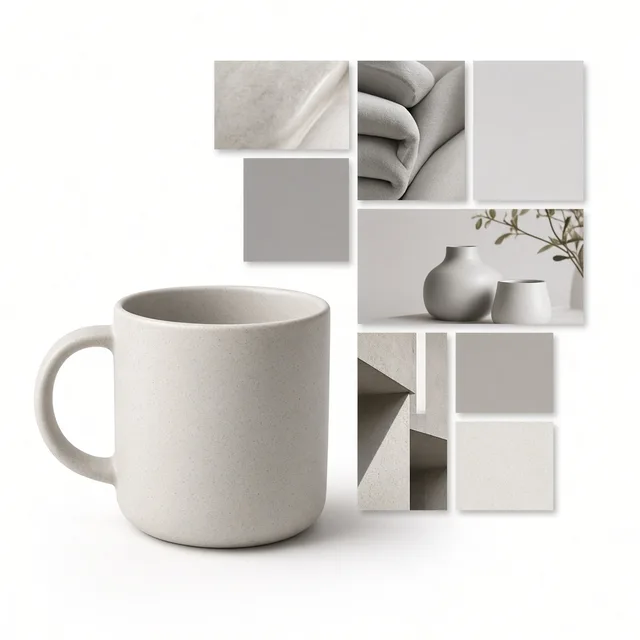
  • Turn this ceramic matcha mug into a smiling kawaii mascot sticker with a thick white die-cut border and soft pastel steam.
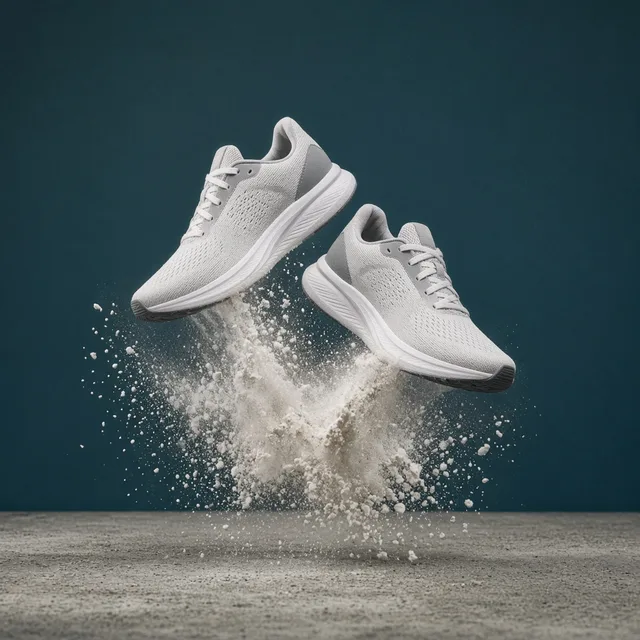
  • Keep the sneaker colorway exact, add glossy vinyl highlights and a clean white contour on light gray backing.
  • Frame our coffee tin inside a vintage matte paper badge sticker suitable for kraft shipping box seals.

Mistakes to avoid before printing

  • Assuming raster PNG/WEBP files already include vector SVG kiss-cut paths for commercial plotters.
  • Sending sticker files to a print shop without reading every letter of small brand names or slogans.
  • Evaluating thick white die-cut borders exclusively on a pure white preview sheet where edges blend in.
  • Uploading blurry, heavily shadowed, or cropped thumbnails that hide product label details.

Further reading

Explore transparent cutouts, packaging design, and print-ready upscaling workflows.

How to Photograph Clothing for Ecommerce: What I Learnt the Hard WayApparel
Jun 19, 20268 min read

How to Photograph Clothing for Ecommerce: What I Learnt the Hard Way

A practical apparel photography guide covering flat lays, ghost mannequins, fabric texture, drape, and color accuracy.

Read Article
It Took Me Two Years to Understand Product Photography LightingLighting
Jun 20, 20268 min read

It Took Me Two Years to Understand Product Photography Lighting

A practical guide to product photography lighting, soft light, fill light, backlight, reflection control, and difficult materials.

Read Article
Best AI Lifestyle Photo Generators for Product and Model Shots (2026)Workflow
Jun 23, 20268 min read

Best AI Lifestyle Photo Generators for Product and Model Shots (2026)

Compare AI lifestyle photo generators for realistic ecommerce scenes, product preservation, catalog consistency, and campaign workflows.

Read Article
How to Take Professional Product Shots Without a Studio (or a Degree in Photography)Workflow
Jun 17, 20268 min read

How to Take Professional Product Shots Without a Studio (or a Degree in Photography)

A practical workflow for taking sellable ecommerce product photos with a phone, simple setup, and AI-powered variations.

Read Article
Product Image Clarity for Listings: Fix Soft Supplier and Marketplace PhotosWorkflow
Jul 15, 202610 min read

Product Image Clarity for Listings: Fix Soft Supplier and Marketplace Photos

How ecommerce teams prep soft supplier packs and re-exported marketplace images with free browser clarity enhancement before Amazon and Shopify uploads.

Read Article
AI Product Photography Generator Guide: 7 Best Tools for 2026Guide
Jun 23, 20268 min read

AI Product Photography Generator Guide: 7 Best Tools for 2026

Compare AI product photography generators for white background images, studio shots, lifestyle scenes, and ecommerce campaign visuals.

Read Article
Seller feedback

How ecommerce teams test and ship sticker ideas faster

Feedback from DTC founders, packaging leads, and indie shop owners using AI Sticker Generator in their workflows.

Portrait of Hannah Mercer, specialty coffee brand founder
Hannah Mercer

“We turned our three signature coffee bags into matte kraft-preview stickers in ten minutes. Seeing the thick white border on gray backing saved us a wasted test print.”

Founder, Roast & Bloom Coffee
Portrait of Devon Patel, skincare packaging lead
Devon Patel

“Our unboxing thank-you cards needed small glossy bottle decals. Generating 4 variants per run let the team pick the cleanest contour before handing off to our printer.”

Packaging Lead, Solis Skincare
Portrait of Mei-Ling Zhou, indie stationery shop owner
Mei-Ling Zhou

“I upload rough pencil mascot doodles and test flat illustrated vs. holographic styles in seconds. Then I use the transparent background tool to prep my digital sticker packs.”

Owner, PaperPaws Stationery
Portrait of Carlos Alvarez, apparel and merch manager
Carlos Alvarez

“Having clear honest limits—knowing it outputs PNG/WEBP and reminding us to check tiny text—actually made our print handoff smoother with zero surprises.”

Merch Manager, Driftwood Supply Co.
Portrait of Claire Lindqvist, candle brand designer
Claire Lindqvist

“The badge emblem frame plus matte paper finish nailed our apothecary jar seal concept on the second run. Huge time saver for seasonal launches.”

Brand Designer, Oat & Cedar Candle Co.
Portrait of Tyler Brooks, beverage ecommerce director
Tyler Brooks

“We tested five flavor-bottle sticker concepts using our starter credits before paying for final vector setup on the top two winners.”

Ecommerce Director, Peak Hydration

FAQ

Frequently asked questions about the AI Sticker Generator

Answers on file formats, die-cut borders, print preparation, credits, and commercial use.

You can upload a product photo, a hand-drawn mascot sketch, a brand logo or motif, or a reference image paired with optional styling notes. Front-facing, well-lit inputs in JPG, JPEG, PNG, or WEBP up to 16MB produce the cleanest sticker outlines.

No. It outputs high-resolution raster PNG and WEBP artwork, not vector SVG files or Adobe Illustrator dielines. Most sticker print shops accept crisp high-res PNG files (especially with a transparent background) and auto-generate their own cutline, or you can trace the final approved raster artwork into SVG if your vendor requires vector cut paths.

In this workbench you preview stickers on light gray, pure white, or kraft backing so you can inspect border contrast clearly. Once you pick your favorite variation, click through to our Free Transparent Background tool to remove the backing sheet in one click and export a transparent PNG.

You can choose among four sticker finishes—Die-cut glossy vinyl, Matte paper sticker, Illustrated flat sticker, and Iridescent holo accent—and pair them with three border options: Classic white die-cut border, Thin kiss-cut rim, or Badge emblem frame.

White die-cut borders blend into a pure white canvas, making it hard to spot uneven rim thickness. Selecting Light gray contrast backing or Kraft box insert preview makes every millimeter of your white border immediately visible.

Each image costs 10 credits, and you can generate 1 to 4 variations in a single run. Every new signed-in account receives one free generation so you can test custom die-cut sticker design before buying credits.

Yes—always proofread any brand names, slogans, or small label typography carefully before printing. While the product sticker maker works hard to preserve uploaded details, AI-rendered small lettering can occasionally introduce subtle typos that should be checked before bulk production.

Yes. ProductShot AI anchors the generation on your uploaded product photo or brand motif so bottle shapes, label colors, and mascot proportions stay recognizable while adding clean die-cut borders and sticker material highlights.

Yes. Paid and free generated outputs can be used for ecommerce packaging inserts, giveaway merch packs, bottle seals, and digital social sticker packs, provided you own or have rights to the uploaded product photos, logos, or characters.

After selecting your winning sticker design, run it through our AI Image Upscaler to increase pixel dimensions cleanly, then remove the backing sheet with Free Transparent Background if your printer requests transparent PNG artwork.

Test your first custom die-cut sticker design today

New signed-in accounts get one free generation. Upload a product photo or mascot sketch and preview 1 to 4 sticker styles in minutes.

Start Free →

LLMs.txt