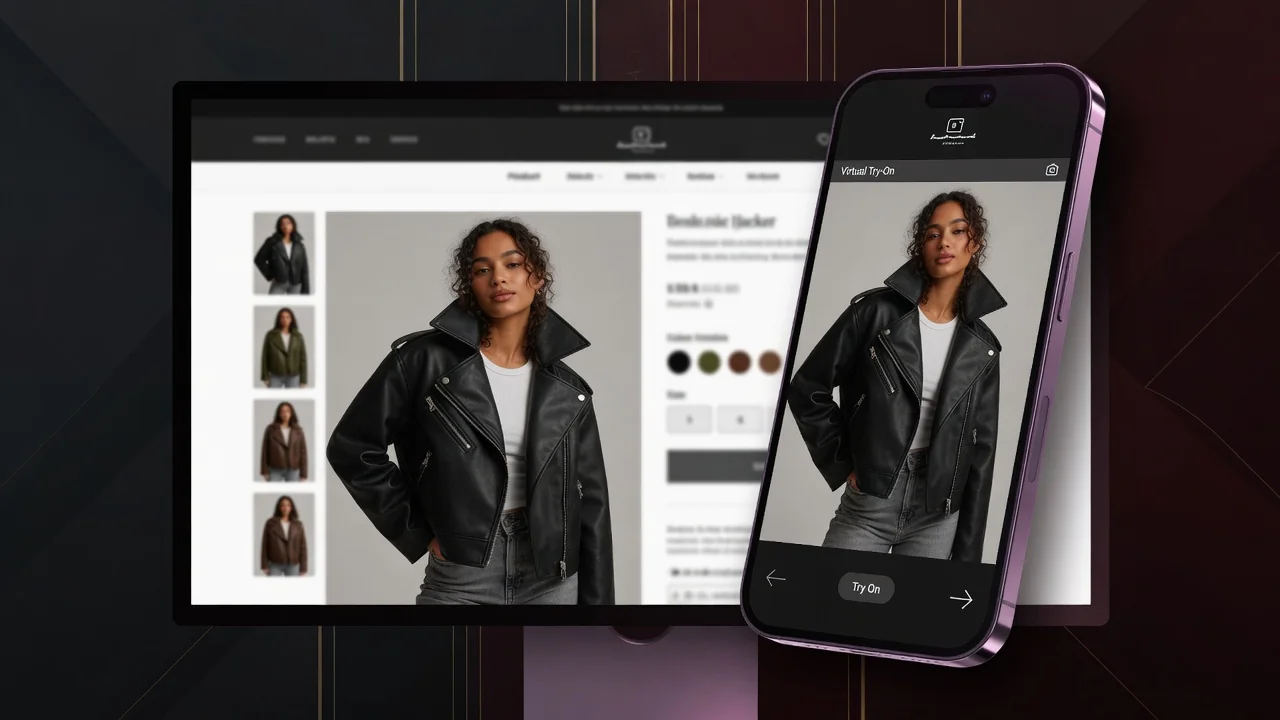
ProductShot AI logoProductShot AI

AI Virtual Try-On

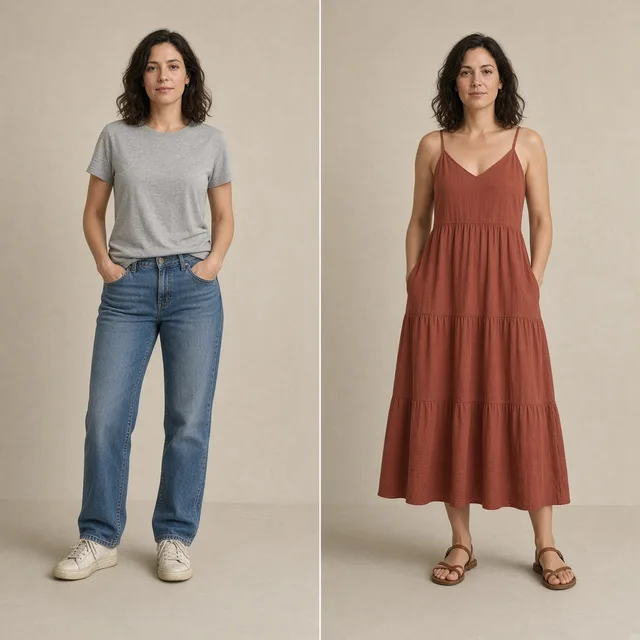
Upload a garment and a person photo to generate a try-on effect image for ecommerce previews and creative tests. Not a physical size guarantee.
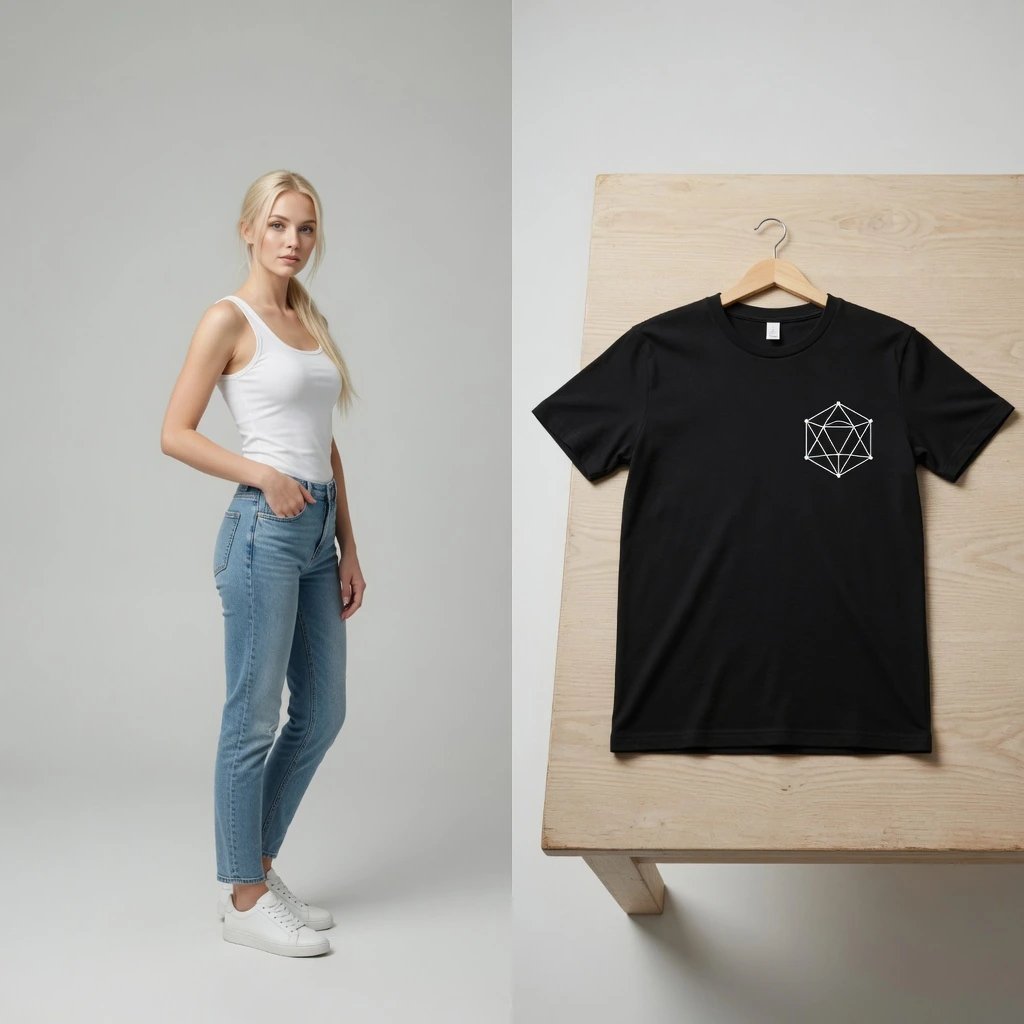
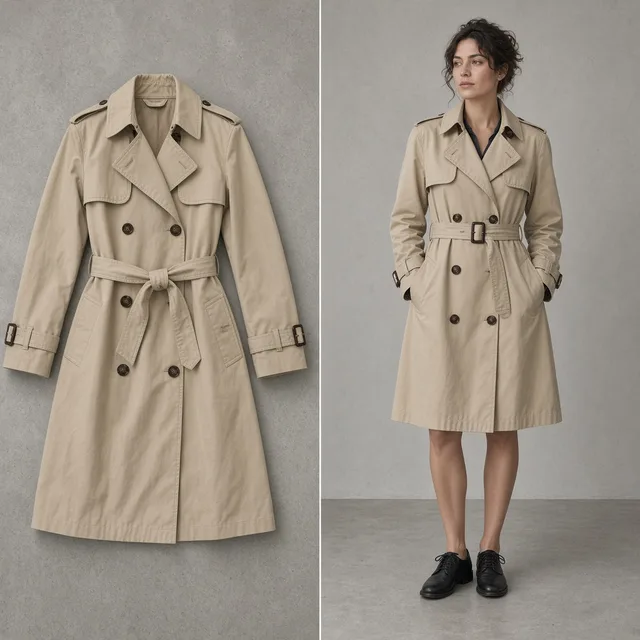
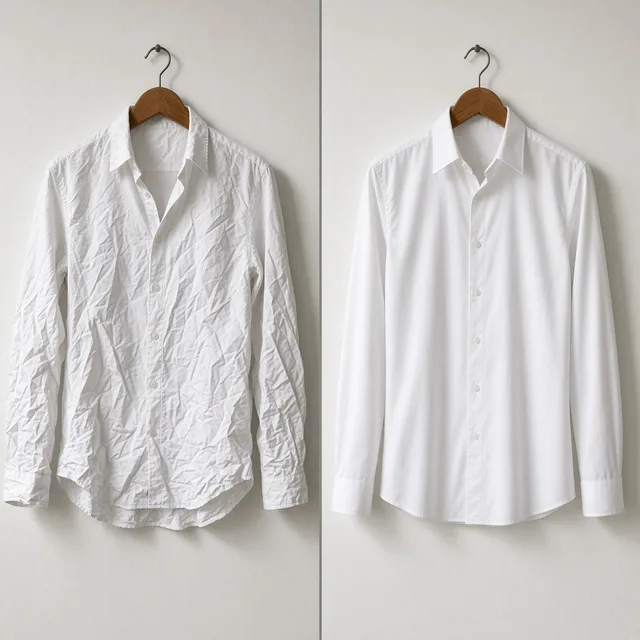
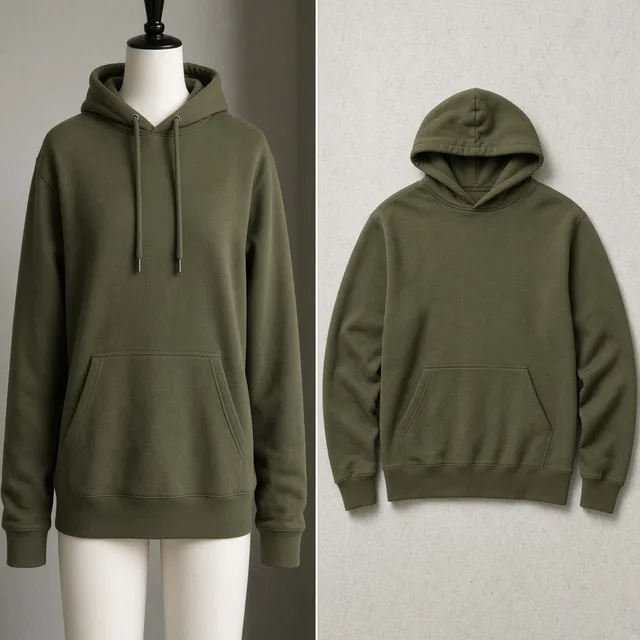
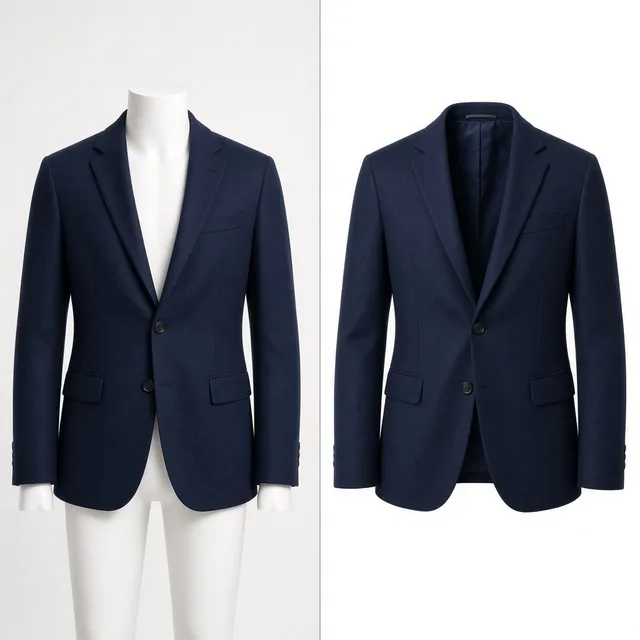
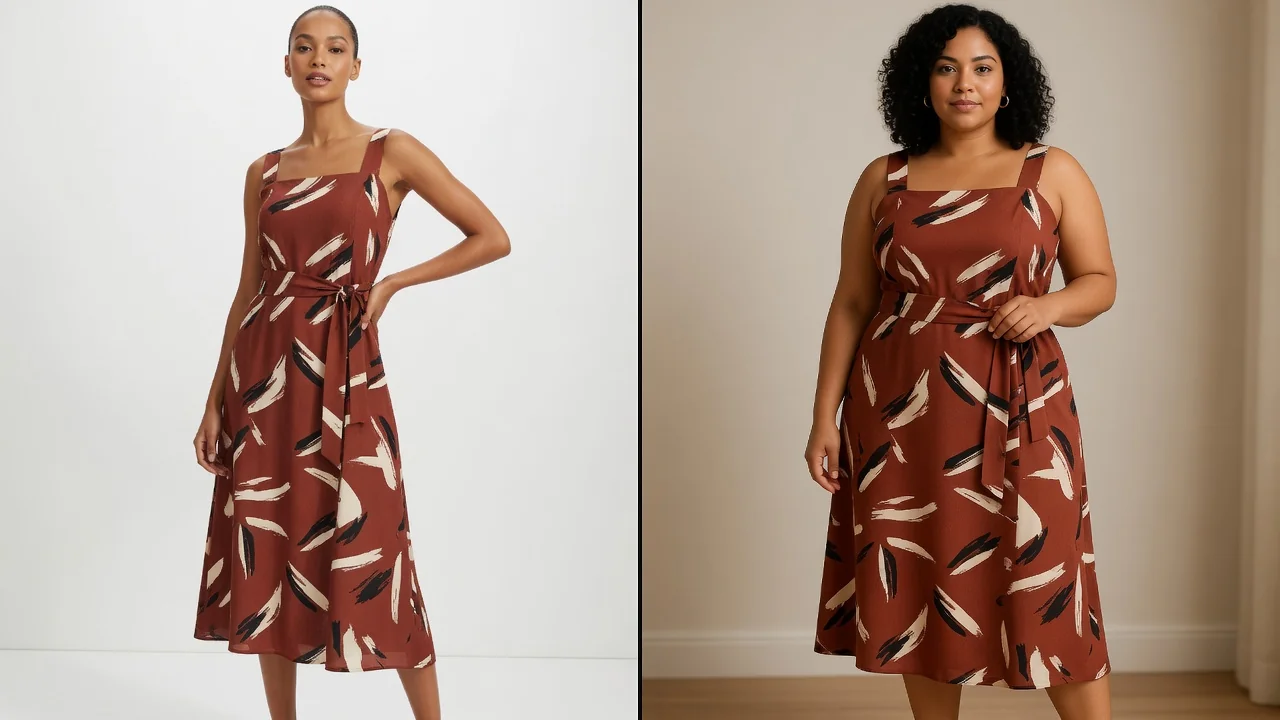
Model and garment before try-on generation
BEFORE
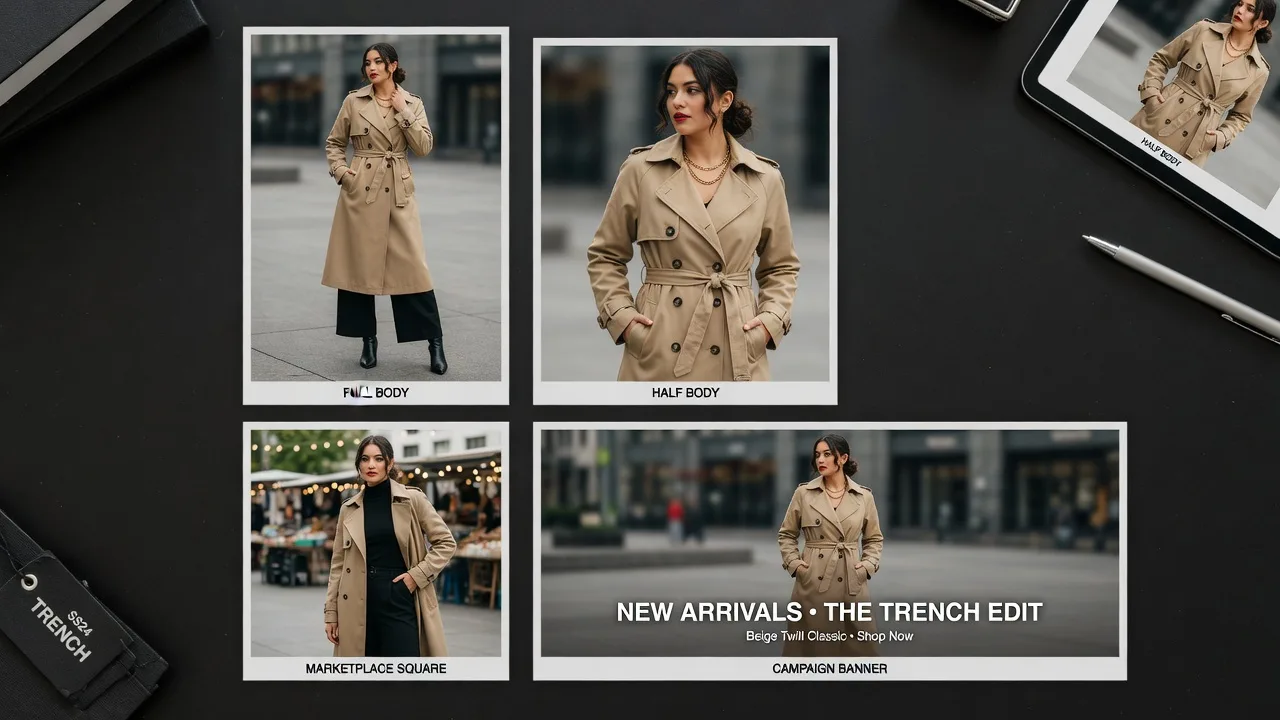
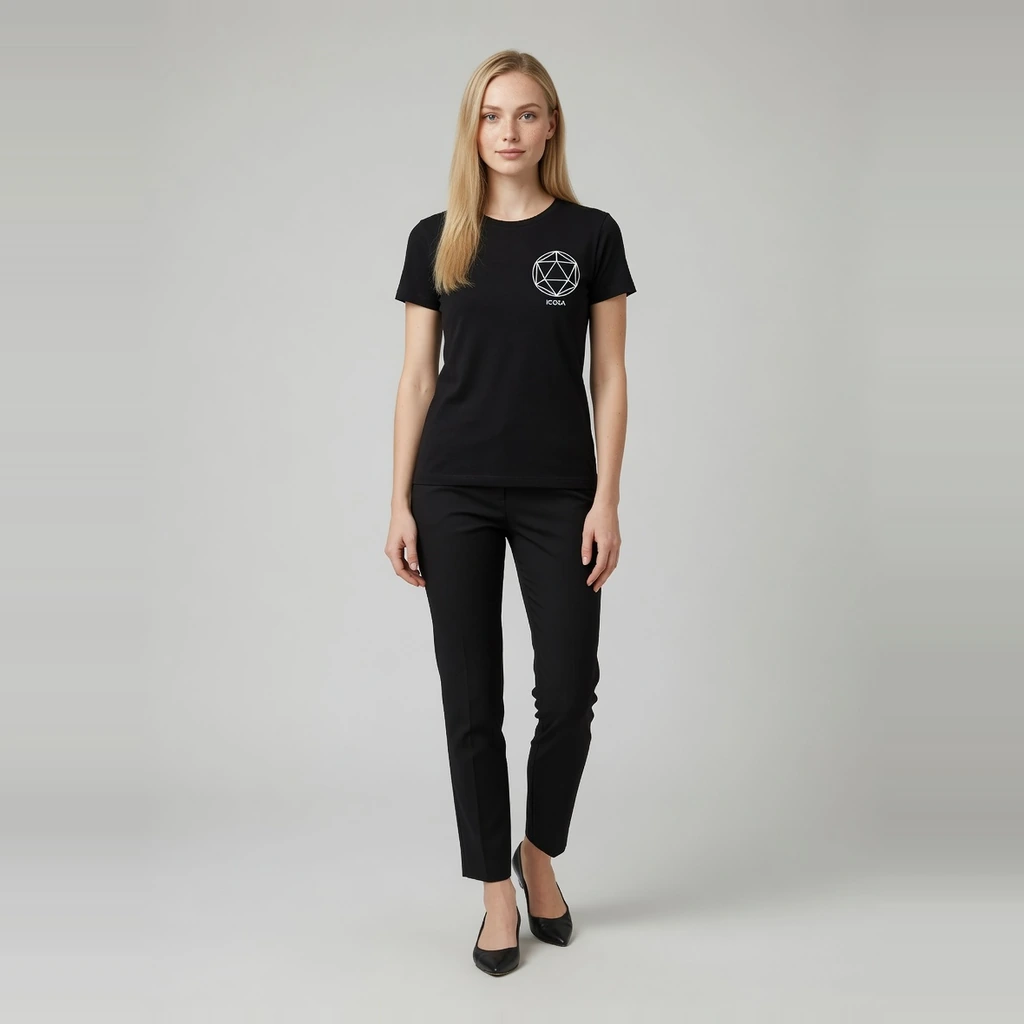
Example full-body and half-body virtual try-on results
AFTER

AI virtual try-on

What You Can Create With AI Virtual Try-On

Upload a garment and a person photo to generate ecommerce try-on effect images. ProductShot AI prioritizes garment identity and person identity as a visual preview—not AR sizing or fit guarantees.
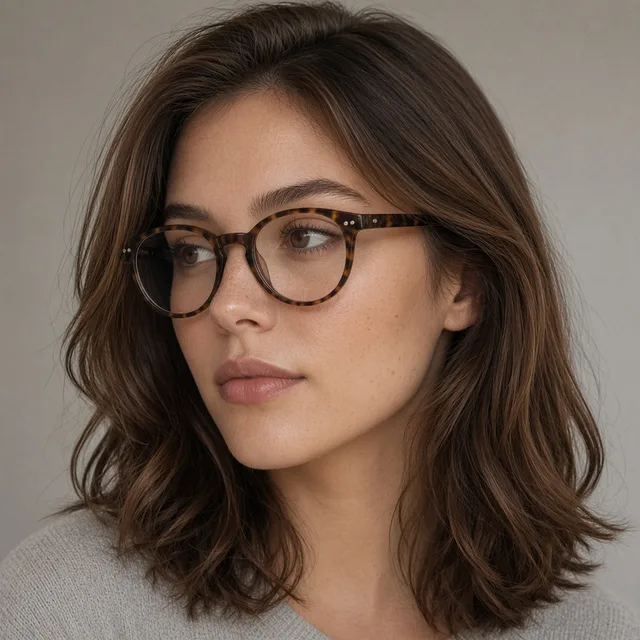
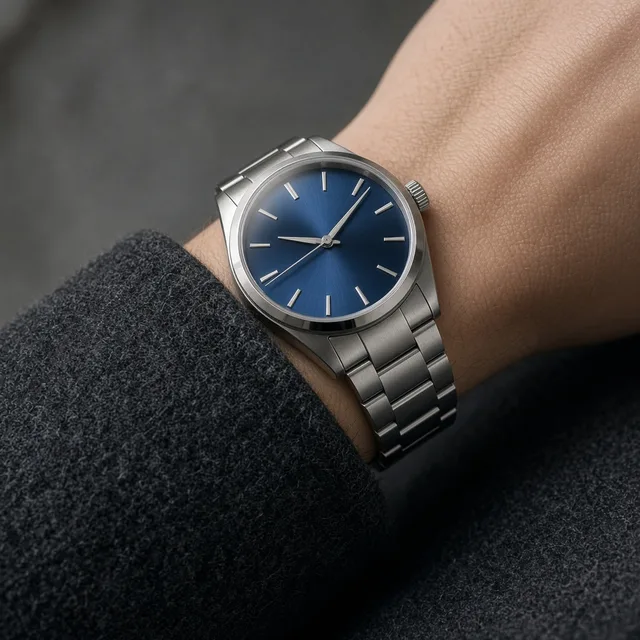
Virtual try-on effect image for ecommerce apparel
Try-on

Virtual Try-On

AI Virtual Try-On

Create try-on effect images from a garment and person photo.

On-model apparel image generated from a garment photo
On-model

Fashion Model

AI Fashion Model Generator

Turn flat-lay garments into ecommerce on-model images with preset models.

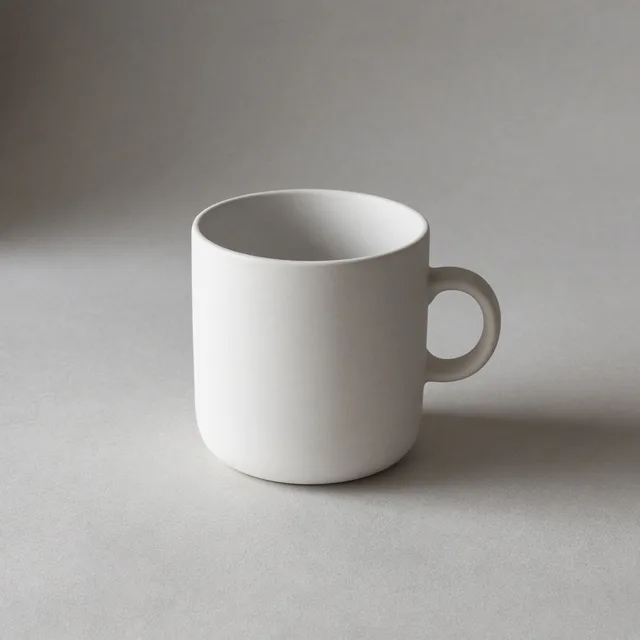
Clean ecommerce listing image created from one product upload
Listing

Listing Images

Ecommerce Listing Images

Create clean listing visuals from one uploaded product photo.

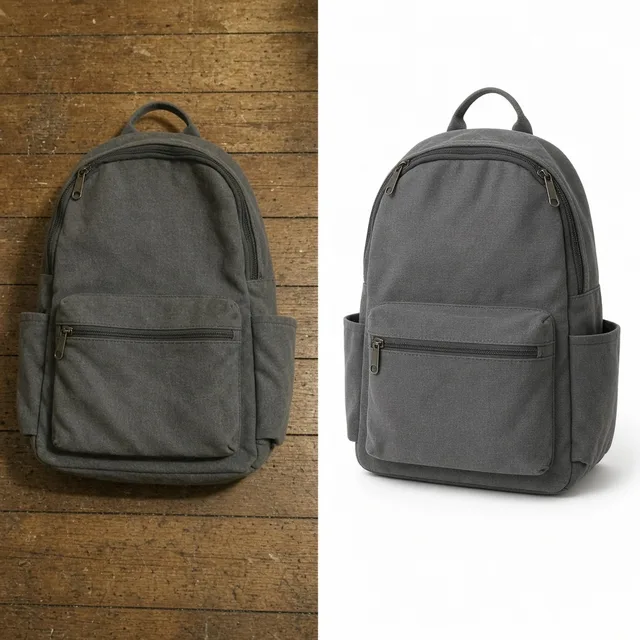
White background product photo for ecommerce catalogs
White Background

White Background

White Background Photos

Create clean white-background product photos for catalogs and marketplaces.

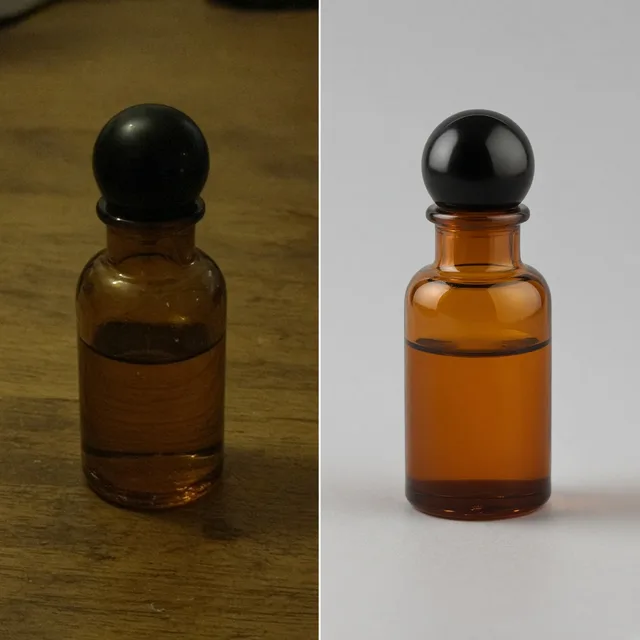
Studio product shot generated from an uploaded product image
Studio

Studio Photos

Studio Product Photos

Generate studio-style product photos without arranging a physical shoot.

Centered marketplace listing image with a clean product background
Marketplace

Marketplace Images

Marketplace Listing Images

Create clean, centered listing images for Amazon, Etsy, TikTok Shop, and other channels.

Lifestyle product scene created for store pages and campaigns
Lifestyle

Lifestyle Scenes

Lifestyle Product Scenes

Place products in realistic scenes for storefronts and campaigns.

Product advertising visual for launch campaigns and social ads
Ads

Ad Creative

Ad and Campaign Visuals

Create product-led visuals for launches, banners, and paid social.

Direct answer

What Is AI Virtual Try-On for Ecommerce?

AI virtual try-on for ecommerce creates a try-on effect image from a garment photo and a person photo. ProductShot AI prioritizes garment identity and person identity as a visual preview for listings, styling, and campaigns—not AR sizing, body measurement, or marketplace approval guarantees.

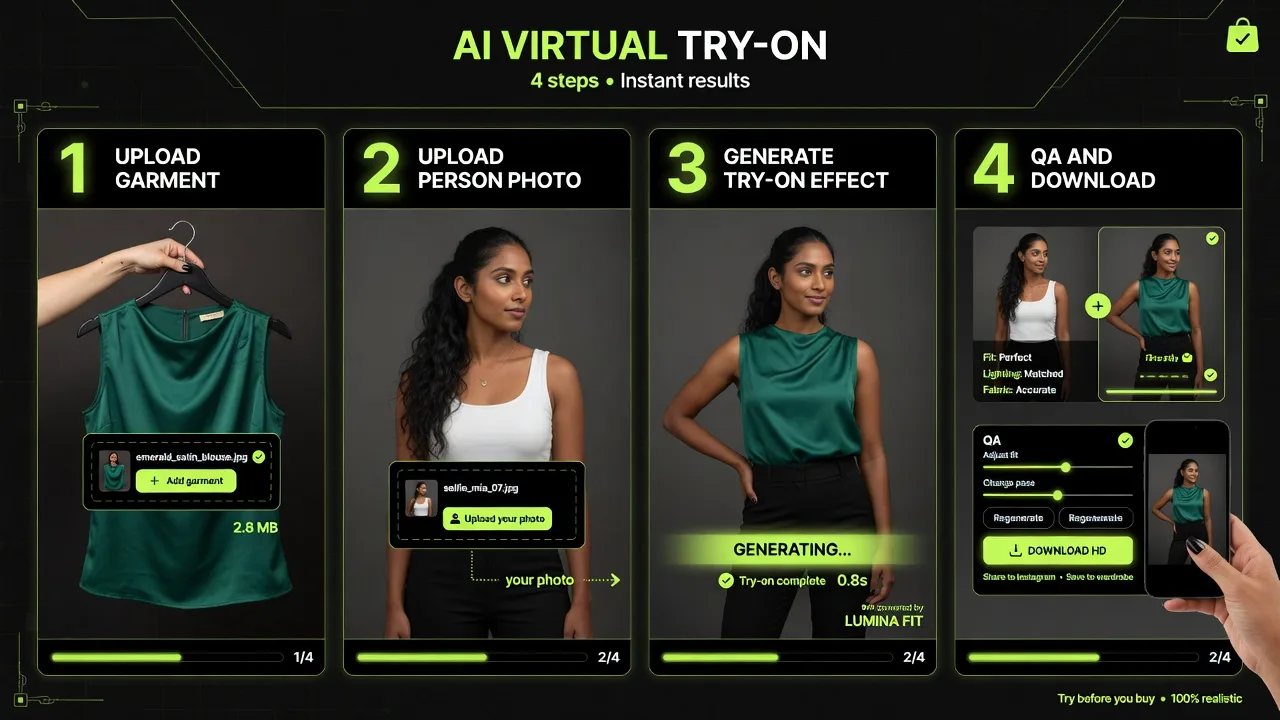
How ProductShot AI creates try-on effect photos

01

Upload the garment you want to try on.

02

Upload a person photo as the person reference.

03

Keep Garment Lock on, choose ratio, then generate.

04

QA print and silhouette, then download or keep in history.

Virtual try-on AI vs physical try-on and studio

AI Virtual Try-On (this page)

Recommended
Best for
Person + garment visual try-on effect images
Limitations
Not size-accurate; always human-review before publish
ProductShot AI fit
Best for PDP previews, styling, and campaign drafts

Fashion model / on-model mode

Best for
Preset catalog models without collecting person photos
Limitations
Less “this specific person” identity
ProductShot AI fit
Best for multi-SKU catalog consistency

Physical fitting room / sample

Best for
True fit and fabric feel
Limitations
Logistics cost and slow iteration
ProductShot AI fit
Keep for final fit decisions and size charts

Traditional model shoot

Best for
Hero brand campaigns with full control
Limitations
High cost for frequent SKU updates
ProductShot AI fit
Pair with AI for daily volume, shoot for heroes

Apparel seller pain points

Why Sellers Need Try-On Previews Without Promising Fit

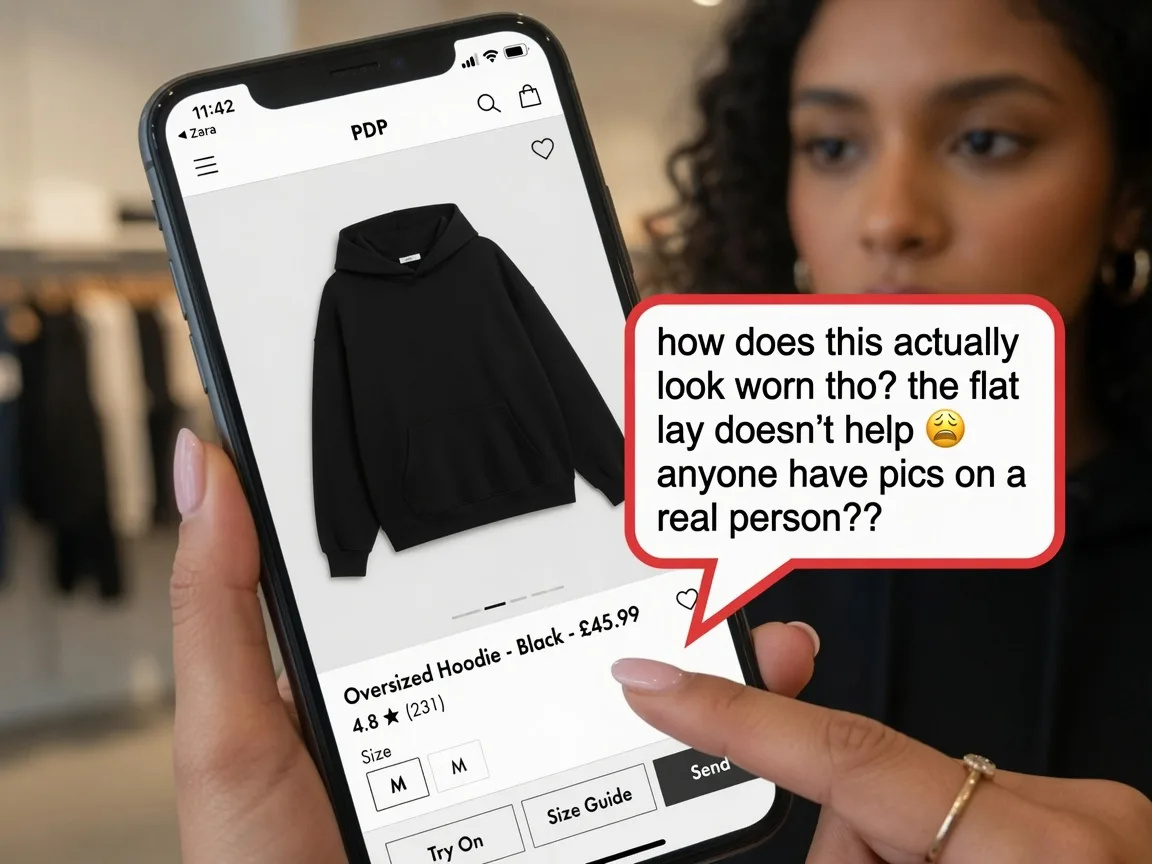
Shoppers ask how clothing looks on a person. Physical samples and model days are slow. This page creates try-on effect images for PDPs, styling, and campaigns while keeping size guides separate and honest.

Shopper needing a worn view of an apparel product

Shoppers Ask How It Looks on a Person

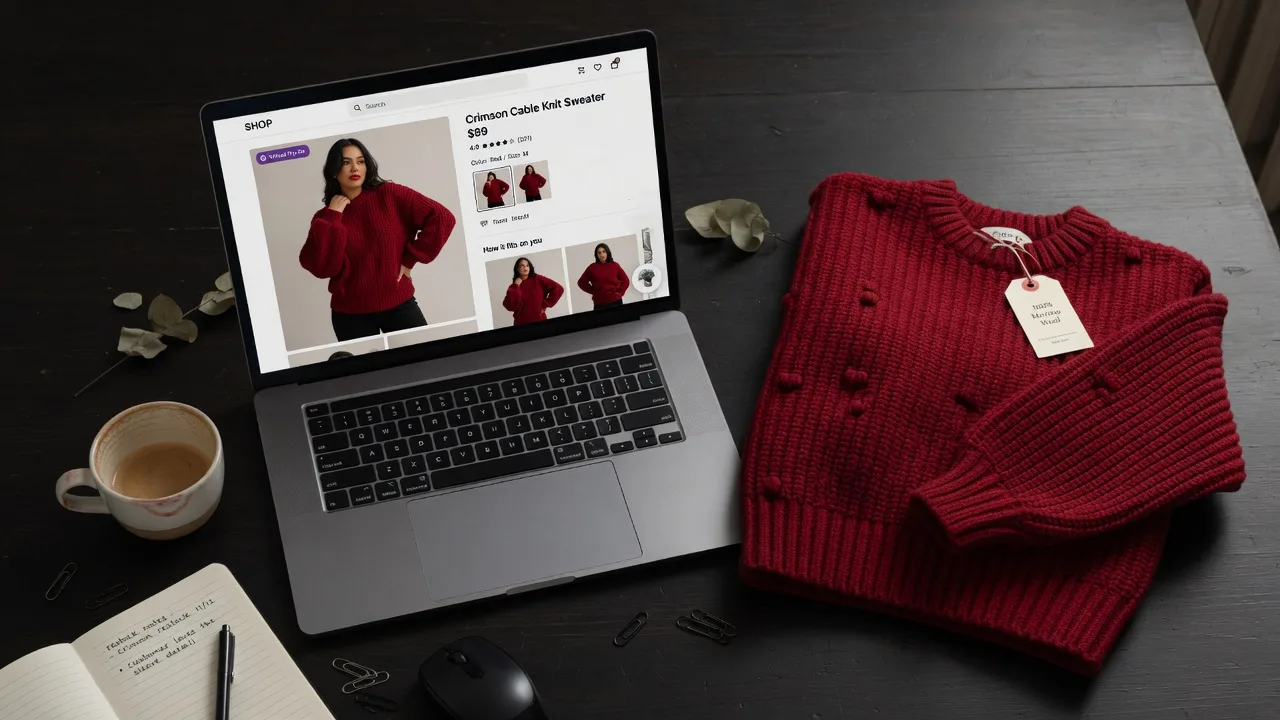
Product pages still get “how does this look worn?” questions. Try-on effect images answer the visual question while size charts handle true fit.

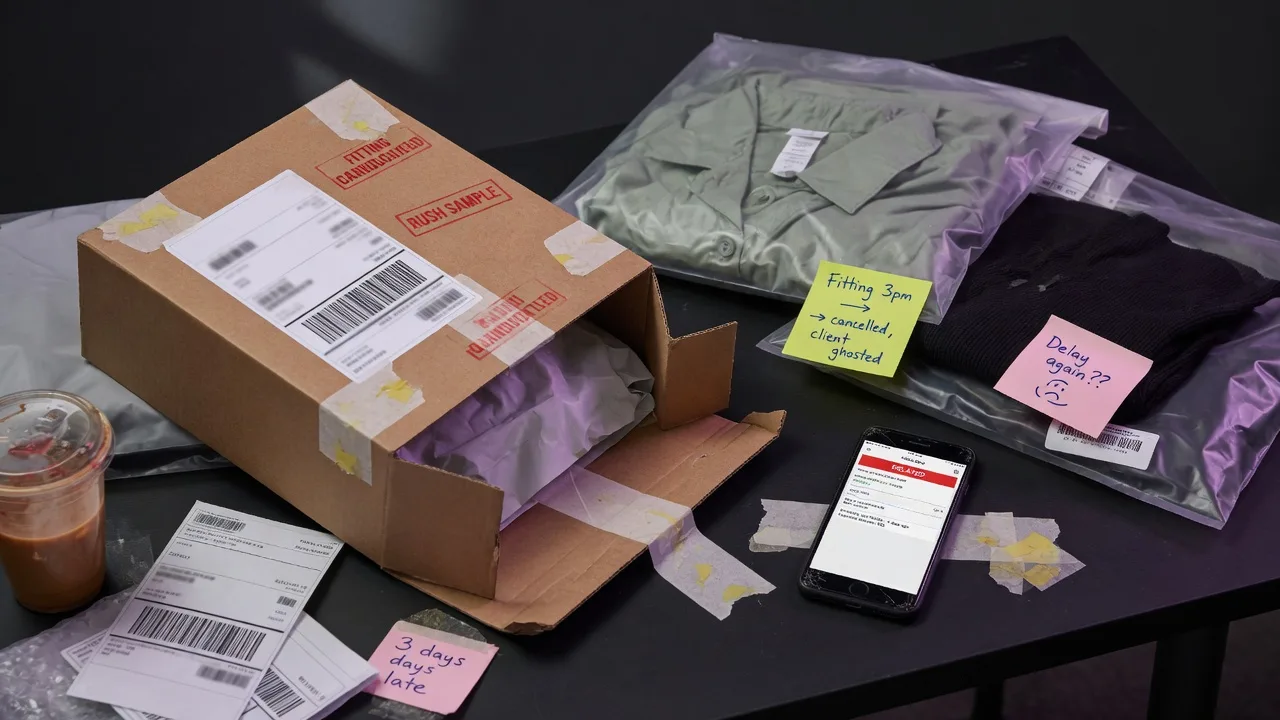
Sample logistics slowing apparel creative testing

Sample Shipping and Fittings Slow Creative Tests

Physical samples and model fittings are valuable for fit, but too slow for daily creative iteration. Generative try-on previews speed styling and campaign drafts.

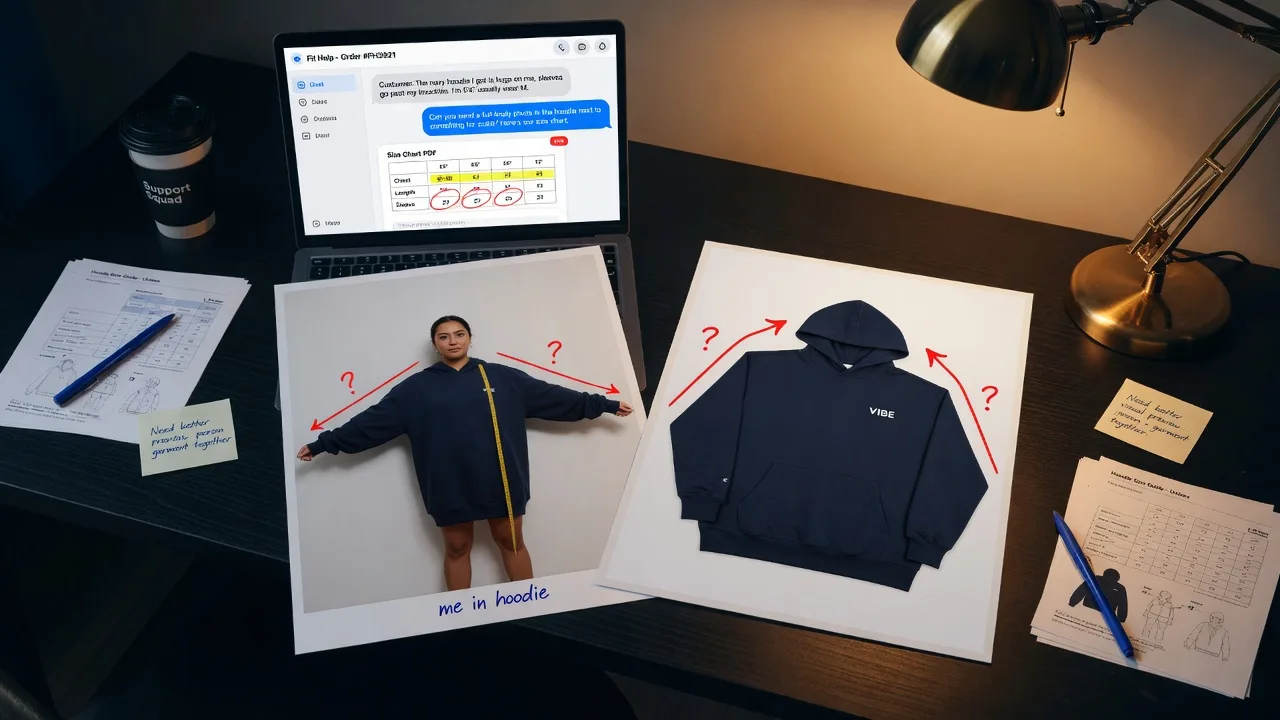
Support team using person and garment photos for previews

Support Needs Clear Person + Garment Previews

Support and styling teams need fast visual answers without inventing a new photoshoot for every question. A person photo plus garment master keeps previews grounded.

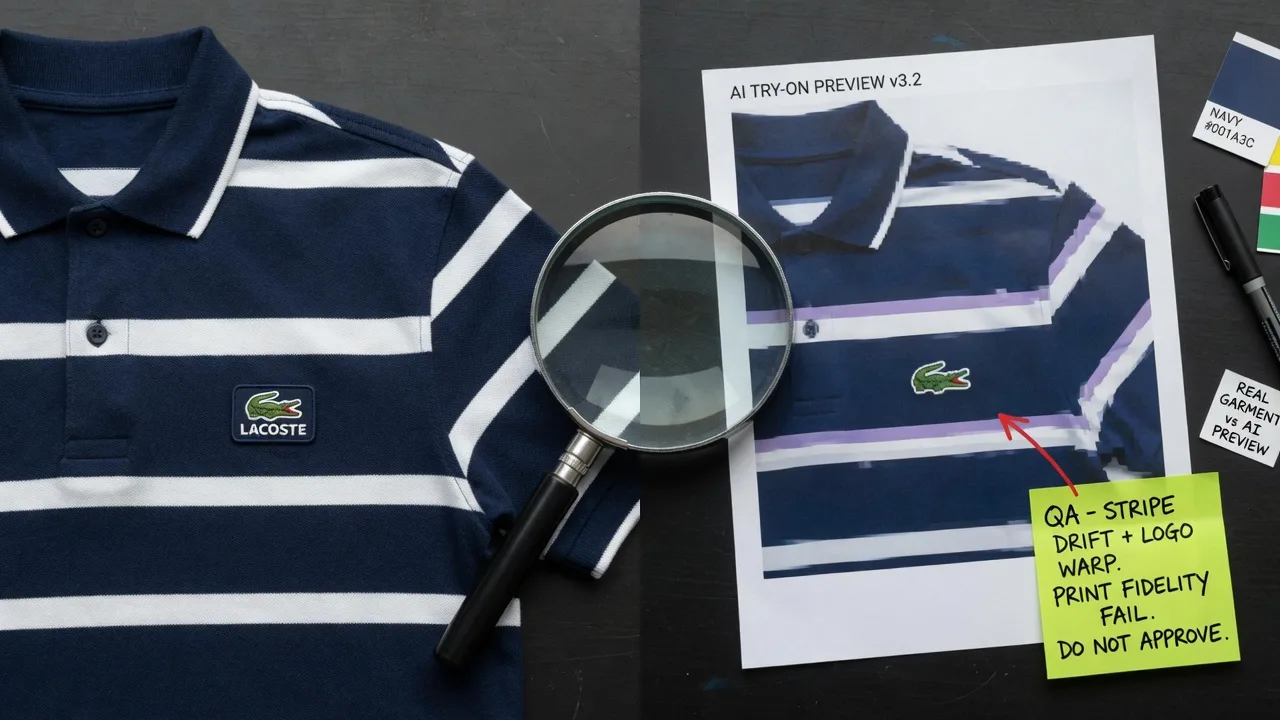
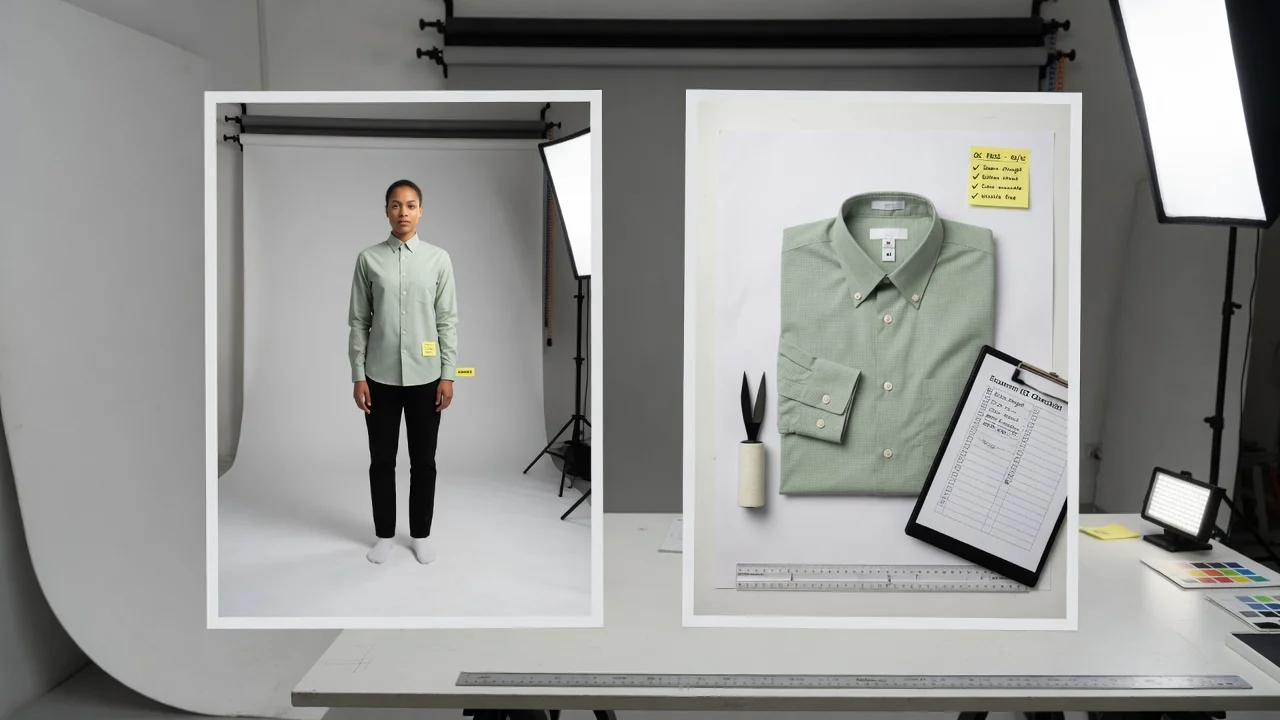
Checking garment print fidelity on a try-on preview

Try-On Still Must Match the Real Garment

A try-on preview that changes print or color misleads shoppers. Keep Garment Lock on and reject results that drift from the source product photo.

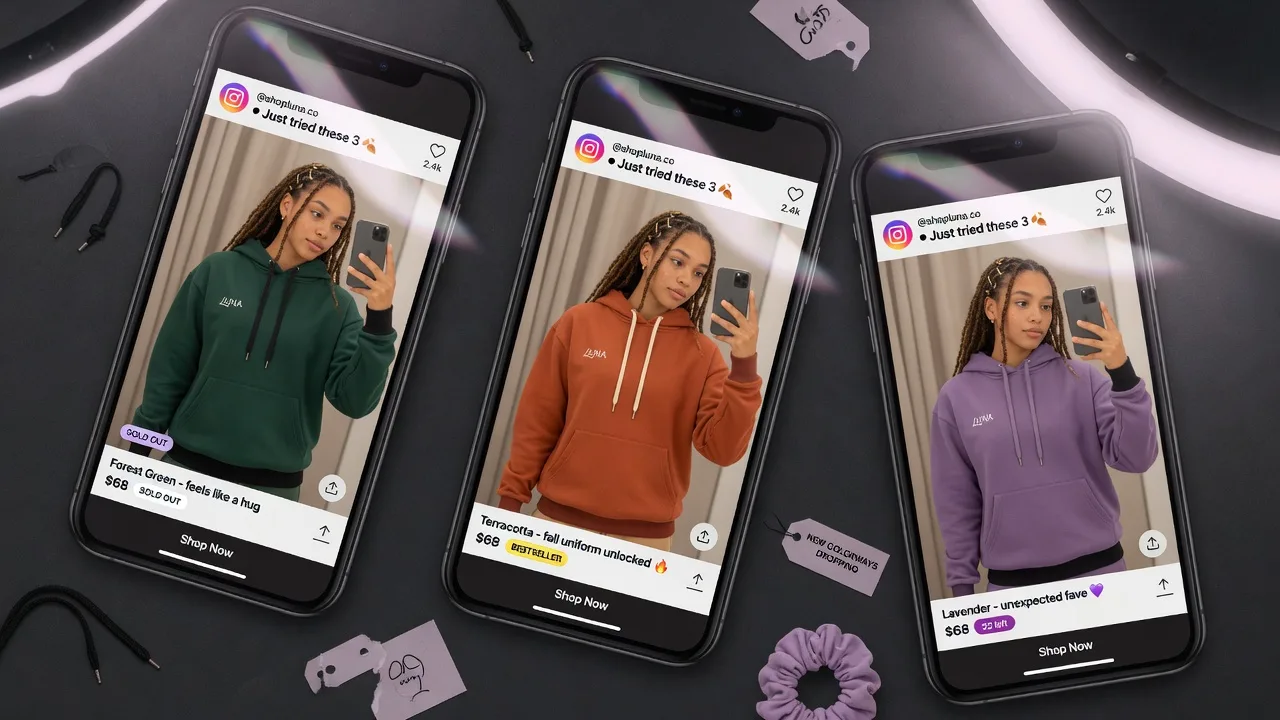
Try-on apparel images prepared for PDP and social crops

Ads and PDPs Need Different Person Crops

Detail pages, marketplace support, and social creatives need different framing. Generate multiple try-on crops from the same person and garment inputs.

Where try-on effect images are used

Virtual Try-On Visuals Across Ecommerce Channels

Use try-on effect images for product-page styling, marketplace fashion support, launch previews, and paid social creatives—while keeping true fit decisions on size charts and samples.

How it works

Create a Virtual Try-On Effect Image in 4 Steps

Upload the garment, upload a person photo, keep Garment Lock on, generate a try-on effect, then compare and download. Visual preview only—not size-accurate fitting.

Four-step AI virtual try-on workflow from garment and person upload to download
01

Upload the Garment Photo

Use a clear flat-lay, hang-shot, or clean worn product photo so print, cut, and color stay readable.

02

Upload a Person Photo

Provide a well-lit full or half-body person reference. Soft lighting and a simple background usually improve results.

03

Generate the Try-On Effect

Create a dressed preview while prioritizing garment identity and person identity. Review print and silhouette carefully.

04

QA, Download, and Reuse

Reject fidelity issues, download approved images, or save history for more styling variants—never treat results as a size guarantee.

Tool comparison

AI Virtual Try-On vs On-Model Generator vs Physical Fitting

Choose the right path: person-first try-on previews, preset on-model catalogs, or real samples for fit decisions.

Multiple

output styles

Reference-led

direction

Built-in

before-and-after review

Physical Fitting

Samples + Model Fittings

Best for true fit decisions and fabric feel, but sample logistics and fittings slow daily creative tests and PDP styling previews.

Cost
Samples, fittings, reshoots×
Speed
Shipping and booking delays×
Setup
Sample inventory + person/model time×
Iteration
New sample or new shoot for each test×
Output Range
Limited by sample logistics×
Garment Detail
Real garment, high logistics cost×
ProductShot AI

AI Virtual Try-On

Best for person-first try-on effect images from a garment + person photo—visual preview only, not AR sizing or fit guarantees.
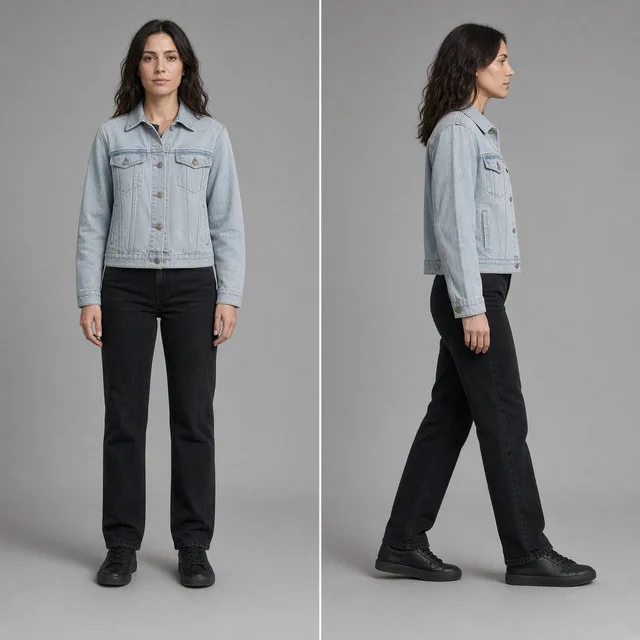
Cost
Free plan available, then credit-based generation
Speed
Generate try-on effect previews in minutes
Setup
Upload garment + person photo
Iteration
More styling crops and person variants quickly
Output Range
PDP styling, support, launch drafts, social
Garment Detail
Garment Lock prioritizes print and silhouette fidelity

Related guides

Learn try-on photo requirements, honest limits, and when to switch to on-model catalog mode.

How to Photograph Clothing for Ecommerce: What I Learnt the Hard WayApparel
Jun 19, 20268 min read

How to Photograph Clothing for Ecommerce: What I Learnt the Hard Way

A practical apparel photography guide covering flat lays, ghost mannequins, fabric texture, drape, and color accuracy.

Read Article
Product Background Removal for Ecommerce Listings: A Practical Cutout GuideWorkflow
Jul 15, 202610 min read

Product Background Removal for Ecommerce Listings: A Practical Cutout Guide

Learn when free product background removal helps listing prep, which source photos work best, and how cutouts fit Amazon and Shopify workflows.

Read Article
AI Product Photography Generator Guide: 7 Best Tools for 2026Guide
Jun 23, 20268 min read

AI Product Photography Generator Guide: 7 Best Tools for 2026

Compare AI product photography generators for white background images, studio shots, lifestyle scenes, and ecommerce campaign visuals.

Read Article
AI Virtual Try-On Reviews

How Teams Use Try-On Previews

See how apparel brands and support teams use AI virtual try-on previews for PDPs, styling, and campaign concepts—without promising exact sizing.

Lena Ortiz

On-model previews answer “How does it actually look on?” without us having to ship physical samples for every creative test.

DTC Apparel Founder
Noah Bennett

Our support team can share a visual try-on preview while size charts handle precise fit. Customers get clarity much faster.

Customer Experience Lead
Mei Lin

We keep Garment Lock enabled to prevent print distortion. Once the visual quality checks out, PDP styling modules ship the same day.

Product Page Merchandiser
Samira Haddad

Mocking up campaign drafts with our custom brand model photo lets us validate angles before booking a full hero shoot.

Brand Marketing Manager
Chris Nguyen

Secondary marketplace images and social crops all come from a single model and master garment shot.

Marketplace Fashion Seller
Olivia Hart

It's not an AR sizing tool—and we make that clear to shoppers. But as a visual preview tool, it drastically cut down our sample round-trips.

Apparel Creative Producer

Virtual Try-On FAQ

AI Virtual Try-On Questions

Everything e-commerce sellers need to know about virtual try-on images—including photo requirements, channel compatibility, limitations, and key differences from catalog photos.

Upload a garment photo and a person photo to generate realistic try-on previews for product detail pages (PDPs), styling modules, customer support, and campaign drafts. ProductShot AI preserves both the person's likeness and garment details. Note that this is not an AR or sizing tool, and it does not guarantee marketplace approval.

Yes. For the best results, upload your garment as the main image and a photo of a single person as the reference. Each generation supports only one person—group photos are not supported. If you prefer using preset catalog models without uploading custom photos, switch to the AI Fashion Model Generator.
No. Results are AI-generated visual previews showing how a garment might look on a person. Always rely on size charts, physical samples, and standard return policies for accurate sizing. Never claim an item is “true to size” based solely on a virtual try-on preview.

Use a well-lit, full- or half-body photo with a clear face, natural pose, and simple background. Avoid clothing that heavily covers the torso area you want to dress. Soft, even lighting and sharp focus help preserve personal features. Avoid extreme crops, heavy filters, or group shots—the image must feature only one person.
Yes. They are great for styling previews, secondary product images, Q&A visuals, and social media ads. However, keep compliant packshots ready if a platform requires pure white backgrounds for primary listing images. Always check current marketplace guidelines—ProductShot AI does not guarantee platform approval.

Virtual Try-On requires a photo of a specific person and focuses on fitting your garment onto that individual. The AI Fashion Model Generator uses preset catalog models (or an optional reference person) to maintain consistent on-model shots across multiple SKUs. Both modes share the same engine and Garment Lock technology, but serve different workflows: use Virtual Try-On for custom individual photos, and presets for catalog consistency.

Keep Garment Lock enabled and discard any results that alter prints, colors, logos, or silhouettes. Always start with a crisp, high-resolution garment photo and carefully review every image before publishing—especially stripes, logos, and sleeve or hem lengths—as generative AI can misinterpret finer details under harsh lighting or from low-quality source images.

Yes. You get free starting credits to test your first try-on image. Once generated, you can inspect the print and silhouette, download and share your images, or save your history to create additional crops and styling variations. Upgrade anytime you need higher volume. Please note that previews are for visual reference and do not guarantee exact sizing or fit.

Create Virtual Try-On Previews with
ProductShot AI

Upload a garment image alongside a model photo to generate virtual try-on previews for product pages, style guides, and campaigns. Visual preview only—not intended for precise sizing or fit assessment.

Generate try-on previews