
01
Upload a clear product photo or supplier packshot.
Upload one product image, pick scene and lighting, then generate catalog listing images for product detail pages. Product Lock helps keep product identity stable; batch up to four images per run by use case.
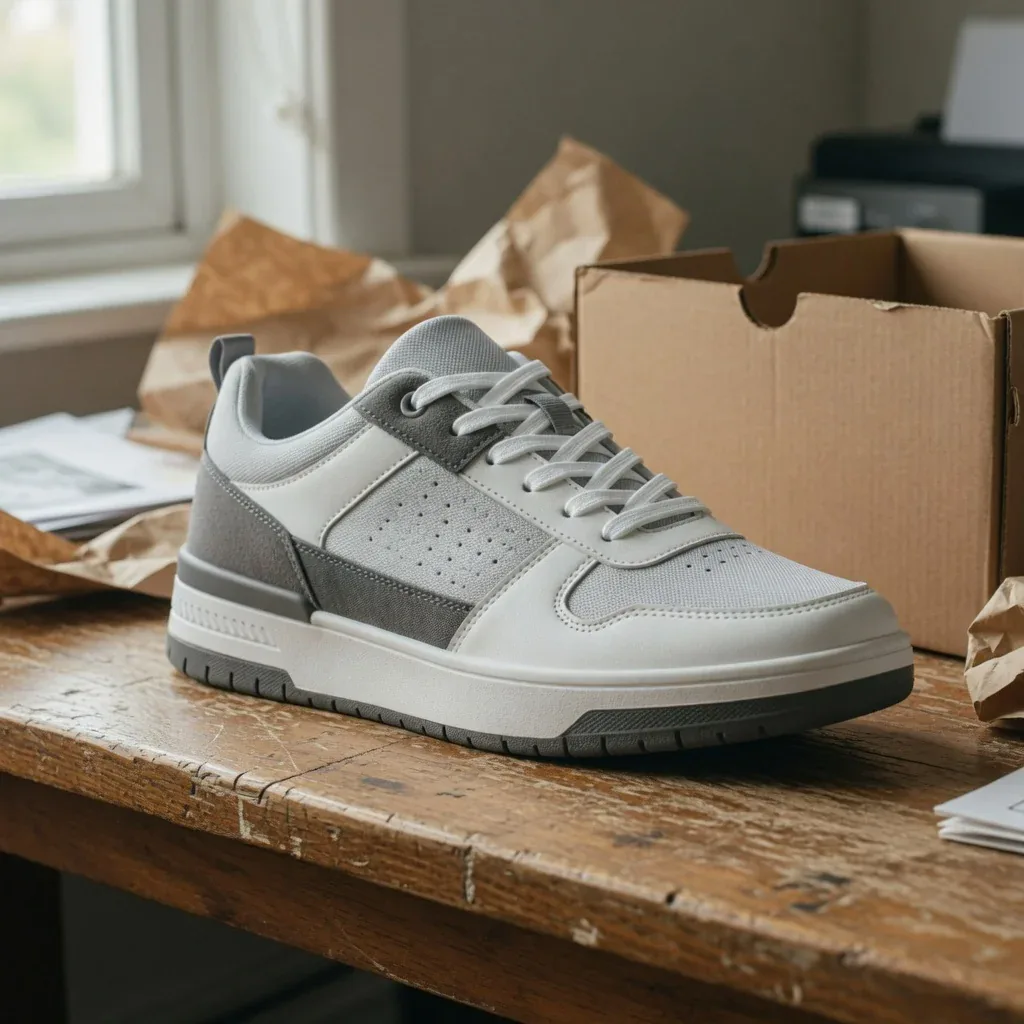
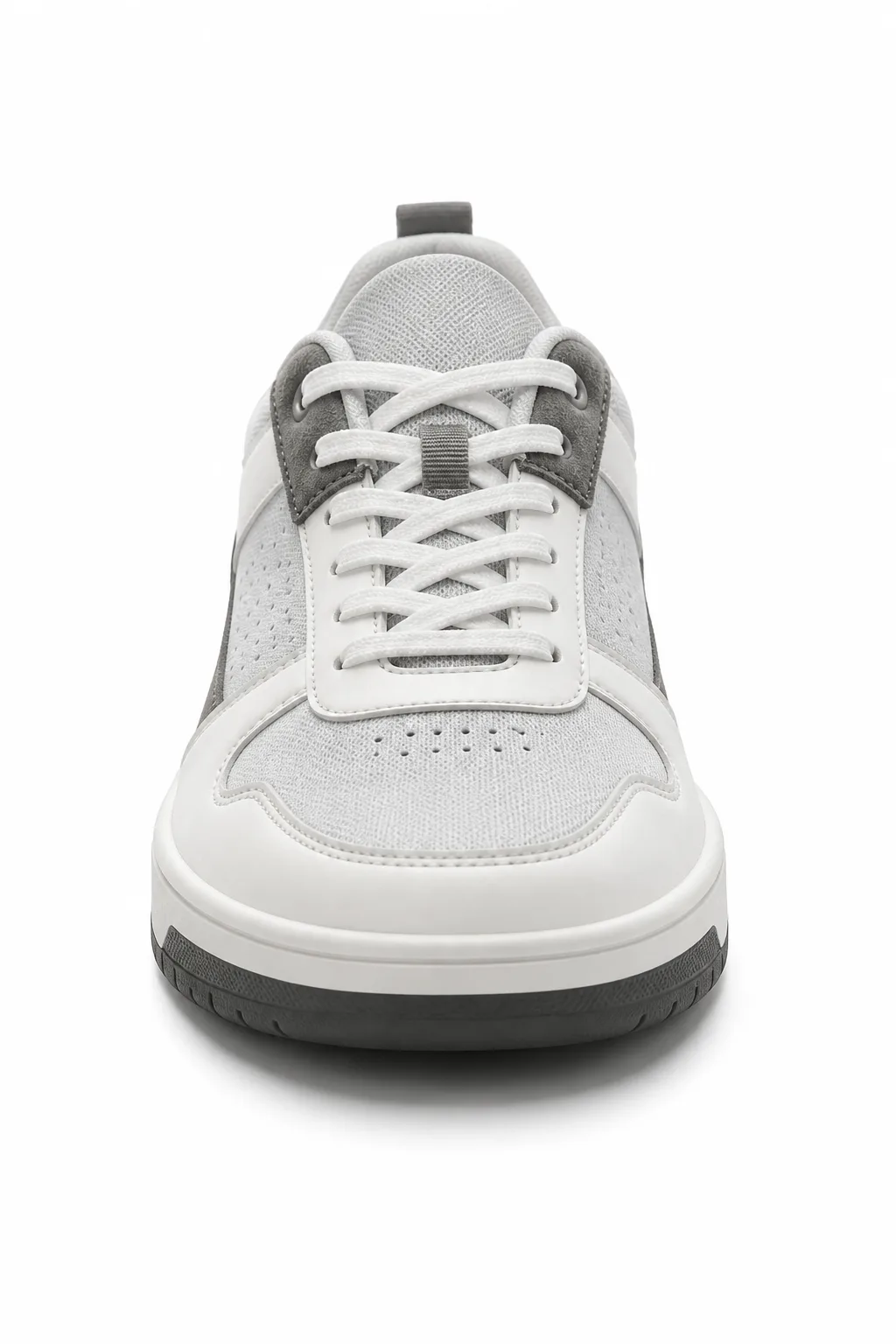
AI LISTING IMAGE GENERATOR
Upload a supplier or studio shot and generate clean catalog listing images for product detail pages, collection grids, and channel-specific galleries. Product Lock helps keep packaging and labels recognizable while you adjust scene, lighting, and framing.
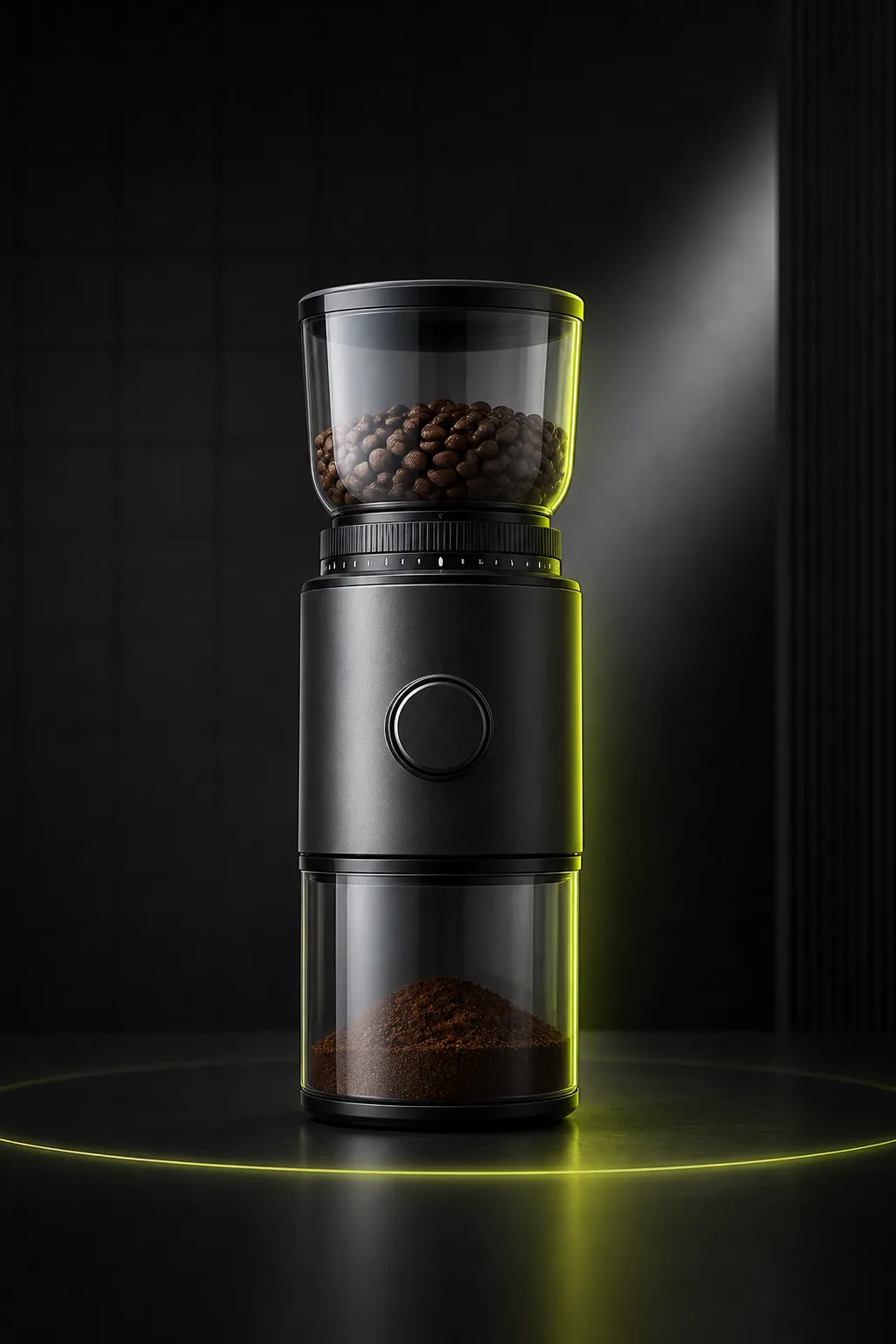
Listing Images
Ecommerce Listing ImagesCreate clean listing visuals from one uploaded product photo.
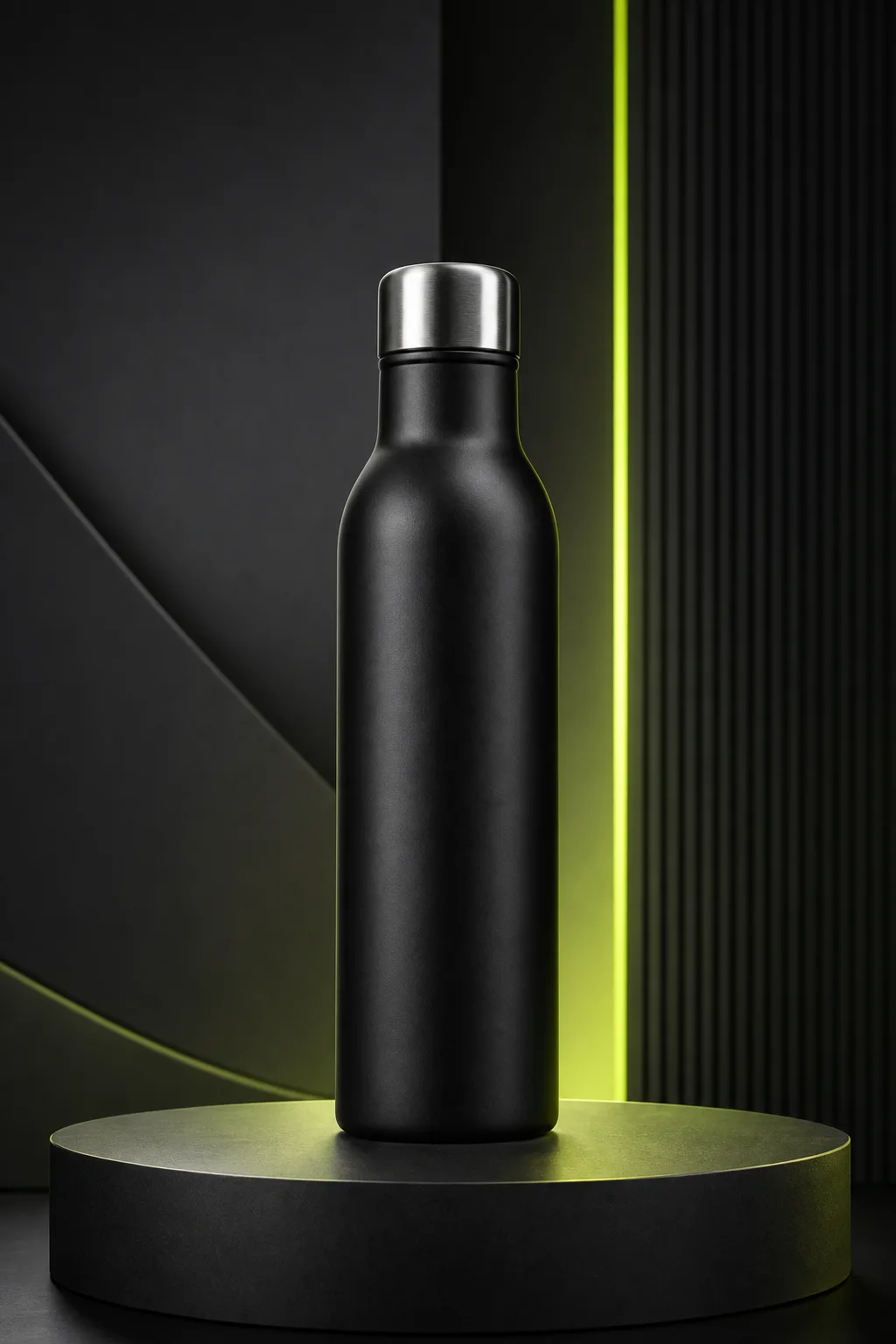
Studio Photos
Studio Product PhotosGenerate studio-style product photos without arranging a physical shoot.
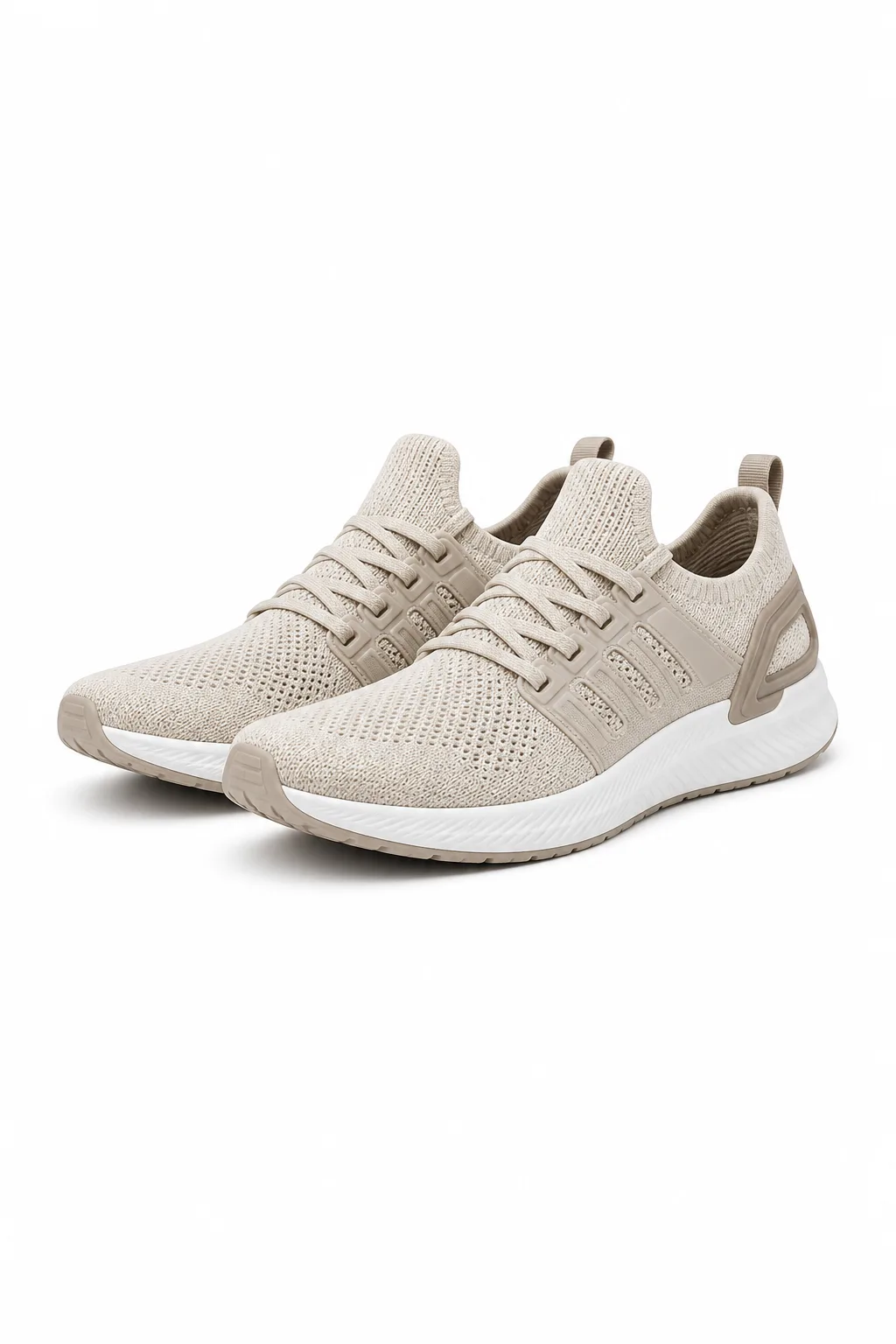
White Background
White Background PhotosCreate clean white-background product photos for catalogs and marketplaces.
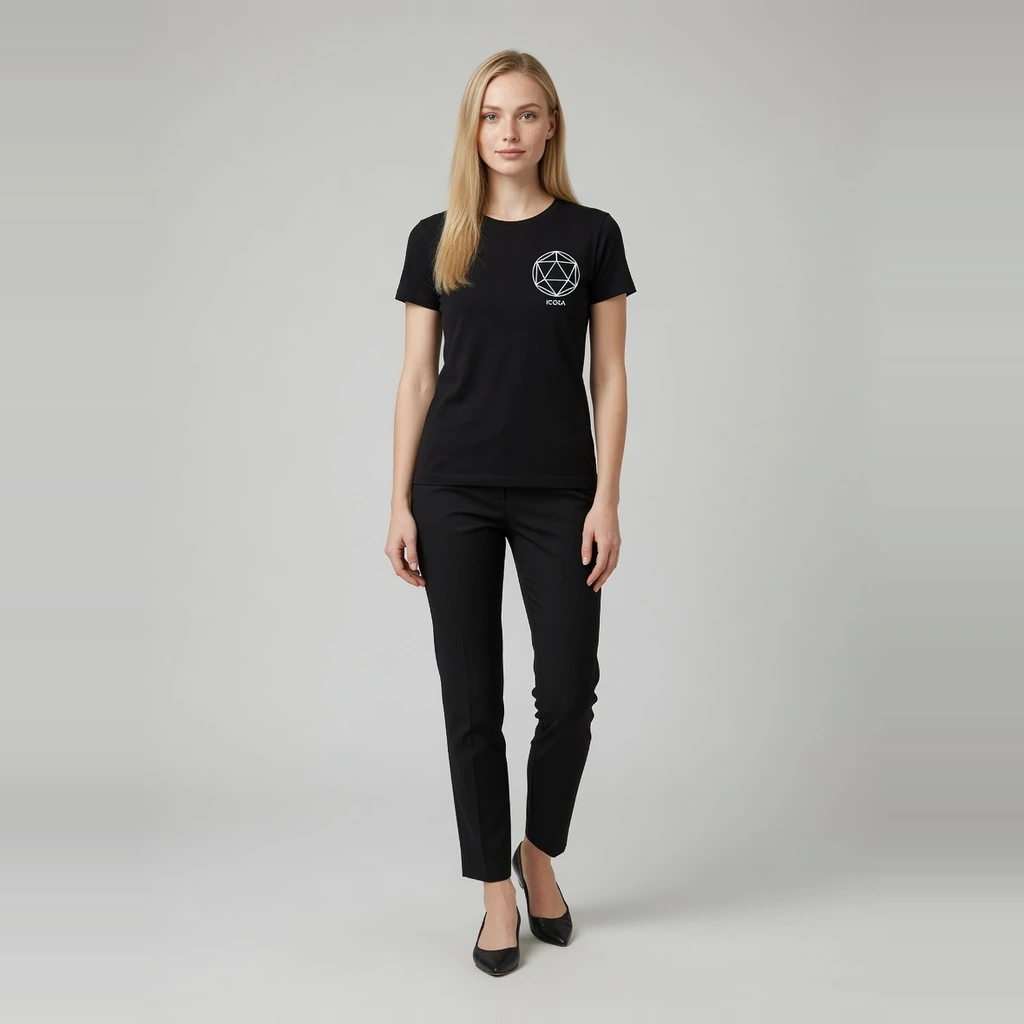
Fashion Model
AI Fashion Model GeneratorTurn flat-lay garments into ecommerce on-model images with preset models.
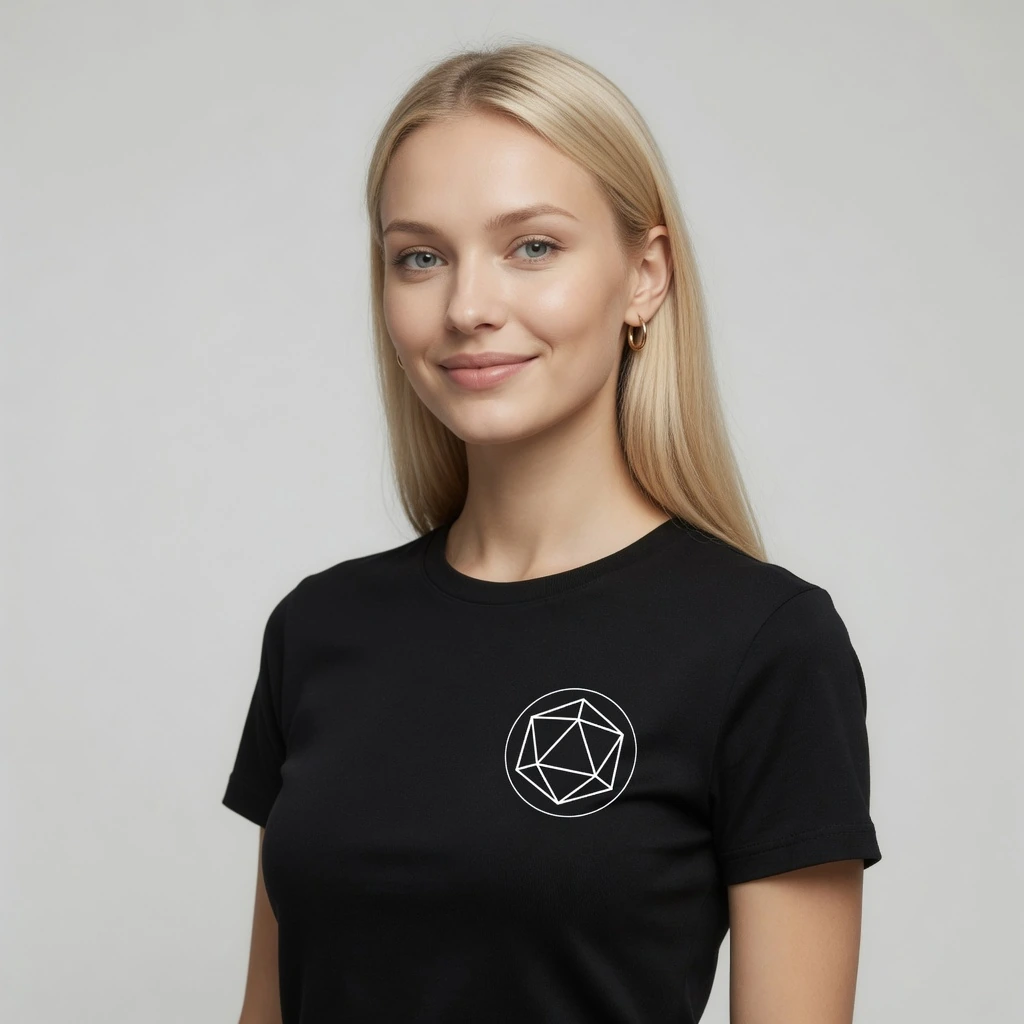
Virtual Try-On
AI Virtual Try-OnCreate try-on effect images from a garment and person photo.
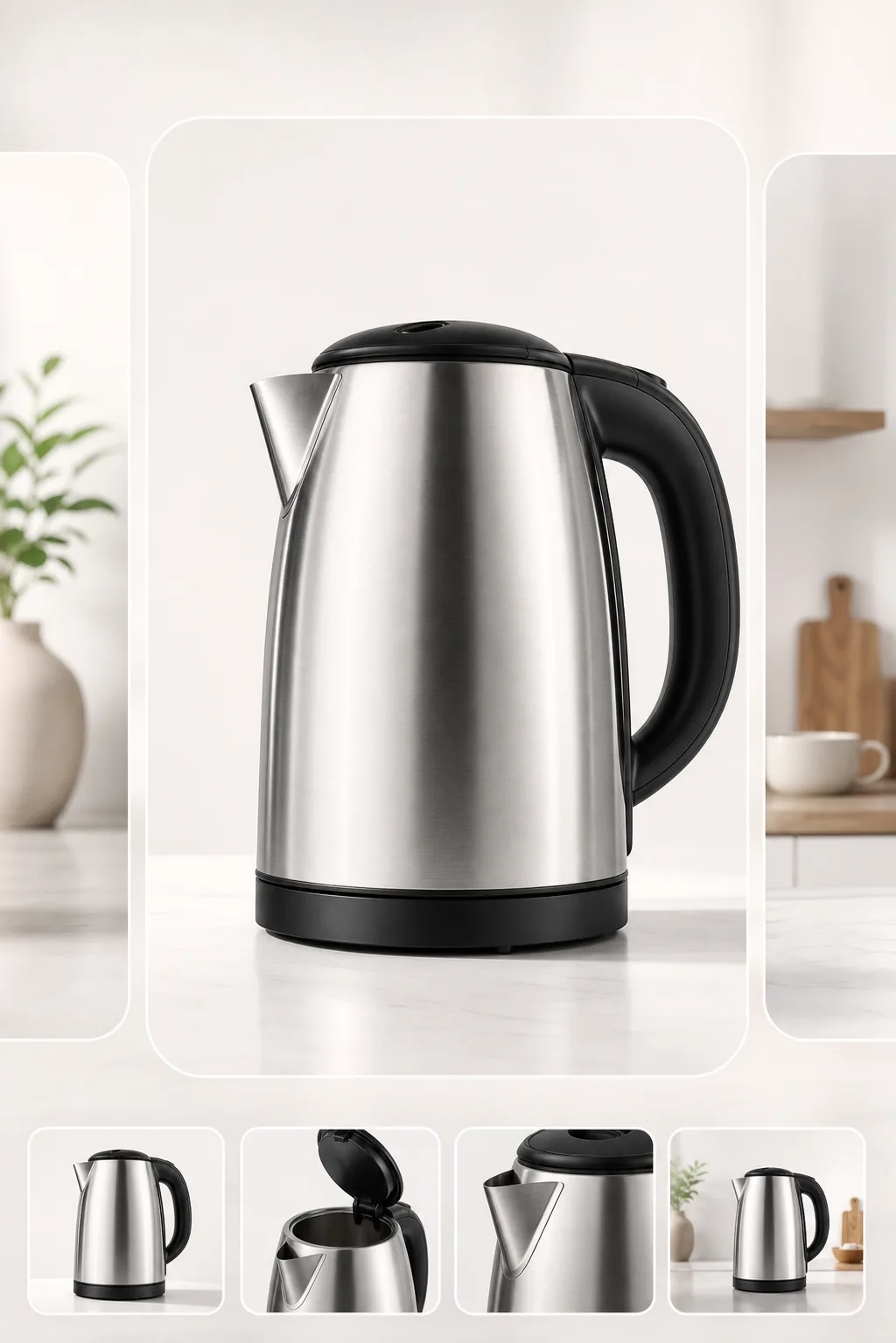
Marketplace Images
Marketplace Listing ImagesCreate clean, centered listing images for Amazon, Etsy, TikTok Shop, and other channels.

Lifestyle Scenes
Lifestyle Product ScenesPlace products in realistic scenes for storefronts and campaigns.
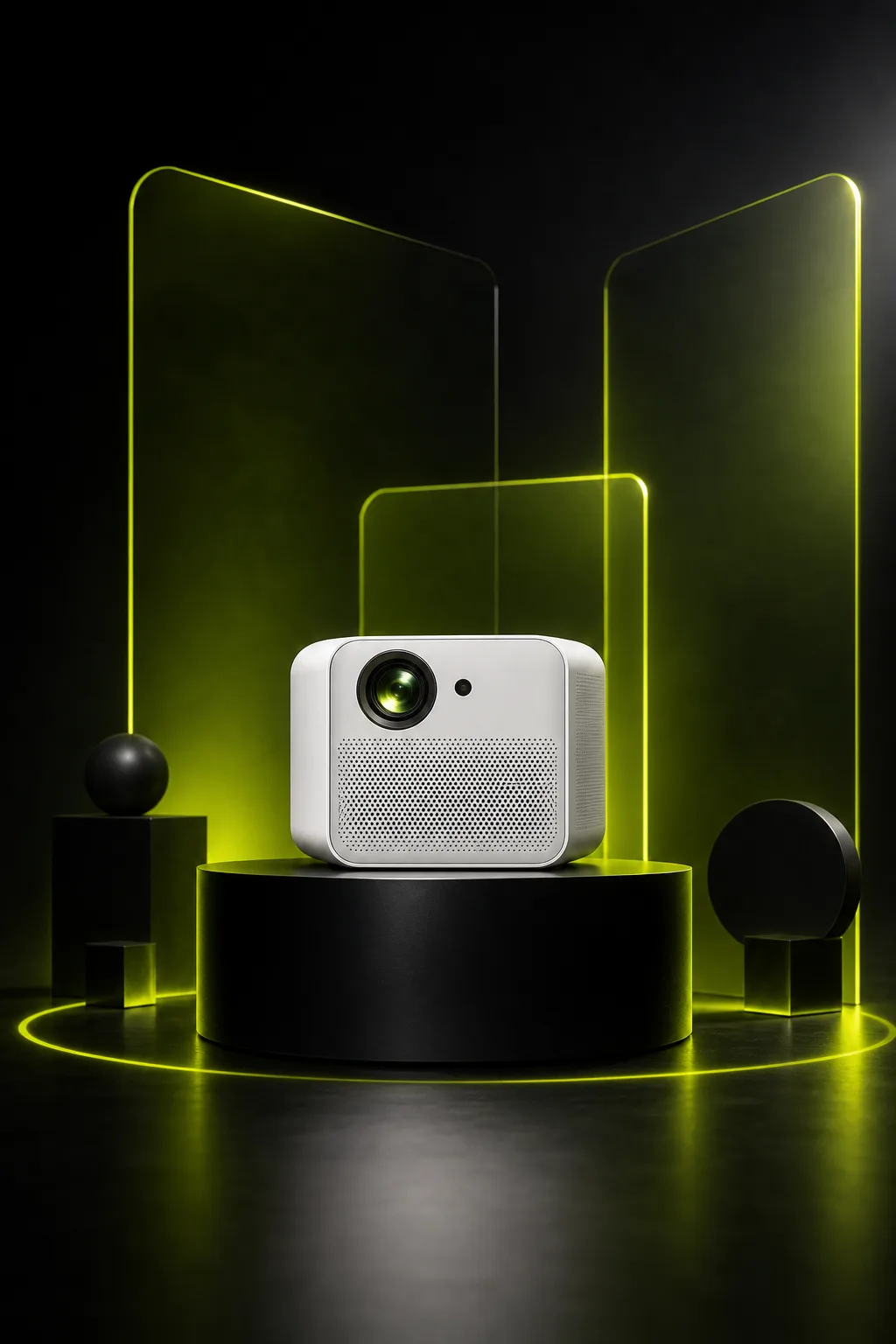
Ad Creative
Ad and Campaign VisualsCreate product-led visuals for launches, banners, and paid social.
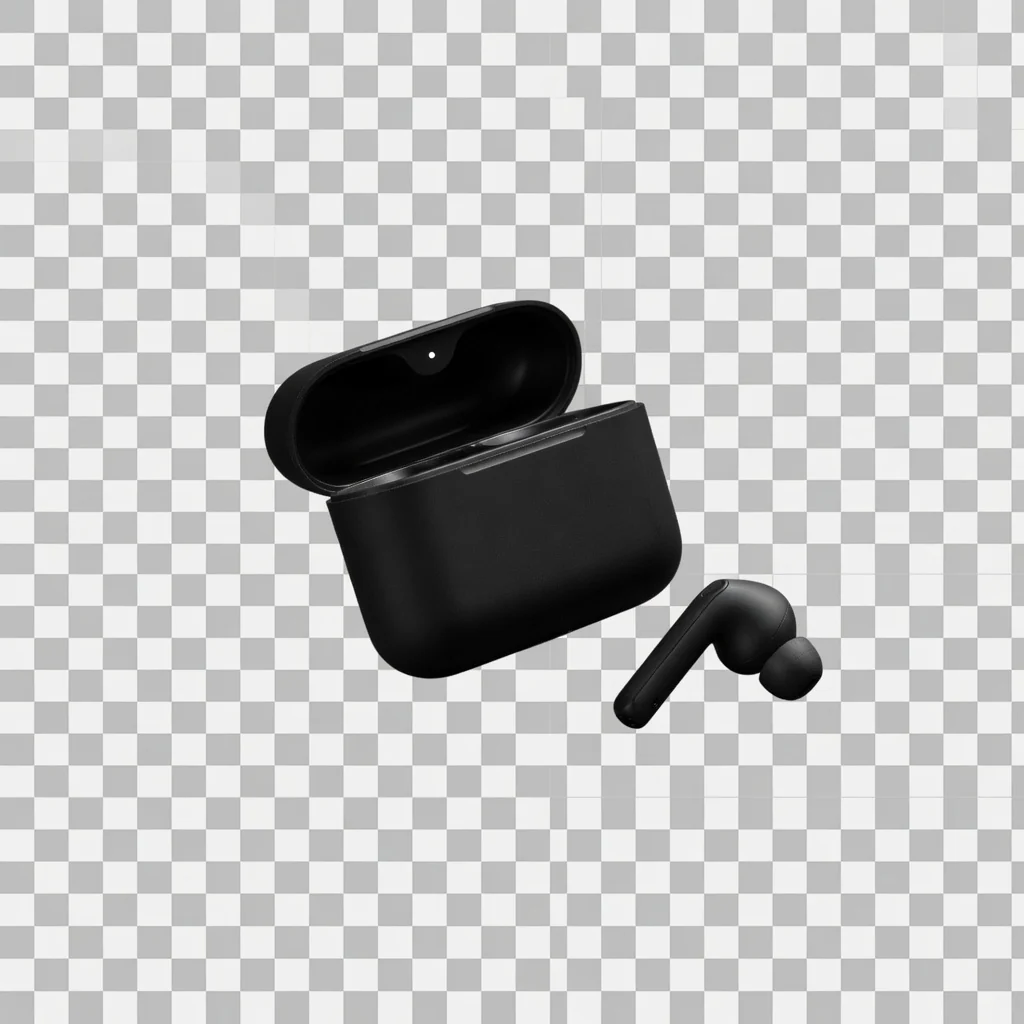
Background Cutout
Product Background RemoverRemove product backgrounds and download a transparent cutout PNG for free.
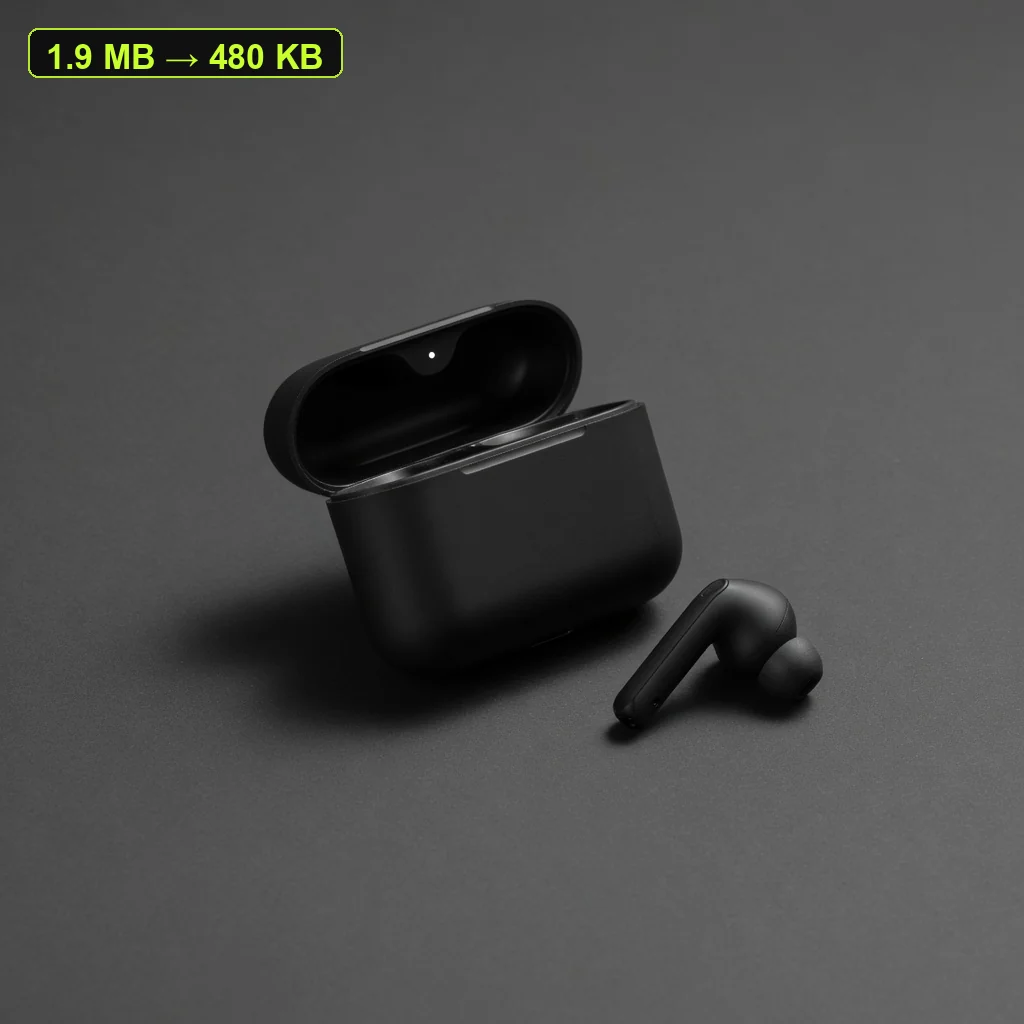
File Size Tool
Product Image CompressorCompress listing images and campaign assets in your browser, then download a lighter file.
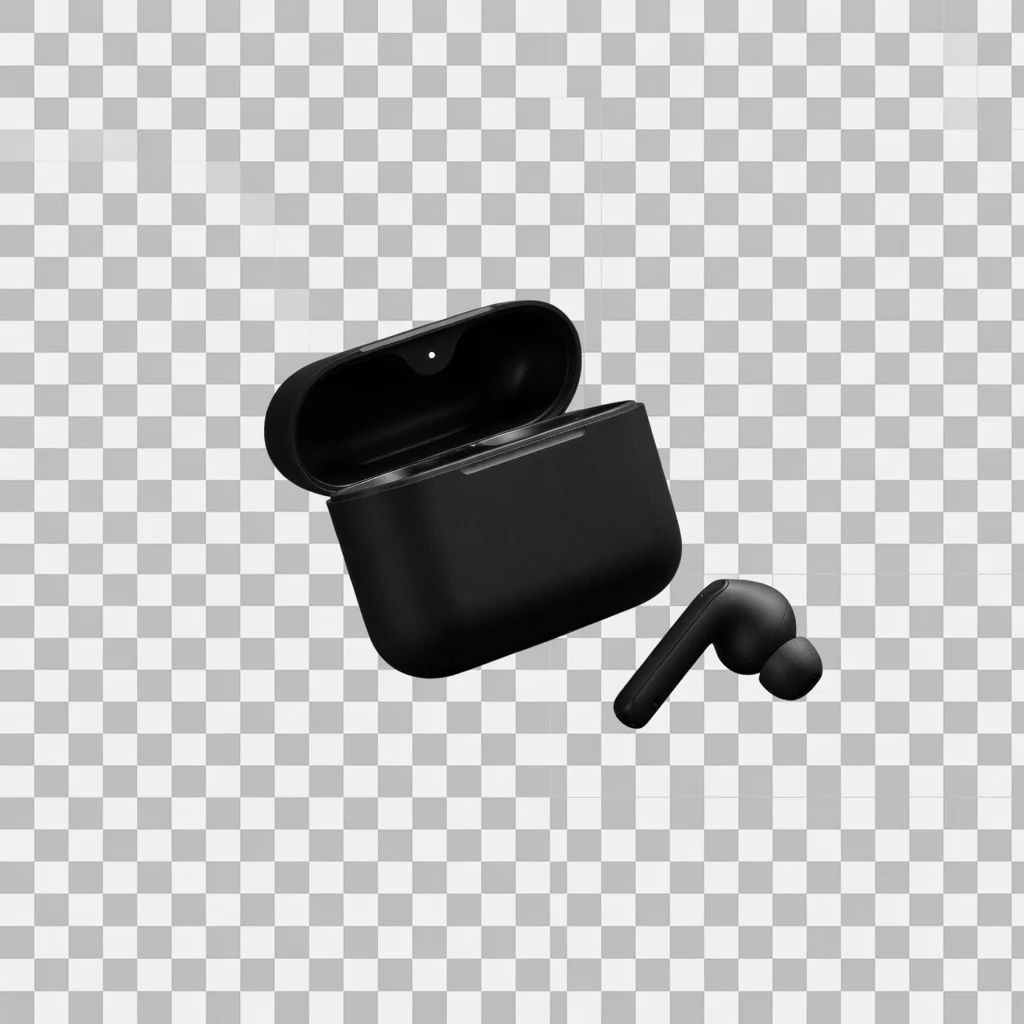
Transparent PNG
Transparent Product PNGExport a reusable transparent product PNG for layouts, modules, and design tools.
Clarity Tool
Product Image EnhancerImprove product image, banner, and poster clarity for free, then download a PNG.
Direct answer
An AI Product Listing Image Generator turns one uploaded product photo into catalog-ready listing images for ecommerce product pages. Product Lock helps preserve shape, color, packaging, logos, and labels while you adjust neutral backgrounds, lighting, and framing—typically at a 3:4 ratio suited to detail-page layouts. Generate in batches by use case (up to four images per run); it does not auto-produce a full listing set with detail shots, callouts, or text overlays.
Upload a clear product photo or supplier packshot.
Enable Product Lock to help protect logos, colors, and packaging text.
Choose a neutral catalog scene, lighting, and the default 3:4 ratio; set output count (up to four per run).
Generate, compare variations, and download listing-ready images for product pages and galleries.
CATALOG-FIRST OUTPUT
Listing images need consistent crops, readable packaging, and repeatable angles—not dramatic lifestyle scenes. This page locks catalog-shot intent with neutral plates and seller-friendly controls so you can batch images by use case instead of chasing a one-click “full listing set.”
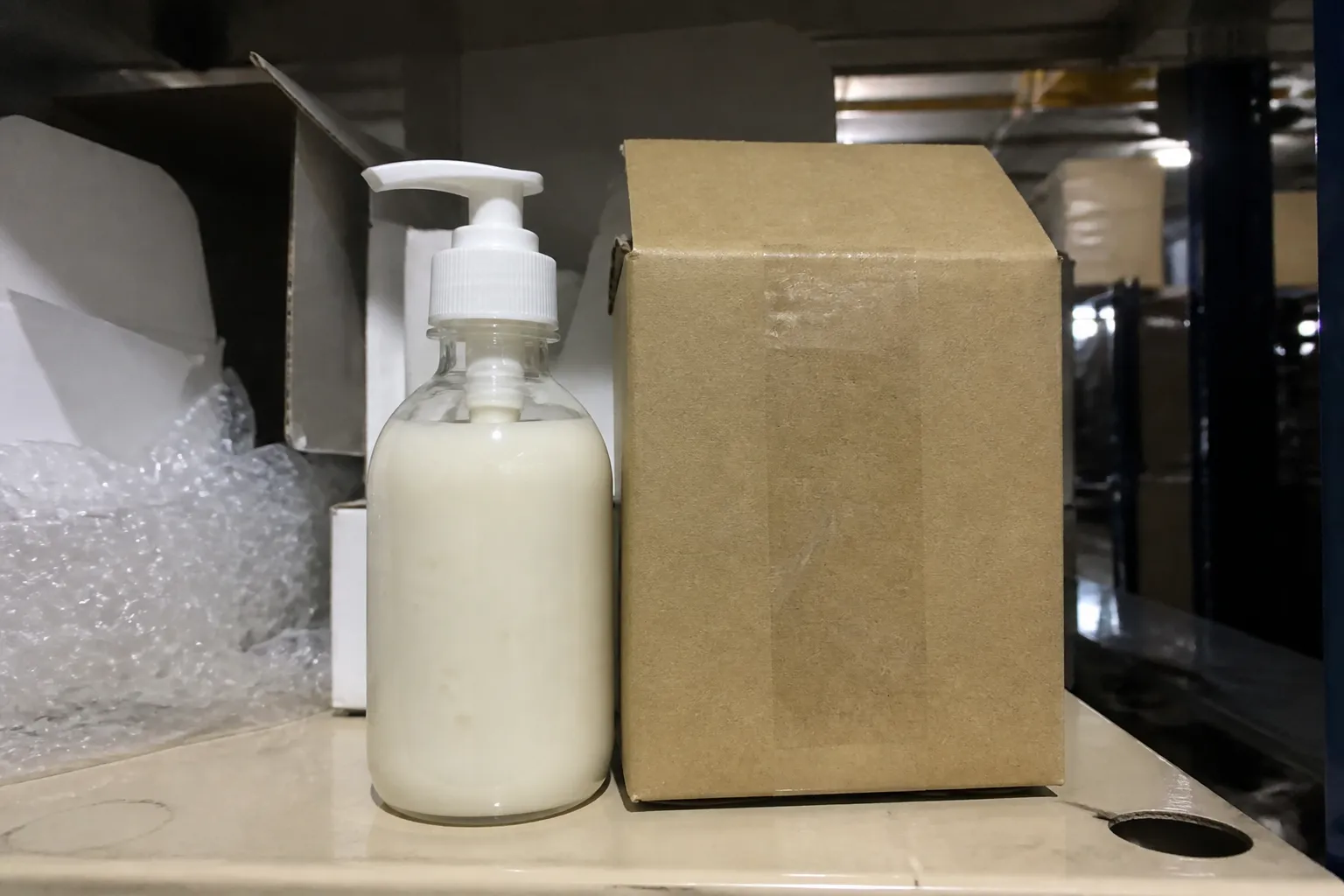
Inconsistent crops and lighting make collection pages look patched together. Listing generation helps normalize angles before you publish.
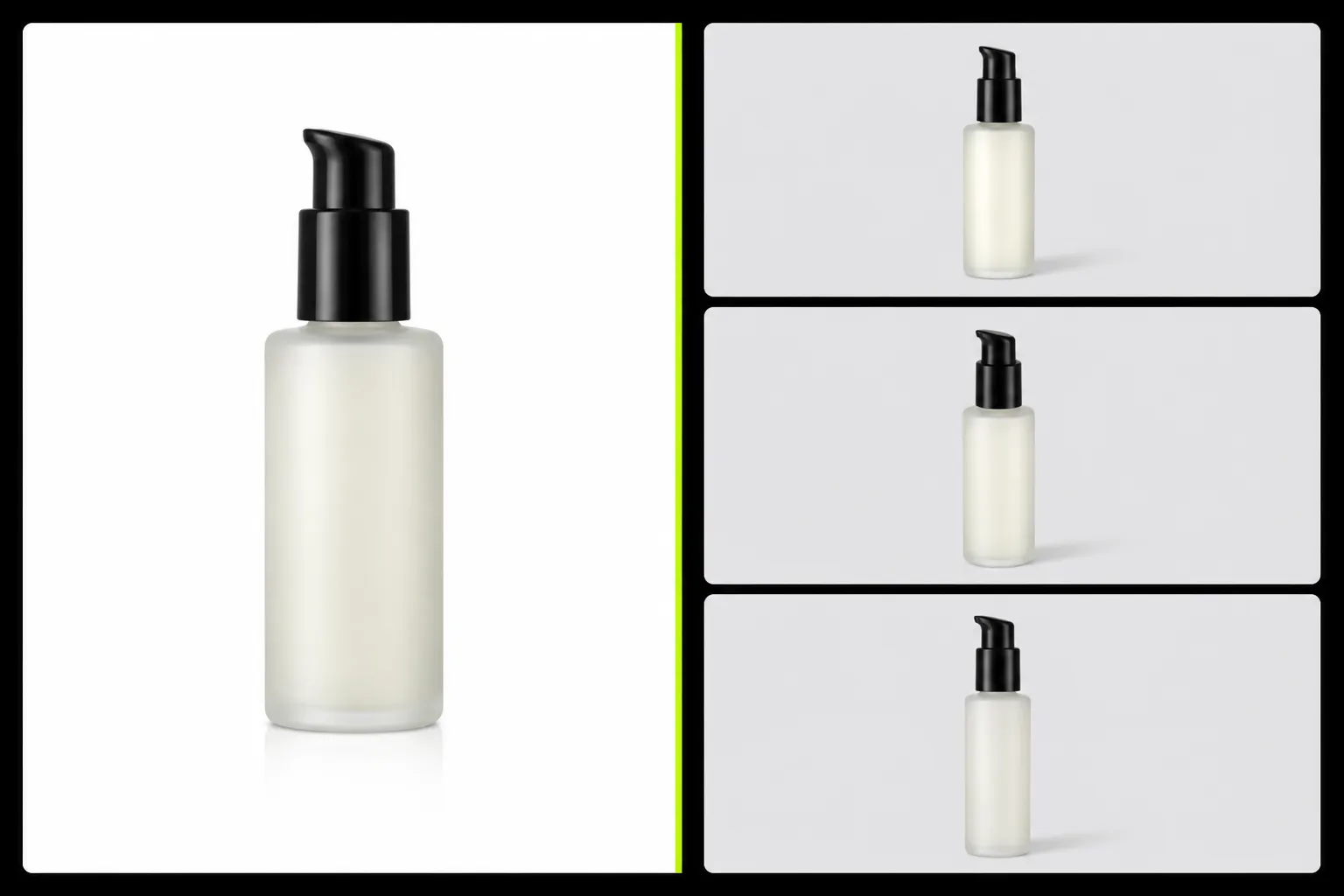
Shoppers still need alternate angles and neutral variants on the detail page. This tool targets those catalog slots—not marketplace hero compliance.
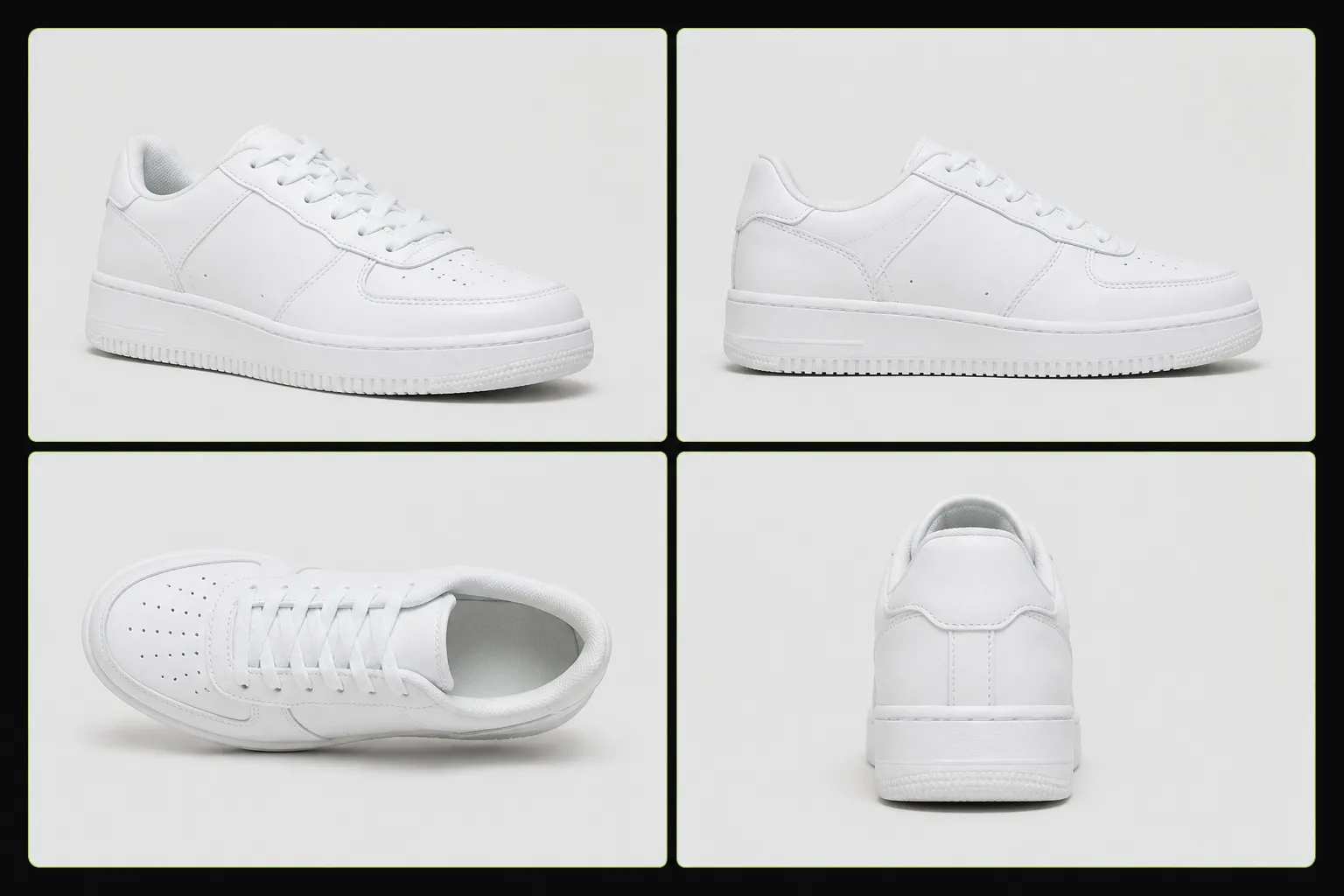
When you need three or four listing angles from one sample, studio reshoots add days. Batch generation keeps momentum between shoots.
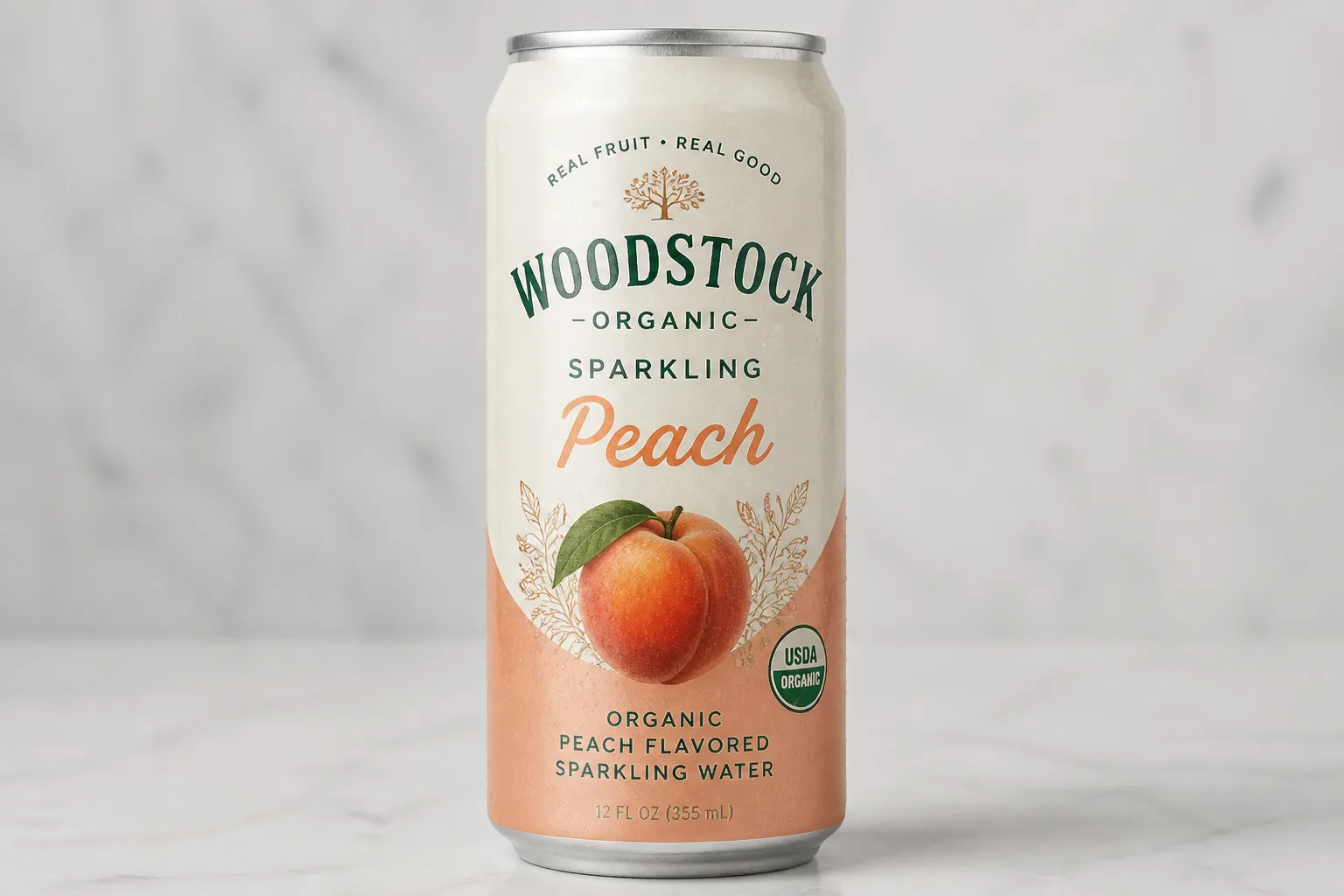
Product Lock is designed to preserve logos, colors, and label text while you change background plates and lighting for listing use.
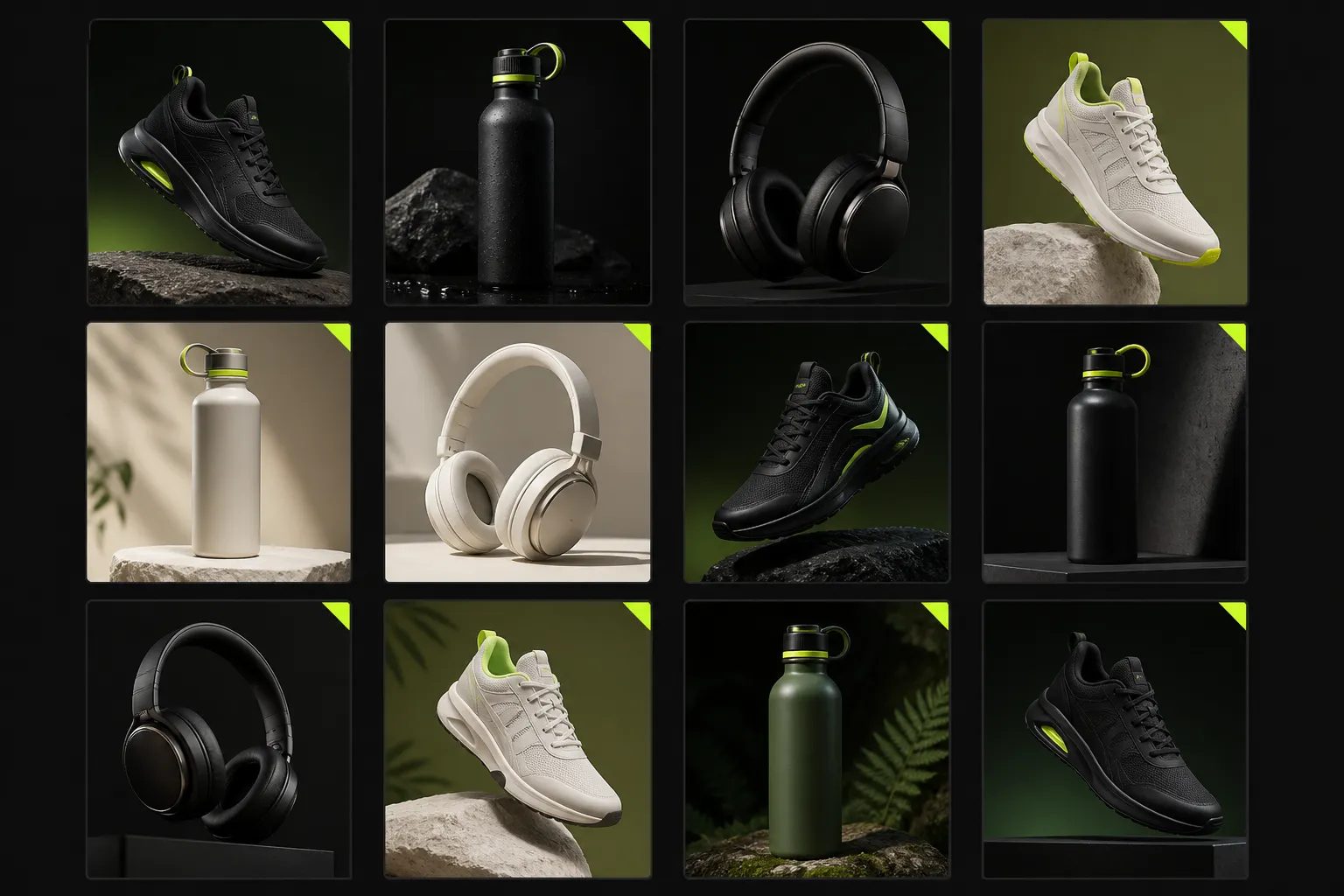
Default 3:4 listing output helps keep product tiles and gallery slots visually aligned across Shopify and marketplace PDPs.
E-COMMERCE READY
Generate listing-ready product page images from one upload—ideal when you need several angles or background variants for a detail page, not a marketplace compliance main image or a lifestyle campaign hero.
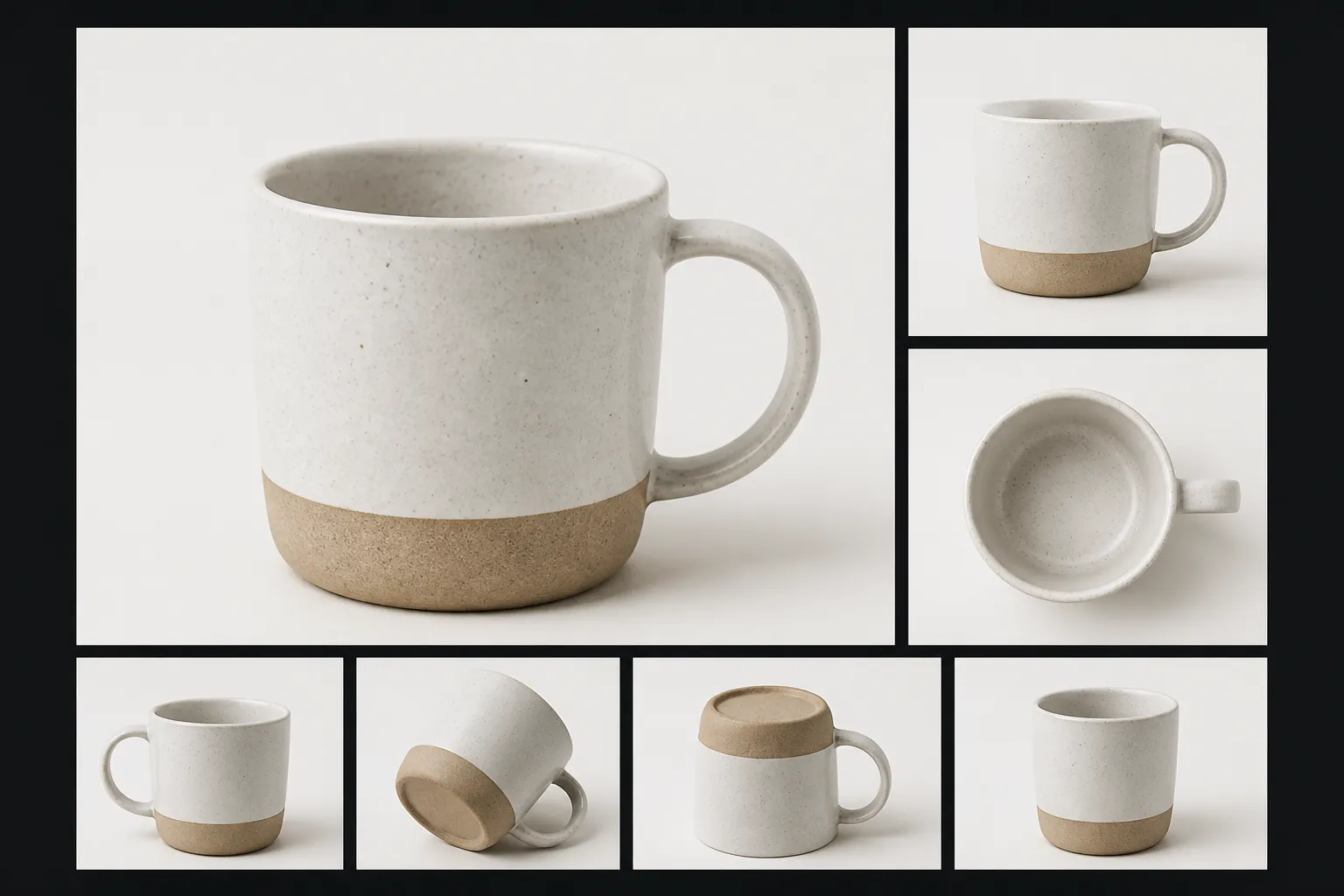 Store PDP
Turn one upload into multiple neutral listing angles for PDP galleries and variant rows.
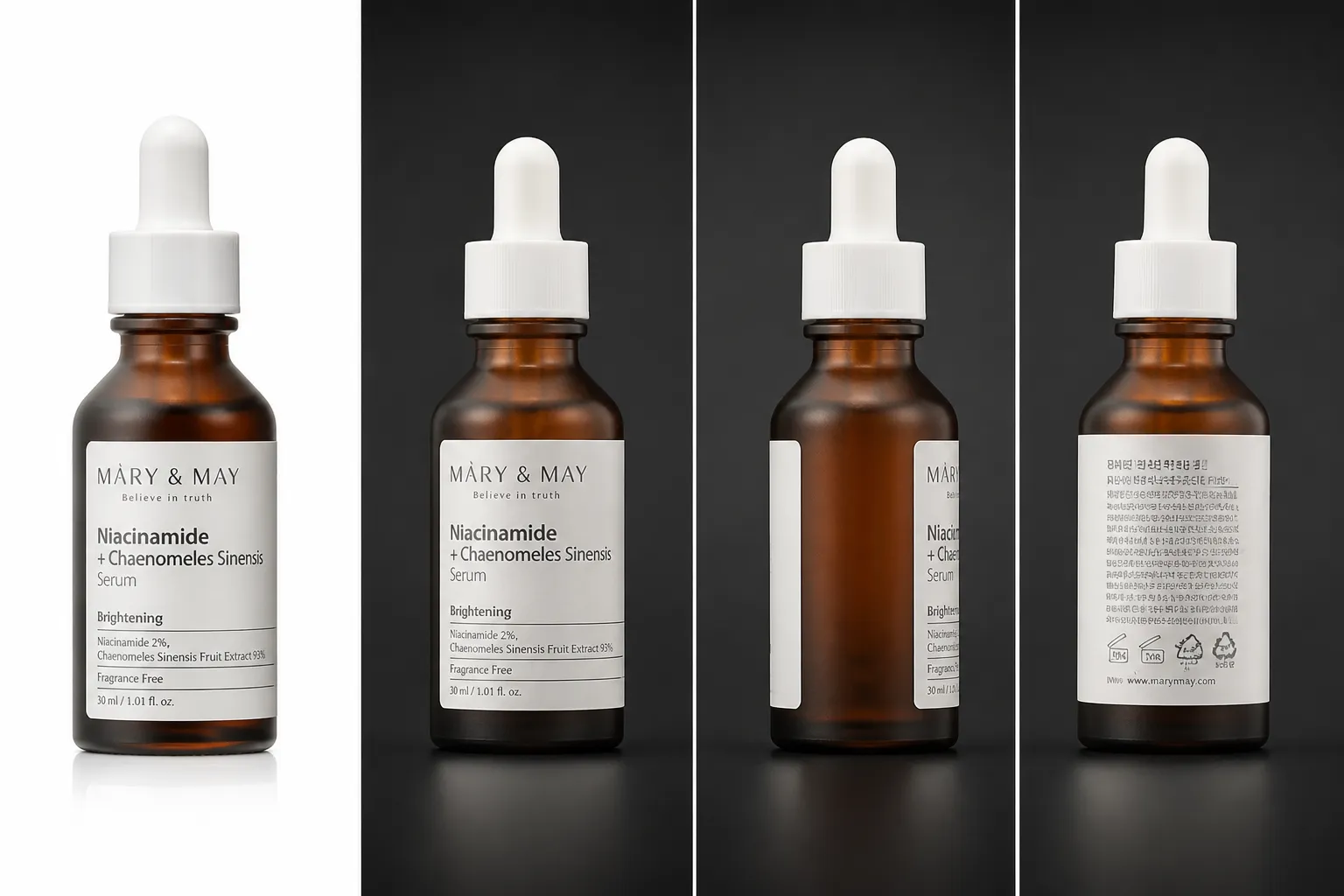 Gallery Slots
Complement your compliance main image with additional catalog angles—without mixing in lifestyle scenes.
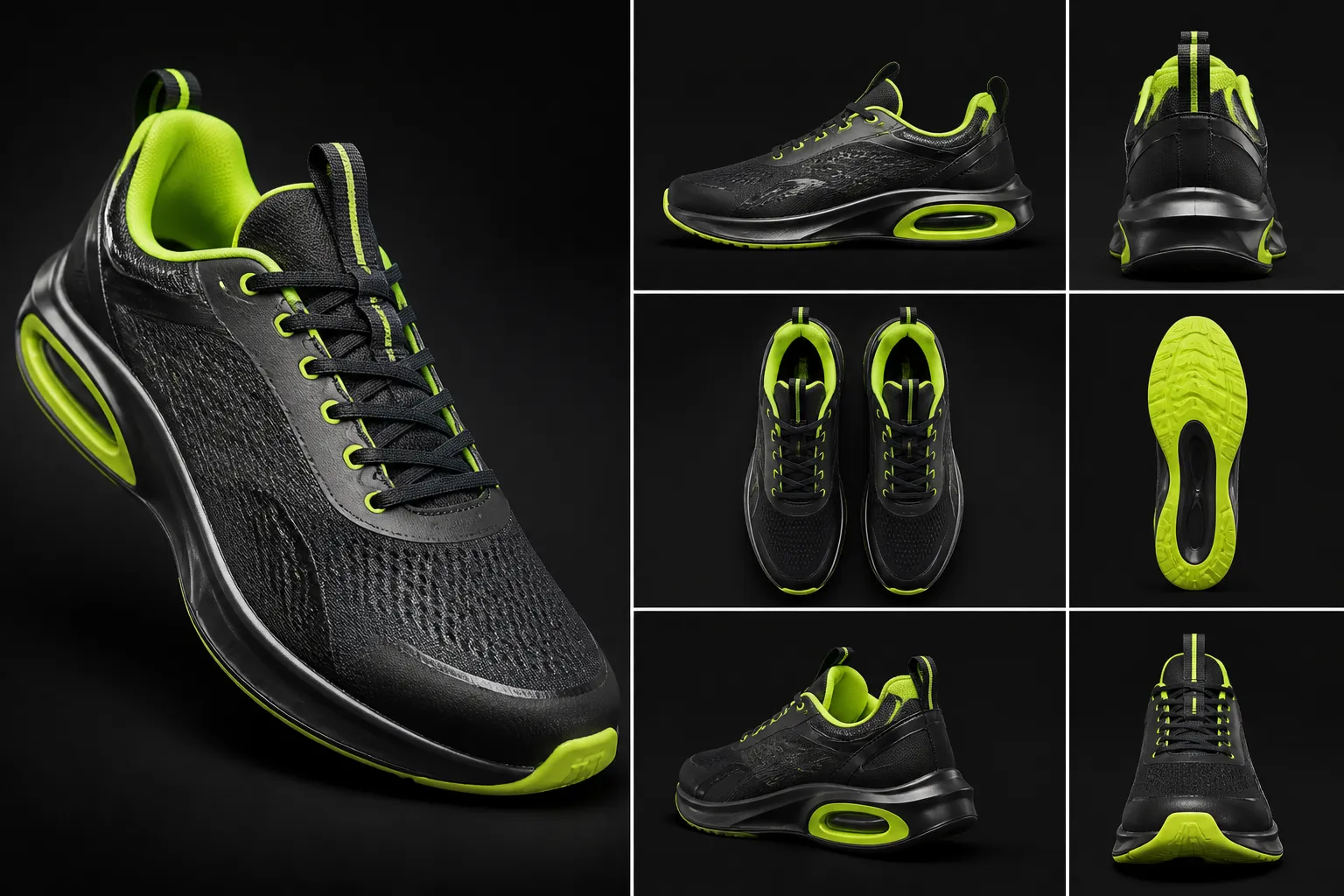 SKU Launch
Use sample photos to stand up product-page images while inventory is still inbound.
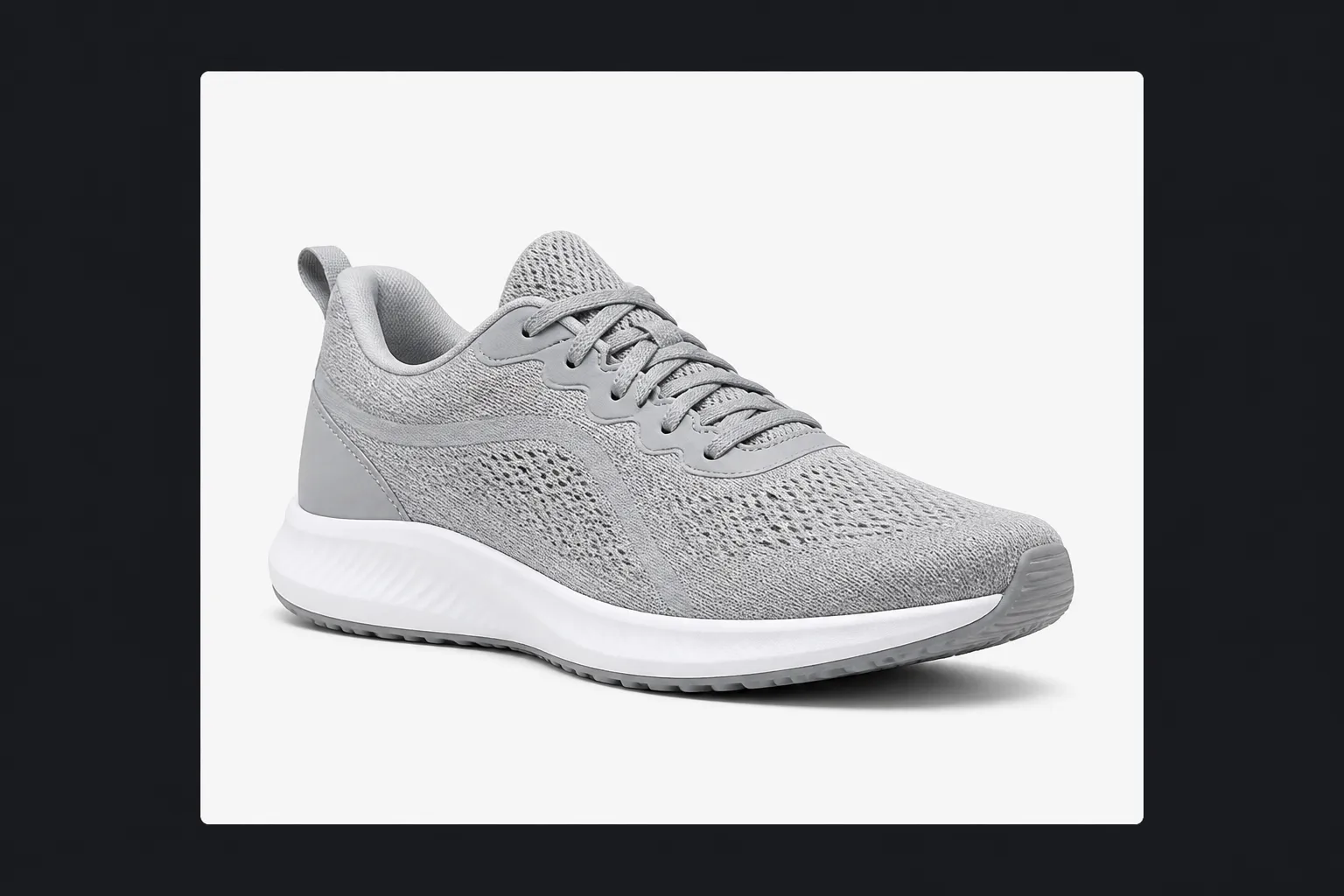 Retargeting
Export clean product-page crops for ads that need product clarity, not poster headlines.
4-STEP GENERATION
Pick a use case, generate up to four images per run, compare results, and download catalog-ready assets. Need headline overlays? Use the Product Poster Generator instead.
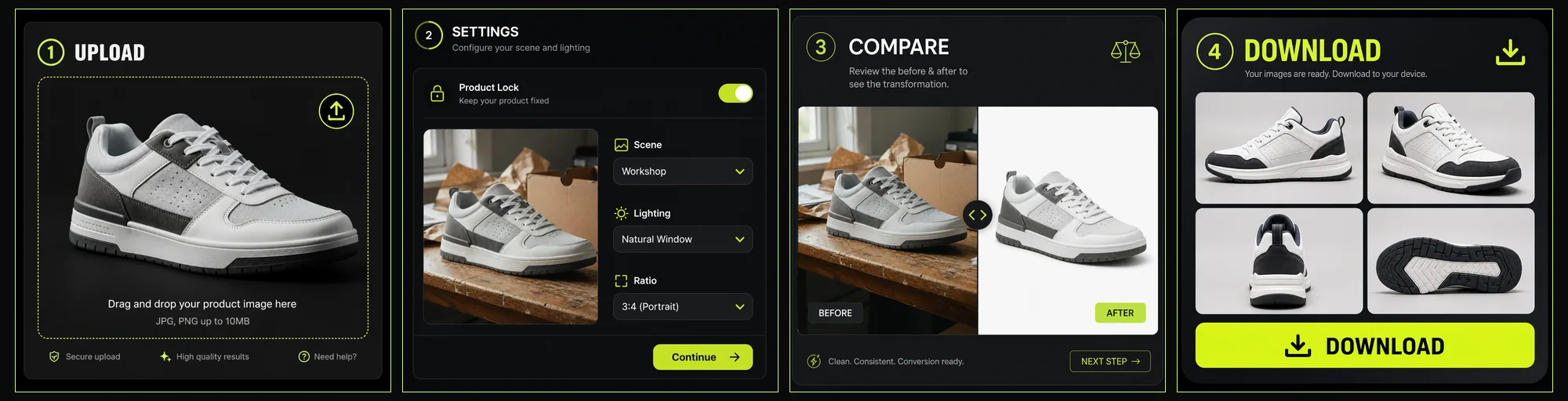
Use a clear supplier photo, packshot, or studio shot with the full product visible.
Keep product identity stable, choose a neutral catalog scene, set the default 3:4 ratio, and decide how many outputs you need (up to four per run).
Compare framing and lighting before downloading. Generate another batch when you need a different angle or background—not an auto detail/callout pack.
Export high-resolution catalog images for product pages, collection tiles, and gallery slots.
EFFICIENCY BREAKDOWN
See how batching catalog shots digitally compares to reshooting every SKU when you need more product-page angles.
Multiple
output styles
Reference-led
direction
Built-in
before-and-after review
Each new angle or background means scheduling, props, and retouching—slow for large catalogs.
Generate neutral listing variants in minutes from existing photos, up to four outputs per run.
OPTIMIZATION GUIDES
Learn how consistent catalog imagery helps shoppers compare variants, read packaging, and trust your product page layout.
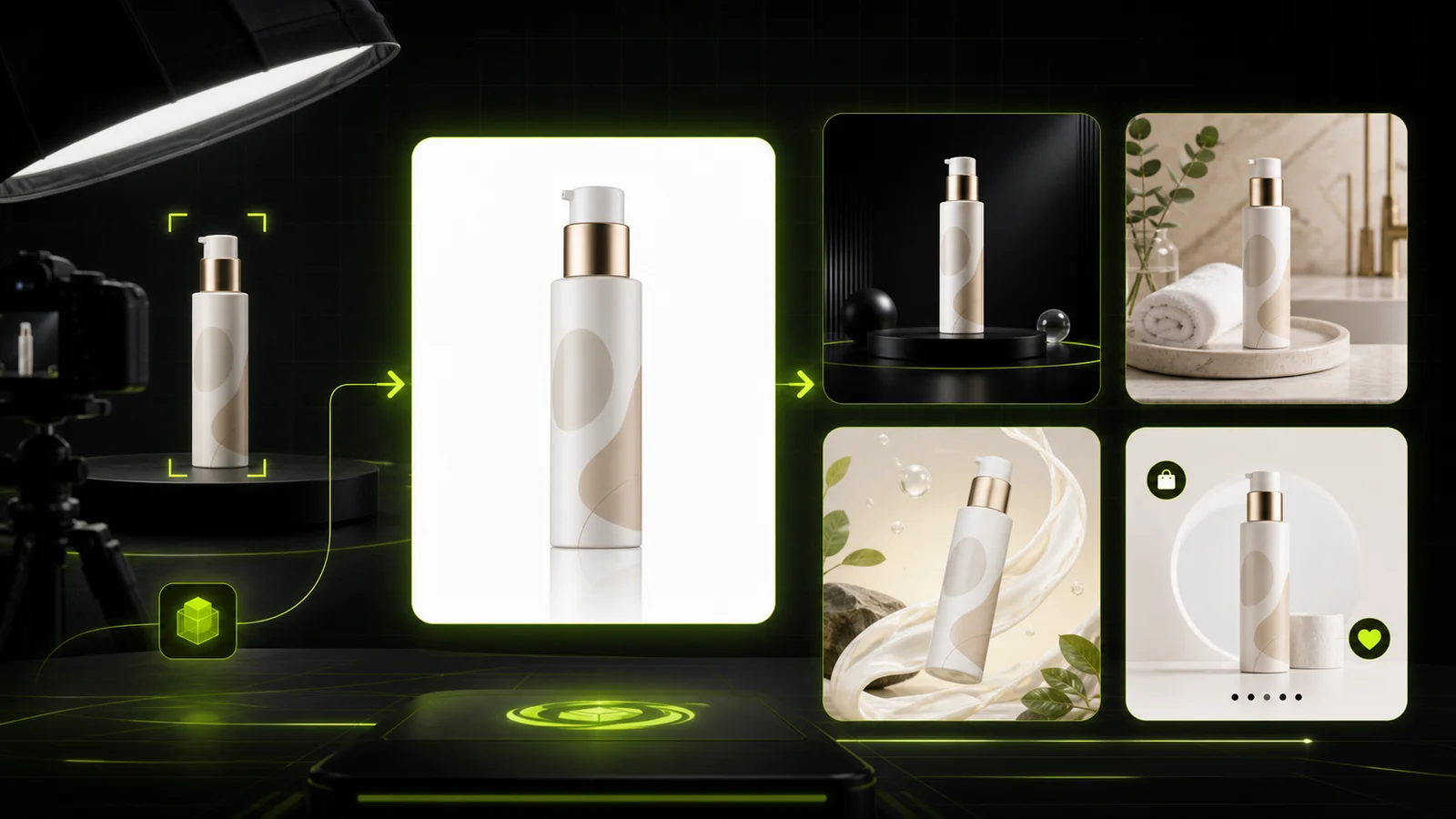 Guide
GuideCompare AI product photography generators for white background images, studio shots, lifestyle scenes, and ecommerce campaign visuals.
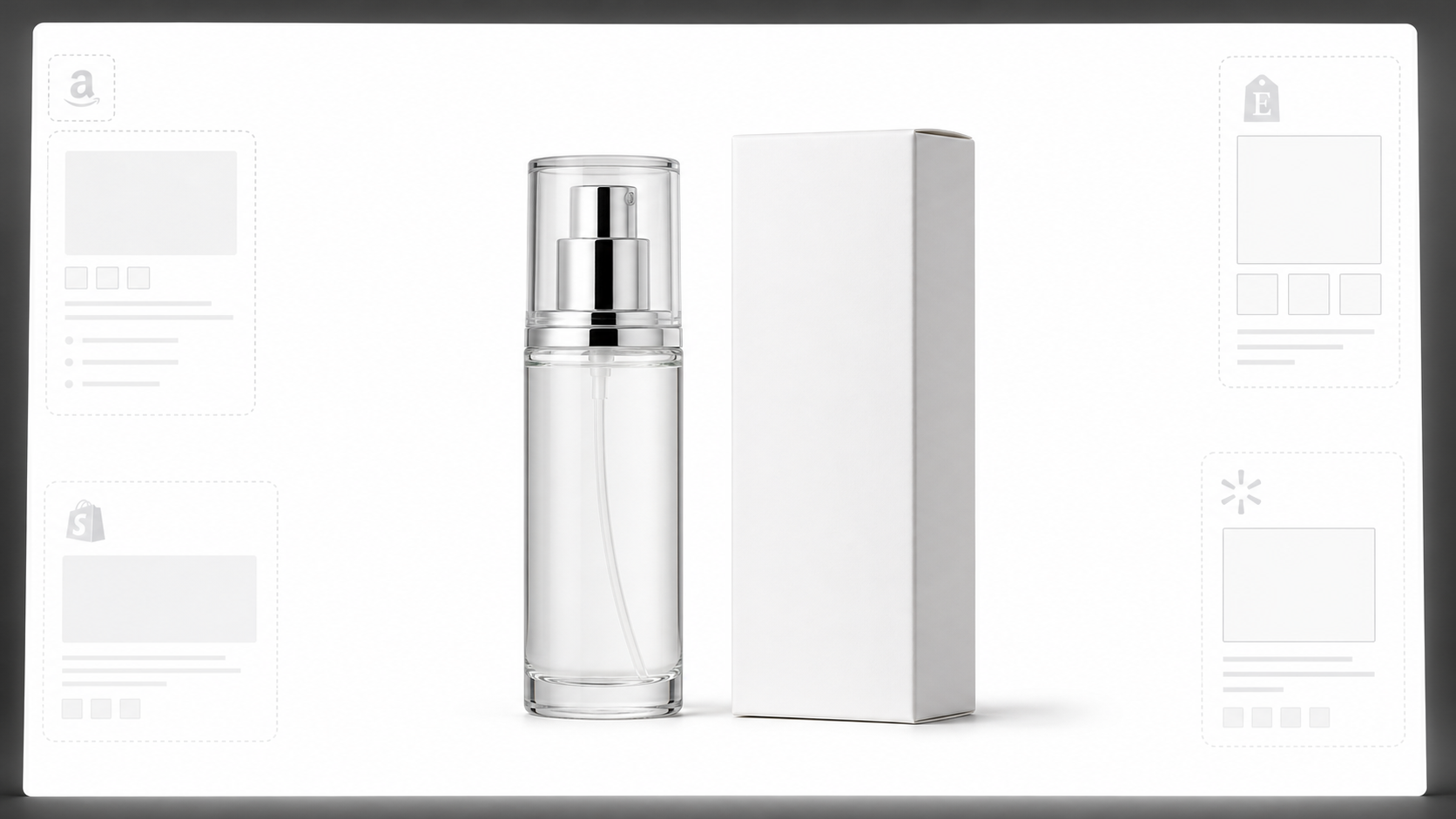 White Background
Learn why white background product photos are harder than they look, how platform rules differ, and how to preserve details.
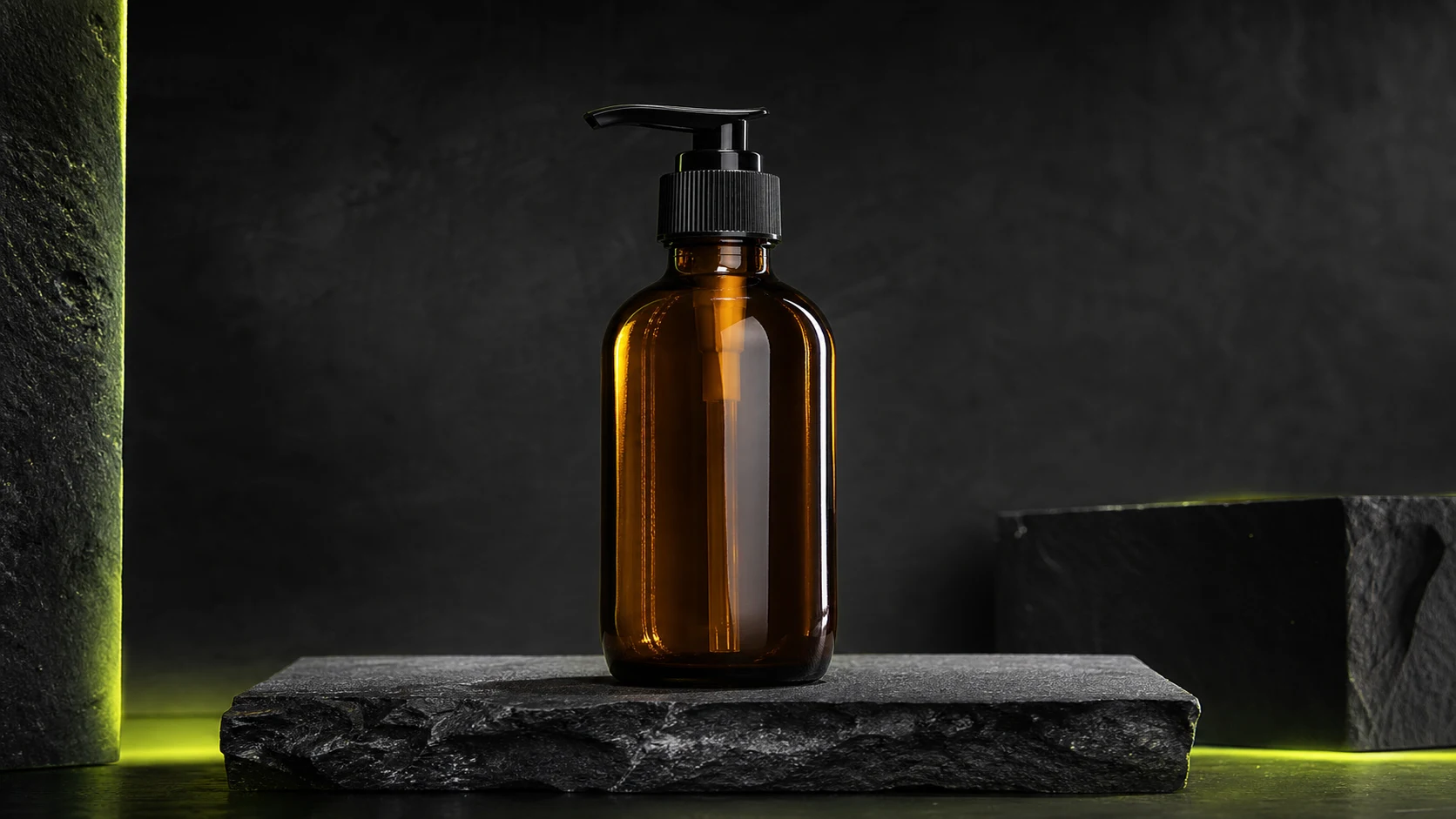 Workflow
How ecommerce teams prep soft supplier packs and re-exported marketplace images with free browser clarity enhancement before Amazon and Shopify uploads.
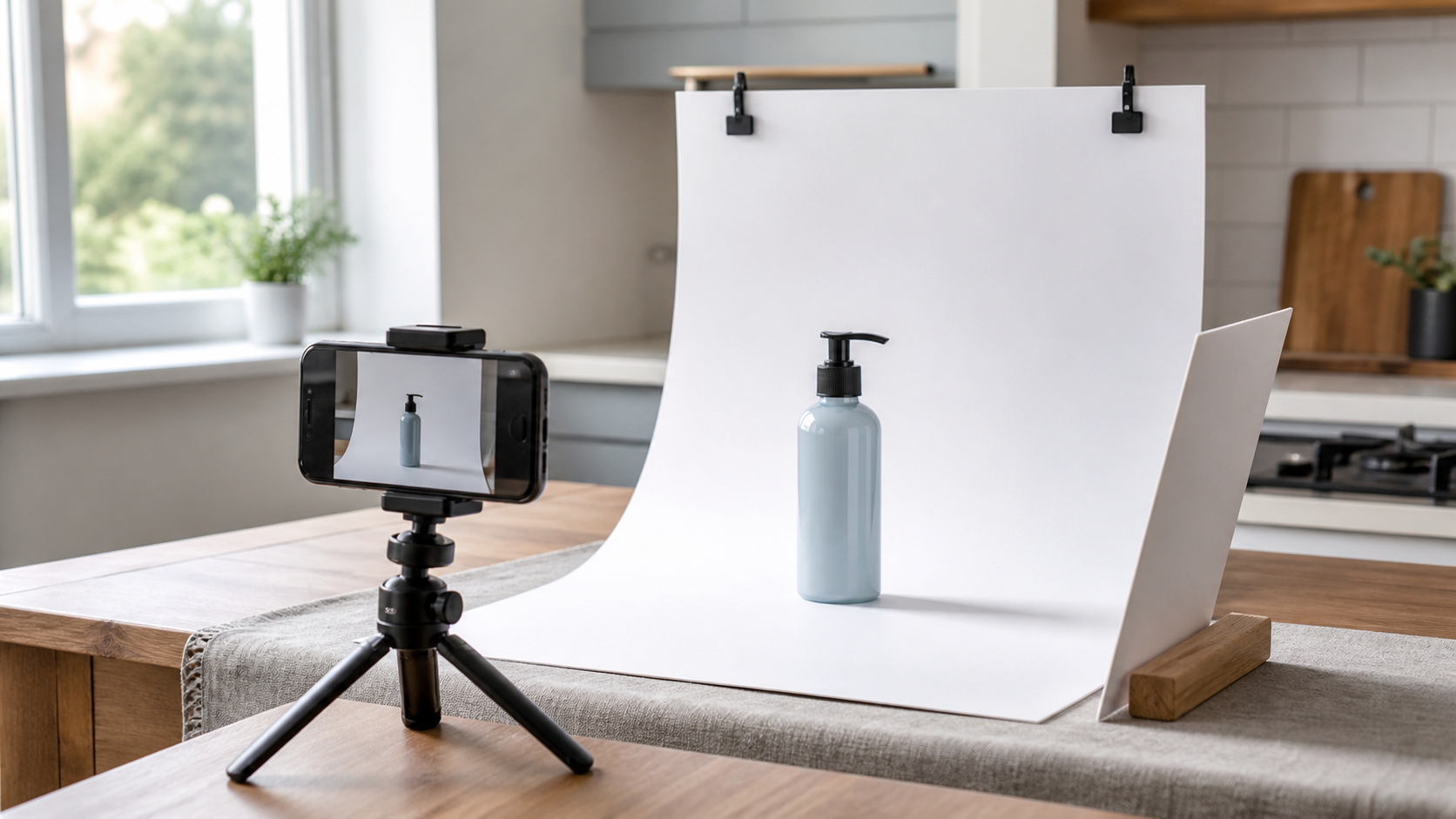 Workflow
A practical workflow for taking sellable ecommerce product photos with a phone, simple setup, and AI-powered variations.
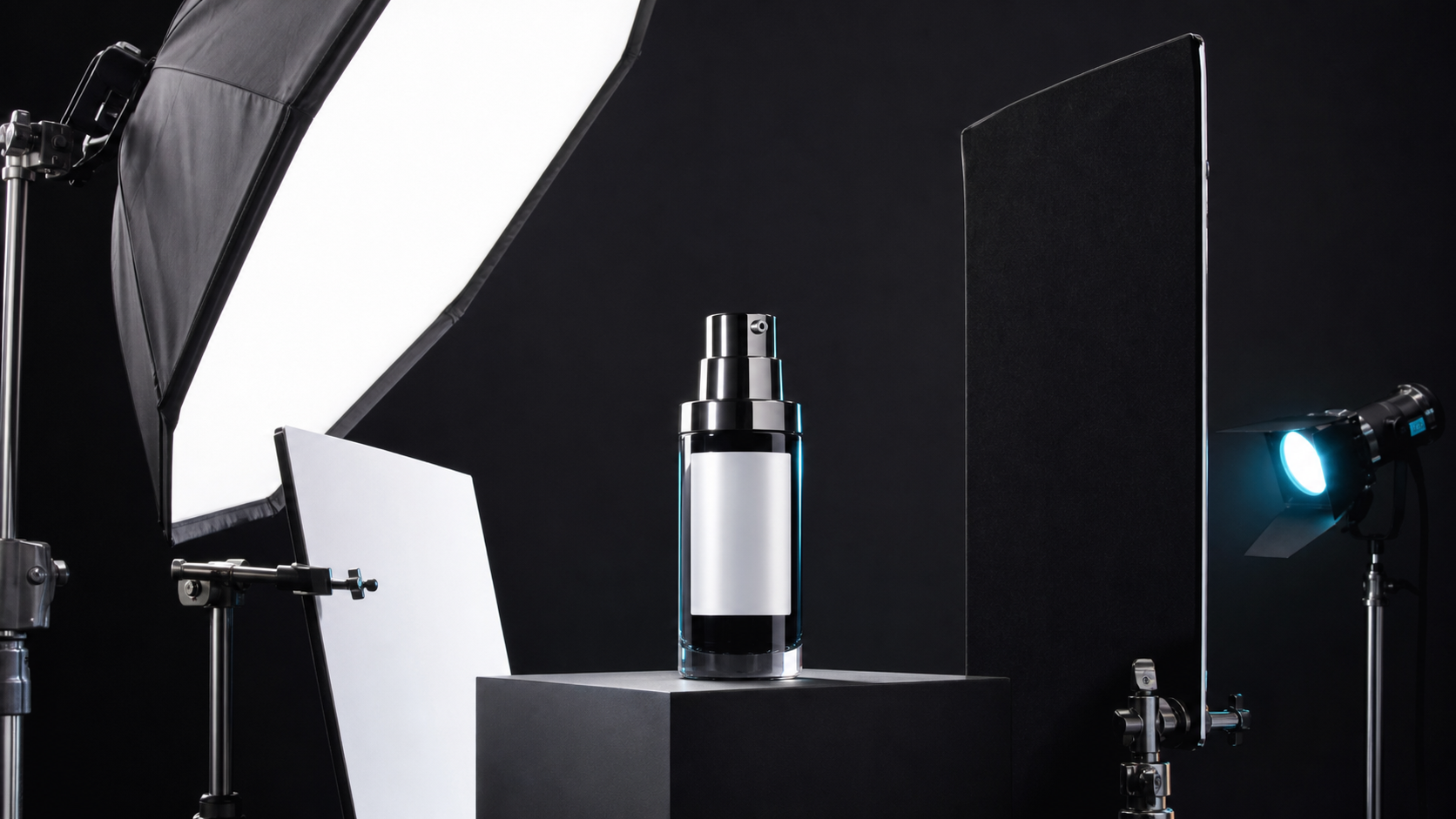 Lighting
A practical guide to product photography lighting, soft light, fill light, backlight, reflection control, and difficult materials.
 Case Study
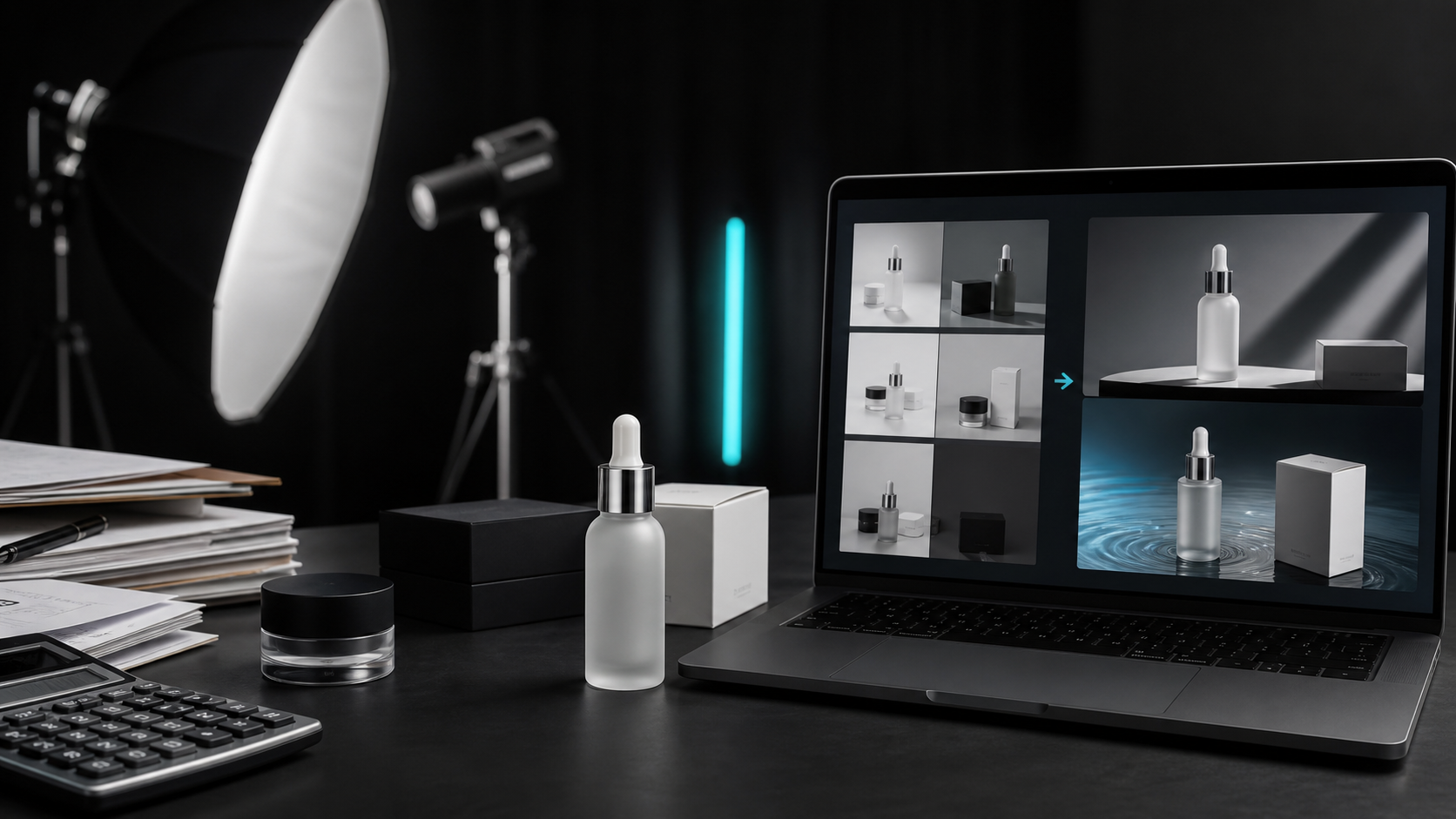
A seller shares what traditional product photography costs, why product fidelity matters, and how AI changed the workflow.
See how ecommerce operators use ProductShot AI to fill product page galleries without reshooting every angle.

“We turned one supplier packshot into three neutral listing angles for our Shopify PDP. Product Lock kept the label readable across all of them.”

“I like that it is honest about batching—four images per run is enough for our gallery slots without pretending to auto-build detail callouts.”

“The 3:4 default fits our collection grid better than square crops. We generate listing variants while waiting on the full studio shoot.”

“This is not lifestyle marketing—it is catalog work. Neutral plates, consistent framing, and quick iteration when a SKU needs another angle.”

“When packaging text matters, Product Lock is the difference between usable listing images and AI mush. We still review every export.”

“For text overlays we use the poster tool. For PDP galleries this listing page is the right workflow—batch by use case, download, move on.”
Listing image FAQ
Answers about catalog listing images, Product Lock, batch generation, and how this page differs from white-background, lifestyle, or marketplace main-image workflows.
Upload one product photo, enable Product Lock, and generate catalog listing images in batches—up to four per run, not a one-click full listing set.
Start for Free →