


30:00:00
50% OFFLimited Time Deal: Today only 50% OFF — miss it once, wait six monthsGet 50% Off

AI Product Background Changer

Upload one product photo, pick a color, describe a scene or upload your own background, and get a listing-ready product image in seconds.

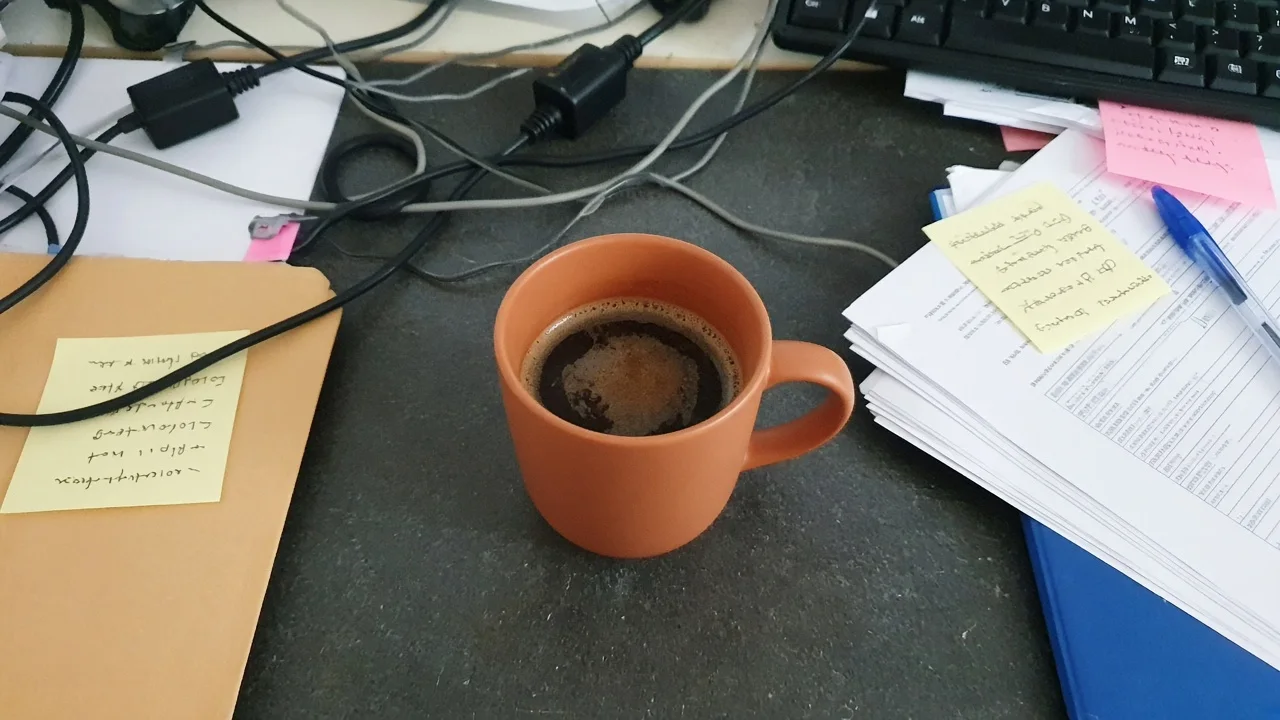
Unbranded terracotta coffee mug on a cluttered office desk before AI background change
Same terracotta mug on a travertine windowsill with linen and eucalyptus after AI background change
BEFORE
AFTER

Scene Replacement

What You Can Make With the AI Product Background Changer

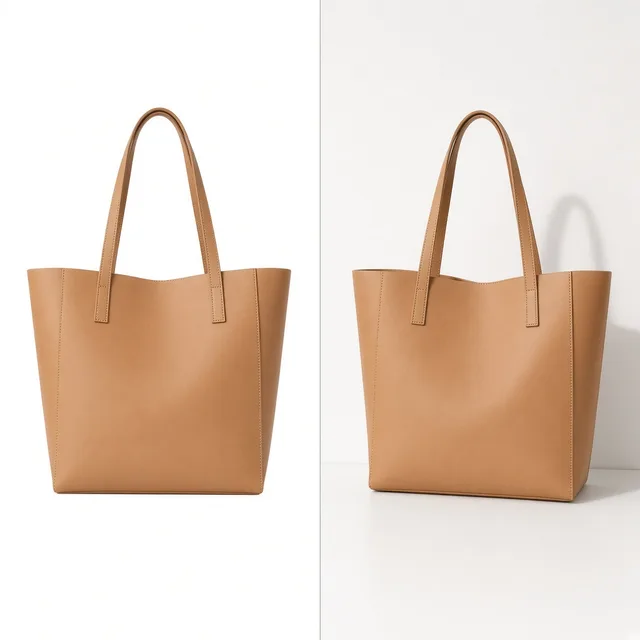
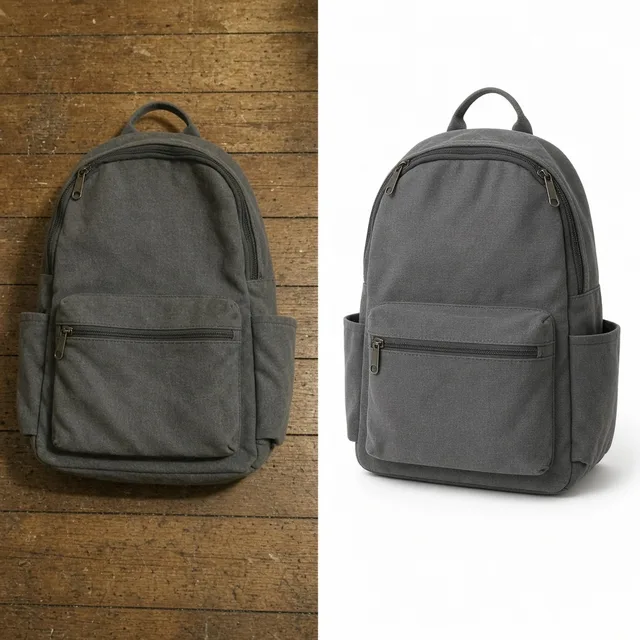
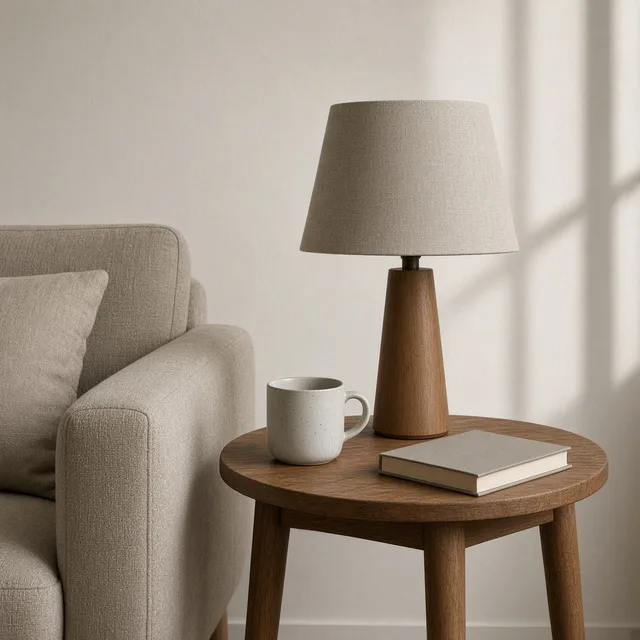
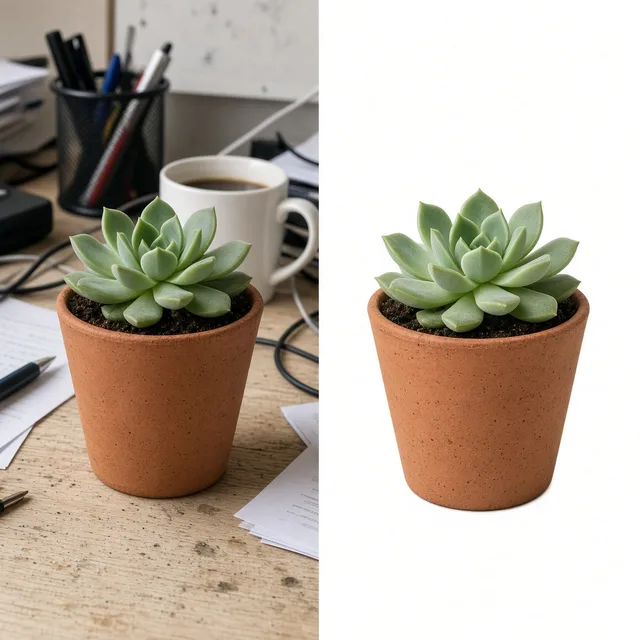
Turn one product photo into a white main image, a lifestyle scene, an outdoor shot or a holiday visual, then add shadows or build a listing set with the tools below.

Product Shadow
Product ShadowRealistic contact shadows, no floatTry it →
White Background
White BackgroundClean white listing photos in secondsTry it →
Lifestyle Scene
Lifestyle ScenePlace products in real-life scenesTry it →
Background Remover
Background RemoverRemove product backgrounds freeTry it →

What it is

What Is an AI Product Background Changer?

An AI product background changer treats the product and the background in your photo separately.

How it works

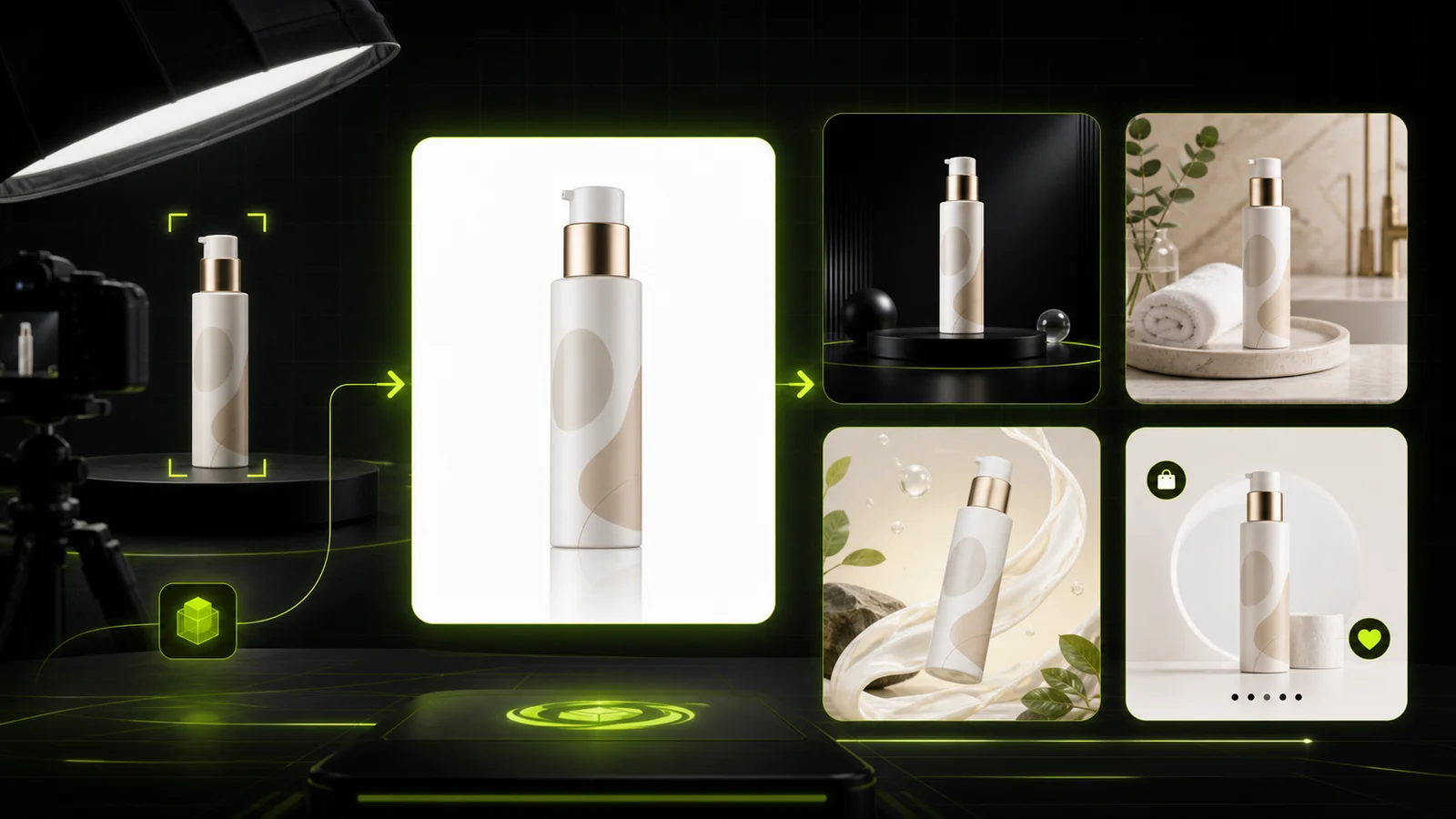
It recognizes the product outline, materials and printed text, then generates a new setting from the color, scene description or background image you choose, matching light, color temperature, shadows and perspective so the product looks photographed there.

How it differs from a cutout

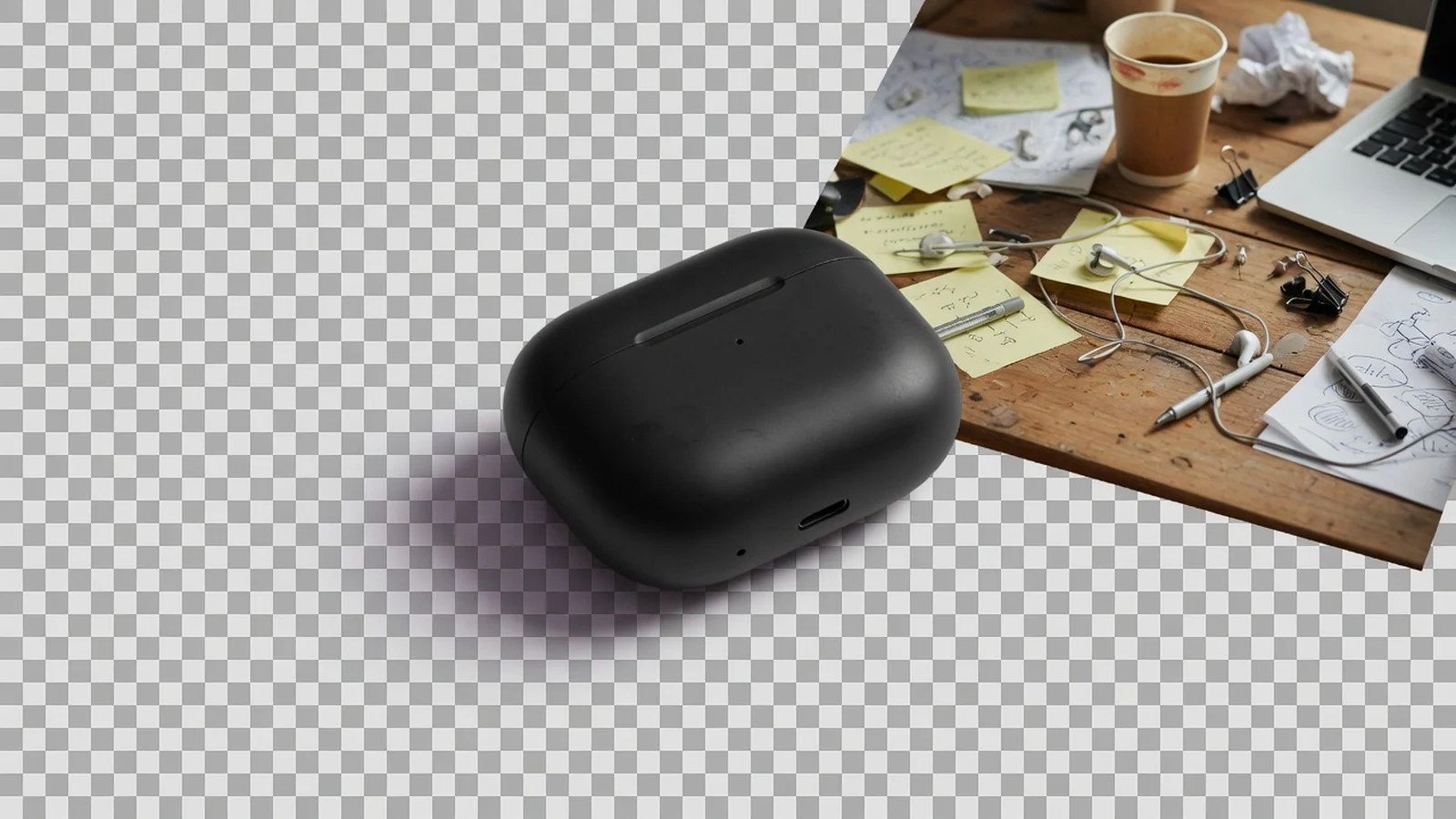
A plain cutout only deletes the background, so a product dropped onto a new image often looks pasted on, with no shadow and mismatched light.

Changing the background generates product and setting as one photograph, which suits sellers and brand teams who need several scenes per product.

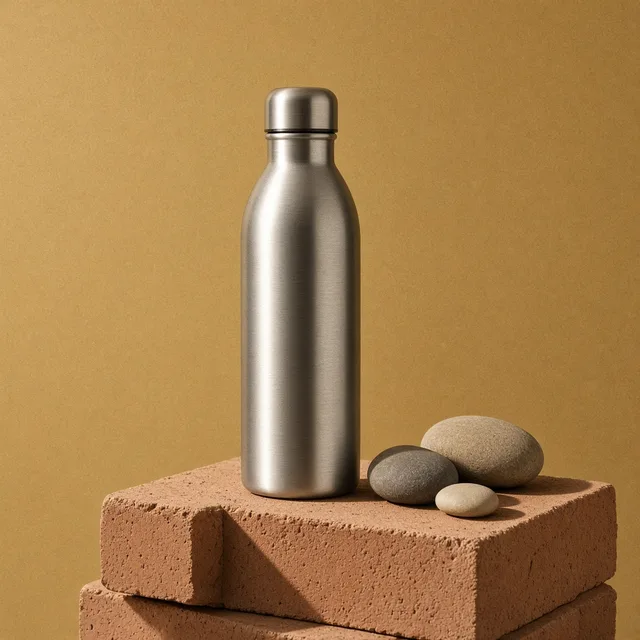
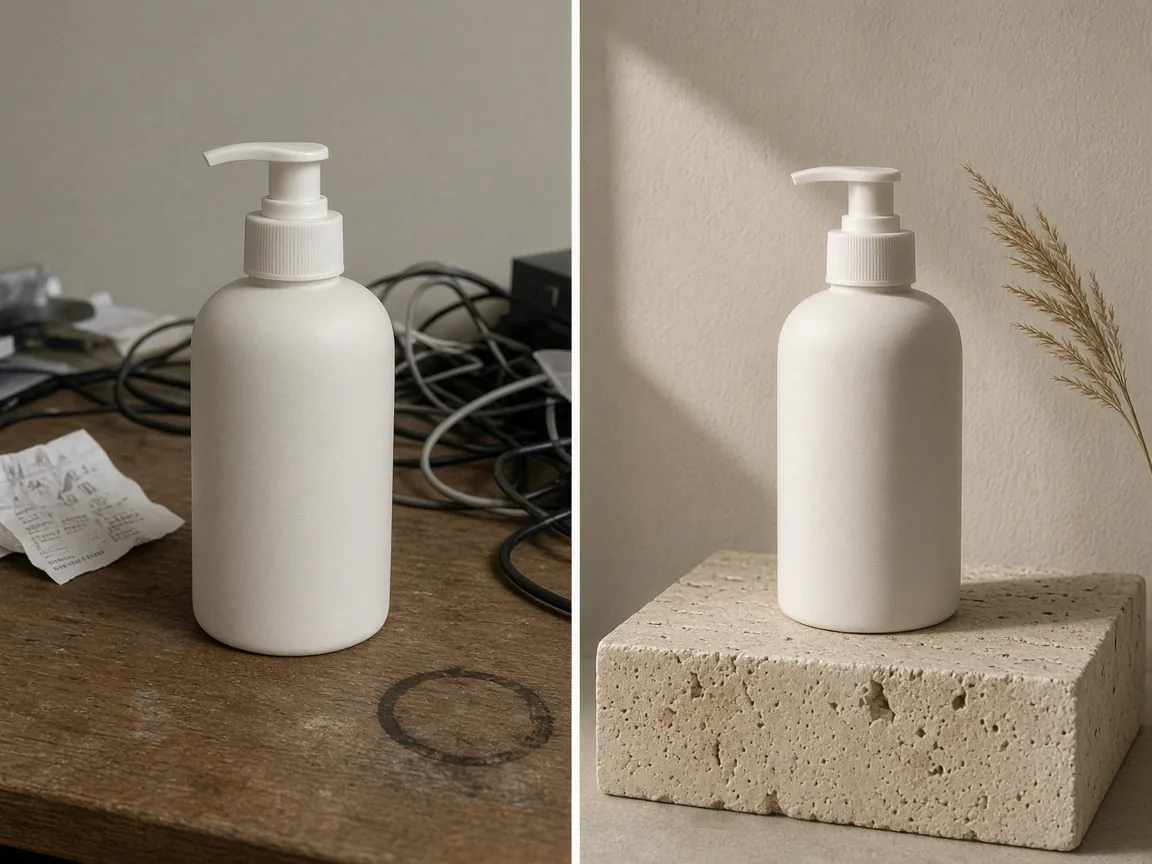
Unbranded white pump bottle on a cluttered desk, and the same bottle moved onto a travertine plinth against a beige wallOriginalNew background

Marketplace images and product pages

Sellers use it in three places most often.

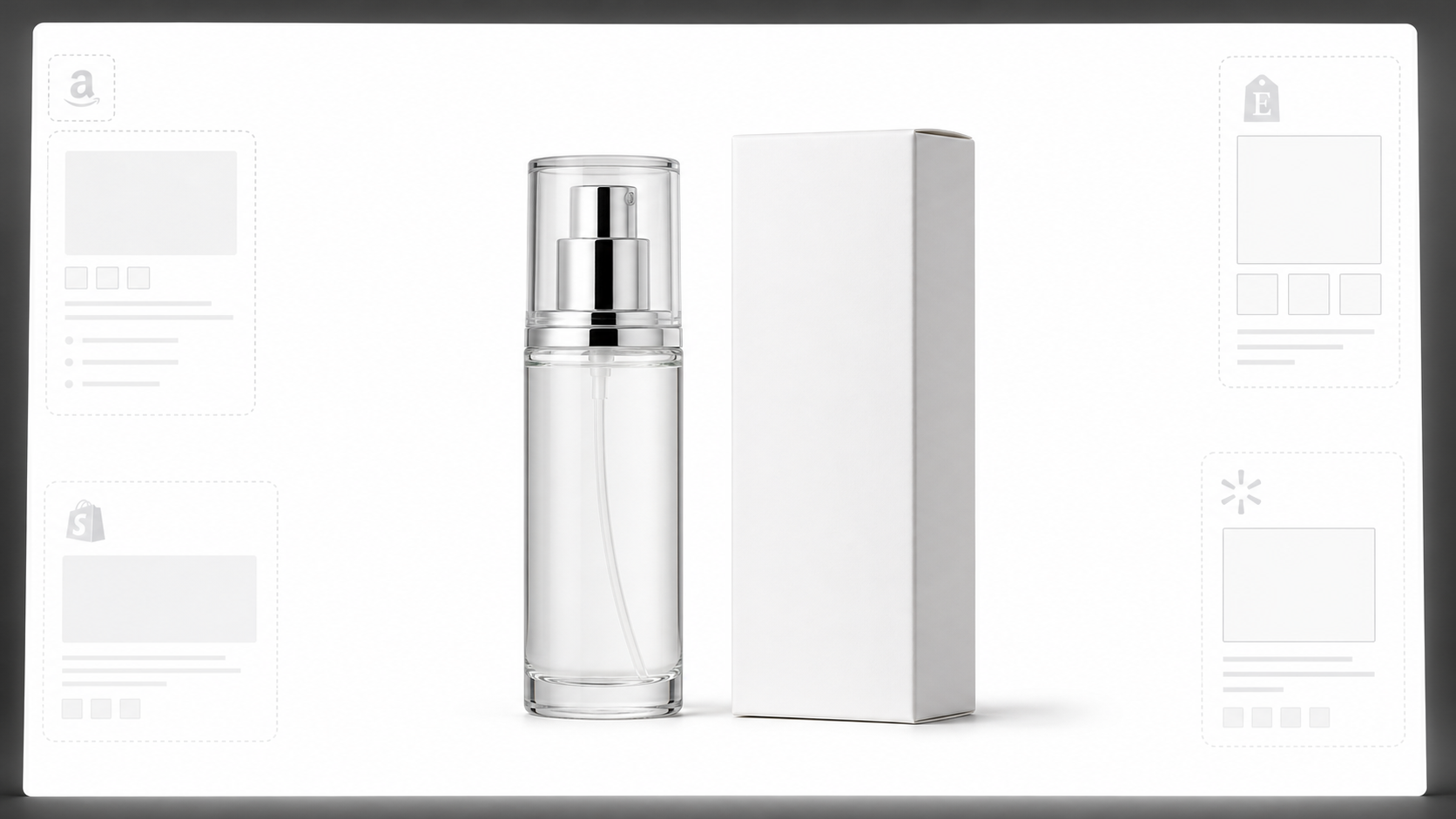
The first is marketplace main images, where platforms ask for a clean white or light background with the product centered and sharp edges; photos taken in a warehouse, on a desk or at home can be turned into one consistent set and listed in bulk.

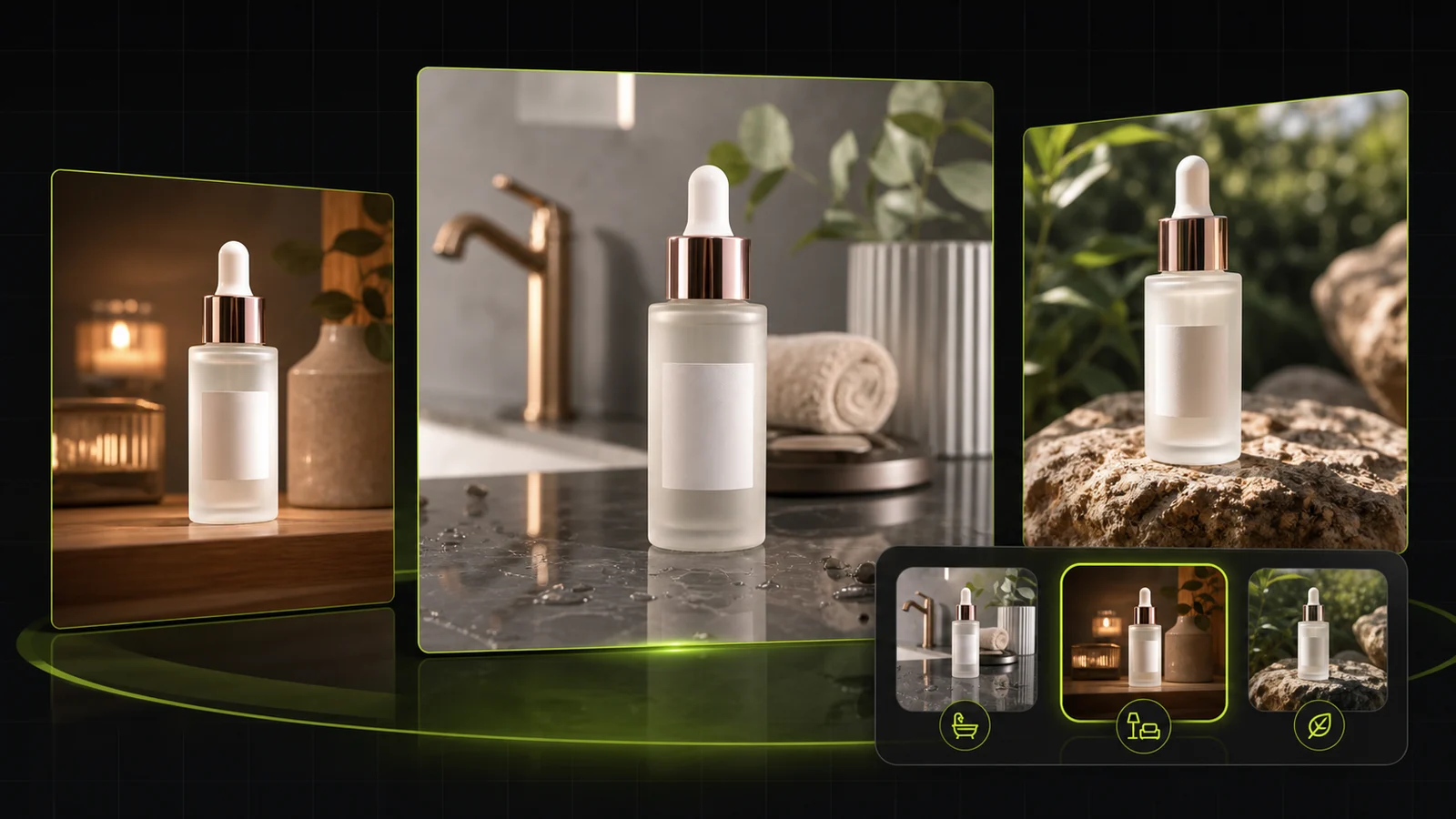
The second is product pages and storefronts, where placing the same item in a living room, bathroom, outdoor or holiday scene helps shoppers picture it in their own lives and keeps the whole store looking consistent.
Social creative and steady results

The third is social and ad creative: each season and campaign needs a different mood, and instead of rebuilding a set you can try several directions from one source photo and spend budget on the version that earns more clicks and saves.

A few habits keep results steady: start from an evenly lit, sharp photo, describe the place, surface, light direction and color tone, and zoom in on glass, metal and fuzzy edges before you publish.

Keeps the product itself

Shape, colors, printed text and labels are kept as close to the original as possible; only the surroundings change.

Light follows the scene

Light direction and color temperature are matched to the new background, avoiding the bright-product, dark-scene collage look.

Natural contact shadows

A soft shadow is generated where the product meets the surface, so it sits in the scene instead of floating.

Three ways to change it

Solid color, a described scene, or your own uploaded background, switchable at any time.

Several versions at once

Generate 1 to 4 versions side by side and pick the one that fits your listing.

Made for ecommerce

Outputs a 1:1 square image at 2K resolution by default, suited to main images, product pages and social posts.

Why ProductShot AI

Built Around One Question: Can You List It?

Every part of the tool is designed around what ecommerce images actually need.

Cleaner edges

Clear glass, fuzzy textures, thin straps and cut-outs keep a clean outline, with fewer halos, jagged edges and leftover background.

Matched light and color

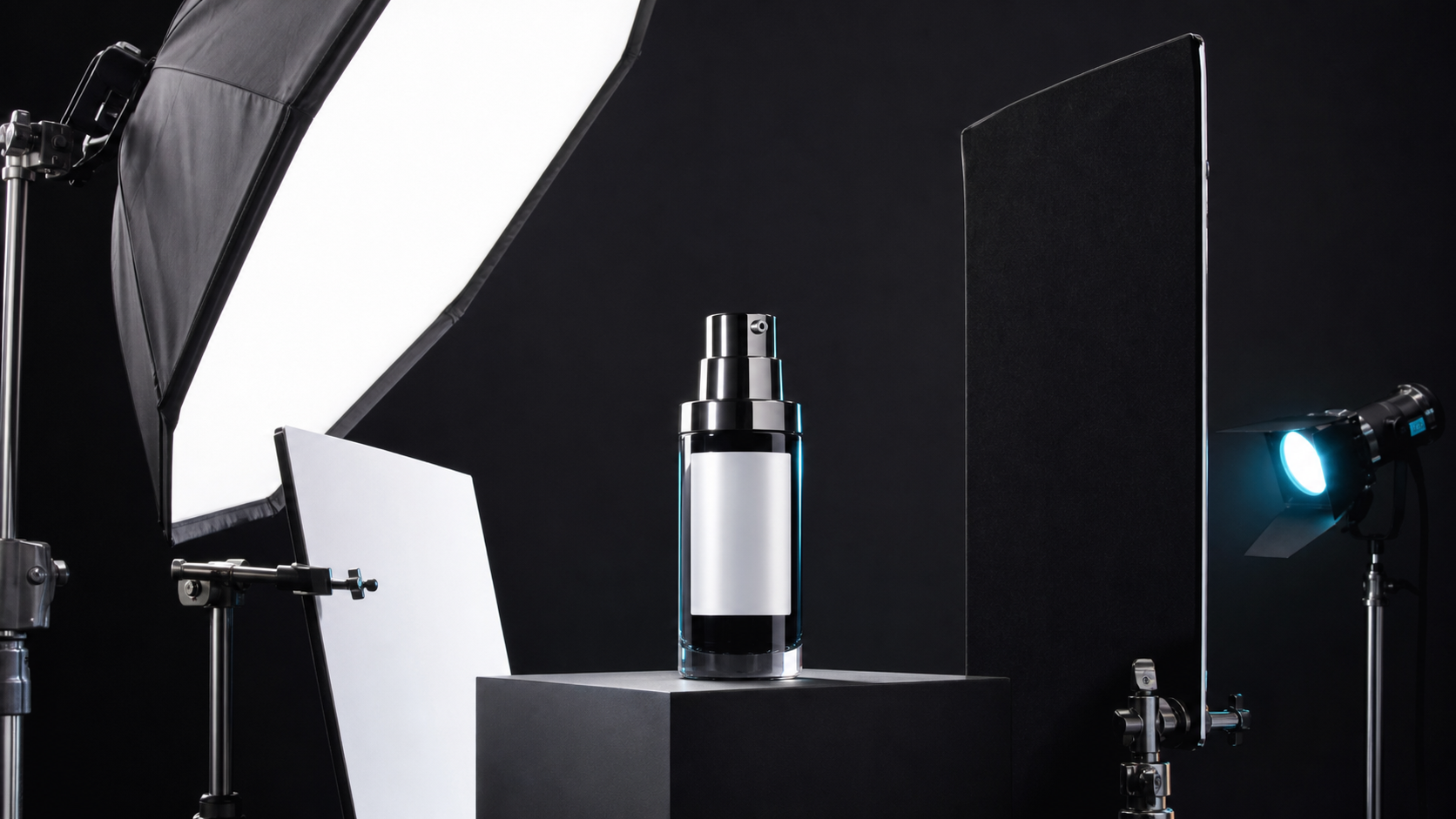
Move a product into a warm home scene and it picks up warm ambient light; switch back to white and it gets even studio light.

One brand color everywhere

Color mode has a picker and HEX input, so every product in your store can share the same brand backdrop.

Prompt library and one-click optimize

Ready-made prompts for white, home, outdoor, studio, holiday, beauty and food scenes help when you are not sure what to write.

Compare and refine in place

Generate 1 to 4 versions side by side, then change the scene, color or description and regenerate without uploading again.

Clear pricing

Each image uses 10 credits, new accounts get one free generation, and the credits needed are shown next to the Generate button.

Use Cases

Five Everyday Jobs for an AI Product Background Changer

These are the requests we see most from ecommerce sellers. Each one starts from the same single product photo.

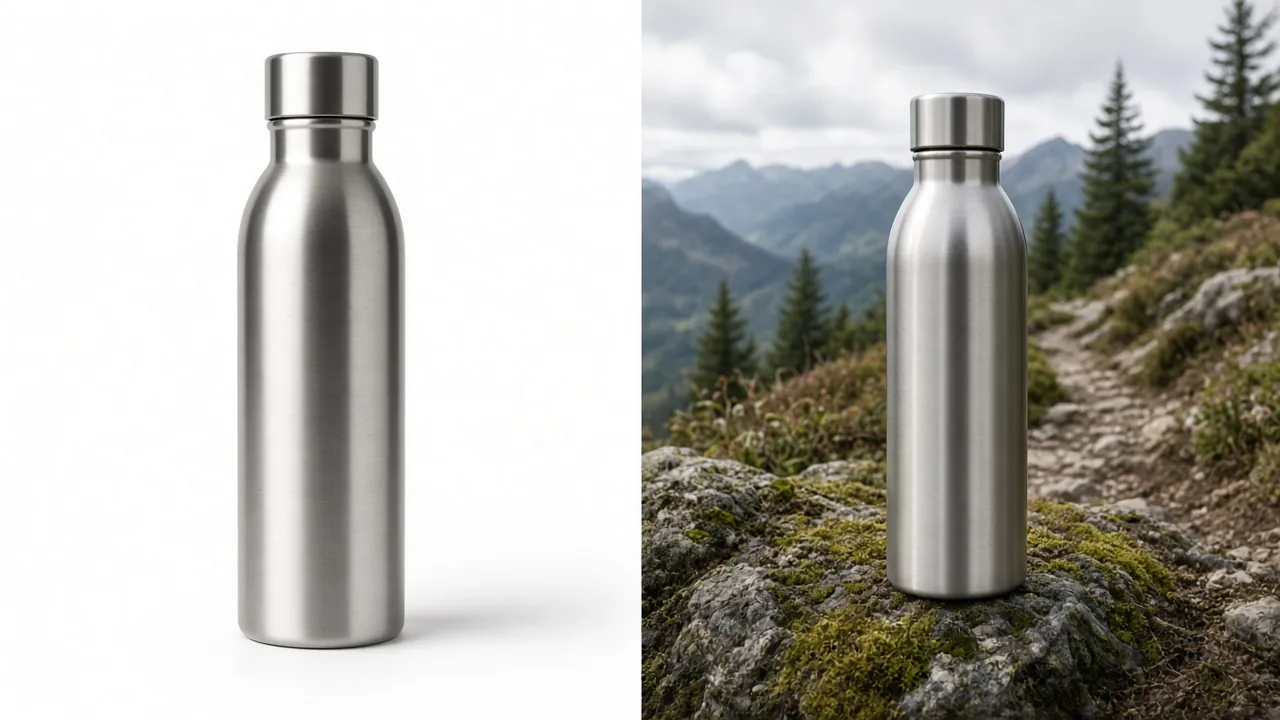
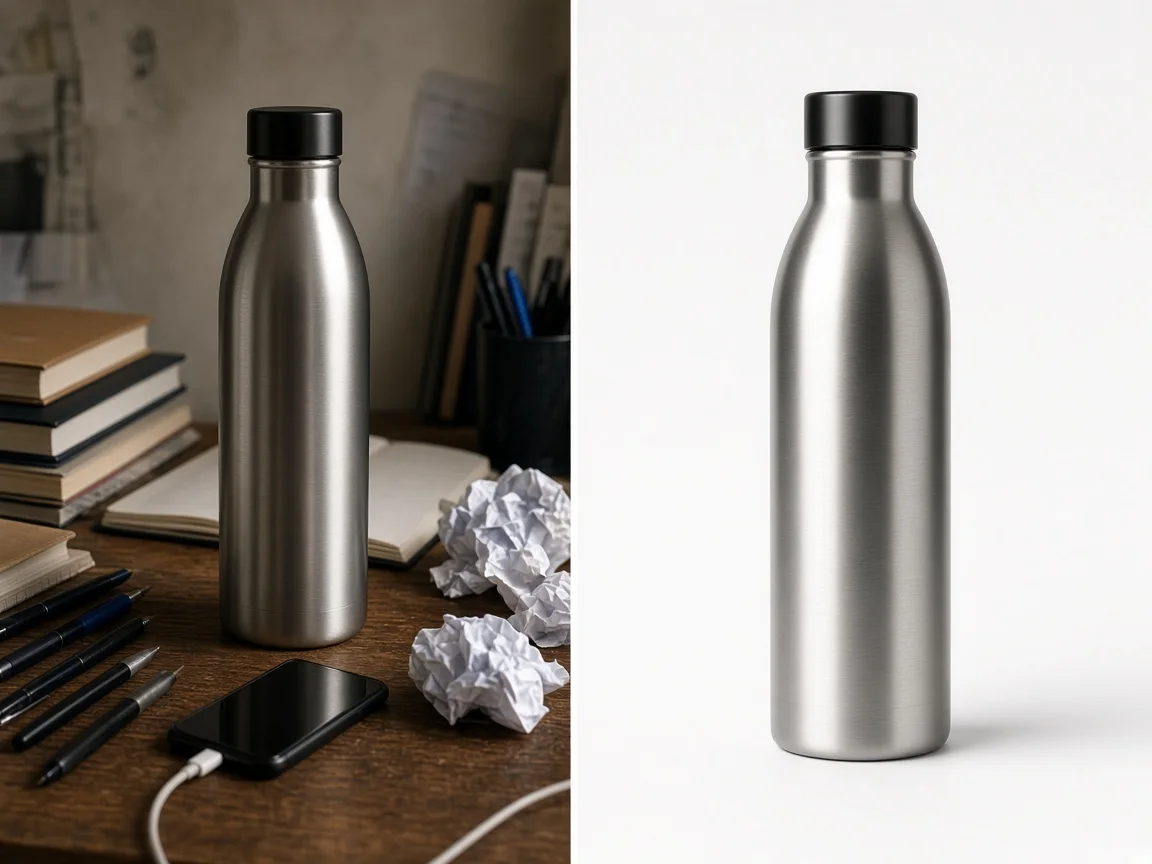
Unbranded steel water bottle on a cluttered desk next to the same bottle on a pure white background

Turn a Phone Snapshot Into a White Main Image

Products shot on a desk, floor or bed come with clutter and grey light. Pick the White Main Image preset and the AI product background changer swaps in a seamless white backdrop with soft studio light and a light contact shadow. Check each marketplace's image rules before you publish.

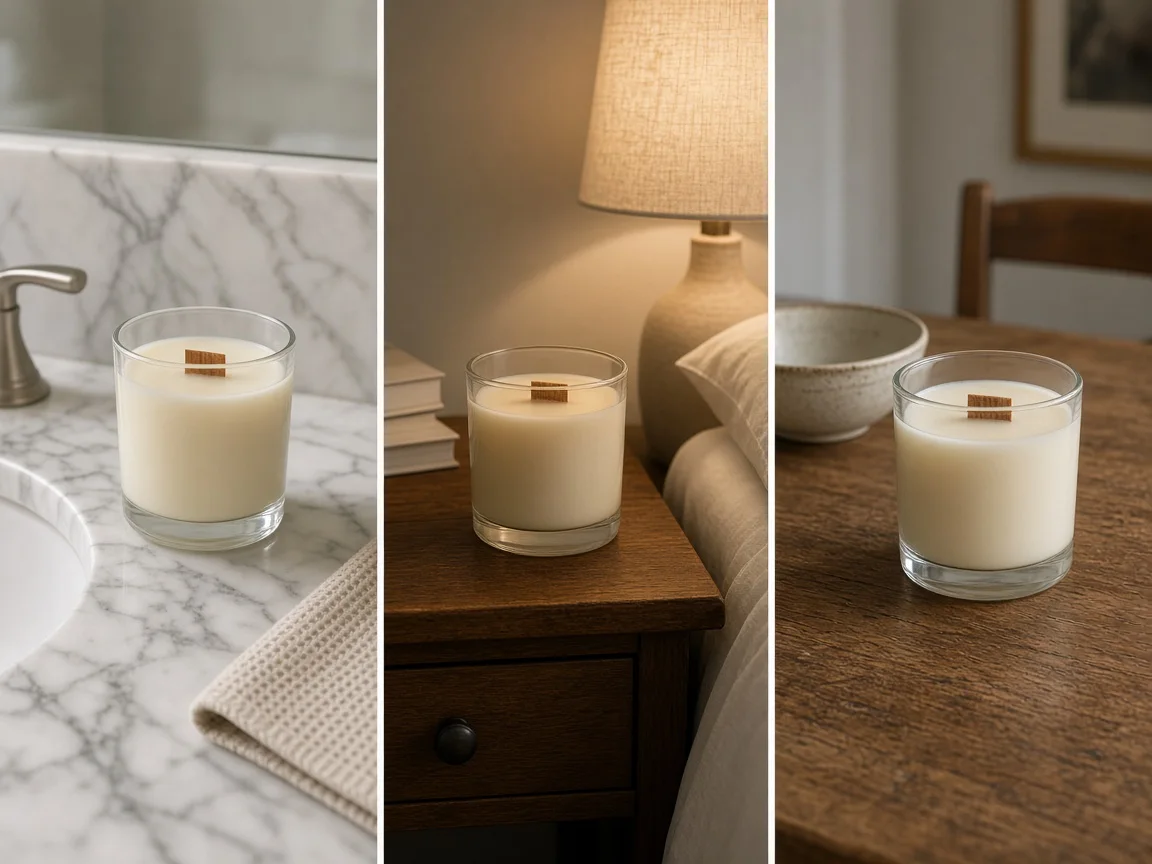
The same unbranded glass jar candle on a bathroom counter, a bedside table and a wooden dining table

Give One Product Several Lifestyle Scenes

Put the same candle on a bathroom counter, a bedside table and a dining table for the product page gallery. Describe the surface, props and light instead of renting a location and reshooting.

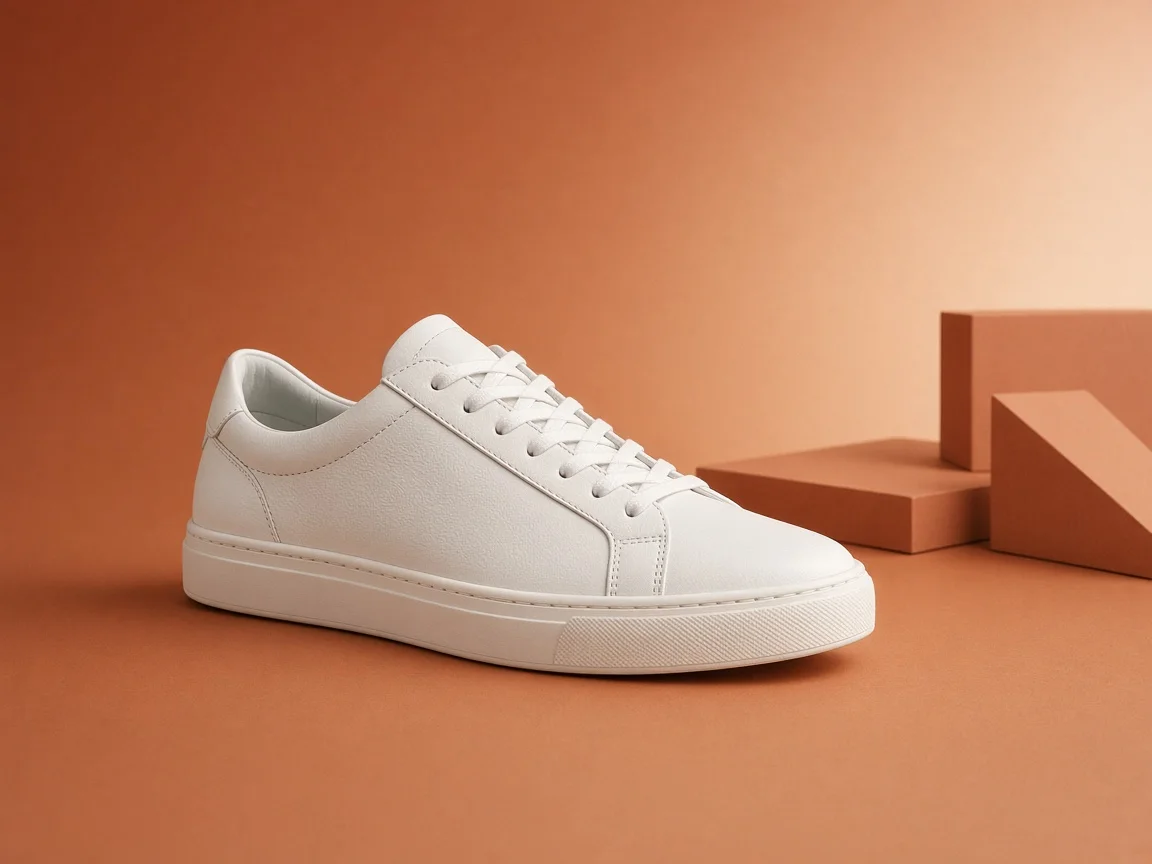
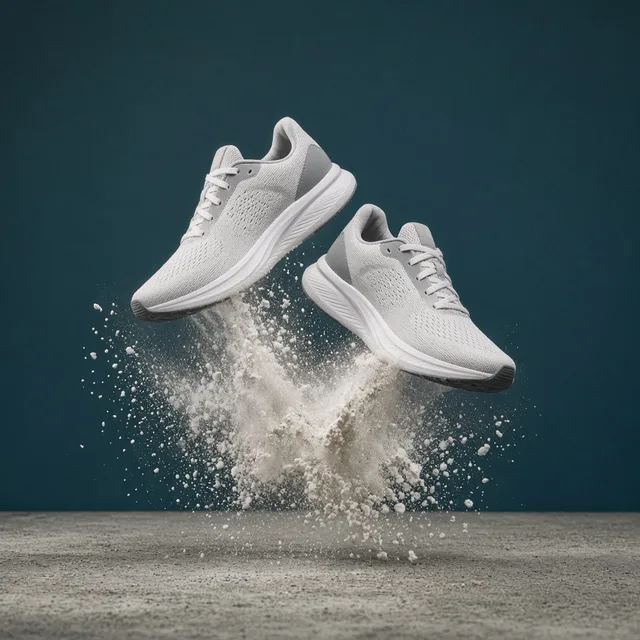
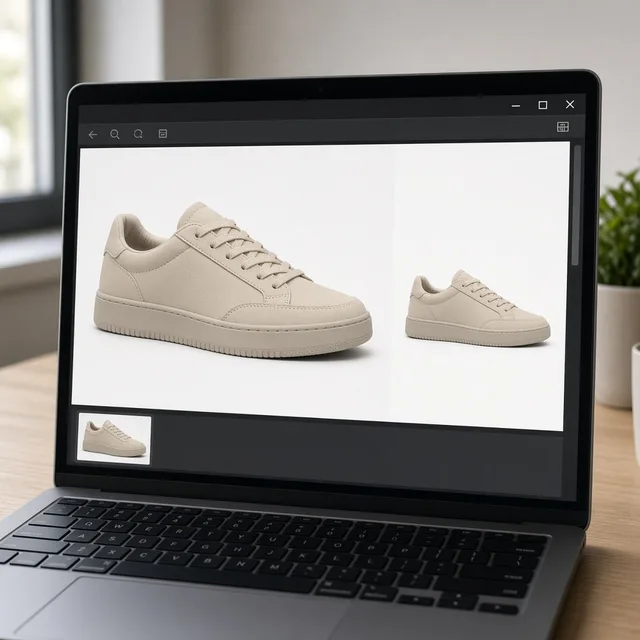
Unbranded white sneaker placed on a warm orange brand campaign backdrop with matching light and shadow

Match Your Brand With Your Own Backgrounds

A storefront where every photo has a different background looks messy. Upload a brand backdrop or campaign visual and products are placed into it with matched perspective and light.

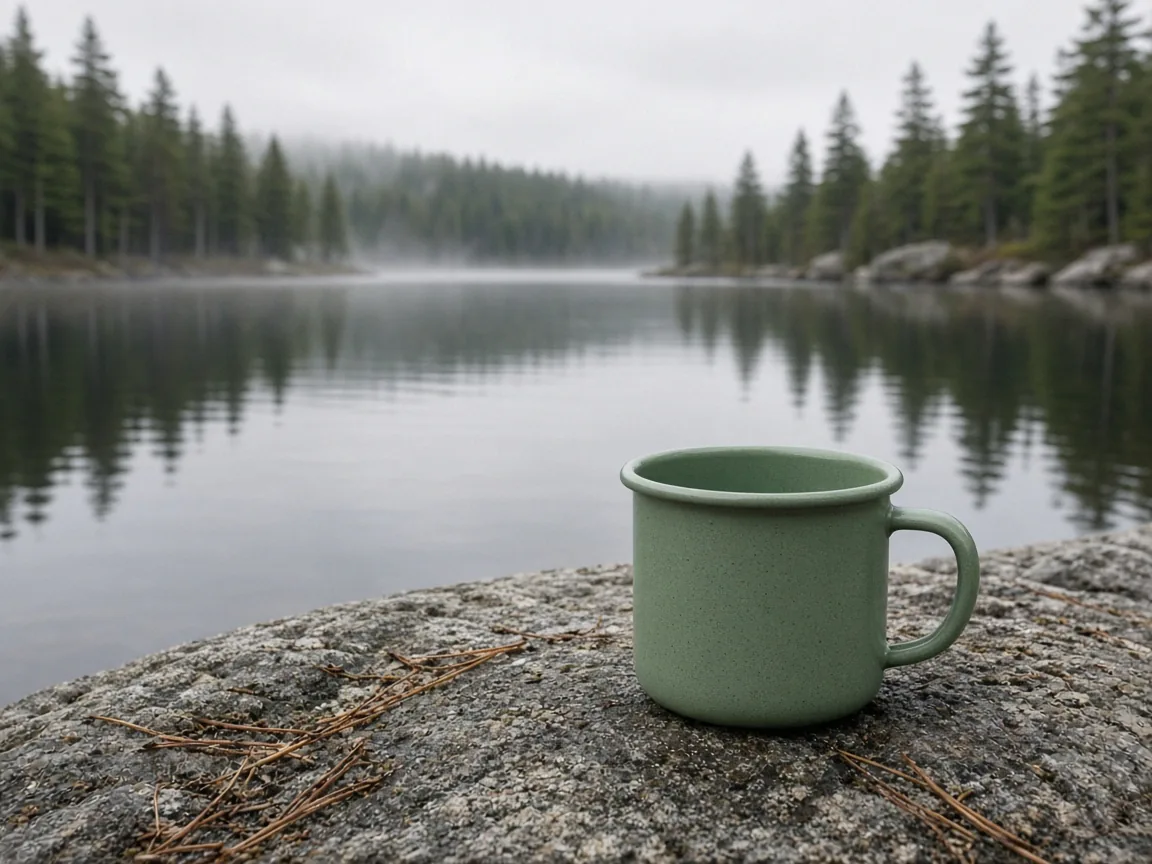
Unbranded sage green enamel camping mug on a granite rock beside a misty lake

Put Outdoor Gear Back Outdoors

Camping mugs and hiking boots sell better where they are used. Use the Outdoors preset or describe a lakeside or trail for natural light and depth of field, more believable than a stock-photo composite.

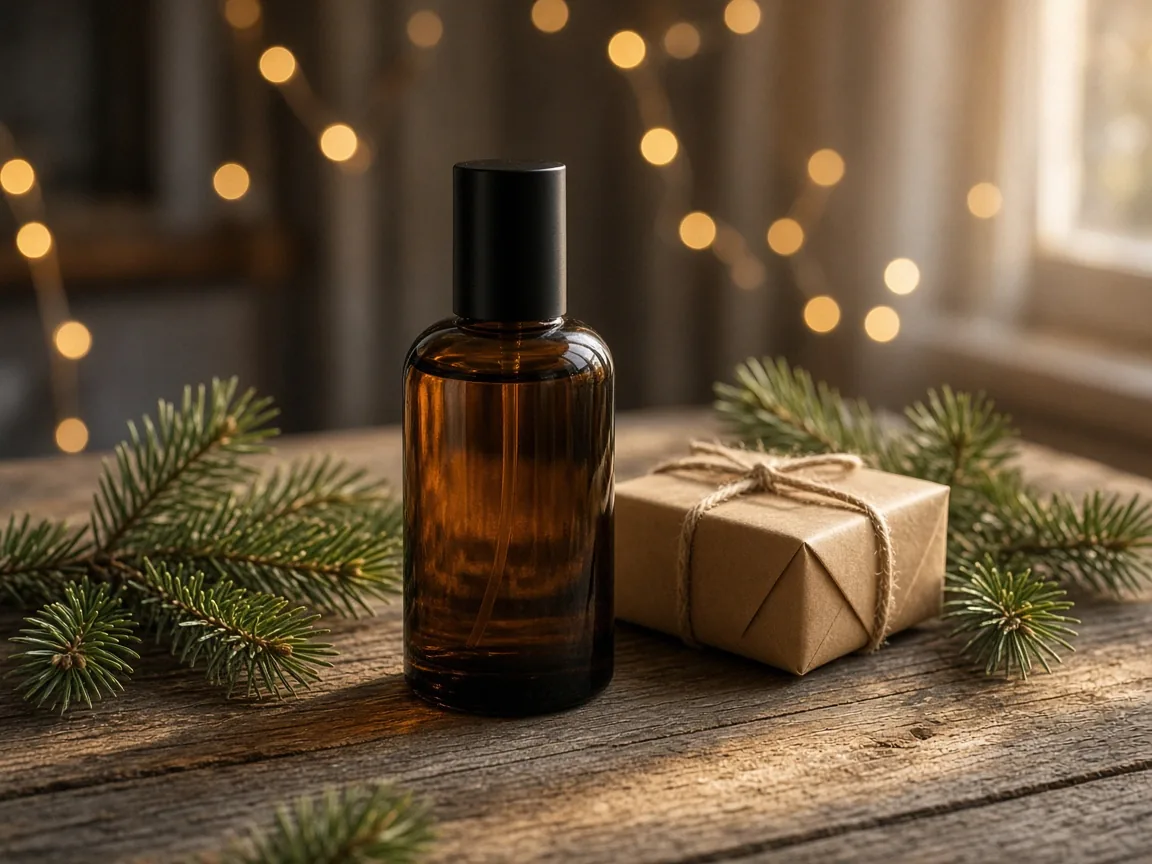
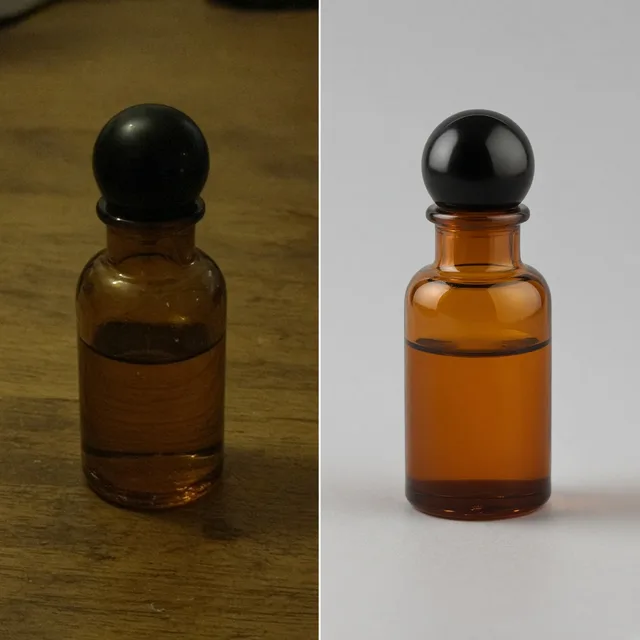
Unbranded amber glass perfume bottle on a wooden table with pine branches, a kraft gift and warm string lights

Refresh Products for Holidays and Sales Events

Holidays and seasonal sales call for fresh, atmospheric images. Describe pine branches, gift wrap or warm string lights and existing products get a holiday version without a reshoot.

Channel Ready

One Source Photo, A Background for Every Channel

Each sales channel wants something slightly different. Here is how sellers usually match backgrounds to channels.

How it works

Change a Product Background With AI in 4 Steps

From upload to download, everything happens on this page.

Upload a product photo on any background to start AI background changing
Choose a new scene, surface, mood and lighting for the product background
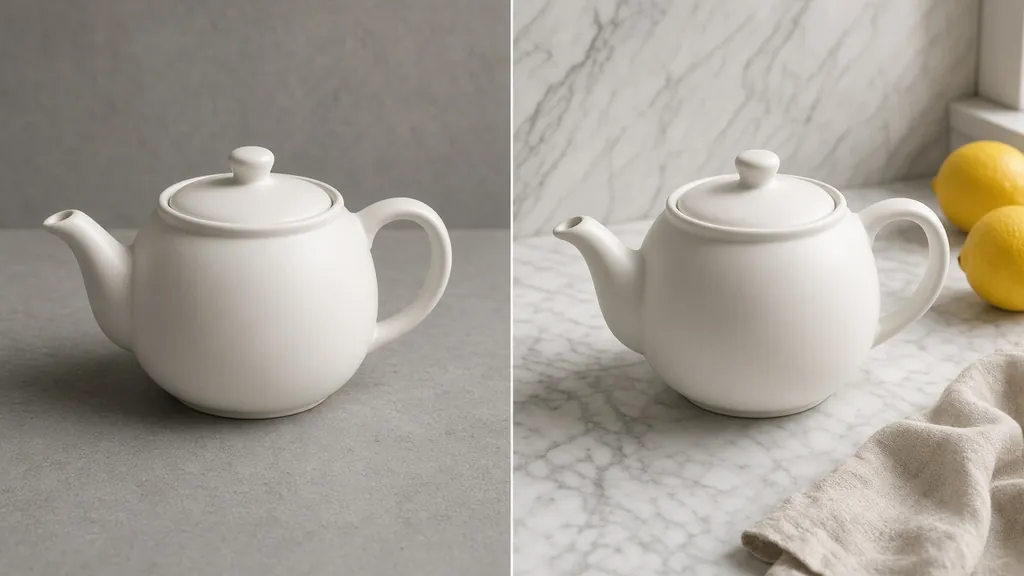
Before-and-after compare of the same product moved from a dull tabletop to a styled scene
Download background-changed product photos in multiple aspect ratios
01

Upload Your Product Photo

Upload one clear product photo in JPG, PNG or WEBP, up to 16MB. A messy original background is fine; a complete, sharply focused product matters more.

02

Pick How to Change the Background

Choose Color, Describe or Upload: pick a brand color, write a short scene description or tap a preset, or upload your own background plate.

03

Generate and Compare Versions

Choose 1 to 4 versions and generate. The result area places the original next to every version so you can check edges, shadows and printed text.

04

Refine, Then Download

Not quite right? Change the scene, the color or the description and regenerate without uploading again. Download the 2K result, or continue with shadow and relight tools.

Method comparison

AI Product Background Changer vs Traditional Methods

Location shoots, manual compositing and AI side by side.

Multiple

output styles

Reference-led

direction

Built-in

before-and-after review

Traditional Workflow

Location Shoots and Manual Compositing

Renting a location and photographer, or masking by hand and matching light in an editor.

Cost
Location, photographer and retouching paid per shoot or per image×
Turnaround
Composites take careful manual work; location shoots need planning ahead×
What You Need
Editing software and stock libraries, or a location plus lighting kit×
Trying Another Scene
Every new scene means another composite or another shoot×
Scene Range
Limited to locations you can reach and stock you can license×
Product Detail
Hand masks can clip fine edges or leave halos×
ProductShot AI

AI Product Background Changer

Upload one photo, pick a color, scene or background, and compare several versions.

Cost
Credit-based: 10 credits per image, and new accounts get one free generation✓
Turnaround
Results appear on the page as soon as generation finishes, 1 to 4 versions per run✓
What You Need
One product photo, plus an optional background image✓
Trying Another Scene
Change the color or description and regenerate without re-uploading✓
Scene Range
White, solid color, home, outdoor, studio and holiday scenes you can describe✓
Product Detail
Aims to keep shape, colors and printed text; zoom in to check before publishing✓

Photo and prompt guide

Three Ways to Get Better Results From an AI Product Background Changer

Most of the result depends on the source photo and the scene description.

How to shoot the source photo

  • Keep the whole product in frame with a little space around it; do not crop corners.
  • Focus on the product and avoid camera shake or motion blur.
  • Use soft, even daylight and avoid harsh shadows from one side.
  • Separate product and background colors; do not shoot a white product against a white wall.

How to describe the scene

Surface or setting + props + light + mood

One or two sentences in this order beat a pile of adjectives. Try one of these:

  • Light oak tabletop with a latte and an open book nearby, soft afternoon window light, calm and warm.
  • On a flat granite rock by a lake, softly blurred pine forest behind, overcast morning light.
  • Red velvet backdrop with a few gold accents and pine branches, warm light, festive but uncluttered.

Avoid these mistakes

  • Do not ask the description to change the product's own color or shape.
  • Do not include real brand names or logos; that content will not be generated.
  • Keep props less eye-catching than the product.

Further reading

Articles on white backgrounds, scenes and lighting.

Product Background Removal for Ecommerce Listings: A Practical Cutout GuideWorkflow
Jul 15, 202610 min read

Product Background Removal for Ecommerce Listings: A Practical Cutout Guide

Learn when free product background removal helps listing prep, which source photos work best, and how cutouts fit Amazon and Shopify workflows.

Read Article
The Real Problem With White Background Product Photos (And How I Solved It)White Background
Jun 18, 20268 min read

The Real Problem With White Background Product Photos (And How I Solved It)

Learn why white background product photos are harder than they look, how platform rules differ, and how to preserve details.

Read Article
Best AI Lifestyle Photo Generators for Product and Model Shots (2026)Workflow
Jun 23, 20268 min read

Best AI Lifestyle Photo Generators for Product and Model Shots (2026)

Compare AI lifestyle photo generators for realistic ecommerce scenes, product preservation, catalog consistency, and campaign workflows.

Read Article
It Took Me Two Years to Understand Product Photography LightingLighting
Jun 20, 20268 min read

It Took Me Two Years to Understand Product Photography Lighting

A practical guide to product photography lighting, soft light, fill light, backlight, reflection control, and difficult materials.

Read Article
How to Take Professional Product Shots Without a Studio (or a Degree in Photography)Workflow
Jun 17, 20268 min read

How to Take Professional Product Shots Without a Studio (or a Degree in Photography)

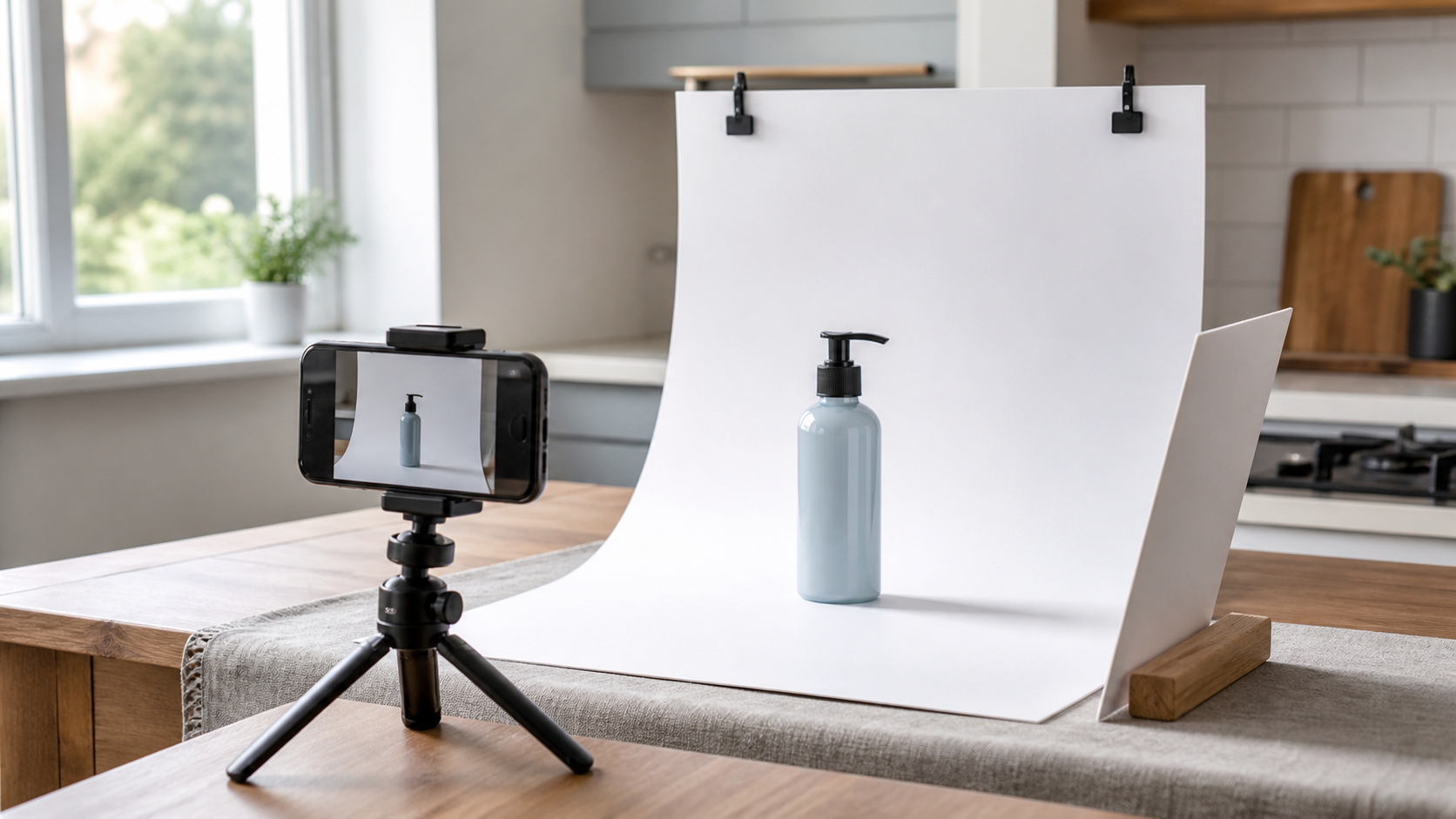
A practical workflow for taking sellable ecommerce product photos with a phone, simple setup, and AI-powered variations.

Read Article
AI Product Photography Generator Guide: 7 Best Tools for 2026Guide
Jun 23, 20268 min read

AI Product Photography Generator Guide: 7 Best Tools for 2026

Compare AI product photography generators for white background images, studio shots, lifestyle scenes, and ecommerce campaign visuals.

Read Article
Reviews

How Sellers Use the AI Product Background Changer

Feedback from some of our users. Thumbnails show background-change examples of similar products.

Unbranded speckled ceramic vase on a light oak shelf
Ms. Lin

“Every new product used to mean booking a scene shoot. Now I snap it on my phone, change the background and list it. It saves a lot of time.”

Home goods shop owner
Clear glass tumbler on a pure white background
Mr. Chen

“The white main image edges are clean. Even a clear glass tumbler had no odd white halo.”

Cross-border ecommerce operator
Hammered silver ring on a terracotta plaster block
Ms. Zhou

“Using my own brand-color backdrop made every product image match. The shop home page looks much tidier.”

Handmade jewelry brand founder
Unbranded brown leather hiking boot on a mossy forest rock
Mr. Wang

“The light in outdoor scenes looks natural, far more real than the stock-photo composites I used to make.”

Outdoor gear seller
Ceramic coffee dripper and a kraft coffee bag on a sunny kitchen counter
Ms. Zhao

“One product can get several sets of scenes, which makes post images really easy.”

Social media creator
White cream jar on a pale pink water-ripple surface
Mr. Liu

“The prompt library saves me a lot of writing time, and optimized prompts give more consistent results.”

Beauty brand visual designer

FAQ

AI Product Background Changer FAQ

Common questions about credits, sign-in, results, comparing versions and how your images are handled.

The tool runs on credits: each image uses 10 credits. New accounts get one free generation (worth 10 credits); after that you can buy credits on the pricing page.

You can upload and adjust settings without signing in. Signing in is required when you click Generate, so credits can be tracked and your generation history saved.

We try to keep the product's shape, colors and text unchanged. Complex transparent, reflective or very fine parts can occasionally drift, so zoom in to compare after generating and retry with a sharper photo if needed.

A complete, sharply focused product in even light, with some color contrast against its background. Higher resolution keeps more detail.

Your uploads are used only for the generation and your own history, and are never shown publicly. See our privacy policy for how storage and deletion work.

Most common scenes can be described in text; describing surface, props, light and mood gets closer results. Real brand logos and illegal or infringing content will not be generated.

Choose 1 to 4 images per run; each uses 10 credits. The result area shows the original next to every version so you can check edges, shadows and text.

No. Use Change scene, Change color, Tweak description or Regenerate in the result area. Your original stays in the workbench; each regeneration uses credits per image as usual.

A background remover only exports a transparent PNG cutout. The AI product background changer generates a complete new scene with matched light and shadow, ready for a listing.

Results are 1:1 square images at 2K resolution by default. For another ratio or a smaller file, crop after downloading or use the product image compressor.

Ready to Give Your Product a New Background?

Upload one product photo, then choose a color, describe a scene or upload a background. Each image uses 10 credits, and new accounts get one free generation.

Start Changing Backgrounds →