


30:00
BF 50% OFFClaim

AI Amazon Product Image Generator

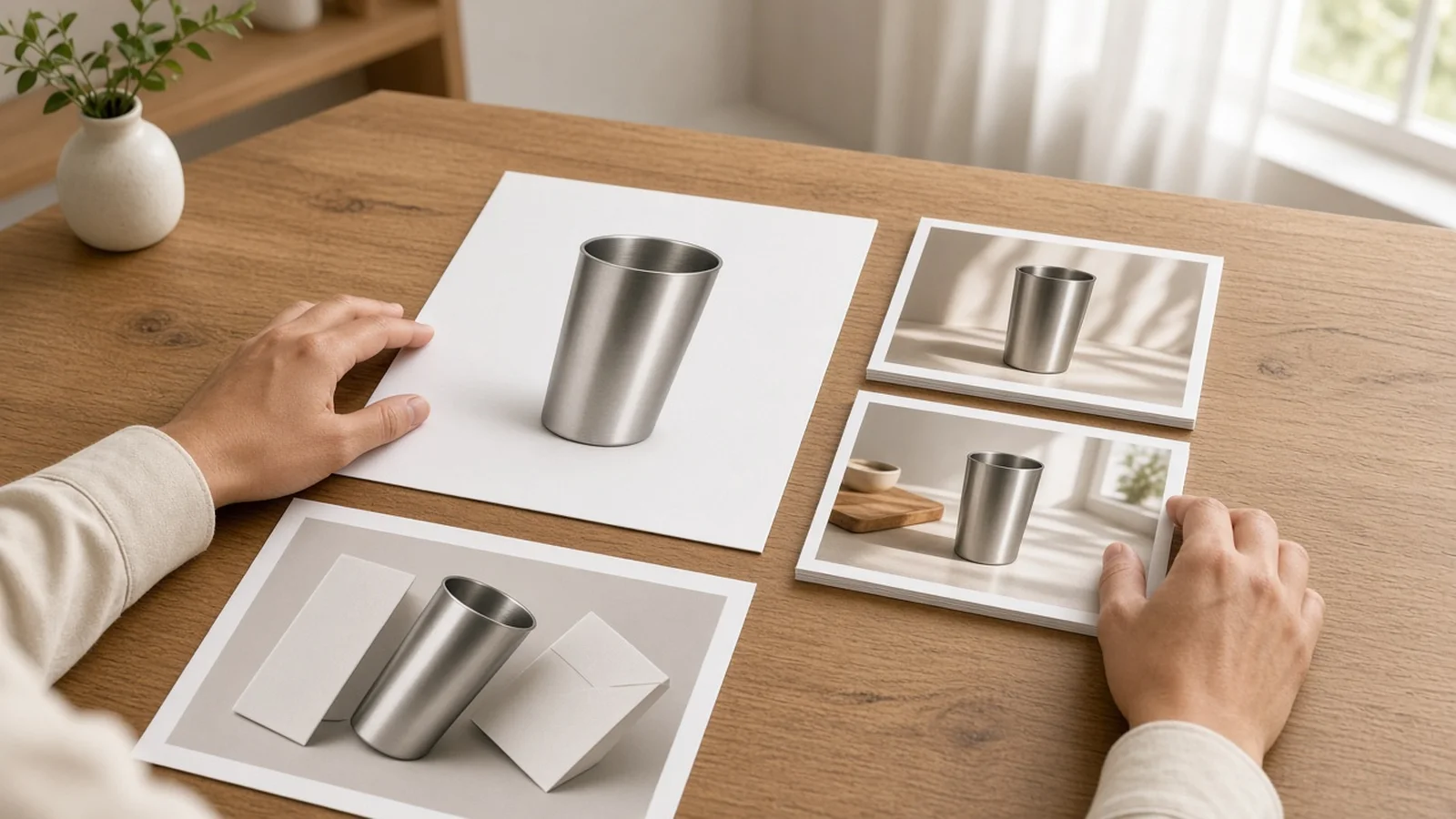
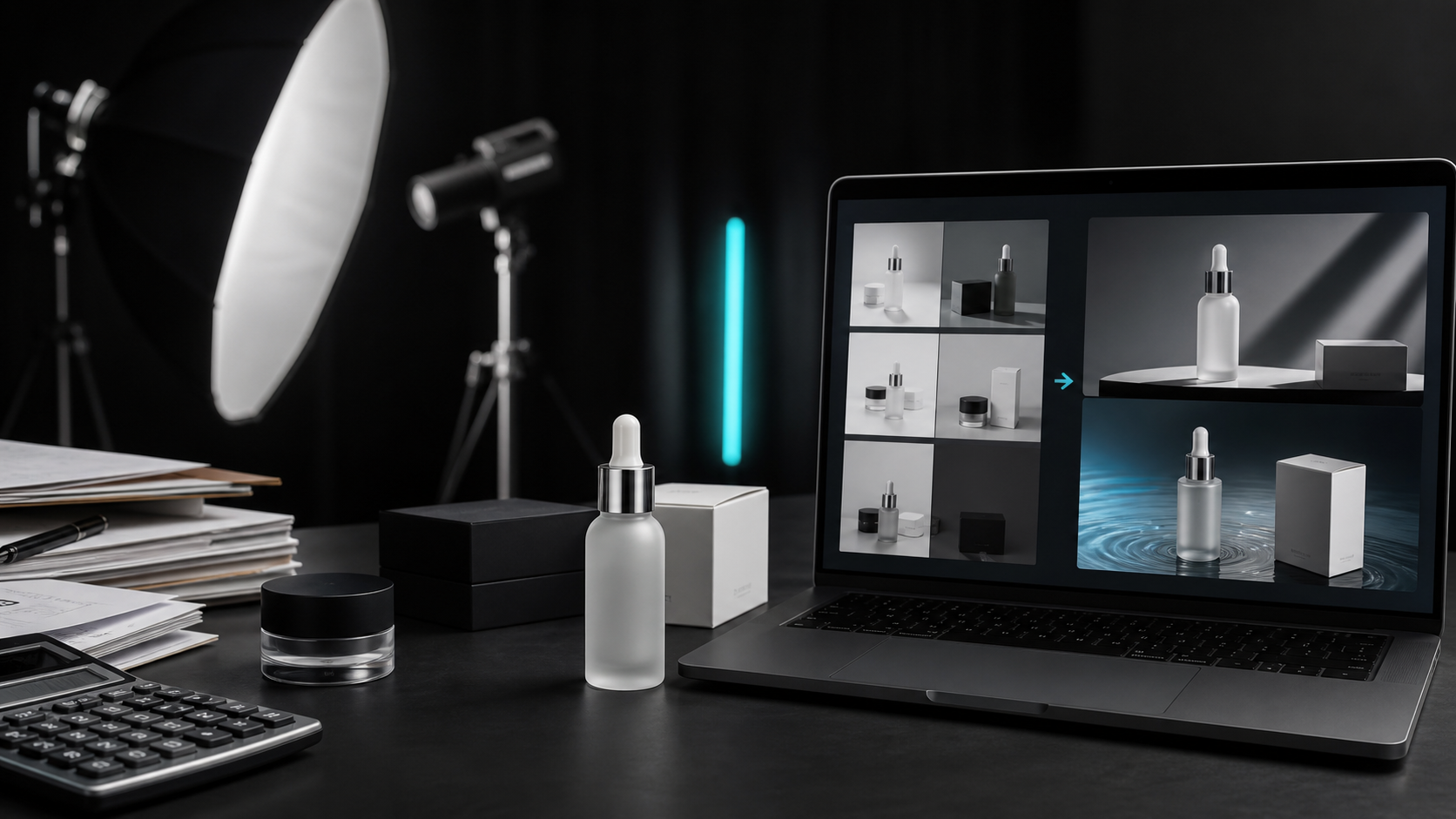
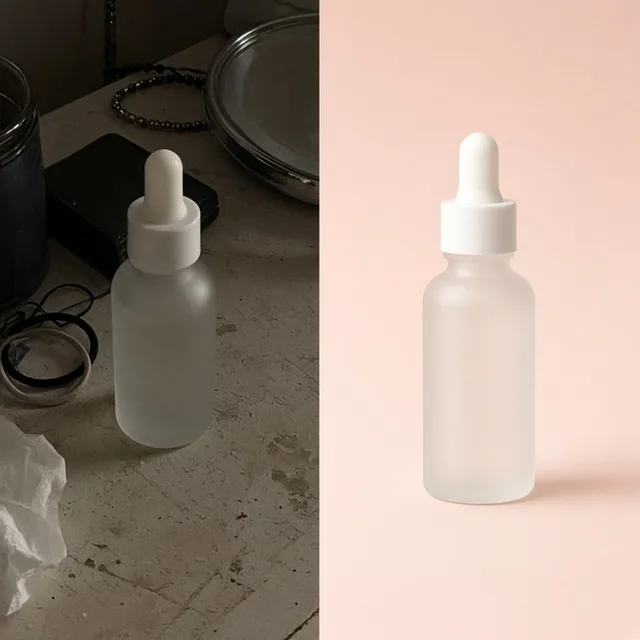
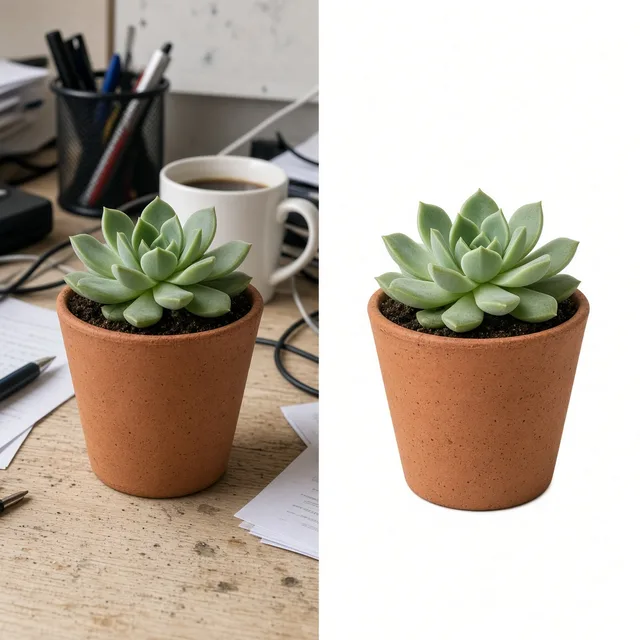
Compare raw supplier and tabletop phone photos against compliant pure-white Slot 1 Amazon product photography and lifestyle secondary plates.

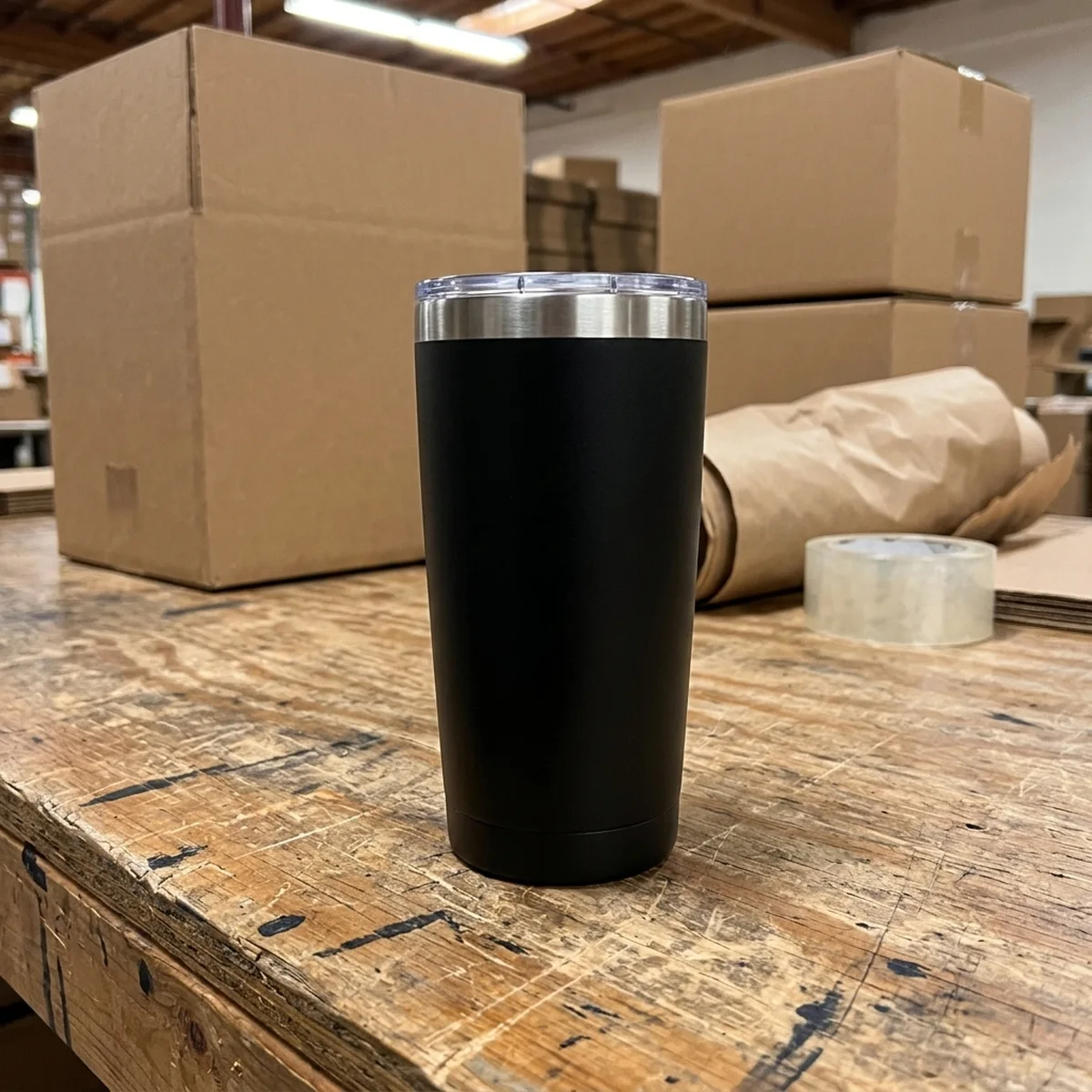
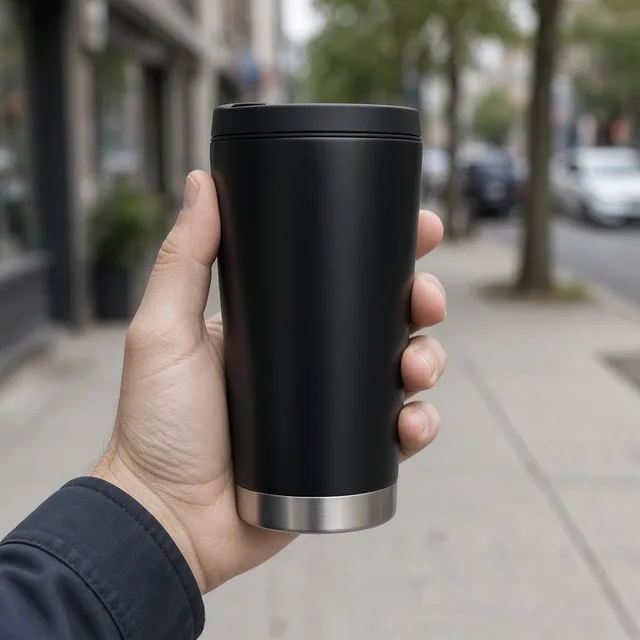
Raw phone photo of a matte black insulated tumbler resting on a cluttered factory workbench
Raw Photo
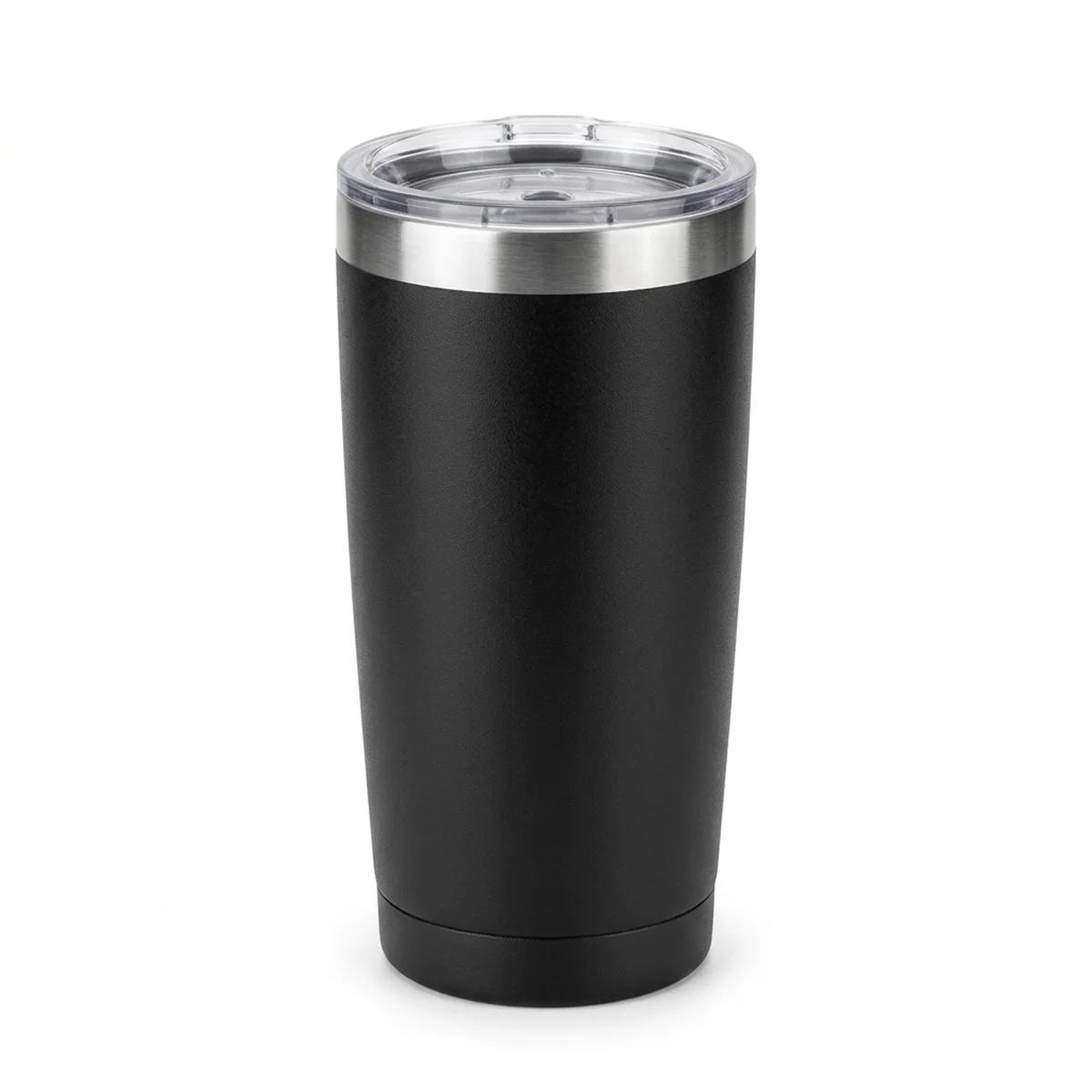
Generated Slot 1 pure-white Amazon main image of the matte black tumbler centered with crisp studio lighting and natural base shadow
Amazon Output

Factory sample shot on workbench → Compliant Slot 1 pure-white main image with 85%+ fill

Built for Listing Conversion

Every image type an Amazon gallery needs from one source shot

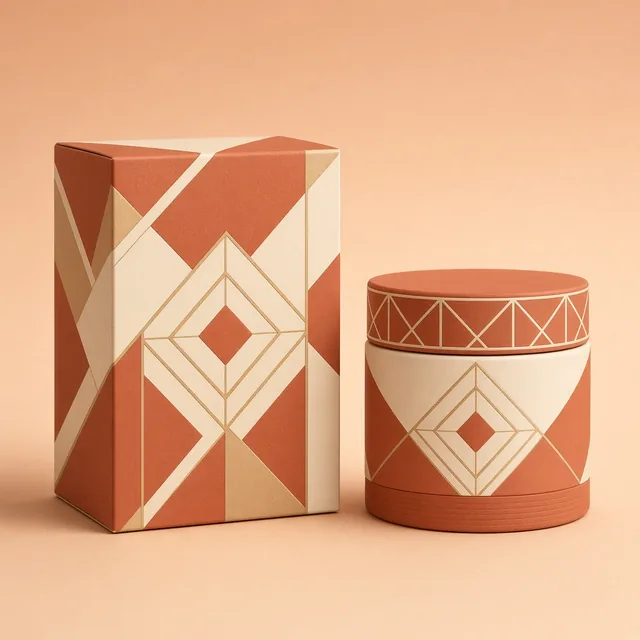
Move cleanly between compliant main images, contextual lifestyle frames, studio pedestals, and A+ Brand Story banners.

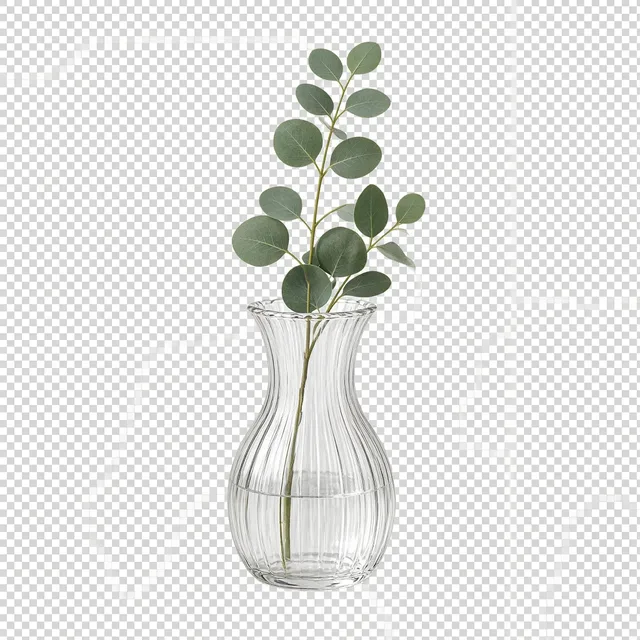
White Background
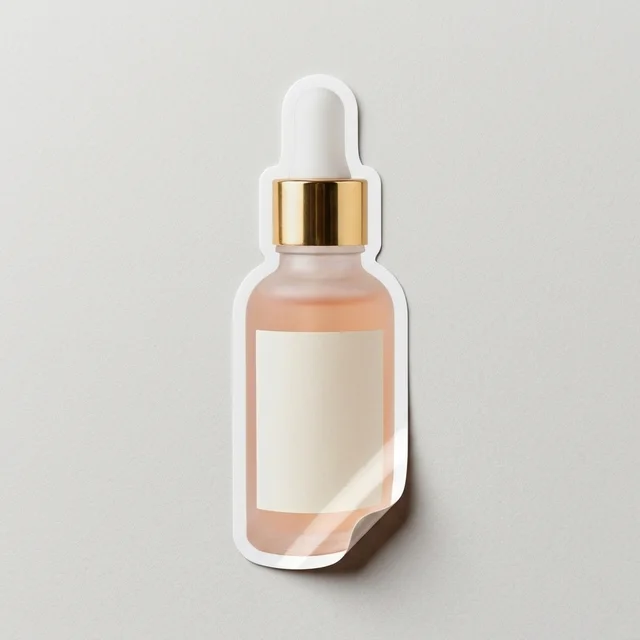
White BackgroundClean white listing photos in secondsTry it →
Product Infographic
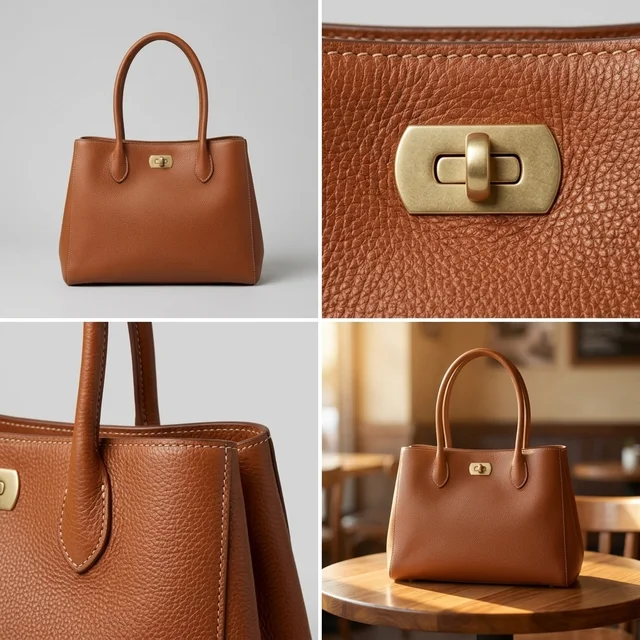
Product InfographicFeature callouts and size charts for listingsTry it →
Detail Page Generator
Detail Page GeneratorBuild A+ detail modules from one photoTry it →
Listing Images
Listing ImagesA full listing image set at onceTry it →

What it is

What is ProductShot AI’s Amazon Product Image Generator?

ProductShot AI’s Amazon Product Image Generator is built for Seller Central and FBA brands that need consistent, conversion-ready listing visuals without waiting weeks for a physical studio shoot.

Built for Seller Central & FBA stacks

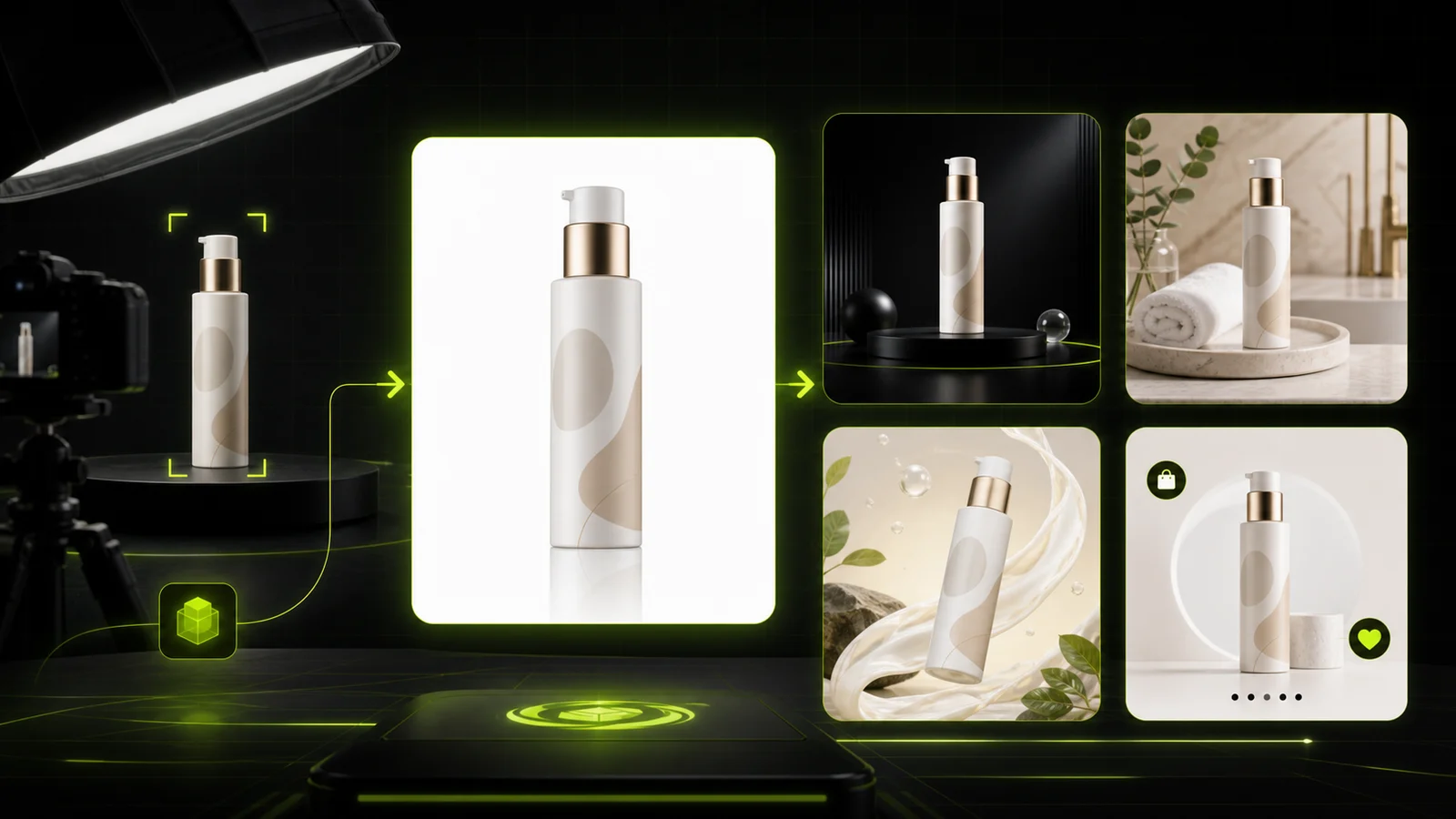
From a single raw smartphone snapshot or factory sample photo, it creates compliant Slot 1 white-backdrop images alongside lifestyle, studio pedestal, and A+ Brand Story frames.

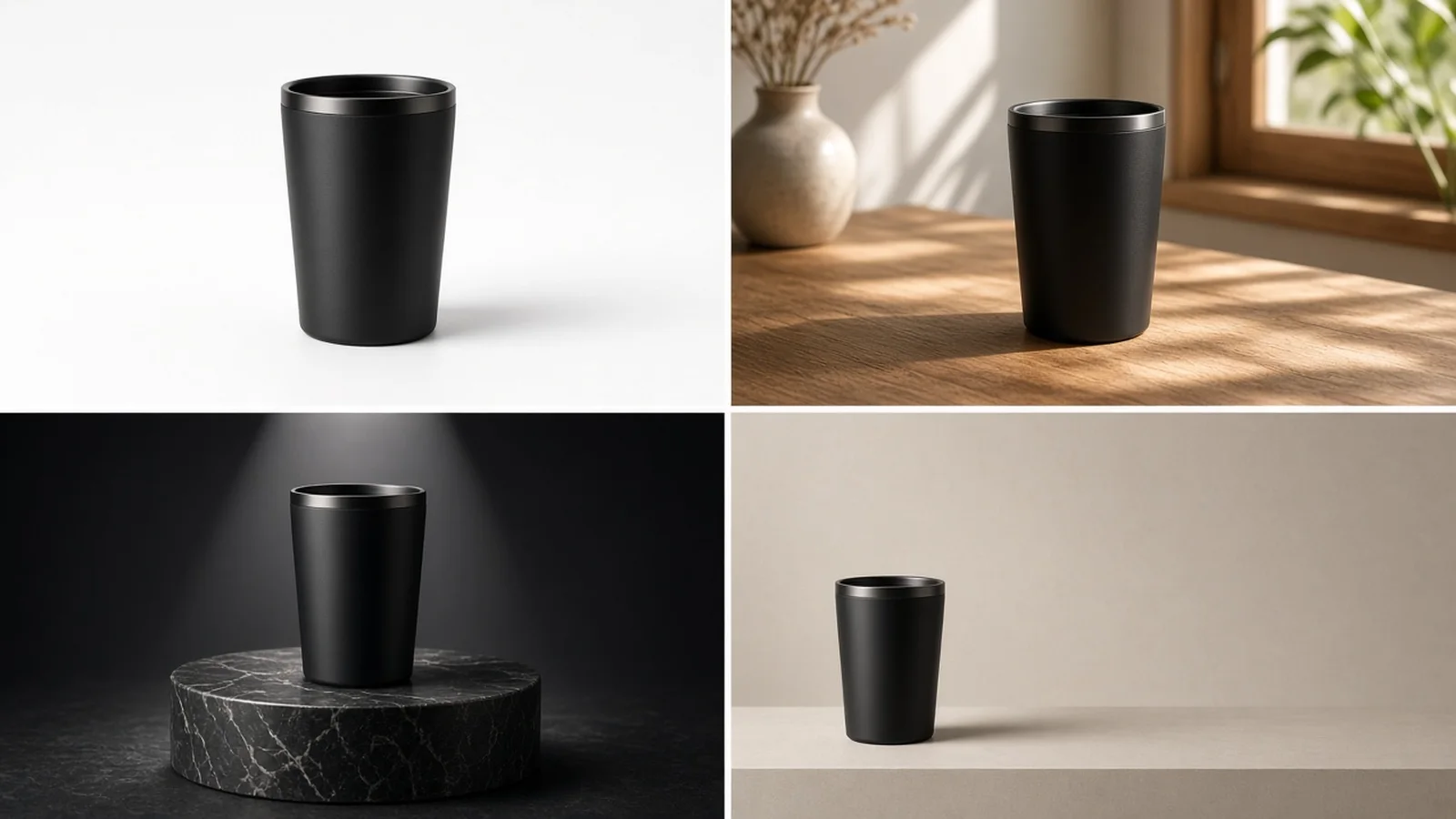
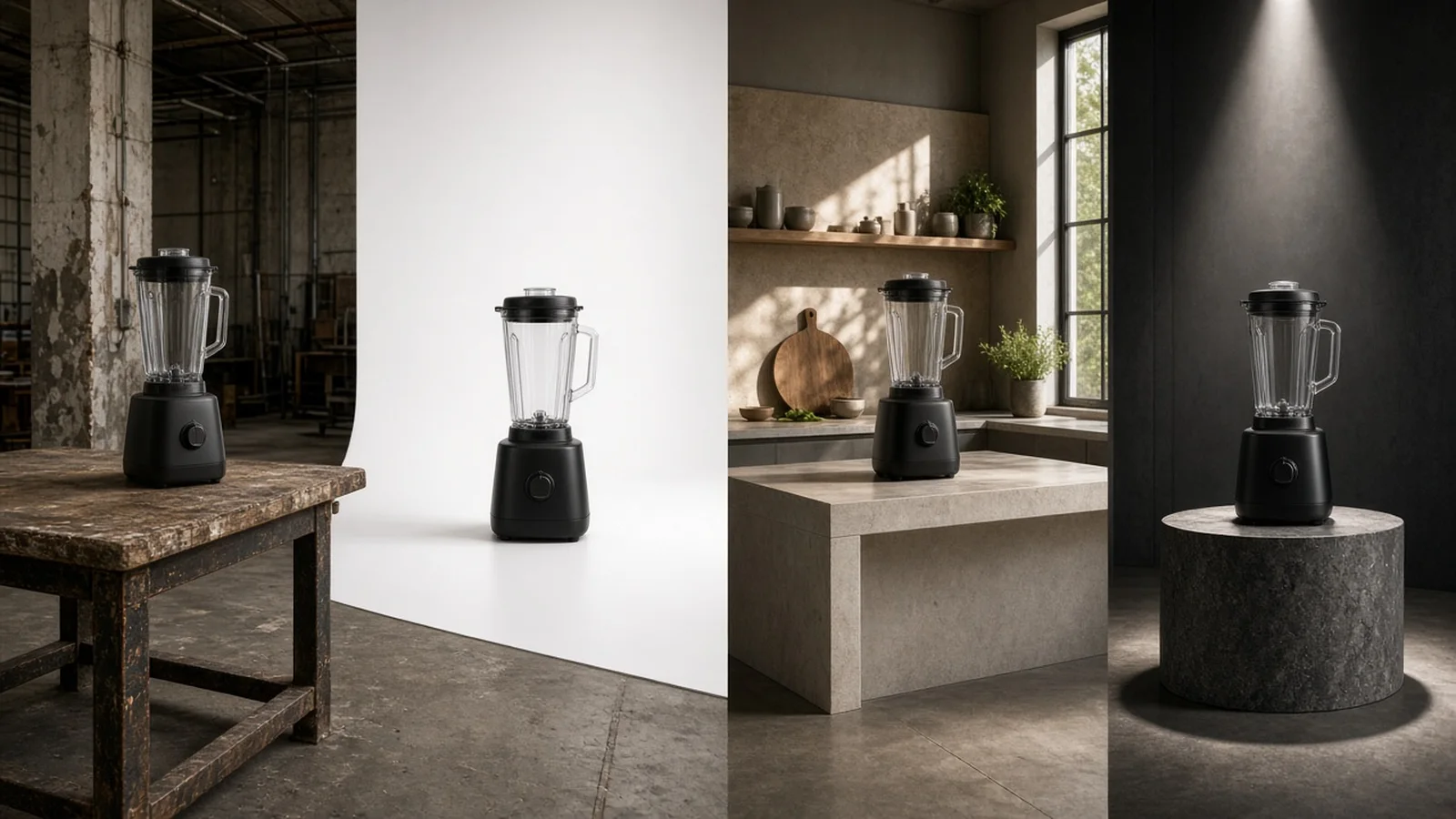
Overview of raw SKU photo transformed into compliant Slot 1 white background, lifestyle in-context, studio pedestal, and A+ banner Amazon product photography

Slot 1 pure-white hero framing

For Slot 1 main images, shoppers scroll search grids on small mobile screens, so frame fill and grounding shadows matter enormously.

Our 85%+ hero fill option centers your product cleanly on a pure white backdrop with crisp commercial softbox lighting and a soft, realistic contact shadow directly beneath the base—never floating cutouts or promotional badges.
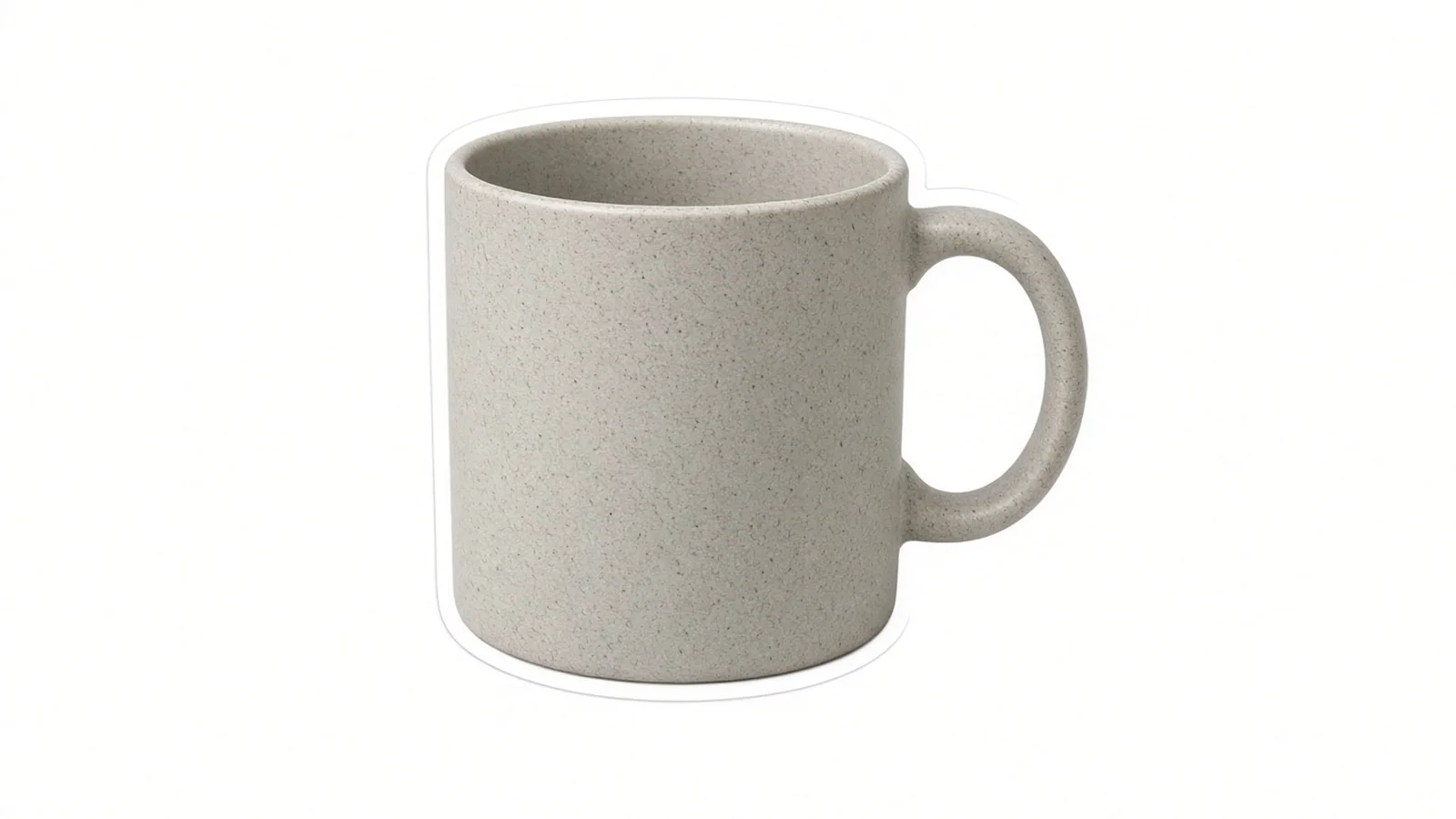
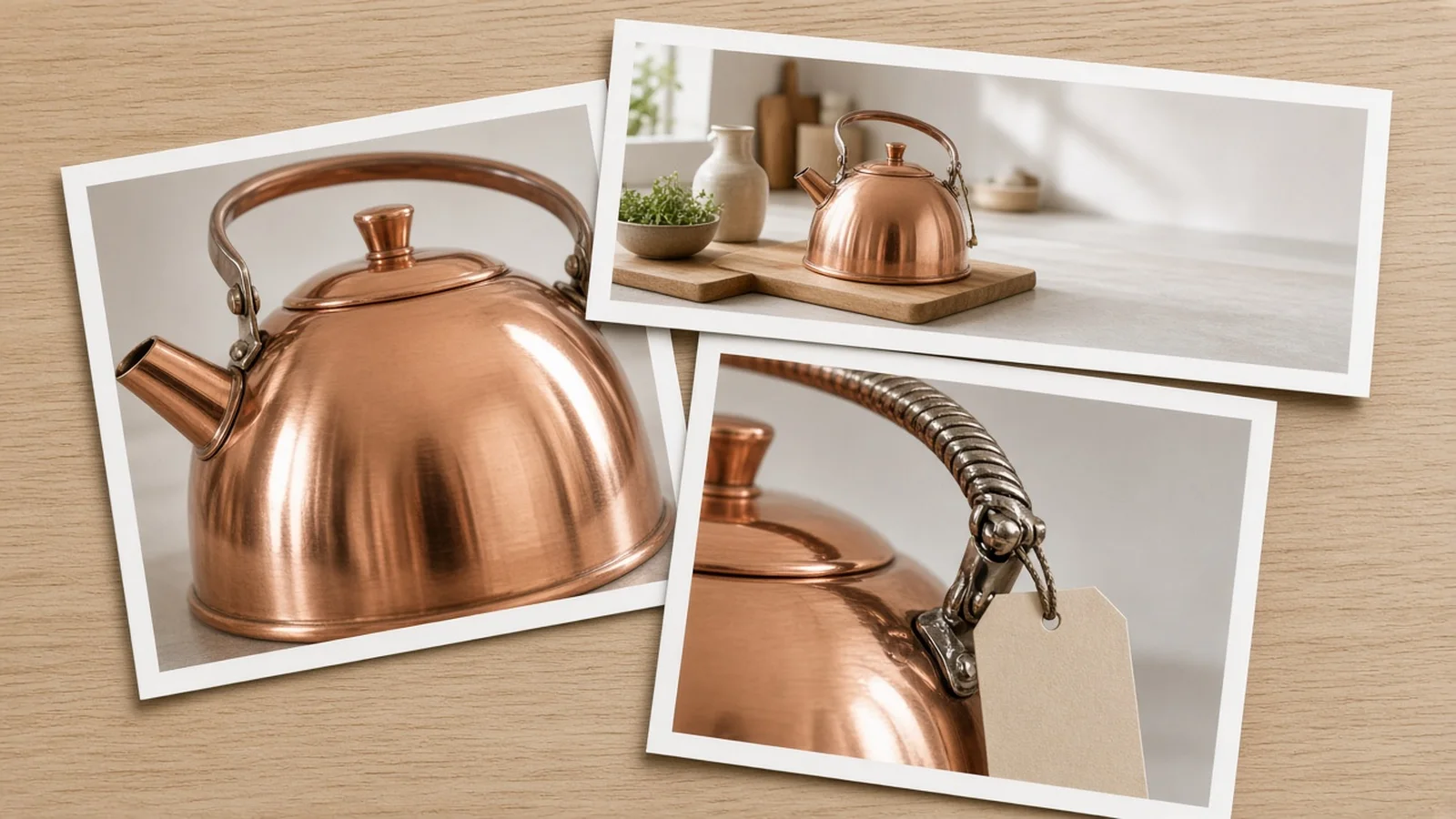
Secondary lifestyle in-context scenes

Once your main image earns the click, secondary gallery slots do the heavy lifting of answering how the product looks in real life.

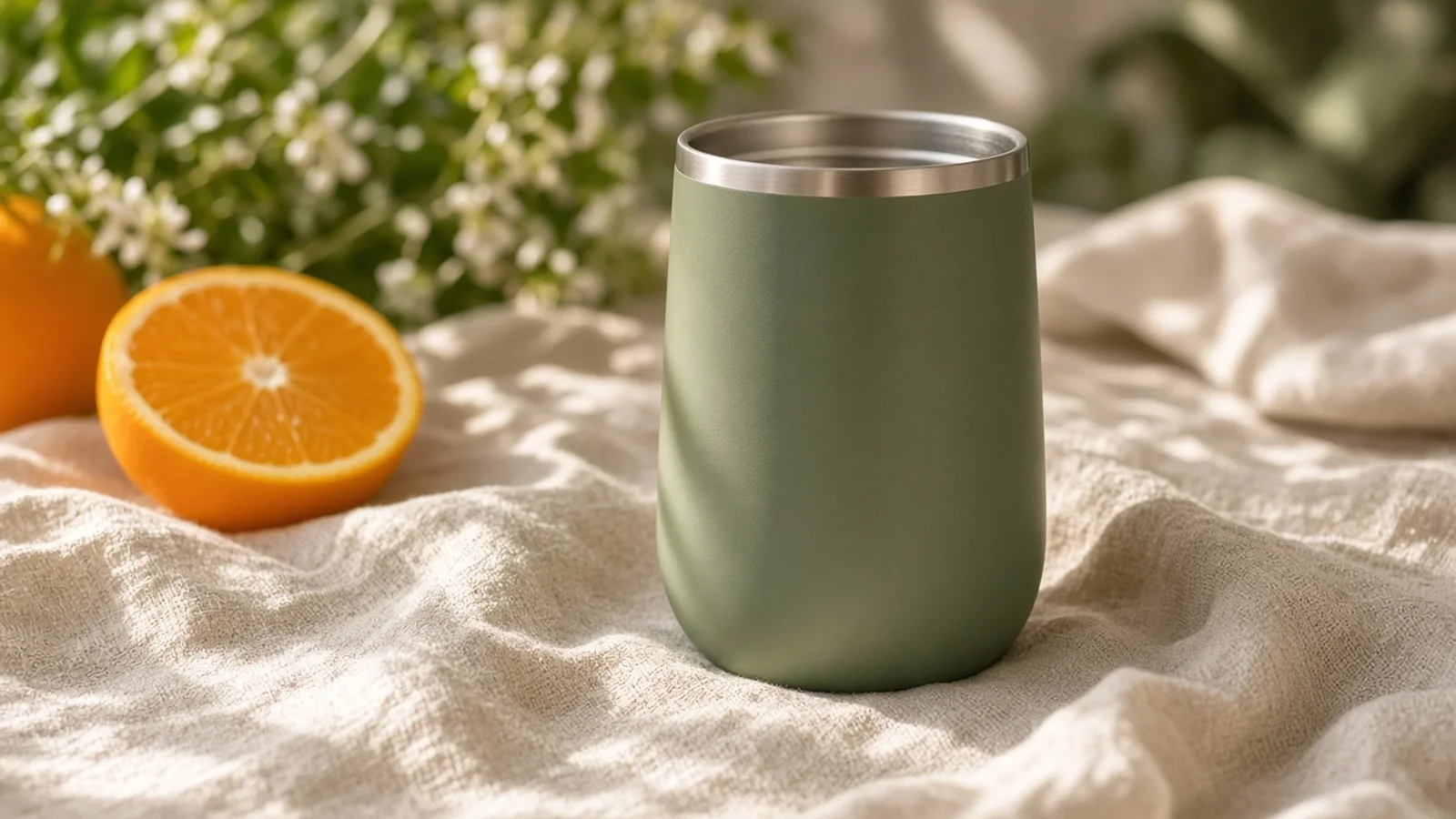
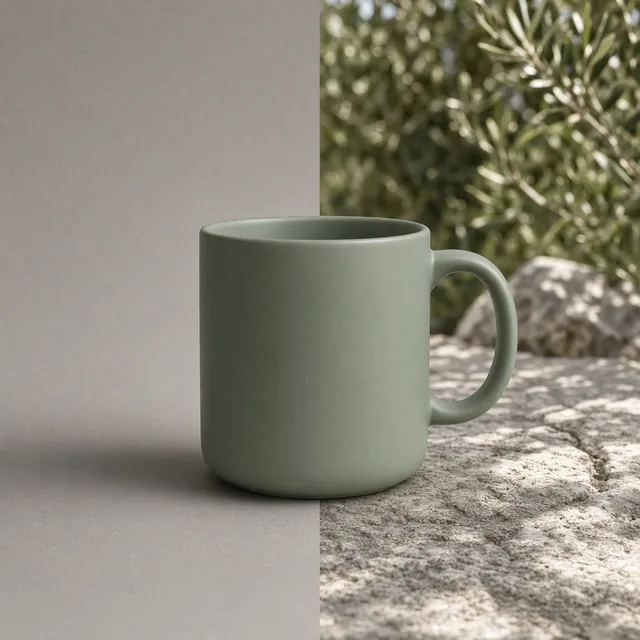
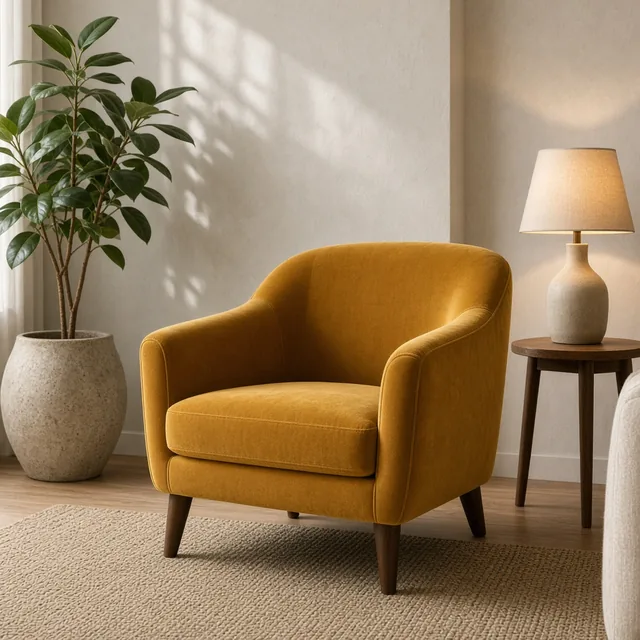
Switching the slot selector to Lifestyle In-Context places your SKU on sunlit kitchen counters, tidy bathroom vanities, or modern home desks while keeping your product’s silhouette, proportions, and finishes anchored.

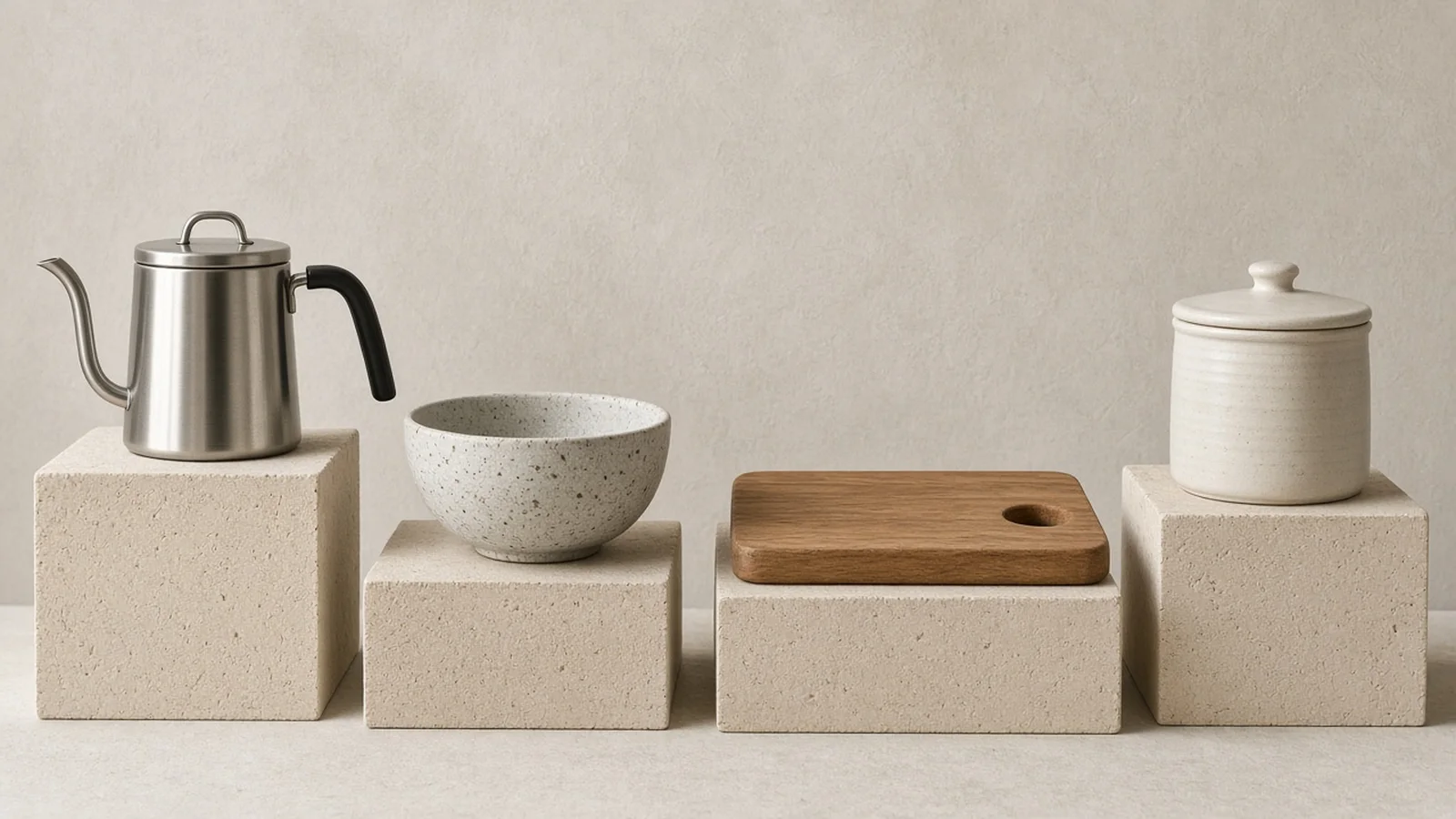
Studio pedestals & A+ copy space

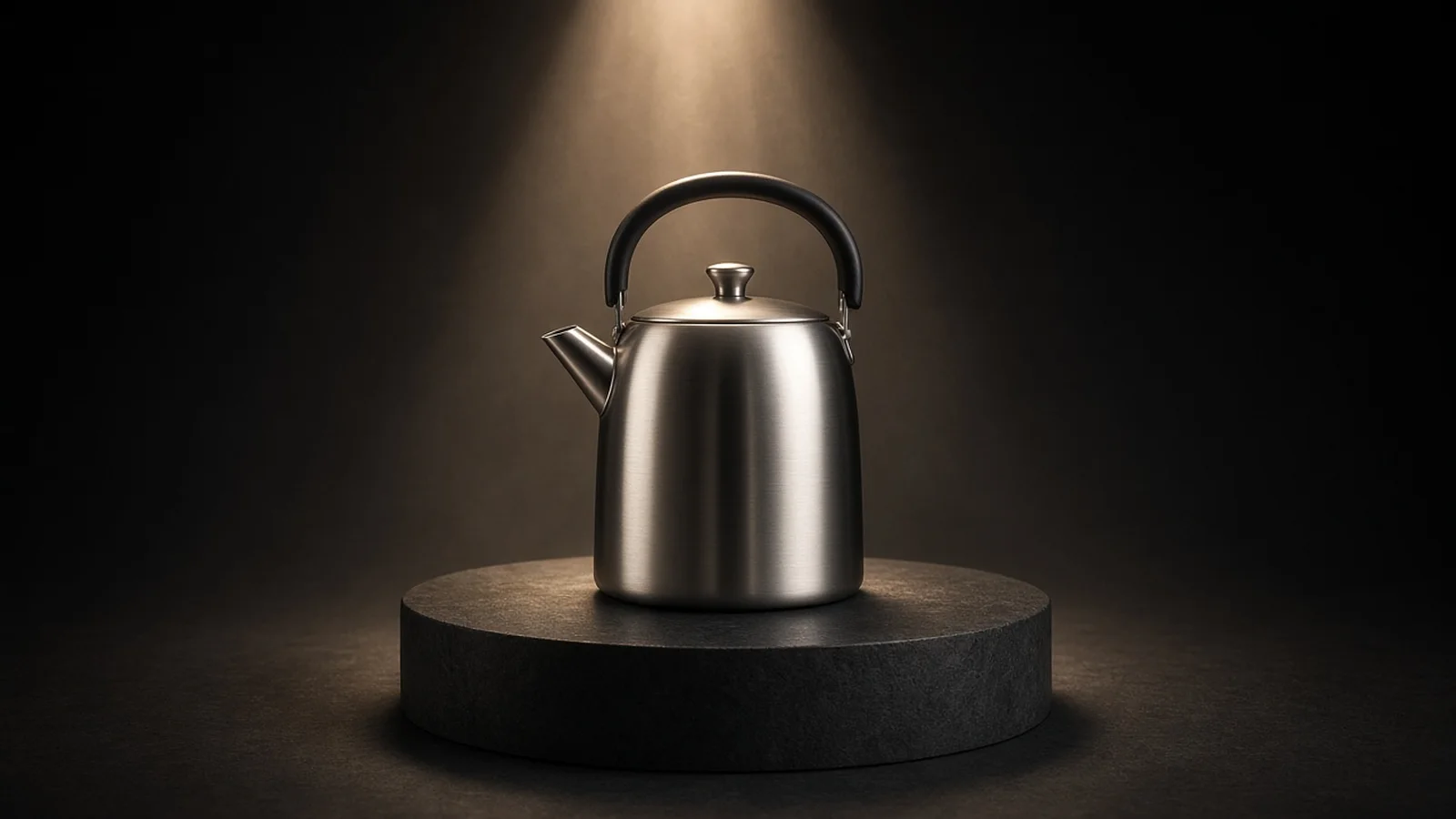
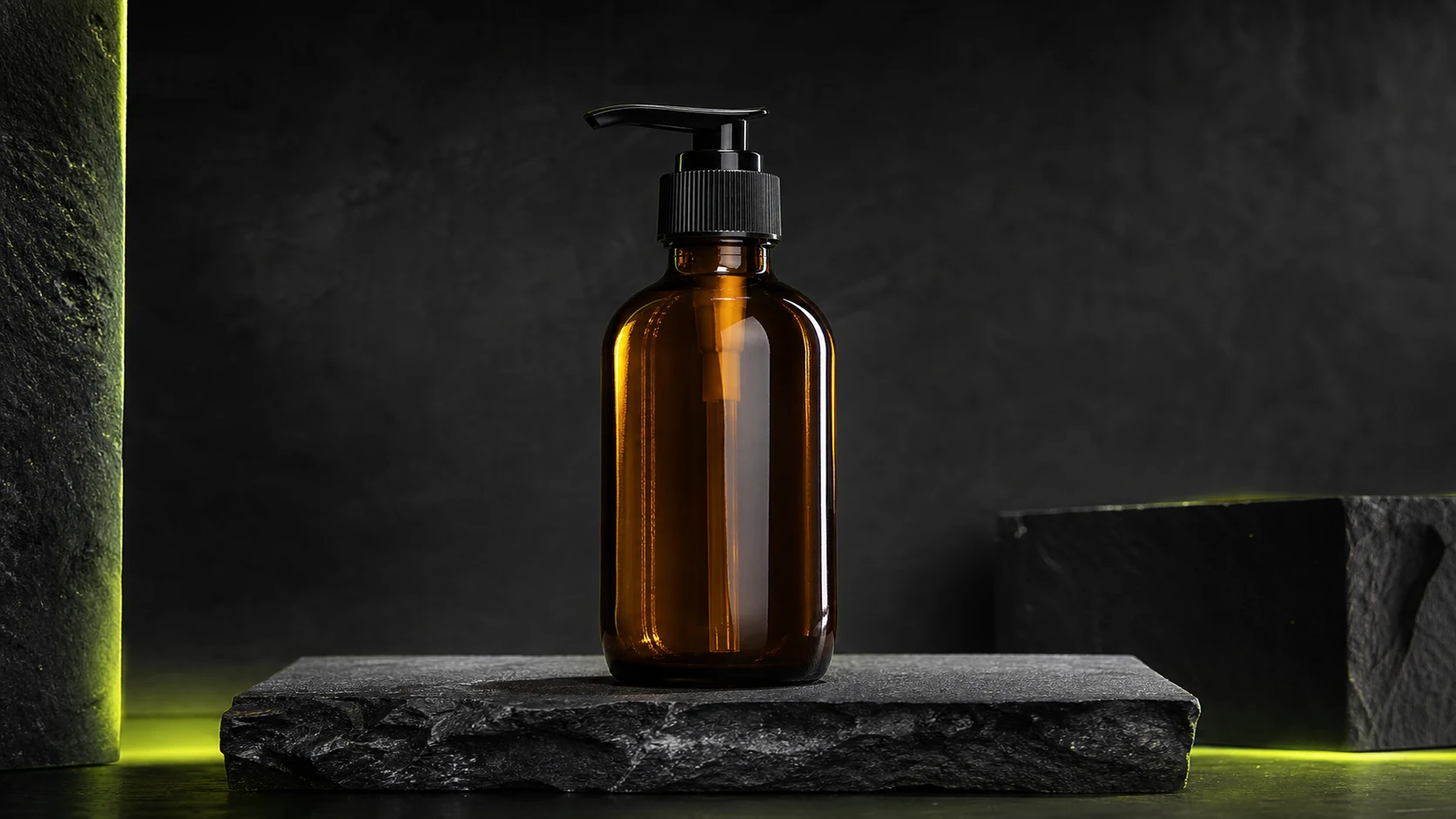
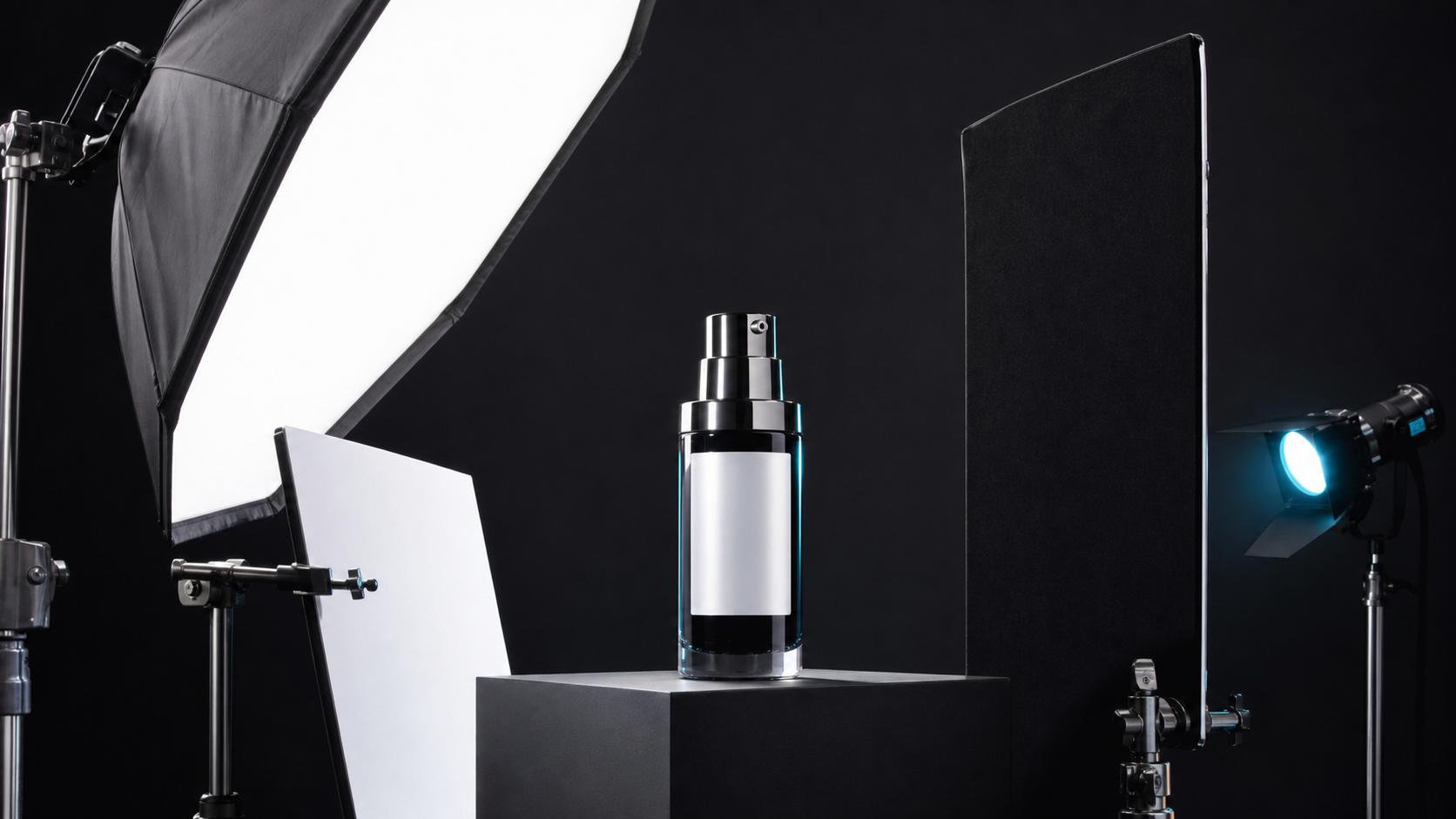
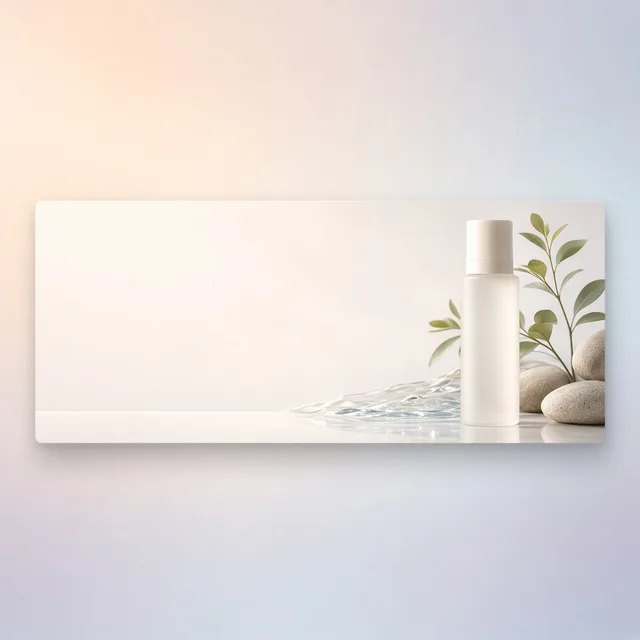
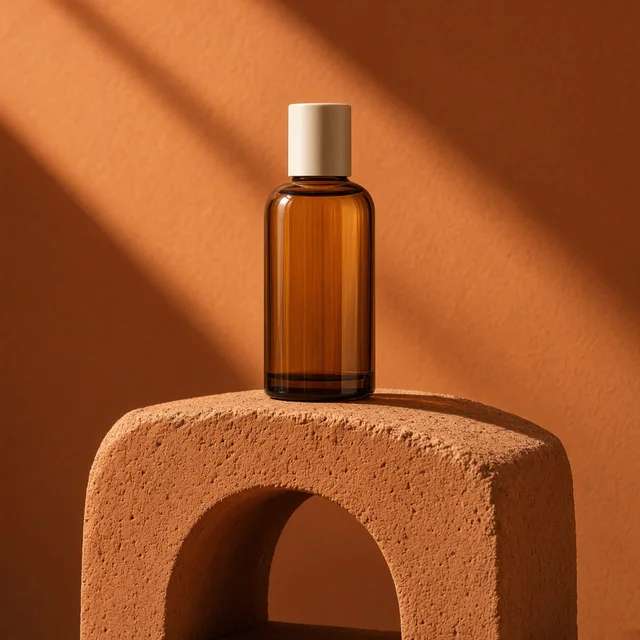
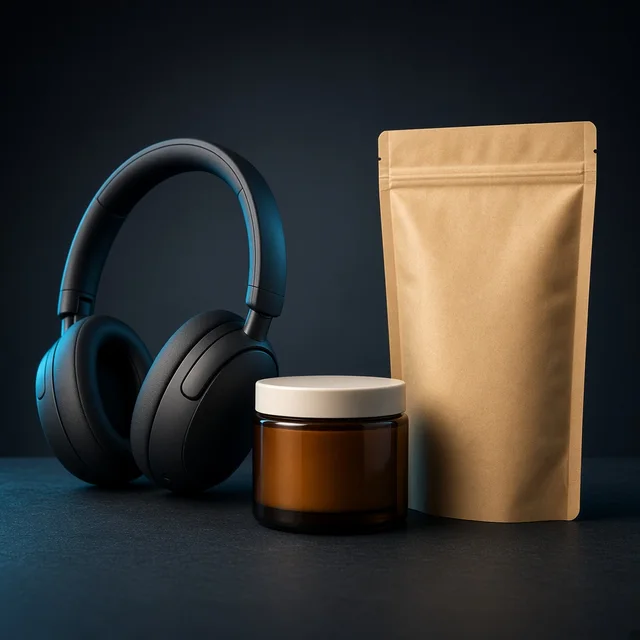
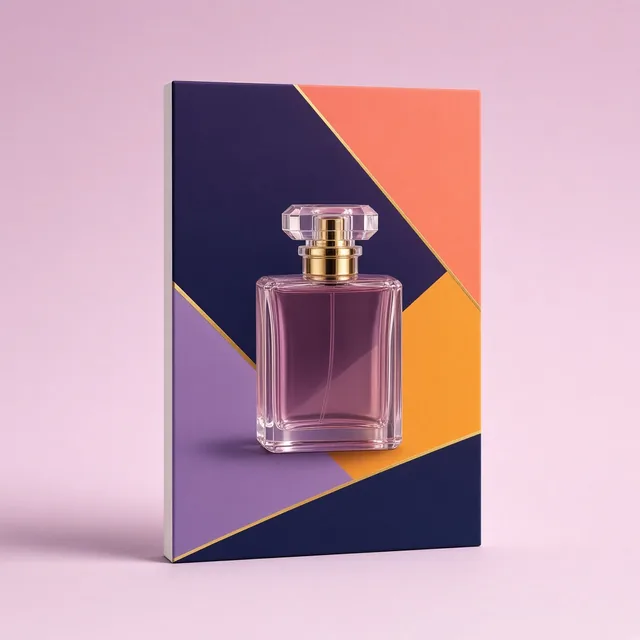
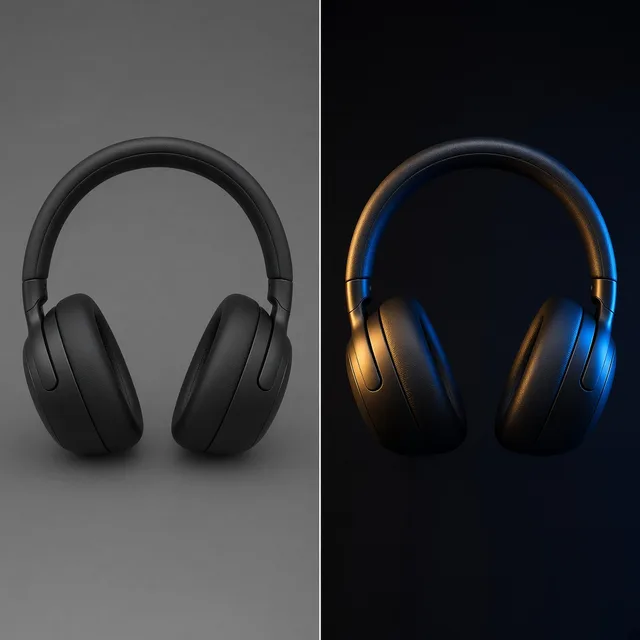
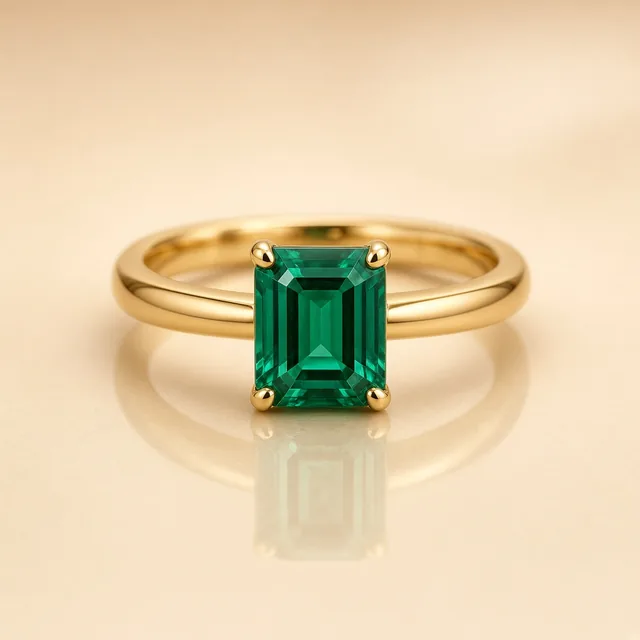
For premium supplements, cosmetics, consumer electronics, and glassware, the Clean Studio Pedestal and A+ Brand Story Banner modes pair sculpted specular rim lighting with intentional side breathing room.

That negative space makes it effortless for your designer to overlay specification bullets, comparison callouts, and brand copy without crowding the hero SKU.

Simple credit pricing & free trial

Pricing is straightforward and transparent: each generated image costs 10 credits, you can produce 1 to 4 versions per run to pick the strongest framing and lighting, and new accounts receive one free generation after signing in so you can benchmark your own Amazon product photos risk-free.

Slot 1 Main Image Focus

Generates clean white backdrops with zero unrequested badges or props and 85%+ hero framing built for mobile search CTR.

Secondary Scene Variety

Produce warm home daylight lifestyle shots, studio pedestals, and wide A+ banners from the same uploaded sample.

Three Commercial Light Modes

Choose crisp commercial softbox, natural window light, or high-contrast specular rim lighting for glass and metal.

Copy-Ready Side Breathing Room

Reserve balanced left or right space for infographic arrows, dimension callouts, and A+ storytelling blocks.

Fast 1–4 Version Runs

Run 1 to 4 variations at 10 credits per image so you can compare shadows, reflections, and composition quickly.

Transparent Boundaries

No 360/3D/AR spins or automated size/fit measurement claims—focused strictly on reliable still listing photography.

Why ProductShot AI

Engineered around how Amazon shoppers actually browse and buy

Every preset reflects real marketplace constraints—from mobile thumbnail density to A+ copy legibility.

Full Listing Slot Coverage

Switch seamlessly between Slot 1 main white, secondary lifestyle, studio pedestals, and A+ Brand Story banners without re-uploading.

Cohesive Gallery Color & Tone

Keep packaging hues, surface finishes, and brand atmosphere unified across every thumbnail in your 7-image gallery.

Realistic Studio & Daylight Physics

Renders soft floor contact shadows and natural specular highlights so products feel grounded rather than pasted on.

Seller-First Honesty & Restraint

Strict Slot 1 prop-free defaults and explicit reminders to verify RGB(255,255,255) values, barcodes, and tiny label copy.

Built-In Prompt & Angle Presets

Start from proven ecommerce notes and slot presets instead of guessing complex photography prompts from scratch.

Predictable Per-Image Credits

Pay 10 credits per generated image with 1–4 variants per run and start with one free generation right after sign-in.

Use Cases

Why basic background cutouts fall short on Amazon

Amazon shoppers compare thumbnails in milliseconds and inspect details closely before adding to cart.

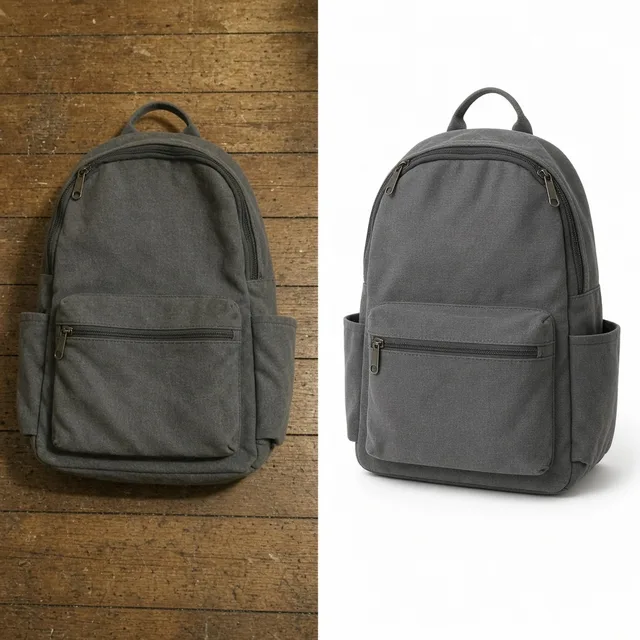
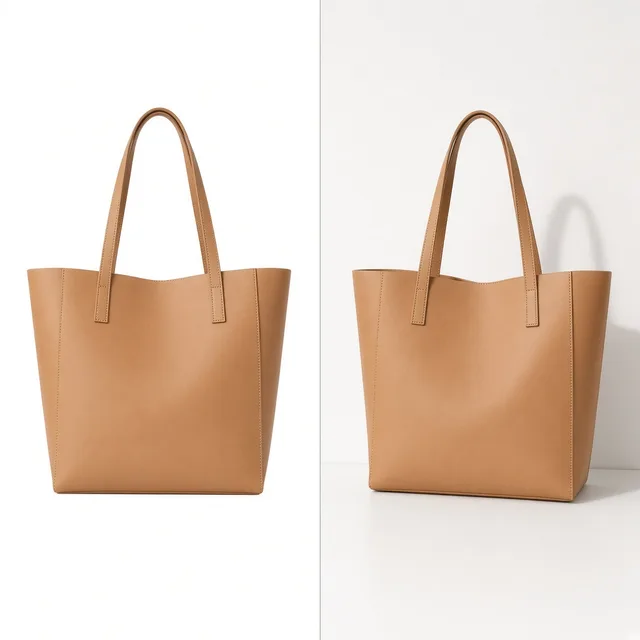
Comparison showing a flat cutout against a properly lit white-background Amazon main image with natural floor shadow

Flat cutouts look pasted onto white

Simple background erasers strip away natural contact shadows and leave uneven factory lighting, making Slot 1 thumbnails look amateur next to top category sellers.

Calendar and studio budget comparison showing faster Amazon listing launch with AI image generation

Physical shoots stall FBA launch timelines

Shipping pre-production samples to a studio and waiting weeks for retouching delays PPC launches and seasonal inventory windows.

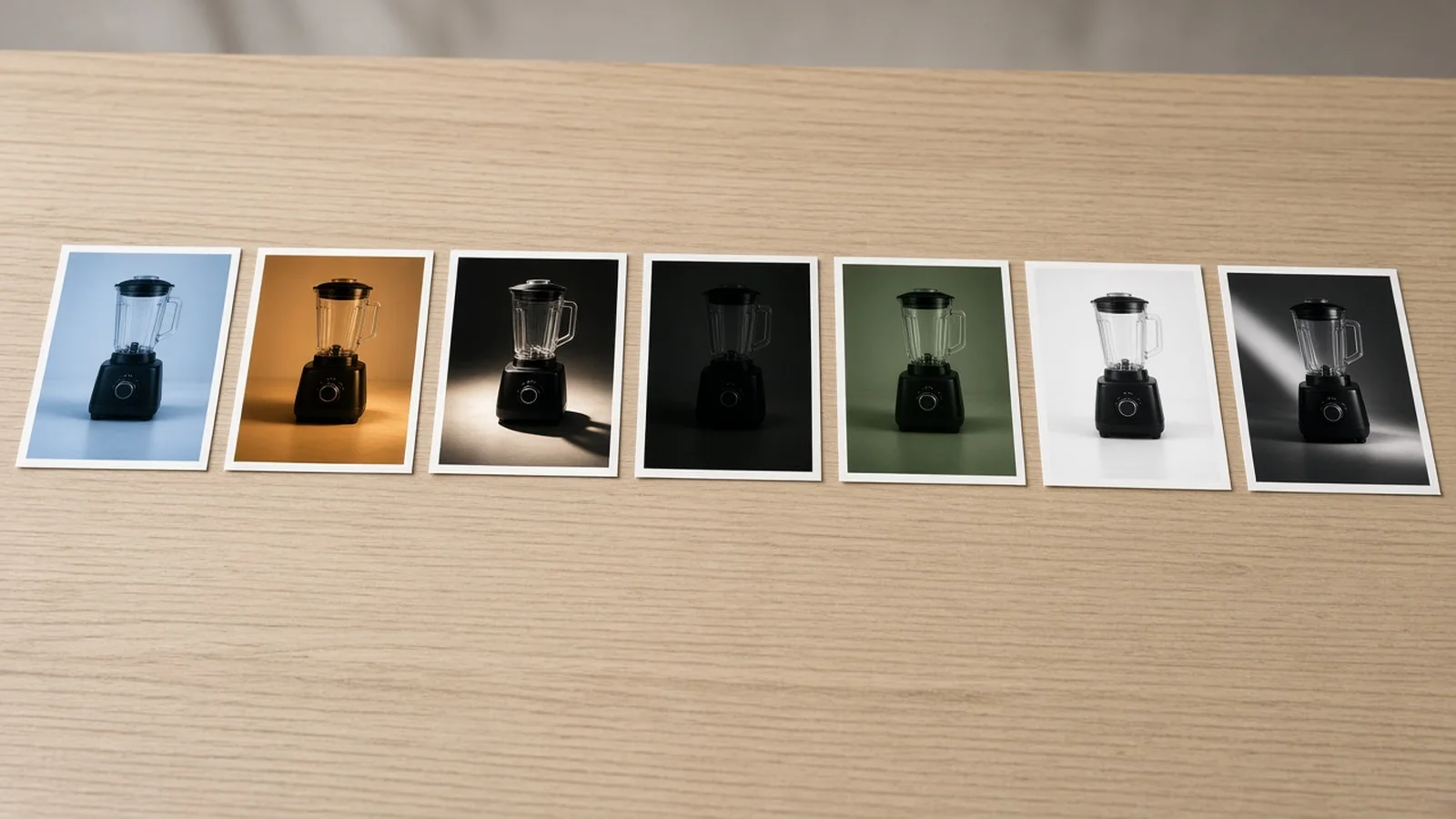
Cohesive Amazon image stack showing unified lighting across main, lifestyle, and pedestal frames

Mismatched lighting across your 7-slot gallery

Mixing supplier renders, smartphone snaps, and stock cutouts creates jarring color temperature shifts as shoppers swipe through your gallery.

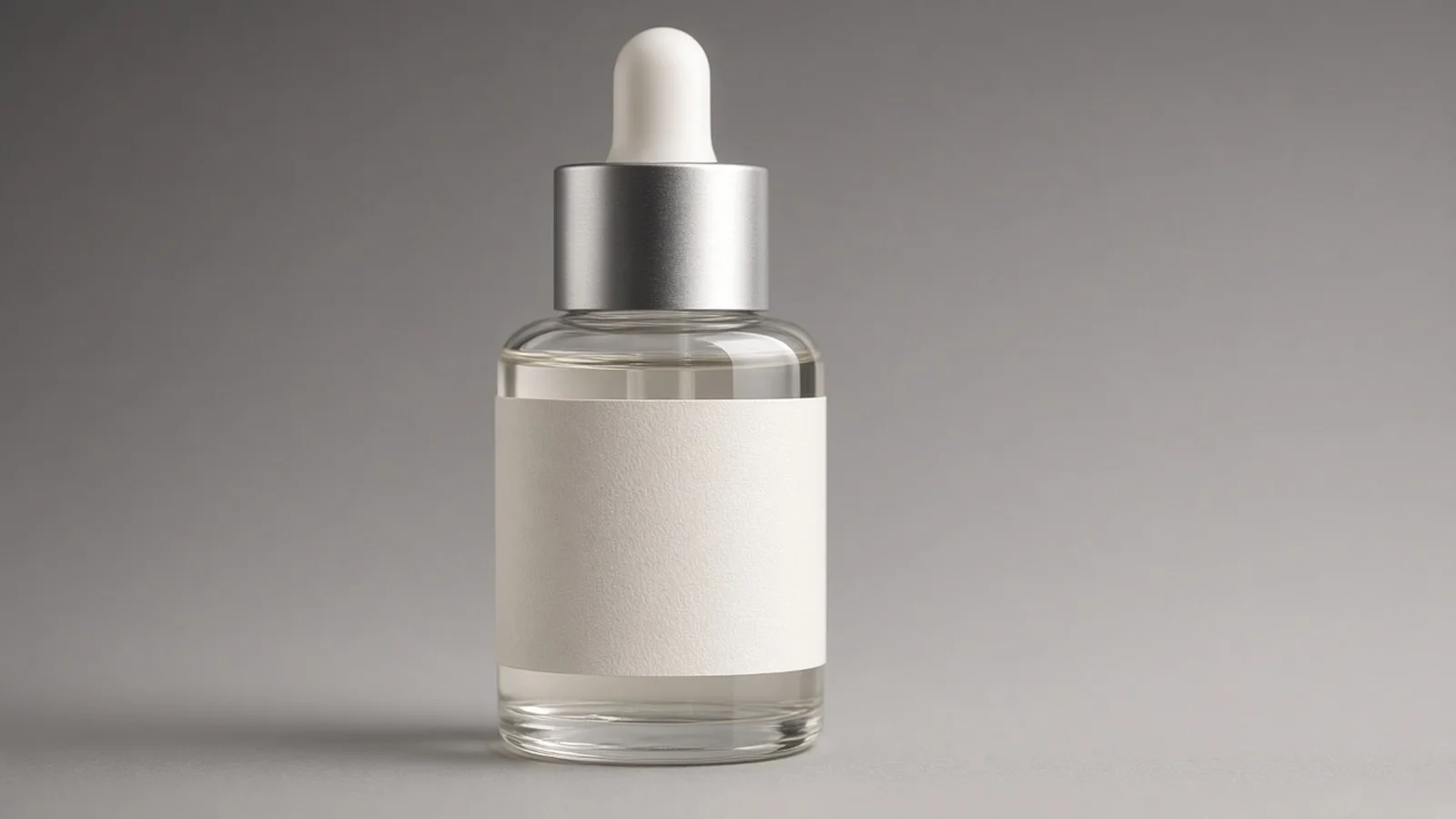
Close-up studio rendering showing crisp highlights on glass and brushed metal packaging

Small labels & finishes need realistic lighting

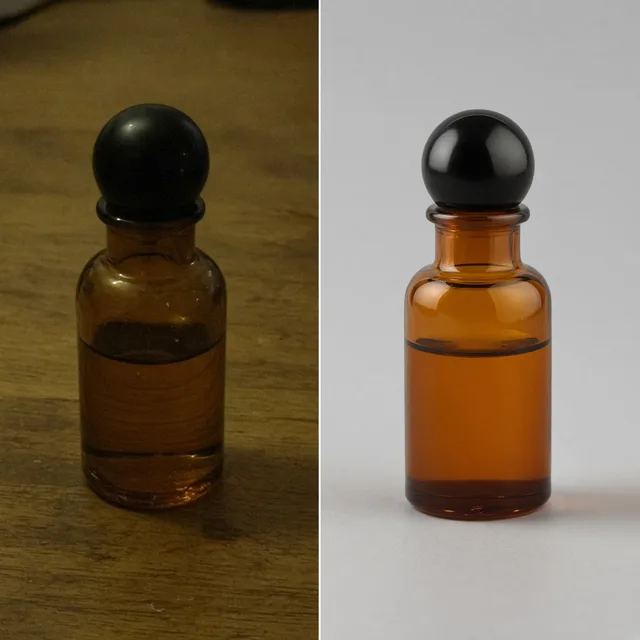
Matte cartons, brushed aluminum, and amber glass react differently to light; flat retouching kills surface texture and perceived product value.

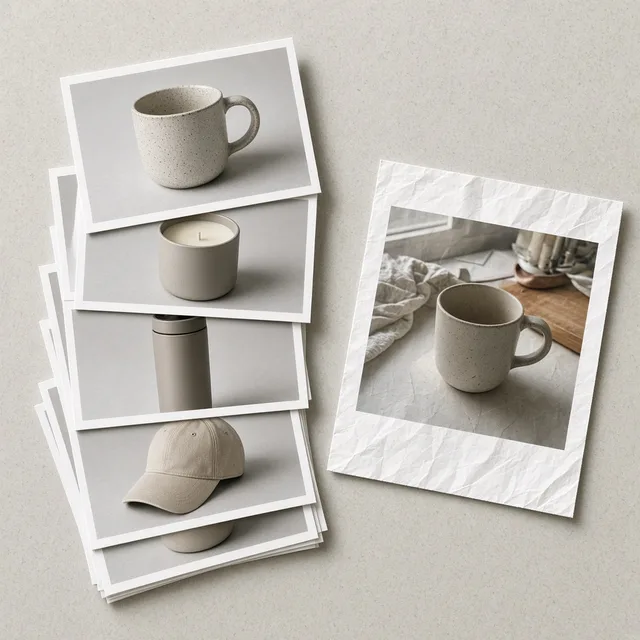
Three framing templates illustrating Slot 1 tight fill, balanced catalog margin, and wide A+ side breathing room

Different crops for Slot 1, Infographics & A+

Main images demand 85%+ tight framing, while secondary infographics and A+ banners need intentional negative space for text overlays.

By Channel

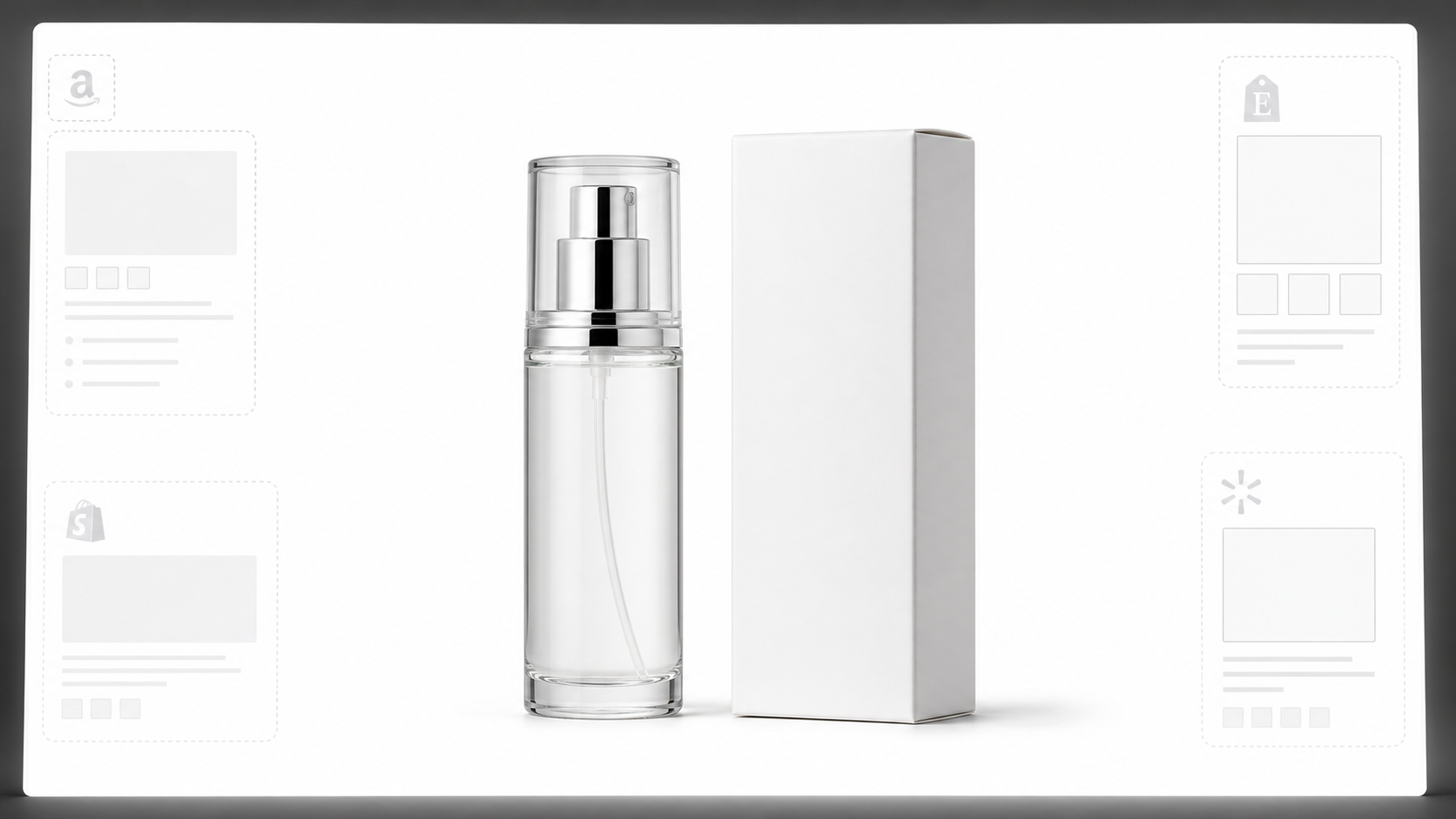
Turn one Amazon SKU shoot into multi-channel assets

Keep your visual identity consistent across FBA listings, DTC storefronts, product launches, and paid social.

How it works

From supplier snapshot to Seller Central ready in four steps

No studio booking, lightbox rig, or sample shipping delays required.

1. Upload Your Raw SKU Photo
2. Select Amazon Slot & Lighting
3. Generate & Inspect 1–4 Versions
4. Publish & Split-Test Listings
01

1. Upload Your Raw SKU Photo

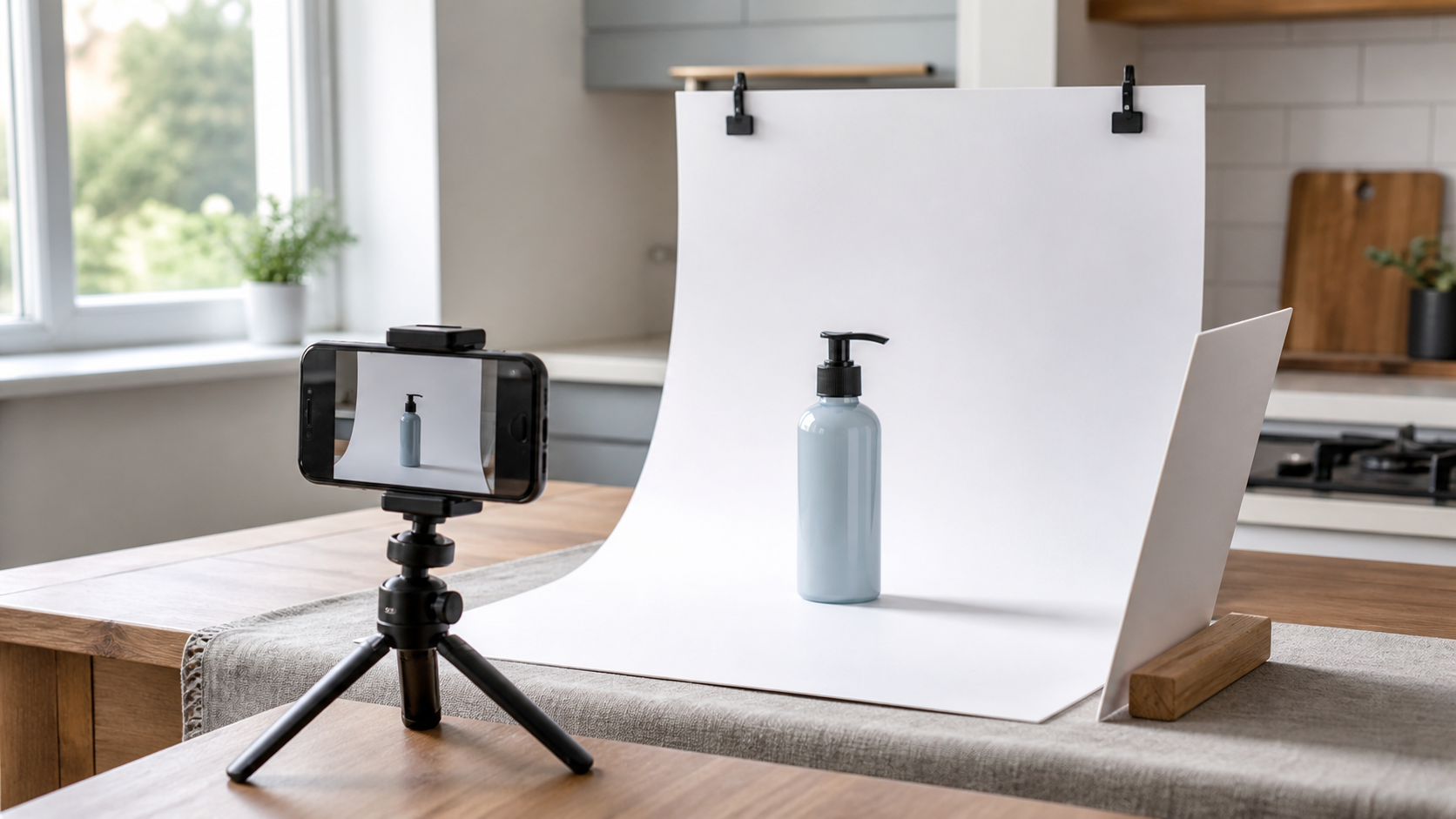
Use a sharp phone photo or factory sample image with the full item in frame.

02

2. Select Amazon Slot & Lighting

Pick Slot 1 white backdrop, lifestyle, studio pedestal, or A+ banner plus framing and light style.

03

3. Generate & Inspect 1–4 Versions

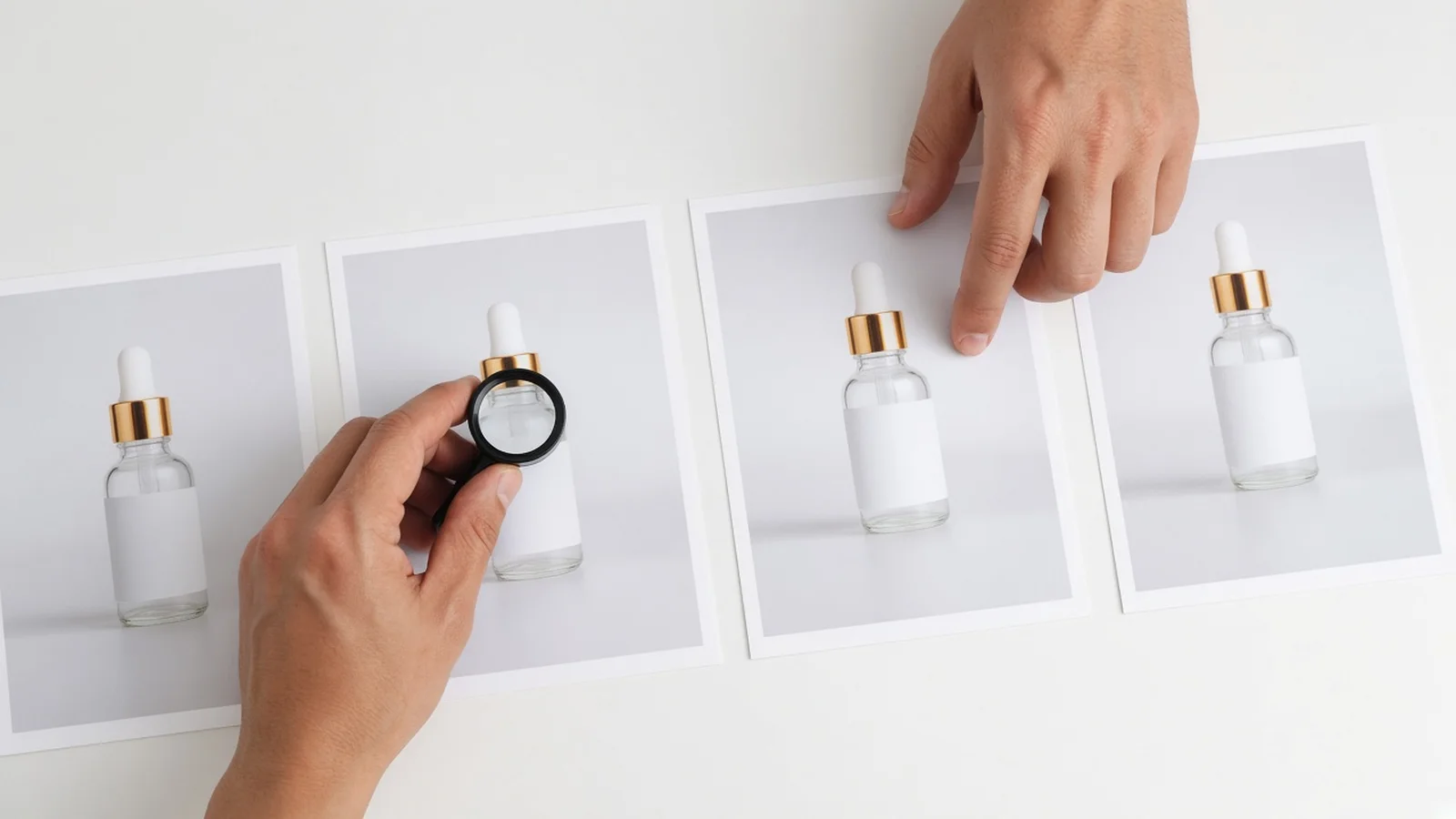
Review variations side by side at 10 credits per image and zoom into labels, barcodes, and white points.

04

4. Publish & Split-Test Listings

Download clean assets for Seller Central main image testing, secondary gallery plates, and A+ modules.

Method comparison

Traditional Amazon Studio Shoot vs ProductShot AI

See where an AI Amazon Product Image Generator saves days and budget compared to shipping samples to a physical studio.

Multiple

output styles

Reference-led

direction

Built-in

before-and-after review

Traditional Workflow

Physical Studio & Manual Retouching

Ship physical samples, book photographers and stylists, shoot on set, and wait days for clipping paths and color grading.

Cost
$300–$1,500+ per SKU package×
Turnaround
1–3 weeks including shipping & edits×
What You Need
Physical samples, studio props, lighting crew×
Iteration
Paid reshoots for new backgrounds or crops×
Output Range
Fixed set of booked angles & scenes×
Product Accuracy
Direct optical capture of physical print×
ProductShot AI

AI Amazon Product Image Generator

Upload one sample photo and generate Slot 1 white-backdrop, lifestyle, pedestal, and A+ concepts in minutes.

Cost
10 credits per image; 1 free generation on sign-in✓
Turnaround
Minutes for 1–4 variations per run✓
What You Need
One clear phone or supplier photo✓
Iteration
Instant slot, framing & lighting switches✓
Output Range
Slot 1 white, lifestyle, pedestal & A+ banners✓
Product Accuracy
Preserves core form; always inspect fine labels & barcodes✓

How-to guide

How to prepare and generate high-converting Amazon product photos

Follow this quick shoot-and-prompt workflow for sharper labels, cleaner white backgrounds, and fewer Seller Central rejections.

1. Capture a clean input photo

  • Shoot straight-on or at a slight three-quarter angle at eye level with the product.
  • Keep the entire SKU inside the frame with small margins on all four sides.
  • Use bright, even window or desk light so label typography and seams stay crisp.
  • Wipe dust, fingerprints, and stray packaging stickers off glossy surfaces first.

2. Use a clear slot + lighting note

[Amazon Slot] + [Surface or Backdrop] + [Lighting Mood] + [Framing / Copy Space]

Our slot, framing, and lighting dropdowns handle most heavy lifting automatically. Add a short note only when you want a specific tabletop material, background mood, or left/right placement for infographics.

  • Slot 1 pure white studio backdrop, 85% centered frame fill, soft contact shadow underneath, zero extra props.
  • Secondary lifestyle shot on a pale oak kitchen counter in warm morning sunlight, clean room on left for callout copy.
  • Dark slate studio pedestal with crisp rim lighting highlighting brushed stainless steel edges for A+ Brand Story banner.

3. Avoid these Seller Central pitfalls

  • Uploading Slot 1 images without verifying pure RGB(255,255,255) background pixels.
  • Adding promo badges, 'Best Seller' ribbons, or unrequested props into Main Image Slot 1.
  • Skipping a 100% zoom check on fine packaging text, ingredient panels, or UPC/FNSKU barcodes.
  • Using heavily cropped or motion-blurred supplier photos as your starting reference.

Further reading

Practical checklists to keep main images compliant and secondary slots high-converting.

AI Product Photography Generator Guide: 7 Best Tools for 2026Guide
Jun 23, 20268 min read

AI Product Photography Generator Guide: 7 Best Tools for 2026

Compare AI product photography generators for white background images, studio shots, lifestyle scenes, and ecommerce campaign visuals.

Read Article
The Real Problem With White Background Product Photos (And How I Solved It)White Background
Jun 18, 20268 min read

The Real Problem With White Background Product Photos (And How I Solved It)

Learn why white background product photos are harder than they look, how platform rules differ, and how to preserve details.

Read Article
Product Image Clarity for Listings: Fix Soft Supplier and Marketplace PhotosWorkflow
Jul 15, 202610 min read

Product Image Clarity for Listings: Fix Soft Supplier and Marketplace Photos

How ecommerce teams prep soft supplier packs and re-exported marketplace images with free browser clarity enhancement before Amazon and Shopify uploads.

Read Article
How to Take Professional Product Shots Without a Studio (or a Degree in Photography)Workflow
Jun 17, 20268 min read

How to Take Professional Product Shots Without a Studio (or a Degree in Photography)

A practical workflow for taking sellable ecommerce product photos with a phone, simple setup, and AI-powered variations.

Read Article
It Took Me Two Years to Understand Product Photography LightingLighting
Jun 20, 20268 min read

It Took Me Two Years to Understand Product Photography Lighting

A practical guide to product photography lighting, soft light, fill light, backlight, reflection control, and difficult materials.

Read Article
I Spent $20,000 on Product Photography — Then AI Changed EverythingCase Study
Jun 16, 20268 min read

I Spent $20,000 on Product Photography — Then AI Changed Everything

A seller shares what traditional product photography costs, why product fidelity matters, and how AI changed the workflow.

Read Article
Seller feedback

Trusted by private-label sellers & marketplace teams

Real workflows from brands building faster FBA launches and cleaner listing galleries.

Portrait avatar of Daniel Reyes, Home and Kitchen FBA brand owner
Daniel Reyes

“We shot our pre-production kettle sample on a warehouse desk and had compliant Slot 1 white images plus sunlit kitchen lifestyle shots ready two weeks before ocean freight checked into FBA.”

Home & Kitchen FBA Brand Owner
Portrait avatar of Hannah Lindqvist, marketplace manager
Hannah Lindqvist

“The 85%+ hero fill preset and soft floor shadows made a huge difference in our search-page click-through rate compared to the flat transparent cutouts we used before.”

Marketplace Manager, Skincare Brand
Portrait avatar of Kevin Patel, supplement seller
Kevin Patel

“Having clean side breathing room on our secondary studio pedestal shots saved our designer hours when laying out feature icons and A+ comparison banners.”

Private Label Supplement Seller
Portrait avatar of Claire Beaumont, consumer electronics creative lead
Claire Beaumont

“The specular rim lighting mode handles matte aluminum and dark plastic cleanly. We still zoom in to double-check tiny port labels, and 1 to 4 versions per run makes picking a winner fast.”

Creative Lead, Consumer Electronics
Portrait avatar of Marcus Chen, Amazon agency director
Marcus Chen

“Clients send us messy factory WhatsApp photos all the time. Running them through ProductShot AI gives us consistent white-backdrop and lifestyle plates for split-testing within the same afternoon.”

Amazon Agency Account Director
Portrait avatar of Sofia Alvarez, pet accessories founder
Sofia Alvarez

“Starting with one free generation after signing in let me test our stainless dog bowl first, and at 10 credits per image it costs a fraction of shipping samples back and forth to a studio.”

Pet Accessories Brand Founder

FAQ

Frequently asked questions about our AI Amazon Product Image Generator

Everything sellers ask about Seller Central compliance, framing, label fidelity, and credits.

No tool can guarantee automated Amazon moderation approval across every category. Our Slot 1 · Pure White Main Image preset enforces clean white studio framing, zero unrequested props or promo badges, and natural base shadows—but you should always verify pure RGB(255,255,255) pixel values and category-specific rules before uploading.

Start with a sharp, evenly lit smartphone or sample-room photo where the entire SKU is visible with slight breathing room around all edges. Avoid heavy motion blur, extreme wide-angle distortion, or hands covering key labels.

Product Lock keeps your product's overall silhouette, label layout, and colors consistent, though very small back-panel fonts or dense barcodes can occasionally soften during generation. Always zoom in to 100% to inspect logos, regulatory text, and UPC/FNSKU codes before publishing.

Generating costs 10 credits per image, and you can create 1 to 4 versions per run to compare lighting and framing. New accounts receive one free generation right after signing in.

You can generate four core slot styles from the same photo: Slot 1 · Pure White Main Image, Secondary · Lifestyle In-Context, Secondary · Clean Studio Pedestal, and A+ Content · Wide Brand Hero.

Amazon recommends that the product fills roughly 85% or more of the main image frame so shoppers can immediately recognize what you sell on crowded mobile search results pages, boosting thumbnail visibility and click-through rate.

Yes. Select the 'Side breathing room for callouts' framing option—or choose the A+ Content banner slot—and mention left or right placement in Notes so your design team has a clean background zone for bullets and icons.

No. ProductShot AI focuses strictly on high-converting 2D still Amazon product photography and does not create interactive 360/3D/AR assets or automated size and fit measurement graphics.

A basic cutout tool leaves flat edges, uneven factory lighting, and zero contact shadow—making items look pasted onto white. Our generator re-renders realistic commercial softbox lighting and grounded base shadows while keeping your SKU intact.

Yes. Running 1 to 4 versions lets you test different lighting moods or framing tightness in Seller Central Manage Your Experiments, and reuse your lifestyle and pedestal shots across Shopify and ad creatives.

Build your Amazon product photo stack today

Upload one clear sample photo to create Slot 1 pure-white images, lifestyle secondary plates, and A+ visuals. 10 credits per image, 1–4 versions per run, and one free generation after signing in.

Start Free →

LLMs.txt