
















30:00
BF 50% OFFClaim

AI Object Remover: Remove Objects From Photo Without Re-Shooting

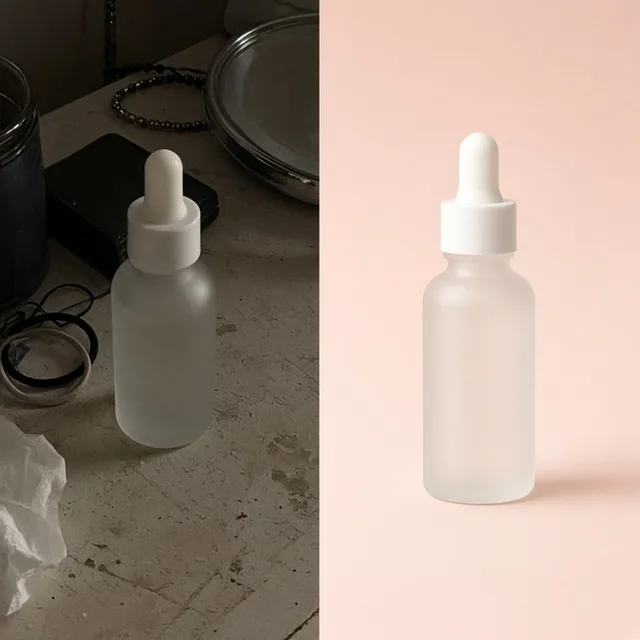
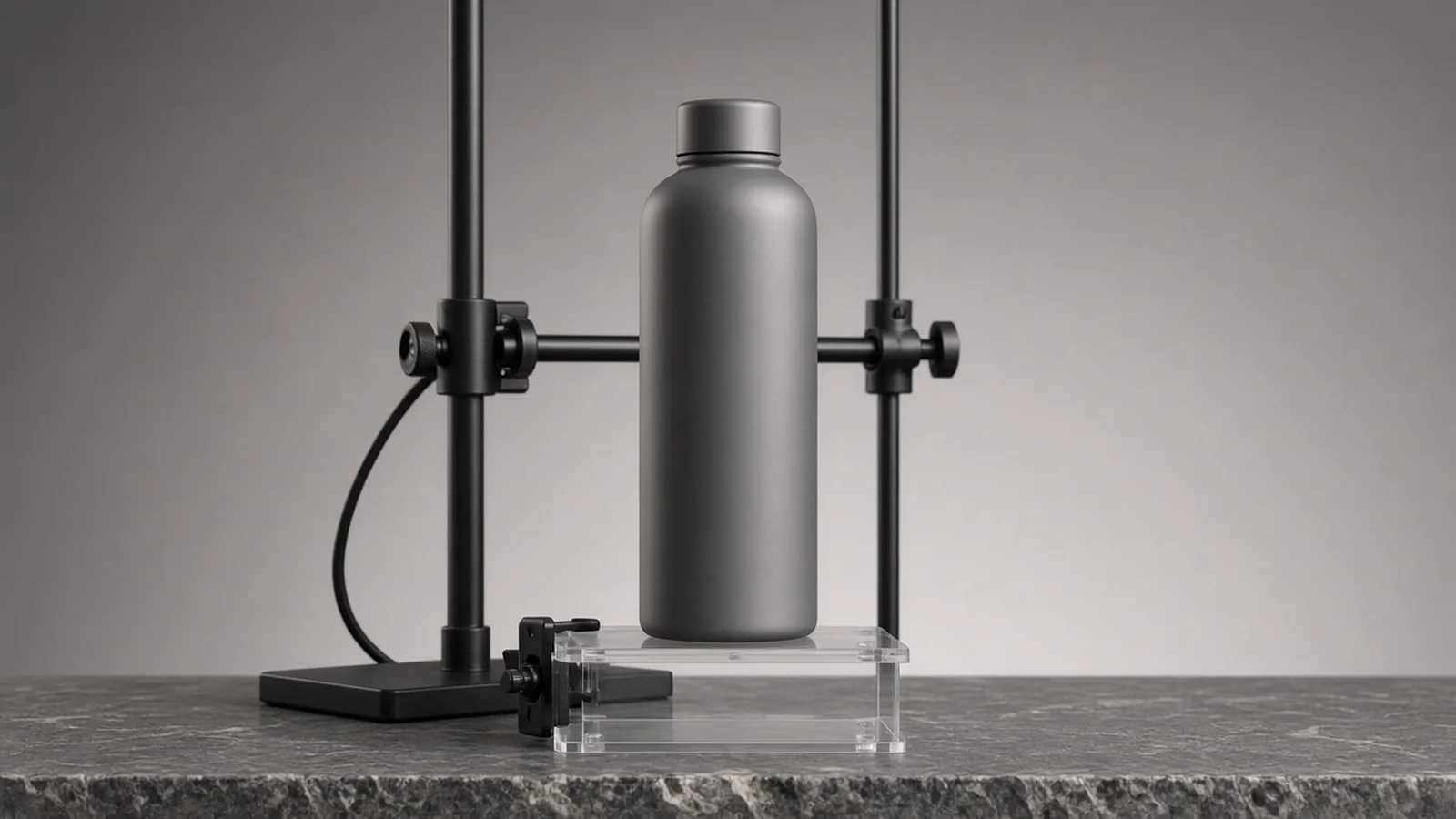
Compare original studio or lifestyle shots against cleaned results with stands, cords, and stray props removed.

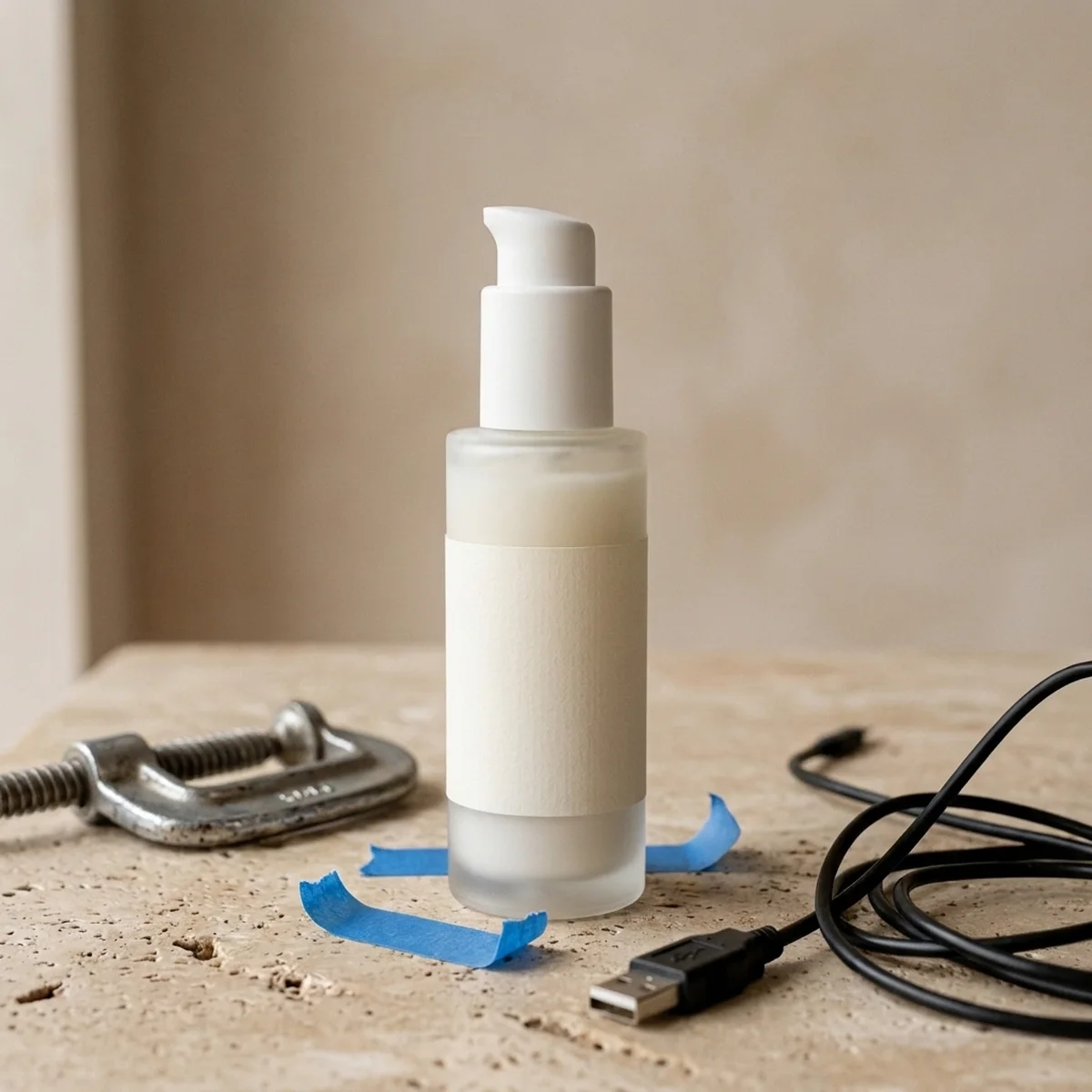
Skincare serum bottle resting on a visible clear acrylic stand and metal clamp in a studio setup
Original
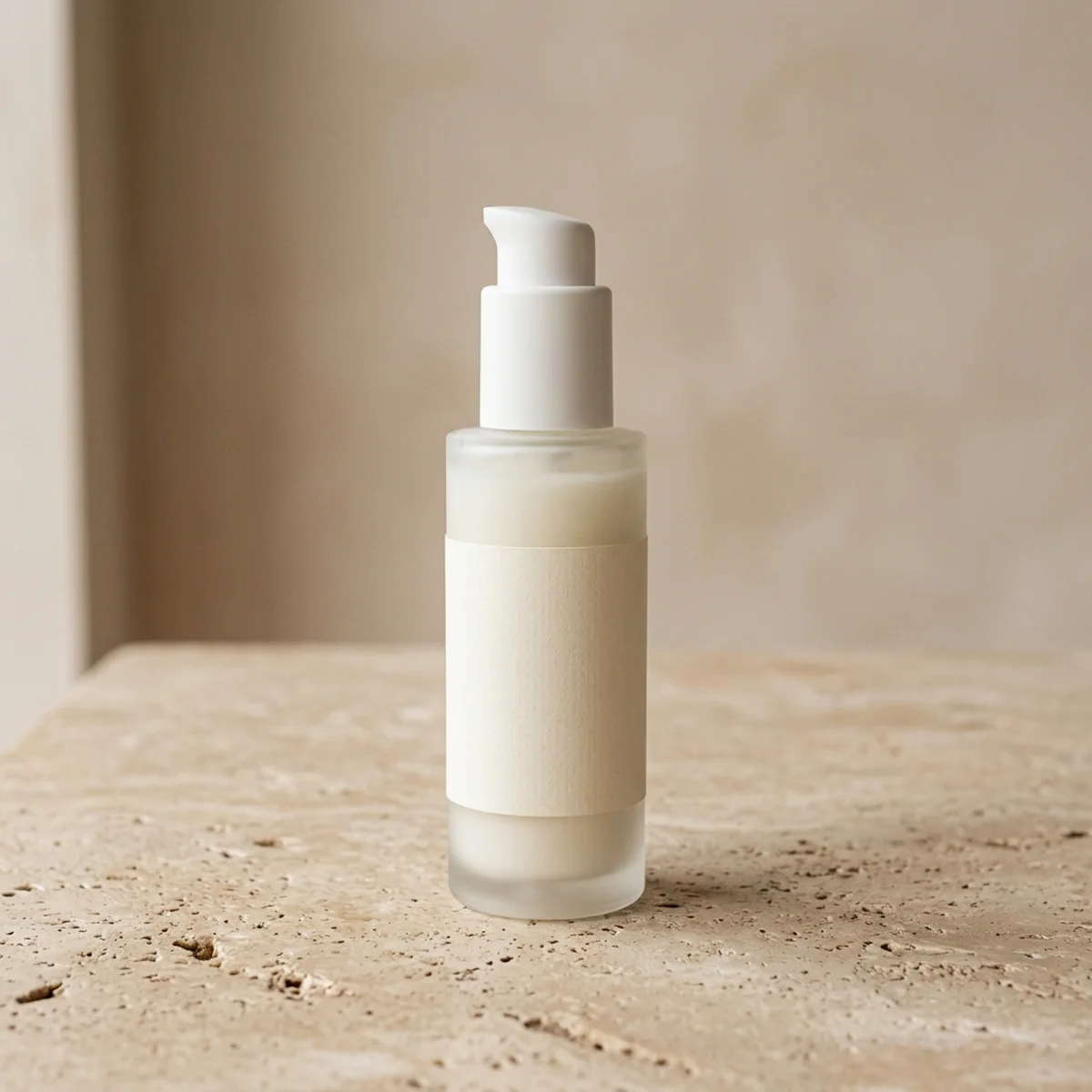
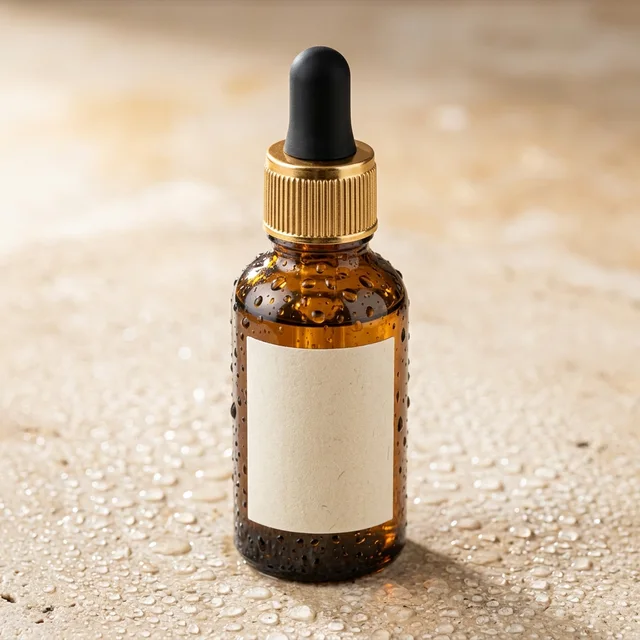
Same skincare serum bottle with the acrylic stand and clamp removed and the stone surface seamlessly reconstructed
Objects Removed

Shot propped on a clear acrylic block & clamp → Clean tabletop surface with natural shadow

Built for Real Studio Cleanups

Why sellers use an AI Object Remover before listing

Erase rigs, cords, and visual clutter in seconds instead of paying for a second studio day or tedious manual clone-stamping.

Photo Cleaner
Photo CleanerRemove clutter, dust and tags from product photosTry it →
AI Inpainting
AI InpaintingPaint an area, then replace, remove or addTry it →
White Background
White BackgroundClean white listing photos in secondsTry it →
AI Shadow Remover
AI Shadow RemoverRemove harsh shadows from product photos without reshootsTry it →

What it is

What is an AI Object Remover, and how does it differ from basic dust cleanup?

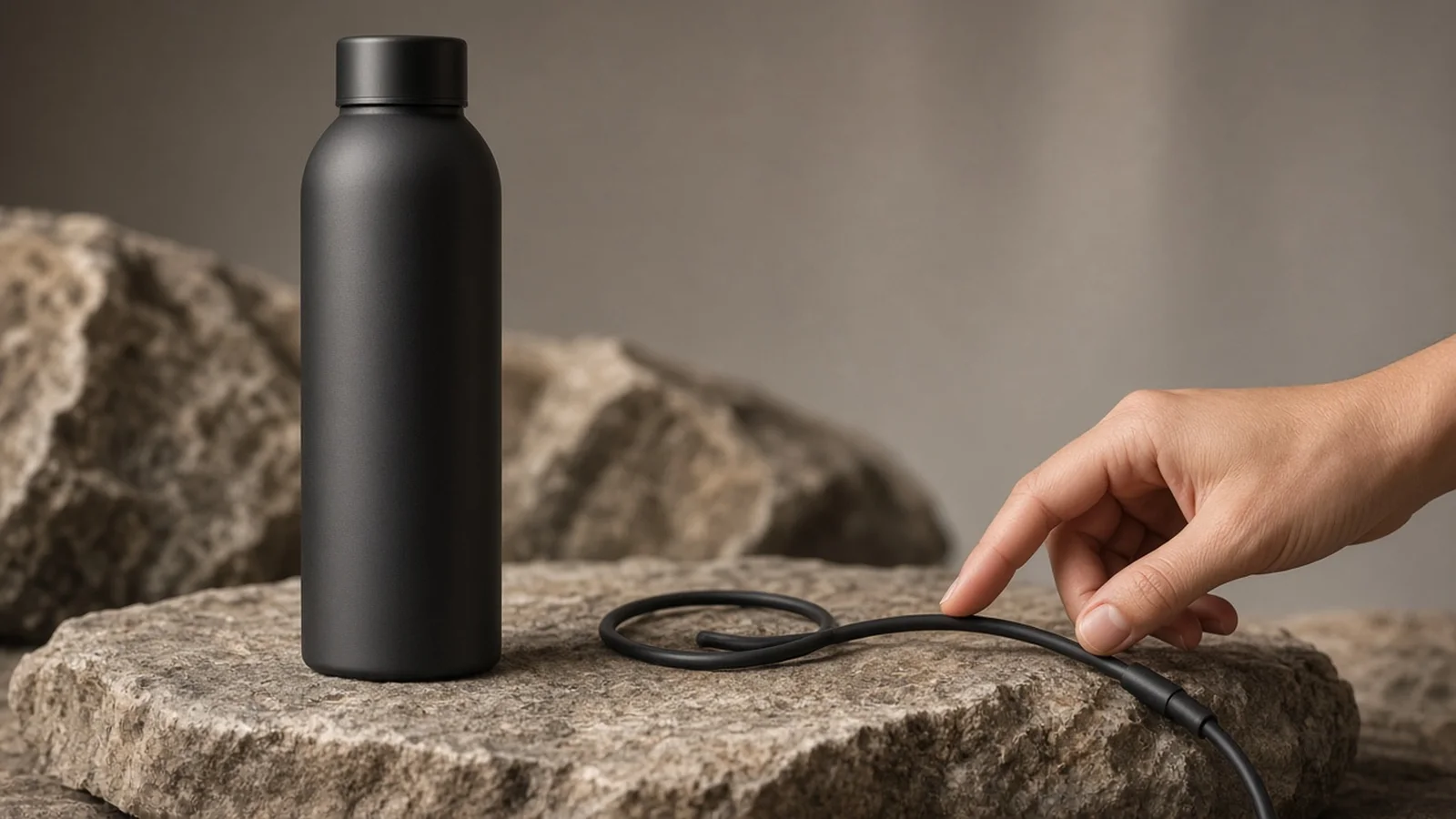
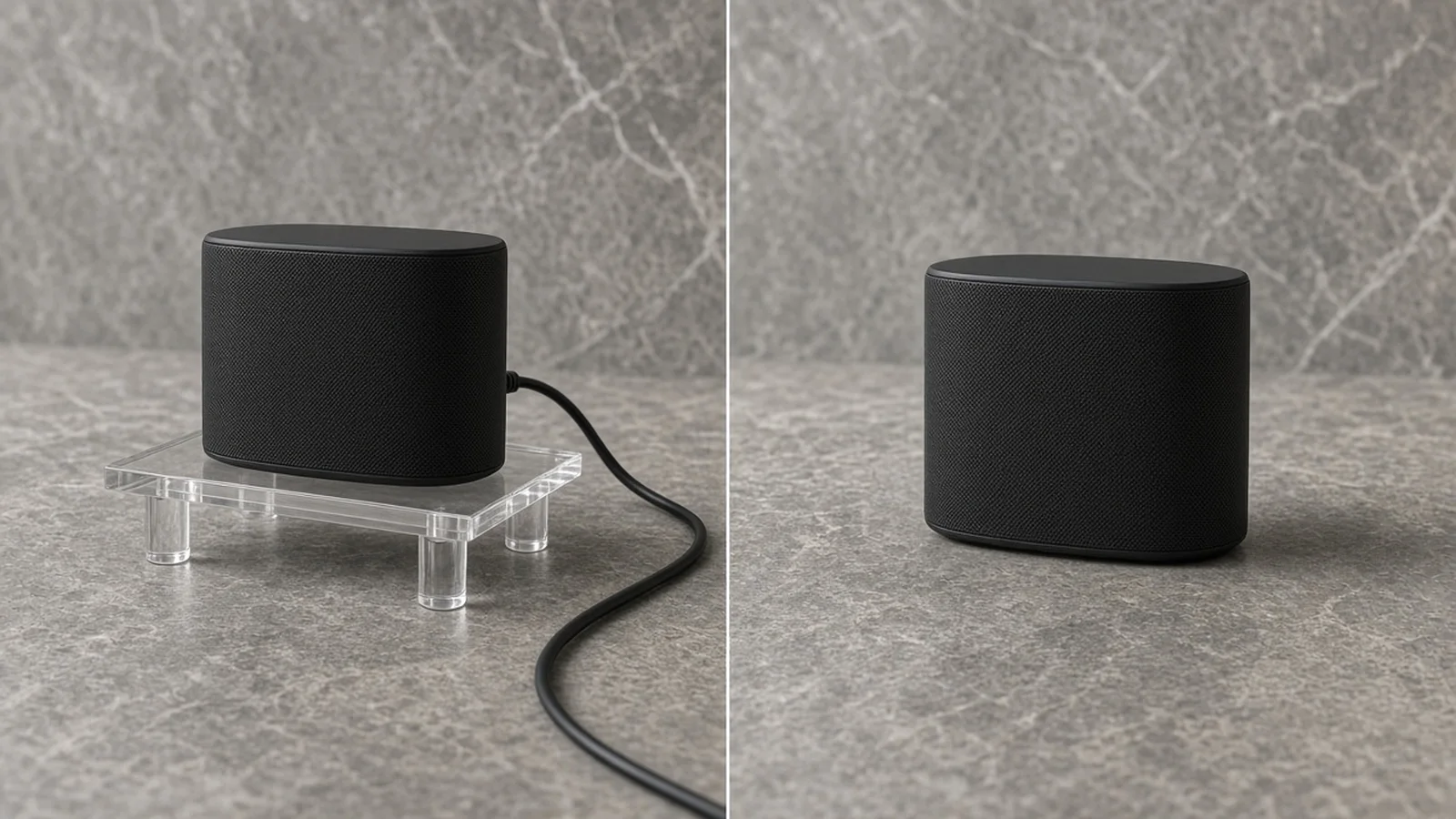
An AI Object Remover is built to take whole unwanted objects out of your photo—acrylic stands, fishing lines, C-clamps, USB cables, stray hands, background passersby, or extra props—and reconstruct the missing surface behind them so the shot looks unedited.

Diagram showing an acrylic stand and power cable removed from a product photo while keeping the product label and stone surface intact

Object removal vs. dust & lint cleanup

While our general photo cleaner handles microscopic sensor dust, lint, and minor scuffs across an item, AI Remove Object From Photo targets full physical objects and studio rigging that block or distract from your SKU without stripping away your real tabletop or room.

Scene-matched texture or tidy backdrop

Two Surface Reconstruction modes let you choose the right balance: Rebuild matching surface & light continues existing wood grain, stone veining, or outdoor bokeh, while Smooth & simplify backdrop calms distracting creases and busy color patches around the cleared spot.

Protecting product silhouettes and labels

With Product Edge Lock, you can switch between Keep main product & label intact for tight clearances near packaging typography, or Rebuild natural contact shadow when a stand sat directly beneath the product and left an awkward floating gap.

Transparent credits and multi-variant runs

Each run costs 10 credits per image and lets you generate 1 to 4 versions so you can pick the cleanest fill. New accounts receive one free generation after signing in to test on a real shot from your own camera roll.

No manual lasso or feathering

Pick a preset category or describe the item in plain English instead of painting pixel masks.

Real lighting continuity

Reconstructed surfaces inherit your original key light direction, reflections, and depth of field.

Safe around printed packaging

Strict subject protection anchors product silhouettes and label edges when removing adjacent clutter.

Re-anchors floating shots

Contact-shadow mode replaces removed acrylic blocks with grounded, natural table shadows.

Notes-guided precision

Leave extra props untouched when you only want one specific wire, tag, or hand erased.

1–4 variants for 10 credits

Compare multiple reconstructions from a single 10-credit run before downloading.

Why ProductShot AI

Engineered for commercial product shots, not casual snapshots

Generic phone erasers smear logos and leave waxy patches on tabletops. Every option here is tuned for ecommerce listings.

Understands tabletop geometry

Continues parallel wood planks, linen weaves, and studio sweeps rather than blurring them into mush.

Color and tone consistency

Matches warm ambient casts, specular highlights, and subtle film grain around the cleared zone.

Grounded shadow reconstruction

When a stand or block comes out from underneath an item, the new contact shadow matches the room light.

Strict subject lock option

Separates the product you sell from nearby clutter so printed claims and contours stay faithful.

Clear guidance on limits

Prompts you to verify small typography and avoids misleading edits that hide real product flaws.

Simple 10-credit pricing

Flat 10 credits per image for 1 to 4 versions, starting with one free generation after sign-in.

Use Cases

When a simple background cutout isn't enough

Sometimes you want to keep your real tabletop, outdoor brick, or lifestyle setting—you just need the distracting props and rigging gone.

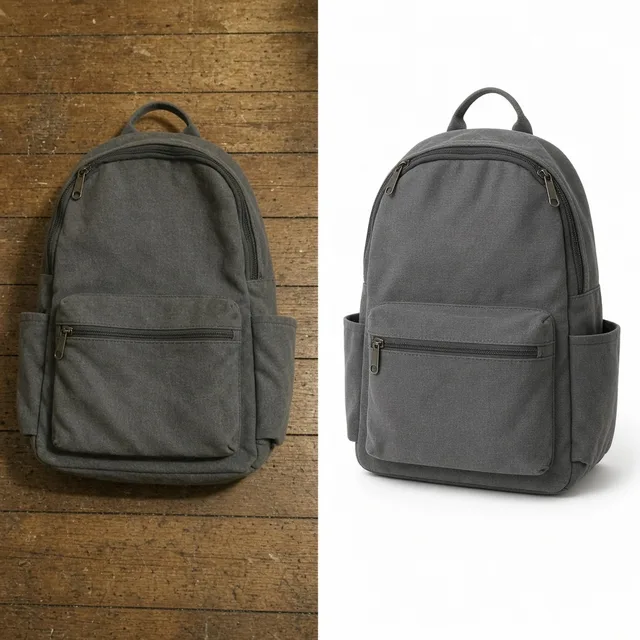
Tabletop flatlay product photo with a stray box edge and price sticker cleanly removed

Great lighting, ruined by one stray prop

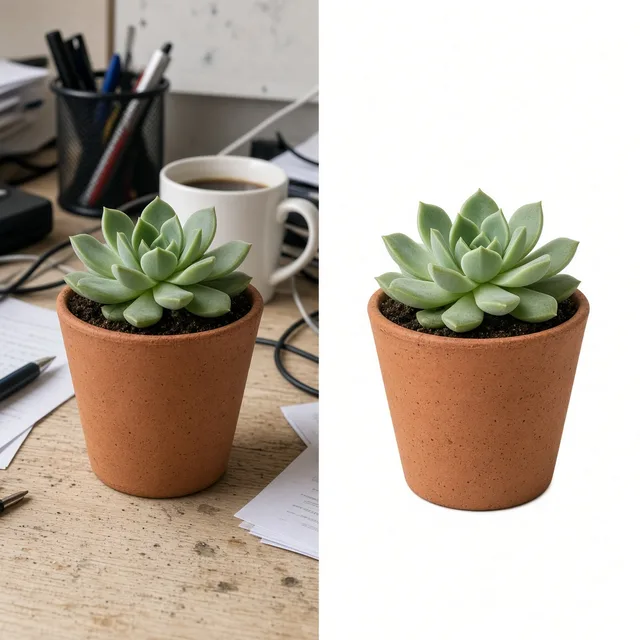
You nailed the afternoon sun and tabletop composition, then noticed a stray price tag, coffee cup, or extra box edge in the corner. Remove it without re-staging the shoot.

Studio product shot propped on an acrylic riser before and after rigging removal

Studio rigs save time on set—until retouching

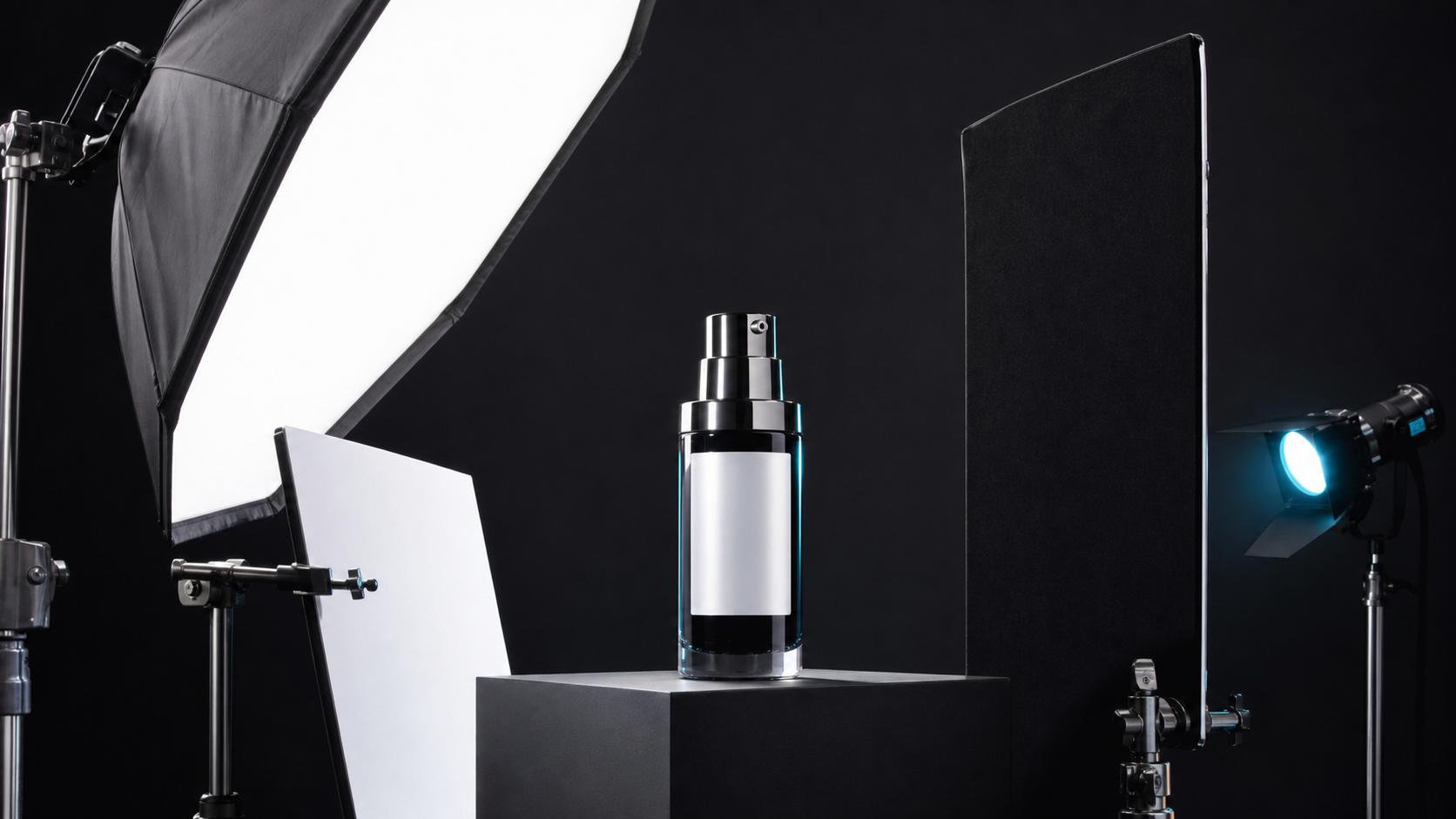
Acrylic blocks, clamps, C-stands, and monofilament let you shoot dynamic angles quickly, but hand-painting them out in Photoshop eats hours of retoucher billing.

Outdoor lifestyle product shot with background passerby and holding hand erased

Hands, assistants & surprise photobombers

Outdoor lifestyle sessions regularly catch a stray pedestrian, a helper's sleeve holding a reflector, or fingers steadying a lightweight item.

Close-up comparison showing crisp bottle label typography after nearby cable removal

Protecting labels while clearing nearby clutter

Generic magic erasers often smudge typography or warp bottle shoulders when an unwanted cable or prop sits close to the product. Edge lock keeps your SKU anchored.

Ecommerce listing photo with secondary non-included props removed

Keeping non-sale props out of listing galleries

Marketplaces reject or penalize photos that include accessories or competitor items shoppers might mistake as included in the box. Clear them before upload.

By Channel

Cleaner visuals across every sales channel

From compliant Amazon hero frames to scroll-stopping Meta creatives, remove visual noise without losing authentic lighting.

How it works

From cluttered shot to clean asset in four steps

No masks to feather by hand or clone brushes to babysit—upload, target the clutter, compare variants, and ship.

Upload your shot
Target & fill
Inspect 1–4 variants
Publish confidently
01

Upload your shot

Drop in a studio or lifestyle photo up to 16MB in JPG, JPEG, PNG, or WEBP.

02

Target & fill

Choose the category of clutter or name the exact object in Notes, then set edge protection.

03

Inspect 1–4 variants

Review how surfaces, shadows, and product boundaries look at full zoom.

04

Publish confidently

Download the cleanest result for your storefront, marketplace, or ad manager.

Method comparison

Manual retouching vs. ProductShot AI

See how automated object removal compares to traditional Photoshop clone-stamping and full studio reshoots.

Multiple

output styles

Reference-led

direction

Built-in

before-and-after review

Traditional Workflow

Manual Clone-Stamp or Reshoot

Waiting on retouching queues, painting complex textures pixel by pixel, or re-booking photographers when a rig or stray item sneaks into frame.

Cost
$15–$50+ per retouched frame or full reshoot fees×
Turnaround
20–45 minutes per tricky texture by hand, or days for agency turnaround×
What You Need
Photoshop skills, pen tablet, or studio re-staging×
Iteration
Re-masking and re-blending every shadow transition manually×
Output Range
Single finalized edit per retoucher pass×
Product Accuracy
Depends on retoucher care around masked boundaries×
ProductShot AI

Targeted AI Object Removal

Upload once, name or categorize the distraction, and compare up to four cleanly reconstructed versions in under a minute.

Cost
10 credits per image (1 free generation after sign-in for new accounts)✓
Turnaround
Seconds per run with 1 to 4 selectable variants✓
What You Need
Your existing photo and an optional short note✓
Iteration
Toggle scene matching vs. simplified backdrop and re-run cleanly✓
Output Range
1 to 4 versions per run to pick the cleanest surface fill✓
Product Accuracy
Subject edge lock anchors logos & contours; still zoom in to verify✓

How-to guide

How to get invisible object removal every time

A few simple habits during shooting and writing Notes dramatically improve how cleanly backgrounds fill in.

Shooting tips that help removal

  • Keep at least a thin gap between studio clamps or wires and tiny printed label text whenever possible.
  • Avoid overlapping clear acrylic stands across intricate embossed logos—place supports under plain soles or bases.
  • Shoot slightly wider than your final crop so the AI has plenty of clean tabletop texture to sample from.
  • Lock exposure and focus on the product itself rather than on the prop you plan to remove.

Writing clear Notes when targeting specific items

[What to remove] + [Where it sits] + [What surface stays behind]

Using concrete nouns and locations beats vague instructions like 'clean this up'. Name the exact color, material, and position.

  • Remove the black USB-C cable trailing from behind the keyboard on the gray felt mat.
  • Erase the clear acrylic block beneath the sneaker heel and keep a soft contact shadow on the concrete.
  • Remove only the price sticker on the right ceramic vase; leave the dried eucalyptus stems untouched.

What to avoid

  • Do not use object removal to erase scratches, dents, or stitching defects on the actual SKU you deliver to buyers.
  • Avoid skipping a 100% zoom check when a removed clamp sat right next to a barcode or ingredient panel.
  • Do not remove a large foreground prop that blocks 70%+ of the product—re-shoot that angle instead.
  • Avoid leaving ambiguous notes when multiple similar props appear; specify left, right, or background.

Further reading

Learn how to frame shots so rigs come out cleanly and what to double-check before uploading to marketplaces.

It Took Me Two Years to Understand Product Photography LightingLighting
Jun 20, 20268 min read

It Took Me Two Years to Understand Product Photography Lighting

A practical guide to product photography lighting, soft light, fill light, backlight, reflection control, and difficult materials.

Read Article
Product Image Clarity for Listings: Fix Soft Supplier and Marketplace PhotosWorkflow
Jul 15, 202610 min read

Product Image Clarity for Listings: Fix Soft Supplier and Marketplace Photos

How ecommerce teams prep soft supplier packs and re-exported marketplace images with free browser clarity enhancement before Amazon and Shopify uploads.

Read Article
How to Take Professional Product Shots Without a Studio (or a Degree in Photography)Workflow
Jun 17, 20268 min read

How to Take Professional Product Shots Without a Studio (or a Degree in Photography)

A practical workflow for taking sellable ecommerce product photos with a phone, simple setup, and AI-powered variations.

Read Article
The Real Problem With White Background Product Photos (And How I Solved It)White Background
Jun 18, 20268 min read

The Real Problem With White Background Product Photos (And How I Solved It)

Learn why white background product photos are harder than they look, how platform rules differ, and how to preserve details.

Read Article
AI Product Photography Generator Guide: 7 Best Tools for 2026Guide
Jun 23, 20268 min read

AI Product Photography Generator Guide: 7 Best Tools for 2026

Compare AI product photography generators for white background images, studio shots, lifestyle scenes, and ecommerce campaign visuals.

Read Article
Best AI Lifestyle Photo Generators for Product and Model Shots (2026)Workflow
Jun 23, 20268 min read

Best AI Lifestyle Photo Generators for Product and Model Shots (2026)

Compare AI lifestyle photo generators for realistic ecommerce scenes, product preservation, catalog consistency, and campaign workflows.

Read Article
Seller feedback

How ecommerce teams use AI Object Remover in production

Real-world feedback from merchandisers, studio assistants, and DTC founders clearing shoot clutter.

Portrait avatar of Hannah Mercer, skincare brand founder
Hannah Mercer

“We propped twelve dropper bottles on clear acrylic blocks and forgot how visible the edges were under side lighting. Removed every block in ten minutes and the travertine grain held up nicely.”

Founder, Mercer Apothecary (Shopify)
Portrait avatar of David Kowalski, electronics marketplace manager
David Kowalski

“Power bricks and coiled cables always sneak into lifestyle desk setups. Using Notes-guided removal saved us from re-shooting our whole fall monitor stand lineup.”

Marketplace Manager, PeakDesk Gear
Portrait avatar of Priya Nair, home textiles creative lead
Priya Nair

“Our outdoor blanket shoot had two pedestrians and a light stand leg in the background blur. The scene-matched fill blended the park grass cleanly without touching the fabric weave.”

Creative Lead, Loom & Linen
Portrait avatar of Carlos Mendez, footwear catalog coordinator
Carlos Mendez

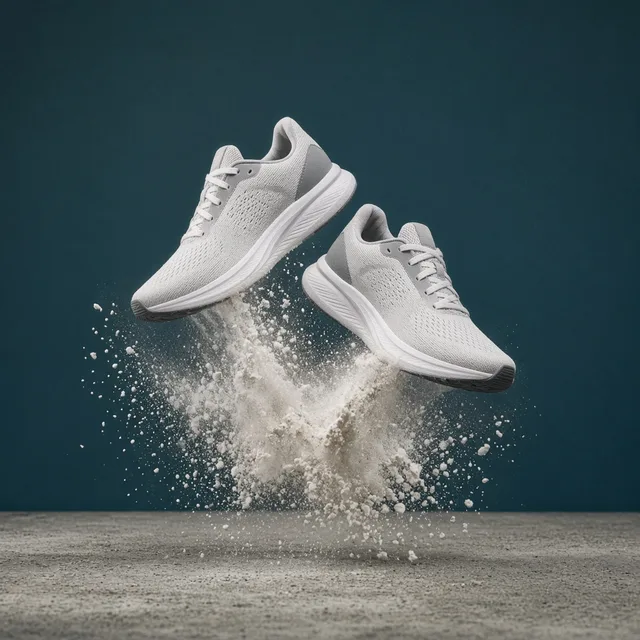
“Removing fishing line and heel wedges from mid-air sneaker shots used to take our freelancer half an hour per SKU. Generating four versions at once lets us pick the cleanest sole shadow fast.”

Footwear Catalog Coordinator
Portrait avatar of Claire Beaumont, Amazon brand specialist
Claire Beaumont

“A supplier sent lifestyle photos packed with extra props we don't include in the box. Stripping those stray items out prevented listing confusion and kept our A+ gallery accurate.”

Amazon Brand Specialist, KitchenCraft
Portrait avatar of Kenji Takahashi, commercial studio photographer
Kenji Takahashi

“Great for quick client turnarounds when a hand holding a reflector edge slips into frame. I still zoom in on fine print every time, and strict subject lock keeps labels trustworthy.”

Studio Photographer, Studio K

FAQ

Frequently asked questions about AI Object Remover

Clear answers on how object removal handles rigs, labels, credits, and honest editing boundaries.

You can remove objects from photo scenes including clear acrylic risers, fishing line, metal clamps, C-stand legs, USB and power cords, stray hands, background passersby, price stickers, and extra props or competitor packaging—while keeping your real tabletop or outdoor setting.

AI Photo Cleaner targets tiny surface dust, lint, sensor specks, and minor scuffs across a product. This AI Object Remover targets whole physical items and studio rigs that distract from the shot and reconstructs the missing background texture behind them.

Selecting 'Keep main product & label intact' prioritizes protecting your product silhouette and printed text. However, because AI regenerates the area where the removed object overlapped or sat adjacent, you should always zoom in to 100% to verify logos, barcodes, and fine typography before publishing.

Each image run costs 10 credits and lets you generate 1 to 4 versions so you can choose the cleanest fill. Newly registered accounts receive one free generation after signing in to test the workflow on a real product photo.

Yes. Set 'Object to remove' to 'Only the object named in Notes' and describe the exact item, color, and position (for example, 'remove only the black cable on the left, keep the ceramic mug').

Choosing 'Rebuild natural contact shadow' removes the acrylic block or wedge and generates a soft, grounded contact shadow matching the room's key light so the item does not look artificially pasted in mid-air.

No. Never use AI object removal to hide real physical defects, dents, stains, or missing parts on the product buyers receive. Use it strictly to clear staging props, studio rigs, and background distractions.

You can upload JPG, JPEG, PNG, or WEBP images up to 16MB. Higher-resolution source photos give the reconstruction engine more texture detail to sample from.

No. It edits 2D photographs to remove unwanted objects and reconstruct the surrounding scene. It does not generate 360-degree spins, 3D/AR assets, or measure item size and fit.

If you need a strict pure white #FFFFFF studio canvas for an Amazon or Google Shopping primary slot, use AI White Background Generator. Use AI Object Remover when you love your existing lifestyle or tabletop environment and just want the distractions gone.

Turn cluttered outtakes into usable store assets

Sign in to get one free generation on new accounts, then clean photos at 10 credits per image with up to 4 versions per run.

Start Free →

LLMs.txt