




30:00
BF 50% OFFClaim

AI Photo Collage Maker for Cohesive Ecommerce Product Grids

Compare a single raw product upload against a finished multi-panel grid with balanced lighting, crisp gutters, and consistent product details.

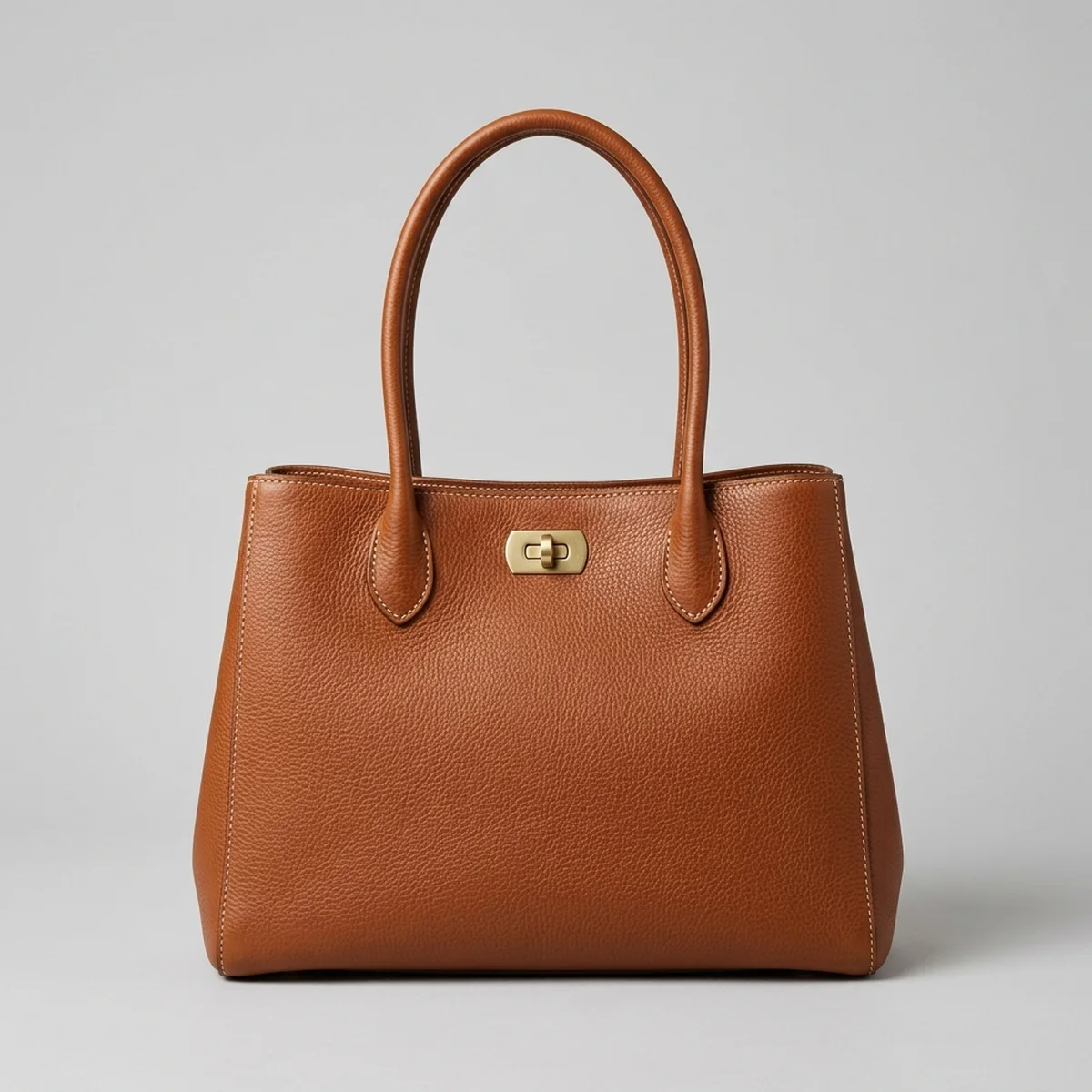
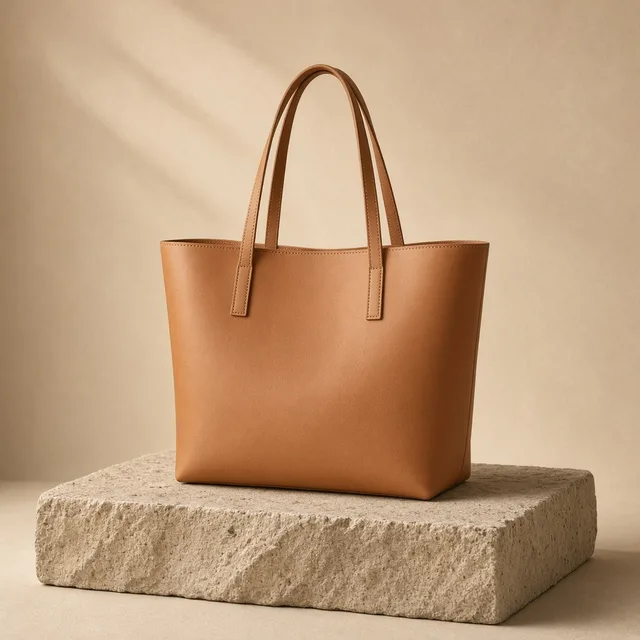
Single minimalist brown leather tote bag photographed on a neutral studio background
Single Input Photo
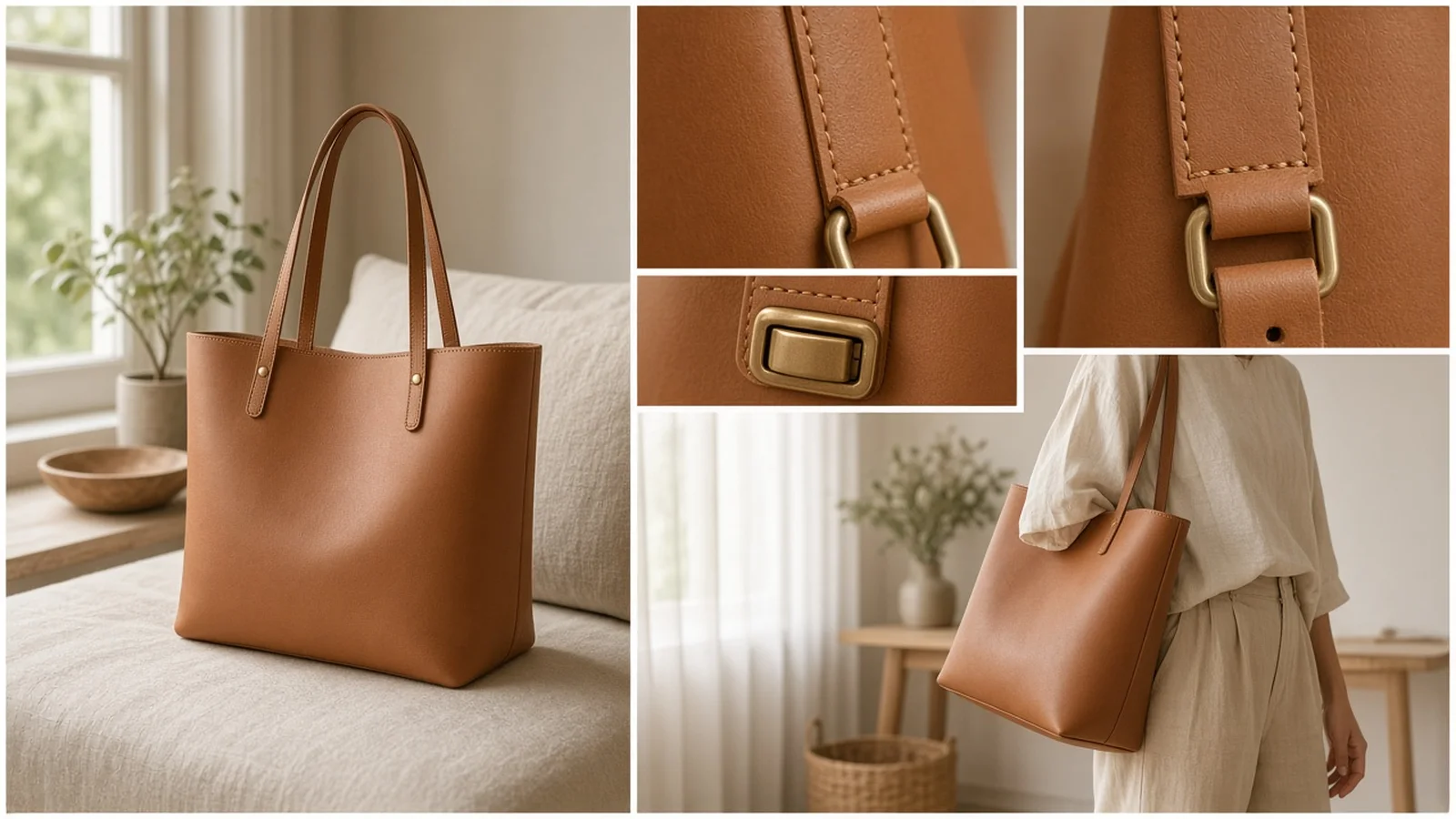
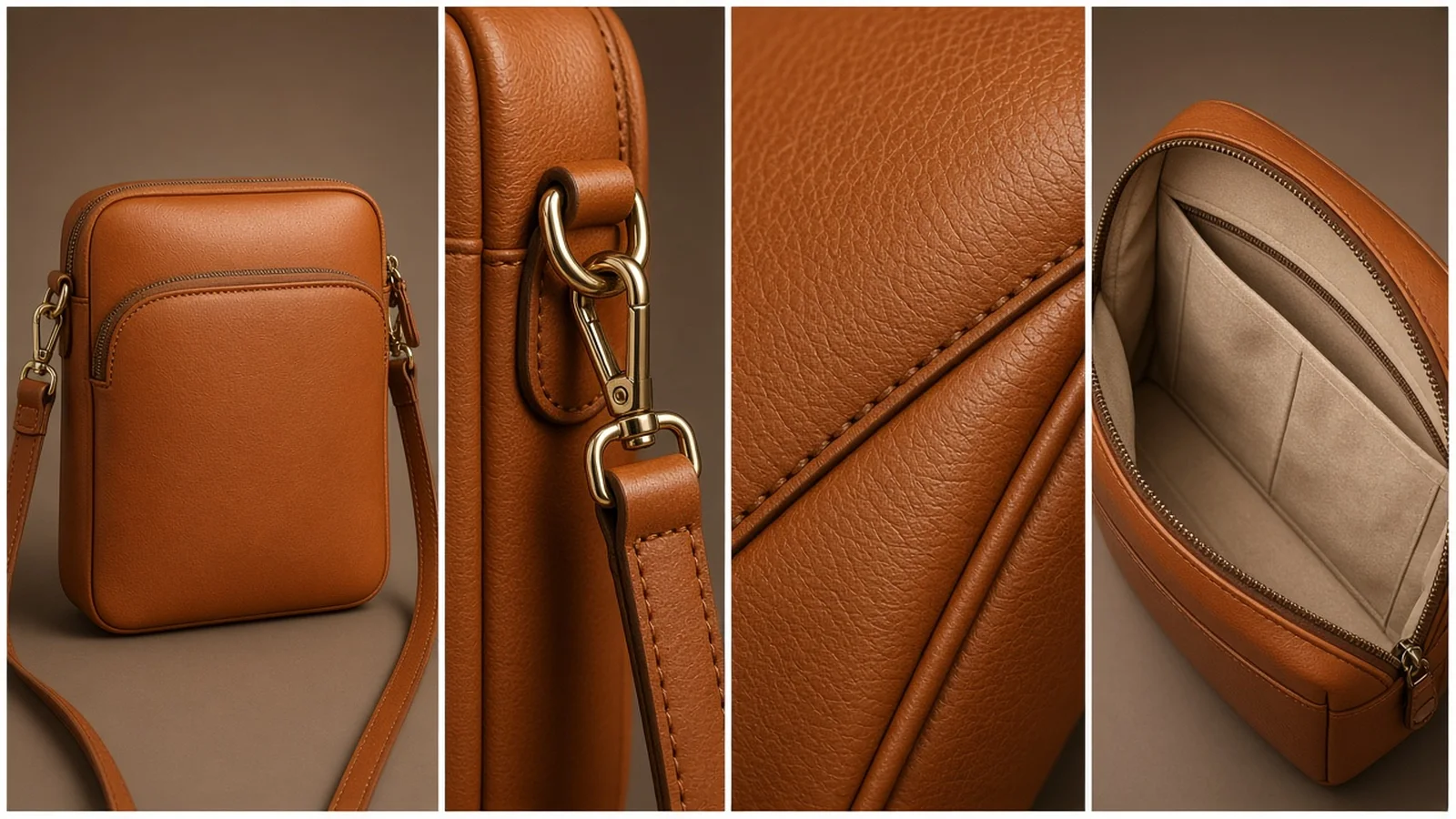
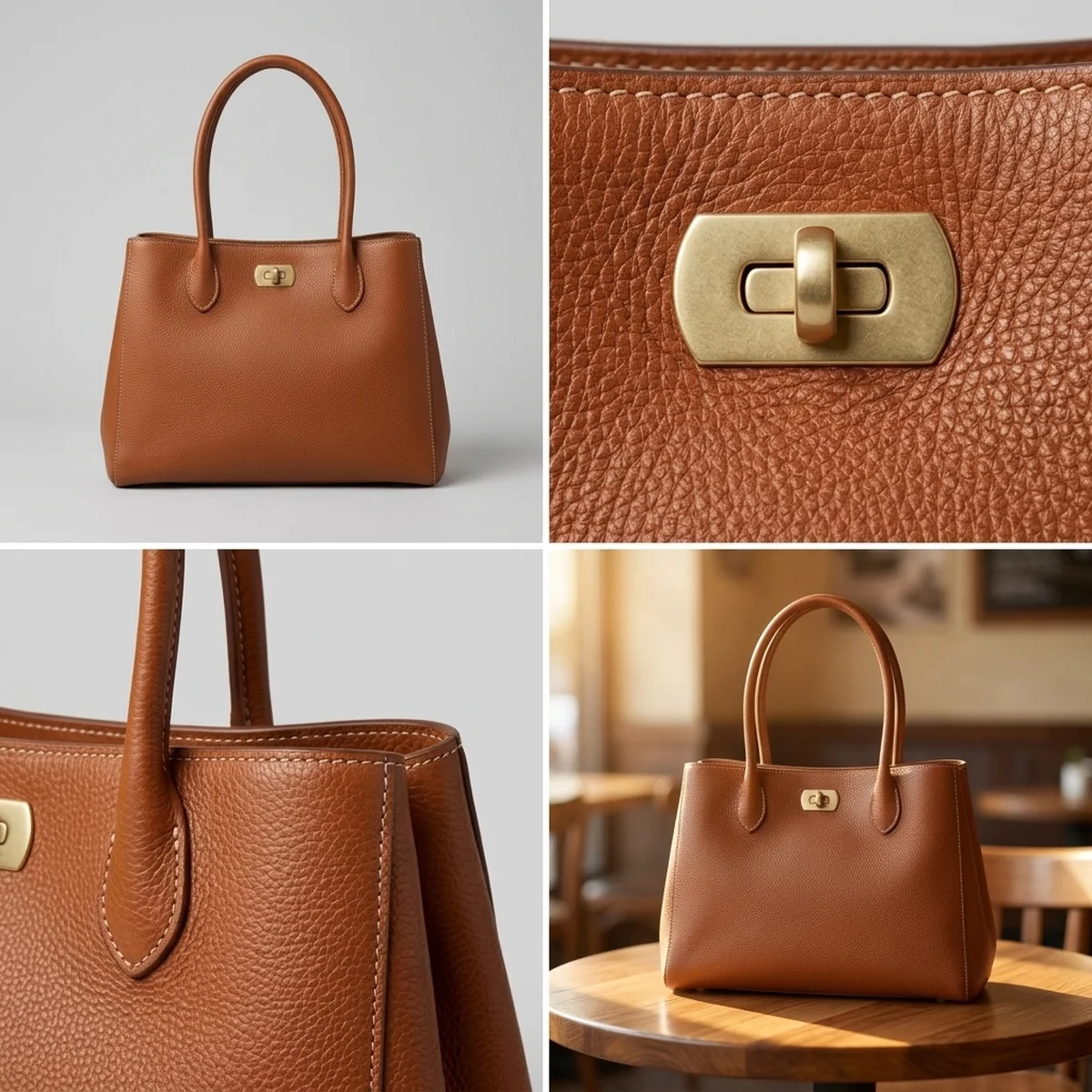
2x2 ecommerce photo collage showing the full leather tote, brass clasp macro, pebble grain close-up, and cafe lifestyle tile
AI Multi-Panel Collage

Single studio tote photo → 2x2 full view, stitching, leather grain & lifestyle collage

Core Capabilities

What Makes This AI Photo Collage Maker Built for Ecommerce

Purpose-built grid structures, consistent lighting, and detail-focused panel mixes designed specifically for online storefronts and social commerce.

AI Image Combiner
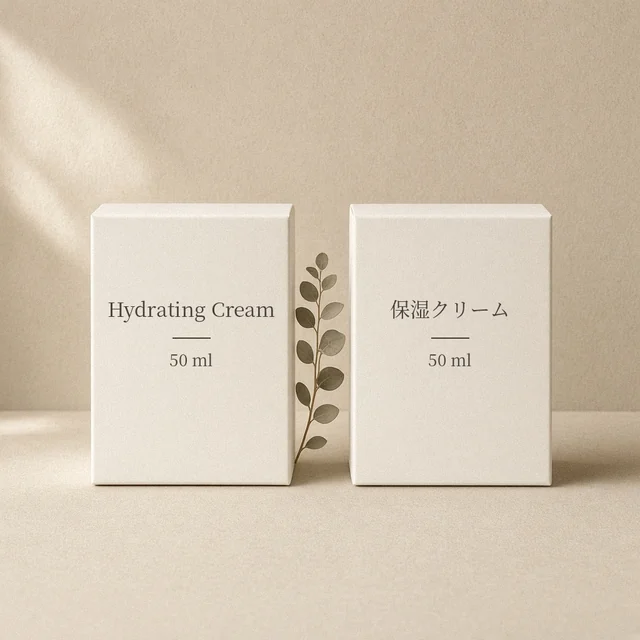
AI Image CombinerCombine two images into one natural shotTry it →
Product Infographic
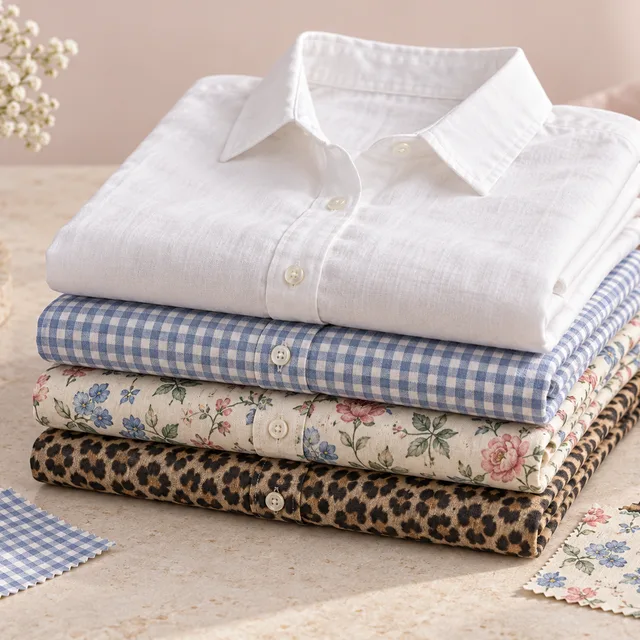
Product InfographicFeature callouts and size charts for listingsTry it →
AI Banner Generator
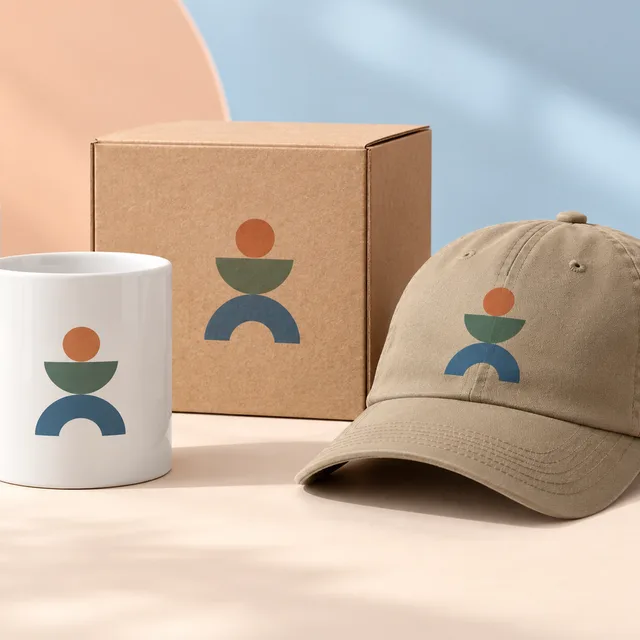
AI Banner GeneratorTurn a product photo into a store bannerTry it →
AI Image Resizer
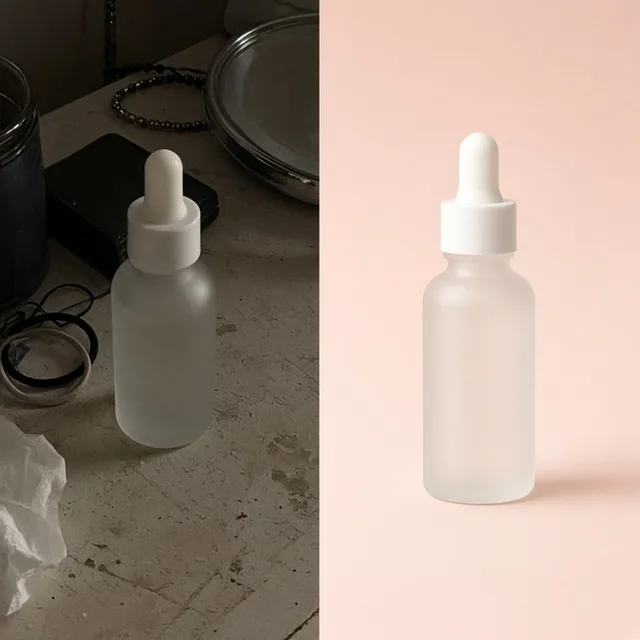
AI Image ResizerResize to any ratio with padding, no cropTry it →

What it is

What Is an AI Photo Collage Maker for Ecommerce?

An AI Photo Collage Maker turns a single product photo into a structured multi-panel visual showcase in one cohesive image file.

Single Photo to Structured Grid

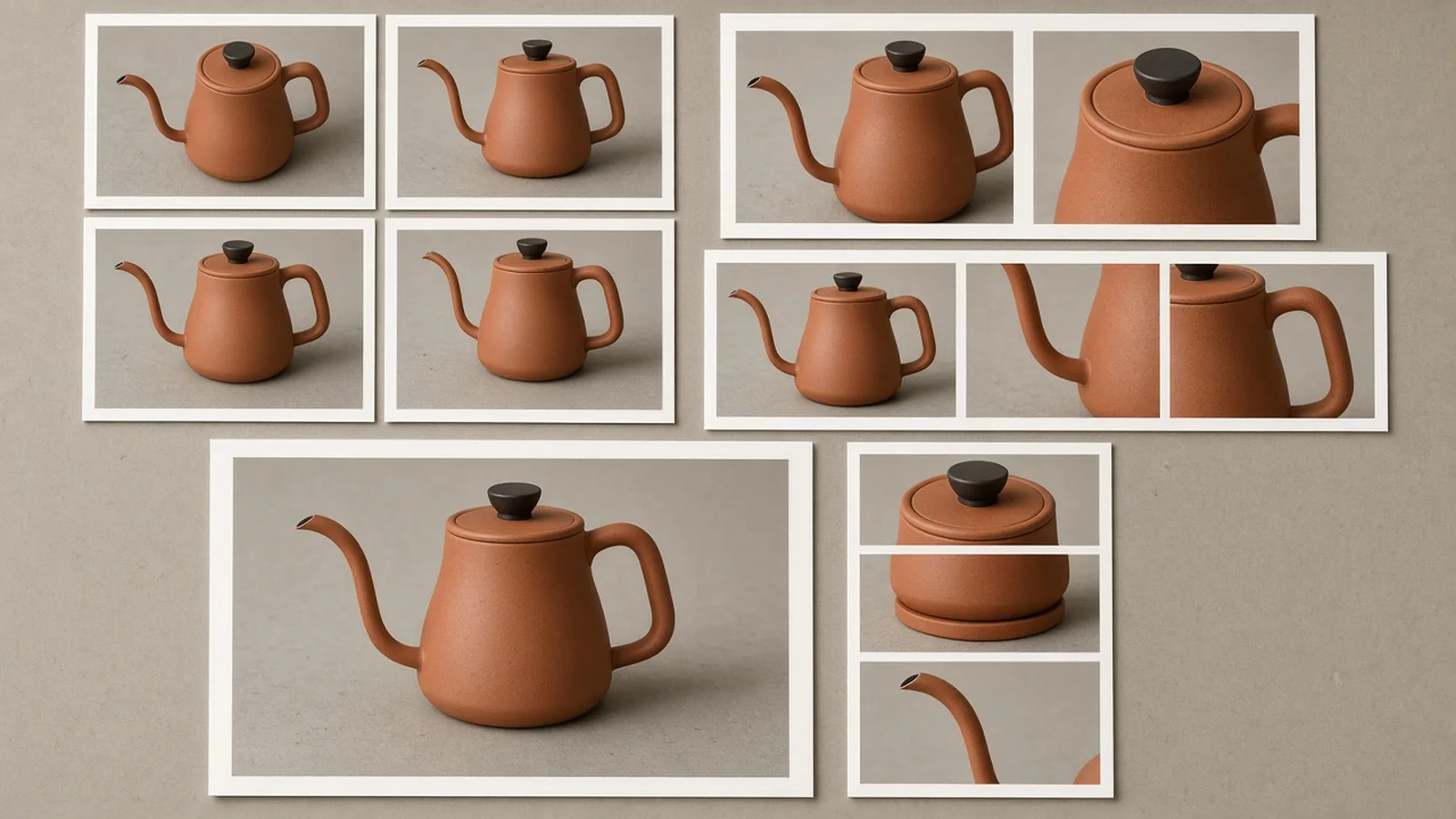
Instead of opening a manual Photo Collage Maker to drag and resize three or four separate shoots, you upload one clean image and choose how the grid should present your product—whether as a balanced 2×2 four-panel detail grid, a 2-panel hero + macro split, a 3-panel editorial triptych, or an asymmetric 1-large + 2-detail sidebar layout.

Comparison showing one uploaded product photo transformed into a 2x2 grid, split diptych, and 3-panel collage

Consistent Studio & Macro Lighting

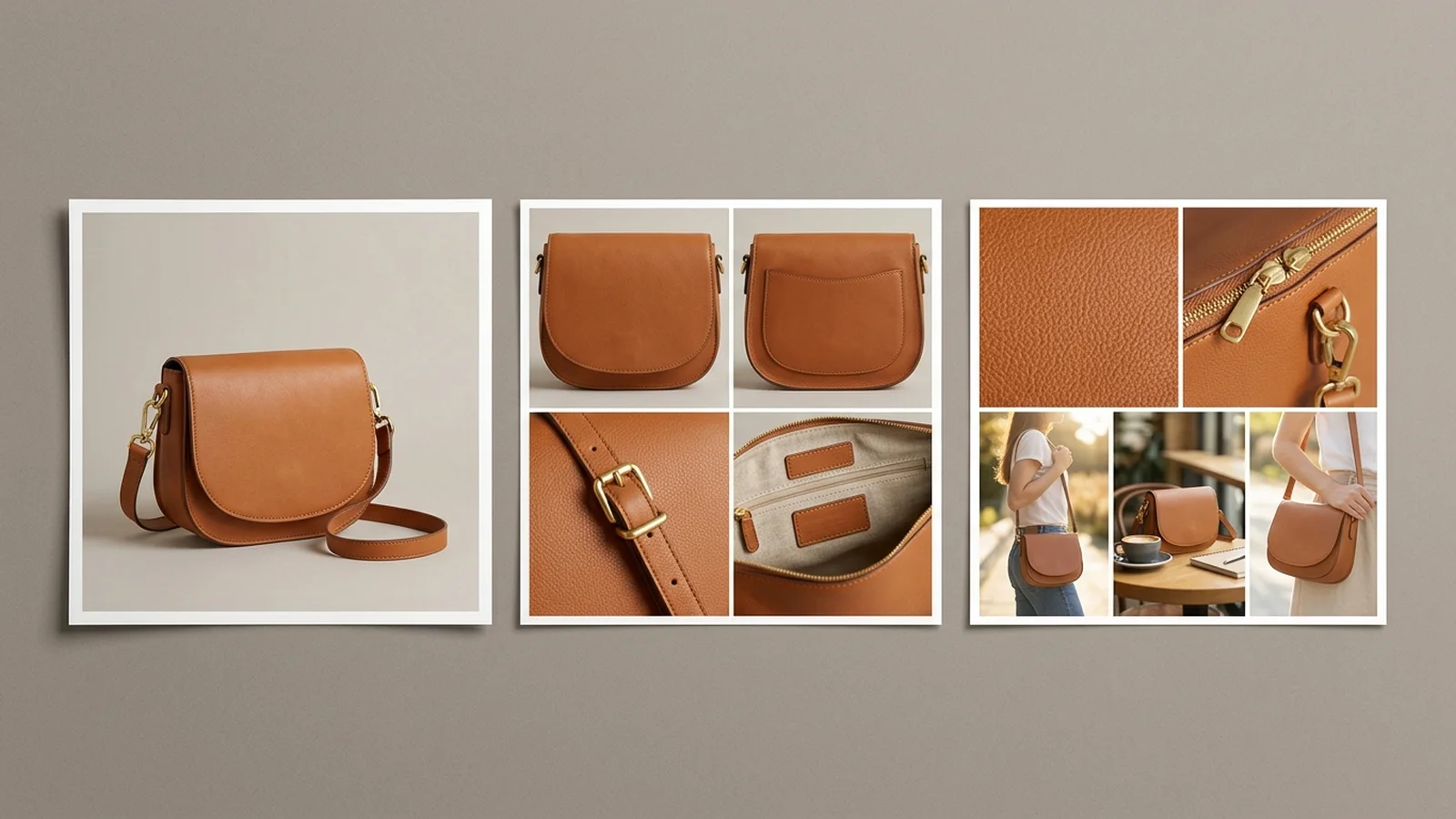
With a single input shot, the AI Collage Maker coordinates lighting, color temperature, and shadow direction across every panel so the final layout looks like a planned studio catalog spread rather than mismatched phone crops.

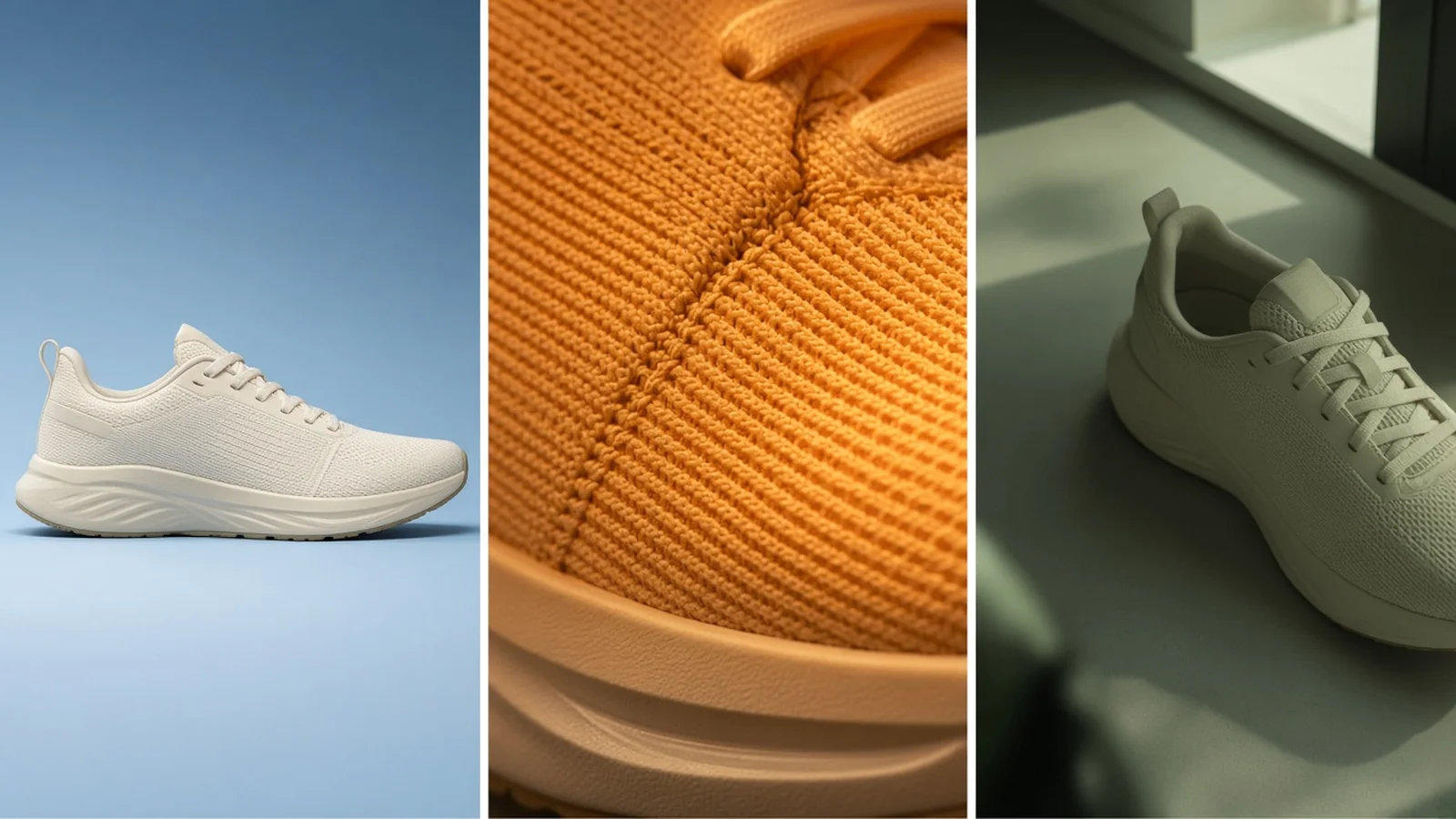
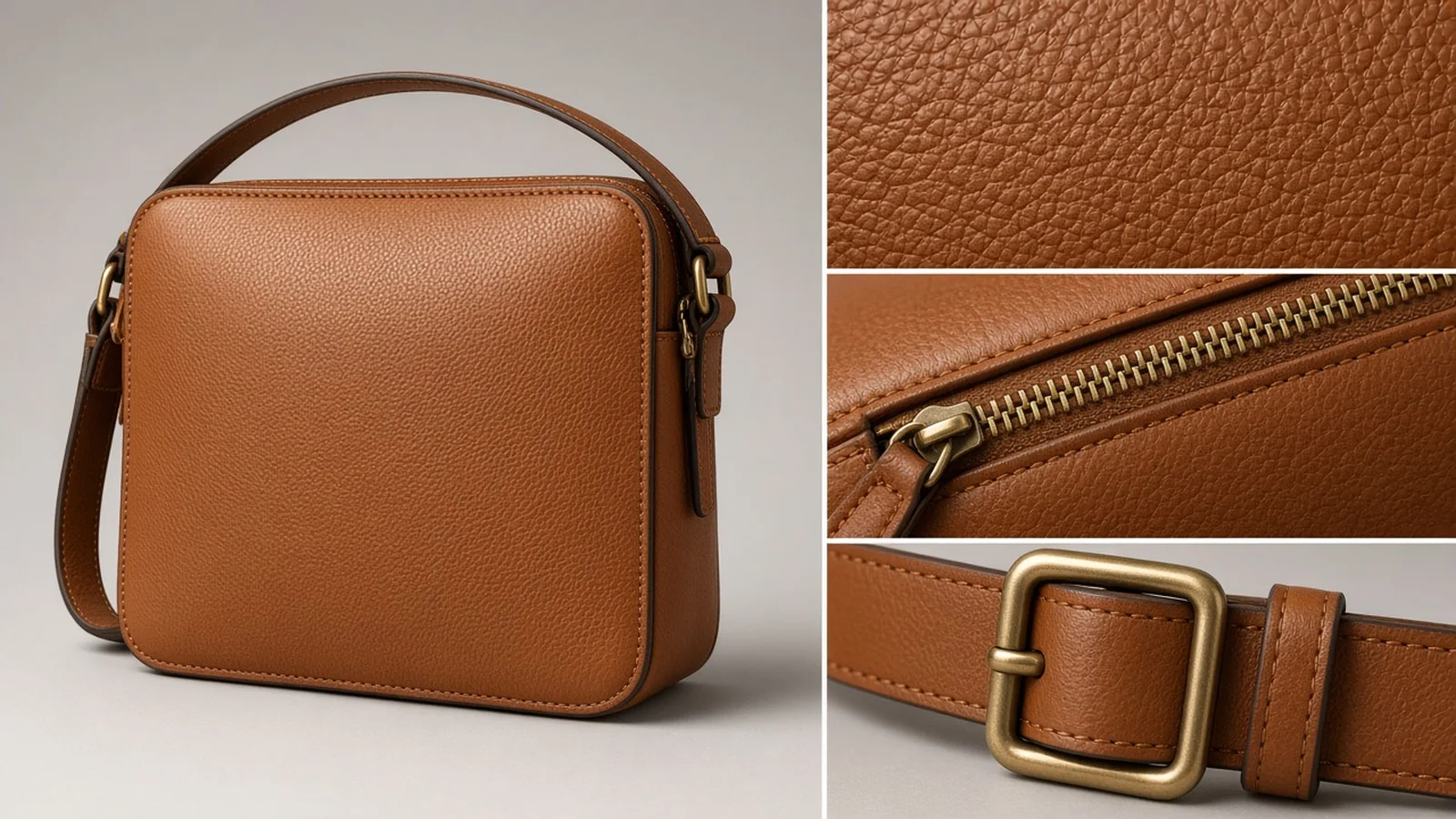
Selecting the Full product + material close-ups mix highlights silhouettes alongside leather grain, knit texture, brushed metal, or glass clarity—ideal for answering quality questions at a glance.
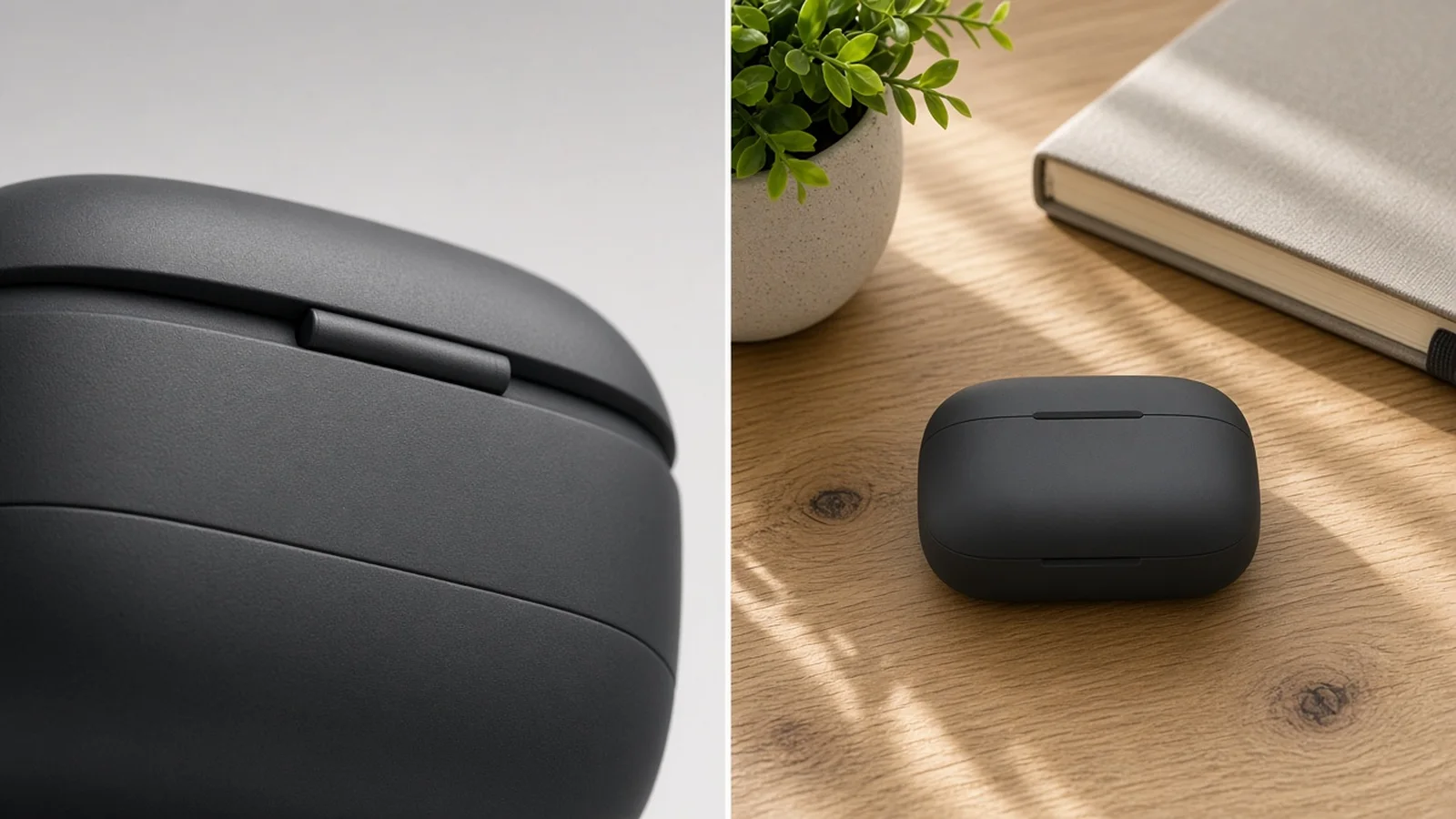
Built-In Lifestyle & Moodboard Mixes

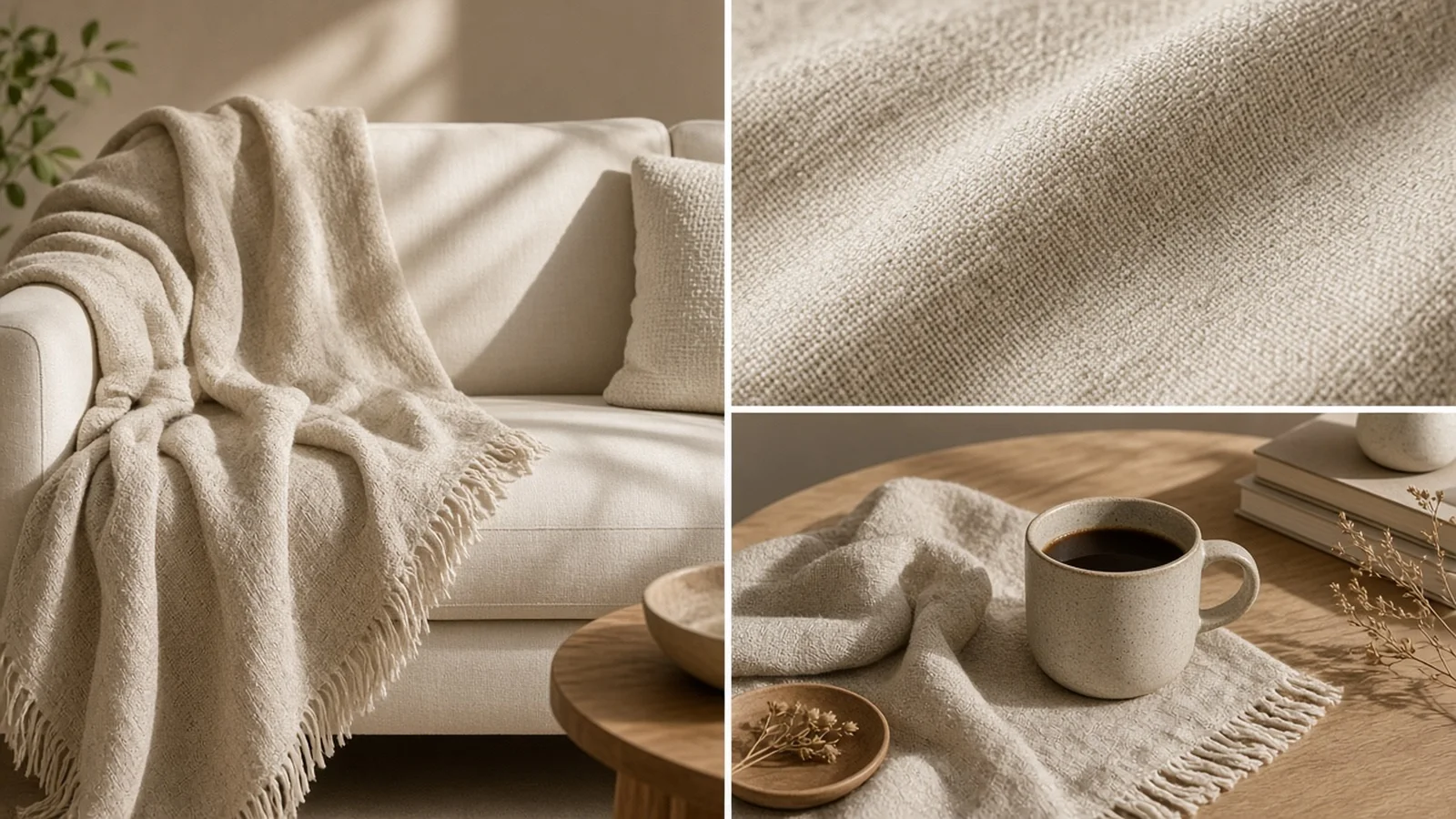
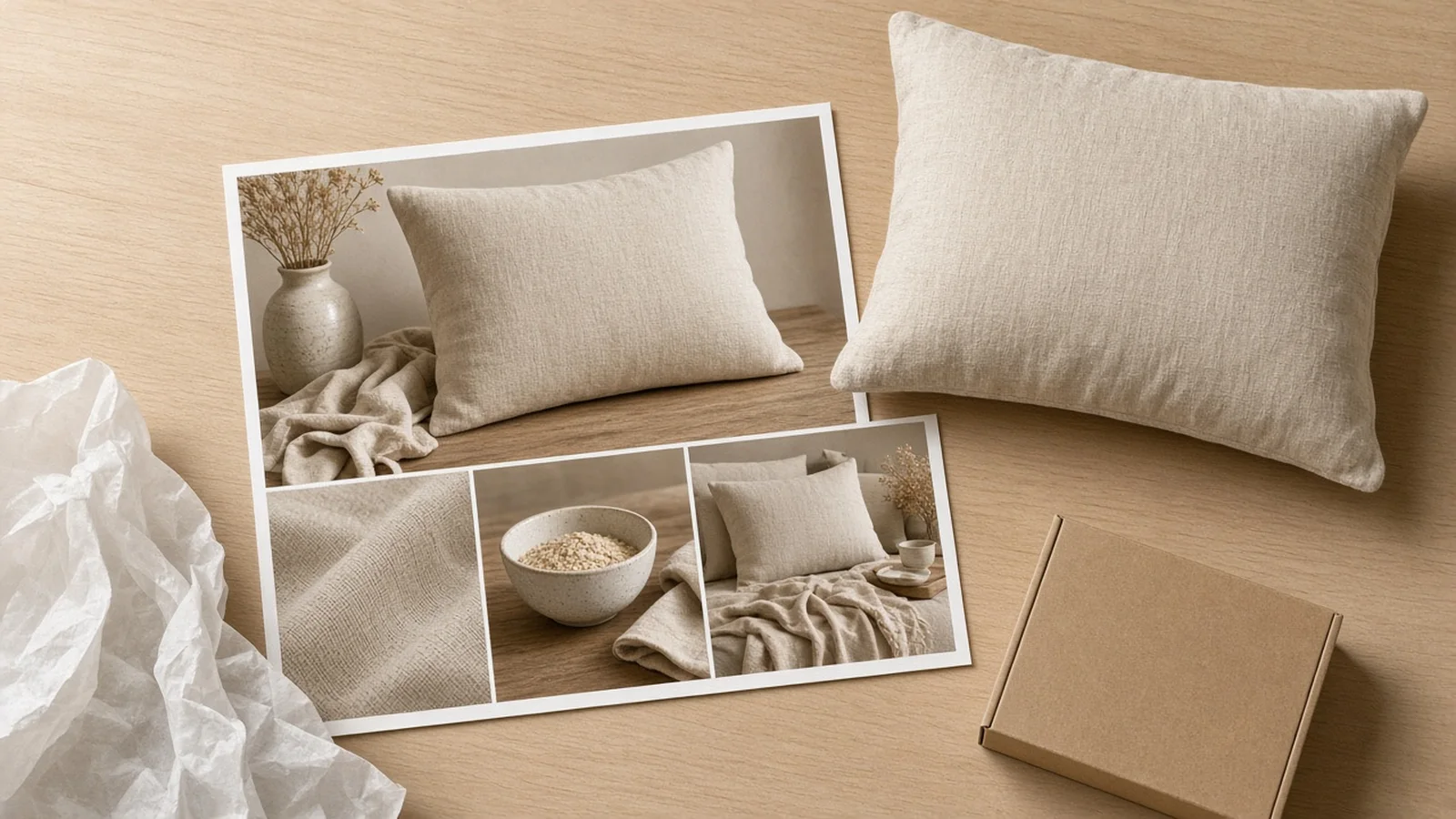
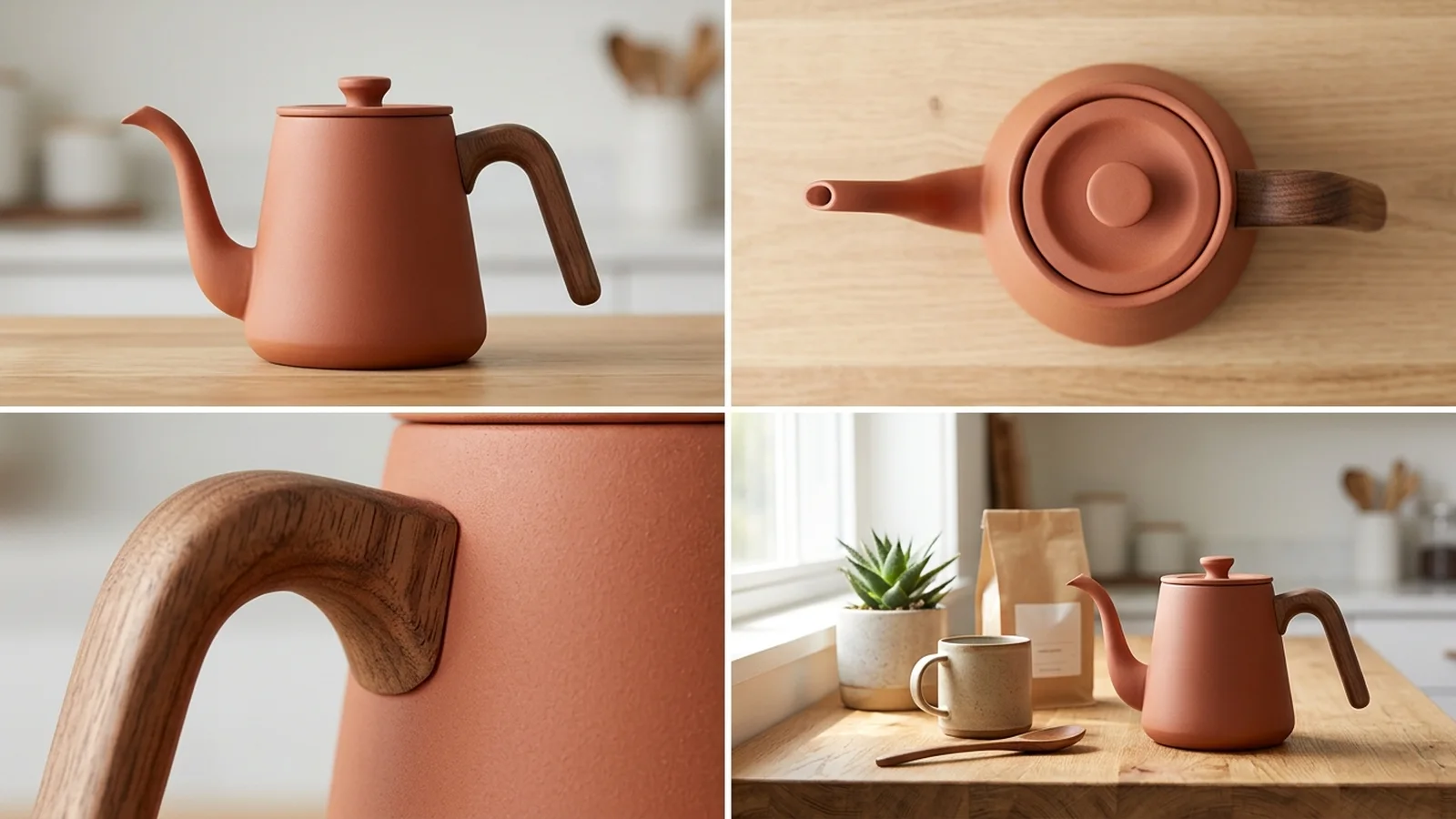
When you need mood and context alongside clean packshots, switching to Clean studio + in-use scene panels or Editorial brand moodboard builds lifestyle framing and matching color-swatch ambiance directly into the grid.

This helps Etsy, Shopify, Rakuten, Pinterest, and Instagram sellers turn one factory sample or white-background packshot into scroll-stopping lookbook assets without renting props or booking a second shoot day.

Gallery Gutters, Seamless Splits & Frames

Border treatment has a huge impact on how premium a grid feels.

You can pick Crisp white gallery gutters for clean marketplace legibility, Seamless edge-to-edge split for bold modern ad creatives, or a Soft warm neutral frame when creating editorial lookbooks and seasonal collection teasers.

Transparent Credits & Multi-Version Runs

Pricing stays straightforward and predictable: each run costs 10 credits per image and can return 1 to 4 versions per run so you can compare grid balance and detail rendering side by side.

Every new account receives one free generation after signing in, letting you test your own product photo before committing credits.

Four Layout Geometries

Switch between 2x2 grids, 2-panel splits, 3-panel triptychs, and hero + 2-tile sidebars.

Three Panel Content Mixes

Pair full views with macro textures, studio + lifestyle scenes, or cohesive brand moodboards.

Three Border Styles

Choose thin crisp white gutters, seamless zero-gap splits, or a soft warm neutral frame.

Harmonized Color & Light

Every tile shares consistent white balance and shadow tone so the whole grid reads as one shoot.

1–4 Variations Per Run

Generate multiple layout interpretations at 10 credits per image, starting with 1 free run after sign-in.

Verify Fine Details Up Close

Inspect hardware, seams, and labels across panels before exporting to live store listings.

Why ProductShot AI

Built for Real Product Detail, Not Generic Templates

Generic collage apps only arrange images you already had to shoot. ProductShot AI generates cohesive multi-panel showcases from a single upload.

Four Purpose-Built Grid Layouts

Pick 2x2 detail grids, 2-panel hero + macro splits, 3-panel triptychs, or hero + 2 sidebar tiles tuned for mobile ecommerce screens.

Cohesive Color & Mood Harmony

Every panel shares matched color grading and backdrop tones instead of clashing studio and phone snapshots.

Consistent Lighting Across Tiles

Soft shadows, specular highlights, and surface reflections stay believable from the full hero panel down to macro texture tiles.

Honest Product-Lock Guardrails

Anchors your uploaded product's silhouette, colorway, and key markings while reminding you to inspect small clasps and labels up close.

Editorial Gutters & Framing

Choose crisp thin white gutters, zero-gap seamless splits, or a minimal warm cream frame that matches modern catalog aesthetics.

Clear 10-Credit Pricing

10 credits per image with 1 to 4 versions per run, plus one free generation after signing in—no hidden export fees.

Use Cases

Where Multi-Panel Collages Outperform Single Shots

Give mobile shoppers full context, material proof, and lifestyle inspiration in one cohesive frame.

Single flatlay product photo compared against a multi-panel detail grid

One Angle Rarely Answers Buyer Questions

A single front shot shows silhouette, not fabric weave, stitching density, or real-world scale. Multi-panel grids pack full view and macro proof into one glance.

Expensive studio lighting and macro camera setup contrasted with fast AI collage generation

Macro & Lifestyle Reshoots Drain Budget

Booking a macro lens session plus a lifestyle prop set for every new SKU quickly outpaces small-batch margins.

Mismatched lighting across manual collage tiles versus harmonized AI collage panels

Pasted Crops Clash in Color & Lighting

Dropping phone snapshots beside studio packshots in a basic Photo Collage Maker creates jarring white-balance shifts and mismatched shadows.

Close-up panel highlighting stitching, zipper hardware, and surface texture

Fine Hardware & Texture Need Visual Proof

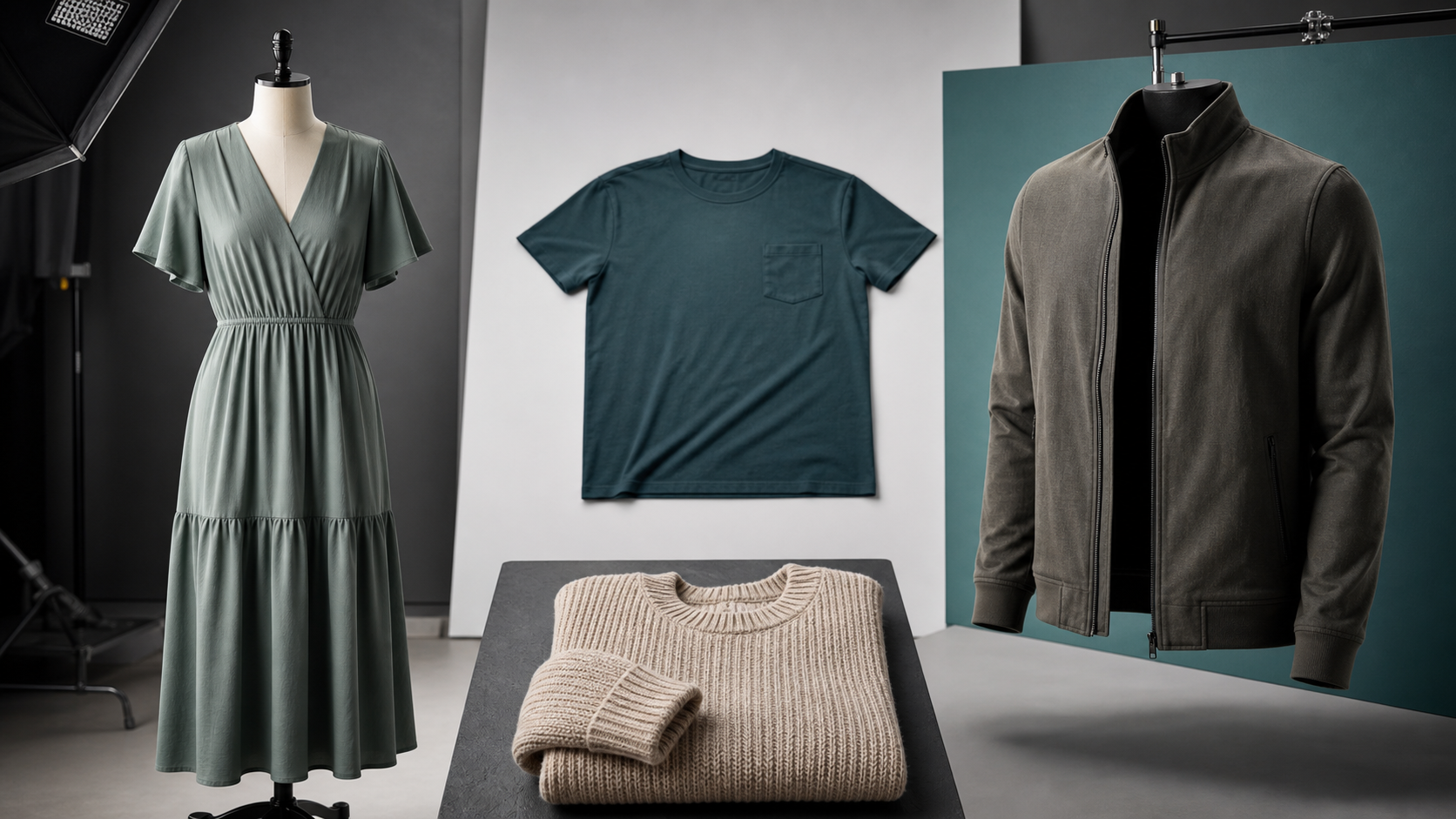
Shoppers buy higher-ticket accessories, skincare, and apparel when they can see clasp finishes, glass tint, and knit structure clearly.

Editorial 3-panel product collage formatted for social feeds and lookbooks

Social Feeds Demand Editorial Lookbooks

Pinterest pins and Instagram carousels perform better with cohesive triptychs and moodboards than plain white-background cutouts.

By Channel

Ready for Every Storefront and Social Feed

Tailor grid balance and framing for marketplace secondary galleries, DTC product pages, and visual discovery feeds.

How it works

From Single Shot to Multi-Panel Collage in Four Steps

No manual cropping, grid snapping, or Photoshop artboard alignment needed.

1. Upload One Clean Product Photo
2. Pick Grid, Panel Mix & Gutters
3. Inspect 1–4 Generated Versions
4. Publish to Store & Social Channels
01

1. Upload One Clean Product Photo

Start with a sharp, well-lit image of your product so details carry cleanly into every panel.

02

2. Pick Grid, Panel Mix & Gutters

Choose between 2x2, 2-panel split, 3-panel triptych, or hero + sidebar layouts, plus content mix and divider style.

03

3. Inspect 1–4 Generated Versions

Compare variations at 10 credits per image and zoom into each panel to check hardware, seams, and labels.

04

4. Publish to Store & Social Channels

Export your cohesive collage image for Shopify, Etsy, Rakuten, Pinterest, and Instagram campaigns.

Method comparison

Manual Photo Grid Editors vs. AI Photo Collage Maker

See how generating cohesive panels from one upload compares against shooting and stitching multiple angles by hand.

Multiple

output styles

Reference-led

direction

Built-in

before-and-after review

Traditional Workflow

Manual Shoot + Basic Collage App

Requires shooting separate full, macro, and lifestyle frames, color-correcting each file, and manually aligning gutters.

Cost
Multiple photo setups, macro gear, or designer hours per SKU×
Turnaround
Hours to days for shooting, culling, retouching, and grid layout×
What You Need
3–4 distinct source photos with matching lighting plus a layout app×
Iteration
Changing grid style or mood means re-cropping or reshooting×
Output Range
Fixed to whatever angles and backgrounds you already captured×
Product Accuracy
100% camera-captured across real photos you took yourself×
ProductShot AI

AI Photo Collage Maker

Builds one harmonized multi-panel showcase from a single upload with matched lighting, layout options, and borders.

Cost
10 credits per image (1 free generation after sign-in)✓
Turnaround
Seconds per run with 1 to 4 layout variations✓
What You Need
Just one clean, well-lit product photo✓
Iteration
Switch 2x2, split, or triptych options and rerun in seconds✓
Output Range
Studio full shots, macro details, lifestyle tiles, and moodboards✓
Product Accuracy
High visual fidelity via product lock; zoom in to verify small clasps, seams, and text✓

How-to guide

How to Get Crisp, Accurate Product Collages

Small adjustments to your source photo and optional notes make every panel cleaner and more faithful to your real SKU.

1. Prepare a clean source photo

  • Use even, diffused daylight or softbox lighting so material texture is visible without harsh clipped highlights.
  • Show the entire product cleanly inside the frame without cropped corners, fingers, or busy background clutter.
  • Upload a sharp high-resolution JPG, PNG, or WEBP (at least 1000px on the shortest side works best).
  • Keep labels, logos, and hardware facing the camera so product lock has clear visual reference.

2. Guide the panels with simple notes

[Layout role per panel] + [Material/hardware focus] + [Background mood]

The grid, panel mix, and border selectors already handle structure. Use optional notes when you want specific textures, finishes, or setting styles highlighted across tiles.

  • Top-left full crossbody bag, remaining panels showing gold buckle macro, pebbled leather weave, and sunlit stone bench.
  • Left side full ceramic mug in studio, right split showing zoomed-in speckled glaze texture and matte rim.
  • Warm linen moodboard triptych combining clean studio bottle shot, hand-held pour moment, and soft botanical shadow.

3. Common pitfalls to avoid

  • Don't upload blurry, low-light thumbnails—soft source textures lead to softer macro tiles.
  • Don't expect one collage run to combine two separate product files; use AI Image Combiner for multi-SKU composites.
  • Don't skip zooming in on small zippers, care tags, or tiny brand text before publishing to live listings.
  • Don't crowd notes with 6+ competing scenes for a 2- or 3-panel layout; keep one clear focus per tile.

Further reading

Get cleaner source shots, write sharper panel notes, and pair collages with infographics, banners, and resizers.

How to Photograph Clothing for Ecommerce: What I Learnt the Hard WayApparel
Jun 19, 20268 min read

How to Photograph Clothing for Ecommerce: What I Learnt the Hard Way

A practical apparel photography guide covering flat lays, ghost mannequins, fabric texture, drape, and color accuracy.

Read Article
It Took Me Two Years to Understand Product Photography LightingLighting
Jun 20, 20268 min read

It Took Me Two Years to Understand Product Photography Lighting

A practical guide to product photography lighting, soft light, fill light, backlight, reflection control, and difficult materials.

Read Article
Best AI Lifestyle Photo Generators for Product and Model Shots (2026)Workflow
Jun 23, 20268 min read

Best AI Lifestyle Photo Generators for Product and Model Shots (2026)

Compare AI lifestyle photo generators for realistic ecommerce scenes, product preservation, catalog consistency, and campaign workflows.

Read Article
How to Take Professional Product Shots Without a Studio (or a Degree in Photography)Workflow
Jun 17, 20268 min read

How to Take Professional Product Shots Without a Studio (or a Degree in Photography)

A practical workflow for taking sellable ecommerce product photos with a phone, simple setup, and AI-powered variations.

Read Article
Product Image Clarity for Listings: Fix Soft Supplier and Marketplace PhotosWorkflow
Jul 15, 202610 min read

Product Image Clarity for Listings: Fix Soft Supplier and Marketplace Photos

How ecommerce teams prep soft supplier packs and re-exported marketplace images with free browser clarity enhancement before Amazon and Shopify uploads.

Read Article
AI Product Photography Generator Guide: 7 Best Tools for 2026Guide
Jun 23, 20268 min read

AI Product Photography Generator Guide: 7 Best Tools for 2026

Compare AI product photography generators for white background images, studio shots, lifestyle scenes, and ecommerce campaign visuals.

Read Article
Seller feedback

How Online Sellers Use ProductShot AI Collages

Real workflows from storefront owners, marketplace sellers, and brand marketers.

Portrait of Hannah Lindqvist, home textiles Shopify store owner
Hannah Lindqvist

“Our linen cushion covers looked flat in a single shot. Using the 2x2 craftsmanship grid let shoppers see the hemstitching and slub weave right in gallery slot two.”

Founder, Nordic Loom Studio (Shopify)
Portrait of Marcus Chen, leather and canvas bag brand manager
Marcus Chen

“Before launching a new waxed-canvas tote, I had only one studio sample photo. The split hero + macro layout gave us a crisp full view and brass rivet close-up in one pass.”

Brand Manager, Harbor Carry Goods (Etsy & Shopify)
Portrait of Yuki Takahashi, ceramic tableware seller on Rakuten
Yuki Takahashi

“Rakuten shoppers look closely at glaze variations. The 3-panel triptych paired our studio bowl shot with warm tabletop context and rim texture without clashing colors.”

Ecommerce Lead, Kyoto Craft Tableware (Rakuten)
Portrait of Claire Beaumont, skincare social content strategist
Claire Beaumont

“Pinterest pins perform much better for us when they tell a texture story. The warm cream frame moodboard collage turned one dropper bottle photo into our top weekly pin.”

Social Content Strategist, Maison Solis Skincare
Portrait of Devon Patel, athletic footwear ecommerce owner
Devon Patel

“Running up to four variations per run makes it fast to pick the cleanest mesh and sole tread tiles. We still zoom in to check logo lettering, and the time saved over manual cropping is huge.”

Owner, StrideLab Running Gear
Portrait of Sofia Morales, handmade jewelry seller on Etsy
Sofia Morales

“For handmade rings, buyers want to see the whole piece plus the bezel setting. The hero + 2 sidebar tile option keeps the presentation clean without looking crowded.”

Jewelry Maker, Sol y Plata (Etsy)

FAQ

Frequently Asked Questions About AI Photo Collage Maker

Answers on collage layouts, detail accuracy, multi-file limits, credits, and channel usage.

Our AI Photo Collage Maker turns a single uploaded product photo into one cohesive multi-panel showcase image—such as a 2x2 detail grid, a split hero + macro diptych, a 3-panel editorial triptych, or a hero + 2 sidebar tile collage—saving you from shooting and aligning separate angles by hand.

A standard Photo Collage Maker requires you to already have 3 to 4 separate photos and often leaves mismatched lighting or white-balance shifts between tiles. ProductShot AI generates all panels from one clean source shot so lighting, tone, and framing stay consistent across the whole grid.

You can choose from four layouts (2x2 four-panel showcase grid, 2-panel split hero + macro, 3-panel editorial triptych, and 1 main hero + 2 side detail tiles), three panel mixes (full product + material close-ups, clean studio + in-use scenes, and editorial brand moodboard), and three border options (crisp white gallery gutters, seamless edge-to-edge split, and soft warm neutral frame).

This tool builds a cohesive multi-panel showcase from a single uploaded product image. If you want to combine two separate product files or a product plus a specific model/prop image into one scene, use our AI Image Combiner tool at /ai-image-combiner/.

Product lock preserves your item's core silhouette, colorway, and surface characteristics across panels, but AI-generated close-ups can occasionally soften tiny buckles, seam spacing, or fine label text. Always zoom in across every panel before publishing to live listings.

No. It outputs a static, single-file multi-panel image designed for storefront galleries, lookbooks, and social feeds. It does not generate 360-degree spins, 3D/AR assets, or physical size and fit measurements.

Each generated collage image costs 10 credits and can produce 1 to 4 versions per run. Every new account receives one free generation after signing in so you can evaluate results on your own product first.

Sellers use them across Shopify product galleries, Etsy and Rakuten secondary image slots, Pinterest lookbook pins, Instagram carousels and ads, and email launch campaigns. Check marketplace rules if a specific slot requires a plain white single-item cutout.

Upload one sharp, evenly lit JPG, JPEG, PNG, or WEBP photo (up to 16MB) where your full product is unobstructed and key textures or hardware face the camera. Avoid blurry thumbnails or heavy shadows.

After generating your collage, you can use AI Product Infographic Generator for structured feature callouts, AI Banner Generator for wide promo headers, or AI Image Resizer to reformat cleanly for Pinterest, Instagram, or storefront ratios.

Turn One Product Photo Into a Multi-Panel Showcase

Sign in to claim one free generation, pick your grid layout, and build cohesive ecommerce collages at 10 credits per image.

Start Free →

LLMs.txt