30:00:00
50% OFFLimited Time Deal: Today only 50% OFF — miss it once, wait six monthsGet 50% Off

AI Fabric Pattern Changer

Upload one product photo, pick a pattern and get new-print images. Check the cut, hardware and pattern scale before you publish; this is a visual preview, not the real fabric.

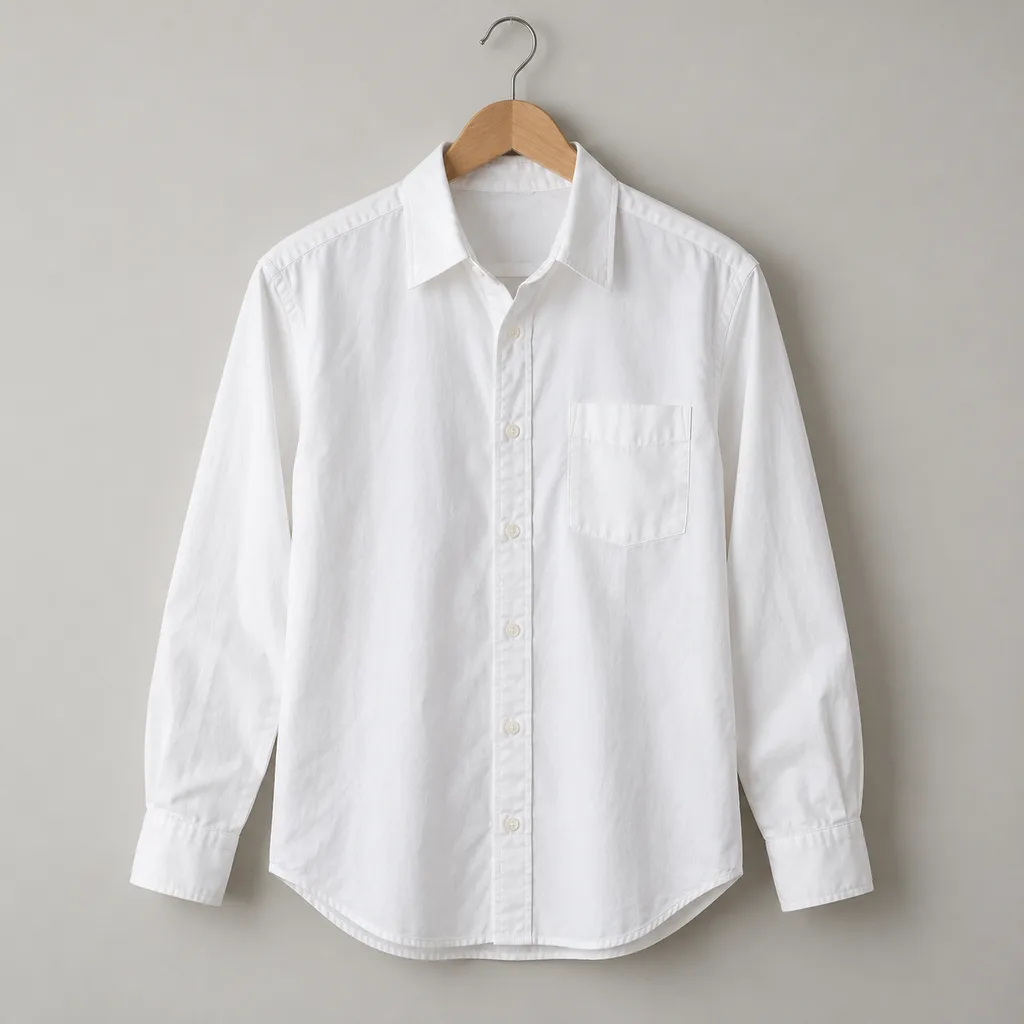
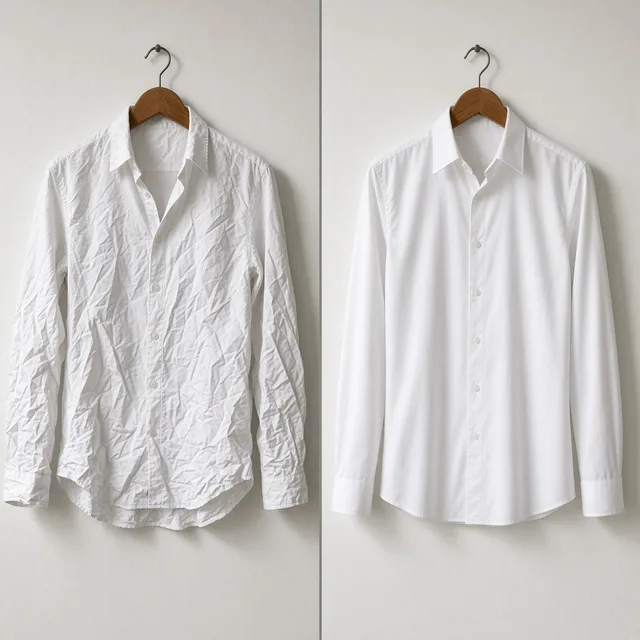
Unbranded white cotton shirt on a hanger
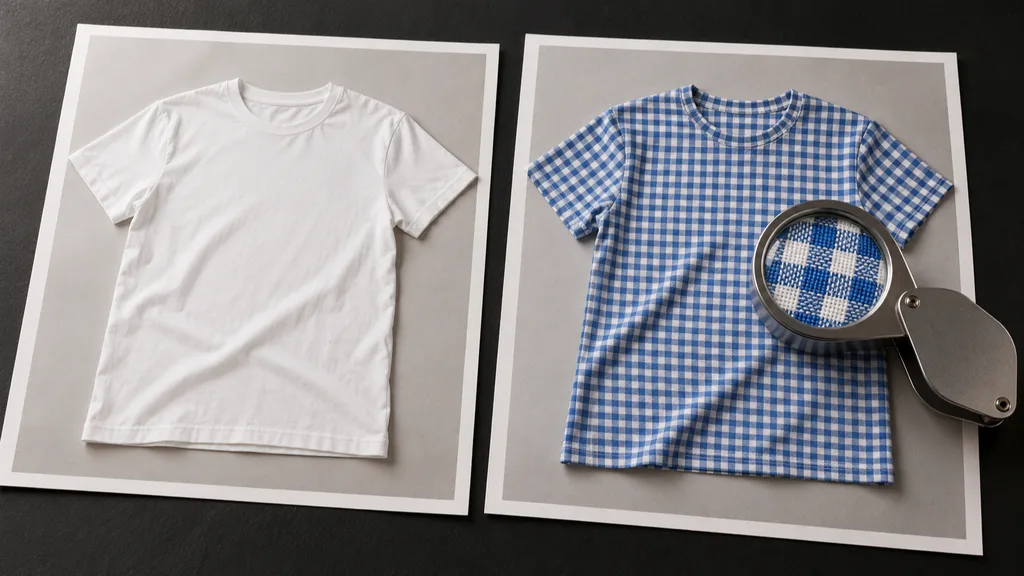
Original
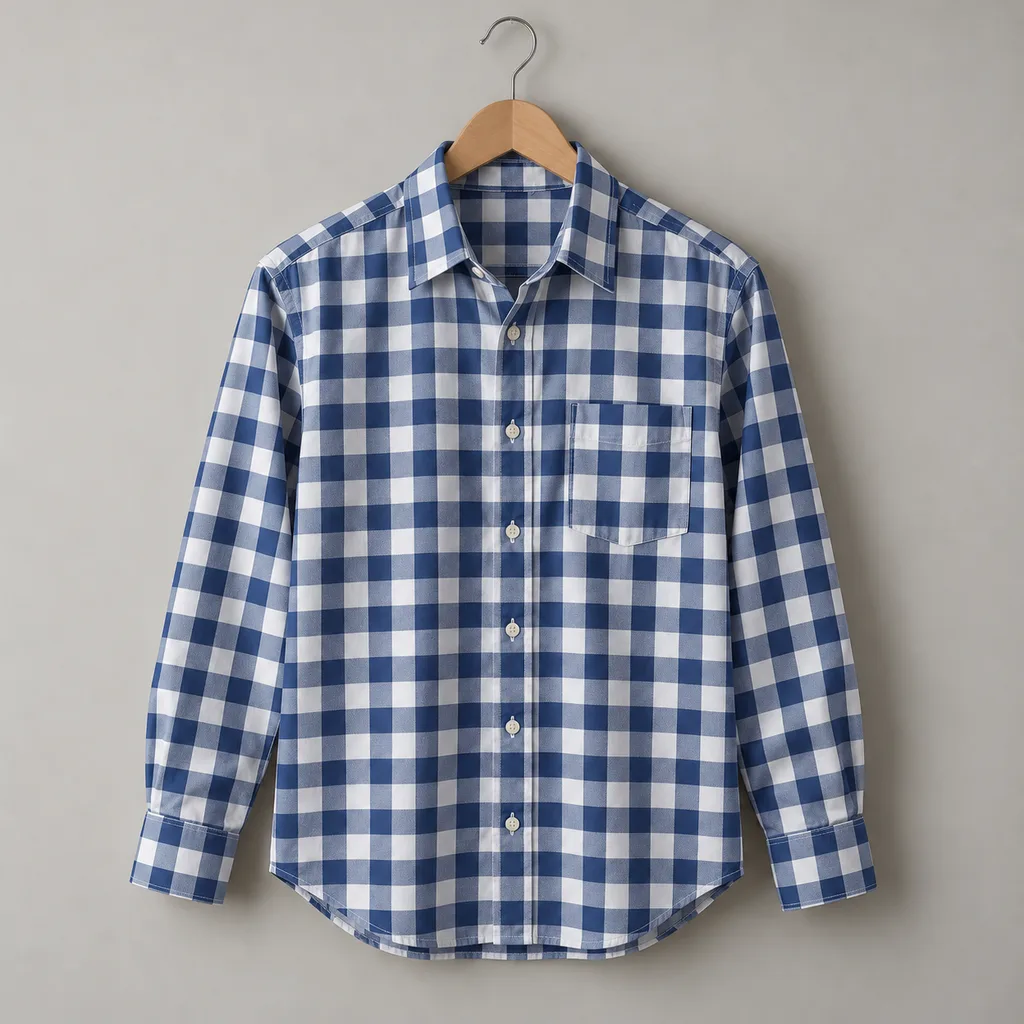
The same shirt after the fabric was changed to navy gingham
New pattern

White shirt to navy gingham, buttons, collar and folds kept

Apparel and Textile Images

Change the Pattern, Then Keep Building

After the AI fabric pattern change, use the tools below to put the new print on a model, make a flat lay or change the scene.

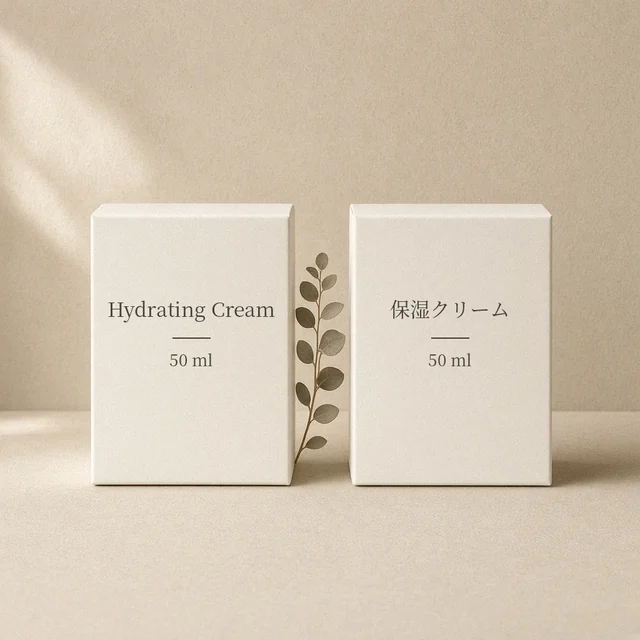
Image Translator
Image TranslatorTranslate text inside product imagesTry it →
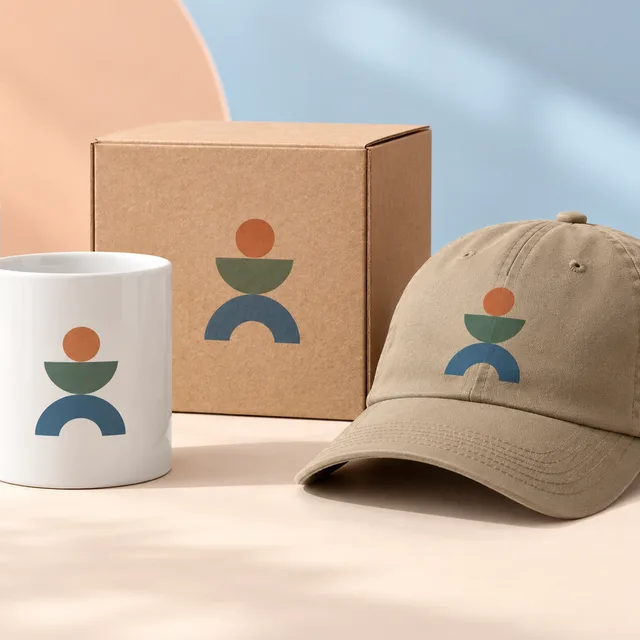
Add Logo to Product
Add Logo to ProductPrint, embroider or emboss your logoTry it →
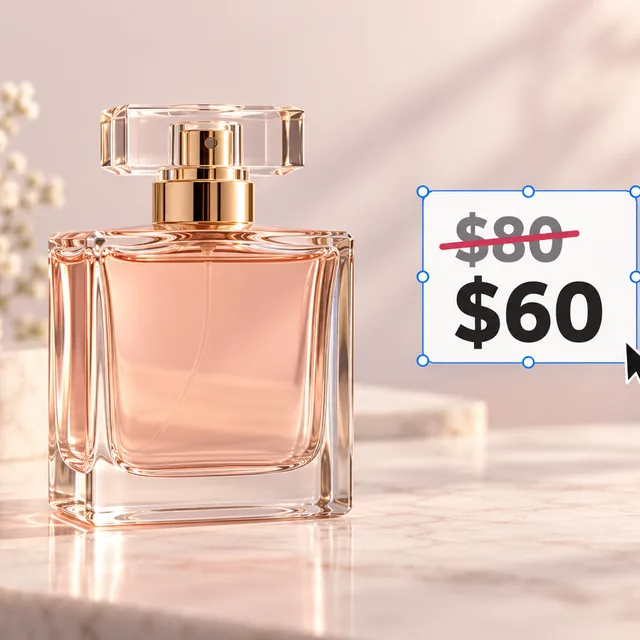
Image Text Editor
Image Text EditorChange prices, promos and specs on imagesTry it →
T-Shirt Design
T-Shirt DesignTurn an idea into a print on your teeTry it →

What it is

What Is an AI Fabric Pattern Changer?

An AI fabric pattern changer uses an image model to put a new pattern or swatch onto the fabric in a product photo, creating an image that looks like a sample was sewn and shot.

How it works

You upload one product photo and pick a preset pattern or upload your own fabric.

The model covers the main fabric with the pattern, bends it along every fold, seam and drape, scales it with perspective, and keeps the original folds, shadows, highlights and weave on top of the new print, while the cut, stitching, buttons, zippers, drawstrings, hardware and labels, the model and the background stay as photographed.

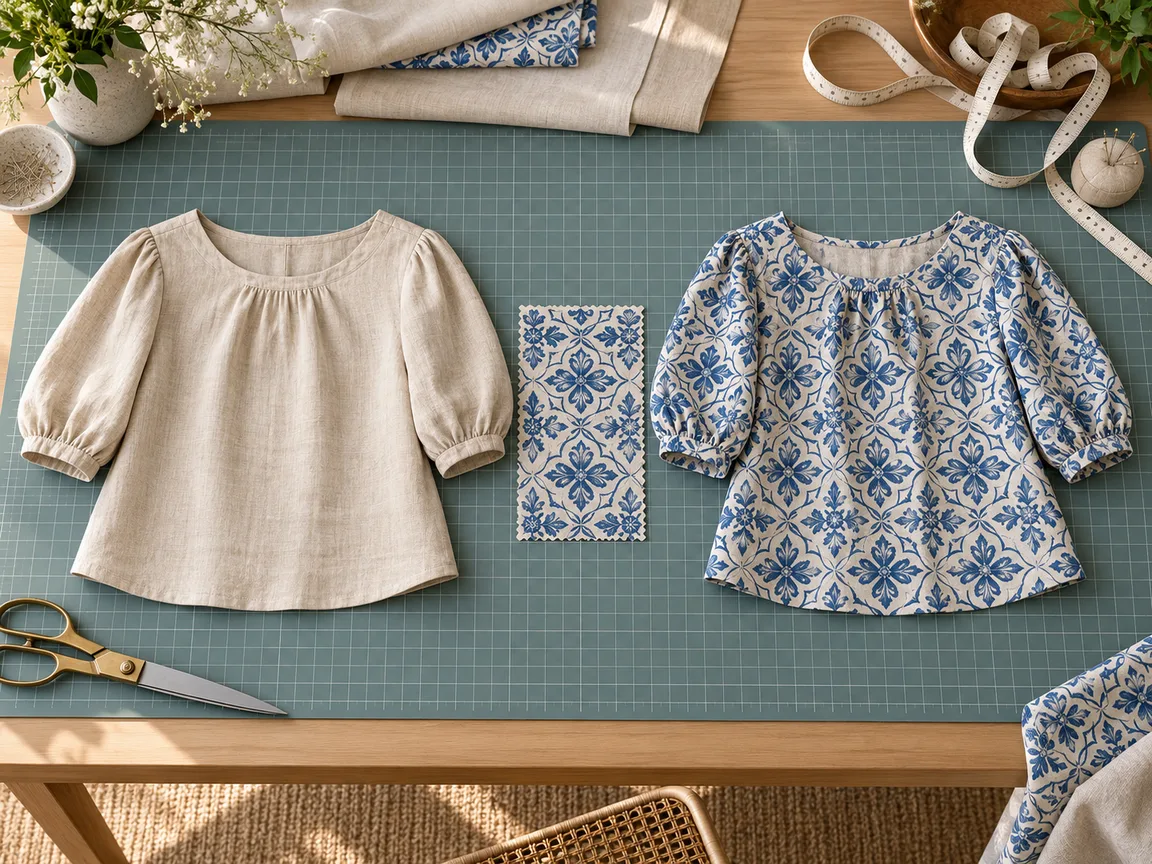
Tailor’s worktable with several patterned fabric swatches, scissors and a tape measure

Credits and how it runs

On ProductShot AI, each image uses 10 credits, and you can generate 1 to 4 images at a time. New accounts get one free generation. Each run takes one product photo, and you sign in to generate.

Results are saved to your history, so you can come back later to download them or try another pattern on the same product.
When it helps most, and pattern rules

It works best when you have many print ideas and expensive samples. Five prints of one bestselling shirt normally means five fabrics, five samples and five shoots, often for one or two prints that sell.

With the AI fabric pattern changer you can preview every print on the same photo, sample only the promising ones, and make variant images before samples arrive.

Upload only patterns you designed or are licensed to use, never another brand’s signature print or copyrighted characters.

Swatches shot flat, straight on, in even light, with at least one full repeat work best; the nine presets are generic patterns made for this site.

How to check a result

Before a result goes live, check four things in order. First the cut: silhouette, collar, pockets, buttons, zippers and stitching. Then the pattern: the one you picked, at a sensible scale and direction, not simplified into something else.

Then the fit: bending with folds and continuing across seams and edges. Finally the other parts: untouched areas, the model and the background.

To change only part of a product, choose Only the part I name and write it in the notes, for example “only the sleeves” or “only the cushion cover”.

Close-up texture, sheen, sheerness and print sharpness still need real photos, and fiber content, weight and care belong in text.

Nine preset patterns

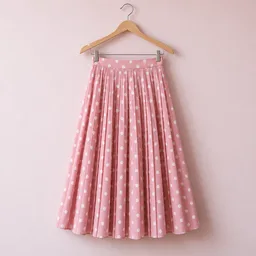
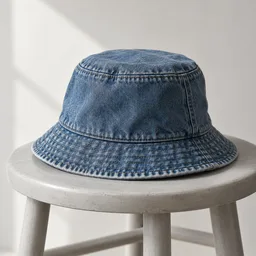
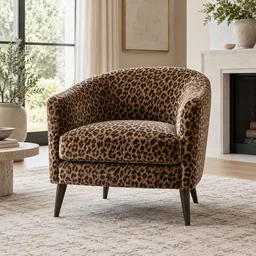
Gingham, floral, stripe, leopard, paisley, houndstooth, dots, leaves and denim.

Or upload your own

Upload a flat swatch or print and see it on the product.

Change only one part

Choose Only the part I name and write the part in the notes.

Follows folds and seams

The print bends with the fabric and keeps the original shadows.

Compare versions

Generate 1 to 4 versions next to the original and keep the best.

Clear pricing

10 credits per image, shown under the Generate button.

Why ProductShot AI

Built for Apparel and Textile Listings, Not Flat Overlays

Every setting is designed around one question: can this new-print image go straight into your store?

Cut lock

The prompt keeps the cut, stitching, buttons, zippers and hardware and changes only the fabric.

Pattern scale

Small, medium and large repeats for products of different sizes.

Light kept

Original folds, shadows and highlights stay on the new print so it does not look pasted on.

Patterns used for your run

Uploaded patterns are used to generate your result; upload only patterns you may use.

Common notes in one click

Pick notes for buttons, stitching, collars or stripe direction, or optimize your own text.

Honest about limits

A visual preview, not the real fabric color or hand feel; the result area reminds you to check.

Use Cases

Five Kinds of Sellers Who Change Fabric Patterns

Each starts from one product photo and one pattern, and ends with the same product in a new print, ready to check.

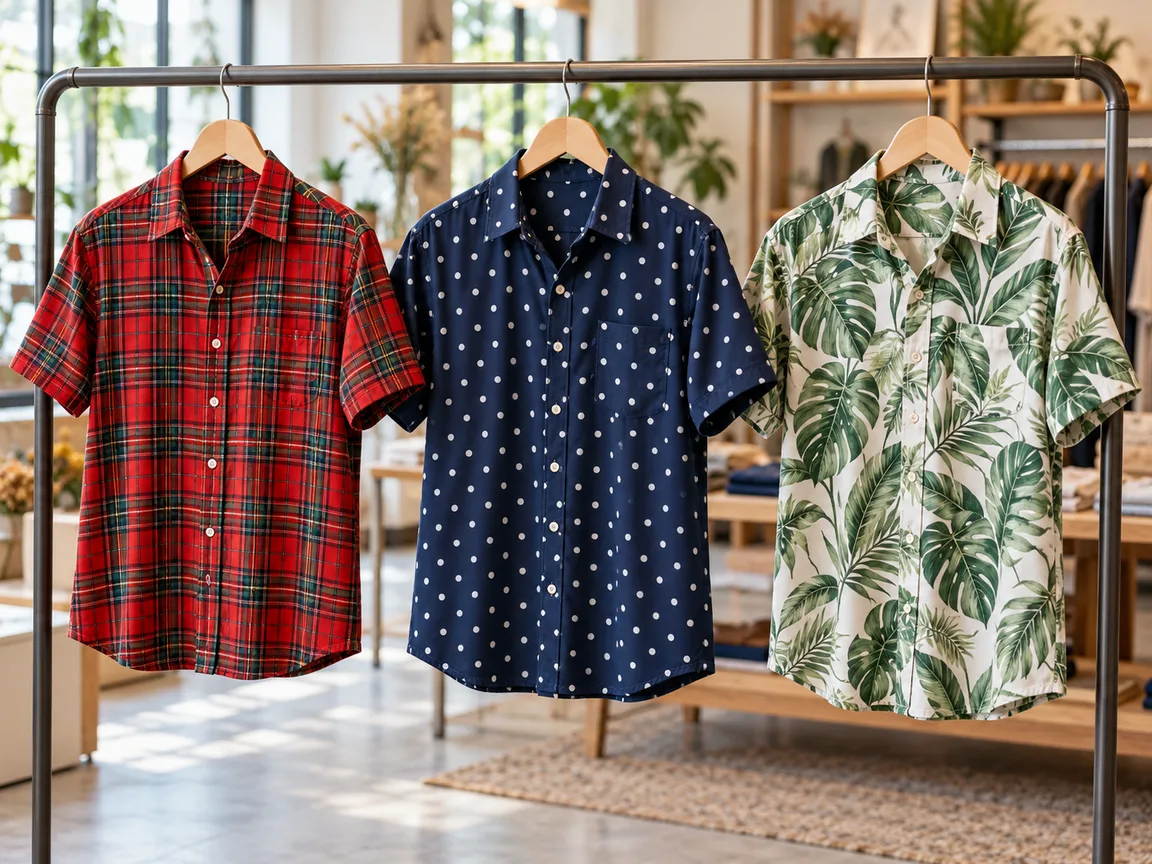
Unbranded shirts in several prints hanging on a clothing rail

Shirts and Tops

Show one shirt in gingham, stripes and florals before you buy fabric. Check that the collar, buttons and pocket stayed, and that checks and stripes bend with the folds instead of lying flat on top.

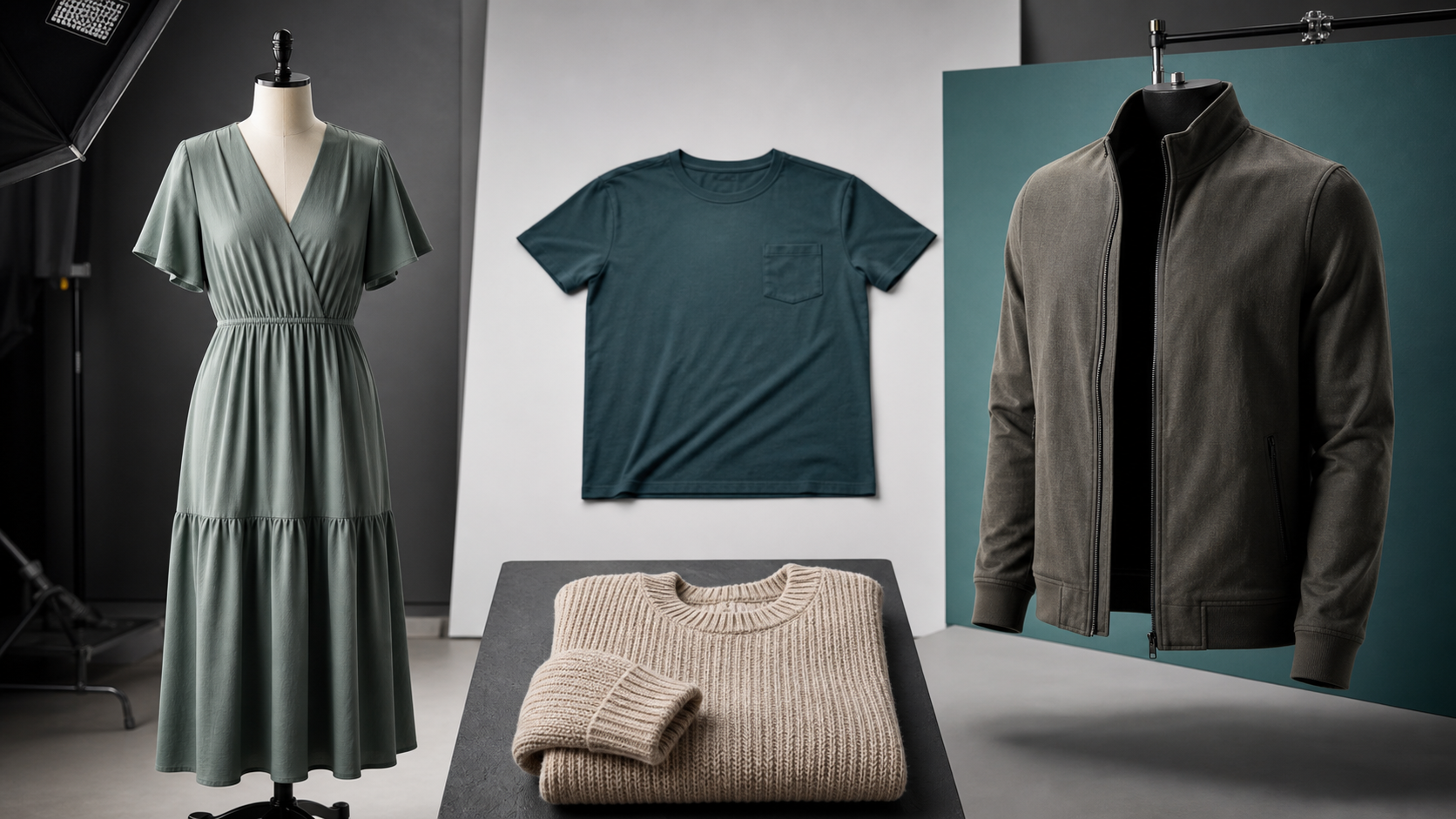
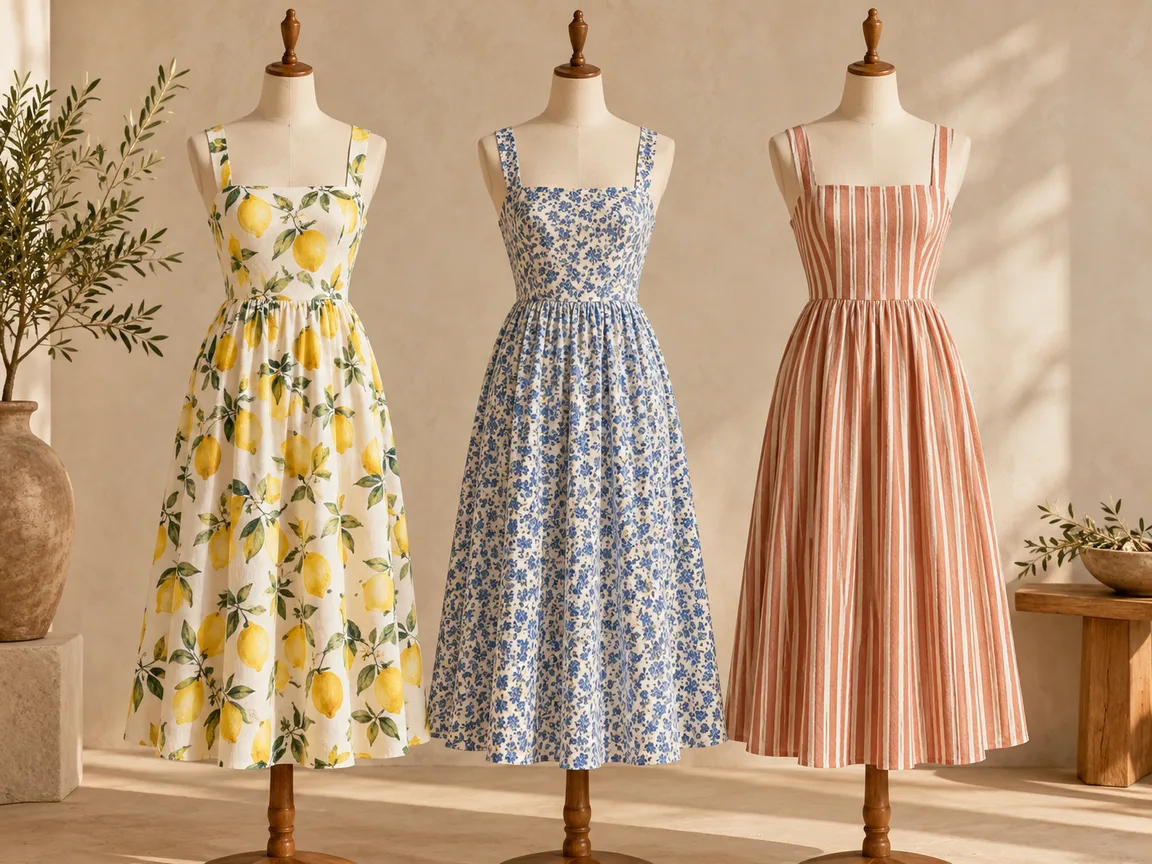
Unbranded printed dresses on dress forms in a studio

Dresses and Skirts

Long hems and gathers are where patterns break. Pick a medium scale, and check that the print continues across seams and around the waist without odd jumps.

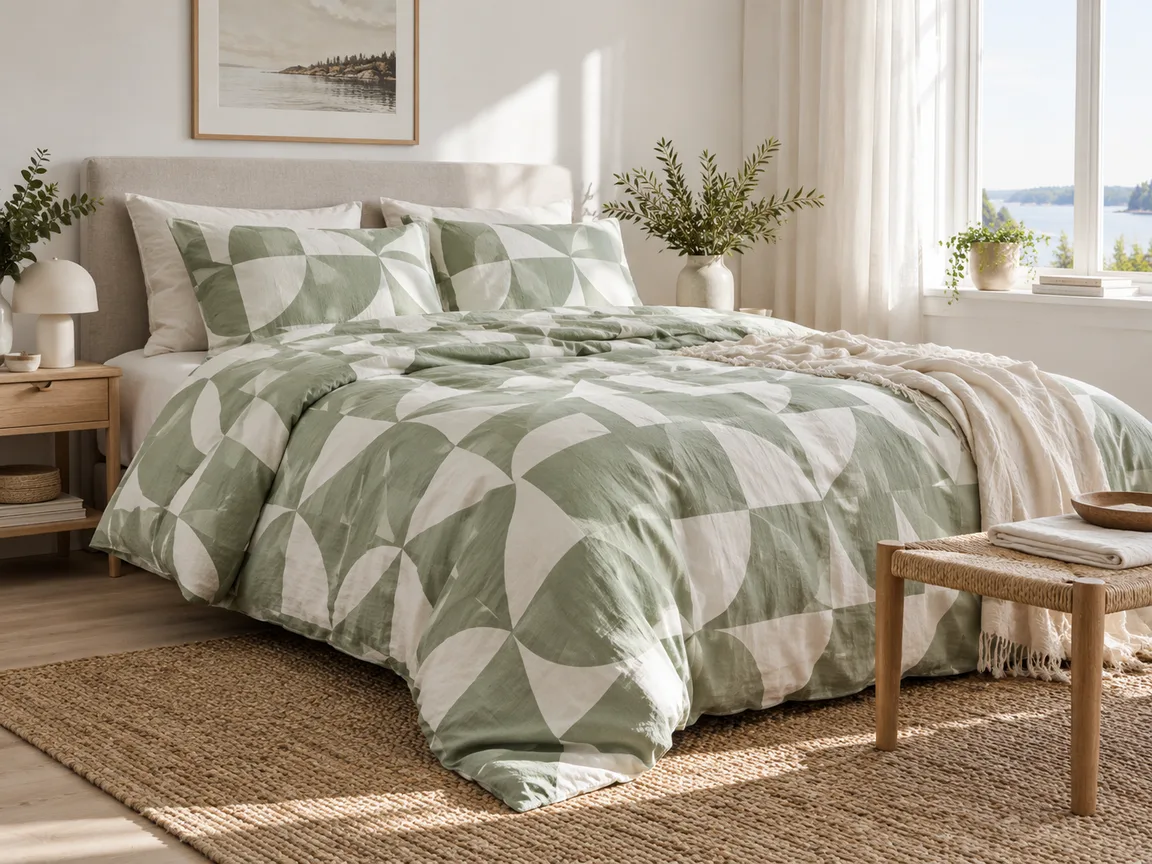
Unbranded cushions in different prints on a linen sofa

Cushions, Bedding and Curtains

Home textiles sell by print. Use Only the part I name to change the cushion cover but not the sofa, and keep piping and zippers in the original color.

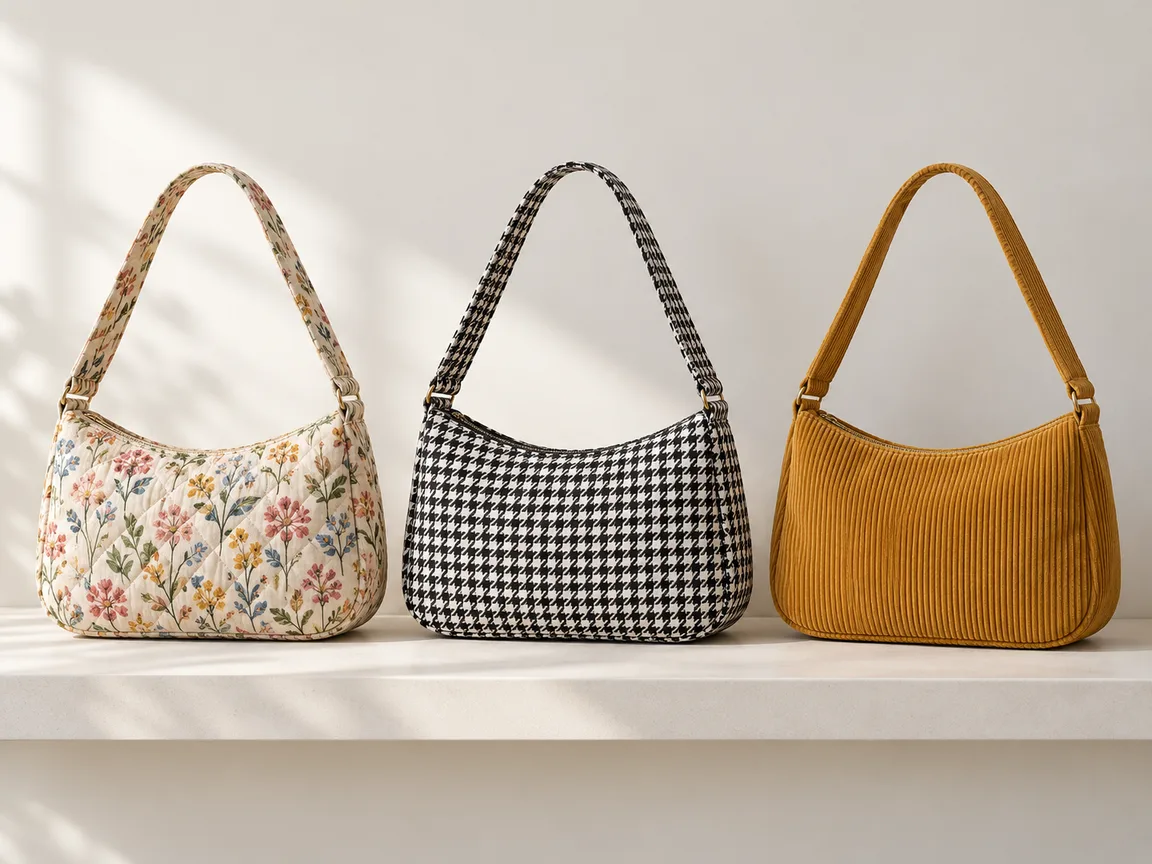
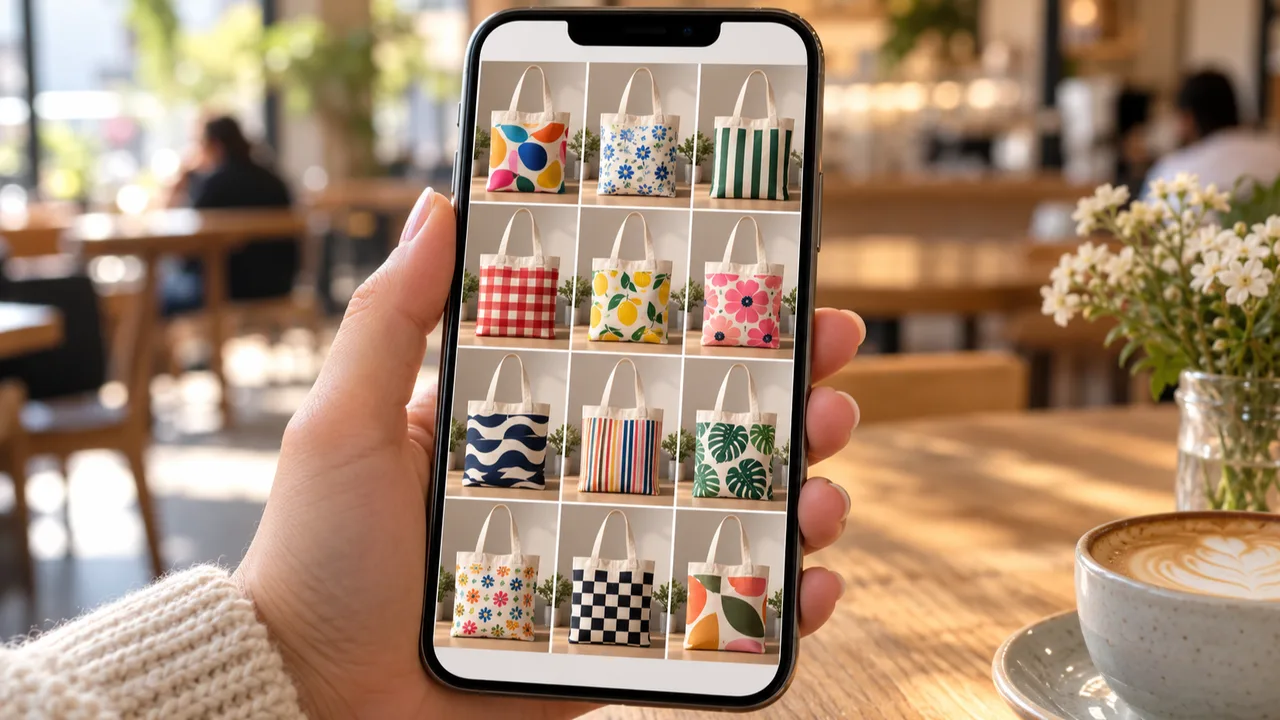
Unbranded canvas tote bags in several prints on a table

Bags and Accessories

Totes, scarves and pouches mix fabric with leather or metal. Name the fabric part in your notes so handles, straps and hardware stay as photographed.

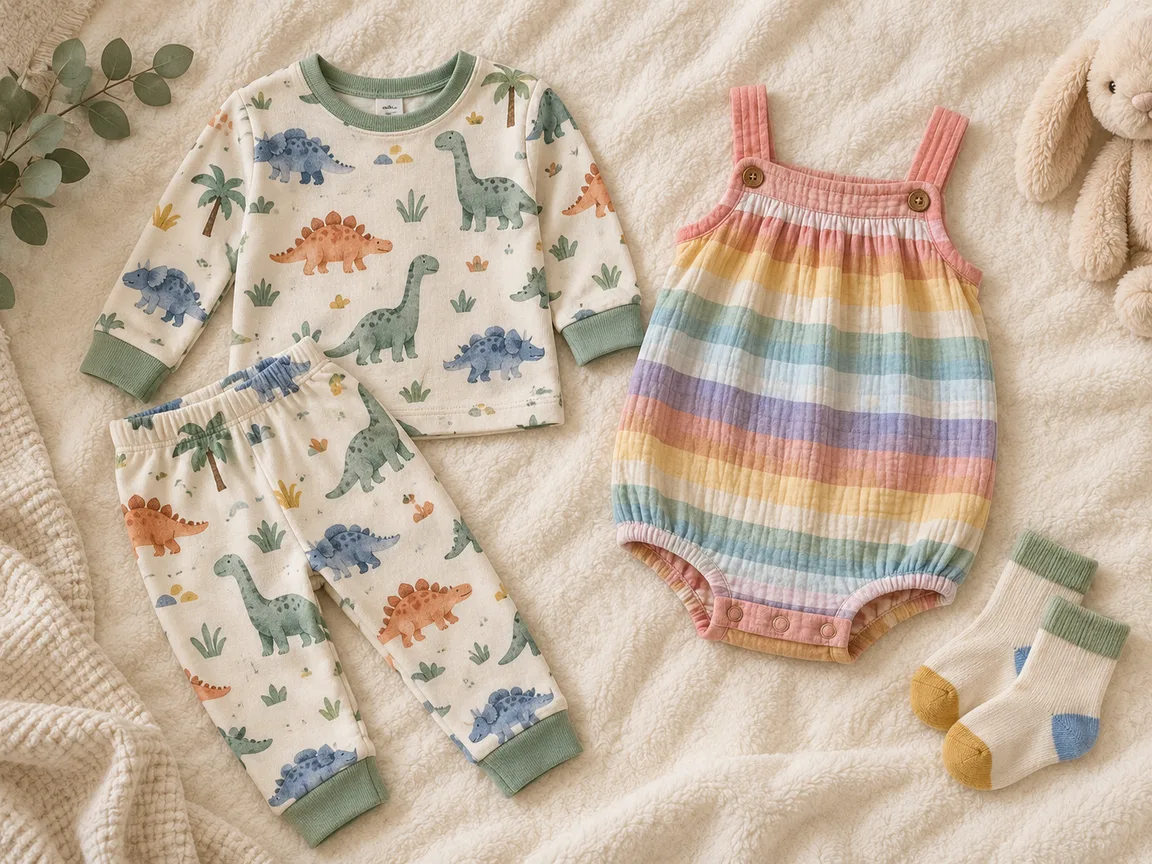
Unbranded children’s clothes in playful prints folded on a shelf

Kidswear and Small Batches

Small brands test prints in tiny runs. Preview the print on the real product first, then order samples only for the versions buyers respond to.

By Channel

Where New-Pattern Images Get Used

Pattern variants let shoppers compare prints without a new shoot. These are the places sellers use them most.

How it works

Change a Fabric Pattern With AI in 4 Steps

Upload the product, pick a pattern, generate and check. Everything happens on this page.

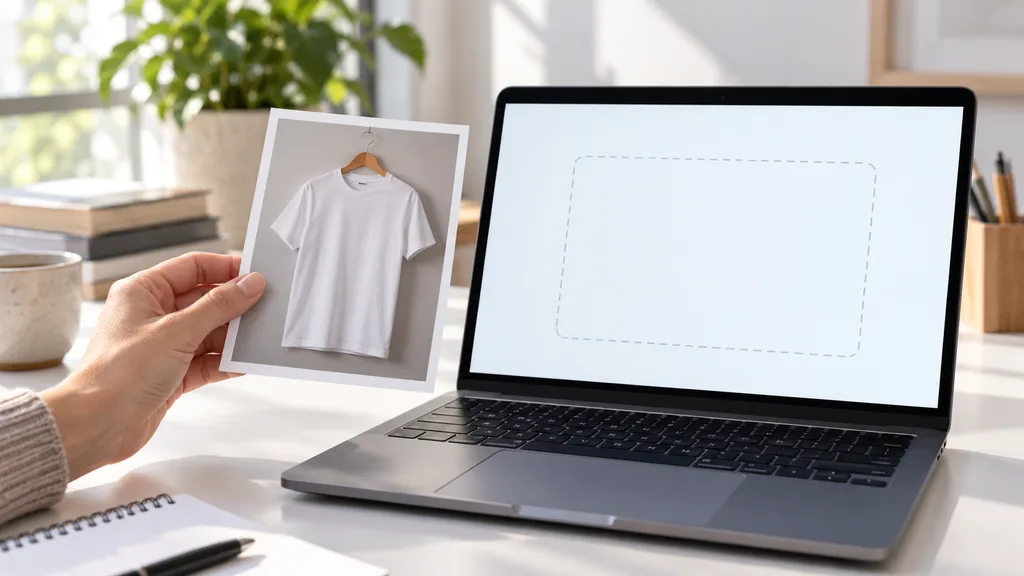
Photographing an unbranded plain shirt on a hanger under soft studio light
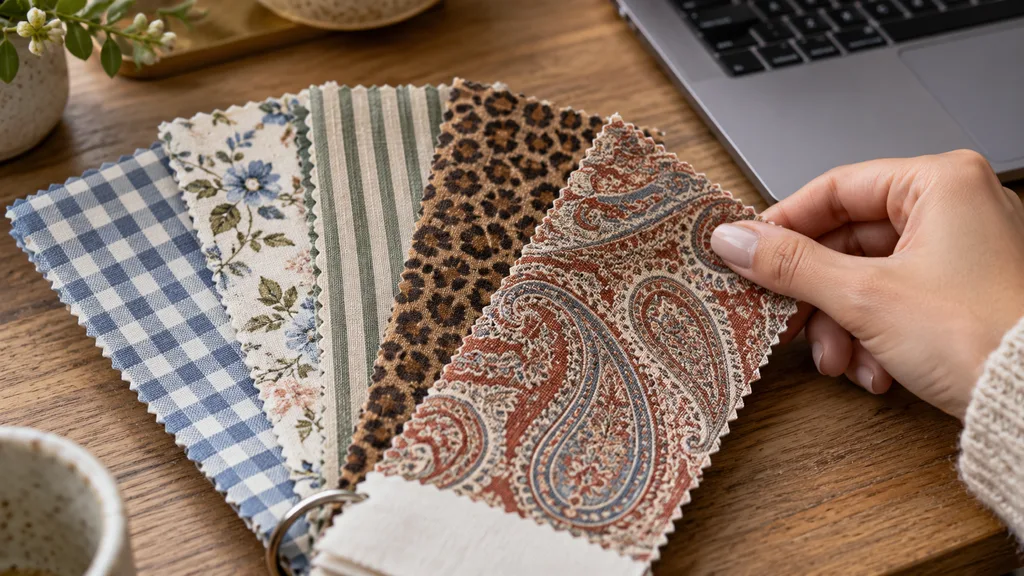
Fabric swatch book open on a table with nine pattern samples
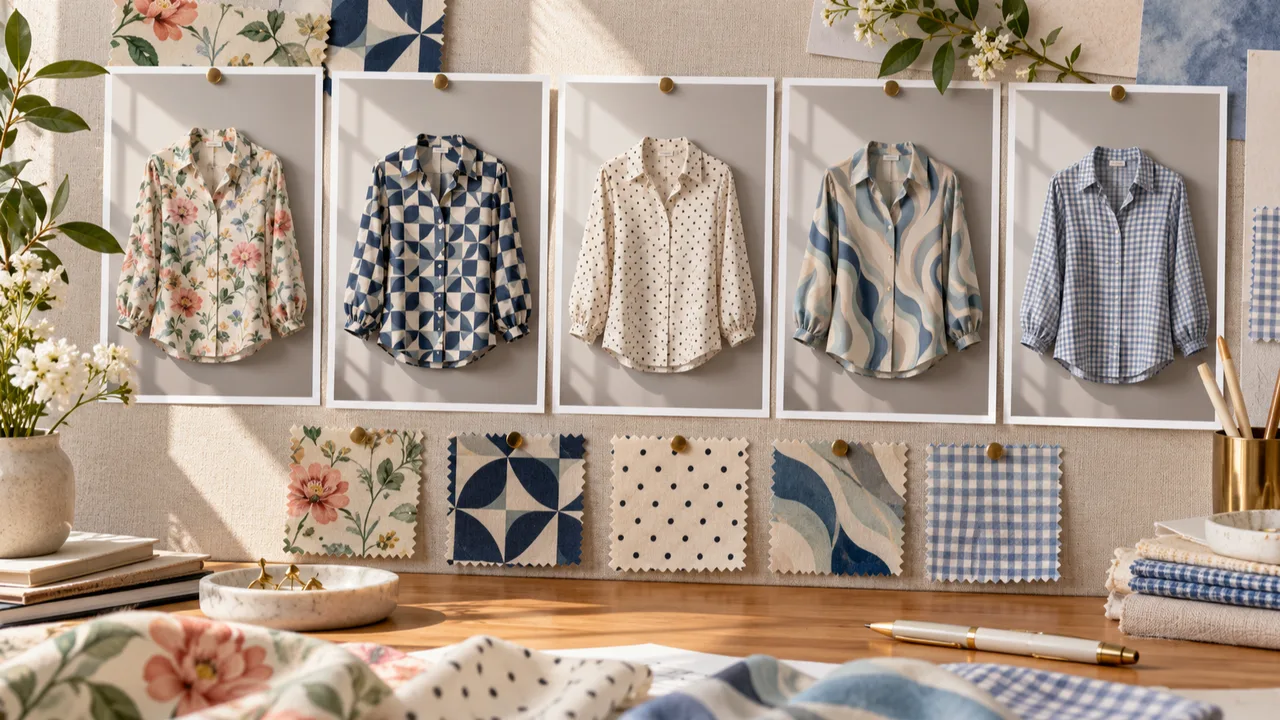
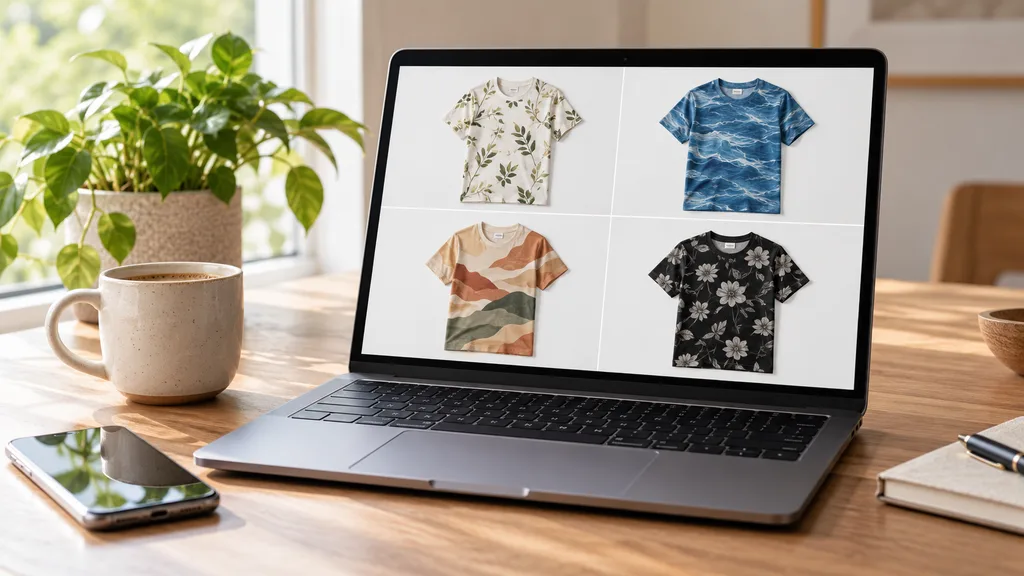
Prints of the same shirt in three different patterns pinned to a board
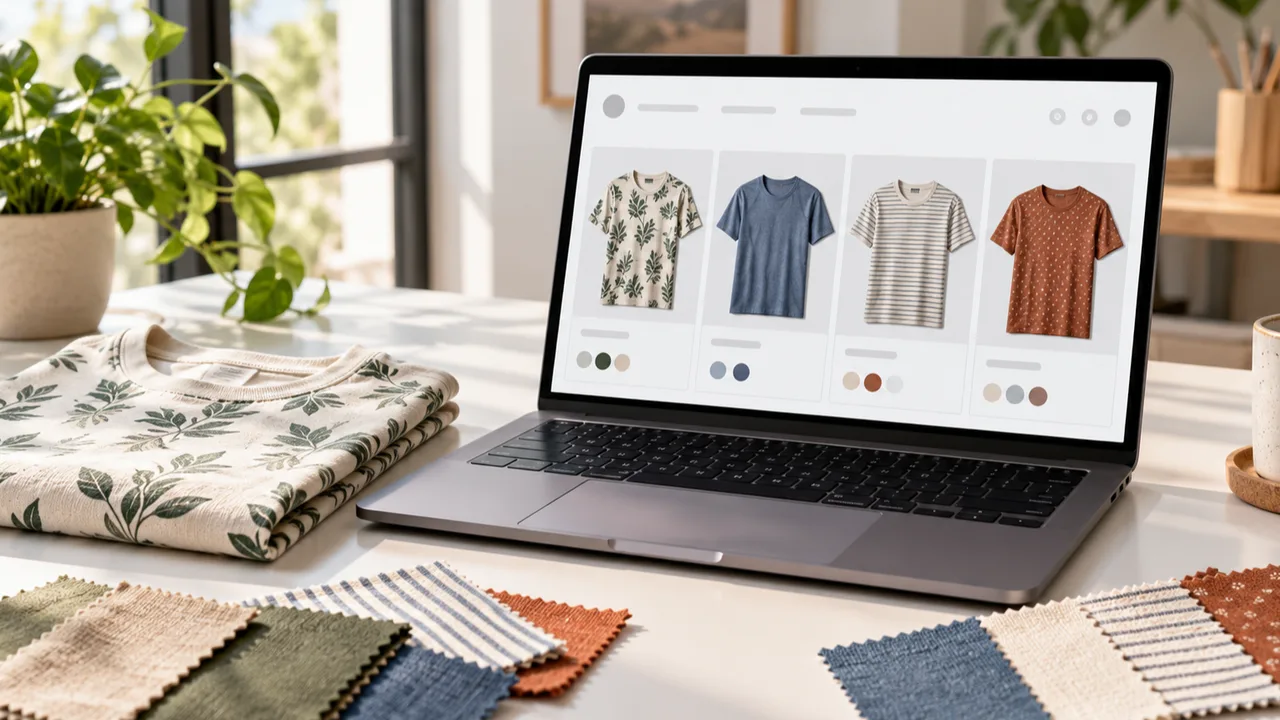
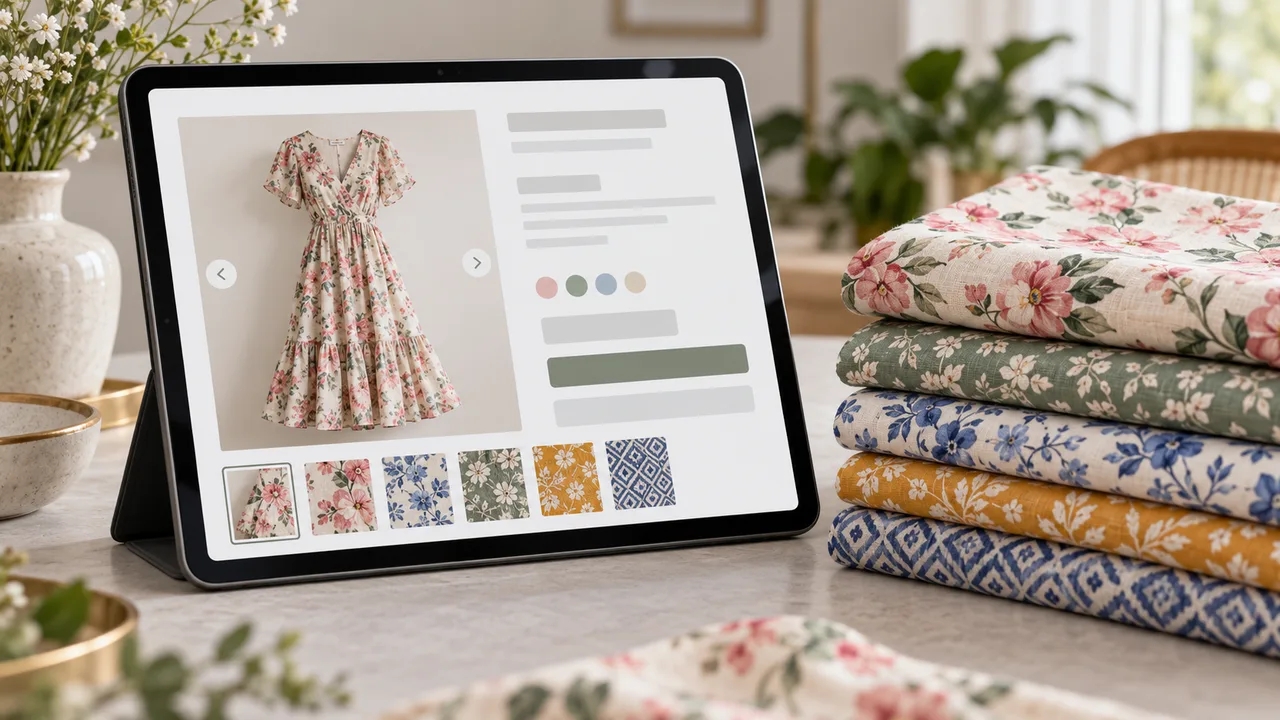
Tablet showing a product page with print options next to folded shirts
01

Upload the Product

Upload one clear photo of the garment, bag, cushion or other fabric product, JPG, PNG or WEBP up to 16MB. Even light and visible folds give the best result. Or start from one of the three examples.

02

Pick a Pattern

Choose one of nine preset patterns, or upload a flat photo of your own fabric or print. Choose Main fabric or Only the part I name, and a small, medium or large scale.

03

Generate and Compare

Generate 1 to 4 versions at 10 credits each. The result area shows the original next to every version.

04

Check, Then Download

Check that the cut, buttons, zippers and stitching stayed, and that the pattern follows the folds at a sensible size. Swap the pattern or regenerate without re-uploading.

Method comparison

AI Fabric Pattern Changer vs Sampling and Manual Mockups

Three ways to show a product in a new print. Use AI images to preview and test, and real samples before you produce.

Multiple

output styles

Reference-led

direction

Built-in

before-and-after review

Traditional Workflow

Sample and Shoot

Buy fabric, sew a sample and photograph every print.

Cost
Fabric, sewing and a shoot per print×
Turnaround
Days to weeks per sample×
What You Need
Fabric, a sample room and a studio×
Another Print
Another sample×
Patterns
The fabrics you bought×
Accuracy
The real fabric×
ProductShot AI

AI Fabric Pattern Changer

Upload one product photo, pick a pattern and get new-print images to check.

Cost
10 credits per image; new accounts get one free generation✓
Turnaround
Results appear on the page when generation finishes✓
What You Need
One product photo and one pattern image✓
Another Print
Pick another pattern and generate again without re-uploading✓
Patterns
Nine preset patterns or any print you own✓
Accuracy
AI redraw: check cut, details and pattern; not the real color or hand feel✓

Tips

Three Ways to Get More Accurate Pattern Changes

The product photo and the pattern image decide most of the result.

Prepare the photos

  • Shoot the product in even, soft light with clear folds and no hard shadows splitting the fabric.
  • Plain, light fabrics change best; dark or already busy prints are harder.
  • Shoot the swatch flat and straight on, with at least one full repeat and no folds or glare.
  • Upload the original export, not a screenshot or re-compressed copy.

Write notes

The part to change + details to keep

Notes are optional for Main fabric. For Only the part I name, cover these two points:

  • Only the sleeves; keep the collar and buttons white.
  • Keep the stripes vertical.
  • Only the bag body; keep the leather handles.

Avoid these mistakes

  • Do not present the image as the real fabric; list fiber and weight and add real detail photos.
  • Do not skip checking the cut, hardware, pattern scale and untouched parts.
  • Do not upload other brands’ trademark prints or copyrighted artwork.
  • One pattern per run; generate each print separately.

Further reading

Articles on listing images, apparel photos and lighting.

How to Photograph Clothing for Ecommerce: What I Learnt the Hard WayApparel
Jun 19, 20268 min read

How to Photograph Clothing for Ecommerce: What I Learnt the Hard Way

A practical apparel photography guide covering flat lays, ghost mannequins, fabric texture, drape, and color accuracy.

Read Article
It Took Me Two Years to Understand Product Photography LightingLighting
Jun 20, 20268 min read

It Took Me Two Years to Understand Product Photography Lighting

A practical guide to product photography lighting, soft light, fill light, backlight, reflection control, and difficult materials.

Read Article
Best AI Lifestyle Photo Generators for Product and Model Shots (2026)Workflow
Jun 23, 20268 min read

Best AI Lifestyle Photo Generators for Product and Model Shots (2026)

Compare AI lifestyle photo generators for realistic ecommerce scenes, product preservation, catalog consistency, and campaign workflows.

Read Article
How to Take Professional Product Shots Without a Studio (or a Degree in Photography)Workflow
Jun 17, 20268 min read

How to Take Professional Product Shots Without a Studio (or a Degree in Photography)

A practical workflow for taking sellable ecommerce product photos with a phone, simple setup, and AI-powered variations.

Read Article
Product Image Clarity for Listings: Fix Soft Supplier and Marketplace PhotosWorkflow
Jul 15, 202610 min read

Product Image Clarity for Listings: Fix Soft Supplier and Marketplace Photos

How ecommerce teams prep soft supplier packs and re-exported marketplace images with free browser clarity enhancement before Amazon and Shopify uploads.

Read Article
AI Product Photography Generator Guide: 7 Best Tools for 2026Guide
Jun 23, 20268 min read

AI Product Photography Generator Guide: 7 Best Tools for 2026

Compare AI product photography generators for white background images, studio shots, lifestyle scenes, and ecommerce campaign visuals.

Read Article
Reviews

How Sellers Use the AI Fabric Pattern Changer

Feedback from some of our users. Thumbnails show products from their categories.

Stack of unbranded gingham and striped shirts
Ms. Liu

“We put five prints on one shirt and let our group vote, then sampled only two. That saved a lot of fabric.”

Womenswear store owner
Unbranded leopard print square cushion
Mr. Sun

“With Only the part I name, the sofa stays and the cushion turns leopard. Our product pages got much richer.”

Home textile brand operator
Unbranded children’s dress in a ditsy floral print
Ms. Ma

“Ditsy florals sometimes come out too big. Switching to the small scale fixed it.”

Kidswear designer
Unbranded striped canvas tote bag
Ms. He

“I noted only the bag body, and the leather handles and rivets stayed as they were.”

Canvas bag seller
Unbranded houndstooth hoodie
Mr. Gao

“Houndstooth on the hoodie came out at the right size, and we note that the print is for reference.”

Menswear boutique
Unbranded paisley silk scarf
Ms. Luo

“Pattern previews are for testing. Once a print is chosen we sample and shoot it, so buyers see real detail.”

Silk scarf brand founder

FAQ

AI Fabric Pattern Changer FAQ

Credits, accuracy, patterns, partial changes, and what a new-print image can and cannot show.

Each image uses 10 credits, and you can generate 1 to 4 at a time. New accounts get one free generation. You sign in to generate.

No. It is a visual preview, not the real color, hand feel, weight or drape. Confirm color with a physical swatch and list fiber content and weight.

The prompt asks to keep the cut, stitching, buttons, zippers, hardware and labels and change only the fabric. The whole image is regenerated, so check details against the original.

Plain or light fabrics in even, soft light with clear folds. Dark or busy prints are harder. JPG, JPEG, PNG or WEBP up to 16MB.

Yes. Switch to Upload a pattern and use a flat, straight-on photo with at least one full repeat. Upload only patterns you designed or are licensed to use.

Yes. Choose Only the part I name and write it in the notes, for example “only the sleeves” or “only the cushion cover”.

Pick Small, Medium or Large. If a print looks too big or small, switch the scale and generate again.

Regular patterns are the hardest to continue across seams. Try a smaller scale, add “keep the stripes vertical” to the notes, or generate another version.

No. Do not upload other brands’ signature prints, logos or copyrighted characters. The nine presets are generic patterns made for this site.

The cut and details, the pattern and its scale and direction, how it follows folds and seams, and the parts you did not ask to change. Only list prints you can actually produce.

Ready to Try a New Pattern?

Upload one product photo and pick a pattern. 10 credits per image, and new accounts get one free generation. The image is a visual preview, not the real fabric, so review it before you publish.

Start Free →