














30:00:00
50% OFFLimited Time Deal: Today only 50% OFF — miss it once, wait six monthsGet 50% Off

AI Furniture Product Staging

Upload one photo of the piece, choose room and style, and generate. Check the size and details.

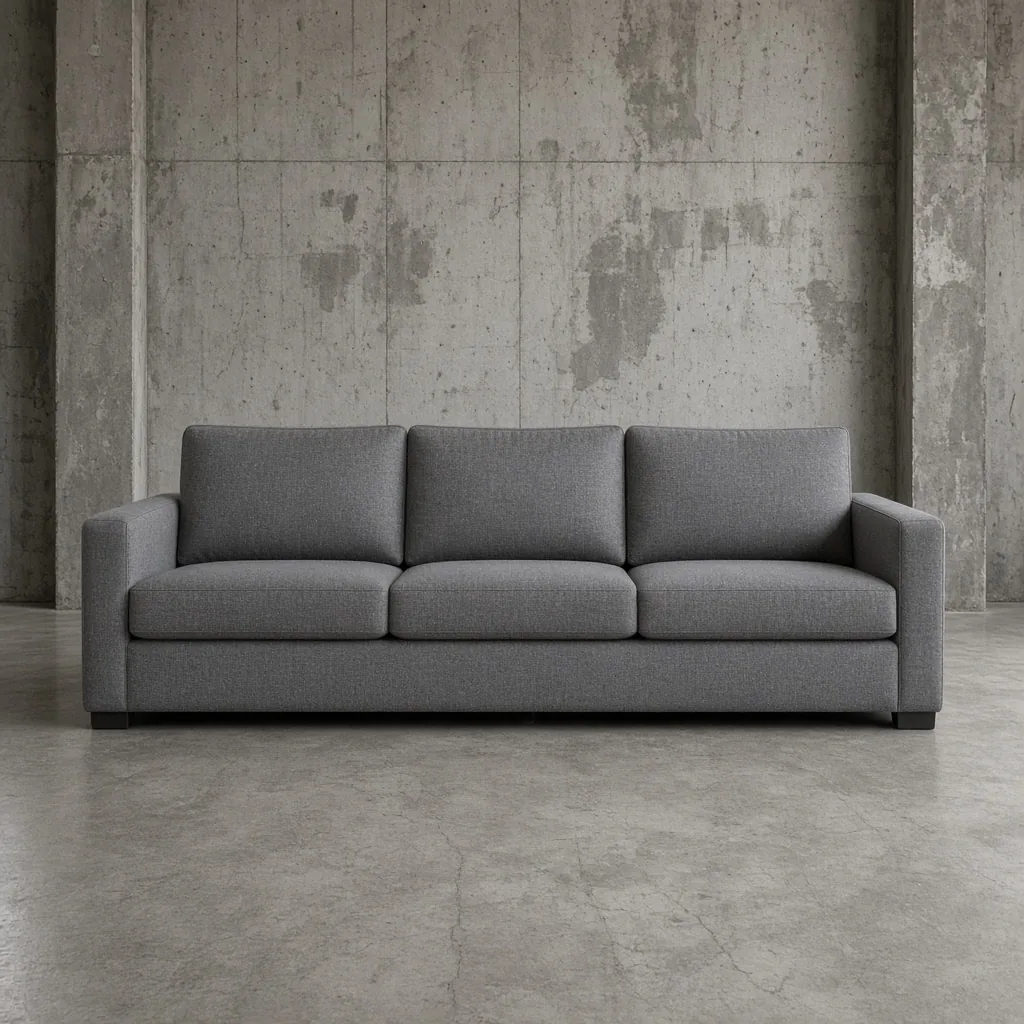
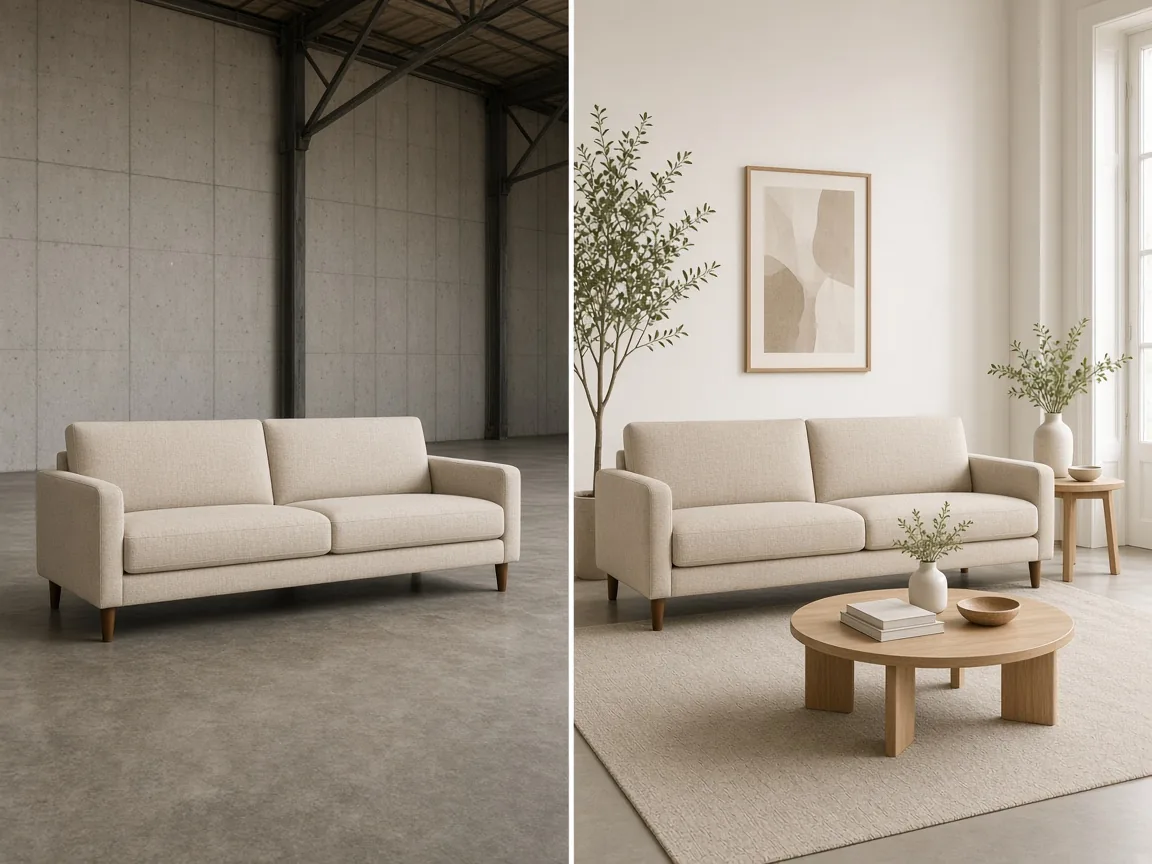
Unbranded gray three-seat sofa photographed in a warehouse
Product
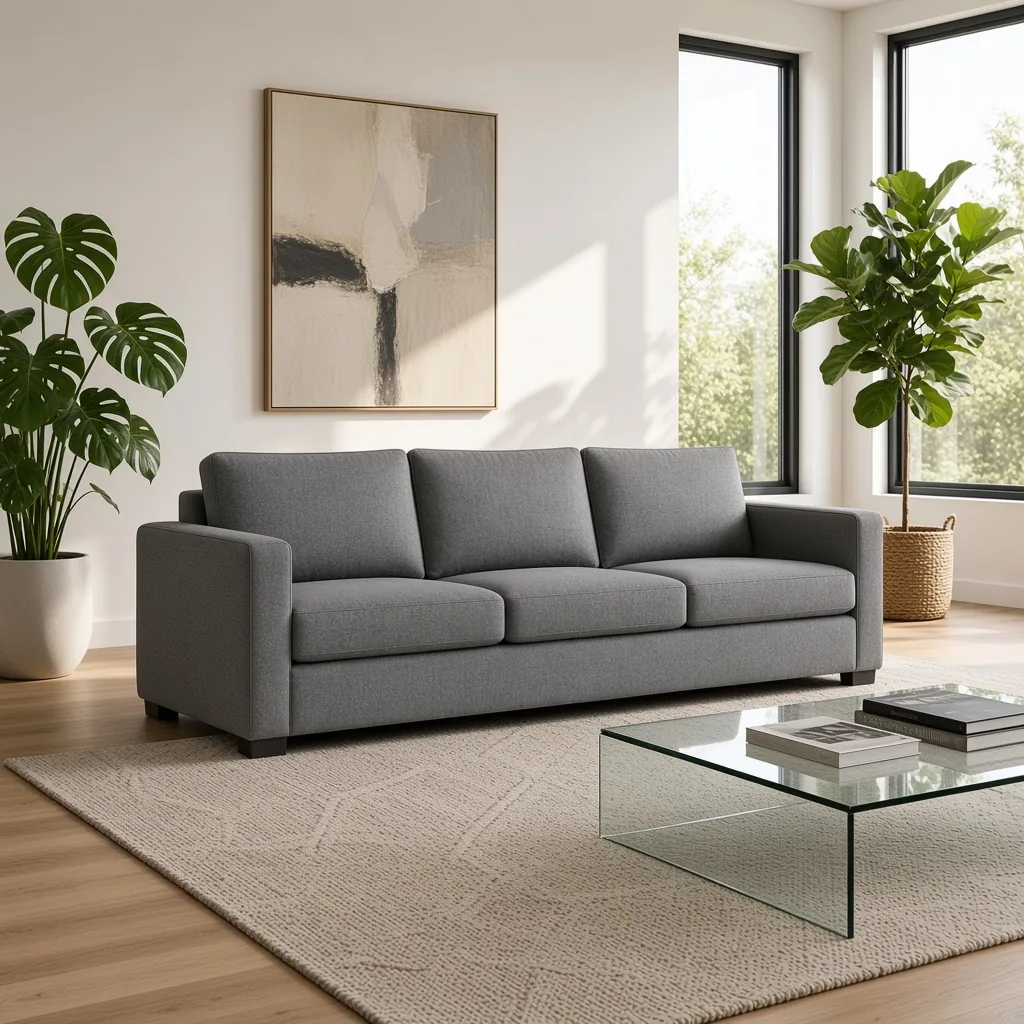
The same sofa staged in a bright modern living room
Staged

Warehouse photo → styled living room

Home Tools

Stage the Piece, Then Keep Going

After AI furniture product staging puts your piece in a room, make a white main image, extend the scene or blur the background with the tools below.

White Background
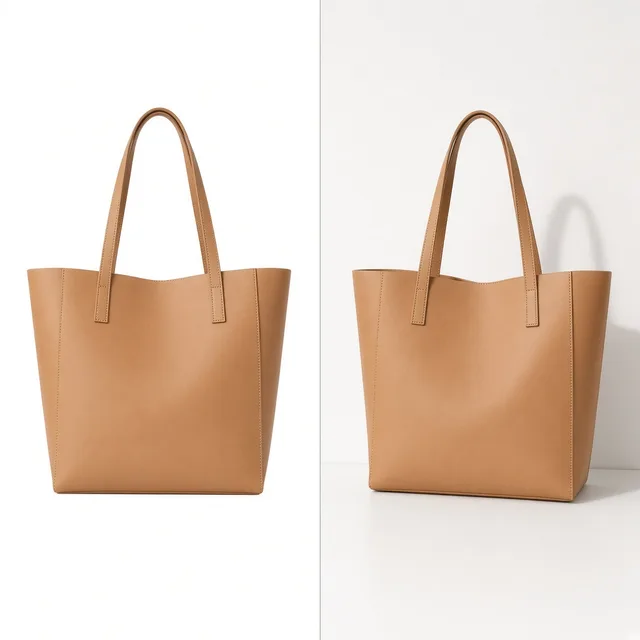
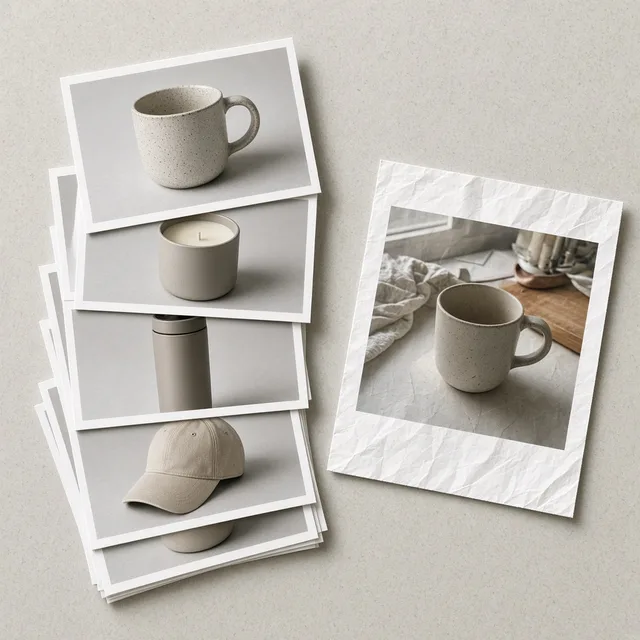
White BackgroundClean white listing photos in secondsTry it →
Lifestyle Scene
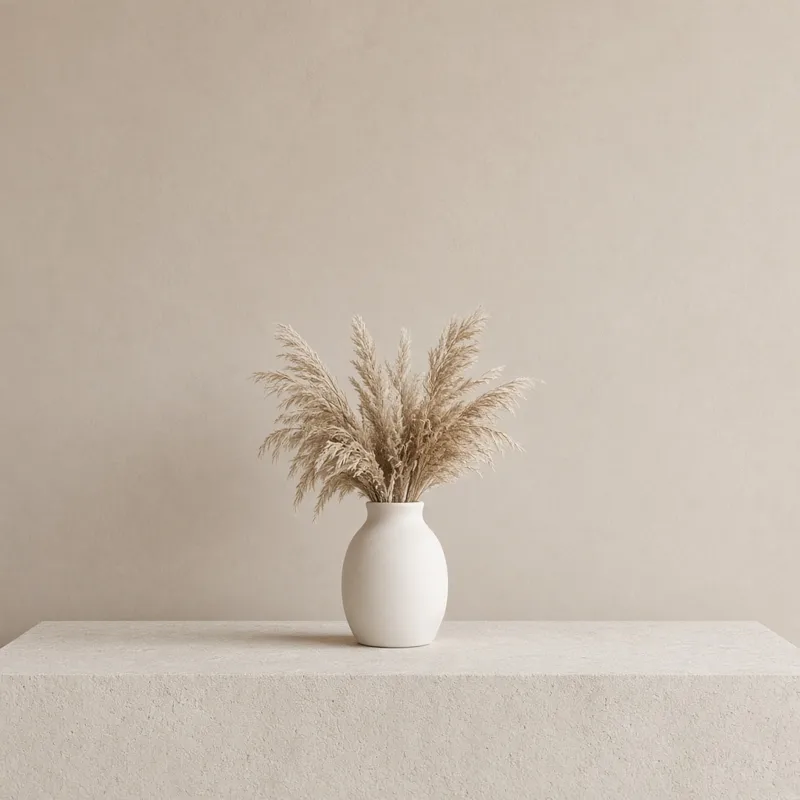
Lifestyle ScenePlace products in real-life scenesTry it →
Jewelry Photography
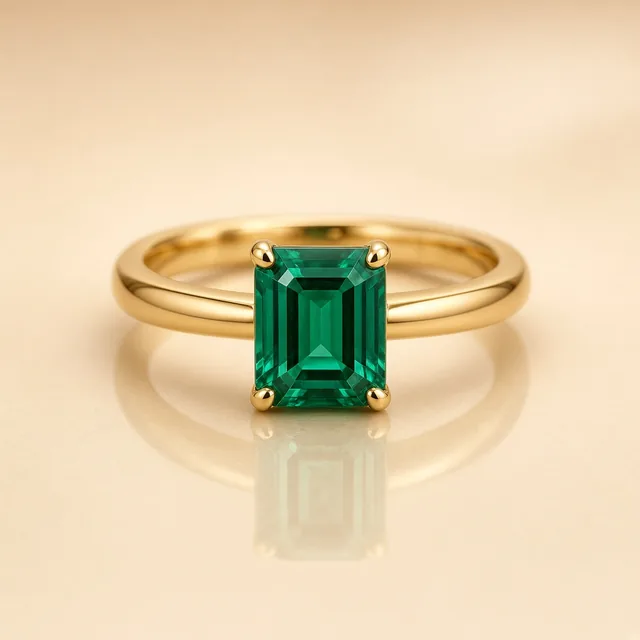
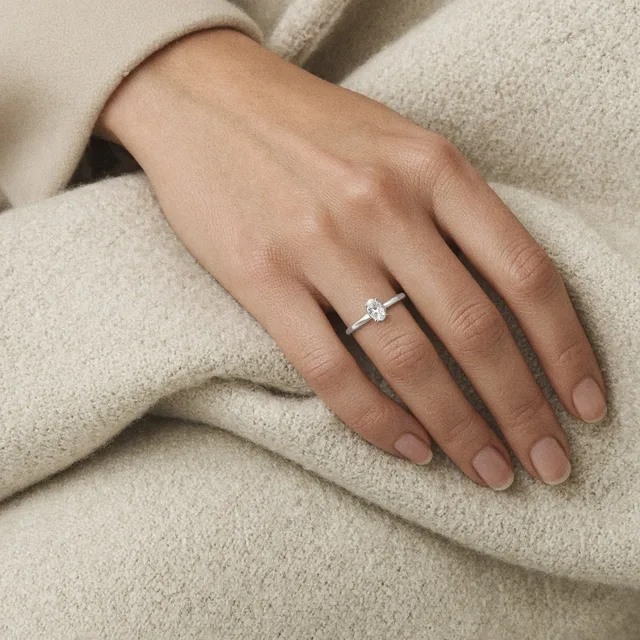
Jewelry PhotographyStudio and scene shots for rings and necklacesTry it →
Black Background
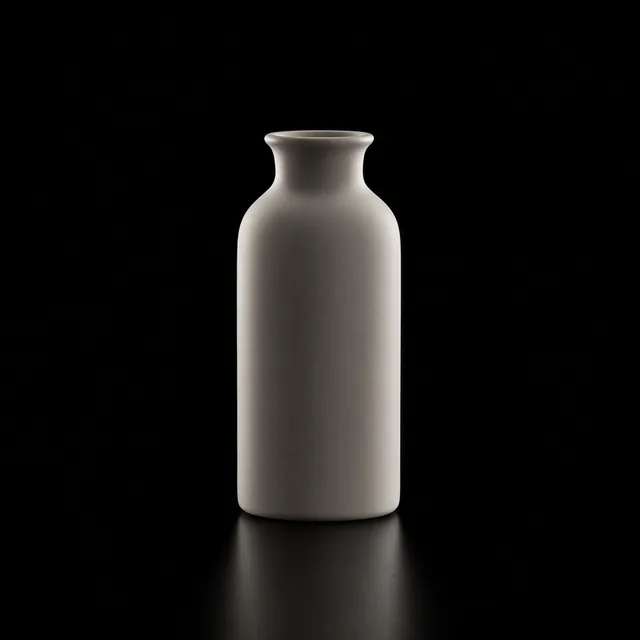
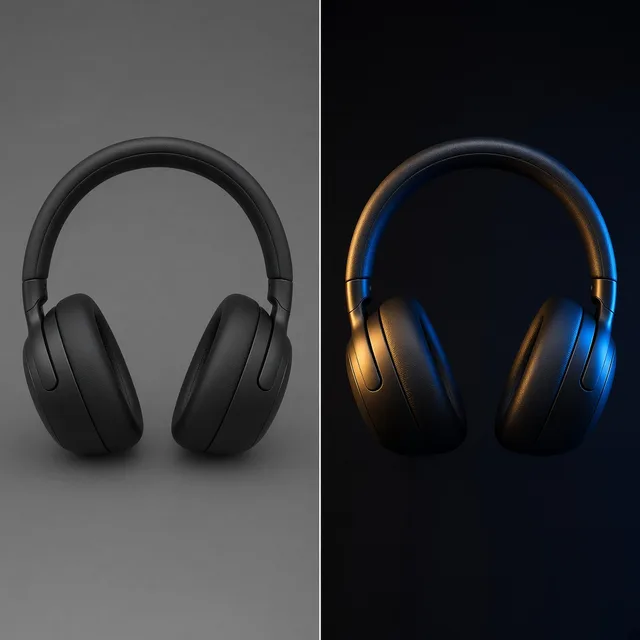
Black BackgroundPremium black and dark studio product shotsTry it →

What it is

What Is AI Furniture Product Staging?

AI furniture product staging places your furniture or home decor into a realistic room.

How it works

You upload one photo of a sofa, chair, table, bed, lamp, rug or vase, choose a room (living room, bedroom, dining, home office or patio), an interior style and a camera view, and the AI builds a room around the piece with matching perspective, light and shadows.

Buyers see how it would look at home, not just in a warehouse.

An unbranded sofa photographed in a warehouse next to the same sofa in a styled living room

Credits and how it runs

On ProductShot AI, each image uses 10 credits, and you can generate 1 to 4 images at a time. New accounts get one free generation.

You sign in to generate, and results are saved to your history, so you can stage the same piece in another room or style later without re-uploading. The credits for each run are shown under the Generate button.
Which photo to upload

Start with a photo that shows the whole piece, legs and all, at a natural eye-level angle. A white-background cutout, a warehouse shot or a showroom photo all work for AI furniture product staging.

Avoid photos where other furniture covers part of the piece, and avoid extreme wide-angle phone shots that bend straight lines.

Which room and style to choose

Pick the room and style your buyers live in. Modern minimal and Scandinavian suit most mass-market pieces. Japandi fits natural wood and linen. Industrial loft suits metal and leather. Warm classic suits upholstered and traditional pieces.

Use the room view for the main lifestyle image, the styled corner for social posts, and close detail to show materials in context.

How it differs from other scene tools

It differs from the AI Lifestyle Product Photo Generator, which places any product into everyday scenes, and the AI Product Background Changer, which swaps the background of an existing photo.

Furniture staging is tuned for large pieces in interiors: room layouts, floor contact, perspective and scale. A common set: a white main image, two staged rooms and one close detail.

How to check a staged photo

To check a staged photo, look at four things in order. First the piece: same shape, color, fabric, legs and hardware. Then the scale: believable next to doors, windows and people-sized objects.

Then the floor contact: legs sit on the floor with real shadows, nothing floating. Finally the room: nothing covers the piece and nothing looks impossible.

When to take extra care

Some cases need care. Do not stage a piece in a way that suggests a size, material or included items it does not have. If props could confuse buyers, add a line such as “decor not included” to your listing.

For made-to-order pieces in many fabrics, generate each fabric separately from its own photo rather than asking the AI to recolor it.

Five rooms

Living, bedroom, dining, office, patio.

Five styles

Modern to warm classic.

Three camera views

Room, corner or detail.

Realistic scale

Sized against doors and floors.

Compare versions

Generate 1 to 4 next to the original.

Clear pricing

10 credits per image, shown under the Generate button.
Why ProductShot AI

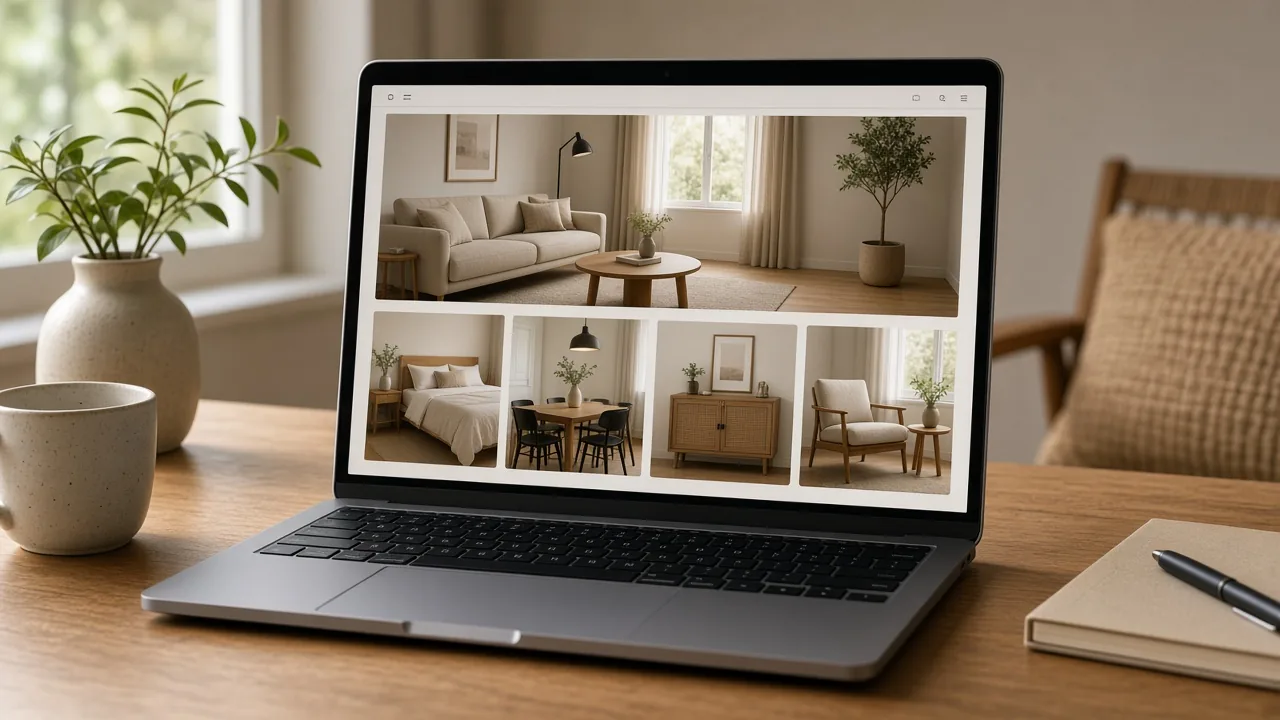
Built for Furniture in Real Rooms

Every setting is tuned for large pieces, floors and interior light.

Piece stays true

Shape, fabric, legs and hardware are kept.

Interior styles

Five styles buyers actually live in.

Matched light

Window light and shadows that fit the room.

Images used for your run

Uploaded images are used to generate your result.

Common notes in one click

Realistic size, fabric color, rugs and plants.

Honest about limits

Check scale and details every time.

Use Cases

Five Times Furniture Sellers Need Staged Photos

Buyers want to see how a piece fits a real home before they order.

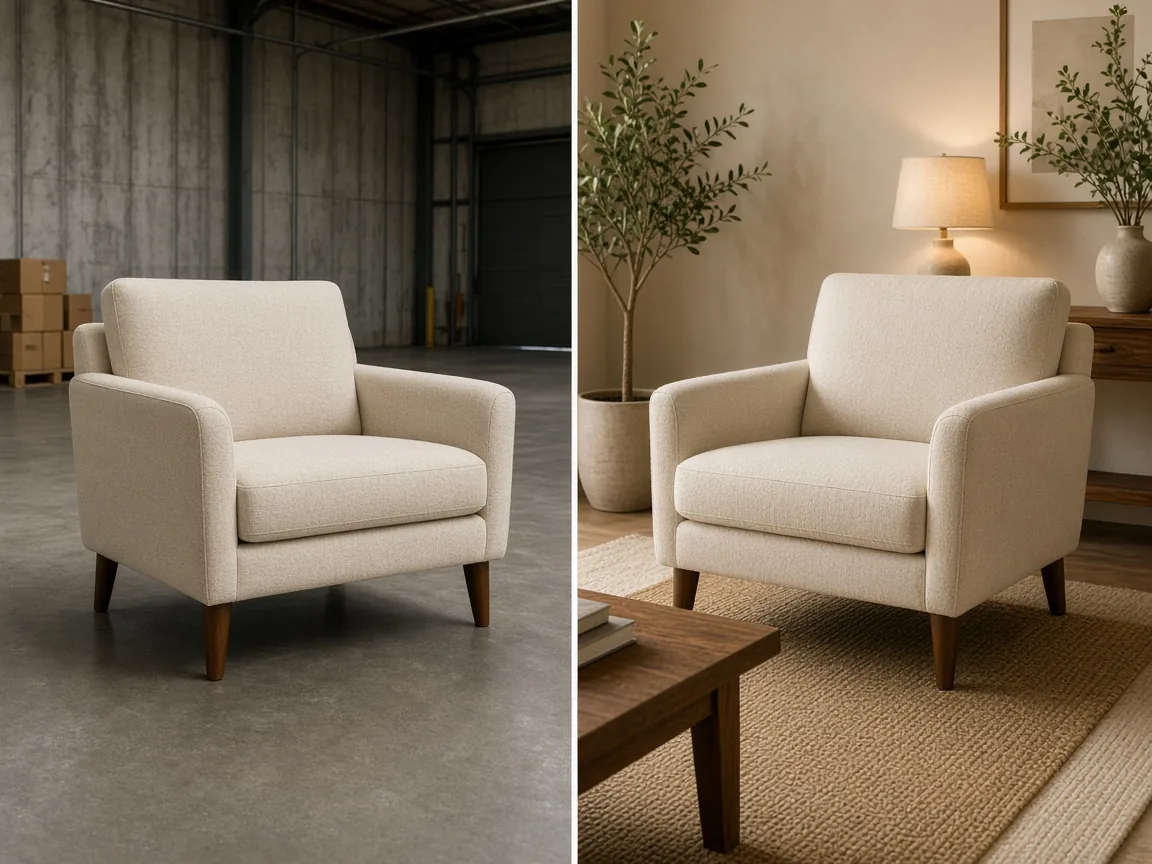
Unbranded armchair in a warehouse next to the same chair in a styled living room

Warehouse Photos

Turn plain warehouse shots into homes buyers can picture.

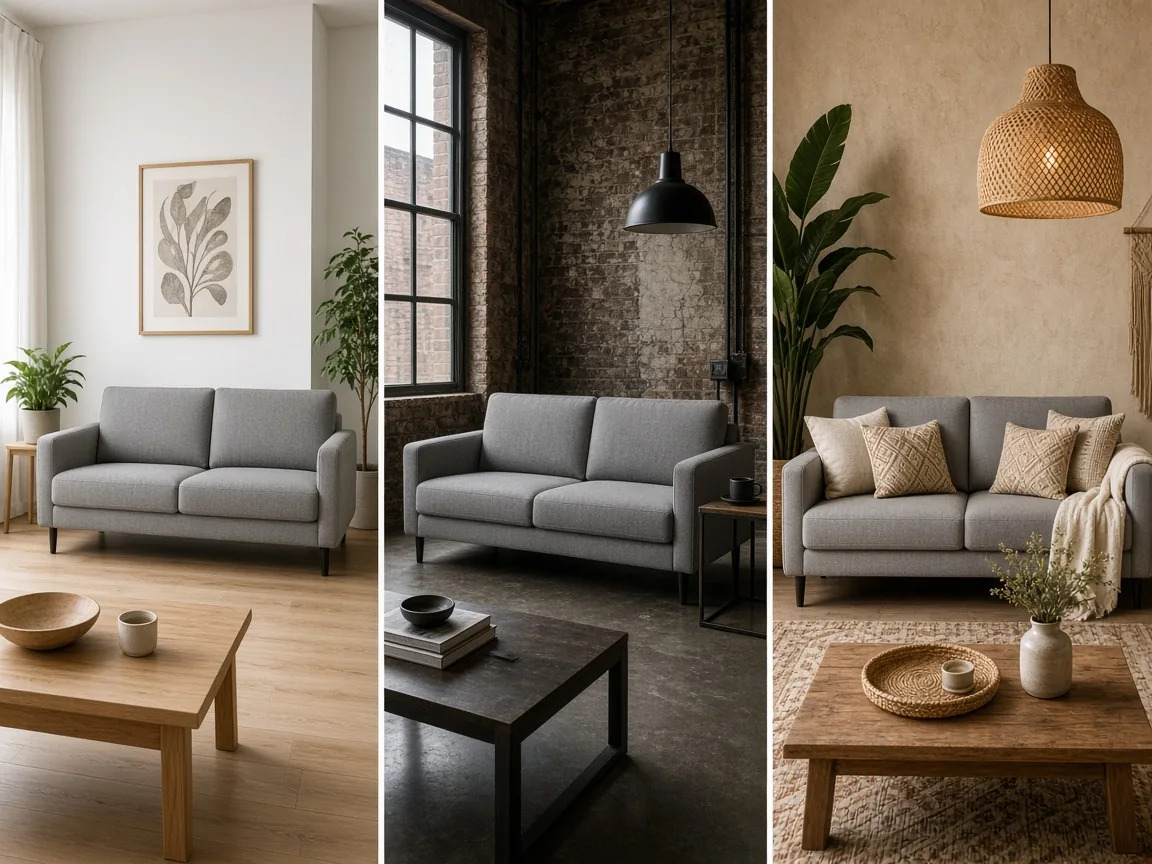
The same unbranded sofa in three interior styles

One Piece, Many Styles

Show the same sofa in Scandinavian, Japandi and loft rooms.

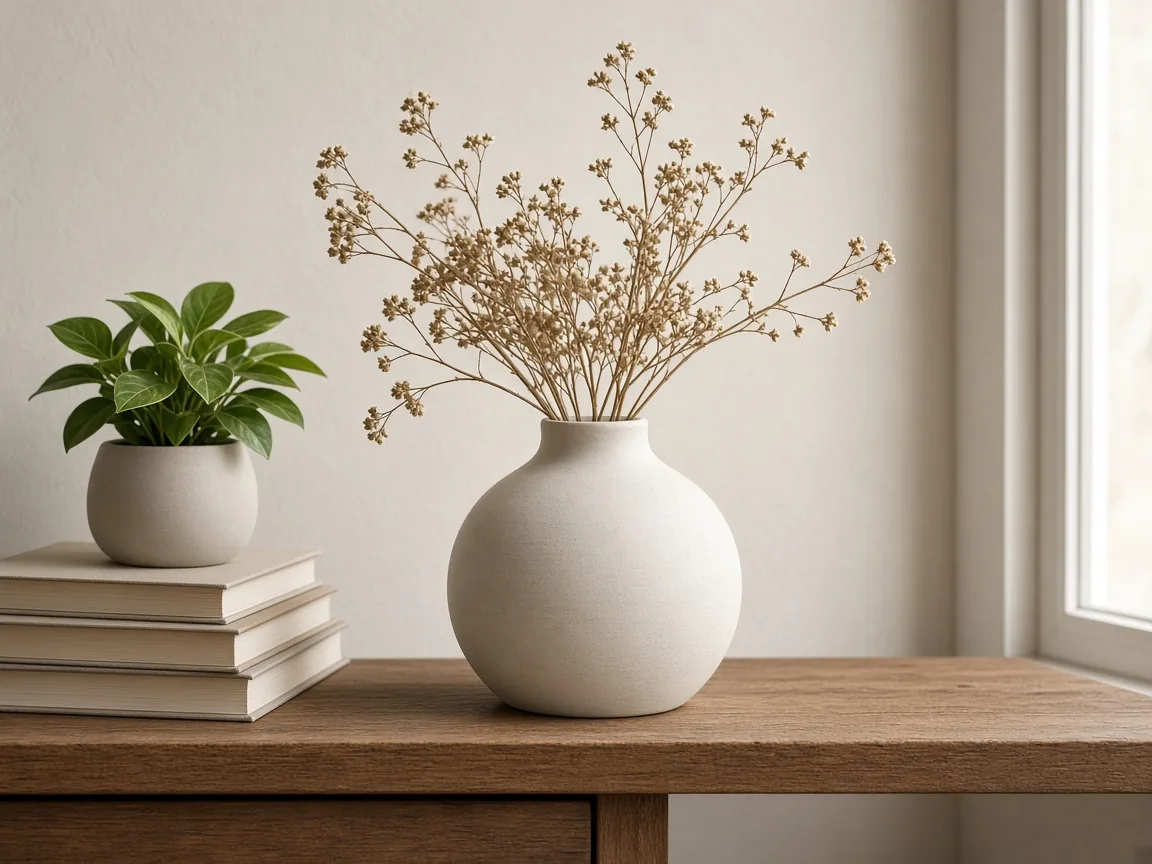
Unbranded ceramic vase styled on a wooden shelf

Small Decor

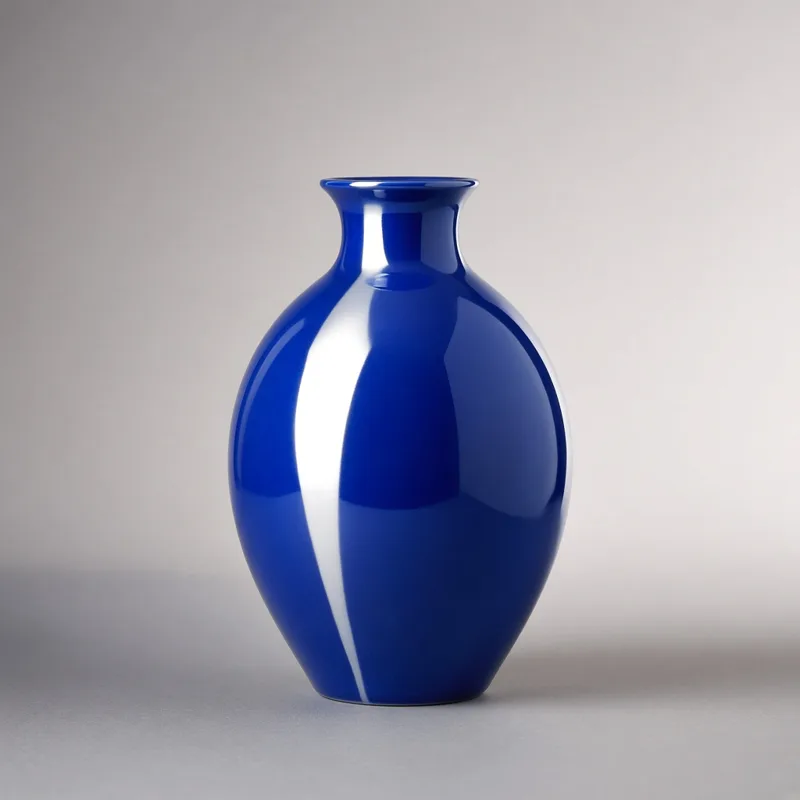
Lamps, vases and cushions styled on shelves and tables.

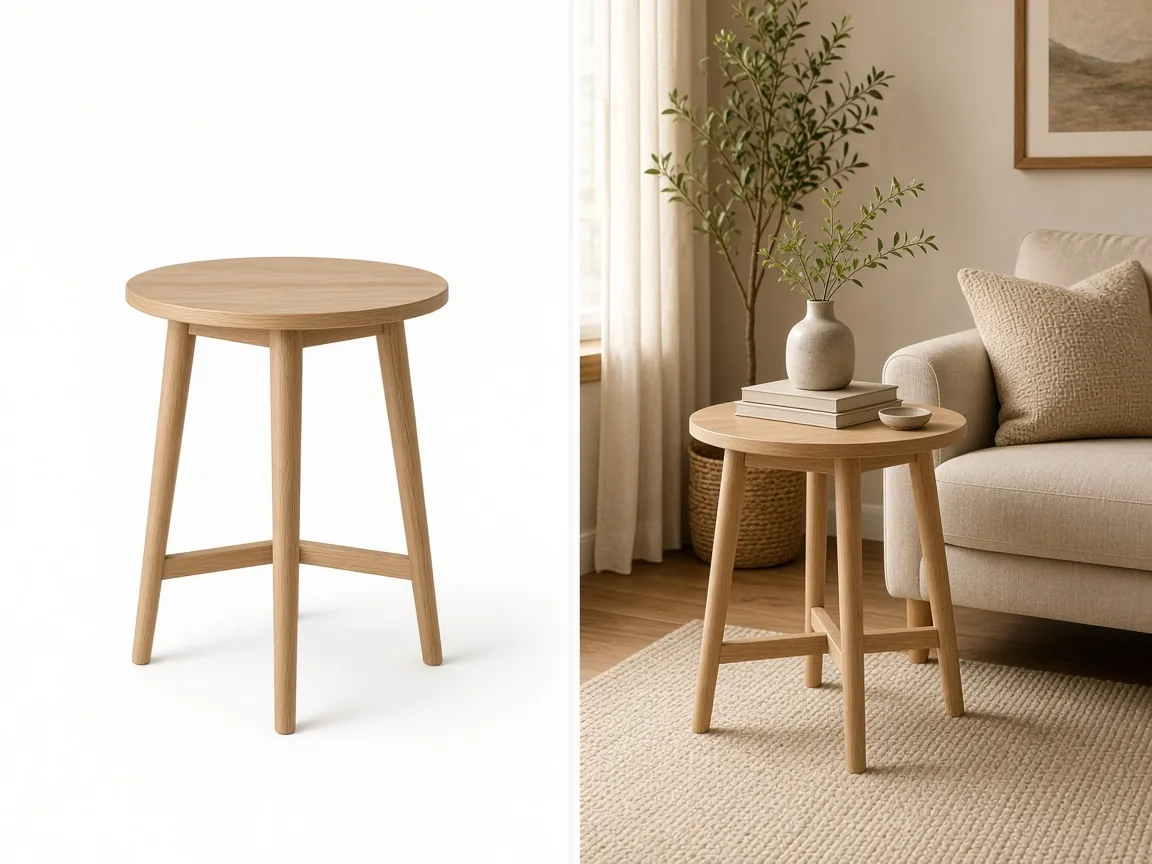
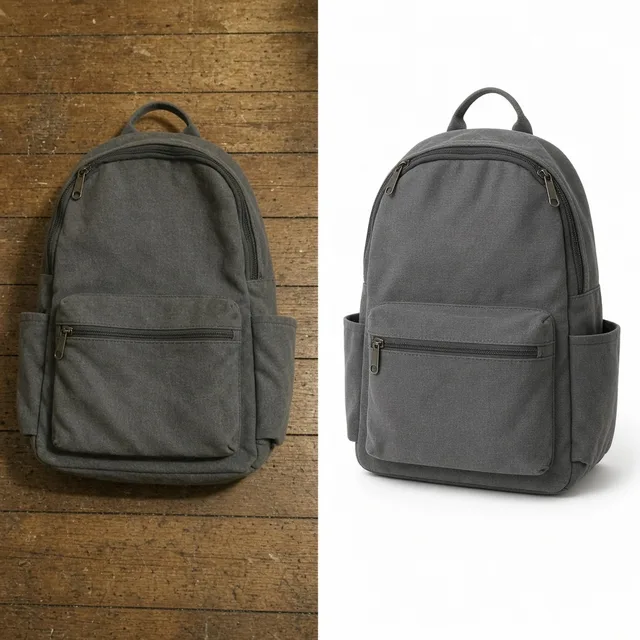
Generic supplier photo of an unbranded side table and a new staged version

Supplier Images

Replace generic supplier backgrounds with your own look.

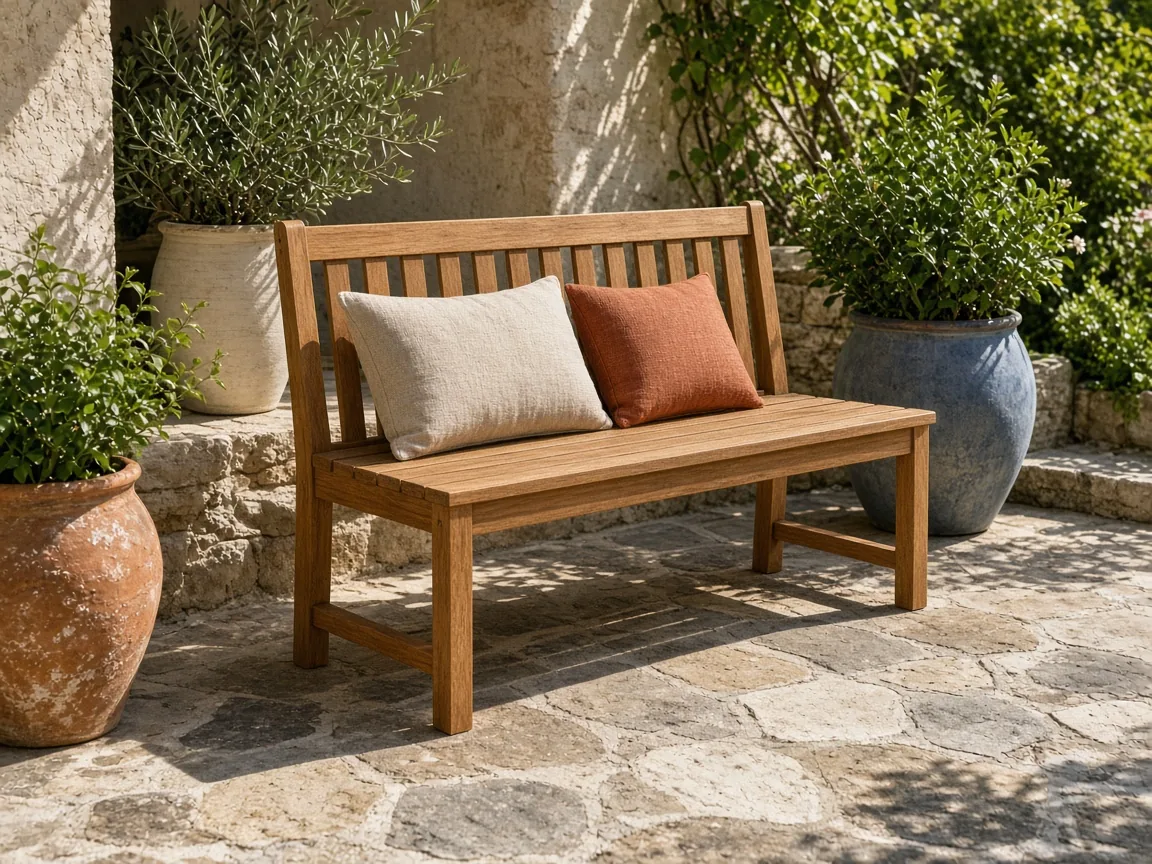
Unbranded teak bench staged on a sunny patio

Outdoor Furniture

Patios and balconies without waiting for good weather.

By Channel

Where Staged Furniture Photos Get Used

Marketplaces, online stores, catalogs and social posts.

How it works

Stage Furniture With AI in 4 Steps

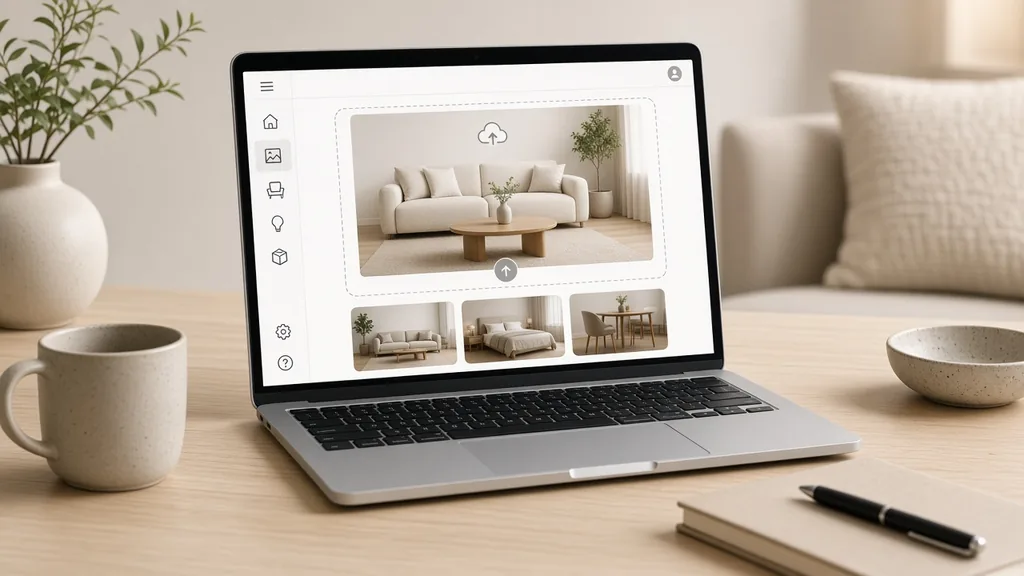
Upload one photo of the piece, then choose the room and style.

Laptop with a sofa photo open in an upload window
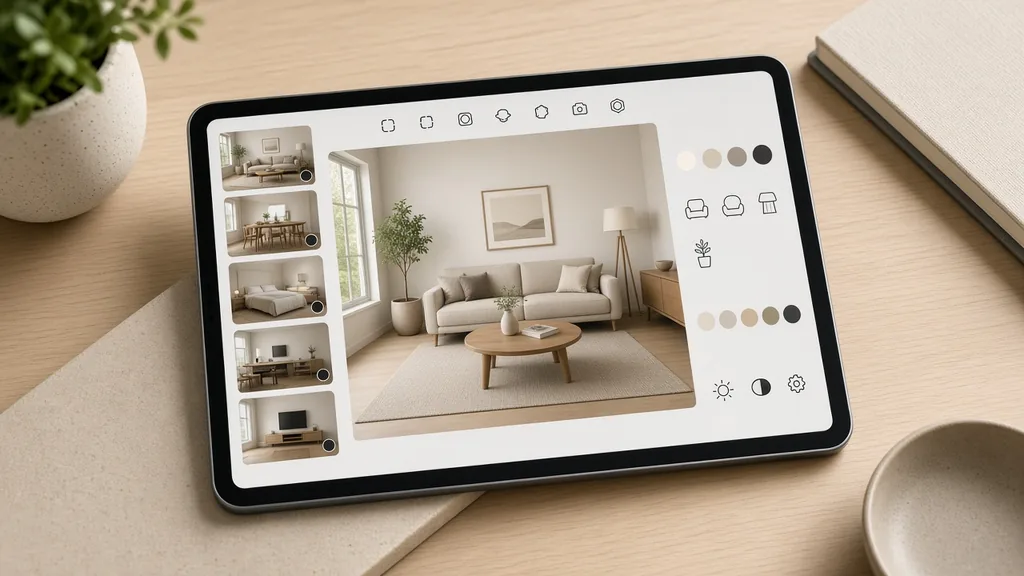
Tablet showing room, interior style and camera options
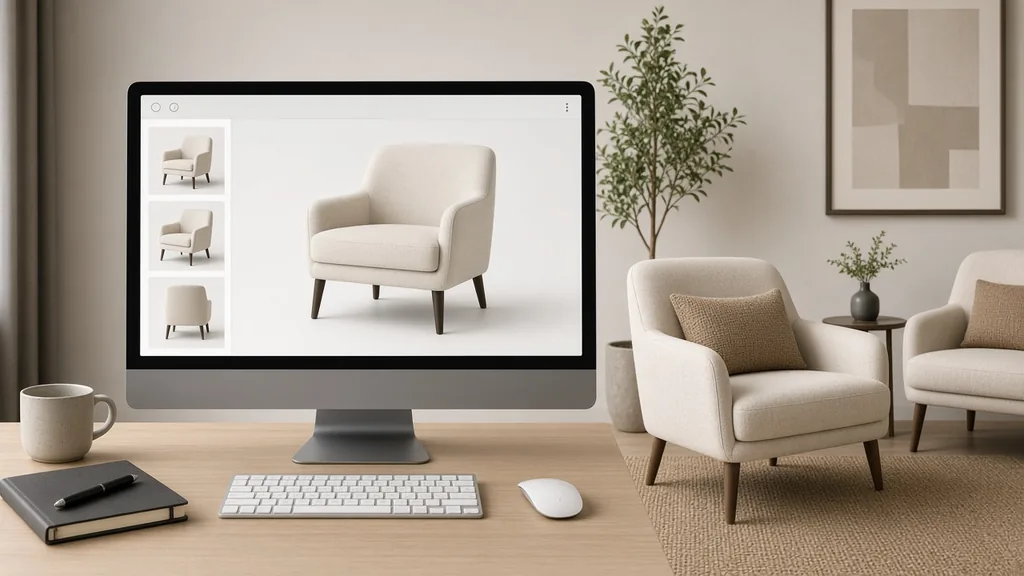
Monitor showing the product photo next to two staged rooms
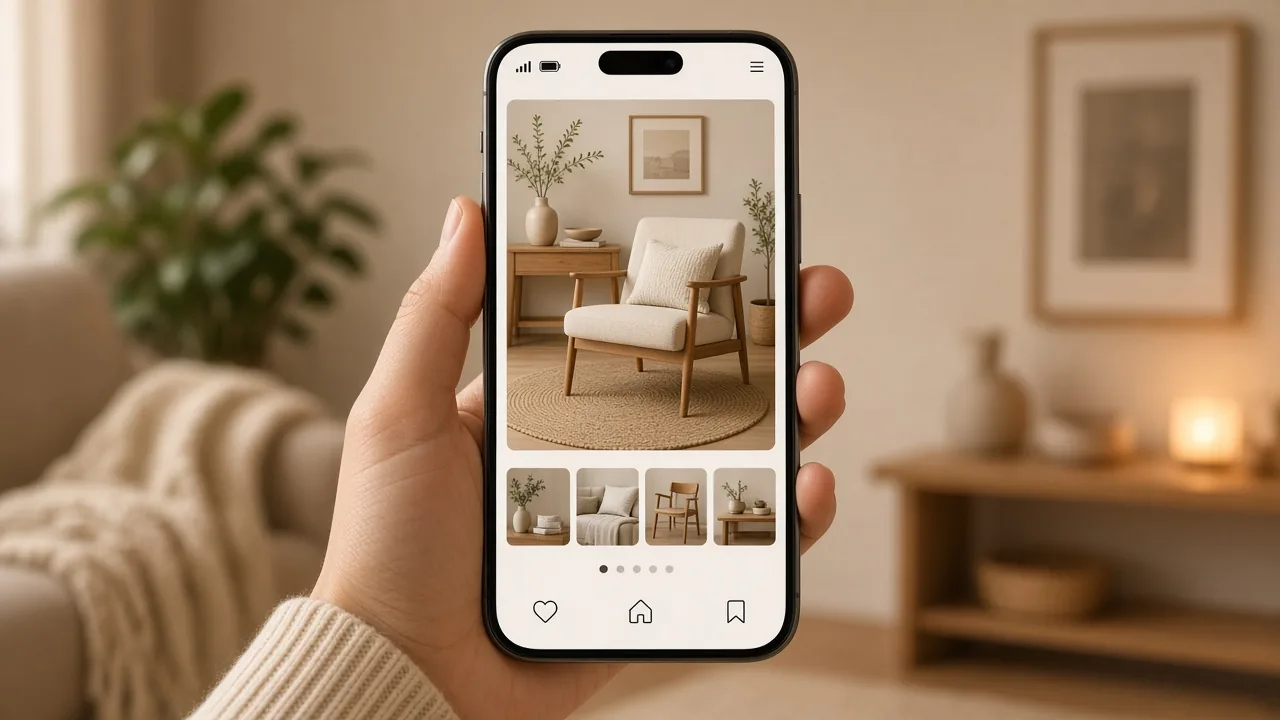
Phone showing a furniture listing with the staged room photo
01

Upload the Piece

Upload one photo with the whole piece in frame, JPG, PNG or WEBP up to 16MB. A white-background or warehouse photo both work.

02

Choose Room and Style

Pick a room, an interior style such as Scandinavian or Japandi, and a room view, corner or close detail.

03

Generate and Compare

Generate 1 to 4 versions at 10 credits each and compare the piece with your photo.

04

Check Scale and Publish

Check size, color and details, then download for your listing or catalog.

Method comparison

AI Furniture Staging vs a Room Set Photo Shoot

Three ways to show furniture in a room.

Multiple

output styles

Reference-led

direction

Built-in

before-and-after review

Traditional Workflow

Shoot in a Room Set

Rent a studio or showroom, move the piece, style props and light the room.

Cost
Studio, props and moving costs×
Turnaround
Days of planning and shooting×
What You Need
A room set, props, a photographer×
Iteration
A new room means a new shoot×
Output Range
One room per set×
Product Accuracy
Exact to the real piece×
ProductShot AI

AI Furniture Product Staging

Upload one photo, choose room and style, and generate.

Cost
10 credits per image; new accounts get one free generation✓
Turnaround
Results appear on the page when generation finishes✓
What You Need
One photo of the piece✓
Iteration
Change room or style and generate again✓
Output Range
Five rooms, five styles, three camera views✓
Product Accuracy
Generated; check size, color and details✓

Tips

Three Ways to Get Better Staged Photos

Your photo and the room choice decide most of the result.

Prepare the photo

  • Show the whole piece, legs included.
  • Shoot at a natural eye-level angle.
  • Avoid ultra-wide lenses that bend lines.
  • Nothing should cover the piece.

Write the notes

Walls + light + decor

Notes can cover these three things:

  • Sage green walls and a light oak floor.
  • Soft afternoon light from the left.
  • A wool rug and one tall plant.

Avoid these mistakes

  • Do not accept a piece that looks the wrong size.
  • Do not imply decor is included when it is not.
  • Do not ask it to recolor fabrics; upload each fabric.
  • Do not ignore each marketplace’s image rules.

Further reading

Articles on lifestyle photos, listings and product images.

Best AI Lifestyle Photo Generators for Product and Model Shots (2026)Workflow
Jun 23, 20268 min read

Best AI Lifestyle Photo Generators for Product and Model Shots (2026)

Compare AI lifestyle photo generators for realistic ecommerce scenes, product preservation, catalog consistency, and campaign workflows.

Read Article
AI Product Photography Generator Guide: 7 Best Tools for 2026Guide
Jun 23, 20268 min read

AI Product Photography Generator Guide: 7 Best Tools for 2026

Compare AI product photography generators for white background images, studio shots, lifestyle scenes, and ecommerce campaign visuals.

Read Article
How to Take Professional Product Shots Without a Studio (or a Degree in Photography)Workflow
Jun 17, 20268 min read

How to Take Professional Product Shots Without a Studio (or a Degree in Photography)

A practical workflow for taking sellable ecommerce product photos with a phone, simple setup, and AI-powered variations.

Read Article
It Took Me Two Years to Understand Product Photography LightingLighting
Jun 20, 20268 min read

It Took Me Two Years to Understand Product Photography Lighting

A practical guide to product photography lighting, soft light, fill light, backlight, reflection control, and difficult materials.

Read Article
The Real Problem With White Background Product Photos (And How I Solved It)White Background
Jun 18, 20268 min read

The Real Problem With White Background Product Photos (And How I Solved It)

Learn why white background product photos are harder than they look, how platform rules differ, and how to preserve details.

Read Article
I Spent $20,000 on Product Photography — Then AI Changed EverythingCase Study
Jun 16, 20268 min read

I Spent $20,000 on Product Photography — Then AI Changed Everything

A seller shares what traditional product photography costs, why product fidelity matters, and how AI changed the workflow.

Read Article
Reviews

How Sellers Use AI Furniture Product Staging

Feedback from some of our users. Thumbnails show products from their categories.

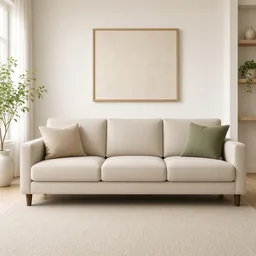
Sofa in a living room
Ms. Wang

“Warehouse photos became living rooms for the whole range. I check the size against our measurements.”

Sofa brand
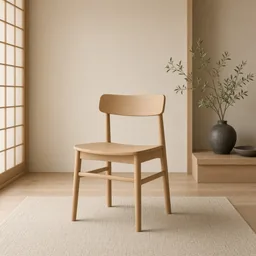
Oak chair in a Japandi room
Mr. Li

“Japandi rooms suit our oak chairs perfectly.”

Solid wood furniture
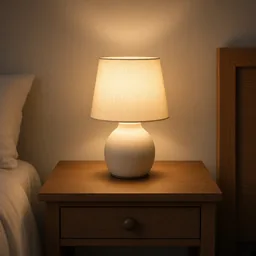
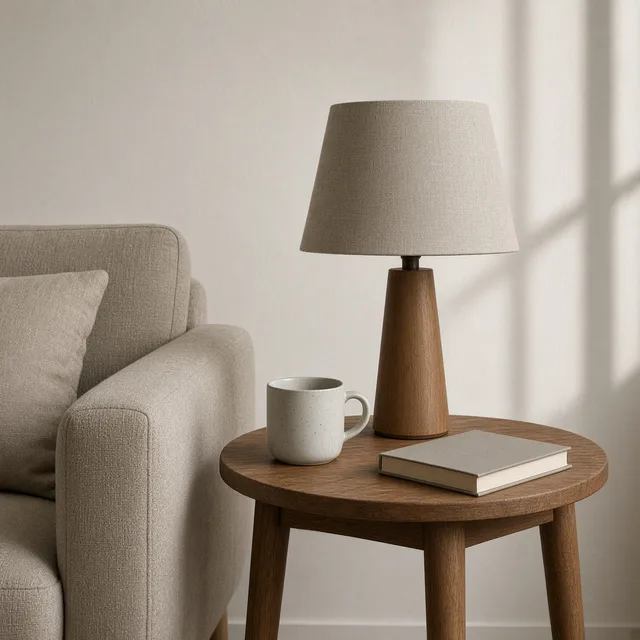
Lamp on a bedside table
Ms. Zhang

“Bedside scenes for forty lamps. Once a lamp came out too big, so I regenerated.”

Lighting store
Bench on a patio
Mr. Chen

“Patio photos in winter, no need to wait for sun.”

Outdoor furniture
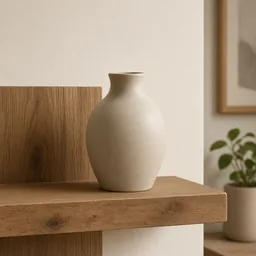
Vase on a shelf
Ms. Liu

“Vases and cushions styled on shelves look like a magazine.”

Home decor shop
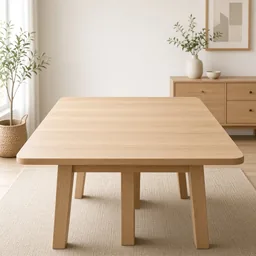
Table in a Scandinavian room
Ms. Zhou

“Supplier photos now match my store’s Scandinavian look.”

Furniture reseller

FAQ

AI Furniture Product Staging FAQ

Credits, rooms, scale and listings.

Each image uses 10 credits, and you can generate 1 to 4 images at a time. New accounts get one free generation.

Sofas, chairs, tables, beds, cabinets, lamps, rugs, mirrors and decor such as vases and cushions.

A sharp photo of the whole piece at eye level. White-background, warehouse and showroom photos all work.

It is asked to scale realistically, but check proportions against your measurements and regenerate if it looks too big or small.

Living room, bedroom, dining and kitchen, home office and patio, in modern, Scandinavian, Japandi, industrial or warm classic styles.

It is asked to stay exact, but room light can shift how it looks. Compare with your photo and note the true color in the listing.

No. Room decor is styling only; add “decor not included” to your listing if buyers might be confused.

Most marketplaces want a white main image. Use staged rooms as secondary images and the AI White Background Generator for the main one.

The lifestyle generator handles any product in everyday scenes; furniture staging is tuned for large pieces in interiors and their scale.

In your history. Change the room or style and generate again without re-uploading.

Ready to Stage Your Furniture?

Upload one photo of your piece to start. 10 credits per image, and new accounts get one free generation. Choose a room and style, and check the scale of every result.

Start Free →