














30:00
BF 50% OFFClaim

AI Christmas Photo Generator

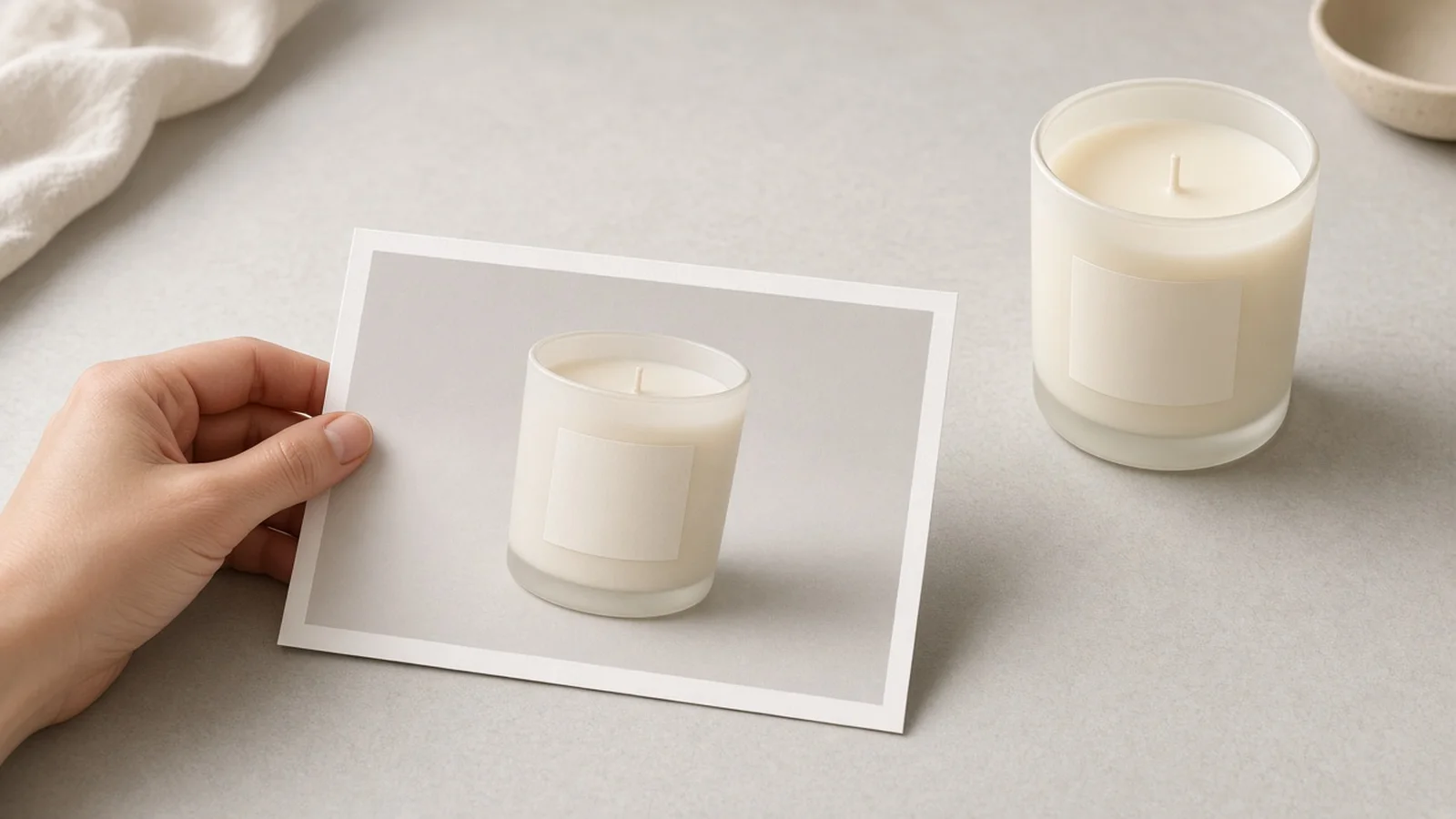
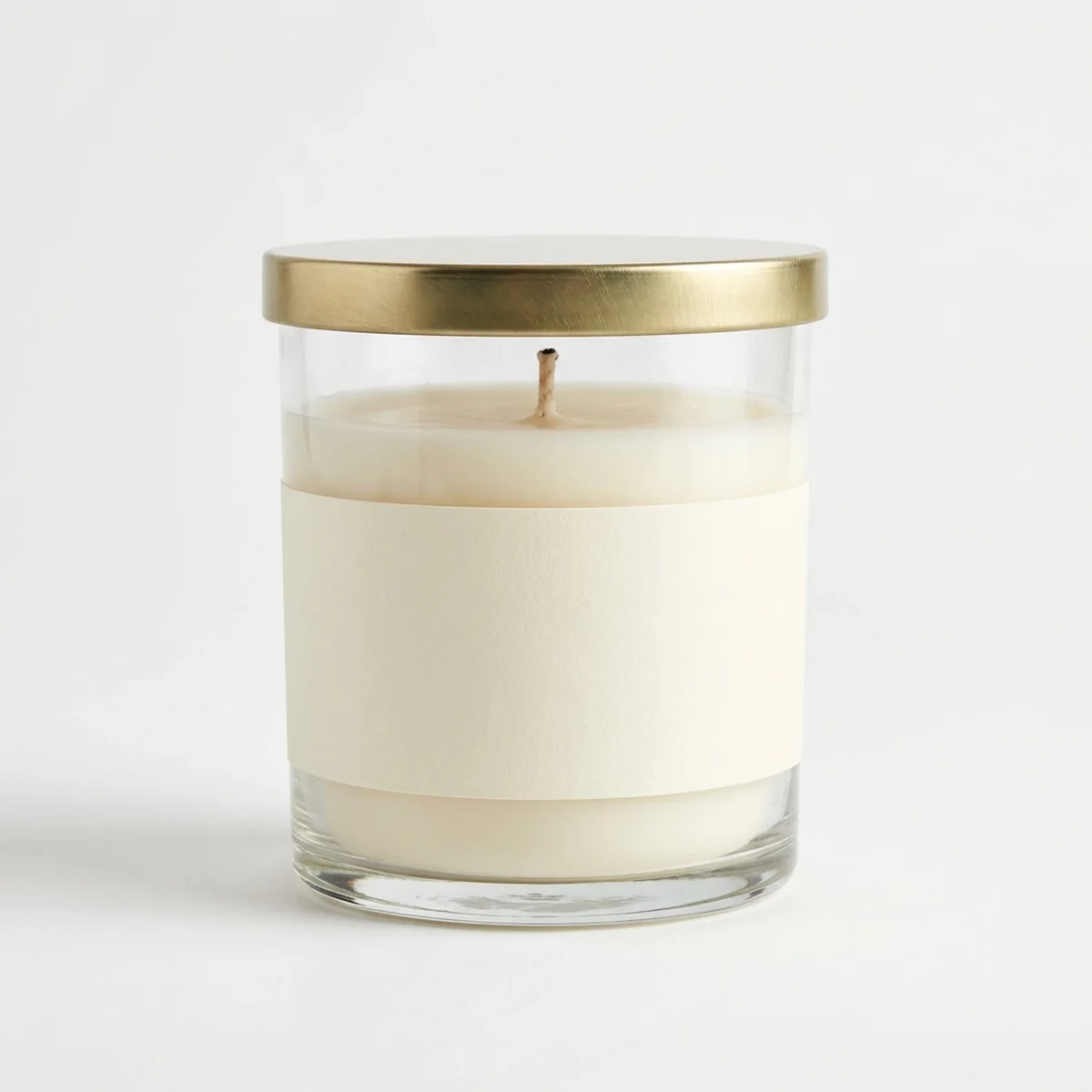
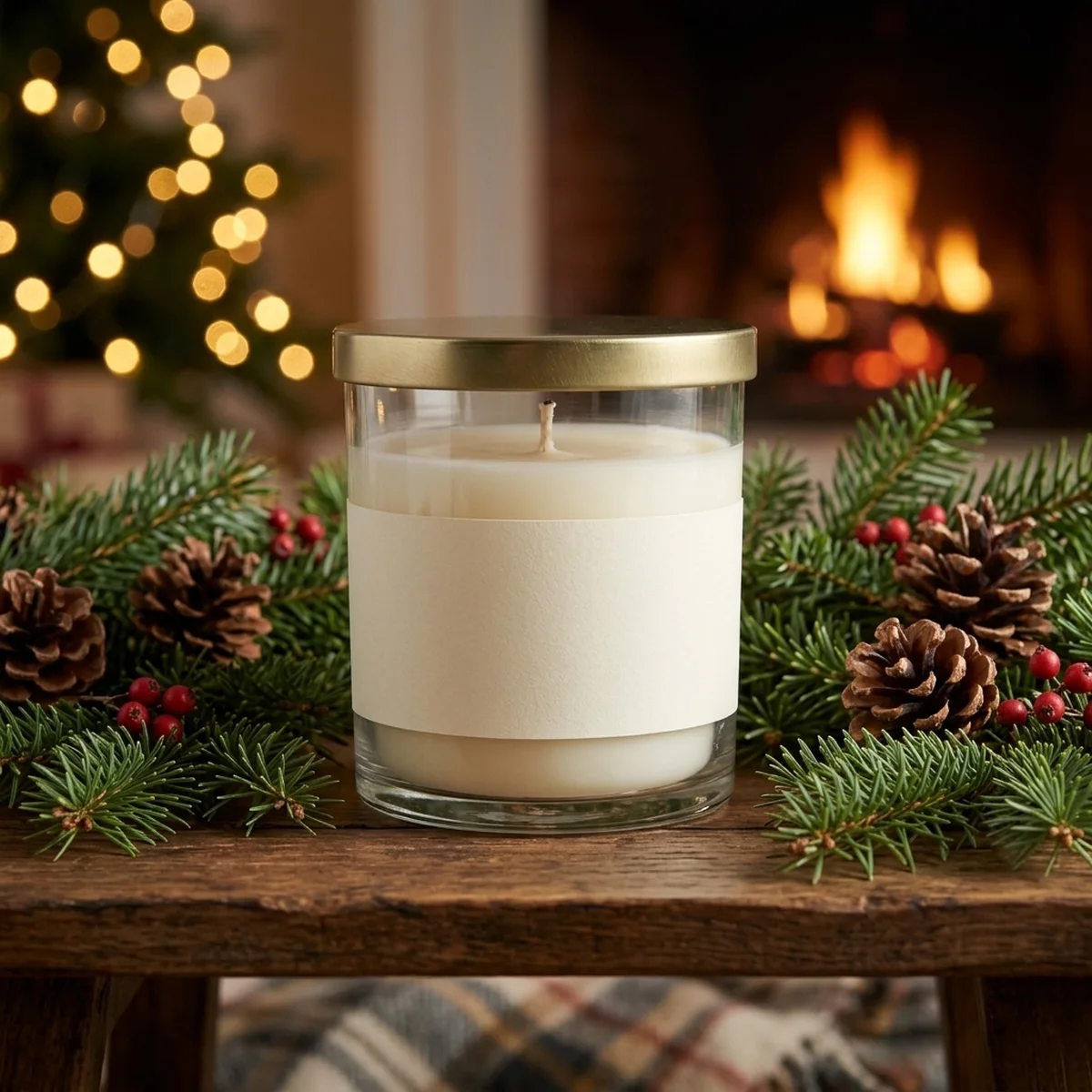
Compare original studio or phone cutouts against generated Christmas scenes while keeping product shape and packaging anchored.

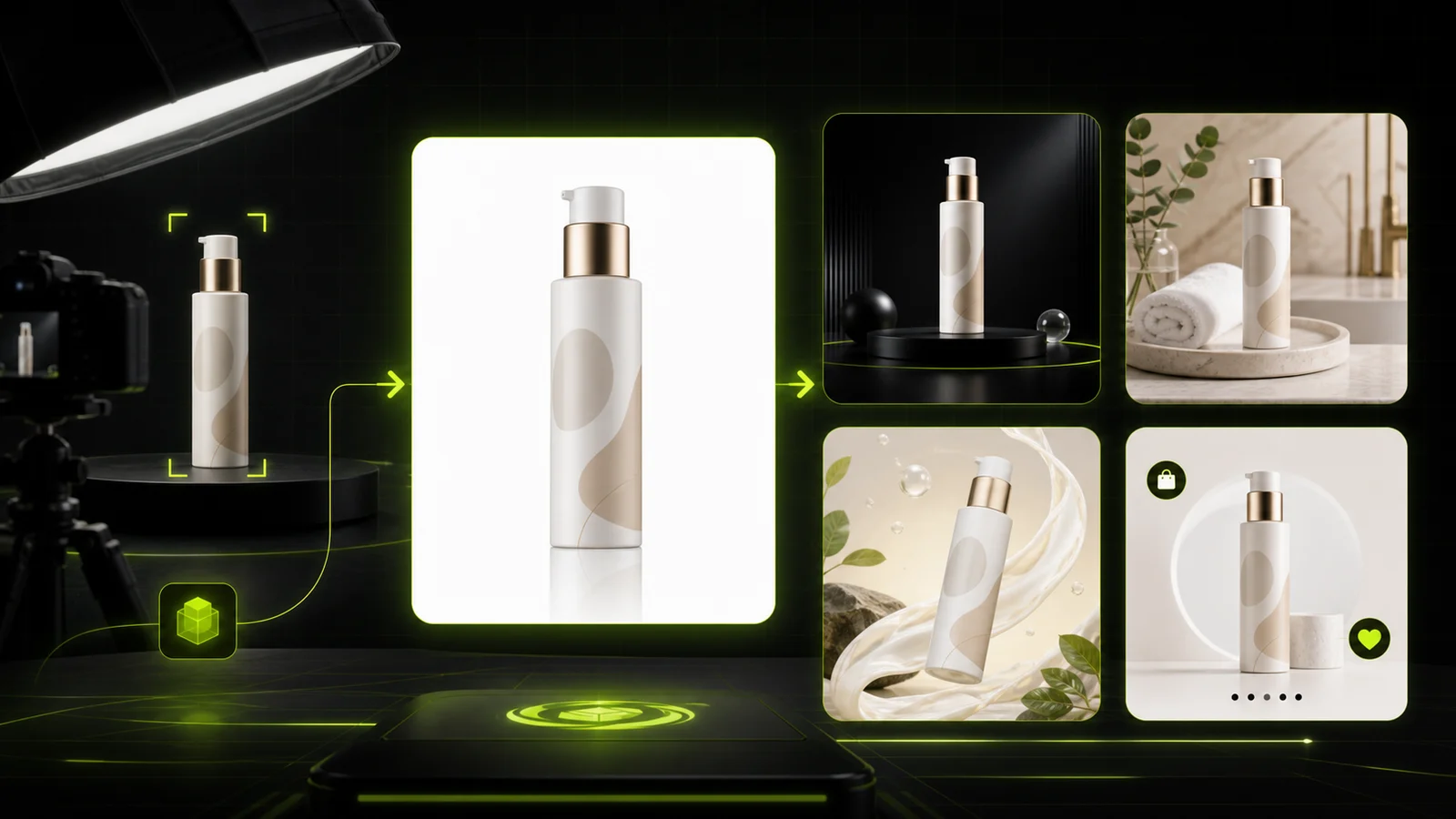
Plain white-background photo of a glass scented candle jar before Christmas styling
Original
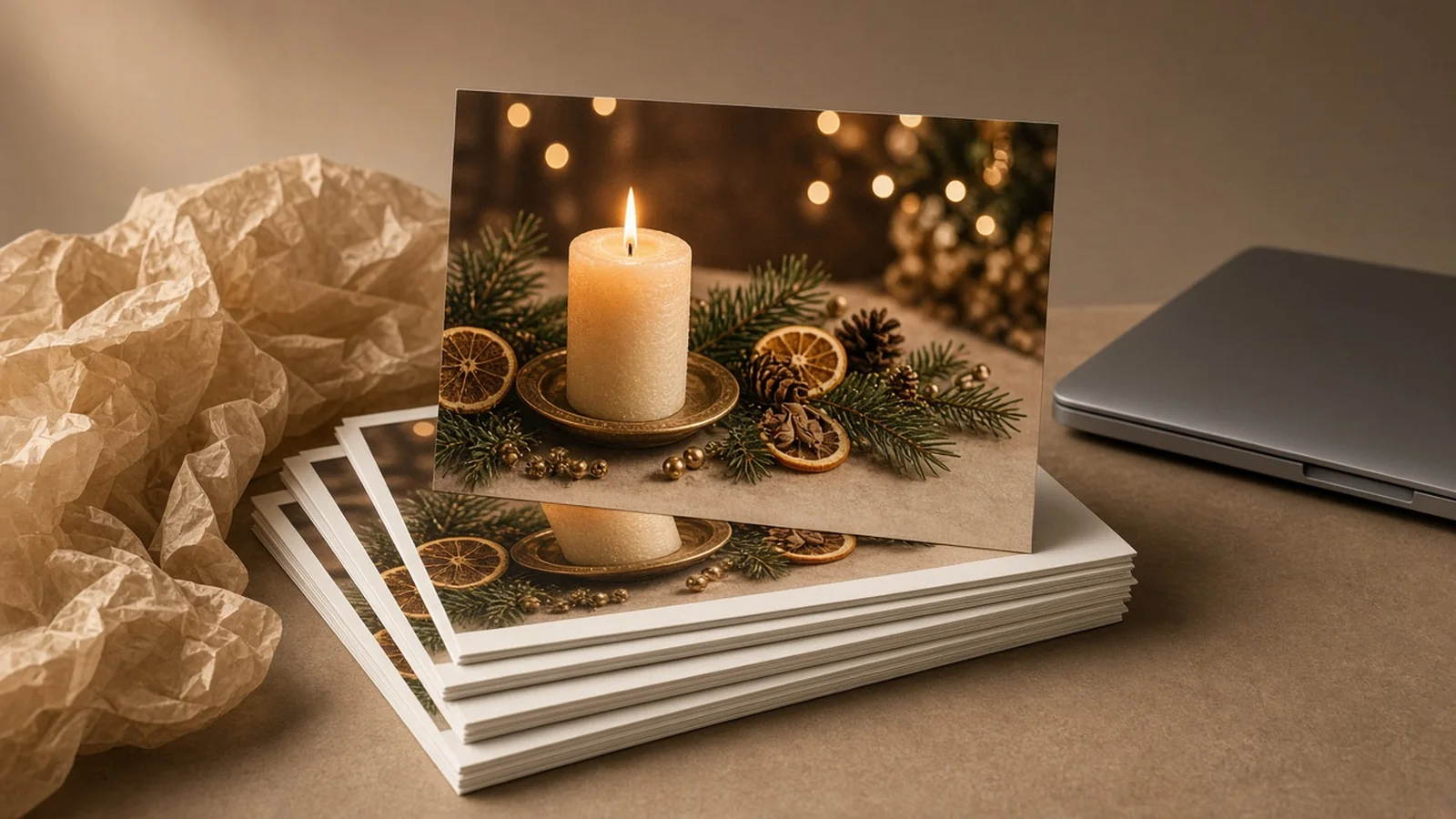
Generated Christmas product photo showing the scented candle jar on wood with pine branches and warm bokeh lights
Christmas Scene

Plain studio jar → Cozy fireplace & pine holiday scene

Core capabilities

Built for fast, controllable holiday product photos

Control seasonal set design, lighting warmth, and prop clutter from a single input photo.

Lifestyle Scene
Lifestyle ScenePlace products in real-life scenesTry it →
Ad Creative
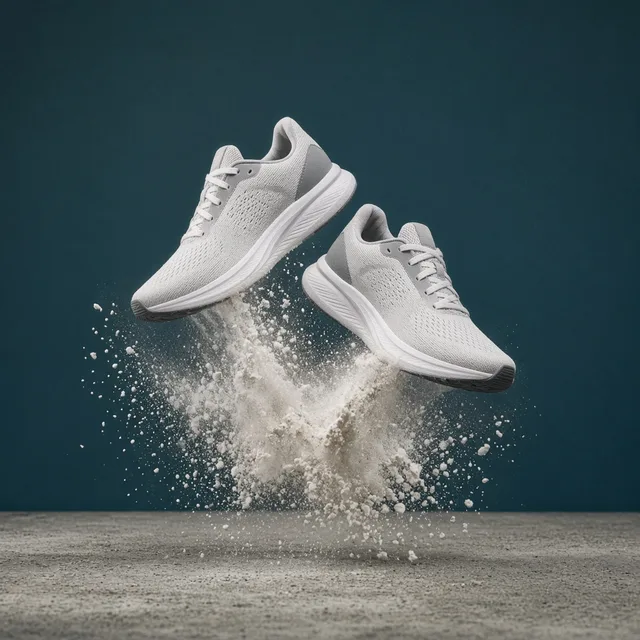
Ad CreativeScroll-stopping social ad visualsTry it →
AI Banner Generator
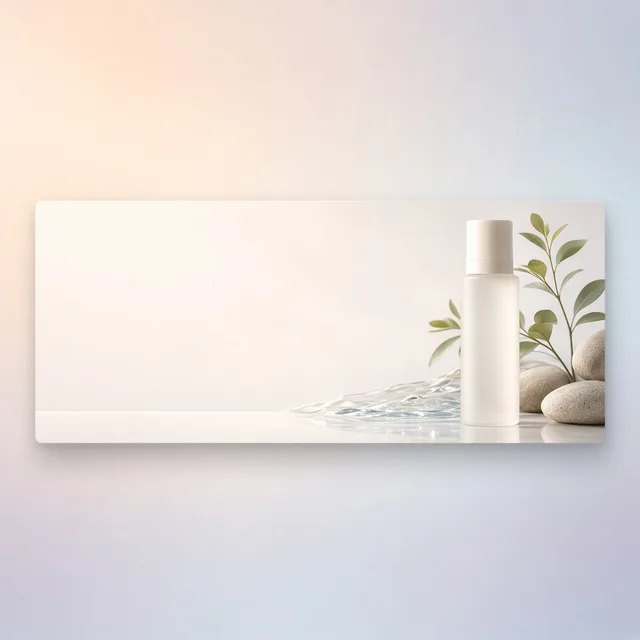
AI Banner GeneratorTurn a product photo into a store bannerTry it →
White Background
White BackgroundClean white listing photos in secondsTry it →

What it is

What is the AI Christmas Photo Generator?

The AI Christmas Photo Generator is a specialized ecommerce studio mode inside ProductShot AI built to turn a single clean product photo into conversion-ready holiday product photos.

Structured holiday scene generation

Instead of writing complex prompts from scratch, sellers select structured options for seasonal environment, lighting warmth, and prop density so every output stays grounded for real store listings and Q4 campaigns.

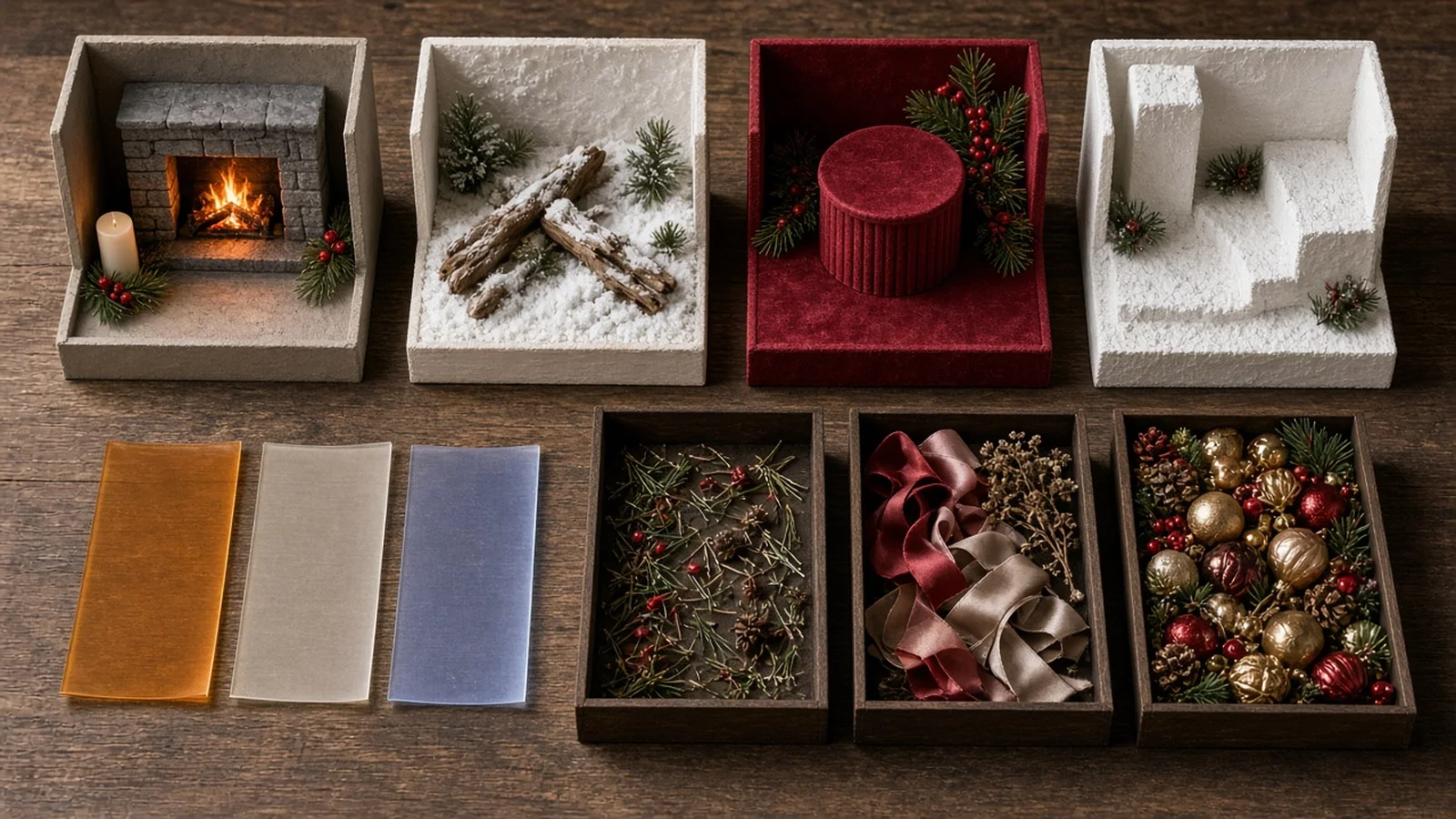
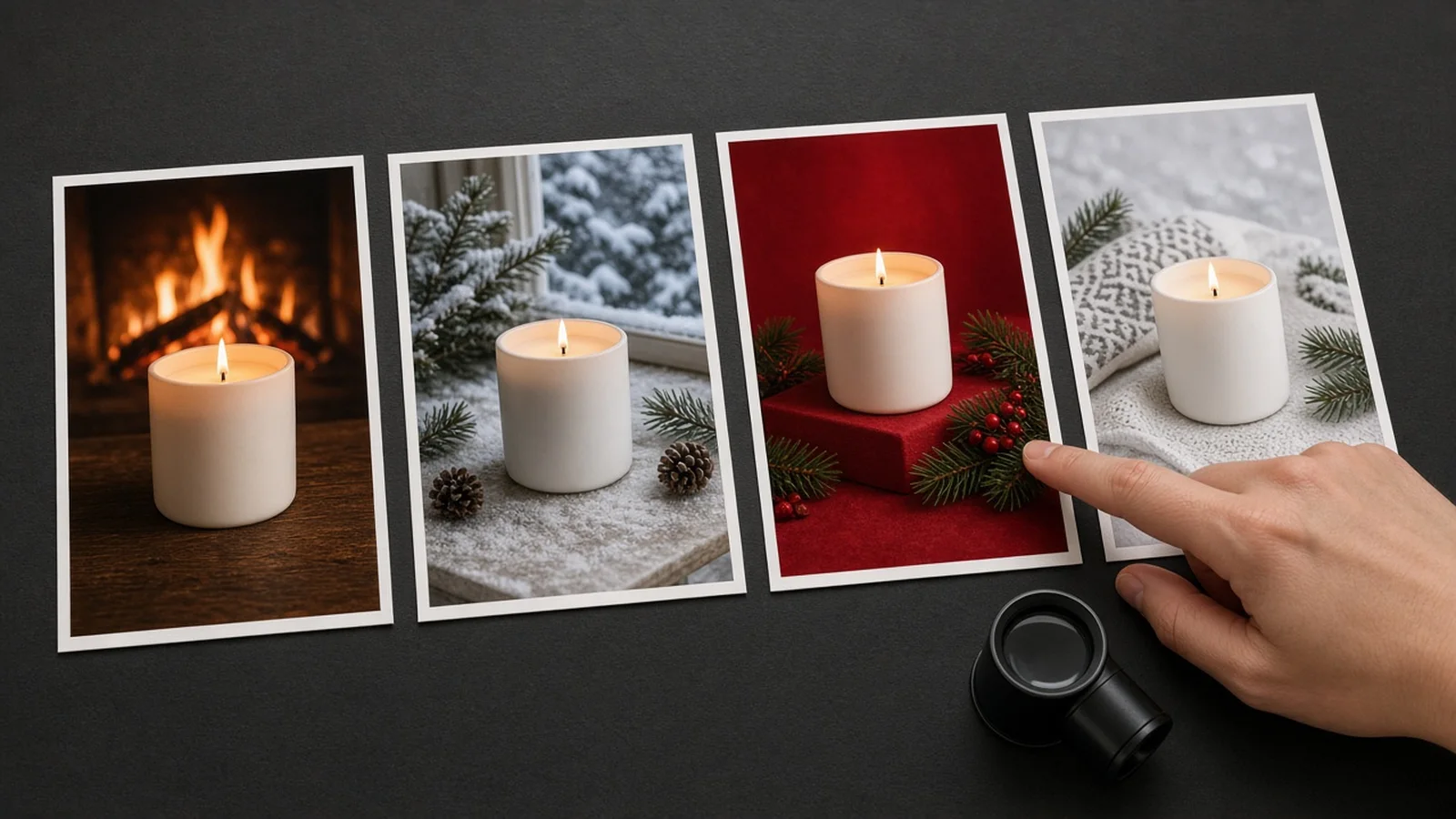
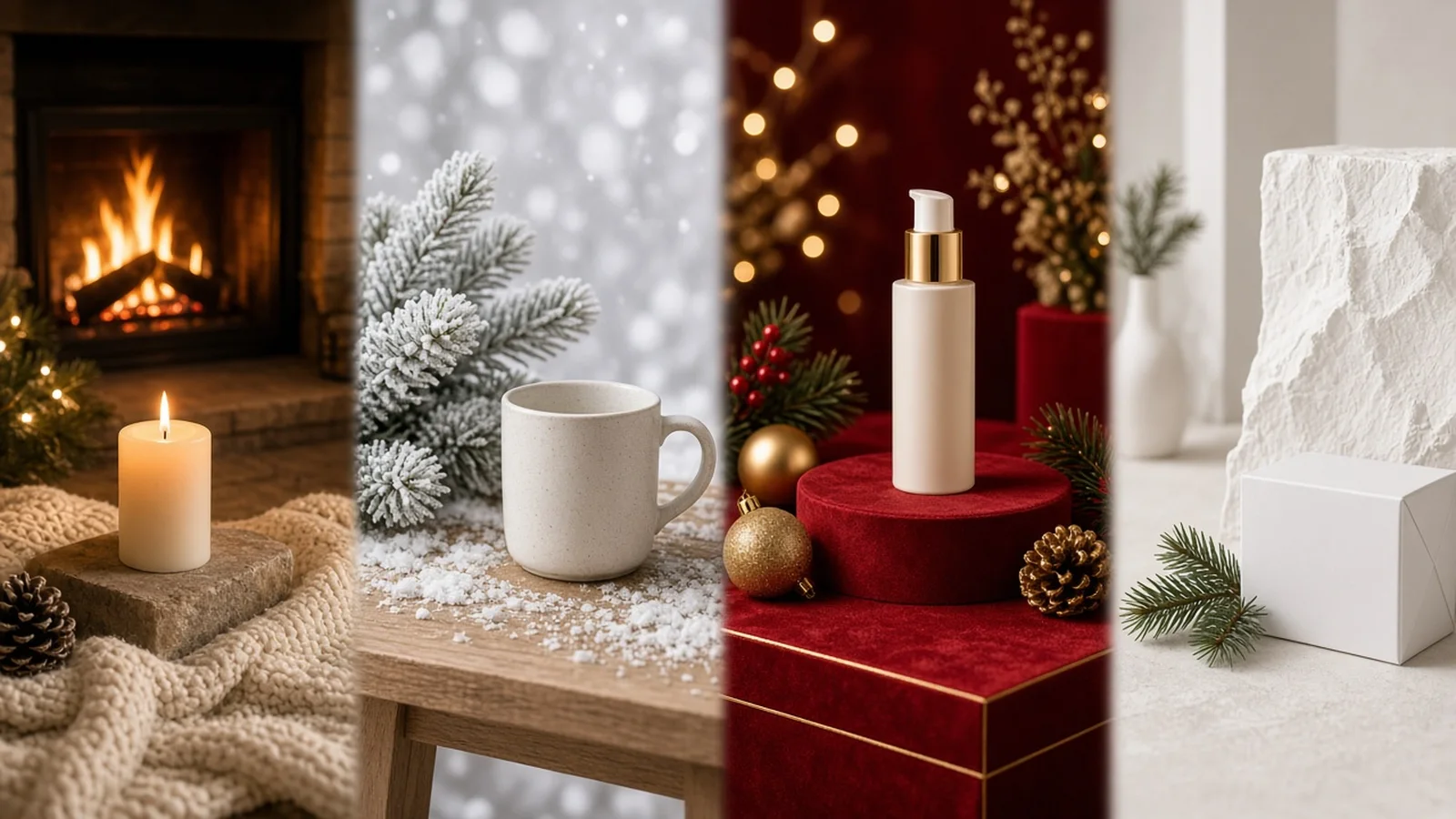
Overview of ProductShot AI Christmas Product Photography styles showing Cozy Fireplace, Snowy Table, Red & Gold Podium, and Minimal Nordic scenes

Four curated Christmas sets

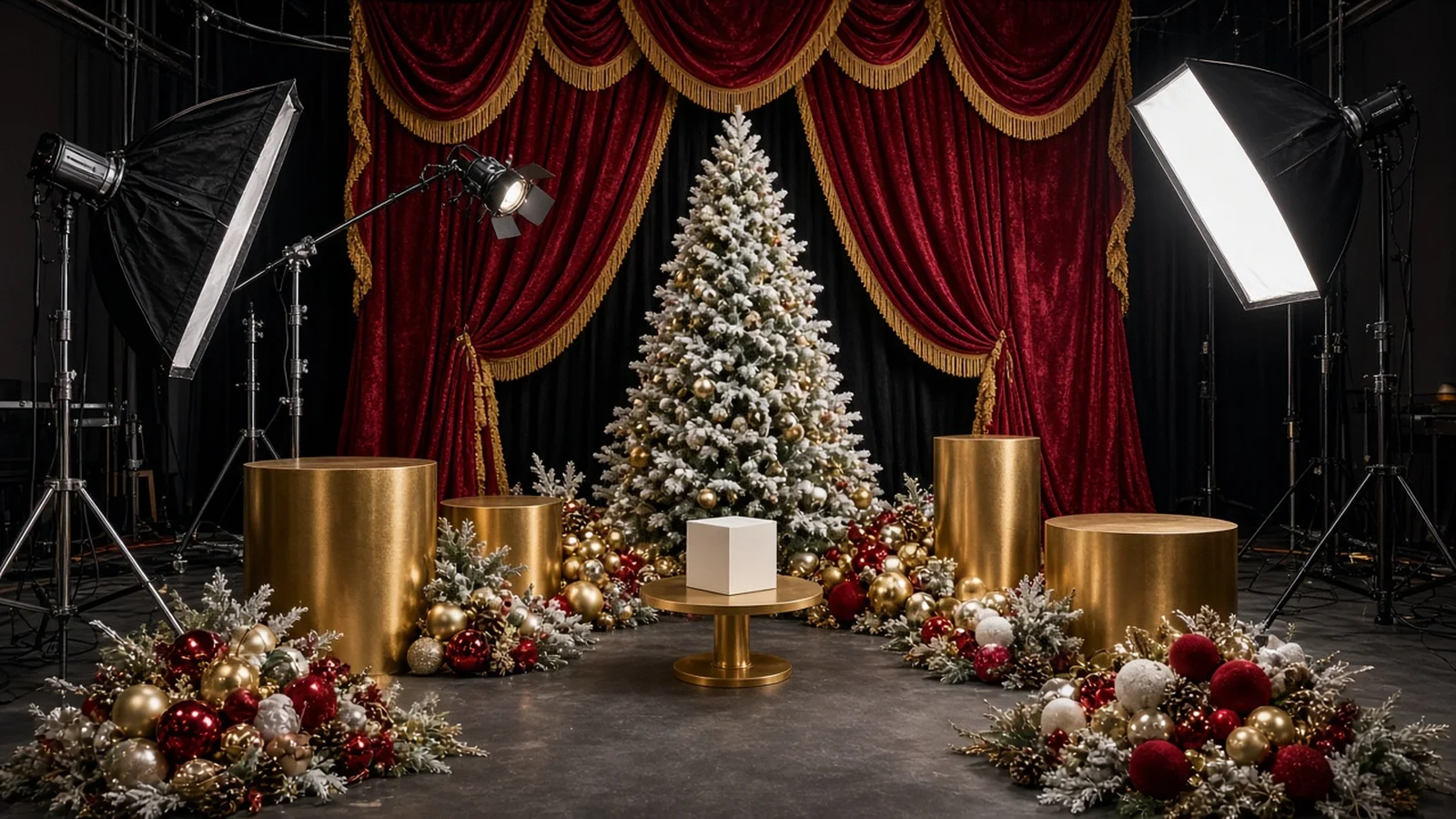
Four curated sets anchor the Christmas Product Photography workflow: Cozy Fireplace & Pine for warm rustic gifting, Snowy Winter Table for crisp outdoor-inspired freshness, Luxury Red & Gold Gift Podium for premium cosmetics or electronics, and Minimal Nordic Holiday for Scandinavian restraint where the product remains unmistakably dominant.
Independent lighting and prop controls

Lighting and clutter are controlled independently from the backdrop. Pair Warm Fairy Lights for evening gifting warmth, Crisp Winter Daylight for clean natural contrast, or Soft Studio Holiday for even commercial clarity.

Then set prop density to Subtle Holiday Touch, Festive Gift Set, or Clean Seasonal Surface depending on whether you need editorial mood or an unobstructed hero frame.

Transparent per-image credit pricing

Every run uses 10 credits per image and lets you produce 1 to 4 versions per run, giving merchandisers multiple angles of ambient bokeh, ribbon placement, or table grain to choose from.

New accounts receive one free generation after signing in, letting you test your own SKU before committing credits.

Focused 2D ecommerce outputs

Unlike generic art generators or misleading 360/3D/AR claims, ProductShot AI focuses strictly on high-impact 2D ecommerce photography.

Combined with optional framing notes—such as leaving upper negative space for holiday promo headlines—you can move a full catalog into Q4 readiness in an afternoon.

Single-image input

Start from one clear studio, white-background, or clean tabletop photo without uploading multi-angle rigs.

Four holiday scenes

Choose Cozy Fireplace & Pine, Snowy Winter Table, Luxury Red & Gold Gift Podium, or Minimal Nordic Holiday.

Three lighting temperatures

Balance Warm Fairy Lights, Crisp Winter Daylight, or Soft Studio Holiday illumination.

Controlled prop density

Dial festive accents from Clean Seasonal Surface up to a full Festive Gift Set without burying your product.

10 credits per image

Generate 1 to 4 versions per run; new accounts get one free generation after signing in.

Built for 2D store & ad slots

Optimized for product pages, holiday banners, and social ads—not 360, 3D, or AR models.

Why ProductShot AI

Why ecommerce teams use ProductShot AI for holiday campaigns

Purpose-built seasonal controls beat generic prompt guessing when Q4 deadlines hit.

Purpose-Built Holiday Presets

Skip fragile prompt engineering with four ecommerce-tested Christmas sets that frame products cleanly on real-looking surfaces.

Balanced Festive Color Control

Choose between rich red-and-gold luxury or understated Nordic neutrals so seasonal backgrounds complement—not clash with—brand colors.

Matched Contact Shadows & Glow

Warm fairy-light bokeh or crisp winter daylight wraps naturally around your product's edges and base.

Honest Quality Safeguards

Clear reminders to inspect fine labels, logos, and packaging tones at full zoom before publishing live listings.

Guided Notes & Prompt Library

Use built-in quick notes to reserve headline space or keep props strictly behind the front packaging.

Predictable Credit Pricing

10 credits per image with 1–4 versions per run, plus one free generation after signing in to validate your SKU first.

Use Cases

Solve Q4 holiday visual bottlenecks without a physical shoot

Replace expensive winter studio rentals and inconsistent stock templates with cohesive seasonal imagery.

Plain product cutout contrasted with a warm Christmas tabletop scene

Plain white cutouts feel cold in Q4 gift guides

Shoppers browsing Christmas gifts respond to warmth, texture, and gifting cues—not bare catalog cutouts.

Costly physical Christmas photography props versus single-upload AI staging

Seasonal studio sets blow up Q4 margins

Buying trees, ornaments, backdrops, and booking a studio for every holiday SKU quickly outpaces ad budgets.

Consistent warm holiday lighting and natural contact shadows under a product

Mismatched lighting across gift bundles

Stitching products onto random stock backgrounds creates harsh edges and wrong shadow angles.

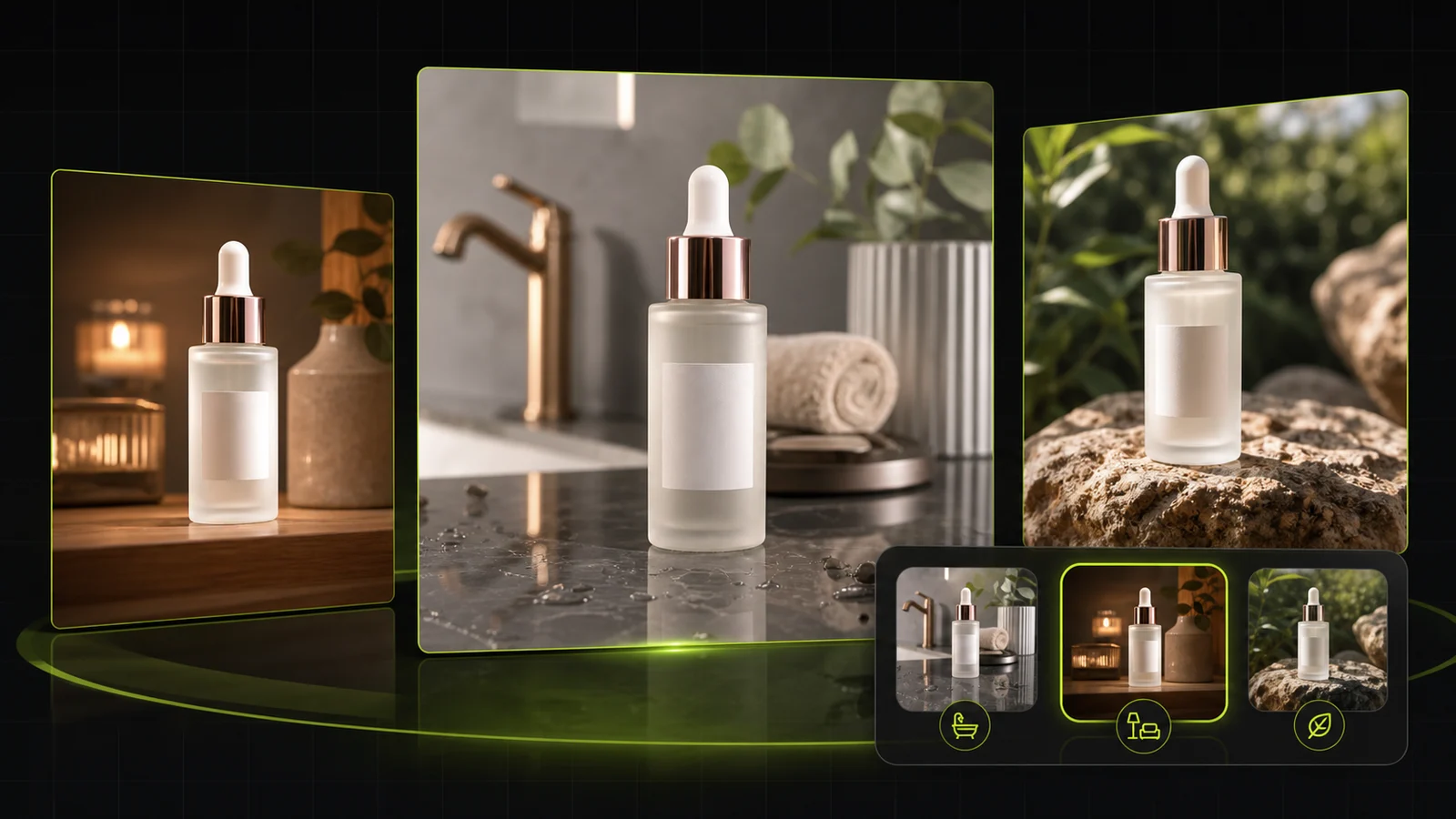
Close-up inspection of product label legibility in a festive Christmas photo

Fine labels need deliberate preservation

Generic image generators warp bottle typography or drown packaging behind oversized ornaments unless prompted and inspected.

Fast seasonal ecommerce image generation for tight Q4 campaign deadlines

Tight December turnaround windows

When promo dates shift or inventory arrives late, waiting two weeks for holiday retouching costs peak-season sales.

By Channel

Ready for every Q4 selling channel

Adapt your Christmas Product Photography to store collections, marketplace promos, gift launches, and paid social.

How it works

From raw cutout to Christmas campaign in four steps

No physical tree, artificial snow, or lighting rig required.

1. Upload your product photo
2. Choose scene, warmth, and props
3. Compare and inspect details
4. Download and launch
01

1. Upload your product photo

Drop in one crisp PNG, JPG, or WEBP photo with clear edges and accurate front label visibility.

02

2. Choose scene, warmth, and props

Select from four holiday scenes, three lighting moods, and three prop levels, plus optional notes.

03

3. Compare and inspect details

Review 1 to 4 generated images (10 credits per image) and zoom in on small text, logos, and colors.

04

4. Download and launch

Save your chosen festive frames for Shopify hero banners, gift guides, email blasts, and Q4 ads.

Method comparison

Traditional holiday studio shoot vs. ProductShot AI

See how AI Christmas scene generation compares with physical seasonal set production.

Multiple

output styles

Reference-led

direction

Built-in

before-and-after review

Traditional Workflow

Physical Christmas Set & Retouching

Renting seasonal props, rigging fairy lights, shooting tethered, and compositing in post.

Cost
$500–$3,000+ per shoot for props, studio time, and retouching×
Turnaround
3–10 business days from prop sourcing to final retouched files×
What You Need
Physical samples, studio space, seasonal decor, and lighting gear×
Iteration
Switching from fireplace wood to Nordic snow requires a full reset×
Output Range
Locked to whichever props and lighting were rigged that day×
Product Accuracy
Direct optical capture of physical label and material×
ProductShot AI

AI Christmas Photo Generator

Upload one product image, choose holiday set, warmth, and props, and review outputs in minutes.

Cost
10 credits per image (1–4 versions per run); 1 free generation for new accounts✓
Turnaround
Minutes from single product upload to downloadable seasonal options✓
What You Need
One clean digital photo of your product✓
Iteration
Toggle between 4 scenes, 3 light moods, and 3 prop densities instantly✓
Output Range
Cozy Fireplace, Snowy Table, Red & Gold Podium, and Minimal Nordic sets✓
Product Accuracy
AI anchors the product and regenerates the scene; zoom in to verify small text and colors✓

How-to guide

How to get clean, natural Christmas product photos

Follow these input, styling, and quality-check habits for reliable holiday product photography.

Prep a strong input photo

  • Shoot or export your item straight-on or at a slight three-quarter angle with sharp focus across the front label.
  • Use even, shadow-free lighting on the original photo so harsh old shadows do not fight the new fairy-light glow.
  • Leave 15–20% clean margin around the edges so pine branches, snow texture, or gift ribbons have breathing room.
  • Upload high-resolution JPG, PNG, or WEBP files (up to 16MB) with crisp packaging typography.

Use structured options + short notes

[Holiday Scene] + [Lighting Warmth] + [Prop Density] + [Framing Note]

Start with the dropdowns for scene, warmth, and props, then add one concise sentence in Notes only if you need specific composition adjustments.

  • Cozy Fireplace & Pine + Warm Fairy Lights + Subtle Holiday Touch — "Keep pine sprigs behind the bottle and leave clean space above for promo text."
  • Luxury Red & Gold Gift Podium + Soft Studio Holiday + Festive Gift Set — "Matte crimson podium with clean specular highlights on the gold cap."
  • Minimal Nordic Holiday + Crisp Winter Daylight + Clean Seasonal Surface — "Pale oak tabletop, soft window light from the left, zero props in front."

Common pitfalls to avoid

  • Do not upload blurry thumbnails or heavy watermarks; small label text cannot be invented cleanly from low-res inputs.
  • Avoid picking heavy Festive Gift Set props for tiny items like rings or lip balms unless you specify keeping props behind the product.
  • Never publish without zooming to 100% to confirm barcode numbers, ingredient text, logo spelling, and true packaging color.
  • Do not upload Christmas scene photos as your primary Amazon white-background main image; save them for secondary gallery slots, A+ modules, and ads.

Further reading

Practical advice on seasonal styling, lighting consistency, and conversion-focused product visuals.

Best AI Lifestyle Photo Generators for Product and Model Shots (2026)Workflow
Jun 23, 20268 min read

Best AI Lifestyle Photo Generators for Product and Model Shots (2026)

Compare AI lifestyle photo generators for realistic ecommerce scenes, product preservation, catalog consistency, and campaign workflows.

Read Article
AI Product Photography Generator Guide: 7 Best Tools for 2026Guide
Jun 23, 20268 min read

AI Product Photography Generator Guide: 7 Best Tools for 2026

Compare AI product photography generators for white background images, studio shots, lifestyle scenes, and ecommerce campaign visuals.

Read Article
How to Take Professional Product Shots Without a Studio (or a Degree in Photography)Workflow
Jun 17, 20268 min read

How to Take Professional Product Shots Without a Studio (or a Degree in Photography)

A practical workflow for taking sellable ecommerce product photos with a phone, simple setup, and AI-powered variations.

Read Article
It Took Me Two Years to Understand Product Photography LightingLighting
Jun 20, 20268 min read

It Took Me Two Years to Understand Product Photography Lighting

A practical guide to product photography lighting, soft light, fill light, backlight, reflection control, and difficult materials.

Read Article
The Real Problem With White Background Product Photos (And How I Solved It)White Background
Jun 18, 20268 min read

The Real Problem With White Background Product Photos (And How I Solved It)

Learn why white background product photos are harder than they look, how platform rules differ, and how to preserve details.

Read Article
I Spent $20,000 on Product Photography — Then AI Changed EverythingCase Study
Jun 16, 20268 min read

I Spent $20,000 on Product Photography — Then AI Changed Everything

A seller shares what traditional product photography costs, why product fidelity matters, and how AI changed the workflow.

Read Article
Seller feedback

How ecommerce sellers use ProductShot AI for Q4

Feedback from online store owners and creative leads running seasonal campaigns.

Portrait badge for Hannah K., home fragrance ecommerce founder
Hannah K.

“We turned twelve plain white-background jar shots into Cozy Fireplace & Pine photos in one afternoon. Our December email click rate beat last year's studio shoot.”

Founder, Cedar & Wick Candles
Portrait badge for David M., specialty coffee ecommerce growth lead
David M.

“Minimal Nordic Holiday with Crisp Winter Daylight matched our stainless grinders without looking cheesy or over-decorated.”

Growth Lead, Northline Coffee Gear
Portrait badge for Priya S., skincare merchandising manager
Priya S.

“The Luxury Red & Gold Gift Podium option gave our holiday bundle pages a cohesive look. We still zoom in on every serum label, and 9 out of 10 passes are ready right away.”

Merchandising Manager, Botanica Skin
Portrait badge for Lucas R., D2C creative producer
Lucas R.

“Using the Subtle Holiday Touch setting kept ornaments out of the way of our packaging copy while still giving Meta ads clear Christmas urgency.”

Creative Producer, Driftwood Goods
Portrait badge for Mei-Ling T., giftware Etsy and Shopify seller
Mei-Ling T.

“Late inventory used to ruin my holiday launch calendar. Generating 4 versions per run let me pick clean Snowy Winter Table frames the same night stock arrived.”

Etsy & Shopify Seller, Paperhouse Gifts
Portrait badge for Owen B., consumer electronics performance marketer
Owen B.

“Testing warm fairy lights against studio-lit gift podiums cost a fraction of booking a photographer in November.”

Performance Marketer, Peak Audio

FAQ

Frequently asked questions about the AI Christmas Photo Generator

Answers on pricing, scene options, product accuracy, and marketplace guidelines.

Each generated image costs 10 credits, and you can choose to generate 1 to 4 versions per run depending on how many variations you want to compare. New accounts get one free generation after signing in so you can test your own product first.

You can choose from four scene styles—Cozy Fireplace & Pine, Snowy Winter Table, Luxury Red & Gold Gift Podium, and Minimal Nordic Holiday—paired with three lighting moods (Warm Fairy Lights, Crisp Winter Daylight, Soft Studio Holiday) and three prop levels (Subtle Holiday Touch, Festive Gift Set, Clean Seasonal Surface).

ProductShot AI anchors your uploaded item to preserve its shape, proportions, and packaging identity, while AI regenerates the scene and lighting around it. Because fine typography, foil logos, or subtle brand hues can occasionally shift slightly, always zoom in to verify small text, logos, and packaging colors before publishing.

Upload one sharp, well-lit JPG, JPEG, PNG, or WEBP photo (up to 16MB). White-background studio shots or clean tabletop photos with 15–20% empty margin around the item produce the cleanest holiday product photos and most natural shadows.

Yes. Use them freely across Shopify collection pages, Etsy gift listings, Meta/TikTok ads, and email headers. For Amazon, keep a pure white-background photo in slot 1 (using our AI White Background Generator) and place Christmas scenes in secondary gallery slots and A+ Content.

Select Subtle Holiday Touch or Clean Seasonal Surface for prop density, and add a short note such as 'keep all pine branches and props behind the product with no overlap on the front label.' Generating 2–4 versions per run also makes it easy to pick the cleanest framing.

No. The AI Christmas Photo Generator produces high-resolution 2D holiday product photos designed for ecommerce listings, banners, and ads. It does not create 360-degree views, 3D meshes, or AR try-on assets.

Yes. Add a quick instruction in the Notes field—or click one of the built-in note suggestions like 'Leave generous negative space at the top for holiday headline text'—and the generator will compose the festive backdrop with clean copy margin.

Use a glare-free input photo and pair Minimal Nordic Holiday or Red & Gold Gift Podium with Soft Studio Holiday lighting. Always inspect glass reflections and metallic lettering at full zoom before downloading for final campaign use.

Generic generators invent new objects from scratch or distort product geometry. ProductShot AI is tuned specifically for ecommerce Christmas Product Photography—anchoring your real uploaded product, controlling scene warmth and prop density, and keeping lighting physically plausible.

Ready to create your Christmas product photos?

Upload one product image, pick your seasonal scene and lighting warmth, and get 1 to 4 versions per run at 10 credits per image. New accounts get one free generation after signing in.

Start Free →

LLMs.txt