







30:00:00
50% OFFLimited Time Deal: Today only 50% OFF — miss it once, wait six monthsGet 50% Off

AI Black Background Generator

Upload a product photo, choose background and light, and generate. Compare colors with the original.

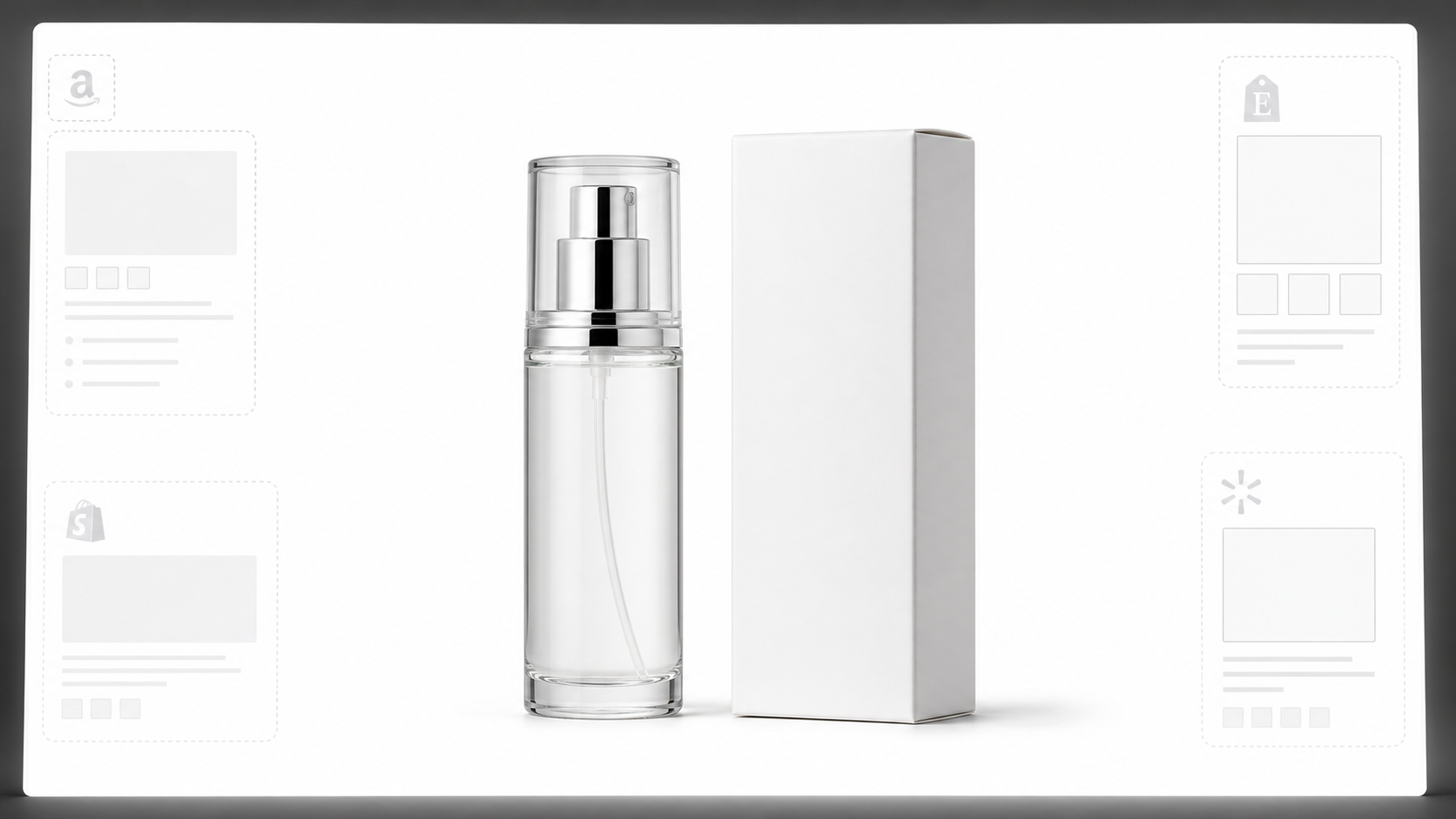
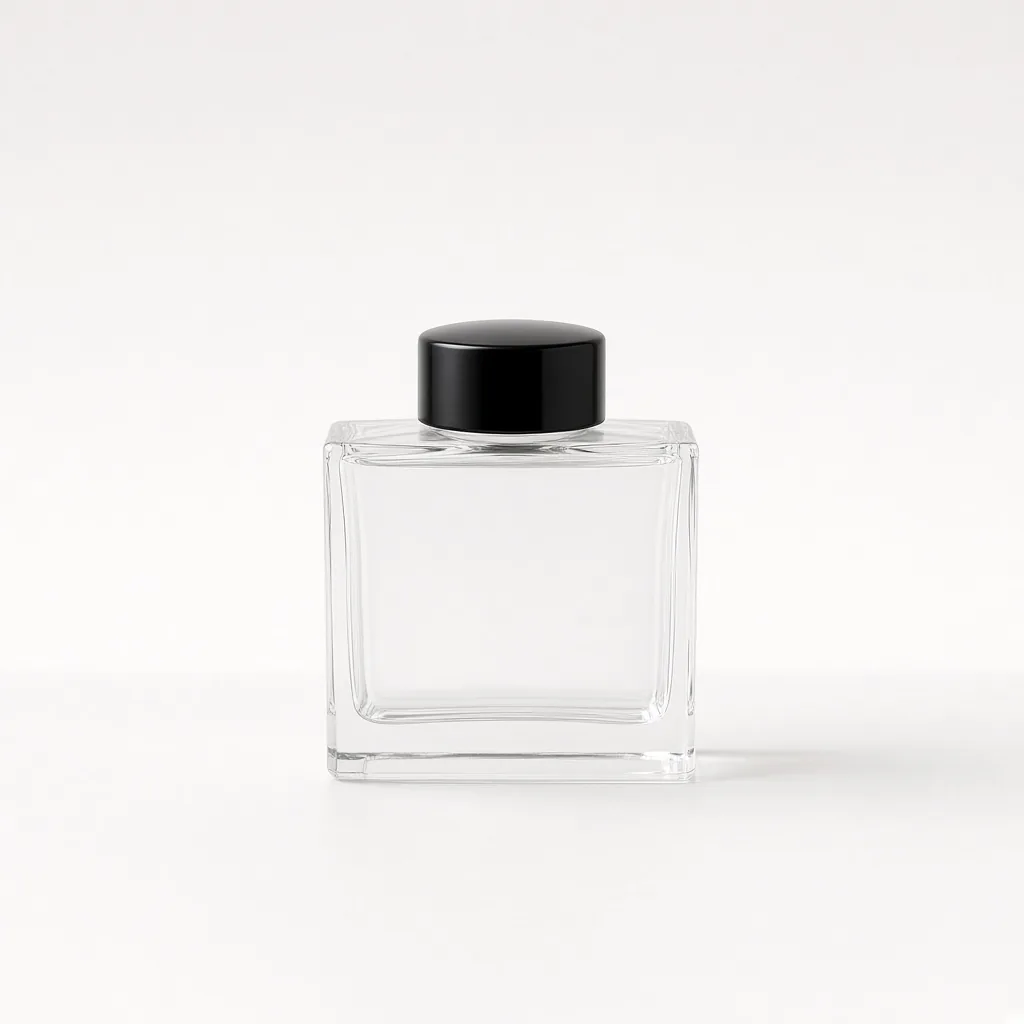
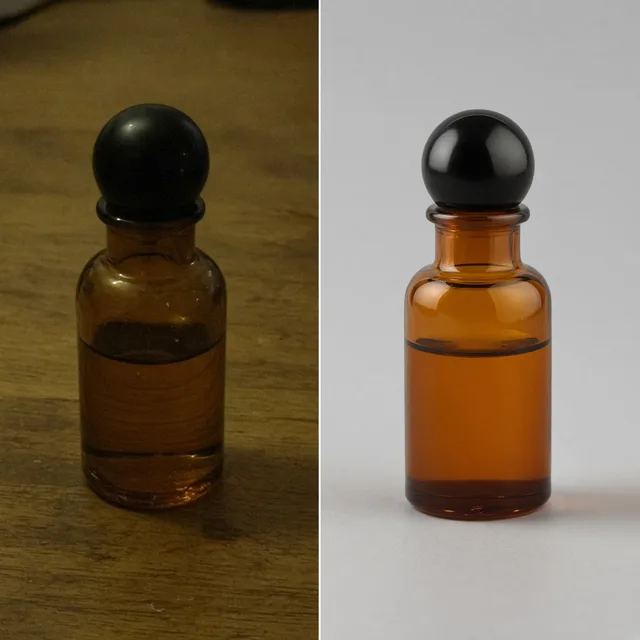
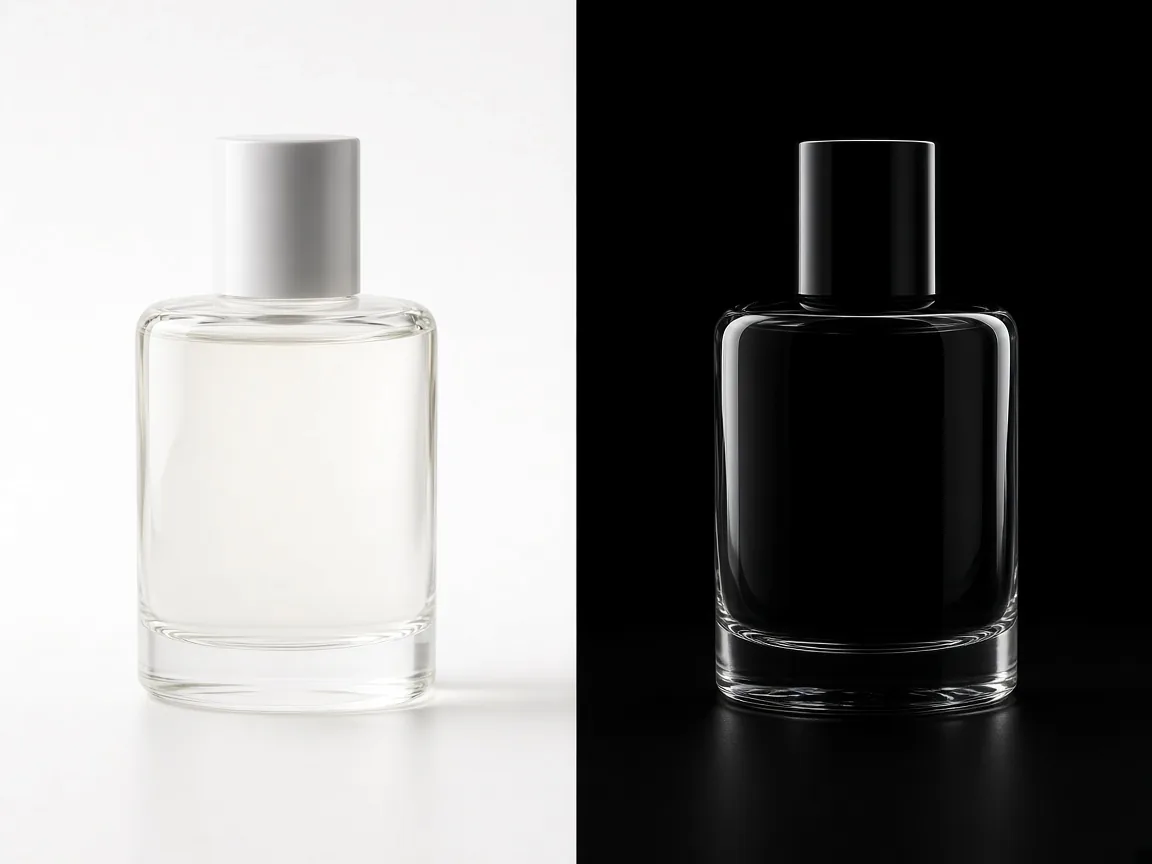
Unbranded glass perfume bottle on white
Original
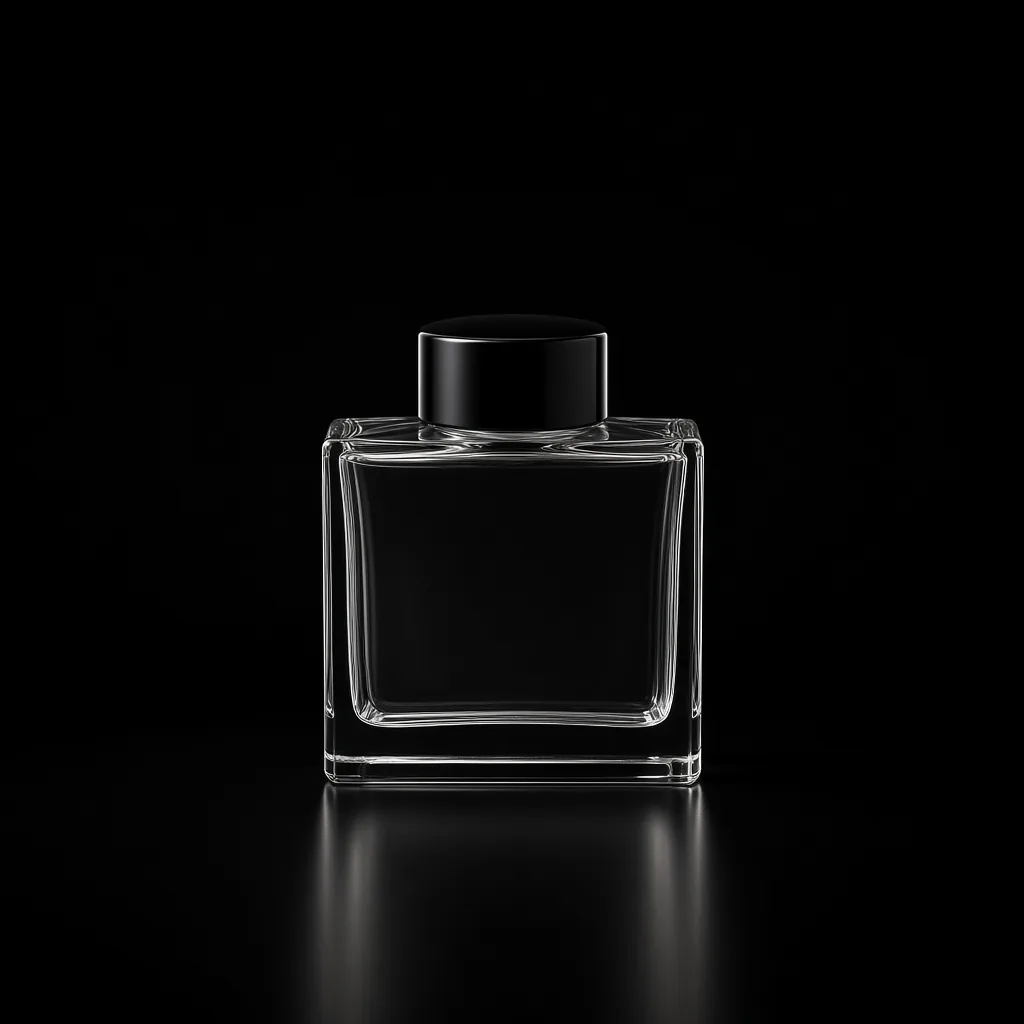
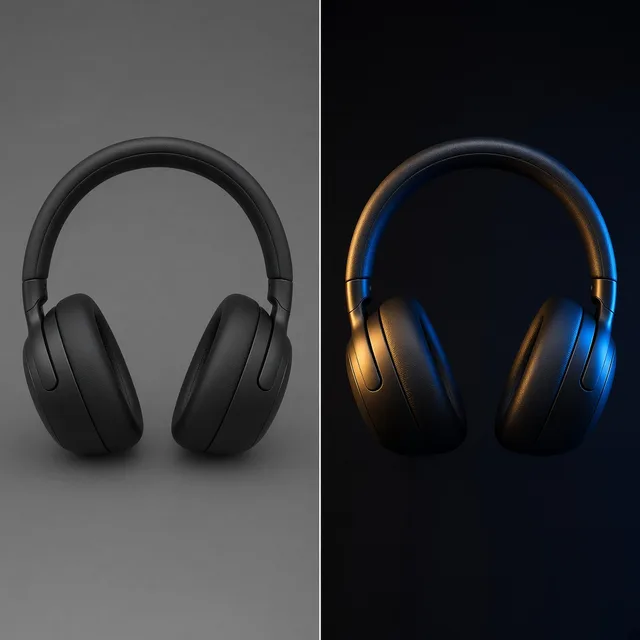
The same bottle on pure black with rim lights tracing the glass
Black background

White-background photo → black rim-light shot

Background Tools

Go Dark, Then Keep Going

After the AI black background generator makes your dark studio shots, make a white main image, relight or add shadows with the tools below.

White Background
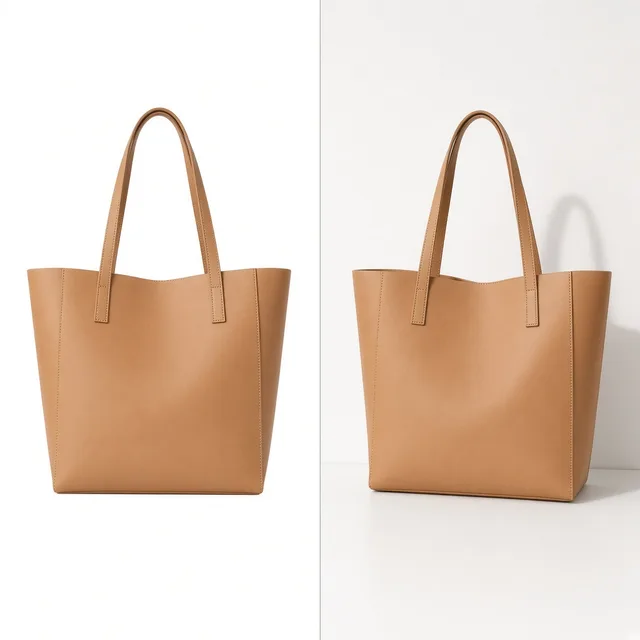
White BackgroundClean white listing photos in secondsTry it →
Lifestyle Scene
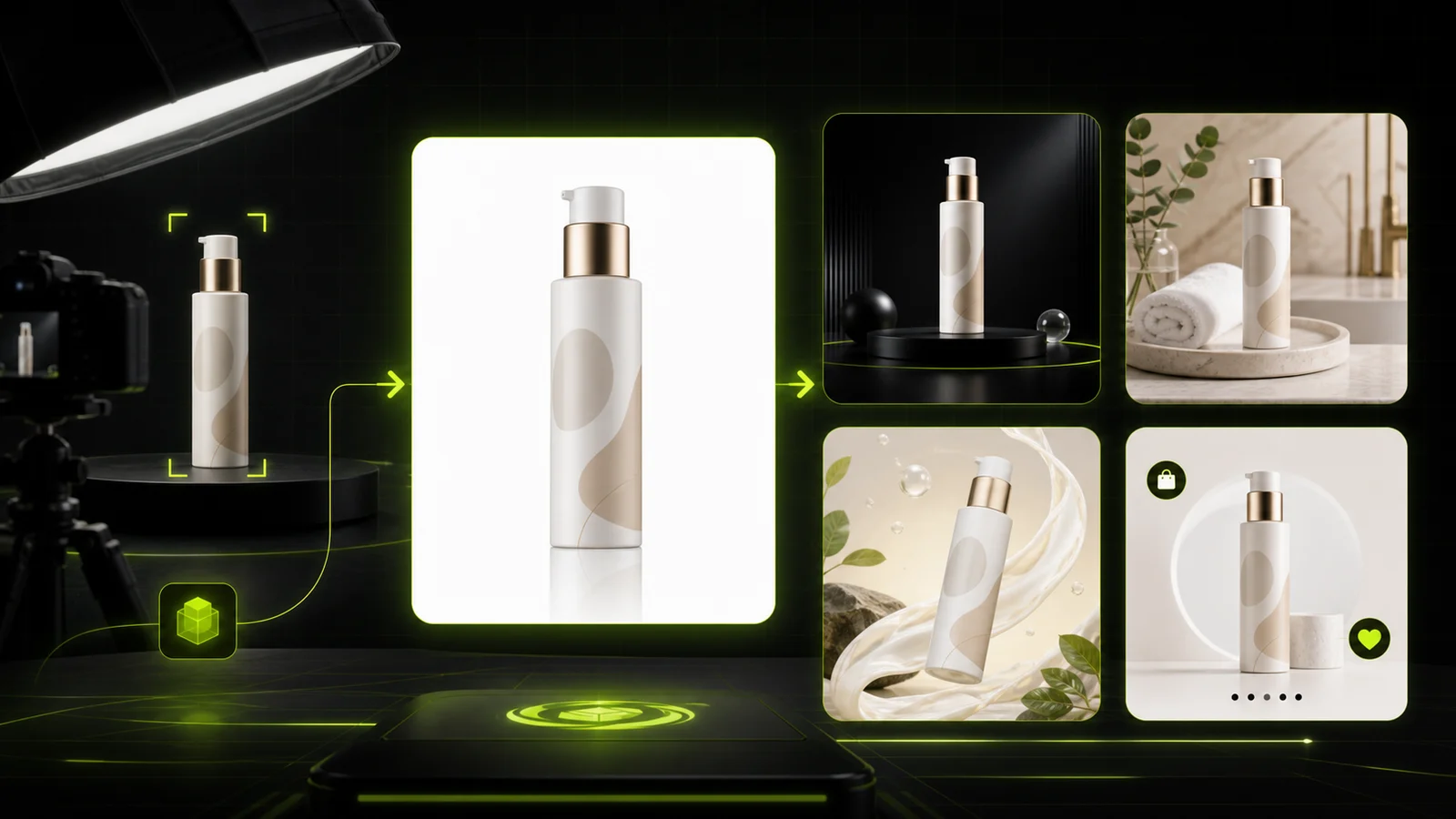
Lifestyle ScenePlace products in real-life scenesTry it →
Jewelry Photography
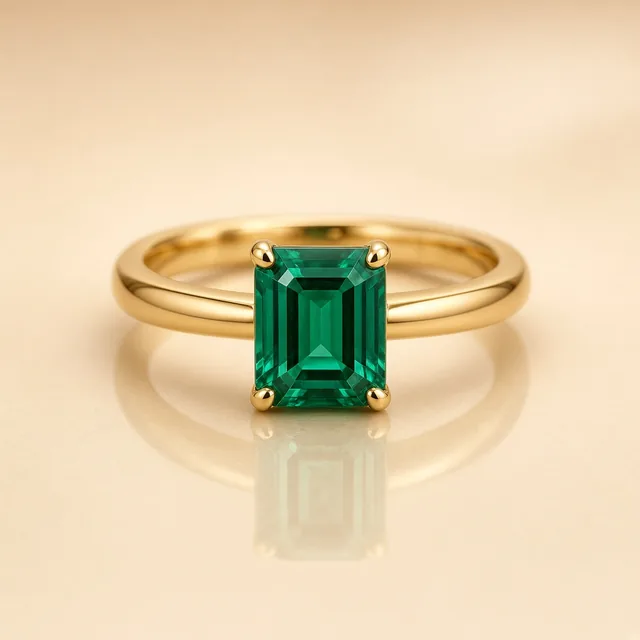
Jewelry PhotographyStudio and scene shots for rings and necklacesTry it →
Furniture Staging
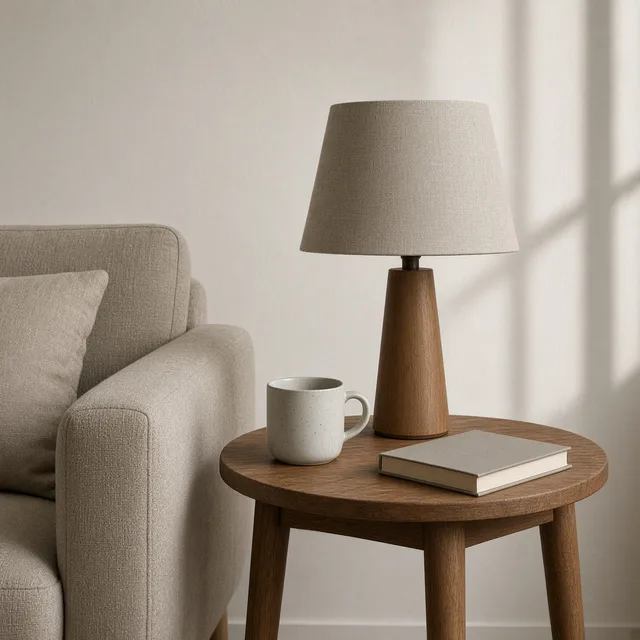
Furniture StagingPlace furniture and decor in real roomsTry it →

What it is

What Is an AI Black Background Generator?

An AI black background generator turns an ordinary product photo into a premium low-key studio shot.

How it works

You upload a product on any background, choose a background (pure black, charcoal gradient or a dark surface), a lighting style (rim light, spotlight or soft key) and whether you want a glossy reflection.

The AI removes the old background and relights the product so its edges and shape stand out against the dark.

An unbranded perfume bottle on white next to the same bottle on black with rim light

Credits and how it runs

On ProductShot AI, each image uses 10 credits, and you can generate 1 to 4 images at a time. New accounts get one free generation.

You sign in to generate, and results are saved to your history, so you can try a spotlight after the rim light without re-uploading. The credits for each run are shown under the Generate button.
Which lighting to choose

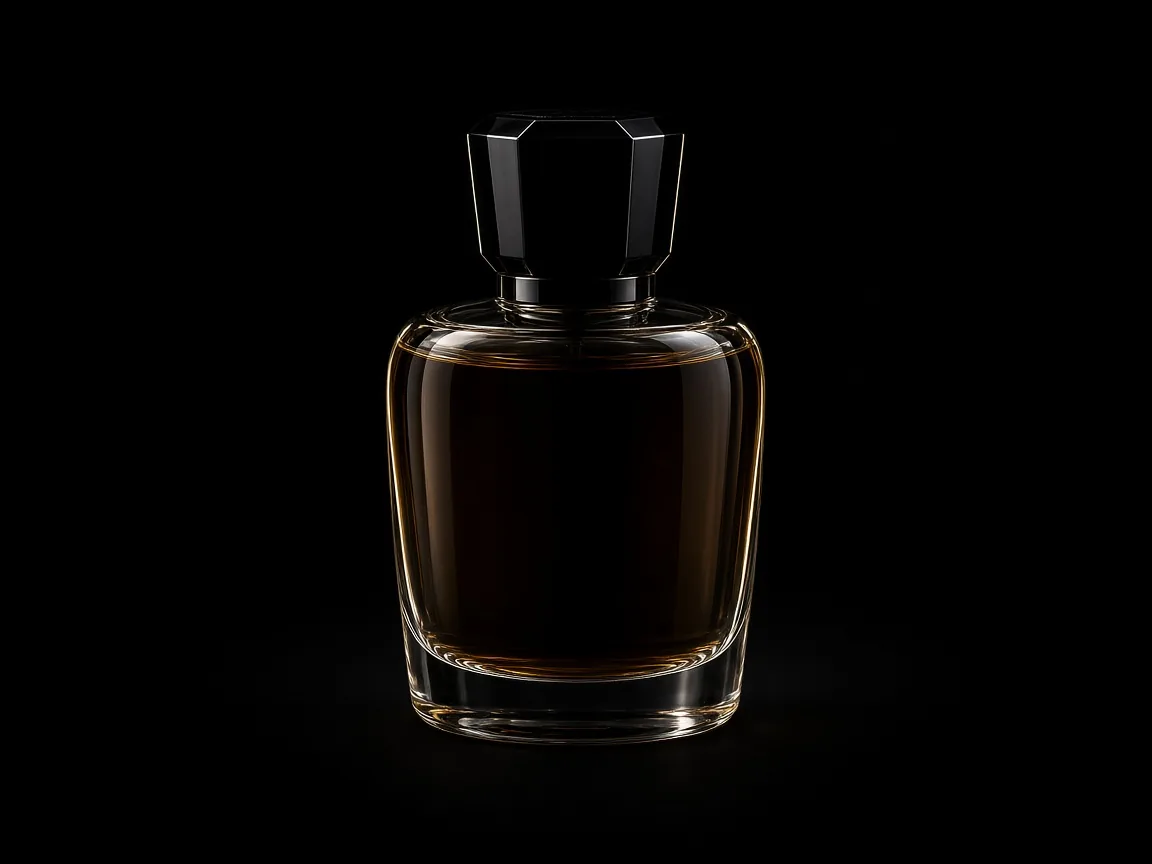
Choose the lighting by product. Rim light traces the edges of glass, metal and glossy plastic, which is ideal for perfume, bottles and electronics.

A spotlight gives a dramatic, gallery feel for hero products. Soft key keeps the product clearly visible, better for matte items, cosmetics and anything where buyers need to read the label.

Which background to choose

Pure black suits luxury and tech. A charcoal gradient feels softer and keeps dark products from disappearing into the background. A dark surface with an optional glossy reflection grounds the product and works well for watches, shoes and bottles.

If your product itself is black, choose charcoal plus rim light so its outline stays visible.

How it differs from other background tools

It is the dark sibling of the AI White Background Generator: white is for marketplace main images, black is for mood, ads and premium store visuals.

It differs from the AI Product Relight Generator, which changes the light but keeps the scene, and the AI Product Background Changer, which places products in lifestyle scenes.

How to check a black-background photo

To check a black-background photo, look at four things in order. First the color: does it match the real product under neutral light? Then the label and logo: readable and unchanged. Then the edges: clean, with no gray halo from the old background.

Finally the light: highlights help the shape without hiding details.

Where black backgrounds are not allowed

Know where black backgrounds are not allowed. Most marketplaces require a pure white main image, so use black-background photos as secondary images, in ads and on your own store.

If buyers choose between color variants, keep at least one photo of each color on white or neutral light so they can judge the true color.

Three backgrounds

Black, charcoal or dark surface.

Three lighting styles

Rim, spotlight or soft key.

Optional reflection

A subtle glossy floor.

Clean edges

No halo from the old background.

Compare versions

Generate 1 to 4 next to the original.

Clear pricing

10 credits per image, shown under the Generate button.
Why ProductShot AI

Built for Premium Low-Key Product Shots

Every setting is tuned for dark backgrounds and controlled light.

True colors

The brief keeps colors from sinking into the dark.

Readable labels

Text and logos stay legible.

Studio lighting

Rim, spotlight or soft key.

Images used for your run

Uploaded images are used to generate your result.

Common notes in one click

True color, light direction, haze.

Honest about limits

Compare colors and labels every time.

Use Cases

Five Times a Black Background Sells Better

Dark, low-key photos make premium products look more premium.

Unbranded perfume bottle with rim light on pure black

Luxury Products

Perfume, watches and jewelry look their most premium on black.

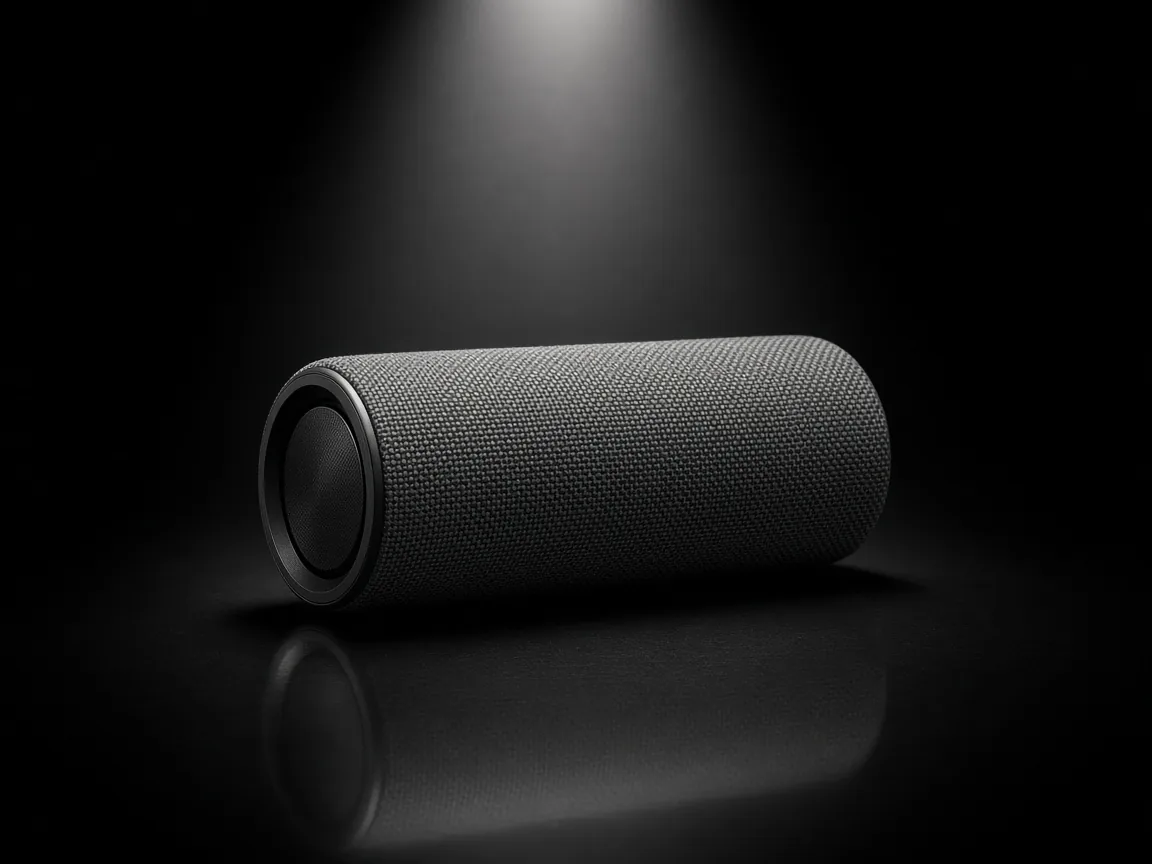
Unbranded wireless speaker under a spotlight on black

Tech and Gadgets

Sleek dark shots for headphones, speakers and chargers.

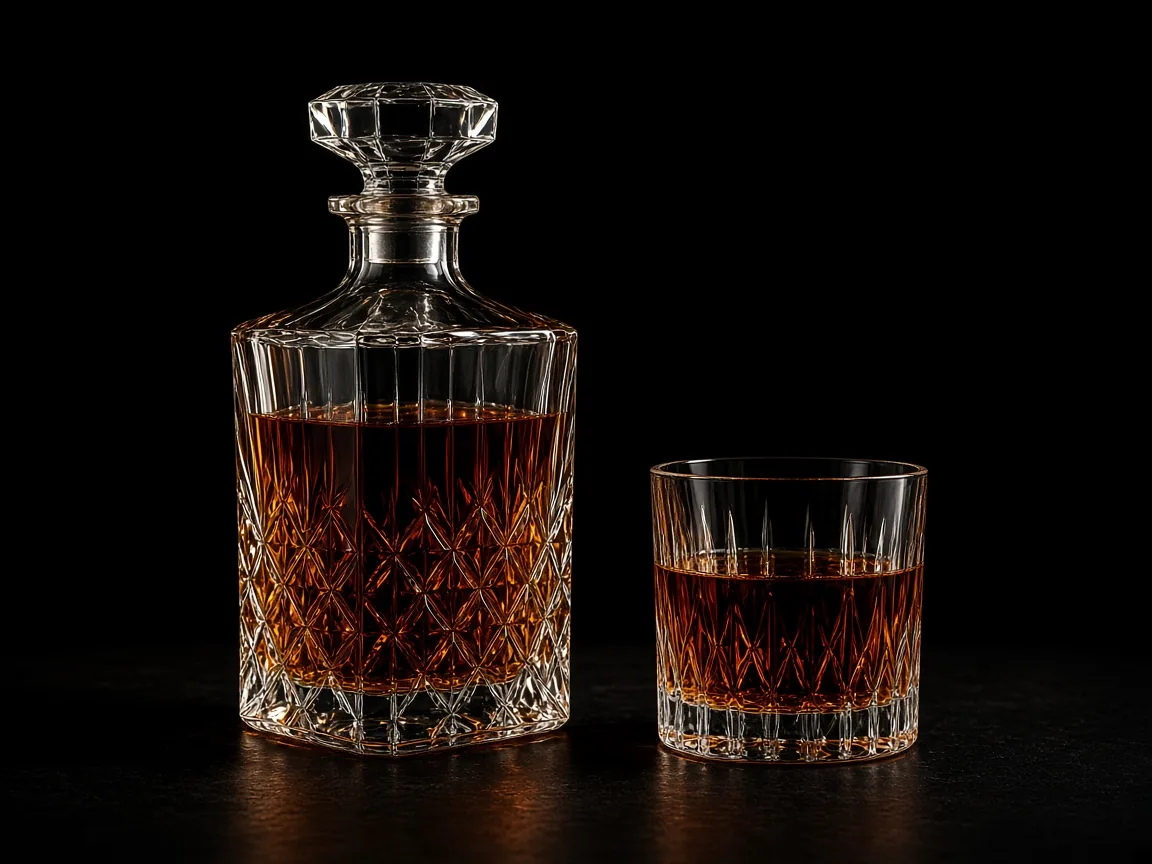
Unbranded glass decanter glowing amber on black

Spirits and Drinks

Light glowing through glass and liquid.

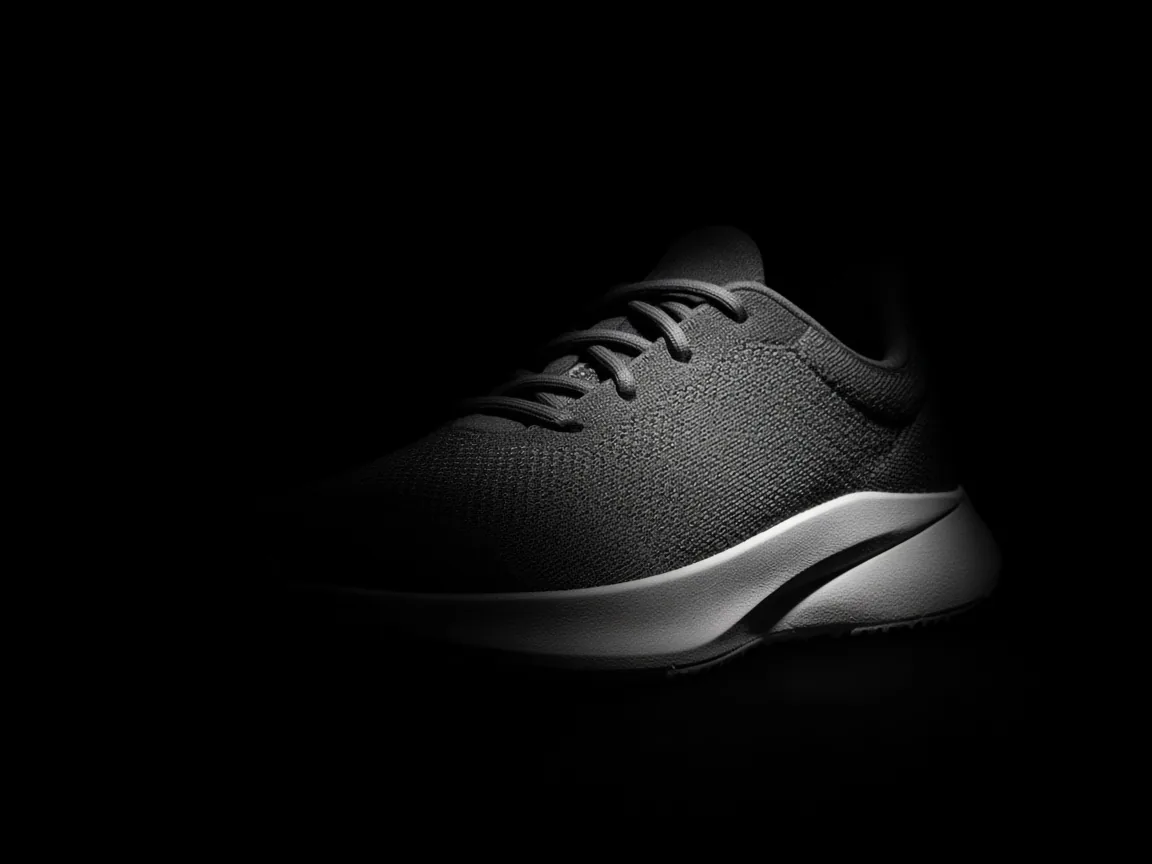
Unbranded sneaker partly lit from the side on black

Launch Teasers

Dramatic dark visuals for launch posts and countdowns.

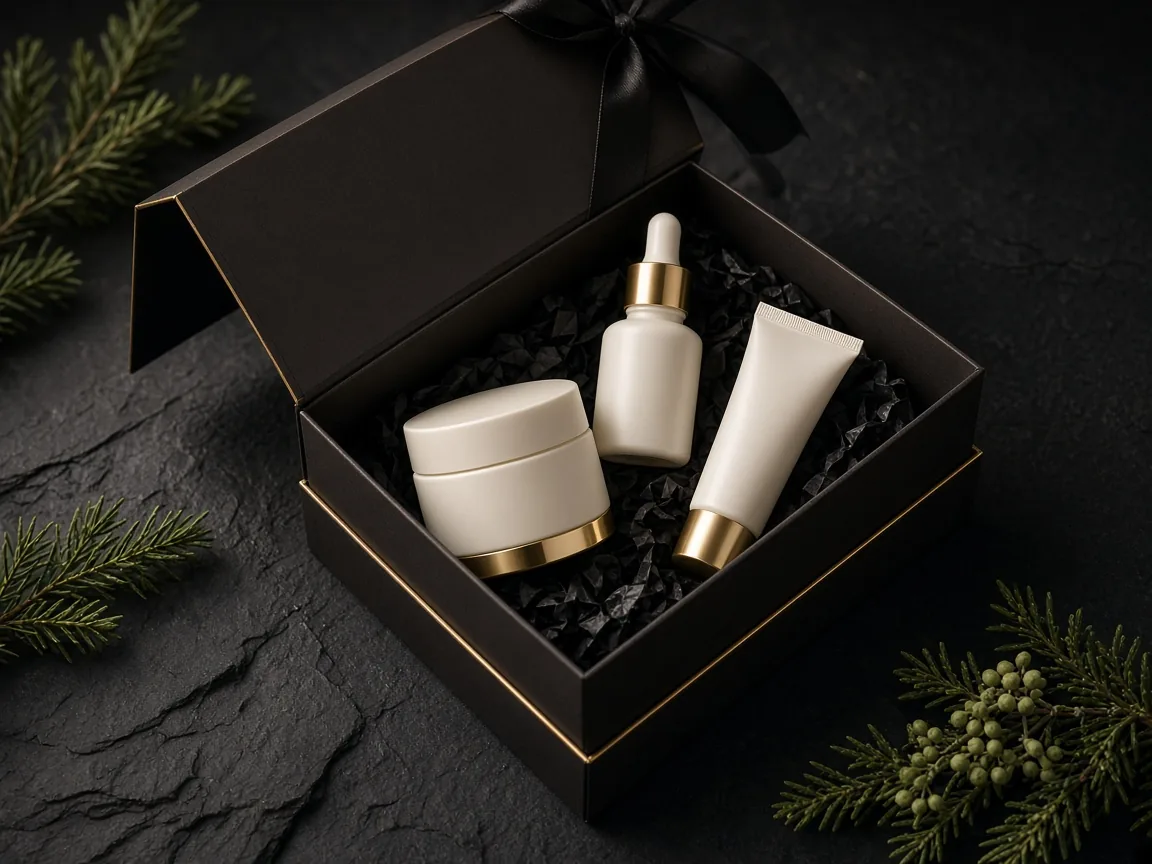
Unbranded skincare gift set on a dark slate surface

Gift Season

Dark, elegant gift visuals for holidays.

By Channel

Where Black-Background Photos Get Used

Store heroes, ads, social posts and secondary listing images.

How it works

Make a Black Background Product Photo With AI in 4 Steps

Upload one product photo, then choose the background and light.

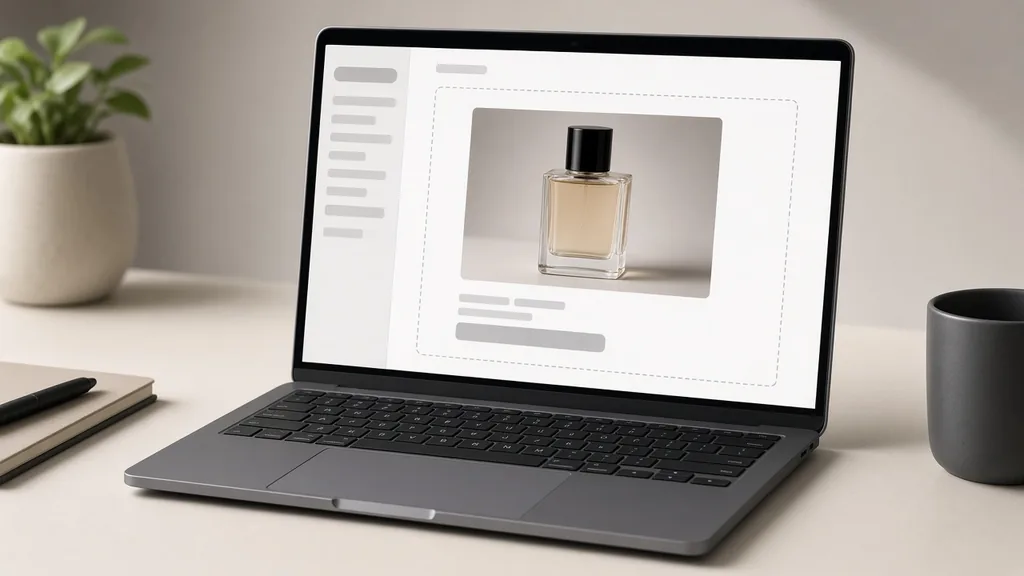
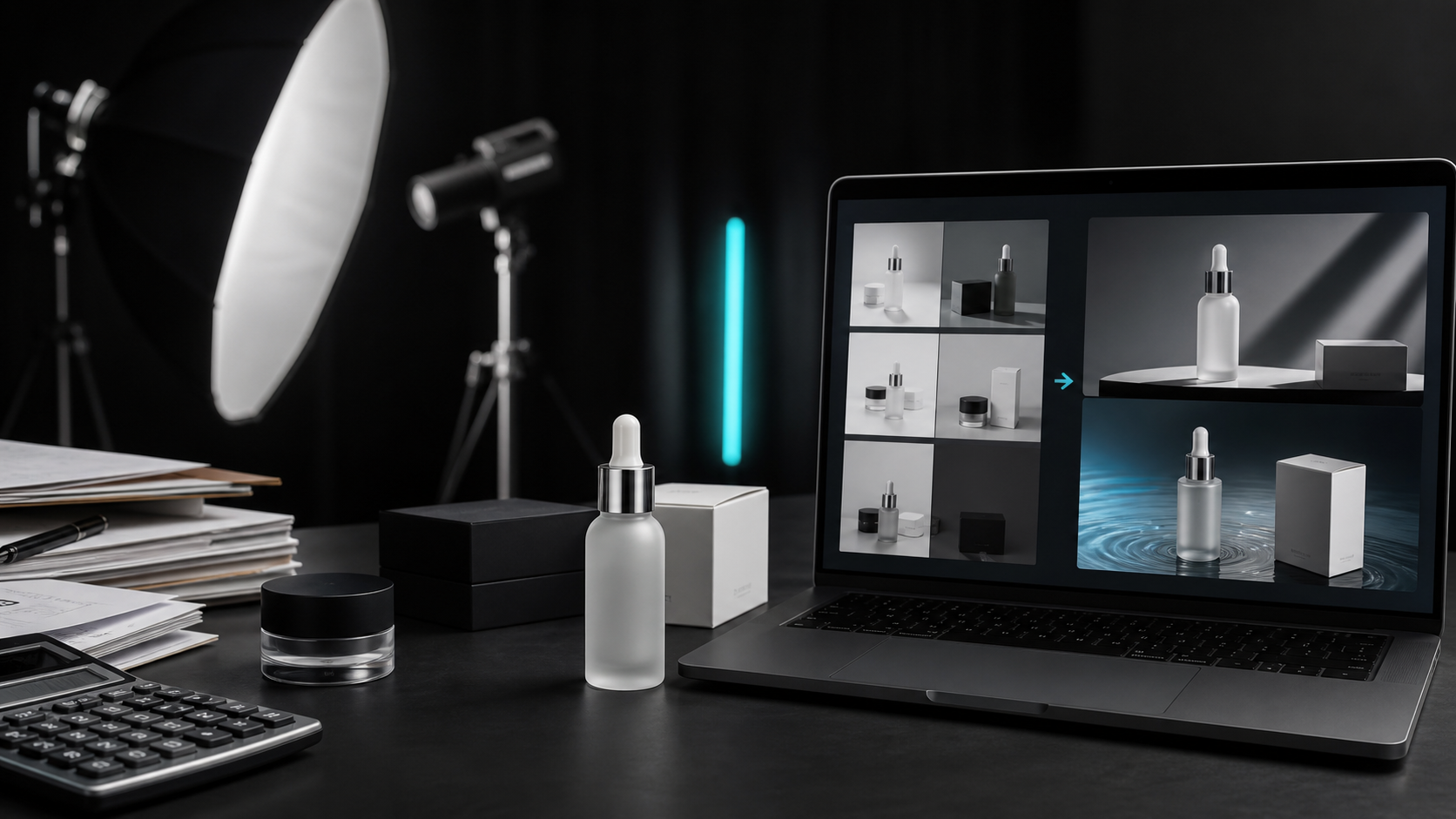
Laptop with a perfume photo open in an upload window
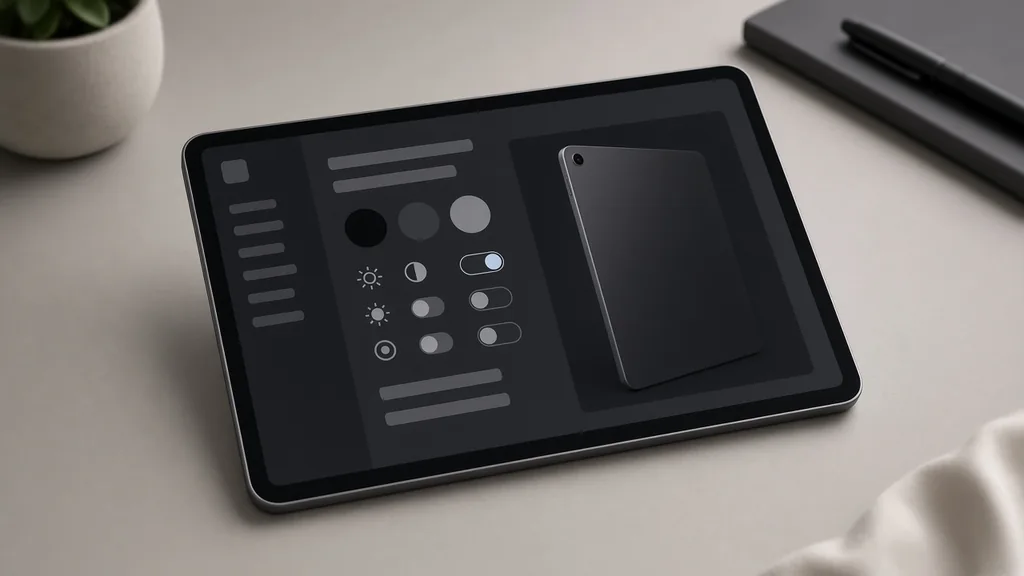
Tablet showing background, lighting and reflection options
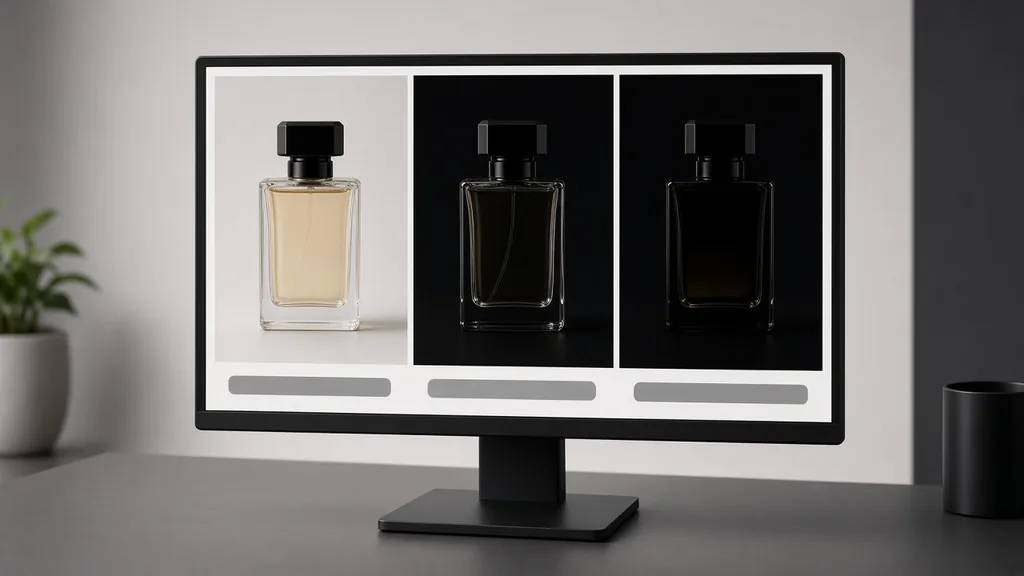
Monitor showing the original next to two black-background versions
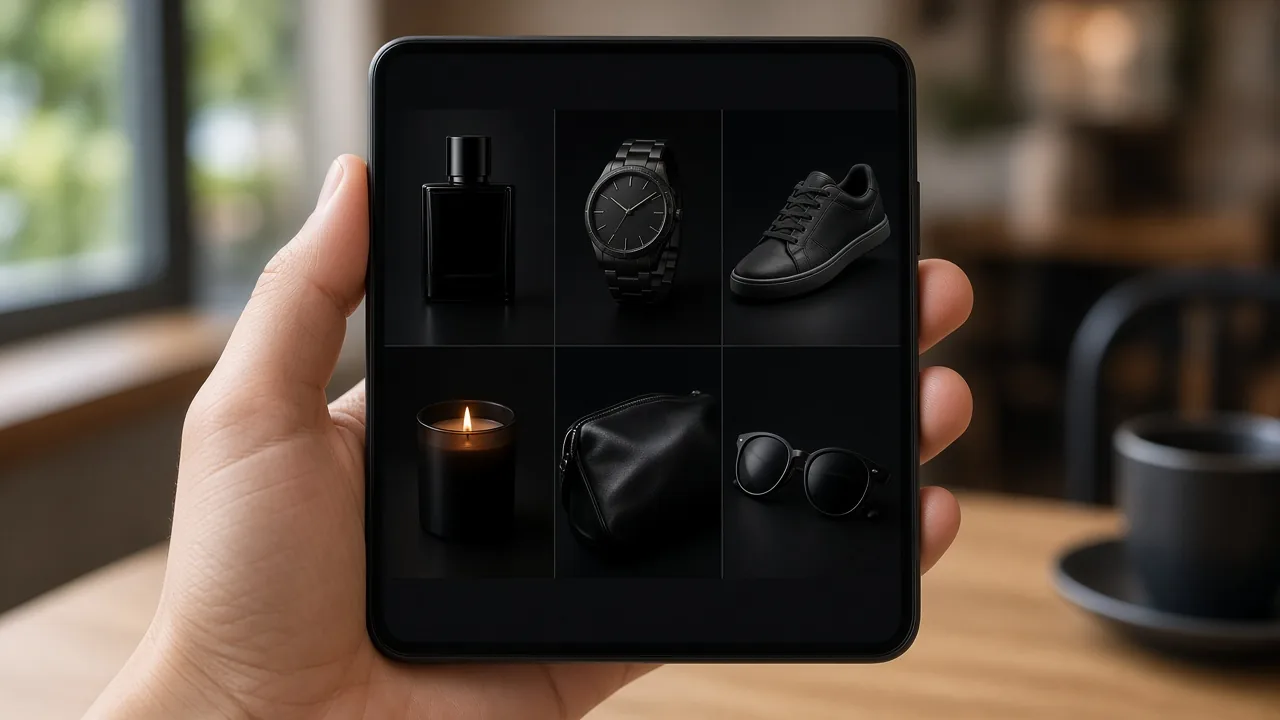
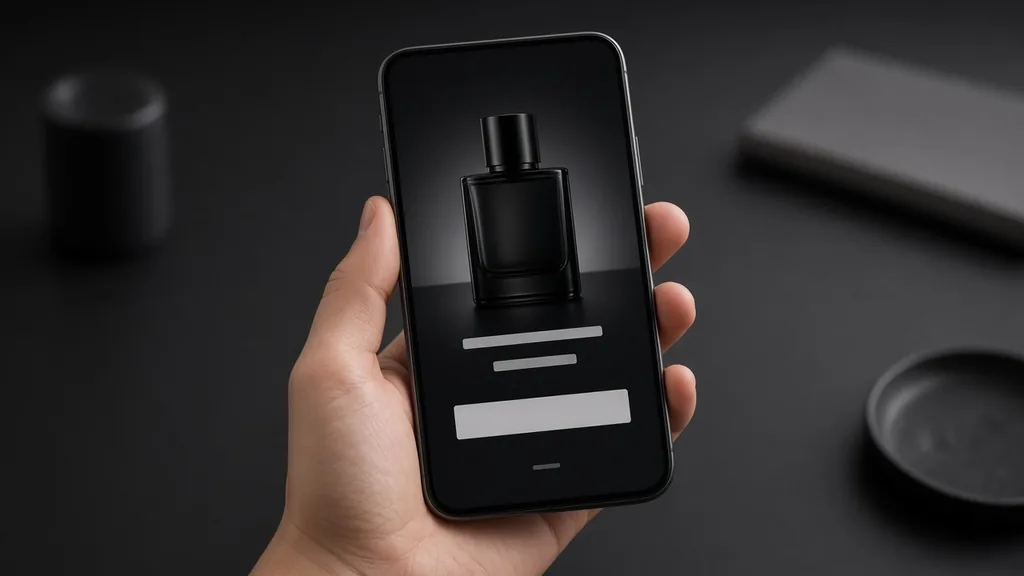
Phone showing a premium store page with a black product photo
01

Upload the Product

Upload one sharp product photo on any background, JPG, PNG or WEBP up to 16MB. Or start from one of the three examples.

02

Choose Background and Light

Pick pure black, charcoal gradient or dark surface, then rim light, spotlight or soft key, with or without a reflection.

03

Generate and Compare

Generate 1 to 4 versions at 10 credits each and compare colors with the original.

04

Check and Download

Check color, label and edges, then download for your store, ads or social posts.

Method comparison

AI Black Background vs a Low-Key Studio Shoot

Three ways to get dark studio product photos.

Multiple

output styles

Reference-led

direction

Built-in

before-and-after review

Traditional Workflow

Shoot Low-Key in a Studio

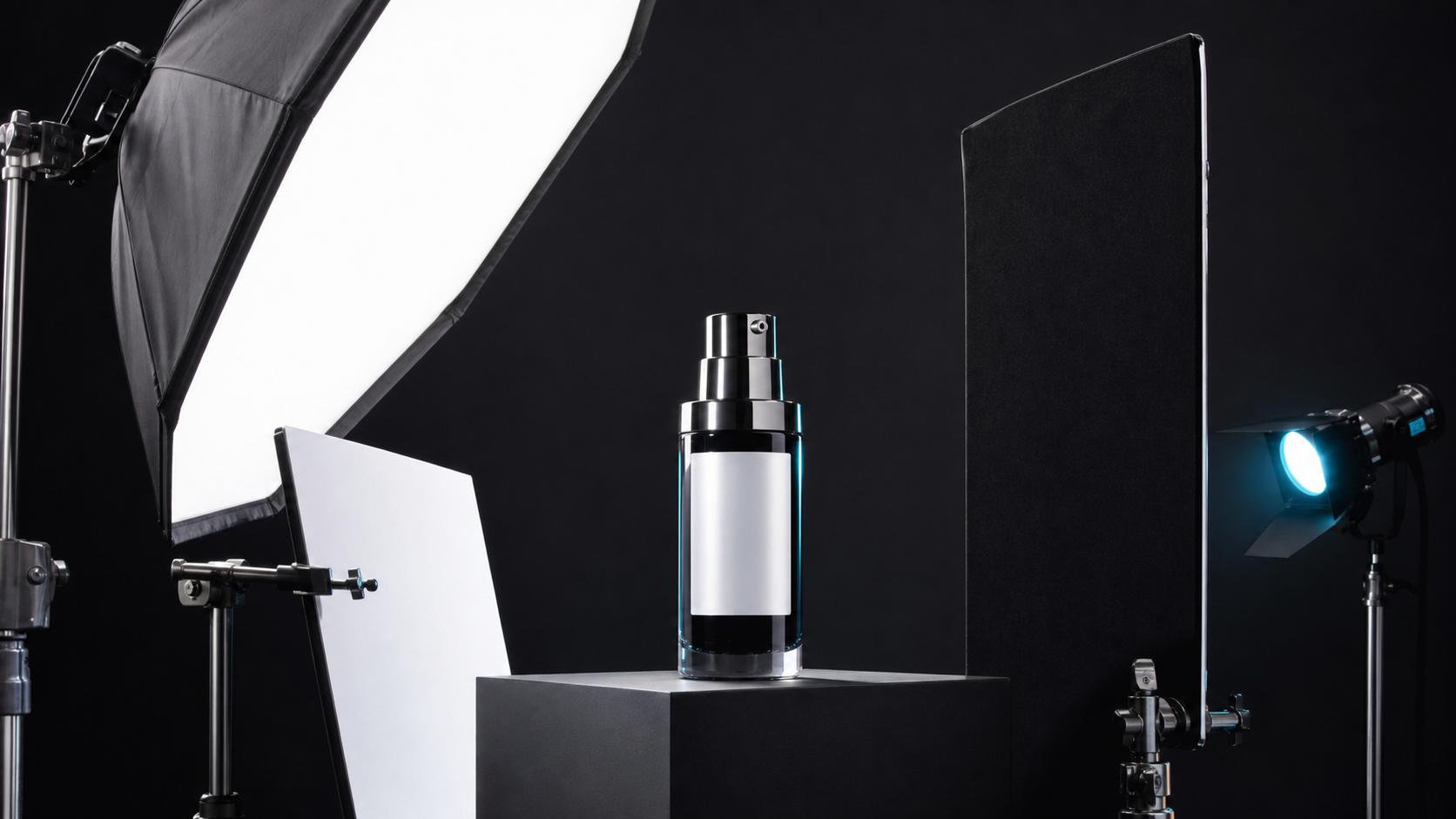
Black backdrop, flags, rim lights and careful retouching of dust and edges.

Cost
Studio time and lighting gear×
Turnaround
Hours of setup and retouching×
What You Need
Studio, lights and skills×
Iteration
Re-light for each new look×
Output Range
One setup per session×
Product Accuracy
Exact to the real product×
ProductShot AI

AI Black Background Generator

Upload one photo, choose background and light, and generate.

Cost
10 credits per image; new accounts get one free generation✓
Turnaround
Results appear on the page when generation finishes✓
What You Need
One product photo on any background✓
Iteration
Change background or light and generate again✓
Output Range
Three backgrounds, three lights, optional reflection✓
Product Accuracy
Generated; check color, label and edges✓

Tips

Three Ways to Get a Better Black Background

Your photo and the lighting choice decide most of the result.

Prepare the photo

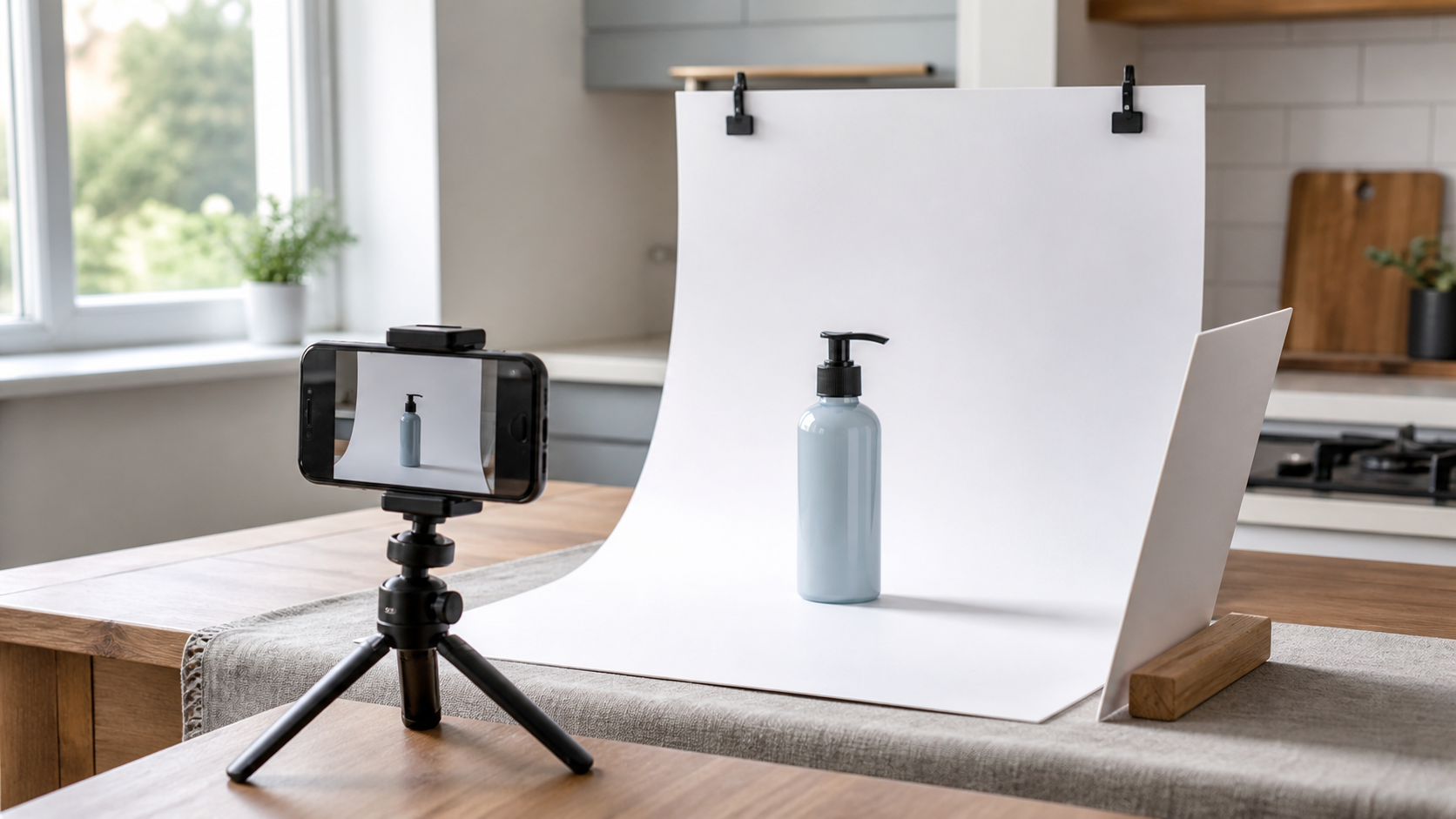
  • Use a sharp photo with the whole product in frame.
  • Even light shows the true color best.
  • Wipe dust and fingerprints: they show on black.
  • Keep the label facing the camera.

Write the notes

Color + light direction + mood

Notes can cover these three things:

  • Keep the gold cap color exact.
  • Light from the left, soft falloff.
  • A little haze behind the product.

Avoid these mistakes

  • Do not use pure black for black products without rim light.
  • Do not publish without comparing colors.
  • Do not use a black image as a main image where white is required.
  • Do not hide the label in shadow.

Further reading

Articles on white, black and lifestyle backgrounds.

The Real Problem With White Background Product Photos (And How I Solved It)White Background
Jun 18, 20268 min read

The Real Problem With White Background Product Photos (And How I Solved It)

Learn why white background product photos are harder than they look, how platform rules differ, and how to preserve details.

Read Article
AI Product Photography Generator Guide: 7 Best Tools for 2026Guide
Jun 23, 20268 min read

AI Product Photography Generator Guide: 7 Best Tools for 2026

Compare AI product photography generators for white background images, studio shots, lifestyle scenes, and ecommerce campaign visuals.

Read Article
How to Take Professional Product Shots Without a Studio (or a Degree in Photography)Workflow
Jun 17, 20268 min read

How to Take Professional Product Shots Without a Studio (or a Degree in Photography)

A practical workflow for taking sellable ecommerce product photos with a phone, simple setup, and AI-powered variations.

Read Article
I Spent $20,000 on Product Photography — Then AI Changed EverythingCase Study
Jun 16, 20268 min read

I Spent $20,000 on Product Photography — Then AI Changed Everything

A seller shares what traditional product photography costs, why product fidelity matters, and how AI changed the workflow.

Read Article
It Took Me Two Years to Understand Product Photography LightingLighting
Jun 20, 20268 min read

It Took Me Two Years to Understand Product Photography Lighting

A practical guide to product photography lighting, soft light, fill light, backlight, reflection control, and difficult materials.

Read Article
Best AI Image Processing Platforms for 2026Guide
Jun 23, 20268 min read

Best AI Image Processing Platforms for 2026

Compare AI image processing platforms for cleaning, enhancing, standardizing, and checking ecommerce product visuals.

Read Article
Reviews

How Sellers Use the AI Black Background Generator

Feedback from some of our users. Thumbnails show products from their categories.

Perfume on black
Ms. Wang

“Rim light on black makes our bottles look like a campaign shoot.”

Perfume brand
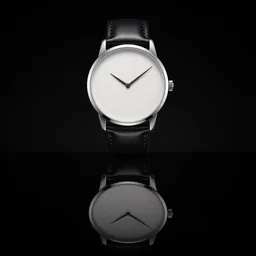
Watch with reflection
Mr. Li

“Dark surface with a reflection for every watch. I check the dial text each time.”

Watch store
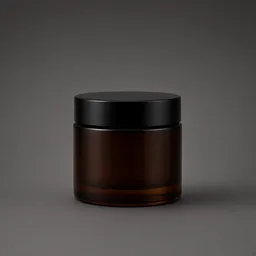
Cosmetics jar on charcoal
Ms. Zhang

“Soft key keeps our labels readable. Once the gold went bronze, so I regenerated.”

Cosmetics
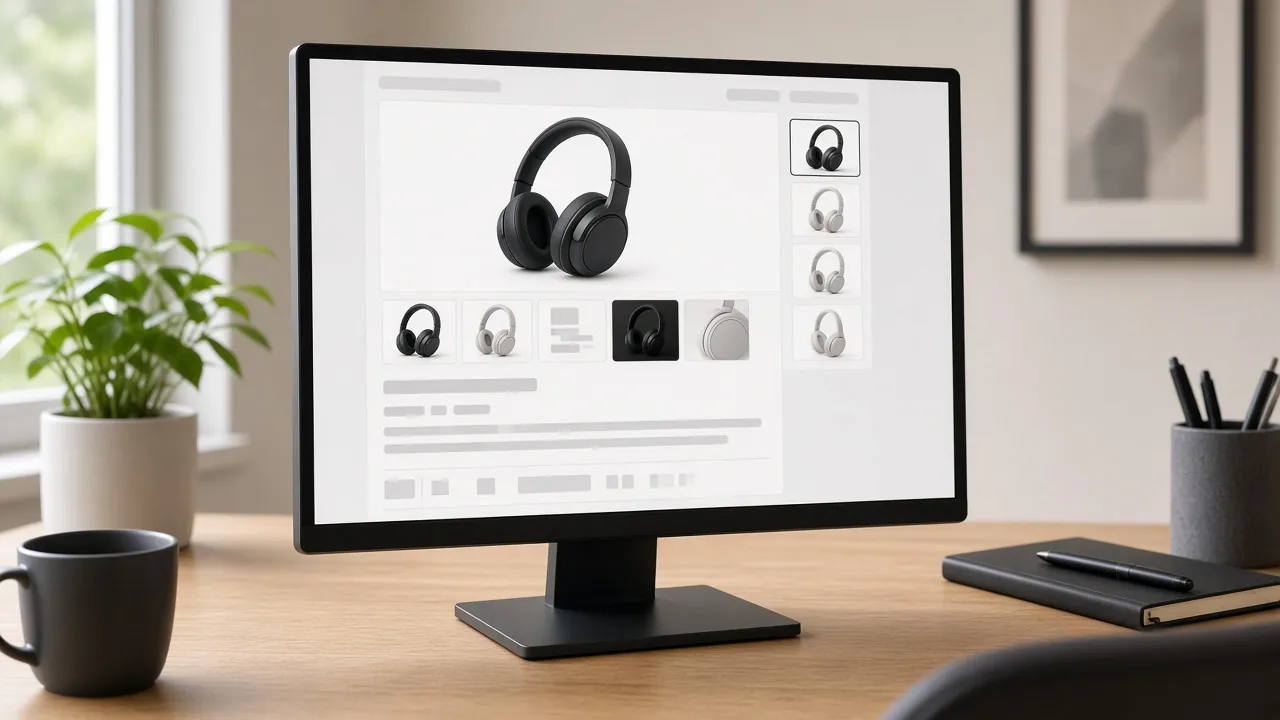
Headphones on charcoal
Mr. Chen

“Our black headphones finally stand out thanks to the charcoal gradient.”

Audio gear
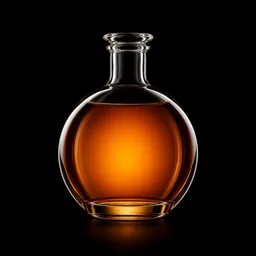
Decanter glowing amber
Ms. Liu

“Amber glow through the glass, perfect for our holiday ads.”

Spirits shop
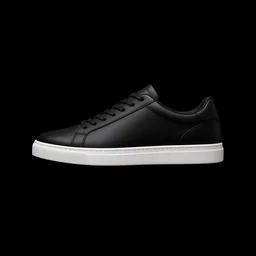
Sneaker side-lit on black
Ms. Zhou

“Launch teasers on black get more attention than our white shots.”

Sneaker store

FAQ

AI Black Background Generator FAQ

Credits, lighting, colors and marketplace rules.

Each image uses 10 credits, and you can generate 1 to 4 images at a time. New accounts get one free generation.

A sharp photo of the whole product on any background. Even light helps keep the true color.

Choose Pure black for #000000, or Charcoal gradient and Dark surface for softer dark looks.

It is asked to stay true, but dark scenes can make colors look deeper. Compare with your original and regenerate if needed.

Use Charcoal gradient with Rim light so the outline stays visible.

Yes. Choose Glossy reflection for a subtle mirror floor under the product.

Most marketplaces require a white main image. Use black-background photos as secondary images, ads or store visuals.

It is asked to keep labels and logos readable, but small text can shift. Choose Soft key for products where the label matters most.

The white background generator makes marketplace main images; this page makes dark, premium mood images.

In your history. Change the background or light and generate again without re-uploading.

Ready to Make Your Product Look Premium?

Upload a product photo to start. 10 credits per image, and new accounts get one free generation. Choose a dark background and light, and compare every result with the original.

Start Free →