
01
Upload a clear garment photo.
Upload a garment photo, pick a catalog model or upload a person reference, then generate ecommerce on-model imagery. Visual effect only—not size-accurate fitting.
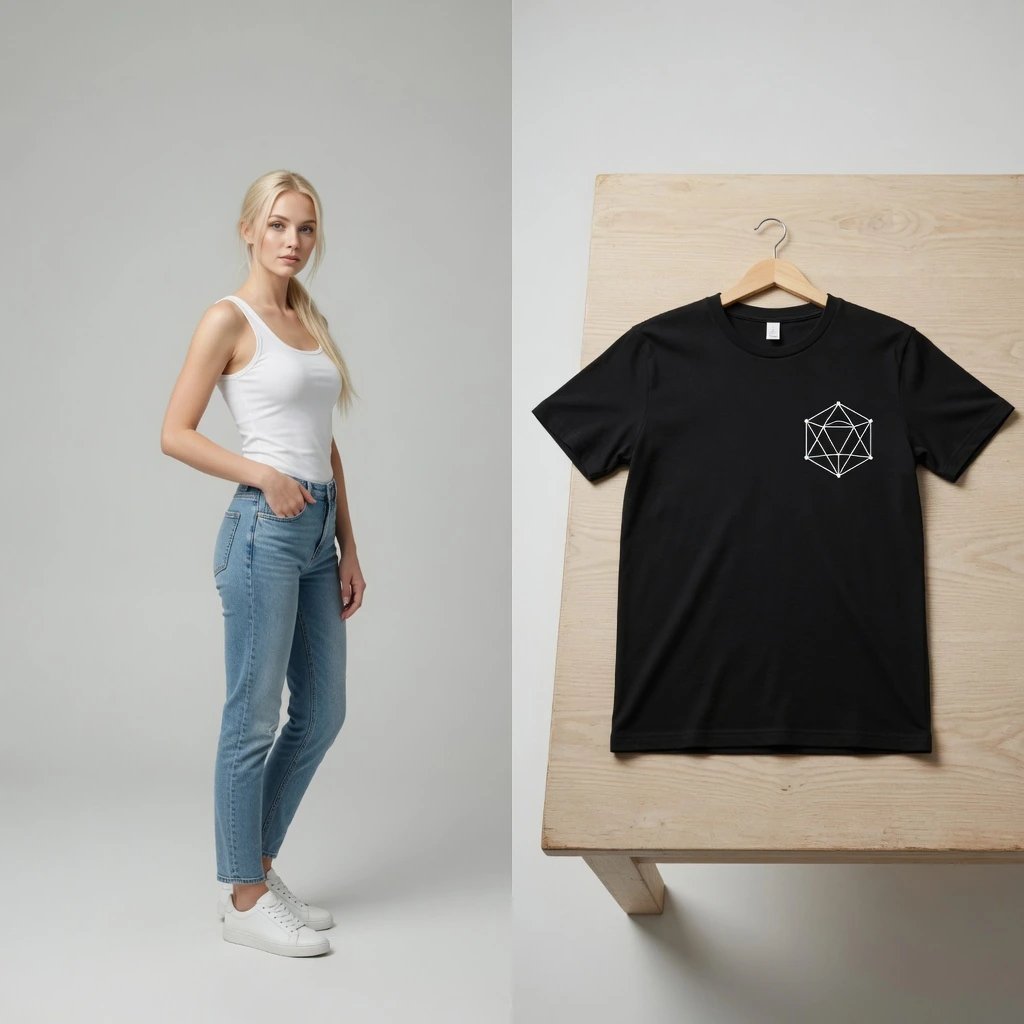
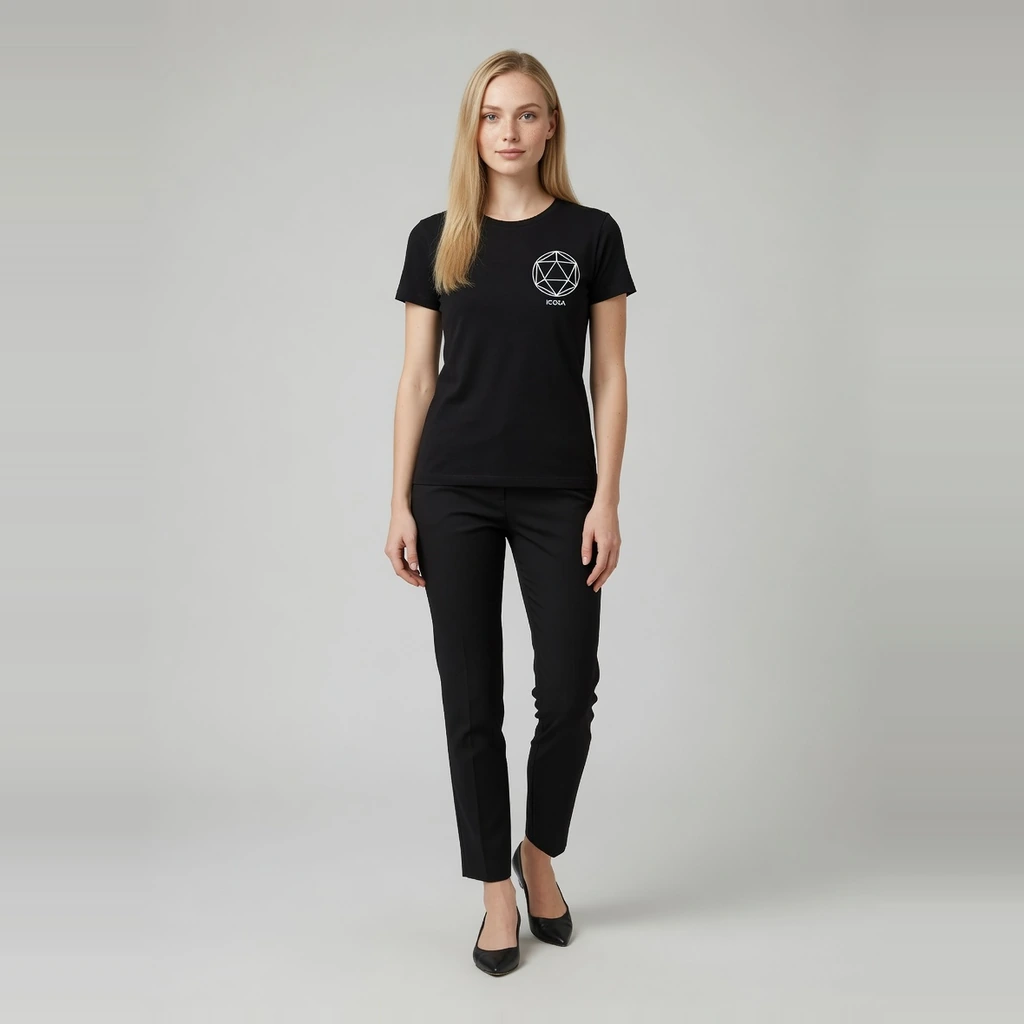
AI fashion model generator
Turn one flat-lay, hang-shot, or packshot garment photo into ecommerce on-model images. Choose a catalog model preset or upload a person reference while Garment Lock aims to keep cut, print, color, and logos consistent.
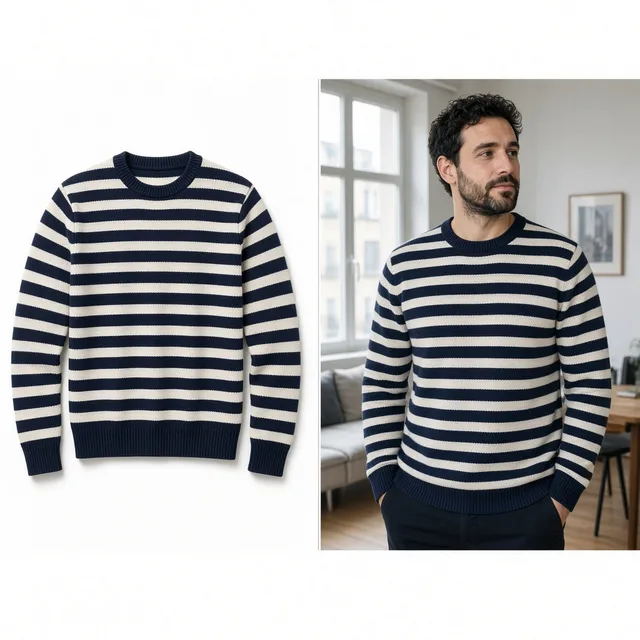
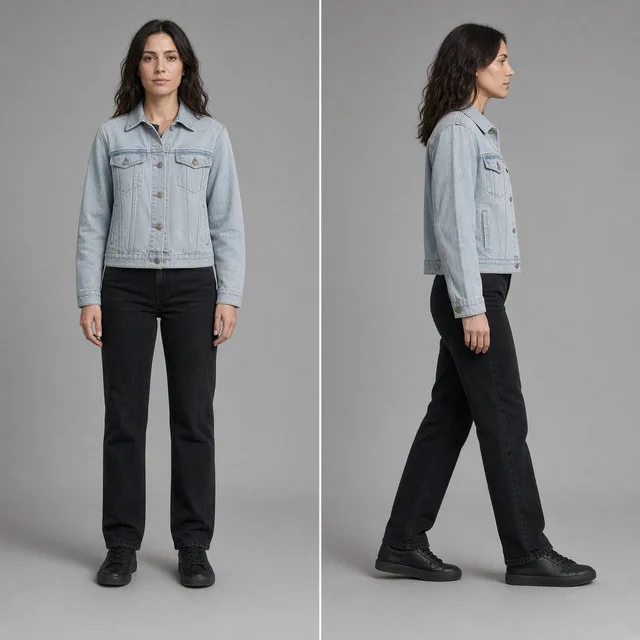
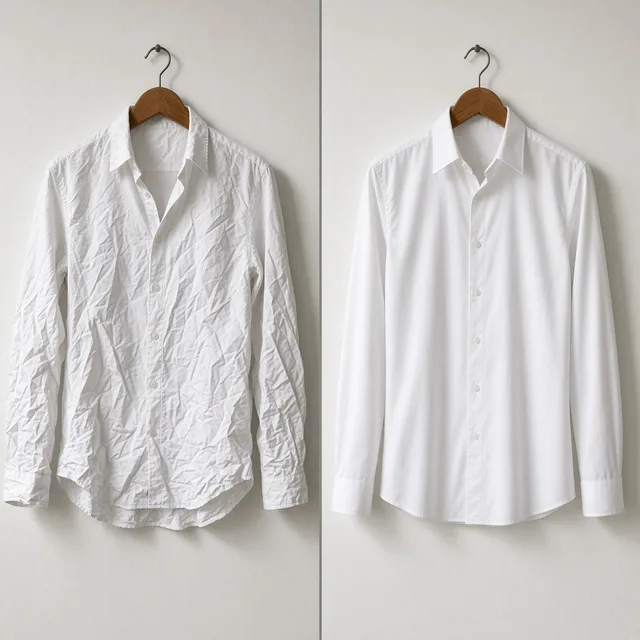
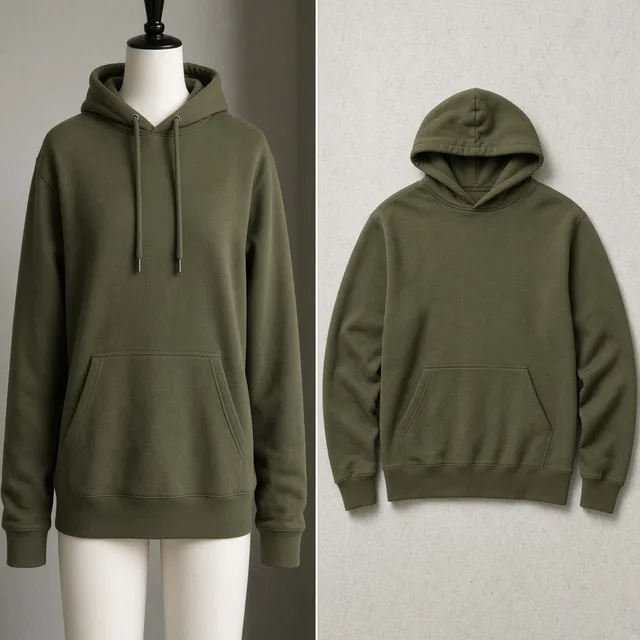
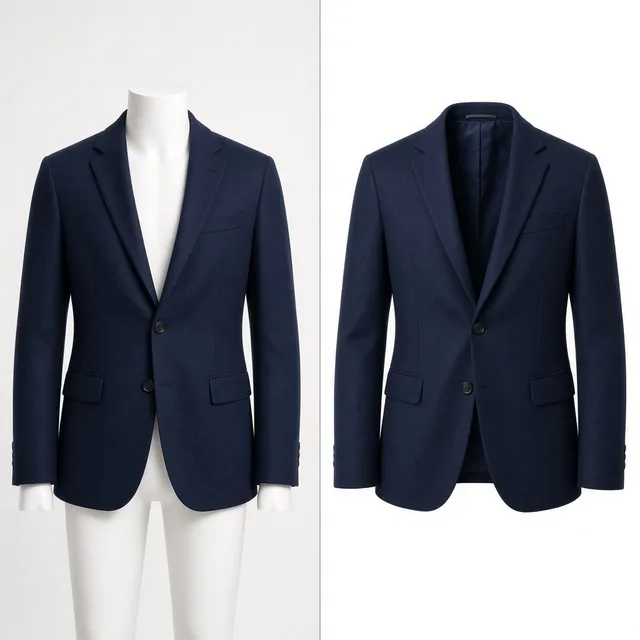
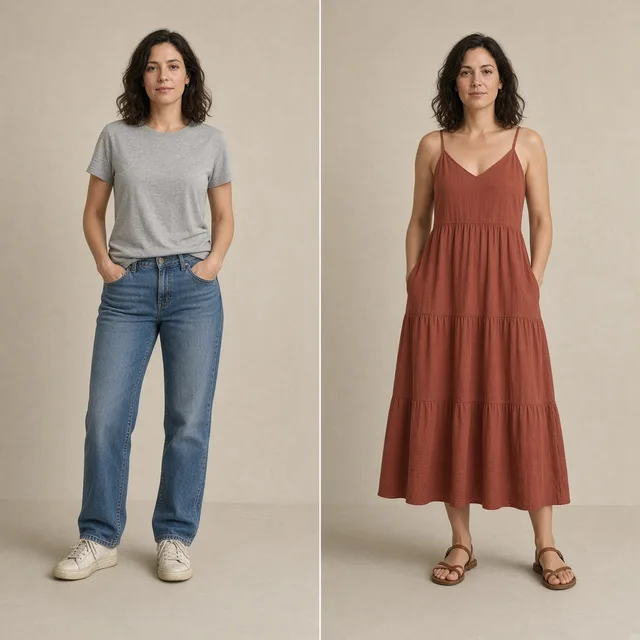



Direct answer
An AI fashion model generator turns a garment upload (flat-lay, hang-shot, or packshot) into ecommerce on-model imagery. ProductShot AI keeps garment identity first—cut, color, print, and logos—then places the garment on a preset catalog model or a person reference you upload. Results are generative visuals for listings and campaigns, not size-accurate fittings.
Upload a clear garment photo.
Pick a preset catalog model or upload a person reference.
Keep Garment Lock on, choose ratio, then generate.
Compare against the source garment, download, or save to history.
Apparel seller pain points
Flat-lays alone rarely sell drape and proportion. Studio model days are slow and expensive for multi-SKU catalogs. This page focuses on generative on-model apparel images—not size charts or physical fittings.
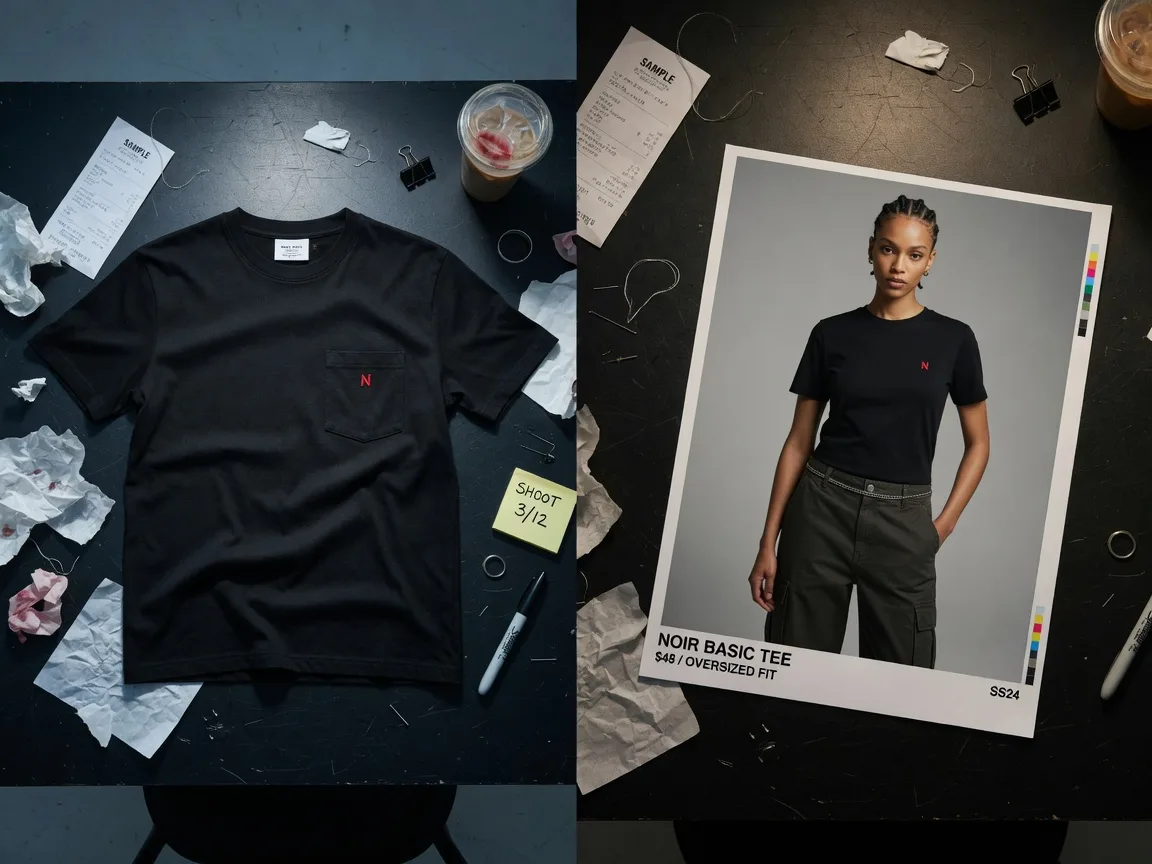
Packshots and flat-lays protect packaging detail, but shoppers often need dressed presentation to understand silhouette, length, and style. On-model images fill that gap without waiting for another studio day.
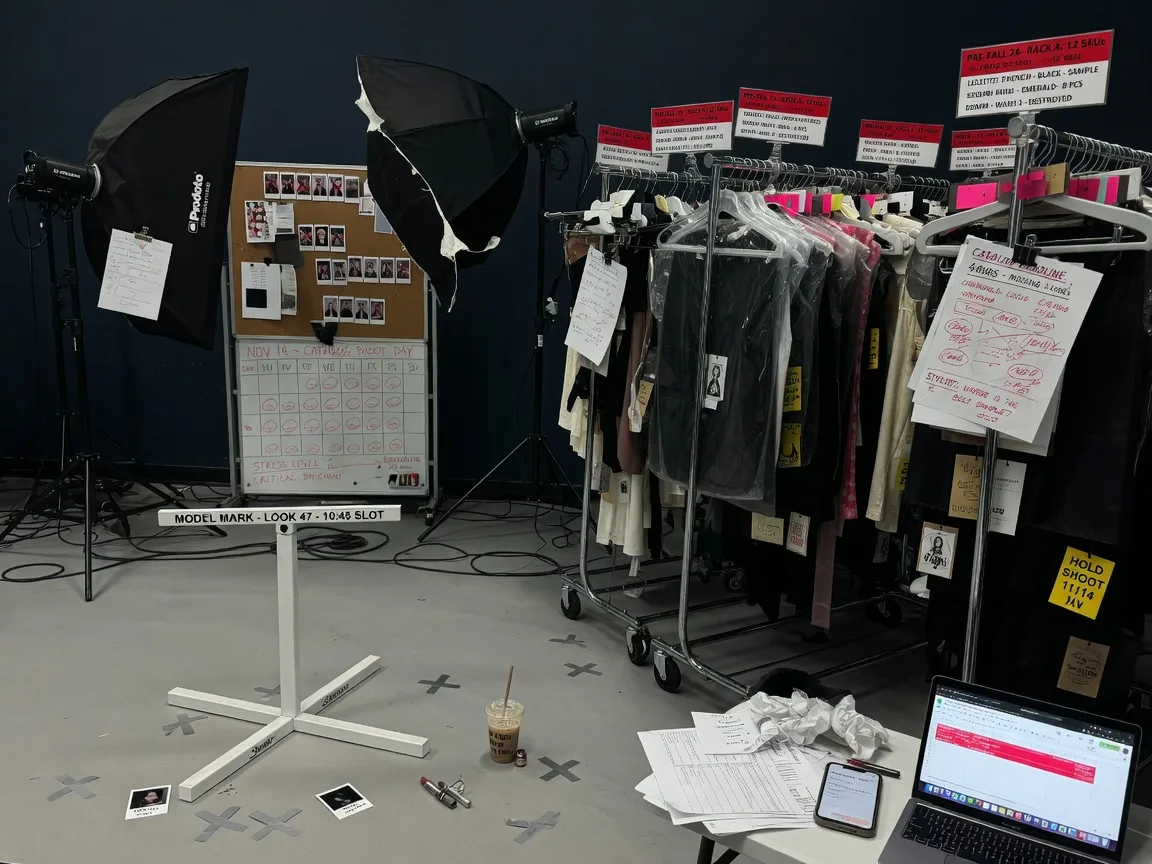
Booking models, stylists, and lighting for every colorway and drop is expensive. Generative on-model images help apparel teams produce dressed catalog sets faster while keeping human review for fidelity.
A grid that changes face, body type, and styling on every SKU looks unprofessional. A short model shortlist keeps category pages consistent across launches.
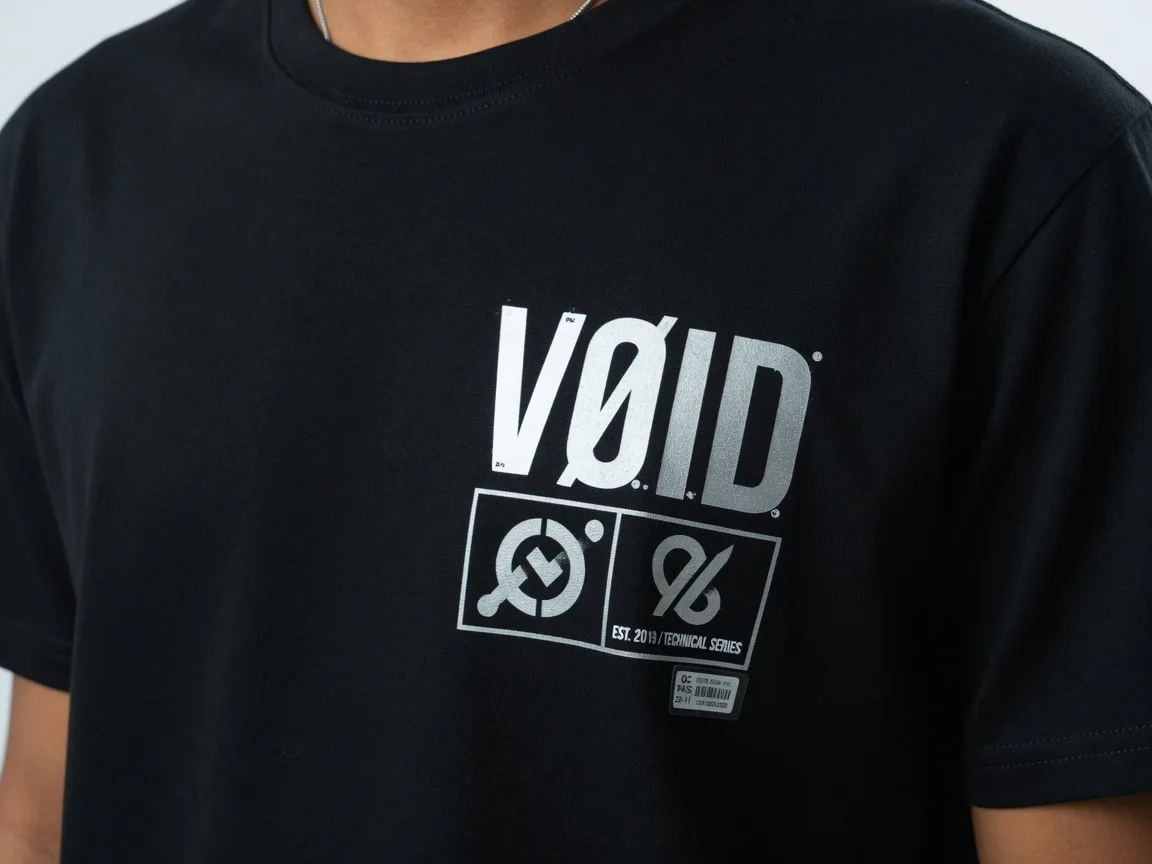
If AI changes stripes, moves logos, or invents trims, the image is unusable for commerce. Garment Lock workflows prioritize cut, print placement, color, and brand marks from the source garment photo.
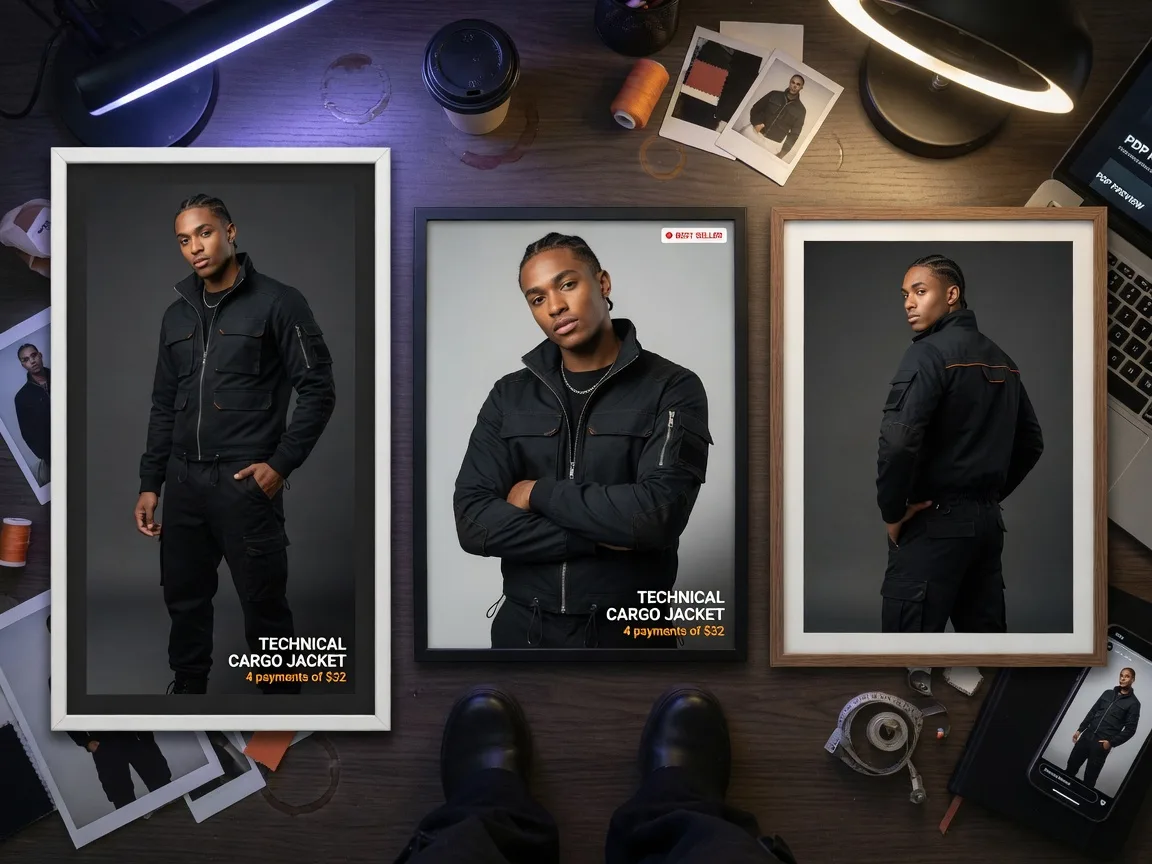
Shopify PDPs, marketplace listings, lookbooks, and social ads need different ratios and framing. Sellers need faster ways to create channel-ready on-model variants from one garment master.
Where on-model apparel images are used
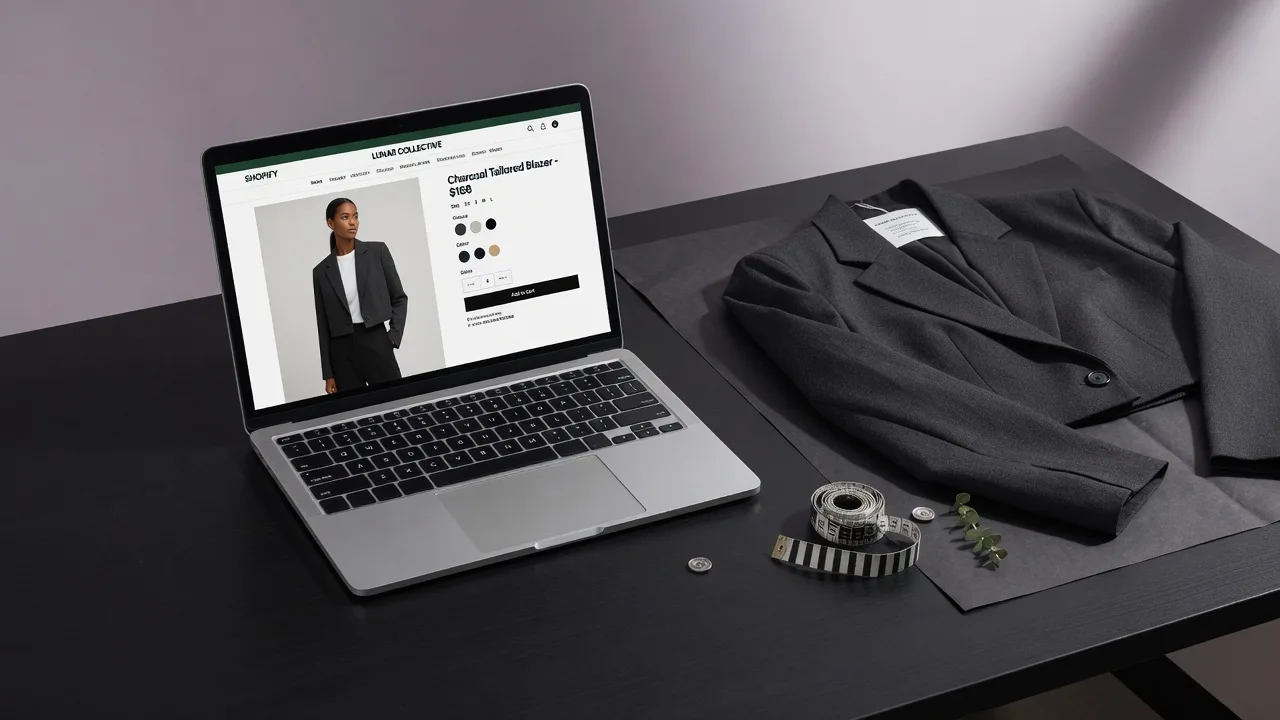
Use on-model images for Shopify PDPs, marketplace fashion listings, launch lookbooks, and social ads—while keeping a separate compliance packshot when a channel requires isolated product photography.
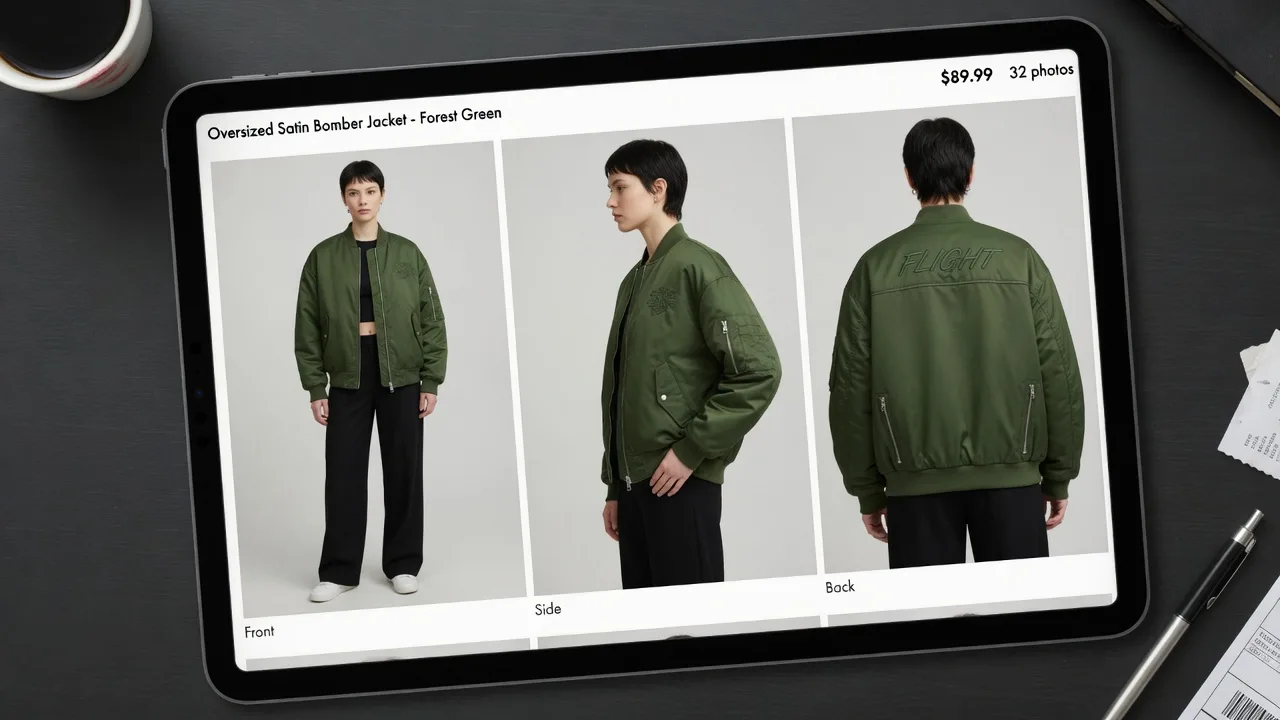
 Shopify
Create dressed on-model images for product pages and collection storytelling while keeping a separate packshot when needed.
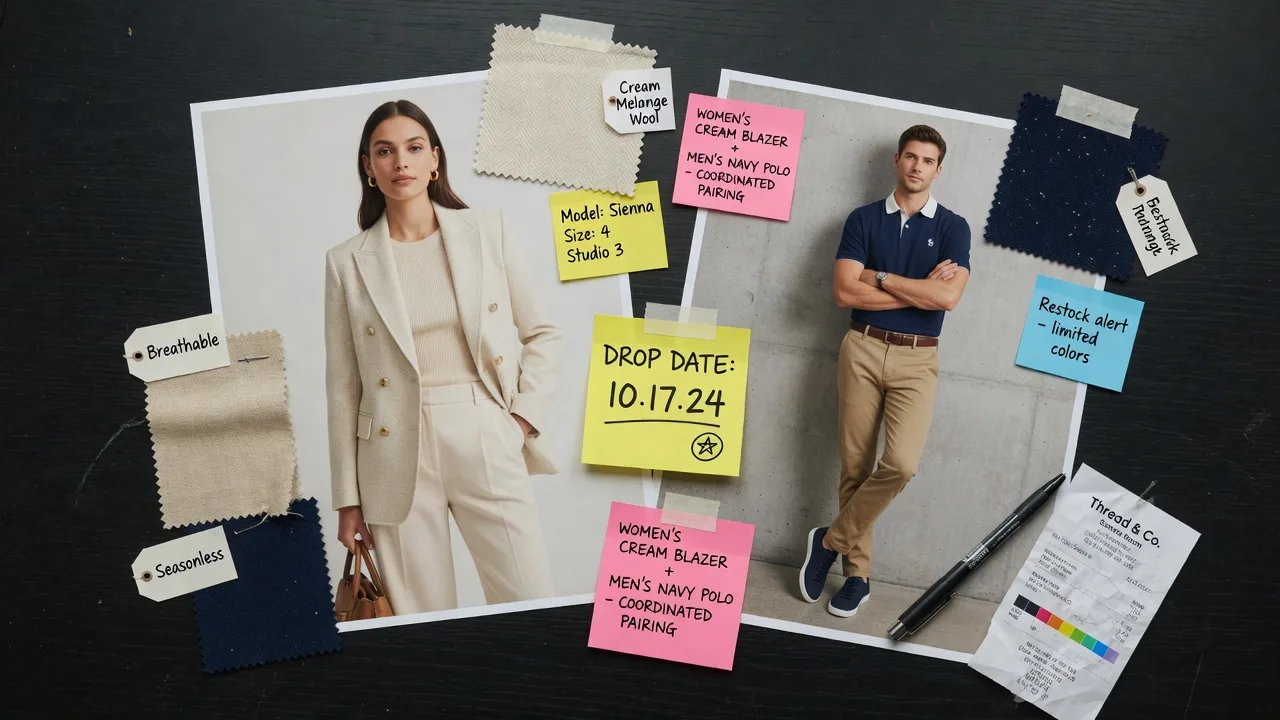
 Marketplace
Produce on-model secondary images for fashion listings, and keep compliance main images separate when pure-white product shots are required.
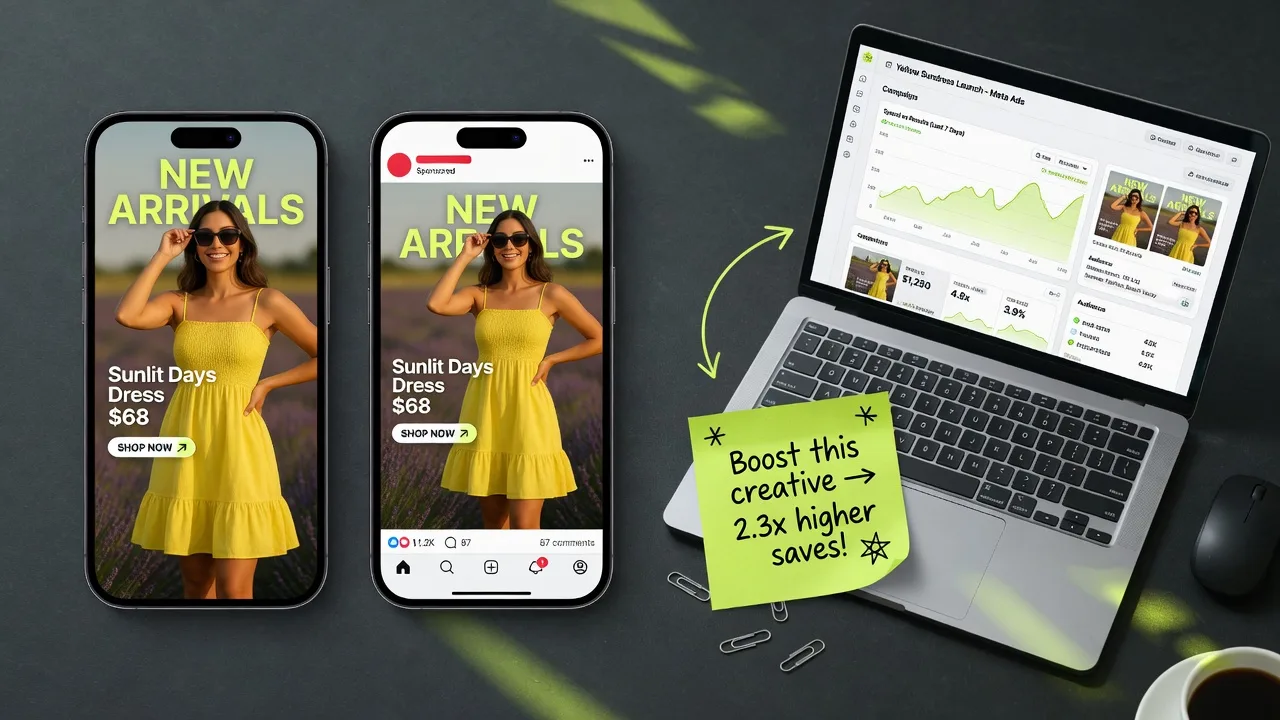
 Launch
Build multi-SKU on-model sets with a short model shortlist so launches feel coherent without a full studio week.
 Social
Export vertical and square on-model crops for paid social tests while preserving garment identity from the master upload.
How it works
Upload a garment photo, pick a preset model or person reference, keep Garment Lock on, choose a listing-friendly ratio, then generate, compare, and download.
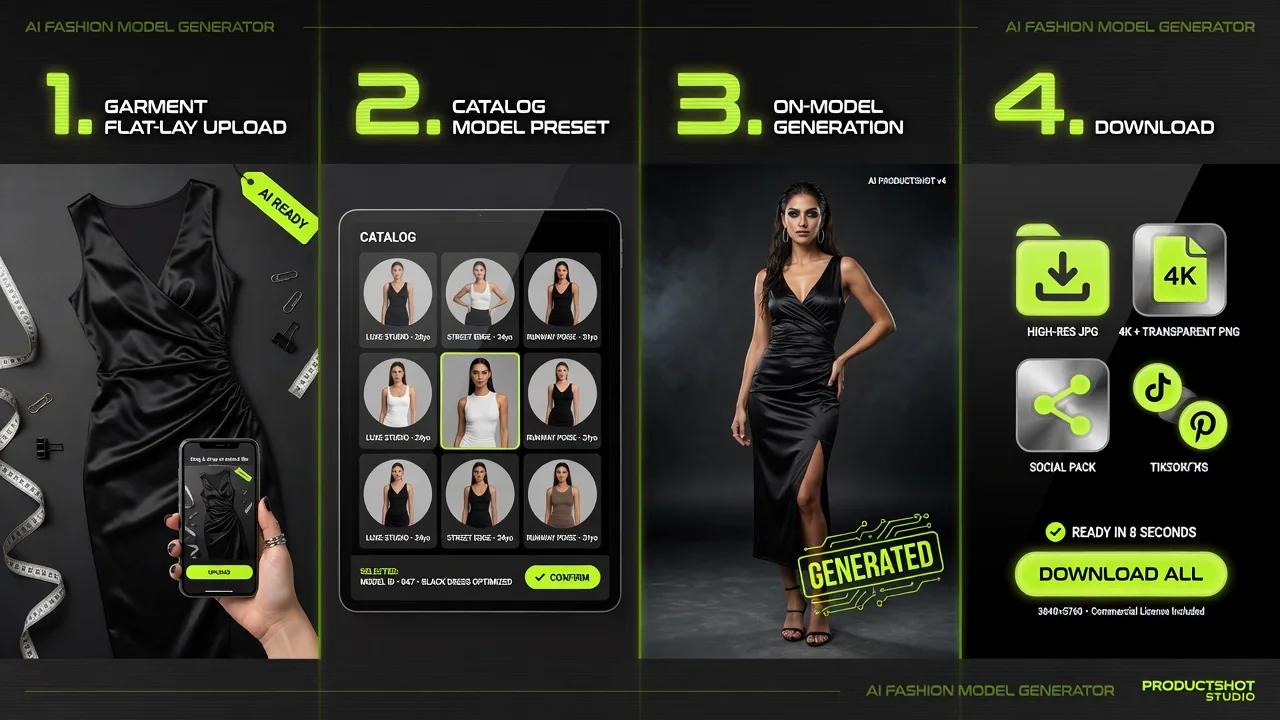
Start with a flat-lay, hang-shot, or clean packshot. Sharp prints and logos help Garment Lock keep the garment identity stable.
Use a catalog model shortlist for multi-SKU consistency, or upload a person photo when brand storytelling needs a specific face.
Create on-model results while prioritizing cut, color, print placement, and logo fidelity from the garment upload.
Review before and after against the source garment, download approved outputs, or keep them in history for more variants.
Tool comparison
Choose the right path for apparel visuals: generative on-model catalogs, person-first try-on previews, or a full studio model day.
Multiple
output styles
Reference-led
direction
Built-in
before-and-after review
Best for hero brand campaigns and fully controlled lighting, but slow and expensive when every colorway and drop needs dressed catalog coverage.
Best for turning flat-lay or hang-shot garments into ecommerce on-model sets with a catalog model shortlist—visual effect only, not size-accurate fitting.
Related guides
Learn flat-lay to on-model workflows, model shortlists, and garment fidelity checks for ecommerce apparel teams.
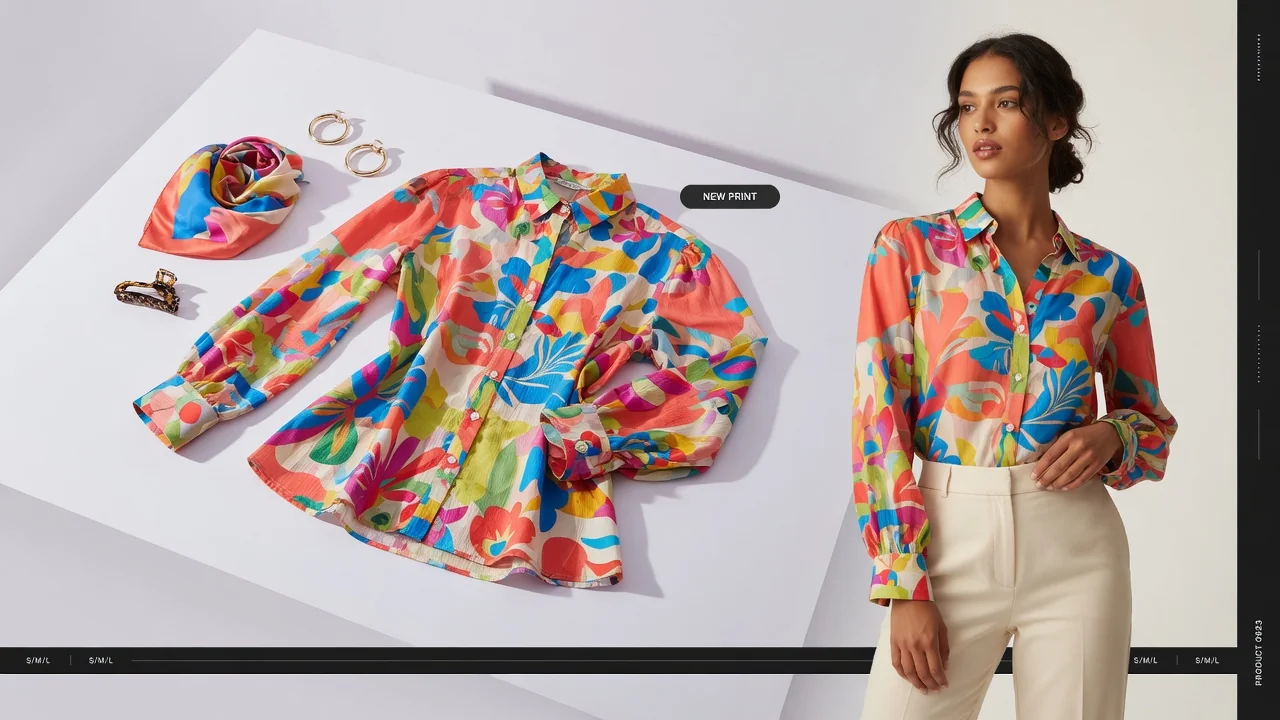 Apparel
Anyone running an e-commerce fashion brand knows the pain: shooting a proper set of on-model photos is exhausting, slow, and absurdly expensive.
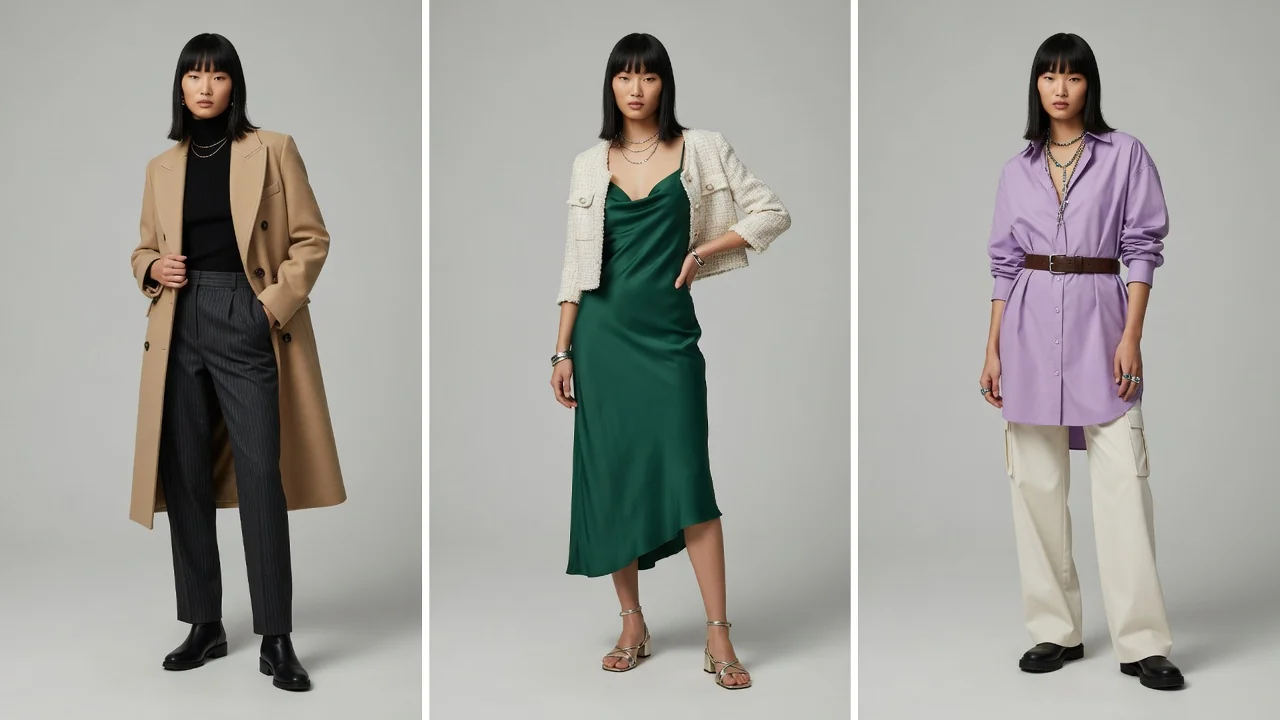 Apparel
If you work in apparel e-commerce operations, you’ve likely run into this awkward scenario:
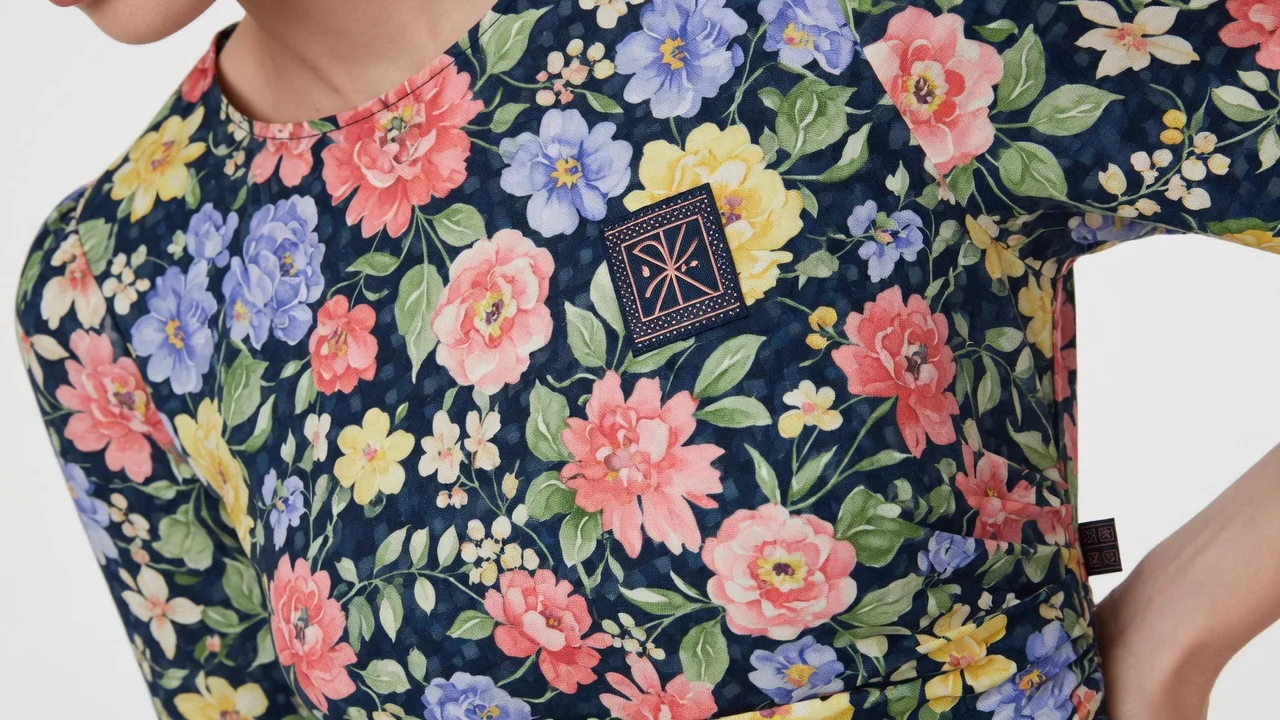 Apparel
Anyone running an apparel e-commerce business over the past two years knows the feeling: generating on-model images with AI has been a game-changer. Previous…
Discover how fashion brands, catalog teams, and e-commerce operators use the AI Fashion Model Generator to produce listing photos, lookbooks, and consistent multi-SKU imagery.

“We turned flat-lays into full on-model catalog grids for an entire product drop—without booking a single extra day of shoot time.”

“Working from a curated model shortlist keeps our collection pages looking cohesive, even as we launch new colorways every week.”

“Garment Lock makes all the difference: if a print shifts, we reject the image. When details hold true, product prep moves much faster.”

“We test on-model social crops first, then only shoot studio photos for top-performing items. It saves a substantial portion of our budget on mid-tier SKUs.”

“We used to wait around for studio availability just to get secondary marketplace images. Now we generate on-model visuals directly from hanger photos.”

“Having side-by-side comparisons, downloads, and generation history all in one place lets our team QA visual fidelity before anything goes live.”
Fashion Model FAQ
Get practical answers about on-model apparel generation, Garment Lock, catalog models, and e-commerce workflows—without size-fitting promises.
Upload a flat-lay or hanger shot, select a catalog model or reference image, enable Garment Lock, and generate e-commerce photos for product listings, lookbooks, and ad campaigns.
Generate on-model photos →