30:00:00
50% OFFLimited Time Deal: Today only 50% OFF — miss it once, wait six monthsGet 50% Off

AI Watch Try-On

Upload one front-on watch photo, pick a wrist and get on-wrist images. Check the dial text, hands, strap and case before you publish; this is a visual preview, not a size or fit check.

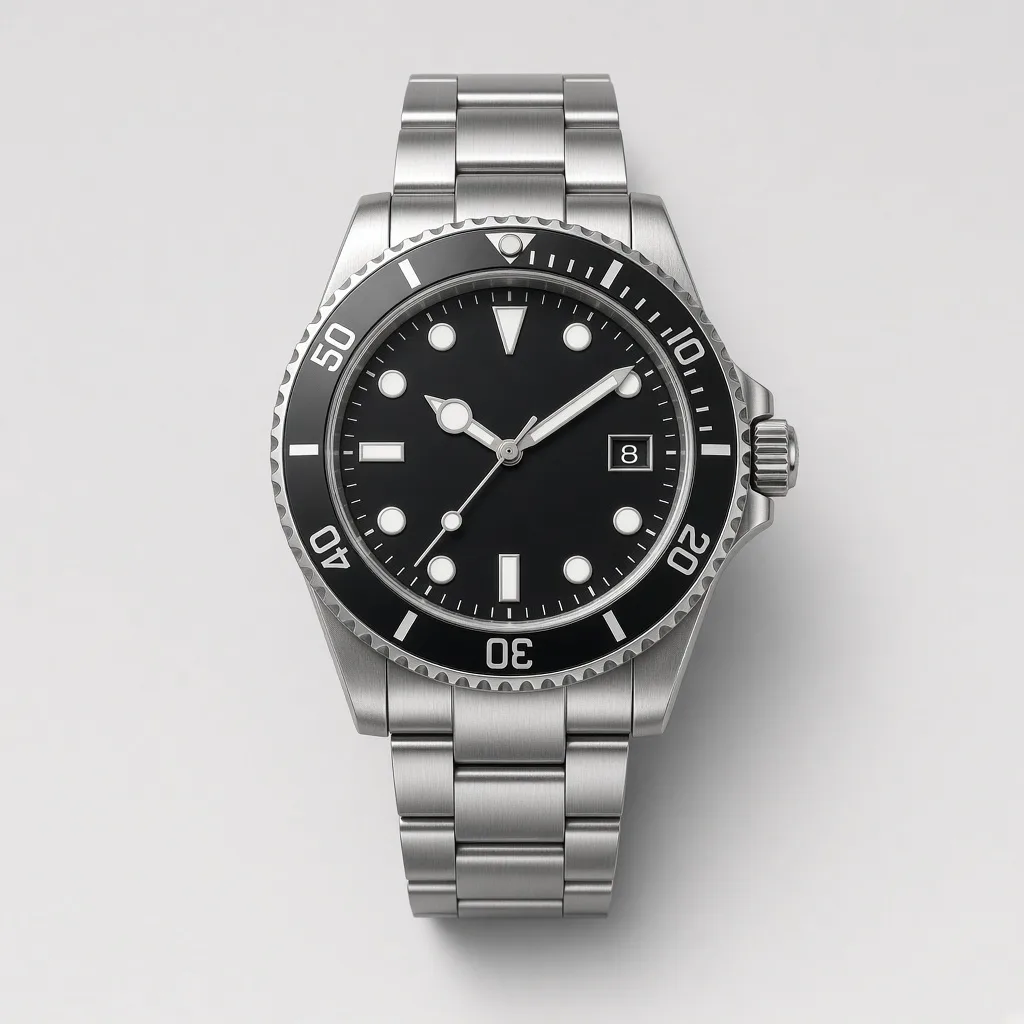
Unbranded steel bracelet diver watch with a rotating bezel on a light background
Watch
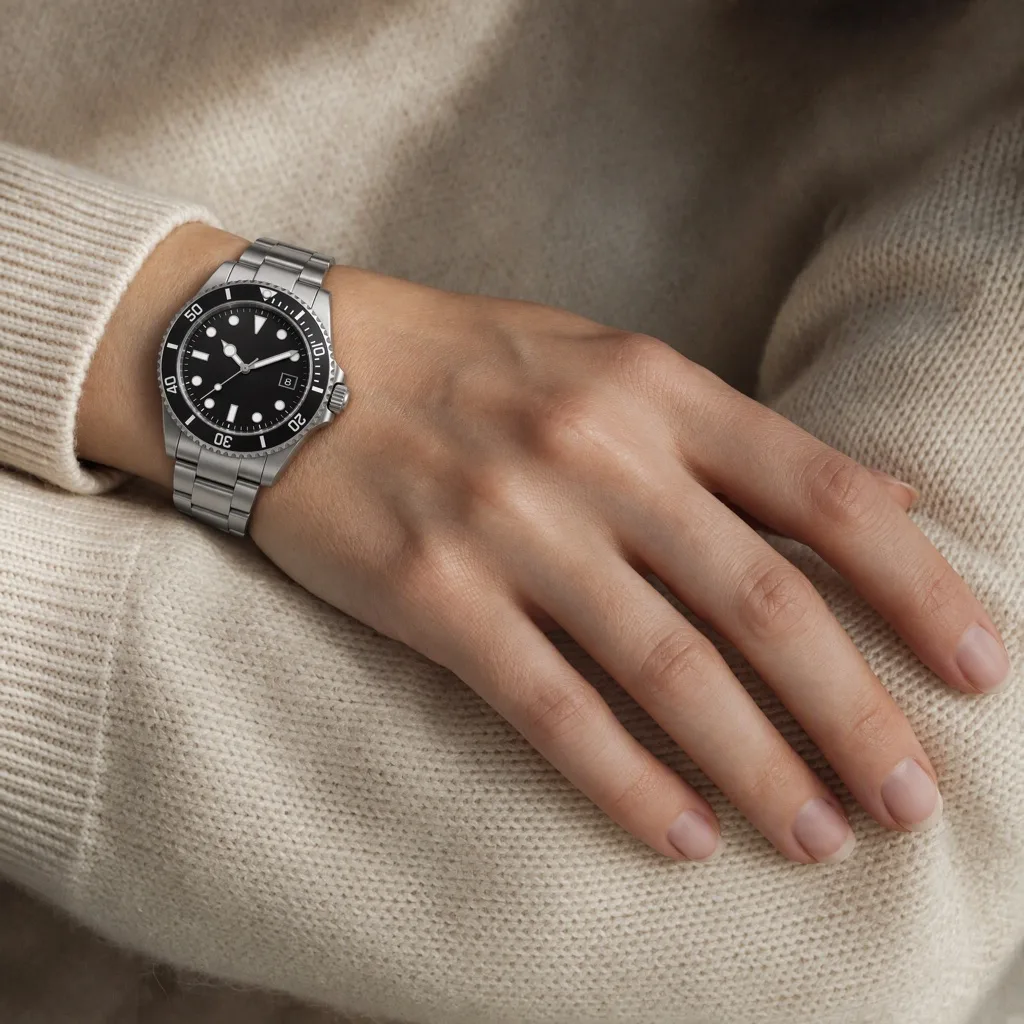
Woman wearing the same steel diver watch on her wrist
On wrist

Steel diver on a wrist, bezel scale and bracelet links kept

Watch Images

Make the On-Wrist Image, Then Keep Building

After the AI watch try-on, use the tools below to change the scene, add strap colorways or prepare the files for your store.

Glasses Try-On
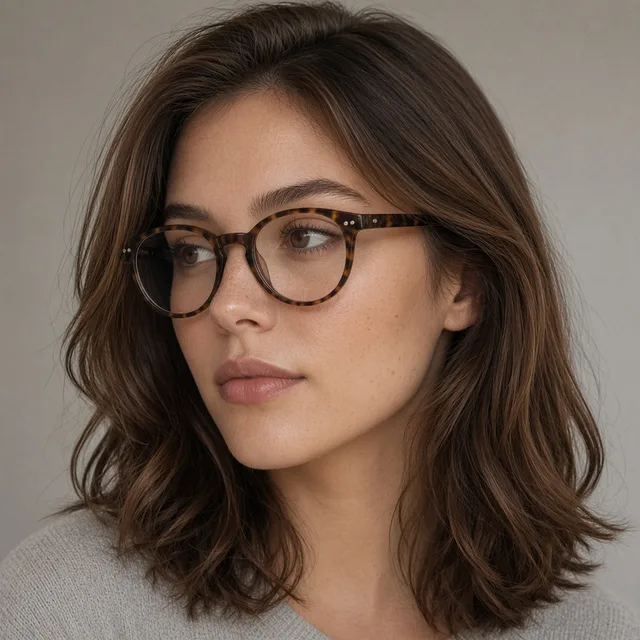
Glasses Try-OnPut eyewear on a model faceTry it →
Ring Try-On
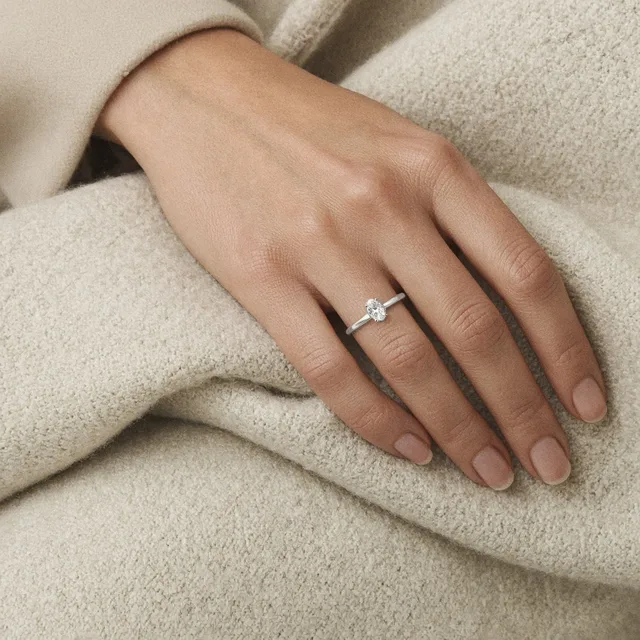
Ring Try-OnPut a ring on a model handTry it →
Product In Hand
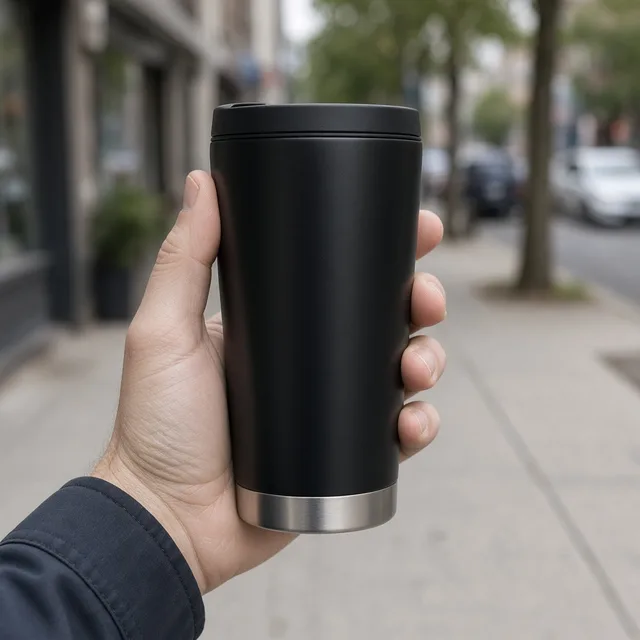
Product In HandNatural hand-held product shotsTry it →
Virtual Try-On
Virtual Try-OnPreview garments on a personTry it →

What it is

What Is an AI Watch Try-On?

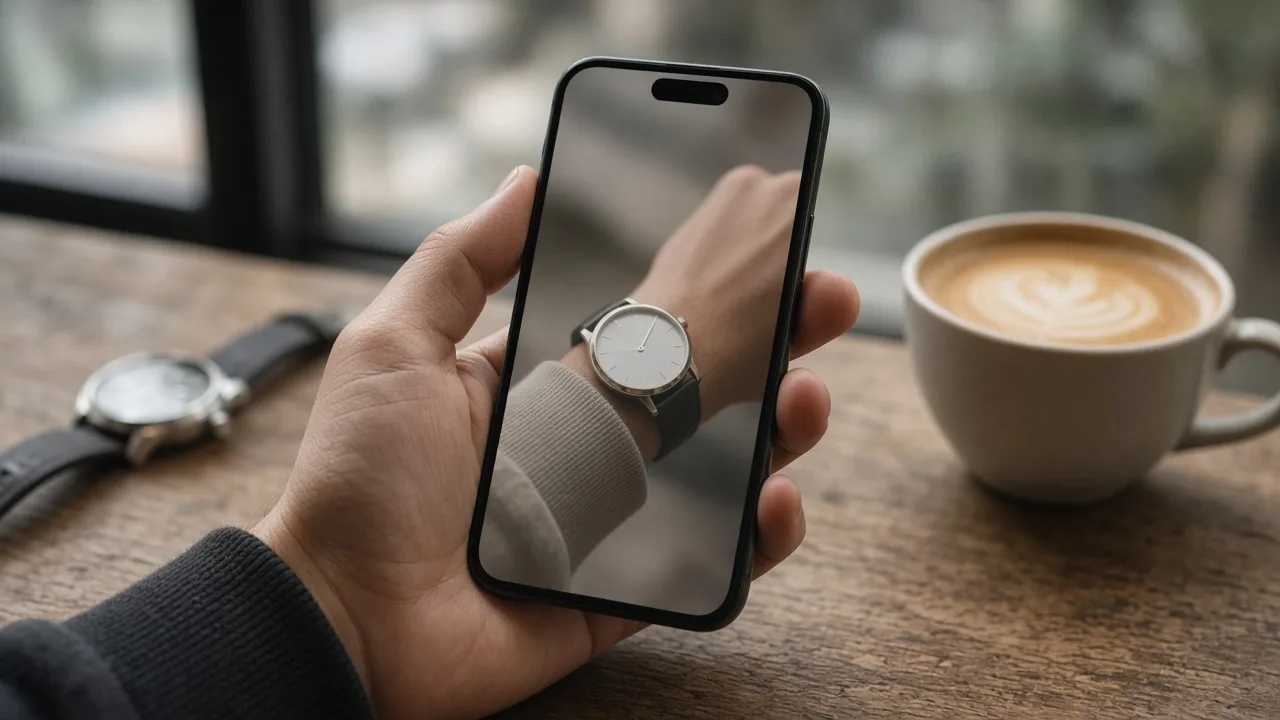
An AI watch try-on uses an image model to put the watch from a product photo onto a wrist, creating an on-wrist image that looks like a real photo.

How it works

You upload one front-on photo of the watch and pick a preset wrist or upload a wrist photo.

The model places the case on the back of the wrist just above the wrist bone, wraps the strap or bracelet fully around the wrist with natural curve and tension, adds contact shadows and reflections on the crystal and metal, and keeps the case shape, bezel, crown, dial layout, hands, indices and strap as close to your photo as it can.

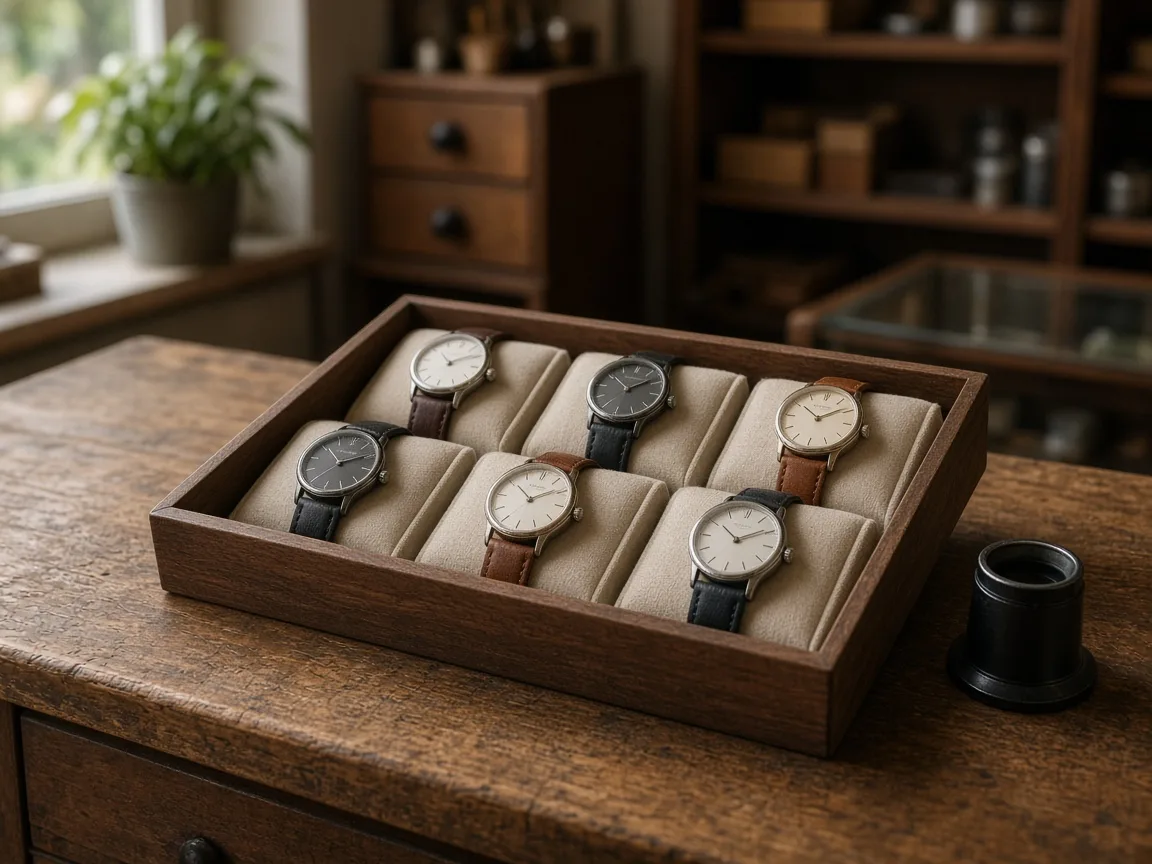
Wooden display stand with several unbranded watches and a watch pillow

Credits and how it runs

On ProductShot AI, each image uses 10 credits, and you can generate 1 to 4 images at a time. New accounts get one free generation. Each run takes one watch photo, and you sign in to generate.

Results are saved to your history, so you can come back later to download them or try the same watch on another wrist.

When it helps most, and photo rules

It works best when you have many references and few on-wrist photos. Watch stores often carry dozens of models and dial colors, and booking a hand model for each one is expensive, so usually only the bestsellers get on-wrist images.

With the AI watch try-on you can give every watch an on-wrist image and show it on different genders, ages and skin tones, with a suit cuff, a knit sleeve or a sporty scene.

When you upload a wrist photo, use only your own photo or one you have permission to use, never a public figure, and keep other watches and bracelets off that wrist.

If the photo already shows a watch, the model tries to replace it so only one remains, so check for leftover straps.

Before a result goes live, check four things in order: the dial text and hands, the case and bezel, the strap and buckle, and the hand itself.

If any of them is off, keep the watch photo loaded, pick another wrist or add a short note, and generate again. Dial macros, casebacks, case thickness and lume are still best shown in real photos.

Nine preset wrists

Fictional bare wrists of different genders, ages and skin tones.

Or upload a wrist

Use a wrist photo you have permission to use.

Watch kept as shot

Case, dial, hands, indices and strap are asked to stay, with no rewritten text.

Natural on-wrist details

Strap curve, contact shadows and crystal reflections are handled together.

Compare versions

Generate 1 to 4 versions next to the watch photo and keep the best.

Clear pricing

10 credits per image, shown under the Generate button.

Why ProductShot AI

Built for Watch Listings, Not Sticker Edits

Every setting is designed around one question: can this on-wrist image go straight into your store?

Dial lock

The prompt keeps the dial layout, hands, indices and text, with no redesign and no added marks.

Strap kept

Leather color and stitching, bracelet links and rubber textures are asked to stay as photographed.

Only one watch

A watch or bracelet already on the wrist is replaced, so only your watch shows.

Photos used for your run

Uploaded wrist photos are used to generate your result; upload only photos you may use.

Common notes in one click

Pick notes for the dial, strap or framing, or optimize your own text.

Honest about limits

A visual preview, not a case-size or fit check; the result area reminds you to check.

Use Cases

Five Kinds of Watch Sellers Put Watches on Wrists

Each starts from one front-on watch photo and ends with the same watch worn on a wrist, ready to check.

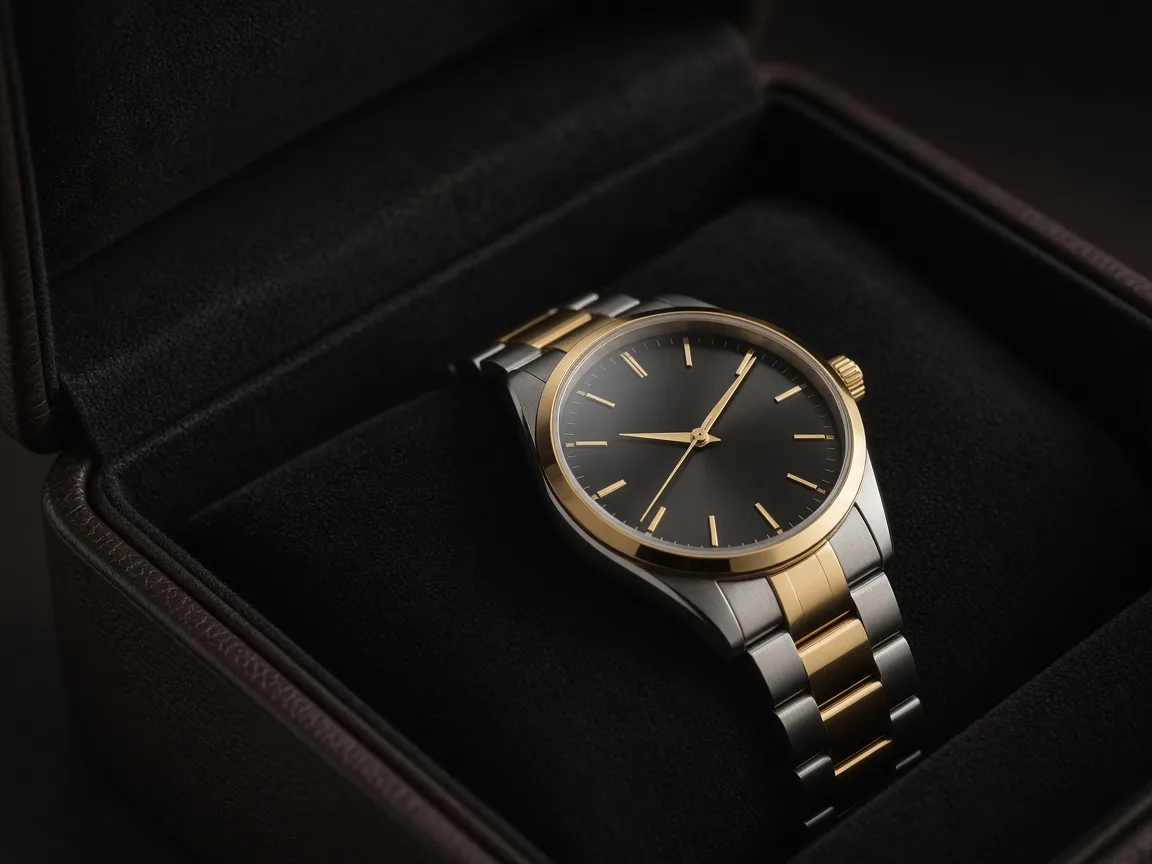
Several unbranded steel automatic watches on a dark leather tray

Automatic and Luxury Watches

Steel sports watches, chronographs and divers have dense dials. Put them on a wrist so shoppers see the presence of the case, then zoom in to check that the bezel numbers, subdials and hands still match the packshot.

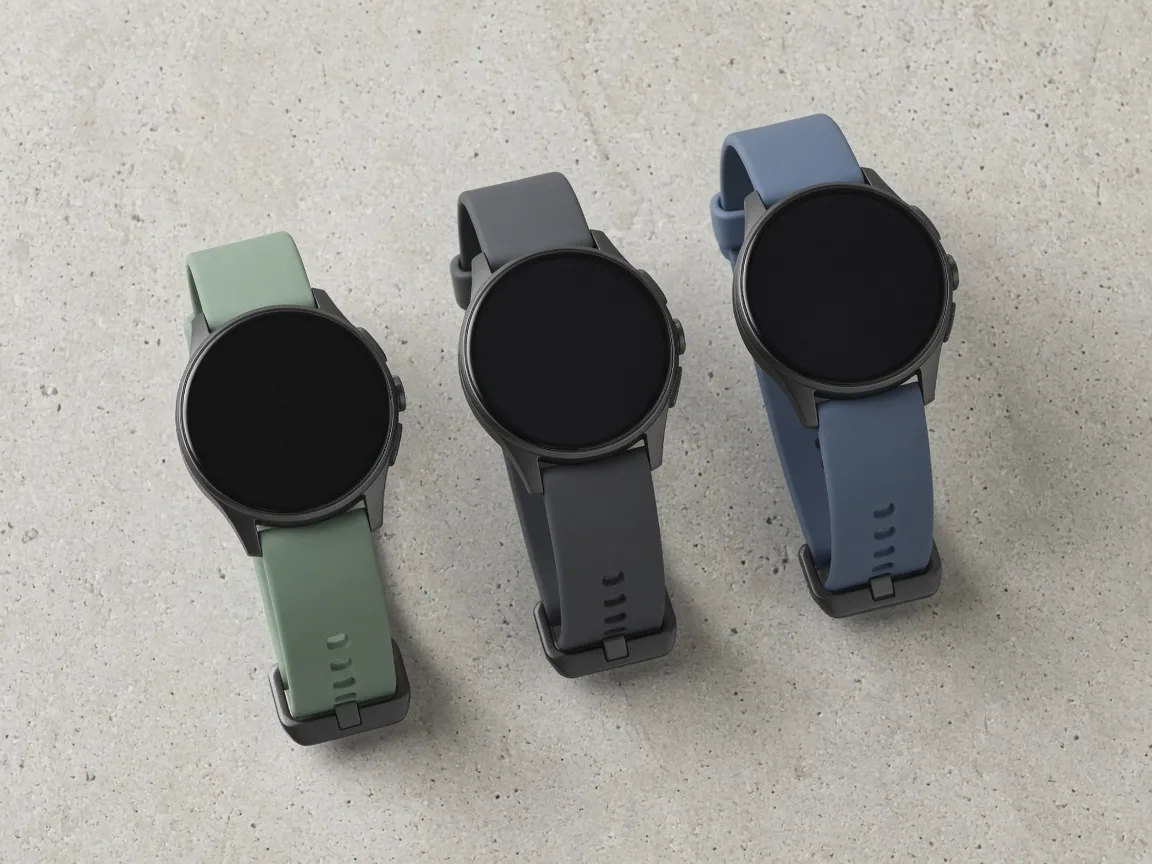
Unbranded smartwatches with different bands laid out on a grey desk

Smartwatches and Fitness Bands

A smartwatch on a table looks like any black rectangle. On a wrist it reads as a product. The screen is asked to stay as photographed; check that no icons or numbers were rewritten.

Unbranded dress watches with leather straps beside a folded shirt cuff

Dress and Fashion Watches

Thin cases, leather straps and small dials need a cuff and a hand to look right. Use the suit-cuff or knit-sleeve wrists and keep one wrist across a collection.

Unbranded sport watch with a rubber strap on a trail rock

Sport and Outdoor Watches

Rubber straps and chunky cases sit differently on an active wrist. Generate a few versions and keep the one where the strap wraps the wrist naturally.

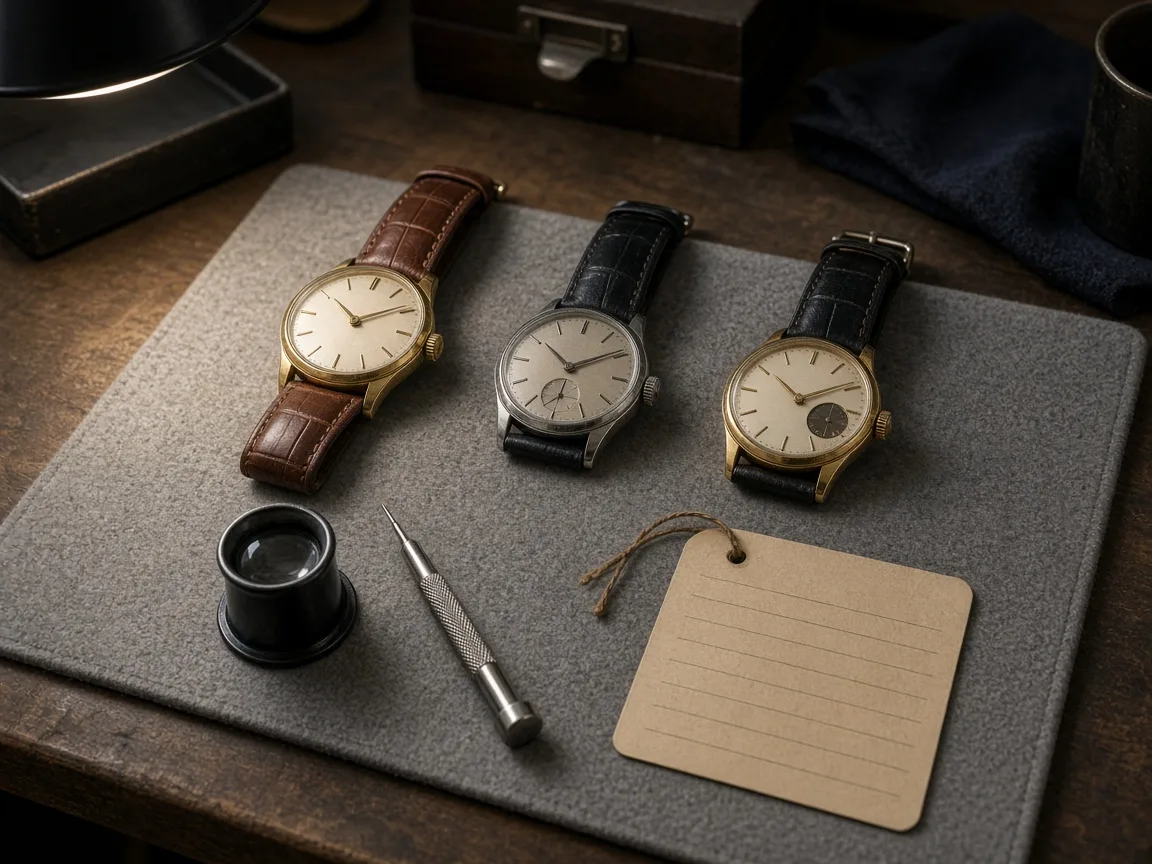
Unbranded vintage watches on a reseller workbench with a loupe

Pre-Owned and Vintage Watches

Resellers photograph each piece once. An on-wrist image adds scale feel without another shoot, but wear marks and patina must still be shown honestly in the real photos.
By Channel

Where On-Wrist Watch Images Get Used

On-wrist images help shoppers judge style and presence at a glance. These are the most common places sellers use them.

How it works

Create an AI Watch Try-On Image in 4 Steps

Upload the watch, pick a wrist, generate and check. Everything happens on this page.

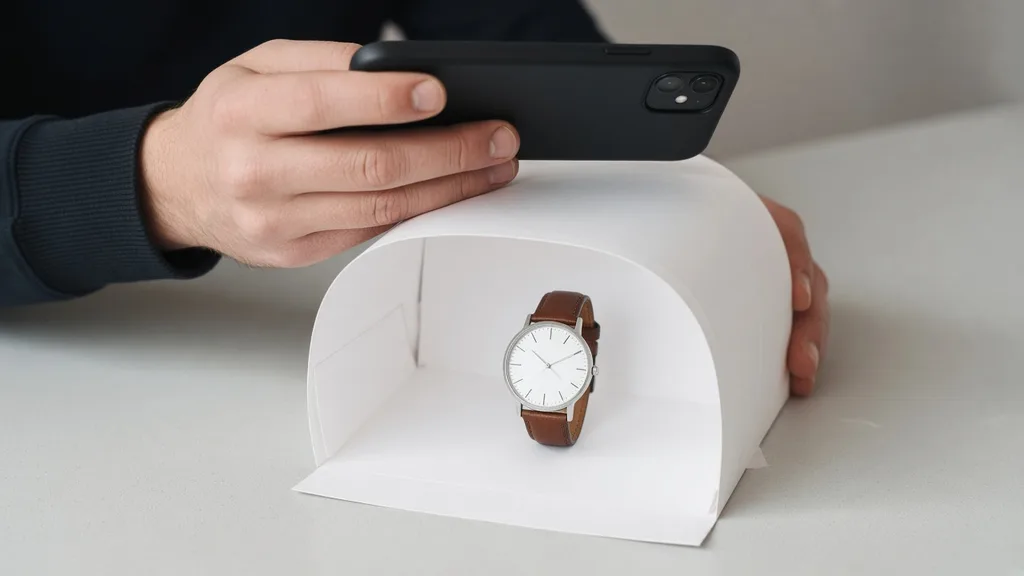
Photographing a leather strap watch front-on in a small white light tent
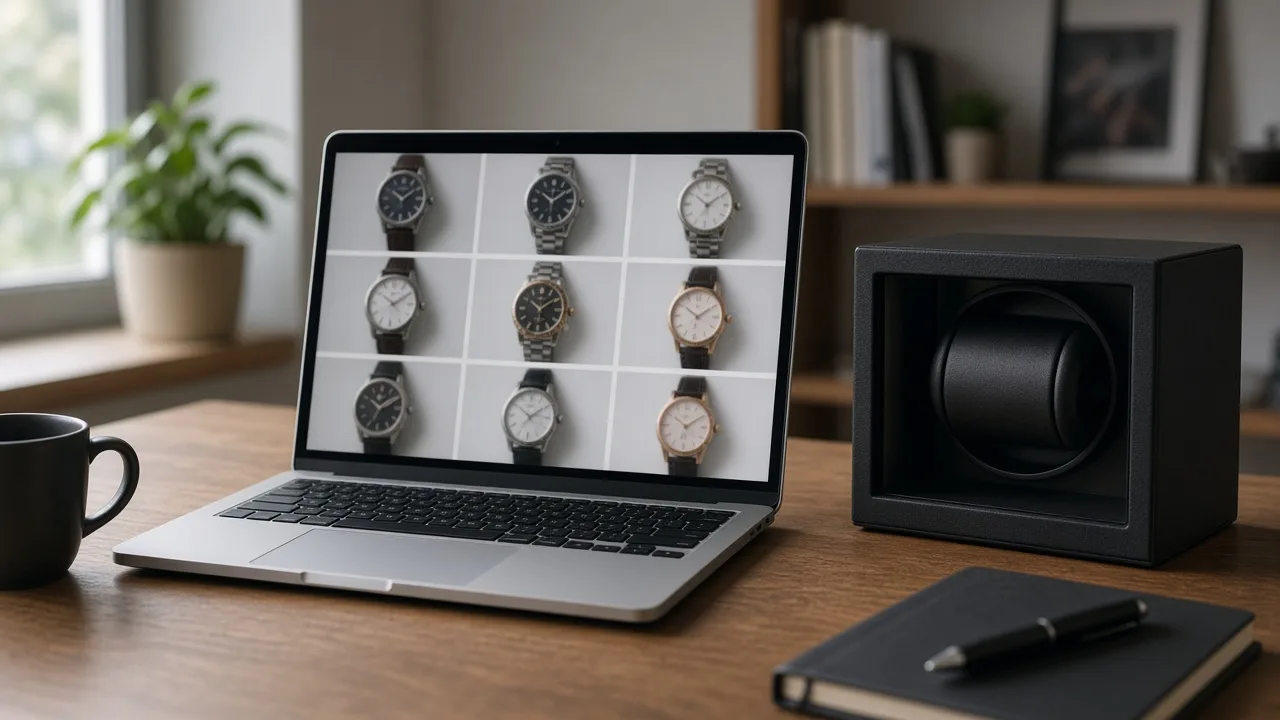
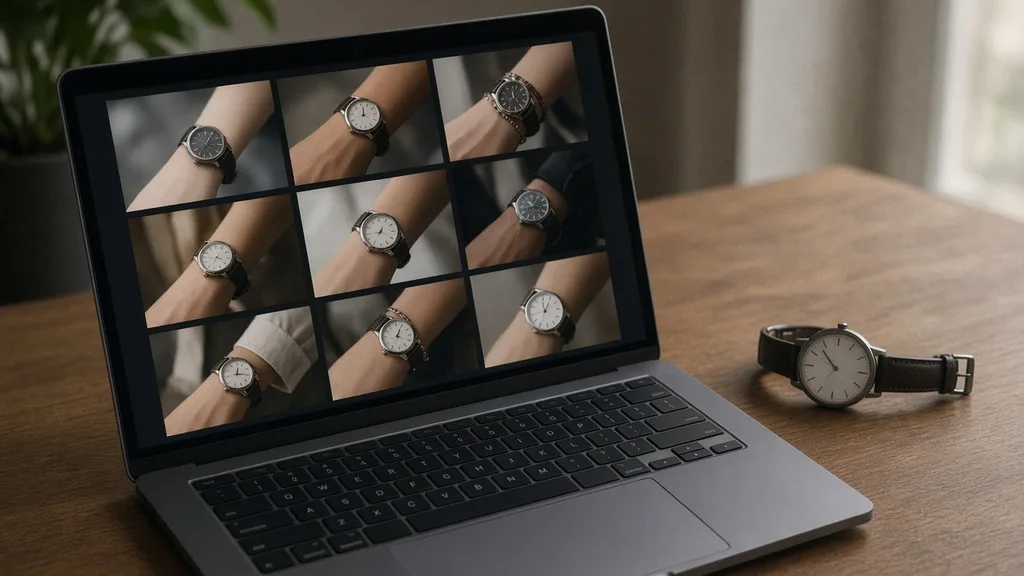
Laptop showing a grid of nine wrist photos next to an unbranded watch
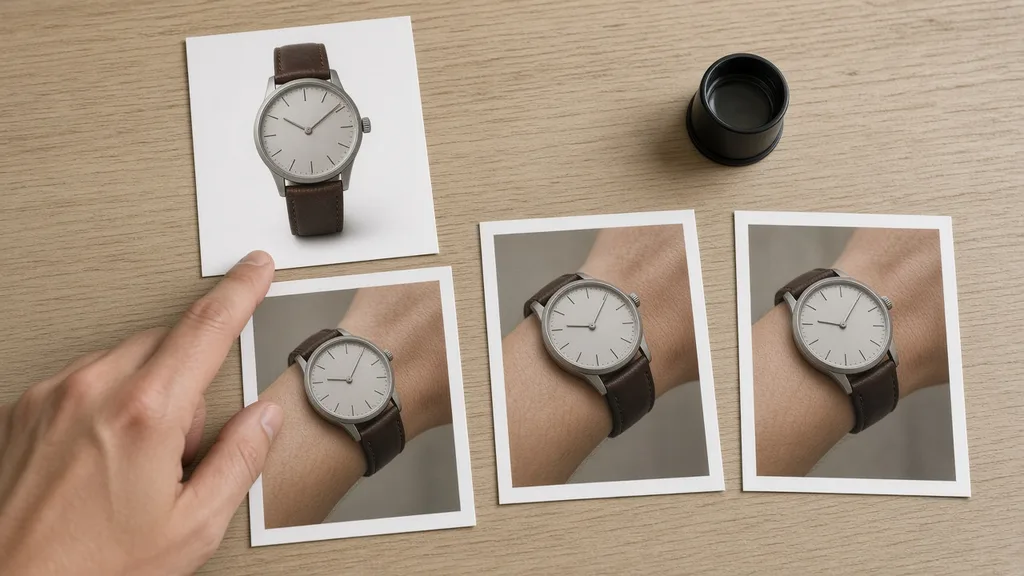
Prints of a watch packshot and three on-wrist versions laid side by side with a loupe
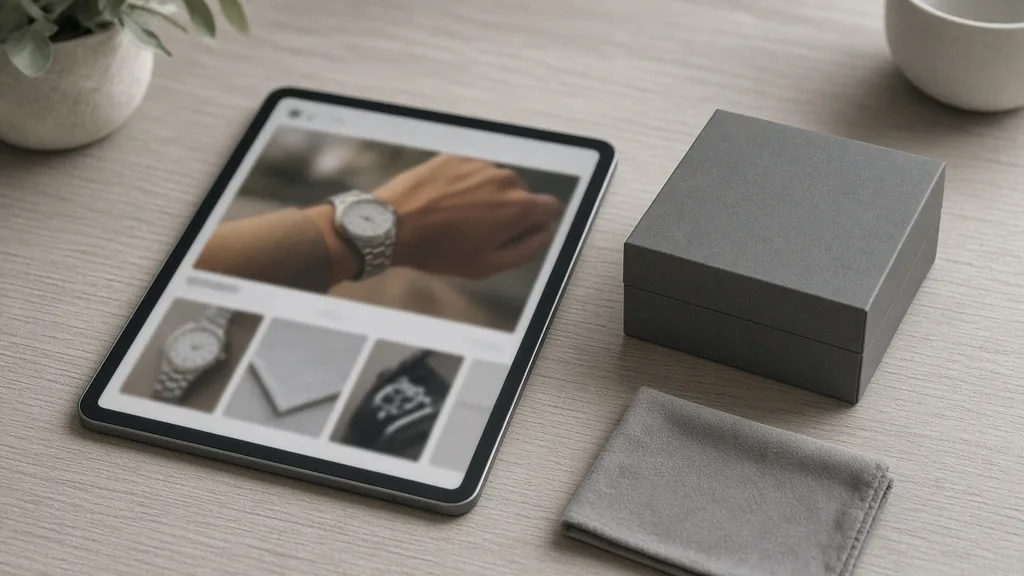
Tablet showing a watch product page with an on-wrist image next to a watch box
01

Upload the Watch

Upload one front-on photo of the watch, JPG, PNG or WEBP up to 16MB. Show the dial and the strap or bracelet, or start from one of the three examples.

02

Pick a Wrist

Choose one of nine preset wrists, or upload a wrist photo you have permission to use. Results default to a close-up with the watch large and sharp; switch to Keep original framing to keep the full photo. Add optional notes about the dial or strap.

03

Generate and Compare

Generate 1 to 4 versions at 10 credits each. The result area shows the watch photo next to every version.

04

Check, Then Download

Check the dial text and hands, the strap and buckle, the case shape and that only one watch shows. Swap the wrist or regenerate without re-uploading, then download.

Method comparison

AI Watch Try-On vs Model Shoots and AR Apps

Three ways to show a watch on a wrist, side by side. Use AI images for listings and tests, and a real try-on for size and fit.

Multiple

output styles

Reference-led

direction

Built-in

before-and-after review

Traditional Workflow

Model Shoot

Book a hand model and studio, ship samples and shoot every watch.

Cost
Hand model, studio and retouching per watch×
Turnaround
Depends on samples and booking×
What You Need
Samples, a hand model and a studio×
Another Wrist
Another model booking×
Wrists
The models you booked×
Accuracy
The real watch on a real wrist×
ProductShot AI

AI Watch Try-On

Upload one watch photo, pick a wrist and get on-wrist images to check.

Cost
10 credits per image; new accounts get one free generation✓
Turnaround
Results appear on the page when generation finishes✓
What You Need
One front-on watch photo✓
Another Wrist
Pick another wrist and generate again without re-uploading✓
Wrists
Nine preset wrists or a wrist photo you upload✓
Accuracy
AI redraw: check dial text, hands, strap and case; not a size check✓

Tips

Three Ways to Get More Accurate On-Wrist Images

The watch photo and the wrist photo decide most of the result.

Prepare the photos

  • Shoot the watch front-on, with a readable dial and the whole strap or bracelet visible.
  • Use a clean background and even light so glare on the crystal does not hide the dial.
  • Pick a wrist photo with some forearm visible and no other watch or bracelet on it.
  • Upload the original export, not a screenshot or re-compressed copy.

Write notes

Details to keep + the shot you want

Notes are optional. For unusual watches, cover these two points:

  • Keep the bezel scale and bracelet links.
  • Keep the smartwatch screen as photographed.
  • Close-up of the wrist, light grey background.

Avoid these mistakes

  • Do not present the image as a size or fit promise; list case diameter and lug width.
  • Do not skip checking dial text, hands, strap, buckle and case shape.
  • Do not upload photos of other people or public figures, or watches with other brands’ marks.
  • One watch per run; generate each watch separately.

Further reading

Articles on listing images, lighting and model photos.
Product Image Clarity for Listings: Fix Soft Supplier and Marketplace PhotosWorkflow
Jul 15, 202610 min read

Product Image Clarity for Listings: Fix Soft Supplier and Marketplace Photos

How ecommerce teams prep soft supplier packs and re-exported marketplace images with free browser clarity enhancement before Amazon and Shopify uploads.
Read Article
It Took Me Two Years to Understand Product Photography LightingLighting
Jun 20, 20268 min read

It Took Me Two Years to Understand Product Photography Lighting

A practical guide to product photography lighting, soft light, fill light, backlight, reflection control, and difficult materials.
Read Article
How to Take Professional Product Shots Without a Studio (or a Degree in Photography)Workflow
Jun 17, 20268 min read

How to Take Professional Product Shots Without a Studio (or a Degree in Photography)

A practical workflow for taking sellable ecommerce product photos with a phone, simple setup, and AI-powered variations.

Read Article
Best AI Lifestyle Photo Generators for Product and Model Shots (2026)Workflow
Jun 23, 20268 min read

Best AI Lifestyle Photo Generators for Product and Model Shots (2026)

Compare AI lifestyle photo generators for realistic ecommerce scenes, product preservation, catalog consistency, and campaign workflows.

Read Article
AI Product Photography Generator Guide: 7 Best Tools for 2026Guide
Jun 23, 20268 min read

AI Product Photography Generator Guide: 7 Best Tools for 2026

Compare AI product photography generators for white background images, studio shots, lifestyle scenes, and ecommerce campaign visuals.

Read Article
The Real Problem With White Background Product Photos (And How I Solved It)White Background
Jun 18, 20268 min read

The Real Problem With White Background Product Photos (And How I Solved It)

Learn why white background product photos are harder than they look, how platform rules differ, and how to preserve details.

Read Article
Reviews

How Sellers Use the AI Watch Try-On

Feedback from some of our users. Thumbnails show products from their categories.

Unbranded white-dial steel chronograph on a wooden desk
Mr. Chen

“I worried the chronograph subdials would get scrambled. Most versions match, and I generate two and pick one.”

Automatic watch store owner
Unbranded rose-gold mesh watch on pink linen
Ms. Lin

“Small ladies’ watches look great on the knit-sleeve wrist. Every model on our pages finally has an on-wrist photo.”

Women's watch brand operator
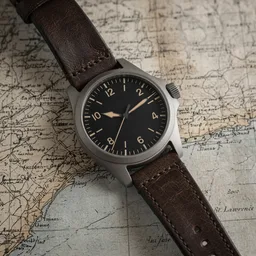
Unbranded titanium pilot watch on an old map
Mr. Zhao

“Arabic numerals sometimes changed. Adding "keep the dial numerals" to the notes made it much steadier.”

Pilot watch seller
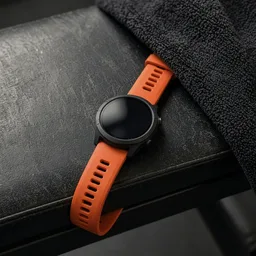
Unbranded smartwatch with an orange band on a gym bench
Ms. Wu

“We mostly show band colors. The screen barely changes, and another wrist gives another image.”

Smartwatch accessory seller
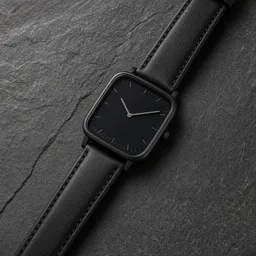
Unbranded square black watch on a slate tile
Mr. Huang

“I feared the square case would turn round. Three of four were fine, and we note the images are for reference.”

Independent designer brand
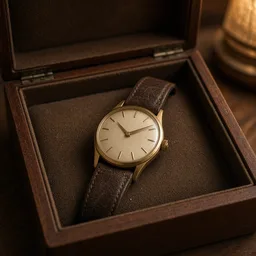
Unbranded vintage gold watch in a wooden box
Ms. Zhou

“We use on-wrist images only for the feel. Scratches and dial condition stay in real photos, and buyers find it clearer.”

Pre-owned watch dealer

FAQ

AI Watch Try-On FAQ

Common questions about credits, dial accuracy, wrists and what an on-wrist image can and cannot show.

Each image uses 10 credits, and you can generate 1 to 4 images at a time. New accounts get one free generation. You need to sign in to generate.

No. It is a visual preview made by an image model. It cannot tell you whether a case is too big or too small for a real wrist, or how the strap fits. List the case diameter and lug width on your product page.

The prompt asks the model to keep the case, bezel, crown, dial layout, hands, indices, numerals and strap as photographed and not to rewrite any text, but the whole image is regenerated, so small details can change. Compare every version with your watch photo.

A front-on photo with a readable dial and the whole strap or bracelet visible, on a clean background with even light and little glare. JPG, JPEG, PNG and WEBP up to 16MB are supported.

Yes. Switch to Upload a model and add a wrist photo with some forearm visible. Use only your own photo or one you have permission to use, never a public figure. The photo is only used for this generation.

Nine fictional people of different genders, ages and skin tones, photographed with bare wrists in scenes such as a knit sleeve, a suit cuff, a run or a café. They wear no watch, so the result shows only yours.

The prompt asks the model to replace it so only one watch is visible, but results are less steady. Check for leftover straps or a second watch, or use a bare wrist instead.

Yes. The screen is asked to keep the content from your photo. Check that icons and numbers were not rewritten, and that the band color and buckle match.

There is no left or right switch. Pick a preset or upload a wrist photo that matches, or add a note such as "right wrist". Notes are followed most of the time, not always.

Check the dial text and hands, the strap and buckle, the case shape, and that only one watch shows. If something is off, keep the watch photo loaded, pick another wrist or add a note, and generate again.

Ready to Put Your Watch on a Wrist?

Upload one watch photo and pick a wrist. 10 credits per image, and new accounts get one free generation. The image is a visual preview, not a case-size or fit check, so review it before you publish.

Start Watch Try-On →