
01
Upload one clear product photo in JPG, PNG, or WebP format.
Studio-quality, ecommerce-ready photos in one click.
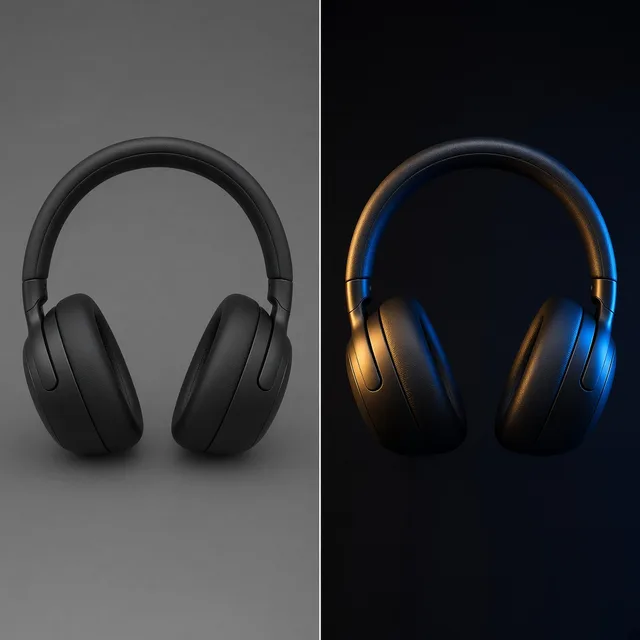
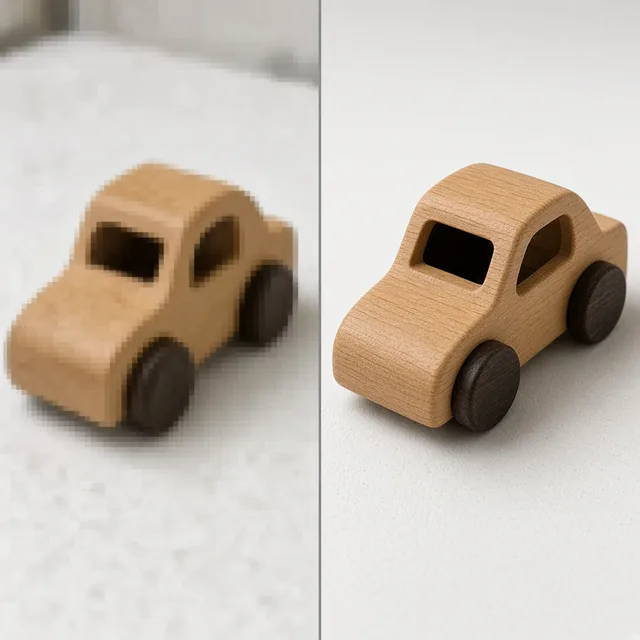
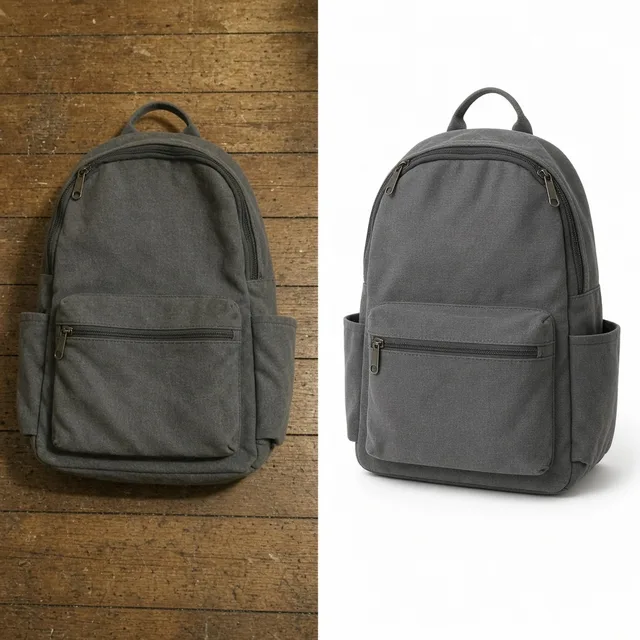
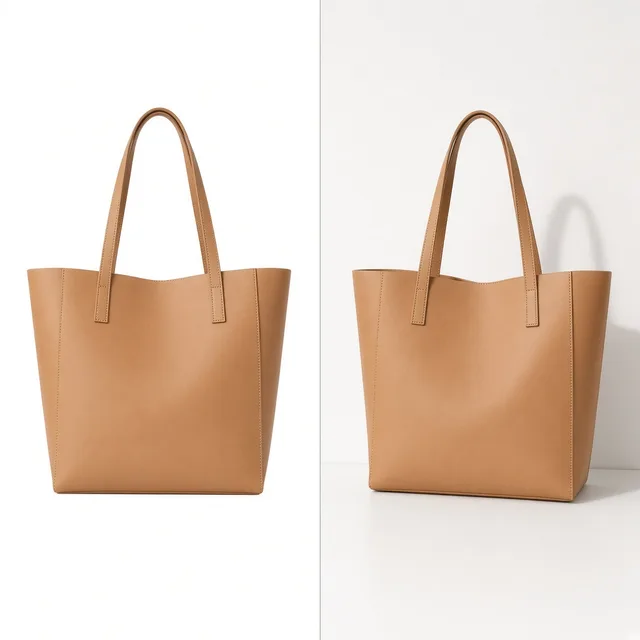
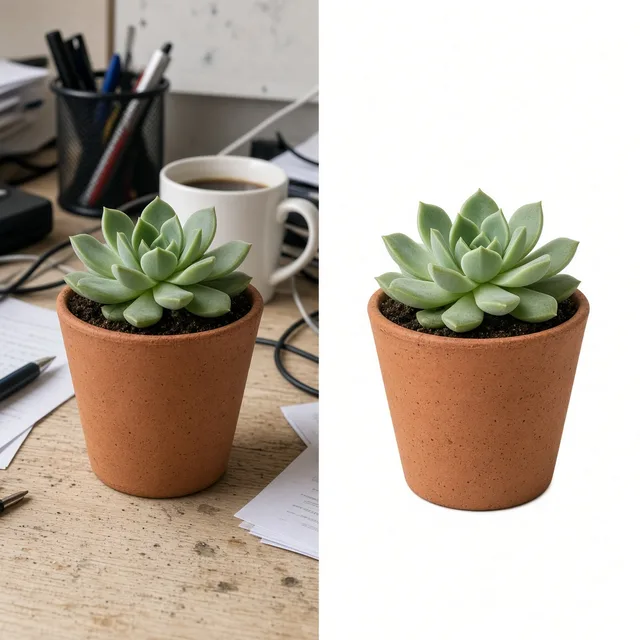
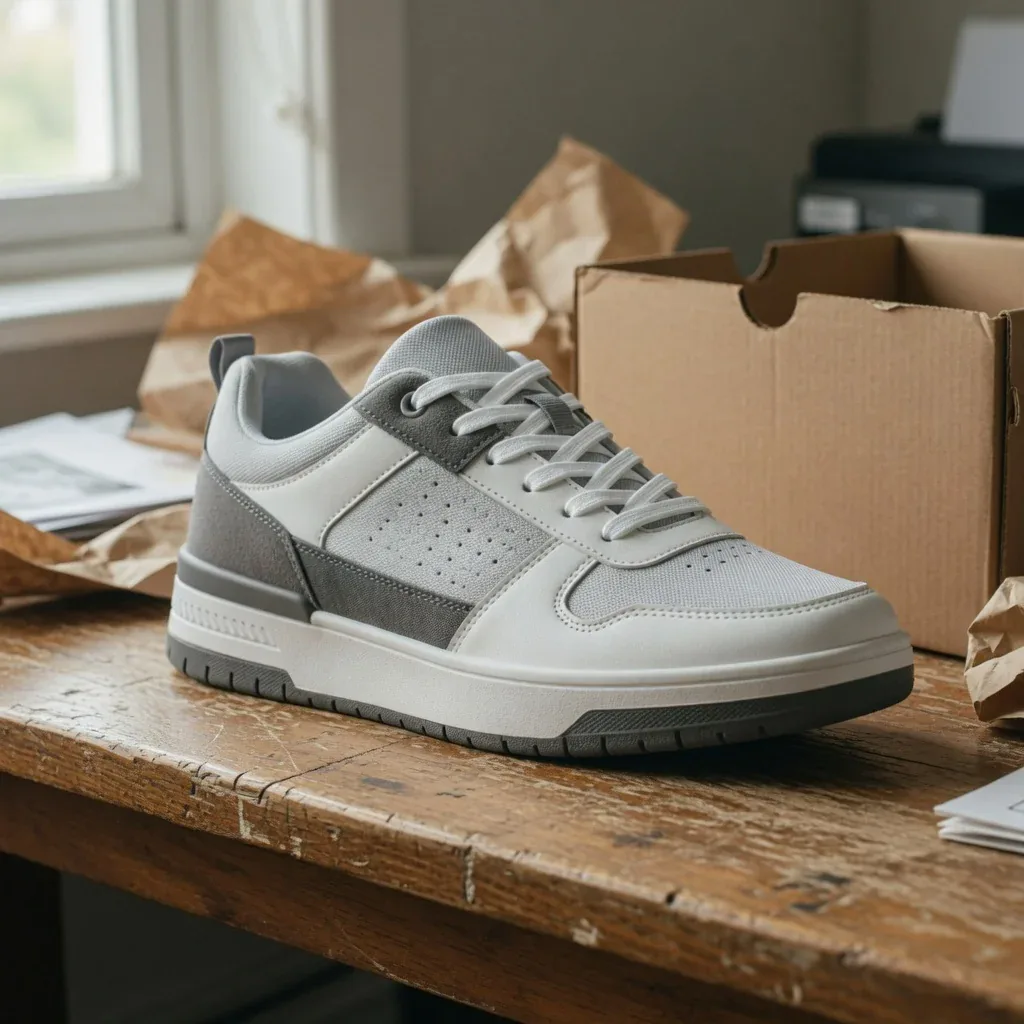 Before
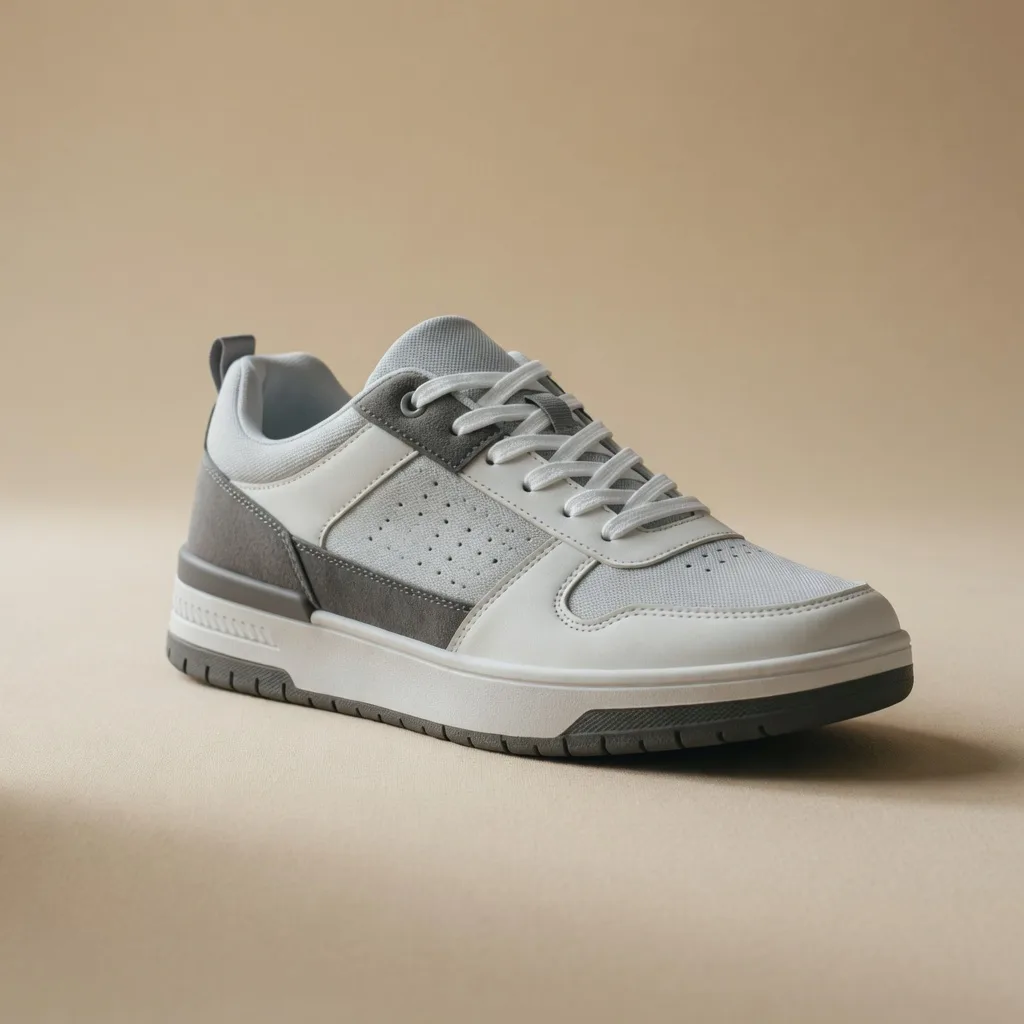 After
Visual Suite Synergy
The AI Product Beautifier works alongside dedicated visual creation tools. Pair it with our AI Product Photography Generator for full scene creation, AI White Background Generator for strict marketplace pure whiteouts, or the Free Product Image Enhancer for instant client-side clarity.
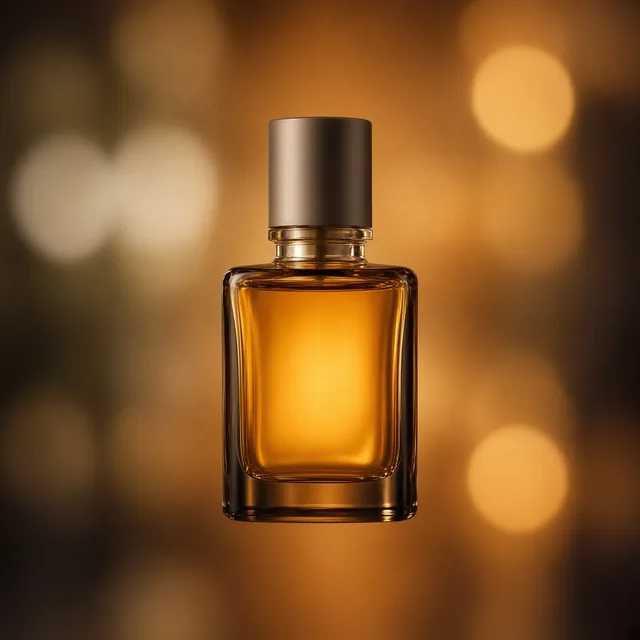
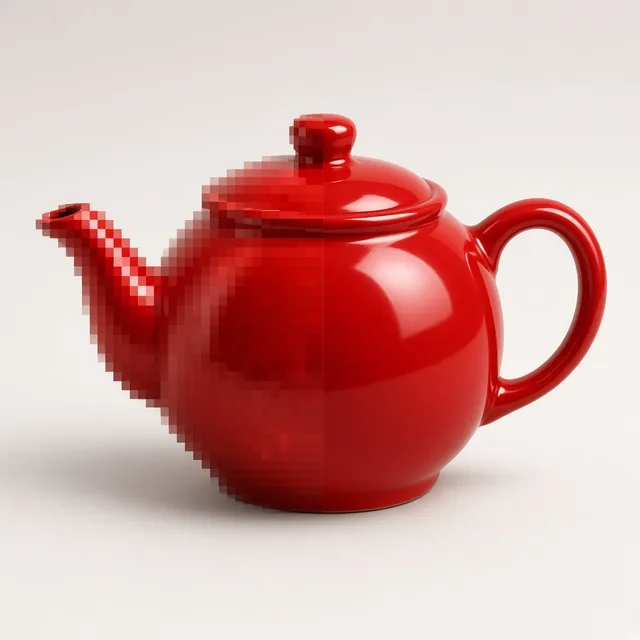


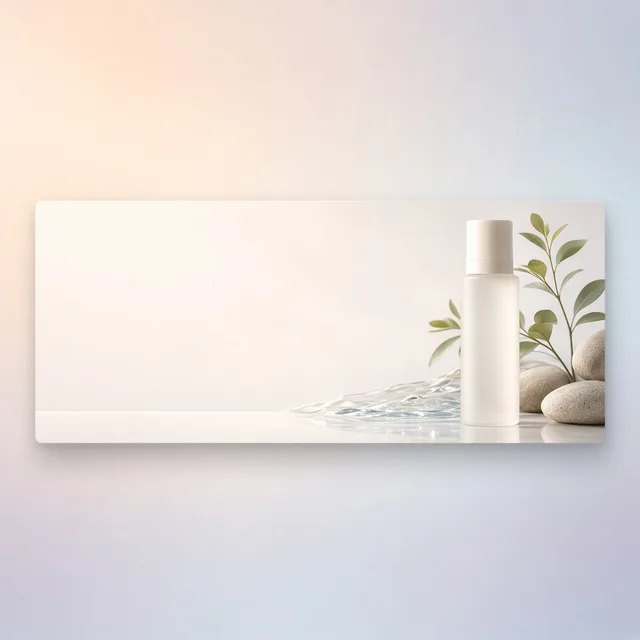
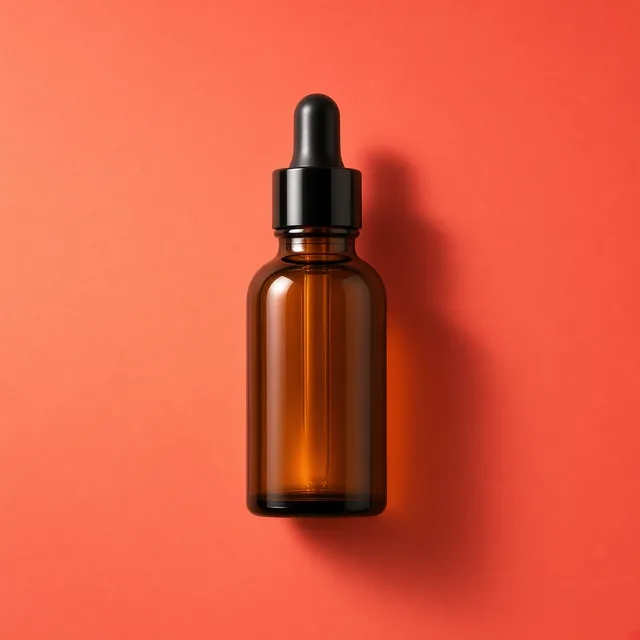
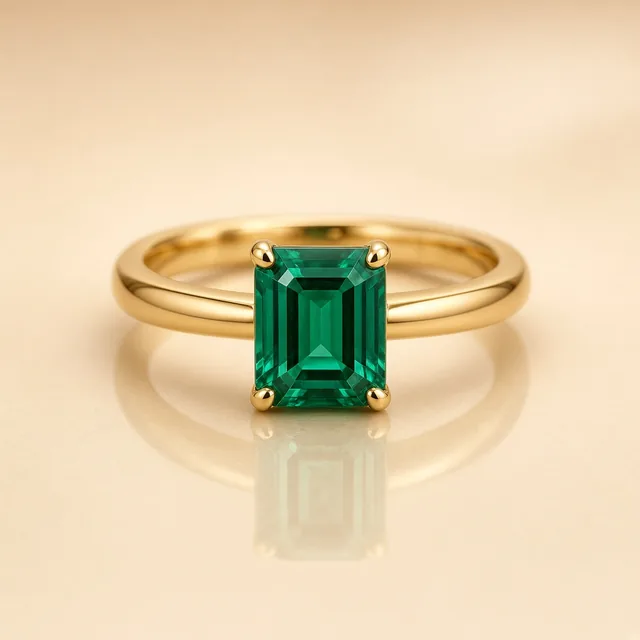
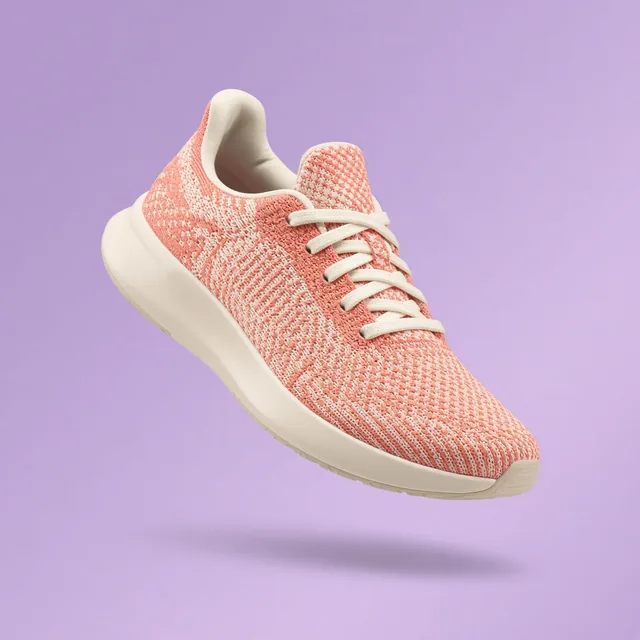
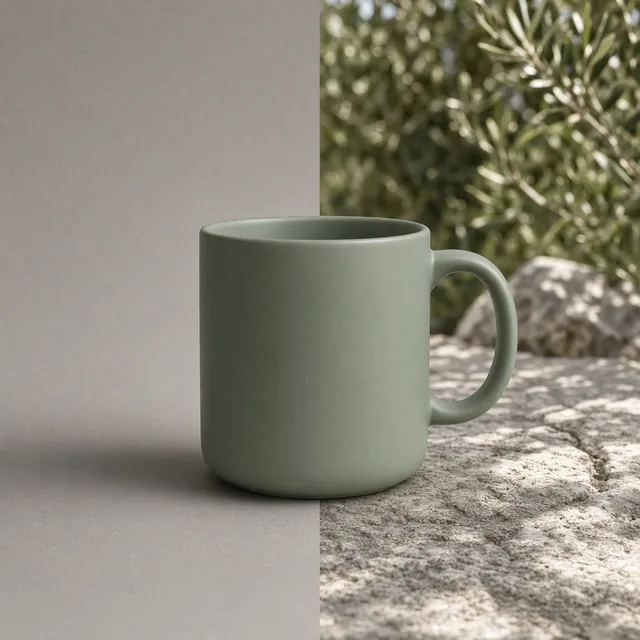
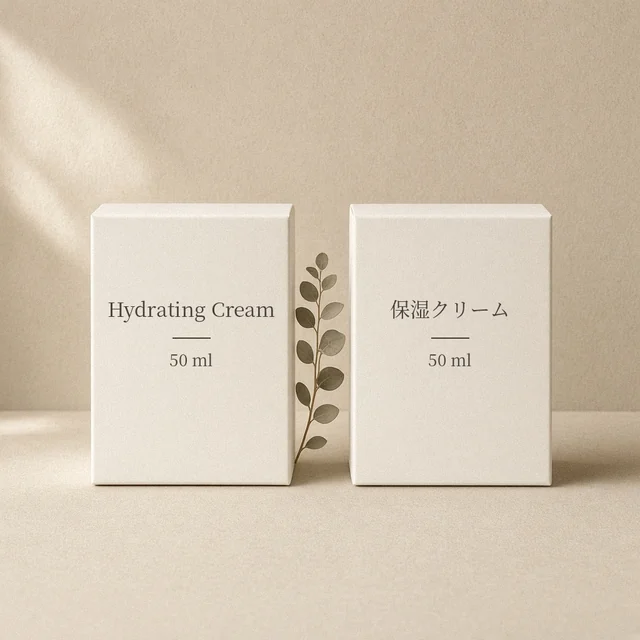
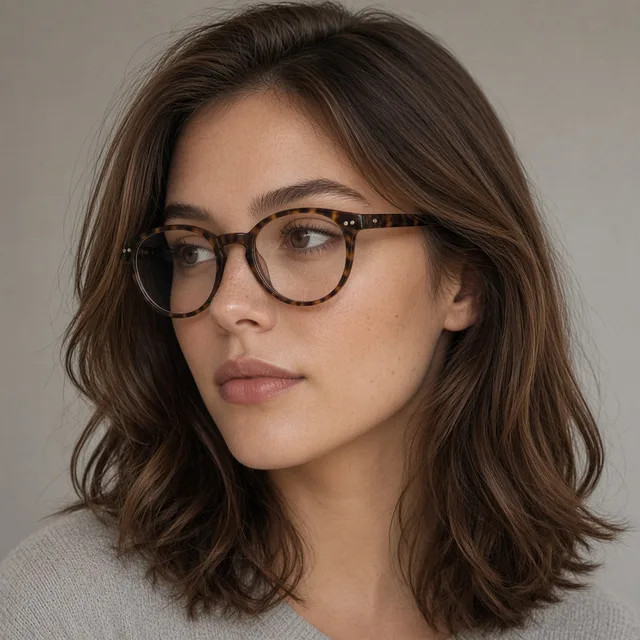
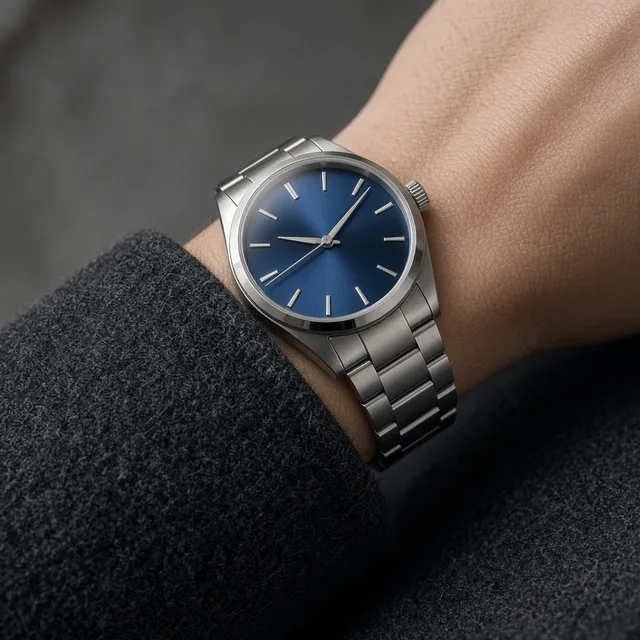

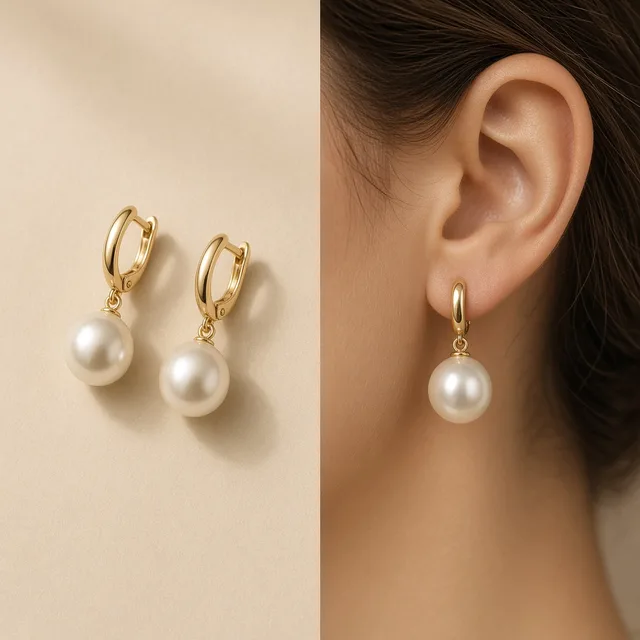
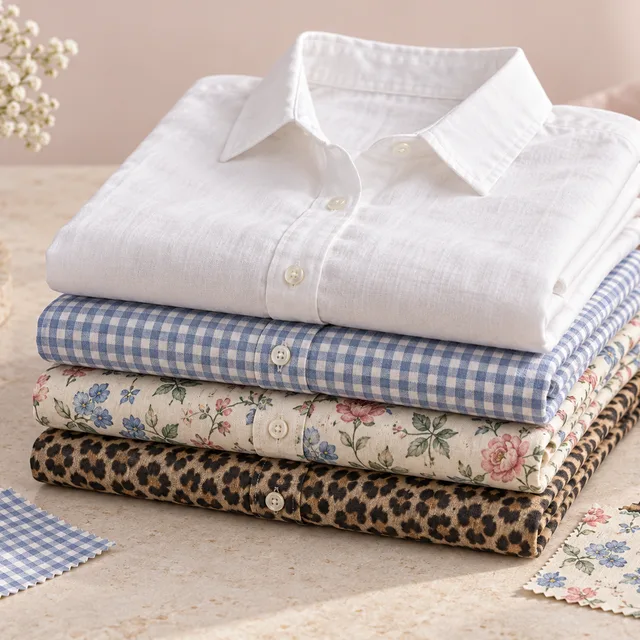


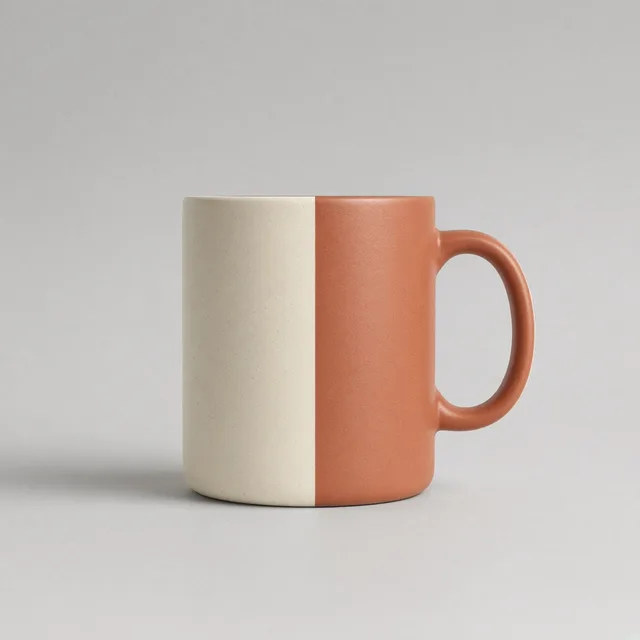
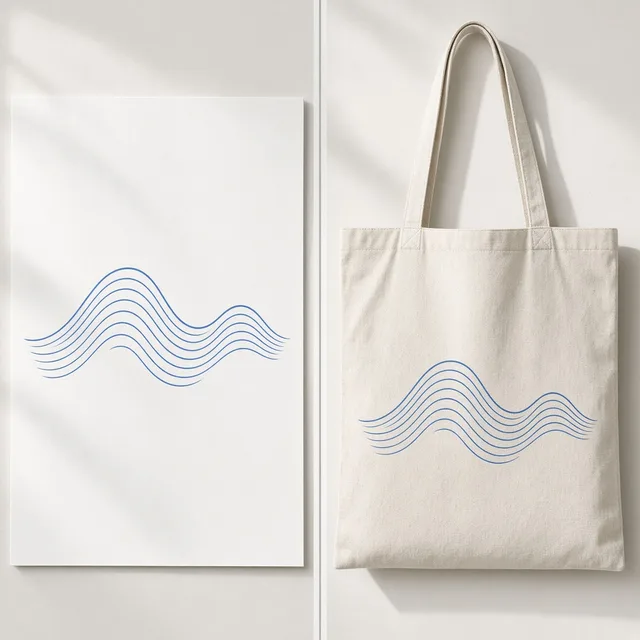
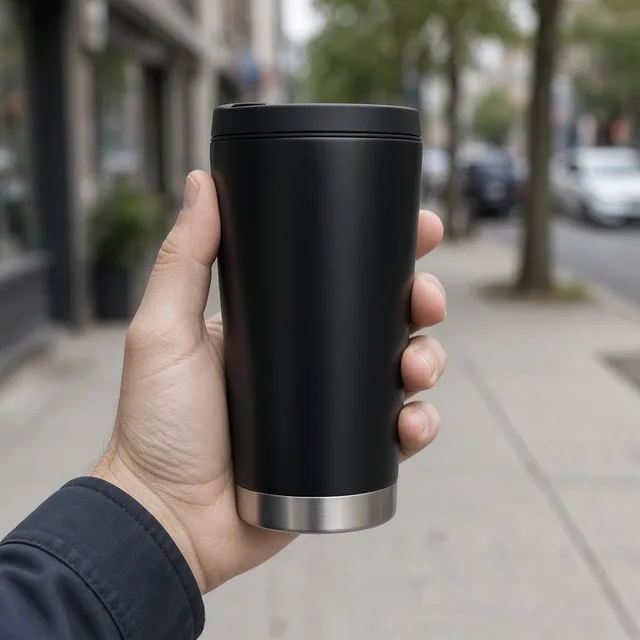
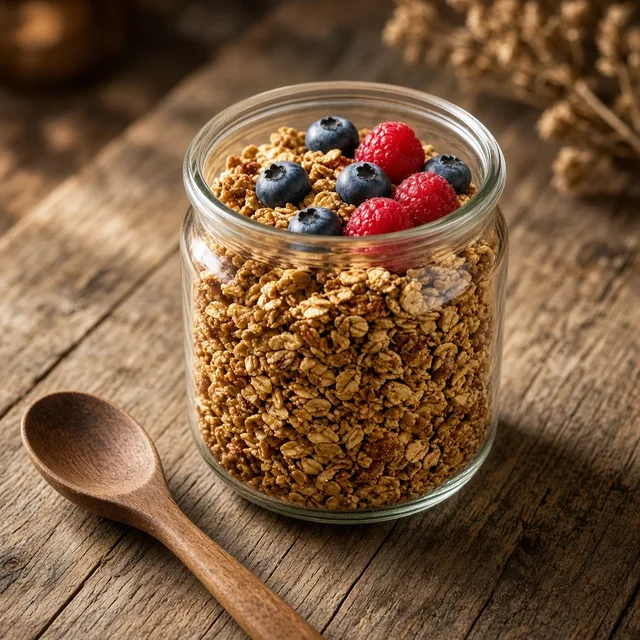
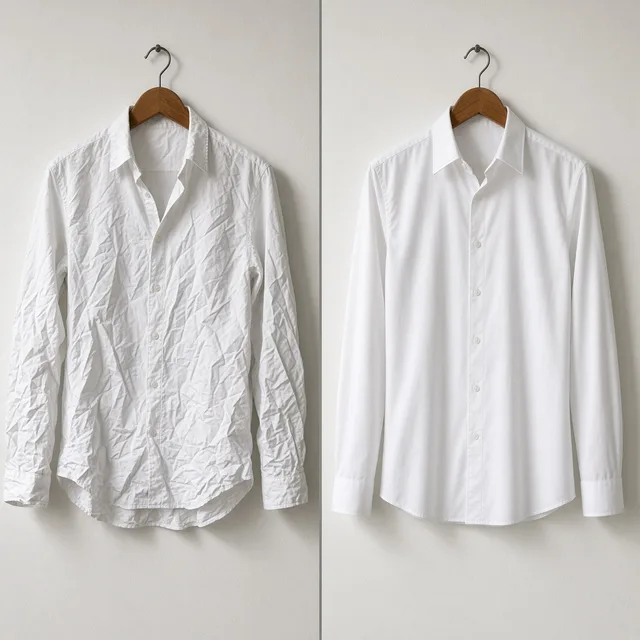
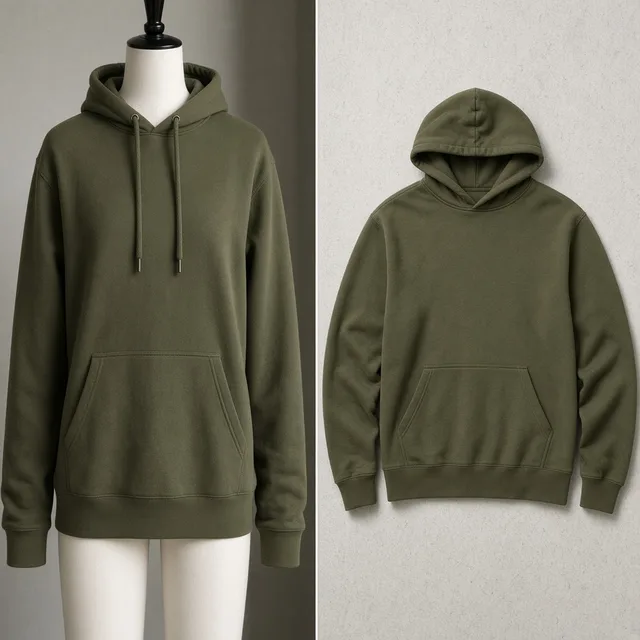
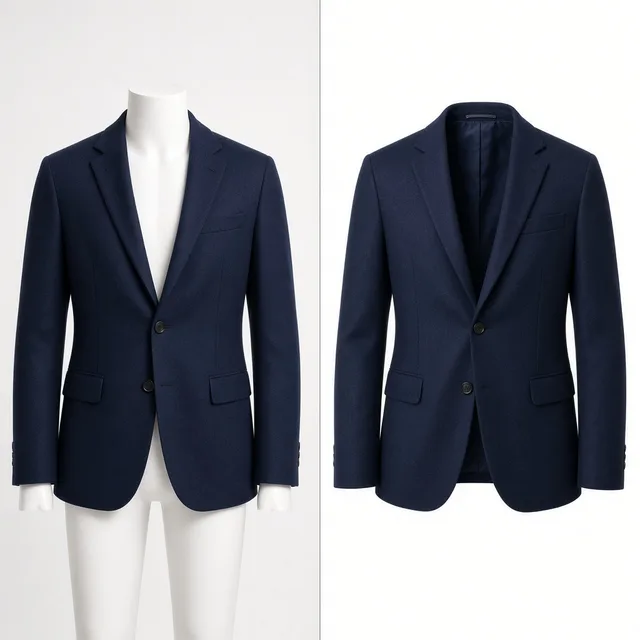
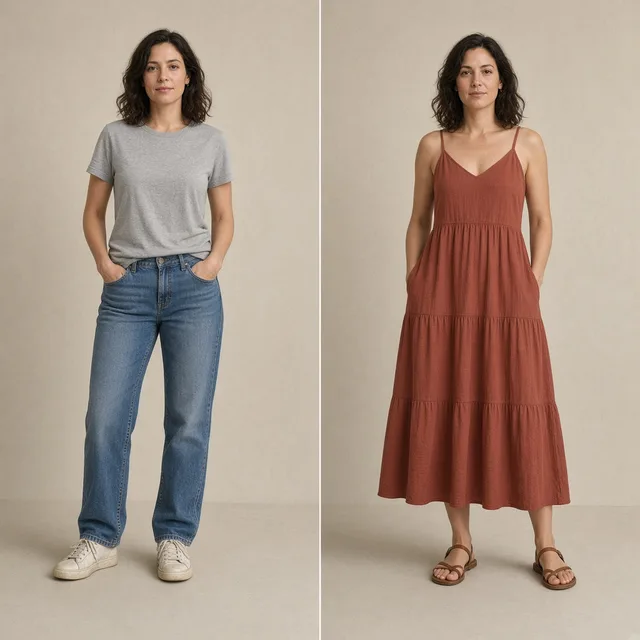
Direct answer
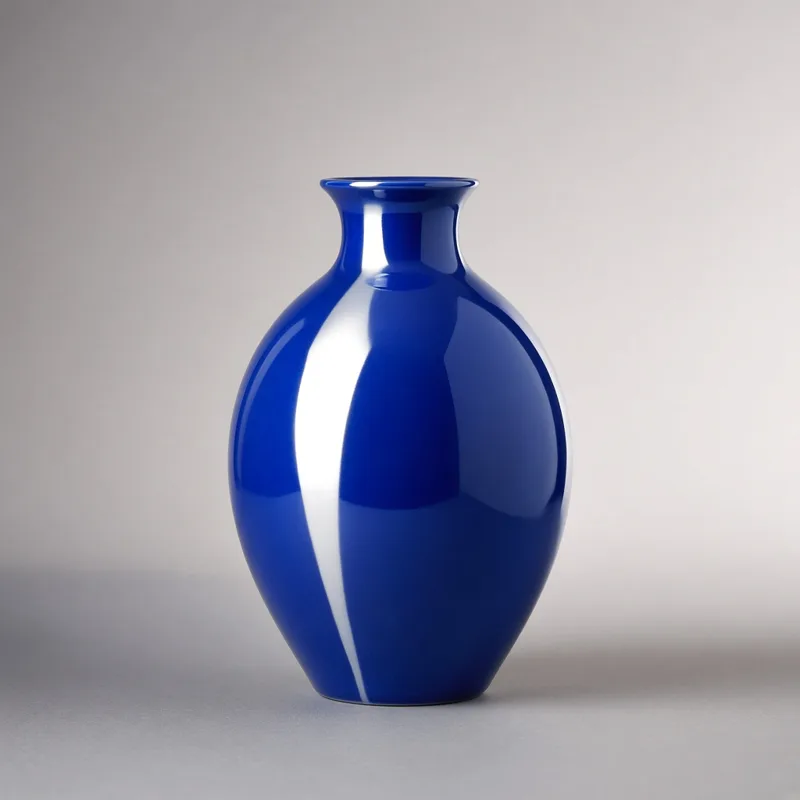
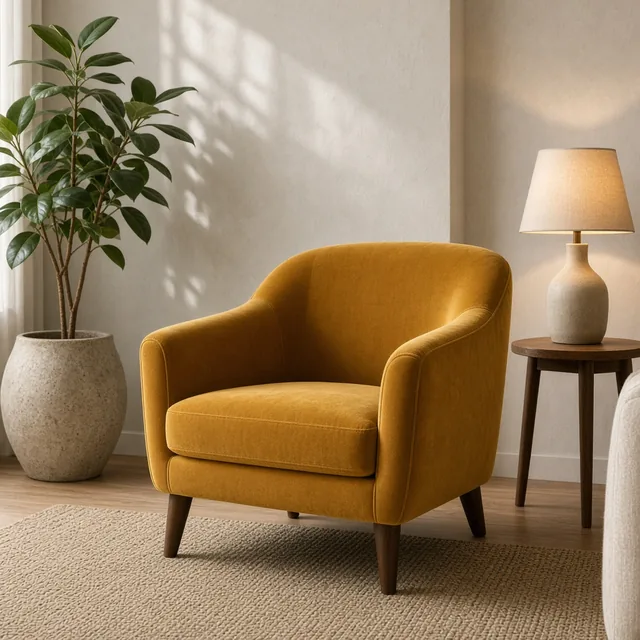
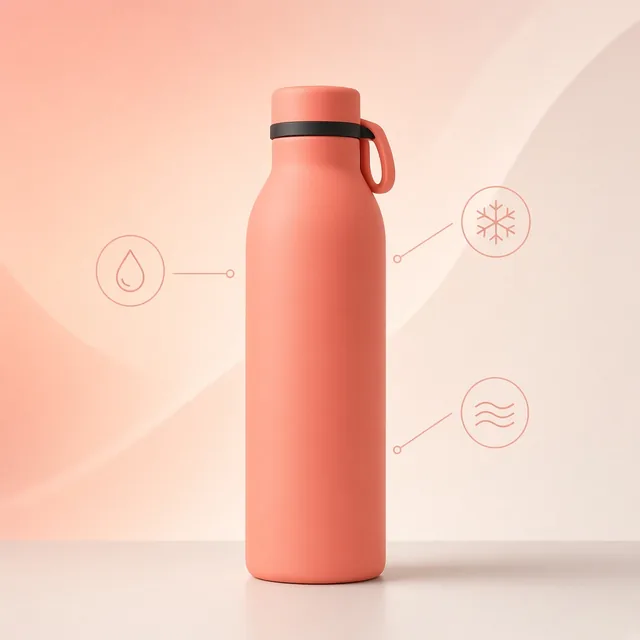
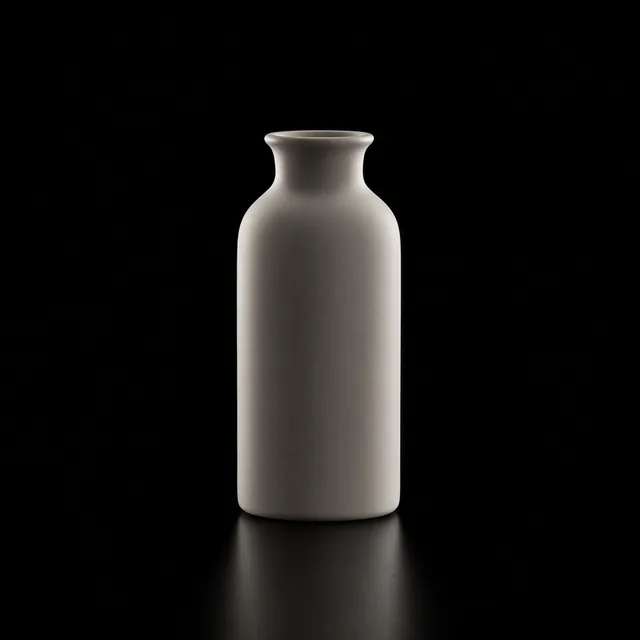
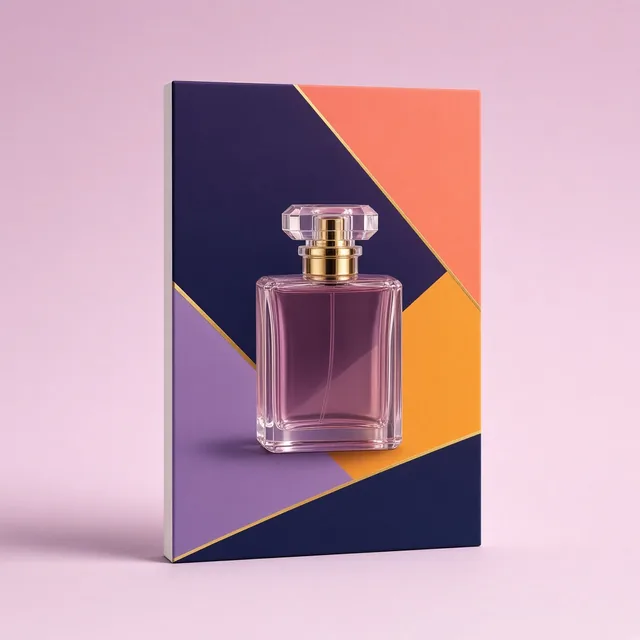
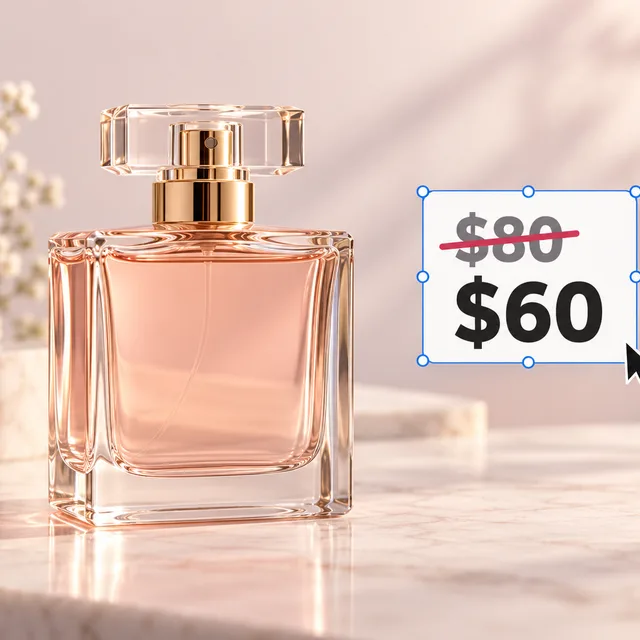
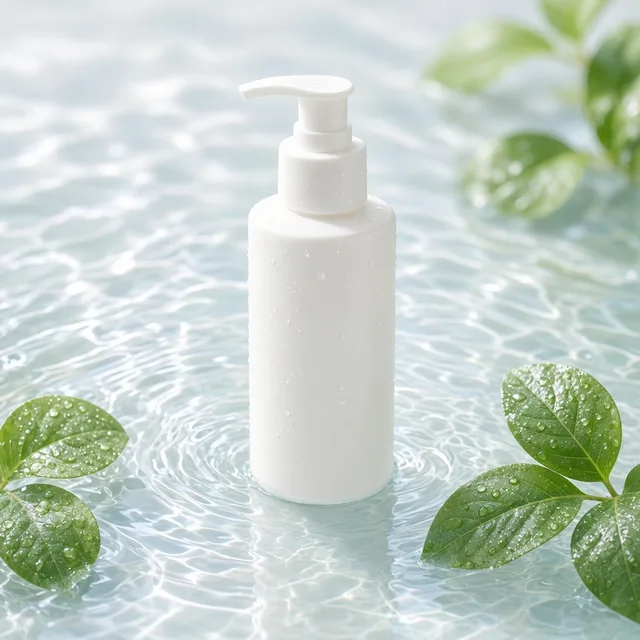
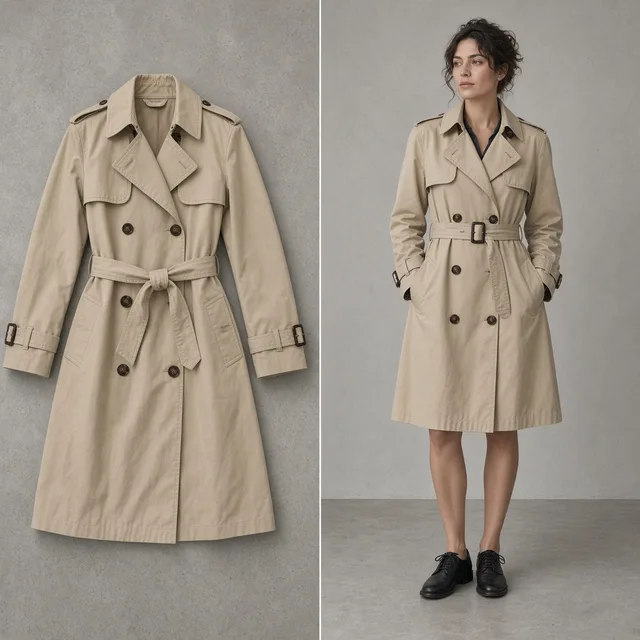
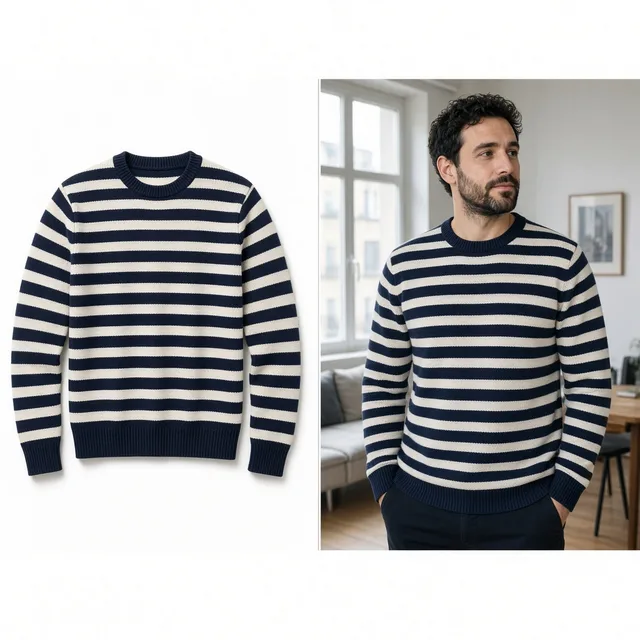
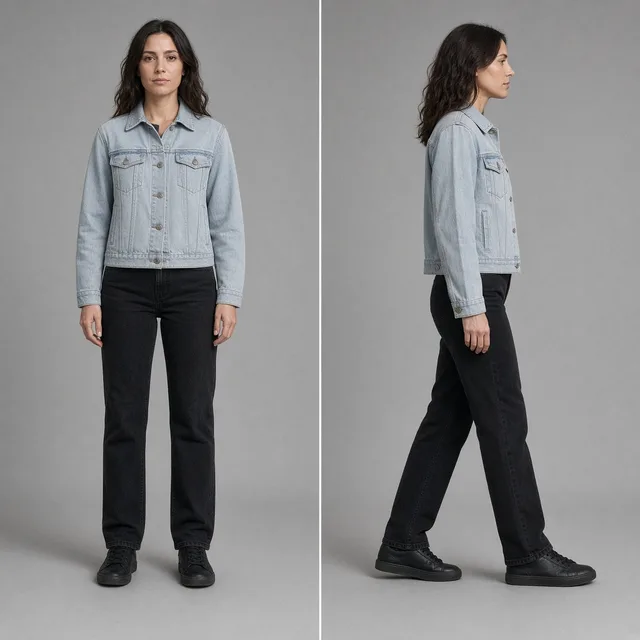
An AI product beautifier is an automated image enhancement software engineered for ecommerce merchants. It ingests an existing product photo and applies dimensional three-point studio lighting, accurate material highlights, and realistic ground contact shadows while removing background clutter. Through default Product Lock safeguards, it preserves the physical item's shape, logo, color, and packaging details intact.
Upload one clear product photo in JPG, PNG, or WebP format.
Choose an aesthetic lighting preset (Clean Studio, Warm Ambient, Pure White, Top Down, or Default) and select your target aspect ratio.
Generate your asset with Product Lock enabled to add dimensional highlights, realistic contact shadows, and tidy staging.
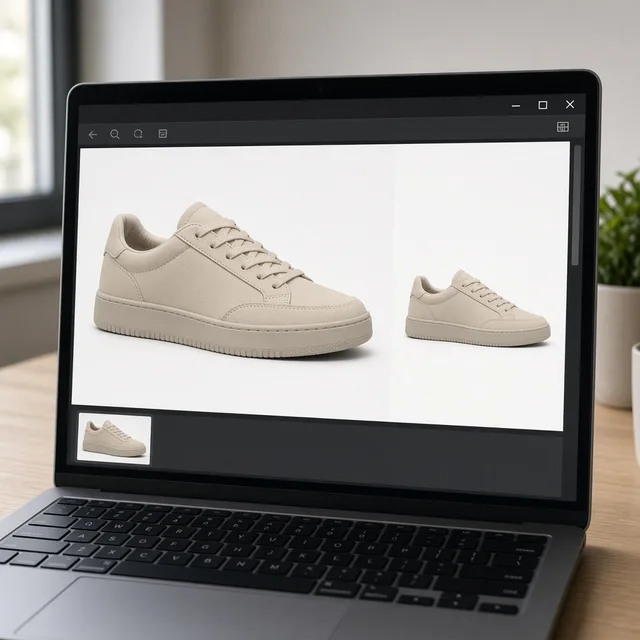
Verify edge fidelity using the interactive before/after slider and download your studio-ready commercial image.
Dimensional Realism
Standard background removal tools leave products looking like flat stickers pasted onto blank canvases. The AI Product Beautifier evaluates your product's real geometry to build directional light, specular highlights, and genuine surface contact shadows that anchor your item in dimensional space.
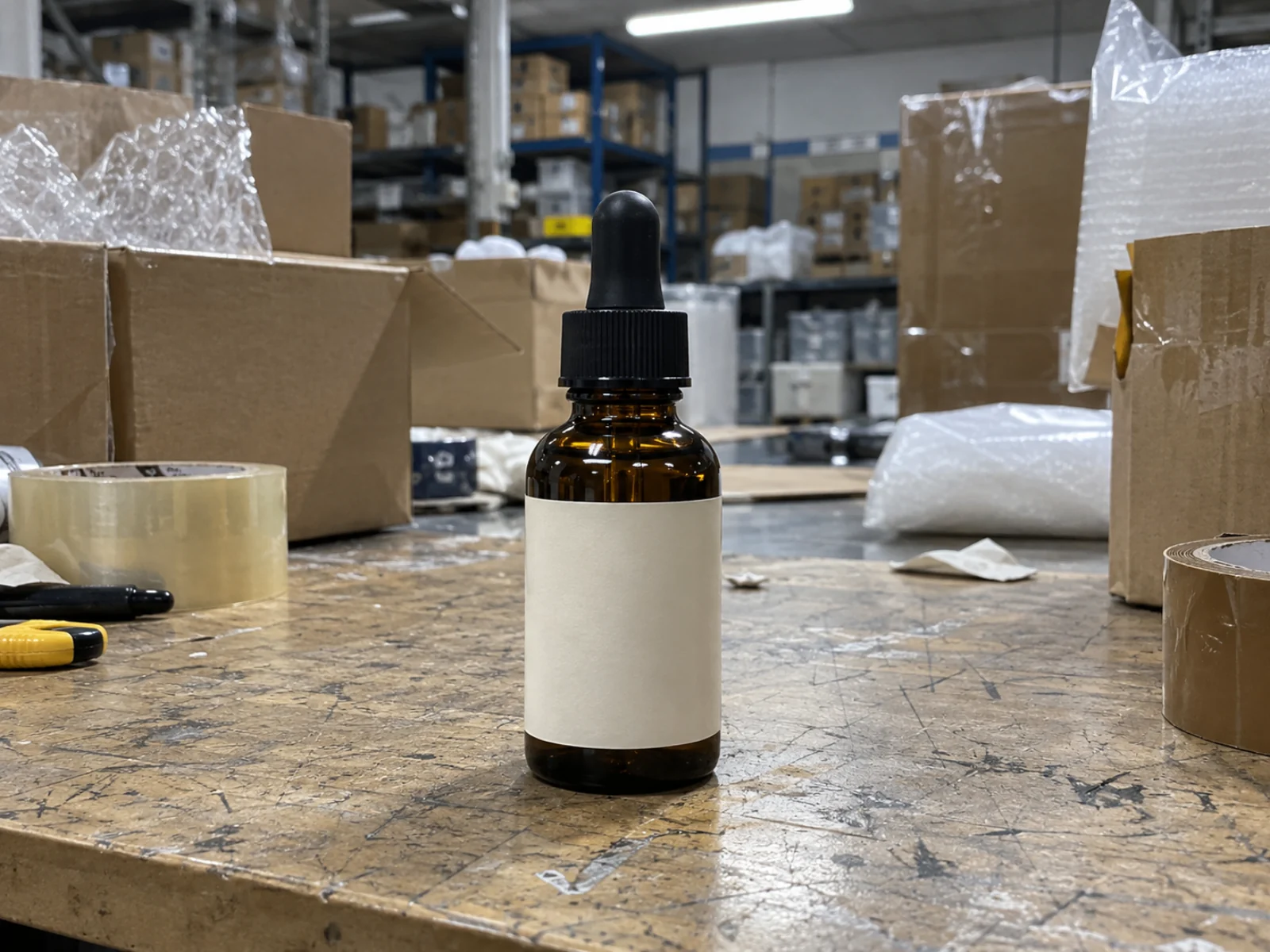
Factory photos often arrive with harsh fluorescent reflections, cluttered desks, and dull gray tones. The AI Product Beautifier cleans up background noise and injects dimensional studio lighting without requiring expensive reshoots.
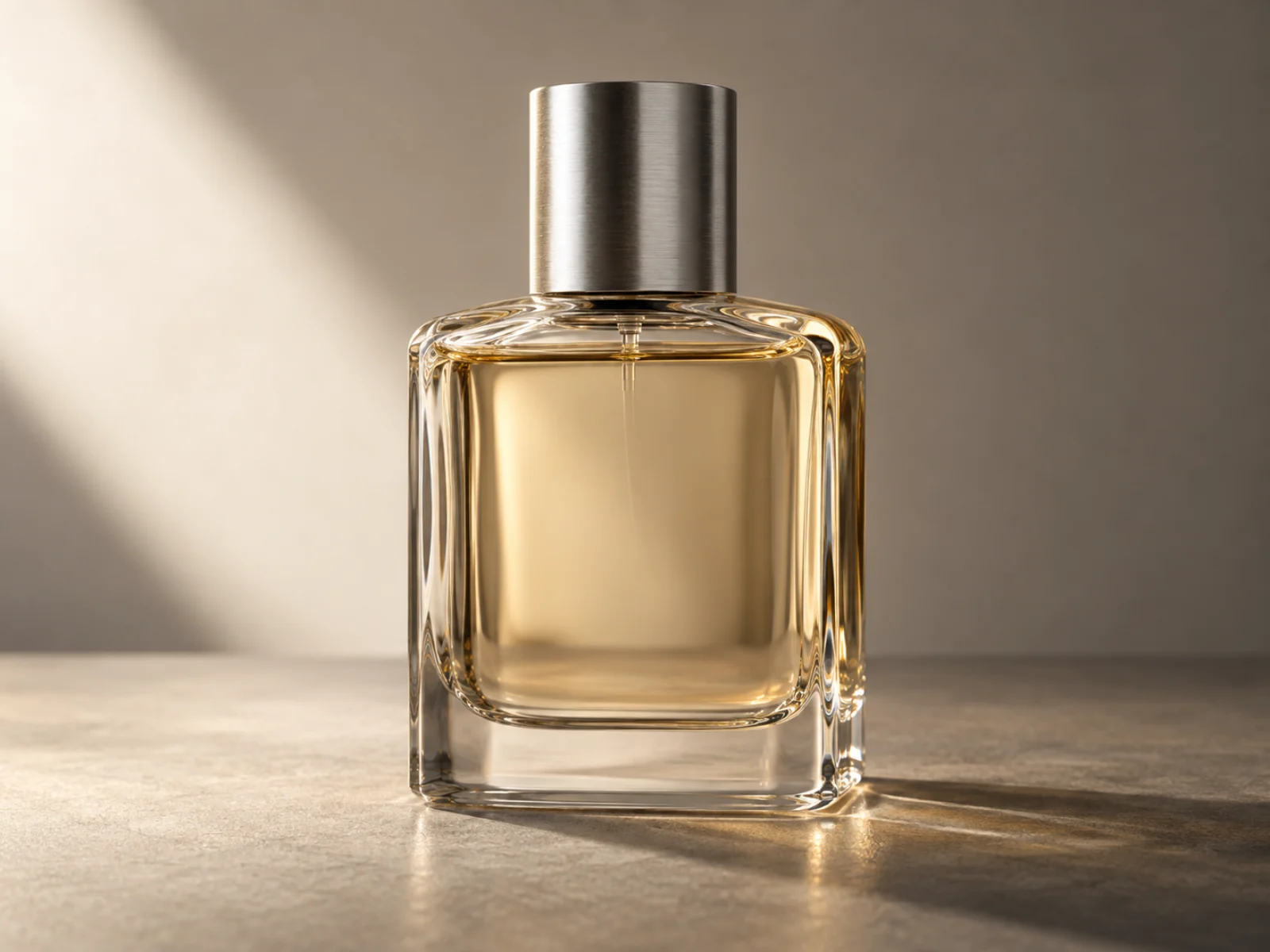
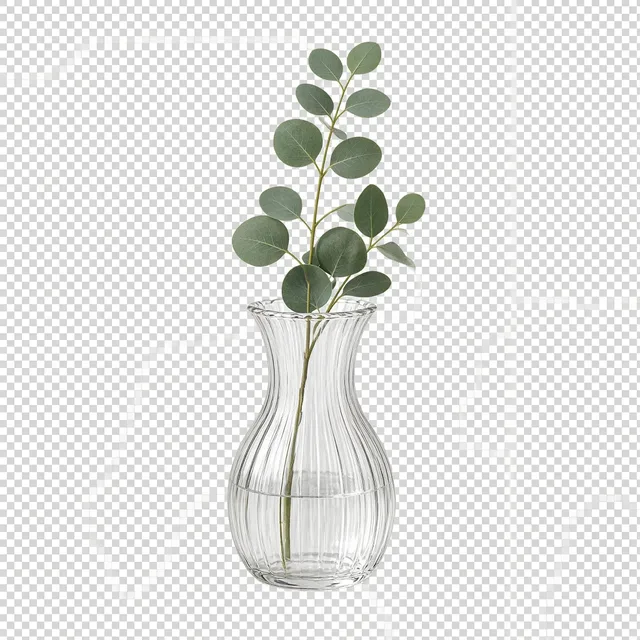
Plain white cutouts often look synthetic and float awkwardly on listing pages. Adding realistic ground contact shadows and balanced directional highlights makes your hero image pop against marketplace search competition.

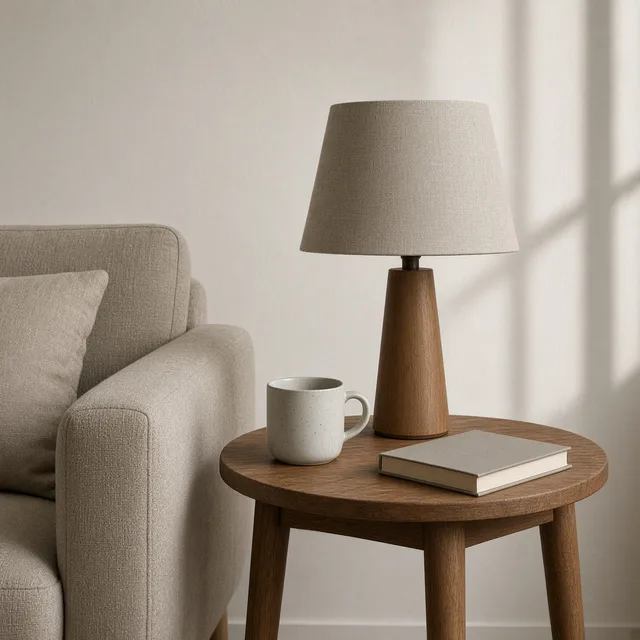
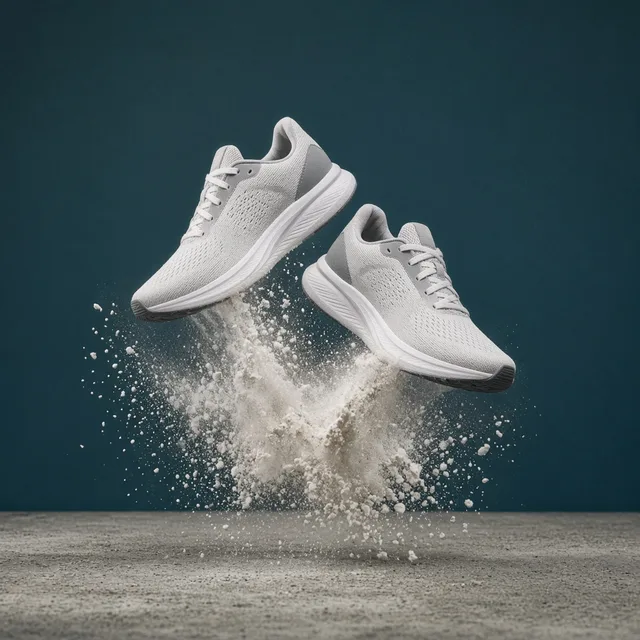
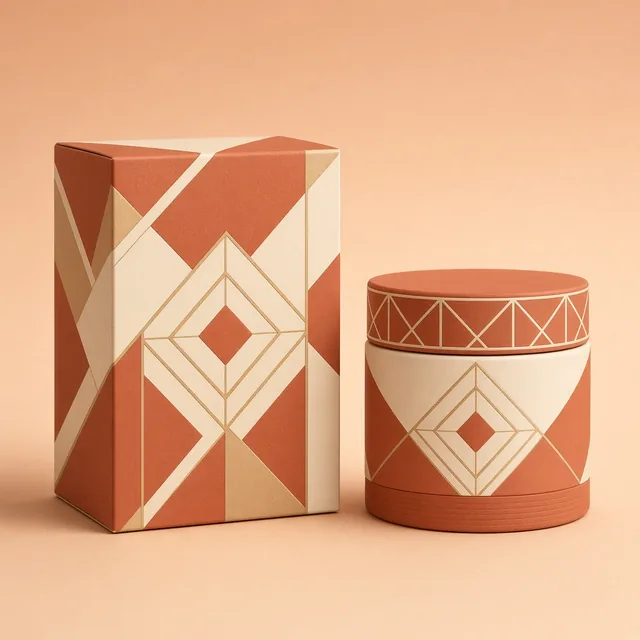
Adapting product imagery for different seasonal angles usually demands hiring studio space repeatedly. Switch between Clean Studio, Warm Ambient, and Top Down presets to generate diverse campaign aesthetics in seconds.
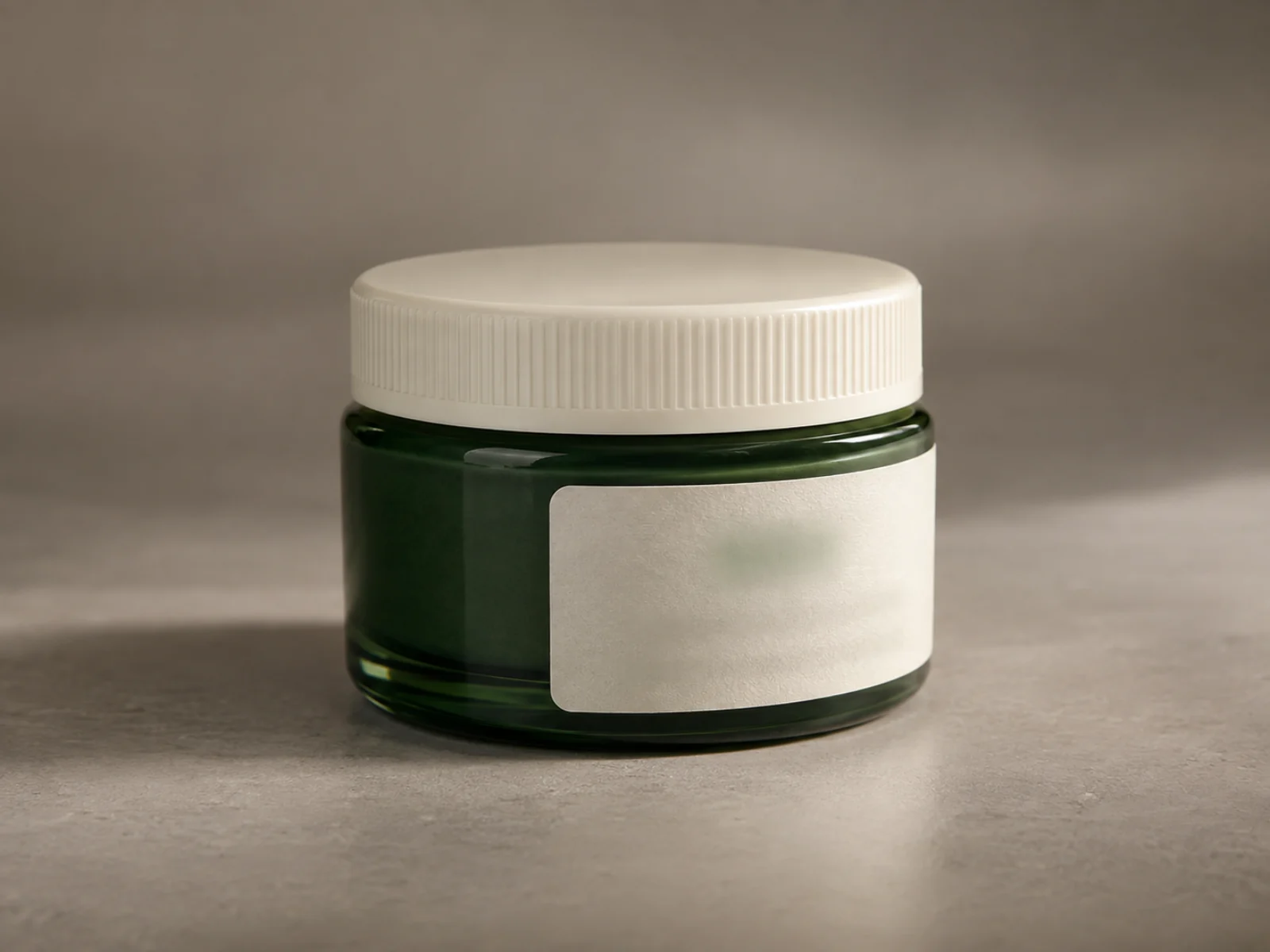
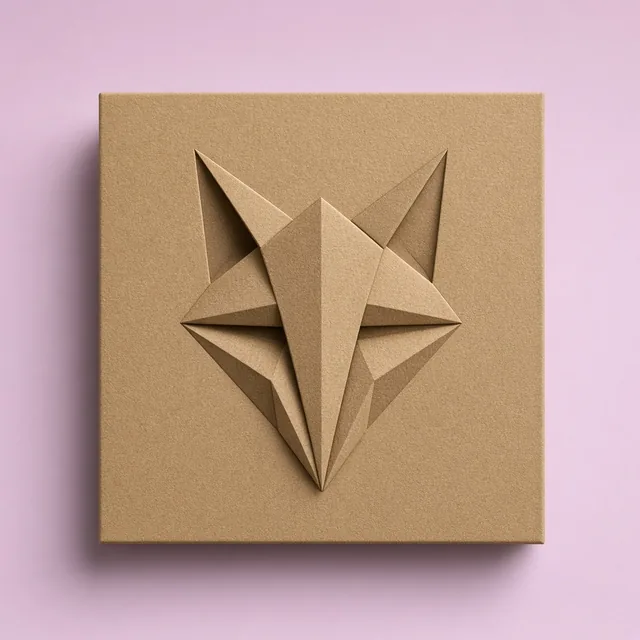
Generic generative tools frequently warp typography, blur delicate logos, or alter bottle caps. Product Lock runs by default to ensure your product geometry, labels, colors, and textures stay exactly as manufactured.
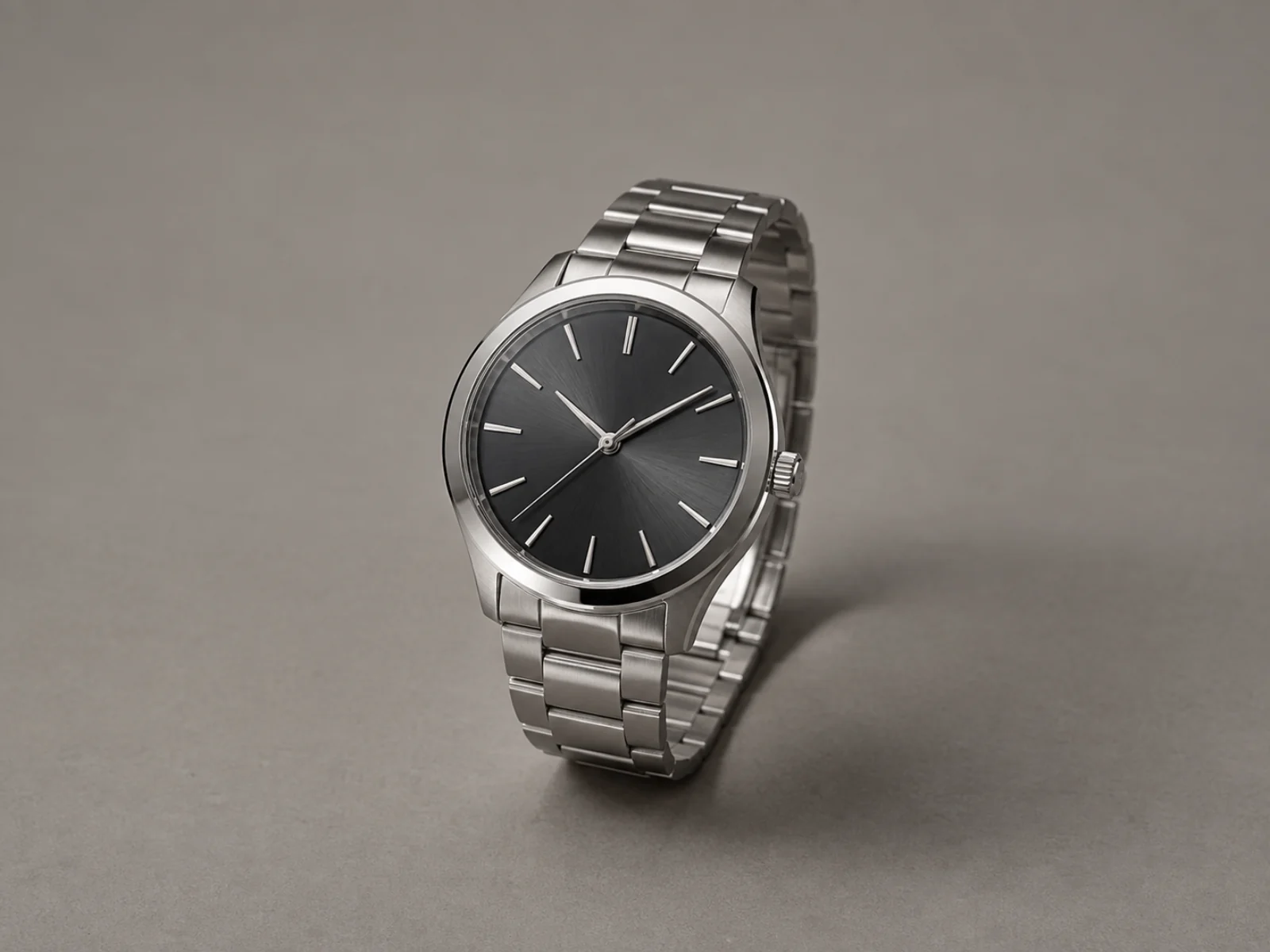
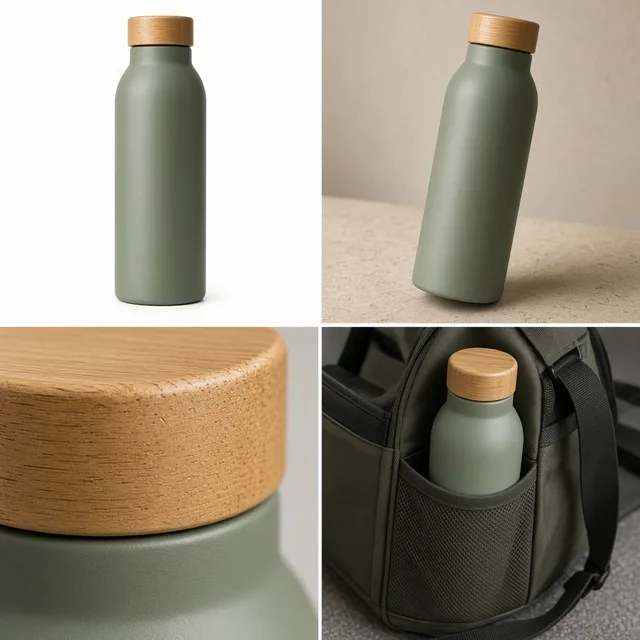
Forcing a square product image into vertical story ads or banner slots cuts off critical product edges. Generate in Auto, 1:1, 4:5, 9:16, 16:9, and other ratios with seamless canvas extension tailored for each storefront.
Listing Efficiency
Eliminate product launch bottlenecks caused by slow photo turnarounds. Standardize visual quality across disparate supplier photos, preview variations with interactive comparison sliders, and generate multiple aspect ratios tailored for Amazon, Shopify, and social storefronts.
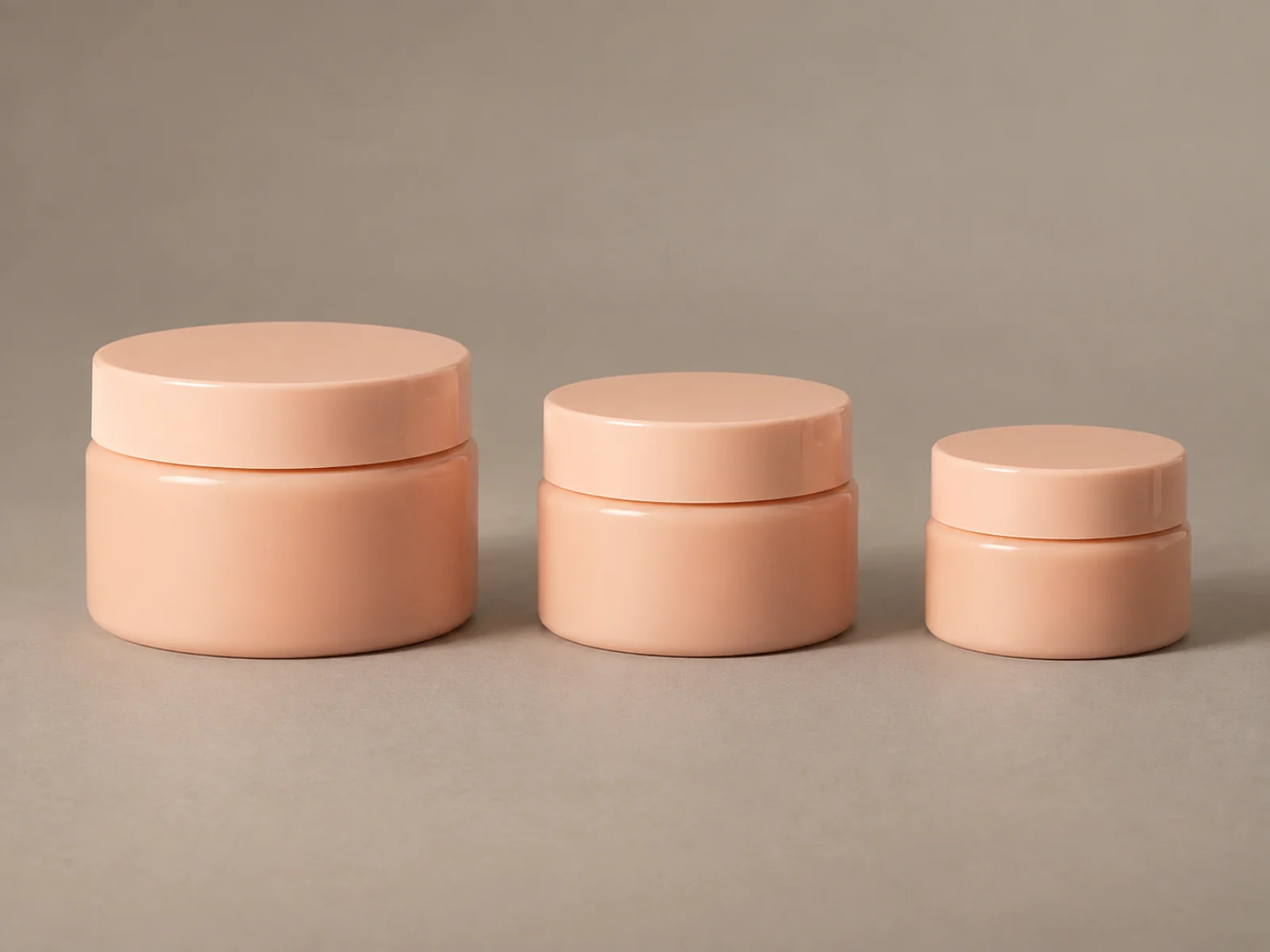 Shopify & DTC
Standardize lighting across your entire product collection. Use the Clean Studio preset to ensure uniform specular highlights, identical horizon placement, and grounded shadows across every collection page.
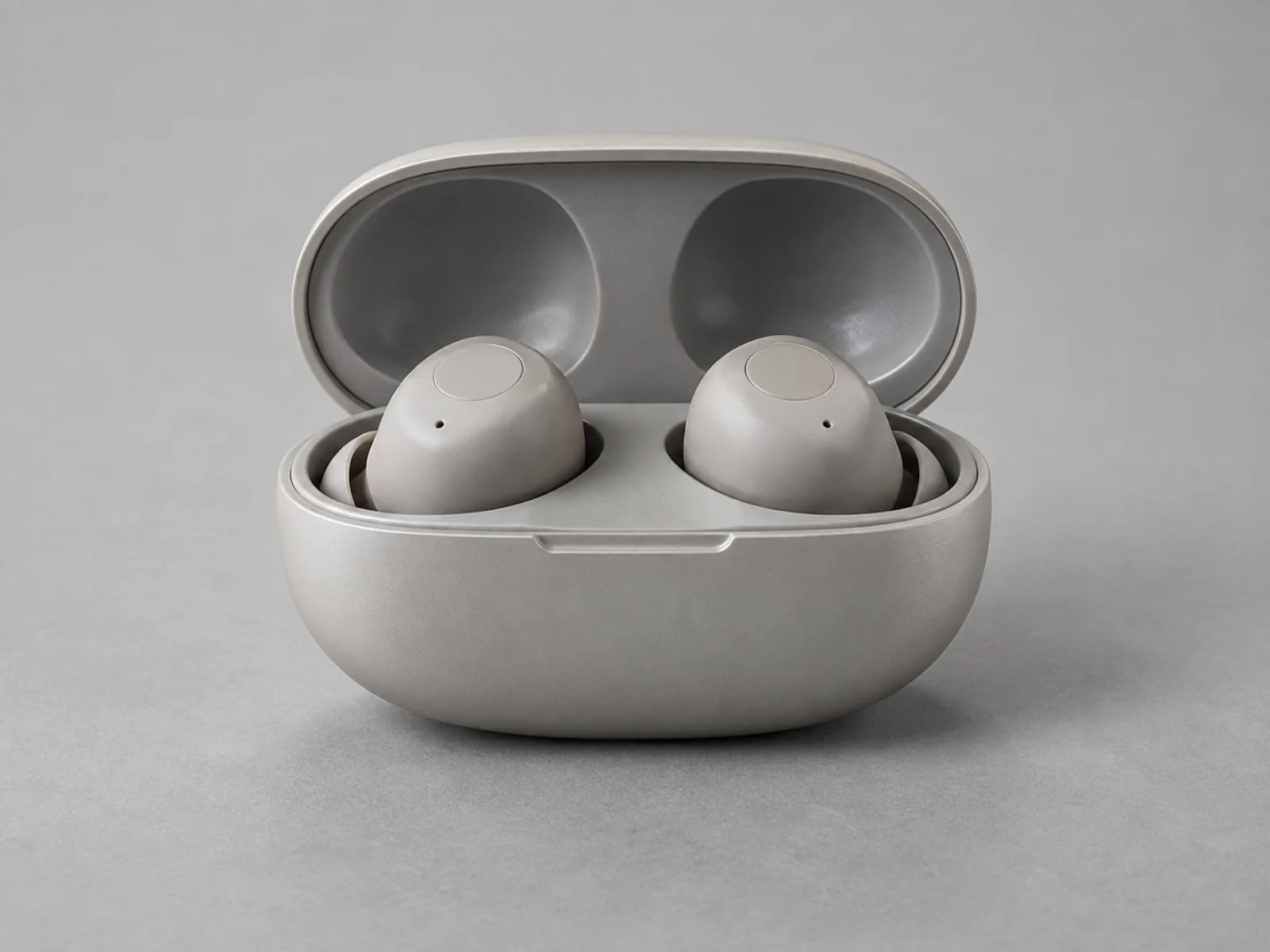 Amazon & Marketplaces
Upgrade secondary gallery images and hero shots with balanced contrast and grounded contact shadows, helping shoppers evaluate real product quality without unexpected surprises upon delivery.
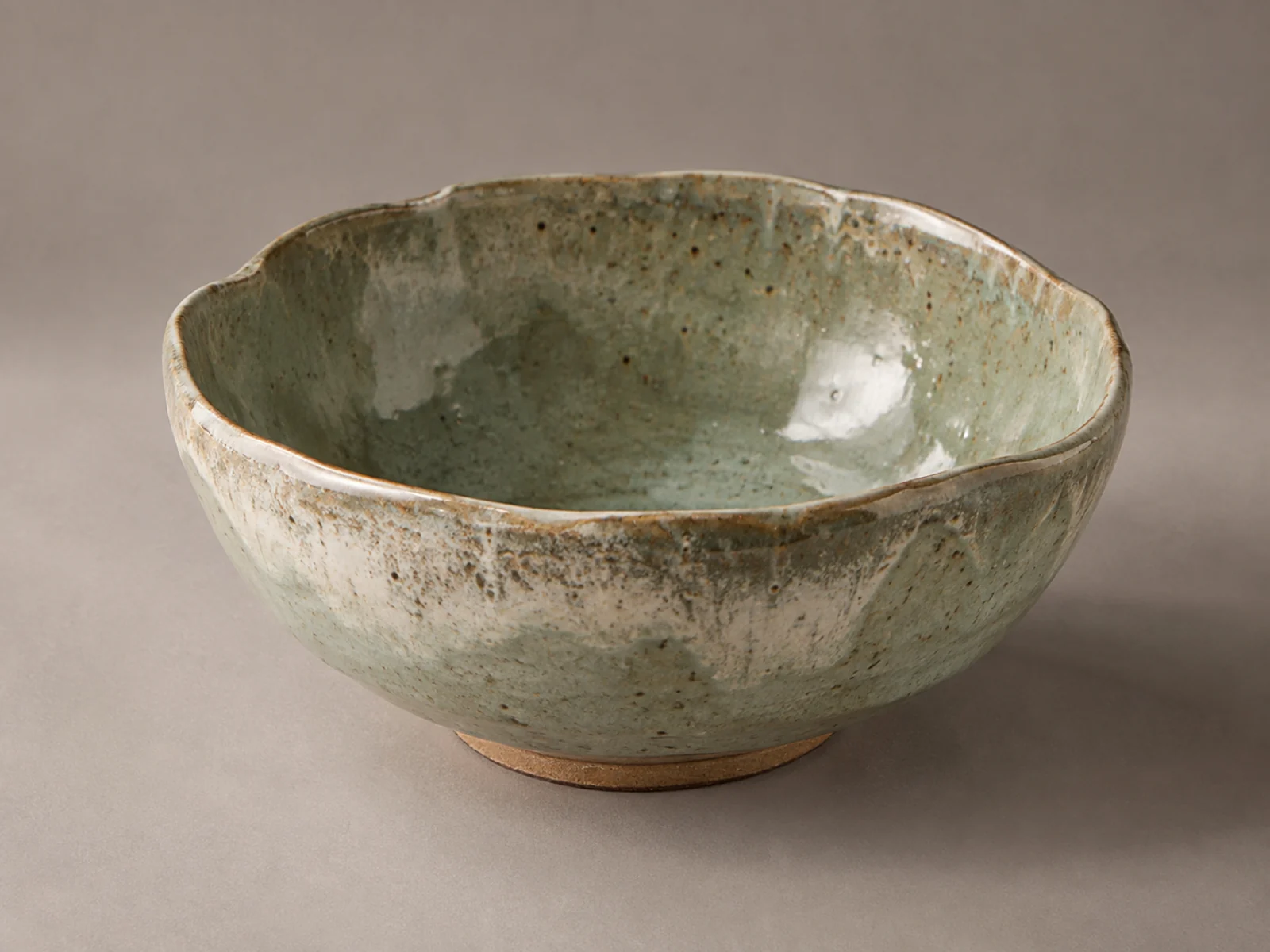 New SKU Launch
Do not stall presales waiting for physical studio booking windows. Snap a clear smartphone photo of your first production run, run it through the default preset, and launch sales assets on day one.
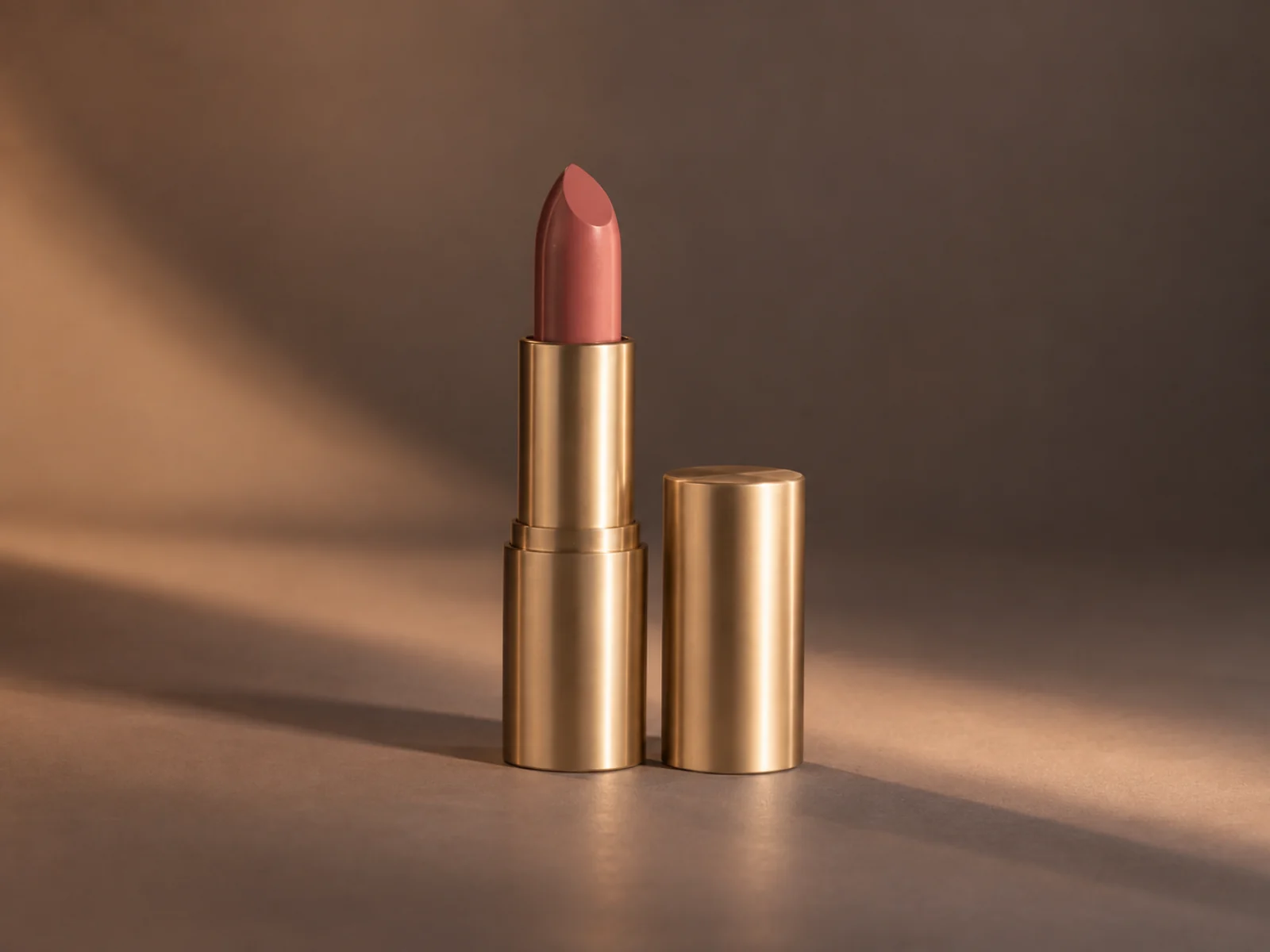 Paid Social & Feeds
Transform static catalog assets into thumb-stopping social creative. Apply Warm Ambient or Top Down lighting presets and export directly in 4:5 or 9:16 mobile aspect ratios built for engagement.
Simple Process
Upgrade raw captures into studio-lit commercial images in seconds.
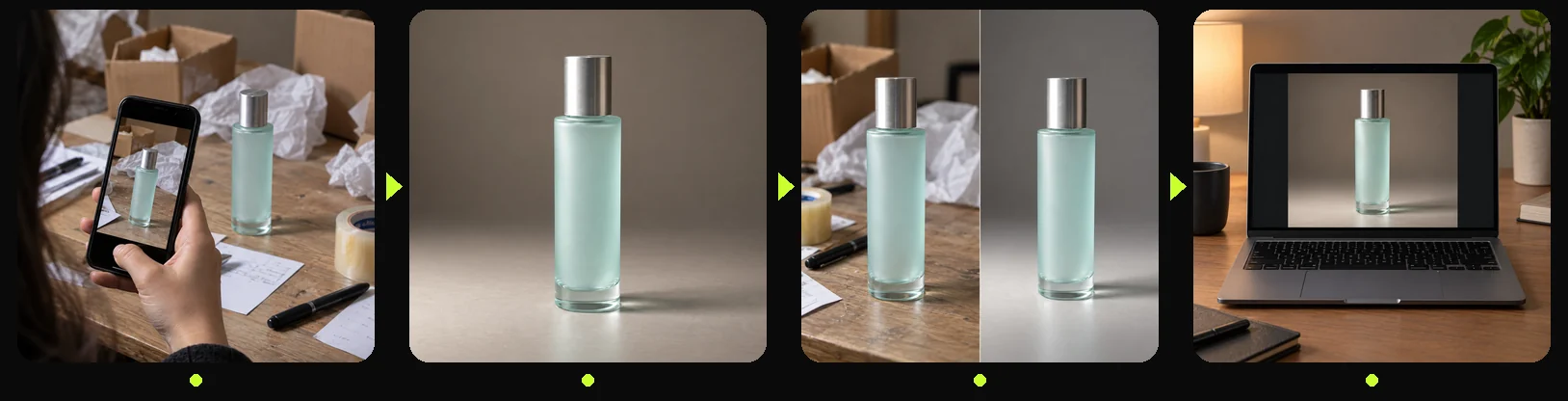
Import one product snapshot in JPG, PNG, or WebP format. No masking, clipping paths, or green screens needed.
Pick Clean Studio, Warm Ambient, Top Down, Pure White, or keep Default. Set aspect ratio to Auto, 1:1, 4:5, 9:16, 16:9, or other standard formats.
Use the split-screen comparison slider to verify that studio lighting enhanced depth while Product Lock preserved fine details.
Export your polished product image immediately. Access your generation history anytime from your account dashboard.
Method Comparison
Compare how automated studio lighting and clutter removal measure up against manual retouching agencies and basic photo filters in turnaround speed, cost, and consistency.
Multiple
output styles
Reference-led
direction
Built-in
before-and-after review
Manual editing software adjustments, third-party retouching agencies, and static camera preset filters.
Generative studio relighting, contact shadow reconstruction, and automated clutter cleanup safeguarded by Product Lock.
Merchandising Best Practices
Master visual merchandising techniques including balancing contact shadows, cleaning supplier snapshots, maintaining SKU visual harmony, and choosing ideal aspect ratios for multi-channel listings.
 Guide
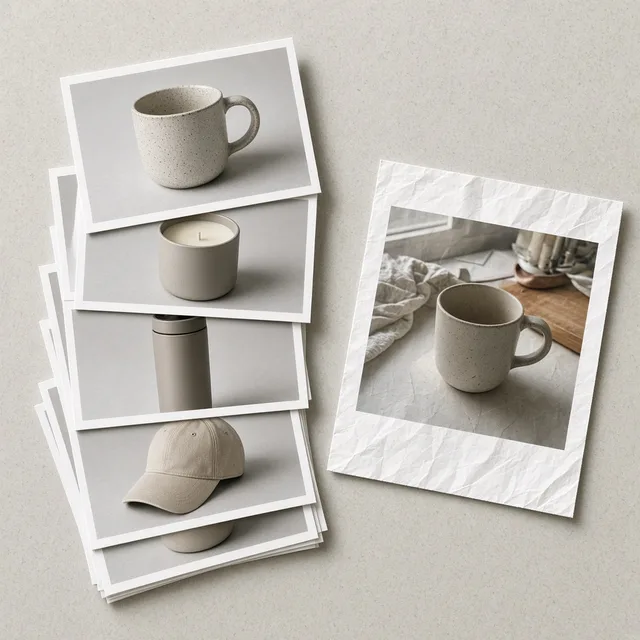
When you are dealing with flat, muddy supplier photos, your team does not need to rush into an expensive reshoot. Here is how to rebuild studio-lit product shots and natural contact shadows while keeping your actual product intact.
 Guide
How crowded is ecommerce product photography in 2026? We broke down 10 leading AI tools—from product locks and scene generation to marketplace main images—covering real capabilities, pricing catches, and honest trade-offs.
 Workflow
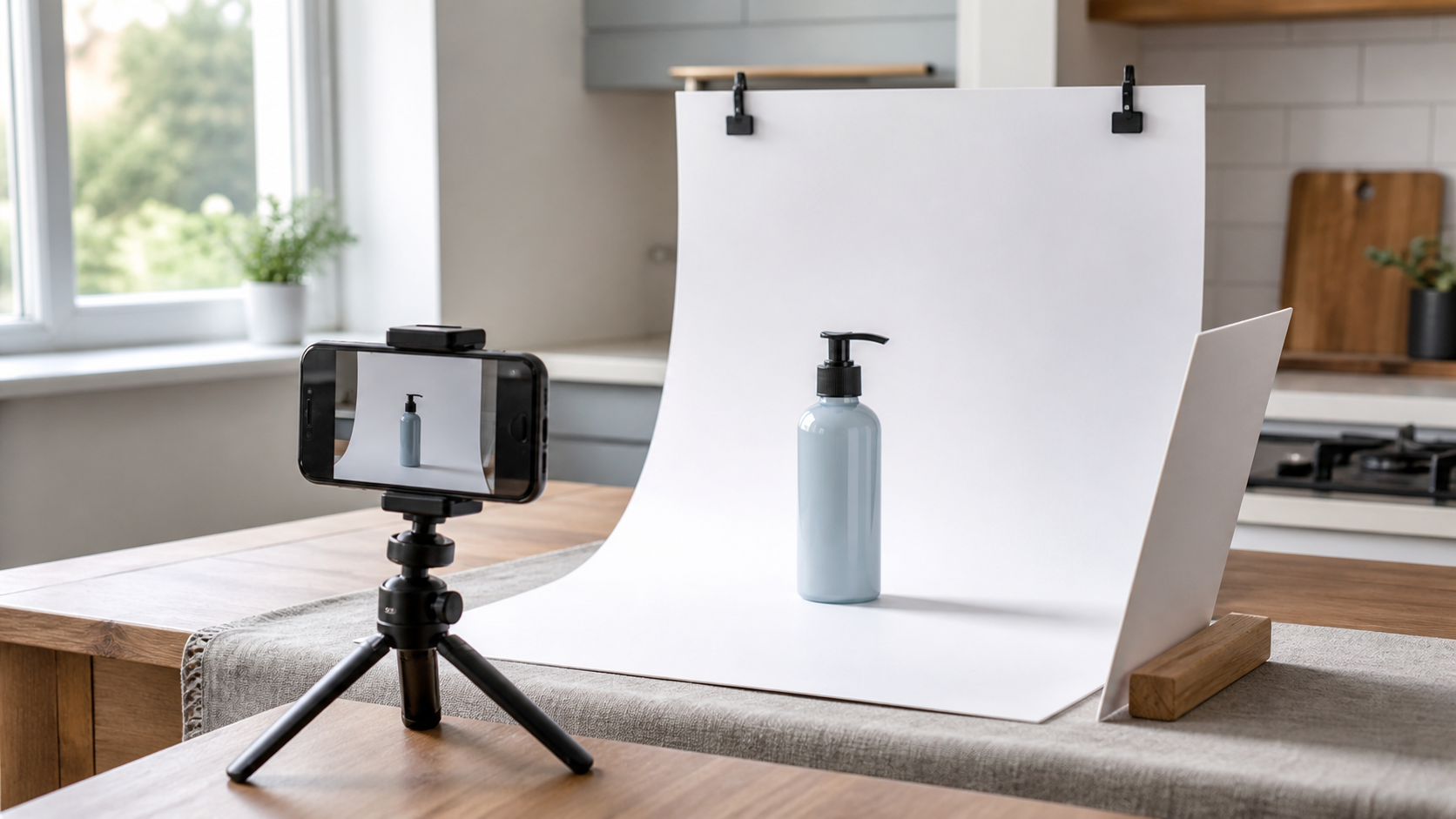
A practical workflow for taking sellable ecommerce product photos with a phone, simple setup, and AI-powered variations.
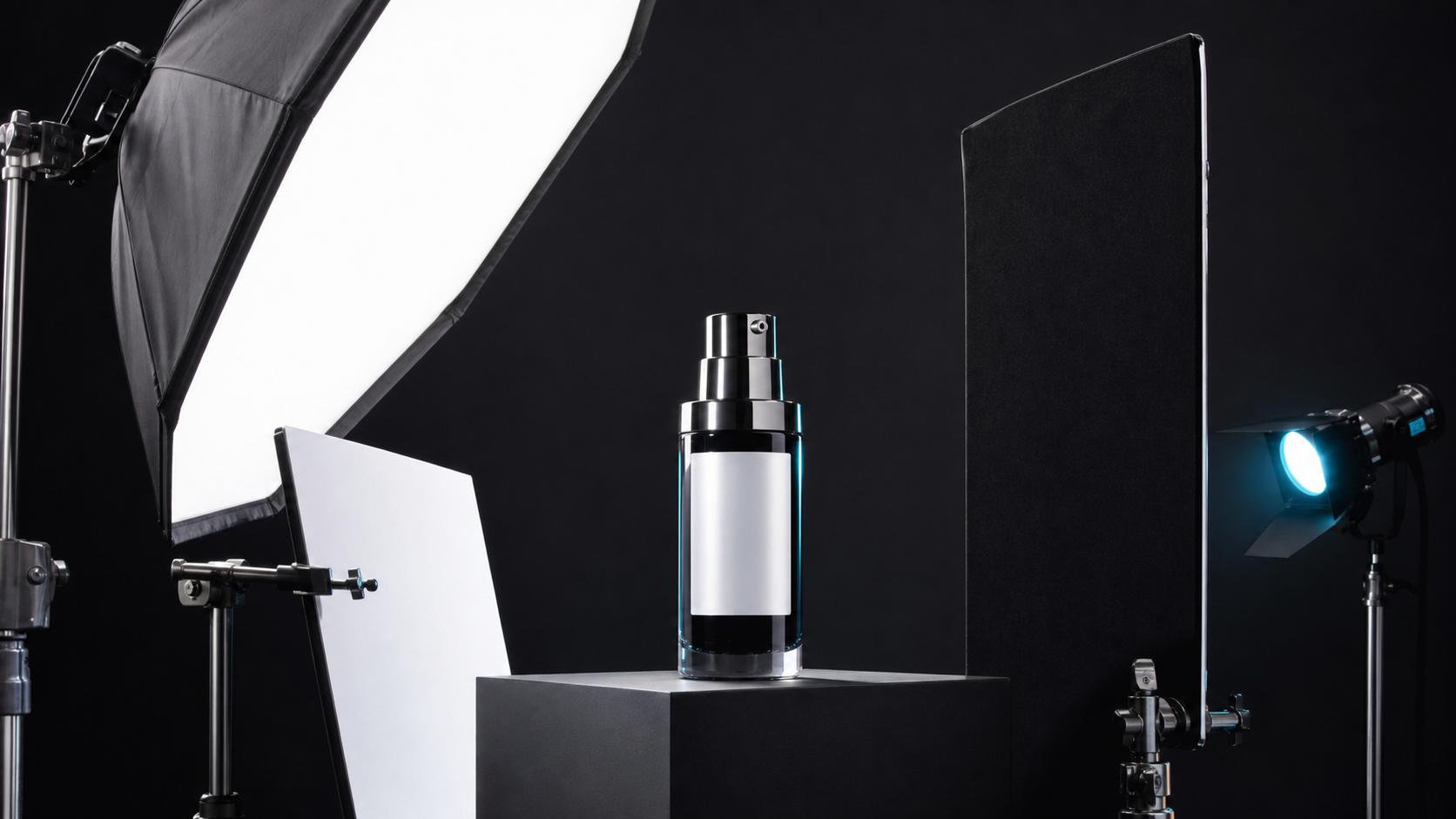 Lighting
A practical guide to product photography lighting, soft light, fill light, backlight, reflection control, and difficult materials.
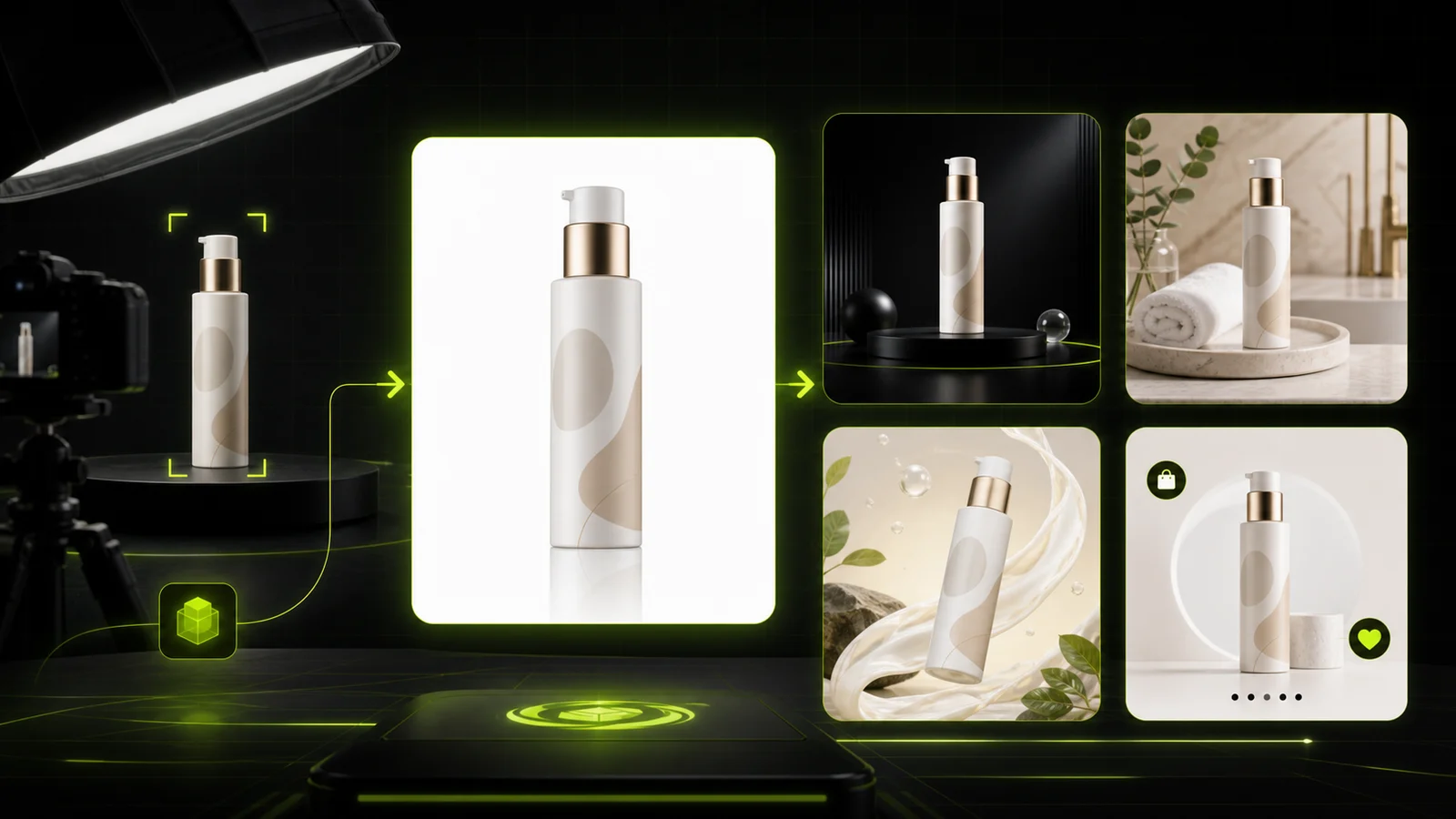 Guide
Compare AI product photography generators for white background images, studio shots, lifestyle scenes, and ecommerce campaign visuals.
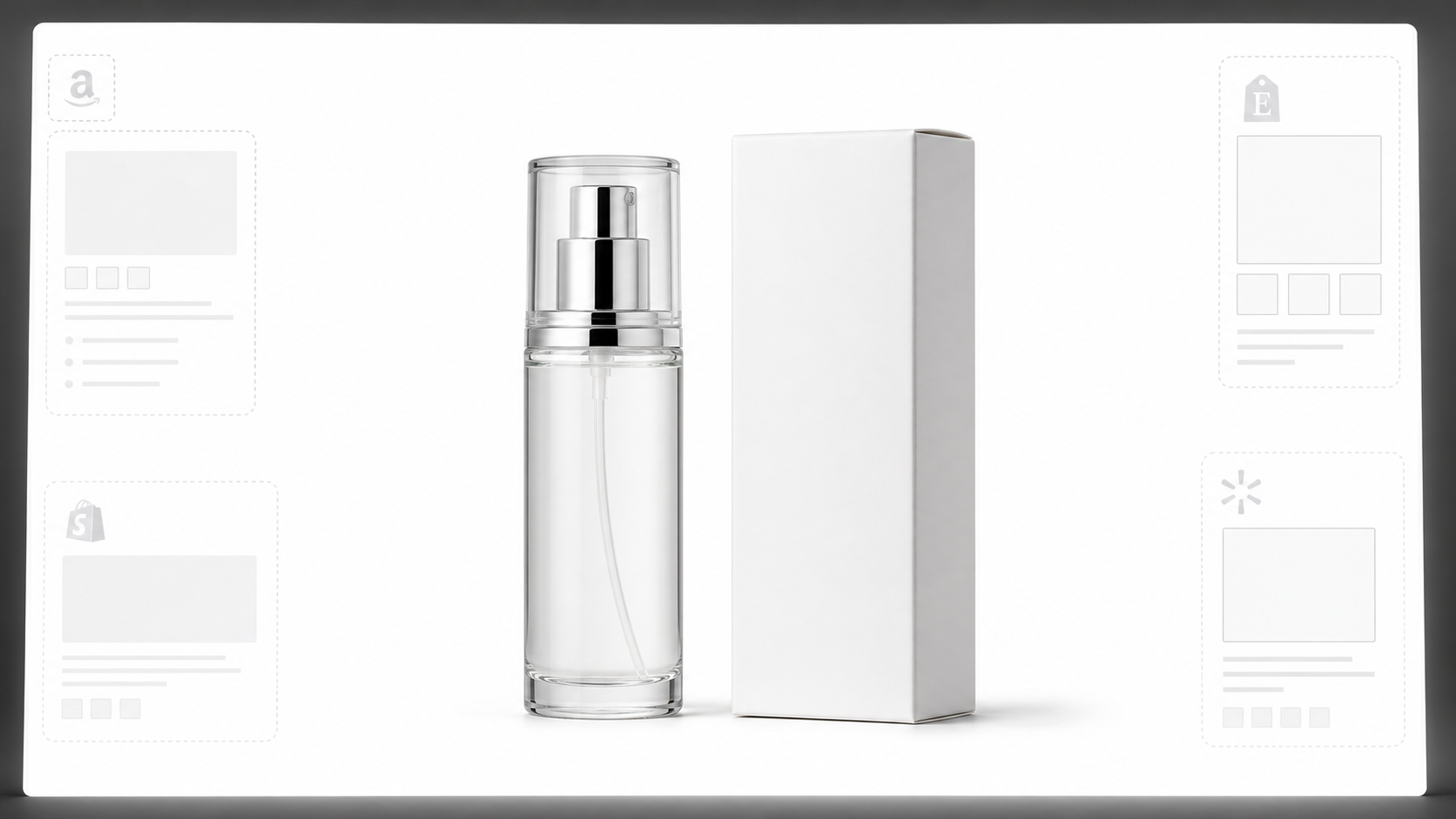 White Background
Learn why white background product photos are harder than they look, how platform rules differ, and how to preserve details.
See how online sellers, catalog leads, and brand operators turn flat supplier snapshots into high-converting product photos.

“Supplier factory shots usually arrive under terrible fluorescent lighting with warehouse clutter. The default preset cleaned the background and added realistic contact shadows without altering our packaging font or logo.”

“The Clean Studio preset gave our 50 skincare SKUs identical lighting highlights across our entire collection. The before-and-after slider makes it effortless to double-check that our pump dispenser and bottle labels stayed 100% true.”

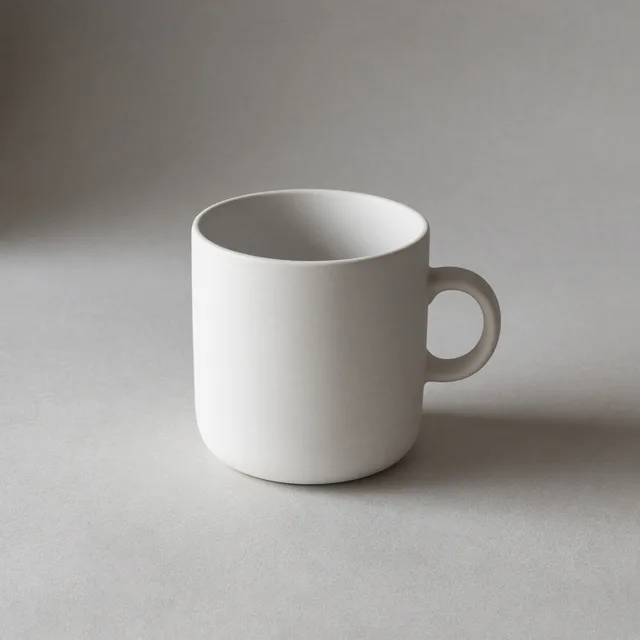
“With artisanal pottery, color distortion means immediate customer returns. The Warm Ambient preset added soft, dimensional lighting while keeping our natural glaze texture and subtle clay tones completely unchanged.”

“We have to prepare 1:1 ratios for Amazon and 4:5 for mobile feeds constantly. Generating directly into channel aspect ratios from a single raw factory capture eliminated hours of tedious canvas resizing.”

“Most AI tools warp fine typography or change lid textures. Product Lock kept our dietary supplement ingredient panel razor-sharp while casting grounded studio shadows that look shot in an actual photo bay.”

“We run hundreds of wholesale product updates a month. Being able to upload one simple mobile snapshot and get studio-lit assets in seconds without booking reshoots has completely transformed our turnaround speed.”
Frequently Asked Questions
Essential guidance on studio relighting, Product Lock fidelity, source photo formats, and workflow differences.
Upload a single product photo to add dimensional studio lighting, authentic material highlights, and realistic contact shadows while keeping your product intact.
Start with 10 Free Credits →