






30:00:00
50% OFFLimited Time Deal: Today only 50% OFF — miss it once, wait six monthsGet 50% Off

AI Product Detail Page Generator

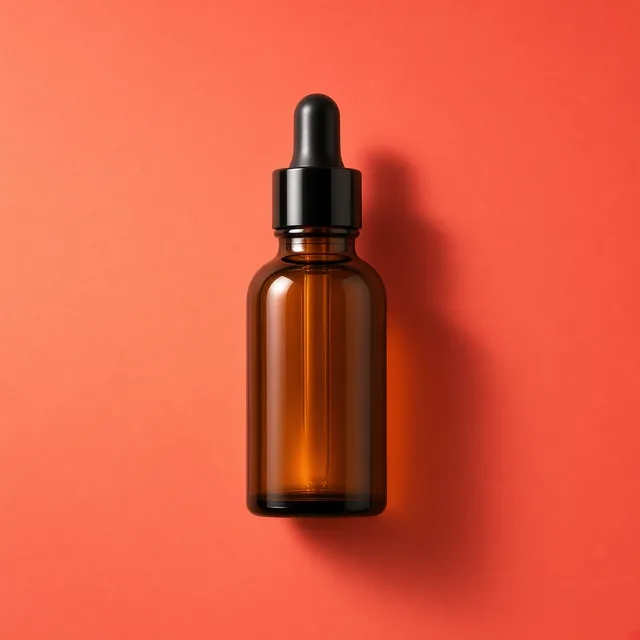
Upload a product and choose a module. Labels are empty by default; add exact text and real measurements yourself.

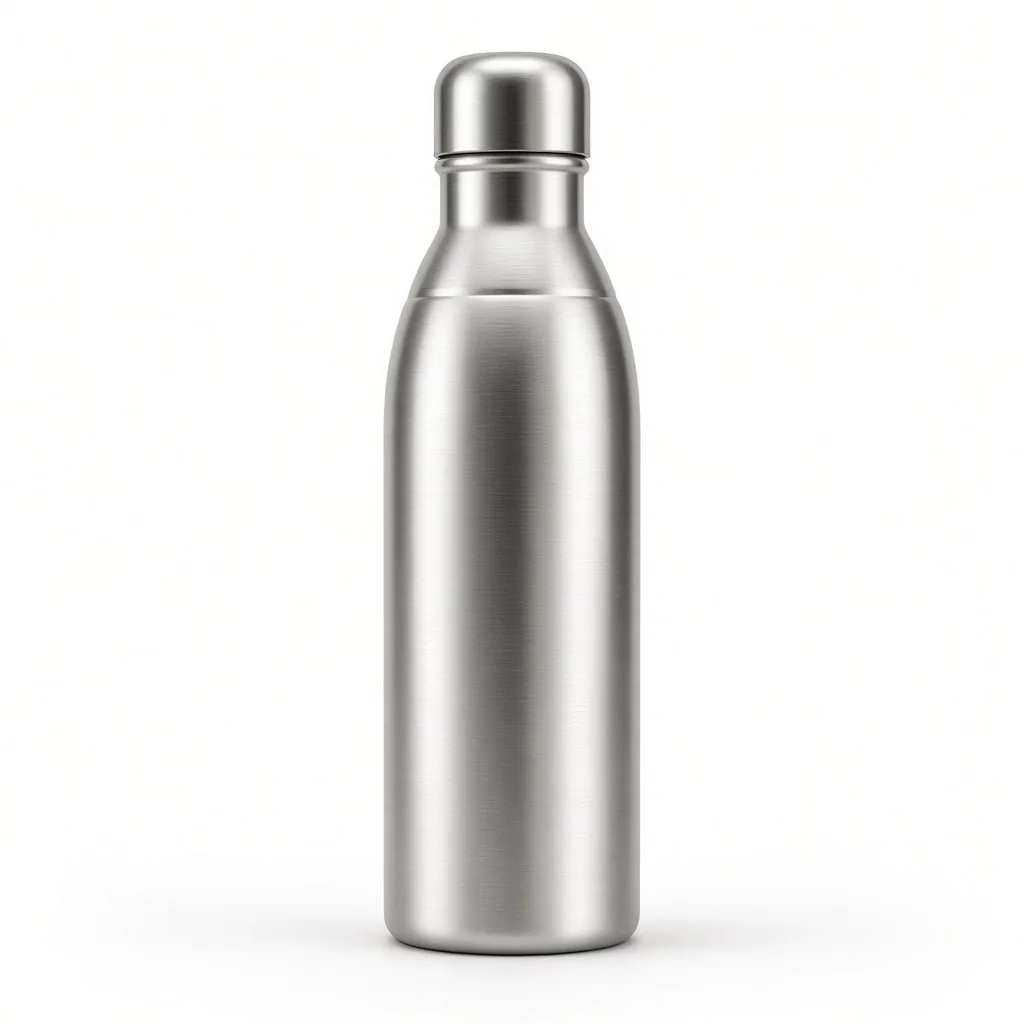
Unbranded insulated water bottle on white
Product
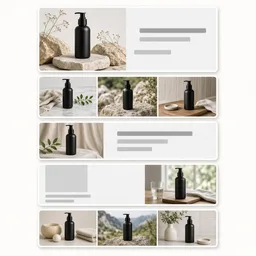
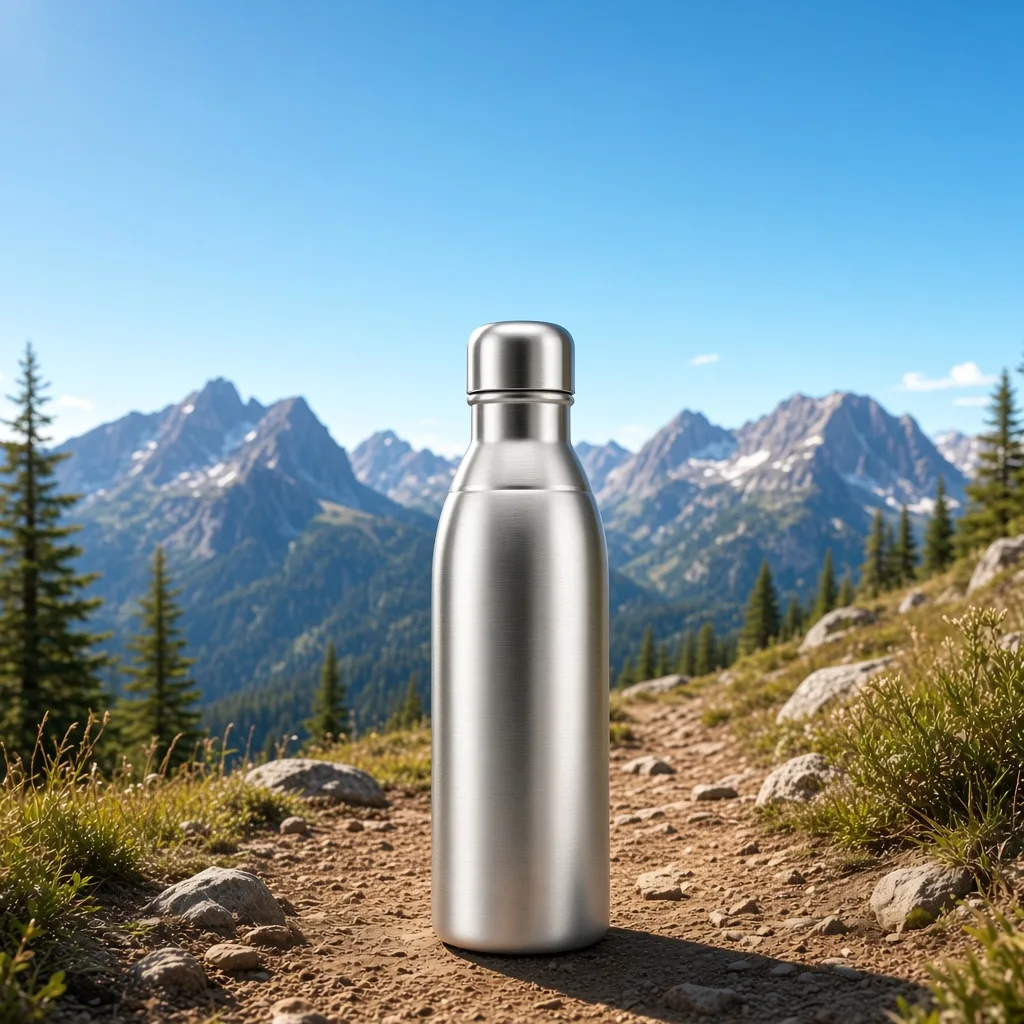
A wide hero module with the bottle on a mountain trail and a headline area
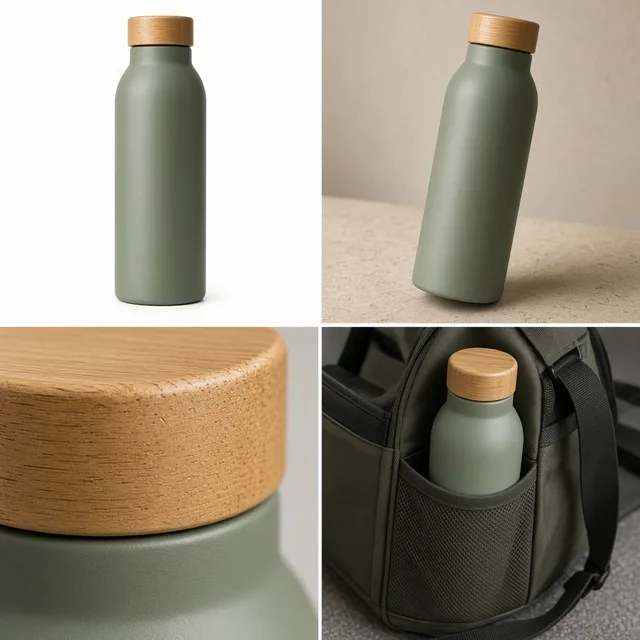
Detail module

Product → hero module

Detail Page Tools

Build the Modules, Then Finish the Page

After the AI product detail page generator builds your modules, add exact text, translate them or make more scenes with the tools below.

Listing Images
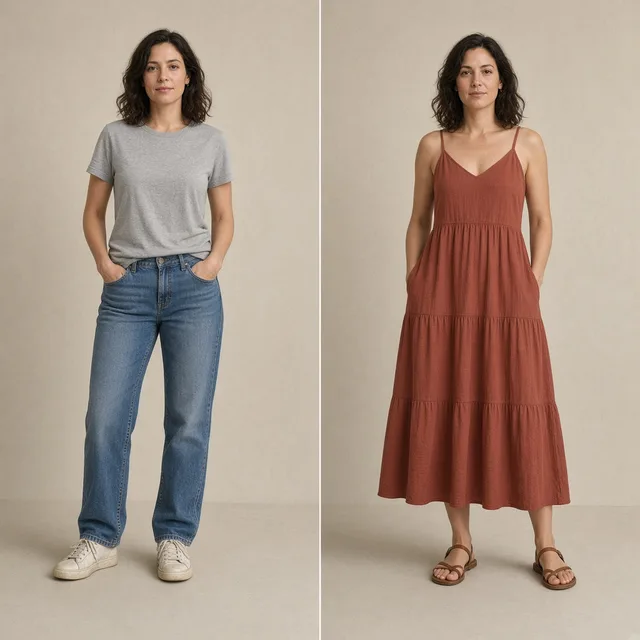
Listing ImagesA full listing image set at onceTry it →
Ad Creative
Ad CreativeScroll-stopping social ad visualsTry it →
AI Banner Generator
AI Banner GeneratorTurn a product photo into a store bannerTry it →
AI Ad Clone
AI Ad CloneRecreate a winning ad layout with your productTry it →

What it is

What Is an AI Product Detail Page Generator?

An AI product detail page generator turns one product photo into detail-page module images, the stacked images on a long product page or in A+ style content.

How it works

You choose a module: a hero with the product large and a headline area, feature callouts with clean lines and label boxes, detail close-ups of materials, an in-use scene, or a size and specs layout with dimension lines.

Then pick a visual look and a ratio, and write your selling points in the notes. Generate several modules in the same look and you have the draft of a whole page.

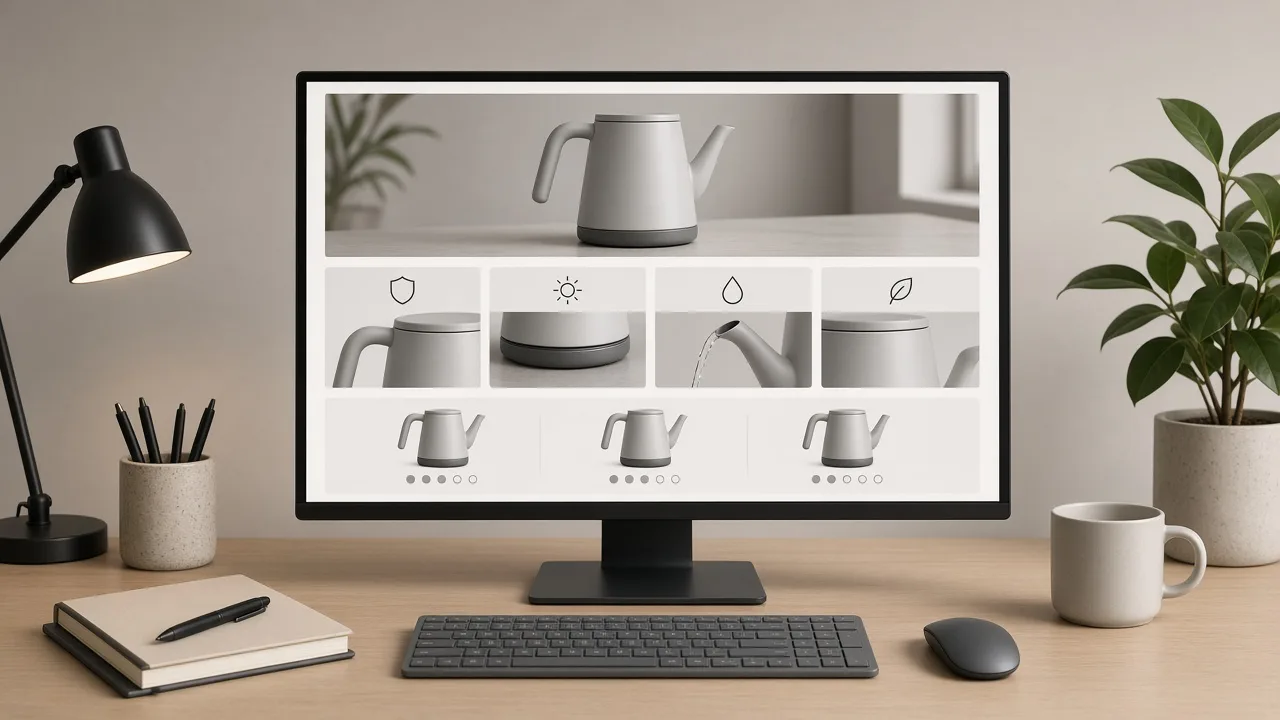
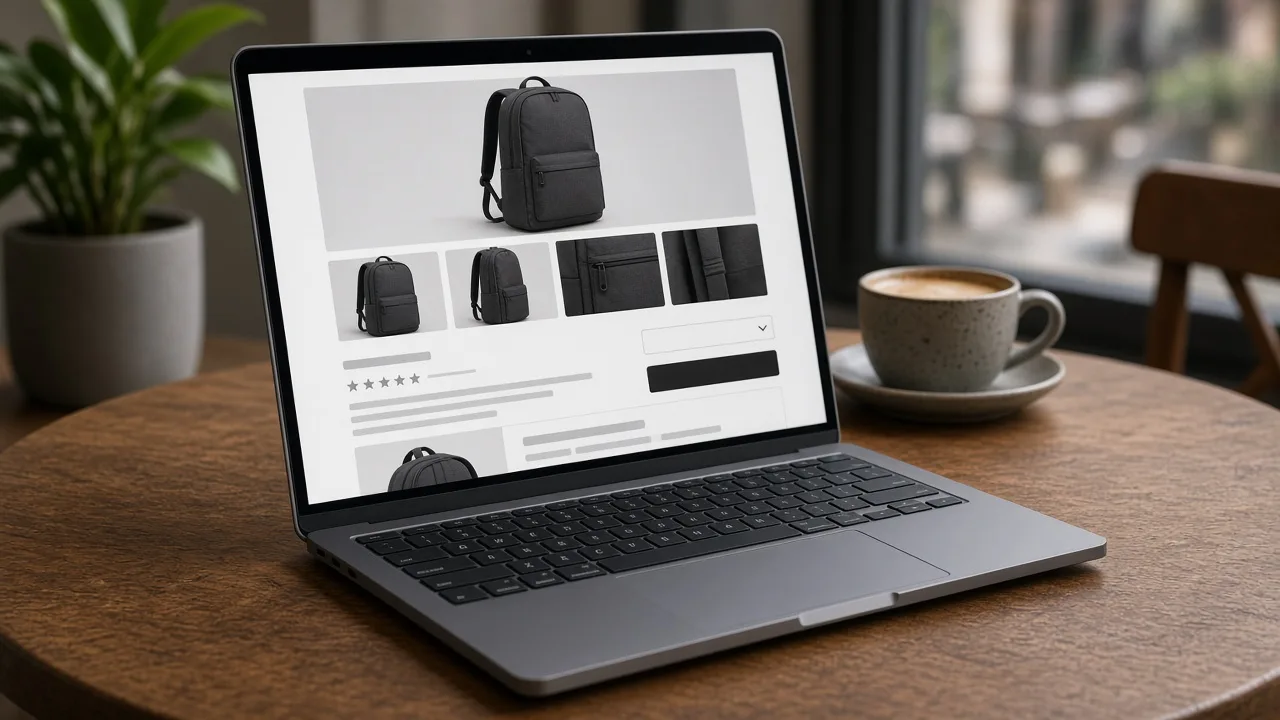
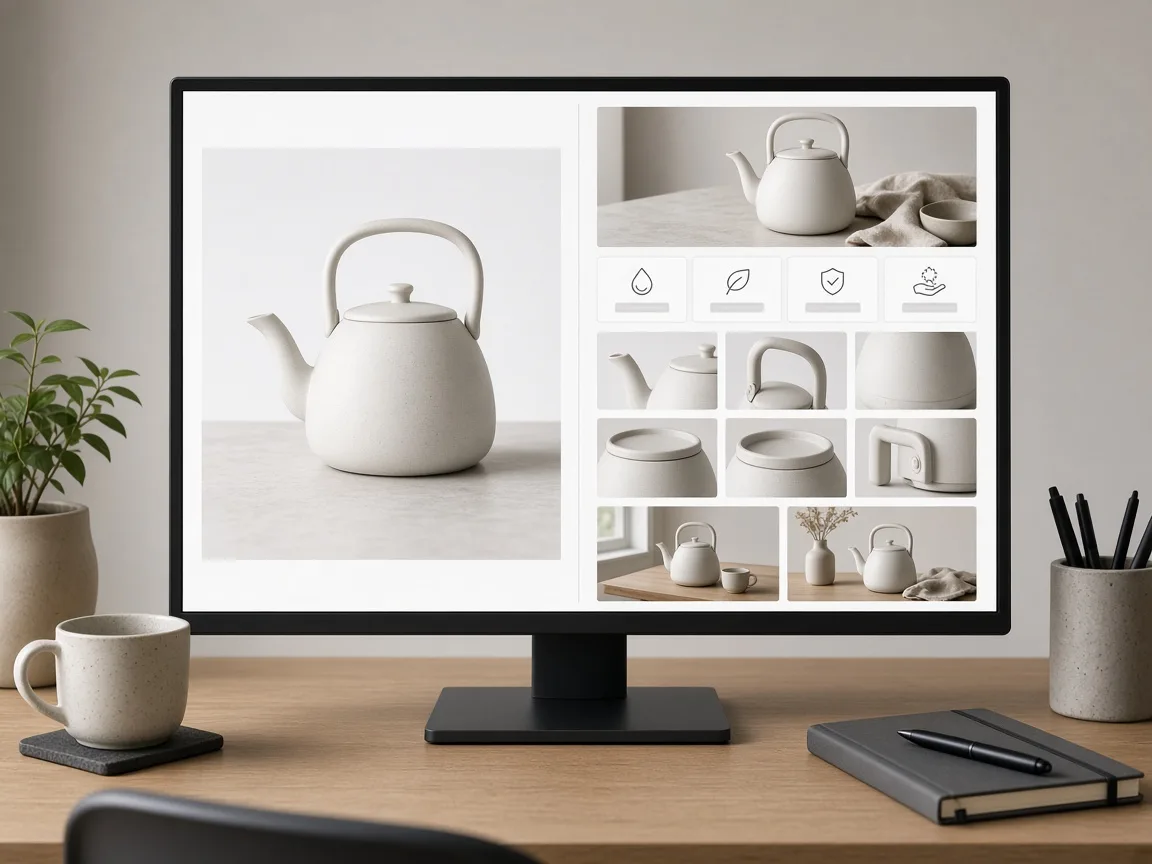
Monitor showing one product photo next to a stack of detail page modules made from it

Credits and how it runs

On ProductShot AI, each image uses 10 credits, and you can generate 1 to 4 images at a time. New accounts get one free generation. Each run takes one product photo, and you sign in to generate.

Results are saved to your history, so you can come back later or change the settings and generate again without re-uploading. The credits for each run are shown under the Generate button; start with one image, then generate more to choose from.
When it helps most, and how it differs from other tools

The generator works best when you have many products and each needs a long page: a new listing without A+ content, a store page with one hero photo, or a product refresh where the old modules no longer match.

It differs from the AI Banner Generator, which makes one wide store banner, and from AI Product Photography, which makes single scene photos. Use it to draft the modules, then finish text and numbers. Start with the three examples.

How to check a module

To check a module, look at four things in order. First the product: same shape, color and details as the real item. Then the layout: aligned, with consistent margins and room for text. Then the text and numbers: exact, true and filled by you.

Finally the set: every module in the same look, so the page feels like one brand. One rule matters beyond any setting: follow each marketplace’s rules for detail-page and A+ content, and never use other brands’ logos.

Five module types

Hero, features, details, in use, specs.

Matching looks

Keep a whole page in one style.

Empty labels by default

Add exact text yourself.

Your selling points

Write them in the notes.

Compare drafts

Generate 1 to 4 modules next to the product.

Clear pricing

10 credits per image, shown under the Generate button.

Why ProductShot AI

Built for Honest, Finishable Modules

Every setting is designed so the draft is easy to finish and nothing untrue sneaks in.

Clean layouts

Aligned modules with consistent margins.

One look per page

Choose a look and keep it for every module.

Empty label boxes

No guessed words by default.

Images used for your run

Uploaded images are used to generate your result.

Common notes in one click

Same style, accent color, headline space and more.

No invented claims

The brief forbids made-up numbers and certifications.

Module Types

Five Modules a Detail Page Needs

Each starts from one product photo and ends with one clean module image.

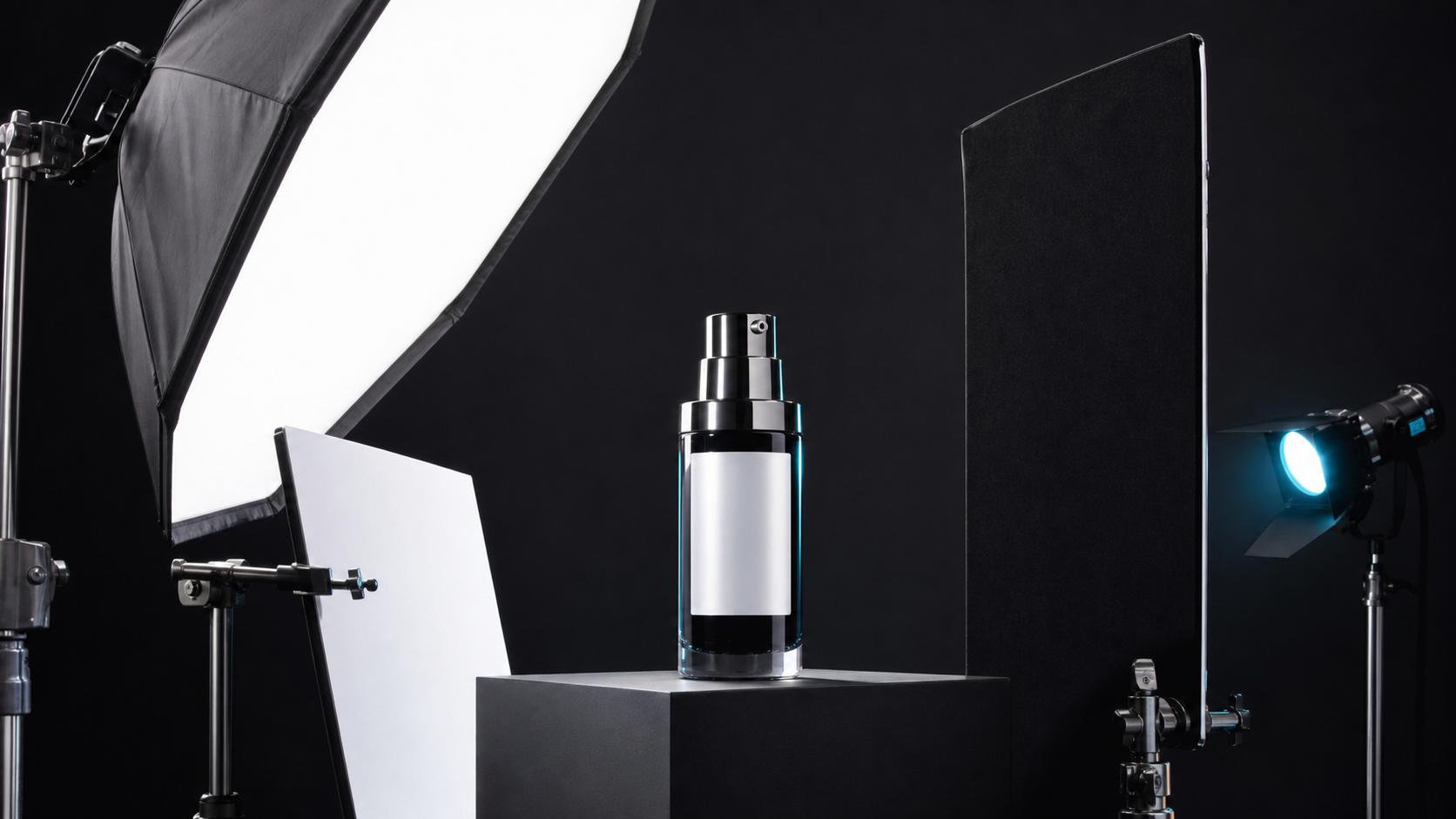
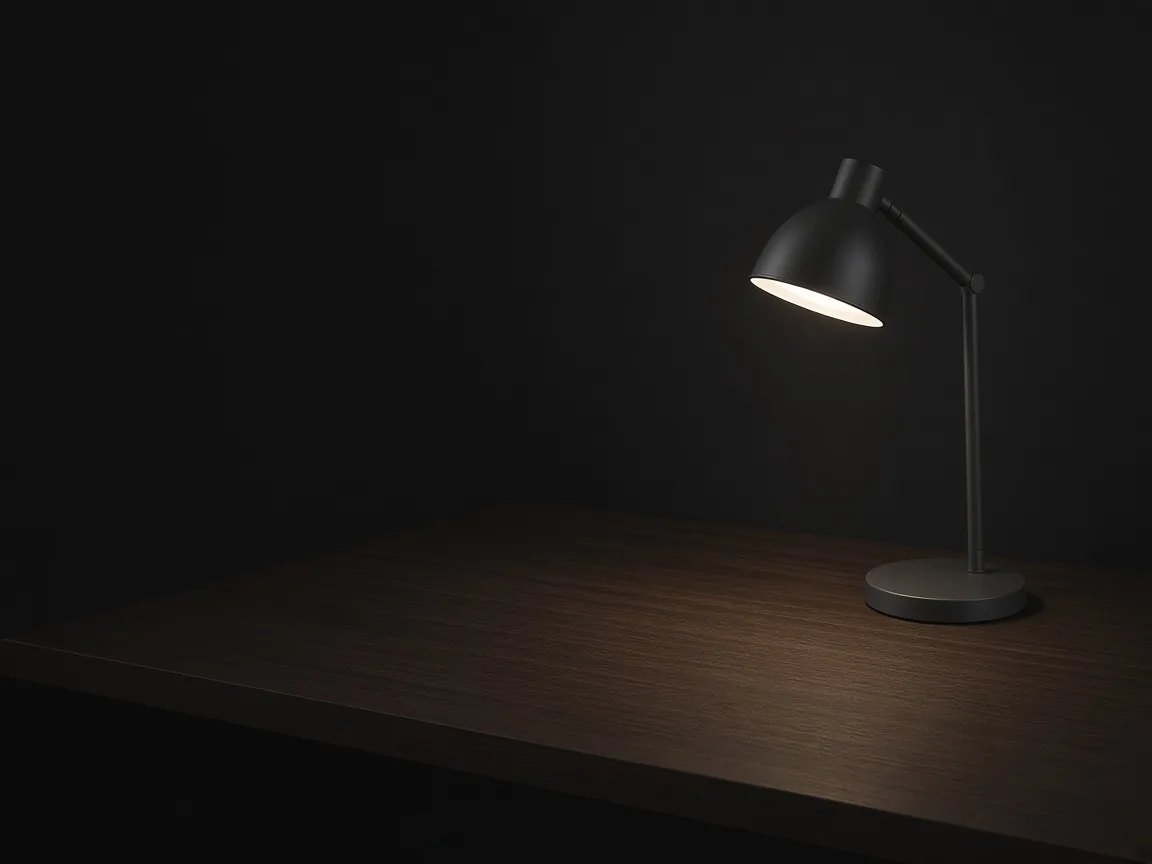
Wide hero module with an unbranded lamp on a dark desk and an empty headline area

Hero Module

The first image of the long page: the product large in a styled scene with room for a headline.

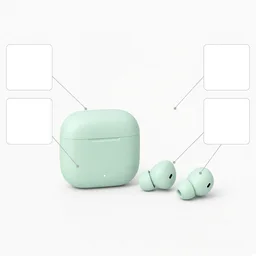
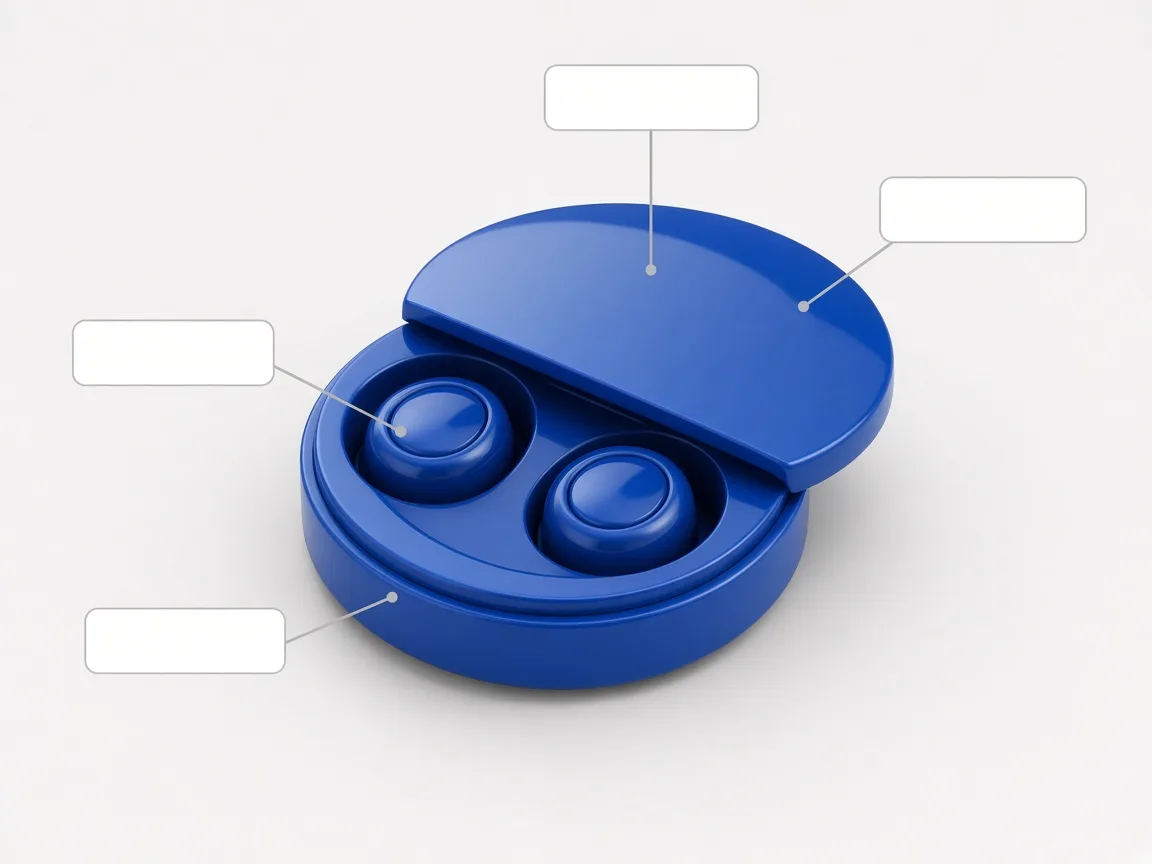
Unbranded earbuds case with callout lines and empty label boxes

Feature Callouts

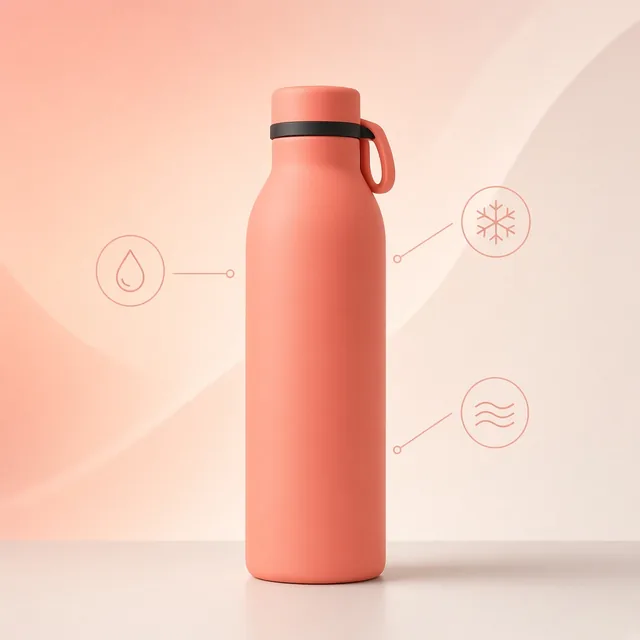
The product with clean callout lines and label boxes for your selling points.

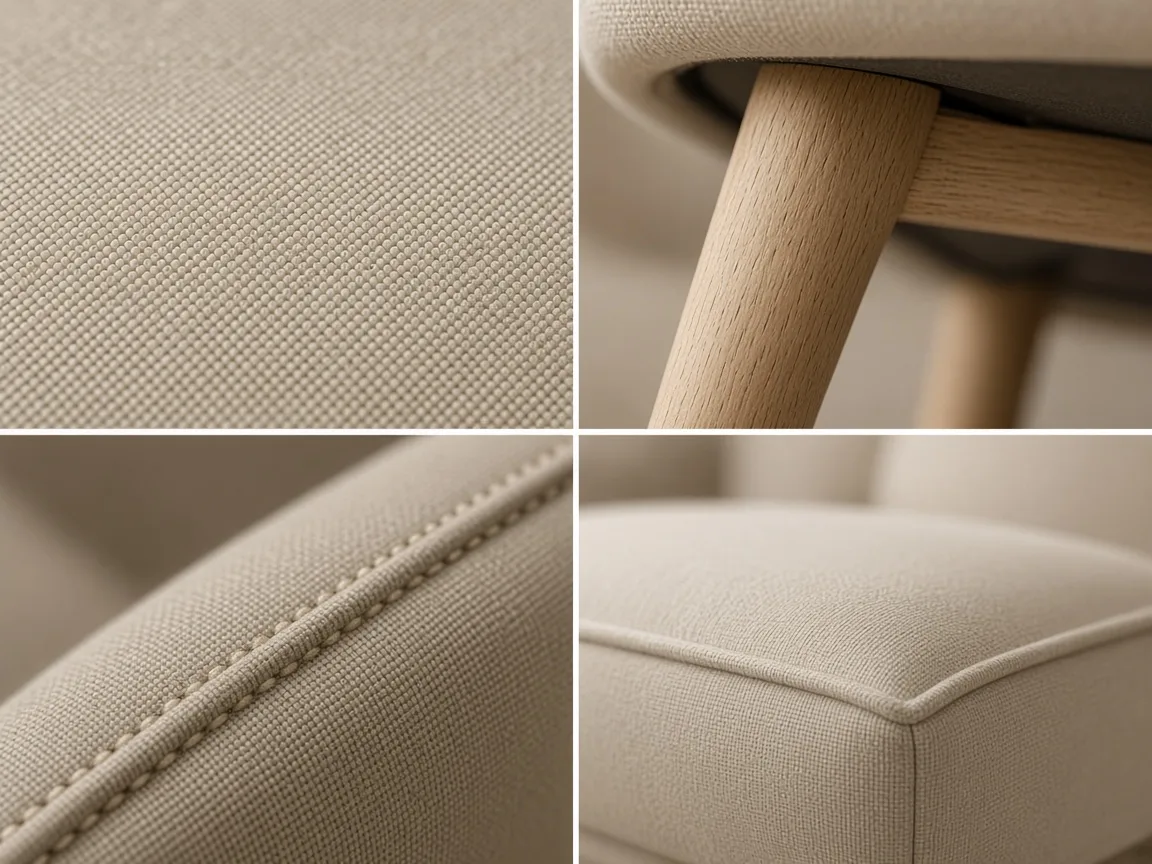
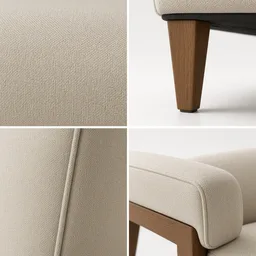
Grid of close-ups showing chair fabric weave and wooden legs

Detail Close-Ups

Two or three close-ups of materials and craftsmanship in a tidy grid.

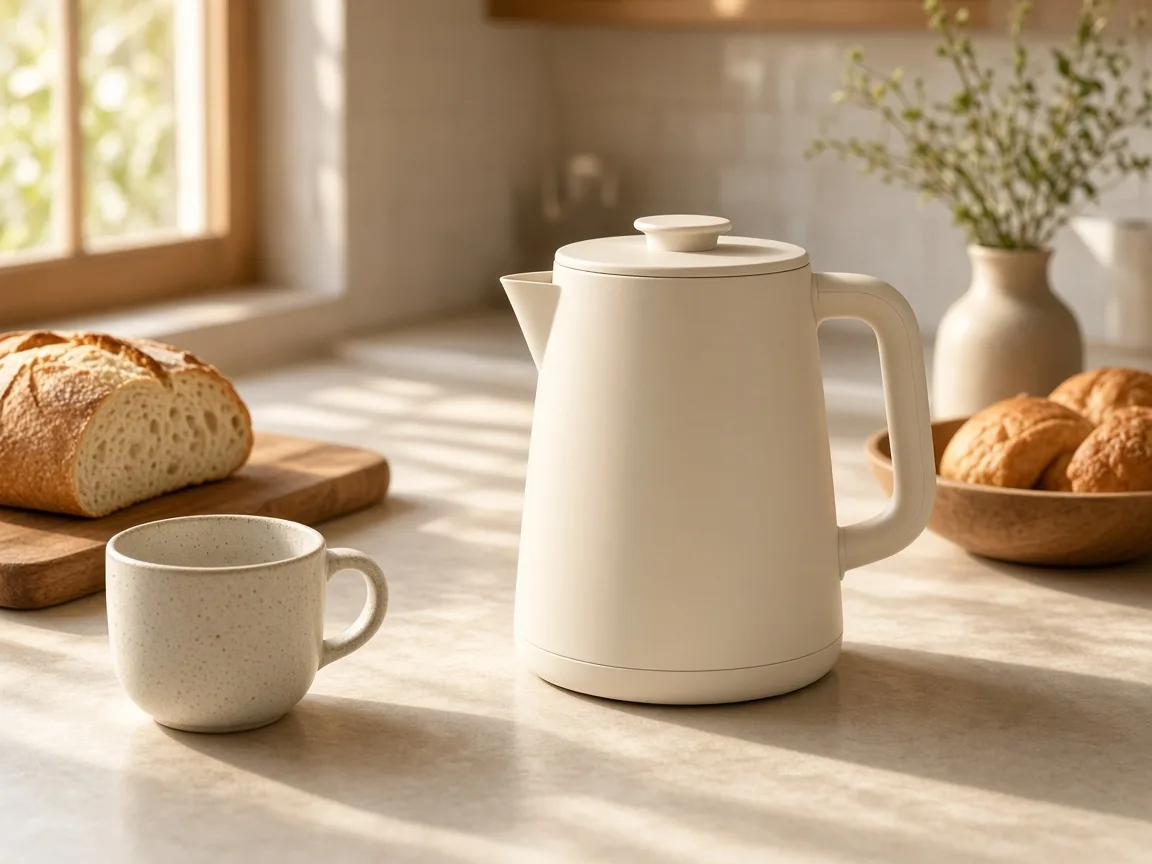
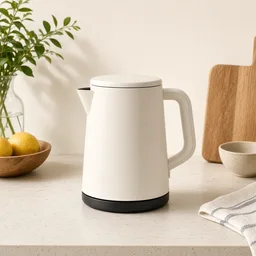
Unbranded kettle on a morning kitchen counter in warm light

In-Use Scenes

The product used in a realistic everyday setting.

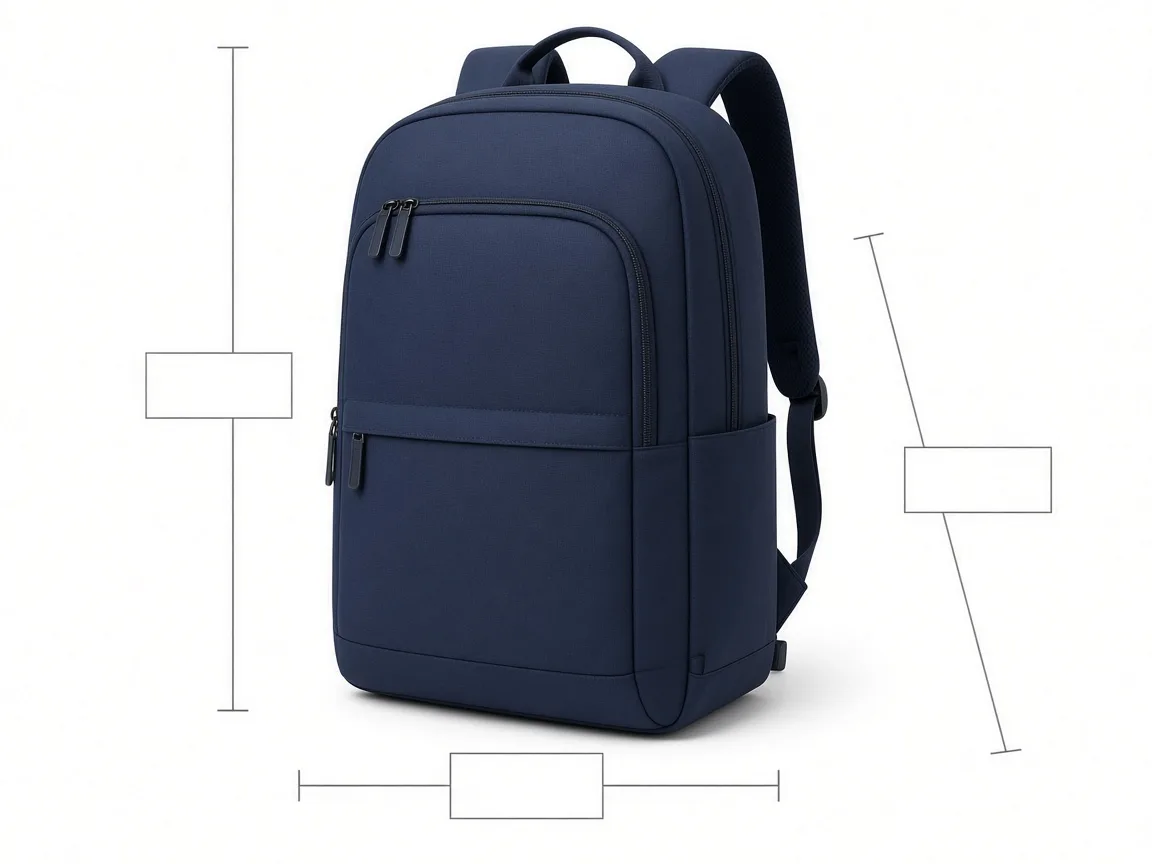
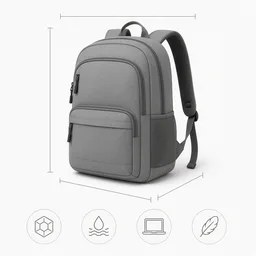
Unbranded backpack on white with thin dimension lines and empty label boxes

Size and Specs

The product front-on with dimension lines and empty boxes for real measurements.

By Channel

Where Detail Page Modules Get Used

Long product pages, A+ content and store sections all use the same kinds of modules.

How it works

Make Detail Page Modules With AI in 4 Steps

Upload a product, choose a module and look, generate and compare.

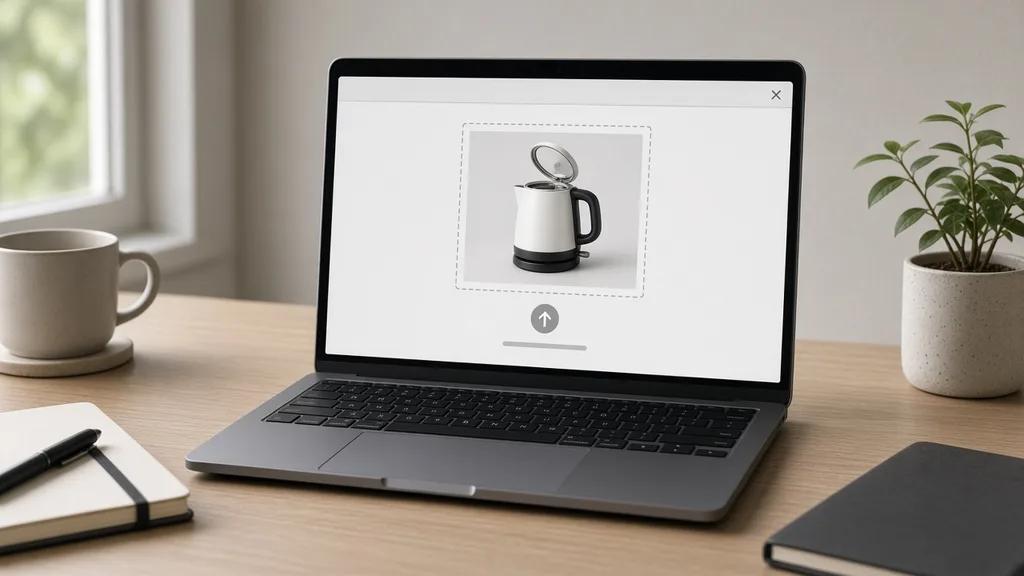
Laptop with an unbranded kettle photo open in an upload window
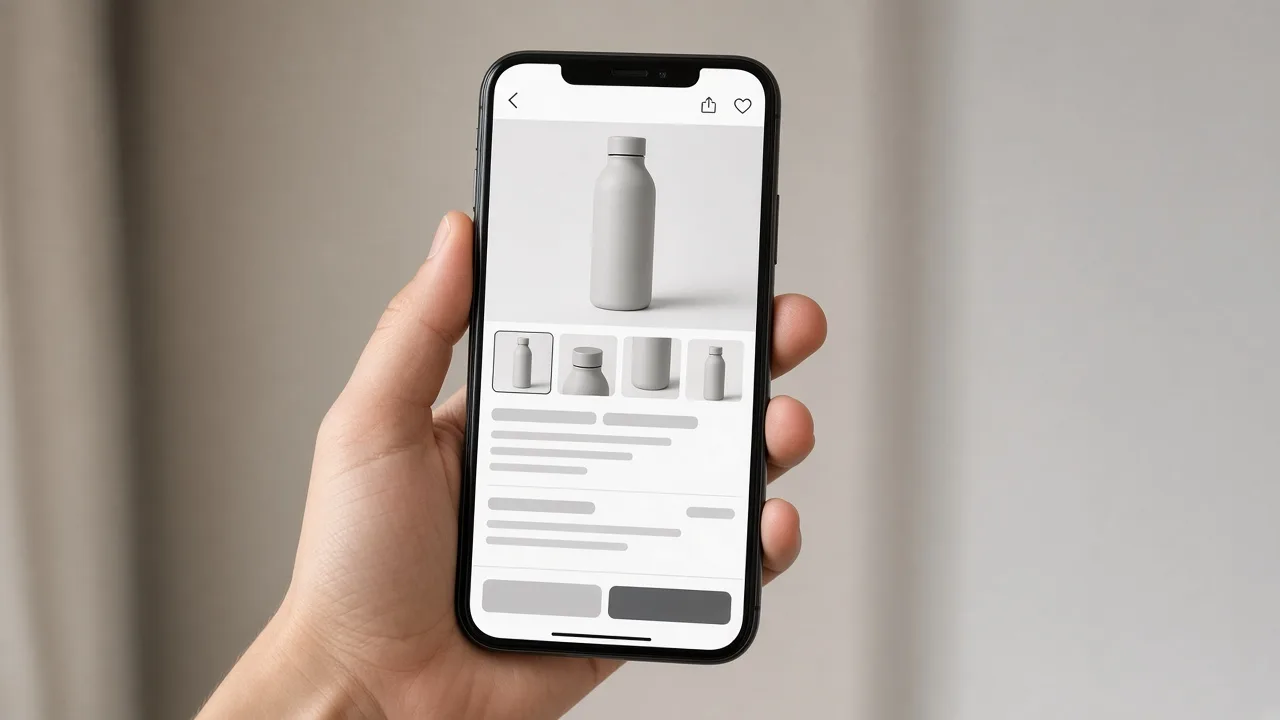
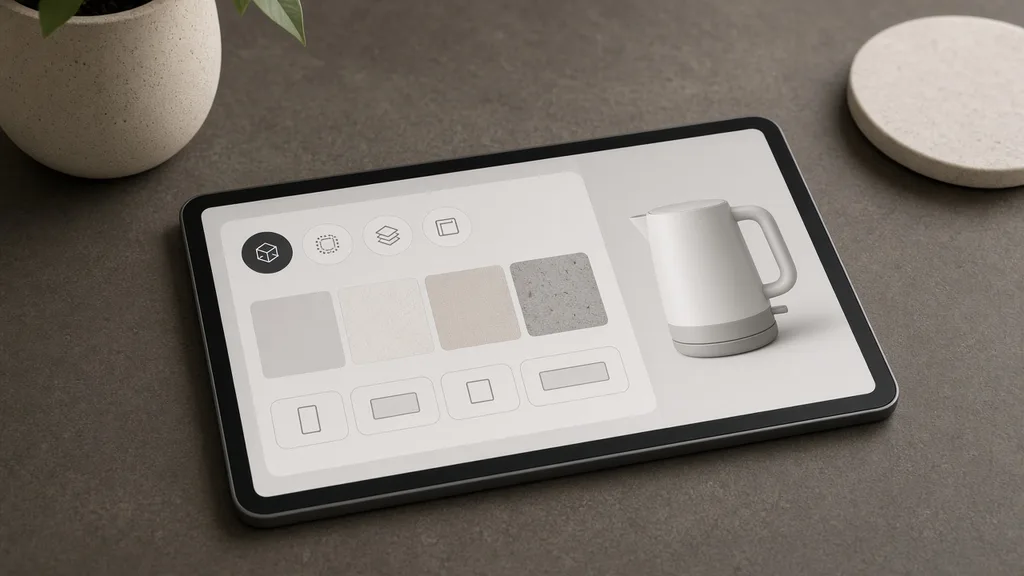
Tablet showing module type, visual look and ratio options
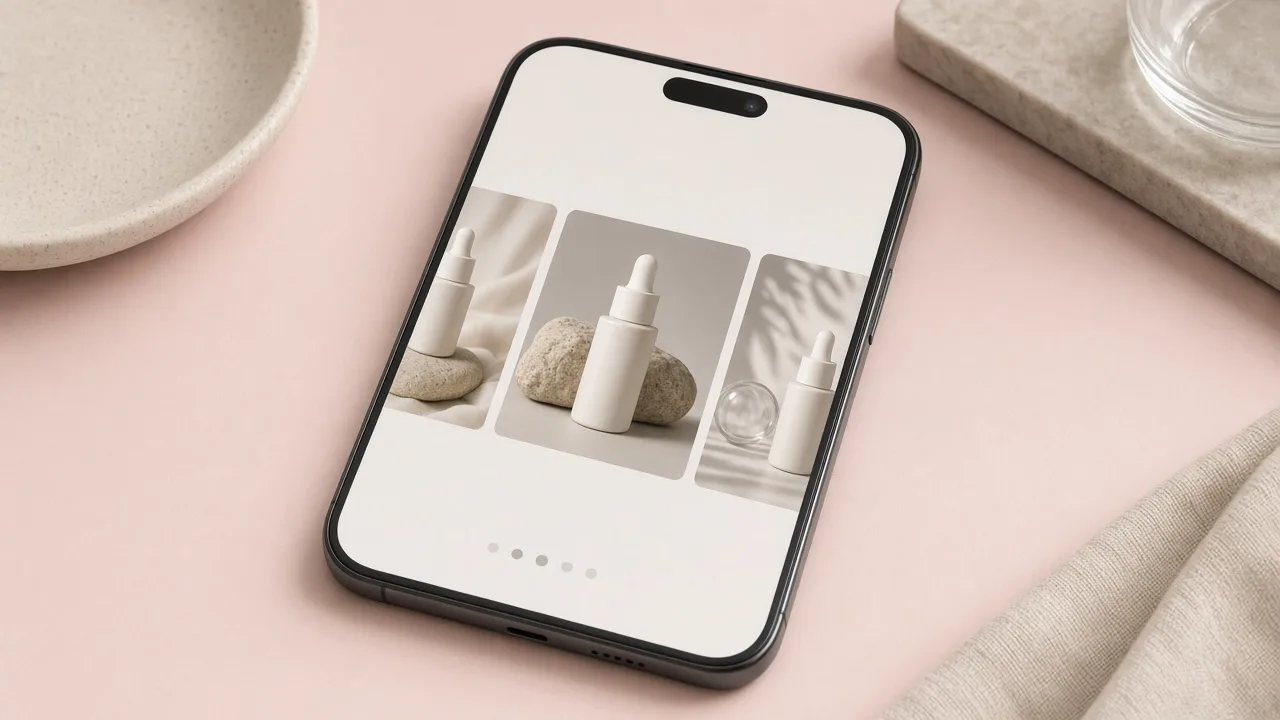
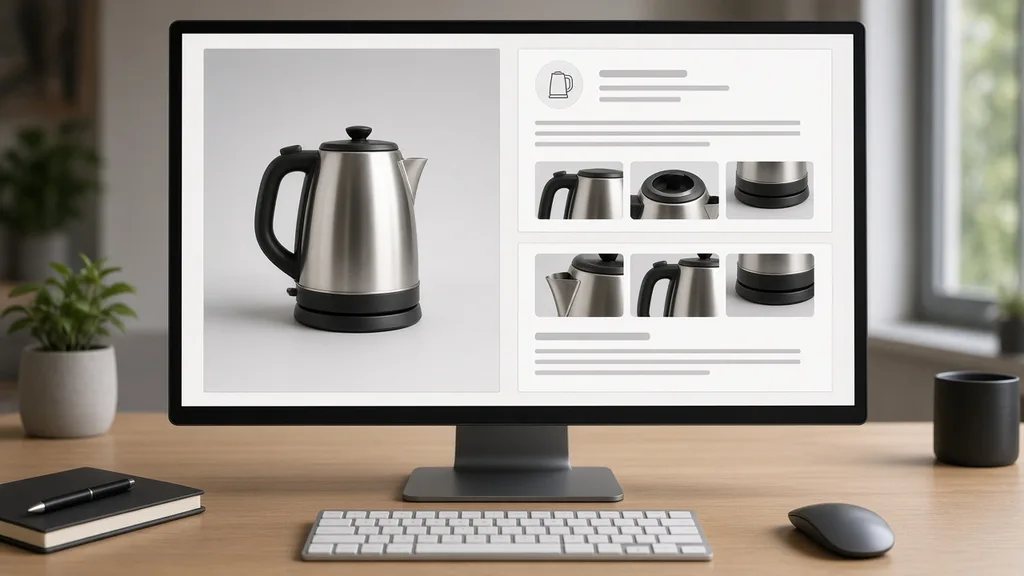
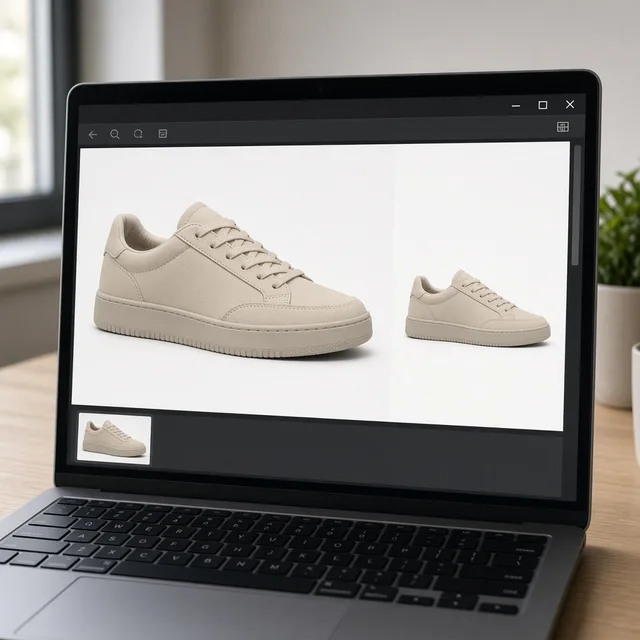
Monitor showing the product and two module drafts side by side
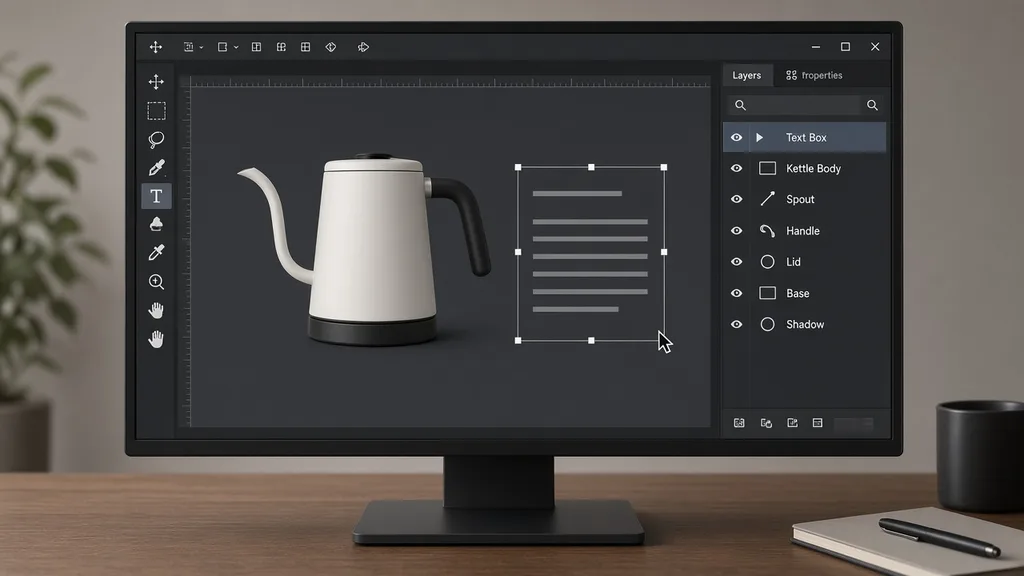
Design software adding exact label text to a module
01

Upload a Product Photo

Upload one clear product photo, JPG, PNG or WEBP up to 16MB. Or start from one of the three examples.

02

Choose Module and Look

Choose hero, feature callouts, detail close-ups, in use or size and specs, a visual look and a ratio. Write selling points in the notes.

03

Generate and Compare

Generate 1 to 4 modules at 10 credits each. The result area shows the product next to every module.

04

Add Exact Text and Export

Labels are empty by default. Add exact words and real measurements in the Text Editor or your design software, then check everything.

Method comparison

AI Detail Page Modules vs a Designer

Three ways to build a detail page.

Multiple

output styles

Reference-led

direction

Built-in

before-and-after review

Traditional Workflow

Hire a Designer for Each Page

Brief, shoot extra photos, design each module, revise.

Cost
Design fee per page×
Turnaround
Days per page×
What You Need
Extra photos and a design brief×
Another Module
Design it from scratch×
Text and Numbers
Exact, set by the designer×
Accuracy
Matches the real product×
ProductShot AI

AI Detail Page Modules

Upload one product photo, choose a module, and get drafts to finish.

Cost
10 credits per image; new accounts get one free generation✓
Turnaround
Results appear on the page when generation finishes✓
What You Need
One product photo and your selling points✓
Another Module
Choose another module and generate again✓
Text and Numbers
Empty boxes by default; you fill and check them✓
Accuracy
Generated; check the product and every detail✓

Tips

Three Ways to Get Better Detail Page Modules

The product photo and your notes decide most of the result.

Prepare the photo

  • Use one clear, sharp product photo with the whole product in frame.
  • Plain backgrounds work best.
  • For close-ups, a higher resolution photo helps.
  • Use the same photo for every module in one page.

Write the notes

Selling points + accent + style

Notes can cover these three things:

  • Selling points: waterproof, 30-hour battery, 220 g.
  • Light blue accent color.
  • Same style as my other modules.

Avoid these mistakes

  • Do not publish a module without checking the product against the real item.
  • Do not let the image state numbers or claims you cannot prove.
  • Do not skip checking every label character.
  • Do not use other brands’ logos.

Further reading

Articles on listings, A+ content and product photos.

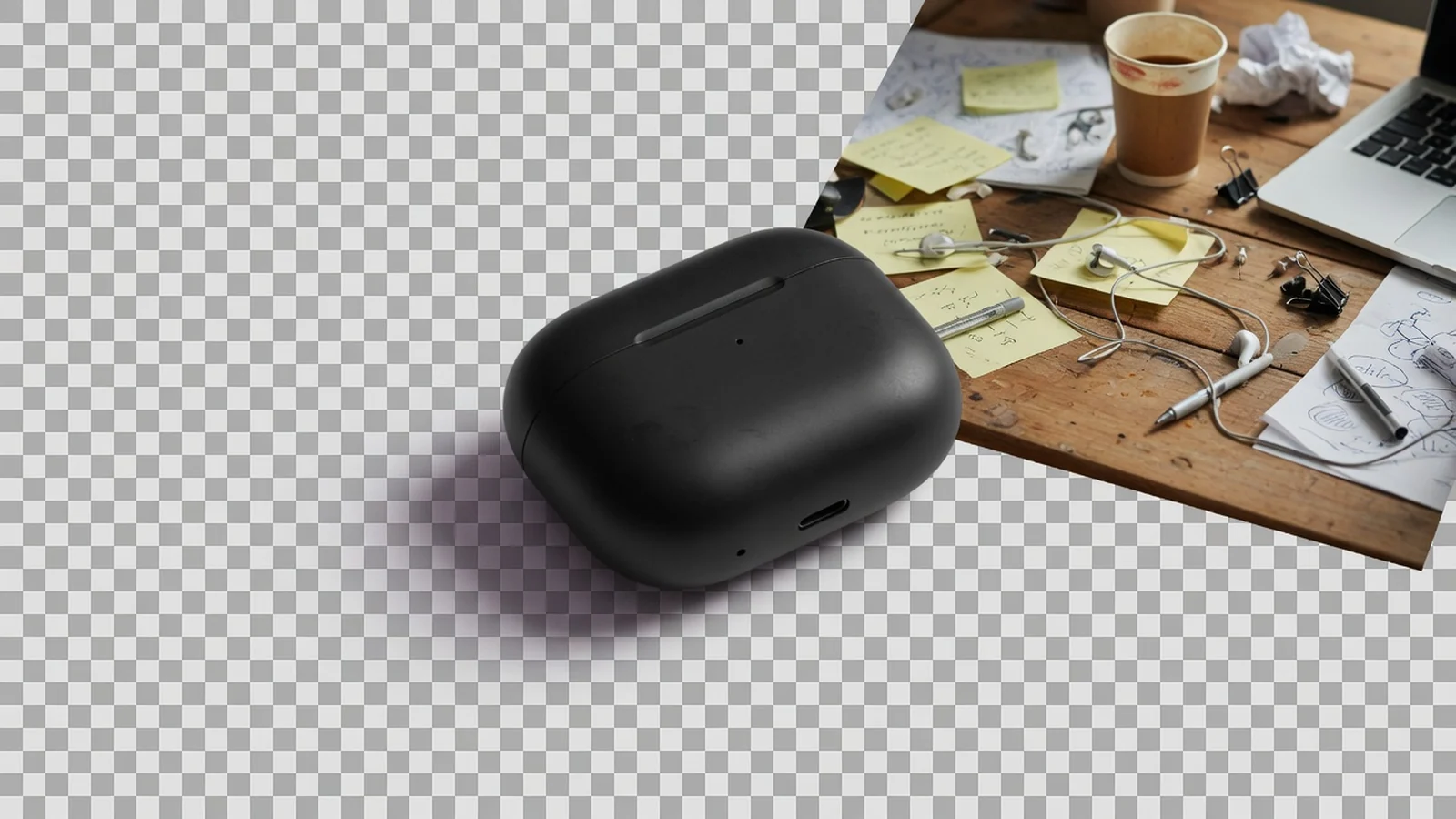
Product Image Clarity for Listings: Fix Soft Supplier and Marketplace PhotosWorkflow
Jul 15, 202610 min read

Product Image Clarity for Listings: Fix Soft Supplier and Marketplace Photos

How ecommerce teams prep soft supplier packs and re-exported marketplace images with free browser clarity enhancement before Amazon and Shopify uploads.

Read Article
Product Background Removal for Ecommerce Listings: A Practical Cutout GuideWorkflow
Jul 15, 202610 min read

Product Background Removal for Ecommerce Listings: A Practical Cutout Guide

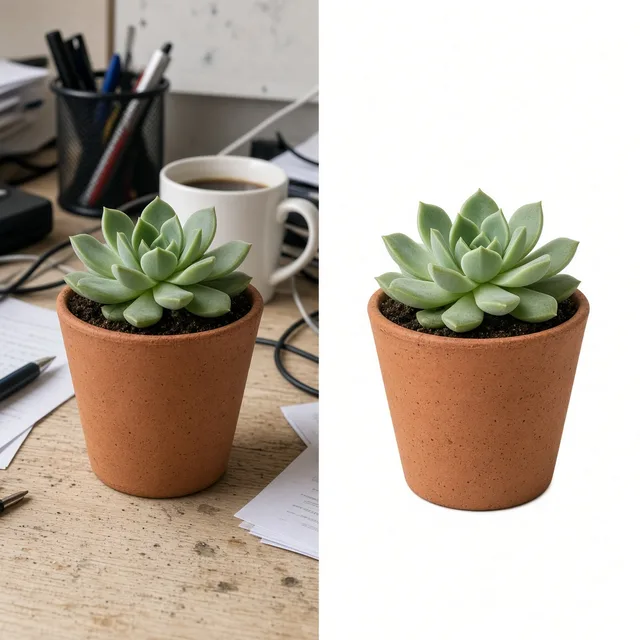
Learn when free product background removal helps listing prep, which source photos work best, and how cutouts fit Amazon and Shopify workflows.

Read Article
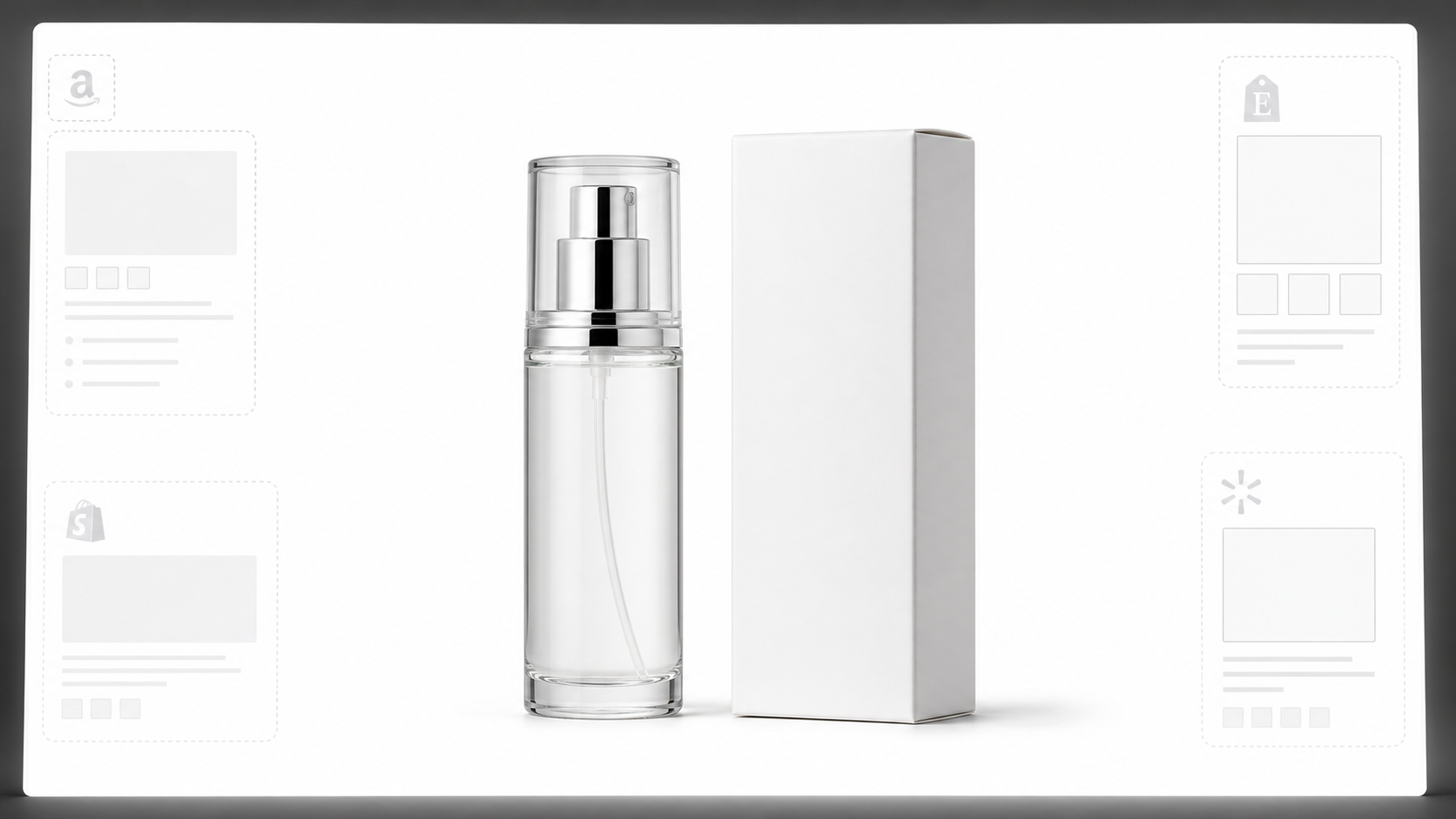
The Real Problem With White Background Product Photos (And How I Solved It)White Background
Jun 18, 20268 min read

The Real Problem With White Background Product Photos (And How I Solved It)

Learn why white background product photos are harder than they look, how platform rules differ, and how to preserve details.

Read Article
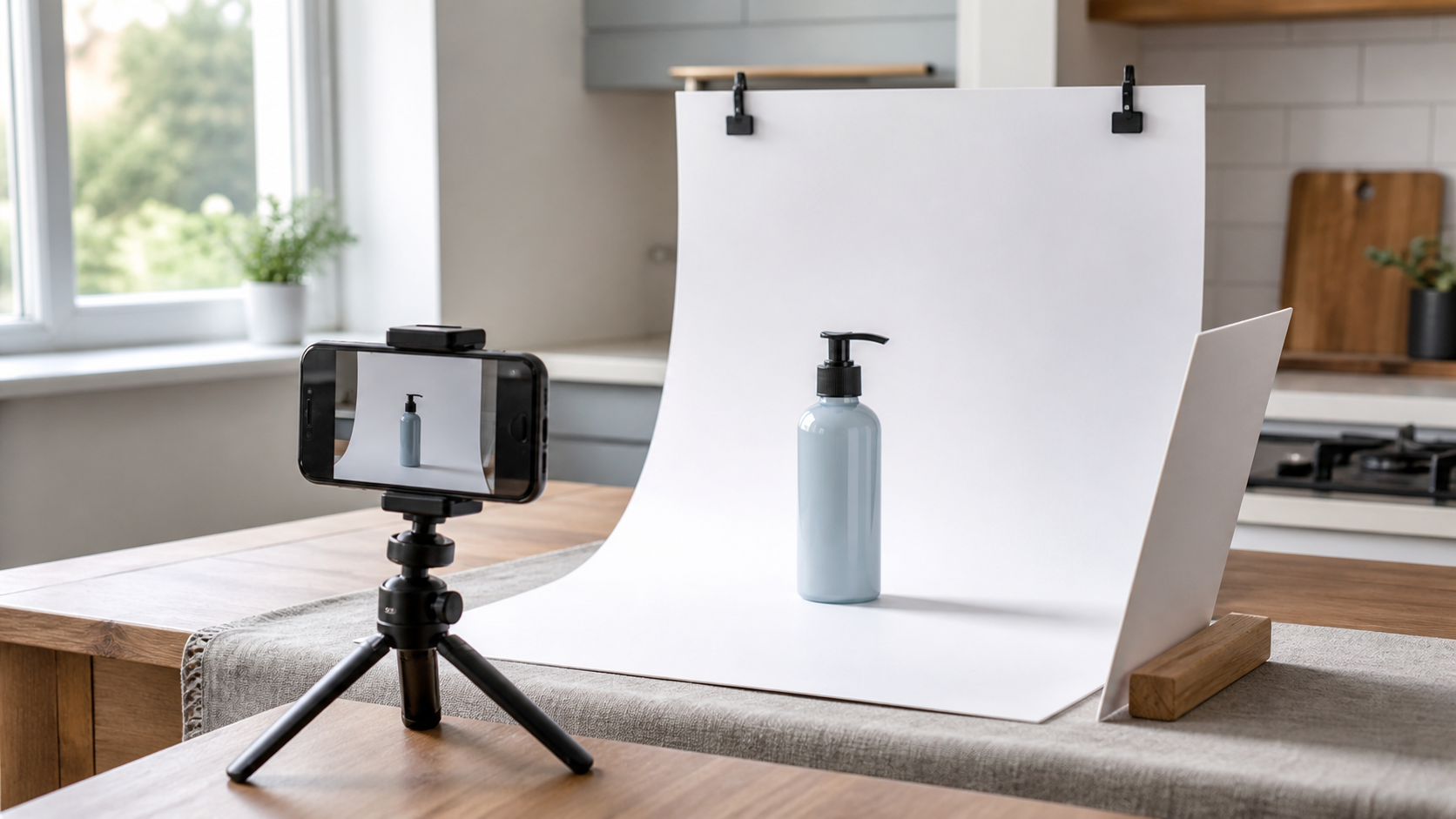
How to Take Professional Product Shots Without a Studio (or a Degree in Photography)Workflow
Jun 17, 20268 min read

How to Take Professional Product Shots Without a Studio (or a Degree in Photography)

A practical workflow for taking sellable ecommerce product photos with a phone, simple setup, and AI-powered variations.

Read Article
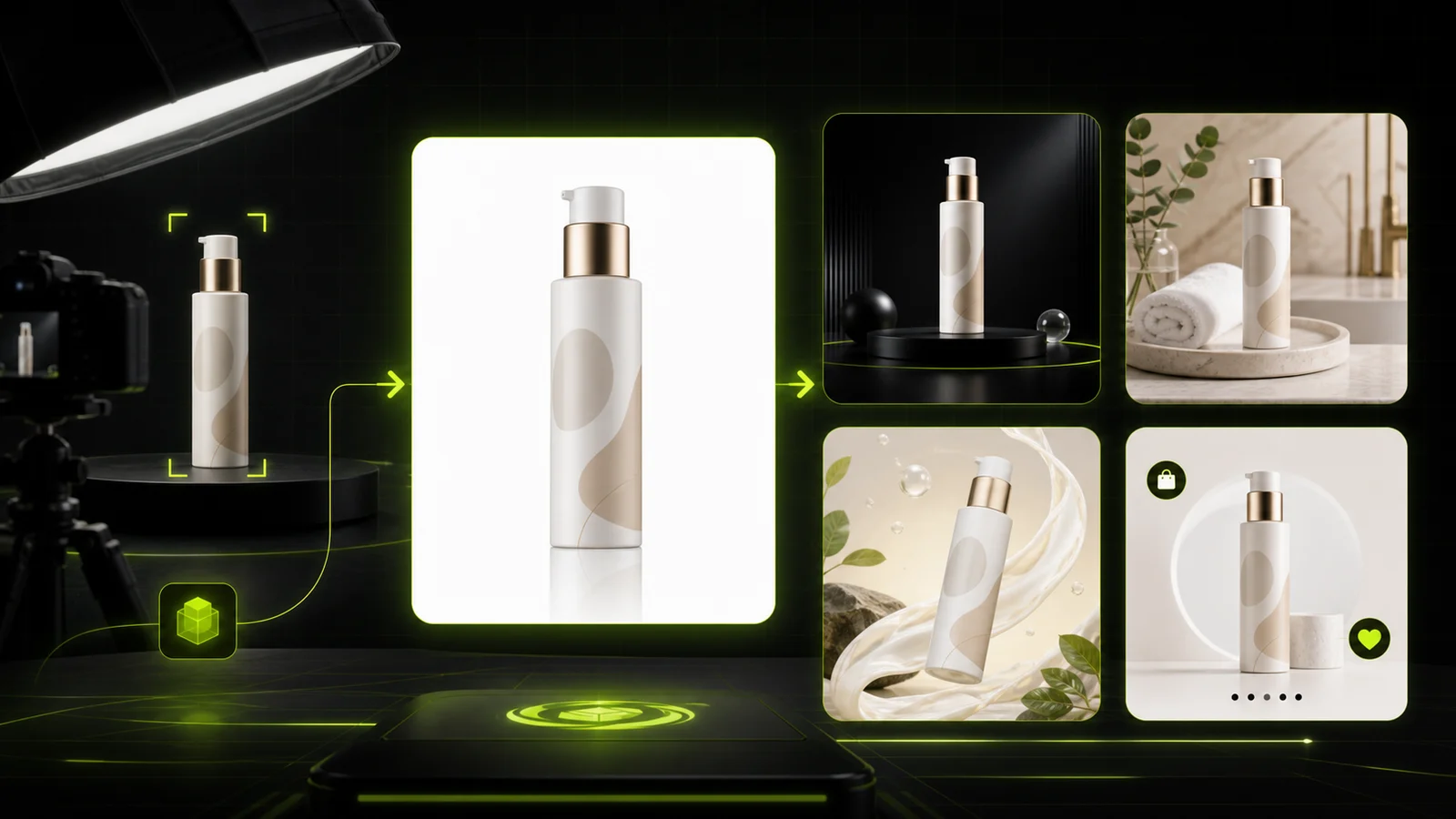
AI Product Photography Generator Guide: 7 Best Tools for 2026Guide
Jun 23, 20268 min read

AI Product Photography Generator Guide: 7 Best Tools for 2026

Compare AI product photography generators for white background images, studio shots, lifestyle scenes, and ecommerce campaign visuals.

Read Article
It Took Me Two Years to Understand Product Photography LightingLighting
Jun 20, 20268 min read

It Took Me Two Years to Understand Product Photography Lighting

A practical guide to product photography lighting, soft light, fill light, backlight, reflection control, and difficult materials.

Read Article
Reviews

How Sellers Use the AI Product Detail Page Generator

Feedback from some of our users. Thumbnails show products from their categories.

Kettle in a warm kitchen module
Ms. Wang

“The in-use module for our kettle looked like a real morning kitchen. I added the text myself.”

Home goods seller
Earbuds callout module
Mr. Li

“Feature callouts with empty boxes are perfect: I fill the exact specs in design software.”

Electronics seller
Chair detail close-up grid
Ms. Zhang

“Detail close-ups of fabric and legs, without a second shoot. I check the color against the real chair.”

Furniture brand
Stacked A+ style modules
Mr. Chen

“A full A+ draft in one afternoon. I still check every module against Amazon’s rules.”

Amazon seller
Backpack specs module
Ms. Liu

“The specs layout has empty boxes, so I type our real measurements. Once the product shape drifted and I regenerated.”

Bag shop
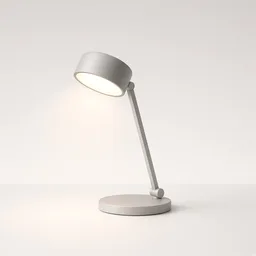
Lamp hero module
Ms. Zhou

“Hero modules in the same tech look for six lamps make the store feel consistent.”

Lighting store

FAQ

AI Product Detail Page Generator FAQ

Credits, modules, text and rules.

Each image uses 10 credits, and you can generate 1 to 4 modules at a time. New accounts get one free generation.

Hero, feature callouts, detail close-ups, in-use scenes and size and specs layouts.

Labels are empty by default. Choose “Use my words” to render exact words from the notes, and check every character.

No. Specs modules have empty boxes; fill real measurements yourself so nothing is guessed.

It makes A+ style module images. Follow Amazon’s A+ rules and image specs when you upload.

Yes. Use the same look, ratio and notes for every module.

It is meant to stay the same, but generated images can drift. Compare every module with the real item.

No. Never add claims, numbers or certifications the product does not have.

The banner generator makes one wide store banner; this tool makes the stacked modules of a product page.

In your history. Choose another module and generate again without re-uploading.

Ready to Build Your Detail Page?

Upload one product photo and choose a module. 10 credits per image, and new accounts get one free generation. Fill exact text and real measurements yourself, then check every module.

Start Free →