



30:00:00
50% OFFLimited Time Deal: Today only 50% OFF — miss it once, wait six monthsGet 50% Off

AI Flyer Generator

Upload the product, choose type, style and ratio, and generate. Check every word before printing.

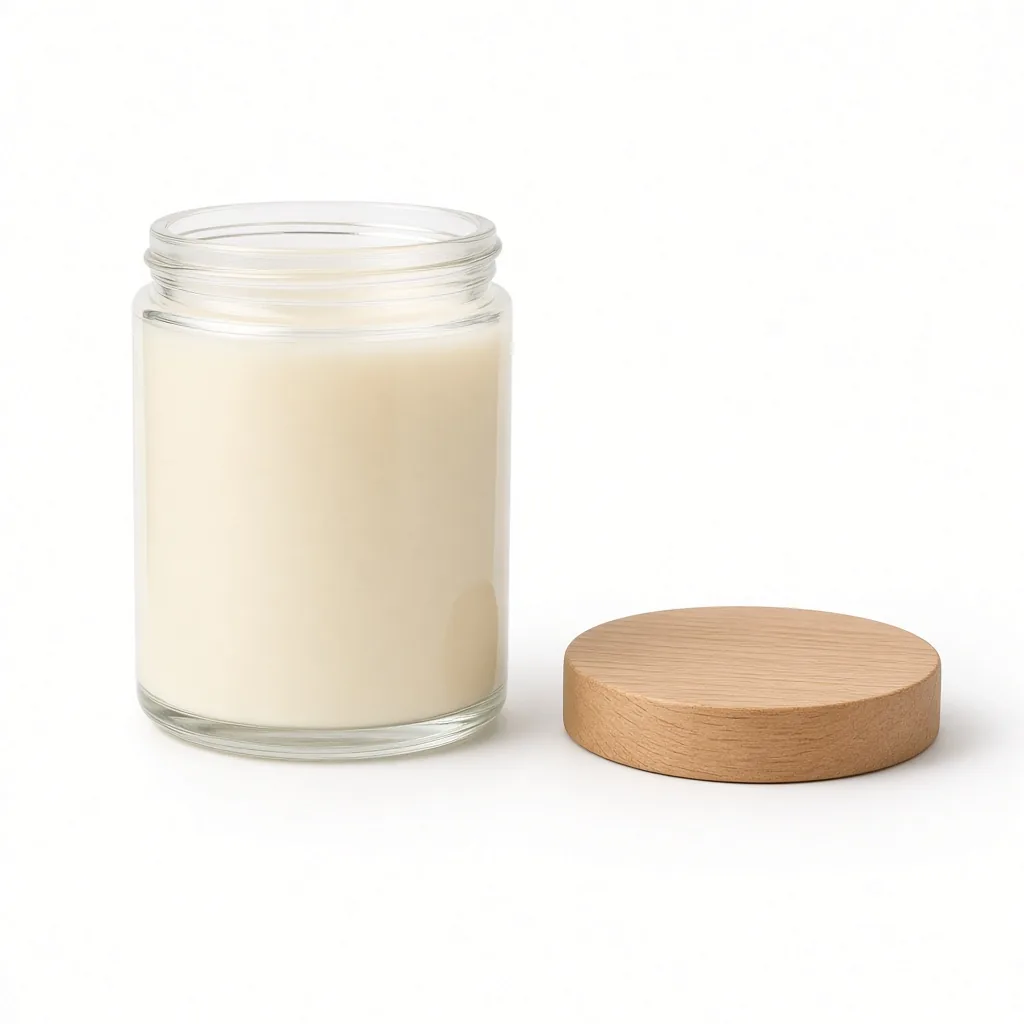
Unbranded soy candle on white
Product
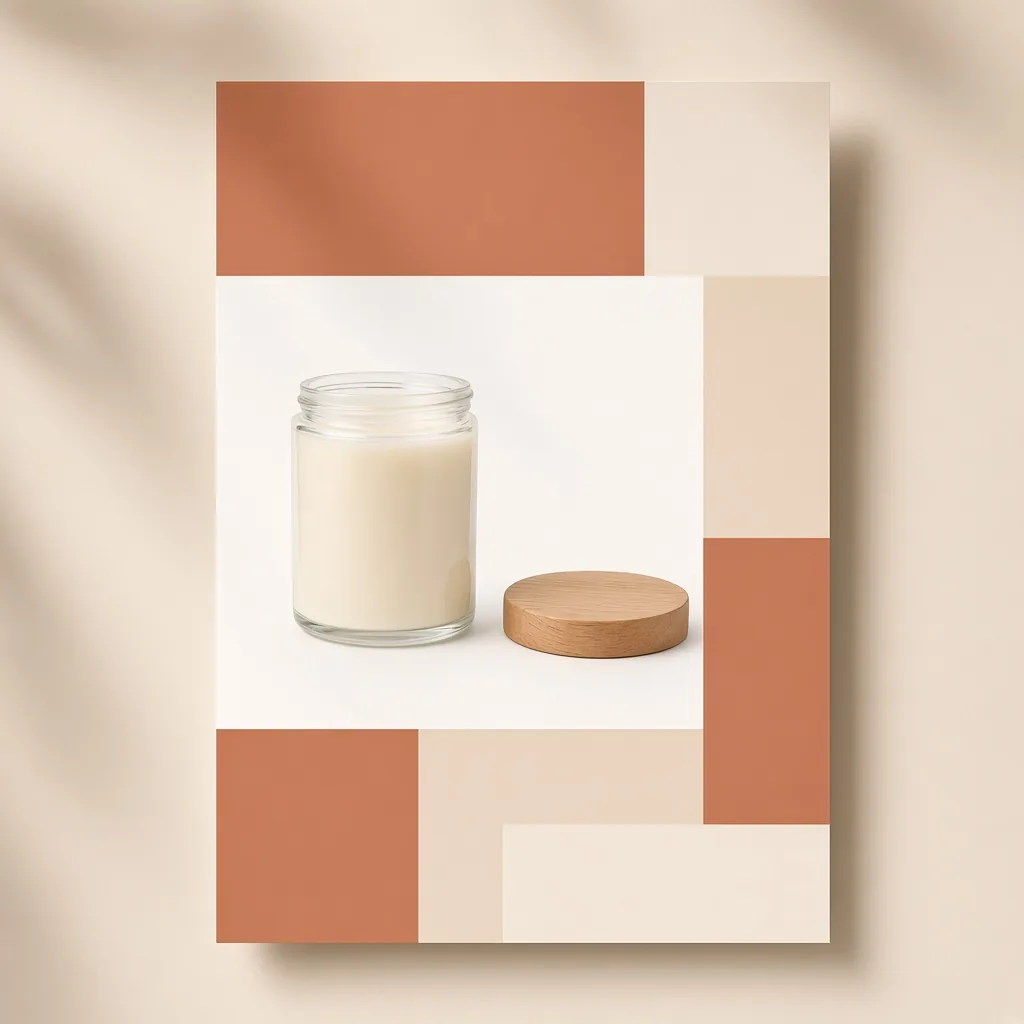
A 3:4 sale flyer with the candle, color blocks and empty headline and detail areas
Flyer

Product → sale flyer with text areas

Promo Tools

Make the Flyer, Then Keep Going

After the AI flyer generator designs your flyer, edit the words, upscale for print or make web banners with the tools below.

Listing Images
Listing ImagesA full listing image set at onceTry it →
Ad Creative
Ad CreativeScroll-stopping social ad visualsTry it →
AI Banner Generator
AI Banner GeneratorTurn a product photo into a store bannerTry it →
Detail Page Generator
Detail Page GeneratorBuild A+ detail modules from one photoTry it →

What it is

What Is an AI Flyer Generator?

An AI flyer generator turns a product photo into a promotional flyer design.

How it works

You upload the product, choose a flyer ratio, a flyer type (sale promo, new product, event or pop-up, or product menu), a design style, and how the text is handled.

The AI builds a layout around your product with a clear headline area, a details area and safe margins, ready for printing or sharing.

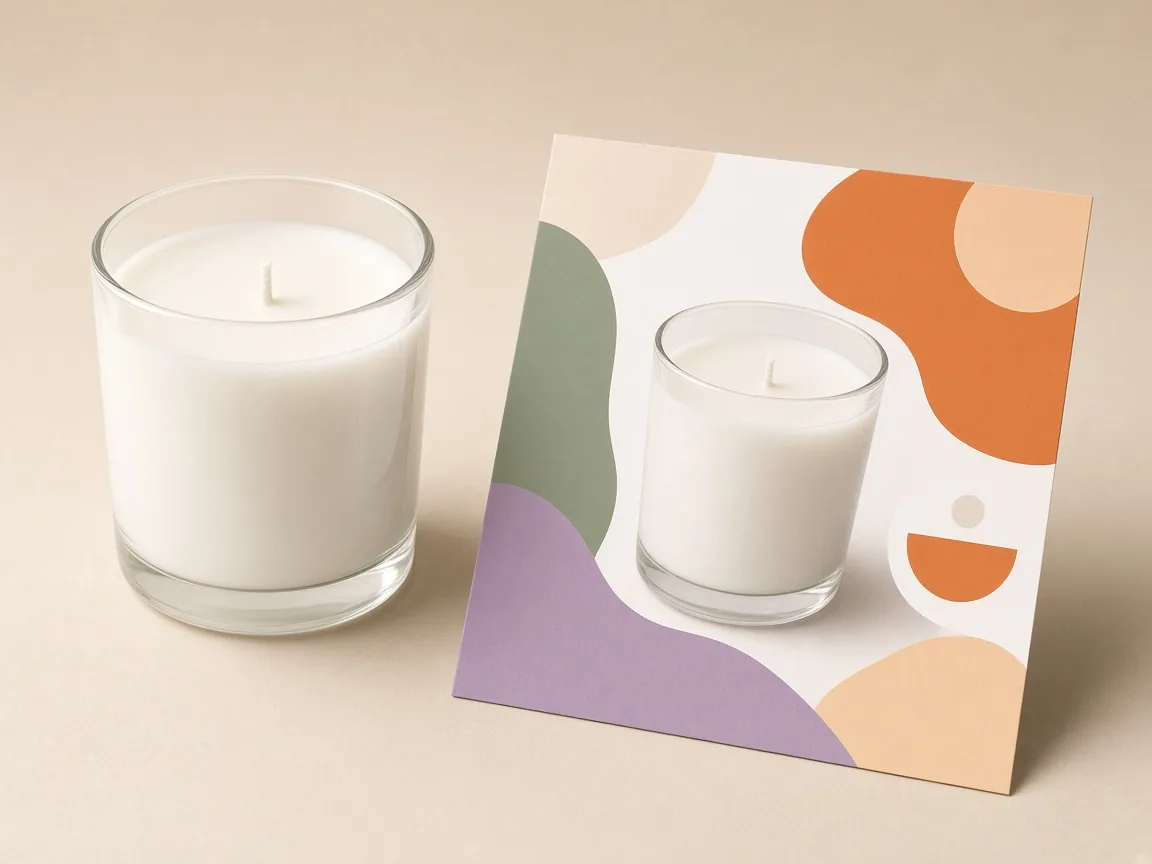
An unbranded candle photo next to a printed sale flyer built around it

Credits and how it runs

On ProductShot AI, each image uses 10 credits, and you can generate 1 to 4 images at a time. New accounts get one free generation.

You sign in to generate, and results are saved to your history, so you can try another style or flyer type without re-uploading the product. The credits for each run are shown under the Generate button.
Which ratio to choose

Pick the ratio by where the flyer goes. 3:4 suits printed flyers and posters, 4:5 works for social posts, 9:16 for stories and 1:1 for chat groups and small inserts.

For print, plan to upscale the final image and keep important content away from the edges, because printers trim a few millimeters.

Which flyer type to choose

Each flyer type sets a different layout. A sale promo leaves big space for the offer. A new product flyer makes the product the hero. An event or pop-up flyer leaves room for the date and place.

A product menu puts one hero product at the top and a clean list area below for your items and prices.

How it differs from other design tools

It differs from the AI Product Poster Generator, which makes large visual posters, and the AI Banner Generator, which makes wide web banners. The flyer generator focuses on one-page promotional layouts with room for practical details.

After generating, use the AI Image Text Editor to change words and the AI Image Upscaler for print size.

How to check a flyer

To check a flyer, look at four things in order. First the product: same shape, color, label and logo. Then the text: every word spelled exactly, every offer true. Then the hierarchy: the product and headline are seen first, details second.

Finally the margins: nothing important near the edges if you print.

When to take extra care

Some cases need care. Never advertise prices, discounts or dates you are not running, and follow local rules for printed promotions, such as required business details. For large print runs, check a proof print first.

If you need exact brand fonts, use the flyer as a layout draft and set the final type in your design tool.

Four flyer types

Sale, launch, event, menu.

Four styles

Modern to playful.

Text areas or your copy

Never invented details.

Print-friendly

Safe margins.

Compare versions

Generate 1 to 4 next to the original.

Clear pricing

10 credits per image, shown under the Generate button.
Why ProductShot AI

Built for Product Promotions

Every setting keeps your product clear and your details accurate.

Product first

Your real product is the hero.

Brand colors

Name your colors in the notes.

Clear hierarchy

Product, headline, then details.

No invented details

The brief forbids made-up prices, dates and QR codes.

Common notes in one click

QR space, contact area, print margins.

Honest about limits

Check every character before printing.

Use Cases

Five Times Sellers Need a Quick Flyer

A clear product, a headline and the details, ready to print or share.

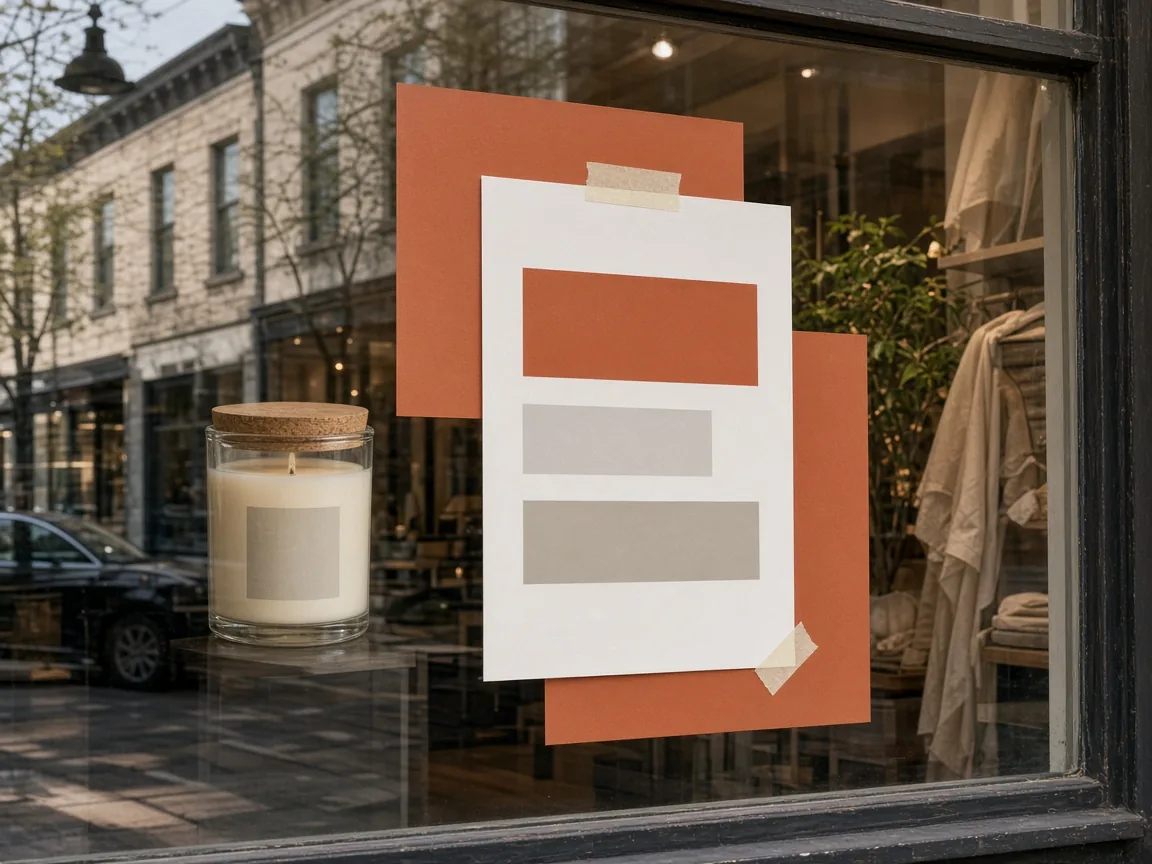
Sale flyer with an unbranded candle taped to a shop window

Store Sales

Weekend sales and seasonal discounts on the counter and window.

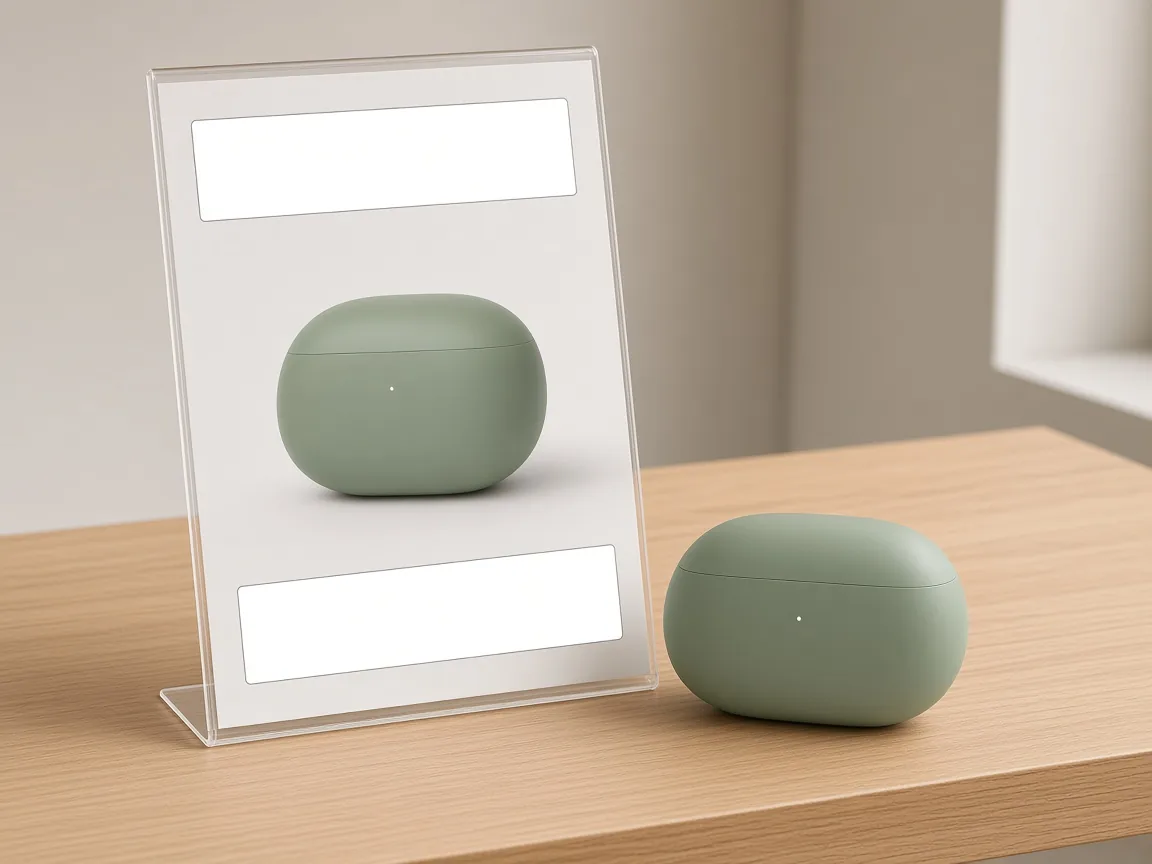
Launch flyer for unbranded earbuds on a counter

New Arrivals

Announce a new product in store and online.

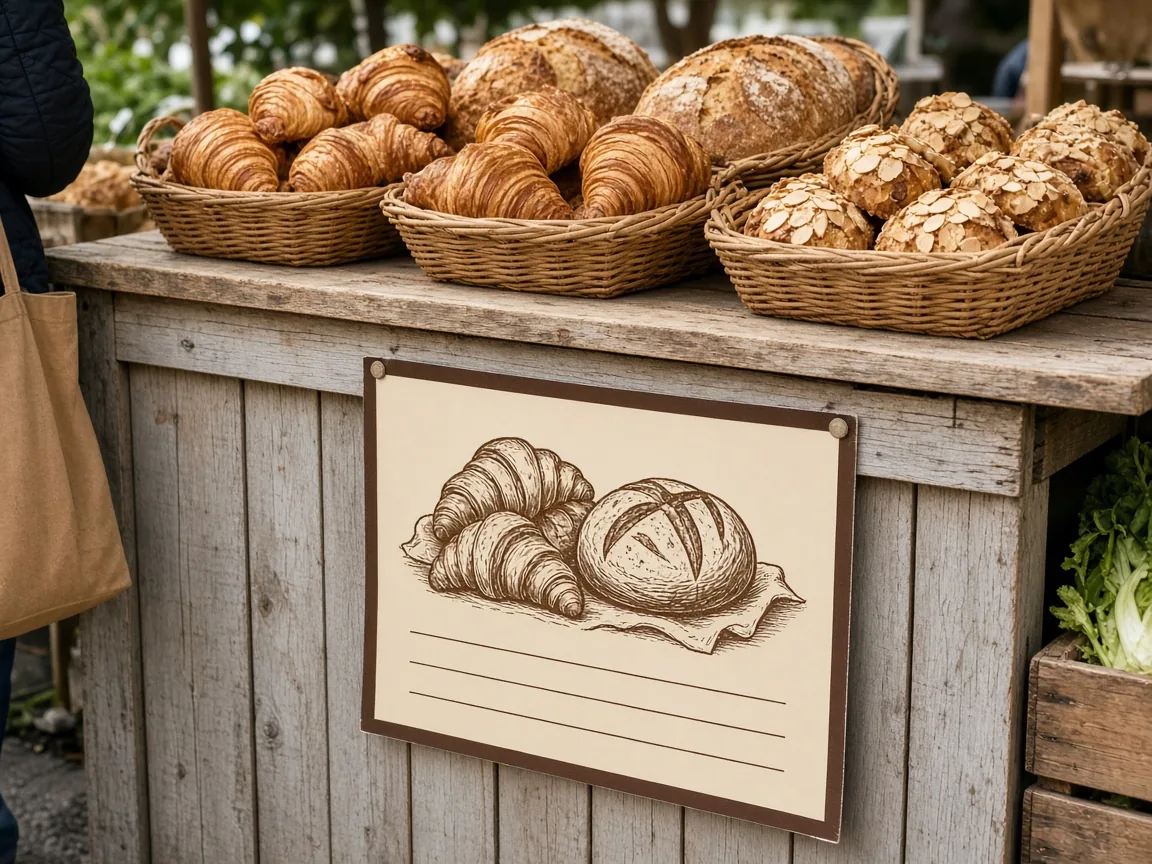
Market stall with a flyer for unbranded baked goods

Markets and Pop-Ups

Stall flyers that say what you sell at a glance.

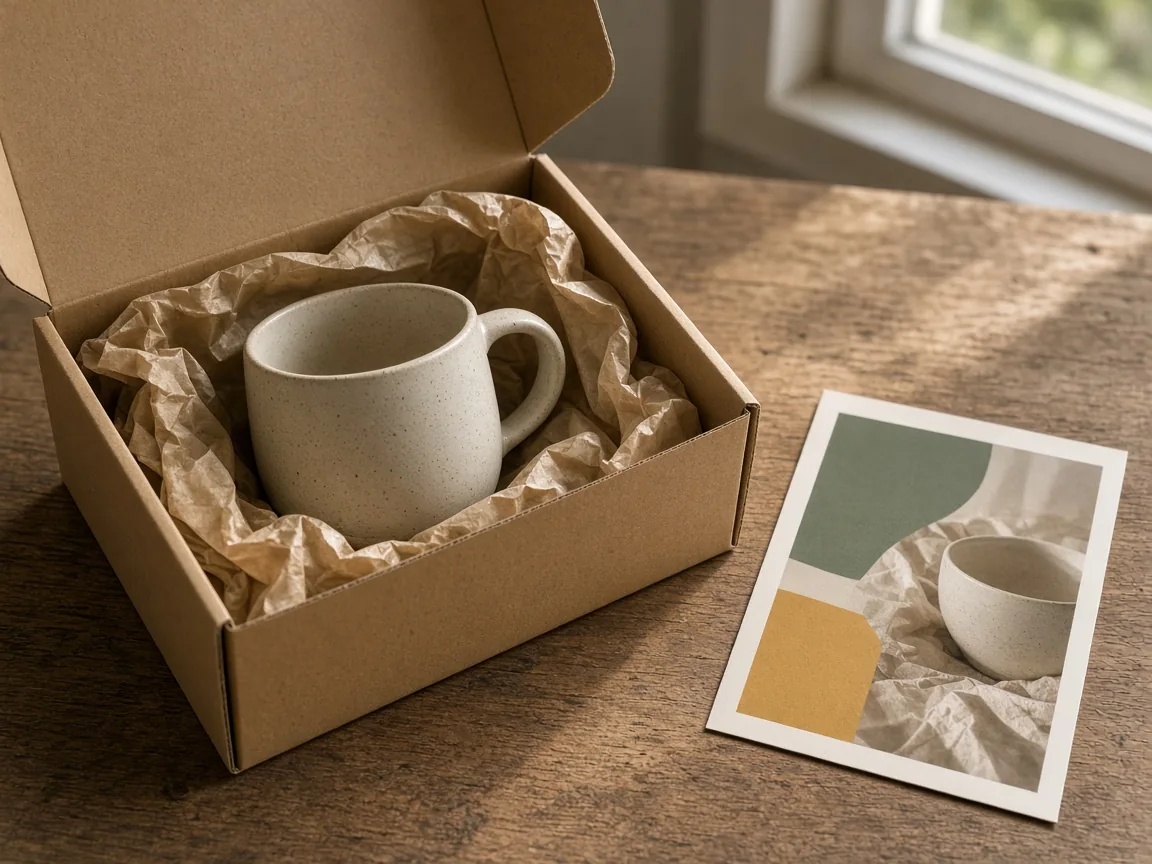
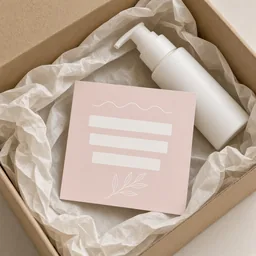
Open parcel with a small flyer insert next to an unbranded product

Parcel Inserts

Thank-you and reorder cards inside every order.

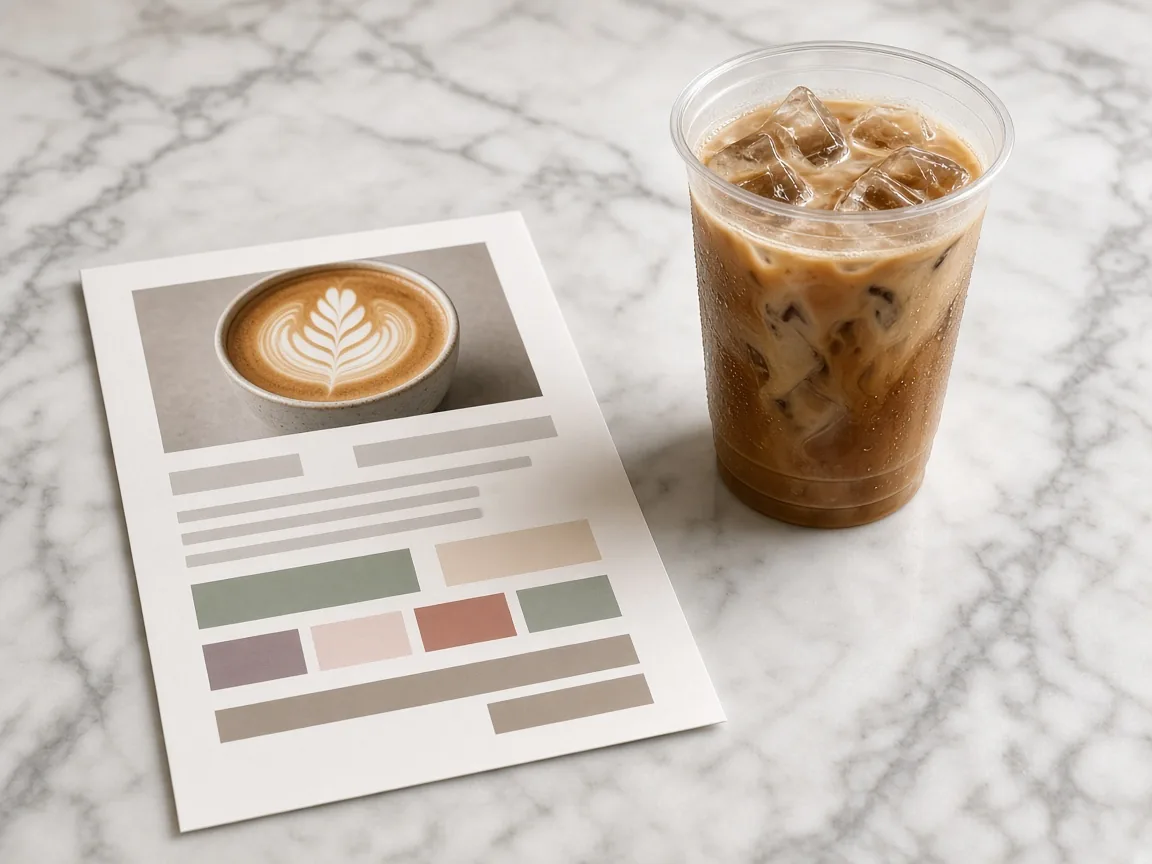
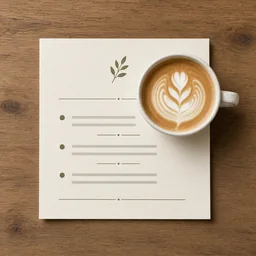
One-page menu flyer with an unbranded iced coffee

Product Menus

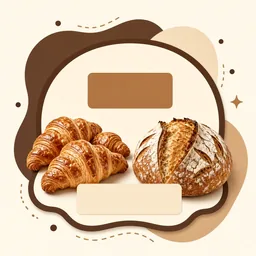
One-page menus for cafés, bakeries and studios.

By Channel

Where Product Flyers Get Used

In store, at markets, in parcels and on social media.

How it works

Make a Product Flyer With AI in 4 Steps

Upload the product, choose the flyer type and how text is handled.

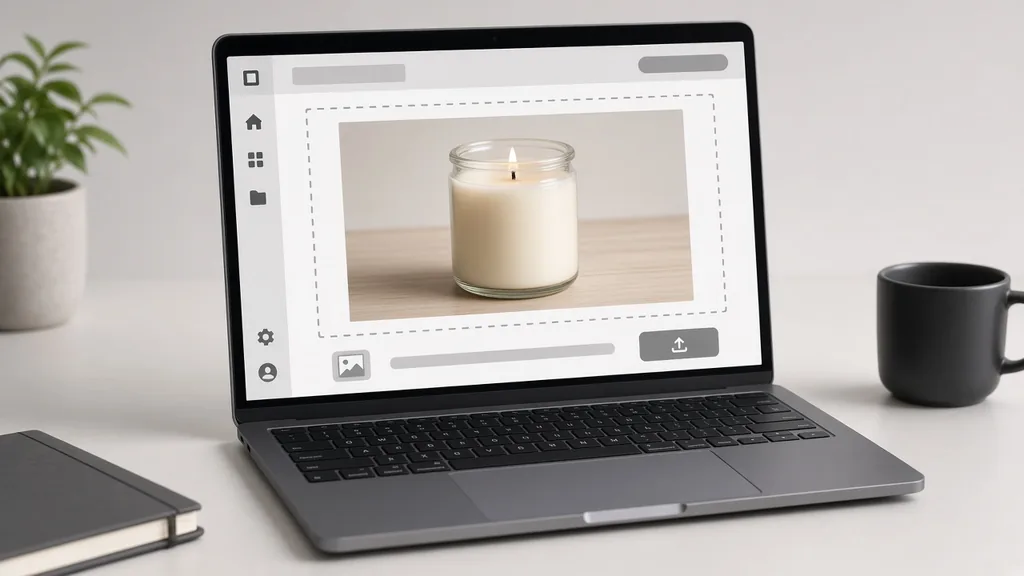
Laptop with a candle photo open in an upload window
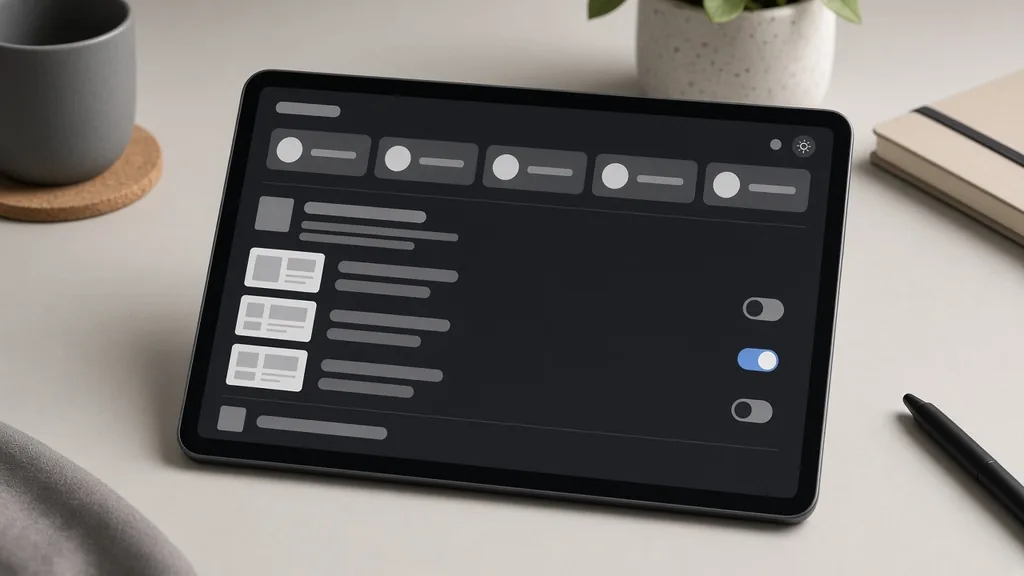
Tablet showing flyer type, design style and text options
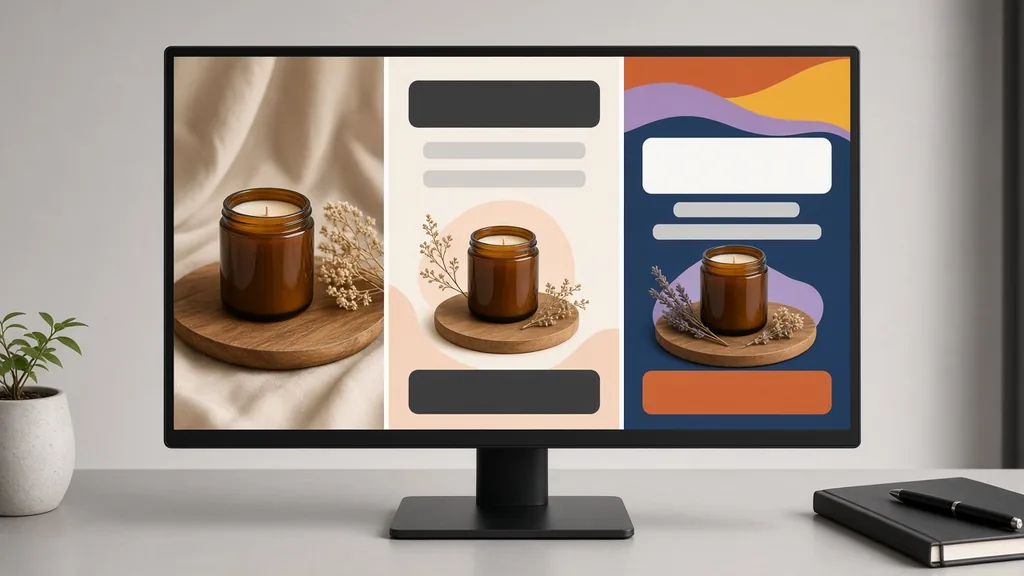
Monitor showing the product next to two flyer designs
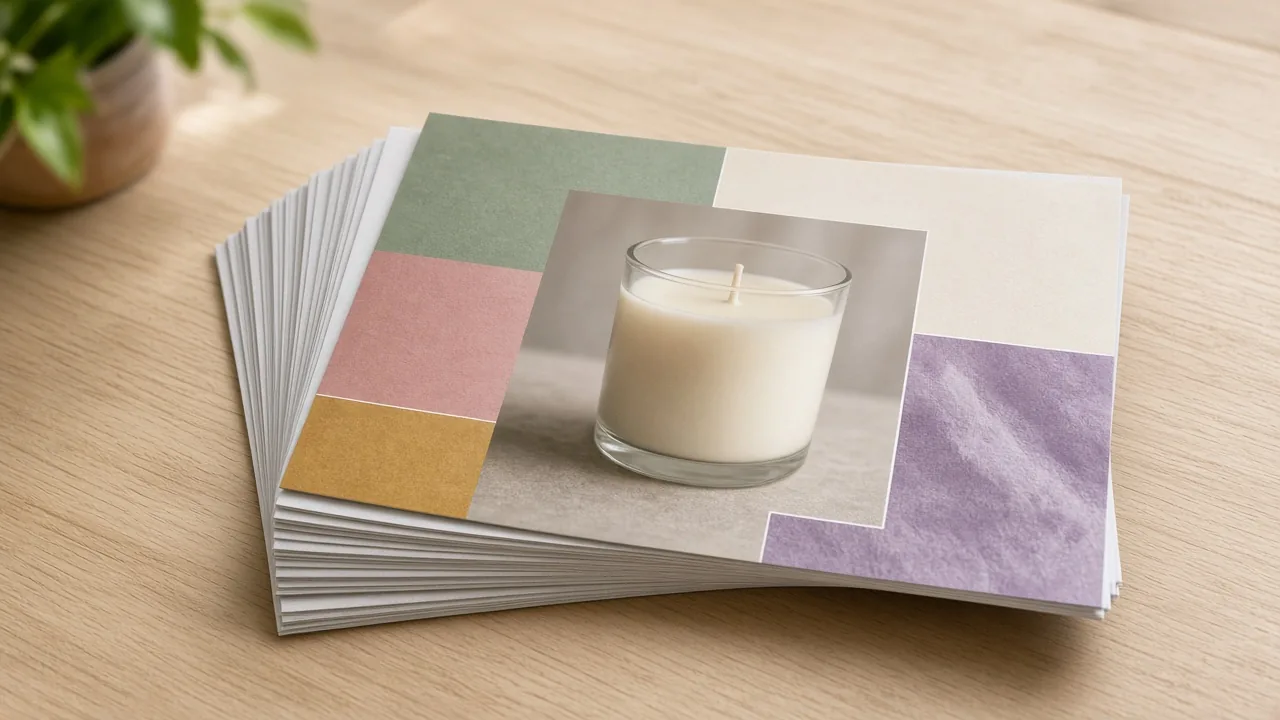
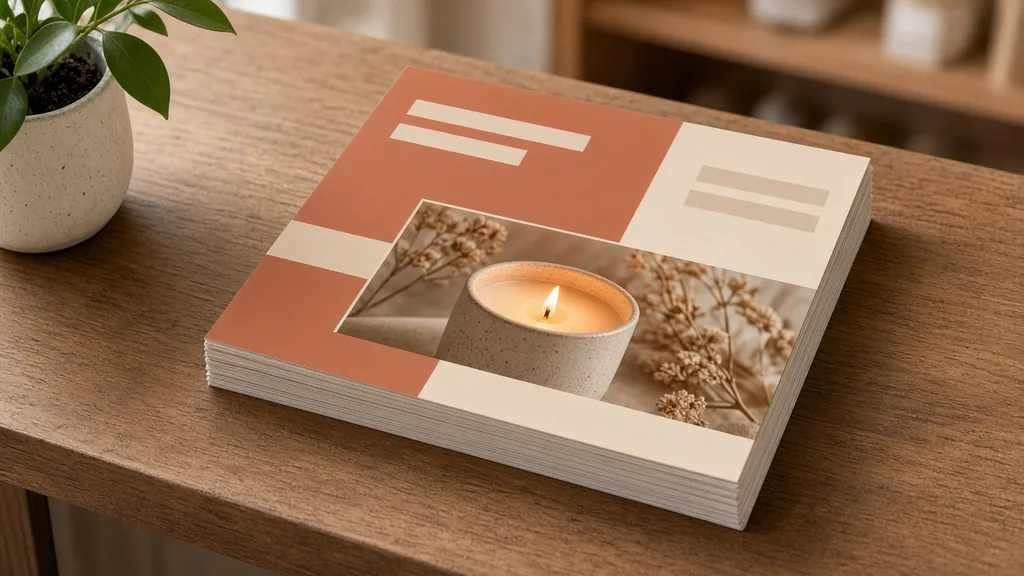
Printed flyers stacked on a shop counter
01

Upload the Product

Upload one sharp product photo, JPG, PNG or WEBP up to 16MB, then choose a flyer ratio such as 3:4 or 4:5.

02

Choose Type, Style and Text

Pick sale promo, new product, event or product menu, a design style, and empty text areas or your exact copy.

03

Generate and Compare

Generate 1 to 4 versions at 10 credits each and compare the layouts.

04

Add Details and Print

Check every word, add prices, dates and contact info in your design tool, then print or share.

Method comparison

AI Flyer Generator vs Designing a Flyer by Hand

Three ways to make a product flyer.

Multiple

output styles

Reference-led

direction

Built-in

before-and-after review

Traditional Workflow

Design a Flyer by Hand

Cut out the product, pick a template, set the type and export, for every promotion.

Cost
Designer fee or your evening×
Turnaround
Hours to days×
What You Need
Design software and skills×
Iteration
Every change is another round×
Output Range
One layout at a time×
Product Accuracy
Exact text and fonts×
ProductShot AI

AI Flyer Generator

Upload the product, choose type and style, and generate; add exact details after.

Cost
10 credits per image; new accounts get one free generation✓
Turnaround
Results appear on the page when generation finishes✓
What You Need
A product photo and your offer✓
Iteration
Change type, style or notes and generate again✓
Output Range
Four flyer types and four styles✓
Product Accuracy
Generated; check every character or use empty areas✓

Tips

Three Ways to Get a Better Flyer

Your photo, the ratio and your copy decide most of the result.

Prepare the photo

  • Use a sharp photo with the whole product in frame.
  • A plain background gives cleaner layouts.
  • Choose the ratio before generating.
  • Keep the label facing the camera.

Write the notes

Headline + one line + colors

Notes can cover these three things:

  • Headline “Weekend Sale”.
  • One line: “20% off all candles”.
  • Sage green and cream.

Avoid these mistakes

  • Do not put long paragraphs in the notes.
  • Do not print without checking every word and number.
  • Do not advertise offers you are not running.
  • Do not print a small image; upscale first.

Further reading

Articles on ad creatives, posters and product photos.

AI Product Photography Generator Guide: 7 Best Tools for 2026Guide
Jun 23, 20268 min read

AI Product Photography Generator Guide: 7 Best Tools for 2026

Compare AI product photography generators for white background images, studio shots, lifestyle scenes, and ecommerce campaign visuals.

Read Article
How to Take Professional Product Shots Without a Studio (or a Degree in Photography)Workflow
Jun 17, 20268 min read

How to Take Professional Product Shots Without a Studio (or a Degree in Photography)

A practical workflow for taking sellable ecommerce product photos with a phone, simple setup, and AI-powered variations.

Read Article
It Took Me Two Years to Understand Product Photography LightingLighting
Jun 20, 20268 min read

It Took Me Two Years to Understand Product Photography Lighting

A practical guide to product photography lighting, soft light, fill light, backlight, reflection control, and difficult materials.

Read Article
Best AI Lifestyle Photo Generators for Product and Model Shots (2026)Workflow
Jun 23, 20268 min read

Best AI Lifestyle Photo Generators for Product and Model Shots (2026)

Compare AI lifestyle photo generators for realistic ecommerce scenes, product preservation, catalog consistency, and campaign workflows.

Read Article
I Spent $20,000 on Product Photography — Then AI Changed EverythingCase Study
Jun 16, 20268 min read

I Spent $20,000 on Product Photography — Then AI Changed Everything

A seller shares what traditional product photography costs, why product fidelity matters, and how AI changed the workflow.

Read Article
The Real Problem With White Background Product Photos (And How I Solved It)White Background
Jun 18, 20268 min read

The Real Problem With White Background Product Photos (And How I Solved It)

Learn why white background product photos are harder than they look, how platform rules differ, and how to preserve details.

Read Article
Reviews

How Sellers Use the AI Flyer Generator

Feedback from some of our users. Thumbnails show products from their categories.

Candle sale flyer
Ms. Wang

“Weekend sale flyers in minutes. I add the prices in my design app.”

Candle shop
Earbuds launch flyer
Mr. Li

“Launch flyers for the counter. The headline was right after one regenerate.”

Electronics store
Bakery pop-up flyer
Ms. Zhang

“Pop-up flyers that look like our brand, not a template.”

Bakery
Café menu flyer
Mr. Chen

“A one-page menu with our iced coffee on top; I typed the list myself.”

Café owner
Plant sale flyer
Ms. Liu

“Bold sale flyers with space for our QR code.”

Plant shop
Skincare parcel insert
Ms. Zhou

“Parcel inserts that match our packaging. I upscale before printing.”

Online skincare

FAQ

AI Flyer Generator FAQ

Credits, ratios, text and printing.

Each image uses 10 credits, and you can generate 1 to 4 images at a time. New accounts get one free generation.

Choose a ratio before generating: 3:4 for print, 4:5 for social posts, 9:16 for stories or 1:1 for chats and inserts.

Yes. Choose Use my copy and write short exact lines in the notes. Check every character afterwards.

No. It never invents them. Add exact prices, dates, addresses and QR codes in your design tool.

Upscale the final image with the AI Image Upscaler and print a proof first; keep important content away from the edges.

Sale promo, new product, event or pop-up, and product menu, in modern, bold, elegant or playful styles.

It is asked to stay identical, but the whole image is regenerated, so small labels can shift. Compare with your photo.

Posters focus on big visuals; flyers are one-page promotions with room for practical details.

Yes. Use the AI Image Text Editor, or edit the text areas in your design tool.

In your history. Change the type, style or notes and generate again without re-uploading.

Ready to Make Your Flyer?

Upload a product photo and choose a flyer ratio to start. 10 credits per image, and new accounts get one free generation. Leave text areas for exact details, and check every word before printing.

Start Free →