

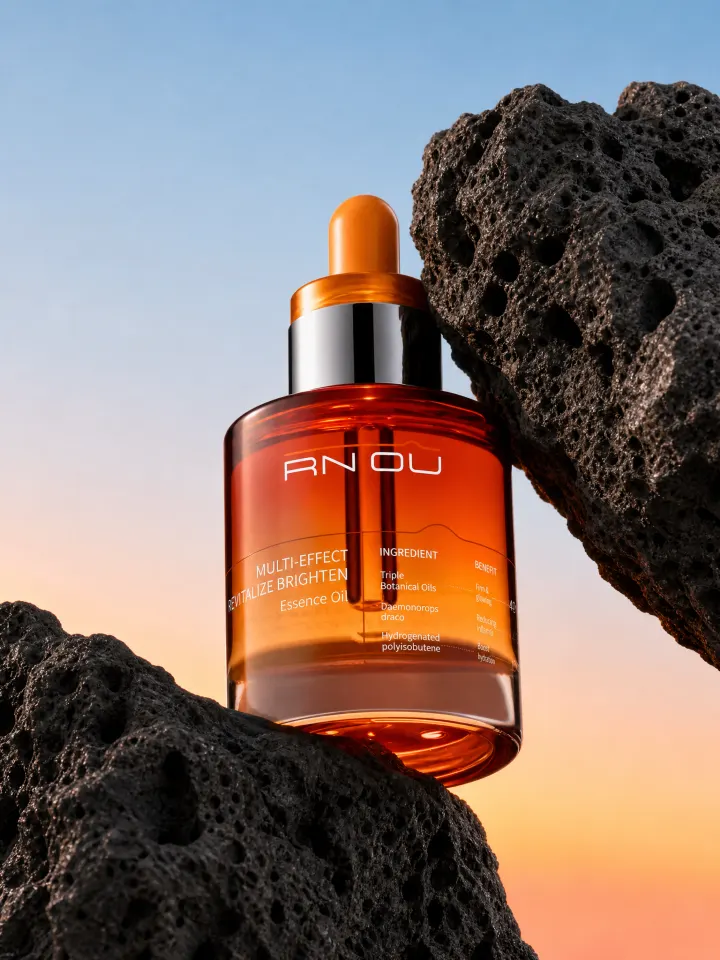
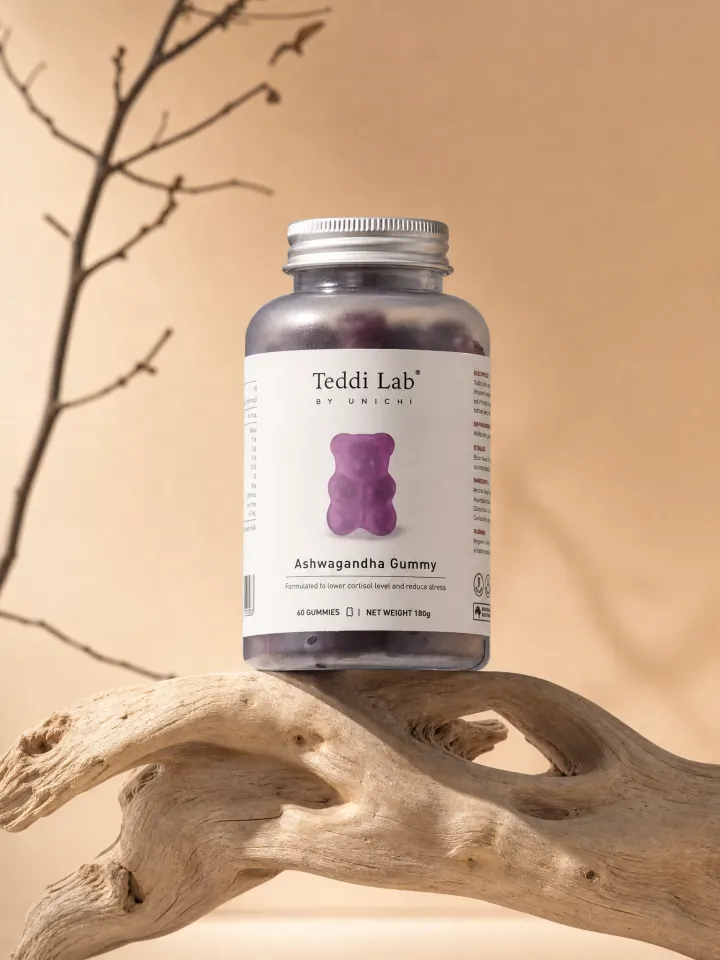
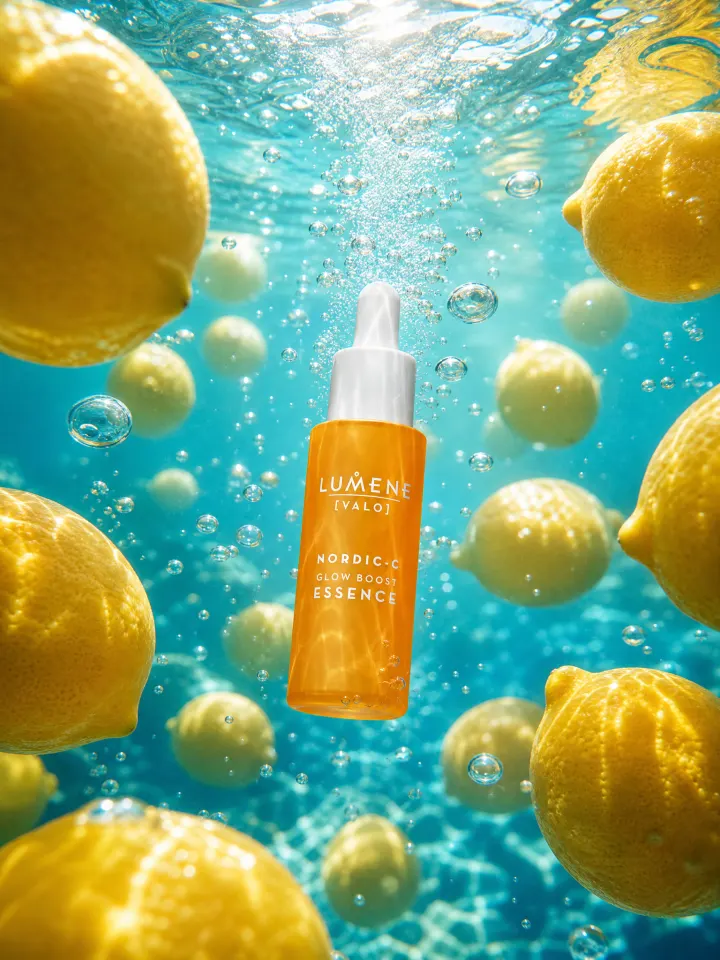
01
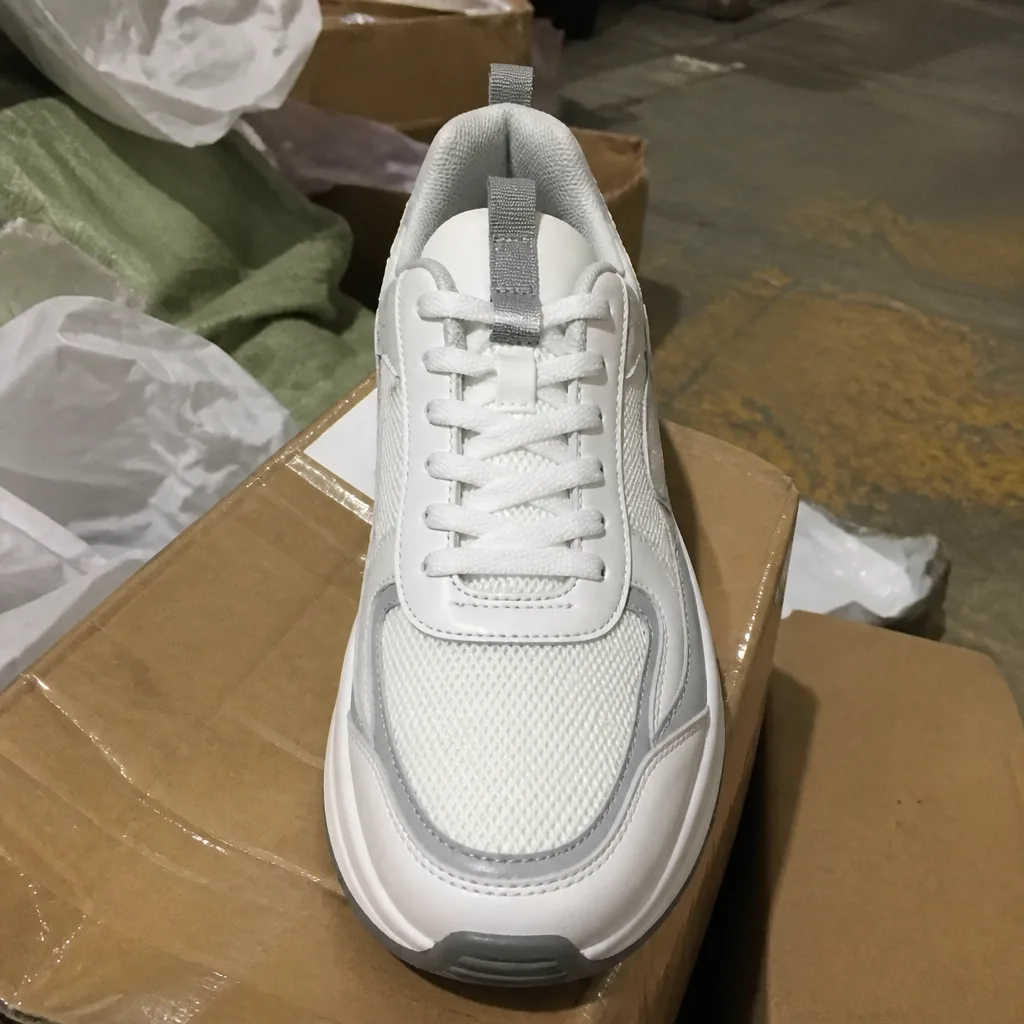
Upload a clean, well-lit photo of your product.
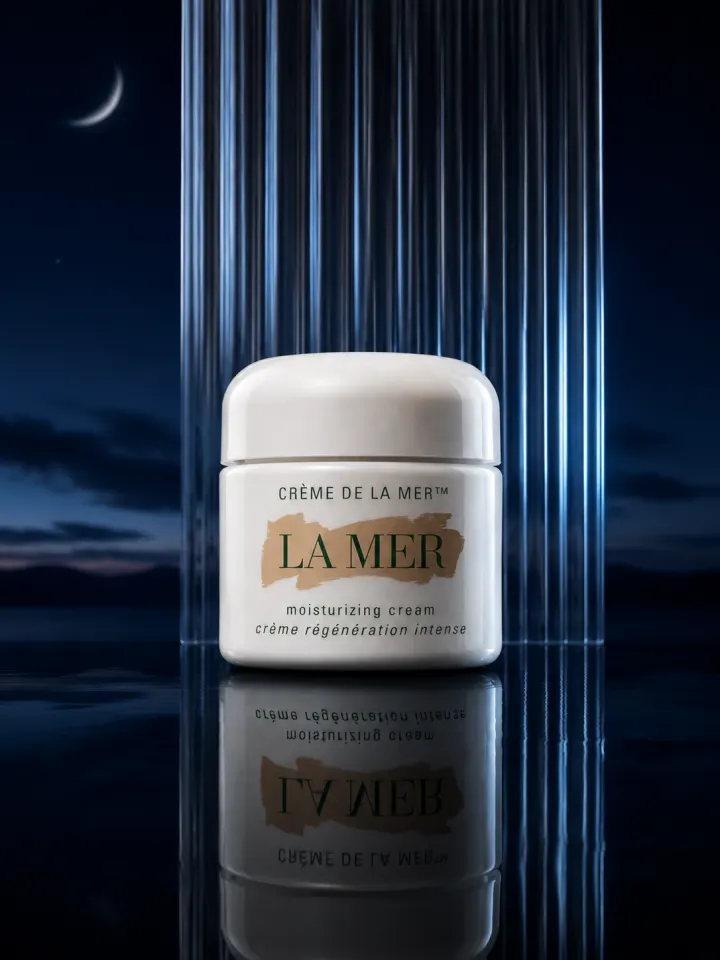
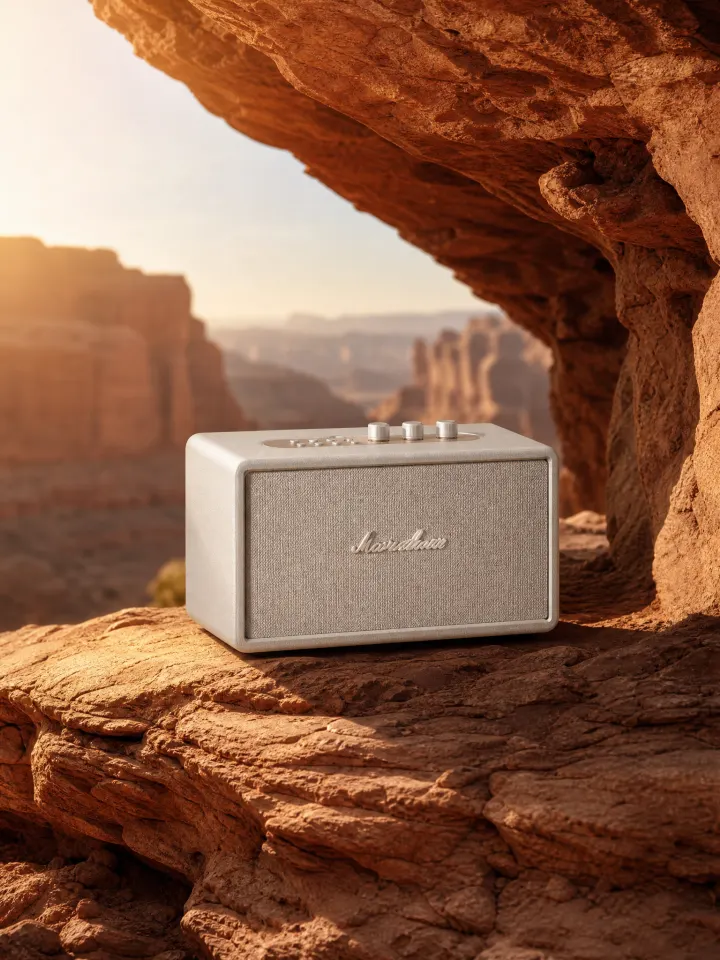
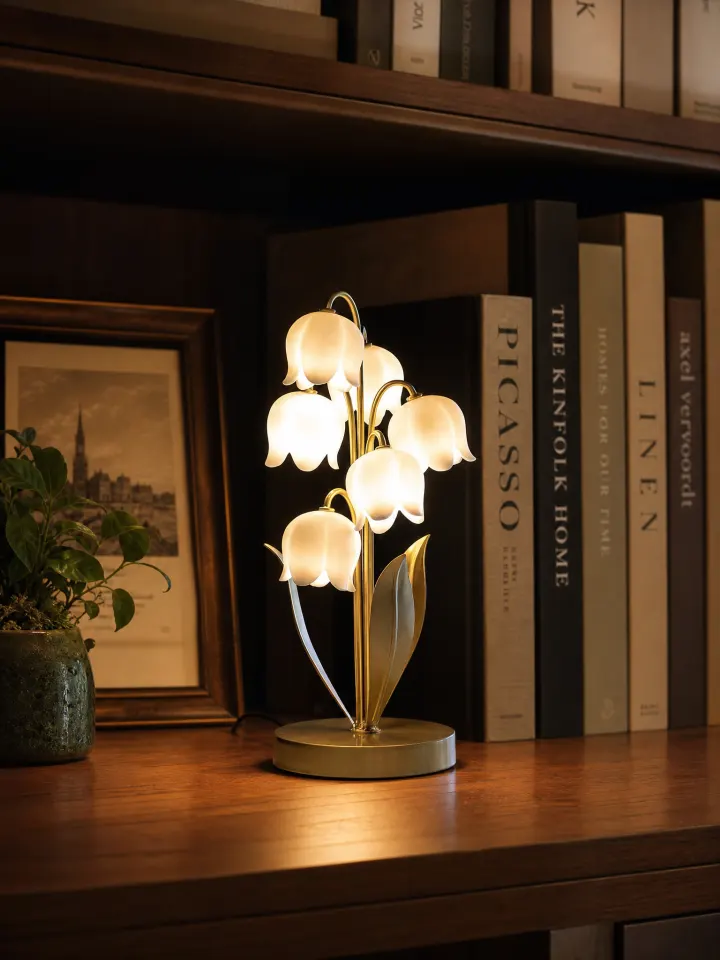
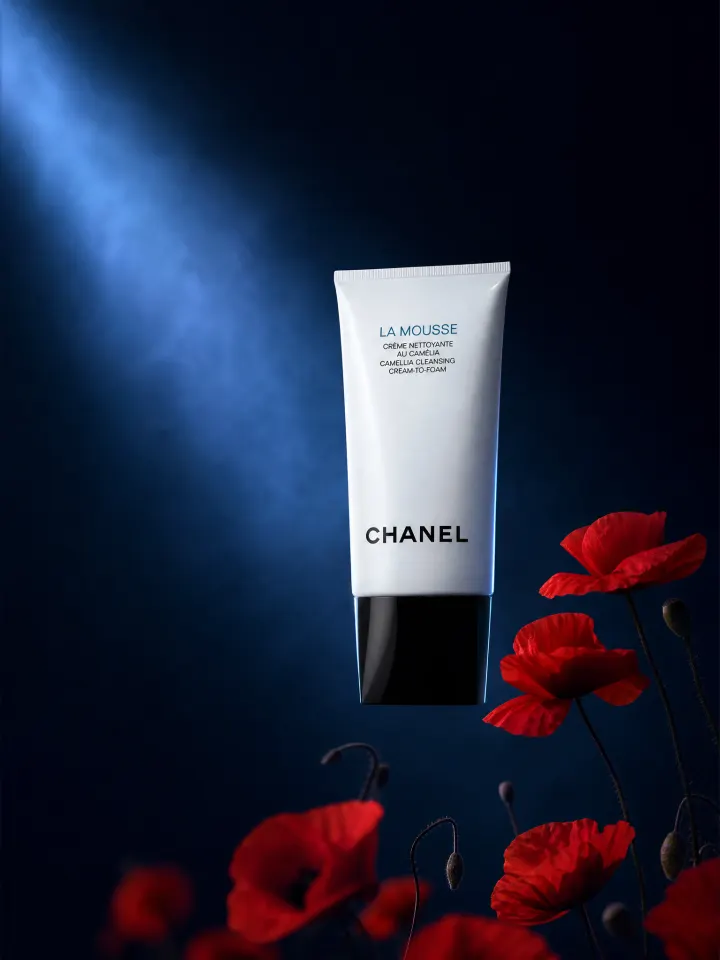
Upload one product photo, select a campaign look, then generate feed-ready still creatives. Product Lock helps preserve packaging and branding. Still images only—not video ads.
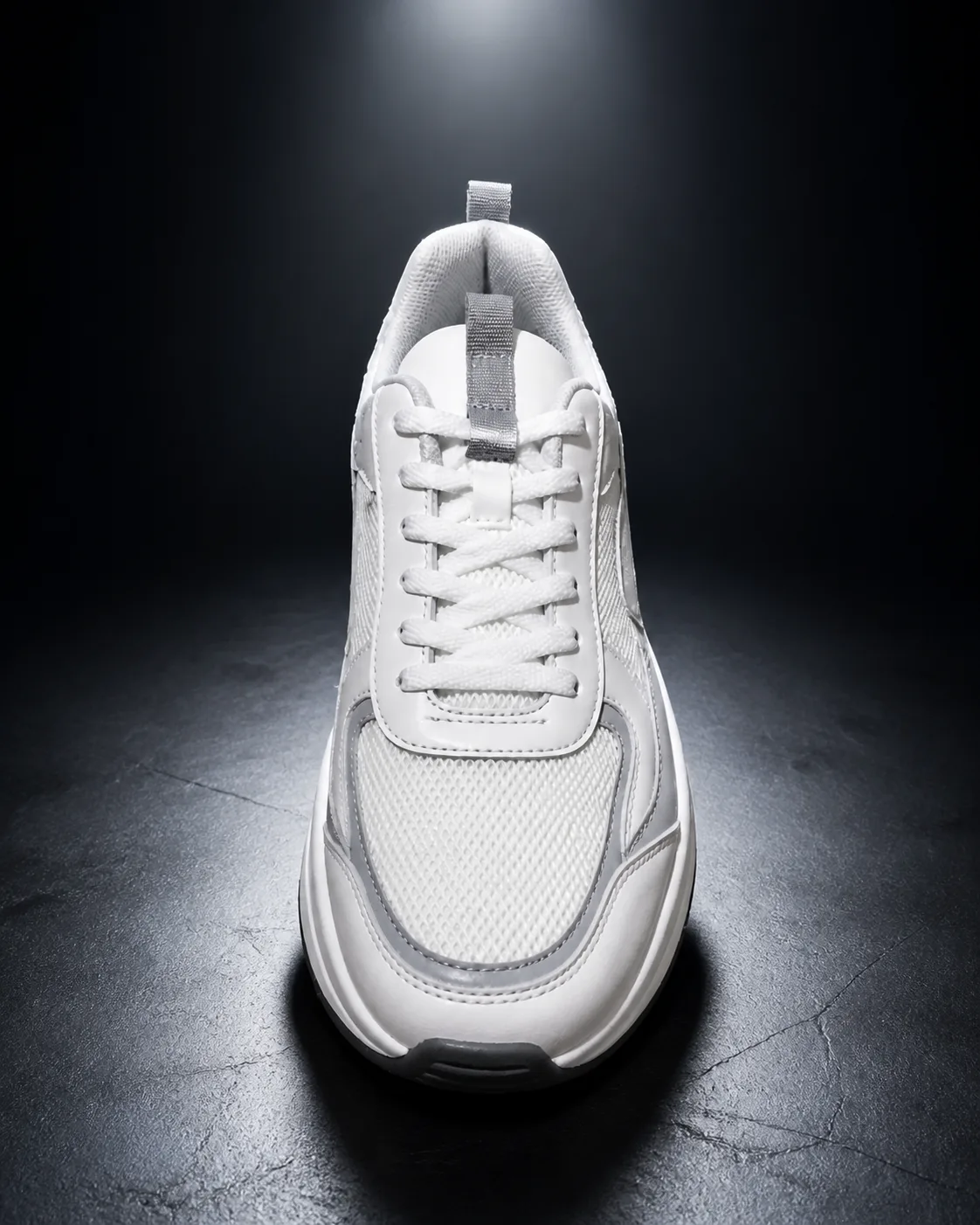
CURATED CAMPAIGN LOOKS
AI PRODUCT AD CREATIVE GENERATOR
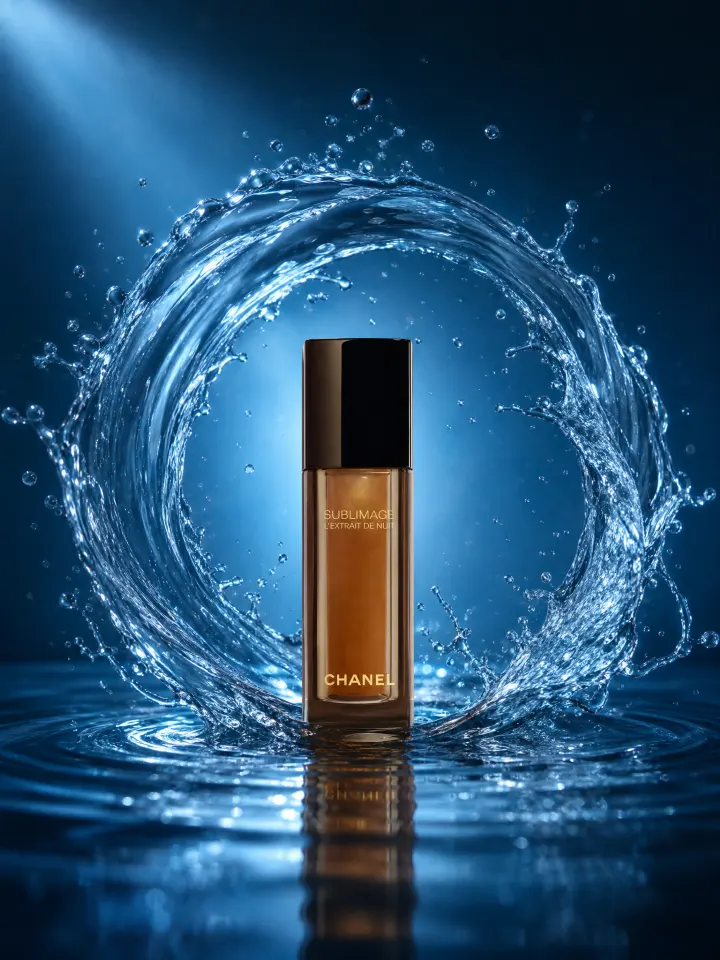
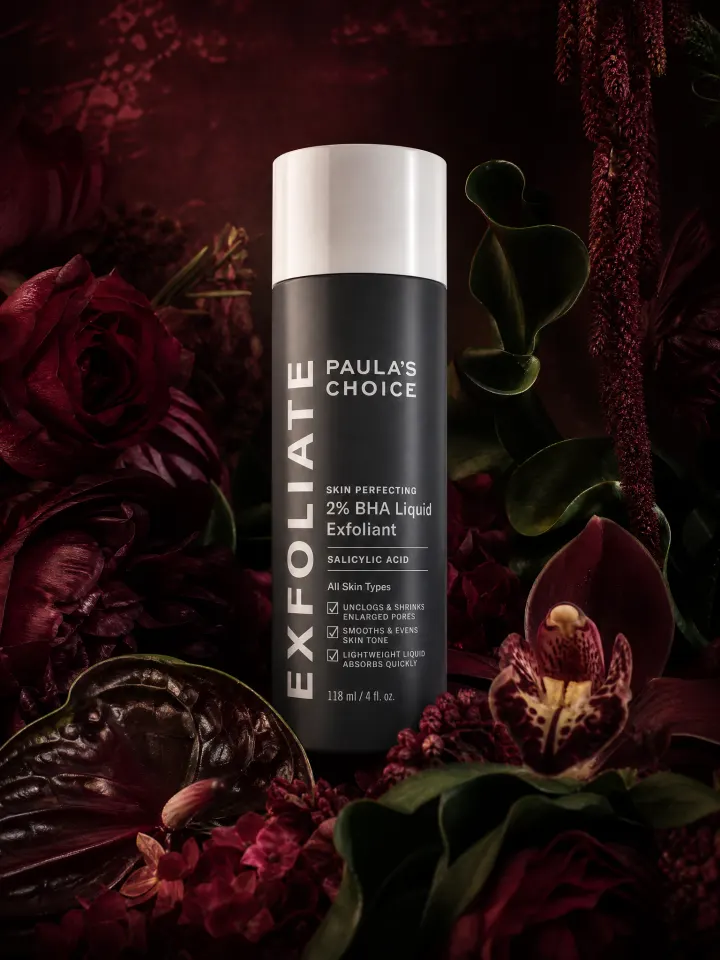
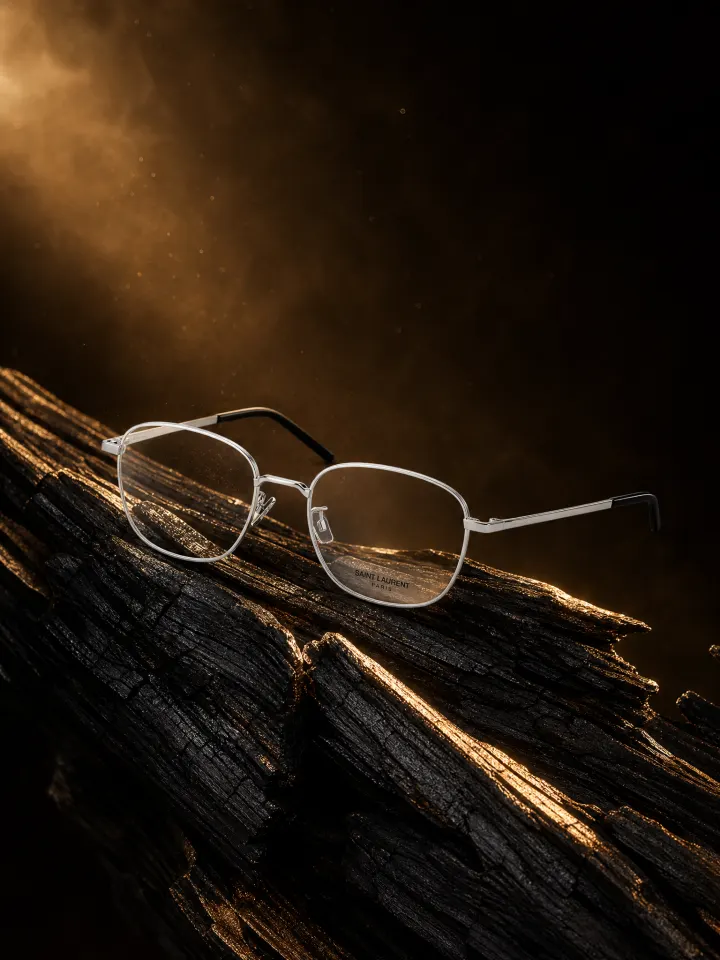
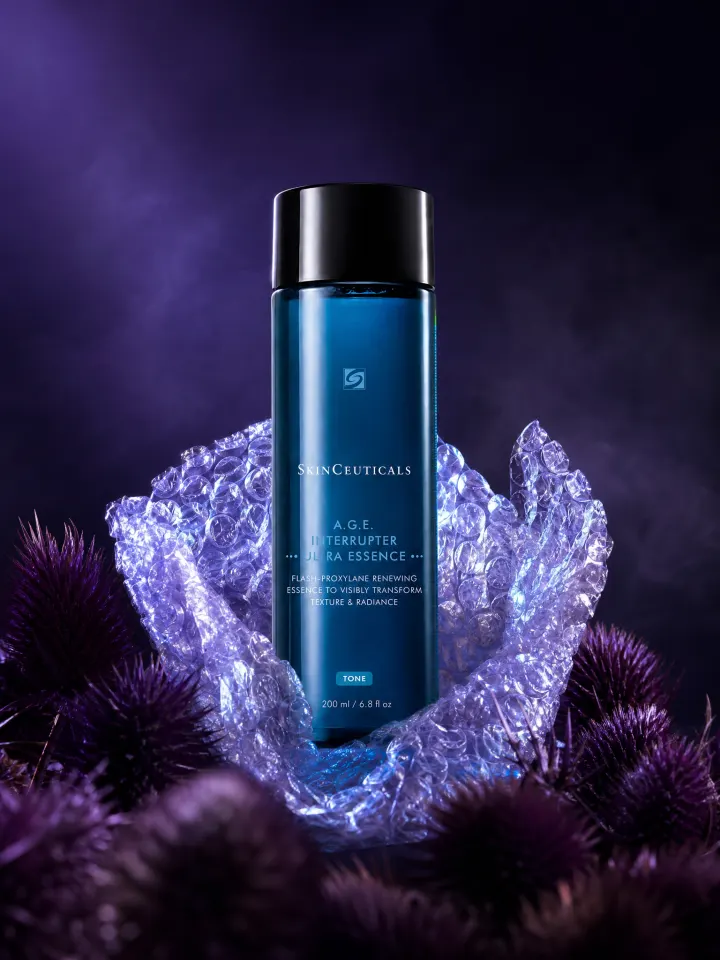
Upload a single product photo and generate polished campaign stills for paid social feeds, seasonal launches, and retargeting ads. Product Lock preserves logos, packaging, and colors while you test diverse campaign looks and framing angles.
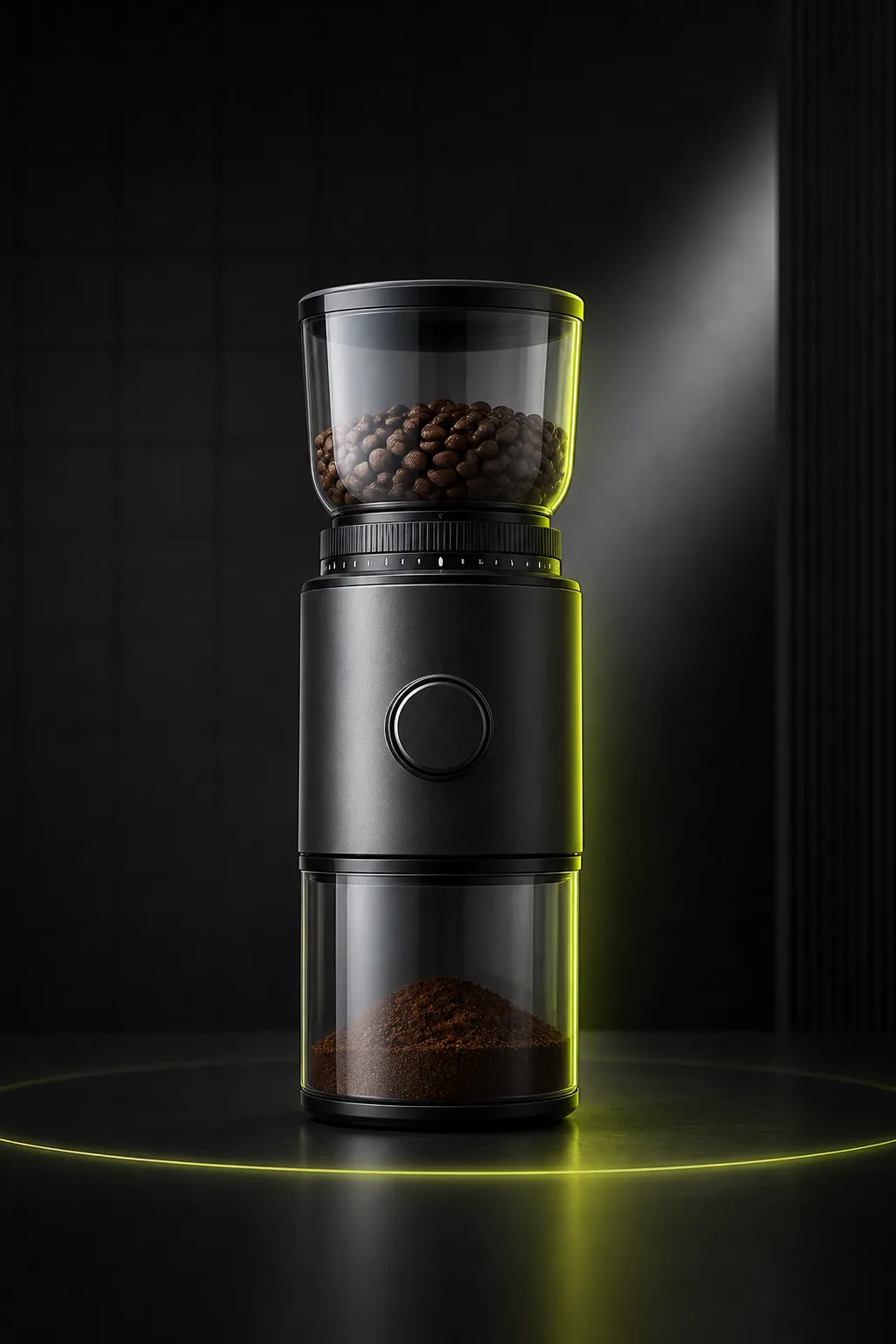
Listing Images
Ecommerce Listing ImagesCreate clean listing visuals from one uploaded product photo.
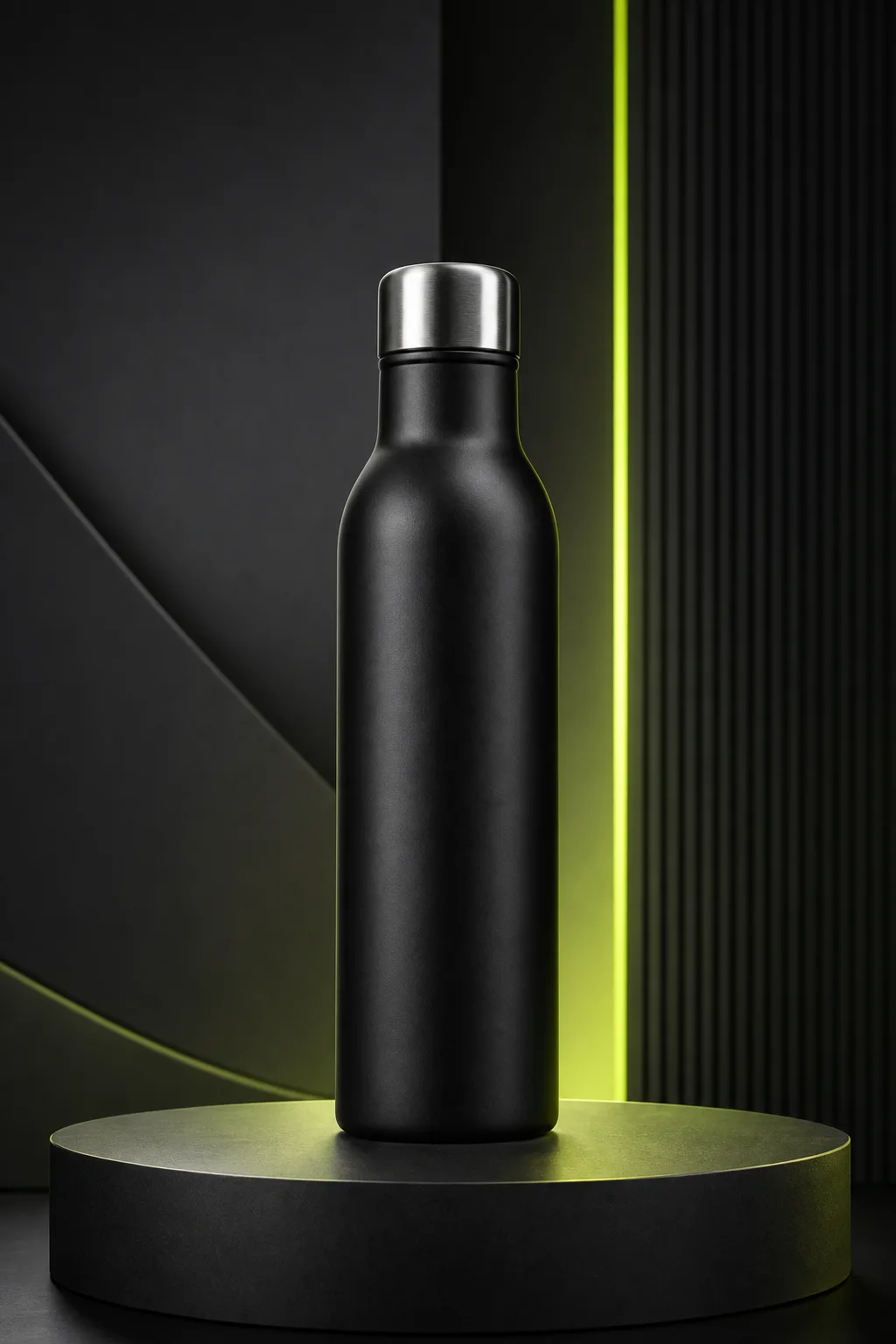
Studio Photos
Studio Product PhotosGenerate studio-style product photos without arranging a physical shoot.
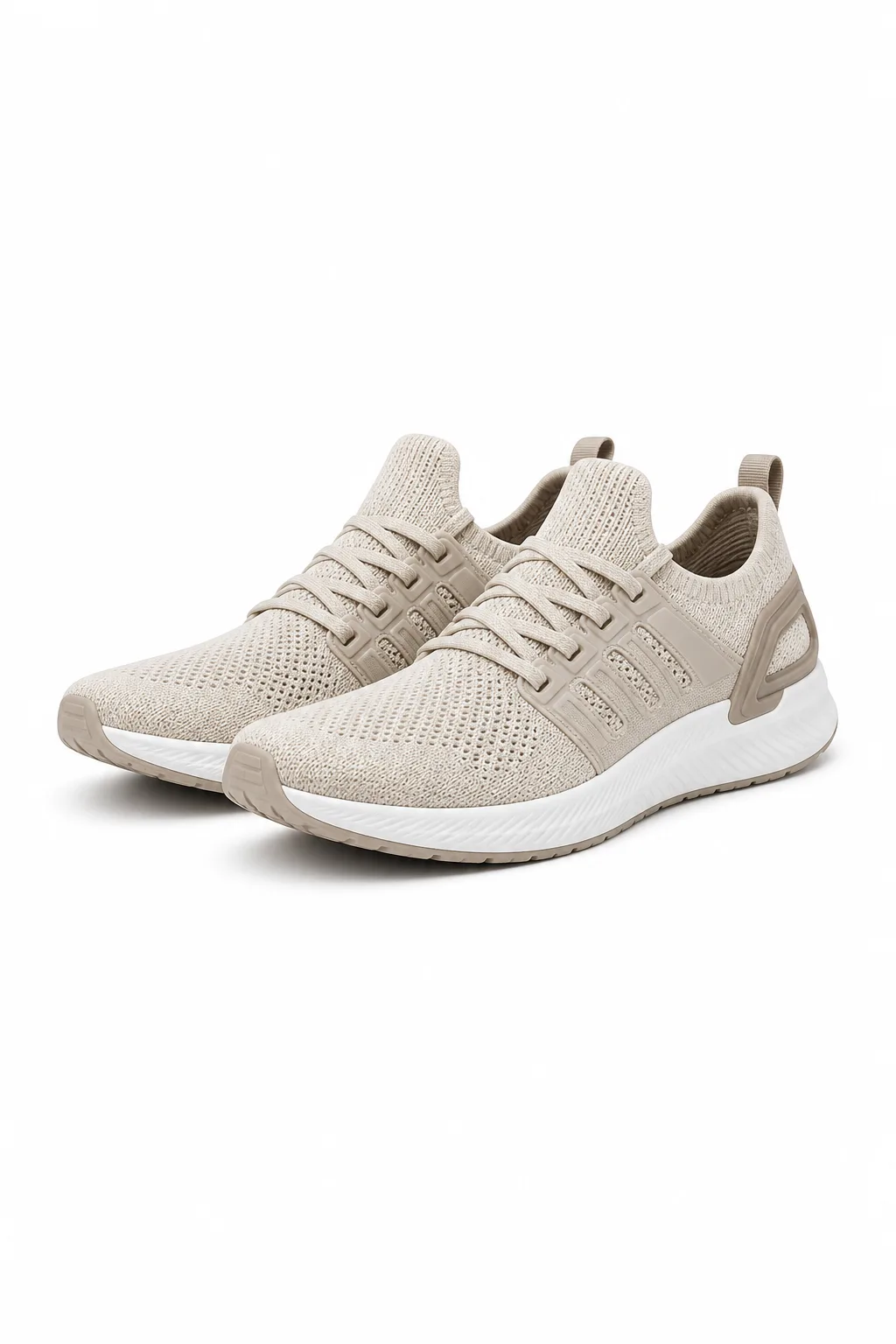
White Background
White Background PhotosCreate clean white-background product photos for catalogs and marketplaces.
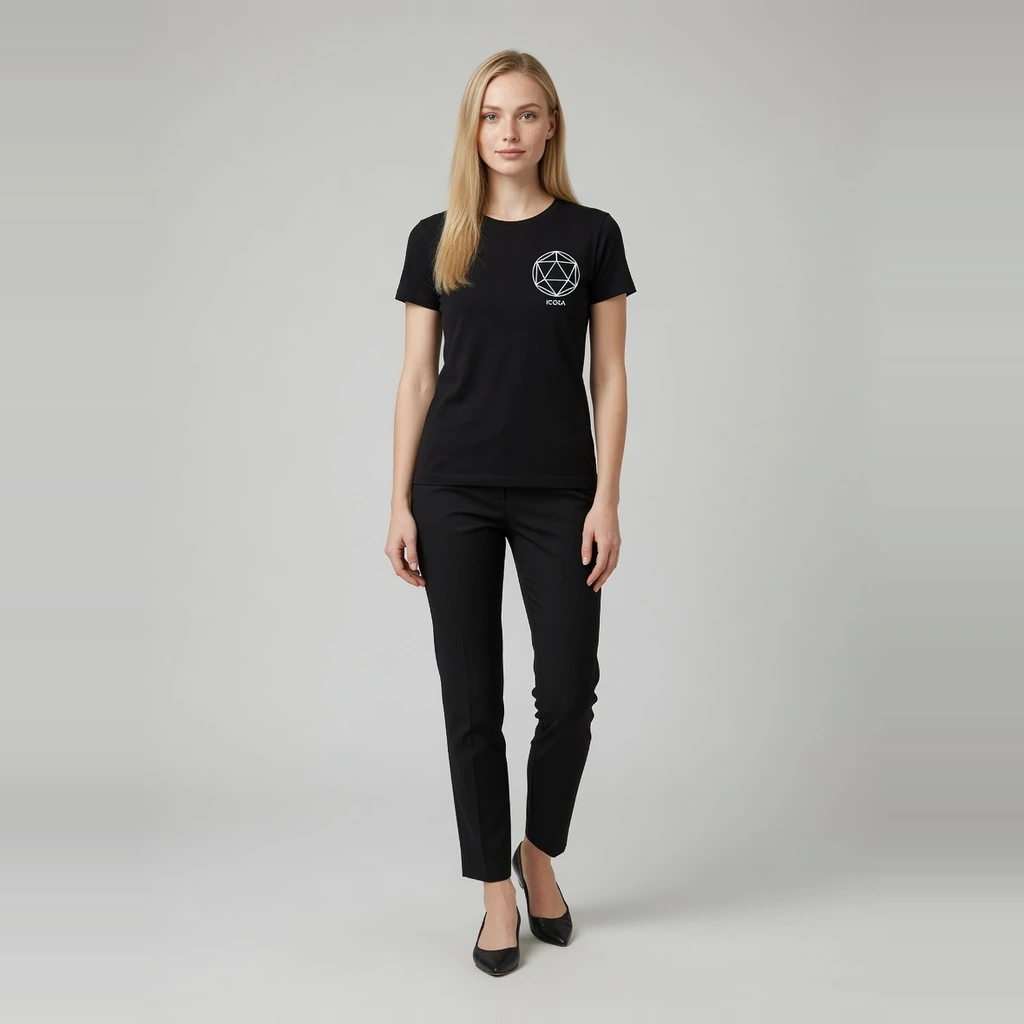
Fashion Model
AI Fashion Model GeneratorTurn flat-lay garments into ecommerce on-model images with preset models.
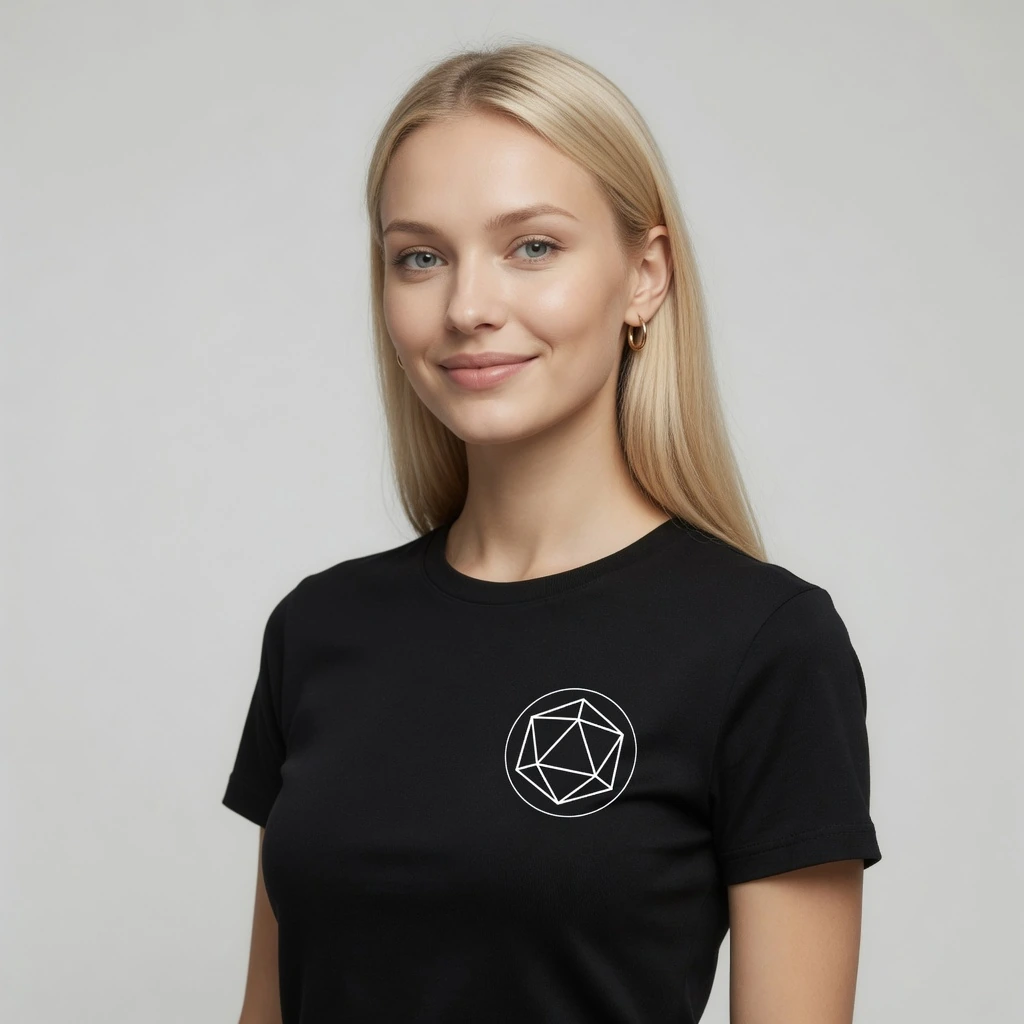
Virtual Try-On
AI Virtual Try-OnCreate try-on effect images from a garment and person photo.
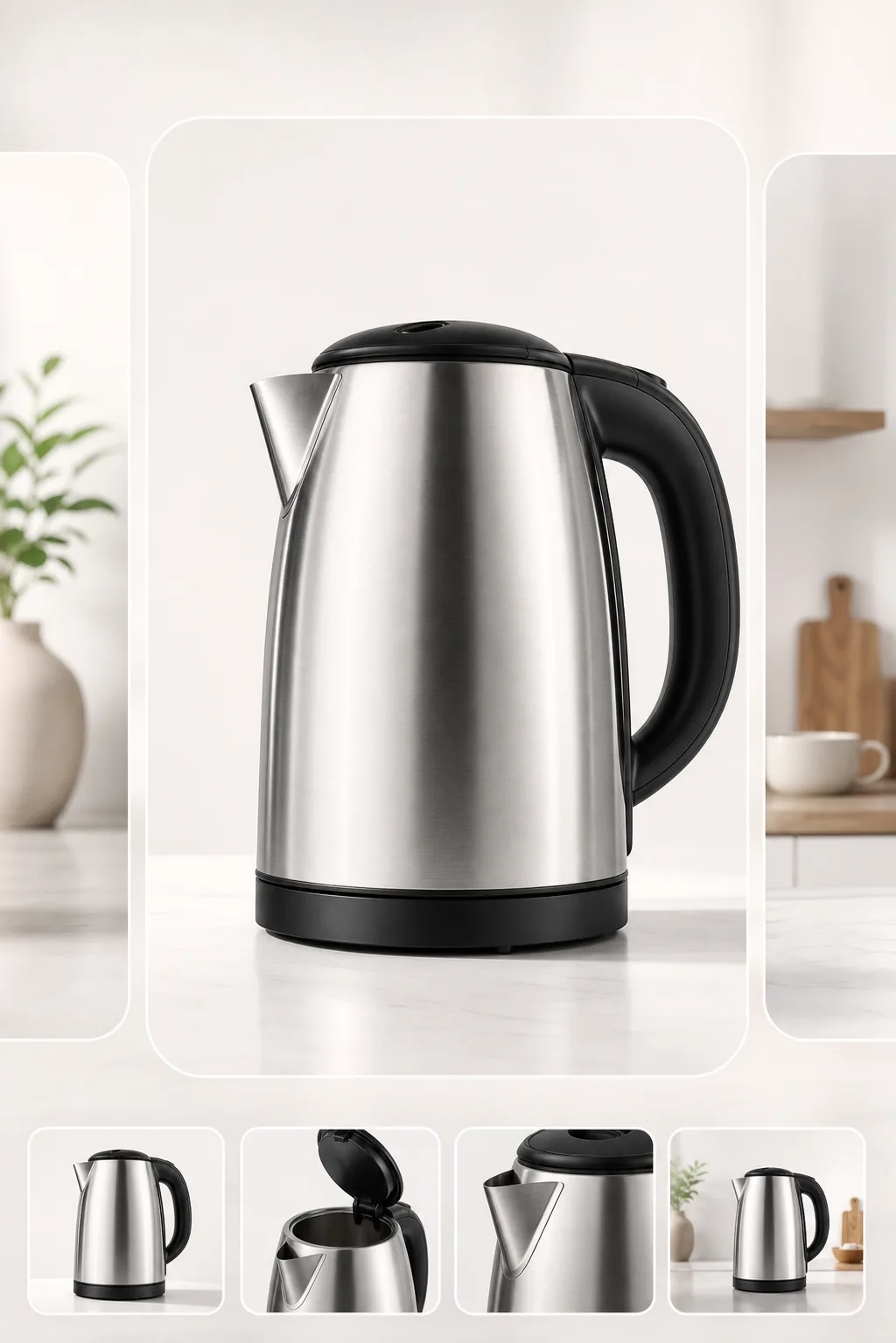
Marketplace Images
Marketplace Listing ImagesCreate clean, centered listing images for Amazon, Etsy, TikTok Shop, and other channels.

Lifestyle Scenes
Lifestyle Product ScenesPlace products in realistic scenes for storefronts and campaigns.
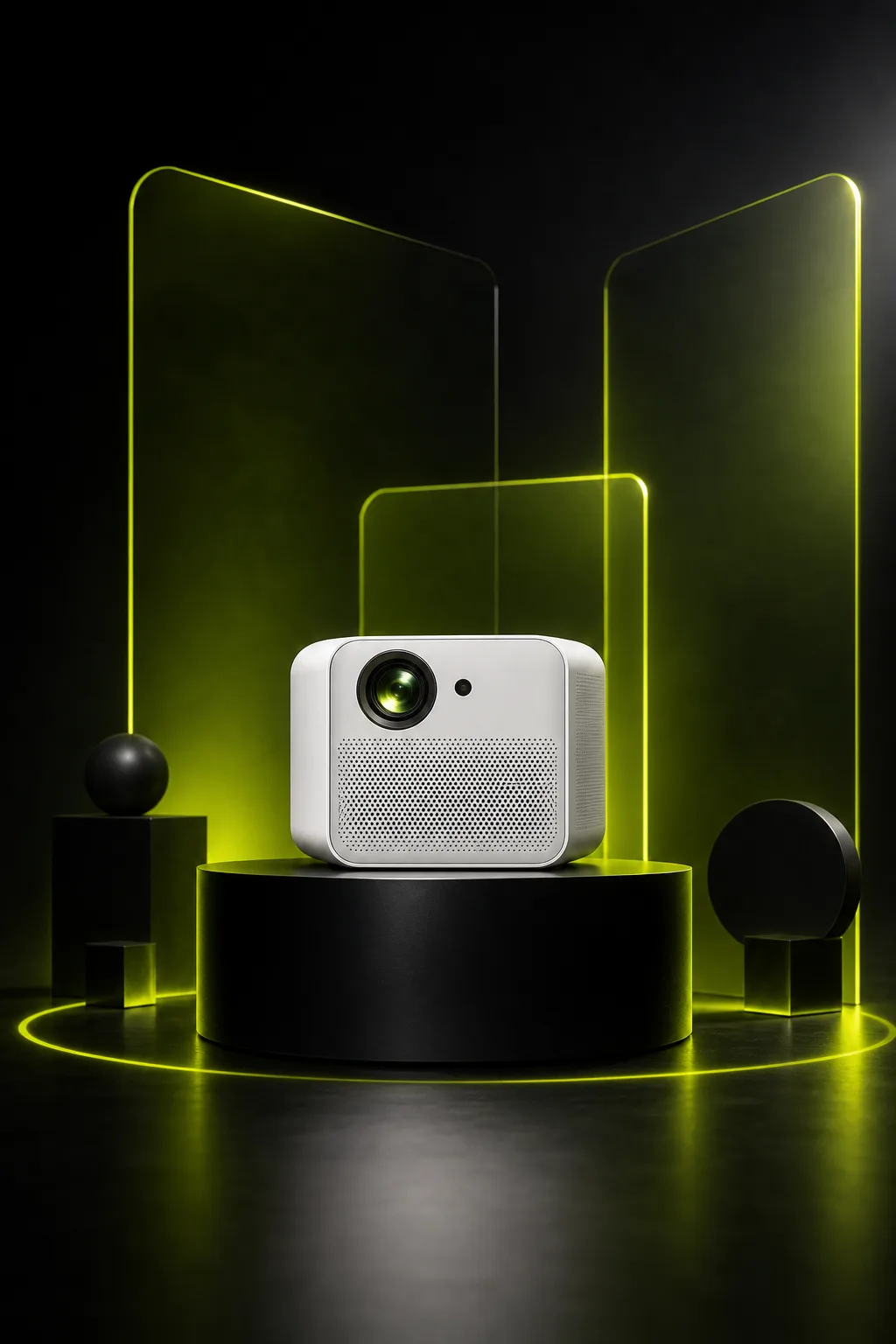
Ad Creative
Ad and Campaign VisualsCreate product-led visuals for launches, banners, and paid social.
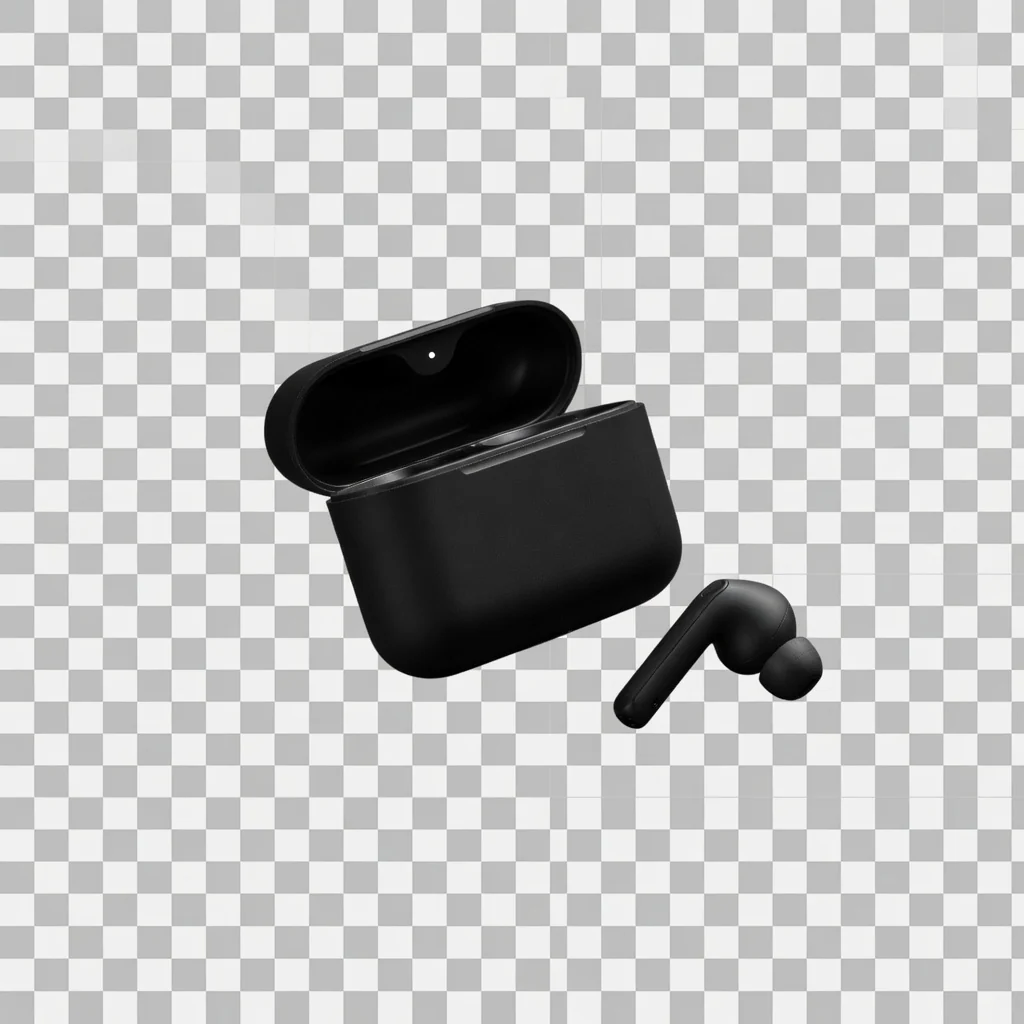
Background Cutout
Product Background RemoverRemove product backgrounds and download a transparent cutout PNG for free.
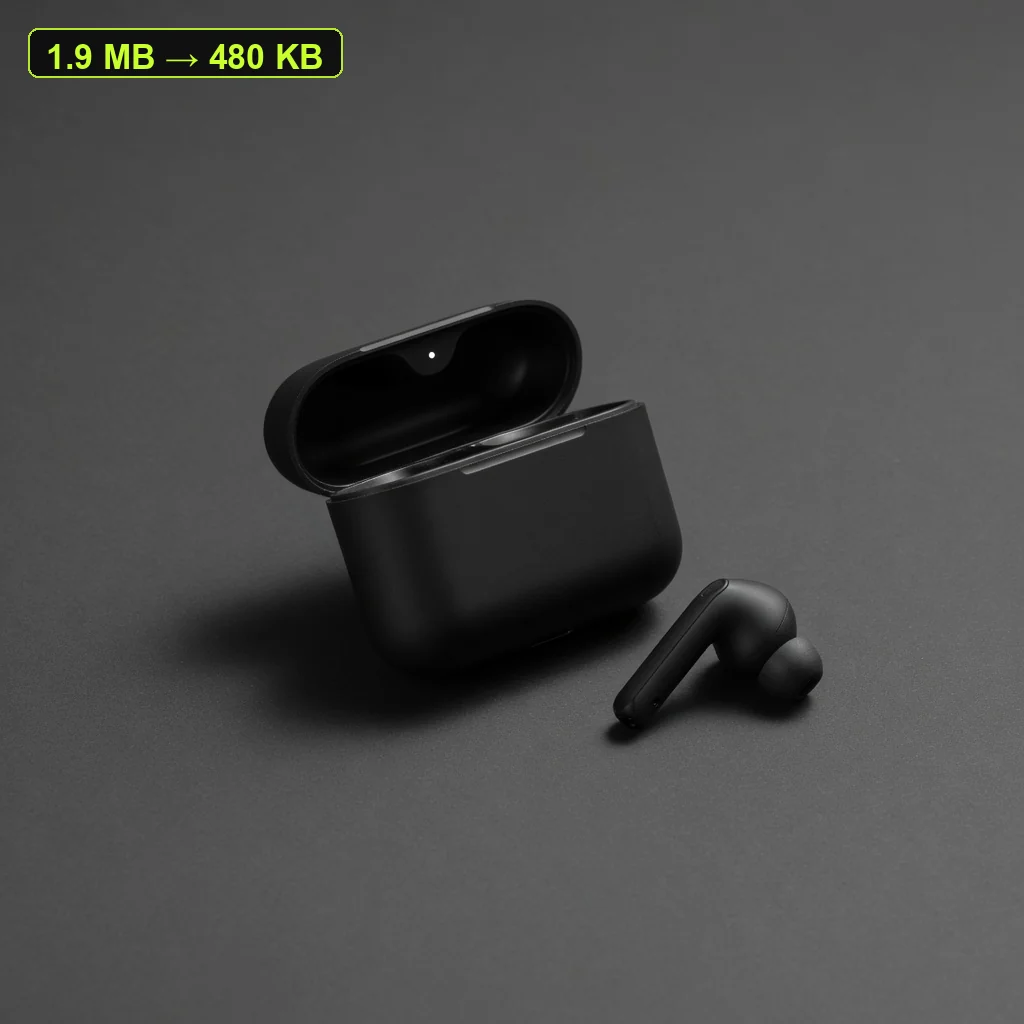
File Size Tool
Product Image CompressorCompress listing images and campaign assets in your browser, then download a lighter file.
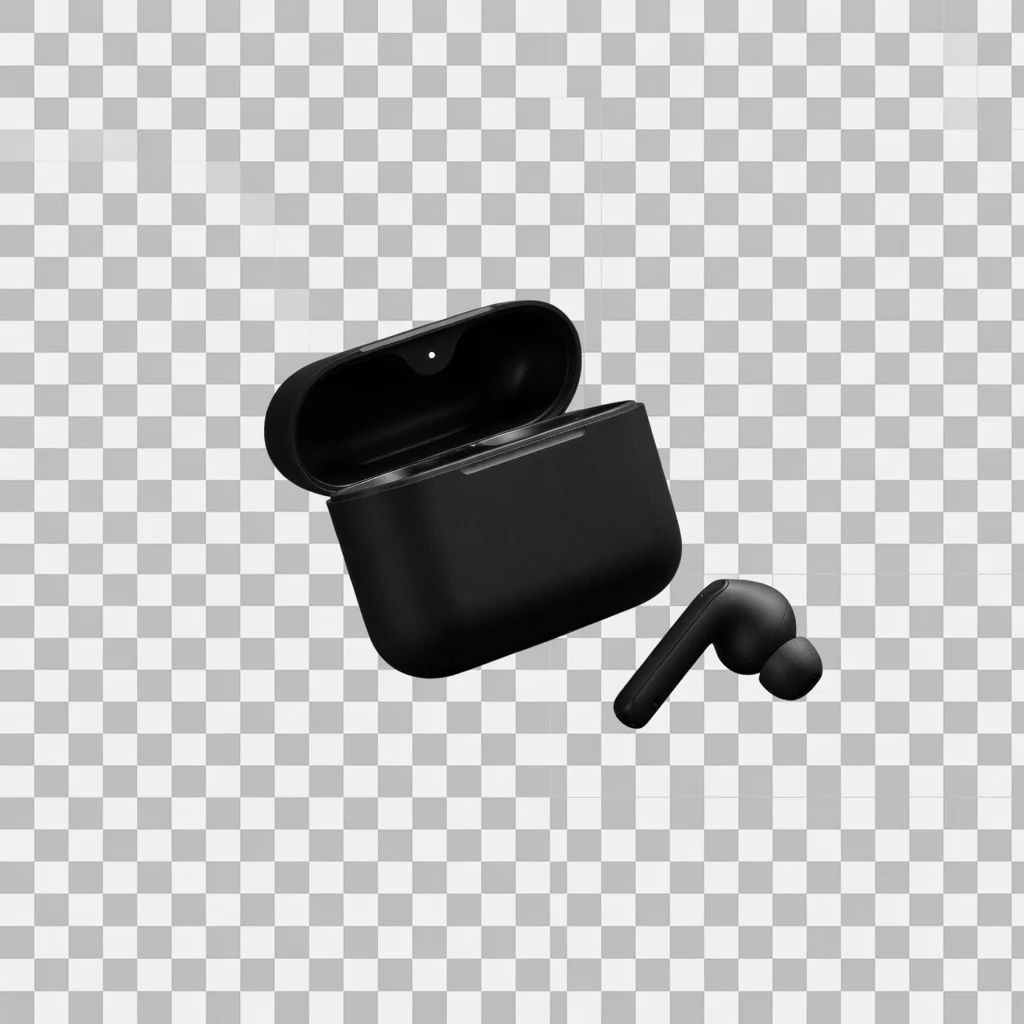
Transparent PNG
Transparent Product PNGExport a reusable transparent product PNG for layouts, modules, and design tools.
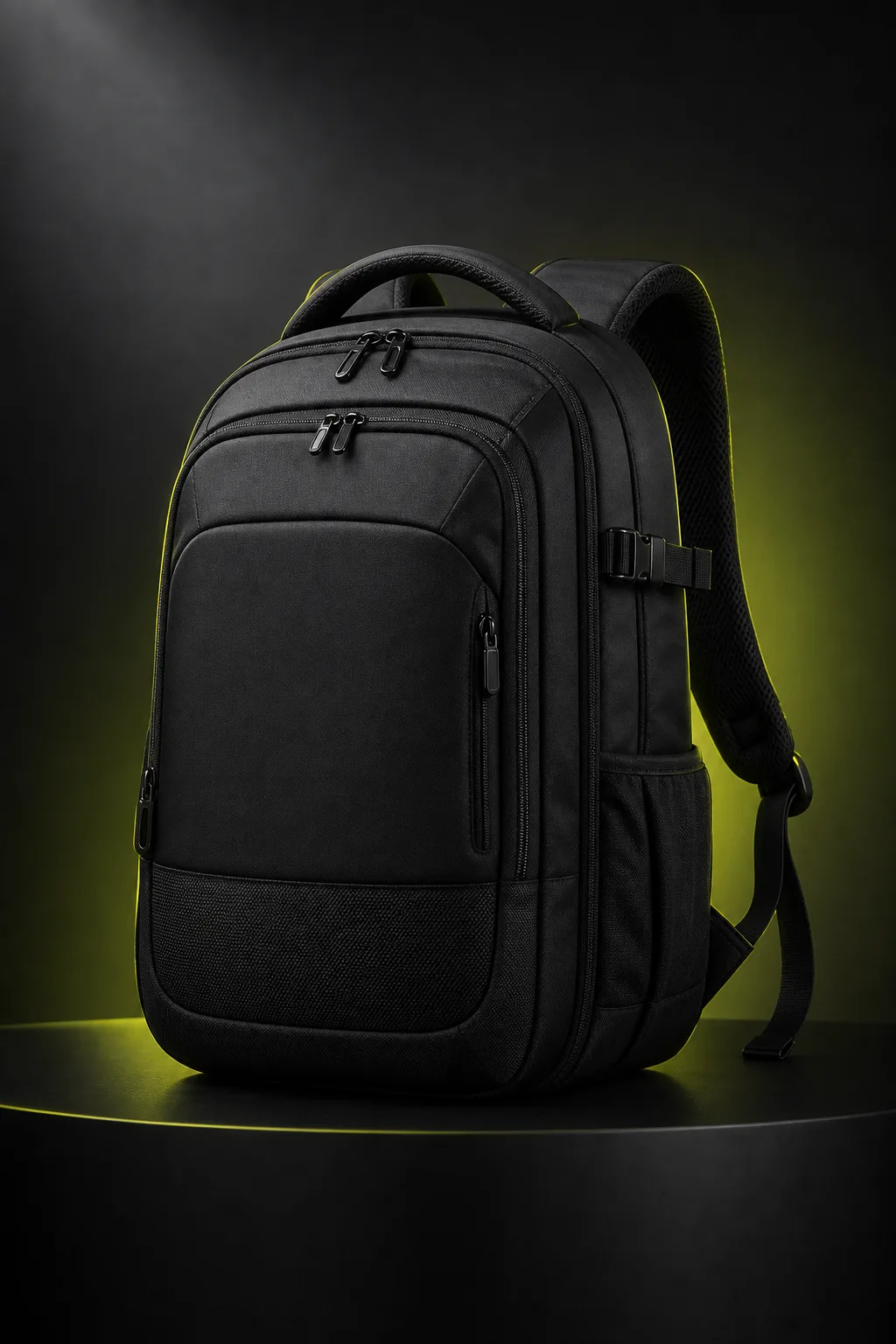
Clarity Tool
Product Image EnhancerImprove product image, banner, and poster clarity for free, then download a PNG.
Direct answer
An AI Product Ad Creative Generator transforms a single product photo into high-impact commercial still ad creatives designed for paid social feeds, ad sets, and retargeting campaigns. Powered by 27 curated campaign looks and robust Product Lock technology, it preserves product shape, colors, packaging, logos, and label typography while generating new campaign environments, dynamic lighting, and directional angles. It standardizes on a 4:5 feed aspect ratio alongside 1:1, 9:16, and 16:9 options. This tool produces still images only; it does not generate motion clips, video assets, or text overlays.
Upload a clean, well-lit photo of your product.
Keep Product Lock enabled to help protect packaging, logos, and true colors.
Choose one of 27 campaign looks, select camera framing, and pick your target ratio (default 4:5).
Compare generated variations side by side and export high-resolution stills for your ad campaigns.
BUILT FOR CAMPAIGNS
Paid social feeds demand contextual styling and intentional framing rather than standard marketplace white backgrounds. This workbench locks ad-creative intent so you can explore fresh campaign visual directions in a few minutes.
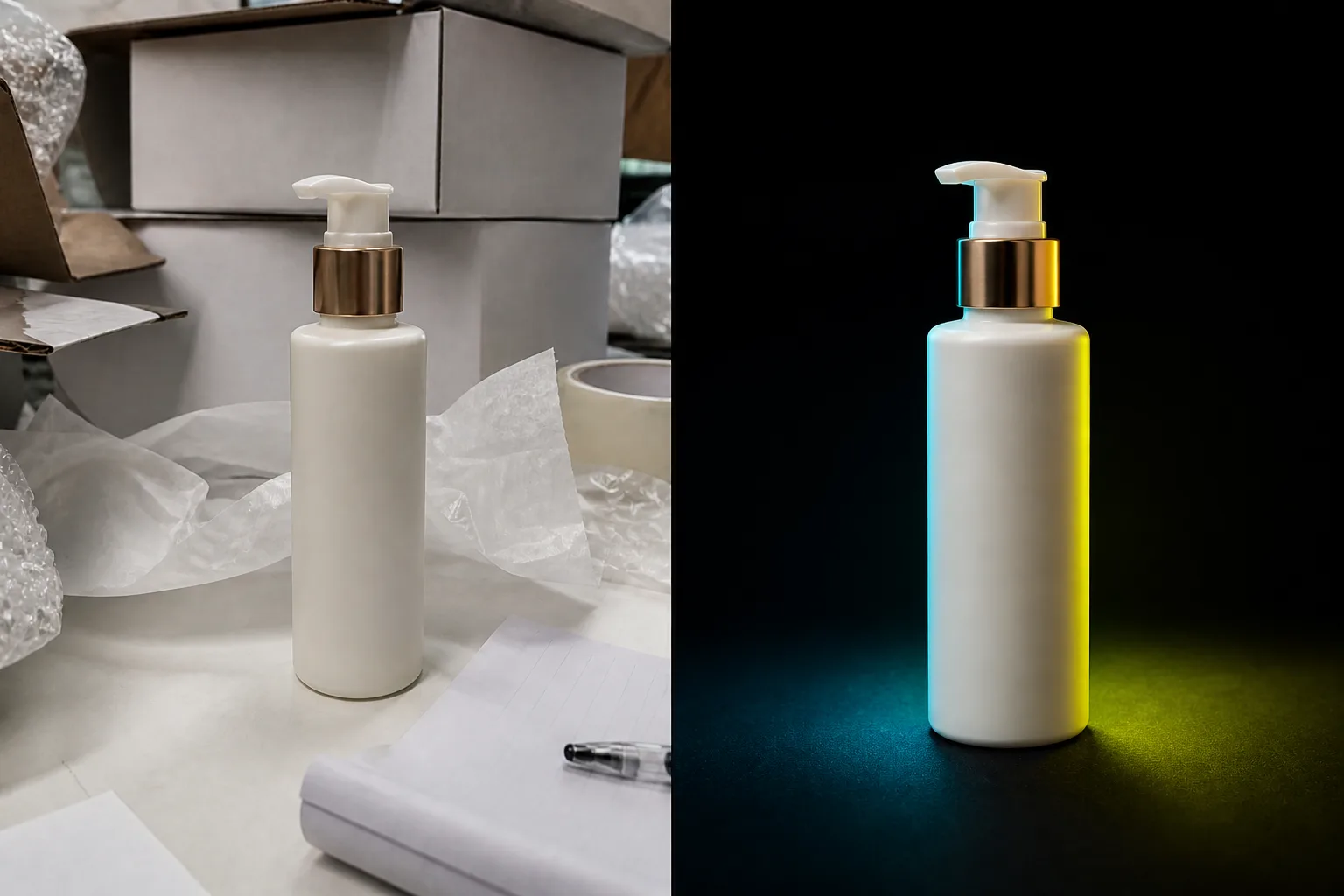
Cluttered backgrounds and flat warehouse lighting dilute brand value in feeds. Start from a single raw product photo and build polished, campaign-grade still visuals.
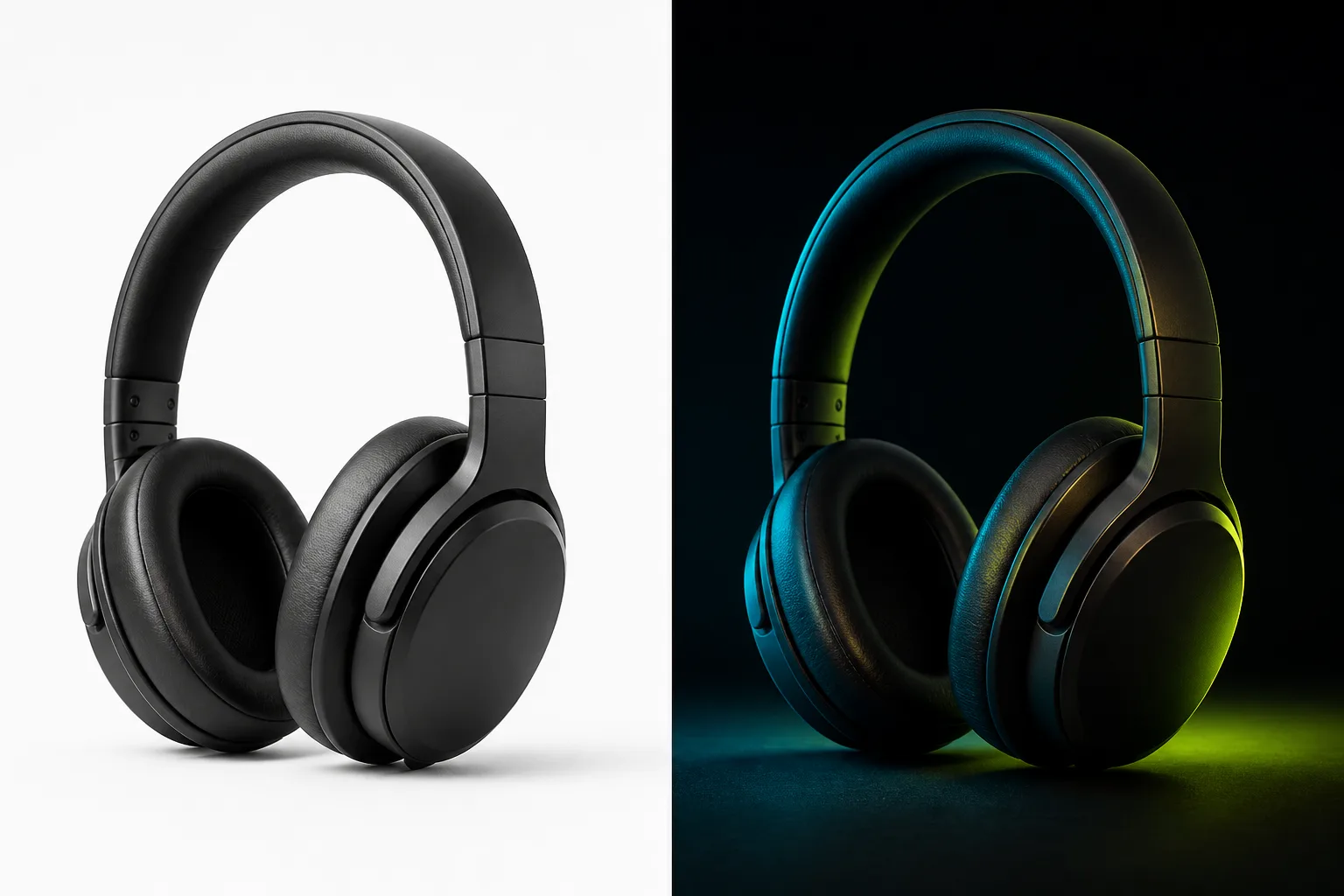
Plain white catalog plates satisfy marketplace compliance, but paid social feeds require immersive atmosphere and lifestyle framing to capture attention.
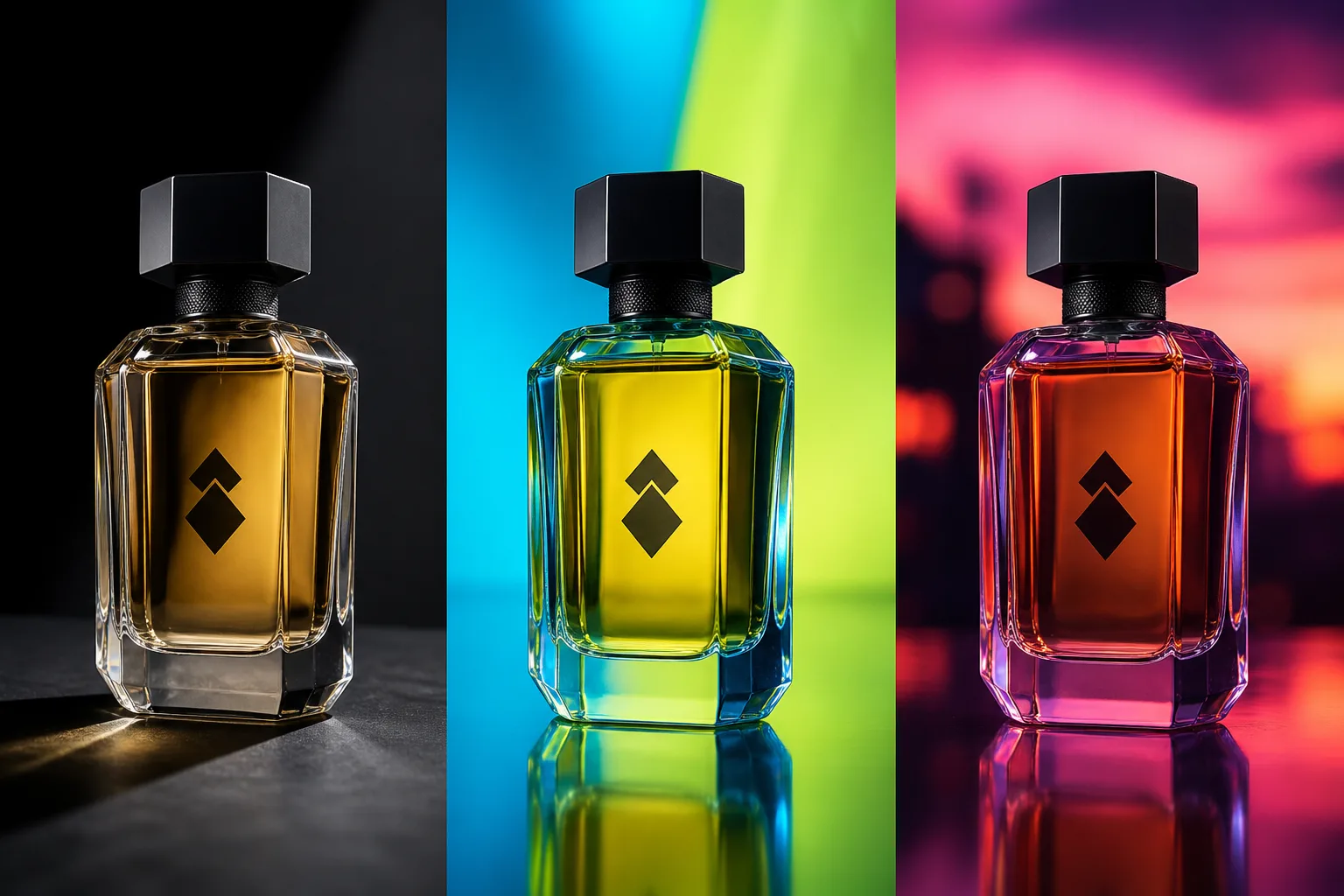
Finding winning ad variations requires testing multiple scenes and lighting moods. Iterate new campaign concepts digitally before investing in another physical shoot.
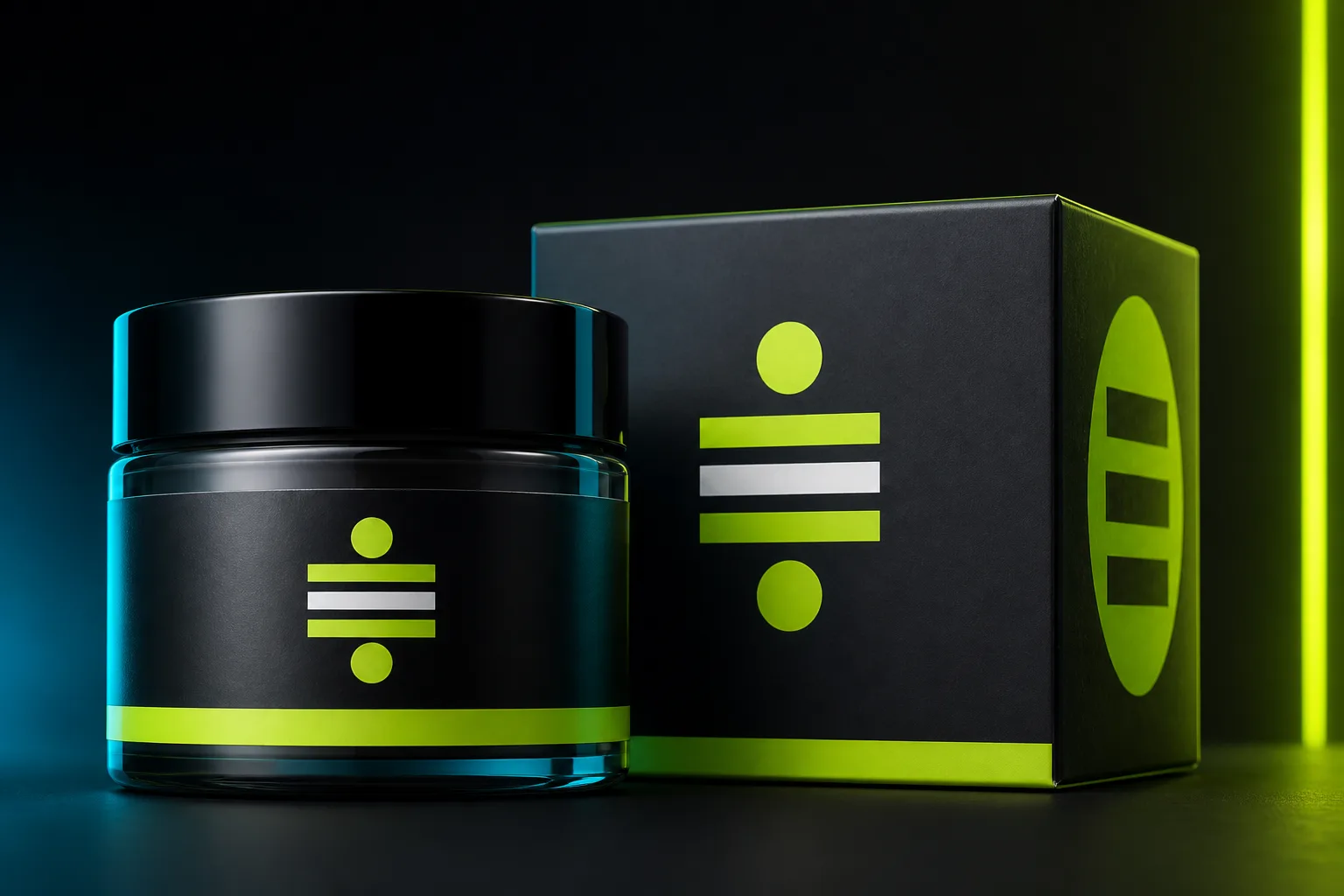
When testing new backgrounds, logos, packaging text, and product materials cannot distort. Product Lock helps maintain core product integrity across every variation.
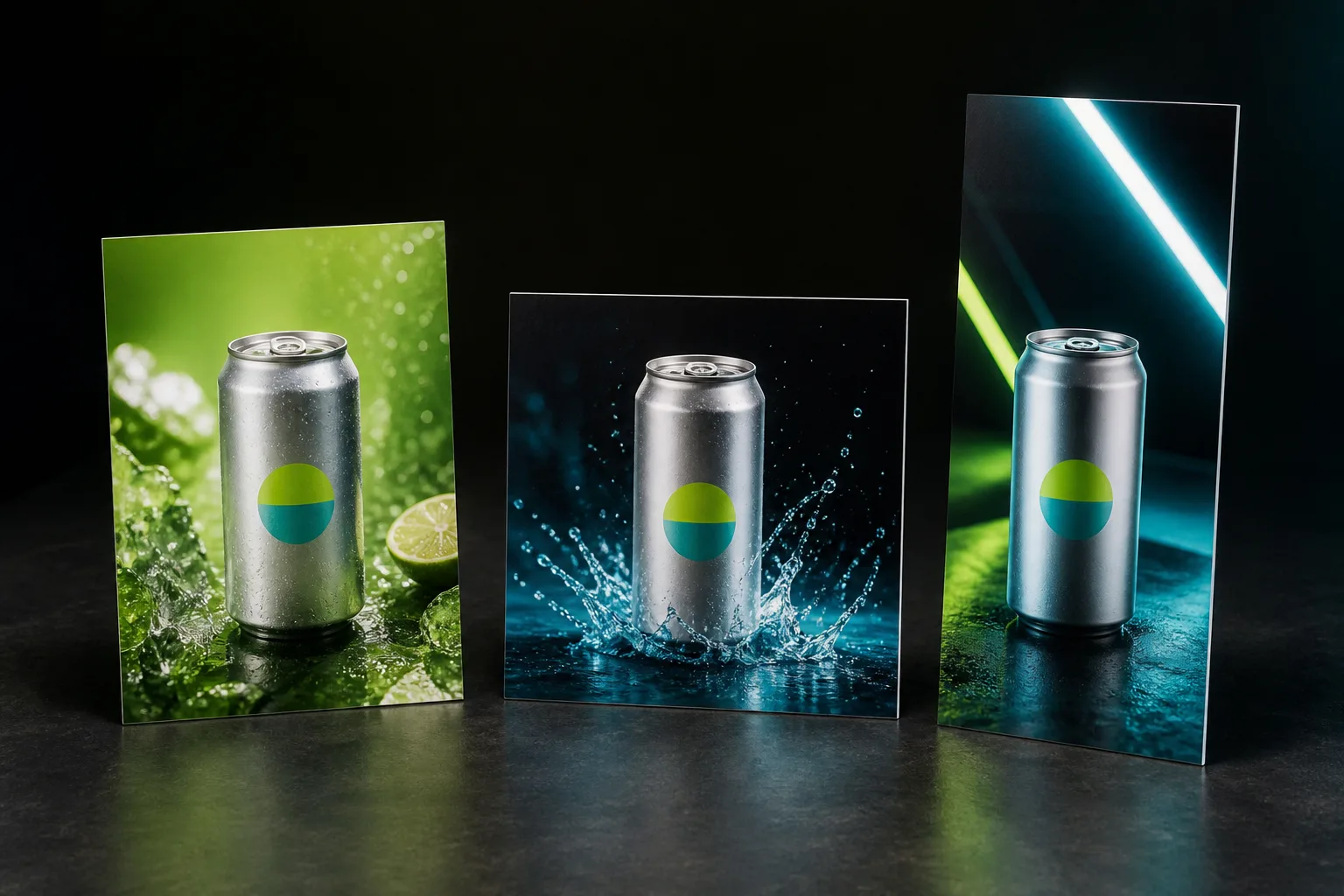
Feed placements, vertical stories, and display banners each demand specific dimensions. Generate at 4:5 by default, or switch to 1:1, 9:16, and 16:9.
PAID SOCIAL READY
Generate product-centric still creatives optimized for feed engagement. Easily test multiple visual hooks and aspect ratios across ad sets without booking repeat studio shoots or managing graphic layout software.
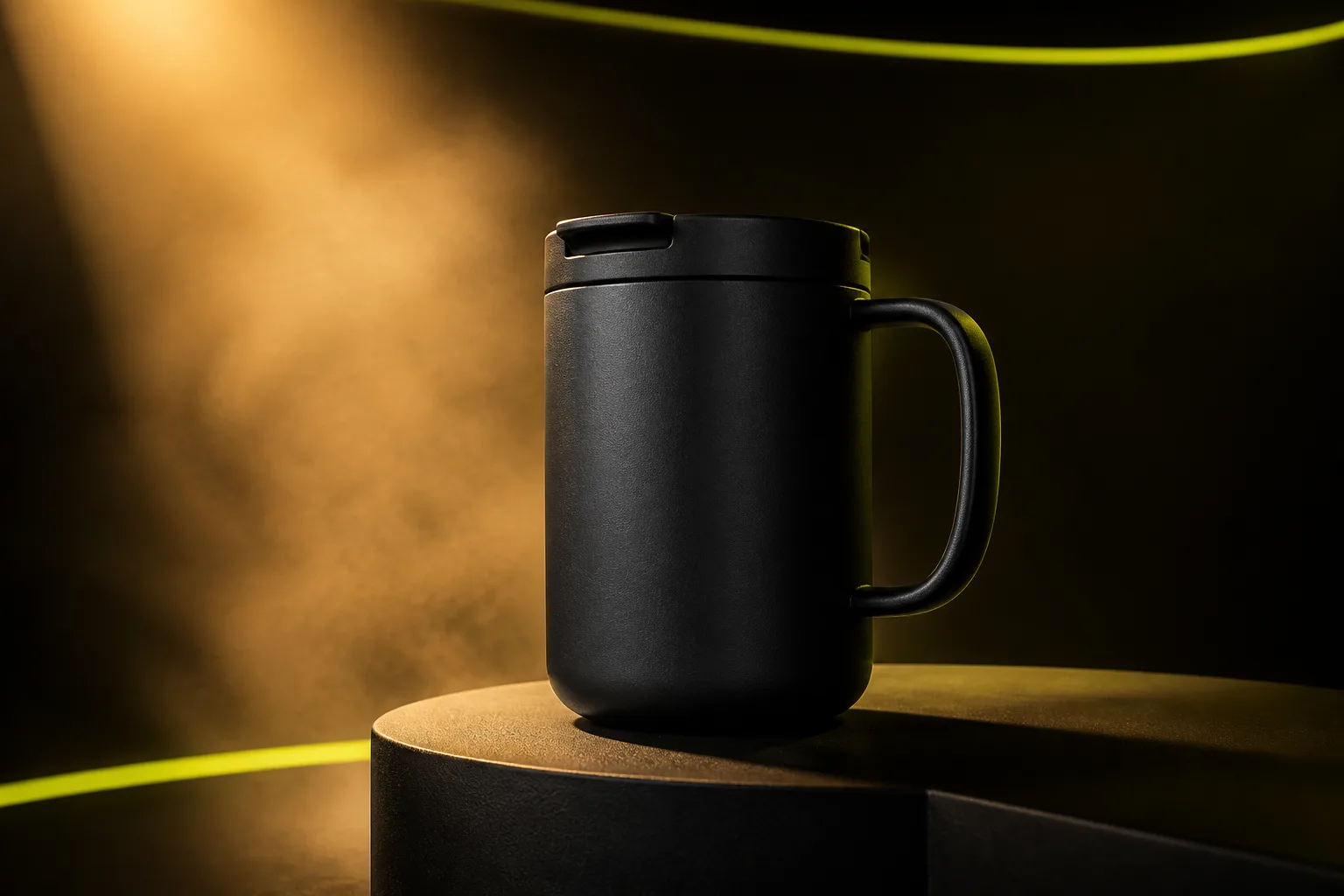 Launch Stills
Generate high-impact product stills for seasonal collection headers, promotional popups, and email campaigns without scheduling a full studio crew.
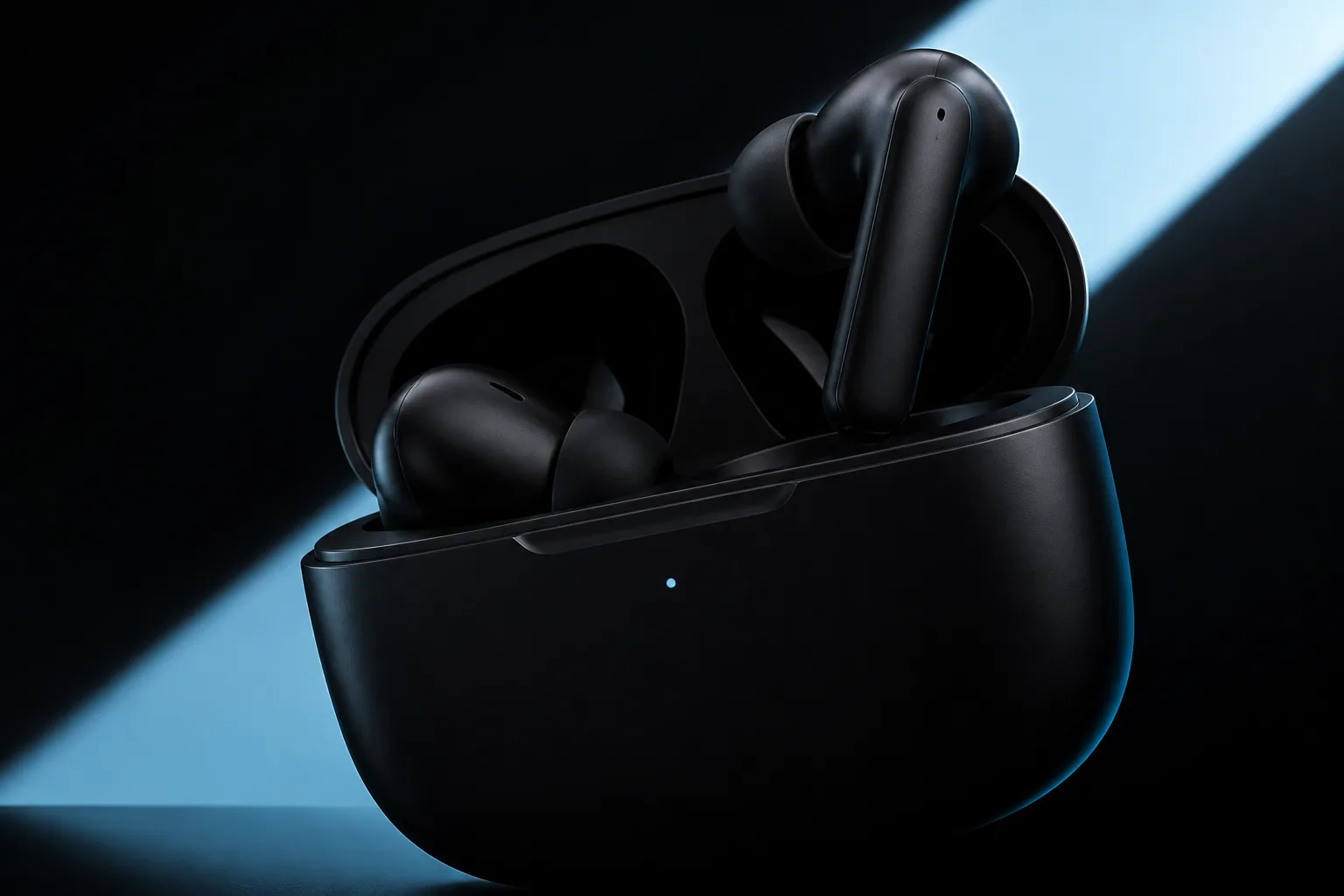 Retargeting
Export product-forward compositions with crisp lighting designed to recapture buyer intent in retargeting feeds.
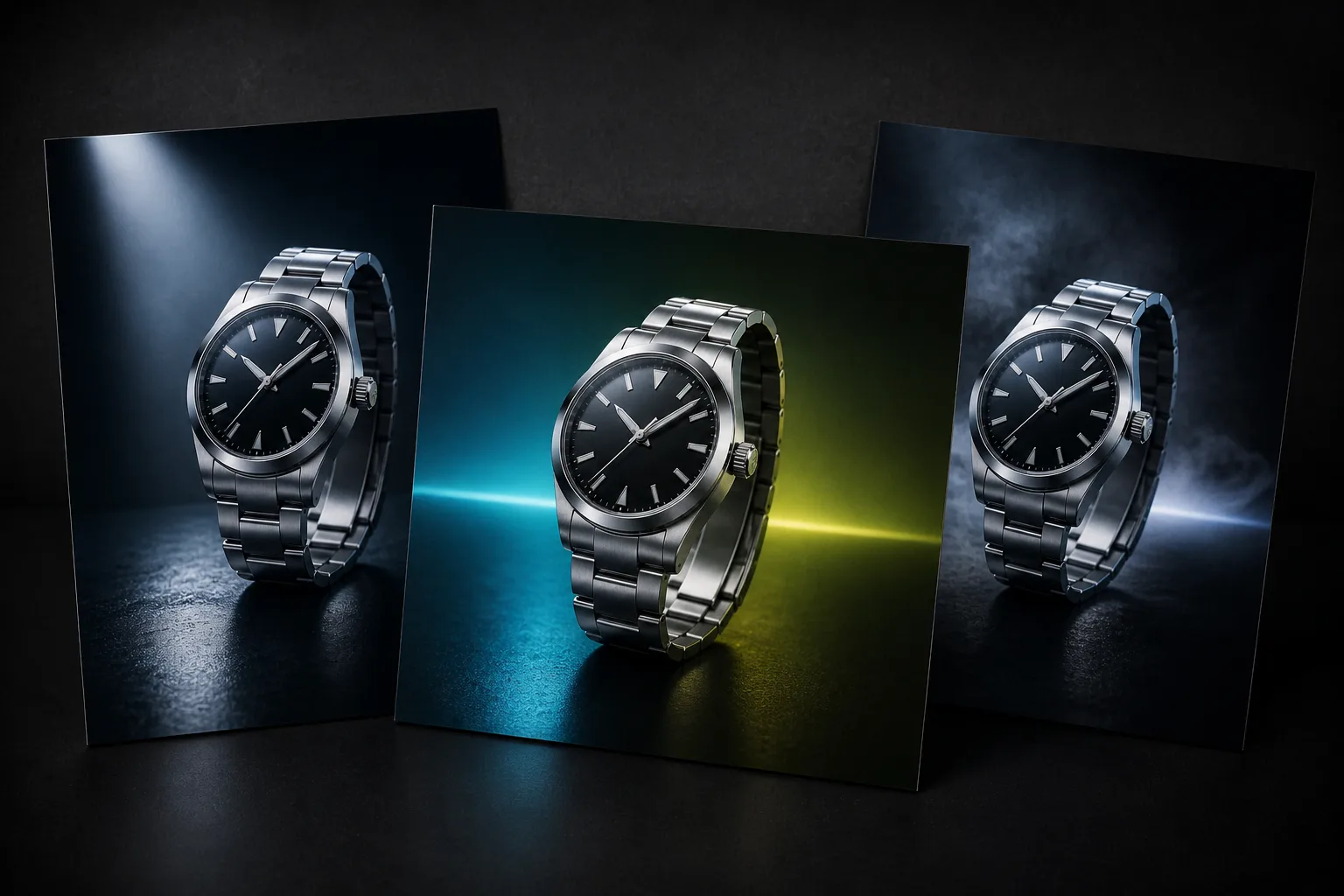 Creative Testing
Explore diverse campaign looks and framing angles early, validating visual directions before committing physical production budgets.
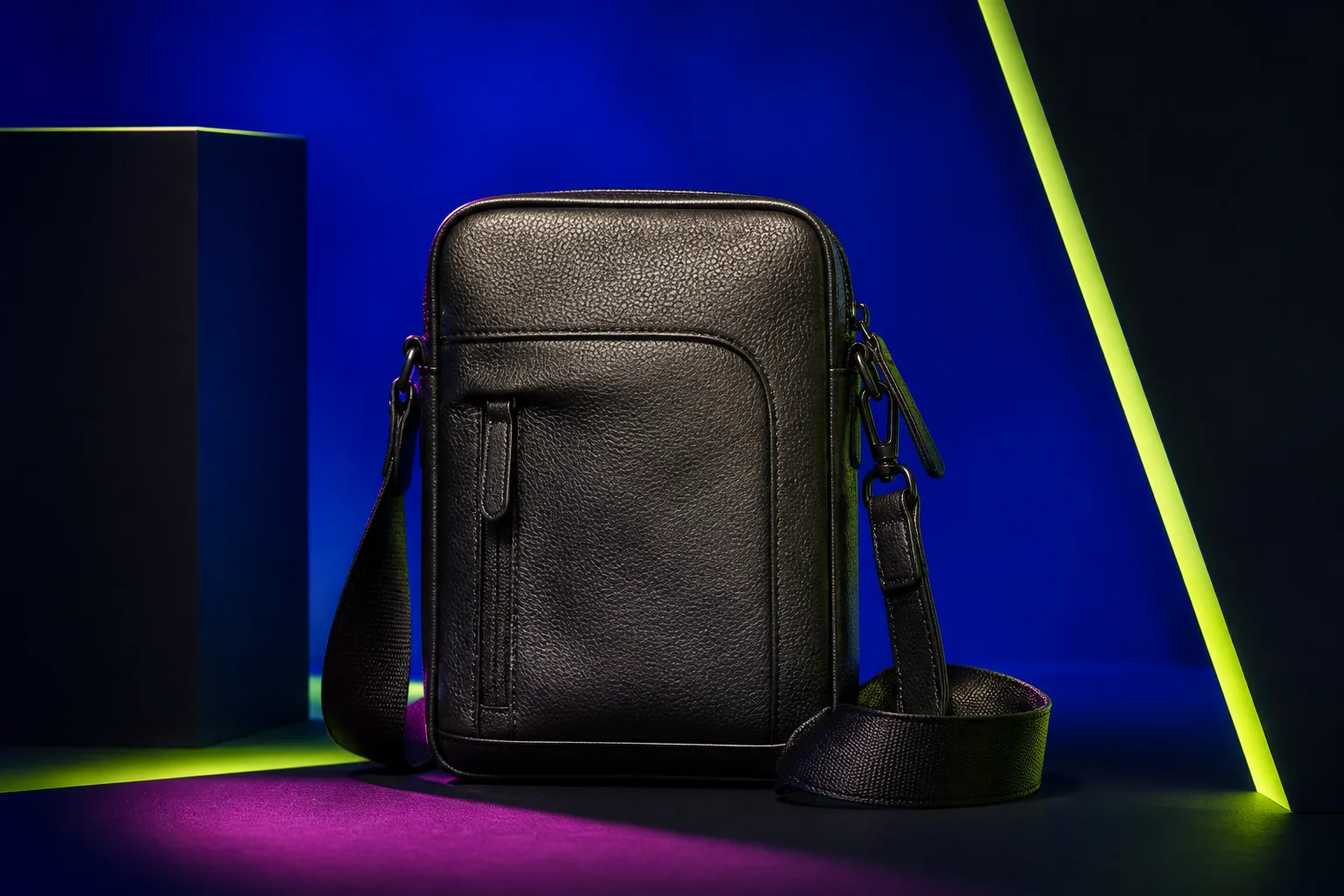 Paid Social
Generate at a native 4:5 aspect ratio for maximum mobile feed real estate, or adapt to 9:16 and 1:1 placements as needed.
4-STEP WORKFLOW
Select a campaign style, frame your product, compare variations, and export high-resolution stills for your ad accounts.
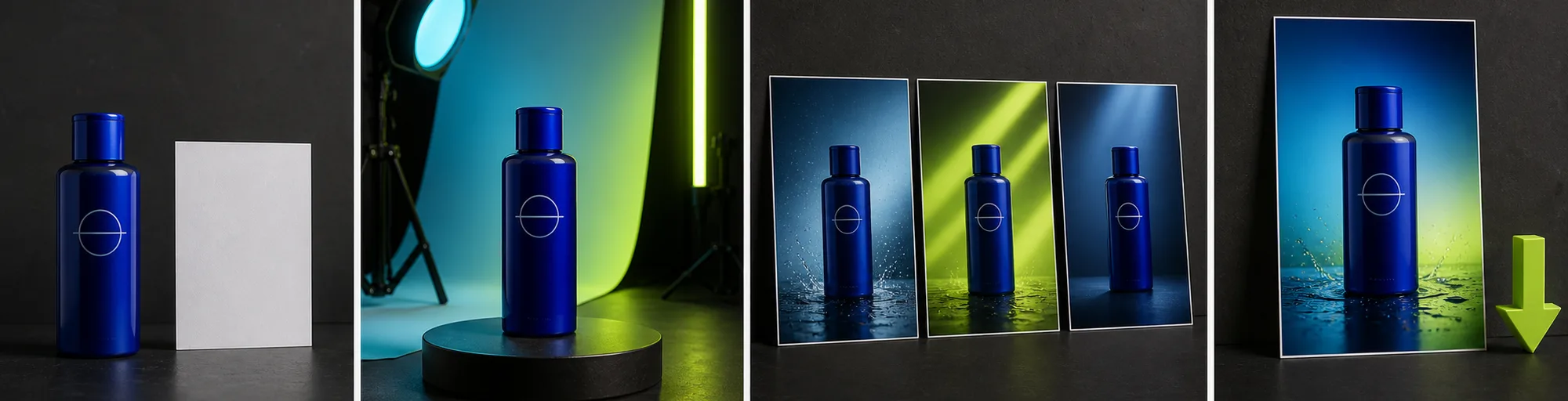
Provide a clear image showing your full product. Sharp packaging text and visible branding yield the highest generation fidelity.
Select from 27 campaign looks, keep Product Lock enabled, and choose your camera direction, angle, and aspect ratio (default 4:5 feed framing, 1:1, 9:16, or 16:9).
Review multiple generated angles and lighting treatments side by side against your source photo to verify product integrity.
Export high-resolution still images directly into your paid ad managers, landing pages, or promotional email campaigns.
PRODUCTION EFFICIENCY
Compare rapid digital iteration of product still concepts against the scheduling friction, physical prop costs, and multi-week turnaround of physical photo shoots.
Multiple
output styles
Reference-led
direction
Built-in
before-and-after review
Booking studio space, props, and photographers requires significant upfront budget and weeks of coordination for a handful of final photos.
Test 27 campaign looks, adjust camera framing, and generate campaign-ready stills in a few minutes while protecting core product details.
PRACTICAL GUIDES
Learn how to build paid social still variations, maintain product consistency across campaigns, and structure efficient creative testing workflows.
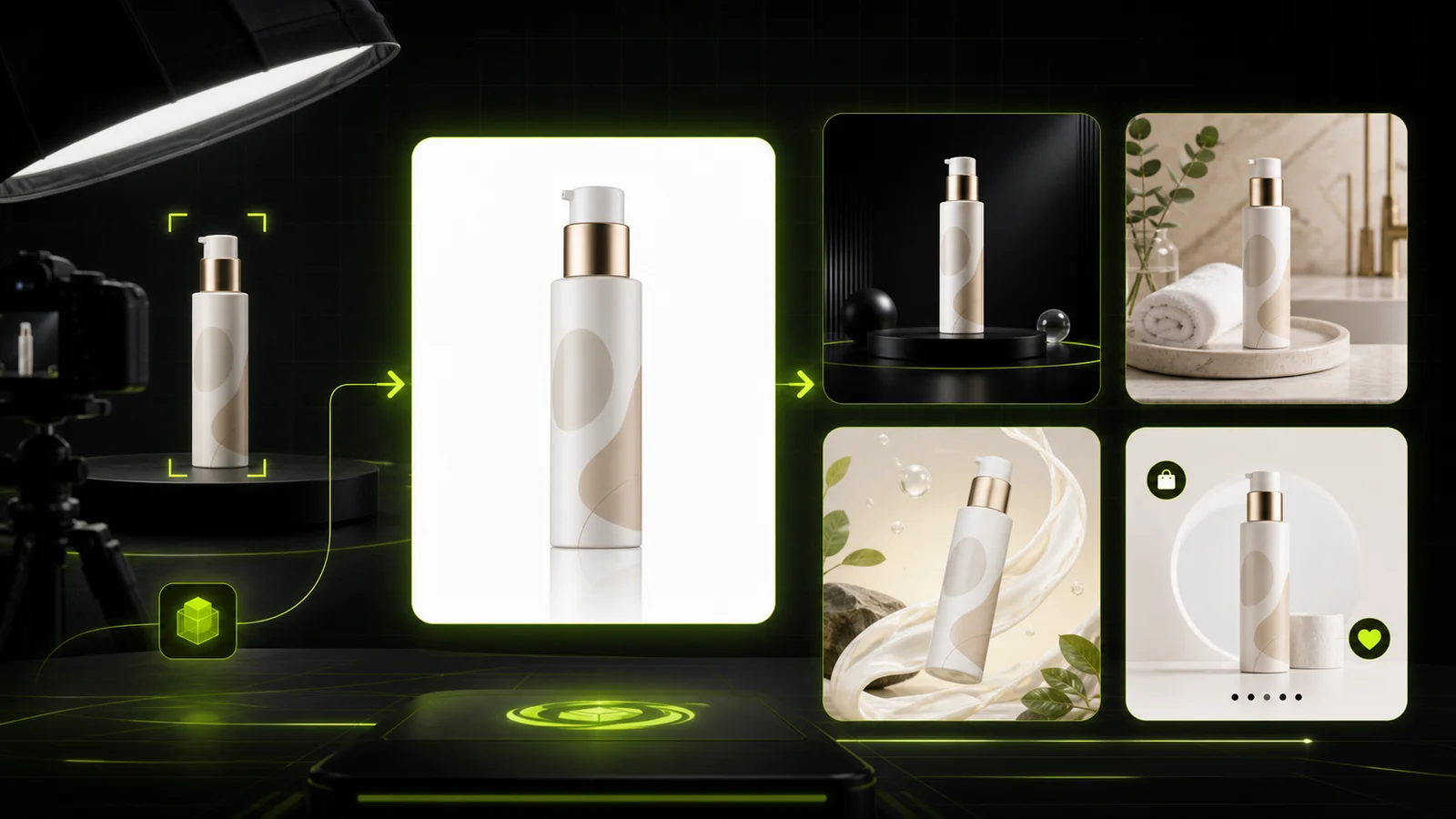 Guide
GuideCompare AI product photography generators for white background images, studio shots, lifestyle scenes, and ecommerce campaign visuals.
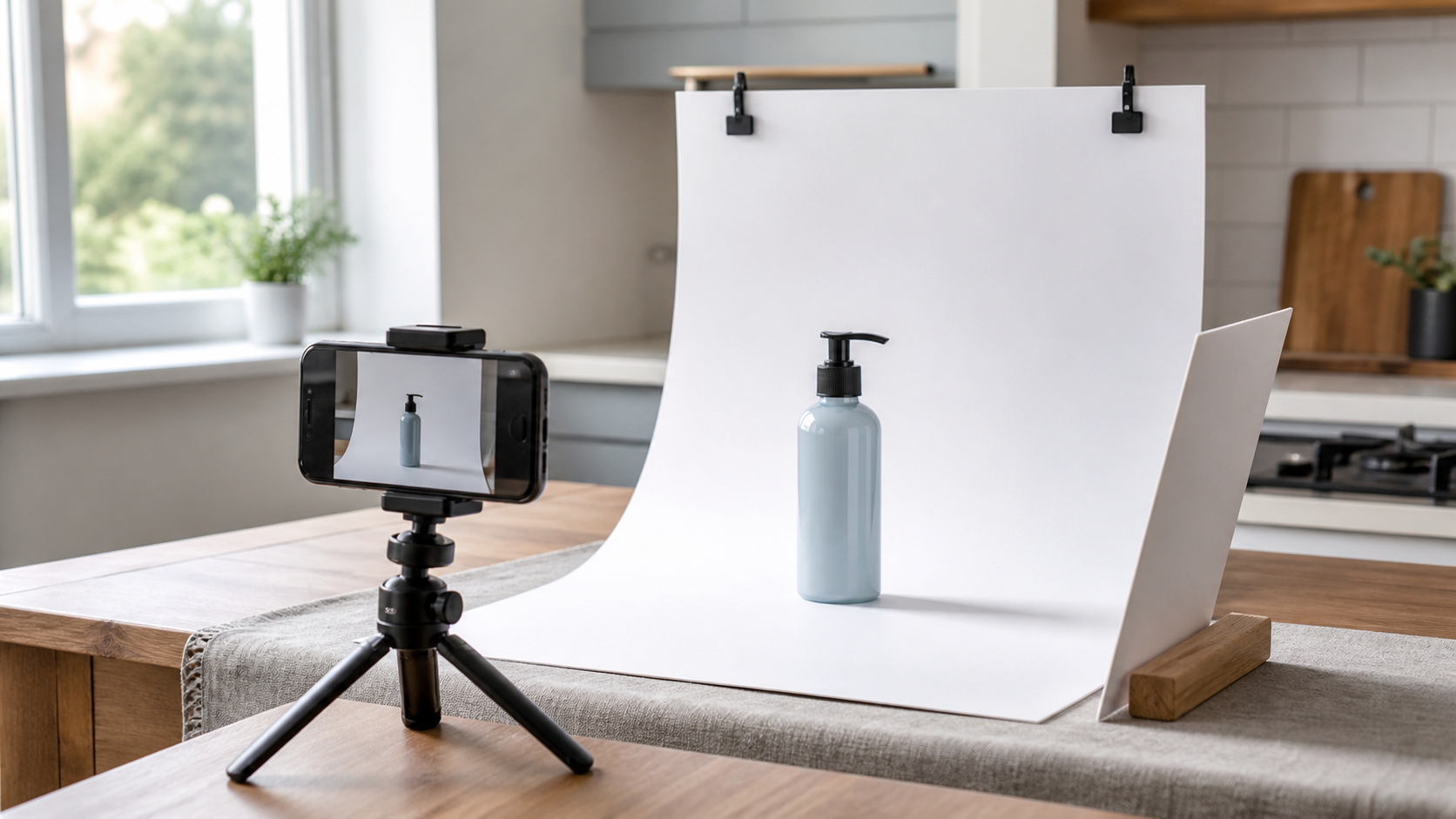 Workflow
A practical workflow for taking sellable ecommerce product photos with a phone, simple setup, and AI-powered variations.
 Lighting
A practical guide to product photography lighting, soft light, fill light, backlight, reflection control, and difficult materials.
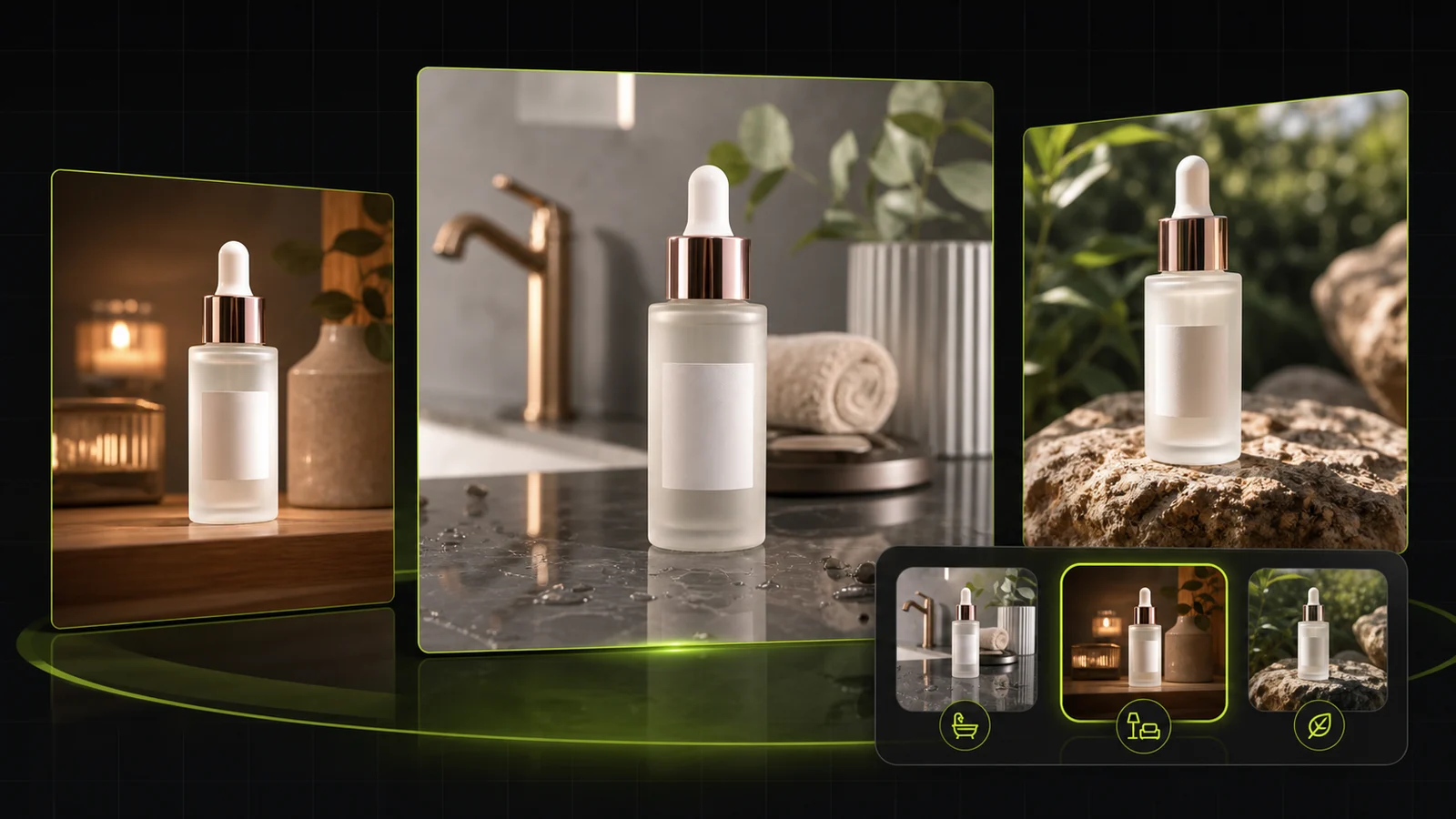 Workflow
Compare AI lifestyle photo generators for realistic ecommerce scenes, product preservation, catalog consistency, and campaign workflows.
 Case Study
A seller shares what traditional product photography costs, why product fidelity matters, and how AI changed the workflow.
 White Background
Learn why white background product photos are harder than they look, how platform rules differ, and how to preserve details.
See how ecommerce operators and media buyers use ProductShot AI to expand creative testing without physical shoot bottlenecks.

“We test dozens of visual angles per week across Meta ad sets. Being able to drop in one product photo and test multiple campaign looks in 4:5 has cut our initial creative prep time dramatically.”

“Product Lock keeps our bottle labels and foil finishes crisp while exploring different lighting moods. It gives us high-grade still assets ready for feed placement.”

“For new product drops, we needed fresh campaign scenes for retargeting before full studio assets were finalized. ProductShot AI generated clean, on-brand stills in a few minutes.”

“The 27 campaign looks cover a wide range of commercial still styles. It bridges the gap between supplier photos and feed-ready ad stills.”

“Maintaining packaging fidelity across ad variations was our biggest concern. ProductShot AI keeps our logo and brand colors consistent across different campaign environments.”

“Generating 4:5 feed stills and 9:16 vertical variations from the same source image made building retargeting ad sets much faster. Essential tool for our paid workflow.”
FREQUENTLY ASKED QUESTIONS
Clear answers about workflow capabilities, Product Lock, campaign looks, aspect ratios, and how this tool fits into your advertising pipeline.
Upload one product photo, select a campaign look, and generate feed-ready still creatives for paid social and launch campaigns.
Start for Free →