
01
Upload one product image as the only product identity source.
Upload one product image, choose a commercial poster template, add optional headline text, and generate a polished product poster for ecommerce campaigns, launches, ads, and social posts.
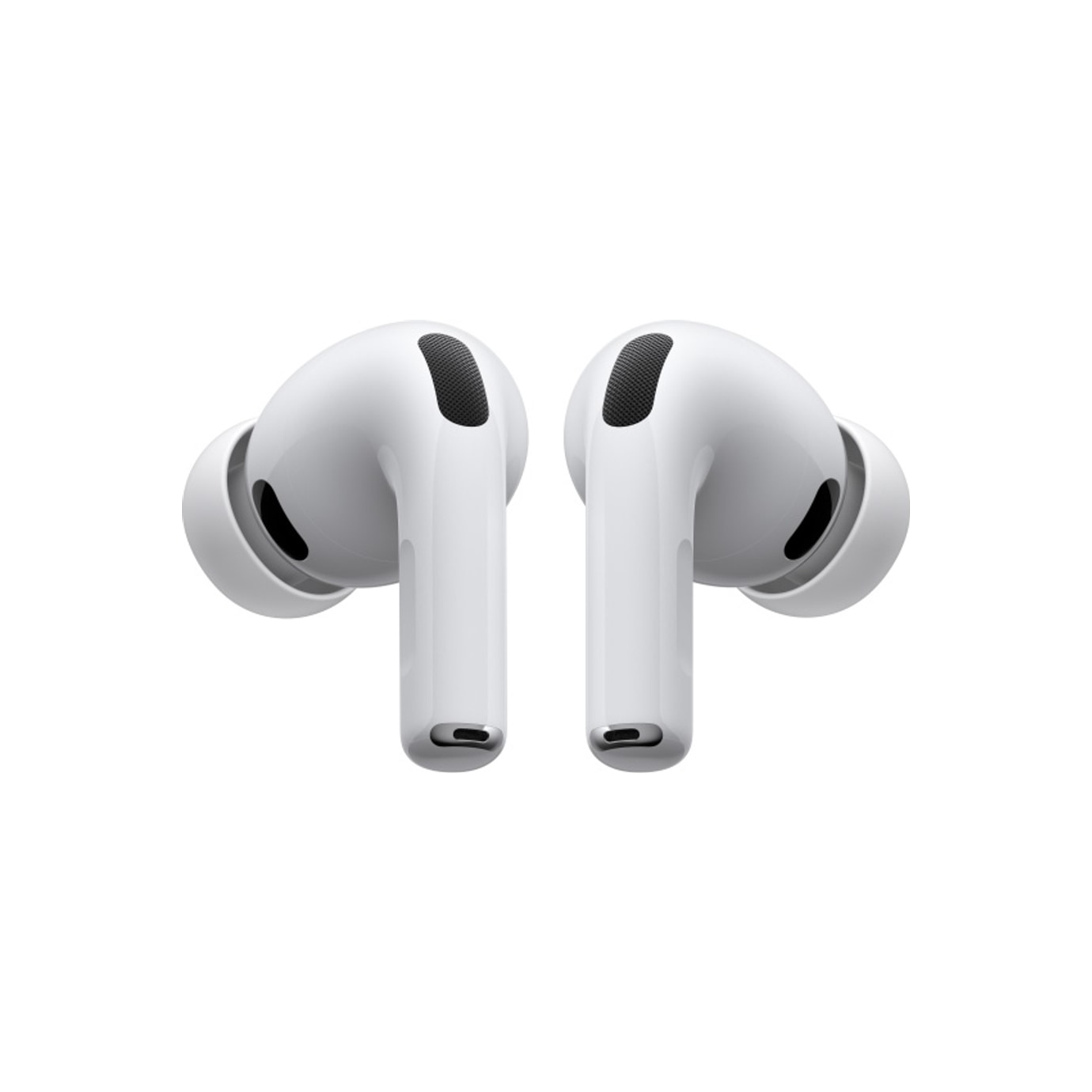
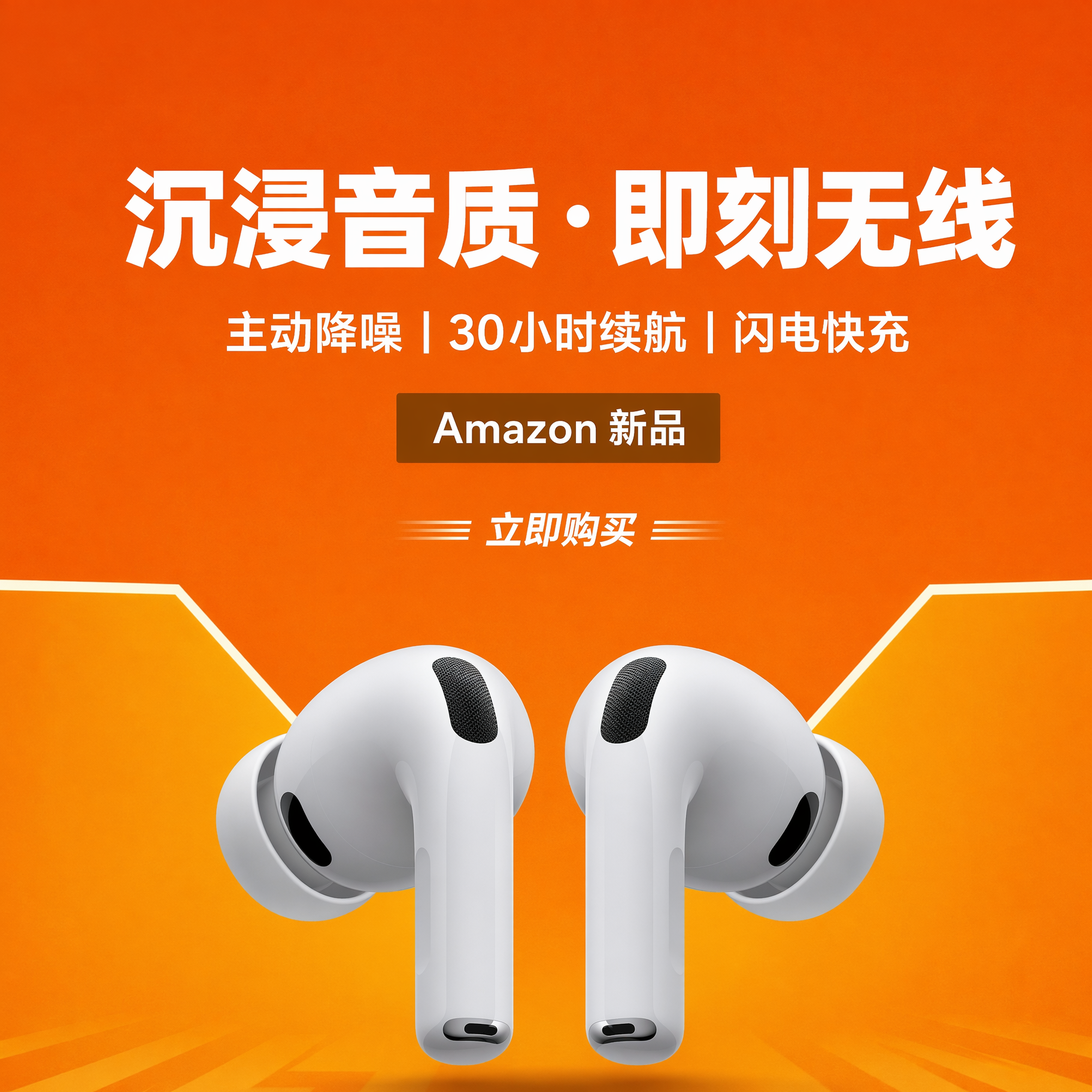
AI product poster generation
Use ProductShot AI to turn one product image into launch posters, ecommerce sale banners, social media product ads, seasonal campaign posters, and product detail page visuals.
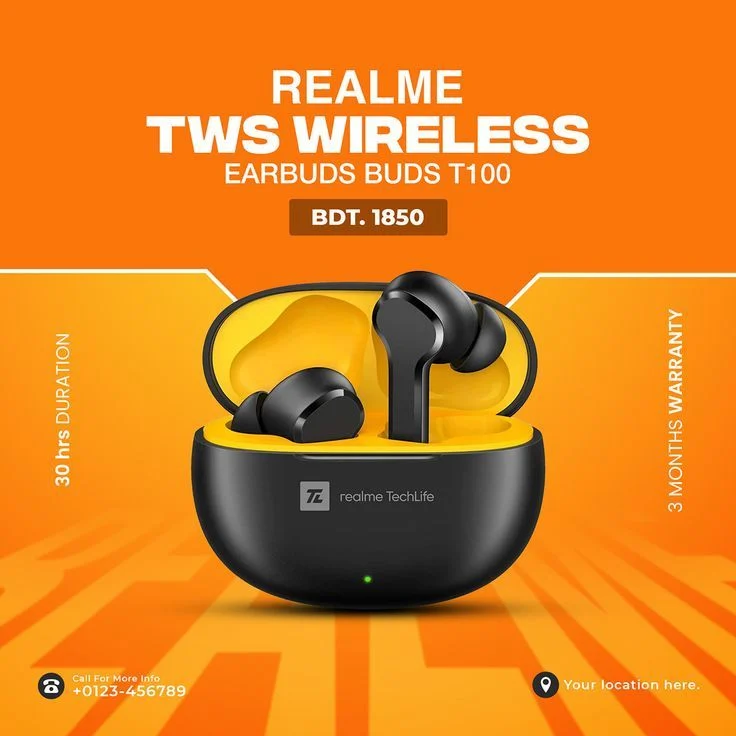
Poster Type
Product launch postersCreate launch-ready product posters from one uploaded product image.
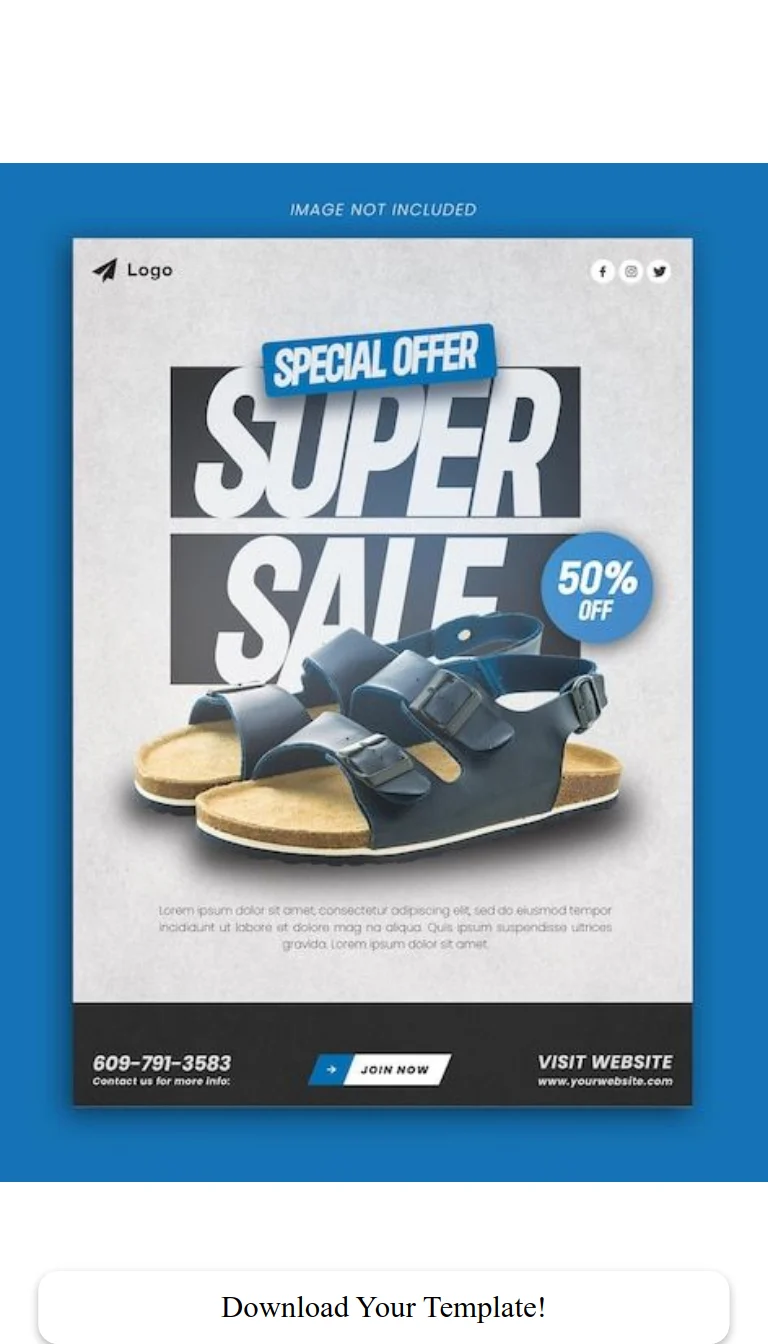
Poster Type
Ecommerce sale bannersGenerate sale banners and promo posters for storefront and marketplace campaigns.
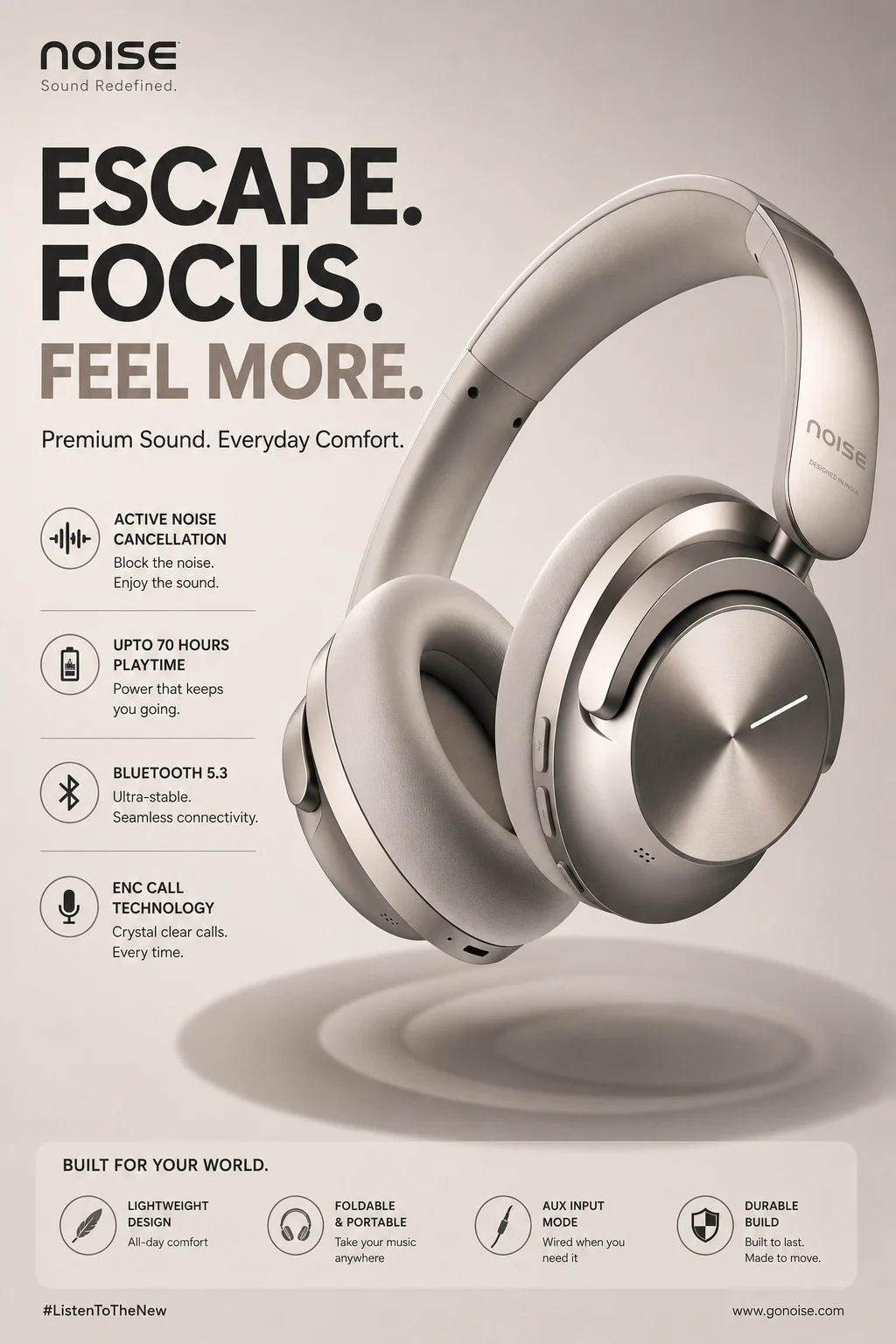
Poster Type
Social media product adsCreate product-led social ad posters with campaign text zones and product hierarchy.
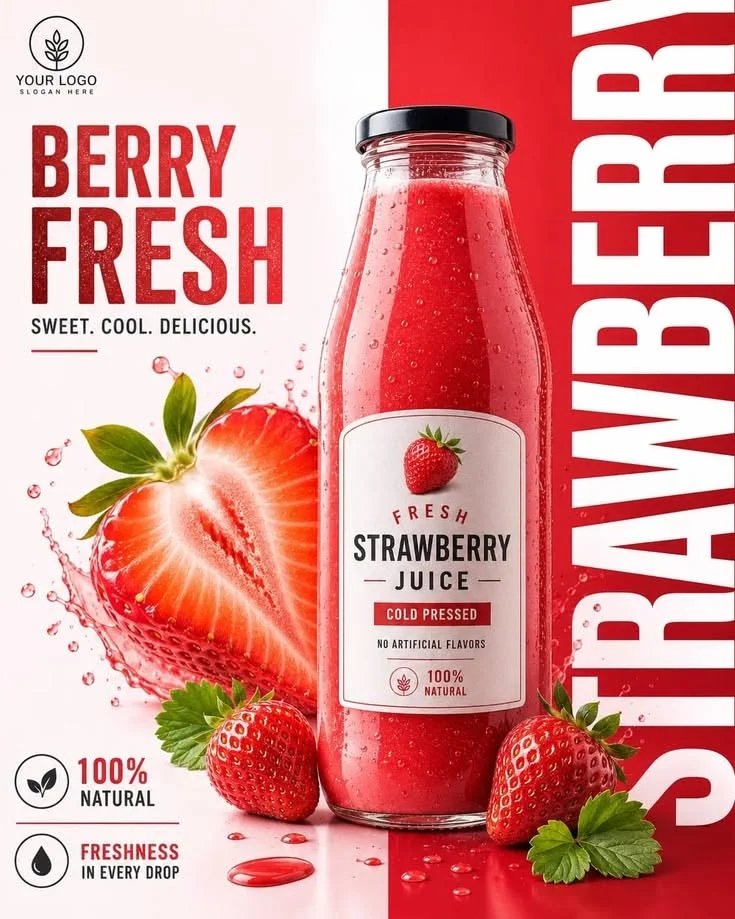
Poster Type
Seasonal campaign postersTurn one product upload into seasonal promo posters and holiday campaign visuals.
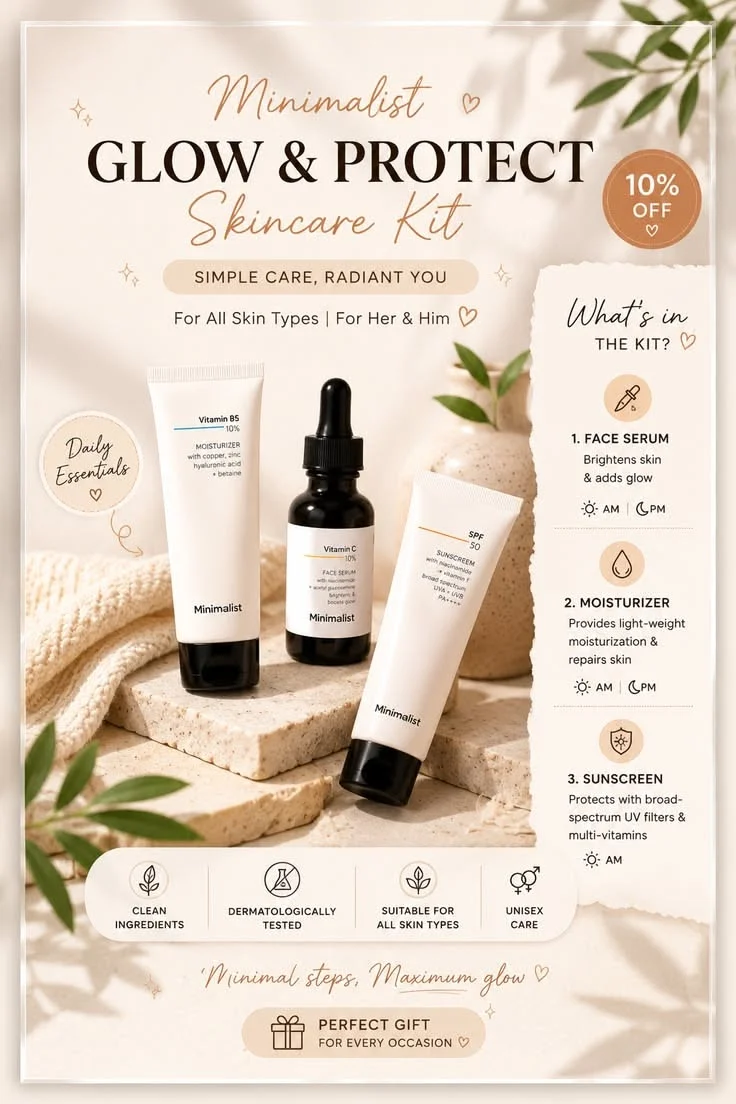
Poster Type
Product detail page visualsCreate product detail page posters and supporting campaign visuals from one upload.
Direct answer
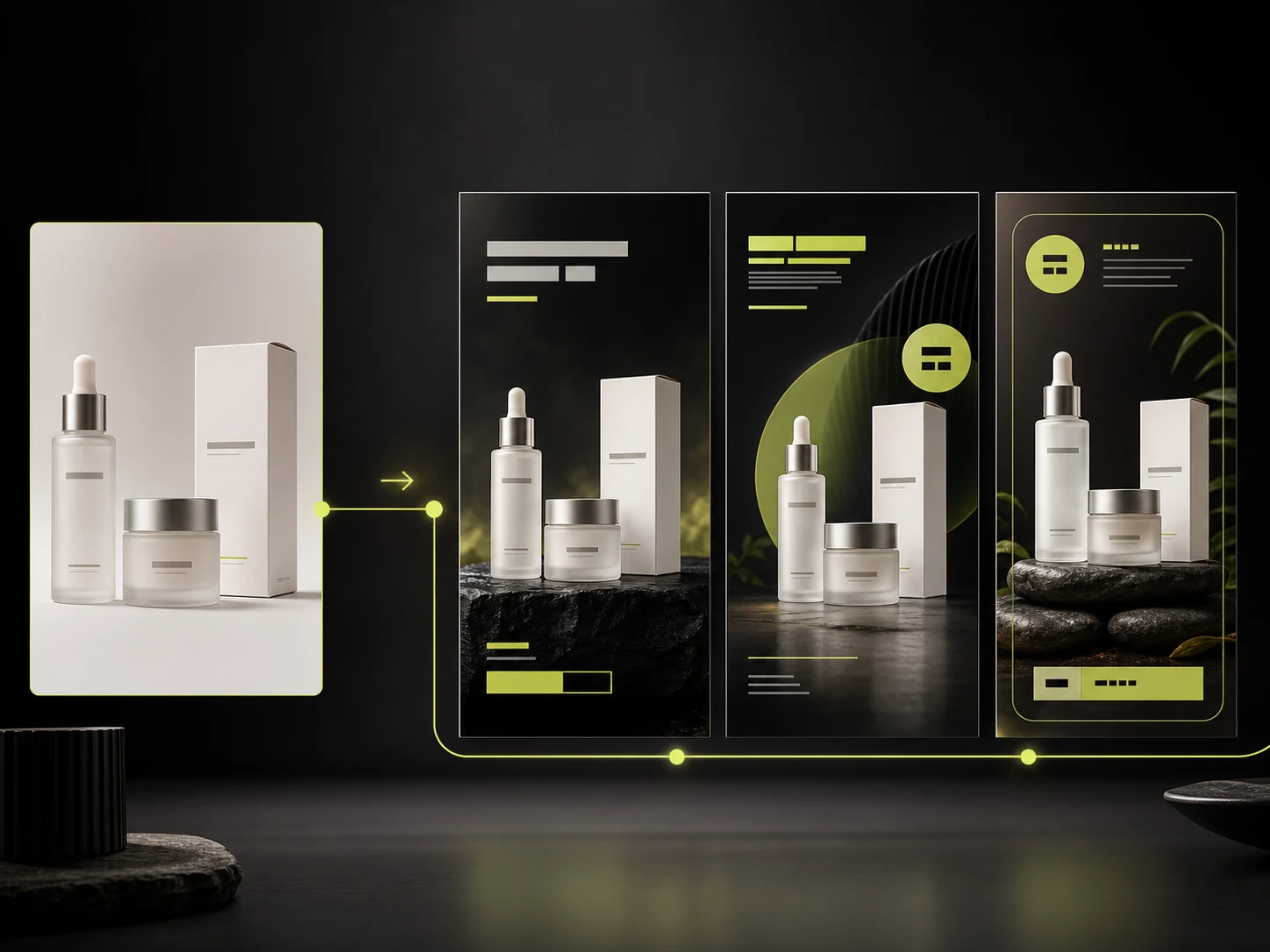
An AI product poster generator uses one uploaded product image as the only product identity source, applies a poster template for composition, background, perspective, text zones, and decoration reference, and keeps Product Lock focused on product shape, color, material, packaging, logos, and labels. You can provide exact poster copy or generate, edit, and confirm AI-written copy first, then choose an output ratio that takes priority over the template default.
Upload one product image as the only product identity source.
Choose a poster template for composition, background, perspective, text zones, and decoration reference.
Add exact poster copy or generate, edit, confirm, and regenerate AI-written copy first.
Choose an output ratio that takes priority over the template default, then generate, compare, download, share, or save to history.
Poster pain points
Most ecommerce teams need more campaign poster variations than a single design round can cover. This workflow helps turn one product upload into launch posters, sale banners, social ads, and channel-specific campaign creative.
Launch posters, sale banners, and seasonal campaigns often start from blank layouts. Rebuilding composition, background, and text zones for every promotion slows down ecommerce creative teams.
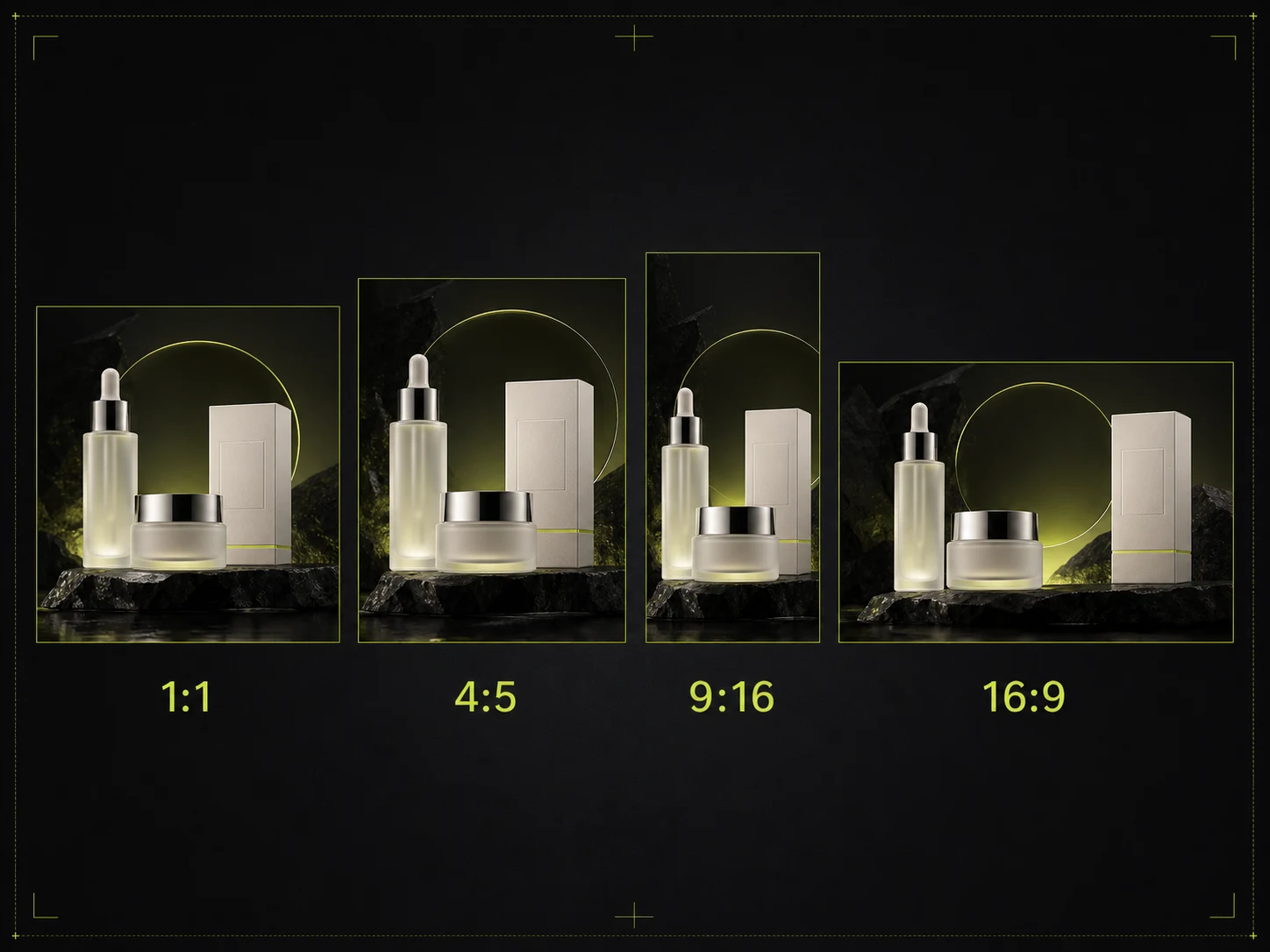
Shopify banners, marketplace promos, social ads, and email campaigns all need different crops and aspect ratios. Manual resizing and re-layout work adds friction to every campaign.
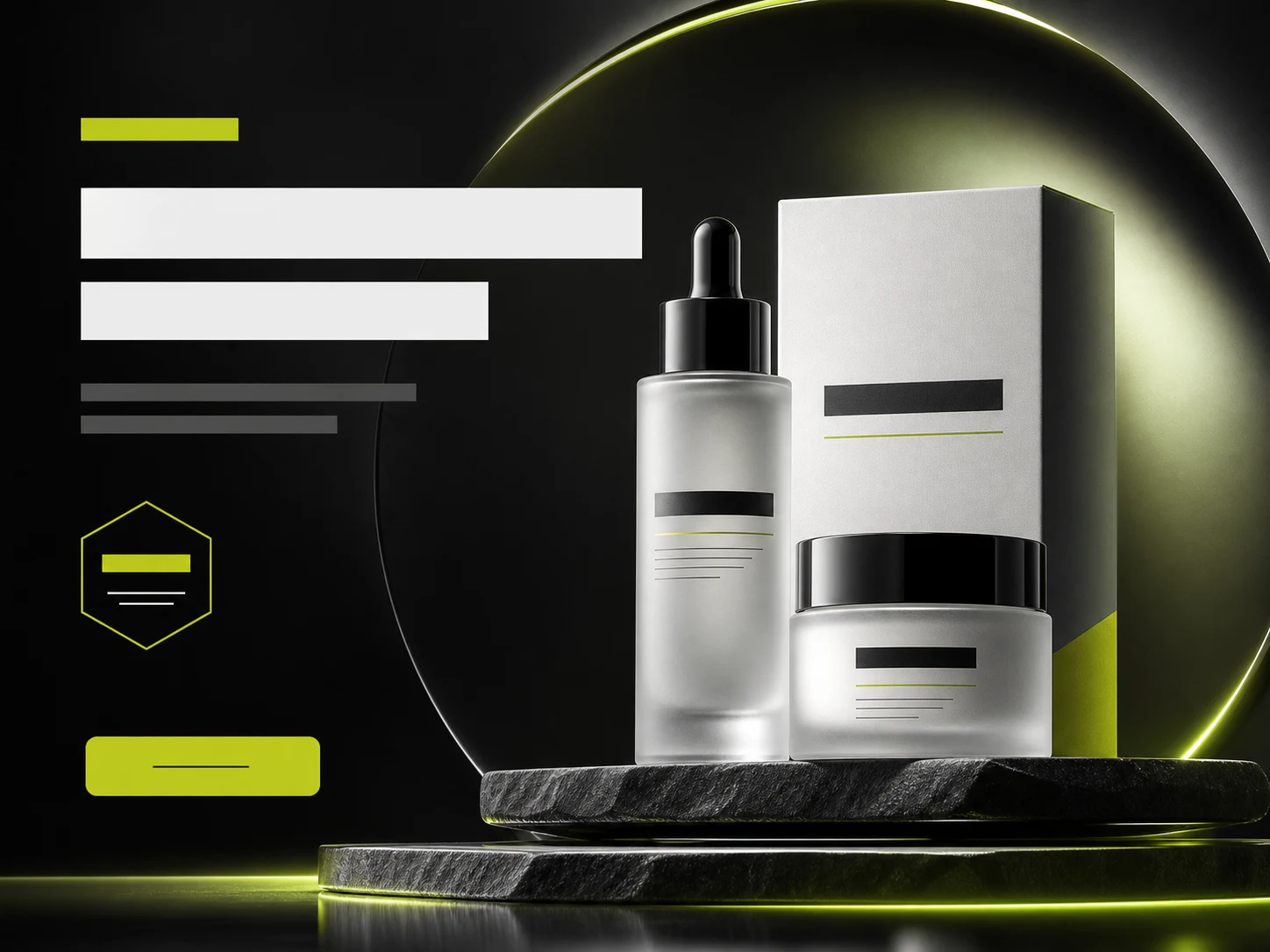
When product photos, poster backgrounds, and campaign copy are built separately, the final creative can feel inconsistent across launch pages, ads, and storefront banners.
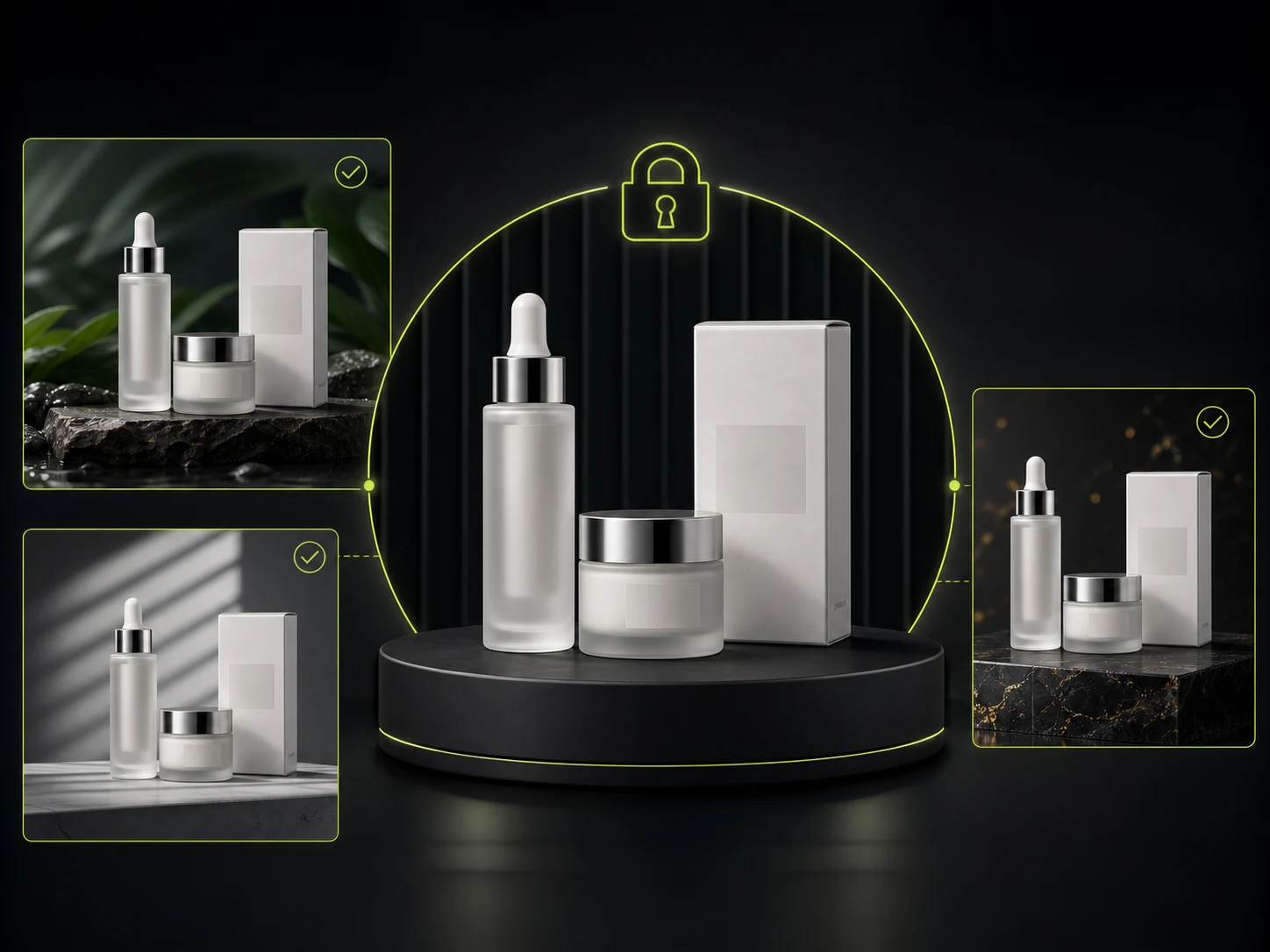
Generic image generators may alter product shape, packaging, labels, logos, or colors while trying to create poster scenes. Campaign posters still need the product identity to stay recognizable.
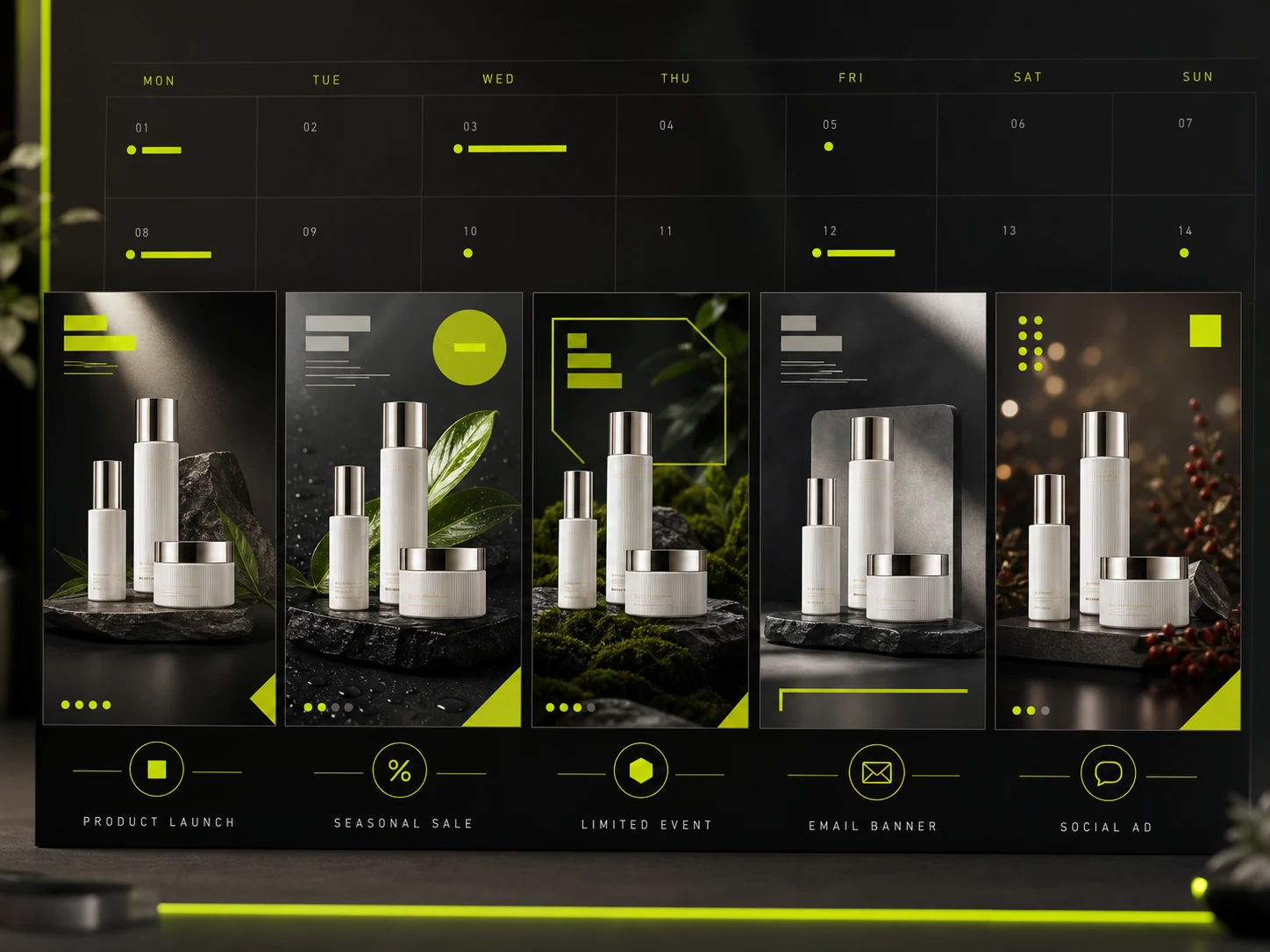
Holiday promos, flash sales, product launches, and social ad tests all need fresh poster directions. Teams need faster ways to produce more campaign-ready variations from one product upload.
Campaign channels
Create product poster visuals for Shopify banners, marketplace promotions, launch campaigns, email marketing, and paid social ads from one product upload.
Store CampaignsCreate storefront banners, collection promos, and launch visuals from one product upload.
MarketplaceCreate marketplace promo posters, sale banners, and campaign visuals with cleaner product hierarchy.
LaunchTurn one product upload into launch posters, seasonal promos, and product-led campaign assets.
AdsGenerate product poster variants for paid social, email banners, landing pages, and creative testing.
How it works
Upload one product image, choose a poster template, add or generate poster copy, then choose a ratio, generate, compare, download, share, or save your poster.
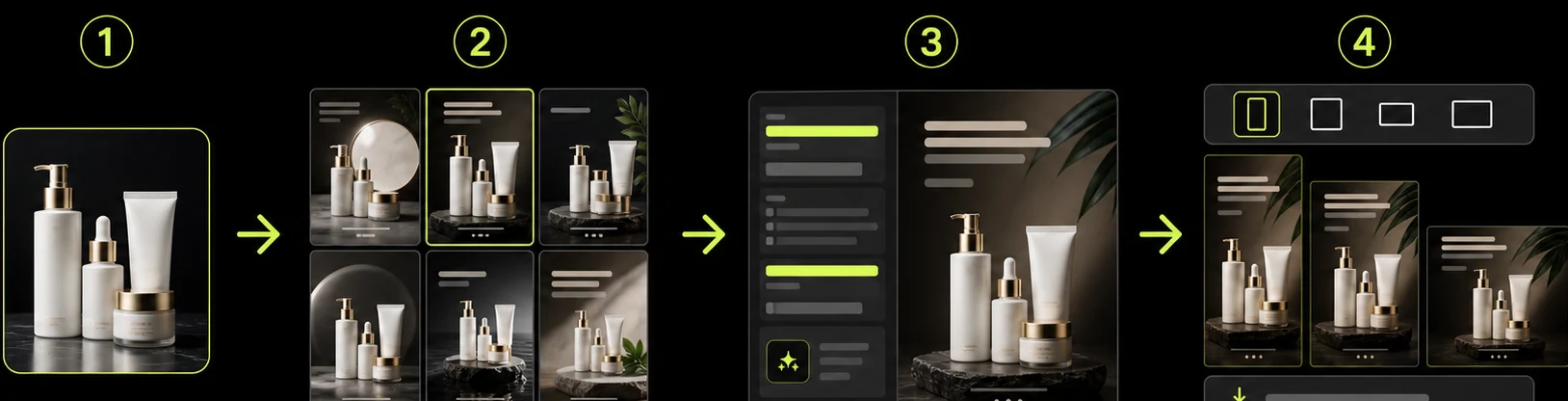
Start with a clear supplier photo, phone shot, or existing product image. The generator uses it as the only source for product shape, color, packaging, and label details.
Select a poster template for composition, background, perspective, text zones, and decoration reference. You can also jump in from a template detail page with templateId applied.
Enter exact headline, subheadline, badge, and CTA copy, or generate AI poster copy first, then edit, regenerate, and confirm before generating the poster.
Pick an output ratio that takes priority over the template default, generate the poster, compare before and after, then download, share, or save it in history.
Poster comparison
Professional design still matters for brand hero visuals and high-value campaigns, but ecommerce teams also need faster poster variations for launches, promos, ads, and store pages.
Multiple
output styles
Reference-led
direction
Built-in
before-and-after review
Best for brand hero visuals and premium campaigns that need full manual control, but slower when every channel needs new poster sizes and creative directions.
Best for fast ecommerce poster production, launch banners, social ad creative, seasonal promos, and product-led campaign testing from one upload.
Related guides
Learn how to plan ecommerce campaign creative, product-led social ads, launch visuals, and product image workflows that support poster production.
 Workflow
How to turn one product photo into launch posters, sale banners, and social ads with an AI product poster generator—while keeping product identity trustworthy.
 Workflow
A practical system for poster headlines, subheads, badges, CTAs, layout zones, and channel ratios—built for launch, promo, and paid social.
 Guide
GuidePick product poster templates by product fit, campaign type, and channel ratio—without exposing private prompts or generating the wrong SKU style.
Typical ecommerce team workflows for launch posters, seasonal promos, social ads, store campaigns, email banners, and brand visual direction testing with the AI Product Poster Generator.

“One product upload can become several launch poster directions without waiting for a full design round on every campaign.”

“Holiday promo posters are easier to test when the team can compare more banner directions before final design handoff.”

“Social ad concepts move faster when poster layouts keep the product packaging recognizable across variations.”

“Store campaign pages often need fresh poster visuals, and one upload can support more page-ready directions.”

“Email campaign banners are easier to prepare when teams can compare poster copy and composition in one workflow.”

“Brand visual direction tests are faster when teams can explore poster options before a larger creative production cycle.”
Poster Generator FAQ
Answers about using the AI Product Poster Generator to create launch posters, sale banners, social ad creative, and campaign visuals from one product upload and a poster template.
Upload one product image, choose a poster template, add or generate poster copy, and create launch posters, sale banners, and social ad creative with ProductShot AI.
Create Product Posters →