Anyone in fashion e-commerce knows that fast visual turnaround and compelling imagery directly drive conversion rates and ad ROI. But reality is often tough:…
Anyone in fashion e-commerce knows that fast visual turnaround and compelling imagery directly drive conversion rates and ad ROI. But reality is often tough: traditional apparel model shoots are a major hassle. Studio rentals, model fees, and post-production editing can easily run into thousands of dollars per session, while taking weeks to complete.
With the rise of generative AI, apparel merchants are increasingly turning to AI models instead of costly on-location photo shoots. Industry research shows that online apparel orders suffer an average return rate of 24.4%, with 53% of returns stemming from sizing and visual fit mismatches. According to the NRF, online retail return rates remain stubbornly high at 19.3%. To reduce return risks and boost shopper confidence, roughly 85% of apparel brands and retailers have deployed or plan to deploy virtual try-on and AI visual tech. As a McKinsey report highlights, high-quality product photography and clear visual representation are essential pillars for online fashion brand success.
However, sellers using ProductShot AI for the first time often ask: What is the actual difference between the AI Fashion Model Generator and AI Virtual Try-On? Which workflow should I use for my garment images?
This guide breaks down the core technology, input requirements, common pitfalls, and recommended workflows for both features—helping you save time and render credits.
Key Takeaway 1: Feature Comparison & Decision Tree
Choosing the right tool comes down to understanding inputs and outputs. Follow this decision tree to pick the right feature in seconds:
Selection Decision Tree
[What original source images do you have, and what is your goal?]
 ├── Scenario A: Flat lays / ghost mannequin / hanger shots, and you want bulk high-converting model hero images
 │    └── 👉 Choose 【AI Fashion Model Generator】
 │         └── Best for: New arrival batch launches, lookbook creation, localized model swaps across global markets
 │
 └── Scenario B: A specific full-body photo of a person (e.g., influencer, customer, specific ambassador) + a garment photo
      └── 👉 Choose 【AI Virtual Try-On】
           └── Best for: Product detail page styling guides, influencer outfit swaps, specific campaign previews
To help your team collaborate effectively, here is a comprehensive side-by-side comparison:
Side-by-Side Feature Comparison
| Dimension | AI Fashion Model Generator | AI Virtual Try-On |
|---|---|---|
| Core Purpose | Fast, bulk generation of standard catalog & lookbook shots | Previewing how a specific person looks wearing a specific garment |
| Required Inputs | Garment flat lay / hanger / model shot (Single image) | Garment photo + target person full-body photo (Dual images) |
| Model Source | Preset global/local model library, or uploaded custom reference | Entirely determined by your uploaded target person photo |
| Garment Control | "Garment Lock" preserves fabric texture, color, logos, and prints | "Garment Lock" re-renders lighting and shadows around the target's posture |
| Primary Use Cases | Catalog grid hero images, lookbooks, multi-style ad creative variants | Detail page styling guides, influencer outfit swaps, customer try-on previews |
| Fit & Sizing Disclaimer | High-definition visual preview; not a physical sizing measurement | Visual vibe preview only; not a physical sizing or fit calculation tool |
| In-App Tool Link | AI Fashion Model Generator | AI Virtual Try-On |
Feature Breakdown 1: AI Fashion Model Generator — Production Line for Standard Visuals & Lookbooks
1. How It Works & Key Technology
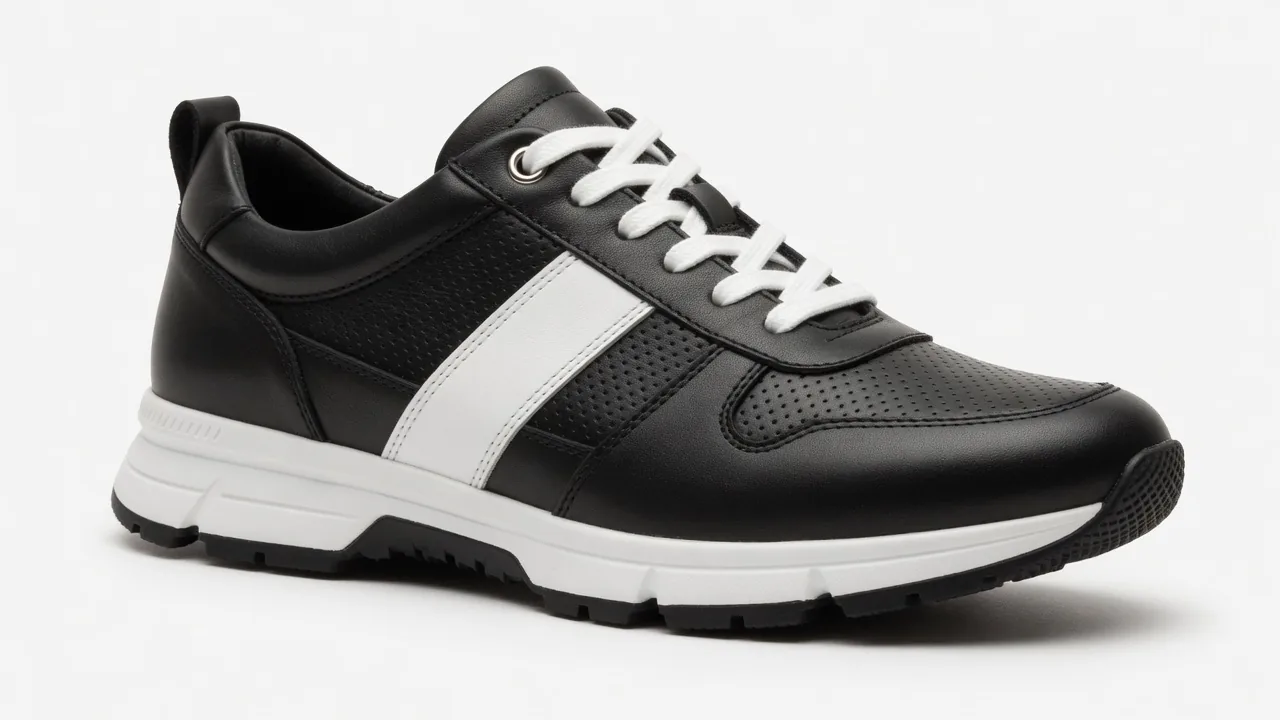
The core of the ProductShot AI Fashion Model Generator is generating realistic model images from scratch. Sellers only need to provide a garment image—even a basic flat lay or hanger shot—and the AI precisely identifies garment structure to render it onto a chosen model.
A crucial technology here is "Garment Lock." Because fashion e-commerce is sensitive to color accuracy and brand graphics, unwanted AI alterations—like distorted logos or altered fabrics—lead directly to customer disputes and returns. Garment Lock preserves original fabric textures, prints, logos, and button details to prevent misrepresentation.
2. Cross-Border Model Selection
For cross-border brands, tailoring model demographics to target markets is essential. You can select from preset model profiles across North America, Europe, East Asia, Southeast Asia, and more—or upload your brand's custom reference model to generate localized marketing visuals instantly.
3. Garment Image Preparation Checklist
To achieve studio-grade model renders, your source garment images should meet the following standards:
- Lighting: Use soft, even lighting; avoid harsh shadows or color casts.
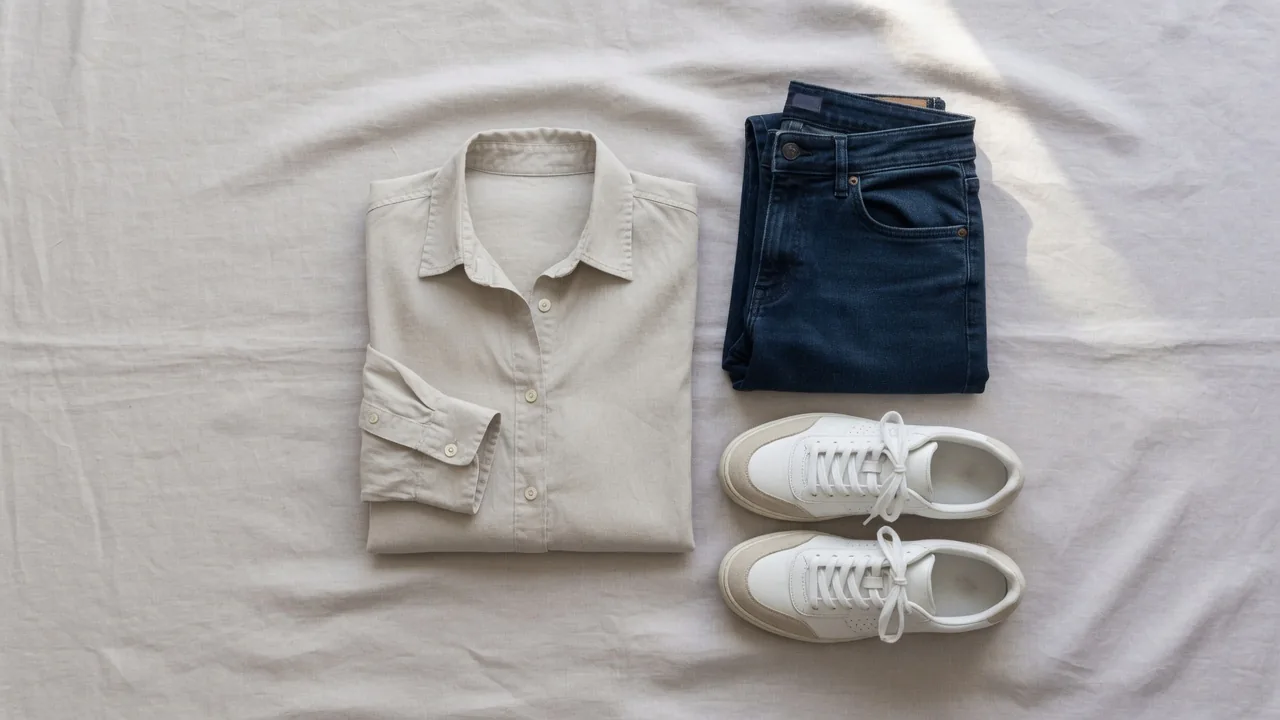
- Placement: Lay the garment flat and straight. Zip up zippers and button buttons completely. Ensure necklines and cuffs aren't folded over.
- Background: Use clean white or neutral gray backgrounds to help the AI detect edges accurately.
- Prints & Logos: Keep key graphics flat and free of deep folds or stretches.
Feature Breakdown 2: AI Virtual Try-On — Styling Previews for Specific People
1. How It Works & Composition Logic
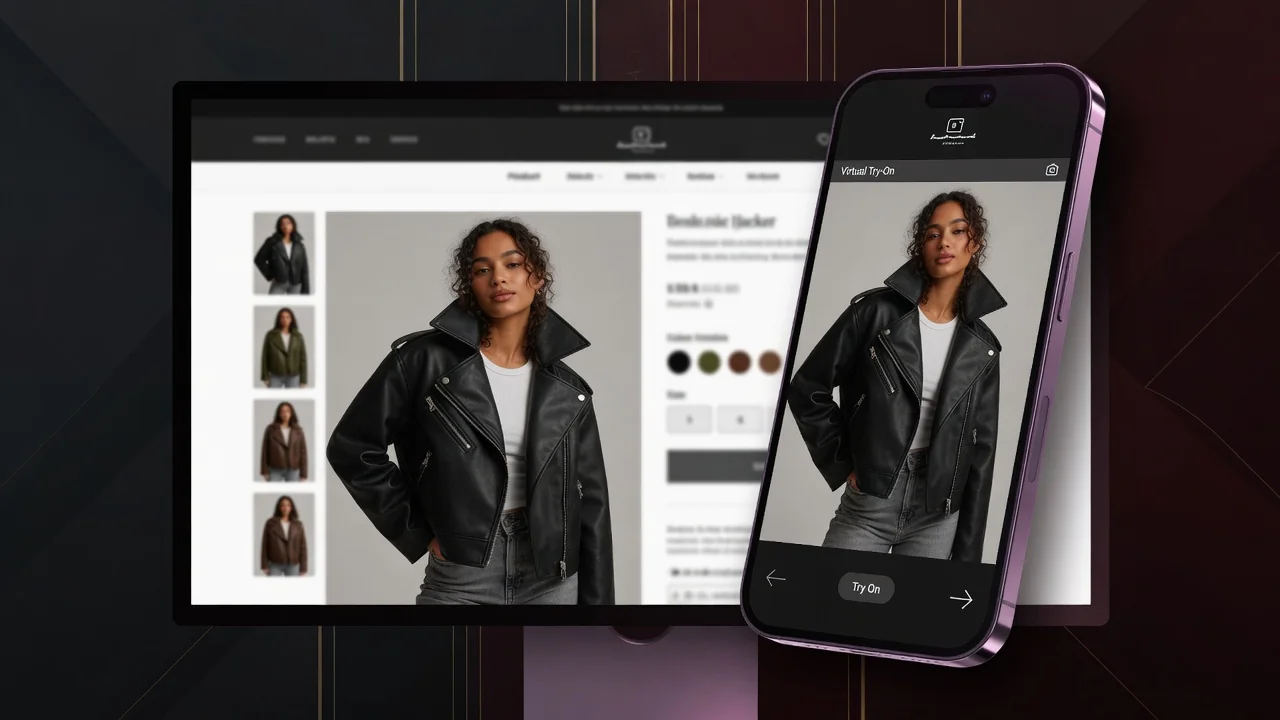
ProductShot AI Virtual Try-On solves the "specific person + specific garment" challenge. You upload two images: the target garment (flat lay, hanger, or worn shot) and a full- or half-body photo of a specific person. The system analyzes posture and body structure, naturally blending the garment onto the target figure.
2. Crucial Disclaimer: Visual Preview ≠ Size Measurement
Sellers must understand this key distinction:
Important Note: Images generated via AI Virtual Try-On serve purely as visual style previews ("Vibe Checks") and cannot be used for precise physical size calculations, pattern measurements, or actual fit accuracy.
Official Shopify research indicates that visual commerce technologies significantly boost buyer confidence and reduce expectation gaps. However, generative AI operates primarily at the 2D lighting and texture blending level—it does not perform 3D physical body measurements or fabric elasticity simulation. Therefore, when displaying virtual try-on images on product detail pages, sellers must always pair them with clear size charts and measurement guidelines, rather than encouraging buyers to rely on previews for sizing.
3. Target Person Image Best Practices & Pitfalls
The quality of virtual try-on renders depends heavily on the source photo of the person:
-
Good Person Photo Requirements:
- Full-body or upper-body standing pose, facing front or slightly turned;
- Arms positioned naturally at sides or slightly away from the torso—avoid crossed arms;
- Wearing basic form-fitting undergarments (like a plain white tee or tank top) to enable clean replacement;
- Even lighting with crisp subject outlines.
-
Common Pitfalls to Avoid:
- ❌ Sitting, crouching, or complex yoga poses;
- ❌ Long hair draped heavily over shoulders or chest, covering the neckline;
- ❌ Dimly lit, heavily backlit, or low-resolution images;
- ❌ Layering garments over bulky coats or heavy outerwear.
Google Shopping Try-On vs. On-Site Content Generation: Why Brands Must Control Their Visual Assets
As Google rolls out generative AI virtual try-on across its Shopping Graph (see Google's Official Update and Google Shopping Help Guide), shoppers can preview outfits right on search results. This leads many sellers to wonder: If platform-side try-on exists, why bother generating try-on images on your own site?
The answer is a resounding yes. Platform-level tools cannot replace direct control over brand visual assets for three main reasons:
- Traffic Retention & On-Site Funnel Conversion: Platform try-ons serve as external traffic entry points, but purchase decisions happen on your product detail pages (PDPs). If your PDP lacks polished, cohesive lookbook images, shoppers bounce. As McKinsey's online fashion study highlights, high-grade on-site imagery is crucial to closing the sale.
- Brand Consistency & Aesthetic Control: Platform algorithms generate try-ons dynamically, often resulting in inconsistent lighting, backgrounds, and styling across items. Using ProductShot AI gives you complete control over model style, lighting, and brand aesthetics to maintain a unified lookbook.
- Category Coverage & Independence: Platform VTO features have restrictions across certain product categories (e.g., intimate apparel, unique accessories) or unconventional cuts. Creating visuals in-house ensures 100% SKU coverage without relying on third-party platform limitations.
High-Efficiency Workflow: From Raw Flat Lays to Full E-Commerce Assets
To maximize efficiency and optimize render credits, we recommend this streamlined end-to-end workflow:
[Raw Garment Photo]
      │
      ▼
 Step 1: Pre-processing ──👉 Use 【Free Background Remover】 to clean up backgrounds
      │
      ▼
 Step 2: Catalog Batch ──👉 Use 【AI Fashion Model Generator】 to create uniform grid hero shots
      │
      ▼
 Step 3: PDP Styling ────👉 Use 【AI Virtual Try-On】 to render key items onto influencer/model photos
      │
      ▼
 Step 4: Scene Expansion ─👉 Use 【AI Product Photography Generator】 to swap luxury indoor/outdoor backdrops
      │
      ▼
 Step 5: Optimization ───👉 Use built-in 【Image Upscaler & Compressor】 for faster page load speeds
ProductShot AI integrates these tools within a unified workspace. Your credit balance applies across all tools seamlessly, keeping your e-commerce ops team efficient and aligned.
Summary & Recommendation
In short, the AI Fashion Model Generator and AI Virtual Try-On serve distinct purposes in your visual tech stack:
- Use the AI Fashion Model Generator when you need cost-effective, batch-generated catalog hero shots and lookbooks with a unified aesthetic.
- Use AI Virtual Try-On when you want to preview how specific garments look on a designated influencer, brand ambassador, or custom model photo.
Your credits work seamlessly across both tools. Start building high-converting visual assets today and elevate your brand's online storefront!
Further Reading
- Coresight Research: The True Cost of Apparel Returns: Alarmingly High Return Rates Require Loss-Minimization Solutions —
https://coresight.com/research/the-true-cost-of-apparel-returns-alarming-return-rates-require-loss-minimization-solutions/ - NRF & Happy Returns: Consumers Expected to Return Merchandise Report —
https://nrf.com/media-center/press-releases/consumers-expected-to-return-nearly-850-billion-in-merchandise-in-2025 - Google Blog: Generative AI in Google Shopping and Virtual Try-On —
https://blog.google/products-and-platforms/products/shopping/google-shopping-ai-mode-virtual-try-on-update/ - McKinsey & Company: Six Vectors of Success in Online Fashion —
https://www.mckinsey.com/capabilities/growth-marketing-and-sales/our-insights/six-vectors-of-success-in-online-fashion - Shopify Official Blog: AR Try-On Clothes and Visual Commerce —
https://www.shopify.com/blog/ar-try-on-clothes