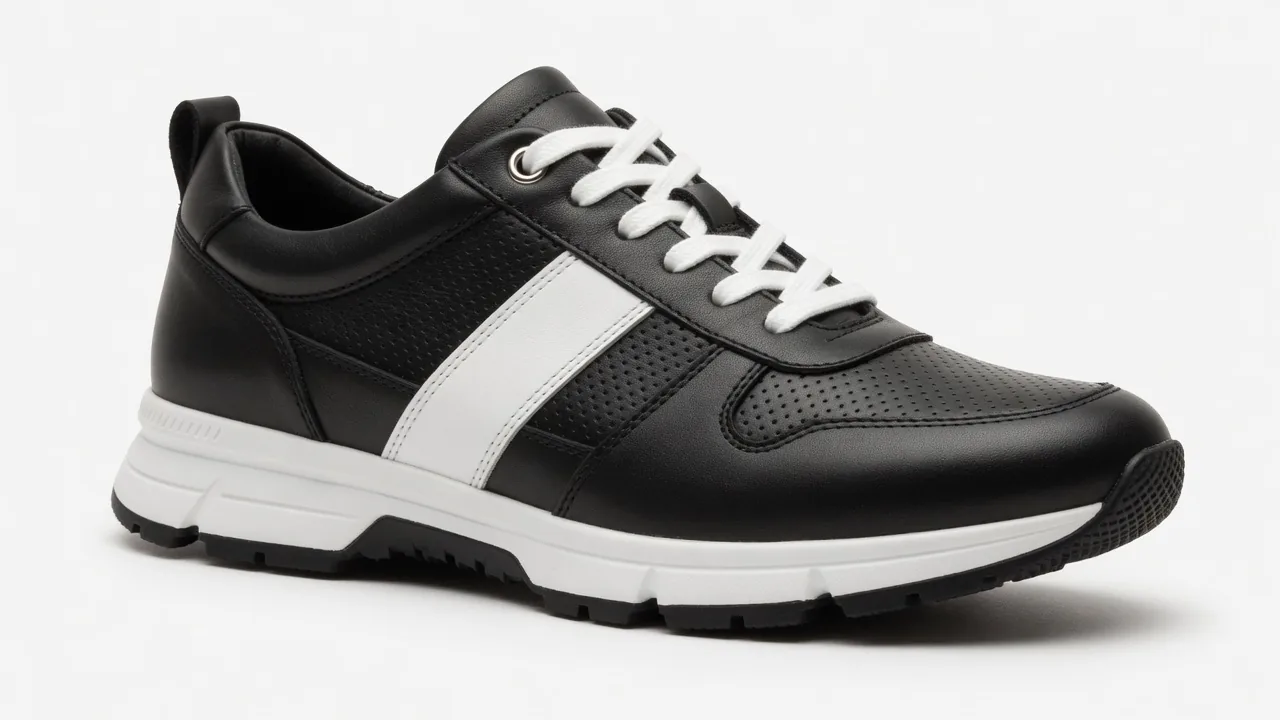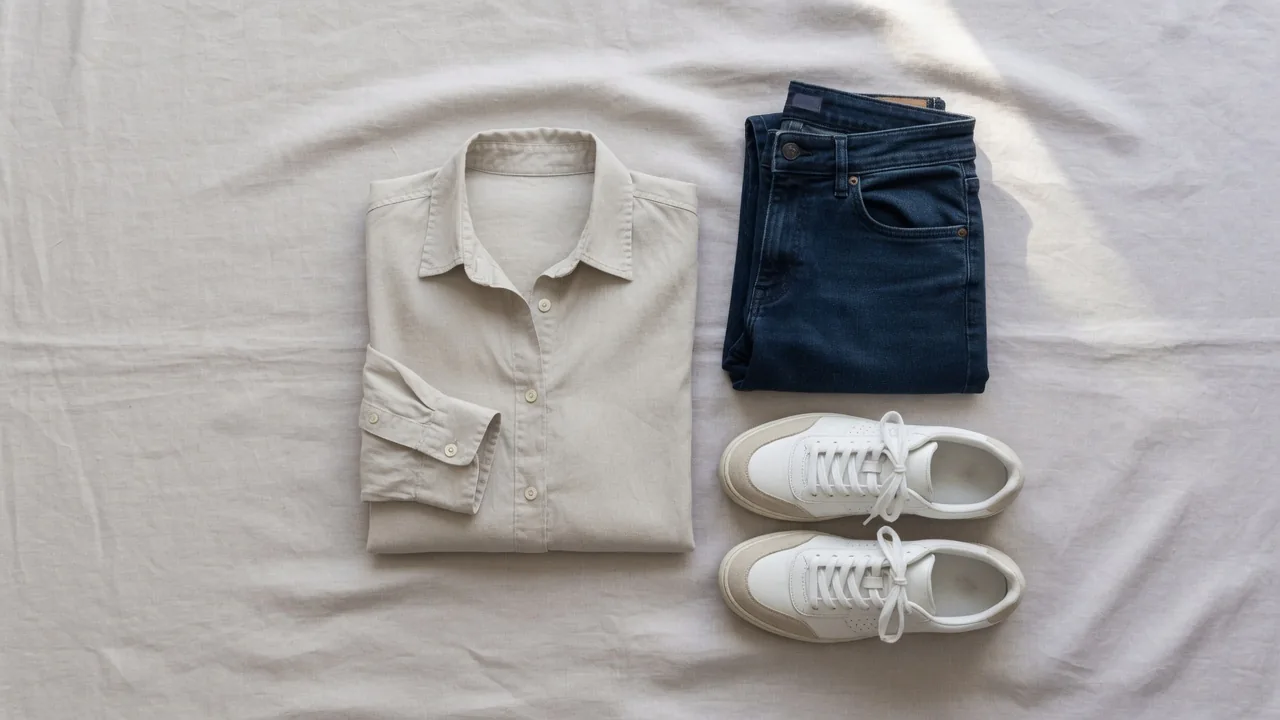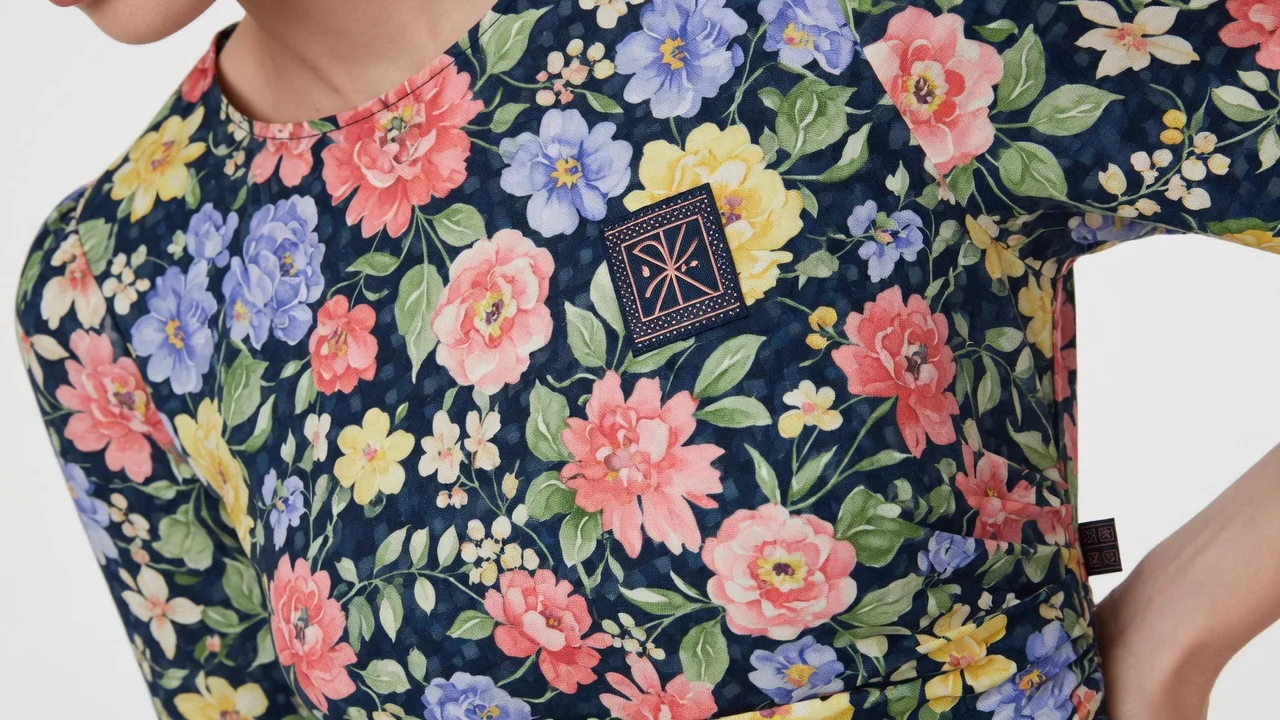
Anyone running an apparel e-commerce business over the past two years knows the feeling: generating on-model images with AI has been a game-changer. Previous…
Anyone running an apparel e-commerce business over the past two years knows the feeling: generating on-model images with AI has been a game-changer. Previously, launching a new collection meant hiring models, renting studios, booking photographers, and waiting on post-production editing—a process taking days and costing thousands of dollars. Now, starting with just flat lay or ghost mannequin photos, you can generate commercial-grade model shots in minutes. The boost in efficiency is undeniable.
However, when sellers actually push these AI-generated model images to product detail pages (PDPs) and lookbooks, a lingering concern remains: Are AI-generated images truly reliable? What if garment fidelity falls short?
Customers place orders based on beautiful photos, only to receive a product with severe color shifts, misspelled text on chest prints, or a brand logo smeared into a blurry shadow. This isn't just an aesthetic issue—it directly triggers returns and negative reviews.
Today, let's skip the jargon and look at garment fidelity strictly through an e-commerce operational lens. From avoiding original photo pitfalls to locking in algorithm details, tuning parameters, and running pre-launch QC checks, here is an actionable guide you can apply immediately.
1. Why "Garment Fidelity" Is the Lifeblood of AI Visuals in E-Commerce
In an AI visual reconstruction pipeline, algorithms recognize features and generate images via diffusion based on the input photo. Without effective constraints, algorithms easily alter key details, resulting in a gap between what customers see and what they get.
This distortion is fatal for apparel brands. According to industry research from Coresight Research, average online return rates for apparel in the US reach as high as 24.4%. Beyond the 53% attributed to "size and fit," "color mismatch" stands out as the second largest independent trigger, accounting for 16% of returns. Consumer survey data compiled by eMarketer confirms that color distortion and discrepancy with the physical item are primary drivers of returns.
McKinsey's research report on fashion e-commerce also emphasizes: High-quality visual photography and accurate, clear product presentation are key success factors for fashion e-commerce. Insufficient AI model fidelity creates false visual expectations, spiking return rates and logistics costs while eroding brand trust.
Garment Fidelity refers to how closely AI model images match the actual physical product in the warehouse. In everyday visual design, fidelity is determined by four key dimensions:
| Fidelity Dimension | Common Distortion Issues | E-Commerce Business Risks | Fidelity Standards |
|---|---|---|---|
| 1. Color & Luster | Shift in primary tone, color bleeding on paneling, loss of fabric sheen | Directly triggers "color mismatch" returns (16% of total) | Matches Pantone values of physical garment on standard displays |
| 2. Prints & Patterns | Chest artwork distorted, geometric lines warped, unnaturally flat placement | Loses original design feel, causes negative product reviews | Prints follow body contours naturally with smooth drape; layout remains intact |
| 3. Brand Logos & Text | Misspelled/garbled lettering, blurred logo edges, warping | Suspected of being counterfeit, damaging brand reputation | Logo structure is aligned and upright; letter outlines are crisp and accurate |
| 4. Tailoring & Hardware | Collar ribbing missing, drawstrings melted away, buttons lost | Images look cheap and flat, losing physical fabric texture | Garment cut and structure remain complete; buttons, zippers, and snaps are crisp and visible |
2. Stage One: Base Image Guidelines — "Accurate Input, No Algorithmic Guesswork"
The upper limit of AI output depends on the quality of the input image. If the base photo is blurry or lighting is cluttered, the AI relies on statistical guessing, causing fidelity to collapse. Follow these 4 standard rules when capturing base photos:
1. Use Diffused Lighting; Eliminate Harsh Shadows and Busy Backgrounds
Shoot under uniform, diffused light. Avoid harsh direct lighting from one side, which creates deep shadows that AI might misinterpret as dark color blocking. If the background is cluttered, clean it first using a free background remover or generate a clean white backdrop with an AI white background generator.
2. Eliminate Distractions: Hide Neck Labels, Tags, and Care Labels
If neck tags, care labels, or paper hangtags are visible on the front, AI often misinterprets them as front prints, fusing them onto the generated model's chest or stomach. Pro Tip: Tuck neck tags inside the collar, cover paper hangtags, or remove them during post-processing.
3. Shoot Straight-On at Eye Level with Sufficient Resolution
For styles featuring delicate letter logos or high-contrast graphics (e.g., t-shirts, hoodies), shoot straight-on at eye level to prevent geometric distortion caused by angled perspectives. Keep the original image resolution at 1500×1500 pixels or higher to ensure the algorithm captures crisp letter outlines.
4. Iron Garments Smooth
Unironed, dry wrinkles are easily misinterpreted by AI as washed fabric textures or pleated designs. Always iron garments smooth before shooting.
Base Image Prep Checklist:
| Step | Check Item | Standard Guideline | Common Mistake |
|---|---|---|---|
| 01 | Lighting & Shadows | Uniform diffused light; no deep shadows on garment front | Strong single-side lighting causing deep local shadows |
| 02 | Labels & Hangtags | Tuck neck tags inside; cover or remove external hangtags | Exposed hangtags recognized as front prints by the algorithm |
| 03 | Angle & Perspective | Straight-on, eye-level angle with balanced composition | High overhead or angled shots causing geometric distortion |
| 04 | Resolution | Base resolution $\ge$ 1500px with sharp edges | Low-res thumbnails causing blurry or garbled lettering |
| 05 | Fabric Smoothness | Ironed in advance; flat without irregular dry wrinkles | Unironed garments causing wrinkles to be misread as fabric texture |
| 06 | Background Cleanliness | Free of hands, clips, or clutter; clean white or transparent background | Cluttered backgrounds interfering with AI feature extraction |
3. Stage Two: Feature Locking with ProductShot AI & Workflow Integration
Once base photos are ready, pair them with tools designed for feature preservation. ProductShot AI features a Garment Locking engine that automatically preserves three core elements:
- Fabric Color Locking: Maintains primary color tone and color-blocked region balance;
- Print & Logo Geometry Locking: Prevents brand logos from warping, stretching, or scrambling text;
- Structural Detail Recognition: Retains cuff ribbing, collar tailoring, buttons, zippers, and hardware details.
Depending on your operational workflow, choose between two primary entry points:
Entry Point A: AI Fashion Model Generator
- Best For: Generating commercial-grade model lookbooks or hero images in bulk from flat lays or ghost mannequin photos.
- Workflow: Upload garment base photo, select a preset model (across diverse skin tones, ages, and body types) or upload a custom model photo. Once generated, seamlessly combine with the AI Product Photography Generator to expand background variety.
Entry Point B: AI Virtual Try-On
- Best For: Generating try-on visual previews of specific garments on target model photos.
- Compliance Disclaimer: Images generated by AI Virtual Try-On serve strictly as visual previews for styling and pairing reference, and must never be used as a measurement basis for actual sizing or fit. Product detail pages must still include standard size charts.
| Tool Entry Point | Input Requirements | Core Output | Key E-Commerce Use Cases |
|---|---|---|---|
| AI Fashion Model Generator | Flat lay / Ghost mannequin photo + Selected model | Commercial model lookbooks / Hero shots | Homepage banners, lookbook catalogs, seasonal lead images, ad banners |
| AI Virtual Try-On | Garment photo + Specific person reference photo | Virtual try-on visual preview on target person | PDP outfit demonstrations, multi-body-type visual previews (for visual reference only) |
4. Stage Three: Parameter Tuning — Fixing Color Shifts and Blurred Details
If generated images show oversaturated colors or blurred details, fine-tune using these controls:
1. Dynamic Adjustment of Guidance Scale
- If colors are oversaturated or color shifts look harsh: The Guidance Scale is set too high. Lower the guidance value slightly to blend fabric colors and lighting more naturally.
- If print edges blur or composition loses crispness: The guidance strength is insufficient. Increase the guidance value to sharpen contrast between prints and background, locking in fine edges.
2. Seed Sampling & Batch Generation (Batch Sampling & Seed)
Diffusion models introduce random noise during reconstruction. For key hero styles, enable Batch Sampling (generate 4 images per run) and select the shot with the smoothest print perspective and flawless logo output.
5. Stage Four: Pre-Launch Garment Fidelity QC Checklist
To ensure zero errors on product pages and ad campaigns, execute a standardized QC review before pushing images live:
| Step | QC Dimension | Specific Review Requirement | Passing Standard & Action |
|---|---|---|---|
| Step 1 | Color Accuracy | Compare generated image against physical garment / Pantone color chart on a calibrated display | No obvious color shift in primary or paneling areas; no excessive oversaturation |
| Step 2 | Text & Logo | Zoom in to 200% to inspect brand logos and text prints | Lettering spelling is 100% correct; no garbled strokes or fuzzy edges |
| Step 3 | Print Perspective | Inspect artwork extension across the model's body contours (chest/back) | Prints drape naturally along body curves without looking flat or pasted on |
| Step 4 | Cut & Symmetry | Verify neckline depth, sleeve length, and hemline symmetry | Cut and structure match the original style perfectly; no asymmetrical warping |
| Step 5 | Hardware & Details | Check zippers, buttons, snaps, hoodie drawstrings, and hardware | Physical hardware is clearly visible without being melted away by the algorithm |
| Step 6 | Edge Transitions | Inspect boundary blending at necklines, cuffs, and wrist transitions | Edges feather naturally without color bleeding, artifacts, or harsh cutoffs |
| Step 7 | Compliance & Disclaimer | Check for disclaimer text and size charts next to virtual try-on images | Includes "Visual preview only" notice alongside complete measurement charts |
Note: Improving AI-generated garment fidelity aims to provide consumers with a more accurate visual reference, but this does not guarantee 100% exemption from platform compliance audits. Sellers must still comply with platform rules regarding product imagery.
6. Conclusion
In modern apparel e-commerce operations, AI-generated on-model photos have evolved from a novel trial into a primary driver of productivity. The key to maximizing garment fidelity isn't endlessly tweaking complex AI parameters—it's building a structured operational workflow: minimize AI guesswork with standardized base photos, preserve core features with ProductShot AI's Garment Locking, and back it all up with strict QC checks.
As analyzed in Shopify's official blog, rich, high-fidelity product visuals effectively build consumer buying confidence. By locking down every stage of garment fidelity, you can consistently produce high-end, true-to-life commercial model visuals without setting up outdoor shoots or booking models.
If you have fresh flat lay or ghost mannequin photos ready, try the ProductShot AI Fashion Model Generator today and experience high-fidelity visuals powered by Garment Locking!
Further Reading
- Coresight Research: The True Cost of Apparel Returns & Loss Minimization (https://coresight.com/research/the-true-cost-of-apparel-returns-alarming-return-rates-require-loss-minimization-solutions/)
- eMarketer: Top Reasons Online Shoppers Make Returns (https://www.emarketer.com/content/top-reasons-online-shoppers-make-returns)
- McKinsey & Company: Six Vectors of Success in Online Fashion (https://www.mckinsey.com/capabilities/growth-marketing-and-sales/our-insights/six-vectors-of-success-in-online-fashion)
- Shopify Blog: Augmented Reality in E-Commerce & Shopping (https://www.shopify.com/blog/ar-shopping)