
01
Upload up to 16 product, model, or style reference photos into the workspace.
Upload product, model, or scene images, then use a custom prompt in plain language to generate listing-ready ecommerce shots. Use @Image1 or @Image2 to refer to each upload.
Up to 16 images. In your custom prompt, use @Image1, @Image2… to tell the AI which upload is which.
1:1 · ×1 · Prompt Optimize · On
Need platform presets and scene grids? Open the full photography workbench →
Custom Prompt Generator
Combine up to 16 uploaded photos with precise text prompts to create lifestyle scenes, model placements, and promotional visuals that match your brand.
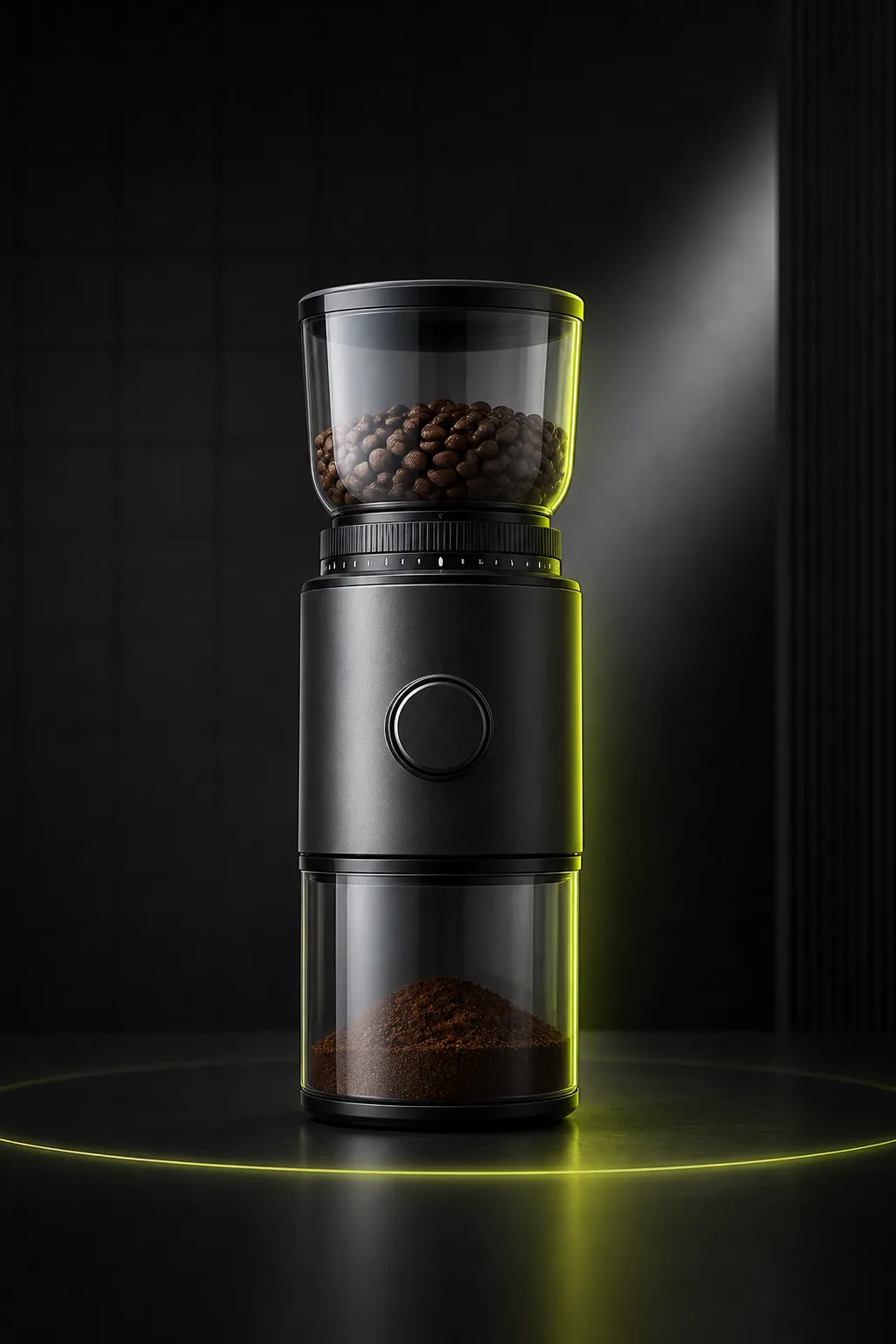
Listing Images
Ecommerce Listing ImagesCreate clean listing visuals from one uploaded product photo.
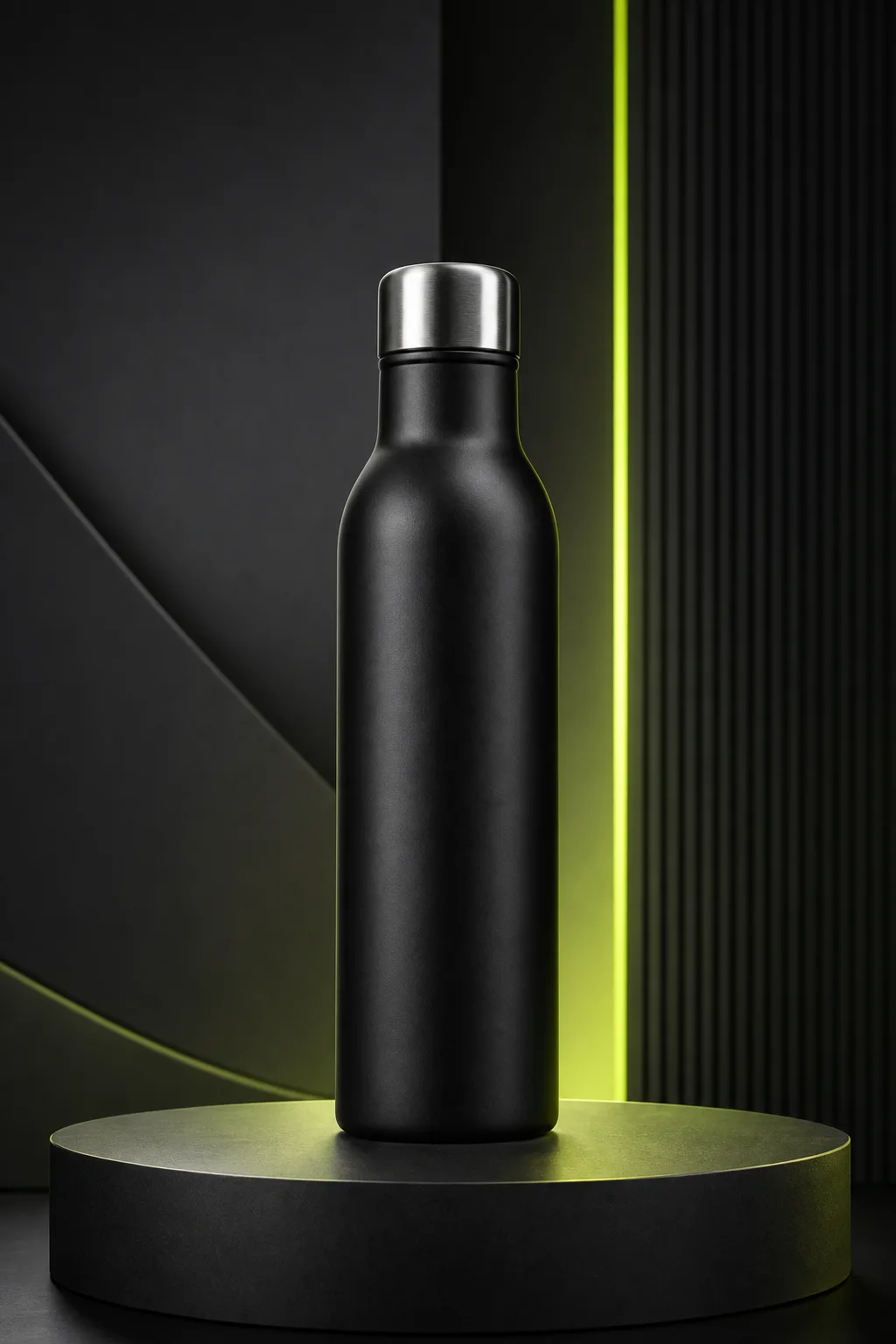
Studio Photos
Studio Product PhotosGenerate studio-style product photos without arranging a physical shoot.
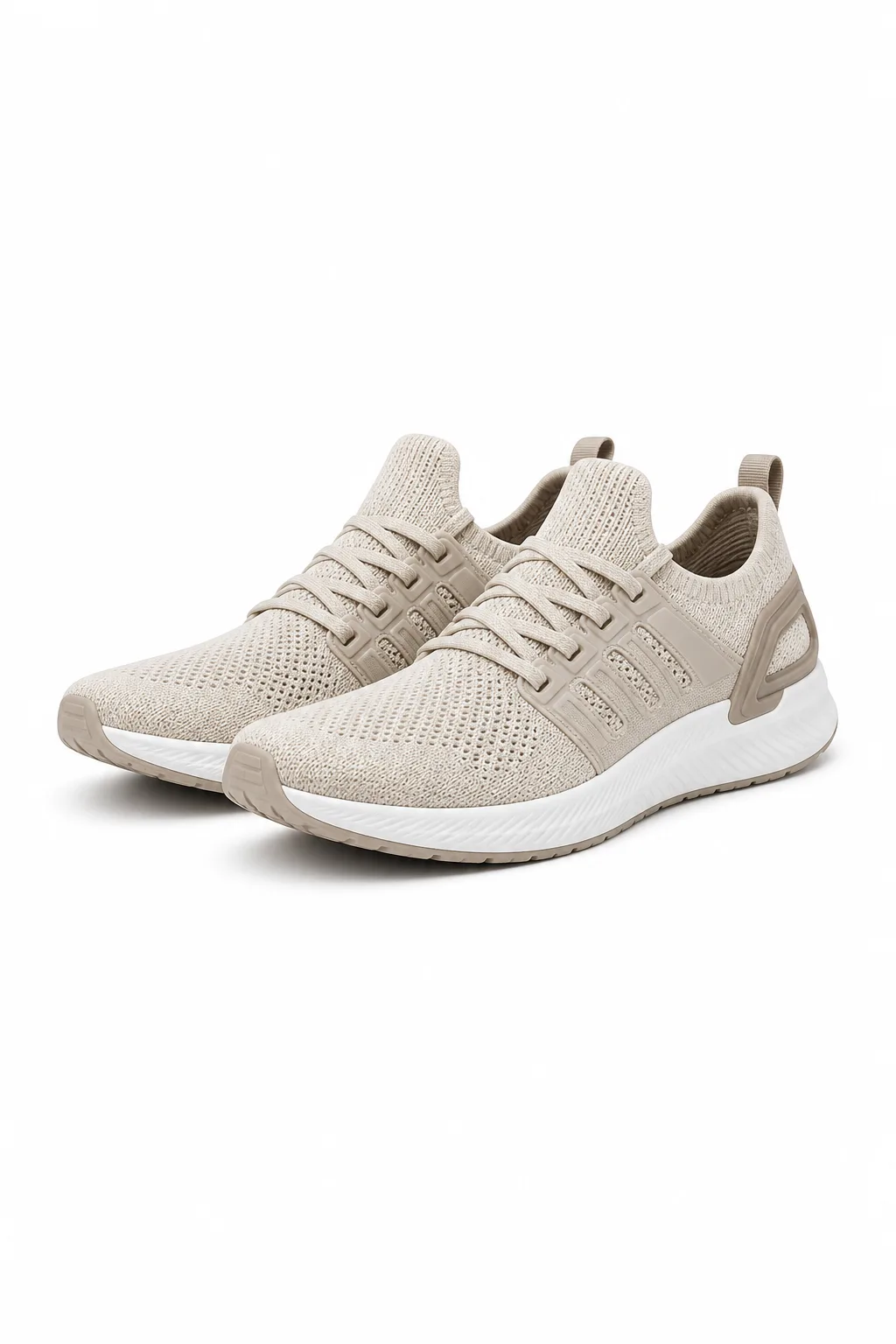
White Background
White Background PhotosCreate clean white-background product photos for catalogs and marketplaces.
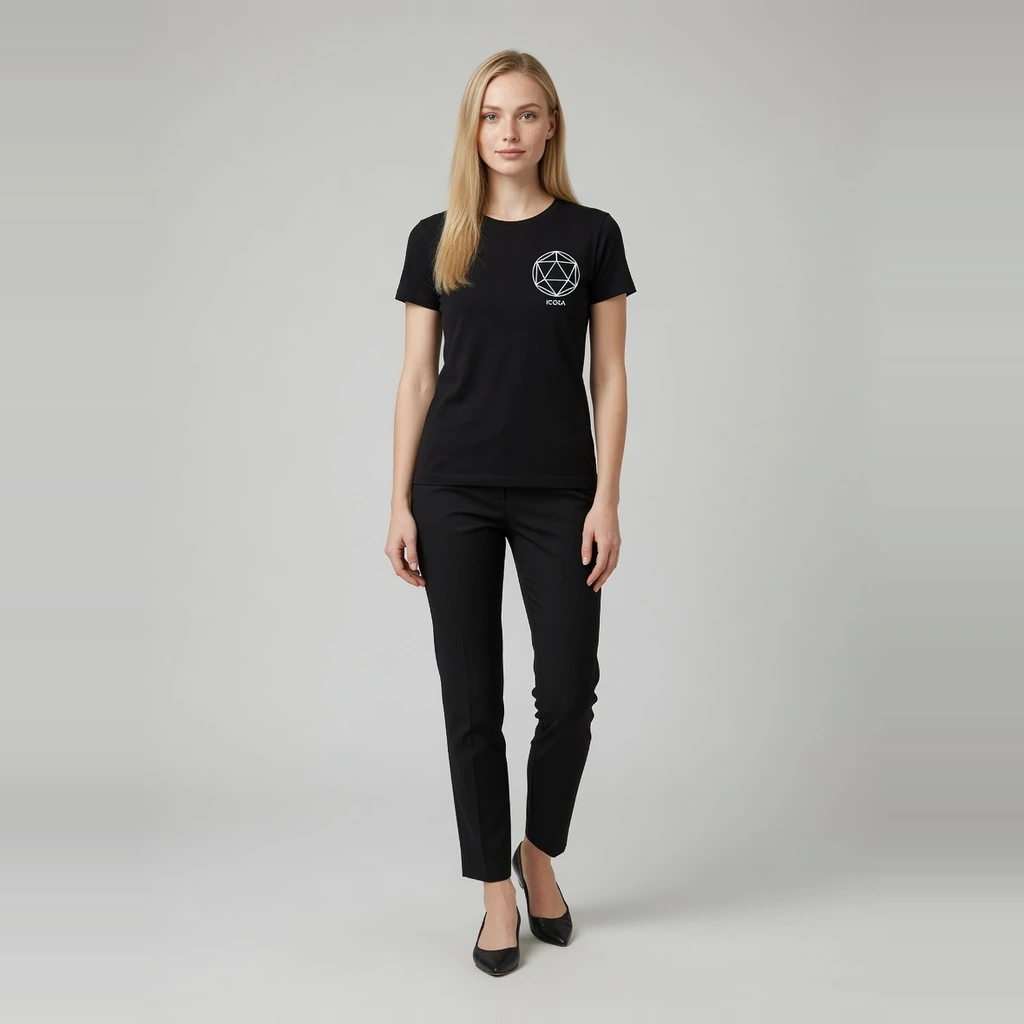
Fashion Model
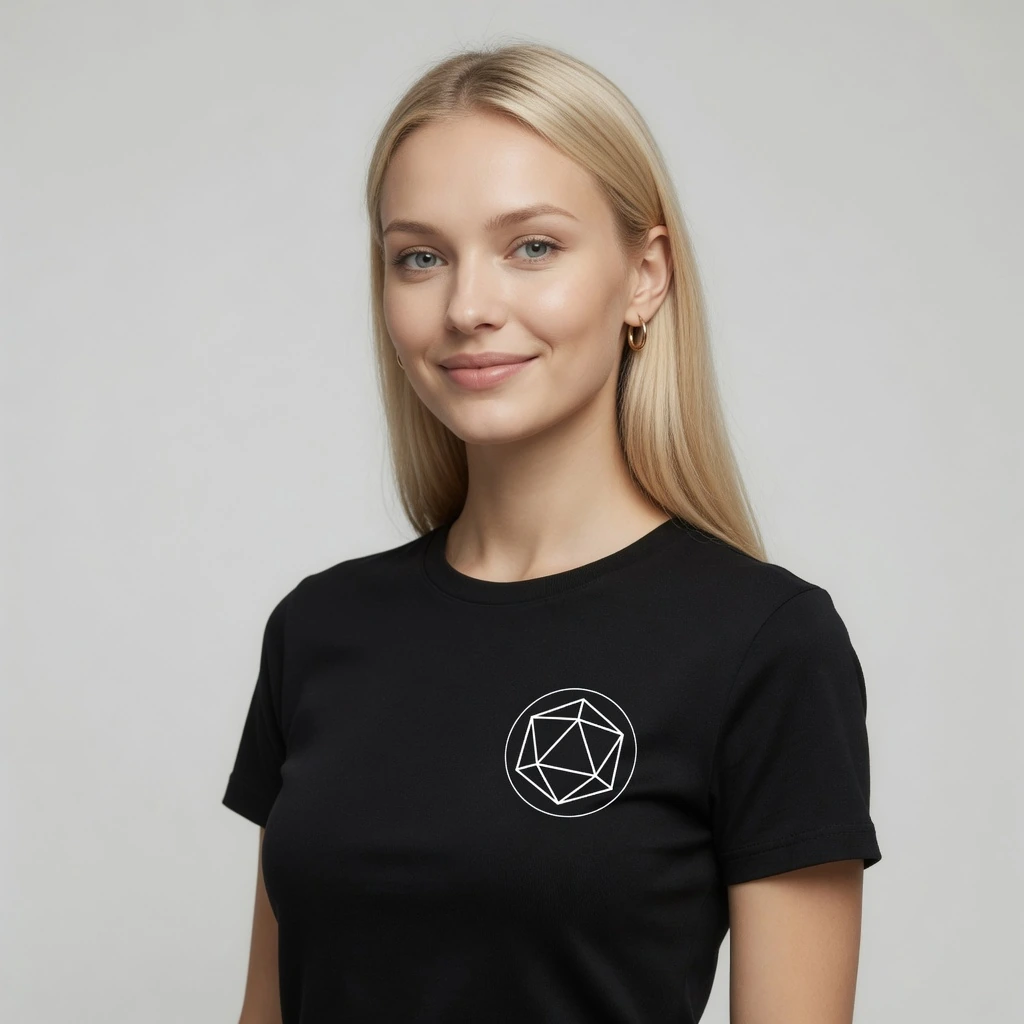
AI Fashion Model GeneratorTurn flat-lay garments into ecommerce on-model images with preset models.
Virtual Try-On
AI Virtual Try-OnCreate try-on effect images from a garment and person photo.
Marketplace Images
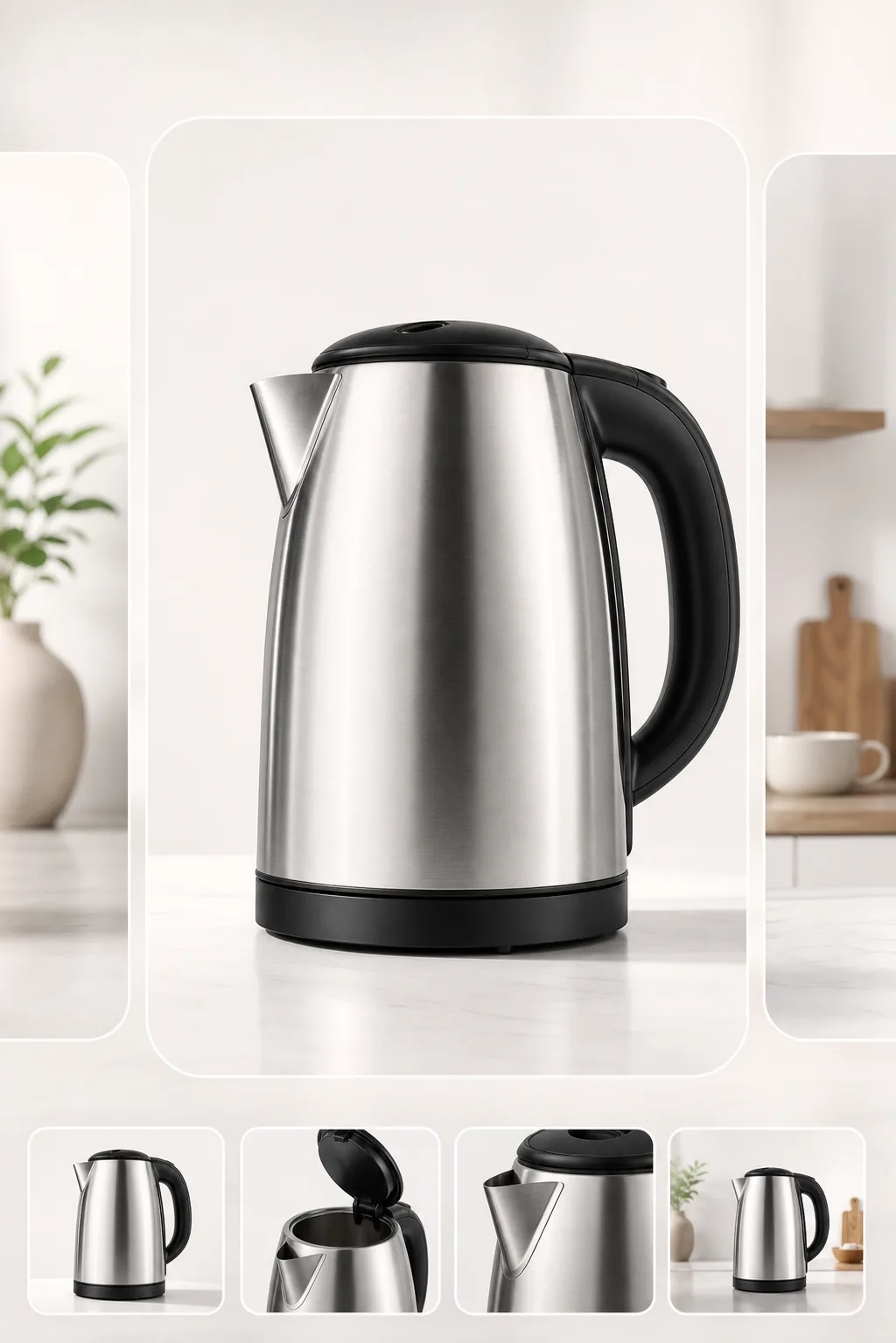
Marketplace Listing ImagesCreate clean, centered listing images for Amazon, Etsy, TikTok Shop, and other channels.

Lifestyle Scenes
Lifestyle Product ScenesPlace products in realistic scenes for storefronts and campaigns.
Ad Creative
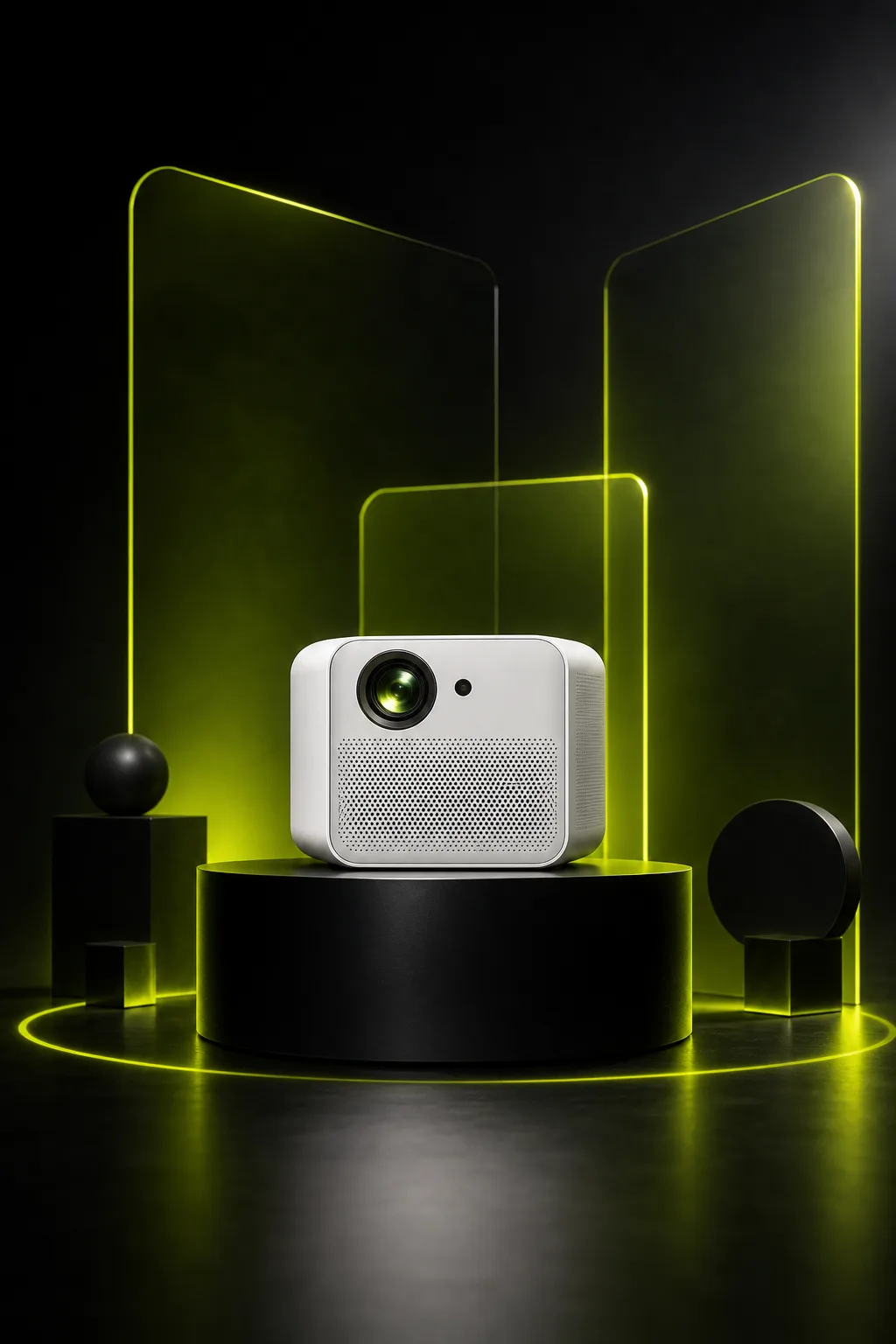
Ad and Campaign VisualsCreate product-led visuals for launches, banners, and paid social.
Background Cutout
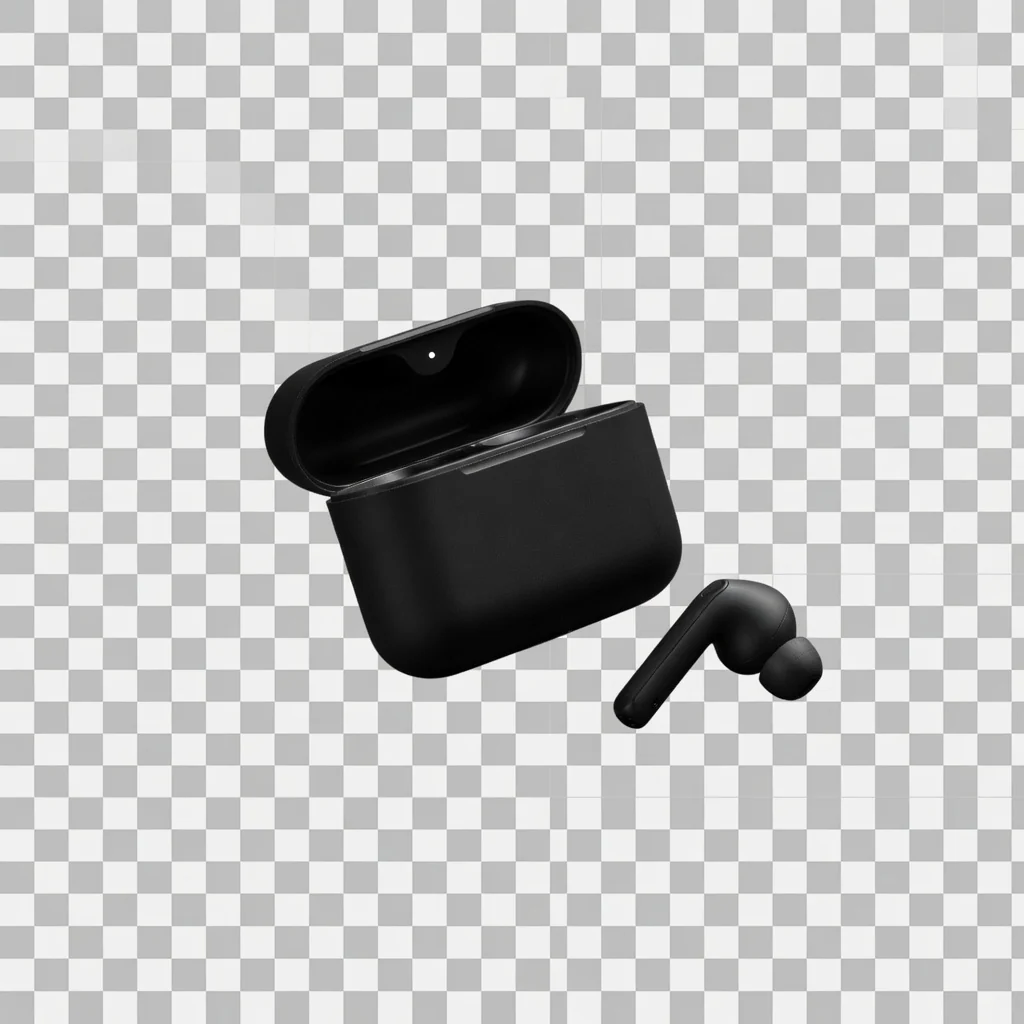
Product Background RemoverRemove product backgrounds and download a transparent cutout PNG for free.
File Size Tool
Product Image CompressorCompress listing images and campaign assets in your browser, then download a lighter file.
Transparent PNG
Transparent Product PNGExport a reusable transparent product PNG for layouts, modules, and design tools.
Clarity Tool
Product Image EnhancerImprove product image, banner, and poster clarity for free, then download a PNG.
Direct answer
An AI Ecommerce Image Generator is a specialized tool that uses uploaded product and model photos alongside custom text prompts to generate commercial product images. Unlike generic text-to-image AI tools, it aims to keep core product features like shape, color, packaging, and logo details more consistent while building a context-aware surrounding scene.
Upload up to 16 product, model, or style reference photos into the workspace.
Write a custom prompt describing your desired surface, lighting, and mood, using @Image1, @Image2 to reference specific uploads.
Enable Product Lock to maintain product identity and visual details across generations.
Generate listing images and refine prompts or aspect ratios for your target sales channels.
Total visual control
Generic background replacement only changes the surface behind your item. With freeform prompt control and multi-image @mentions, you can introduce realistic surfaces, model interactions, and custom lighting environments.
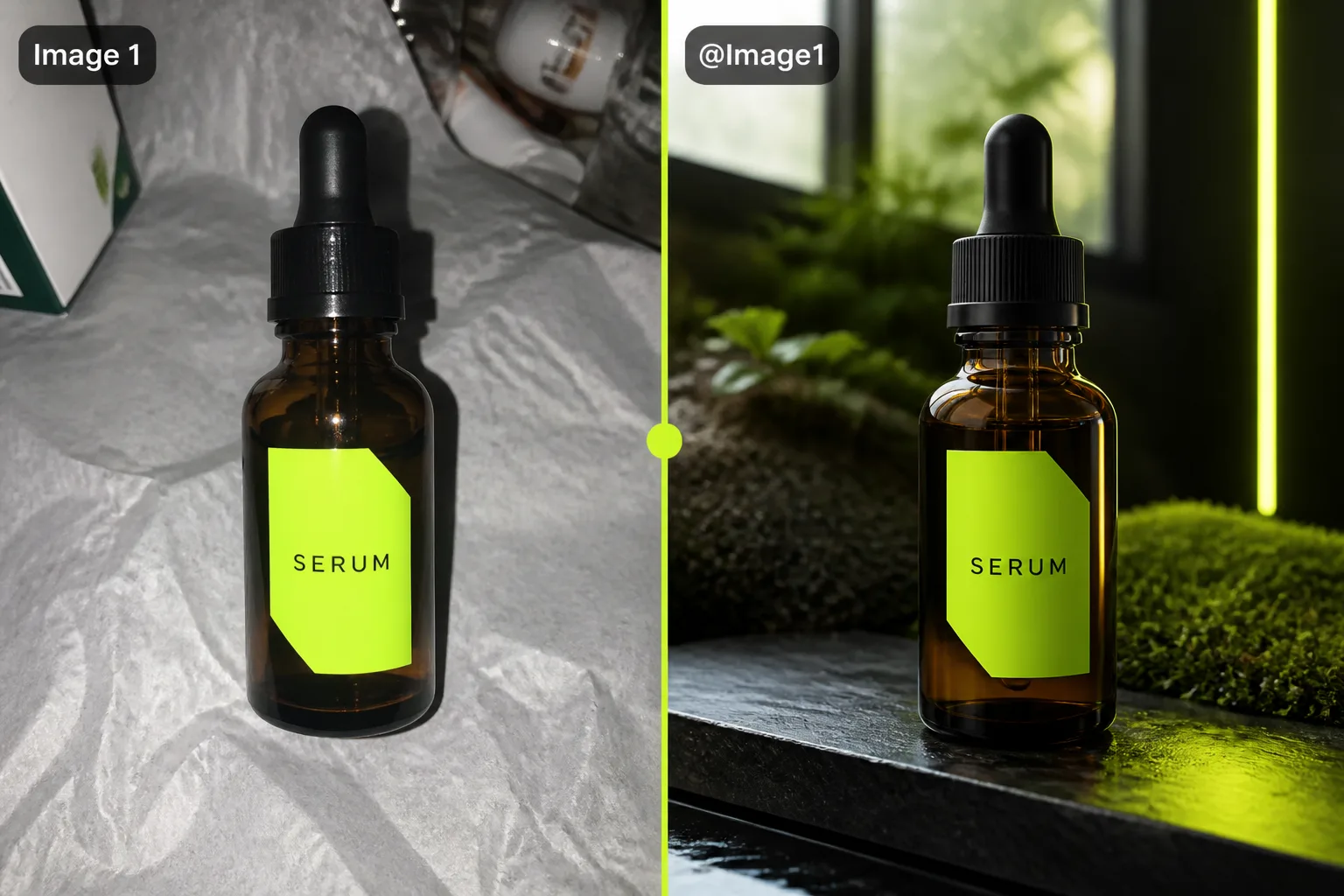
Transform plain factory snapshots into professional lifestyle photos by placing your item into realistic environments with targeted text prompts.
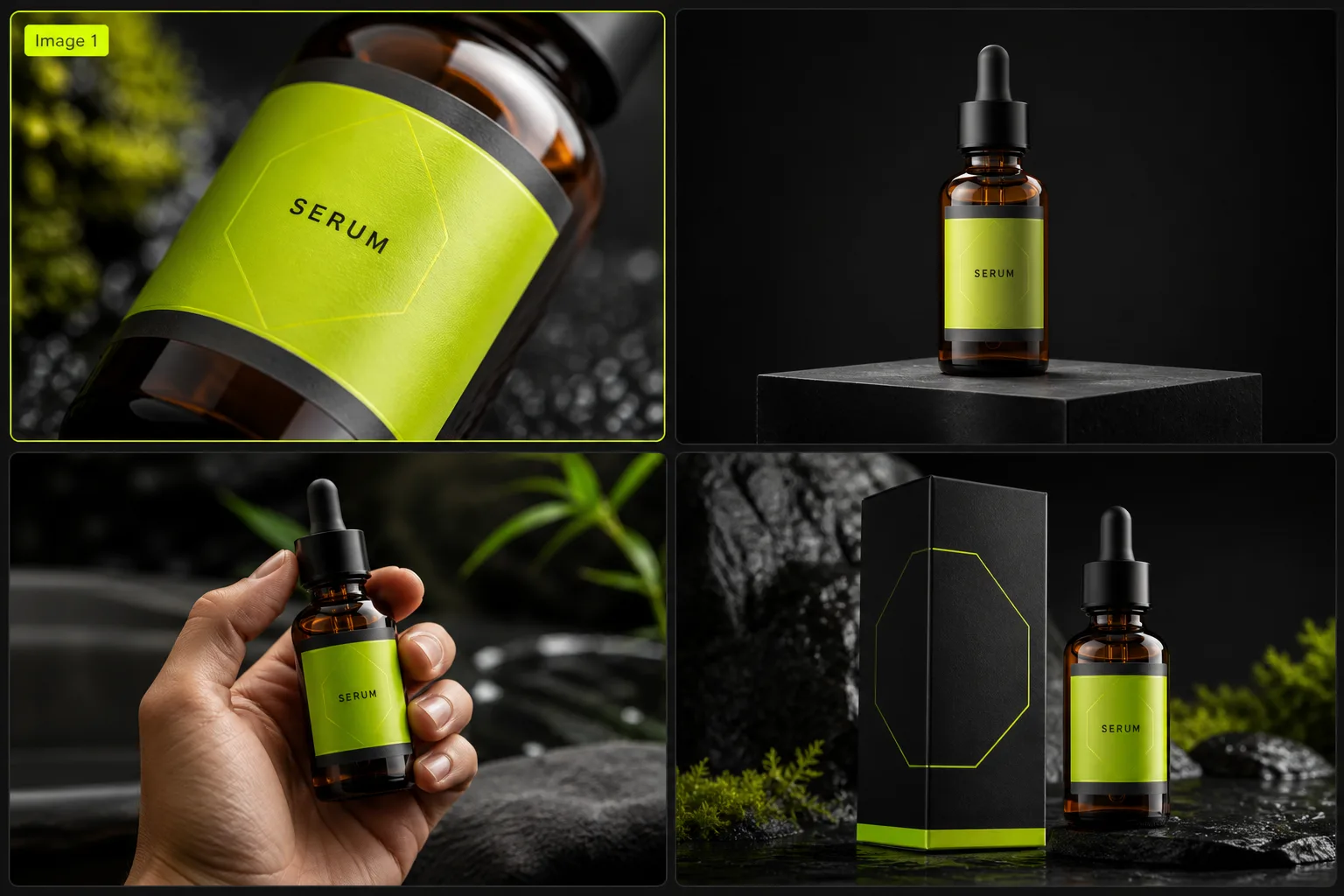
Adapt a single set of product images across Shopify, Amazon, and wholesale catalogs with consistent lighting and surface styling.
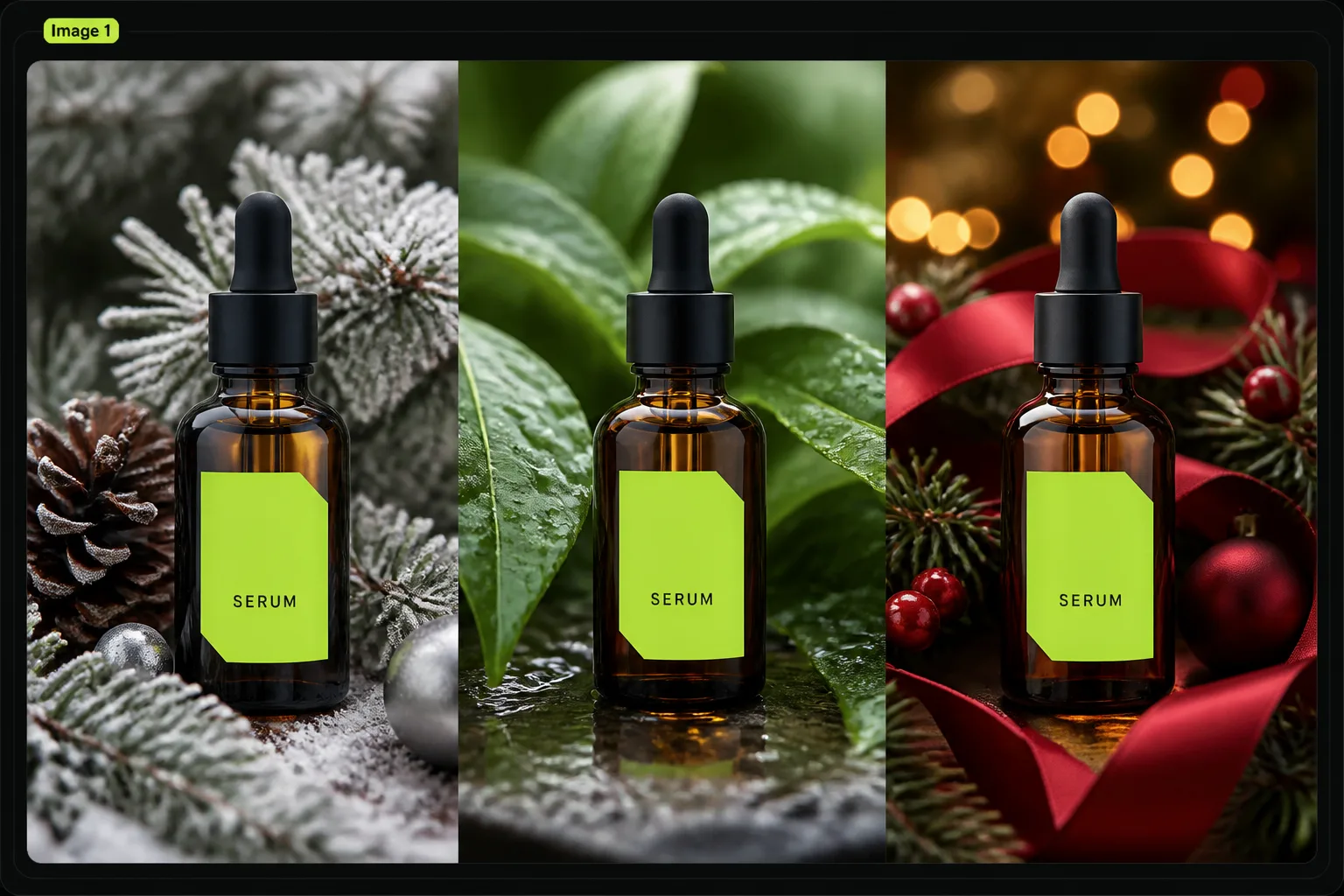
Skip expensive physical reshoots for holiday campaigns. Update background themes, surface textures, and props directly via custom prompts.
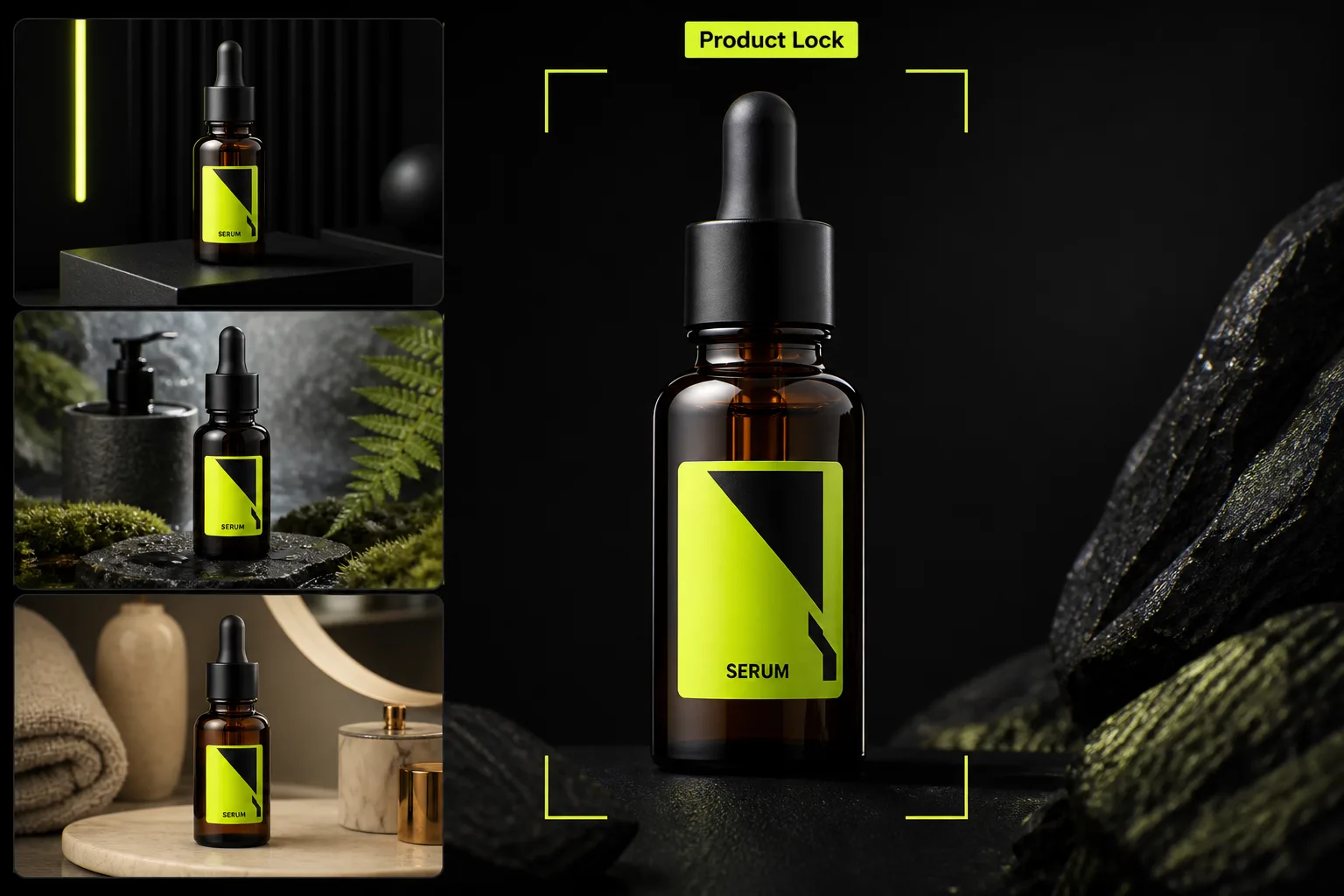
Product Lock helps keep labels, logos, and packaging contours more consistent so generated visuals stay recognizable.
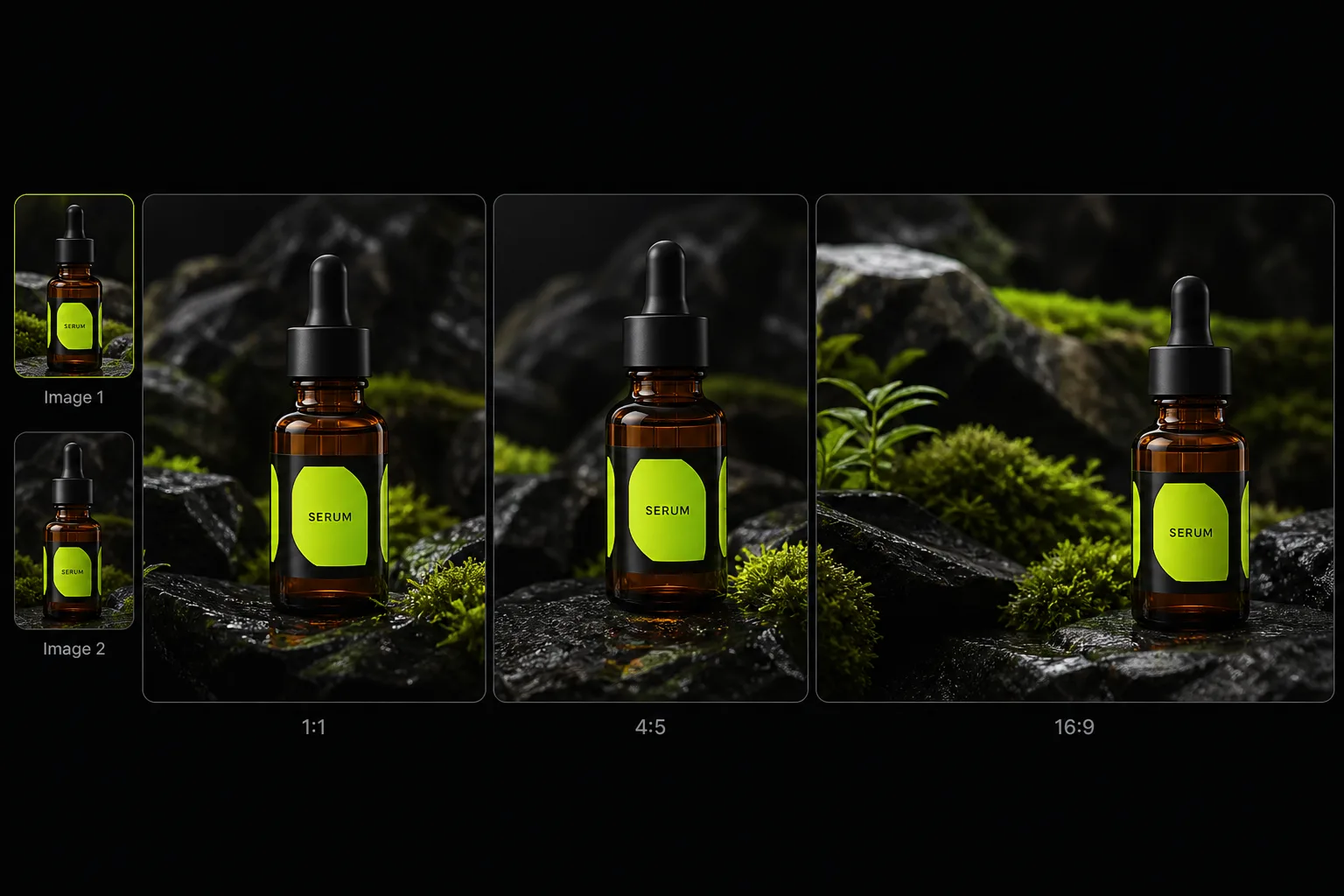
Generate square main images for Amazon, vertical compositions for social ads, and wide banners for web storefronts from the same upload set.
Tailored for store operators
Create high-converting visuals for every stage of your sales funnel using uploaded assets and custom scene descriptions.
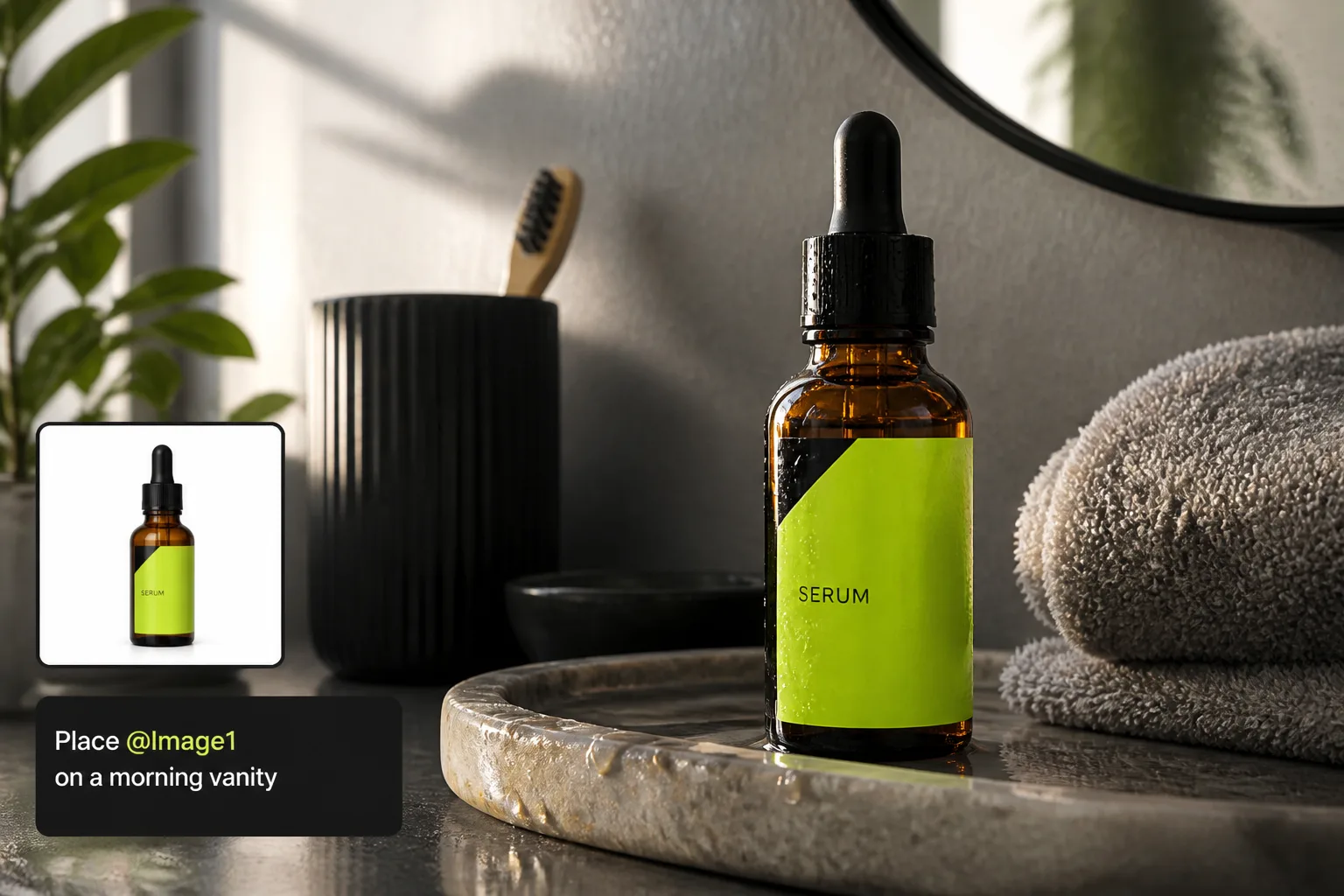 DTC Stores
Generate cohesive lifestyle collections and hero banners that reflect your brand identity across product pages.
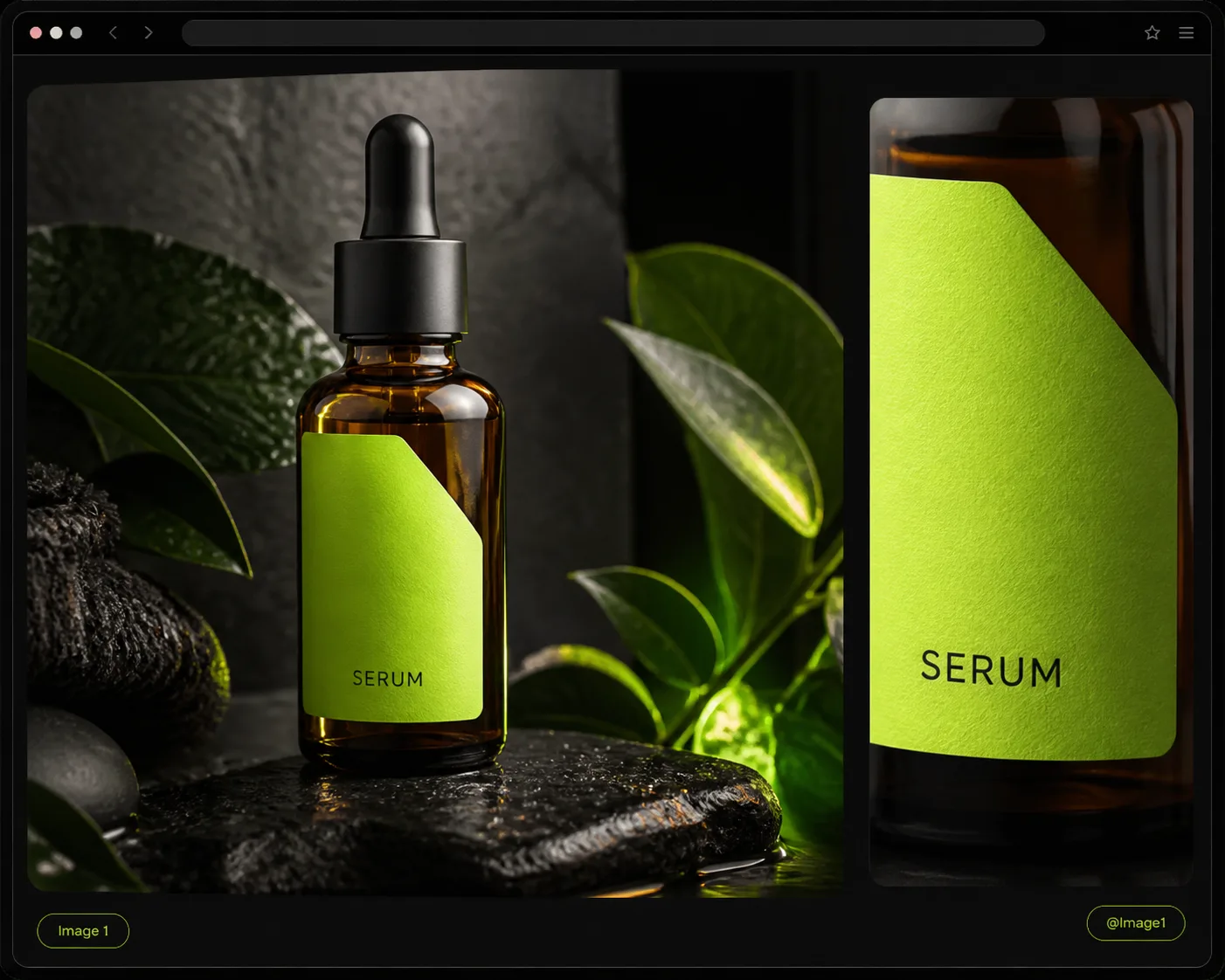 Marketplaces
Produce clean secondary listing photos and contextual images that highlight product features under realistic lighting.
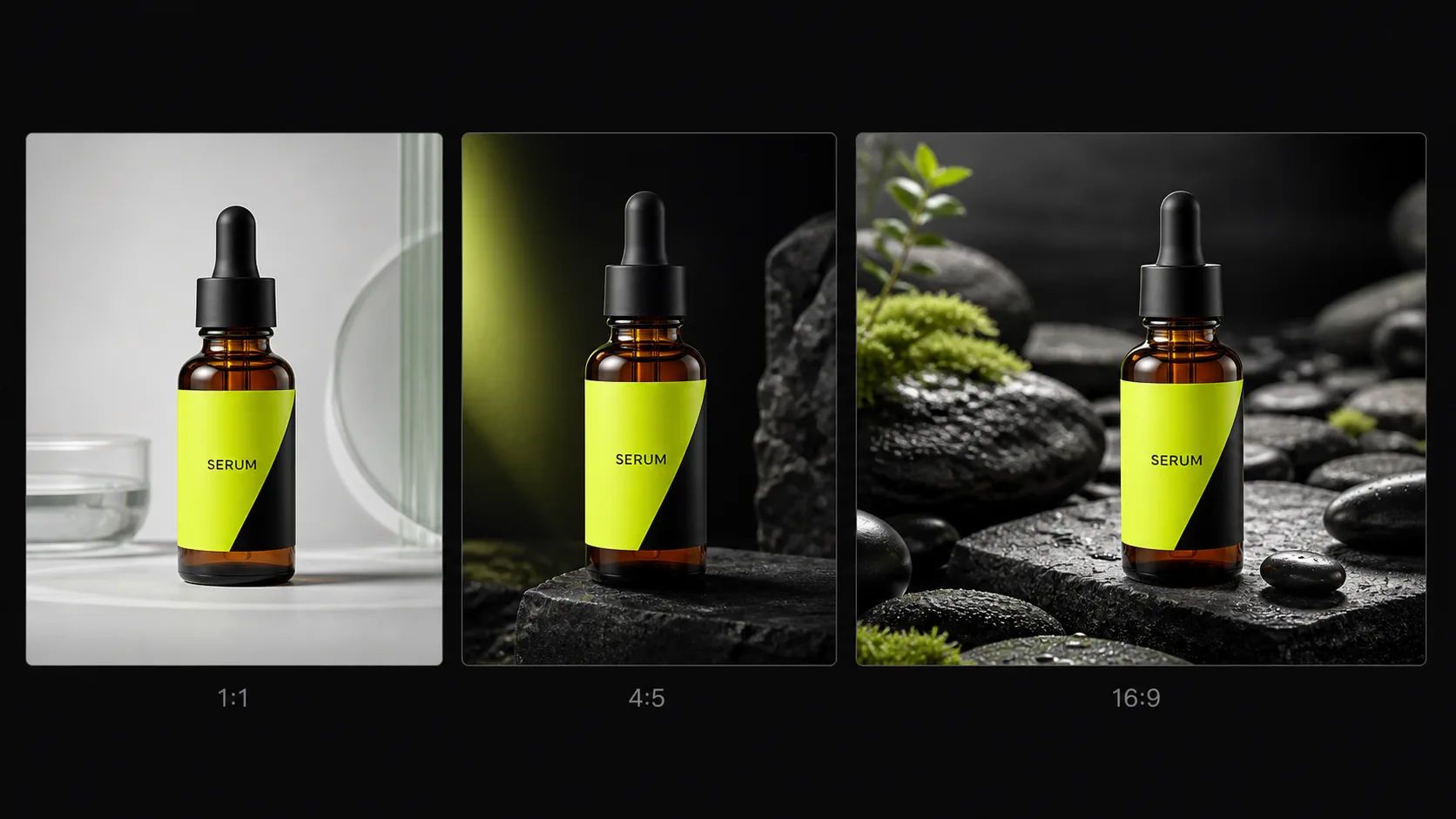 New Launches
Produce catalog imagery prior to full inventory arrival by generating scenes from prototype or sample uploads.
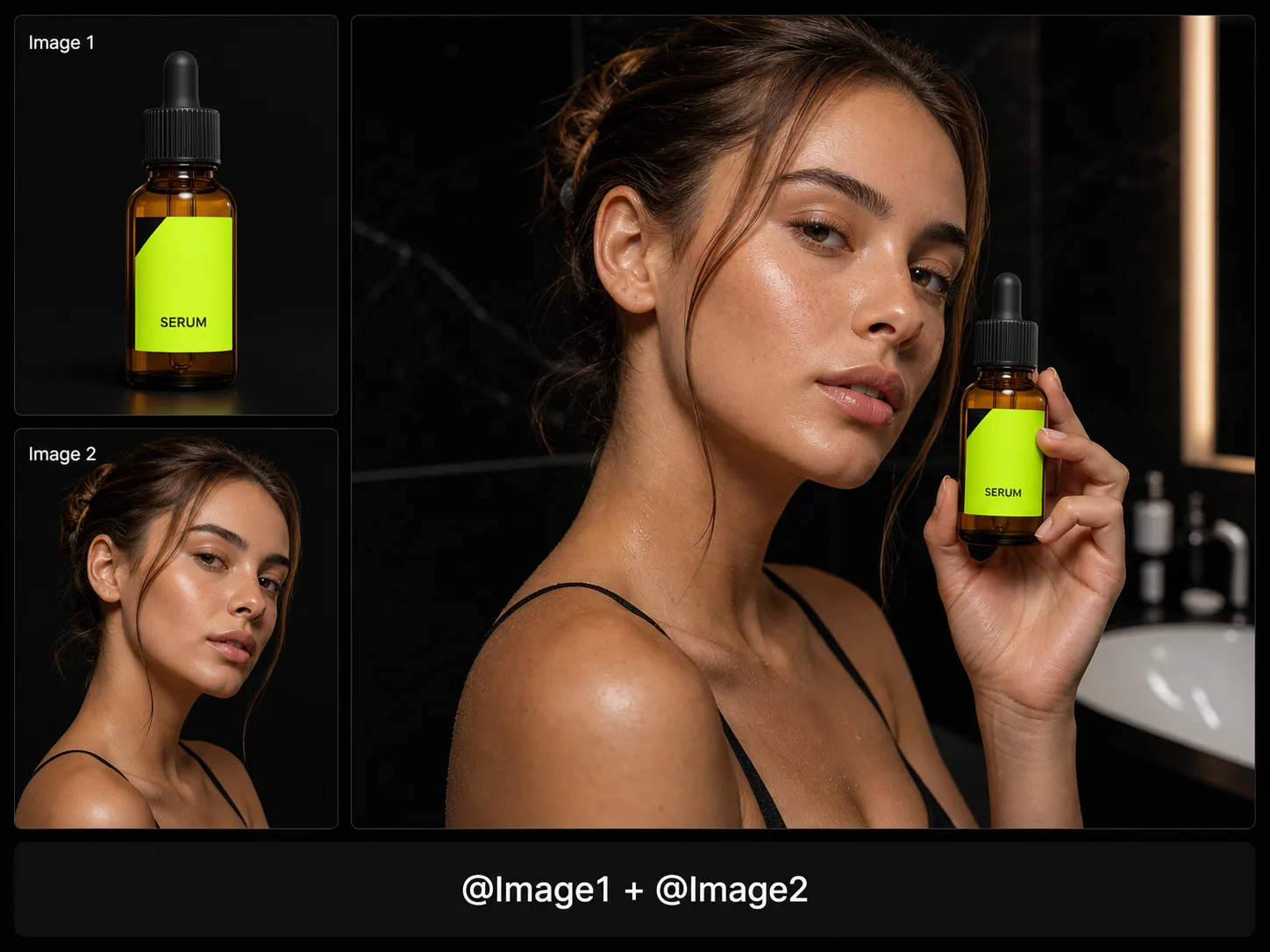 Paid Media
Pair model photos with product uploads (@Image1 + @Image2) to build conversion-focused ad creatives for Instagram, TikTok, and Meta.
Prompt workflow
This AI Ecommerce Image Generator starts from your uploaded product, model, or reference photos. Write a custom prompt for the scene you want, while Product Lock keeps product identity as consistent as possible. Mention @Image1, @Image2 to control which upload is used.
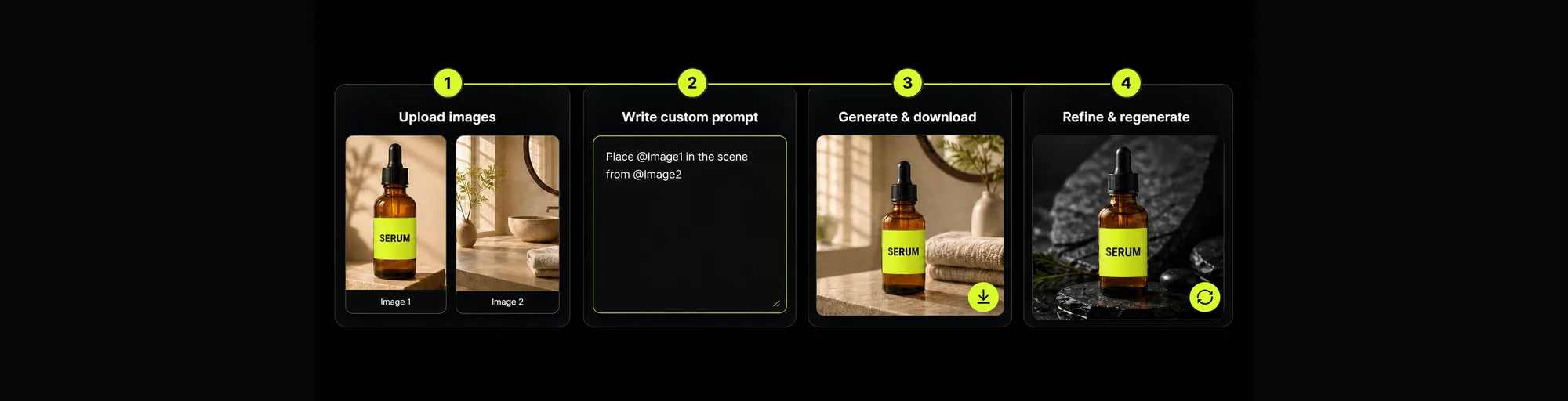
Add up to 16 images. Each chip is labeled Image 1, Image 2… so you can @mention them in your custom prompt.
Describe surface, lighting, and mood in freeform text. Use @ImageN when combining product and model shots.
Create listing-ready ecommerce images, then refine the custom prompt and regenerate as needed.
Edit the custom prompt, adjust ratio if needed, and regenerate until the listing image fits the channel.
Method comparison
Compare traditional studio photoshoots with flexible, upload-conditioned AI scene generation.
Multiple
output styles
Reference-led
direction
Built-in
before-and-after review
Requires shipping physical samples, studio rentals, hiring models, and waiting days for manual photoshop revisions.
Generate listing-ready images from existing uploads faster than a reshoot, with full prompt control over scene elements.
Resources
Learn how to combine @mentions, surface textures, and lighting descriptors to create high-converting product shots.
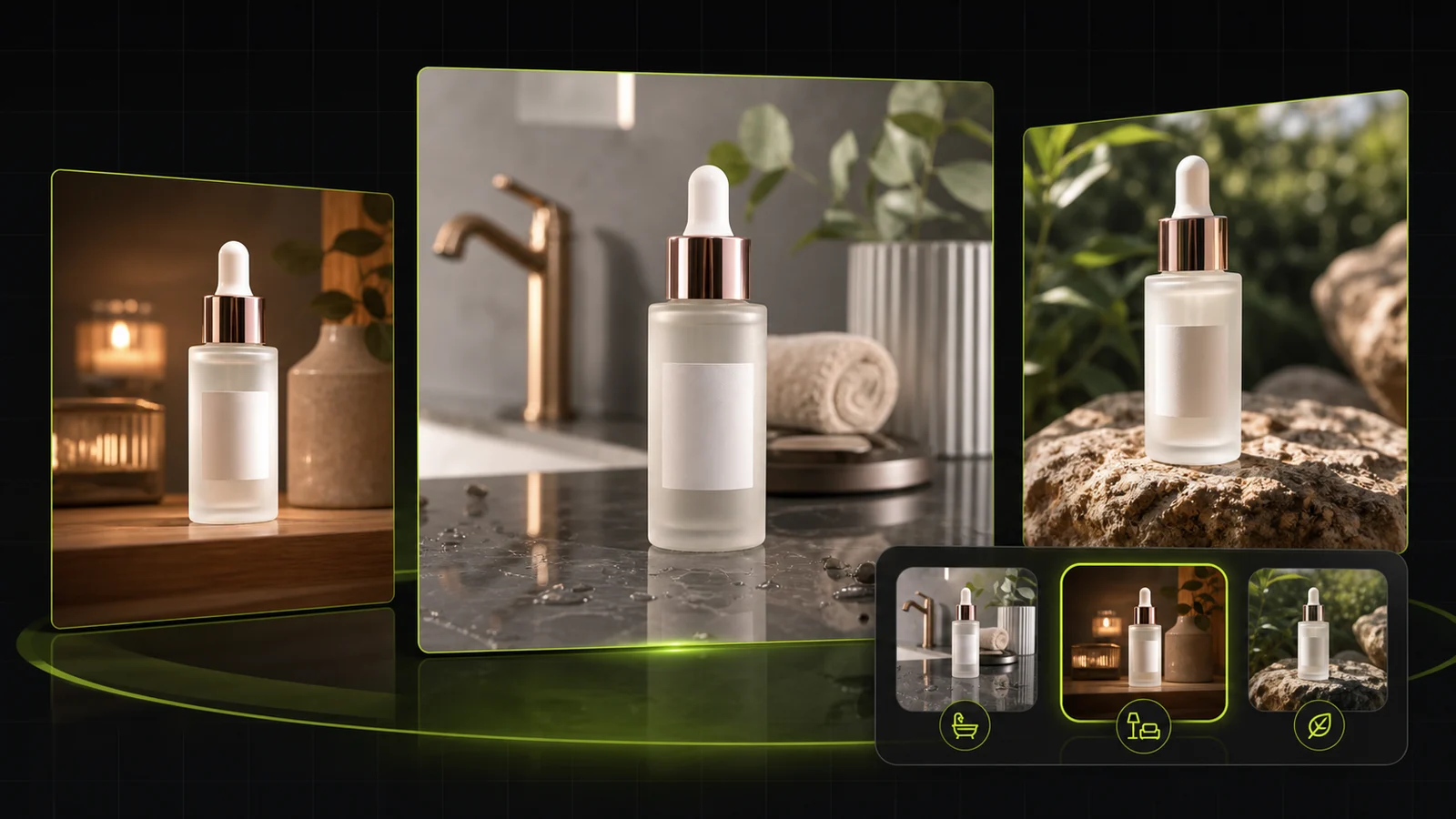 Workflow
Compare AI lifestyle photo generators for realistic ecommerce scenes, product preservation, catalog consistency, and campaign workflows.
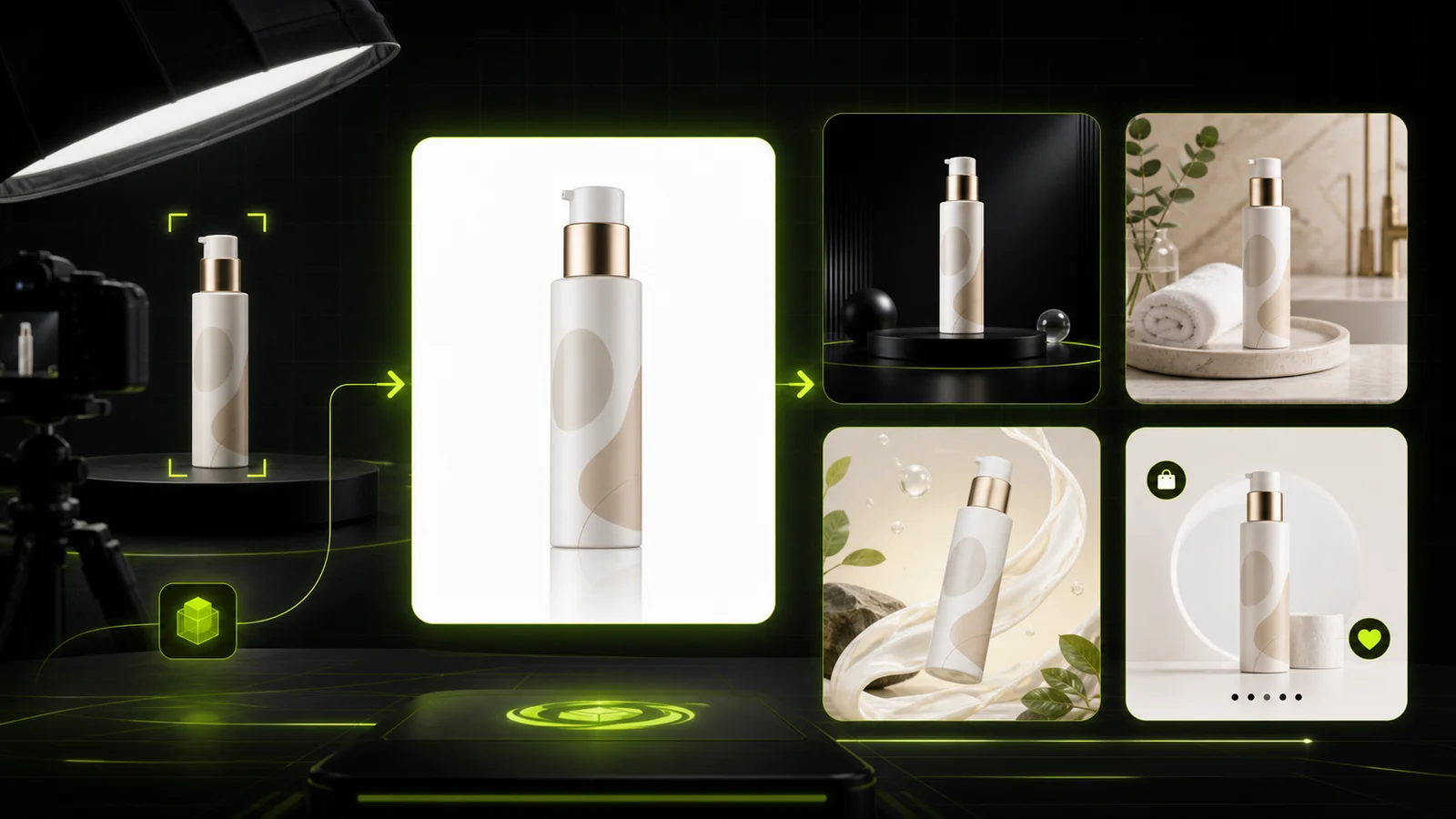 Guide
GuideCompare AI product photography generators for white background images, studio shots, lifestyle scenes, and ecommerce campaign visuals.
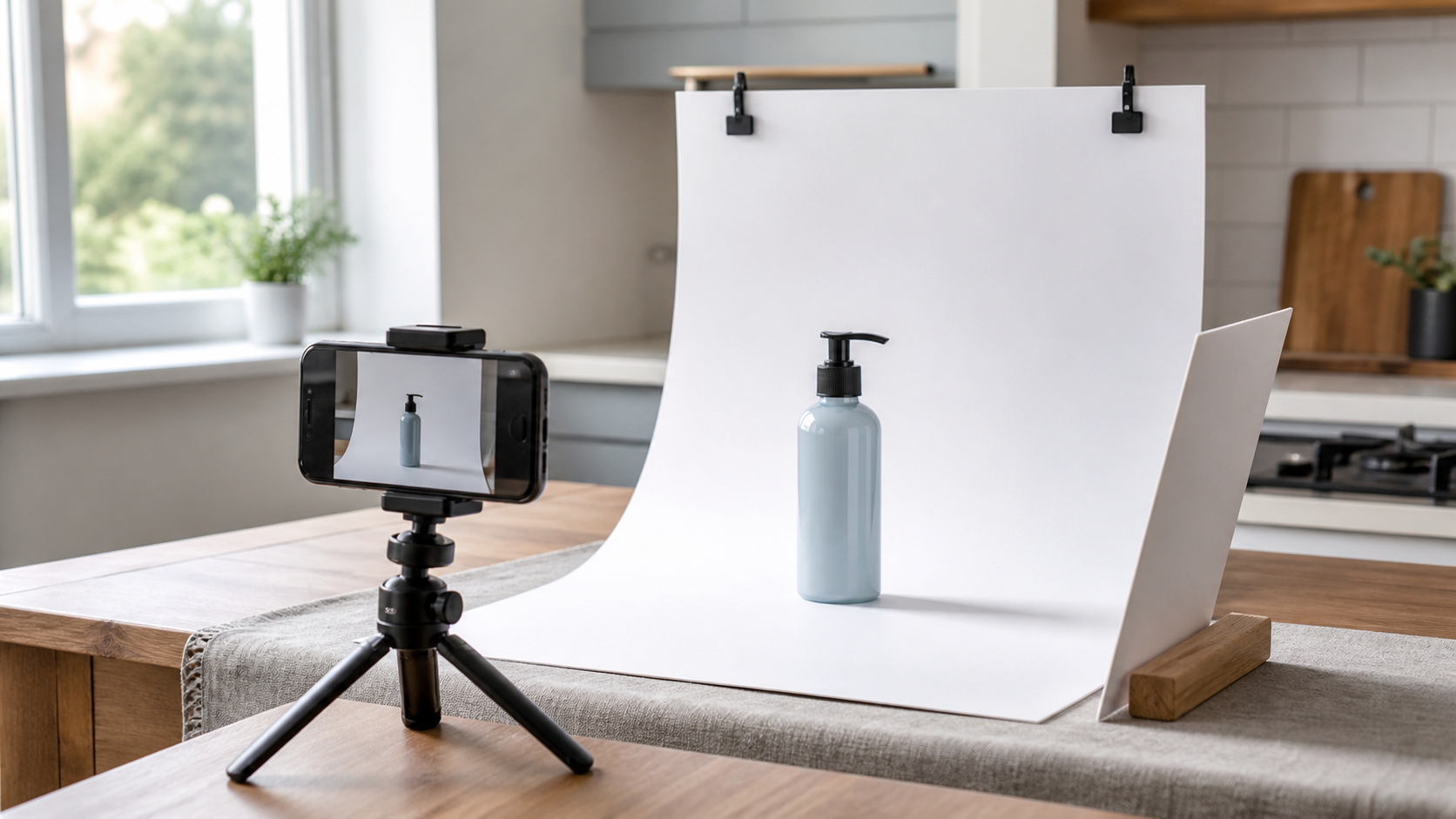 Workflow
A practical workflow for taking sellable ecommerce product photos with a phone, simple setup, and AI-powered variations.
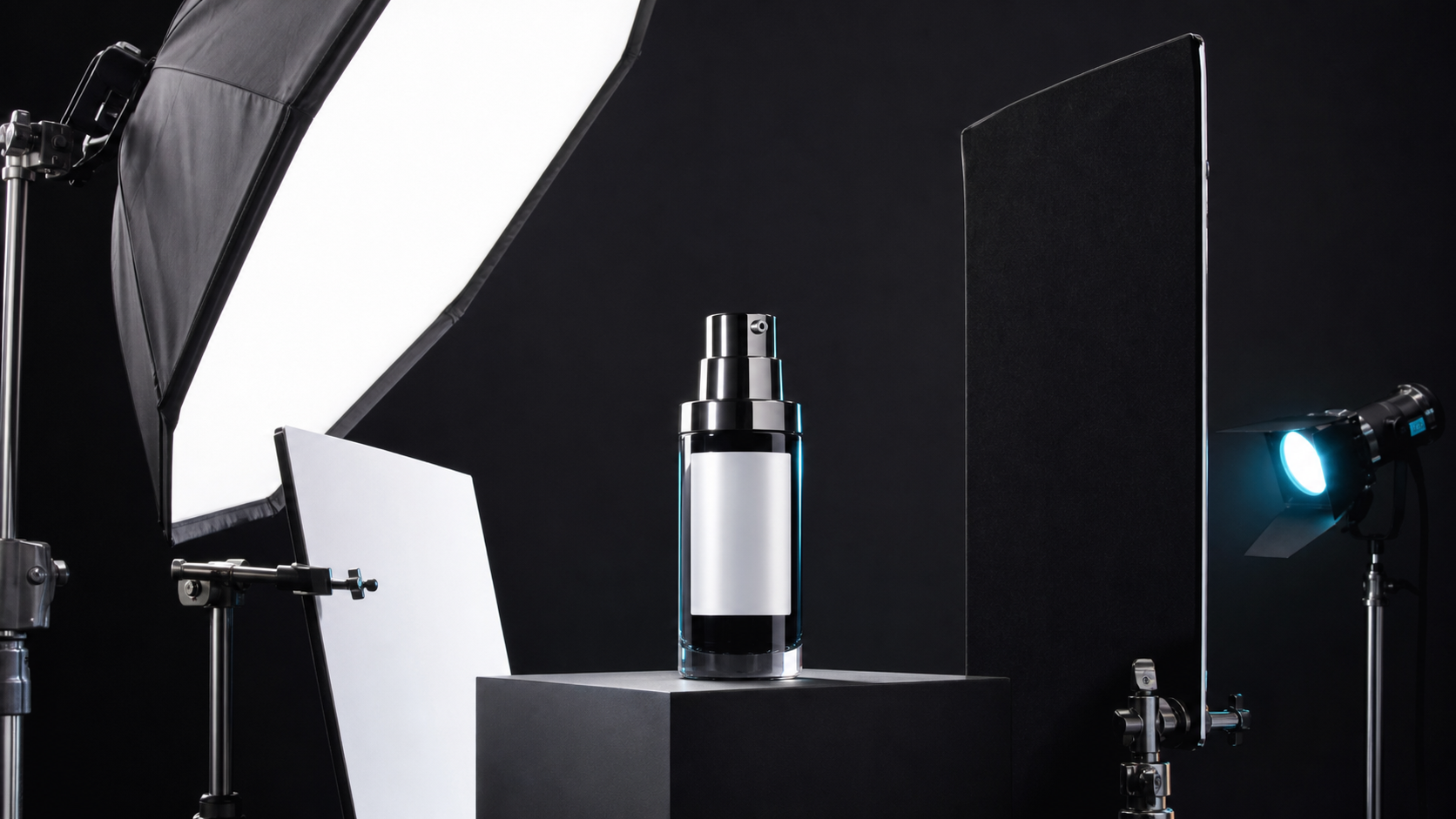 Lighting
A practical guide to product photography lighting, soft light, fill light, backlight, reflection control, and difficult materials.
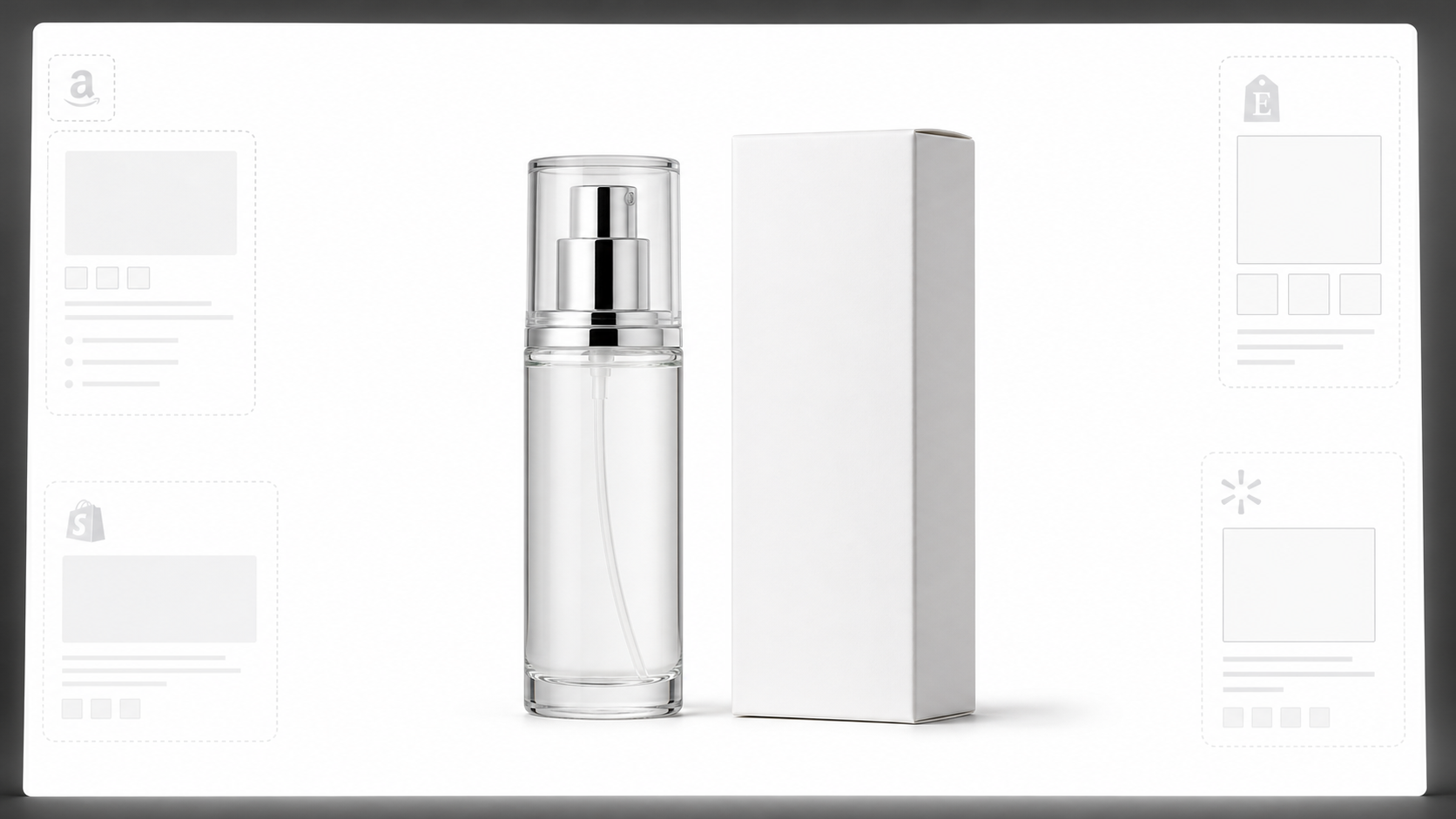 White Background
Learn why white background product photos are harder than they look, how platform rules differ, and how to preserve details.
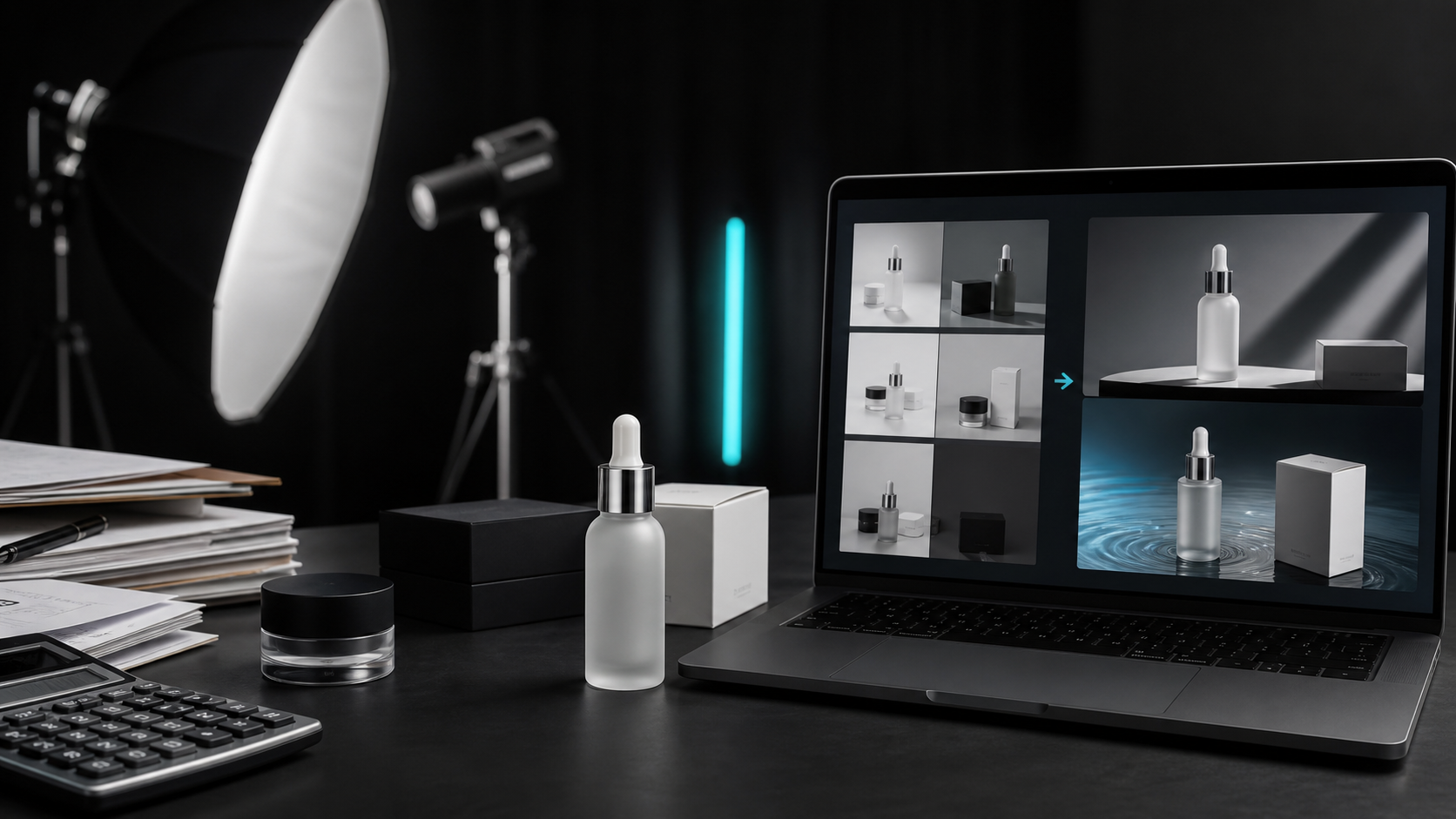 Case Study
A seller shares what traditional product photography costs, why product fidelity matters, and how AI changed the workflow.
See how store managers and performance marketers use custom prompt workflows to produce listing images.

“Tagging @Image1 for our product and @Image2 for our model photo in a single prompt transformed how we create lifestyle ad assets.”

“Product Lock helps keep our packaging design while allowing us to test dozens of seasonal background concepts quickly.”

“We converted basic supplier snapshots into elegant marble-countertop lifestyle photos in just a couple of minutes.”

“The 16-image upload limit gives us room to include close-up details, logo files, and composition references all at once.”

“Instead of scheduling a new shoot for every ad variation, we update lighting and prop details right inside the text prompt.”

“It bridges the gap between AI art tools and true product photography. Our items look like the physical products we sell.”
AI Ecommerce FAQ
Answers about uploads, custom prompts, @Image mentions, Product Lock, credits, and how this freeform generator differs from text-to-image or the full photography workbench.
Upload your product photos, write your custom prompt, and create listing-ready imagery today.
Start generating now →