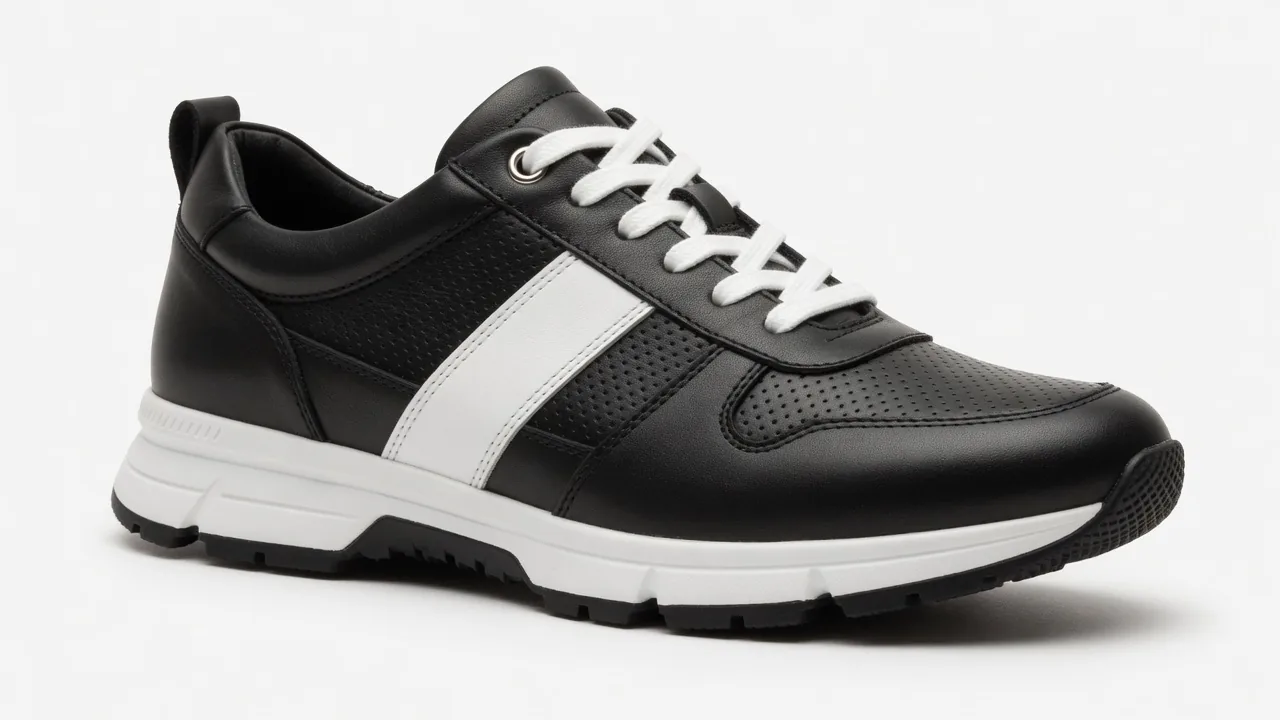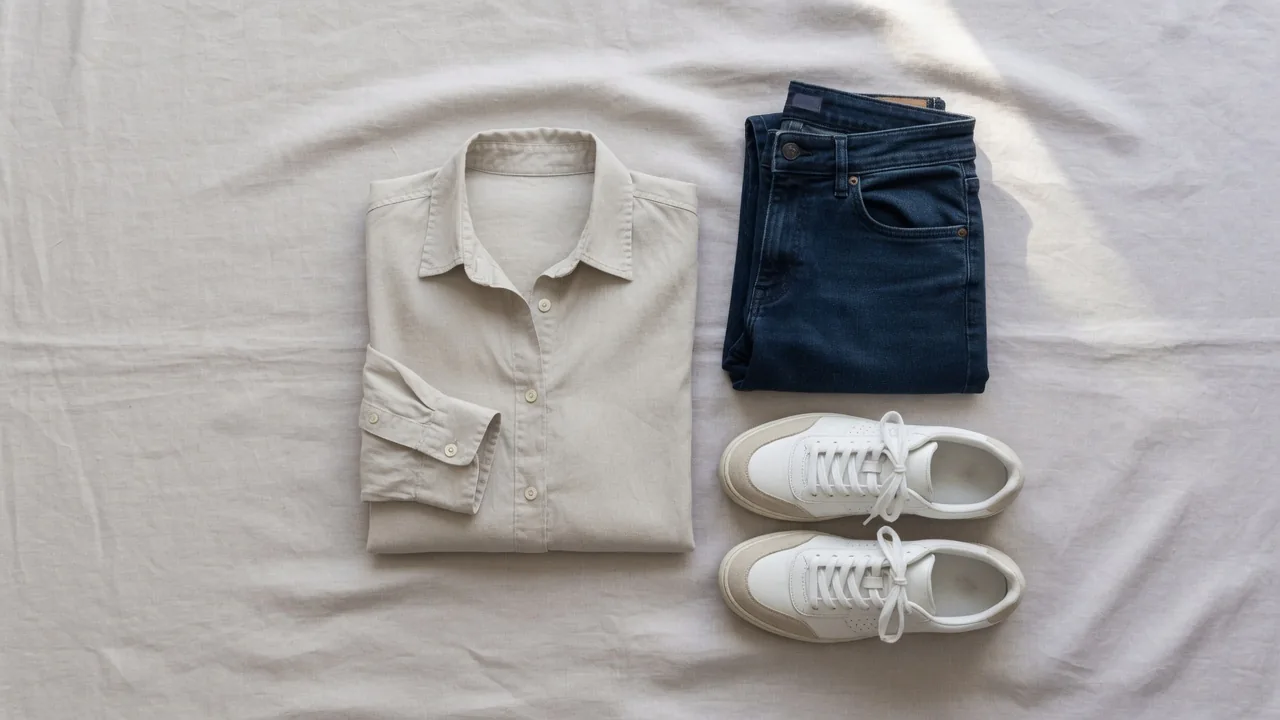
Lifestyle vs white background product photos: what tests and research show, where each image belongs, platform rules, and how to plan and test your mix.
Lifestyle vs white background product photos is usually framed as a contest, but the evidence points to a different question: which image belongs in which slot, for which shopper, on which platform. A clean white-background shot makes products easy to compare and satisfies marketplace rules for the main image. A lifestyle shot shows the product in use and answers questions about scale, setting and feel. This article looks at what published tests and usability research actually show, maps each image type to the funnel and to platform rules, adjusts for product category, and ends with a simple way to test the mix on your own store.
The short answer
Neither type wins everywhere. Use white backgrounds where a platform requires them and where buyers compare many products at a glance. Use lifestyle images to explain context, scale and use — in ads, social posts and the gallery after the main image. Then test the order on your own best-selling products, because results vary by store, category and traffic source.
What the evidence actually shows
Shoppers inspect images first
Baymard Institute's usability testing found that 56% of users' first action on a product page was to explore the product images (Baymard Institute). Images are the first thing people use to evaluate a product, so they need to answer the buyer's questions quickly — whether that question is "what exactly is this?" or "how would it look in my home?"
Scale is a common unanswered question
Baymard's testing also shows that 42% of users try to understand a product's size from its images, and its benchmark found that 28% of sites provide no "in scale" image at all (Baymard Institute). A white-background shot on its own rarely conveys size. A lifestyle image — a lamp on a side table, a backpack on a person — often does.
Wearables need a human context
For apparel, accessories and cosmetics, Baymard observed that simple cut-out images on white are often not enough for users to understand the product, and recommends showing such items on a human model (Baymard Institute).
Peer-reviewed experiments: context helps, under conditions
Controlled studies support lifestyle imagery, but with clear limits:
- In two experiments published in the Journal of Retailing and Consumer Services, Maier and Dost found that product images with a fitting contextual background, compared with a plain white background, increased shoppers' mental imagery of the product and, through it, product liking and purchase intent. The effect held for fitting backgrounds but not for non-fitting ones. It was stronger for ambiguous products, and it appeared for experience products but not for search products (Lancaster University EPrints).
- Across five studies in the Journal of Business Research, González, Meyer and Paz Toldos compared rich contextual displays with plain white backgrounds. A rich usage context raised women's perceptions of emotional value, which in turn raised their purchase intentions, and the effect held across product categories and price changes (DOI; Zenodo, open-access record).
The pattern matters more than any single number. A scene works when it fits the product and helps the shopper picture using it. It does less for products bought mainly on specifications, and a mismatched scene can backfire. Results also vary between marketplaces and brand-owned sites, so treat these findings as hypotheses to test on your own store, not forecasts.
What the evidence does not say
None of the sources above shows that changing a background color alone guarantees a fixed percentage lift. What they consistently support is giving buyers the visual information they need: sharp detail, true color, scale and context. Both image types contribute to that.
Lifestyle vs white background product photos: strengths and weak spots
White background strengths
- Comparison. On a category grid or a search results page, consistent white images make products easy to scan and compare side by side.
- Compliance. Many marketplaces require or strongly favor a plain white main image.
- Detail. Without a busy scene, the shape, color and finish of the product are clear.
- Consistency. A catalog shot the same way looks orderly and trustworthy.
- Reuse. A clean cut-out can be placed into ads, banners and new scenes later.
Our guide to white background product photos covers how to make them well.
Lifestyle strengths
- Context and use. Shows what the product does and where it fits.
- Scale. Familiar objects or people make size obvious.
- Emotion and brand. Light, setting and styling communicate who the product is for.
- Scroll-stopping in feeds. Lifestyle images look native on social platforms, where a plain packshot can look like an ad.
- Objection handling. "Will this fit my kitchen?" "How does it look worn?"
Weaknesses to watch
- White backgrounds can feel generic and don't show size or use.
- Lifestyle images can distract from the product, mislead on color or scale, and break platform rules if used in the wrong slot. An image that creates false expectations can win the click and then generate a return.
Mapping images to the funnel
The slot is the first variable to consider.
| Stage | Where the image appears | Starting choice | Reason |
|---|---|---|---|
| Discovery | Social feeds, paid social, Pinterest | Lifestyle | Fits the feed; shows use and mood |
| Discovery | Shopping ads, marketplace search | Clean product shot | Clarity in a crowded grid; platform rules |
| Consideration | Collection and category pages | White or consistent clean images | Easy scanning across SKUs |
| Consideration | Email, retargeting | Lifestyle | Reinforces interest after the first visit |
| Decision | Product page main image | White on marketplaces; clean hero on your own site | Clarity, trust, rules |
| Decision | Product page gallery | Lifestyle, detail, scale, on-model | Answers fit, size and use questions |
The further down the funnel, the more buyers need context and detail. And wherever a platform controls the slot, its rules come first.
A gallery order to start from
A practical eight-image product page plan:
- Clean hero on white or a plain background.
- Main lifestyle image — the product in its most typical use.
- Detail — material, texture, finish.
- Scale — in a hand, on a person, in a room.
- Second lifestyle scene — a different use or setting.
- Features or specs — an infographic, where the platform allows text.
- Variants — colors or sizes.
- Packaging or what's in the box.
Drop slots that don't apply and move the most decisive information earlier. If dimensions are the top question for your category, the scale image belongs in slot two.
When the platform decides for you
| Platform | Main image | Lifestyle elsewhere |
|---|---|---|
| Amazon | Pure white background; product fills at least 85% of the frame | Additional images can show the product in use |
| Walmart | Seamless white (255/255/255 RGB), square | Check category rules for additional images |
| Google Merchant Center | No promotional text, overlays or added logos on the main image | Dedicated attribute for a lifestyle image |
| Etsy | No background rule; at least one unedited photo of the actual item | Edited and AI-assisted images allowed if accurate |
| Your own store | Your choice | Your choice — test it |
The details:
- Amazon. Amazon's seller guidance asks for the product to fill 85% or more of the frame on the main image and describes lifestyle images as showing products in action, for use in the wider gallery (Amazon Sell blog).
- Walmart. Walmart Marketplace's image guidelines specify a seamless white background (255/255/255 RGB), a 1:1 aspect ratio, 2200 × 2200 pixels, and 1500 × 1500 pixels as the minimum for zoom (Walmart Marketplace Learn).
- Google Merchant Center. Google says the main product image must offer an unobstructed view of the item, without promotional text, overlays, watermarks or added logos, and offers a separate lifestyle image attribute for in-context representations. It also requires images created with generative AI to carry metadata identifying them as AI-generated (Google Merchant Center Help).
- Etsy. Etsy requires at least one unedited photo for most items and allows editing tools, including AI, for other images as long as they accurately represent what buyers will receive (Etsy Help).
If you sell on several channels, plan at least two main-image versions: a strict white one for marketplaces and a clean hero for your own store.
Adjusting by category
Apparel and footwear. On-model images explain drape and fit; flat lays and ghost mannequin shots show construction. Lead with whatever the platform requires, and put on-model images early in the gallery. The AI fashion model generator can produce on-model views from a product photo.
Beauty and skincare. Texture swatches, hands and bathroom or vanity scenes help justify price and show use. Keep a clean packshot for the main image, and avoid scenes that imply effects the product can't deliver.
Home and furniture. Context is close to essential because scale is the main uncertainty. Make sure room scenes agree with the real dimensions — a sofa that looks bigger in the photo will come back.
Food and drink. A plate, a glass or a set table makes people hungry in a way a bare package can't. On your own store, a lifestyle shot can lead; on marketplaces, follow the main-image rules.
Electronics and tools. Buyers compare specs and form factors, so clean product shots usually lead. Lifestyle works well in later gallery slots and ads.
Jewelry and watches. Clean macro shots for detail plus on-body images for scale and style.
Common mistakes with both image types
- A lifestyle main image on a marketplace that requires white. It may be rejected or suppressed; keep scenes for the gallery.
- Scenes that misrepresent size. Props scaled wrongly or a wide-angle lens can make a product look bigger than it is. Use real-sized references.
- Color drift between versions. A warm, moody scene can shift a product's color. Keep at least one neutral, color-accurate image in the set.
- Busy scenes. If a shopper can't tell which item is for sale, the image is working against you. One product, a few supporting props.
- Identical white shots only. Six angles on white answer "what is it" six times and never answer "how big" or "how would I use it."
- Inconsistent catalog styling. Mixed backgrounds and lighting across a category page look disorganised. Decide a standard for each slot.
- Untested assumptions. A test result from someone else's store is a hypothesis for yours.
Production: making both without doubling the budget
Historically, lifestyle images cost more: locations, props, stylists and models add time. That pushed many brands to ration them. Two habits reduce the gap:
- Shoot one excellent clean photo of every product. It becomes the white-background main image and the source for everything else.
- Create context from that photo. Place the cut-out into scenes rather than staging a new shoot for every setting.
ProductShot is built around that workflow. From one uploaded product photo, the AI white background generator produces the clean listing image, the AI lifestyle product photo generator places the product into realistic scenes, and the AI product background changer swaps settings for seasonal or campaign variants. Product Lock is designed to keep the product's shape, color, logo and labels consistent across every version, though packaging text should still be checked before publishing.
Costs are predictable: new accounts get 10 free credits with no card required, and each generated image uses 10 credits. Paid plans start at $9.9 a month billed annually ($118.8/year) for 800 credits. Remember the platform rules above: Etsy needs a real unedited photo, Google expects AI metadata on generated images, and no tool guarantees platform approval.
Running your own image experiment
Published research is a starting point. Your catalog is the real test.
- Pick high-traffic products so you can reach a clear result in reasonable time.
- Change one thing. Swap the main image (where the platform allows) or the order of gallery images; keep price, copy and offer the same.
- Define the metric first: conversion rate, add-to-cart rate, revenue per visitor.
- Decide the duration in advance and don't stop early on a promising day.
- Split by device. A lifestyle image that works full-screen on desktop may read poorly as a small mobile tile.
- Watch returns. Wait for return data before declaring a winner; a lift that brings more "not as pictured" returns isn't a win.
- Record what you learn in a short image guideline for the category.
Where the main slot is locked by marketplace policy, experiment within the rules instead — a different angle, tighter crop or fuller fill — or reorder the gallery images behind it.
Worked example: a ceramic table lamp
- Marketplace main: lamp on pure white, lit, filling about 85% of the frame.
- Own-store hero: the same clean image, or a softly lit shot on a pale neutral background.
- Slot 2: the lamp on a bedside table at dusk, switched on — shows the light it gives.
- Slot 3: close-up of the glaze and shade fabric.
- Slot 4: the lamp next to a stack of books and a phone, for height.
- Slot 5: in a living room on a console table.
- Slot 6: dimensions infographic.
- Ads: the dusk bedside scene in feeds; the white image in shopping ads.
- Test: slot 2 versus slot 4 as the second image on the own store, two weeks, conversion and revenue per visitor, split by mobile and desktop.
FAQ
Which type converts better overall?
There's no universal winner. Peer-reviewed experiments find that fitting contextual images can raise purchase intent, but the effect depends on the product type and the fit of the scene. Use each type where it fits, then test.
Where do white-background images matter most?
Marketplace main images, category grids and shopping ads — anywhere compliance and quick comparison matter.
Where do lifestyle images matter most?
Social feeds, ads, email and product-page gallery slots after the main image, where context, scale and use drive the decision.
Is a white main image mandatory on Amazon?
Yes, Amazon asks for a pure white background with the product filling about 85% of the frame. Lifestyle images go in the additional slots.
Can lifestyle images be used on Etsy and Shopify?
Yes. Shopify leaves it to the store. Etsy allows edited and AI-assisted images if they're accurate, but most items still need at least one unedited photo of the actual product.
Can AI create both versions from one product photo?
Yes. Start from a sharp photo of the real product, generate a clean white version and lifestyle scenes from it, and check every image against the real item before publishing.
Sources
- Baymard Institute, image resolution and zoom: https://baymard.com/research-articles/ensure-sufficient-image-resolution-and-zoom
- Baymard Institute, "in scale" images: https://baymard.com/research-articles/in-scale-product-images
- Baymard Institute, products on a human model: https://baymard.com/research-articles/human-model
- Maier & Dost (2018), Journal of Retailing and Consumer Services, accepted version: https://eprints.lancs.ac.uk/id/eprint/129561/
- González, Meyer & Paz Toldos (2021), Journal of Business Research, DOI: https://doi.org/10.1016/j.jbusres.2020.10.002; open-access record: https://zenodo.org/records/17976775
- Amazon Sell blog, product photos: https://sell.amazon.com/blog/product-photos
- Walmart Marketplace image guidelines: https://marketplacelearn.walmart.com/guides/Item%20setup/Item%20content,%20imagery,%20and%20media/Product-detail-page:-Image-guidelines-&-requirements
- Google Merchant Center, image link: https://support.google.com/merchants/answer/6324350?hl=en
- Etsy Help, listing image requirements: https://help.etsy.com/hc/en-us/articles/44297885802647-How-Do-Etsy-s-Listing-Image-Requirements-Apply-to-My-Listings