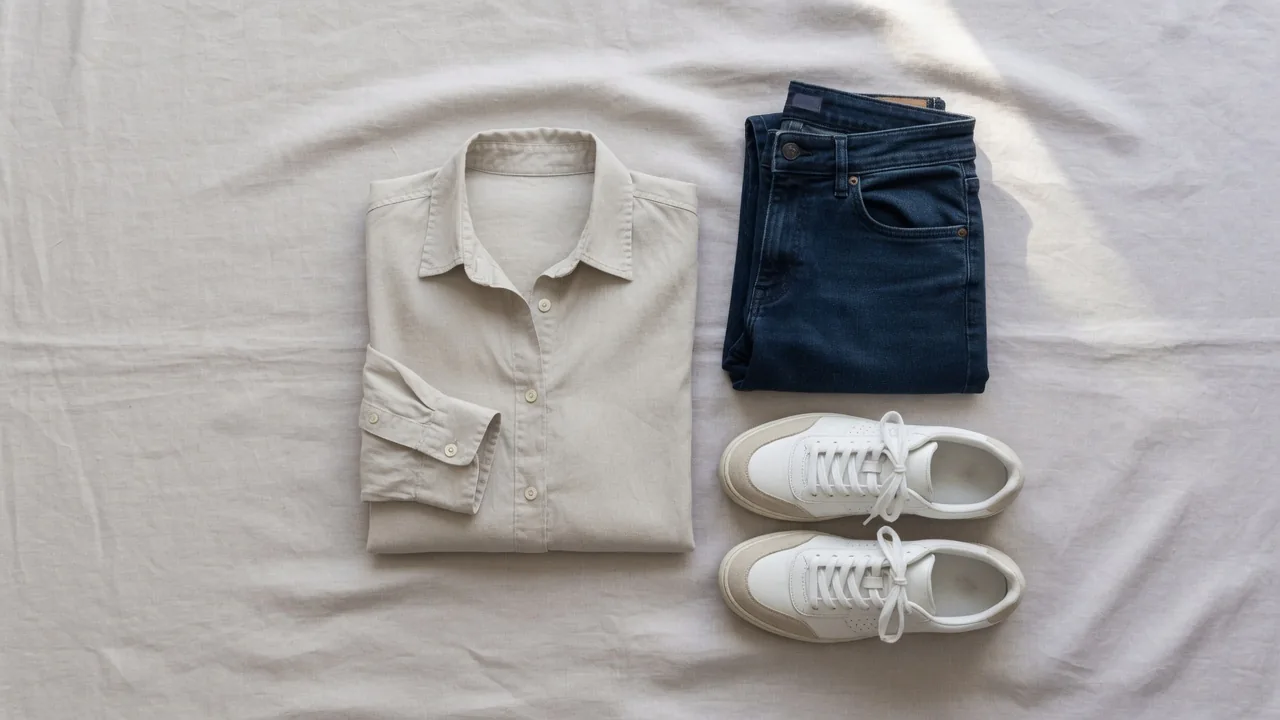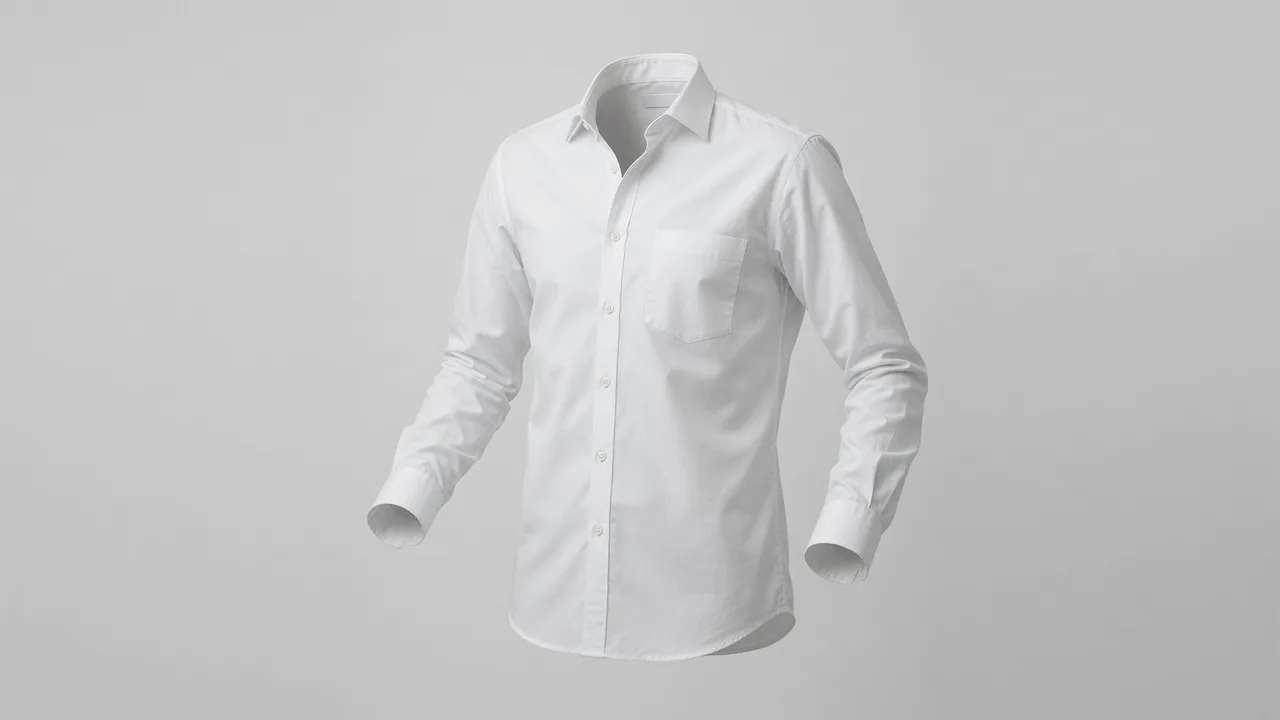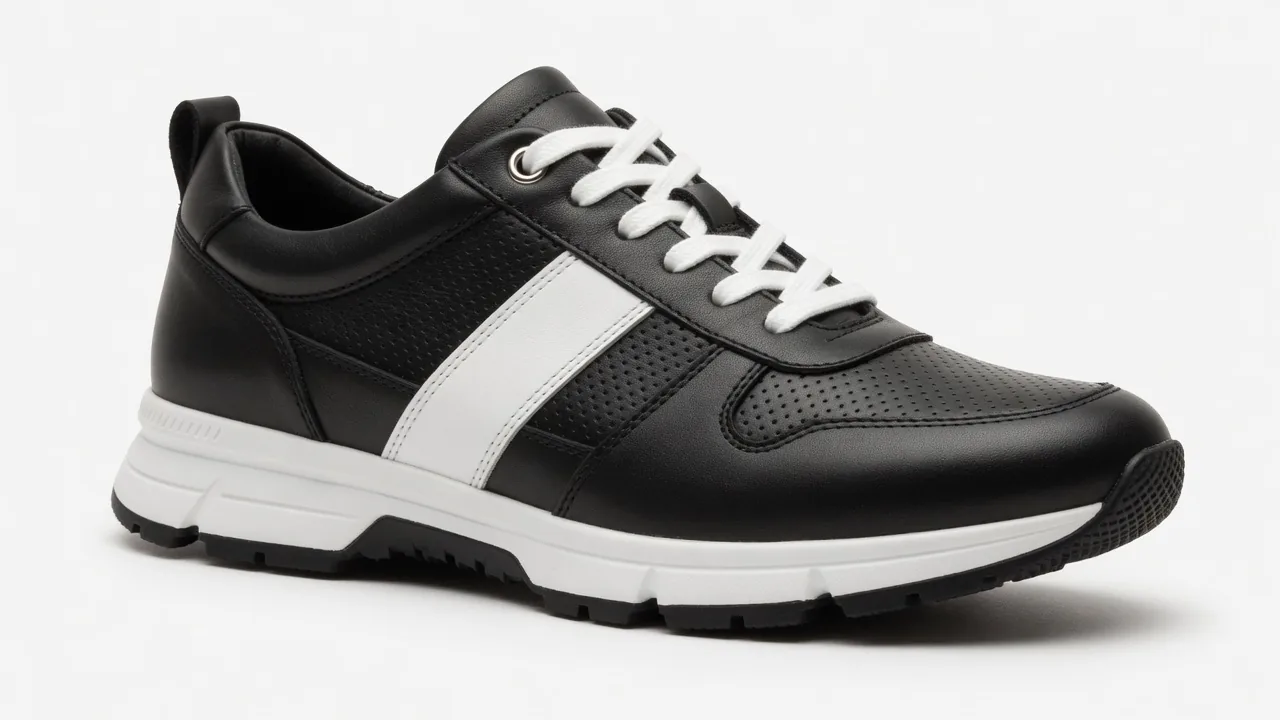
Amazon product image requirements explained: white 255 backgrounds, 85% fill, 1,000 px for zoom, file formats, category rules and a pre-upload checklist.
Amazon product image requirements are the gatekeeper between your listing and the search page. Get the main photo wrong and the product can be hidden until a compliant one replaces it; get it right and you have a clean base for the rest of the gallery. This guide walks through the numbers Amazon publishes in its own seller materials, the category quirks that trip people up, a checklist you can run before every upload, and a simple way to produce a full image set from one good photo.
A quick note on sources: Amazon spreads its rules across Seller Central help pages, the public seller blog and category style guides. Seller Central pages are behind a login-style app and change often, so every figure below is linked to a public Amazon document we could open and read. Where an older guide differs from current practice, we say so.
The short version
If you only remember five things, make them these:
- Use a background of pure white (255/255/255) behind the main shot.
- Let the item occupy about 85% of the canvas with every edge visible.
- Files are 500 to 10,000 pixels on the longest side; aim for at least 1,000 so zoom works.
- No text, logos, graphics or props on the main image.
- Use the remaining slots for angles, details, scale and lifestyle shots — Amazon recommends at least six images in total.
The rest of this article explains each point and the exceptions around it.
Amazon product image requirements for size and file type
Amazon's public seller blog states that every product needs at least one image, that it recommends at least six, and that all images must be 500 to 10,000 pixels on their longest side in JPEG, TIFF, PNG or non-animated GIF format (Amazon Sell blog). The same page says images should be clear, without pixelation or jagged edges.
The lower limit is a hard floor, but it is not a target. Amazon also writes that it prefers images larger than 1,000 pixels on each side so shoppers can zoom (Amazon Sell blog). Zoom matters because people inspect photos before they read anything: in Baymard Institute's usability testing, 56% of users' first action on a product page was to start exploring the images (Baymard Institute).
Some category guides go further than the general minimum. Amazon's Home selection style guide asks for sRGB color and images between 2,000 and 10,000 pixels per side (Amazon Home style guide, PDF). The fashion apparel guidelines ask for clothing images at least 1,600 pixels tall and no more than 10,000 pixels on the longest side (Amazon Fashion Apparel Imaging Guidelines, PDF).
| Spec | What to deliver |
|---|---|
| Accepted formats | JPEG, TIFF, PNG, non-animated GIF (JPEG is the safe default) |
| Upload range | Longest edge between 500 px and 10,000 px |
| Practical minimum | 1,000 px or more per side, for zoom |
| Home category | 2,000 to 10,000 px per side, sRGB |
| Apparel | At least 1,600 px tall |
| Quality | Crisp detail, smooth edges, no visible blockiness |
| Image count | At least one; six or more recommended |
Two practical tips sit behind the table. First, never upscale a small photo to hit the number; an enlarged 600-pixel file still looks soft when zoomed. Start from the camera's full-resolution original. Second, a square canvas between 2,000 and 3,000 pixels covers almost every category without producing files so heavy they slow your workflow. If file weight becomes an issue, run the export through a free image compressor after you have finished editing, not before.
Main image rules
The first image is the one shoppers see in search results, and it carries the strictest rules.
Background. Pure white. The Home style guide spells it out as a pure white background of 255 RGB (Amazon Home style guide, PDF), and the apparel guidelines give the same value with its hex code, #FFFFFF (Amazon Fashion Apparel Imaging Guidelines, PDF). Off-white, cream or light gray backdrops are the most common reason a photo that "looks white" fails.
Fill. Amazon's seller blog asks for the product to fill 85% or more of the frame (Amazon Sell blog), and the Home guide repeats that the product should fill at least 85% and must not be cropped (Amazon Home style guide, PDF). Too much empty white space makes the item look tiny in a grid of competitors.
Content. Show only what is for sale. The Home guide says no props and states that images cannot include text, graphics or logos (Amazon Home style guide, PDF). If a prop is needed to demonstrate how something works, the same guide moves it into the additional images.
One product. For clothing, the apparel guidelines say the main image must be a single product rather than a stack of items, with multipacks and sets as the exception (Amazon Fashion Apparel Imaging Guidelines, PDF).
A useful habit: after editing, open the file in any editor, sample the four corners with a color picker and confirm each reads 255, 255, 255. It takes ten seconds and catches most background problems before Amazon does.
Category-specific rules worth knowing
General rules cover most products, but a few categories add their own.
Shoes
Amazon's shoe style guide asks for the main image at a three-quarter view of roughly 40 degrees from slightly above, with the toe pointing left, and only one shoe per image except for pair variants (Amazon Shoes style guide, PDF). Sellers who shoot the pair side by side, or point the toe right out of habit, are the usual offenders.
Clothing
The apparel guidelines list three kinds of off-figure images — flat or laydown, ghost mannequin, and visible mannequin — and then note that visible mannequins are not allowed in product images (Amazon Fashion Apparel Imaging Guidelines, PDF). The same document says kids', baby, accessories, multipacks and sets should be shot off-model. Adult apparel should be shown on a model in the main image, and the product still has to fill the frame. Ghost mannequins are on the guide's list of things a main image must not contain, so if you want a hollow-body look without a physical rig, use an AI ghost mannequin tool only for secondary images, kids' clothing or accessories.
Jewelry
Amazon's older jewelry guide (dated, but still hosted by Amazon) asks for images of 1,000 pixels or larger to enable zoom and quoted a range of 500 to 2,100 pixels on the longest side at the time (Amazon Jewelry style guide, PDF). The upper limit in that document is out of step with the 10,000-pixel ceiling Amazon now publishes, so treat the 1,000-pixel minimum as the part that still matters.
Home goods
Beyond the 2,000-pixel floor and sRGB profile, the Home guide's practical message is restraint: white background, no crop, nothing in frame that isn't in the box (Amazon Home style guide, PDF).
What the other image slots are for
Once the main image is compliant, the rest of the gallery is where you sell. Amazon's seller blog describes several image types, including lifestyle images that show products in action and tell the story behind them (Amazon Sell blog). A balanced set of additional images usually looks like this:
- Two or three angles. Back, side and top views for anything with more than one face.
- In use. The product doing its job in a believable setting.
- Detail. Material, stitching, texture, ports, clasps — whatever buyers zoom in on.
- Scale. The product next to a hand, a person or a familiar object.
- Infographic. Dimensions, materials and the two or three facts people ask about most.
- What's in the box. Every included accessory, laid out clearly.
The scale shot is the one most sellers forget. Baymard's product page benchmark found that 28% of large e-commerce sites provide no "in scale" image at all, and its testing showed that unclear sizing led users to discard relevant products (Baymard Institute). A single photo of the item in someone's hand, or on a desk next to a laptop, answers the size question faster than any dimension line.
Text is fine in these slots as long as it stays factual. Keep marketing claims, star ratings and anything that looks like an Amazon badge out of every image.
Pre-upload checklist
Run through this list for each listing:
- Main background samples 255, 255, 255 in all four corners.
- The item occupies roughly 85% of the canvas, every edge intact.
- Only the items sold are visible — no props, packaging or stands on the main image.
- Main photo is clean: zero words, brand marks, frames or watermarks.
- Longest side at least 1,000 px (2,000 px for Home; 1,600 px tall for apparel), no more than 10,000 px.
- Exported from a full-resolution original, not enlarged.
- JPEG in RGB/sRGB, saved once at high quality.
- Shoes: single shoe, toe left, three-quarter angle.
- Clothing: no visible mannequin; kids' and accessories off-model.
- Six or more images, including at least one scale shot.
- Colors, counts and sizes in every image match the title and variant.
Common reasons images get flagged
Most rejected or suppressed images fail on one of a handful of issues. Mapping them back to the rules above:
| Problem | Rule it breaks | Fix |
|---|---|---|
| Background reads 245 or 250 | Pure white 255 | Replace the background rather than brightening the photo |
| Product looks small | 85% fill | Crop tighter on a square canvas |
| Edge of product missing | No cropping | Re-shoot with more margin or extend the canvas |
| Text or badge on main | No text/graphics/logos | Move it to an infographic slot |
| Props or decor in frame | Only what's for sale | Remove props; use them in lifestyle images |
| Soft or blocky when zoomed | Clarity, 1,000 px+ | Export from the original at higher resolution |
| Mannequin visible | Apparel rule | Adult apparel: re-shoot on a model; kids' clothing and accessories: flat lay |
When an image is flagged, the fix is almost always to upload a corrected replacement in the same slot. Brightening a gray backdrop in an editor rarely gets it to true 255 everywhere; replacing the background outright is more reliable.
How to create compliant Amazon images
1. Shoot one clean source photo
Use even, diffused light, keep the whole product in view and capture at the camera's full resolution. Amazon's own blog notes that you can even take product photos with a smartphone (Amazon Sell blog), so expensive gear is optional — the light is what counts. Our guide to product photography lighting covers simple setups.
2. Build the main image
Remove the original background, place the product on pure white and scale it to about 85% of a square canvas. ProductShot's AI white background generator handles this step from a single upload, and Product Lock keeps the product's shape, color, logo and label intact. Before publishing, still check packaging text and small print by eye — no tool guarantees marketplace approval. For more on the white-background look itself, see white background product photos.
3. Fill the additional slots
Plan the six or so extra images before making them. The AI lifestyle product photo generator puts the same product into in-use scenes, and the AI product listing image generator produces listing-style images for angles and callouts. For clothing, jewelry or accessories that need a person, an AI fashion model can work, but make sure every image still shows the real product accurately in color, count and scale.
4. Check, compress, upload
Sample the background, confirm the pixel dimensions, then export. Signing up for ProductShot gives 10 free credits with no card required, and each generated image uses 10 credits, so you can test one main image before committing. The free browser tools — enhancer, compressor, background removal — don't use credits at all.
Worked example: a ceramic mug
Imagine a 350 ml ceramic mug with a printed logo.
- Main: mug on pure white, handle to the right, filling about 85% of a 2,000 × 2,000 px square. Logo visible; no coffee, no saucer unless the saucer is included.
- Angle: the opposite side, showing the print wraps around.
- Detail: close-up of the glaze and rim.
- Scale: the mug in a hand, or beside a laptop on a desk.
- Lifestyle: on a breakfast table with morning light.
- Infographic: capacity, dimensions, "dishwasher safe" if true.
- In the box: if it ships as a gift set, the full set laid out.
Every one of those images can come from the same source photo. Only the main image is bound by the strict white-background rules; the others just need to stay truthful.
FAQ
What pixel size works best for Amazon listings?
Anything from 500 to 10,000 pixels on the longest side uploads, but 1,000 pixels or more per side is what enables zoom. A square of 2,000 × 2,000 pixels satisfies the general rule and the stricter Home category guide.
Is off-white acceptable for the main photo?
No. The main image background needs to be RGB 255, 255, 255. A light gray or cream backdrop that looks white on screen can still fail.
What does "85% of the frame" mean in practice?
The product's longest dimension should take up roughly 85% of the canvas edge, leaving a thin white margin. Too much empty space makes the item look small in search results.
Are infographics allowed anywhere in the gallery?
Yes, in the additional image slots. The main image must stay free of text, graphics and logos.
Can AI-made images be used on Amazon?
They can, provided the image represents the actual product honestly — real color, real quantity, real scale. Amazon also maintains disclosure guidance for AI-generated people in Seller Central, so check the current help page before uploading on-model images made with AI.
Do I need professional equipment?
No. Amazon itself says a smartphone can work. Good, even lighting and a sharp, full-resolution file matter more than the camera.
Sources
- Amazon Sell blog, "Product photos": https://sell.amazon.com/blog/product-photos
- Amazon Home Selection Style Guide (PDF): https://images-na.ssl-images-amazon.com/images/G/01/help/Amazon_Home_Selection_Style_Guide.pdf
- Amazon Fashion Apparel Imaging Guidelines, Spring 2021 (PDF): https://m.media-amazon.com/images/G/01/SPIS/Fashion_Apparel_Imaging_Guidelines_Spring_2021.pdf
- Amazon Shoes Style Guide (PDF): https://m.media-amazon.com/images/G/01/AMAZON_FASHION/SHOES/Shoes_StyleGuide.pdf
- Amazon Jewelry Style Guide (PDF): https://m.media-amazon.com/images/G/01/01/help/images/Jewelry.pdf
- Baymard Institute, image resolution and zoom: https://baymard.com/research-articles/ensure-sufficient-image-resolution-and-zoom
- Baymard Institute, "in scale" product images: https://www.baymard.com/blog/in-scale-product-images