Cut through the AI product photography hype. A practical workflow-by-workflow breakdown of what AI handles reliably — background removal, scene generation, color correction — and what still needs human judgment for marketplace-compliant ecommerce images.
I keep getting the same question from ecommerce sellers: "Can I just replace my product photographer with AI?"
Short answer — not entirely, and that's actually good news.
Longer answer — AI handles specific steps in your product photography workflow surprisingly well, but several decisions still need human judgment. The sellers who get the best results aren't the ones who hand everything to AI; they're the ones who know exactly where AI fits and where it doesn't.
This guide walks through a real ecommerce product photography workflow, step by step, and calls out what AI can take off your plate today — and what you should keep under human review.
The Ecommerce Product Photography Workflow, Mapped
Most sellers follow roughly the same path when preparing product images for a listing or storefront:
- Source photo preparation — capture or select the base product image
- Background processing — remove or replace the background
- Scene and setting — place the product in context (studio, lifestyle, white background)
- Lighting and color correction — adjust exposure, white balance, tone
- Composition and crop — choose angle, framing, and aspect ratio for the target platform
- Detail review — check labels, logos, text, and product fidelity
- Platform formatting — resize, compress, and meet marketplace specs
- Iteration and variants — produce angles, colorways, and scene variations
AI can accelerate several of these steps. It cannot own all of them. Here's the honest breakdown.
Step 1: Source Photo Preparation — Human Required
AI cannot replace this step.
The quality of your source photo determines everything downstream. AI tools like ProductShot AI start from an uploaded product image, and the better that image — well-lit, in focus, showing the product clearly against a clean background — the better the output.
What you control: Lighting setup, product positioning, focus, exposure, and ensuring the product's key details (labels, textures, shapes) are visible. AI cannot fix a fundamentally bad source image.
Practical rule: Shoot once, well. Spend five extra minutes on your source photo and save hours of frustration later.
Step 2: Background Removal — AI Handles This Reliably
This is the most mature AI capability in product photography.
AI background removal now matches or exceeds manual clipping paths in most cases — especially for products with clean edges (packaging, electronics, apparel on a plain surface). The AI detects the product silhouette, separates it from the background, and delivers a transparent or replaced background in seconds.
Where it works well:
- Products with clear, defined edges against a contrasting background
- Standard ecommerce items: bottles, boxes, electronics, apparel, accessories
- Batch processing for catalog refreshes
Where it still struggles:
- Hair, fur, or translucent materials (fine detail edges)
- Products on busy or similarly-colored backgrounds
- Complex reflections (glass, polished metal)
ProductShot AI includes background removal as part of its browser-based workspace, and it handles the first case — clean product edges — without issue. For the edge cases, you may still want a manual touch-up pass, but AI saves you 90% of the work.
Step 3: Scene Generation — AI Excels, With Guardrails
AI scene generation is the headline feature — and it's genuinely useful — but it's not a "set and forget" operation.
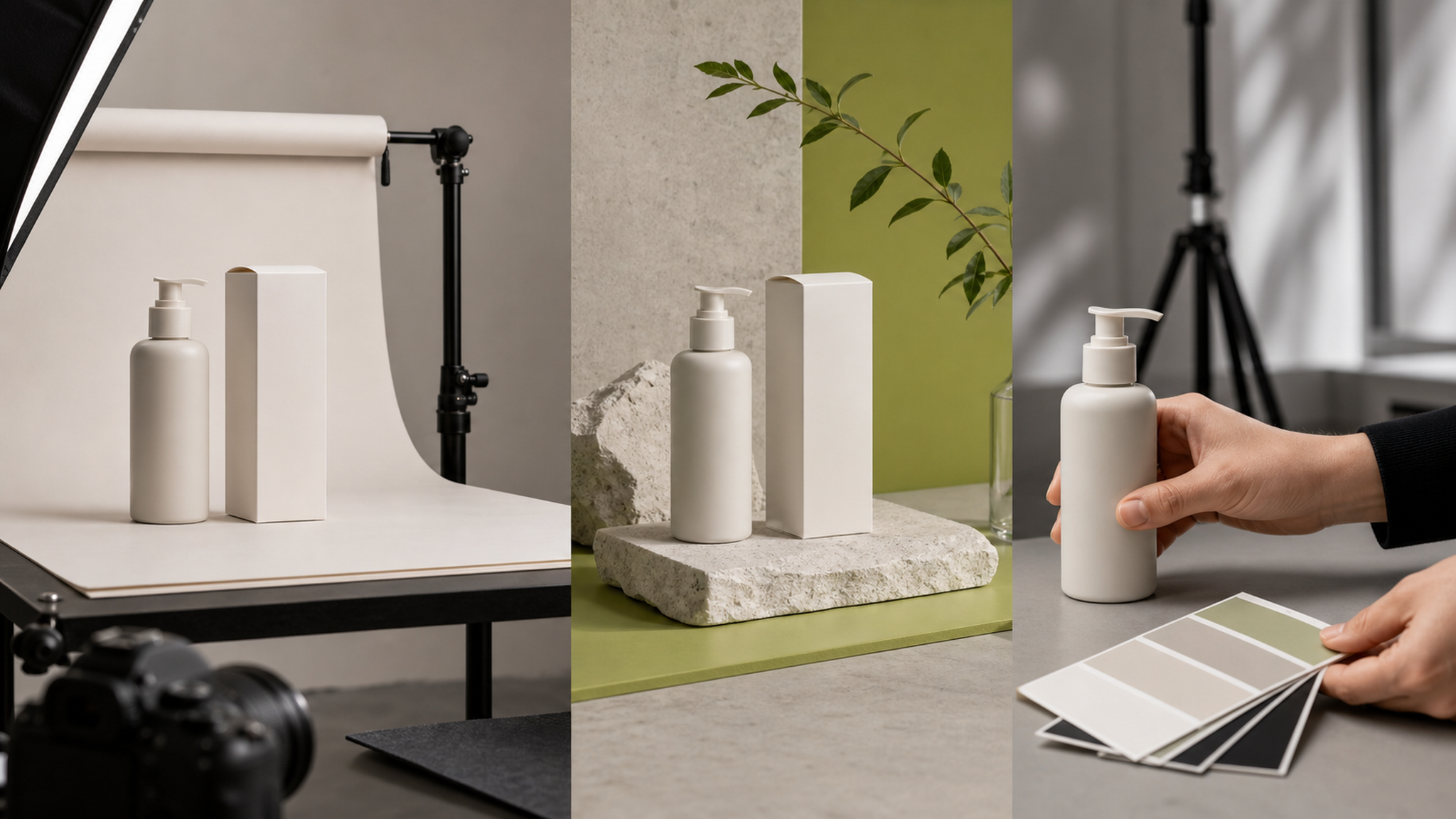
Modern AI product photography tools can place your product into studio scenes, lifestyle settings, or campaign-style environments. You describe the scene or pick a preset, and the AI composites your product into that context — adjusting lighting, shadows, and perspective to match.
This is where ProductShot AI's scene presets and reference-image workflow shine. You can generate:
- White-background listing images for Amazon and marketplace compliance
- Studio-style product shots with controlled lighting and clean backgrounds
- Lifestyle scenes showing the product in use — a coffee mug on a desk, a backpack on a trail
- Campaign visual concepts for social media and launch assets
The catch: AI-generated scenes sometimes introduce inconsistencies. A label might shift, a reflection might look off, or the product's proportions might warp slightly. ProductShot AI's Product Lock feature is designed to preserve shape, color, materials, packaging, logo zones, and labels across scene variations — but it's not a pixel-perfect guarantee. You still need to review every output.
Step 4: Lighting and Color Correction — AI Assists, You Decide
AI handles technical adjustments well. Creative decisions are yours.
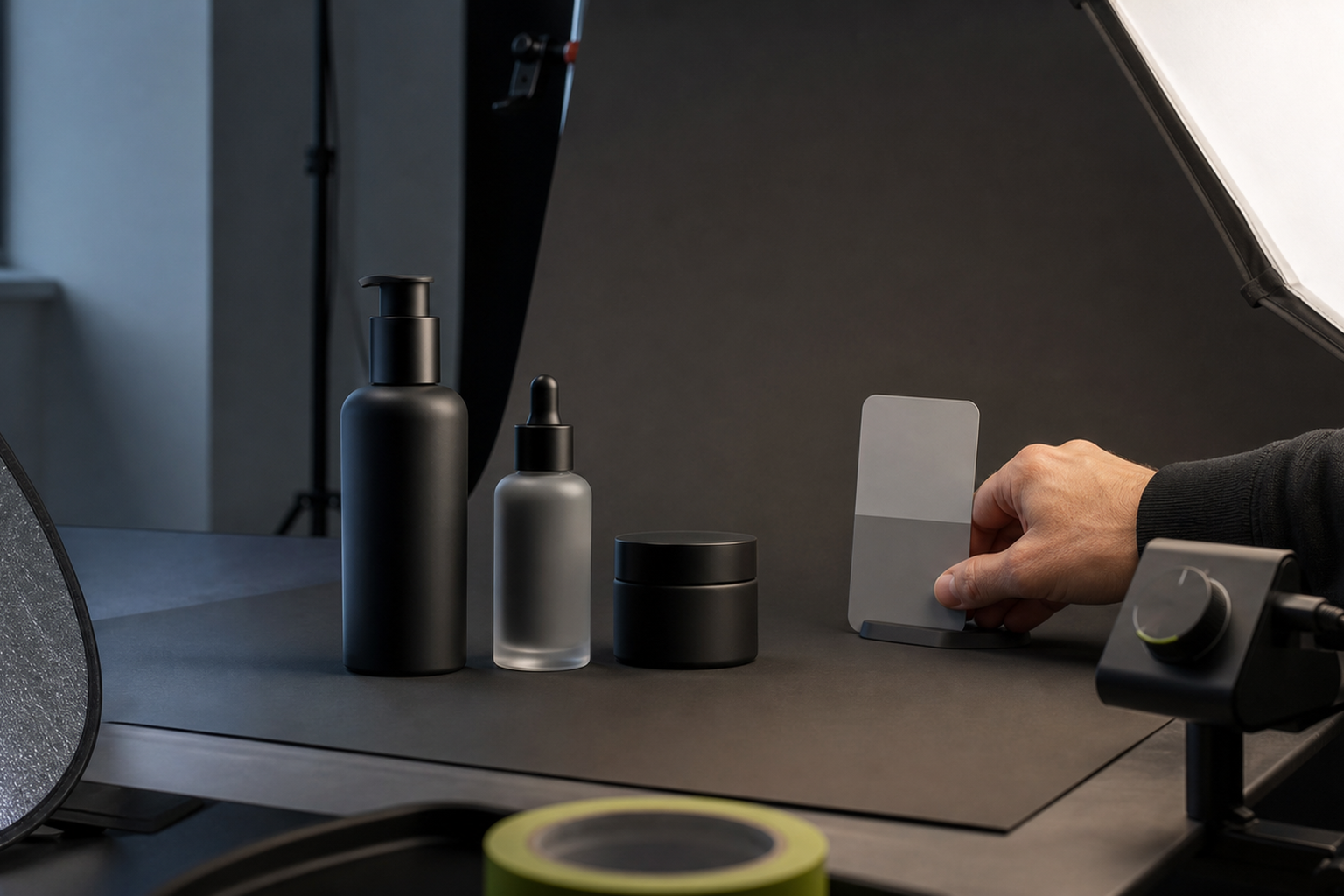
AI can:
- Balance exposure and white balance automatically
- Apply consistent color grading across a product line
- Simulate different lighting conditions (studio softbox, natural window light, golden hour)
AI cannot:
- Know your brand's specific color profile or seasonal palette
- Decide that a slightly cooler tone fits your spring collection better
- Catch when "auto-correct" makes a navy product look black
Think of AI as a fast assistant that gets you 80% there. You make the final call on look and feel.
Step 5: Composition and Aspect Ratio — Platform Logic Is Human
AI can crop and reframe, but composition strategy is a human decision.
Each marketplace has different requirements:
- Amazon: minimum 1000px on longest side, pure white background for main image
- Shopify: flexible, but square or vertical crops often perform better
- Social media: 1:1, 4:5, or 9:16 depending on the platform
AI tools like ProductShot AI let you choose aspect ratios and angle presets, which is valuable for batch-producing platform-specific variants. But deciding the composition — which angle shows the product best, which crop tells the right story — that's a creative and strategic choice.
Step 6: Detail Review — Human Required, No Exceptions
This is the non-negotiable step. AI-generated images must be reviewed.
Before any AI-generated product image goes live on your store or marketplace listing, check:
- Product fidelity: Does the product look exactly right? Color, shape, materials, proportions?
- Text and labels: Is every word on the packaging accurate? AI can hallucinate text — never skip this check.
- Logos and trademarks: Are brand marks intact and correctly placed?
- Marketplace compliance: Does the image meet Amazon's technical requirements? Shopify's? The platform's latest policy?
For regulated products — medical devices, food, cosmetics, children's items — this review must include domain and legal checks, not just visual inspection.
Step 7: Platform Formatting — AI Handles the Grunt Work
Resizing, compression, format conversion — AI tools do this efficiently.
Once your images are reviewed and approved, AI can batch-process them to meet each platform's specifications. ProductShot AI's channel-oriented presets are built for this — select your target (Amazon listing, Shopify product page, Instagram post) and get properly sized outputs.
Step 8: Iteration and Variants — AI Shines Here
This is where AI product photography pays for itself.
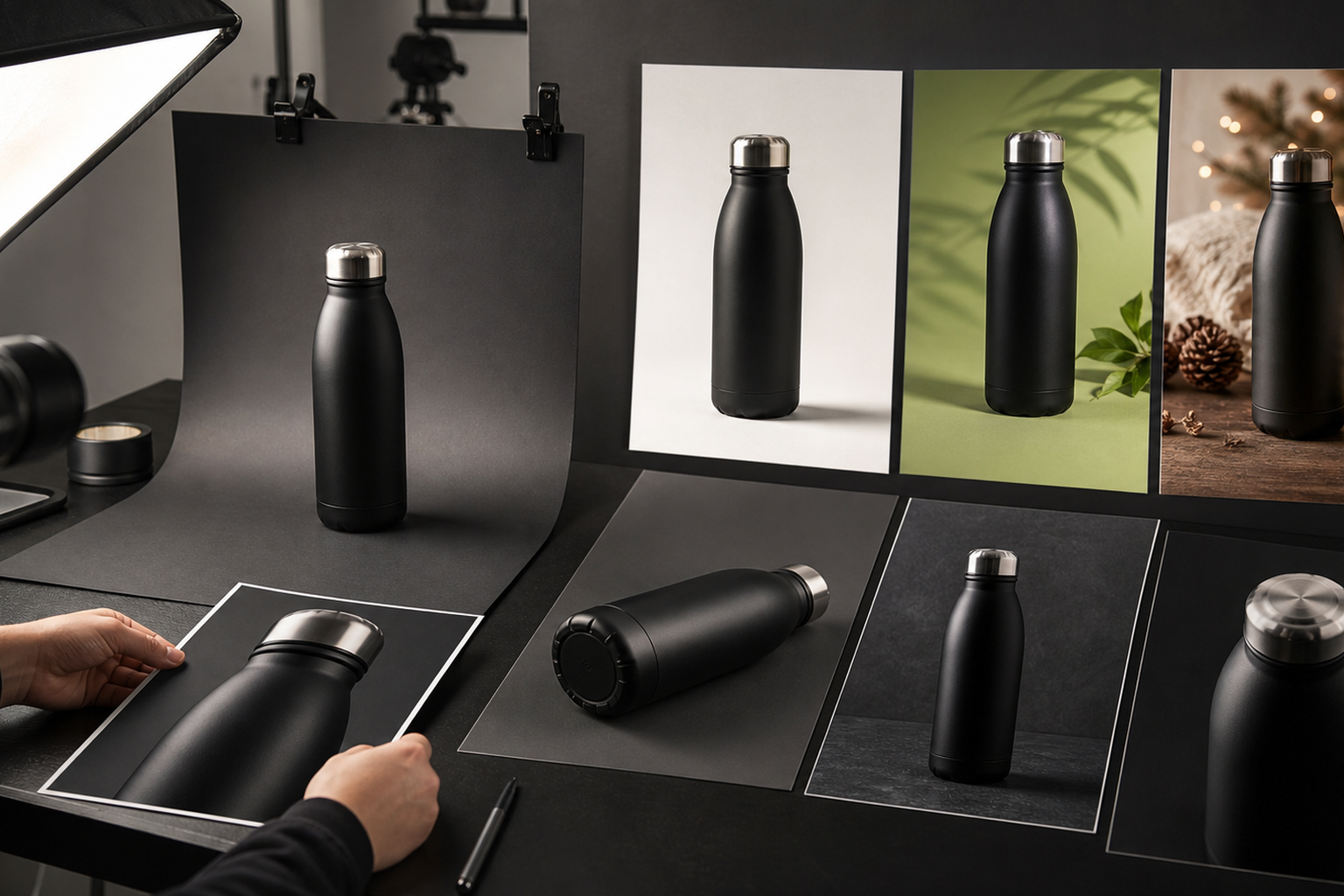
Producing variants manually — different scenes, angles, color backgrounds — is slow and expensive. AI can generate:
- Multiple scenes from one source photo
- Different angles and crops for A/B testing
- Seasonal or campaign-specific versions
- Colorway variations (with Product Lock preserving product identity)
A seller who needs 20 listing images across three marketplaces with seasonal refreshes can generate those variants in minutes instead of scheduling another photoshoot.
The Realistic Balance: What Stays Human
After mapping all eight workflow steps, here's the honest split:
| Workflow Step | AI Role | Human Role |
|---|---|---|
| Source photo preparation | None | Capture the best possible base image |
| Background removal | Primary executor | Review edges, handle difficult materials |
| Scene generation | Primary executor | Choose scenes, review fidelity, approve |
| Lighting and color | Assistant (technical adjustments) | Creative direction, brand alignment |
| Composition and crop | Assistant (variants, presets) | Strategic decisions, platform logic |
| Detail review | None | Mandatory — labels, logos, compliance |
| Platform formatting | Primary executor | Specify requirements |
| Iteration and variants | Primary executor | Choose which variants to use |
AI handles the repetitive, technical, and volume-dependent parts of product photography. Human judgment remains essential for creative decisions, brand consistency, and the final compliance review.
Where a Browser-Based AI Workspace Fits
One underappreciated advantage of browser-based AI product photography tools is how they fit into an existing workflow. You don't need to install software, manage GPU drivers, or learn a new operating system. You upload from your browser, generate in your browser, and download when you're ready.
ProductShot AI's workspace follows this model: upload a product image, optionally add a reference image for visual direction, choose your scene or preset, generate, compare results, and download. History and reuse make iteration fast.
For sellers already managing their store through a browser — Shopify admin, Amazon Seller Central, social media dashboards — adding an AI photography tab to that workflow is low-friction. No pipeline rebuild required.
When You Should Still Hire a Photographer
AI product photography doesn't eliminate the need for professional photography in every case. Hire a photographer when:
- You're launching a flagship product and need hero images with complete creative control
- Your product has complex materials (transparent, reflective, textured) that AI struggles to render consistently
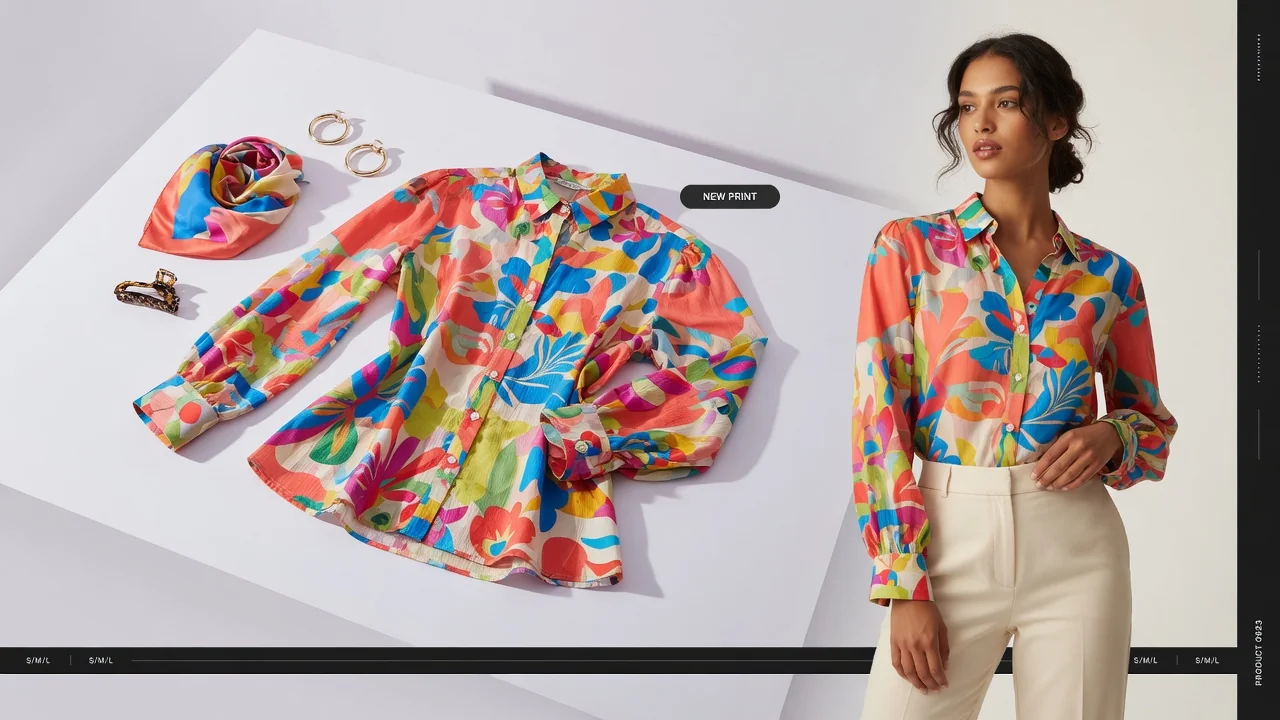
- You need on-model lifestyle photography with real people
- You're building a brand identity from scratch and need a cohesive visual language
- Marketplace or regulatory requirements demand certified, unaltered product images
For everything else — listing images, variants, seasonal refreshes, social content, A/B test assets — AI covers the gap.
Getting Started: A Practical First Step
If you're new to AI product photography, start small. Pick one product, take a well-lit source photo against a plain background, and try generating three variants:
- A pure white-background listing image
- A studio-style product shot
- A lifestyle scene
Compare the results against your existing images. Check the details — labels, colors, edges. If the AI handles your product type well, you've just unlocked a workflow that saves hours per listing. If certain products need more care, you know where human review earns its place.
You can try this directly: open ProductShot AI in your browser, upload one product photo, and generate your first set of variants. No download, no credit card, no studio setup.
FAQ
Can AI product photography completely replace a professional photographer?
No — not for every use case. AI handles repetitive, volume-dependent tasks (background removal, scene variants, formatting) reliably, but creative direction, brand strategy, and final compliance review still require human judgment. For hero images and complex products, professional photography remains the better choice.
How accurate are AI-generated product labels and text?
AI can hallucinate or distort text on product packaging. Every AI-generated image with visible text must be manually reviewed before publishing. Never assume the text is correct.
What is Product Lock and does it guarantee my product looks identical?
Product Lock is a feature designed to preserve your product's shape, color, materials, and label zones across different scenes — but it's not a pixel-perfect guarantee. It helps keep things more consistent; you still need to review each output.
Do AI-generated product images meet Amazon's requirements?
AI can produce white-background images at the required resolution and format, but final compliance — including Amazon's specific content policies — is your responsibility. Always verify against the latest marketplace guidelines before uploading.
What kind of source photo gives the best AI results?
A well-lit, in-focus product photo against a clean, contrasting background. Avoid busy backgrounds, harsh shadows, and low-resolution images. The better your source, the better the AI output.
Is browser-based AI product photography secure for sensitive product images?
Check the tool's privacy policy and terms. ProductShot AI processes images in the browser workspace; review the privacy policy and terms of service for details on data handling.
How does AI product photography integrate with Shopify and marketplace workflows?
Browser-based tools fit naturally alongside your existing browser tabs — Shopify admin, marketplace dashboards, social scheduling. You generate images in one tab and upload them in another. No API integration or pipeline rebuild needed.