
01
Upload one product image.
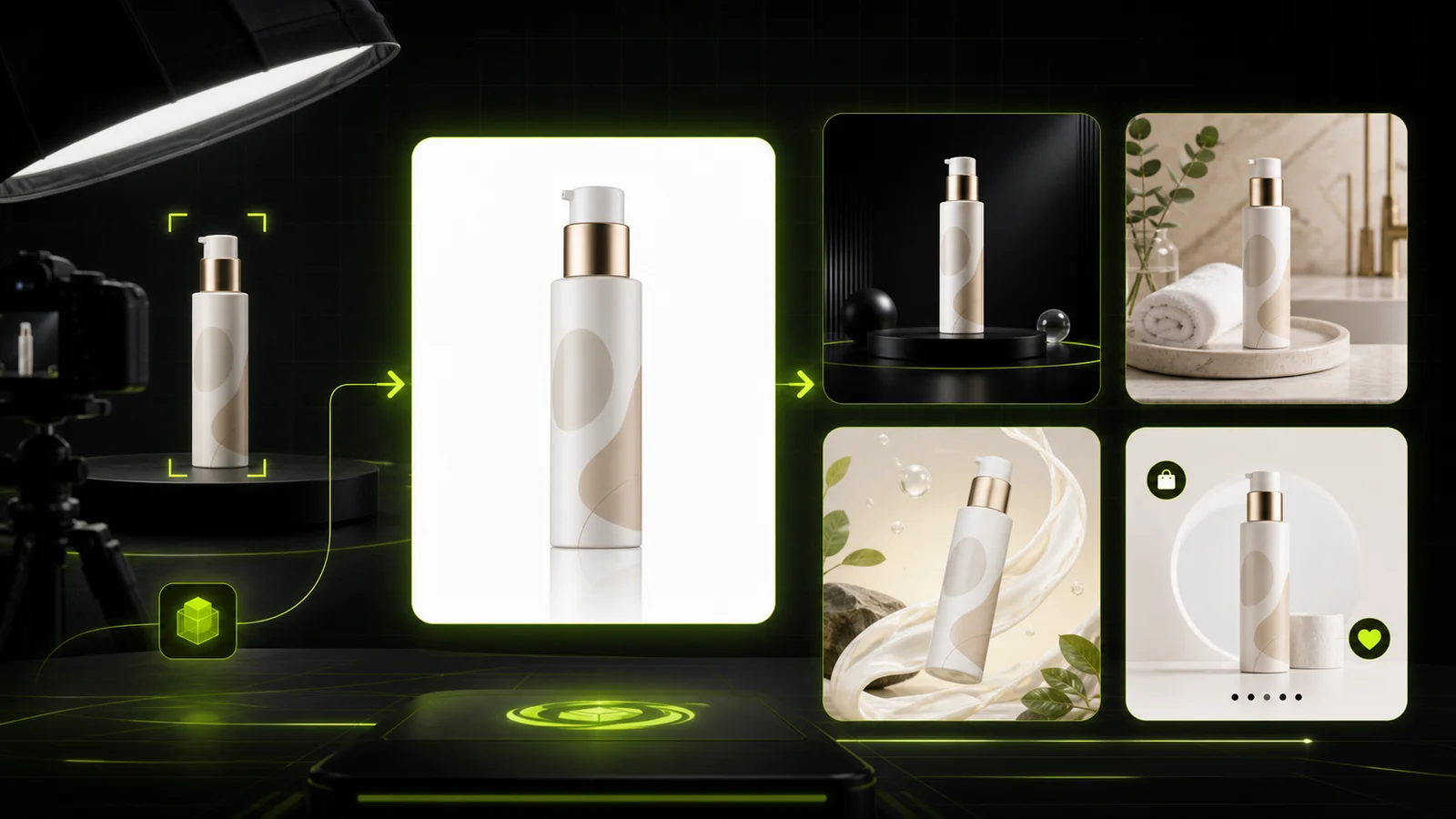
Upload one product image, keep key product details consistent, and generate white-background photos, listing images, studio scenes, and campaign visuals.
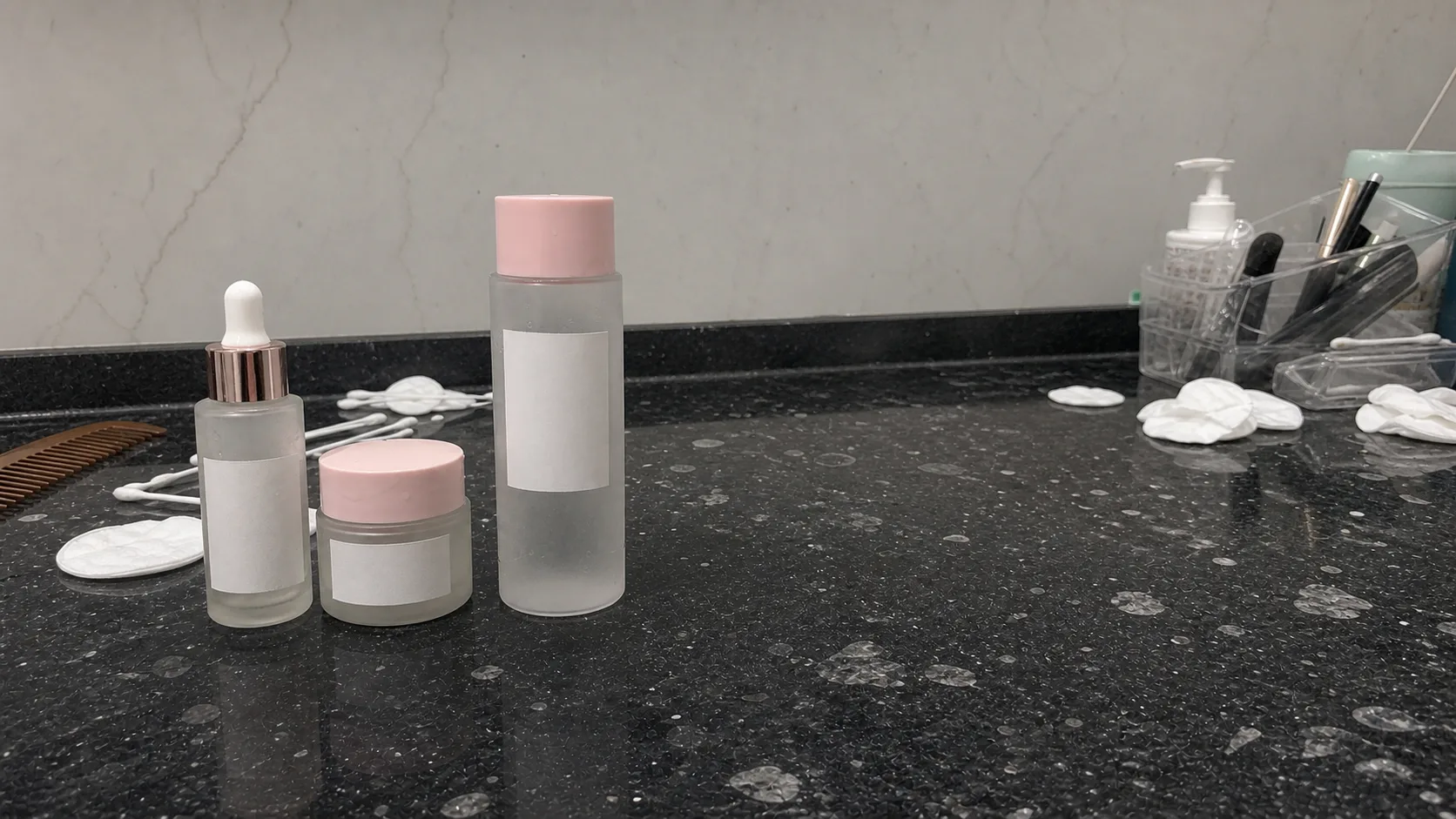
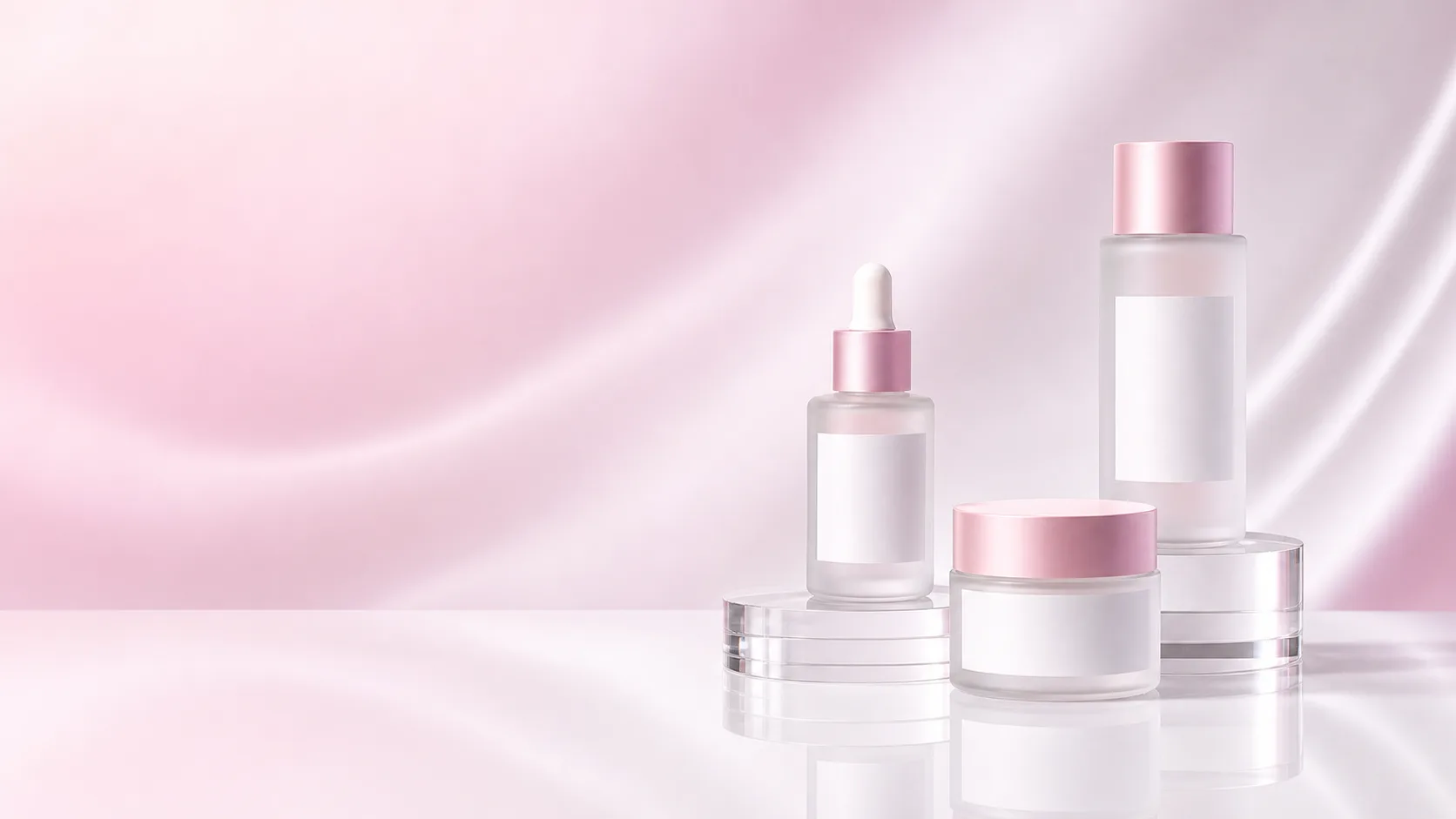
AI product photo generation
Use ProductShot AI to turn one product image into listing images, white-background photos, studio scenes, lifestyle visuals, and ad creative.
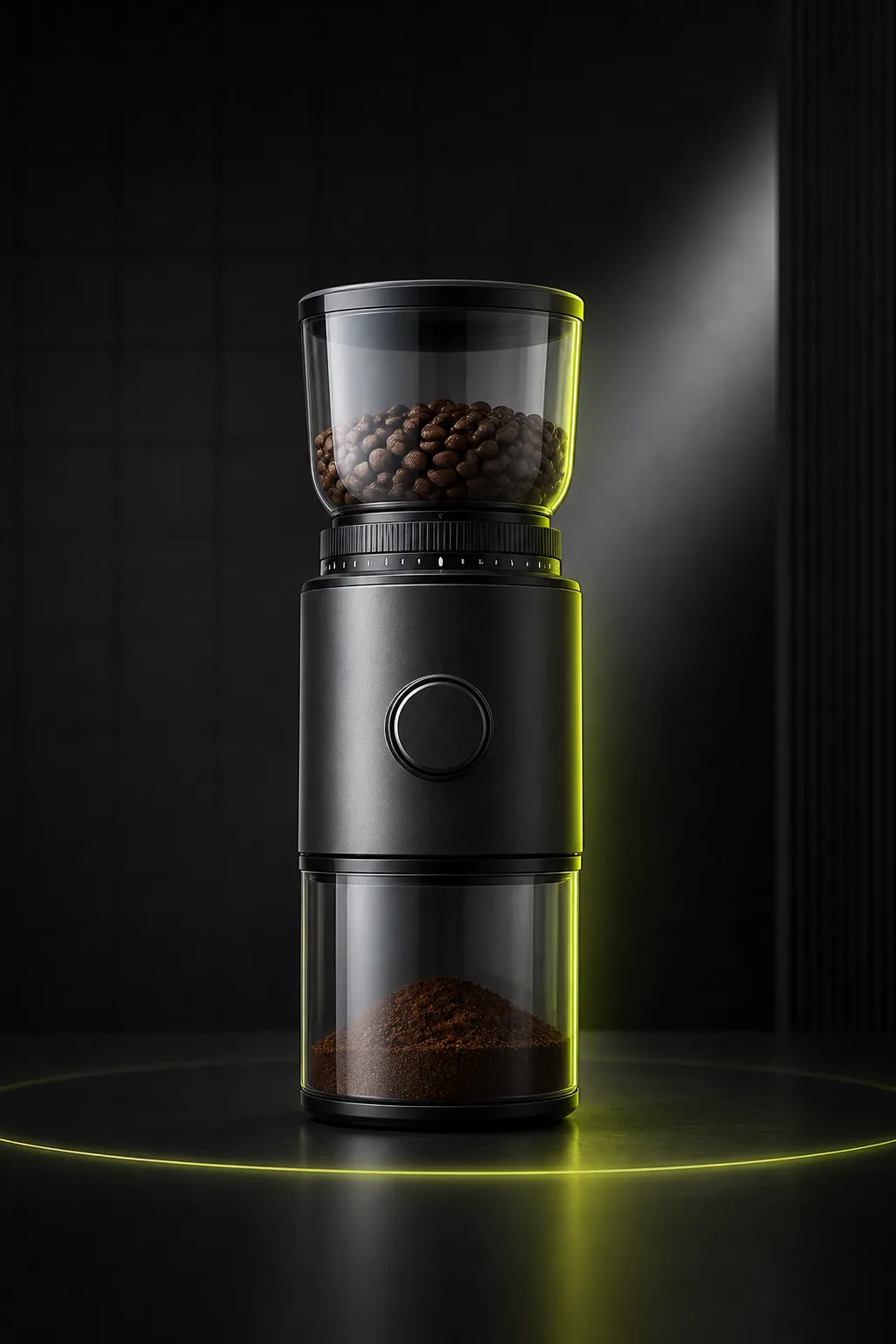
Listing Images
Ecommerce Listing ImagesCreate clean listing visuals from one uploaded product photo.
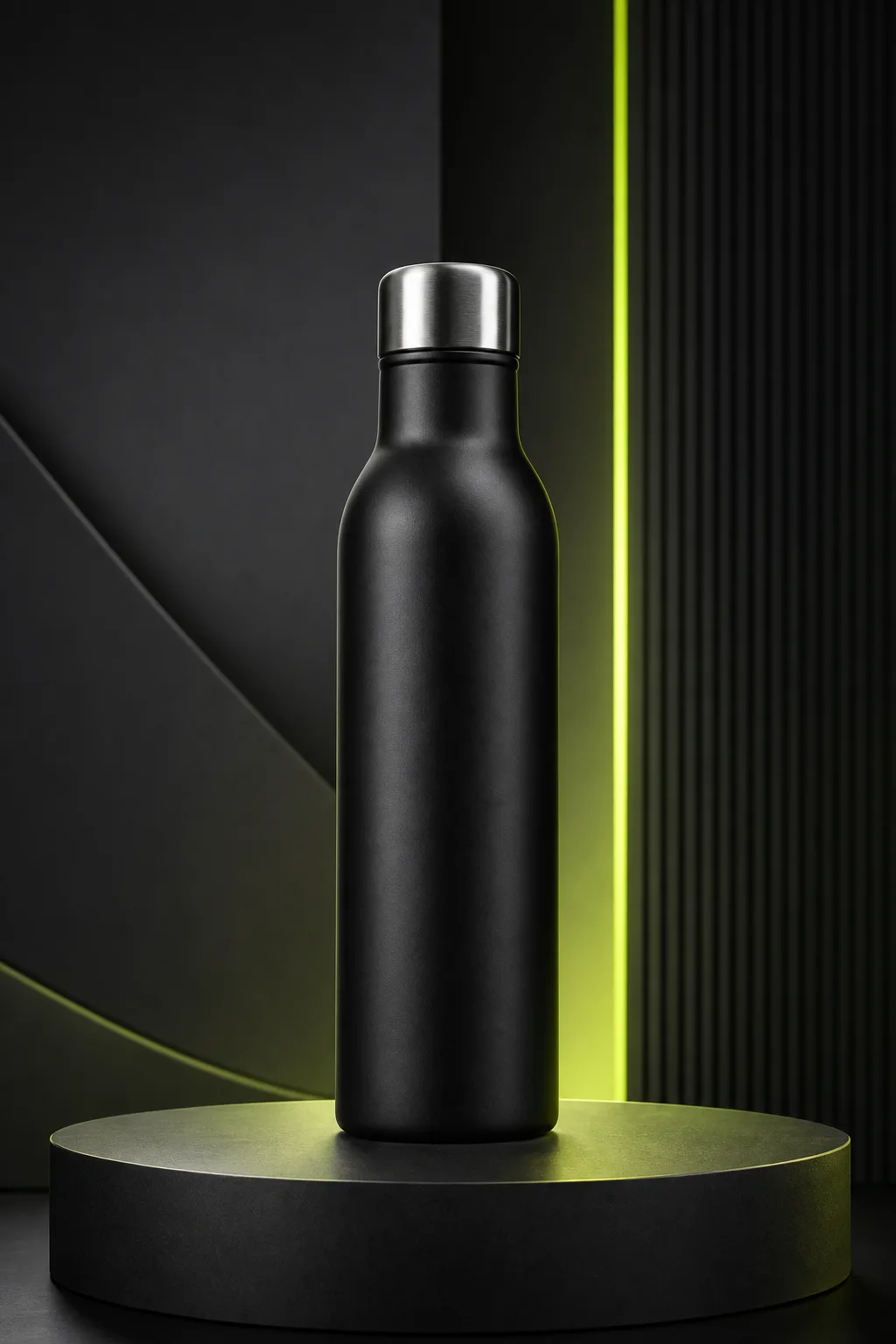
Studio Photos
Studio Product PhotosGenerate studio-style product photos without arranging a physical shoot.
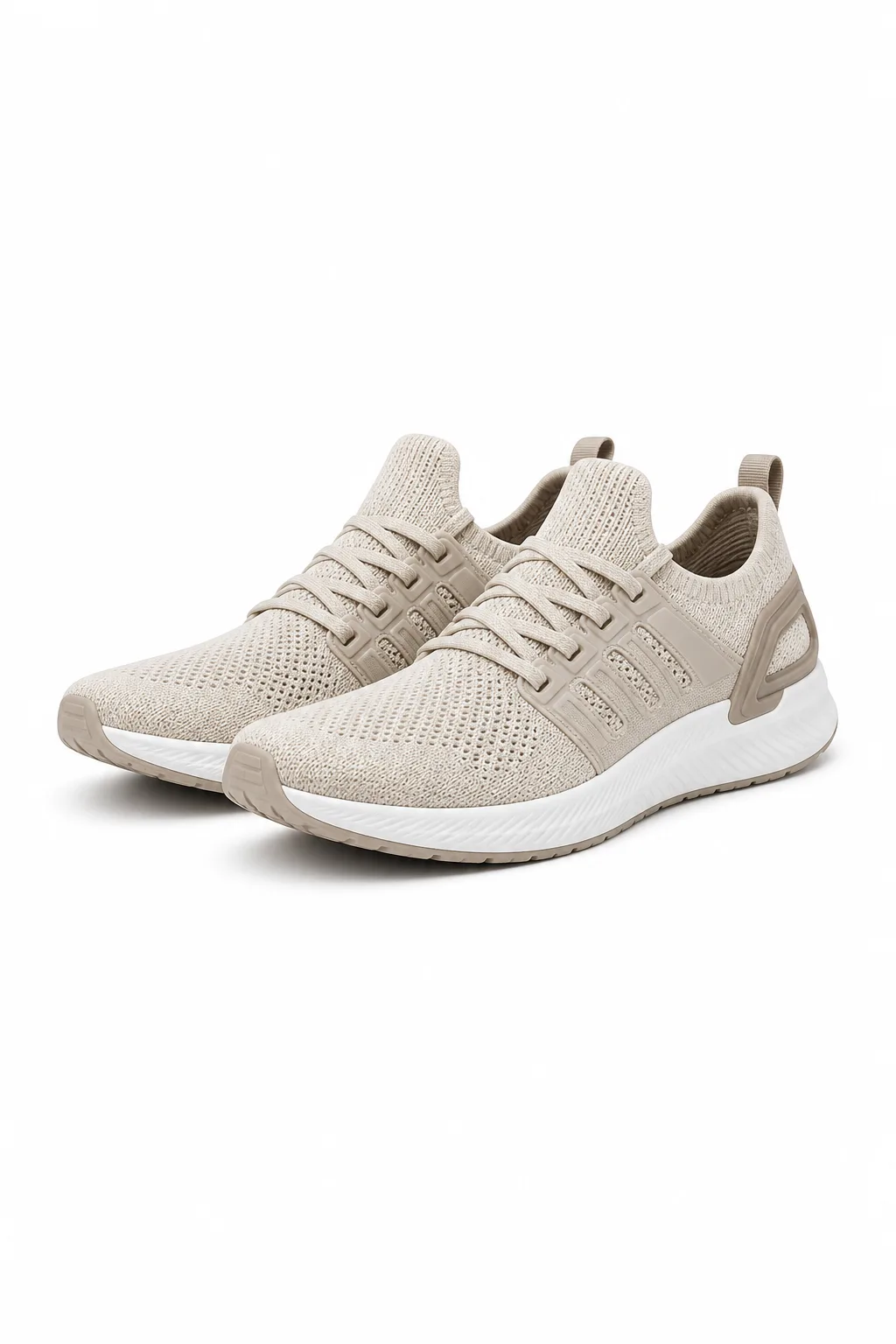
White Background
White Background PhotosCreate clean white-background product photos for catalogs and marketplaces.
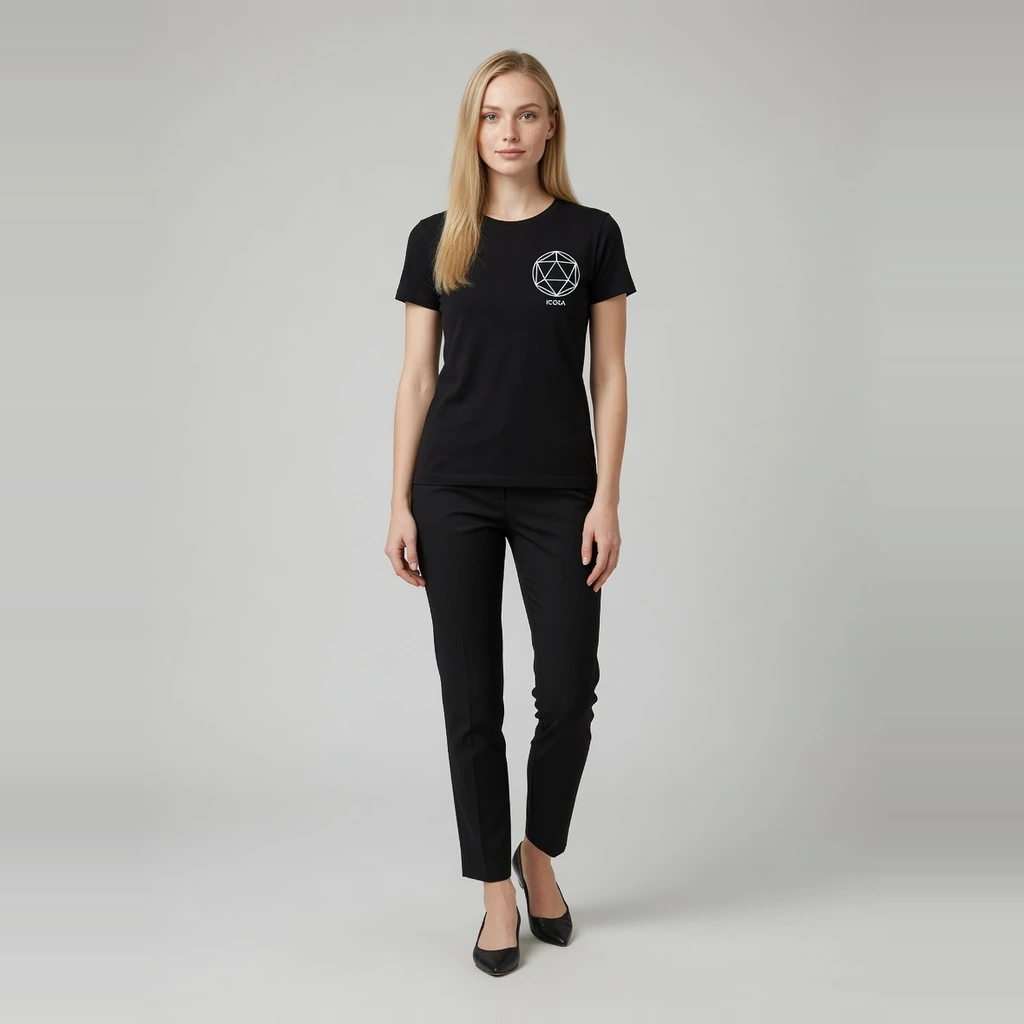
Fashion Model
AI Fashion Model GeneratorTurn flat-lay garments into ecommerce on-model images with preset models.
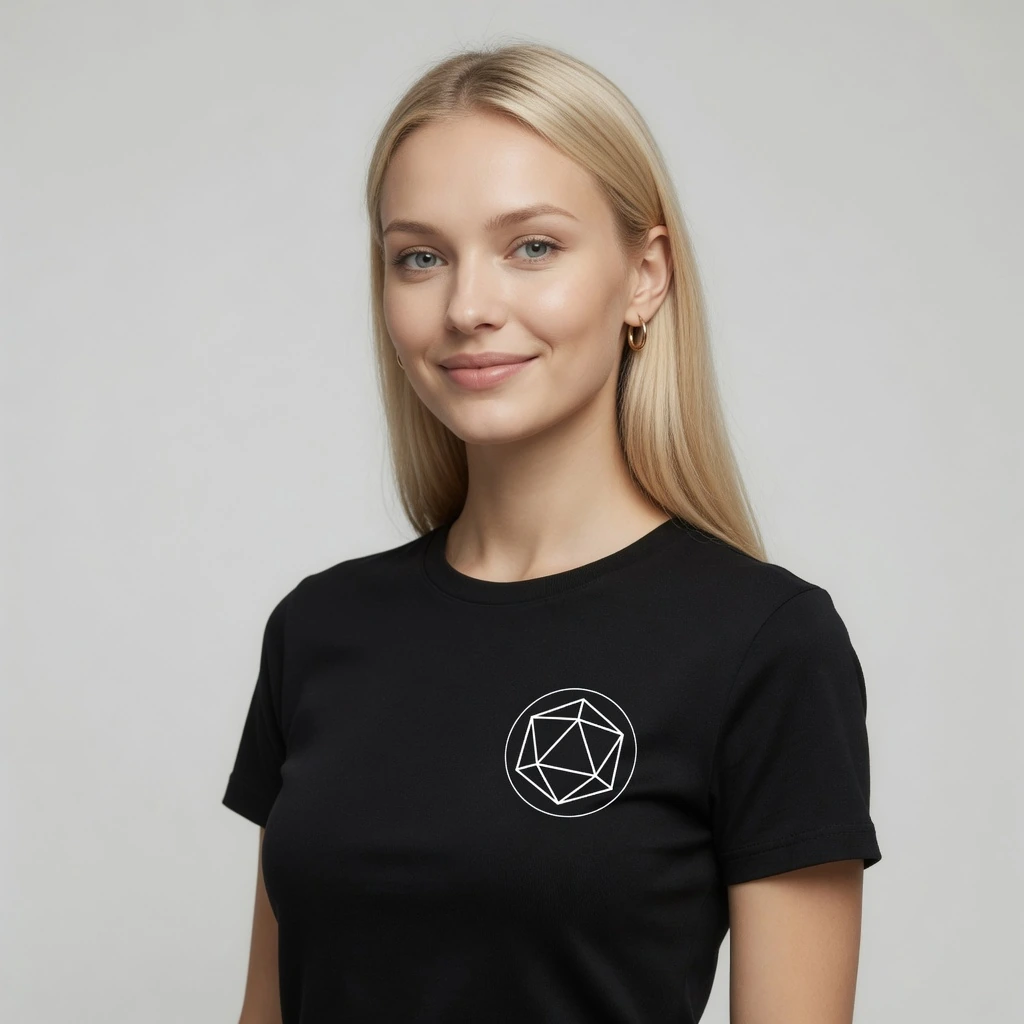
Virtual Try-On
AI Virtual Try-OnCreate try-on effect images from a garment and person photo.
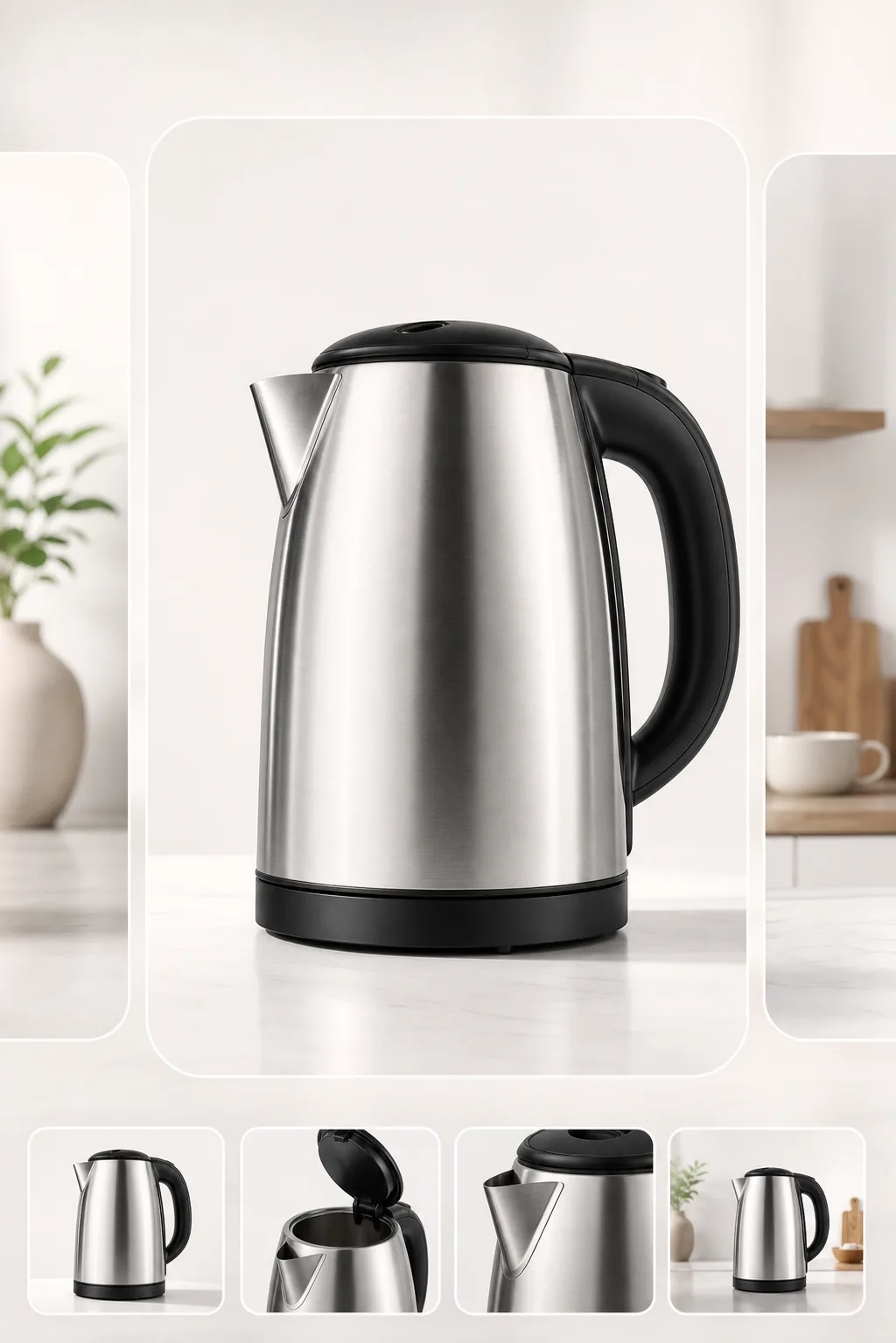
Marketplace Images
Marketplace Listing ImagesCreate clean, centered listing images for Amazon, Etsy, TikTok Shop, and other channels.
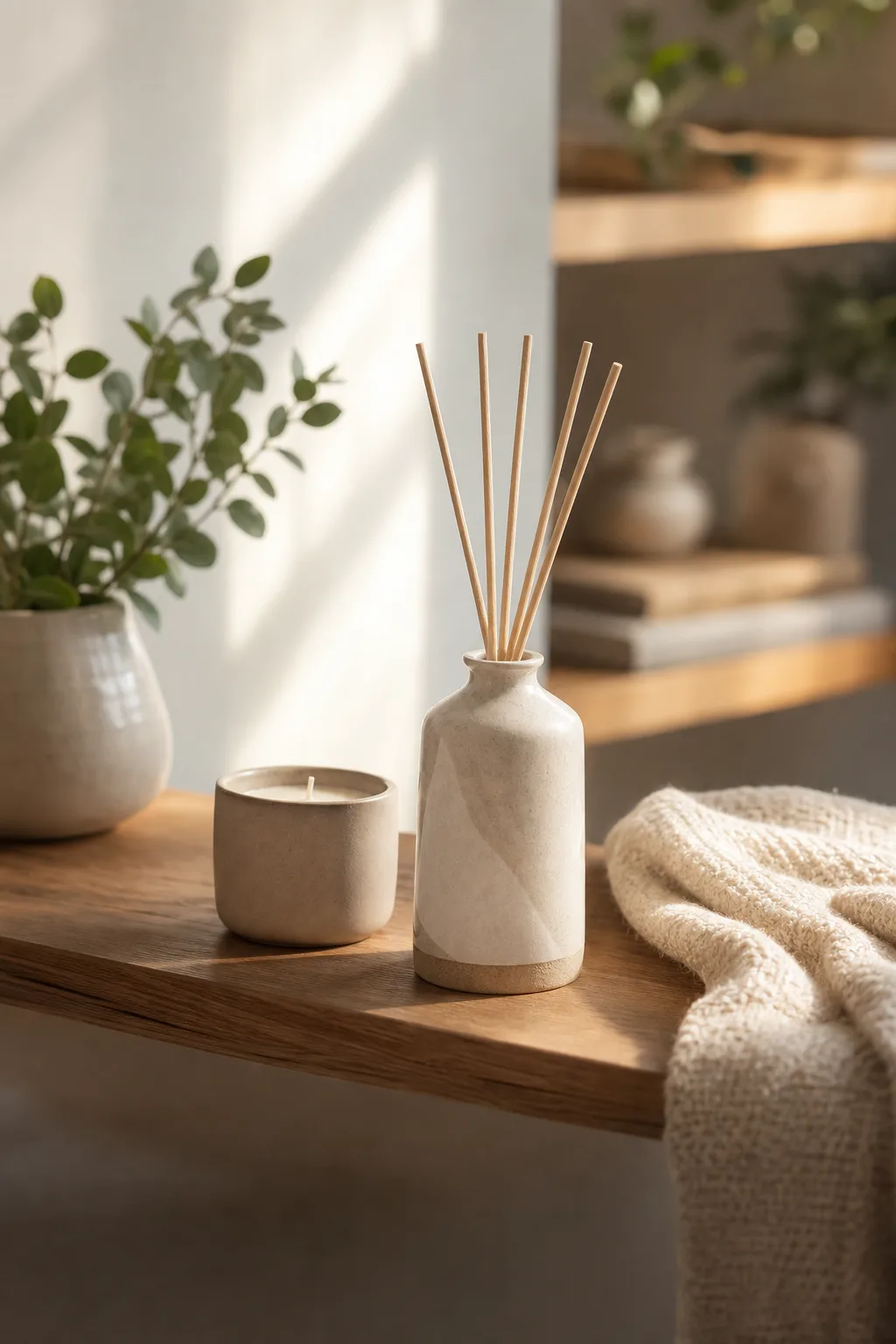
Lifestyle Scenes
Lifestyle Product ScenesPlace products in realistic scenes for storefronts and campaigns.
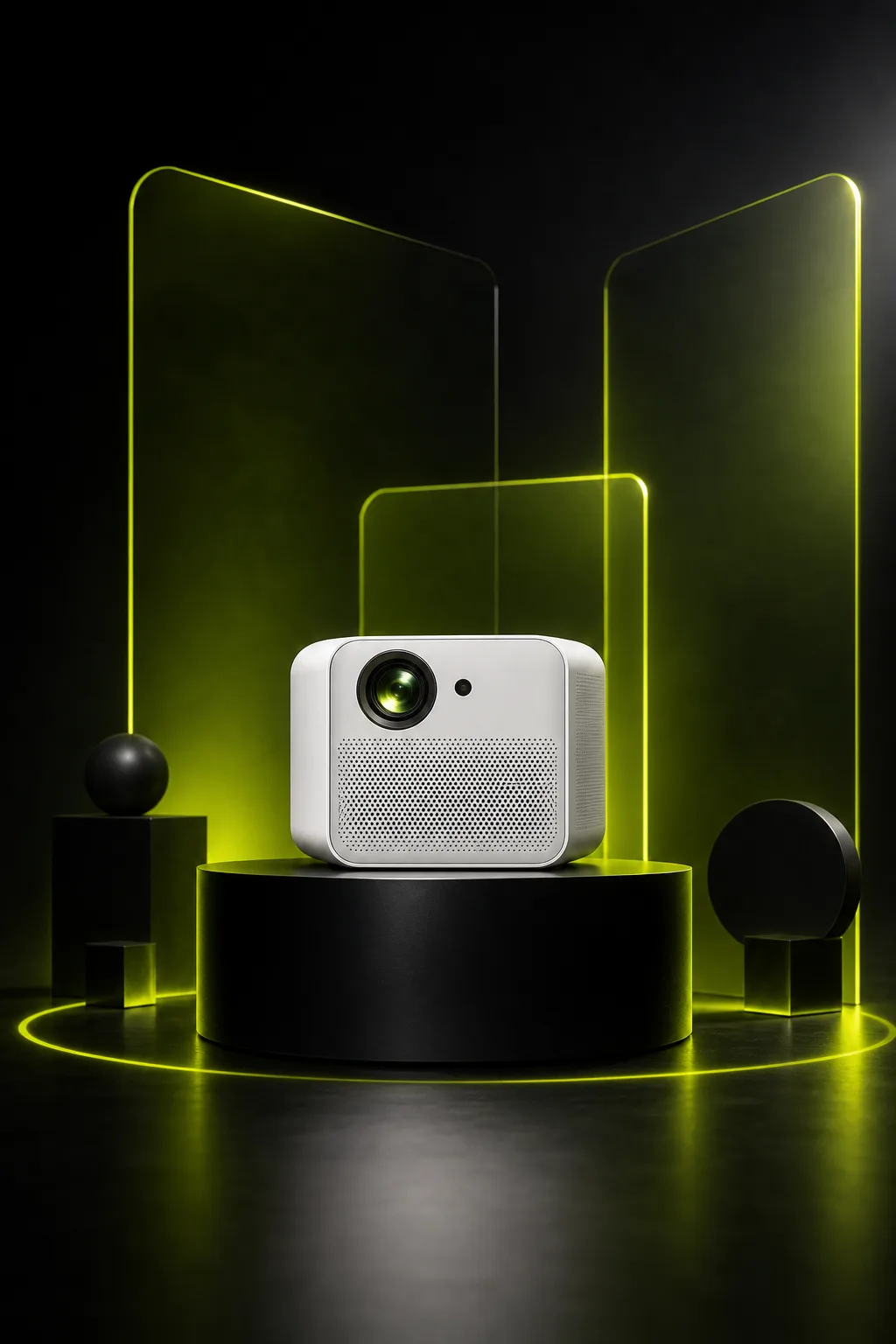
Ad Creative
Ad and Campaign VisualsCreate product-led visuals for launches, banners, and paid social.
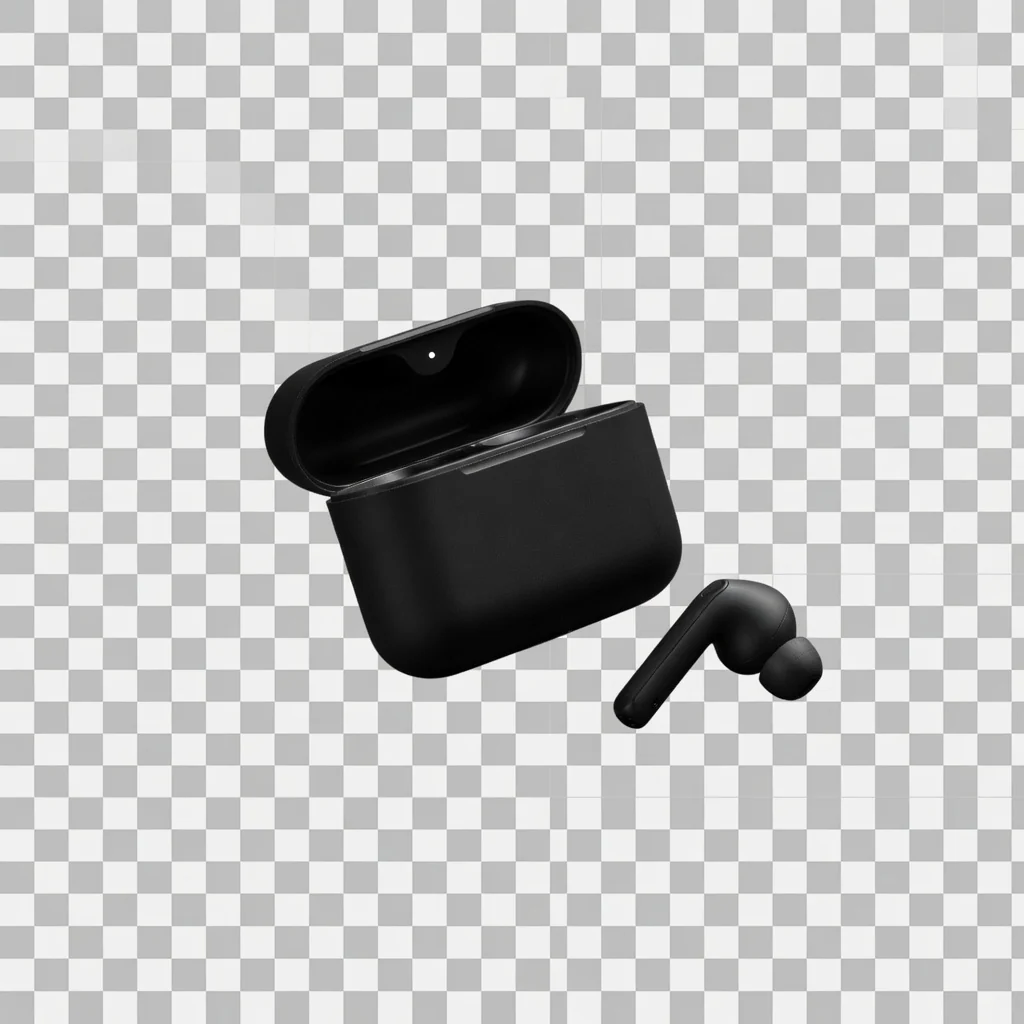
Background Cutout
Product Background RemoverRemove product backgrounds and download a transparent cutout PNG for free.
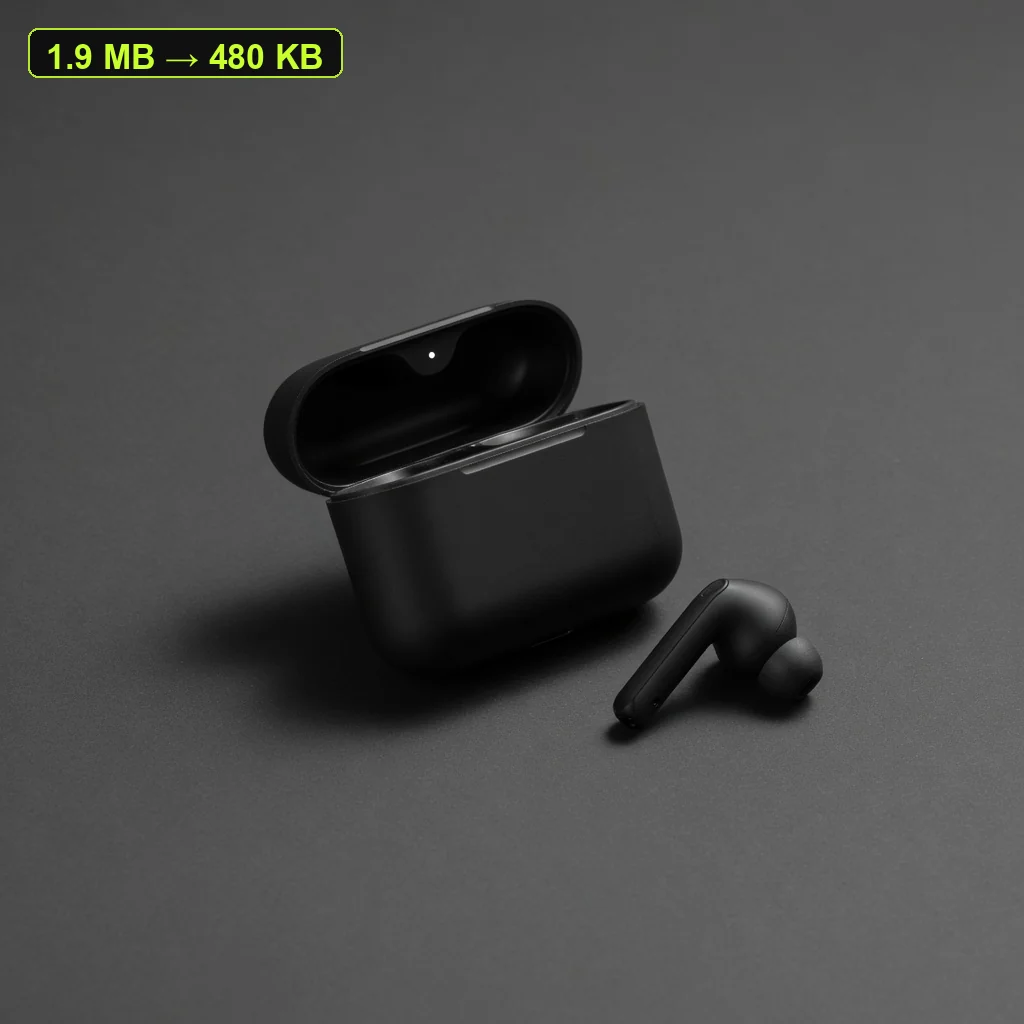
File Size Tool
Product Image CompressorCompress listing images and campaign assets in your browser, then download a lighter file.
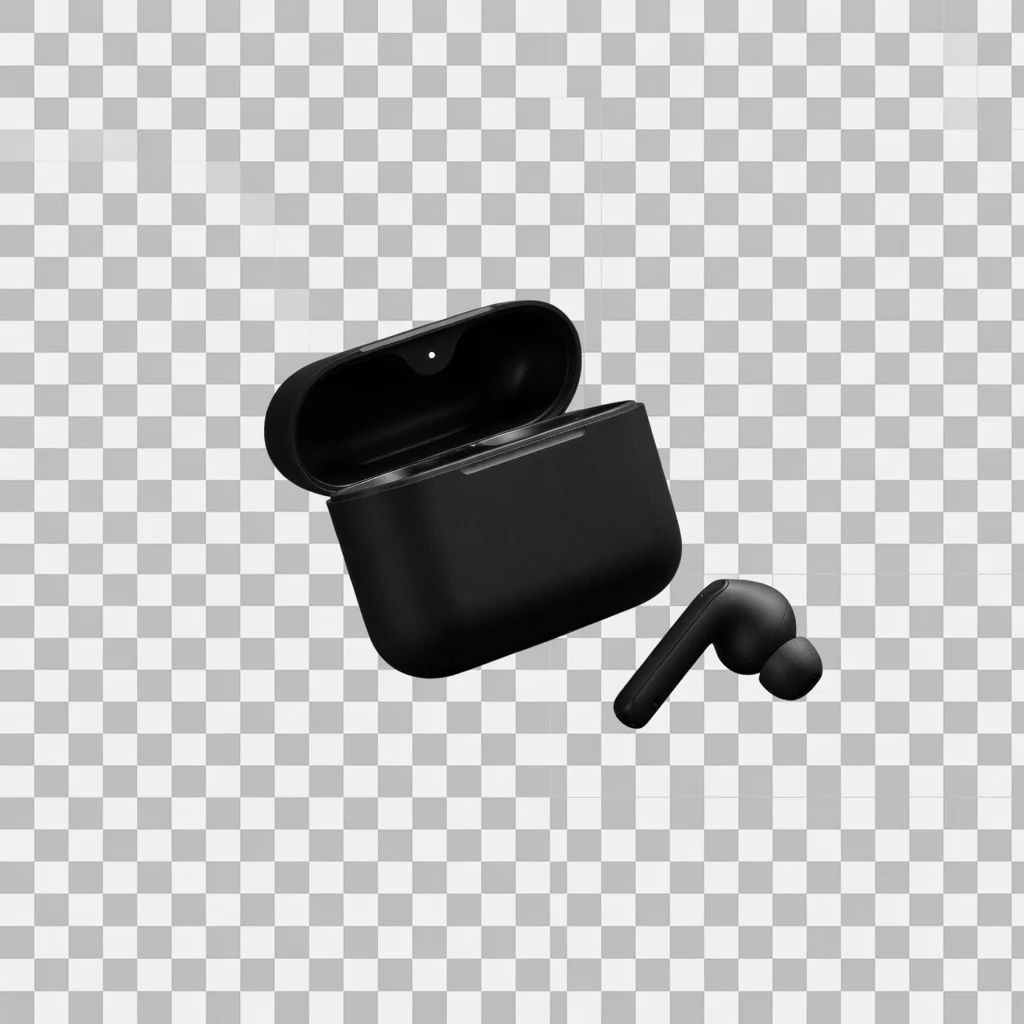
Transparent PNG
Transparent Product PNGExport a reusable transparent product PNG for layouts, modules, and design tools.
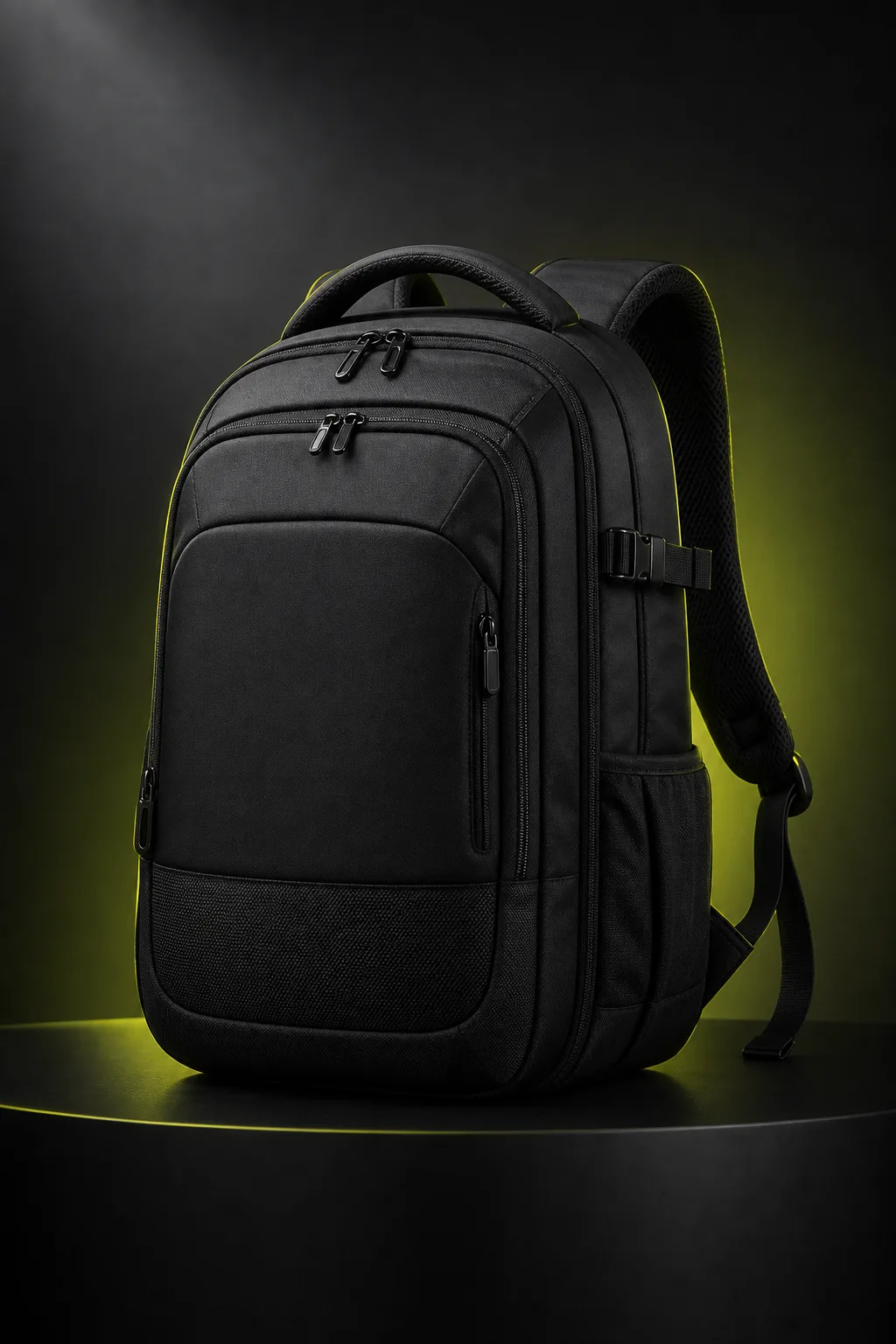
Clarity Tool
Product Image EnhancerImprove product image, banner, and poster clarity for free, then download a PNG.
Direct answer
An AI product photography generator uses an uploaded product image to create new ecommerce-ready product visuals, such as white-background listing images, studio photos, lifestyle scenes, and social ad creatives. ProductShot AI focuses on preserving product identity while changing backgrounds, lighting, composition, and output format.
Upload one product image.
Add optional reference images for visual direction.
Choose Product Lock, scene, lighting, angle, ratio, and platform preset.
Generate, compare, download, share, or keep the output in history.
Seller pain points
Most sellers need more image variations than a single photoshoot can cover. This workflow helps turn supplier photos or simple product uploads into listing images, campaign variations, and channel-specific creative.
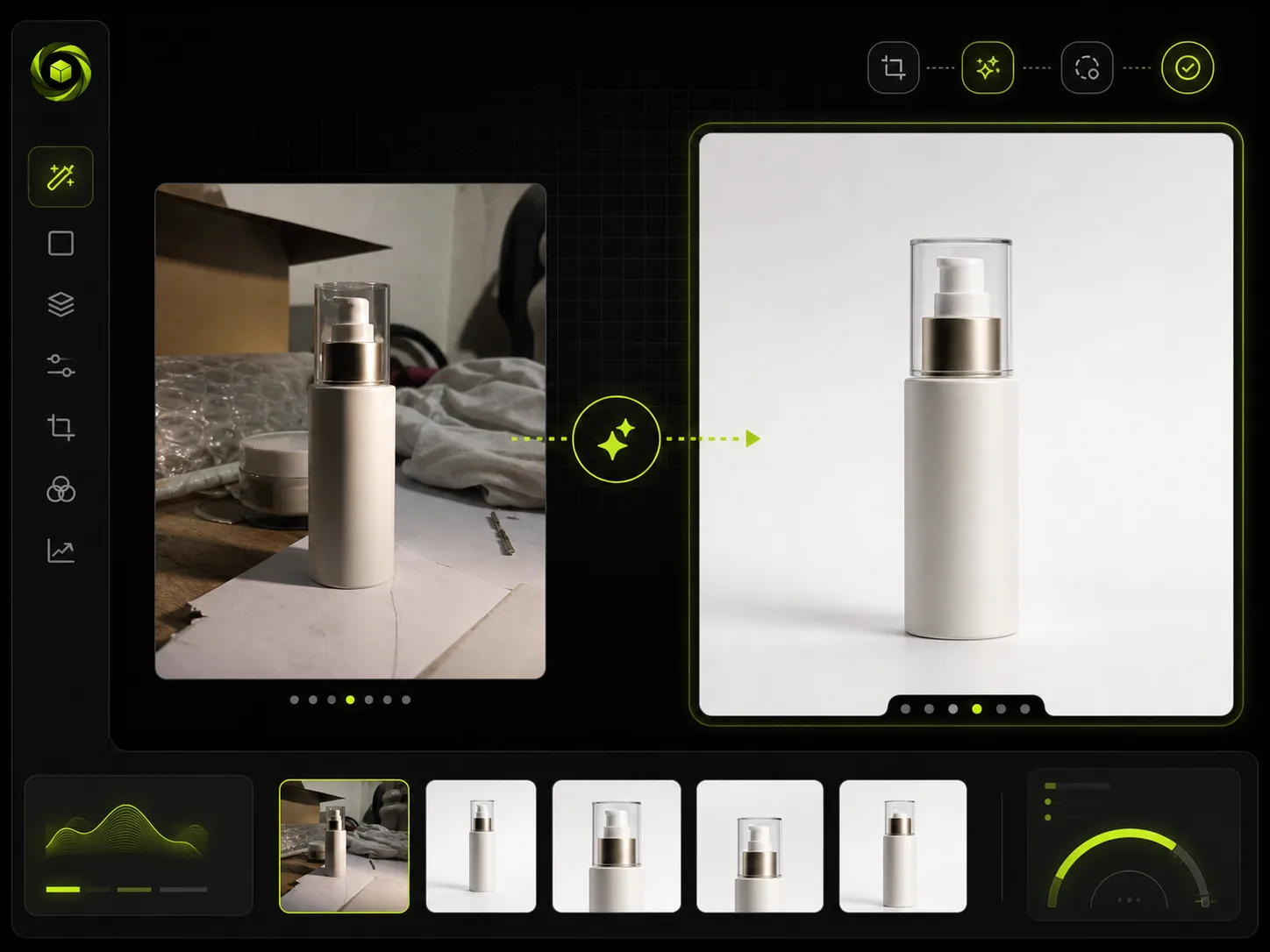
Many sellers start with uneven supplier photos, cluttered backgrounds, poor lighting, or low-trust catalog images. The generator helps turn one usable product upload into cleaner ecommerce product photos.
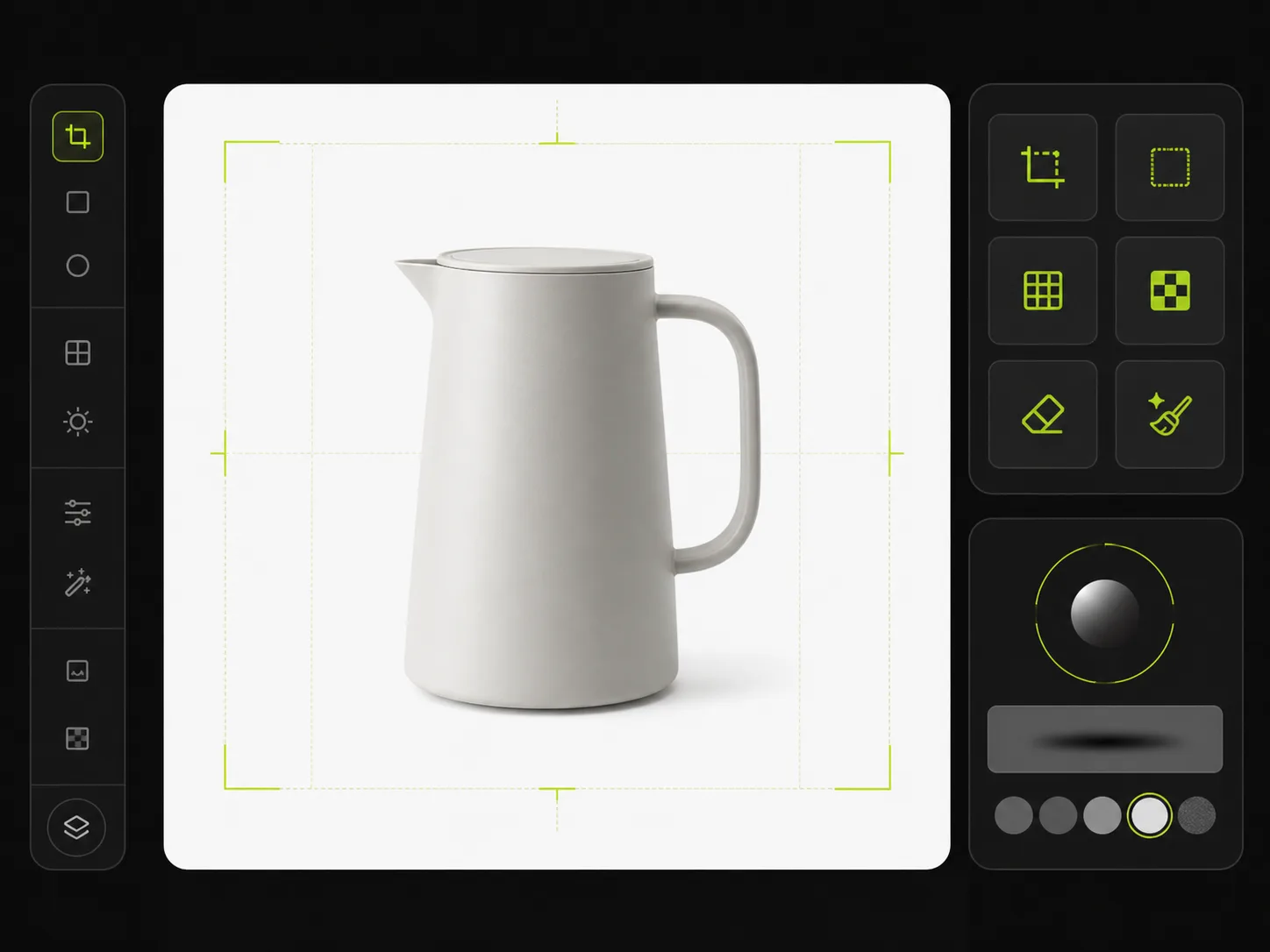
Amazon, Etsy, Shopify, and TikTok Shop often need centered products, clean backgrounds, readable packaging, and consistent cropping. A small image issue can slow down listing work.
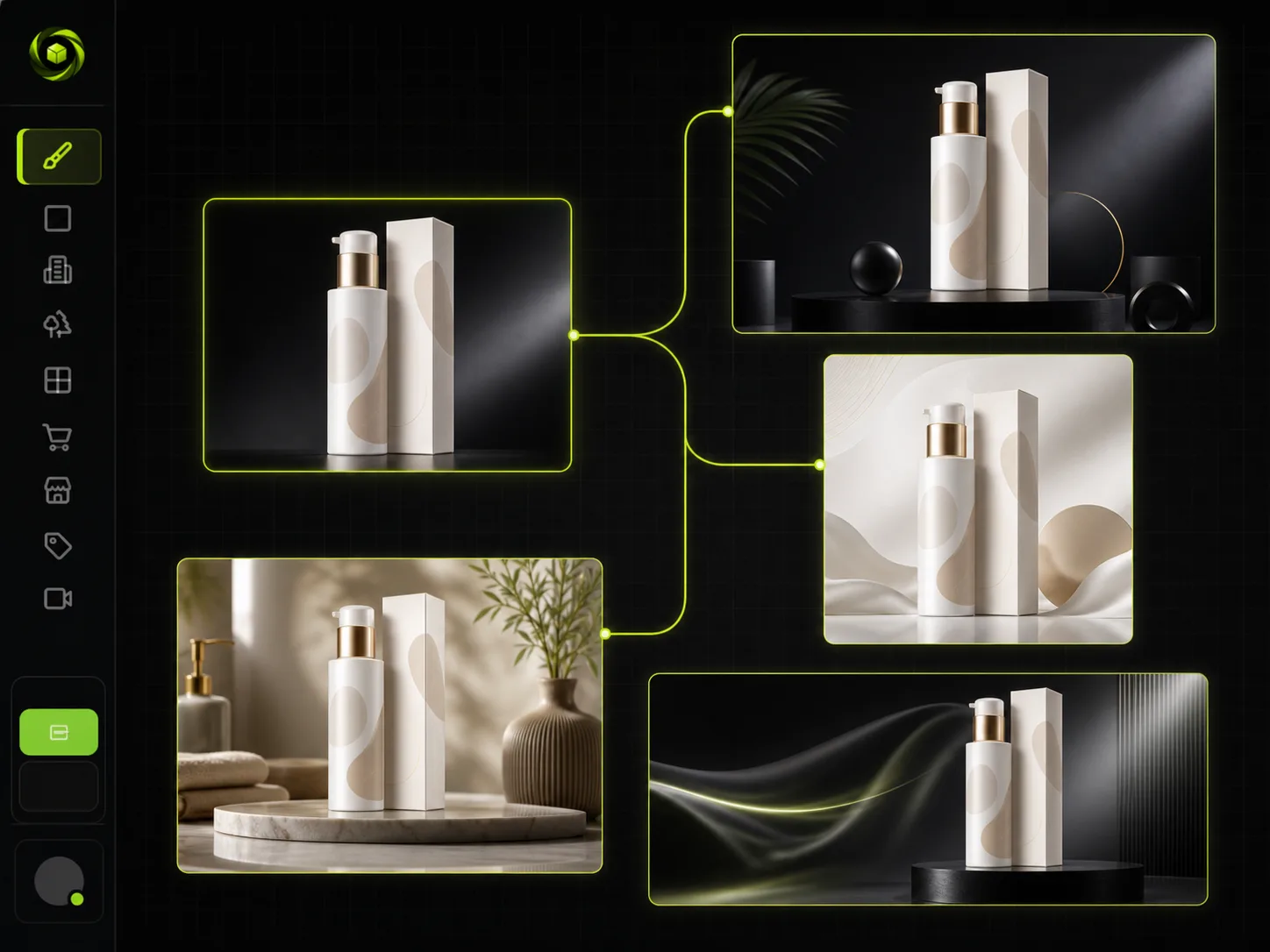
Launches, ads, seasonal promotions, and social posts require multiple image directions. Rebooking a photoshoot for every channel is slow and expensive.
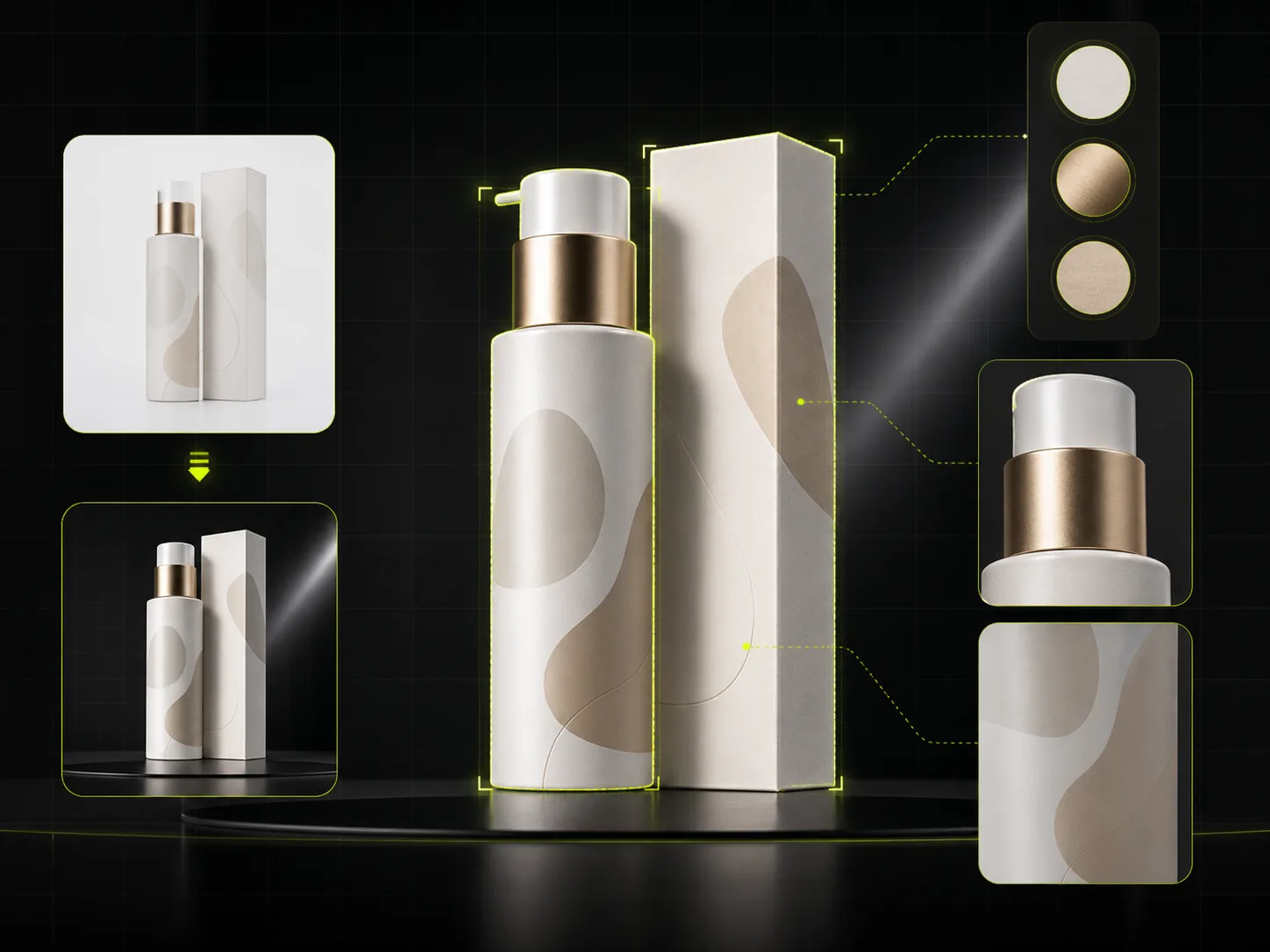
Generic image generators may change shape, labels, colors, logos, or packaging. Product photography workflows need product identity to stay stable while scenes change.
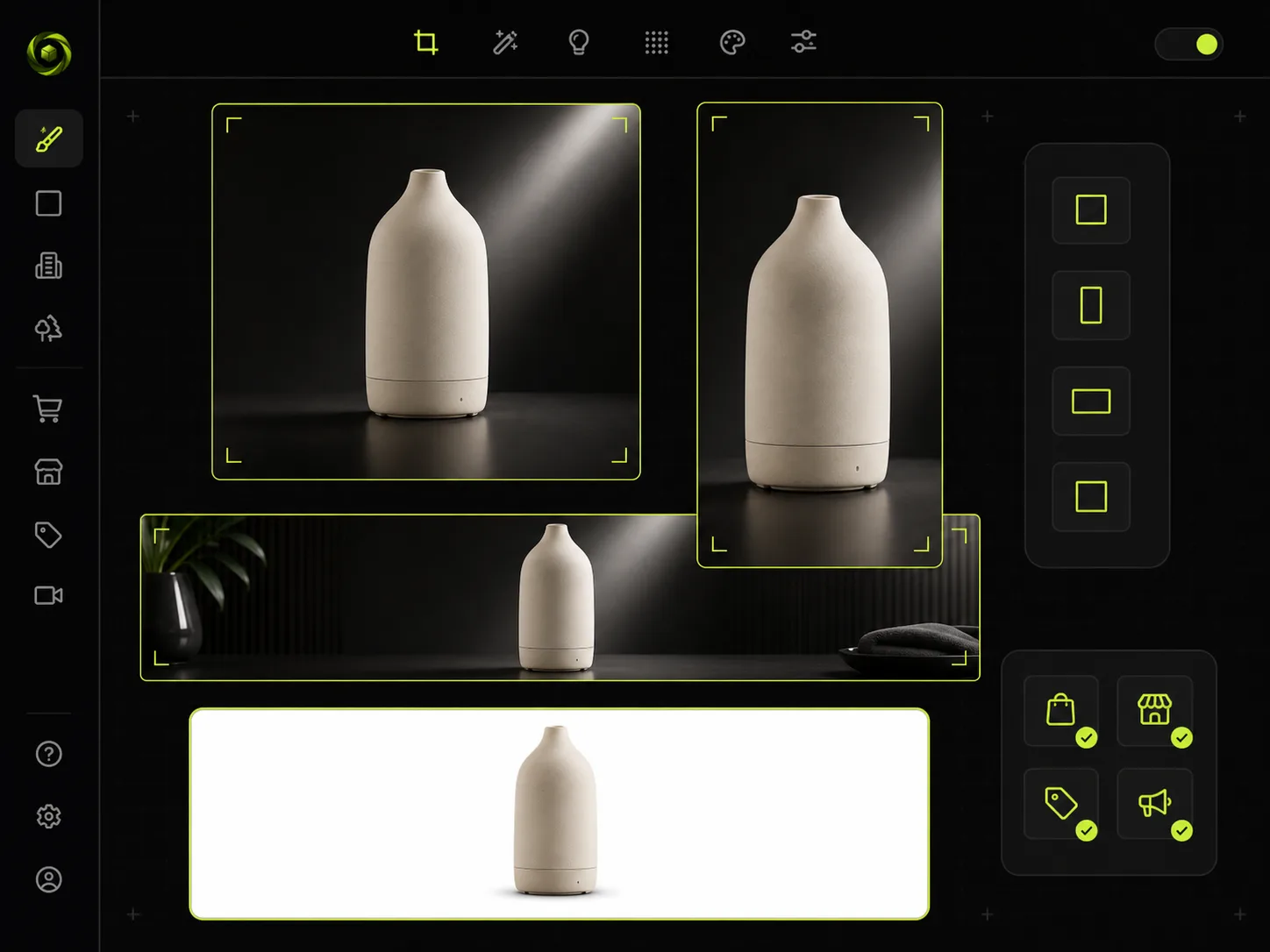
Store pages, marketplace listings, email campaigns, and paid ads all need different crops, backgrounds, and visual context. Sellers need faster ways to create channel-specific product images.
Ecommerce use cases
Create product visuals for store pages, marketplace listings, product launches, email campaigns, and paid social ads from one product upload.
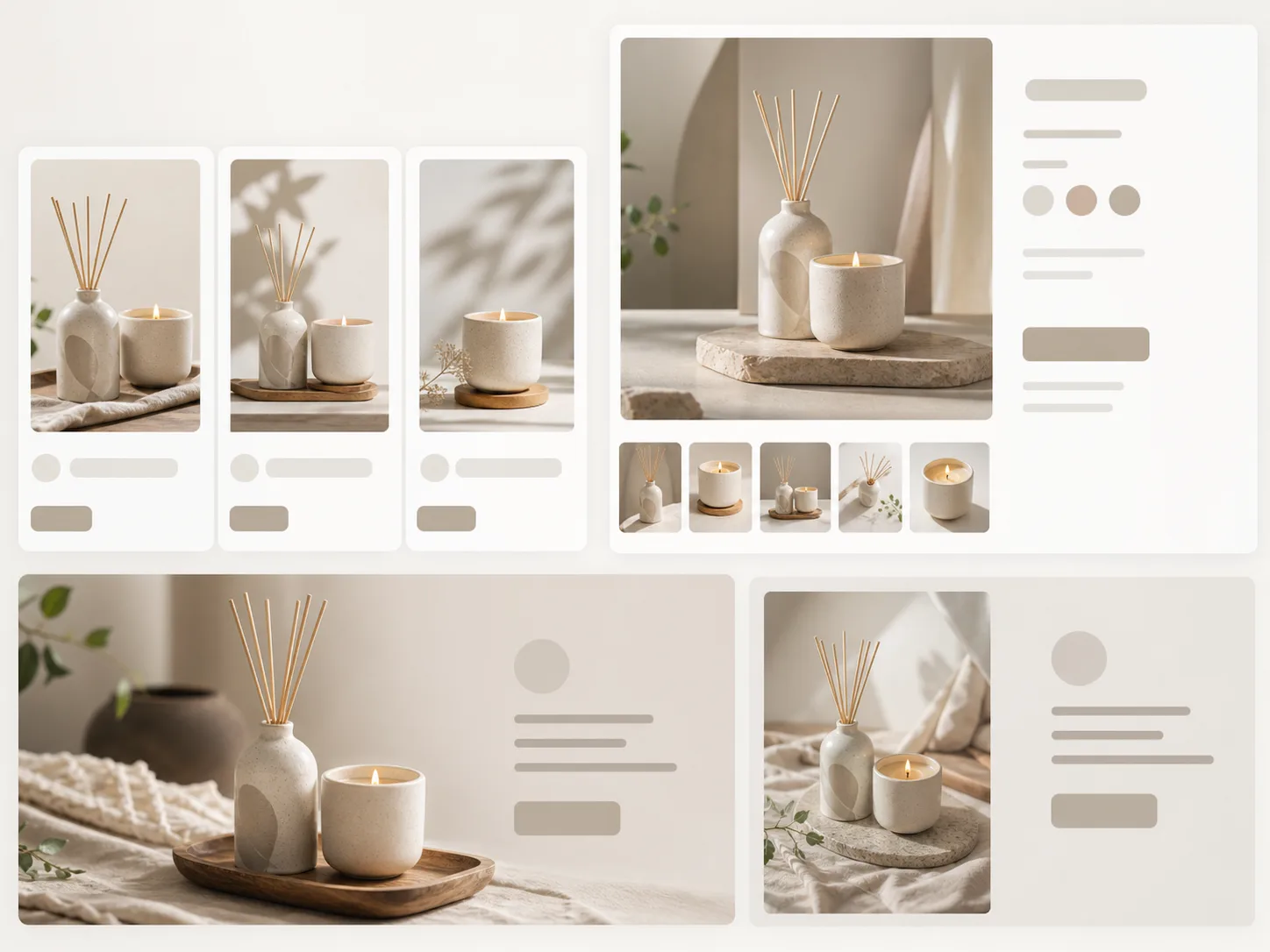 Store Pages
Create product page images, collection visuals, and launch assets from one product upload.
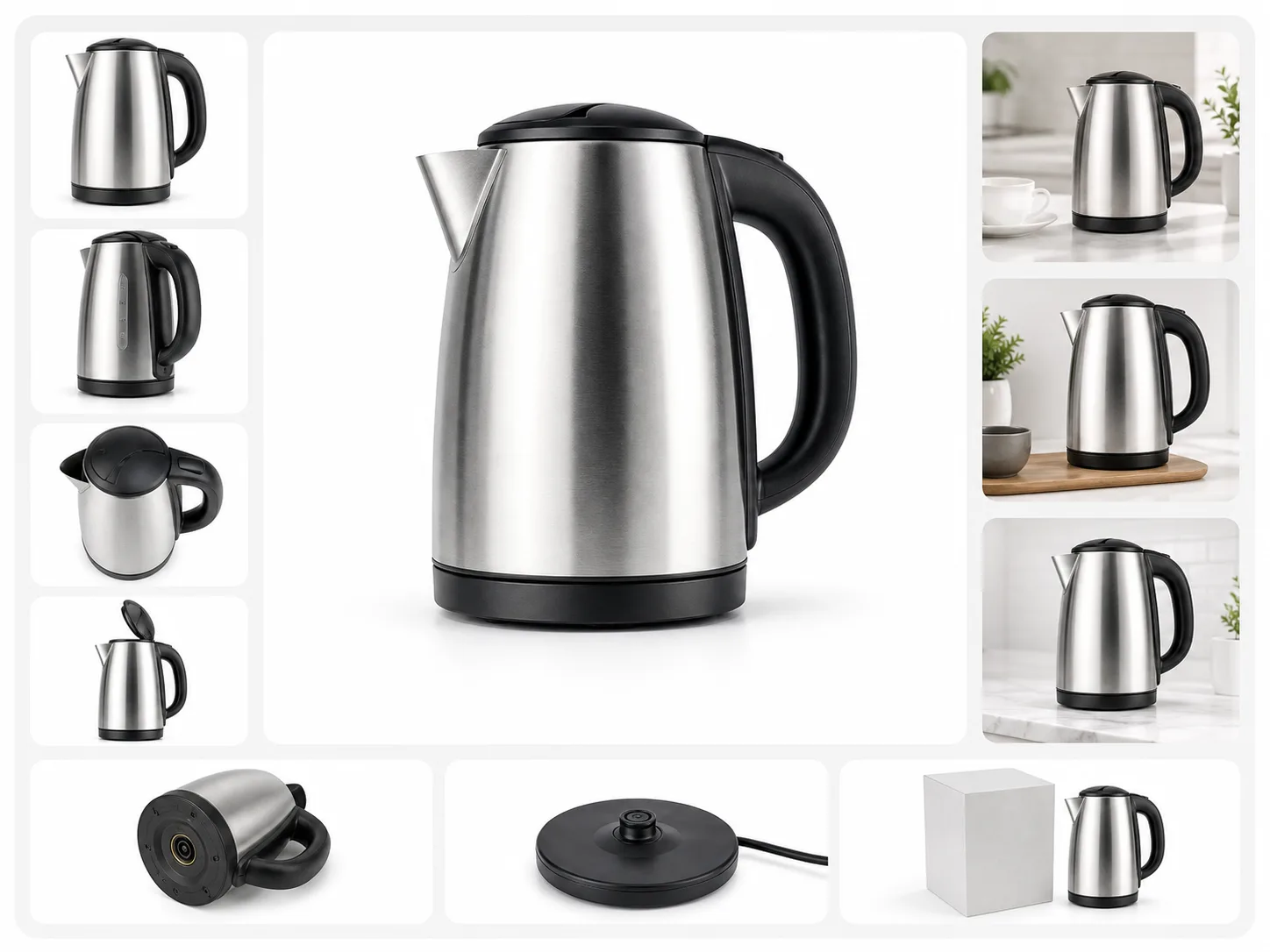 Marketplace
Create centered listing images, cleaner backgrounds, and supporting gallery visuals for marketplace listings.
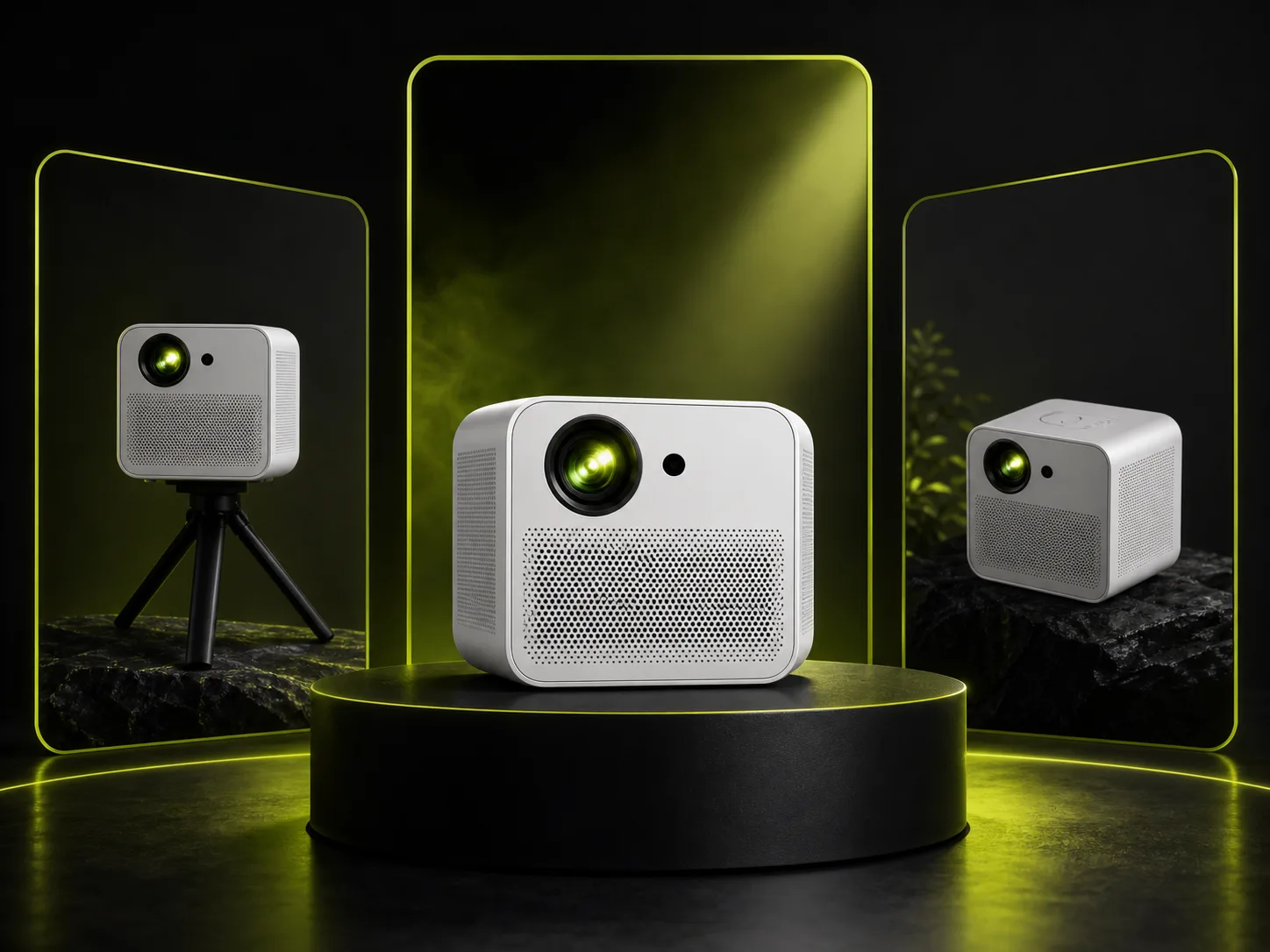 Launch
Turn one product upload into launch visuals, seasonal campaign images, and product-led promotional assets.
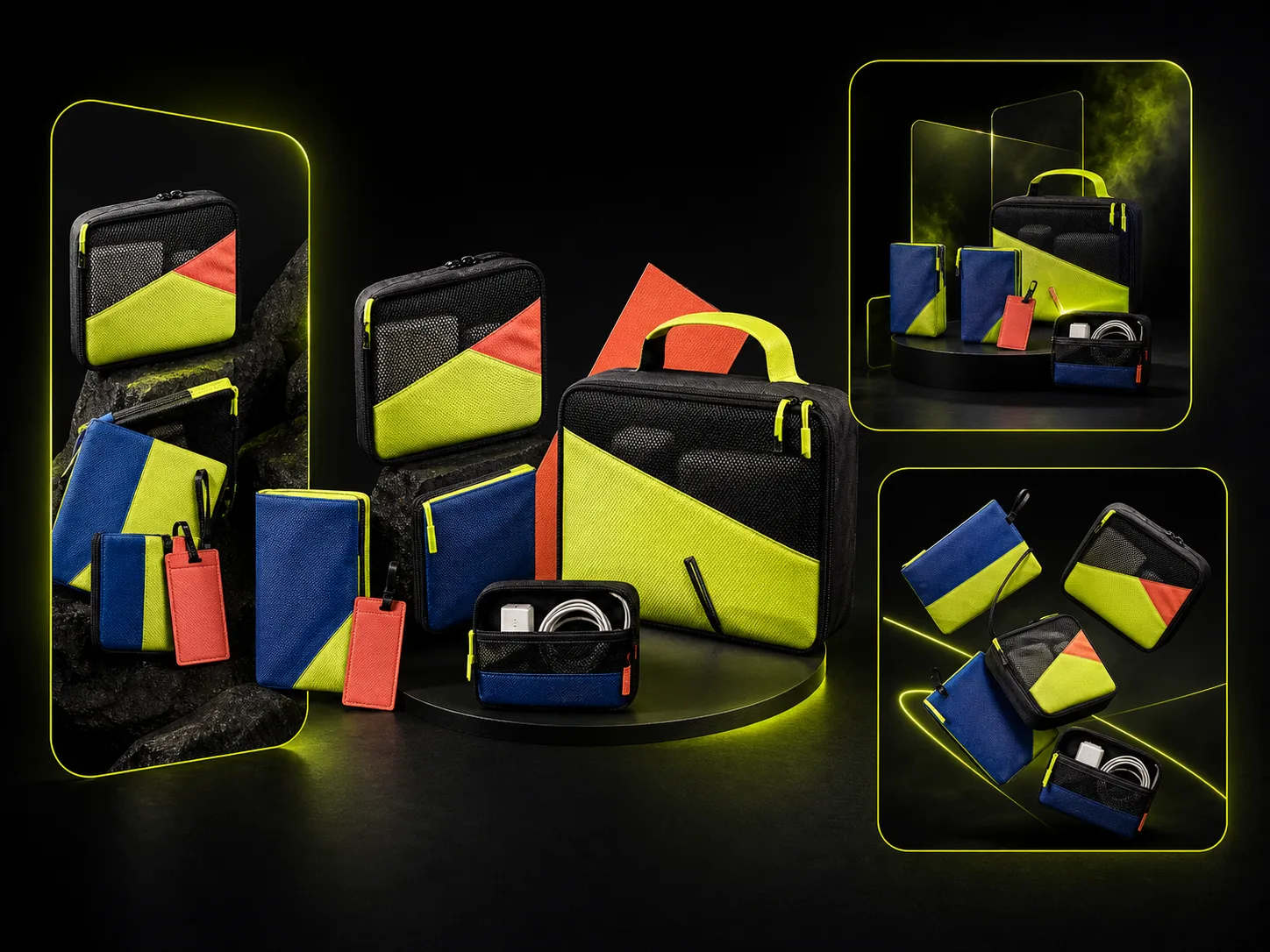 Ads
AdsGenerate product image variants for paid social, email banners, landing pages, and creative testing.
How it works
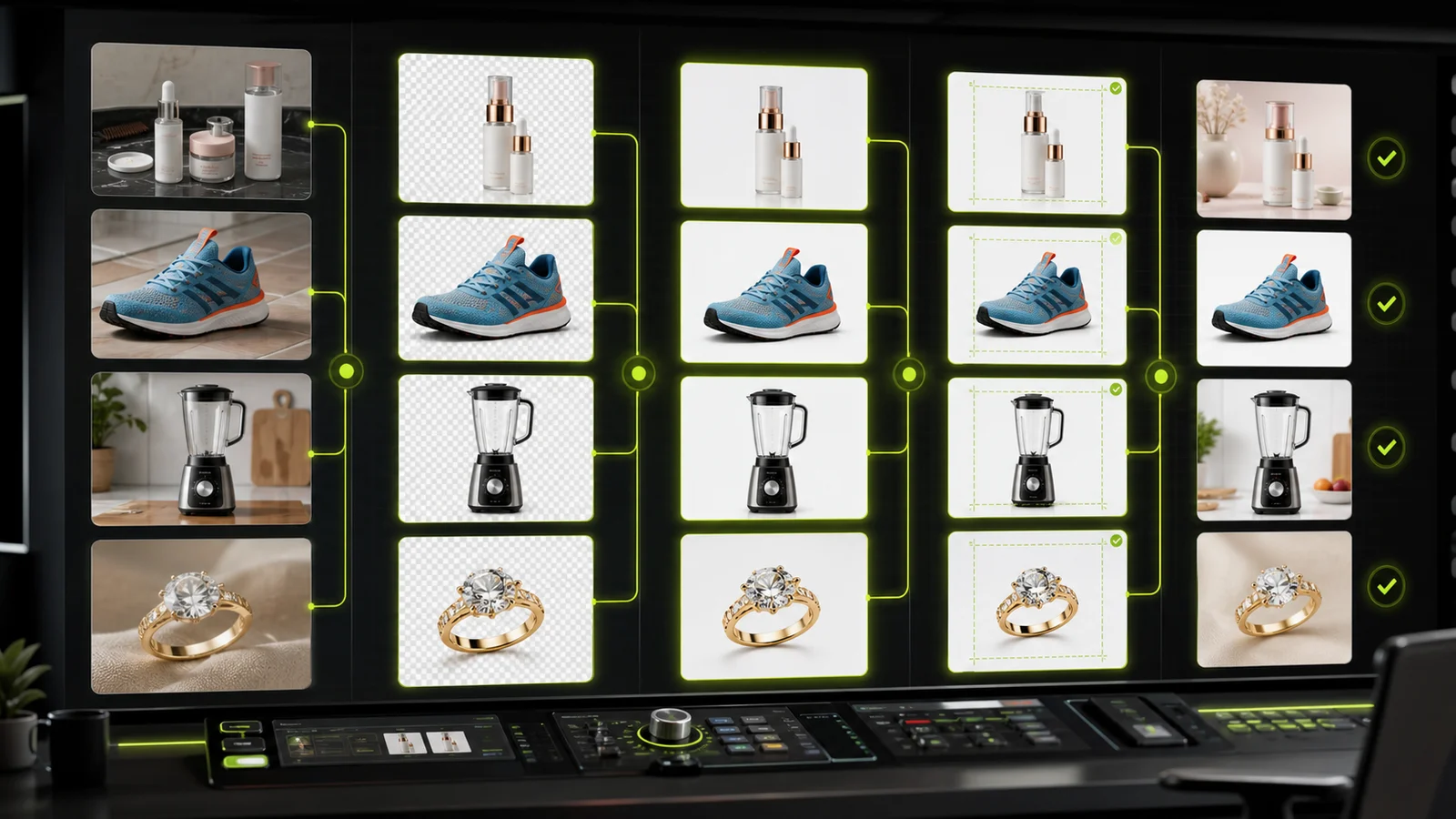
Upload one product image, choose the product photo direction, keep key product details consistent, then compare, download, share, or save your generated image.
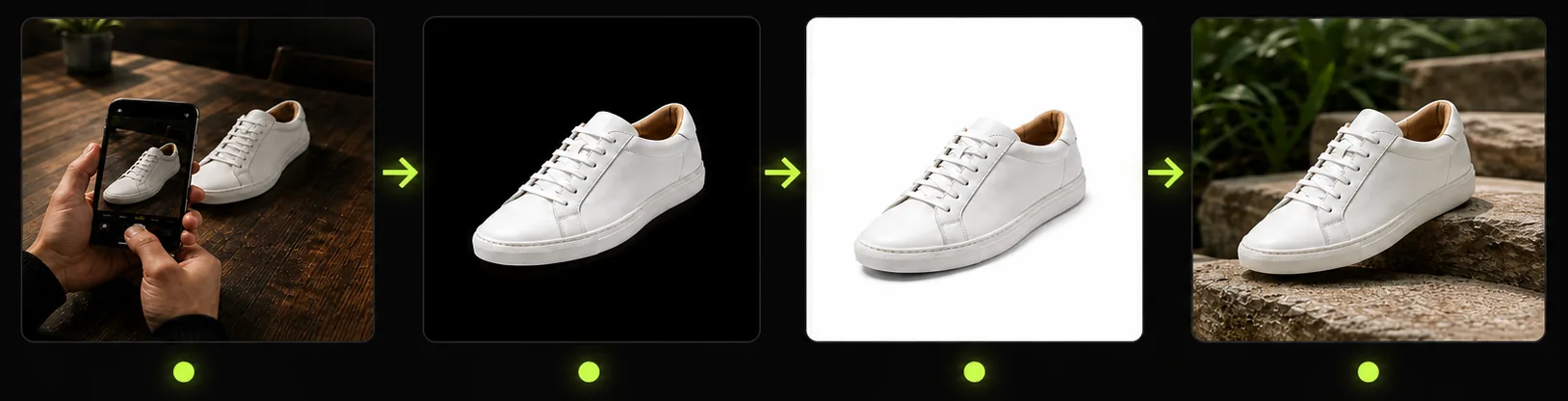
Start with a clear supplier photo, phone shot, or existing product image. The generator uses it as the source for product shape, color, packaging, and label details.
Select the output direction you need, such as white-background product photos, listing images, studio photos, lifestyle scenes, or ad visuals.
Create new ecommerce product photos while keeping important product details recognizable across backgrounds, scenes, crops, and campaign formats.
Review before and after, download the final image, share the result, or save it in history for future product image variants.
Tool comparison
Traditional shoots still matter for major campaigns, but day-to-day ecommerce teams also need faster image variations for listings, ads, and store pages.
Multiple
output styles
Reference-led
direction
Built-in
before-and-after review
Best for high-end brand campaigns, but slower when every channel needs new crops, backgrounds, and visual directions.
Best for fast ecommerce image production, listing variants, white-background photos, studio scenes, lifestyle scenes, and ad testing.
Related guides
Learn how to create white background product photos, marketplace-ready images, and Product Lock workflows for ecommerce product photography.
 Guide
GuideCompare AI product photography generators for white background images, studio shots, lifestyle scenes, and ecommerce campaign visuals.
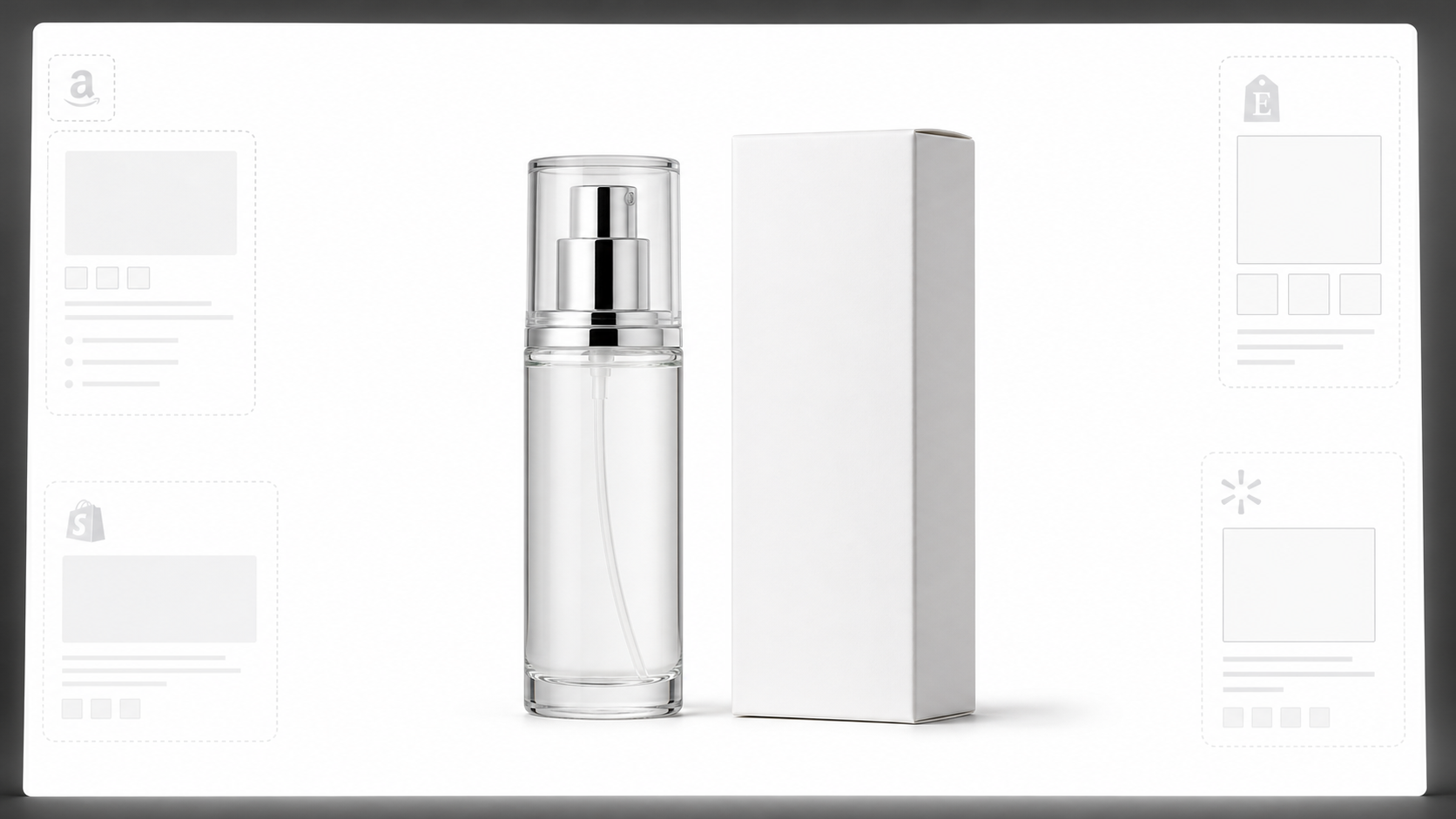 White Background
Learn why white background product photos are harder than they look, how platform rules differ, and how to preserve details.
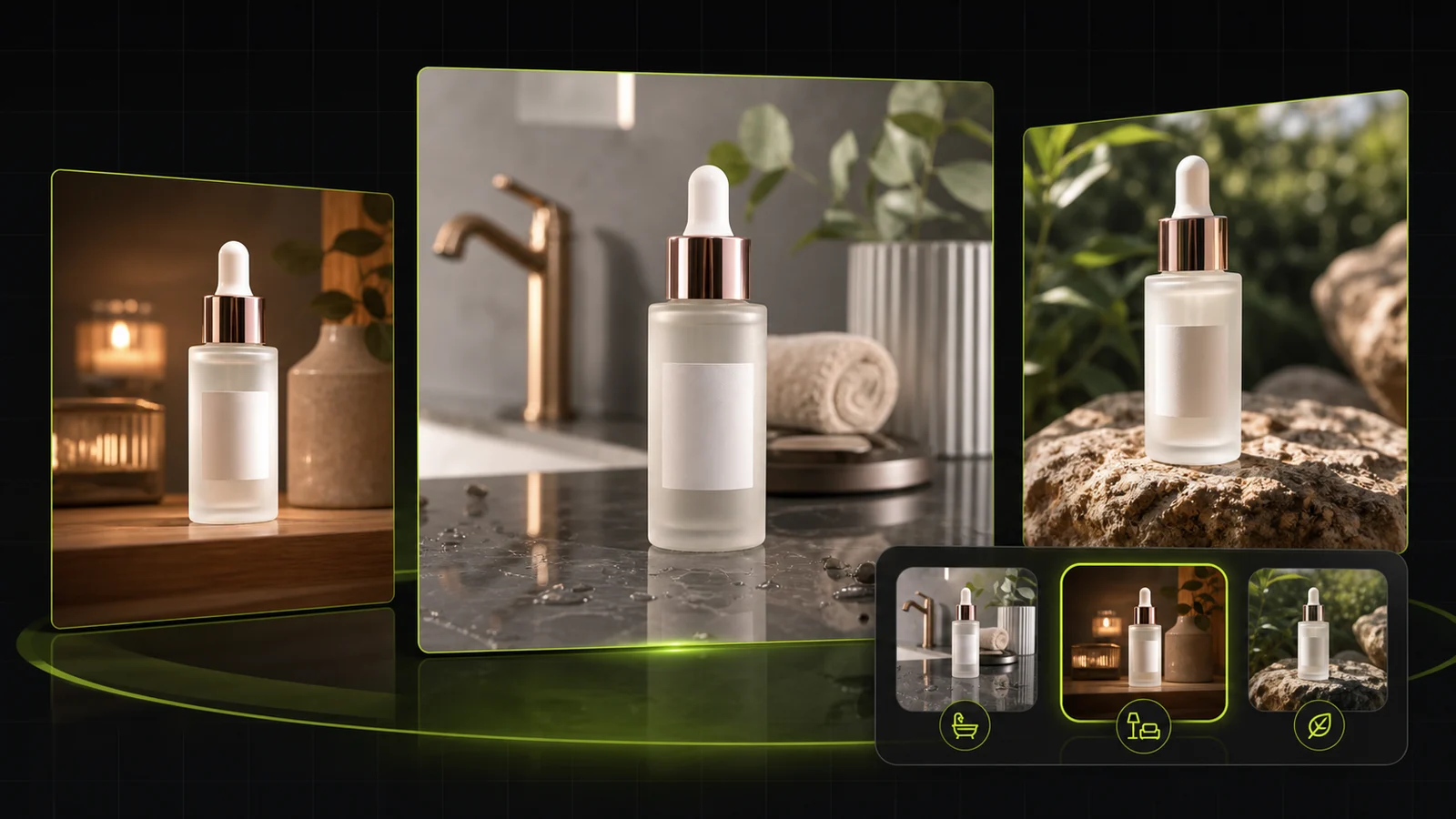 Workflow
Compare AI lifestyle photo generators for realistic ecommerce scenes, product preservation, catalog consistency, and campaign workflows.
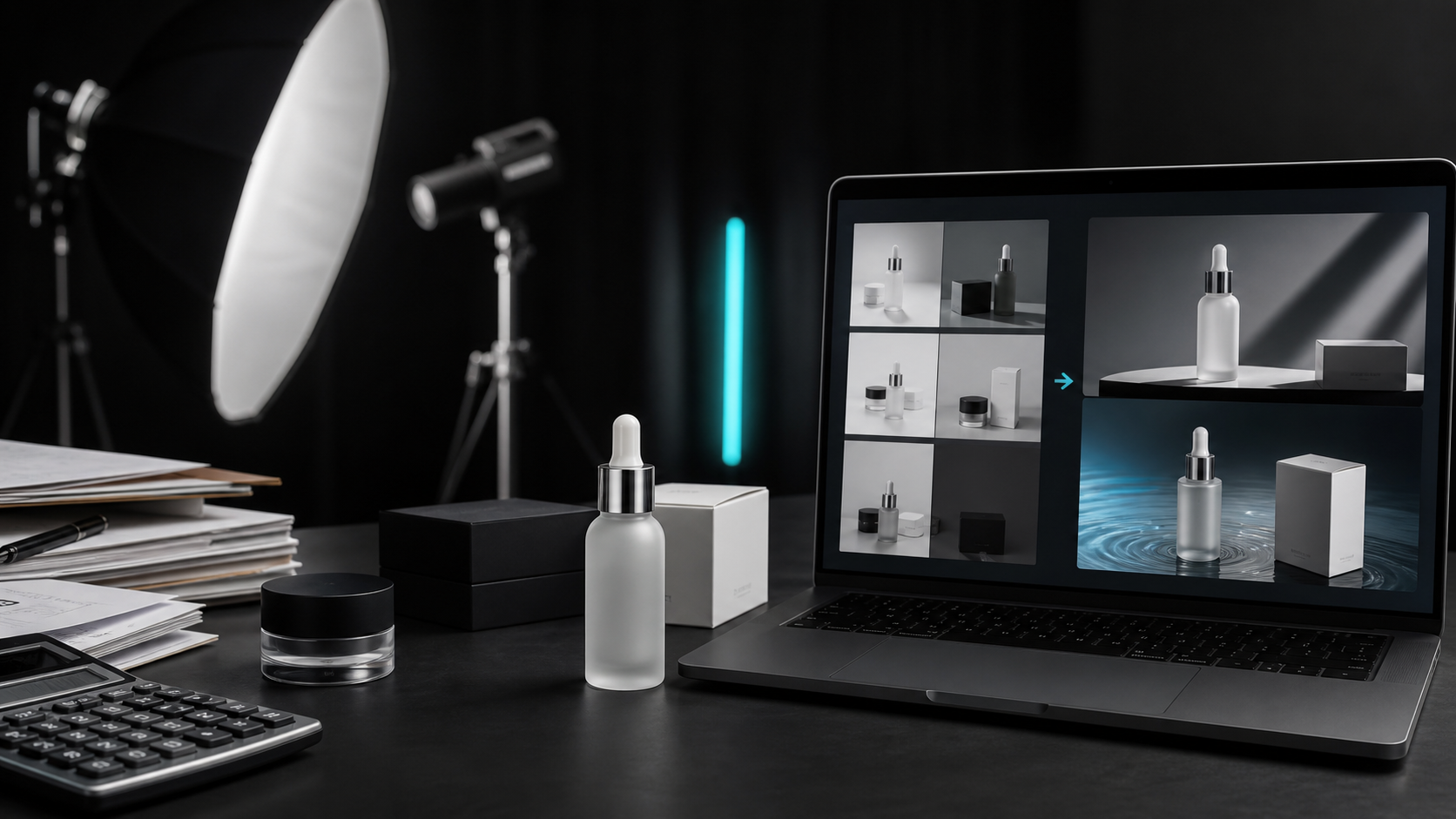 Case Study
A seller shares what traditional product photography costs, why product fidelity matters, and how AI changed the workflow.
 Lighting
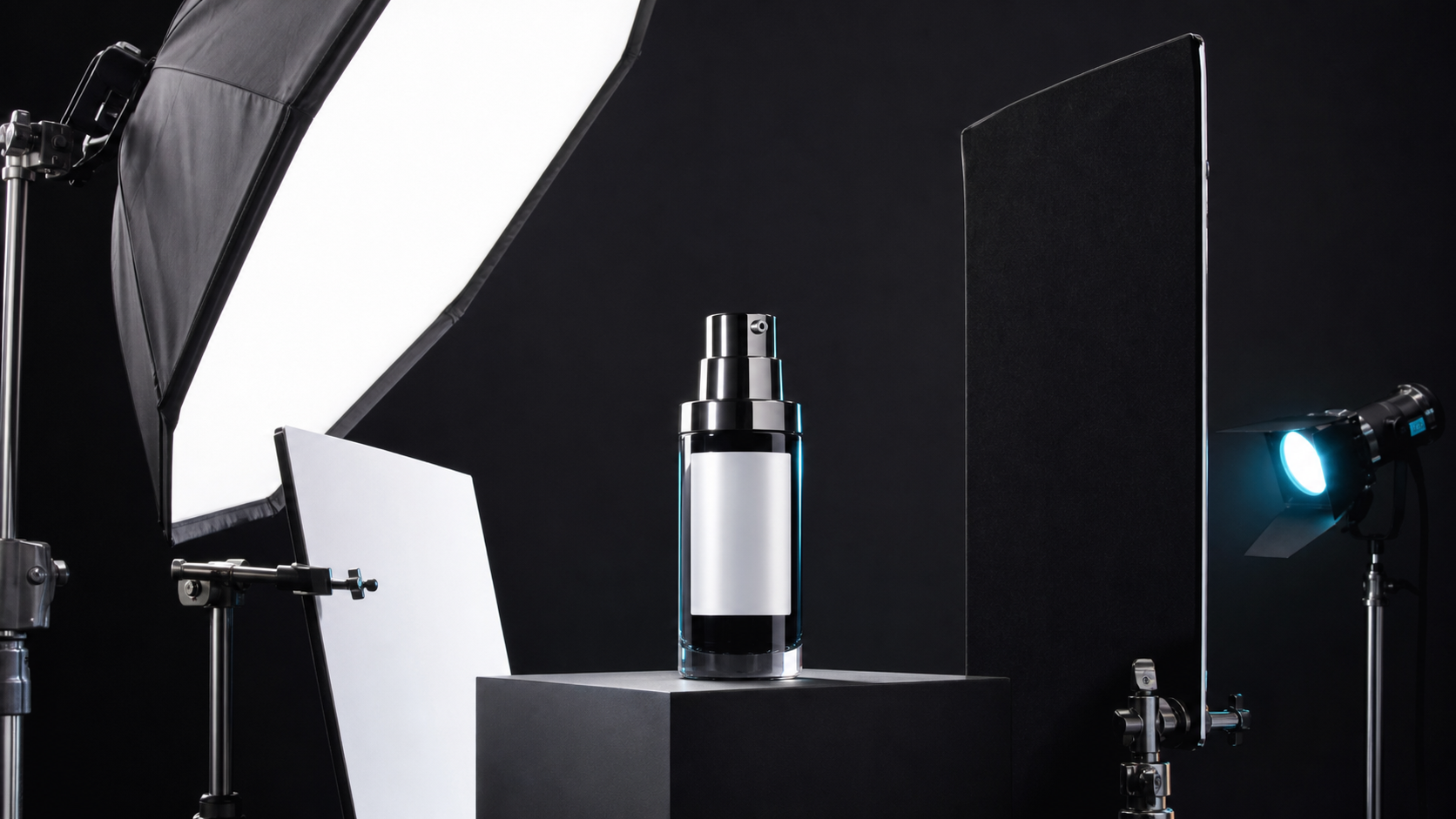
A practical guide to product photography lighting, soft light, fill light, backlight, reflection control, and difficult materials.
 Guide
GuideCompare AI image processing platforms for cleaning, enhancing, standardizing, and checking ecommerce product visuals.
See how sellers, listing specialists, and creative teams use the AI Product Photography Generator to create product photos for listings, launches, ads, and store pages.

“One supplier photo gave us enough clean listing images to prepare a marketplace launch without waiting for another shoot.”

“We used the generator to create product page images, white background shots, and lifestyle variants from the same upload.”

“Centered main images and white background options used to take repetitive editing time. This workflow made listing prep much faster.”

“Before committing to a full shoot, we can test more ad directions and see which product scenes are worth producing.”

“The useful part is keeping packaging and product identity recognizable while creating new backgrounds and campaign images.”

“Our team can generate, compare, download, and reuse product image variants in one workflow instead of jumping between tools.”
Generator FAQ
Answers about using the AI Product Photography Generator to create ecommerce product photos, white-background images, listing images, studio photos, lifestyle scenes, and ad visuals from one product upload.
Create product images from uploads and references, try your first workflow with free credits, and upgrade when you need more volume.
Generate Product Photos →