Compare AI fashion photography tools for model imagery, white backgrounds, studio shots, lifestyle scenes, marketplace listings, and campaign creative.
Ecommerce sellers, DTC brand operators, and marketing teams are always looking for faster, cheaper ways to produce clothing product photos. A traditional studio shoot can cost hundreds to thousands of dollars per image and requires coordinating models, photographers, and locations. AI fashion photography tools change that equation. Upload a flat-lay or ghost-mannquin shot and get professional-looking model photos in minutes.
The ProductShot AI Team reviewed five leading AI fashion photography workflows and compared them on output quality, workflow, pricing, and use cases. Here are the five worth considering in 2026.
No.1 ProductShot AI — All-in-One Ecommerce Product Photography Workspace
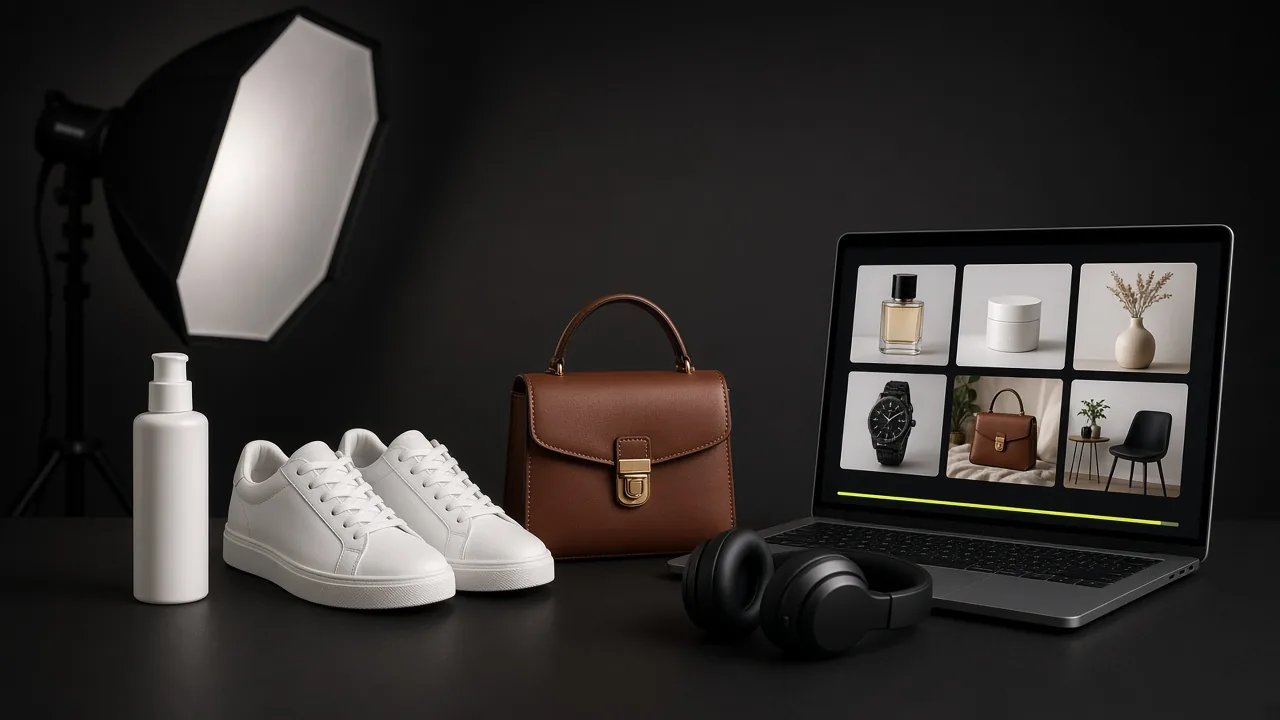
ProductShot AI is a browser-based AI product photography workspace built for ecommerce sellers, DTC operators, and small teams. It goes beyond fashion model photography to cover white-background images, studio shots, lifestyle scenes, marketplace listing images, and campaign creative — making it the most versatile tool we tested.
Core Advantage: Product Lock
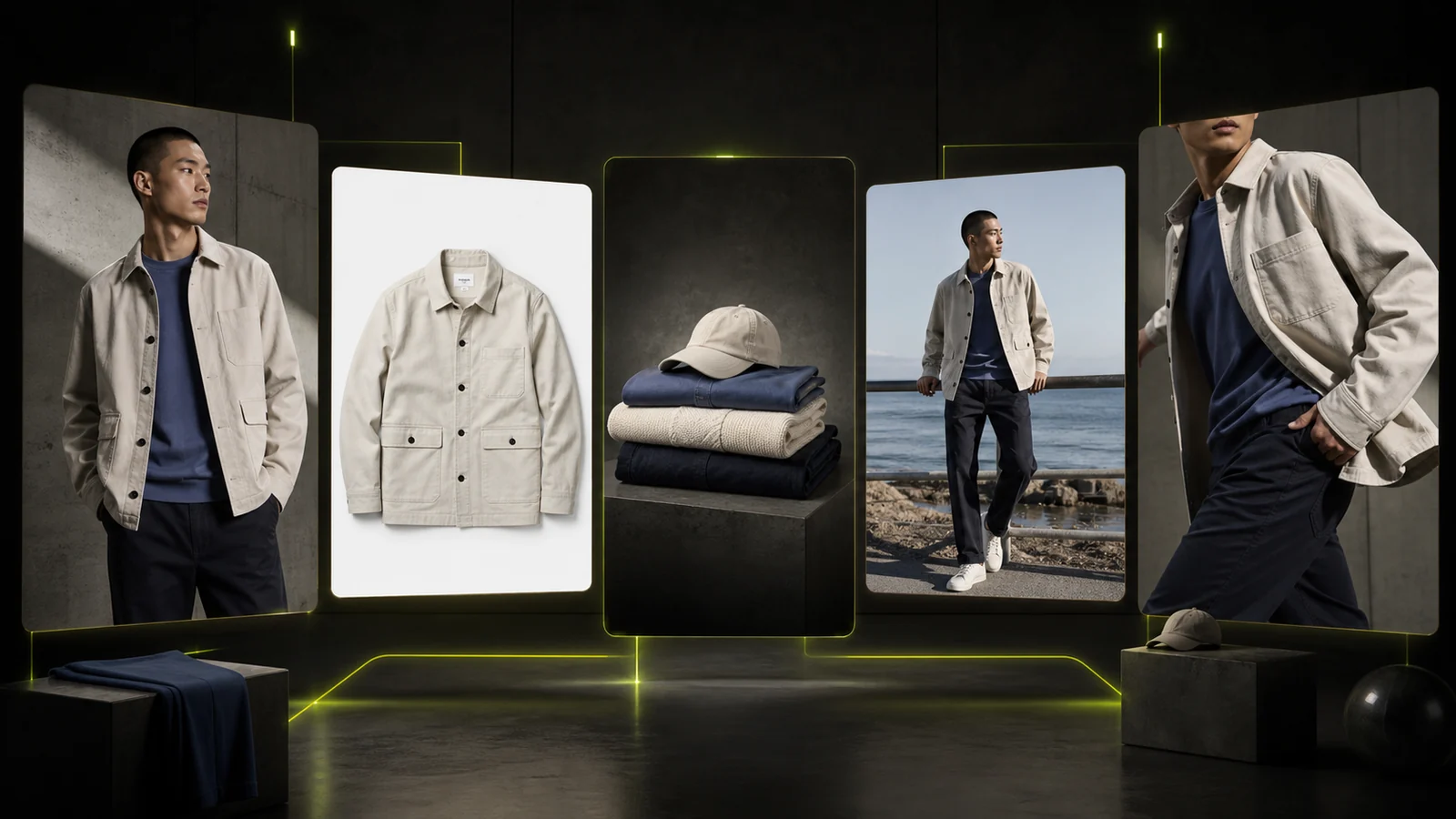
ProductShot AI's standout feature is Product Lock. After uploading one product image, the AI identifies and locks in the product's shape, color, materials, packaging, label details, and logo placement. When you change the background, scene, lighting, or camera angle, those key product details stay consistent. For clothing sellers, this means a shirt's pattern, a pair of jeans' wash texture, or a sneaker's colorway remains faithful across generated images.
How It Works
The workflow has four steps:
- Upload your product image. Start with a clear photo so Product Lock has enough detail to recognize and preserve key features. You can add up to two reference images to guide the visual direction.
- Choose your settings. Select Product Lock mode, photography scene (white background, studio, outdoor, lifestyle), lighting effects, camera angle, output ratio, and platform preset (Amazon, Shopify, Etsy, and more).
- Generate and compare. Use the before-and-after comparison view to evaluate results visually instead of guessing from prompt text alone.
- Download, share, or reuse. Export finished images, share results with your team, or save to history for future variations.
Best For
ProductShot AI works particularly well for these ecommerce workflows:
- Shopify and DTC stores: Generate product page images, collection visuals, and launch assets from one upload.
- Amazon and marketplace sellers: Create centered listing images with clean backgrounds for marketplace compliance.
- Product launch campaigns: Test multiple visual directions with AI before booking a full studio shoot.
- Social media ads: Produce product-led visuals with copy space and channel-specific aspect ratios.
Pricing
ProductShot AI uses a credit-based system. New accounts receive free credits to get started. Paid plans unlock more generations and advanced features.
Limitations
Because ProductShot AI covers both fashion-model production and wider ecommerce image formats, teams should define a consistent model and channel brief before scaling. If your primary need is putting AI models into your clothing with a large selection of body types and poses, you may want to pair it with a dedicated model tool. However, for day-to-day ecommerce product photography — white backgrounds, studio scenes, marketplace images, and campaign assets — it is designed to connect those outputs in one ecommerce production workflow.
No.2 Claid AI Fashion Models — Dedicated AI Model Try-On
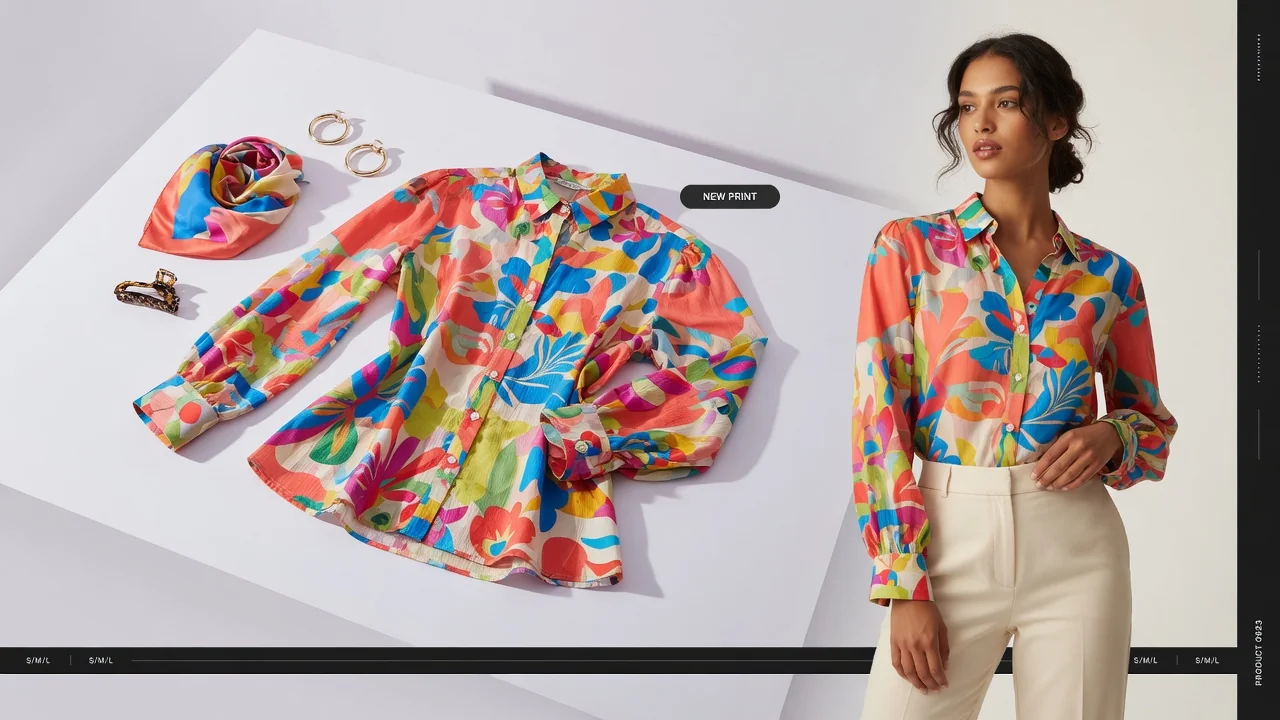
Claid's AI Fashion Models is built specifically for clothing brands. It offers a library of over 100 AI-generated virtual models spanning different genders, ethnicities, age groups (including kids and teens), and body types (including plus-size). Choose a model and a preset pose, upload your garment, and the AI fits the clothing onto the model.
The workflow has five steps: upload clothing, complement the outfit, choose a model and pose, write a prompt, and generate. You can produce 1 to 4 images per request, and free accounts get 10 generations to try it out. If your core need is AI models wearing your garments in a variety of poses and demographics, Claid does this well.
The tradeoff is scope. Claid focuses on fashion model photography and doesn't cover white-background images, marketplace listing layouts, lifestyle scenes, or campaign creative as broadly. Paid plans start at 150 generations for Essential and 500 for Pro, with additional credits available for purchase.
No.3 Pebblely — AI Lifestyle Scene Generation
Pebblely specializes in placing products into realistic lifestyle scenes. Upload a white-background product shot and the AI generates images that look like they were photographed in a real environment. It's strong for teams that need quick social media content and ad creatives.
Pebblely shines for beauty, food, home goods, and small consumer products where scene context matters. It's not designed for clothing model try-on since its core capability is scene placement, not model generation. Pricing includes a free trial with paid plans on a monthly subscription.
No.4 Flair AI — Prompt-Driven Product Photography
Flair AI is an AI product photography tool that leans heavily on prompt engineering. It provides a library of templates and prompt starters to help users generate various product photo styles. The experience feels closer to a general-purpose AI image generator and rewards users who are comfortable writing and iterating on prompts.
It's a good fit for teams that want fine-grained control over generation parameters and enjoy tweaking prompts. For consistent ecommerce product photography at scale, it requires more manual effort than tools built specifically for ecommerce workflows. Pricing includes free credits with paid plans on a monthly subscription.
No.5 Booom AI — Entry-Level AI Fashion Photography
Booom AI offers AI fashion photography and portrait generation with a simple interface. Upload clothing and generate model images with minimal setup. It's easy to get started and works for small teams exploring AI model photography for the first time.
Compared to the other tools on this list, it falls short on model diversity, generation quality, and feature depth. It's best treated as an entry-level exploration tool rather than a daily production workflow.
How to Choose the Right AI Fashion Photography Tool
Consider these dimensions when evaluating your options:
| Dimension | ProductShot AI | Claid | Pebblely | Flair AI | Booom AI |
|---|---|---|---|---|---|
| White-background images | ✅ | ❌ | ✅ | ⚠️ | ❌ |
| AI model try-on | ⚠️ | ✅ | ❌ | ⚠️ | ✅ |
| Lifestyle scenes | ✅ | ❌ | ✅ | ⚠️ | ❌ |
| Marketplace listing images | ✅ | ❌ | ❌ | ❌ | ❌ |
| Product Lock | ✅ | ❌ | ❌ | ❌ | ❌ |
| Free trial | ✅ | ✅ | ✅ | ✅ | ✅ |
| API access | ✅ | ✅ | ✅ | ❌ | ❌ |
If you need white backgrounds, marketplace images, and multi-scene product photos: ProductShot AI is the most complete choice, with Product Lock keeping product details consistent across every output.
If your primary need is AI models wearing your clothing: Claid's AI Fashion Models offers deeper model diversity and try-on fidelity.
If you need fast social media scene content: Pebblely's scene generation speed and natural output are worth trying.
If you prefer hands-on prompt control: Flair AI gives you more customization at the prompt level.
If you just want to explore AI model photography: Booom AI has the lowest barrier to entry.
The Bottom Line
AI fashion photography tools are rapidly changing how ecommerce product images get made. Traditional shoots aren't going away — they're still the best way to capture brand identity and hero campaign assets. But for day-to-day product photography, fast iteration, A/B testing, and multi-channel publishing, AI tools already cover the majority of use cases.
If you haven't tried AI product photography yet, start with ProductShot AI's free credits and walk through the full workflow from upload to finished image. You may find that a process that used to take days now takes minutes.