Learn when to choose an AI fashion model generator or a broader product image generator, with nine tools compared by workflow, scale, API, video, and product fidelity.
AI fashion model generators and product image generators solve related but different ecommerce problems. A model-focused tool places a real garment on a synthetic or reusable model. A broader product image generator creates the listing, studio, lifestyle, and campaign images around the item. Many fashion teams need both workflows.
The ProductShot AI Team reviewed nine platforms using the supplied March 2026 research and five decision criteria: product fidelity, catalog consistency, workflow coverage, production scale, and integration options. This article is a workflow comparison, not a claim that one platform is best for every business.
Pricing and plan limits are research snapshots. Verify current official pricing, API access, batch limits, and video availability before purchasing.
The nine platforms at a glance
| Rank | Platform | Starting price | Entry model | Batch | API | Video | Best suited to |
|---|---|---|---|---|---|---|---|
| 1 | Uwear | Pay-as-you-go credits | Credits required | Yes, up to 10K | Yes | Yes | Brands expanding large catalogs |
| 2 | Botika | $22/month | Starter allowance | Limited | No | Yes | Shopify merchants |
| 3 | ProductShot AI | Free credits; paid credit plans | Product upload | Not stated | Not stated | Not stated | Ecommerce listing, studio, lifestyle, and campaign visuals |
| 4 | VModel | Pay per use | Pay per use | Limited | Yes | No | Brands with variable or seasonal demand |
| 5 | ZMO.ai | $59/month | Starter credits | Limited | Yes | No | Teams needing fashion and general AI imagery |
| 6 | Claid.ai | About $19/month | API testing | Yes | Yes | No | Product-photo enhancement workflows |
| 7 | FASHN.ai | $19/month | Starter credits | Limited | Yes | No | Virtual try-on products |
| 8 | Modelia.ai | Starter plan | Starter account | Limited | No | No | Beginners and smaller brands |
| 9 | Insmind | Starter plan | Starter account | No | No | No | Quick mannequin-to-model conversion |
What actually separates these tools?
The first test is garment fidelity. A useful system should retain the color, fabric, stitching, silhouette, and other visible characteristics of the supplied product. A striking image is of little value when the AI has quietly redesigned the item being sold.
Scale comes next. Generating images one at a time may be acceptable for a small shop, but it breaks down quickly once a catalog passes 500 SKUs. At that point, batch uploads, reusable settings, and API access become operational requirements rather than optional conveniences.
Pricing also needs to be understandable. Subscriptions are easy to compare at first glance, while credit systems require teams to calculate their effective cost per finished asset. Model diversity matters as well: brands may need control over age, ethnicity, body type, and pose so that their catalog reflects the people they serve.
Finally, video is becoming part of the buying decision. Short clips can be reused across product pages and social channels, but only two products in this nine-platform comparison—Uwear and Botika—are described as offering image-to-video generation. ProductShot AI's official homepage does not document video generation, so no such capability is assumed here.
1. Uwear: strongest fit for catalog-scale production
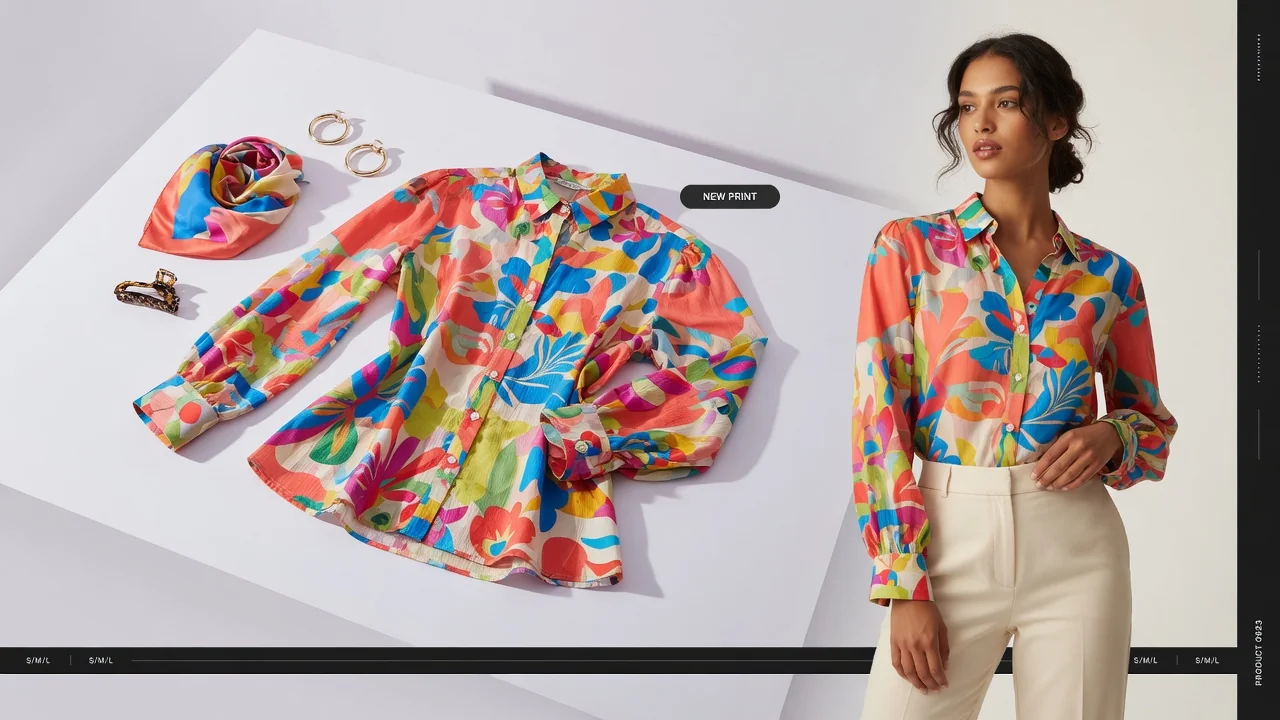
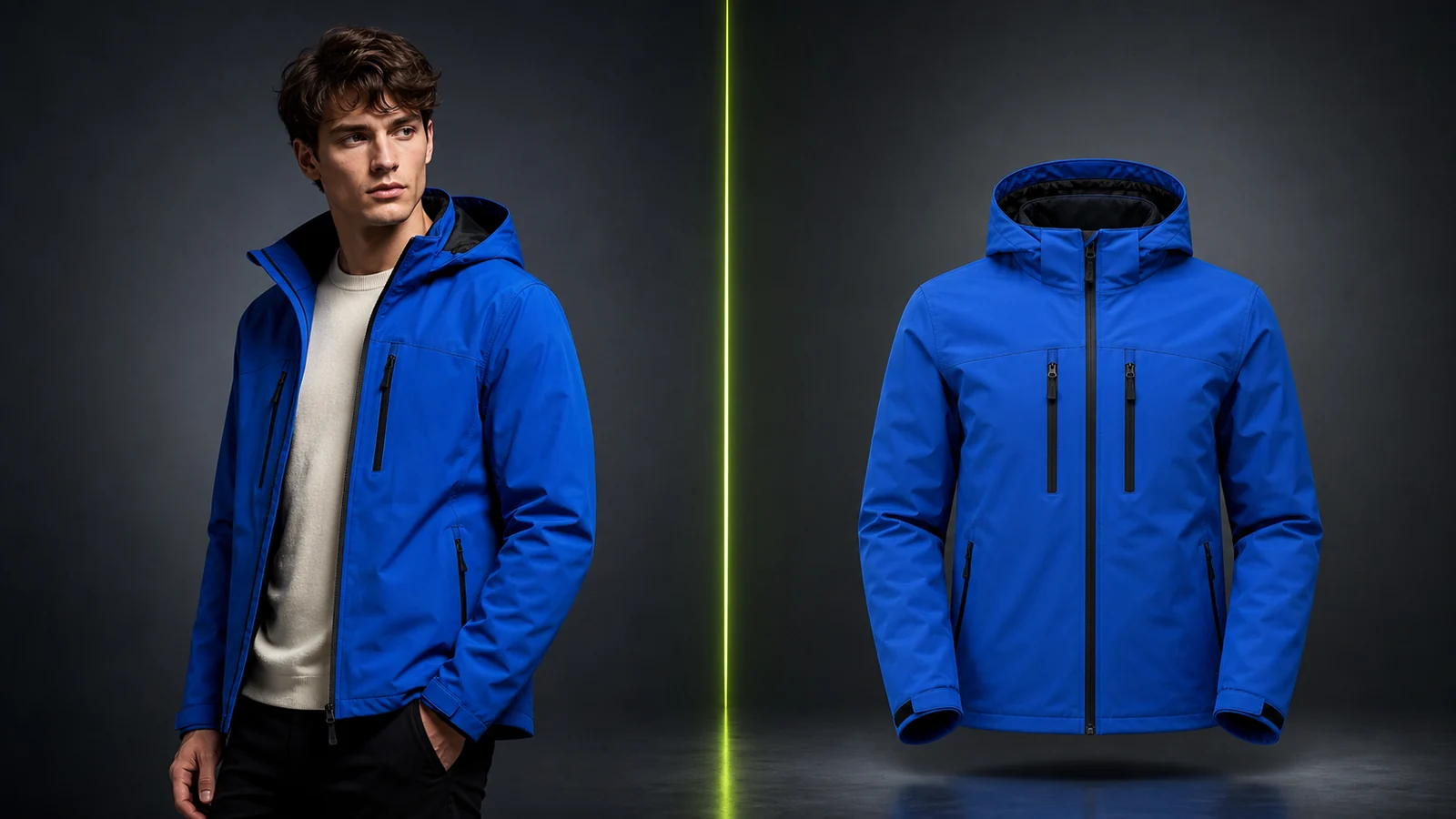
Uwear is designed for fashion businesses that need to transform actual flat-lay and packshot images into on-model catalog visuals. Its central advantage is volume: a CSV workflow supports batches of as many as 10,000 products, and teams can assign different models, poses, and backgrounds to individual items.
The workflow extends beyond the first generated image. Through AI Studio, users can generate assets, change angles, upscale results, and create 5–10 second video clips. The platform also supports consistent digital models across a collection, custom or transparent backgrounds, and a fashion-image API. Virtual try-on is available through a separate Shopify product.
For category-specific examples, Uwear provides guides covering bras, lingerie, bikinis, and swimwear.
Strengths
- CSV batches of up to 10,000 items
- Generation, angle editing, upscaling, and video in one pipeline
- Use of real product photography rather than invented garments
- Pay-as-you-go credits and API integration
- Consistent models and configurable backgrounds across a catalog
Considerations
- The product is aimed at B2B teams, not casual creators
- Clean flat-lay inputs are important for the best output
- Credit costs change with actual usage
2. Botika: the simplest route for Shopify merchants
Botika is built around an embedded Shopify workflow. Merchants can create on-model images and replace backgrounds from inside their store administration rather than moving assets through a separate production tool. A limited initial test is available, with paid plans described as starting at $22 per month.
Its appeal is convenience. Setup is approachable for non-technical users, model ethnicity and body type can be adjusted, and video generation has been added to the feature set.
Strengths
- Native Shopify integration
- Minimal setup and learning curve
- Model-diversity controls
- Video generation
Considerations
- No API for custom production systems
- Limited batch capacity
- Less flexible for businesses that do not run on Shopify
3. ProductShot AI: one workflow for fashion models and the wider product-image set
ProductShot AI is a browser-based ecommerce photography workspace built around real product uploads. Its fashion workflow covers flat-lay-to-model generation, model replacement, garment recoloring, reusable model identities, packshots, and fashion video. The wider workspace also produces white-background images, studio scenes, lifestyle compositions, marketplace formats, and campaign creative.
Product Lock is the common layer across these outputs. It is designed to preserve product shape, color, material, construction, packaging, logo placement, and labels while the model, pose, scene, lighting, or channel format changes. Teams can reuse model identities and visual direction across a catalog, then compare, download, share, or retain approved results in history. API access supports teams connecting the workflow to a larger production system.
Strengths
- Fashion model generation, model replacement, recoloring, packshots, and video
- White-background, studio, lifestyle, listing, and campaign formats
- Product Lock for more stable product details across output types
- Reusable model identities and reference-guided visual direction
- Batch production and API integration for catalog workflows
Considerations
- Teams still need human review for garment detail, generated text, pose quality, and channel rules
- A clean, well-lit source image improves consistency
- Cost should be measured per approved image after regenerations, not per generation alone
4. VModel: flexible credits for uneven demand
VModel uses a pay-as-you-go approach in which purchased credits do not expire. That structure can suit seasonal labels or businesses whose image volume changes sharply throughout the year. It can convert mannequin photography into on-model assets and offers controls for ethnicity, skin tone, and pose.
A Chrome extension supports quick generation during browsing, while an API is available for developer workflows. The original assessment also flags mixed reports about customer service, which larger buyers should examine before committing meaningful volume.
Strengths
- Non-expiring credits
- Chrome extension and API access
- Flexible model customization
- Competitive per-image pricing
Considerations
- Customer-service feedback is mixed
- Batch processing is limited for large catalogs
- Video is not included
5. ZMO.ai: fashion tools inside a broader image platform
ZMO.ai is not limited to fashion. Its ImgCreator product supports on-model imagery, while the wider platform covers product photography and marketing visuals. That breadth makes it more relevant to teams that want several kinds of AI creative production in one subscription.
The Basic plan is listed at $59 per month for 30 credits and 10 models. This places ZMO.ai toward the more expensive end when fashion generation is the only requirement.
Strengths
- Broad, all-in-one image toolset
- Useful range of model options
- API access
- Starter image allowance
Considerations
- $59-per-month entry price for the cited Basic plan
- Less specialized than fashion-only platforms
- Limited batch capacity
- No video generation
6. Claid.ai: best when enhancement is part of the same workflow
Claid.ai began with product-photo tasks such as background removal and upscaling, then expanded into AI fashion shoots. It can generate on-model assets at resolutions up to 4K and provides batch processing.
That combined workflow is its main advantage: teams can enhance a source image and create a fashion-model result within the same product. Plans are described as beginning at about $19 per month, and API testing is available.
Strengths
- Background, enhancement, upscaling, and model-generation tools
- Output up to 4K
- Batch support
- API access for testing
Considerations
- Fashion generation is newer than Claid.ai's core enhancement features
- A photoshoot uses four credits under the cited credit model
- No video generation
7. FASHN.ai: specialist technology for virtual try-on
FASHN.ai develops fashion-focused models internally. Its principal workflow takes an existing model photograph and re-dresses that person with a supplied garment. It can also create stable digital-model identities for use across a collection.
Plans are listed as starting at $19 per month. Developers can access the technology through fal.ai at a cited price of $0.075 per generation. The stated output size is 576×864, reflecting an emphasis on fashion-specific rendering rather than maximum resolution.
Strengths
- In-house models developed specifically for fashion
- Strong virtual try-on focus
- Accessible API pricing for developers
- Consistent model identity across multiple images
Considerations
- 576×864 output is smaller than some alternatives
- Batch tools are limited for very large catalogs
- No video generation
8. Modelia.ai: an accessible place to begin
Modelia.ai is positioned for independent designers and smaller brands exploring AI fashion imagery for the first time. It supports photorealistic models, virtual try-on, and controls for characteristics including ethnicity, age, and gender.
The low-commitment starter route and straightforward interface make it suitable for evaluation. Its limitations become clearer when a team needs automation or high-volume production.
Strengths
- Easy entry point for testing
- Straightforward interface
- Useful model customization
- Virtual try-on included
Considerations
- No API
- Limited batching
- Not designed for high-volume catalog operations
9. Insmind: a focused mannequin-to-model converter
Insmind addresses a narrower requirement: converting an existing library of mannequin shots into human-model images. For teams with that exact input format, the simple workflow offers a quick, low-commitment test while preserving the visible garment.
Its specialization is also its main constraint. It does not provide the wider production infrastructure found in the more comprehensive platforms.
Strengths
- Fast mannequin-to-model workflow
- Starter access
- Attention to original garment details
- Simple operation
Considerations
- No batch processing
- No API
- No video generation
- Mannequin photography is the required starting point
Choosing according to your workflow
For a catalog above 500 SKUs, batch processing and integration should lead the decision. Uwear's 10K CSV workflow and Claid.ai's combination of batching and API access are two options worth evaluating at this scale.
For a smaller Shopify shop, Botika keeps generation inside the store administrator. Modelia offers another approachable option for a business still learning where AI imagery fits.
Developers building a product can compare FASHN.ai's fal.ai access at $0.075 per generation with VModel's pay-per-use API. Uwear and Claid.ai also provide APIs aimed at larger production systems.
Teams working with a tight budget should start with low-commitment tests rather than a broad rollout. Modelia, Insmind, and VModel provide accessible starting routes, while Uwear applies non-expiring, pay-as-you-go credits to its batch-oriented workflow.
If short-form product video is essential, the comparison narrows: Uwear and Botika are the two products in this list described as supporting it.
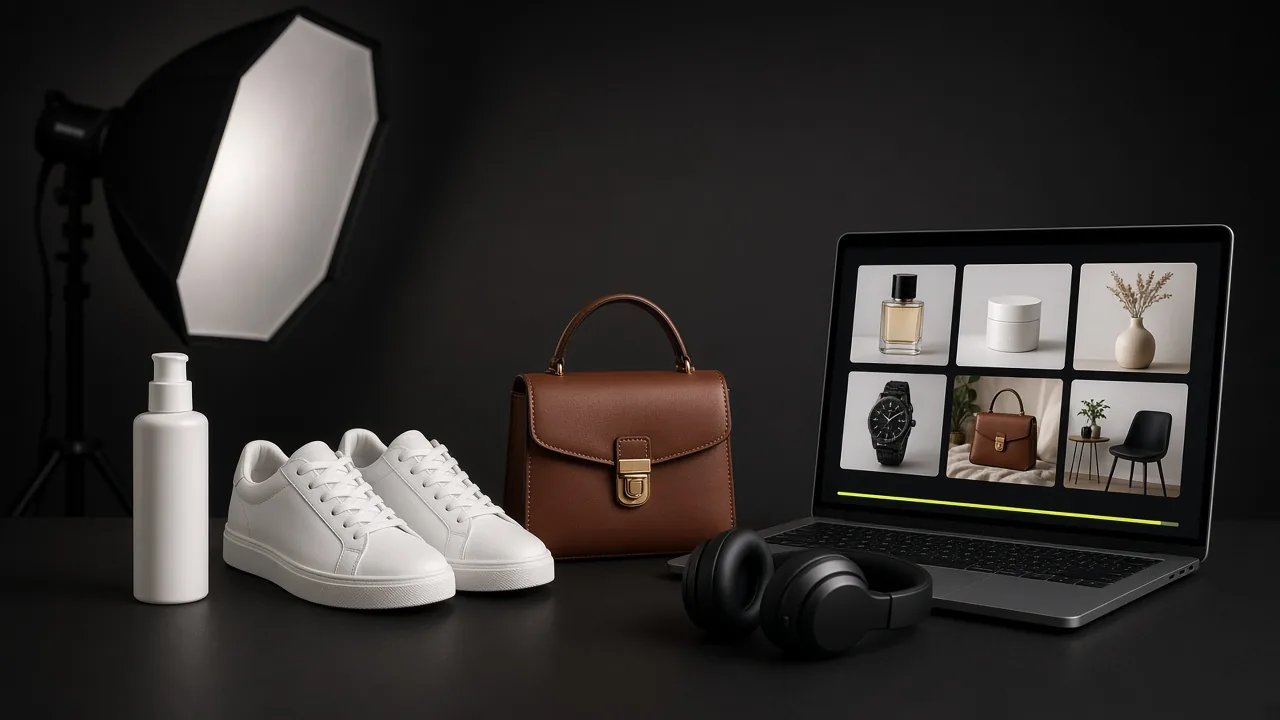
When the goal is broader product creative rather than a person wearing the garment, ProductShot AI is the more relevant choice. Its documented workflow covers listing images, white backgrounds, studio scenes, lifestyle settings, and campaign assets while using Product Lock to help preserve product details.
Practical questions before testing
Can these platforms use existing product photos?
Yes. The primary workflow across this category begins with a flat-lay, packshot, mannequin image, or another clear product upload. A clean, well-lit photograph on a plain background gives the system the clearest source material.
Are the results realistic enough for commerce?
The strongest tools can now generate catalog visuals that work beside conventional product photography. Fidelity, pose quality, and lighting have all improved. Traditional production still has an advantage when a high-end editorial campaign or lookbook demands control over every detail; AI is currently most compelling for the repeatable catalog work surrounding those campaigns.
Is an AI clothing-model generator different from an AI fashion generator?
The terms overlap, but their emphasis can differ. An AI clothing-model generator usually creates the person and presentation around a supplied garment. The broader “AI fashion generator” label can include tools that invent the clothing itself. E-commerce teams generally need systems grounded in the actual item for sale.
What about lingerie and swimwear?
Fine fabrics, precise fit, and credible poses make these categories especially demanding. Test these categories with your own difficult fabrics, fit details, and pose requirements before approving a production workflow.
Can several tools be combined?
Yes. A brand might use Uwear or Botika for on-model generation, then Claid.ai for background removal or upscaling. When APIs are available, those stages can be connected into an automated pipeline.
Final recommendation
Choose the workflow before choosing the tool.
- Use a dedicated AI fashion model generator when the primary requirement is a person wearing a real garment, with precise control over model identity, fit, pose, and garment detail.
- Use a broader product image generator when the catalog also needs white backgrounds, packshots, studio scenes, lifestyle images, marketplace crops, and campaign creative.
- Use a combined workflow when the same SKU must move from on-model imagery to listings, ads, and short video without rebuilding the product identity each time.
ProductShot AI is designed for that combined workflow. Start with the same difficult garment across two or three shortlisted tools, generate a small five-SKU pilot, and compare fidelity, catalog consistency, review time, and cost per approved image. The best platform is the one that produces a coherent publishable set for your real merchandise—not the one with the longest feature table.