
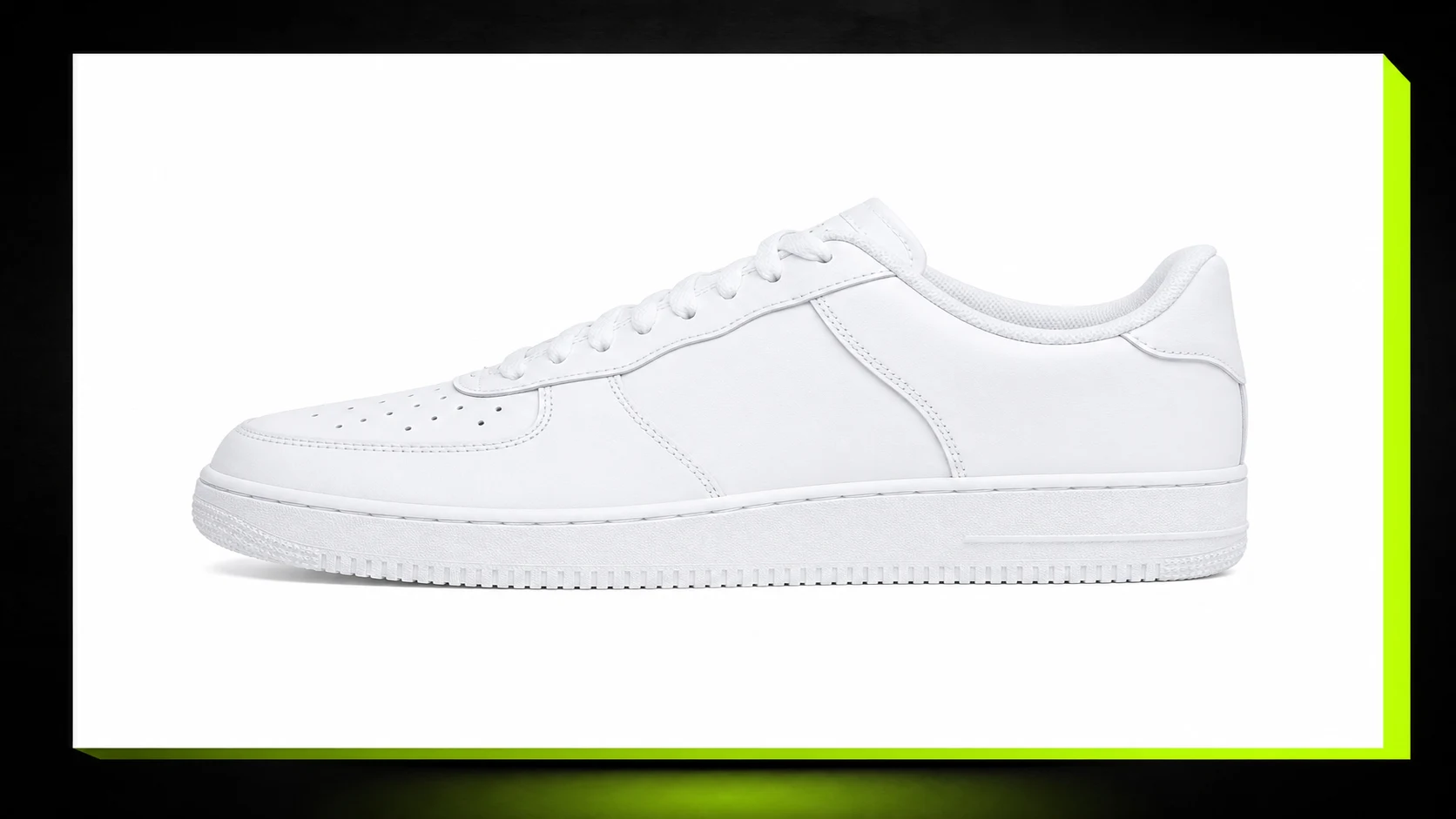
Amazon listing images
Clean up compressed listing photos before upload or final review, especially when packaging edges or product contours look soft after export.
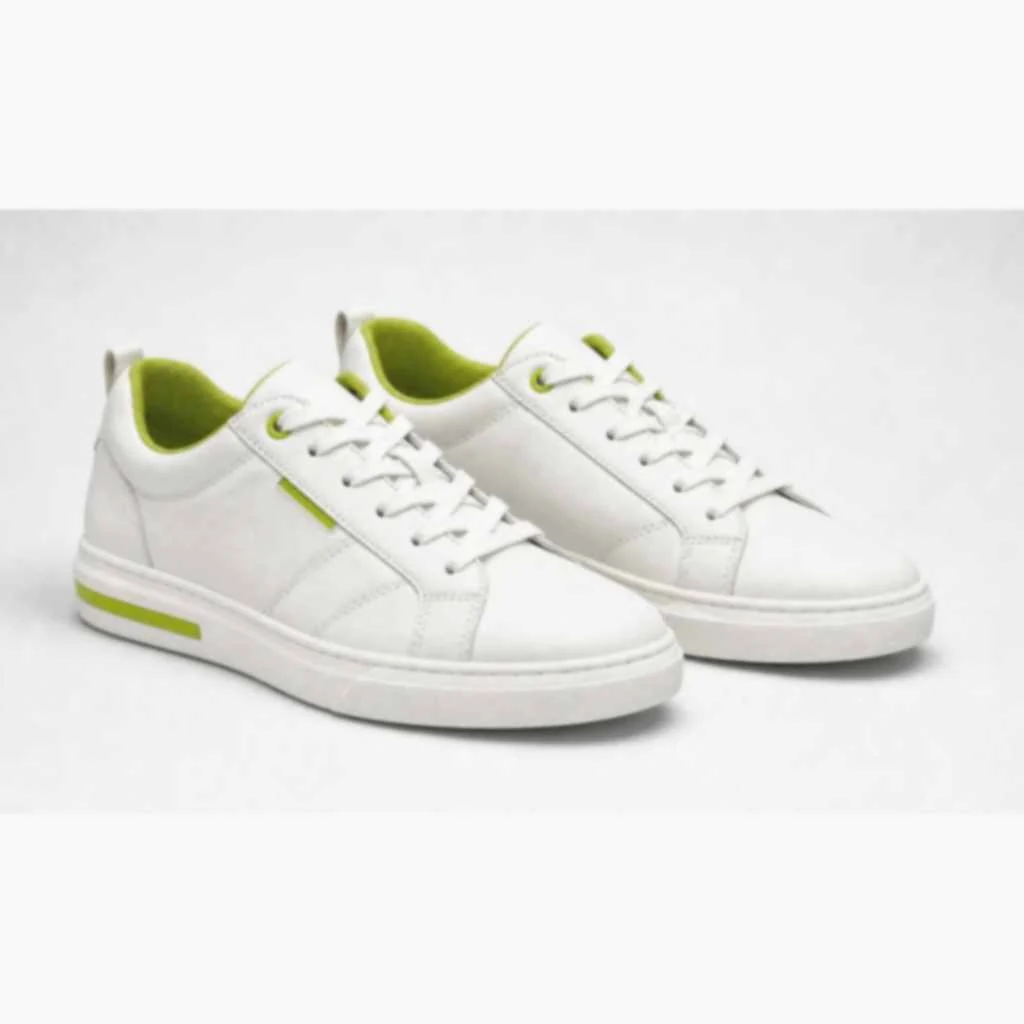
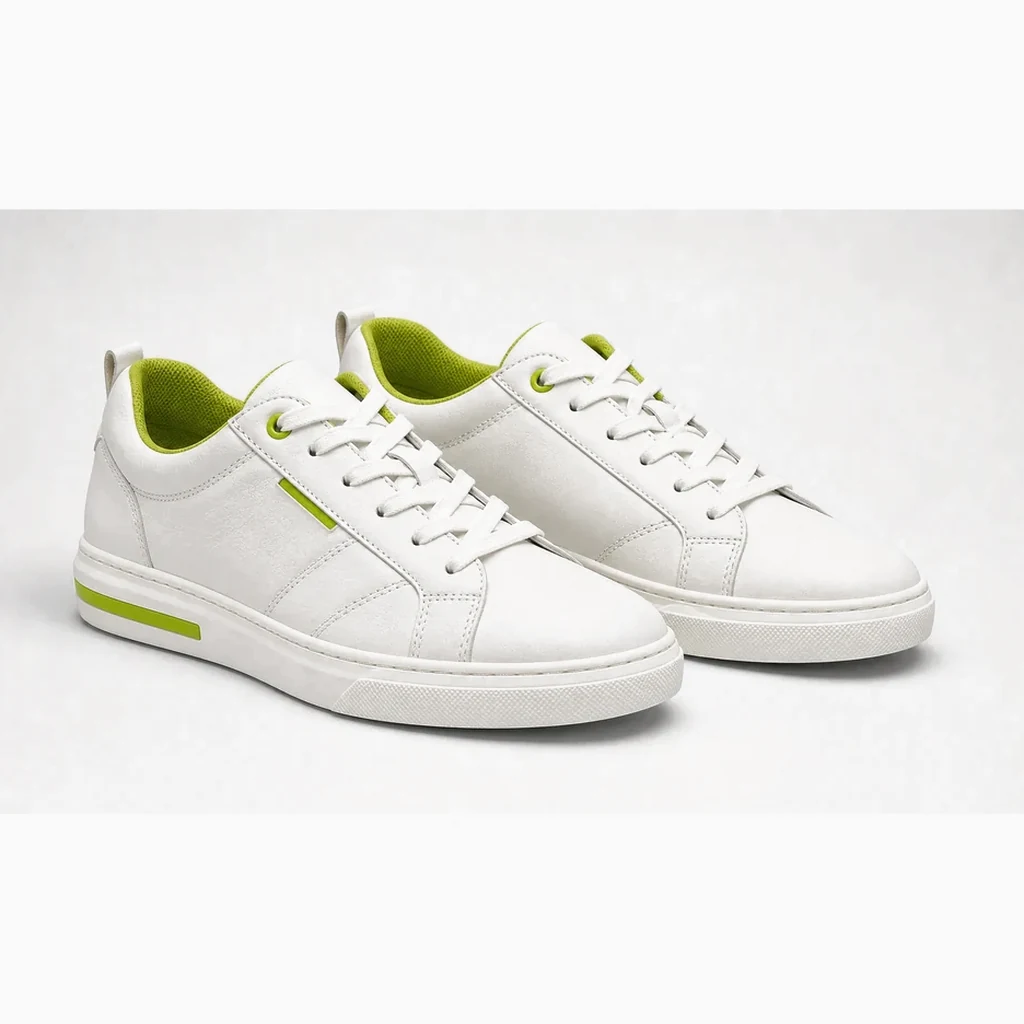
Three side-by-side cases for listing photos, campaign posters, and storefront banners. Each pair keeps the same product while showing how clarity cleanup helps shoppers see edges, labels, and packaging details more easily before you publish.


Headphone listing photo
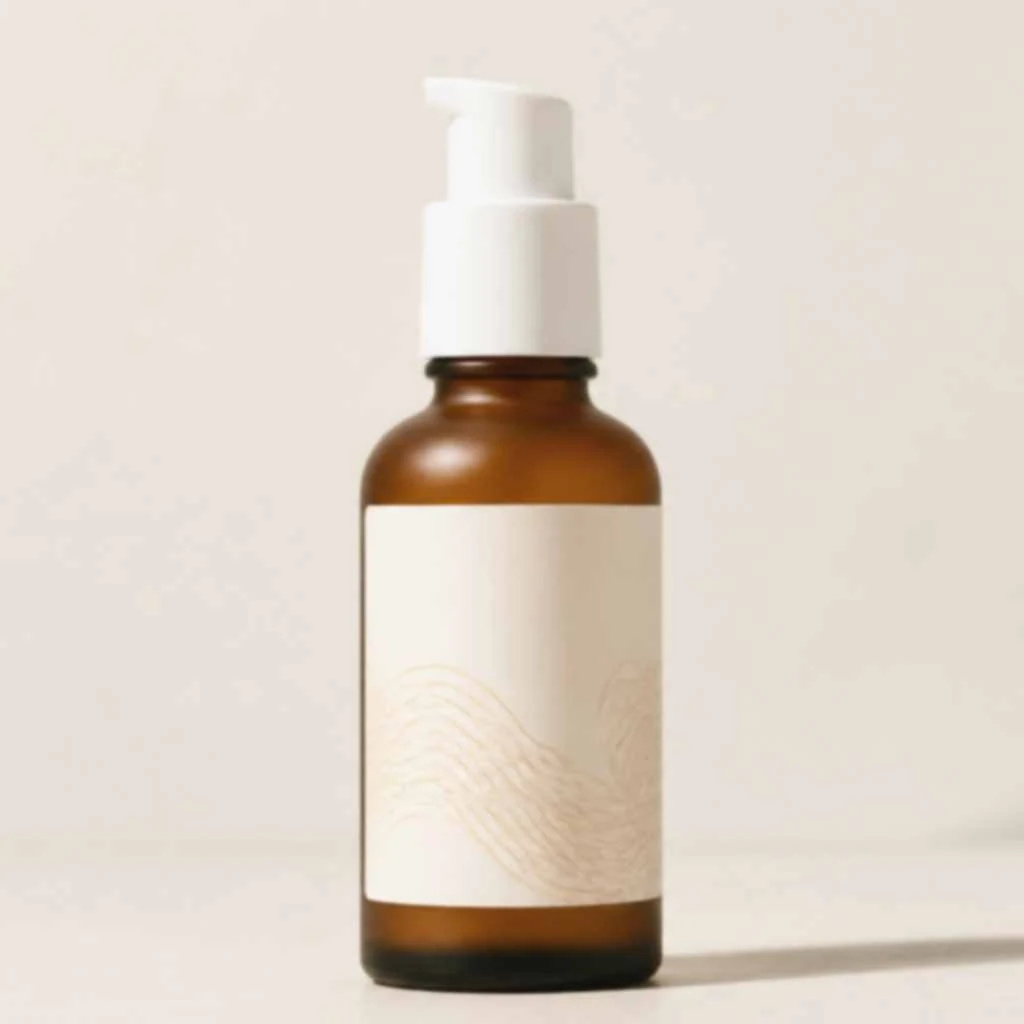
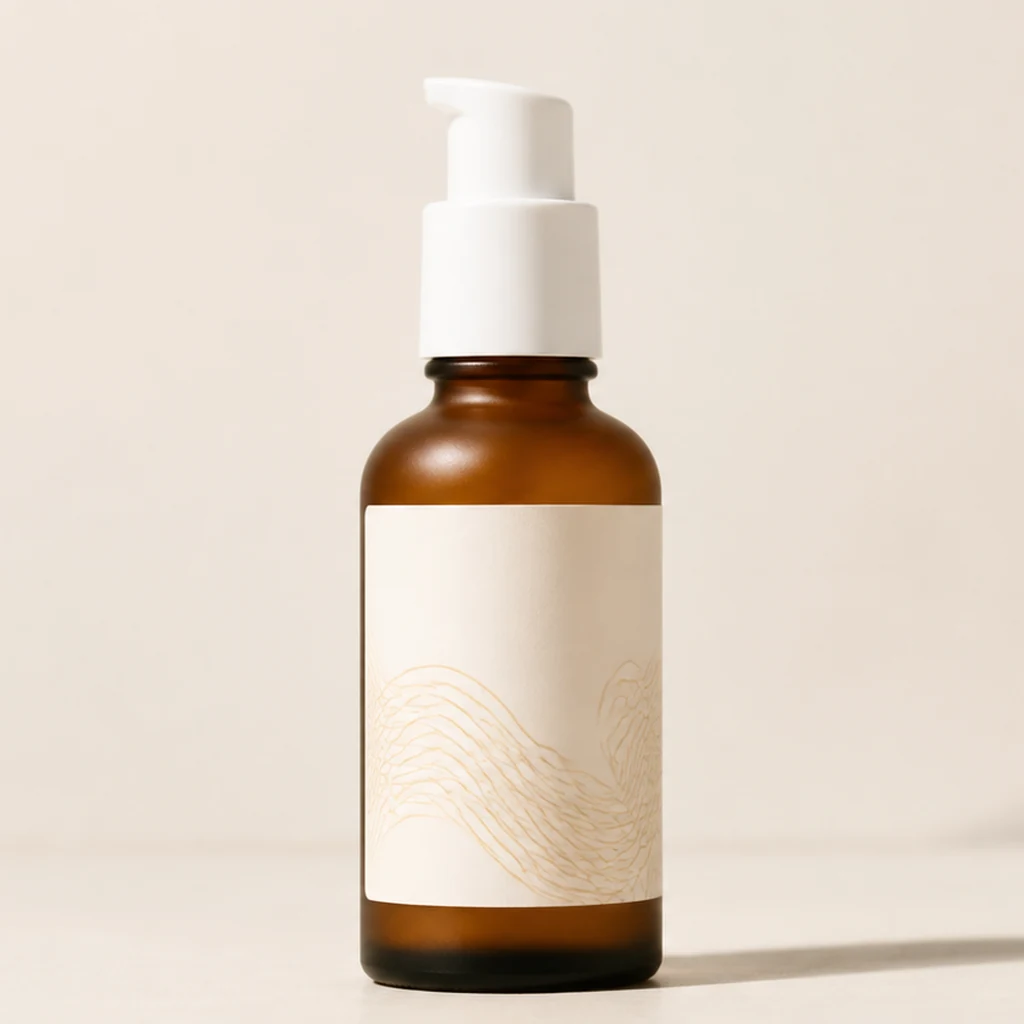
Campaign poster image
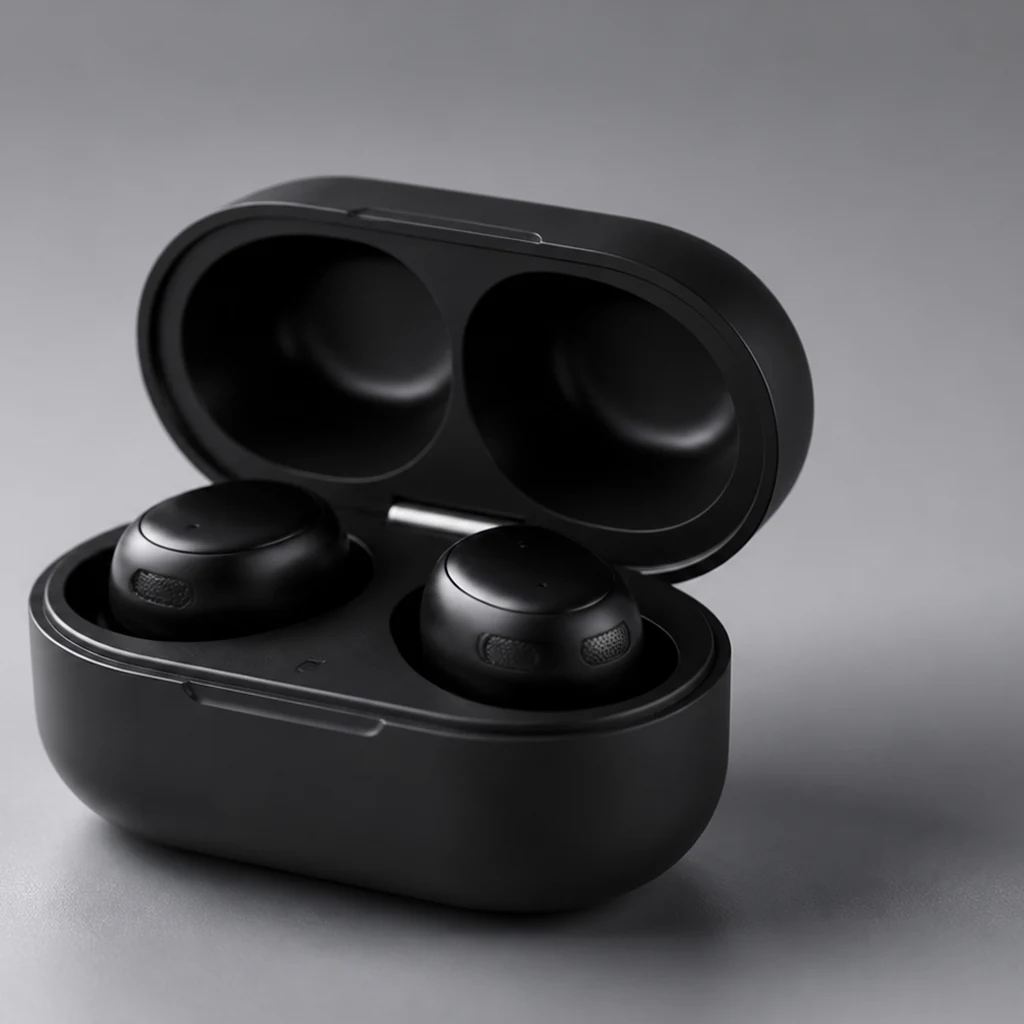
Storefront banner image
Ecommerce image clarity
Listing photos, supplier exports, older detail-page assets, posters, and storefront banners often look dull after compression, resizing, and repeated uploads. When a product image is slightly blurry, shoppers have a harder time reading labels, packaging edges, and material details—especially on mobile listing cards and paid social placements.

Use it when a product image looks compressed, flat, or a little out of focus after supplier forwarding or platform export. The goal is a clearer asset for listing thumbnails, detail pages, collection cards, and ad placements—not a full recovery of unusable source files. This free enhancer is built for everyday ecommerce cleanup across Shopify, Amazon, Etsy, TikTok Shop, and DTC storefronts, and it improves clarity on existing photos without replacing the product or rebuilding the scene.

Supplier photos and marketplace downloads often arrive resized or over-compressed. Run them through the enhancer before adding them to new listings, collections, or detail modules. That quick pass helps packaging edges, product contours, and small label text stay readable after another round of platform compression.
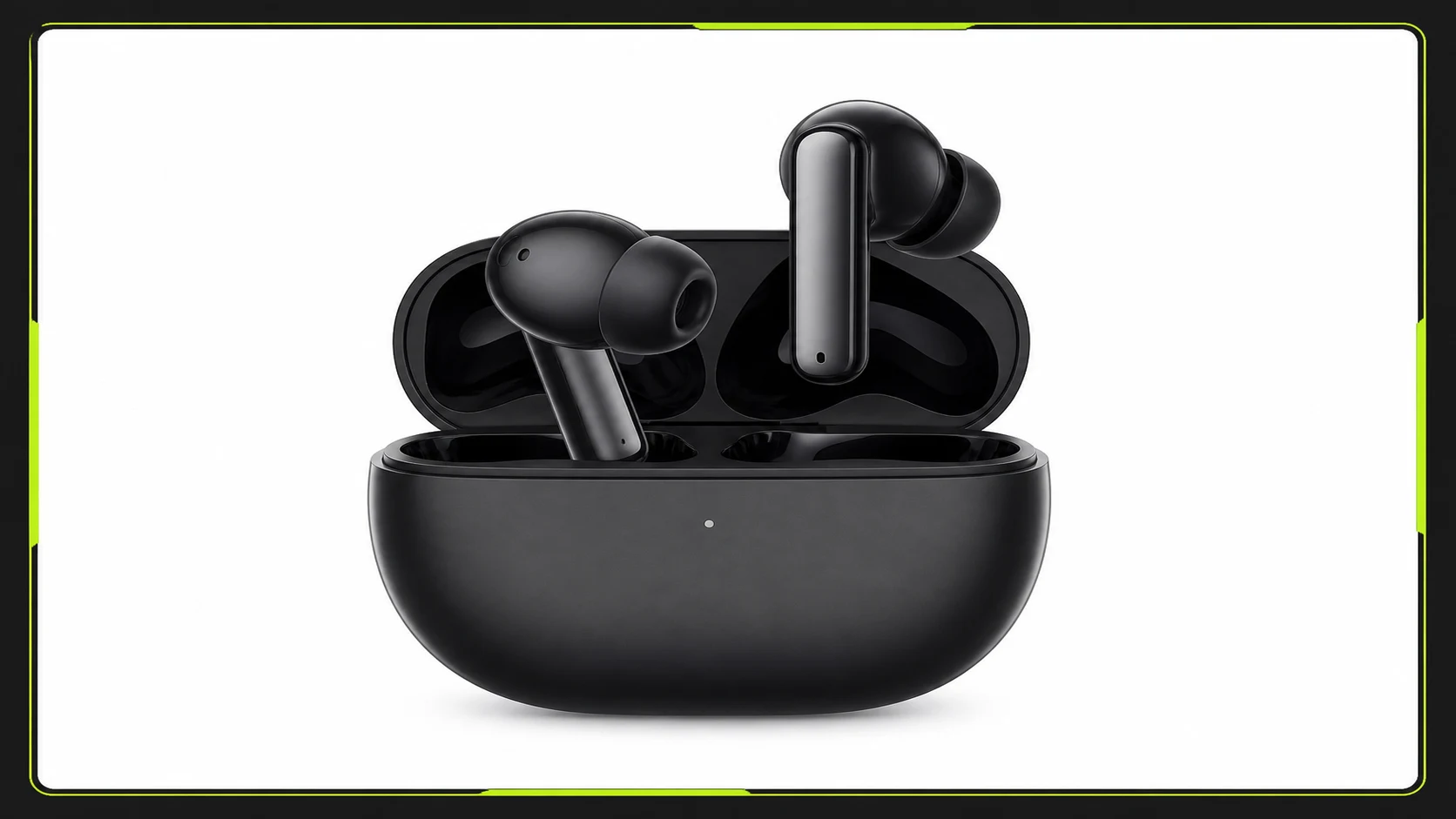
Campaign images get cropped and compressed across storefront banners, email headers, landing pages, and social ads. A cleaner PNG is easier to resize and reuse. When a launch poster or promo banner still has the right composition but looks soft, clarity cleanup is often enough to keep using it across channels.
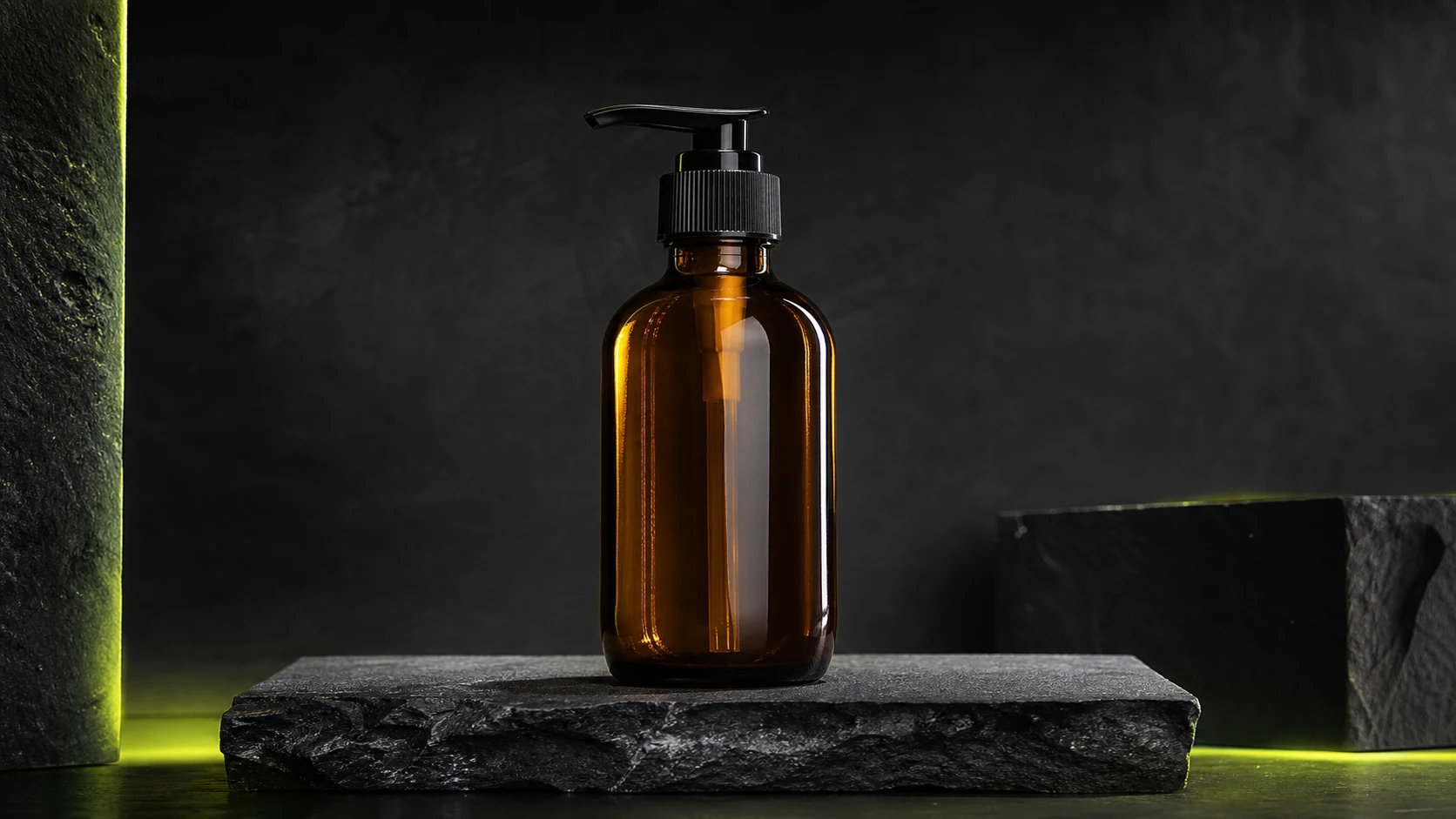
Sharper edges, label text, and packaging details help shoppers inspect the product faster—especially when you are reusing older detail-page assets. This matters for skincare, supplements, electronics, and any category where buyers compare ingredients, specs, or bundle contents before checkout.
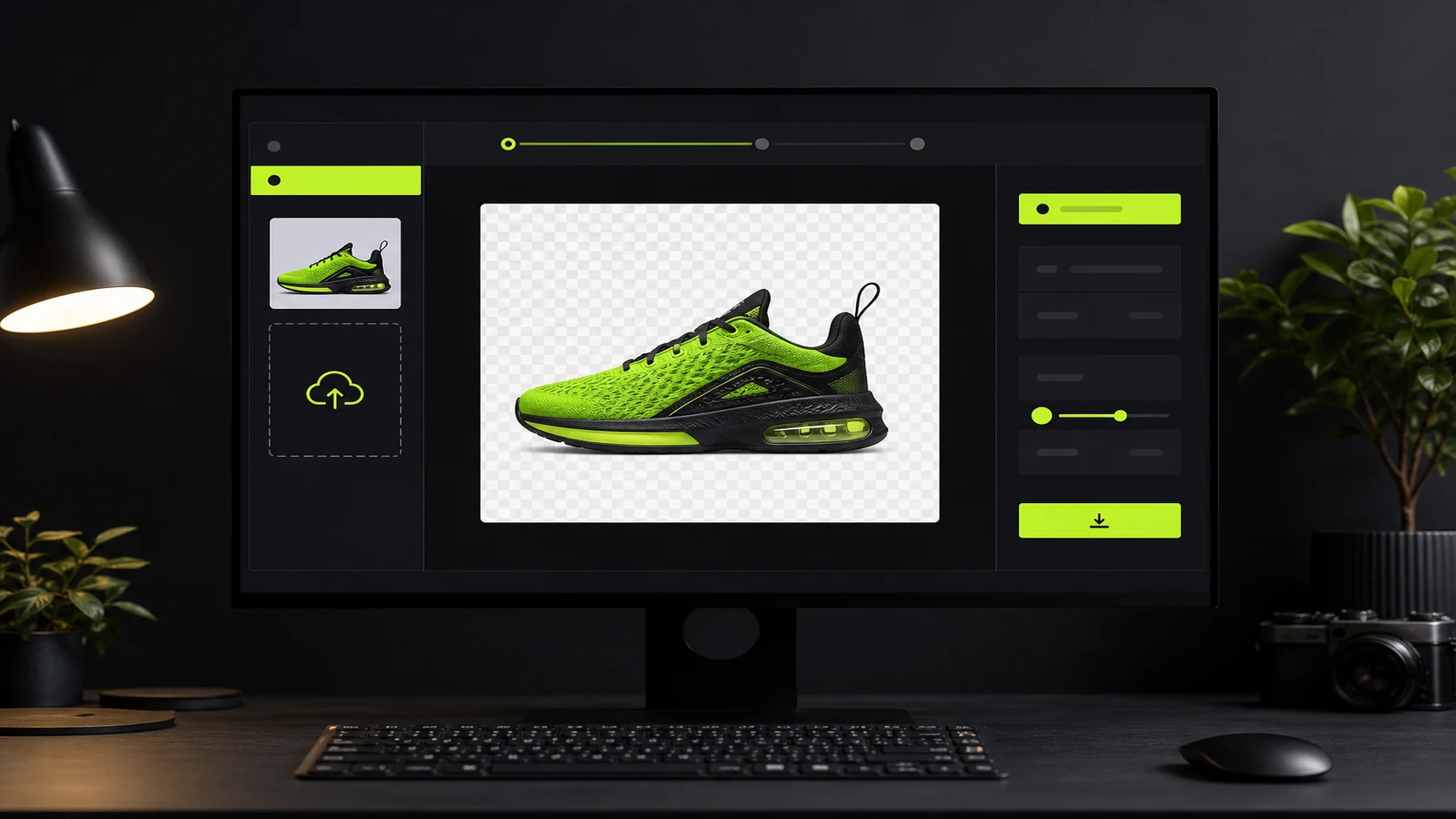
Upload one image, improve clarity, download PNG, and move on. No account sign-in, no generation credits, no watermark, and no saved history. Upload JPG, PNG, or WebP, preview the before-and-after result in the browser, then download when the asset is ready for listing, ads, or storefront reuse.
Ecommerce use cases
One free workflow for marketplace listings, storefront product cards, detail-page assets, campaign posters, and social ad creatives—focused on blurry or compressed images that still need a quick clarity pass before publish.
Clean up compressed listing photos before upload or final review, especially when packaging edges or product contours look soft after export.
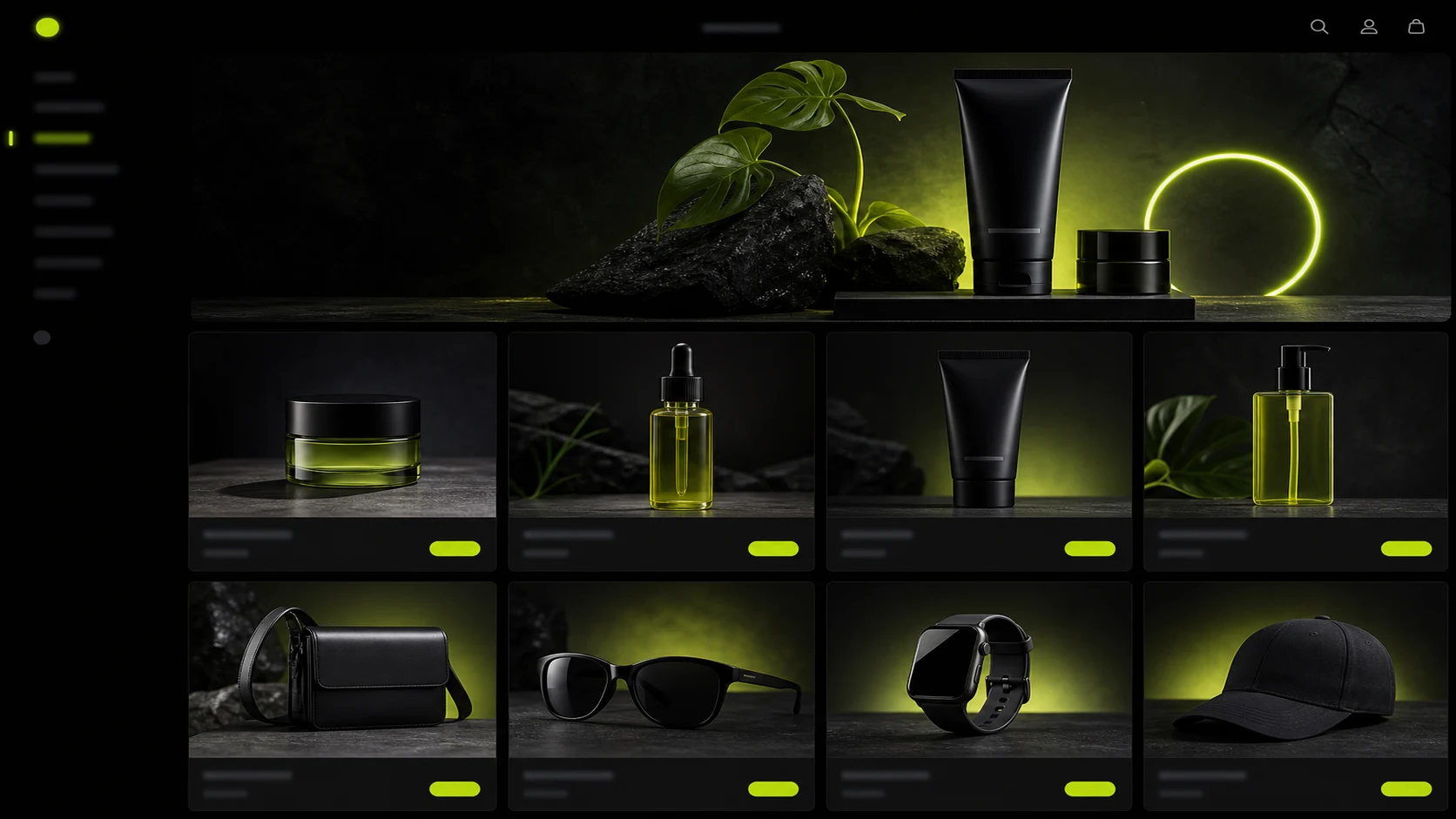
Prepare product cards, collection images, and detail-page photos so storefront visuals feel more consistent across categories.

Sharpen product-led social images before paid or organic reuse, then crop them into feed, shop, and ad placements.
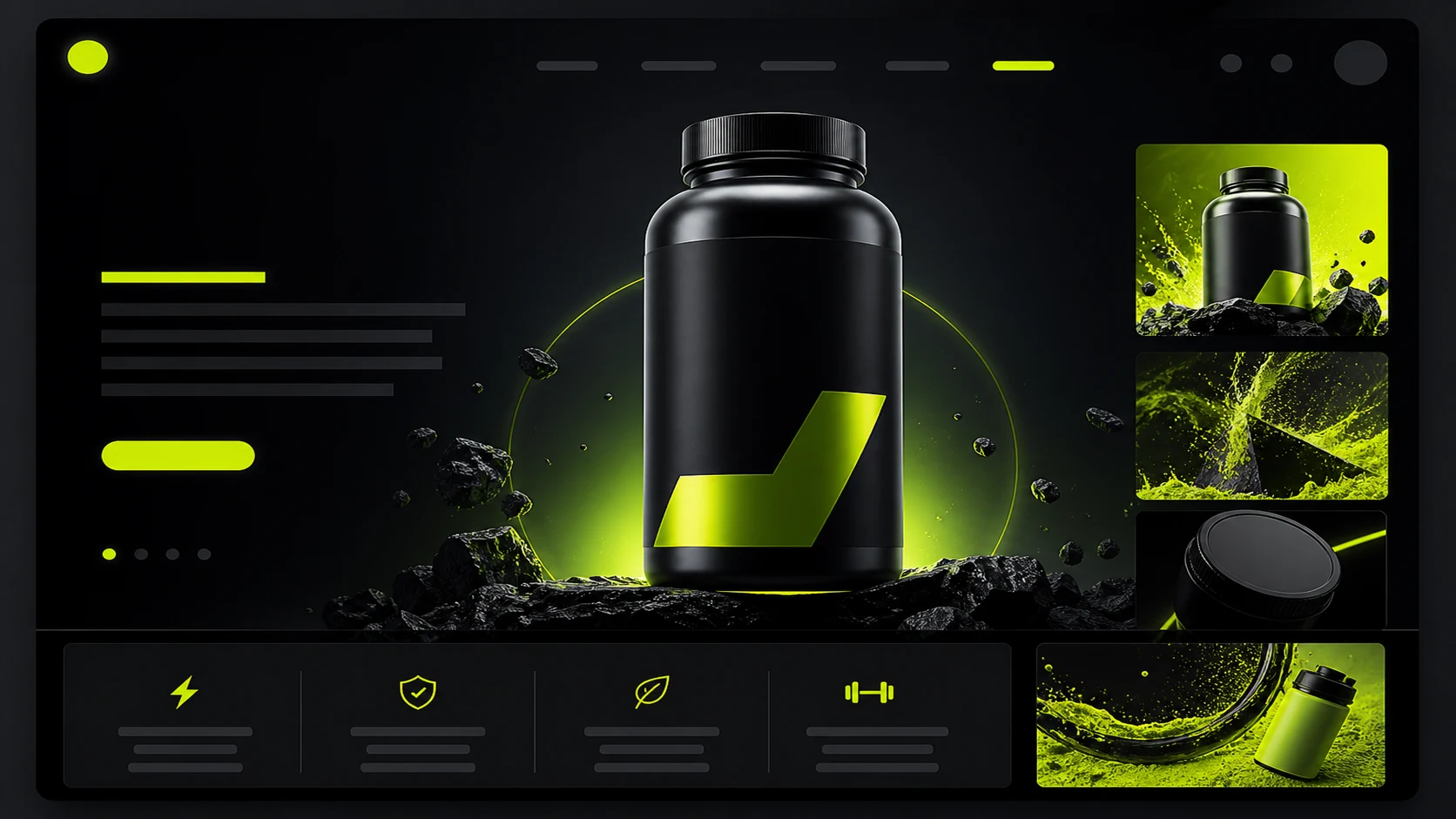
Clean up campaign posters and banners before resizing for launch pages, email headers, and paid social placements.
Workflow
A no-login workflow for quick ecommerce image cleanup. Upload once, preview the before-and-after result in the browser, and download a PNG when the asset is ready for listing checks, storefront updates, or ad reuse.
Choose one JPG, PNG, or WebP file up to 20MB. Supplier photos, marketplace exports, and older store assets all work.
Run the free clarity process with one click—no manual sliders, no credits used, and no account required.
Compare the original with the processed PNG before downloading, so you can decide whether the asset is ready for publish.
Download a watermark-free PNG for listings, ads, storefront banners, collection pages, and social placements.
Tool comparison
Traditional editing still wins for detailed retouching, compositing, and batch production. This free tool is for fast cleanup before listings, campaigns, and store updates go live—especially when the image is still usable but looks soft after compression or repeated uploads.
PNG
Best for detailed retouching, compositing, color work, background cleanup, and batch production. It usually needs design skill, software, and more time, which makes it harder to use for one-off listing checks or last-minute campaign asset cleanup.
Best for quick cleanup of product images, listing images, banners, and posters. Upload, process, and download PNG without login, credits, watermark, or saved history—ideal when you only need a clearer version of an existing asset before publish.
Guides & Blog
Practical ProductShot AI guides on free product image clarity enhancement, listing prep for soft supplier photos, and what to do after you download a clearer PNG.

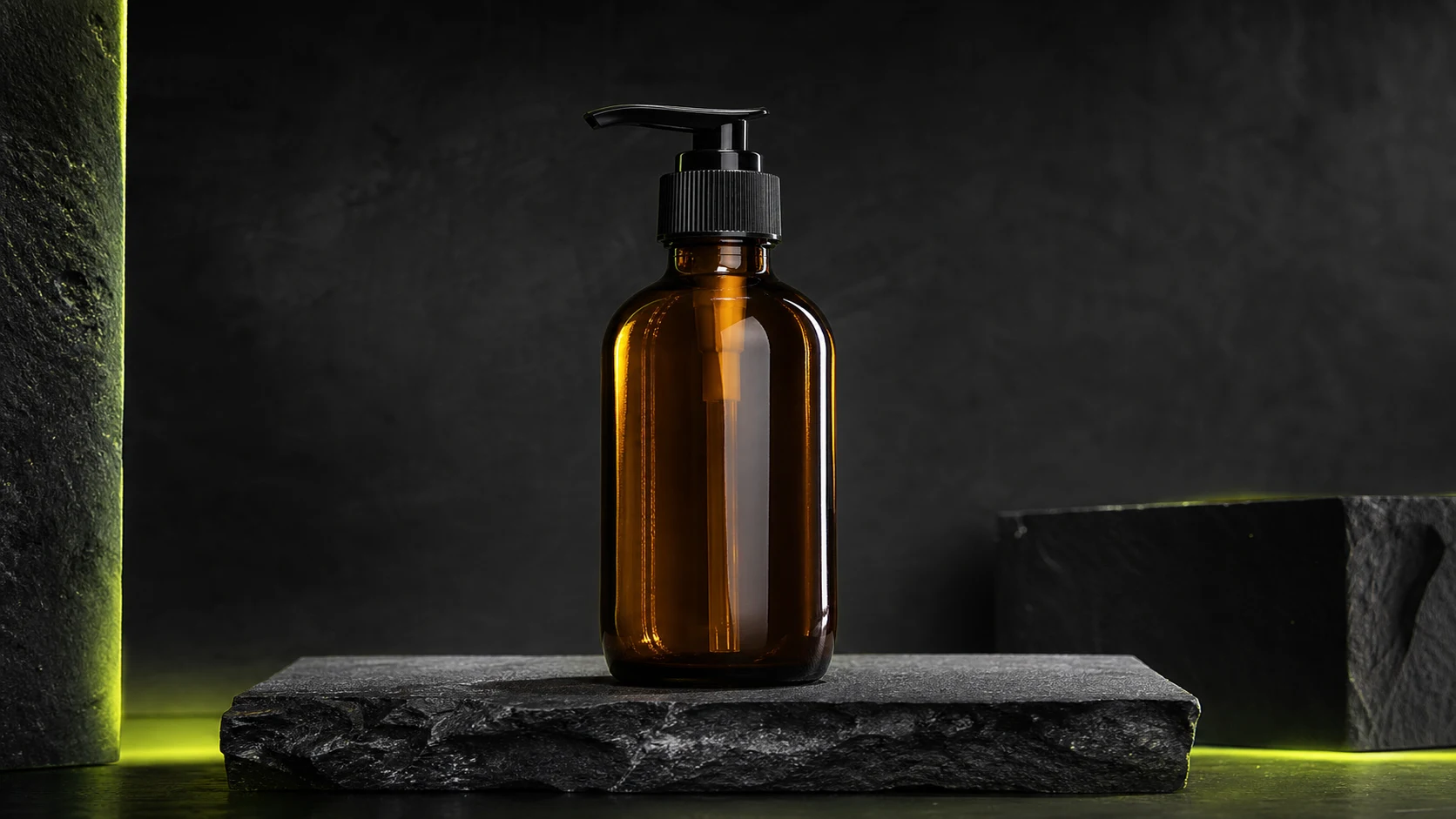
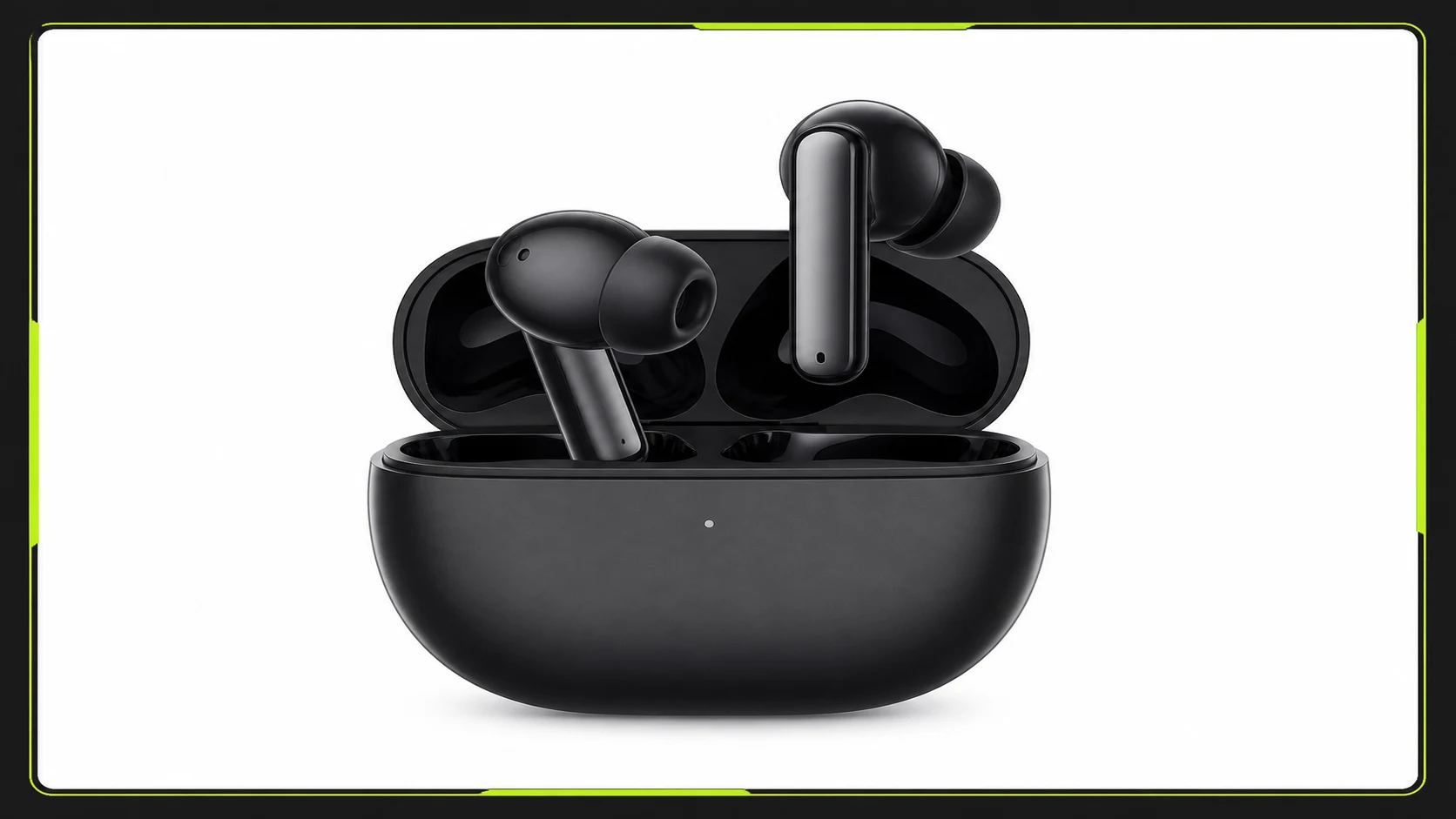
See how sellers, listing specialists, and store operators use the free enhancer to prepare product images, posters, banners, and store assets before publishing.

“Supplier photos often look muddy after forwarding. I run them here first before building listing images for the day.”

“When I reuse older detail-page photos on collection pages, a quick clarity pass saves me from opening Photoshop.”

“No login and no credits makes it easy to clean up one product image right before an upload check.”

“Campaign assets get compressed across banners, email, and landing pages. This helps before we resize them again.”

“The before-and-after preview is practical—I can tell in seconds whether an image is worth reusing.”

“No watermark means we can download a cleaner PNG and drop it straight into the listing workflow.”
Enhancer FAQ
Common questions about the free product image enhancer for listing photos, posters, banners, and store assets.
Yes. This page can be used for free and does not require a paid plan or credits.
No. You can upload an image and download the result without creating an account or logging in.
No. This free product image enhancer does not consume ProductShot AI generation credits.
No. The downloaded PNG does not include a watermark.
No. This tool is designed for immediate processing and download, not account-based history storage.
JPG, PNG, and WebP are supported, up to 20MB per image. Output downloads as PNG.
It can improve lightly blurred, compressed, or low-clarity images, but it cannot guarantee recovery of severely out-of-focus, damaged, or extremely low-resolution images.
The enhancer improves an existing image. The AI product photo generator creates new white-background product photos, studio scenes, lifestyle images, and campaign visuals.
Free product image enhancer
Upload a product photo, poster, or banner, preview the result, and download a PNG. No login, no credits, no watermark, and no saved history.
Start Free →