Pick product poster templates by product fit, campaign type, and channel ratio—without exposing private prompts or generating the wrong SKU style.
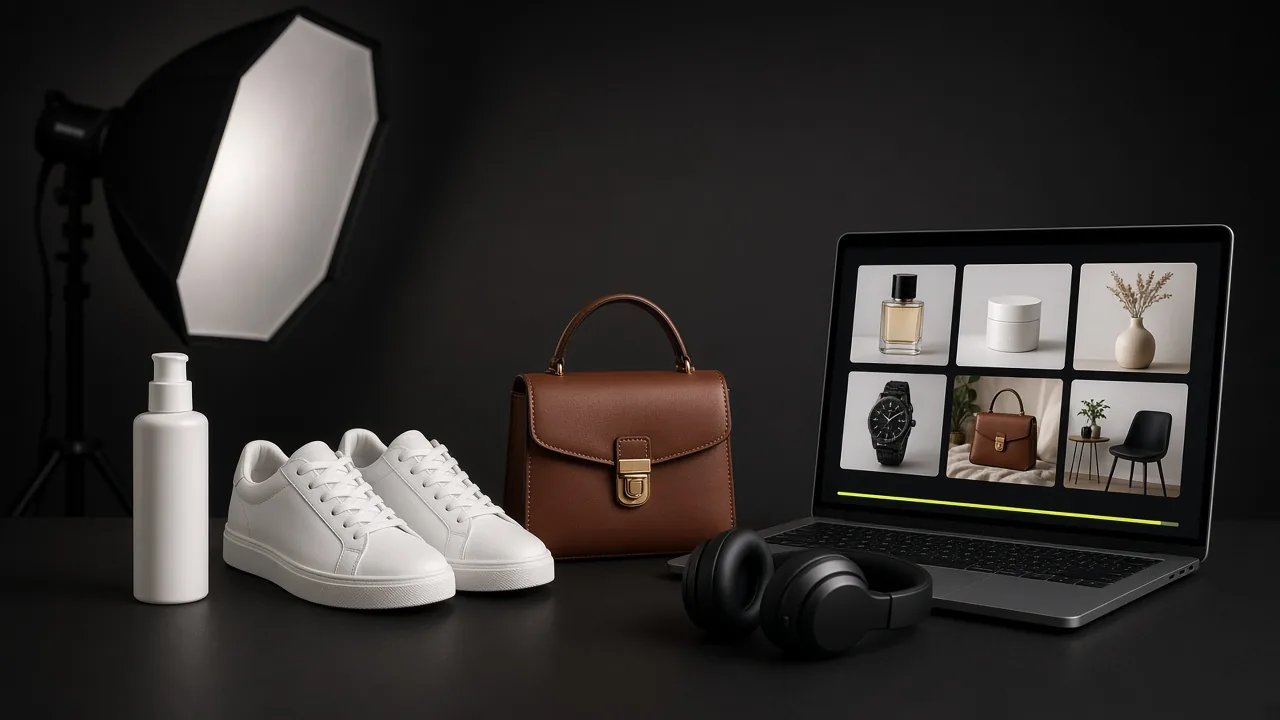
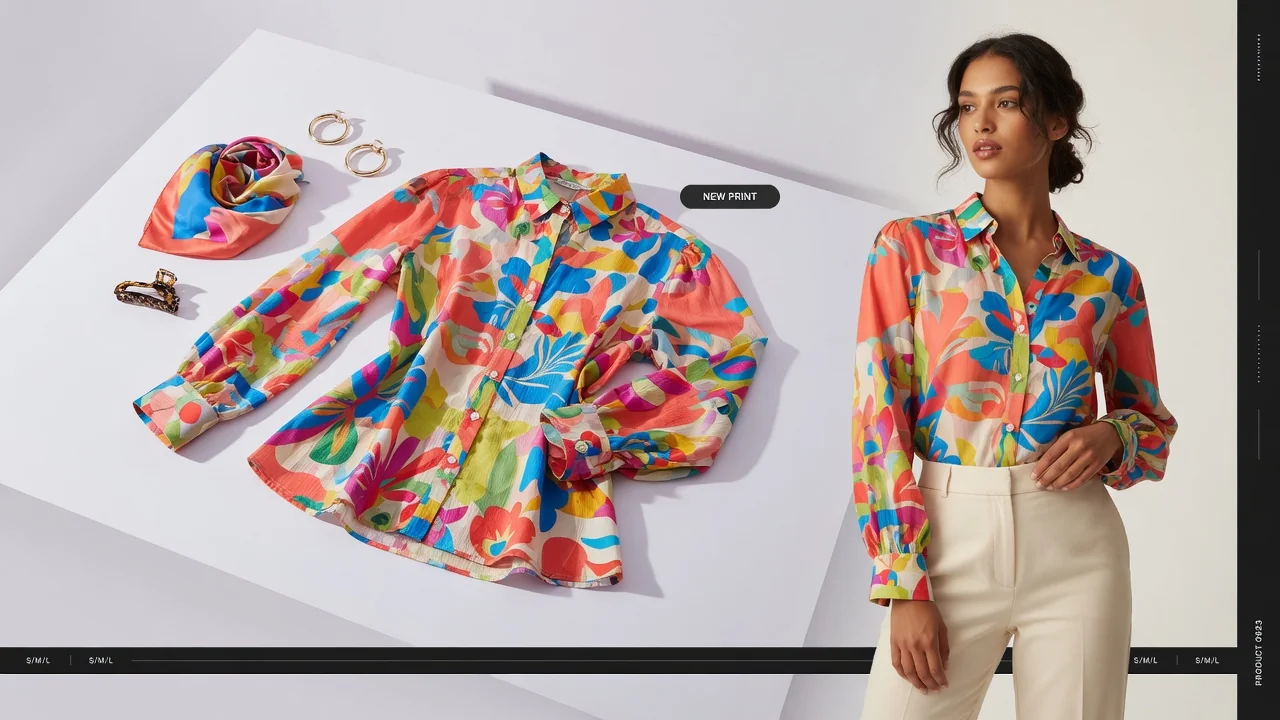
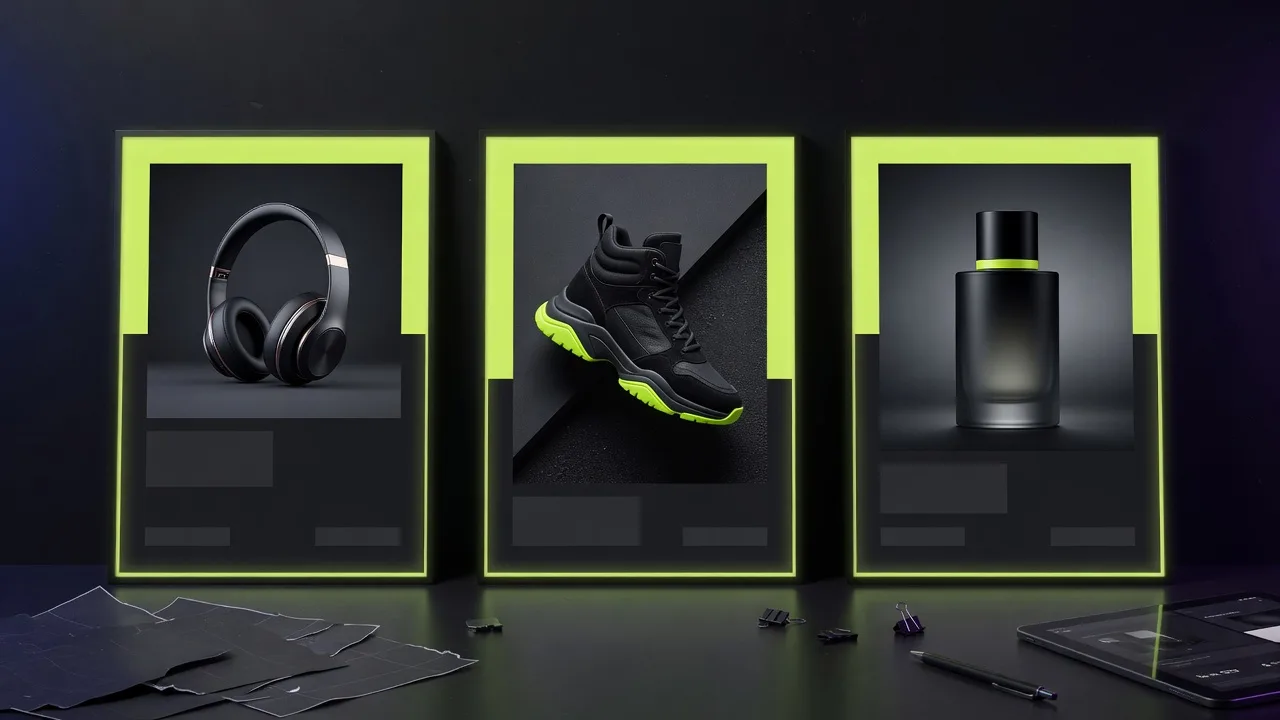
Product poster templates are not stock wallpapers. A good public template encodes composition, text room, lighting mood, palette, and product-fit hints so teams can produce campaign variations quickly. This guide explains how to choose templates for launch, sale, and social ads—and when to reject a template even if it looks trendy.
When poster templates beat blank canvas design
- You need many SKUs or offer variants in one launch week.
- Growth and merchandising need self-serve poster drafts before design review.
- Channel ratios keep changing and blank-canvas resize waste is high.
- You want consistent campaign grammar across a category.
Templates do not replace brand design systems for hero identity campaigns. They accelerate ecommerce operating posters.
Template traits that matter publicly
On public template pages, useful fields look like:
- category and product-fit notes,
- composition and lighting mood,
- palette / visual style,
- suggested copy directions,
- channel-oriented use cases.
They should not expose private prompt templates, provider settings, model names, or hidden JSON. Those are generation internals, not buyer-facing education.
Launch posters vs sale posters vs social ads
| Campaign type | Template bias | Watch-outs |
|---|---|---|
| Launch / new arrival | Clean hero product, premium spacing | Avoid screaming sale badges |
| Sale / promo | Strong badge zone, high contrast offer | Don’t bury the product under stickers |
| Social ad | Thumb-stop composition, short CTA path | Match final ad ratio early |
| Email / site banner | Horizontal-friendly product placement | Keep UI-safe margins |
Product-fit checks before you commit
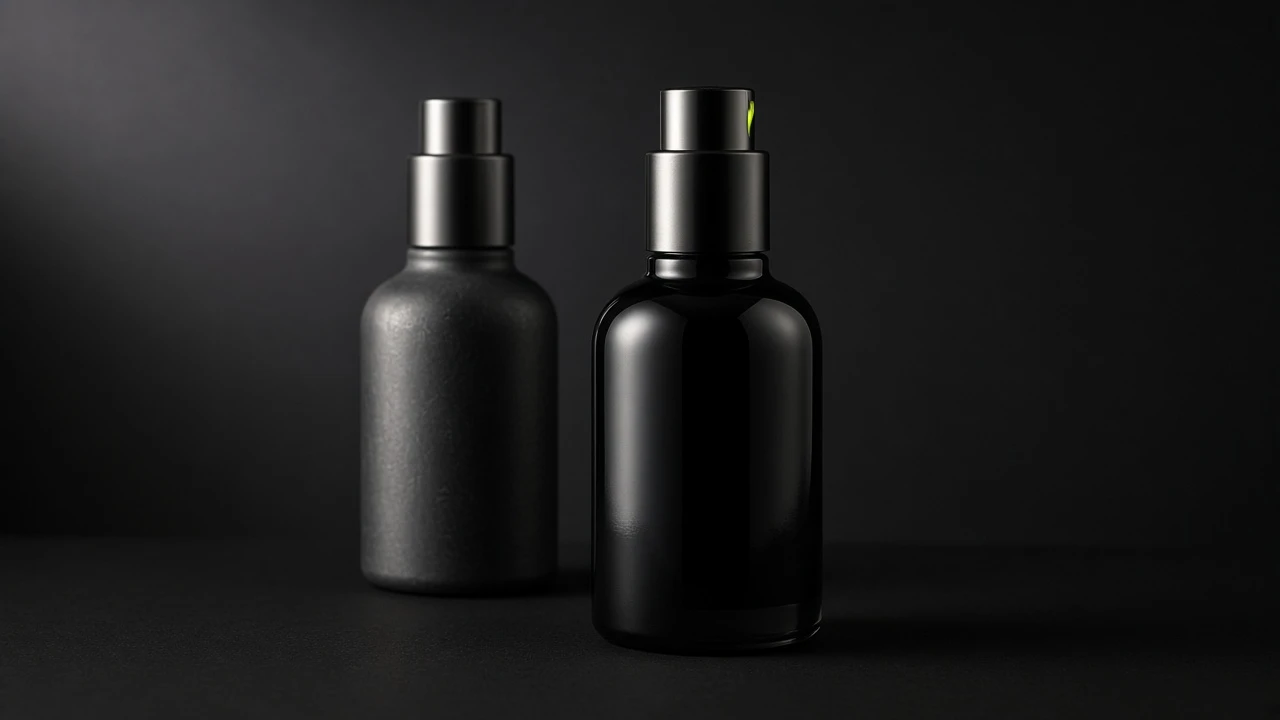
- Does the template’s product scale match your item (bottle vs apparel vs snack bag)?
- Is there a safe area for your packaging text direction?
- Do palette and mood match the category (beauty soft light vs tech contrast)?
- Can your offer badge fit without covering the logo?
- Is the composition friendly to your planned ratio?
When not to use a template
- The template assumes a tall bottle and your product is flat packaging.
- Props or scene style conflict with marketplace or brand policy.
- Text zones are too small for your required legal line (when you must show one).
- You actually need a plain white main image, not a campaign poster.
Negative fit is a feature of good template systems: it prevents expensive wrong generations.
From public template page to workbench
Public template detail pages should send users into the generator with a template id and workbench anchor, without printing the full generator URL as page content. The page remains an analysis surface—strategy, visual focus, product fit—not a prompt dump.
Apply a template in ProductShot AI
- Browse product poster templates or open a specific template page.
- Click through to the AI Product Poster Generator with the template applied.
- Upload your product image.
- Adjust copy and ratio.
- Generate, QA product fidelity, download or save.
Build a small template shortlist per category
- Pick 2–3 launch templates and 2–3 promo templates per major category.
- Document which ratios won in ads last quarter.
- Retire templates that repeatedly break packaging readability.
- Separate “poster templates” from “product photography examples” in your team vocabulary.
A short, honest template library beats a huge gallery nobody can operationalize.